Photorealistic Image Generator
Our Photorealistic Image Generator is a free online tool to generate photorealistic style images. The tool is free to use, just enter prompt in photorealistic style and generate photorealistic image style in seconds similar quality to flux, midjourney, open ai, imagen, nano banana AI image quality.
Generate Photorealistic AI Image for Free
Receive our FREE AI updates via email once a week
What is a photorealistic Generator?

This photorealistic generator is an AI system trained to reproduce the visual characteristics of real-world photography. Instead of stylized or painterly outputs, it focuses on accurate lighting, physically plausible materials, realistic depth, true-to-life color response, and micro detail such as skin pores, fabric weave, and specular reflections. The model blends large photographic datasets with rendering-aware priors so outputs read as real photographs under specific camera and lighting conditions.
Professional photographers, product designers, marketers, VFX artists, and e-commerce teams use photorealistic generators to prototype shoots, create marketing assets, visualize product variations, and accelerate concept exploration. Because the images emphasize camera parameters, lens behavior, and material fidelity, users rely on the generator to produce assets that integrate seamlessly with real photo shoots and commercial pipelines.
How to Create photorealistic Images
To create photorealistic images in three steps, first craft a detailed prompt that specifies subject, camera model, lens focal length, lighting setup, time of day, and material textures so the model understands photographic intent; second, choose generation parameters such as high resolution, realistic color rendering, and depth of field settings, and run iterative previews while refining lighting and surface descriptors; third, perform light post processing by color grading, subtle sharpening, and isolated retouching to correct any artifacting and match the final image to your target photographic style.
Enter AI Photorealistic Prompt
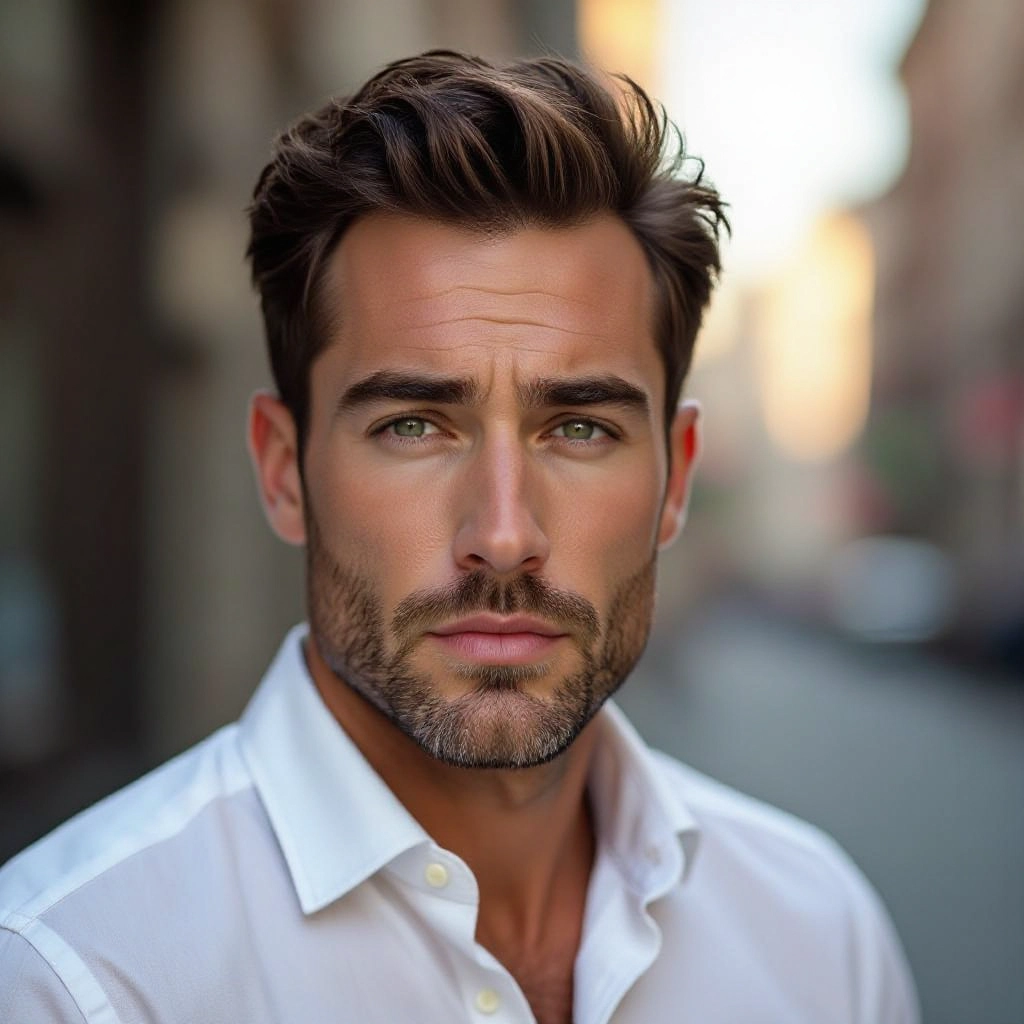
Type your photorealistic character or scene description in the prompt box. Include details like character appearance, clothing, expressions, and setting to get better AI photorealistic results.
Choose AI Model Settings
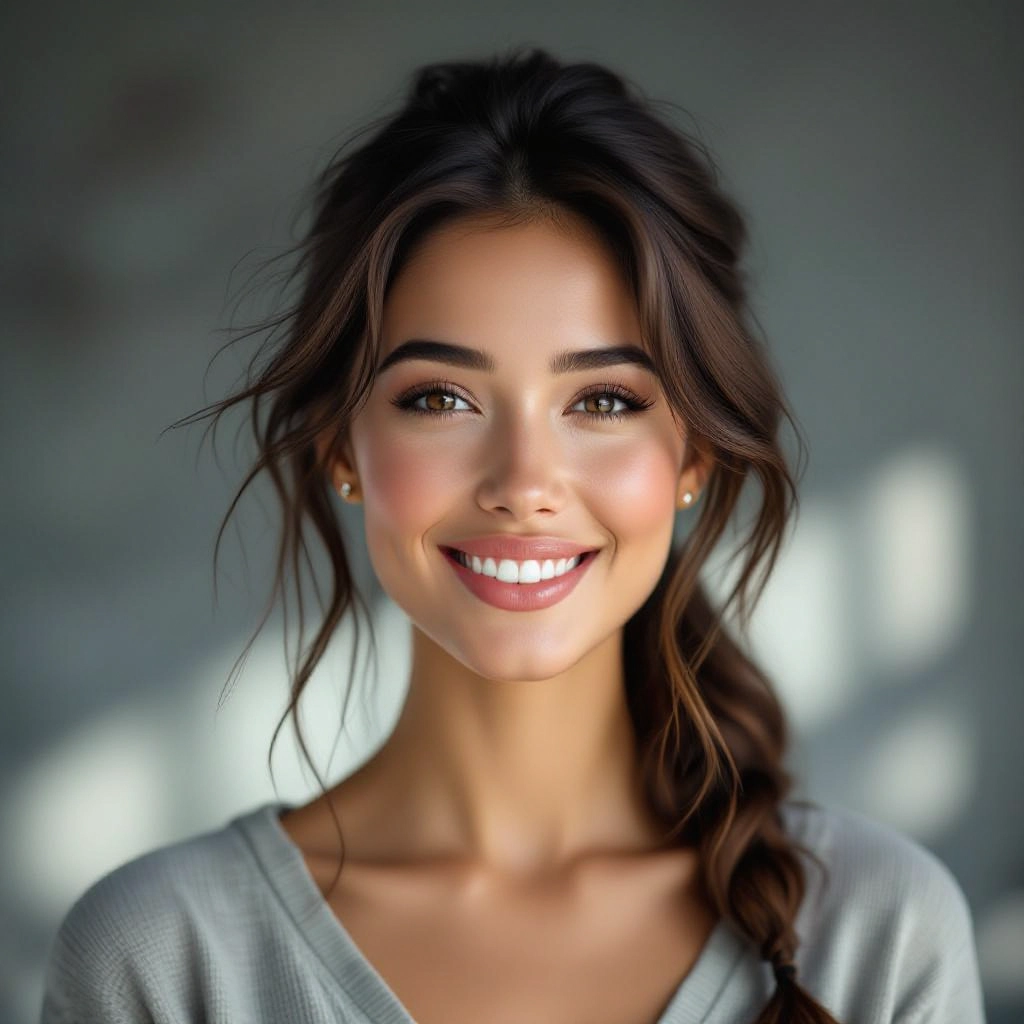
Select your preferred image size and aspect ratio. Our AI model delivers professional quality comparable to:
- • Flux AI Quality
- • Midjourney Standard
- • OpenAI DALL-E
- • Google Imagen
Download AI Photorealistic Image
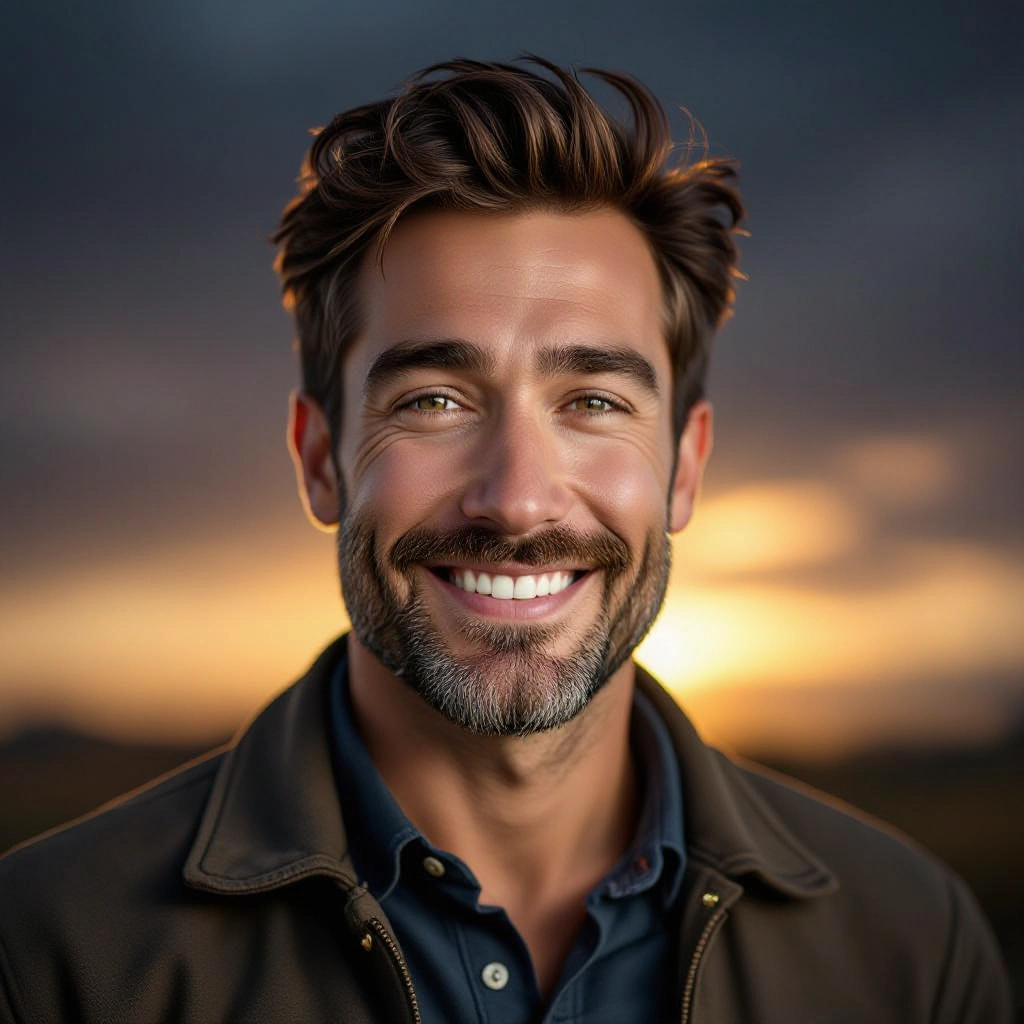
Once your AI photorealistic image is generated, click the download button to save it to your device. The image will be in high quality format ready for use.
Features of AI photorealistic Image Generator
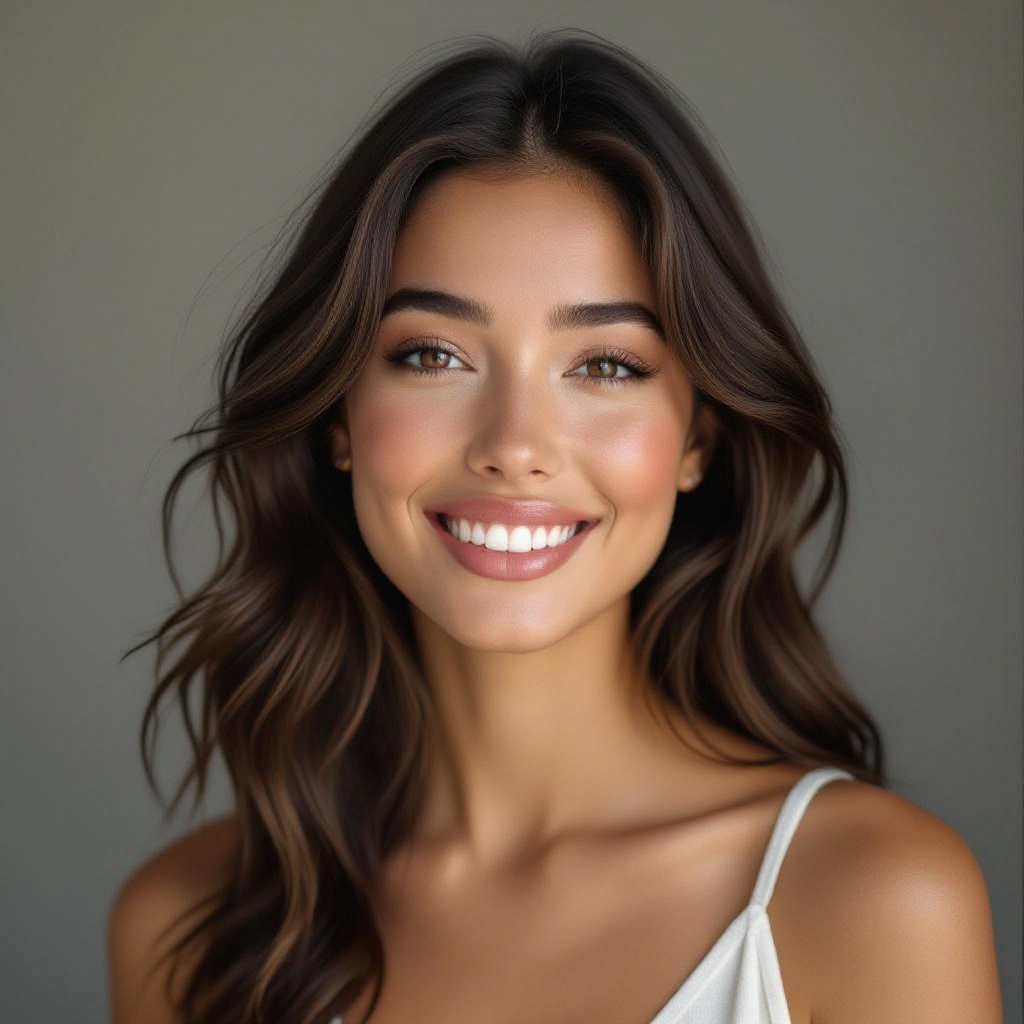
Cinema-grade Lighting Control
Fine-grained control over directional key lights, fill lights, rim lights, and global illumination lets you replicate studio setups and cinematic three point lighting. Adjust light temperature, softness, and shadow hardness to match specific camera looks. Before generating, use our Free AI Image Prompt Generator to craft the perfect prompt for your image.
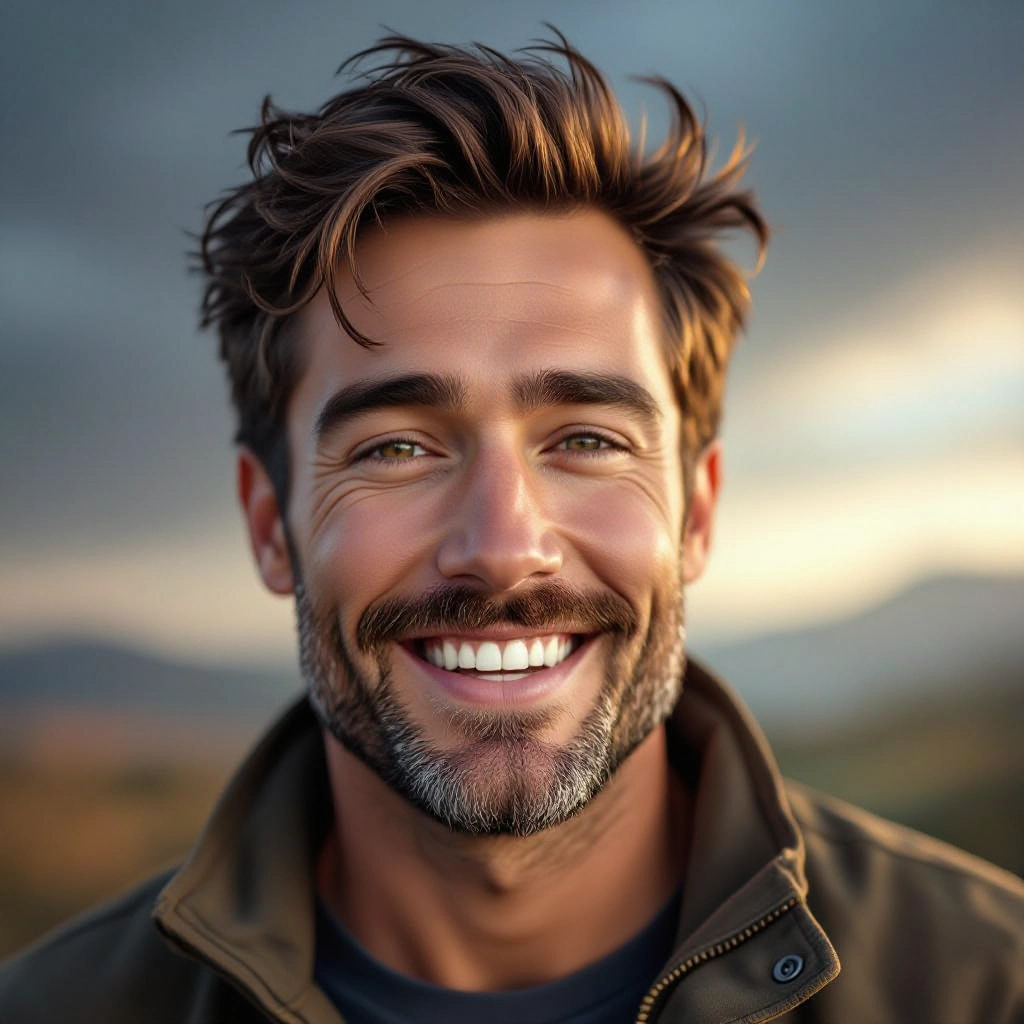
Physically Accurate Materials
Materials respond to light like real-world surfaces: realistic specular highlights on metals, subsurface scattering on skin, layered translucency on fabrics, and correct roughness maps yield believable textures at close range.
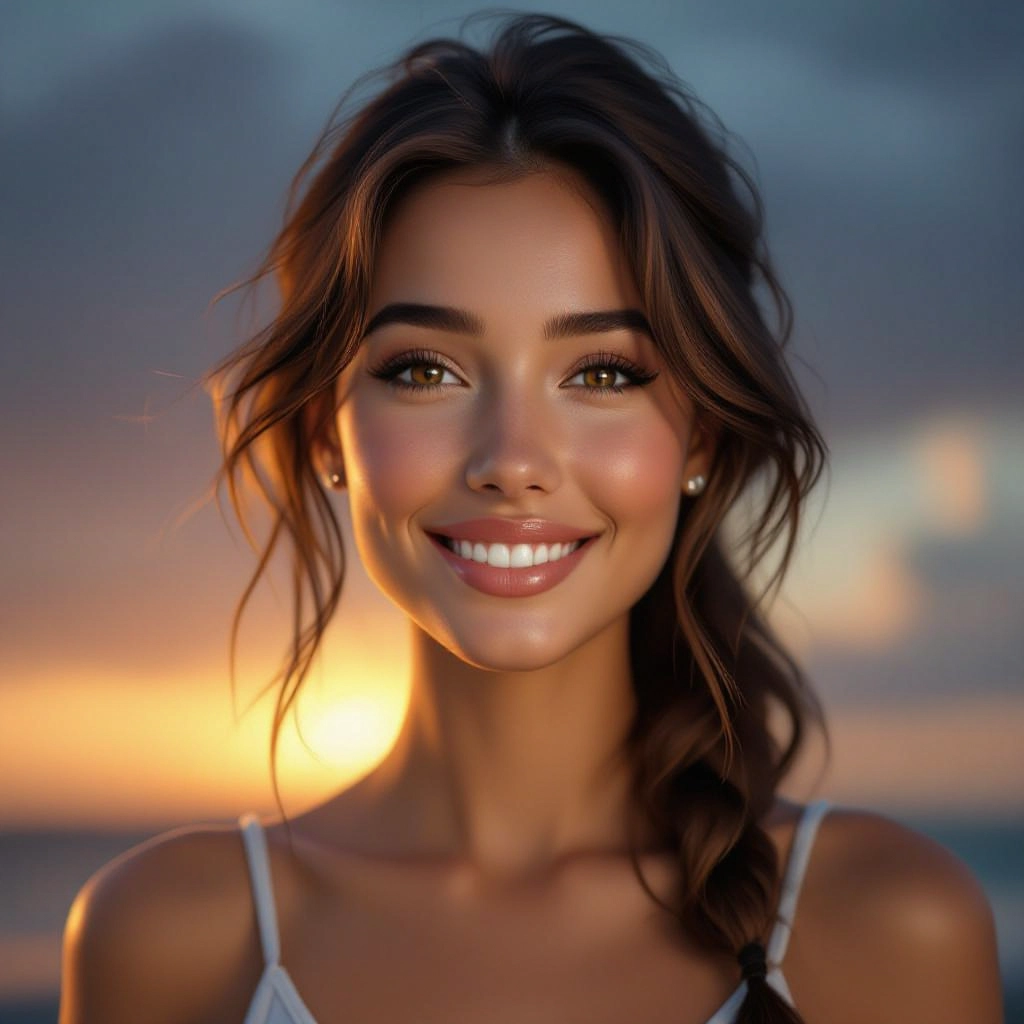
Depth and Lens Simulation
Realistic depth cues, bokeh shapes, and lens aberrations simulate aperture, focal length, and sensor size. The generator reproduces shallow depth of field and background compression for authentic photographic focus effects.
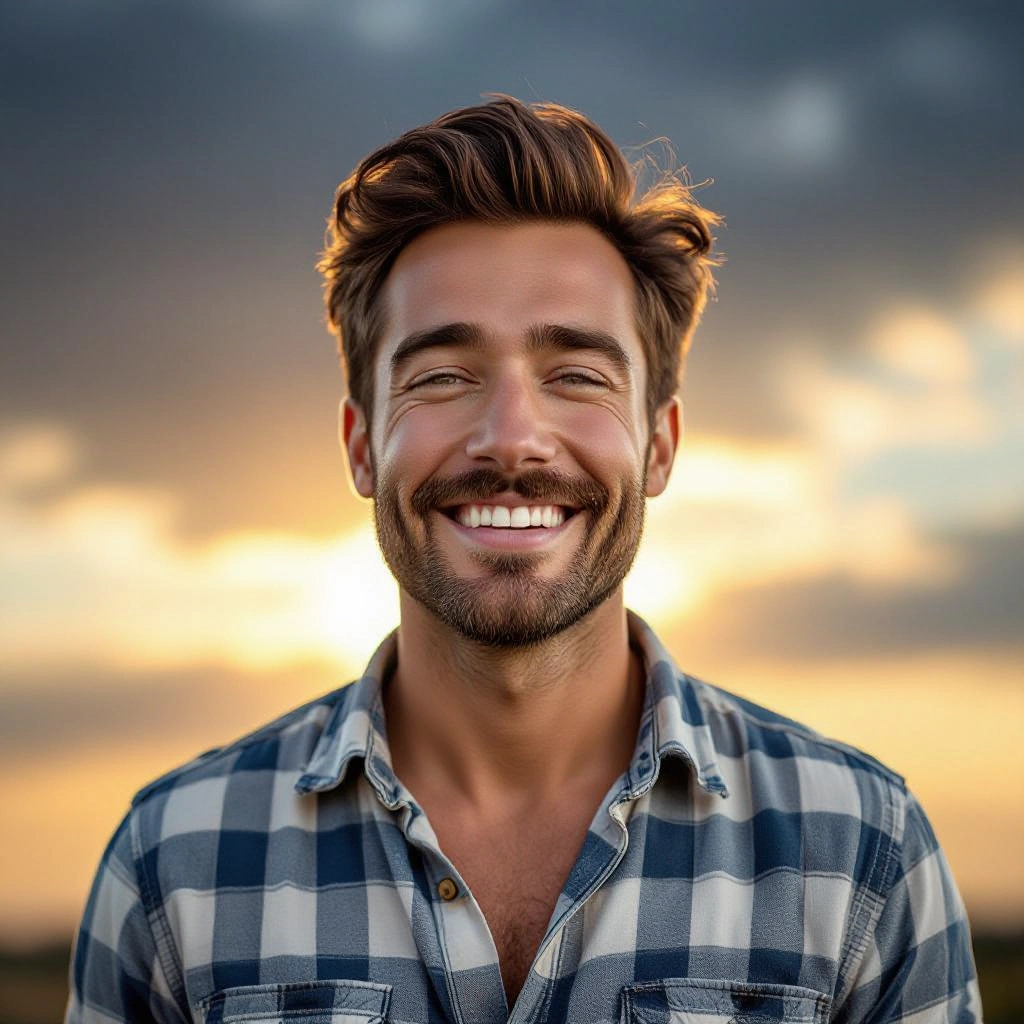
High-resolution Output and Detail
Native high-resolution rendering preserves micro detail for print and product imagery. Outputs maintain crisp edges, natural grain structure, and fine texture fidelity without painterly blur.
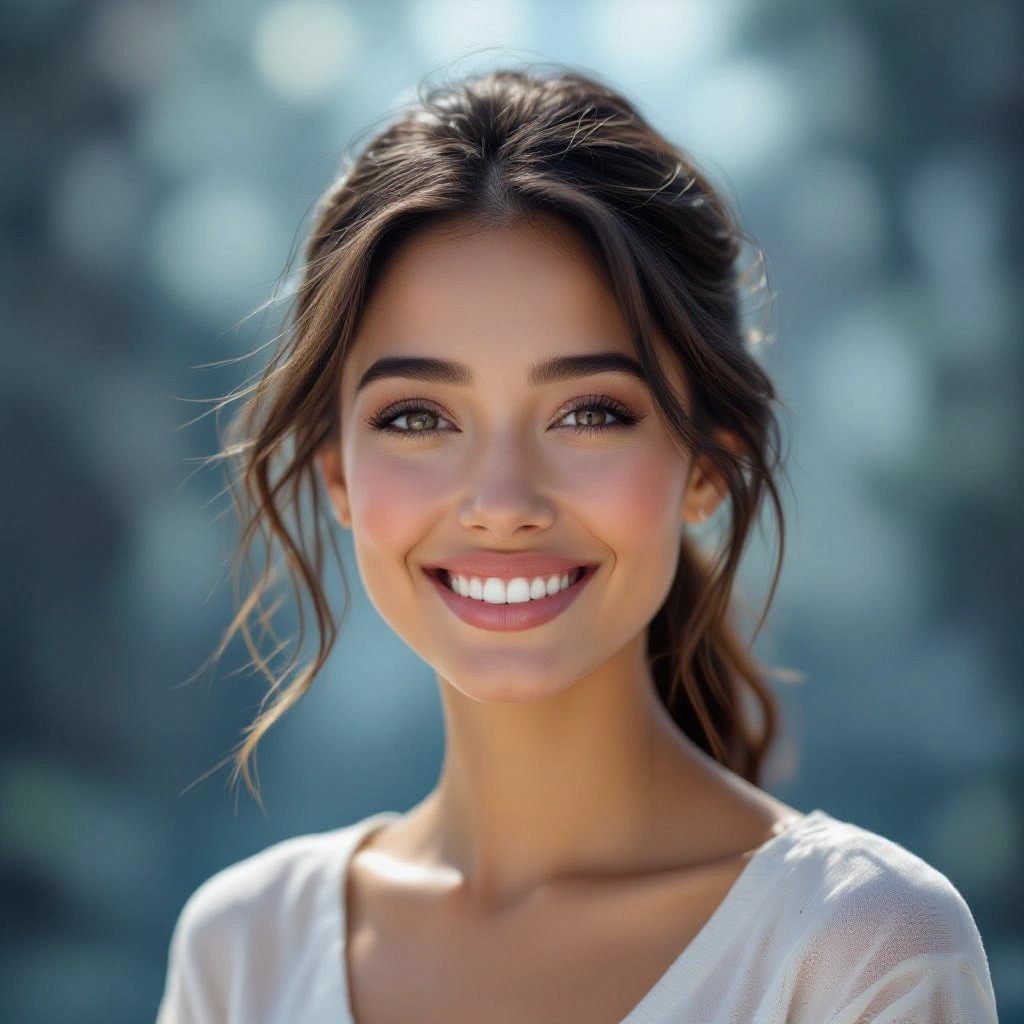
Camera and Style Presets
Built-in presets emulate DSLR and cinema cameras, popular film stocks, and lighting rigs. Use presets to quickly match a consistent photographic aesthetic across multiple images and campaigns.
Types of AI Powered Photorealistic Style Images
Photorealistic style images can be tailored to different photographic genres by changing camera settings, lighting, and material descriptions. Below are common variations and the visual decisions that define them.
Studio Portrait
Close framed human subjects with controlled soft key lighting, precise catchlights, subtle skin retouching, and shallow depth of field to emphasize facial detail while preserving natural skin texture.
Outdoor Natural Light
Images that mimic golden hour or overcast daylight with wide dynamic range, natural shadow falloff, and environmental reflections on materials such as glass and water for authentic exterior scenes.
Product Close-up
Macro or tight product shots with crisp detail, accurate surface reflections, and studio-style backdrops that highlight textures, seams, labels, and embossed finishes for e-commerce fidelity.
Architectural Exterior
Wide-angle perspectives with realistic sky illumination, glass reflections, correct vanishing points, and material responses on concrete, metal, and wood to present buildings as photographic renders.
Aerial Photorealism
High-altitude vistas with atmospheric scattering, distance haze, and correct scale relationships that read like drone or satellite photography with believable lighting across terrain.
Macro Textures
Extreme close-ups that capture pores, fabric weave, water droplets, and surface micro-geometry with true-to-life depth maps and micro-shadowing for tactile realism.
Applications of AI photorealistic image style
E-commerce and Product Photography
Generate consistent, high-detail product images for catalogs, enabling rapid iteration on materials, colors, and packaging without physical prototypes or studio time.
Advertising and Marketing Campaigns
Produce campaign-ready visuals with brand-specific lighting and composition, expediting concept approvals and reducing costs for lifestyle and hero product shots.
Film Previsualization and VFX
Create photographic concept stills to plan lighting, costume, and set design. Photorealistic renders help directors and VFX teams evaluate on-screen look before production.
Architectural Visualization
Render property exteriors and interiors with realistic materials, natural light, and camera perspectives so clients can visualize finished spaces without physical staging.
Fashion Lookbooks and Virtual Try-on
Produce lifelike garment images with accurate fabric behavior and skin-light interaction to preview collections or power virtual fitting rooms with believable visuals.
Training Data and Synthetic Augmentation
Create diverse, photorealistic examples to augment datasets for computer vision tasks, improving model robustness while controlling lighting and viewpoint variation.
FAQs about AI photorealistic image generator
How realistic can outputs get?
When you specify camera model, lens, lighting, and detailed material descriptions, outputs can reach near-photographic fidelity with accurate reflections, skin microstructure, and depth cues. Realism depends on prompt detail and chosen generation parameters.
Are generated images safe to use commercially?
Generated images can be used commercially in most cases, but you should verify licensing terms of the platform and avoid generating images that infringe on trademarks or depict real persons without consent. Review platform terms for commercial rights.
What prompts produce the most photorealistic results?
Include camera type, lens focal length, aperture, lighting setup, time of day, material adjectives, and desired frame composition. For example: '85mm portrait, f1.8, soft key light, warm rim light, natural skin texture, studio gray backdrop.'
Can I control resolution and aspect ratio?
Yes. Select high-resolution output for print and choose pixel dimensions or aspect ratio for specific formats such as 4x5 for portraits or 16x9 for cinematic frames. Higher resolution retains more micro detail.
Will the generator replace a professional photographer?
The generator speeds ideation, prototyping, and some content production tasks, but it does not fully replace a skilled photographer for complex shoots, on-set direction, live styling, or legal responsibilities tied to physical shoots.
How do I reduce artifacts and improve realism?
Increase sampling quality, refine material descriptors, tune lighting directionalities, and run multiple passes with slight prompt variations. Finalize images with subtle post processing like color grading and localized retouching to remove minor artifacts.
See Also
