Manga Panel Image Generator
Manga Panel Image Generator is a free online tool to generate manga panel style images. The tool is free to use, just enter prompt in manga panel style and generate manga panel image style in seconds similar quality to flux, midjourney, open ai, imagen, nano banana AI image quality.
Generate Manga Panel AI Image for Free
Receive our FREE AI updates via email once a week
What is a manga panel Generator?
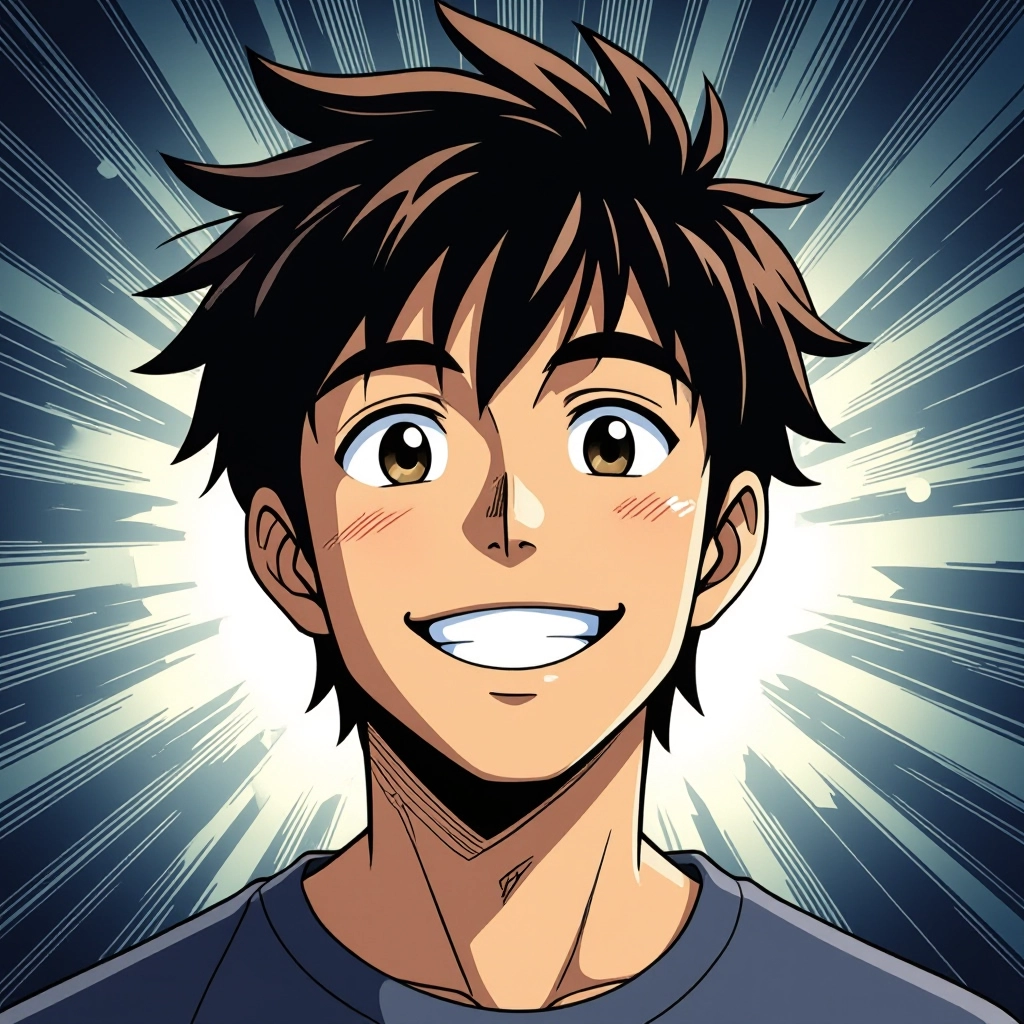
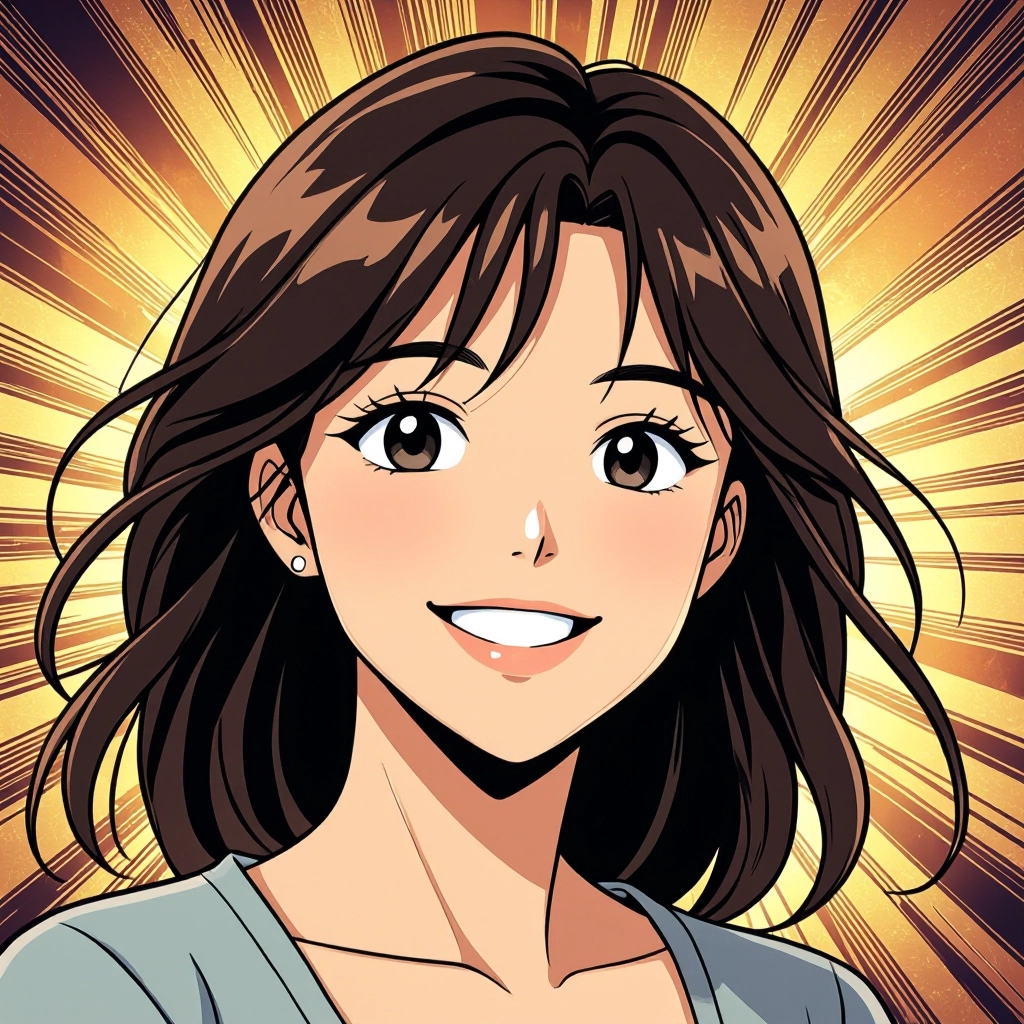
A Manga Panel Generator is an AI-powered tool that creates individual comic panels with authentic manga aesthetics. It focuses on panel composition, tonal shading, screen tone patterns, speedlines, expressive facial language and caption placement so outputs read like frames from a Japanese comic rather than generic illustrations.
Artists, writers, indie comic creators and social media designers use it to prototype scenes, produce episodic art quickly and refine storytelling beats. It is ideal for those who need consistent panel layout, dramatic camera angles, or stylized black and white rendering without manually applying complex screentone techniques.
How to Create manga panel Images
Pick a clear scene concept, choose panel format and tone, then generate variations. Step 1: write a concise prompt describing camera angle, character expressions, action and screentone style. Step 2: select layout options like single panel, multi-row or vertical strip and adjust contrast, halftone size and line weight. Step 3: refine results by iterating prompts, swapping screentone patterns and exporting high resolution frames for assembly into a manga page.
Enter AI Manga Panel Prompt
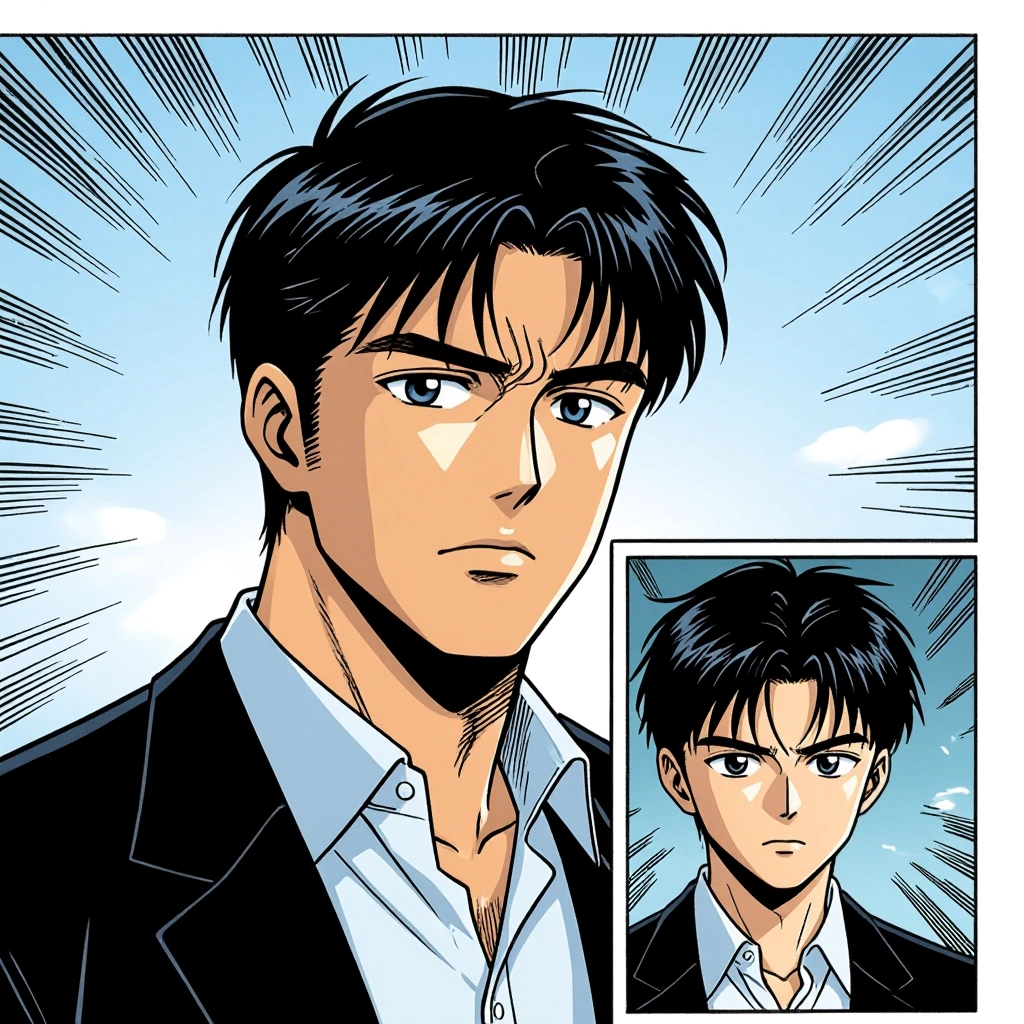
Type your manga panel character or scene description in the prompt box. Include details like character appearance, clothing, expressions, and setting to get better AI manga panel results.
Choose AI Model Settings
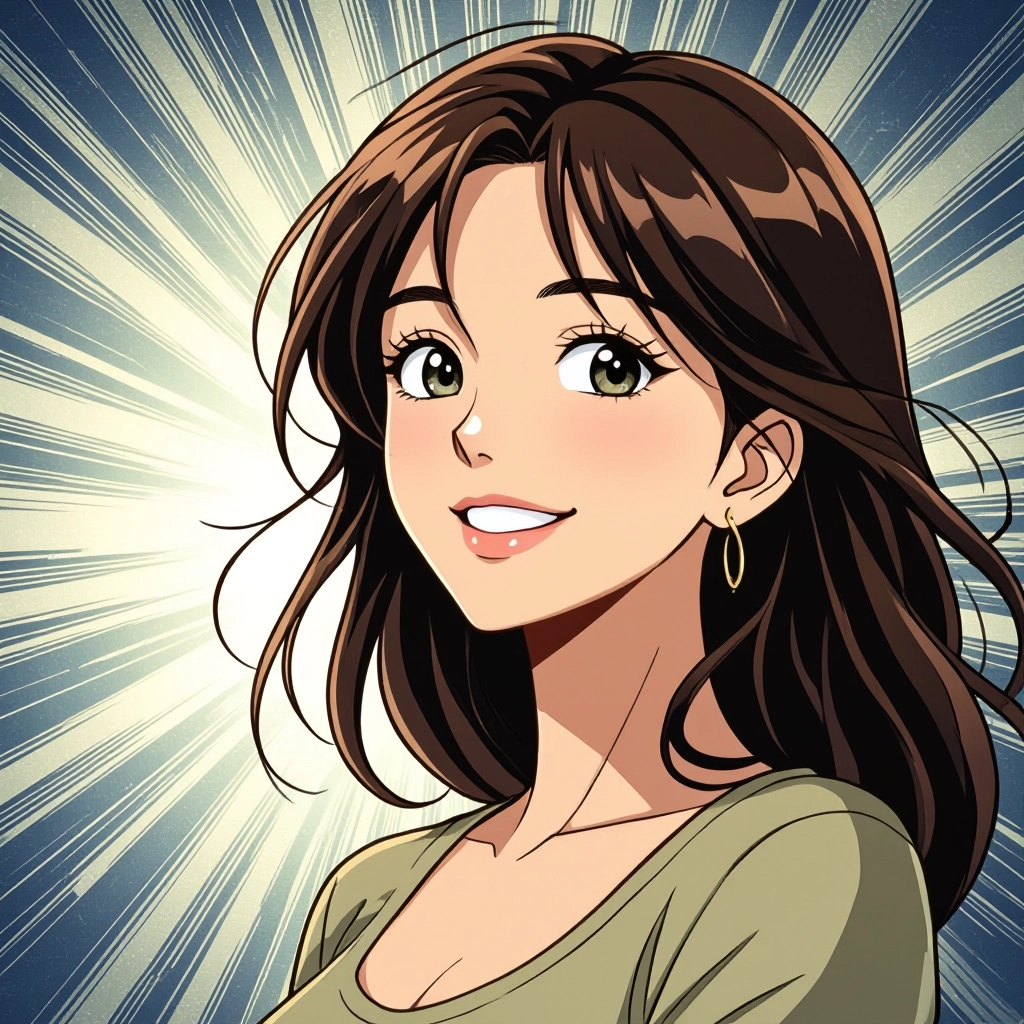
Select your preferred image size and aspect ratio. Our AI model delivers professional quality comparable to:
- • Flux AI Quality
- • Midjourney Standard
- • OpenAI DALL-E
- • Google Imagen
Download AI Manga Panel Image
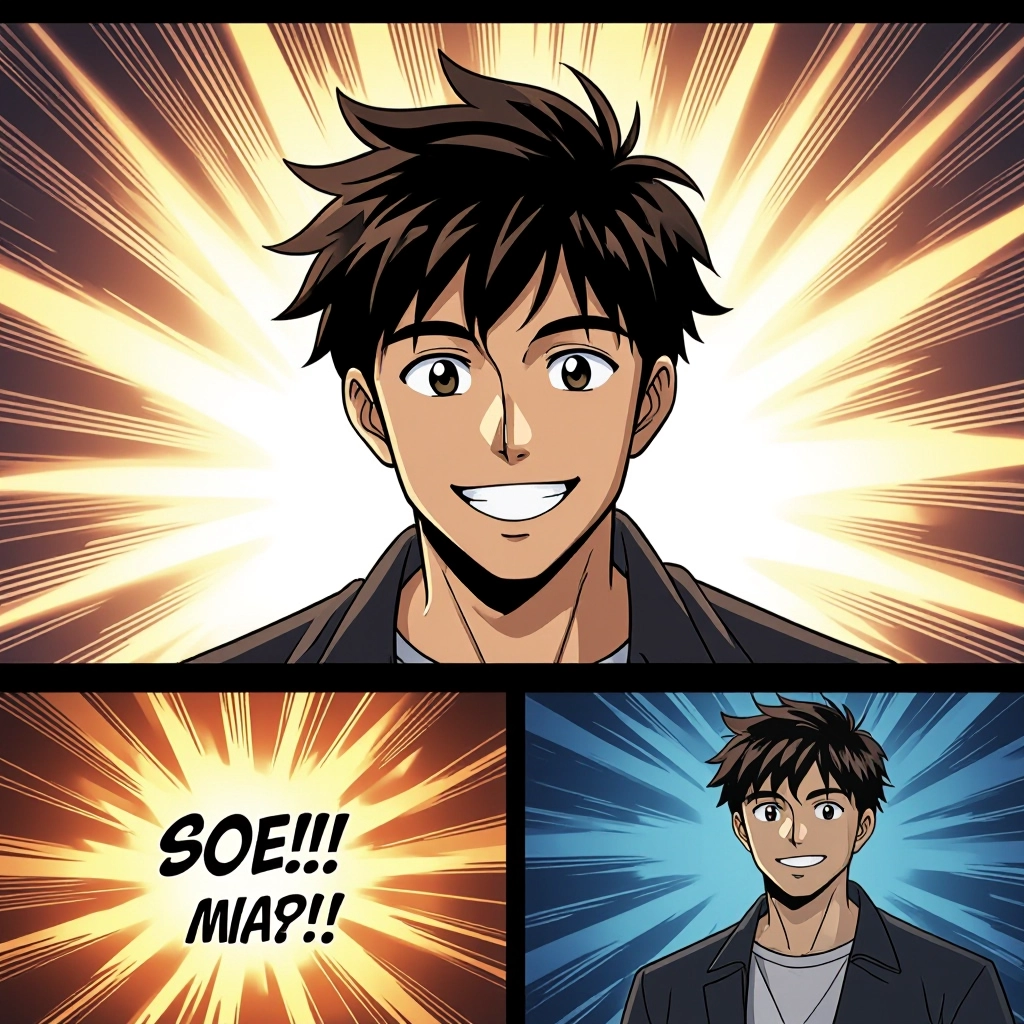
Once your AI manga panel image is generated, click the download button to save it to your device. The image will be in high quality format ready for use.
Features of AI manga panel Image Generator

Panel-aware composition
Automatically composes subjects and background to fit common manga panel formats, balancing gutters, gutters spacing and focal points so each generated frame reads with correct visual flow. Enhance your results by generating a detailed prompt with our Free AI Art Prompt Generator first.
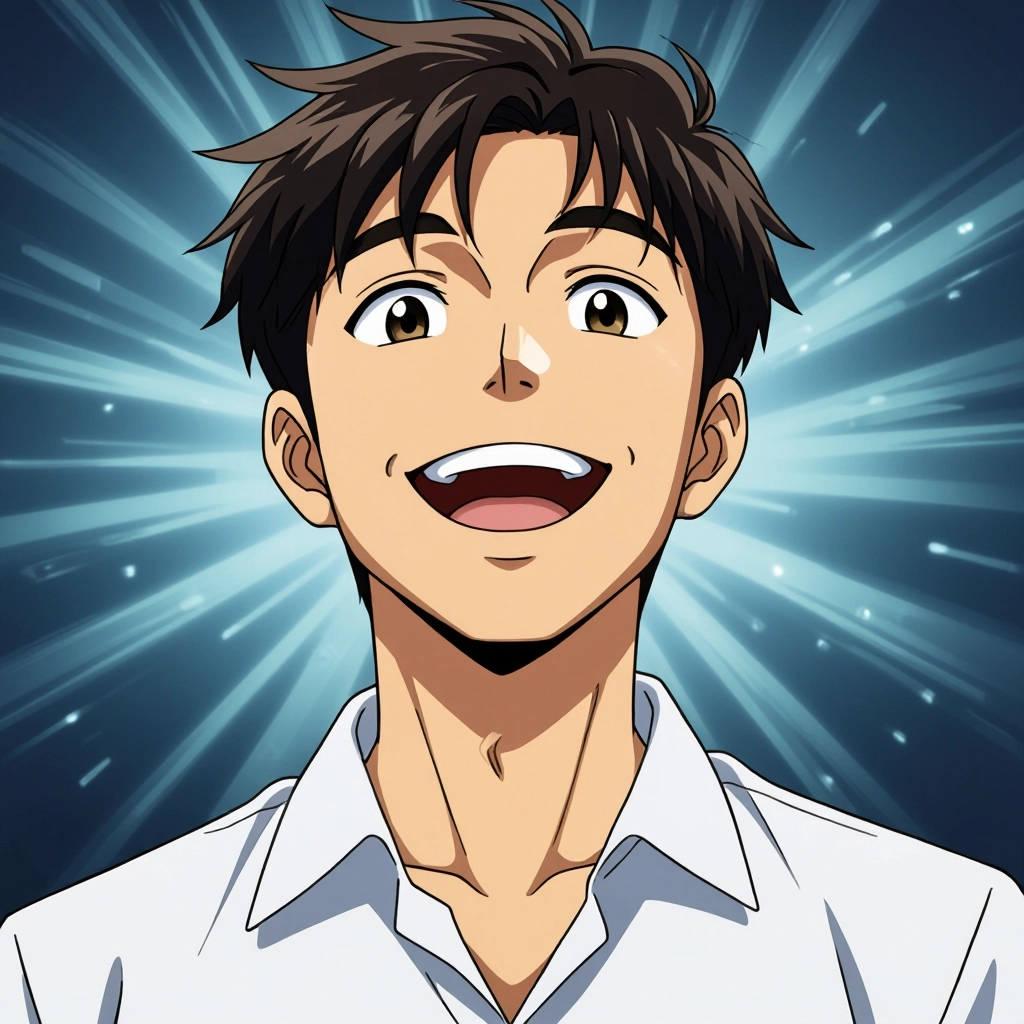
Authentic screentone library
Includes a library of halftone patterns, gradients and textures used in classic and modern manga styles, with adjustable scale and density to match shonen, shojo or seinen aesthetics.
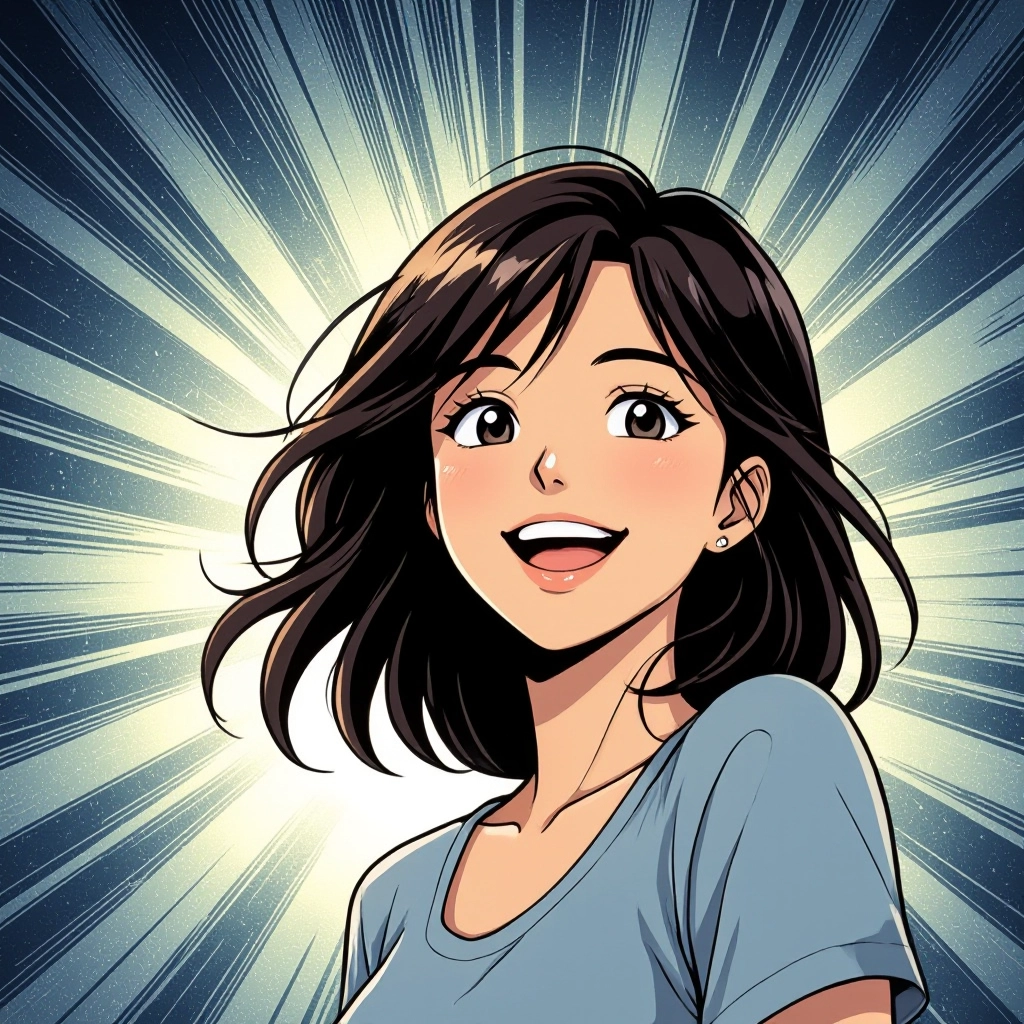
Dynamic speedlines and motion
Generates purpose-built speedlines, impact bursts and action blurs integrated with line art so motion feels native to manga panels and does not obscure character details.
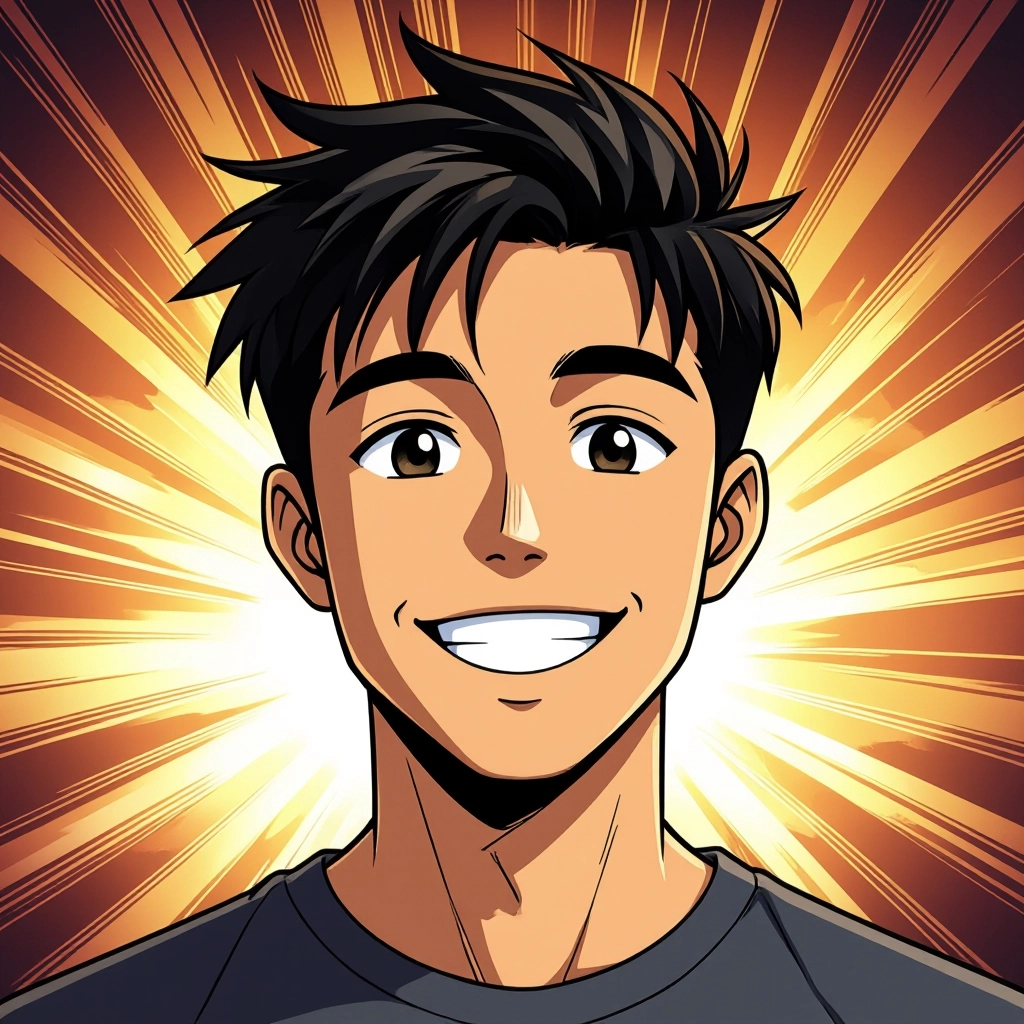
Expression and pose controls
Fine-tune facial expressions, eye shapes and body poses with targeted modifiers to capture subtle manga emotive cues like sweat drops, blush lines and intensity marks.
Export-ready panel packs
Export single panels or multi-panel strips at print and web resolutions, with options for transparent backgrounds, pre-cut gutters and metadata for panel order and narration placement.
Types of AI Powered Manga Panel Style Images
This tool can reproduce many manga panel styles by combining composition, linework and screentone rules. Each variation emphasizes distinct genre conventions and panel language to match storytelling goals.
Shonen action panel
High contrast linework, exaggerated perspective, bold speedlines and dramatic impact frames for fight scenes and heroic poses common in shonen manga.
Shojo emotion panel
Delicate lineweight, soft screentones, floral or sparkly overlays and large emotive eyes to emphasize romantic tension and internal feelings.
Seinen realist panel
Subtle halftones, detailed backgrounds, realistic anatomy and muted contrast for mature stories that rely on atmosphere and nuanced expression.
Gag and four-panel (yonkoma)
Compact square panels, clear punchline timing, exaggerated expressions and simplified backgrounds to deliver quick humor and comedic beats.
Noir and psychological panel
Heavy shadows, high-contrast black areas, grainy screentones and tilted camera angles to create tension, mystery and psychological unease.
Experimental screentone collage
Layered textures, mixed halftone scales and collage-like patterns for avant-garde pages and expressive montage sequences.
Applications of AI manga panel image style
Comic and manga page prototyping
Rapidly produce panel drafts to map pacing, camera changes and emotional beats before committing to final line art and lettering.
Storyboard and animatic assets
Create clear storyboard panels with manga framing and motion indicators to plan sequences for animation or live action adaptation.
Social media visual content
Generate eye-catching manga panels for posts, ads and profile content that use panel drama and screentone texture to stand out in feeds.
Character expression sheets
Produce consistent emotion-focused panels to build expression libraries for characters, useful for artists and writers collaborating on tone.
Educational and how-to comics
Turn instructional content into digestible manga panels that use visual cues, captions and panel sequencing to improve retention.
Concept art and mood boards
Explore visual directions with genre-specific panel styles to pitch concepts or refine the look of a series before full production.
FAQs about AI manga panel image generator
Can I customize screentone density and pattern?
Yes. The generator provides controls for halftone scale, dot density, gradient angles and preset patterns so you can match traditional screentone sheets or create new textures.
Is the output suitable for print comics?
Outputs can be exported at print resolutions with vector-friendly lineart and high resolution screentones. For professional printing, confirm DPI and flatten options before final export.
How do I achieve consistent characters across panels?
Use persistent character prompts or seed values and include defining traits such as hair, eye shape, scars and clothing. Save a reference set and reuse it when generating subsequent panels.
Can I control camera angles and panel layouts?
Yes. Specify camera terms like low angle, bird eye view or close up and choose panel templates such as single, two-row or vertical strip to influence framing and composition.
Are there presets for different manga genres?
The tool includes genre presets that adjust line weight, screentone choices and pacing rules to produce outputs aligned with shonen, shojo, seinen and gag manga conventions.
How do I integrate generated panels into a full manga page?
Export panels with transparent gutters or fixed margins, then arrange them in a page editor. Use consistent lettering styles and pacing rules to stitch panels into coherent pages.
