Film Noir Image Generator
Film Noir Image Generator is a free online tool to generate film noir style images. The tool is free to use, just enter prompt in film noir style and generate film noir image style in seconds similar quality to flux, midjourney, open ai, imagen, nano banana AI image quality.
Generate Film Noir AI Image for Free
Receive our FREE AI updates via email once a week
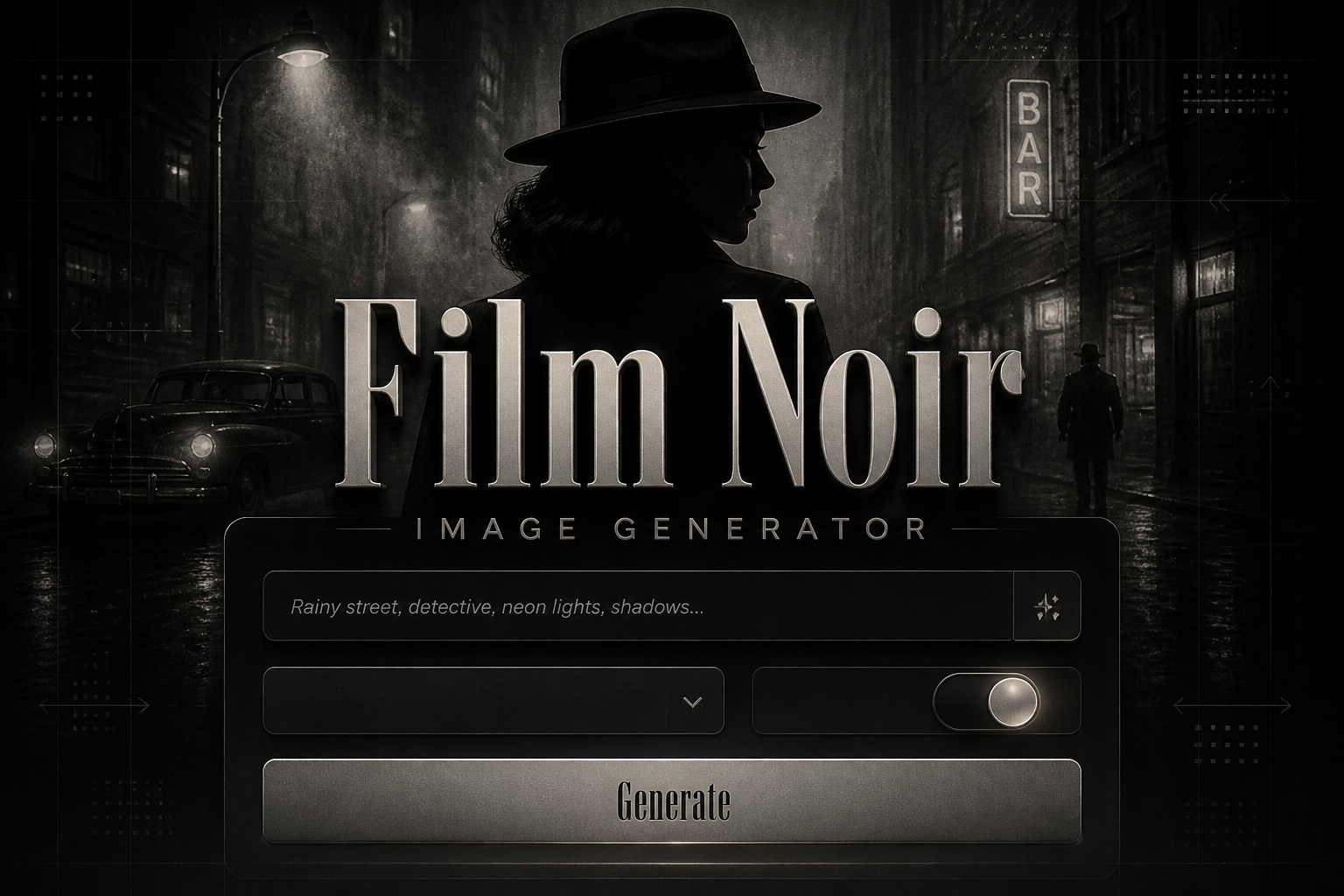
What is a film noir Generator?
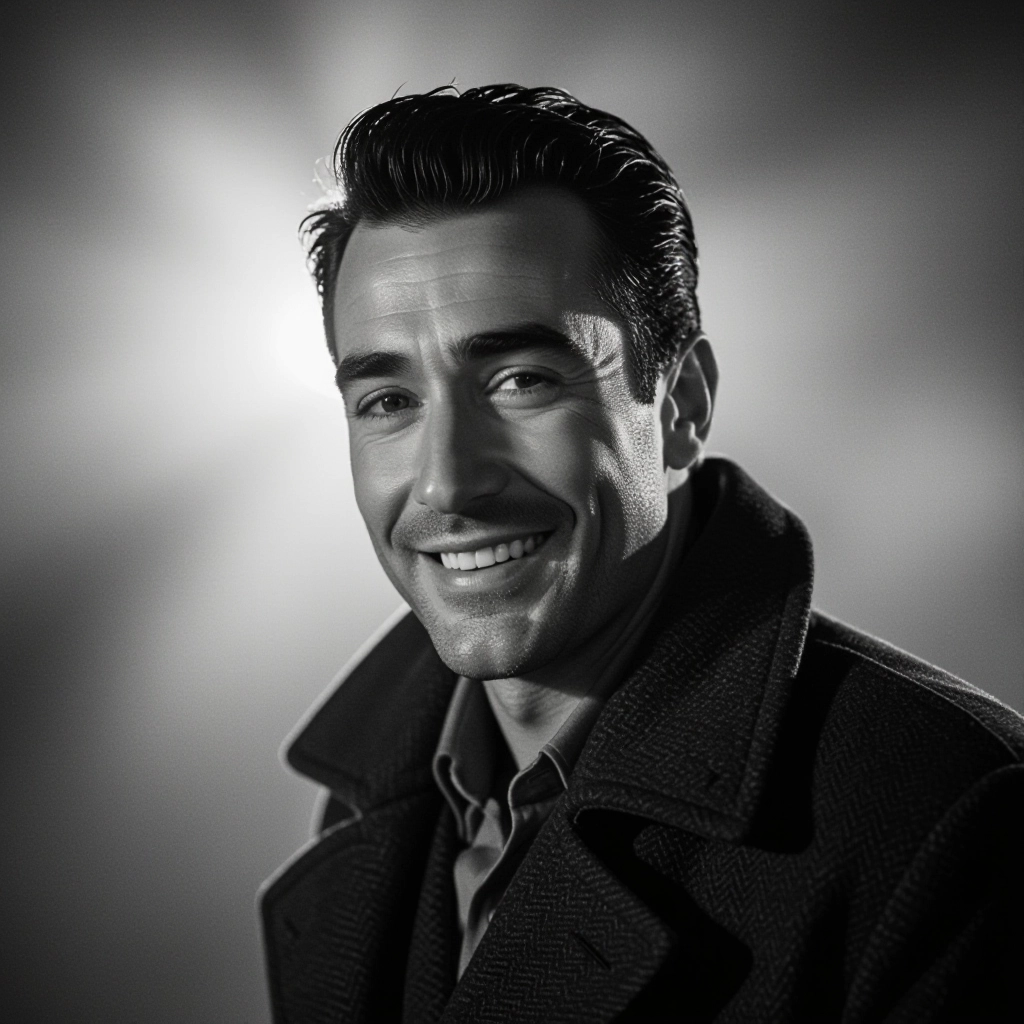
A Film Noir Generator is an AI tool trained to recreate the visual language of classic noir cinema. It emphasizes low key lighting, sharp contrasts, deep shadows, film grain, smoke and rain effects, dramatic silhouettes, and period textures. The generator translates textual prompts into compositions that mimic chiaroscuro lighting, venetian-blind shadows, wet asphalt reflections, and stylized costume and set elements so the final image reads like a still from a 1940s detective thriller or a modern neo-noir reinterpretation.
Directors, photographers, concept artists, game developers, authors and marketers use this generator to prototype mood, craft promotional imagery, and explore narrative visuals quickly. Users rely on it to produce believable period atmospheres, consistent noir aesthetics across multiple images, and to iterate variations of a scene without building physical sets. The tool is also useful for mood boarding, book covers, storyboarding and visual research when a fast, cinematic noir look is needed.
How to Create film noir Images
Create film noir images in three steps: first, write a focused prompt naming subject, setting and mood, for example a silhouetted detective on a rainy street with venetian-blind shadows and cigarette smoke; second, choose technical parameters like black and white monochrome, high contrast, film grain level, aspect ratio and cinematic lens presets to enforce classic noir optics; third, refine the output by iterating prompts, applying negative prompts to remove unwanted elements, and using upscaling and local inpainting to sharpen faces or deepen shadows until the image matches the desired noir intensity.
Enter AI Film Noir Prompt
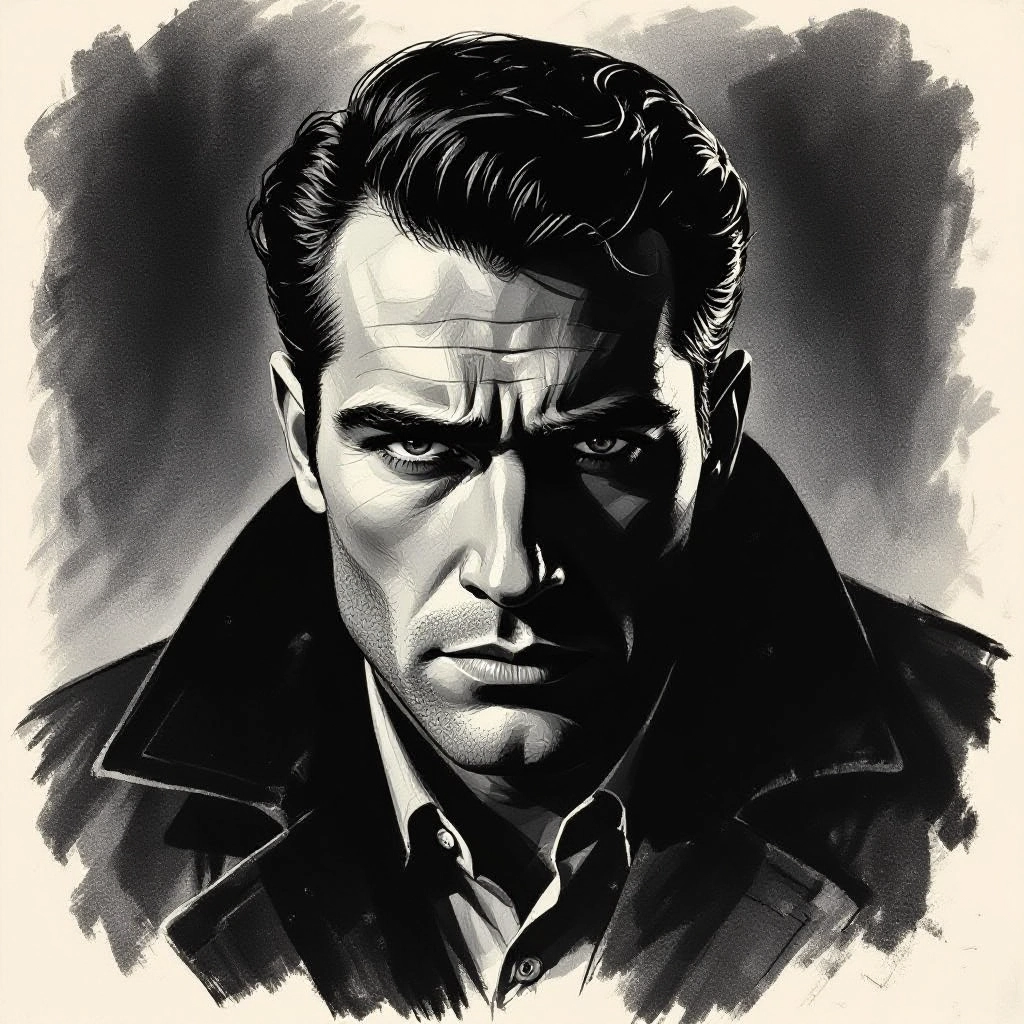
Type your film noir character or scene description in the prompt box. Include details like character appearance, clothing, expressions, and setting to get better AI film noir results.
Choose AI Model Settings
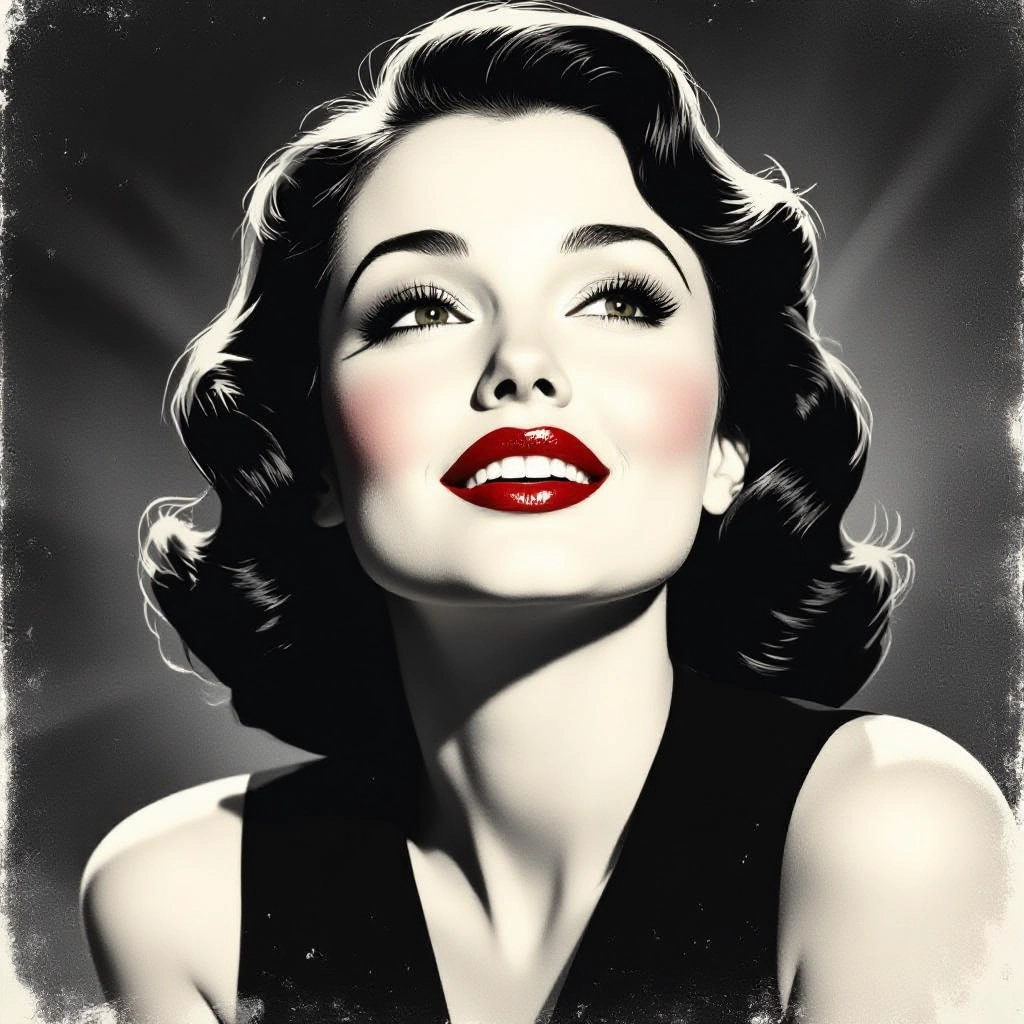
Select your preferred image size and aspect ratio. Our AI model delivers professional quality comparable to:
- • Flux AI Quality
- • Midjourney Standard
- • OpenAI DALL-E
- • Google Imagen
Download AI Film Noir Image
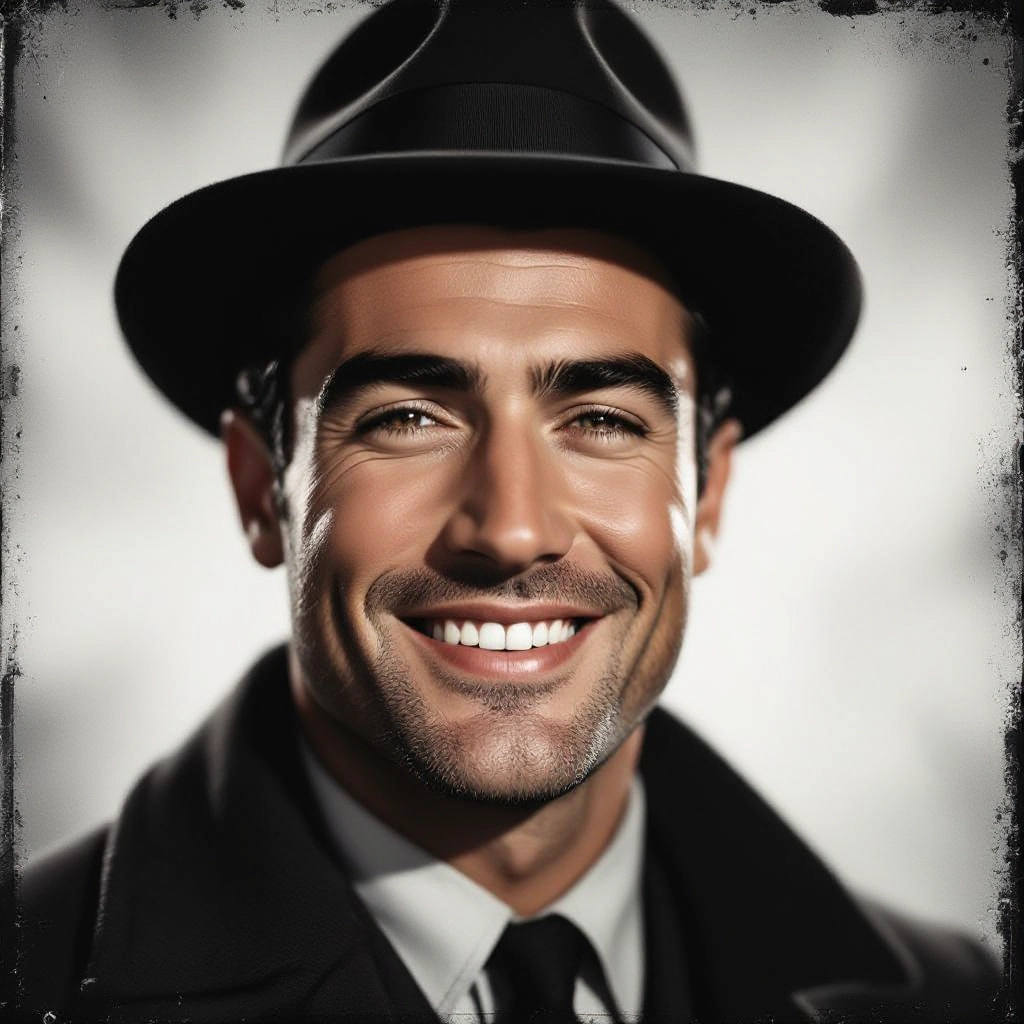
Once your AI film noir image is generated, click the download button to save it to your device. The image will be in high quality format ready for use.
Features of AI film noir Image Generator
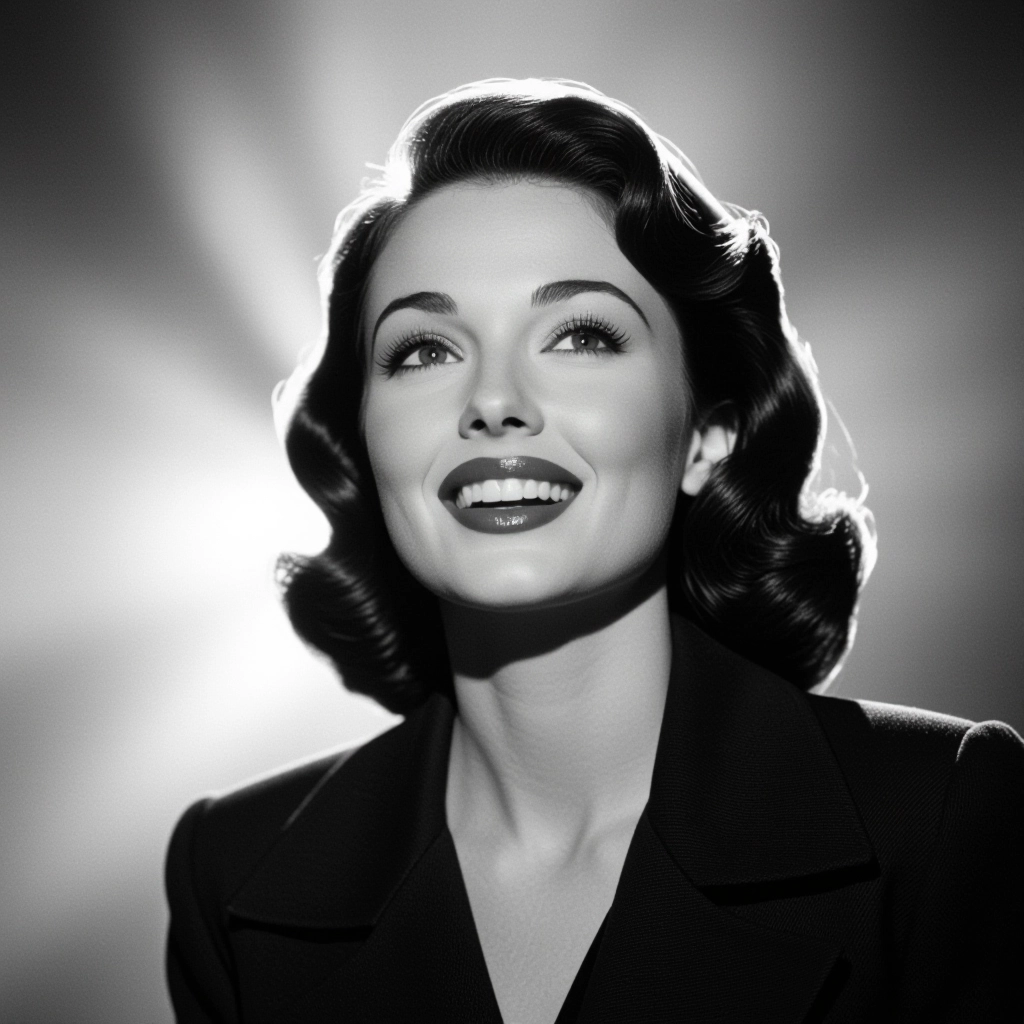
Authentic Noir Lighting Controls
Precise sliders for low key contrast, rim lights, and shadow depth replicate the stark chiaroscuro lighting used in classic noir cinematography, allowing fine control over mood and silhouette definition. Pair with our Sora Prompt Generator to generate cinematic prompts for video and image creation.
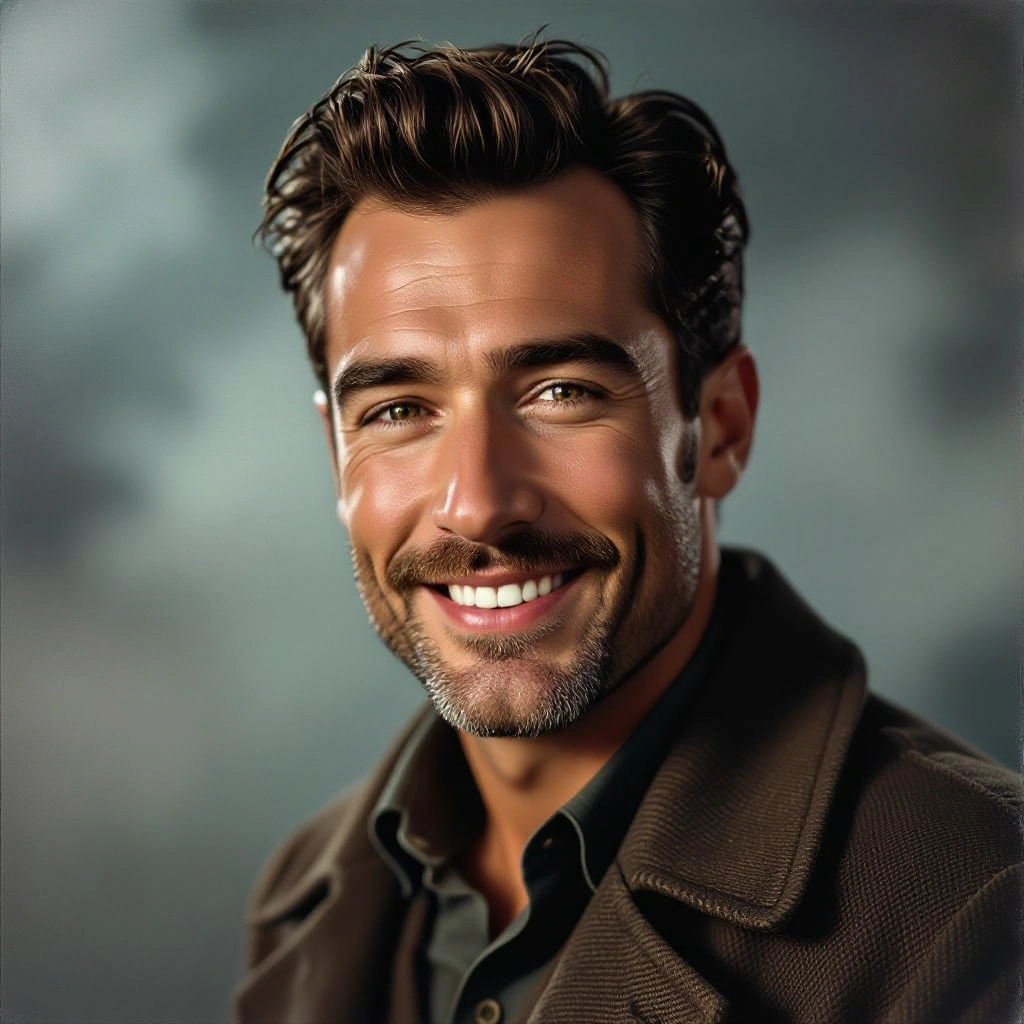
High Contrast Monochrome Engine
A dedicated monochrome pipeline emphasizes tonal separation and midtone rolloff so blacks stay deep and highlights glow, producing prints that feel like true silver gelatin photography.
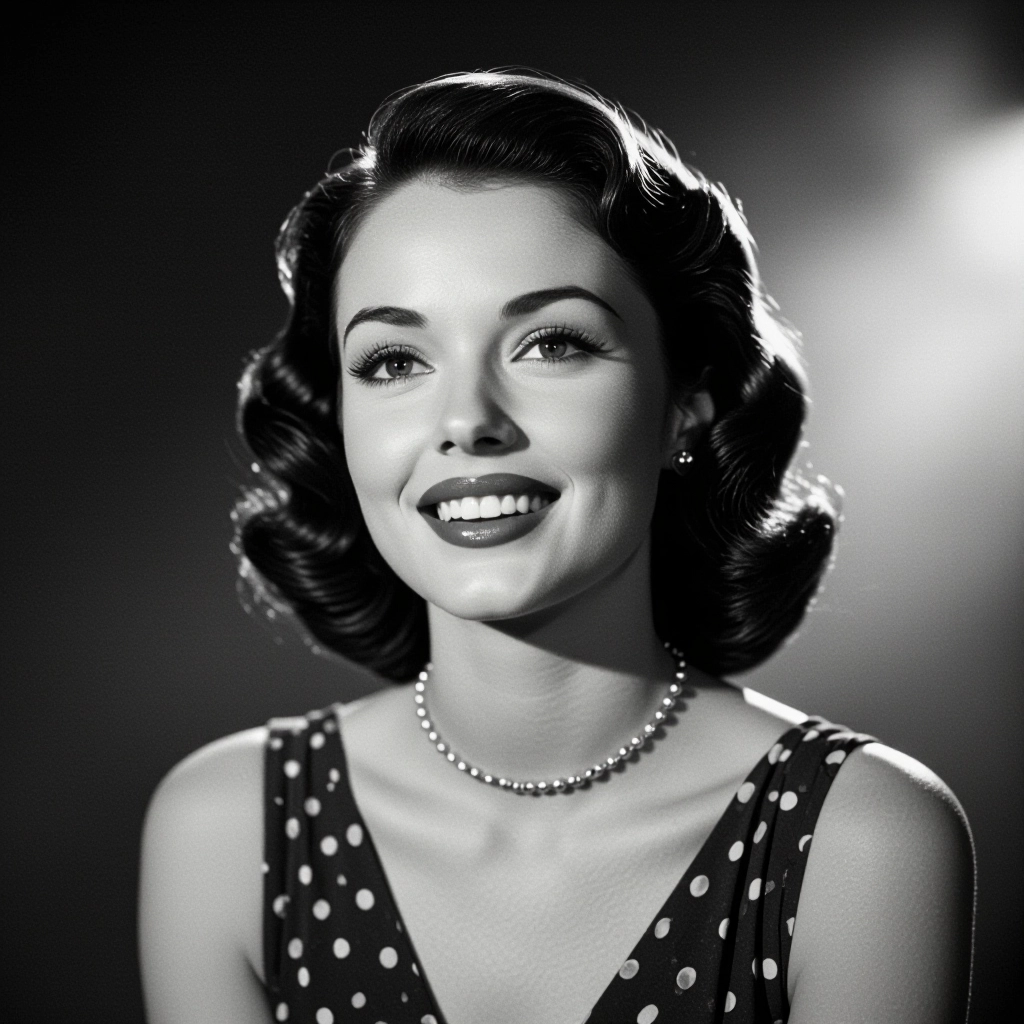
Grain and Film Texture Profiles
Selectable film stocks and grain patterns simulate 35mm and 16mm emulsions, including scratches, dust and vignette options that give images a period-authentic tactile look.
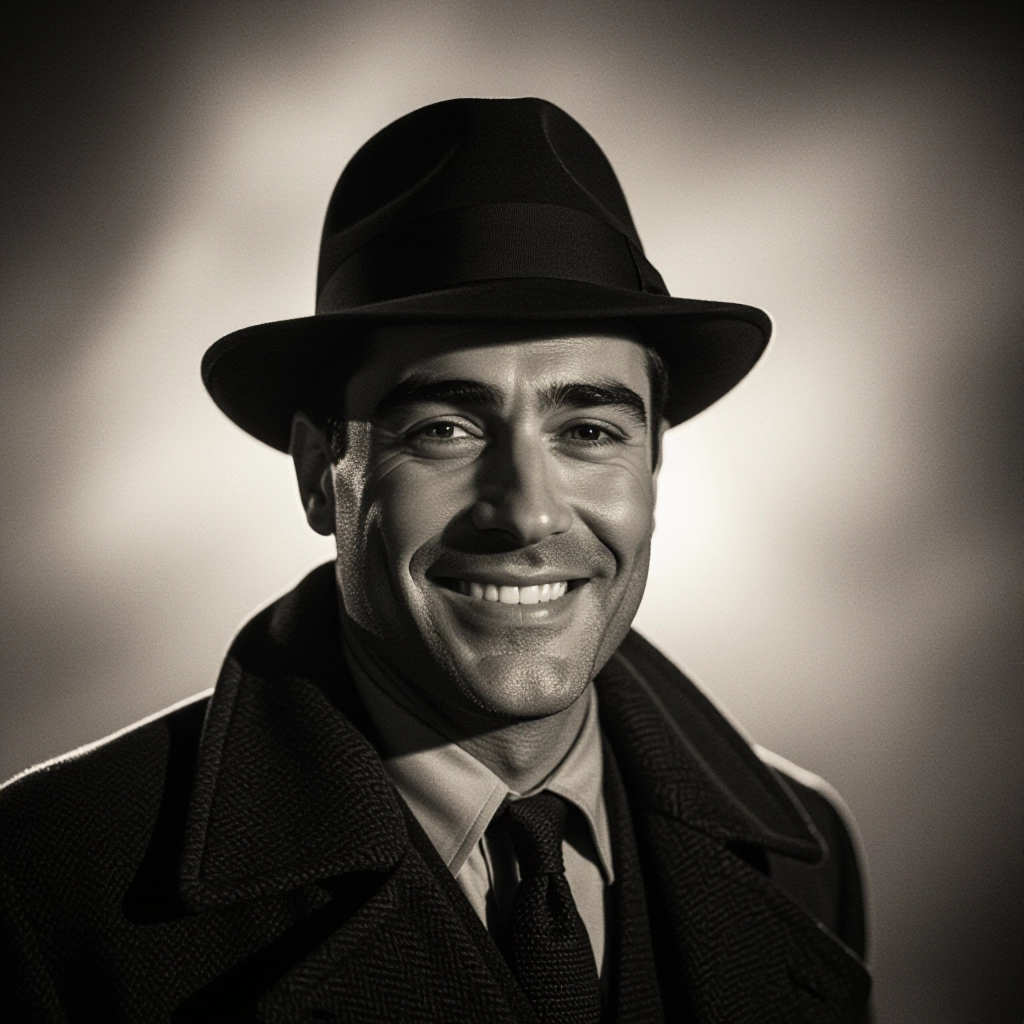
Cinematic Composition Templates
Scene templates include classic noir framing such as over-the-shoulder shadow, low-angle streetlamp viewpoint, and interior blinds pattern to speed up generation of consistent, story-driven imagery.
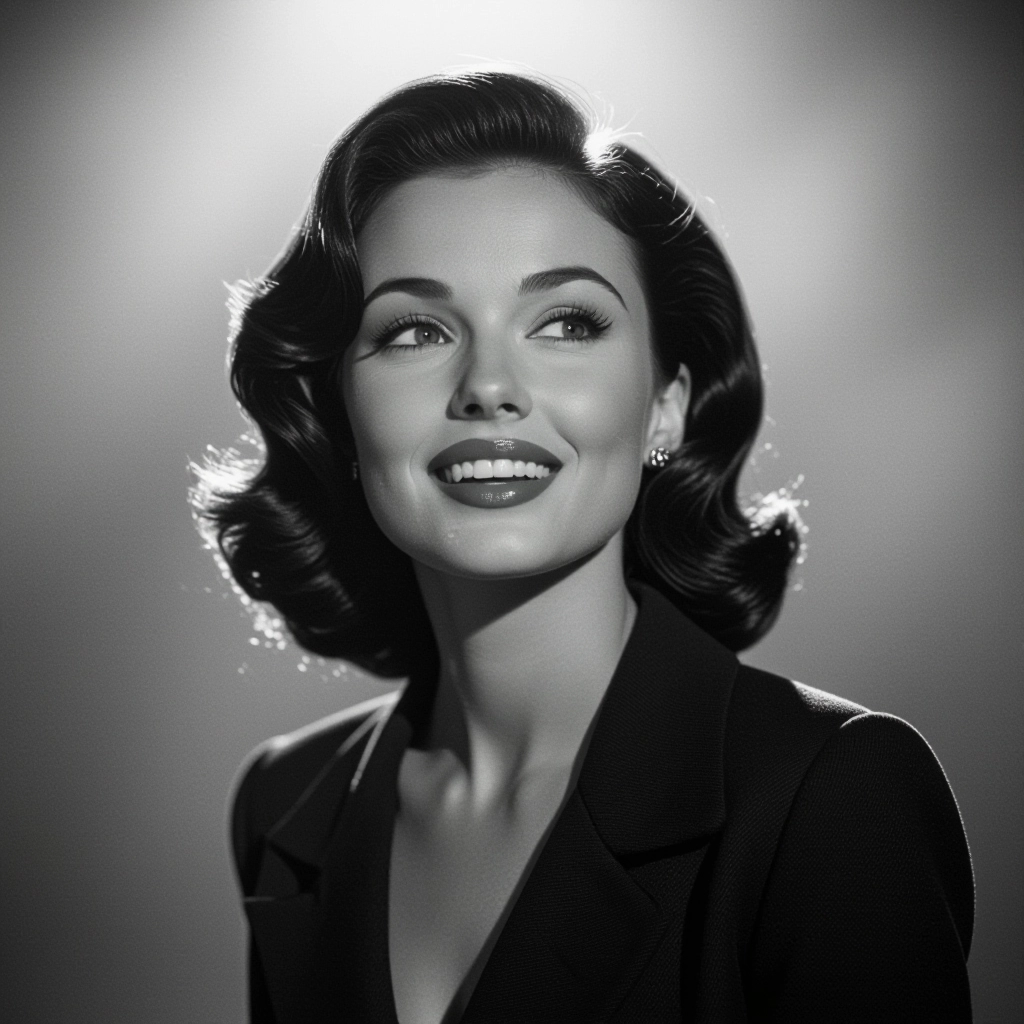
Custom Mood and Era Presets
Presets let you switch between 1940s studio noir, 1950s pulpy noir, and modern neo-noir with color accents. Each preset adjusts lighting, costume cues, and texture levels for era-specific results.
Types of AI Powered Film Noir Style Images
Explore distinct noir flavors produced by the generator. Each variation highlights different visual priorities, from classic period authenticity to modern reinterpretations and surreal psychological styles.
Classic 1940s Studio Noir
Strict black and white, dramatic key lighting, period wardrobe and studio backdrops that emulate classic detective films and studio-era production design.
Neo-Noir with Color Accent
A contemporary take that preserves deep shadows but adds selective color splashes such as red lipstick or neon signage to create modern tension and visual pop.
Noir Portrait Glamour
Tight headshots and portraits with soft focus, film grain, and dramatic rim light to capture femme fatale or hardboiled hero archetypes with cinematic glamour.
Rain-Soaked Street Noir
Wet pavement reflections, steam, slick umbrellas and diffuse streetlamps produce moody urban exteriors that read like nocturnal city scenes from classic noir noir stories.
Hardboiled Detective Scenes
Interiors of smoky offices, typewriters, tipped-over ashtrays and blinds-cast shadows that tell a story of investigation, tension and moral ambiguity.
Psychological and Surreal Noir
Distorted perspectives, exaggerated shadows, and dreamlike elements that emphasize psychological unease while keeping the noir tonal palette intact.
Applications of AI film noir image style
Film and TV Previsualization
Quickly generate mood stills and scene concepts for directors and cinematographers to explore lighting, framing and costume direction before production.
Graphic Novels and Comics
Create sequential art panels with consistent noir lighting and texture, ideal for crime comics, adaptations and serialized storytelling.
Album Covers and Posters
Design striking promotional artwork that uses high-contrast noir aesthetics to convey drama, mystery and retro cool for music and theatrical posters.
Advertising and Branding
Use noir visuals to craft memorable brand campaigns with a cinematic edge, focusing on mood driven narratives for luxury, fashion and entertainment clients.
Game Art and Environments
Prototype atmospheric levels, character portraits and environment concepts for noir-themed games, ensuring cohesive lighting and texture direction across assets.
Creative Writing and Storyboarding
Authors and storyboard artists can visualize scenes, refine tone and test character compositions to support scene structure and pacing in noir narratives.
FAQs about AI film noir image generator
How accurate are the lighting and textures to classic film noir?
The generator models key noir characteristics like deep shadows, directional rim light, and film grain to produce convincing results. Accuracy depends on prompt specificity and chosen presets. Use classic lighting presets and grain profiles to approach authentic studio-era looks.
Can I generate color images with noir aesthetics?
Yes. Neo-noir variations add color accents while retaining low key contrast and shadow-driven composition. Use selective color prompts or the color accent preset to keep most of the image monochrome and highlight a single hue.
What prompts produce the best noir results?
Combine subject, setting and lighting phrases: for example, "silhouetted detective under a streetlamp, heavy rain, venetian-blind shadows, cigarette smoke, 35mm film grain, high contrast, low key lighting". Include era and texture terms to guide the generator toward authentic noir artifacts.
Are generated images free to use commercially?
Licensing depends on the platform and model used. This tool is free to use for generation, but review the service terms and any model-specific license before commercial distribution to ensure compliance and attribution requirements.
How do I remove unwanted elements like logos or text?
Use negative prompts to exclude logos and unwanted objects, or apply the tool's inpainting and masking features to replace specific regions. Iterative refinement and targeted masking yield the cleanest results.
Can I recreate famous film noir scenes exactly?
You can generate images inspired by iconic scenes, but recreating copyrighted frames or recognizable actor likenesses may raise legal concerns. Use the generator to create original compositions that capture noir mood rather than exact replicas.
See Also
