Background Remover
Remove the background from any image instantly using AI. Upload your photo and get a clean transparent, white, or custom background in seconds.
Upload your image below, select a background type, and click Remove Background to get your result.
Remove Background FreeRemove Image Background Online in 30 Seconds
Upload your image, choose your background output, and let our AI handle the rest. Works with people, products, animals, logos, and more.
Remove Image Background
Upload your image and our AI instantly removes the background. Choose transparent, white, or another background type and download the result in seconds.
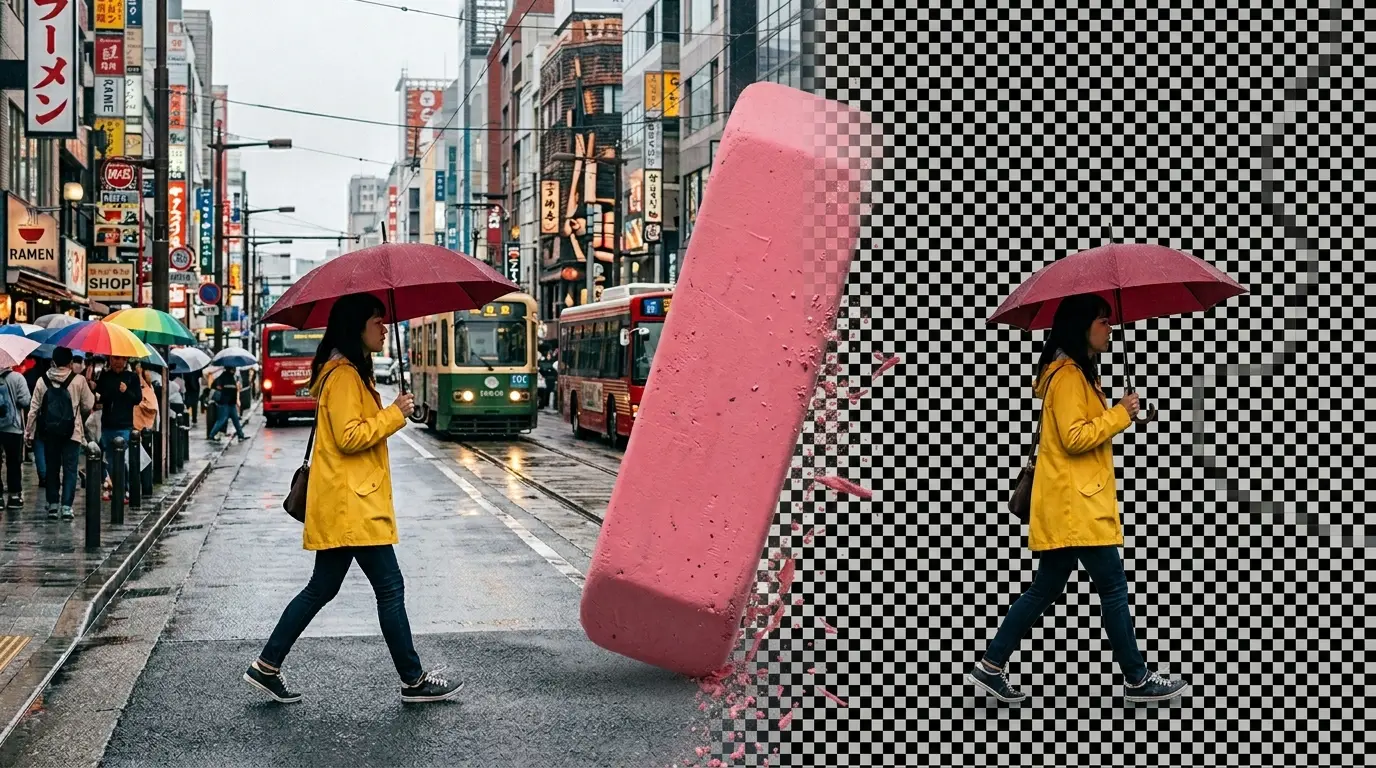
The Most Reliable Free Image Background Remover
Our free background remover is used by e-commerce sellers, designers, marketers, and creators who need clean cutouts fast.
50,000+
Users Monthly
200,000+
Backgrounds Removed
Powered by advanced AI segmentation technology
What Is a Background Remover?
A background remover is a tool that separates the main subject of an image from its background. The result is either a transparent image you can place over any design, or a new background such as white, green, or blurred.
Traditionally, removing a background meant opening Photoshop, using the magic wand or pen tool, carefully tracing around your subject, and then refining the edges manually. That process can take anywhere from a few minutes to over an hour depending on how complex the subject is.
Our free AI background remover does all of that in seconds. The AI identifies the subject automatically, traces around it with soft edge detection, and delivers a clean cutout. No manual effort, no software, no cost.
Try the Background Remover FreeHow it works
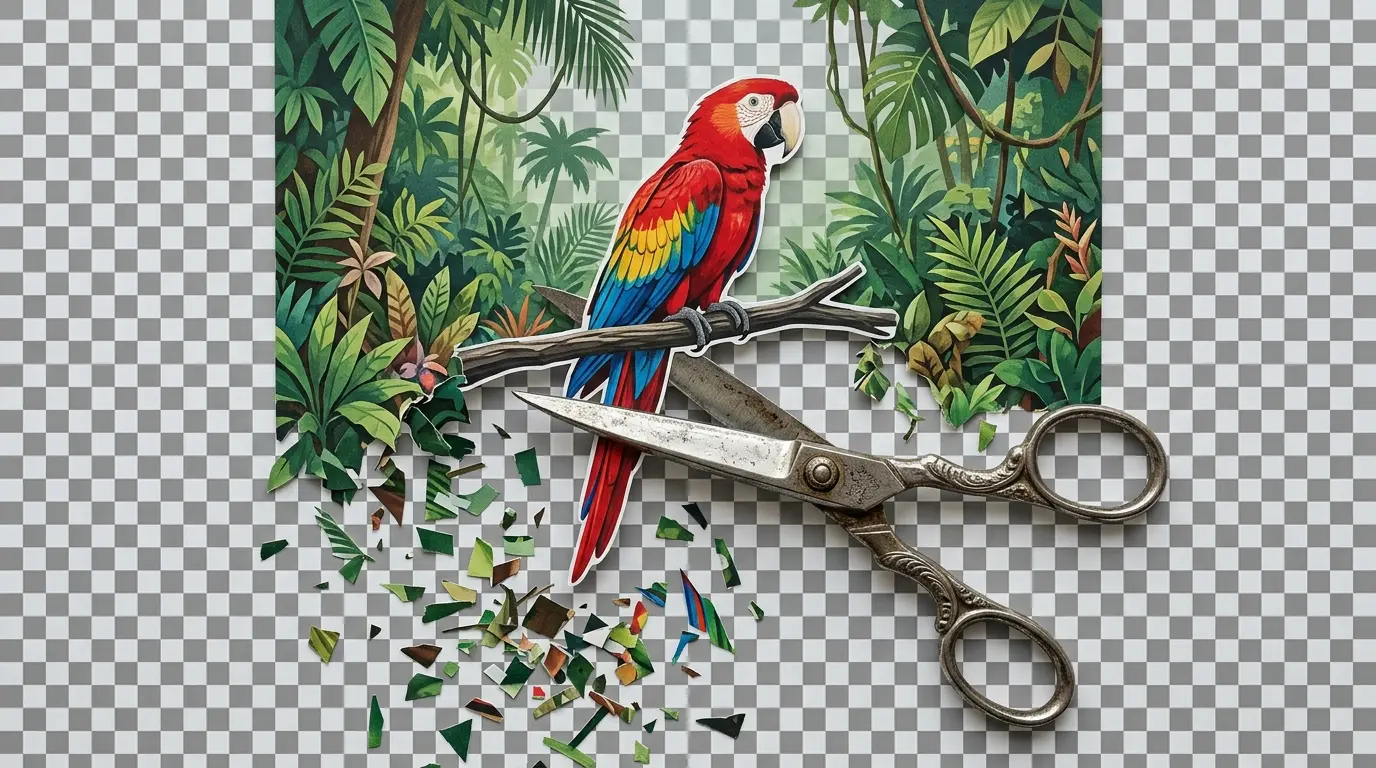
How to Remove Background from an Image
Upload your image
Click the upload area and select the image you want to edit. Our background remover accepts JPG, PNG, and WebP files up to 10MB. Works for product photos, portraits, logos, animals, objects, and any subject with a distinct outline.
Choose a background type
Select what you want behind your subject after the background is removed. Choose transparent for a PNG cutout you can use in any design, white for product listings or documents, green screen for video production, or blur for a professional focus effect.
AI removes the background
Our AI analyzes your image, detects the subject using deep segmentation, and removes the background with clean, accurate edges. Hair, fur, and fine details are handled with soft alpha blending for natural-looking results.
Download your result
Preview the background-removed image and download it in PNG format. No watermarks, no restrictions. Use your cutout for e-commerce listings, marketing materials, presentations, social media, or any creative project.
How to Remove Background from a Picture Without Photoshop
Photoshop has long been the standard tool for removing backgrounds from pictures, but it comes with a significant learning curve and a subscription fee that starts at over $20 per month. For most people who need a background removed, that investment makes no sense.
Our free background remover gives you the same end result with none of the effort. You do not need to understand layers, selection tools, masks, or refine edge settings. You upload an image, choose your output, and get back a clean cutout. The entire process happens in your browser without installing anything.
Photoshop vs Our Free Background Remover
Photoshop
- - $22.99 per month subscription
- - Requires software installation
- - Manual selection and masking
- - Significant learning curve
- - Minutes to hours per image
Our Background Remover
- - Completely free, no account needed
- - Works in any browser instantly
- - Fully automatic AI processing
- - Zero learning required
- - Results in seconds
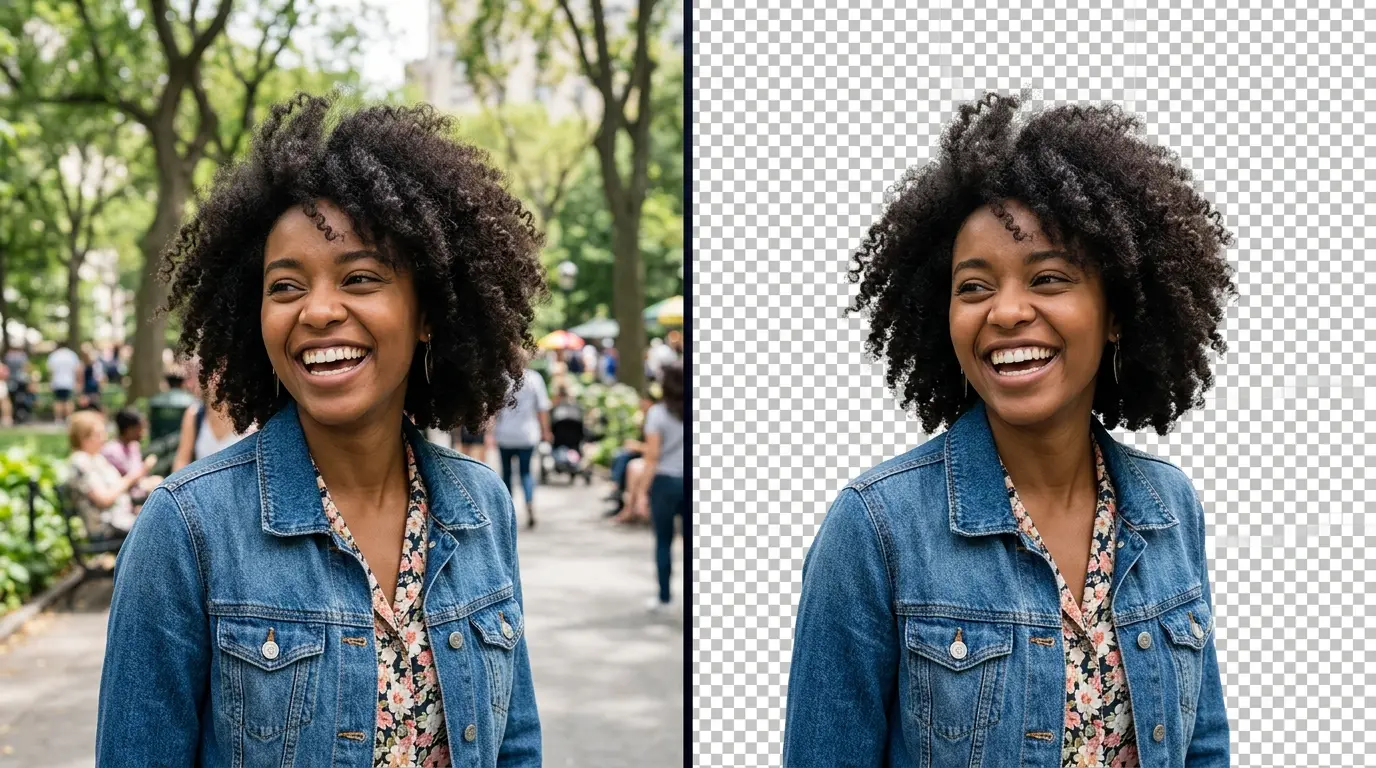
Options in Our Image Background Remover
Different projects require different outputs after the background is removed. Our tool gives you four practical options so you can get exactly what you need without any post-processing.
Transparent Background
The most common choice. The removed background becomes fully transparent, saved as a PNG with an alpha channel. This lets you place the subject over any color, pattern, or image in design tools, presentations, or websites. Essential for logos, product photos, and stickers.
White Background
The subject is placed on a clean white background. This is the standard requirement for Amazon product listings, eBay, Google Shopping, and most e-commerce platforms. It is also useful for professional headshots, catalog images, and print materials.
Green Screen
The background is replaced with a solid green color, which is the standard chroma key color used in video production. This lets you replace the background in video editing software like Premiere Pro, DaVinci Resolve, or OBS with any scene or virtual background.
Blur Background
The original background is kept but blurred, drawing visual focus to the subject. This mimics the shallow depth-of-field effect from professional photography and is useful for portrait-style images, social media posts, and profile photos.
What You Can Use a Background Remover For
Background removal is one of the most frequently needed image editing tasks across industries. Here are the most common real-world uses for our tool.
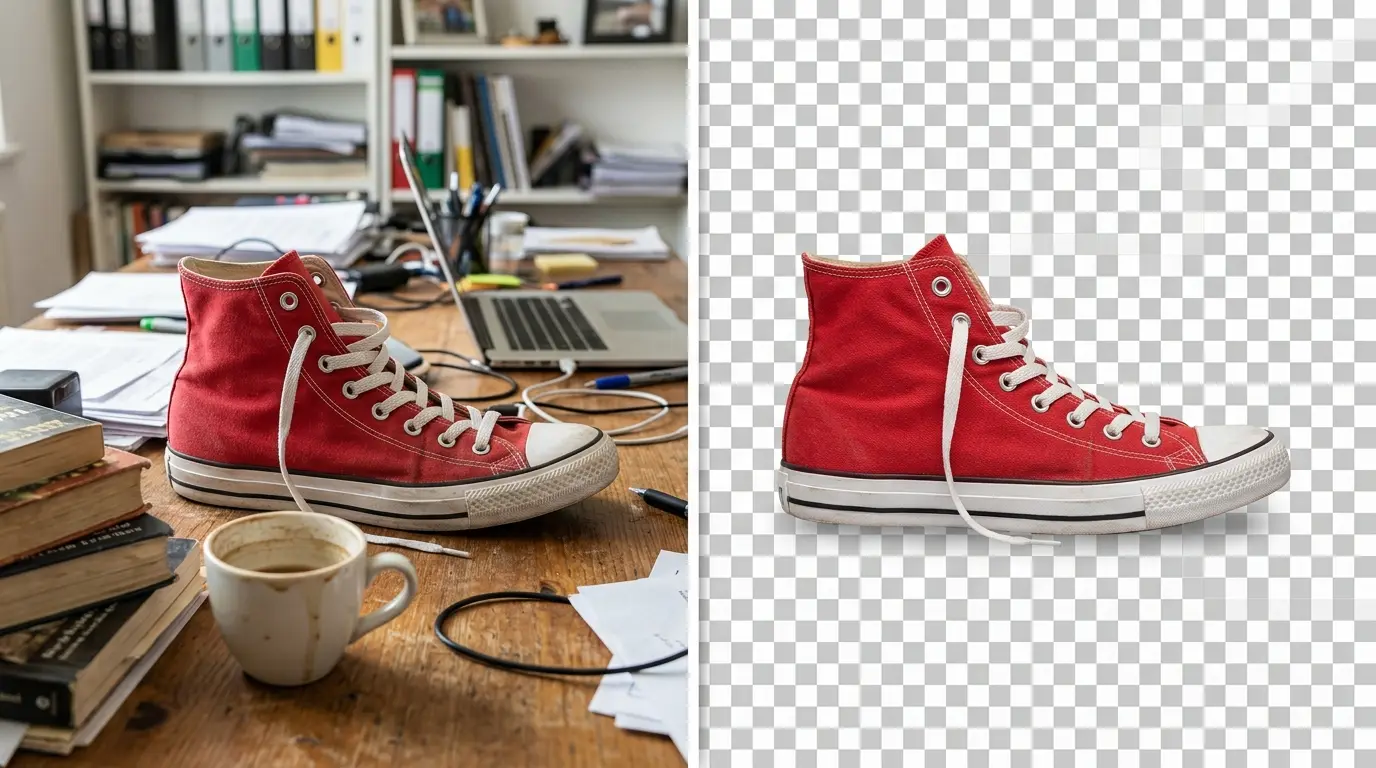
E-Commerce Product Photos
Product images on white backgrounds are a requirement for most online marketplaces. Amazon, Etsy, eBay, Shopify, and Google Shopping all recommend or require clean product photos with no background distractions. Our background remover lets you prepare professional product images from any photo you take.
Amazon Listings
White background required
Etsy Products
Clean product shots
Shopify Store
Consistent catalog images
Google Shopping
Transparent or white
Marketing and Design
Designers and marketers regularly need cutout images to build banners, social media graphics, presentations, and advertisements. Removing the background lets you composite images into any layout without visible borders or conflicting backgrounds.
Social Media Posts
Instagram, LinkedIn
Ad Banners
Display advertising
Presentations
Slides and decks
Print Design
Flyers, brochures
Personal and Professional Photos
Remove distracting or messy backgrounds from personal photos, headshots, and profile pictures. Replace a cluttered home office background in a professional headshot, or prepare a portrait for an ID document or company website.
Profile Pictures
LinkedIn, teams calls
ID Photos
Passport-style shots
Headshots
Professional bios
Wedding Photos
Composites and cards
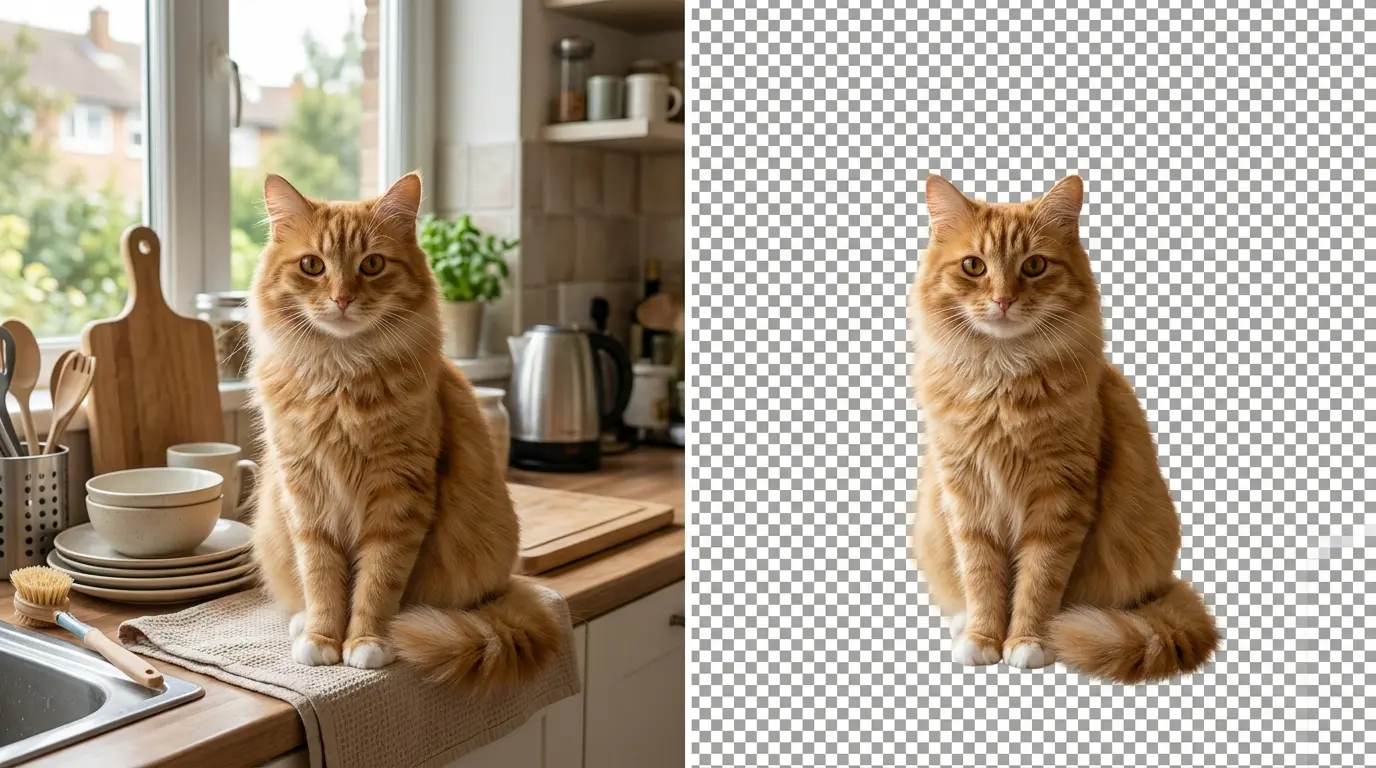
Tips for Getting the Best Background Removal Results
Use Images with Good Contrast Between Subject and Background
The AI performs best when there is a visible difference in color or brightness between the subject and its background. A person wearing dark clothing in front of a light wall will produce cleaner results than a subject that blends into the background.
Upload Higher Resolution Images When Possible
Larger images give the AI more pixel data to work with when detecting edges and fine details like hair or fur. A high-resolution photo will almost always produce a cleaner cutout than a low-resolution or heavily compressed version of the same image.
Choose the Right Background Type for Your Use Case
Select transparent if you plan to place the subject into a design yourself. Choose white if you need a clean background for e-commerce or documents. Green screen is only useful if you are working with video editing software that supports chroma keying.
For Complex Subjects, Try a Second Time
Hair, glasses, transparent objects, and highly detailed edges can sometimes present challenges for any AI tool. If the first result is not quite right, try uploading a different version of the photo or experiment with a crop that places the subject more centrally in the frame.
Related Image Editing Tools
Once you have removed the background from your image, you may want to enhance or transform it further. Here are other free AI image tools available on this platform.
Join Users Editing Images with AI Free Forever
See what users are saying about our free image editing tools across the platform.
Frequently Asked Questions
How do I remove the background from an image?
Upload your image to our background remover, select a background type (transparent, white, green screen, or blur), and click Remove Background. The AI processes your image automatically and you can download the result in seconds with no signup needed.
How do I remove the background from a picture for free?
Use our free background remover at aifreeforever.com/background-remover. Upload your photo, choose a background type, and download the processed image. It is completely free with no account, subscription, or watermark.
Is this background remover actually free with no limits?
Yes. Our background remover is free to use with no signup required. You can remove backgrounds from as many images as you need without payment or watermarks.
What is the best free background remover?
The best free background remover is one that delivers accurate cutouts quickly without requiring an account or subscription. Our tool uses advanced AI segmentation that handles most standard photos with clean edge detection and supports multiple output formats including transparent, white, and green screen.
How do I change the background of a photo online for free?
Use our background remover to remove the original background and select one of our built-in options: transparent, white, green screen, or blur. You can then place the transparent cutout onto any background you like in an image editor or design tool.
Does the background remover work on product photos?
Yes. Product photos with clear subjects are one of the best use cases for our background remover. The AI cleanly separates products from their backgrounds and the white background option is ready for direct use on Amazon, Etsy, and other e-commerce platforms.
Can it handle hair and fine edges?
Our tool uses soft alpha segmentation at a threshold of 0 by default, which means it handles hair, fur, and fine edges with a smooth blend rather than a hard cut. Results are naturally clean without visible jagged outlines around complex subjects.
What file format is the output?
The output is delivered as a PNG file, which supports the alpha transparency channel needed for transparent backgrounds. PNG is also lossless, so the image quality is preserved in the download.
Ready to Remove Your Background?
Free background removal with no signup, no watermarks, and no limits. Upload your image and get a clean result in seconds.
Remove Background Free