Email Writer Generator
Create seamless, efficient, and tailored emails for any purpose using AI. Generate professional emails with perfect structure and tone.
AI Email Writer Generator
Create seamless, efficient, and tailored emails for any purpose using AI. Generate professional emails with perfect structure and tone.
Using the Free AI Email Writer Generator
AIfreeforever's email writer generator creates professional emails for business, personal, and marketing purposes. This tool helps you write clear, well-structured emails with the right tone and format for any situation.
The generator uses advanced AI to create complete emails with subject lines, greetings, body content, and appropriate closings. You can choose from different writing styles and languages to match your communication needs. The tool is completely free with no limits or account requirements.
Perfect for business professionals, customer service teams, marketers, and anyone who needs to write effective emails quickly. You can also try our Cover Letter Generator for job applications or our AI Letter Writer for formal correspondence.
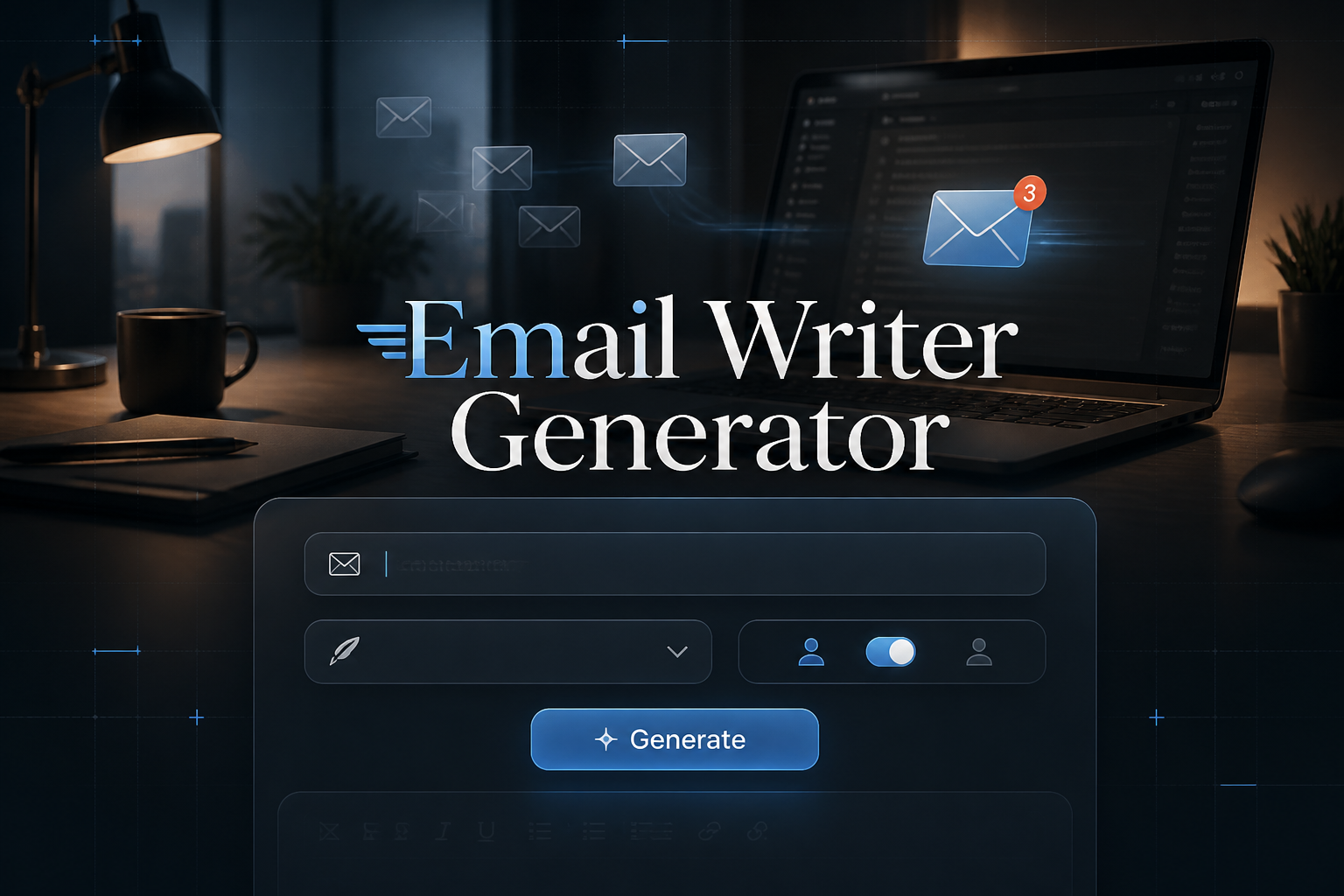
How to Generate Professional Emails

1. Describe Your Email Topic
Enter what your email is about in clear, specific terms. Include the purpose, key details, and any important information you want to communicate.
2. Choose Your Email Style
Select from Formal, Casual, Professional, Friendly, Persuasive, or Informative styles. Each style is designed for different communication contexts and audiences.
3. Select Your Language
Choose from 12 different languages including English, Spanish, French, German, and more. The AI adapts to cultural communication norms for each language.
4. Generate and Edit
Click generate to create your email with subject line and body content. Use the built-in editor to customize and personalize the email before sending.
How to Write Professional Business Emails
• Business Email Templates
Create professional correspondence, meeting requests, project updates, and client communications with appropriate business language and structure.
• Customer Service Email Examples
Generate support responses, follow-up messages, apologies, and customer satisfaction surveys with the right tone and helpful information.
• Sales Email Templates
Write promotional emails, newsletters, product announcements, and sales outreach messages that engage readers and drive action.
• Formal Email Format
Create thank you notes, invitations, congratulations, professor communications, and research inquiries with appropriate formality levels.
Professional Email Writing Format
• Formal Style
Best for official business, legal matters, and executive communication. Uses structured, respectful, and traditional language with proper business etiquette. Automate your outreach sequence with our Cold Email Generator for a structured cold email campaign.
• Professional Style
Perfect for client communication, project updates, and business proposals. Maintains business-appropriate tone while being clear and competent.
• Friendly Style
Great for customer service, welcome messages, and relationship building. Uses warm, personable, and engaging language that builds connections.
• Persuasive Style
Ideal for sales emails, marketing campaigns, and call-to-action messages. Creates compelling, motivating, and action-oriented content.
Tips for Better Email Writing
• Be Specific in Your Description
The more detailed your topic description, the more accurate and relevant your generated email will be. Include key points, dates, and specific requirements.
• Choose the Right Style
Consider your relationship with the recipient and the context of your communication when selecting an email style. Match the formality to your situation.
• Review and Personalize
Use the edit feature to add personal touches, specific names, or additional context that makes the email uniquely yours and more effective.
• Keep It Clear and Concise
Good emails get to the point quickly while providing all necessary information. Edit your generated email to remove unnecessary words and improve clarity.
Frequently Asked Questions
Is the email writer generator free to use?
Yes, AIfreeforever's email writer generator is completely free. You can generate unlimited emails without any fees, subscriptions, or usage restrictions. Explore our Corporate Jargon Generator for more specialized results.
Can I edit the generated emails?
Absolutely. The tool includes a built-in editor that allows you to modify both the subject line and email body to perfectly match your needs.
What languages are supported?
The generator supports 12 languages including English, Spanish, French, German, and more. The AI creates culturally appropriate emails for each language.
Can I use this for marketing emails?
Yes, the persuasive style is specifically designed for marketing communications, sales outreach, and promotional campaigns that need to drive action.
How do I save my generated emails?
Use the copy function to save the complete email to your clipboard, then paste it into your email client or save it as a draft for later use.