Isometric Image Generator
Isometric Image Generator is a free online tool to generate isometric style images. The tool is free to use, just enter prompt in isometric style and generate isometric image style in seconds similar quality to flux, midjourney, open ai, imagen, nano banana AI image quality.
Generate Isometric AI Image for Free
Receive our FREE AI updates via email once a week
What is a isometric Generator?

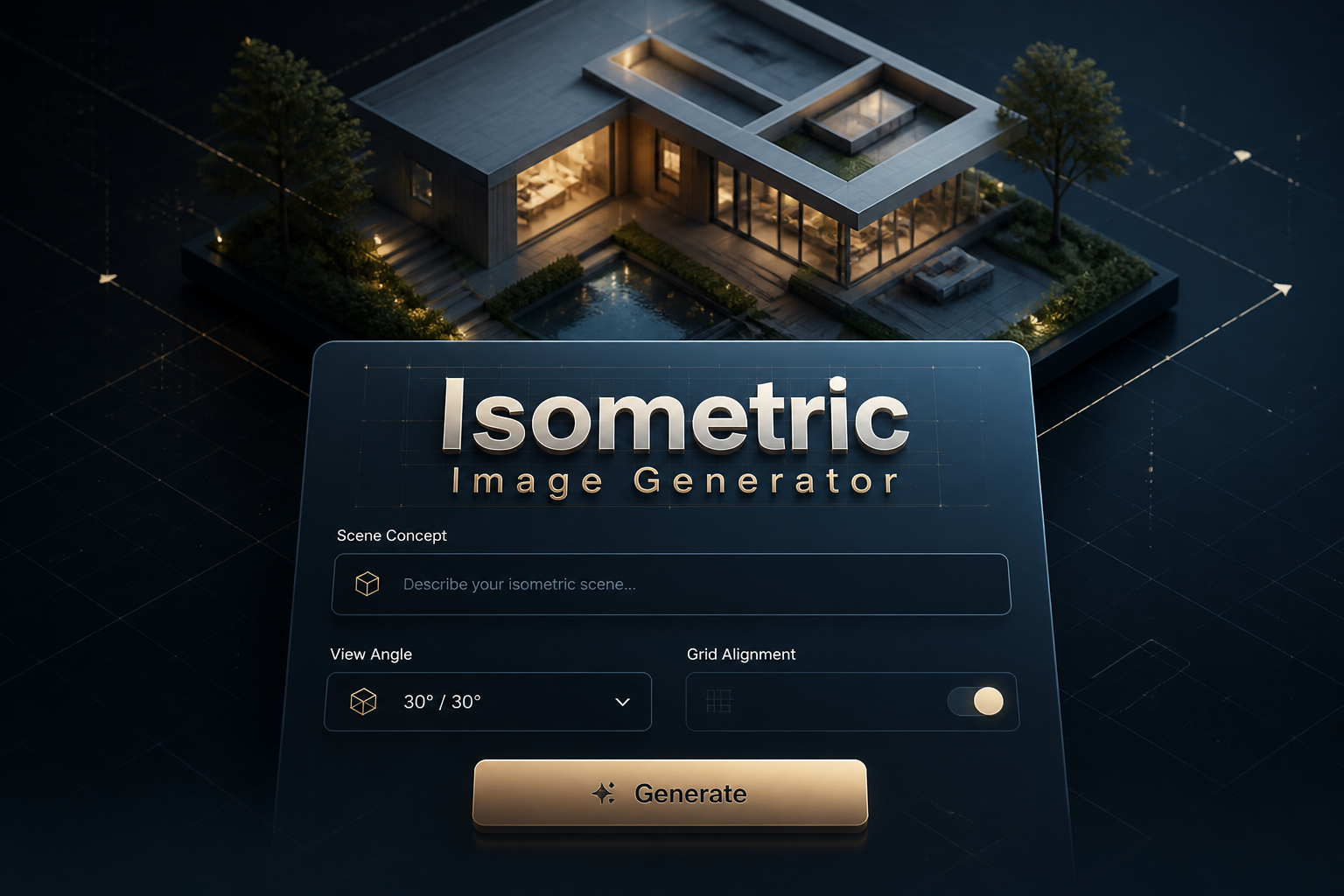
An isometric generator is an AI-powered tool that creates images using isometric projection rules, producing artwork with three equal axes spaced at 120 degrees in visual representation. Instead of perspective foreshortening, isometric images preserve scale along each axis so objects retain consistent proportions regardless of location, enabling clear, measurable layouts. The generator applies a virtual isometric grid, axis alignment, and shading rules so the result reads as a true isometric view rather than a skewed perspective.
Designers, game developers, UX teams, technical illustrators, and data visualization specialists use an isometric generator to speed up asset creation and ensure visual consistency. It is ideal for producing game tiles, UI scenes, architectural diagrams, and product mockups where accurate top-down angled views and consistent scale are critical. The tool reduces manual drafting time by enforcing isometric constraints and suggesting lighting and material styles tuned for isometric clarity.
How to Create isometric Images
To create isometric images, start by defining the subject and setting the isometric constraints in the prompt or settings: choose axis orientation, grid size, and camera tilt to match classic isometric geometry. Next, refine visual attributes such as color palette, lighting direction, and edge treatment while keeping objects aligned to the isometric grid so scale remains consistent across the scene. Finally, iterate by adjusting detail level, shadows that follow axis-aligned lighting, and export settings like vector or high-resolution raster to produce game-ready tiles, illustrations, or technical diagrams.
Enter AI Isometric Prompt
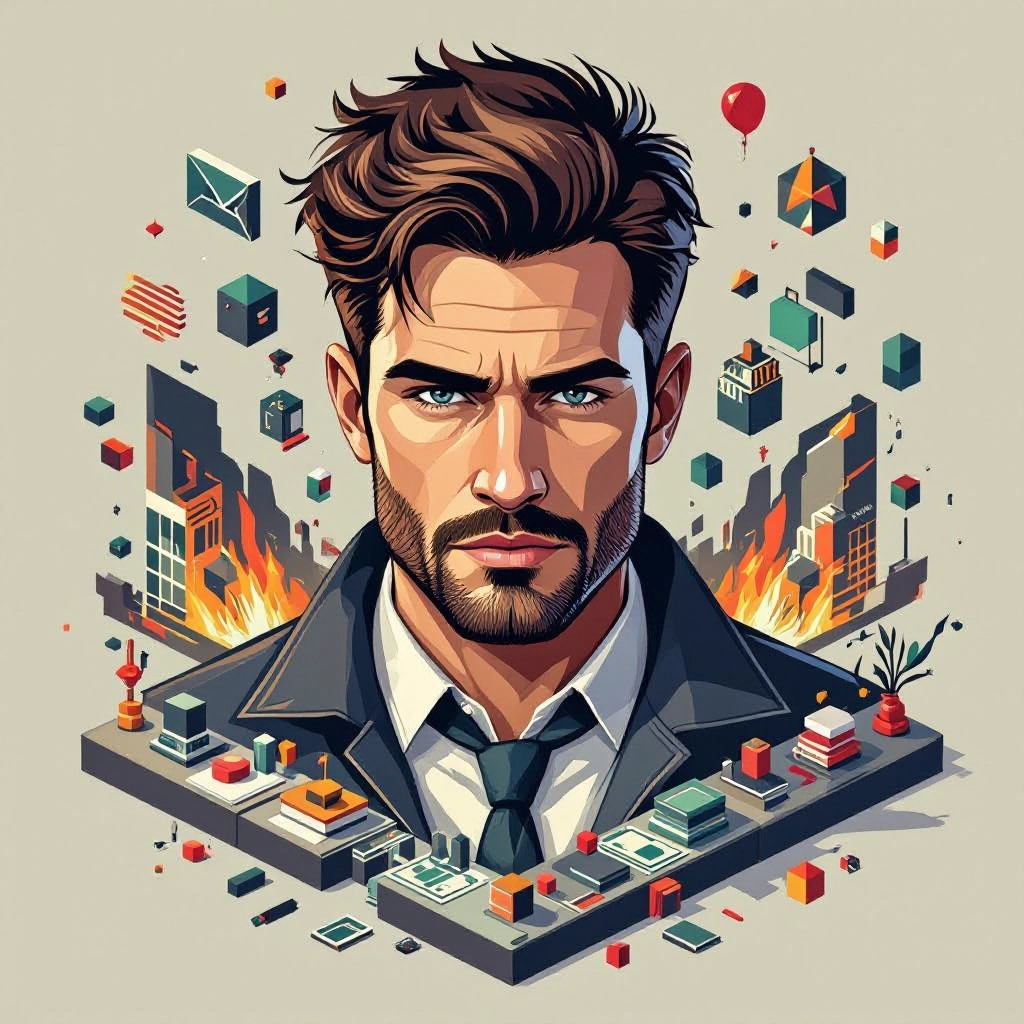
Type your isometric character or scene description in the prompt box. Include details like character appearance, clothing, expressions, and setting to get better AI isometric results.
Choose AI Model Settings
Select your preferred image size and aspect ratio. Our AI model delivers professional quality comparable to:
- • Flux AI Quality
- • Midjourney Standard
- • OpenAI DALL-E
- • Google Imagen
Download AI Isometric Image

Once your AI isometric image is generated, click the download button to save it to your device. The image will be in high quality format ready for use.
Features of AI isometric Image Generator
True Isometric Grid Alignment
Automatically snaps objects to a configurable isometric grid that enforces equal axis angles and consistent unit scale so every element aligns correctly in the isometric plane. Generate precise design briefs with our Free Design Prompt Generator before creating your visuals.
Axis-Constrained Lighting and Shadows
Generates lighting and cast shadows that follow isometric rules, producing crisp, readable shading that reinforces depth without introducing perspective distortion.

Style Presets for Isometric Genres
Includes presets such as low poly, flat design, pixel isometric, technical blueprint, and neon sci-fi, each tuned for typical isometric edge treatments and color schemes.

Layered Exports and Tile Maps
Export assets as layered files or tiled atlases for game engines, allowing independent manipulation of foreground, midground, and background layers while preserving grid alignment.

Vector and High-Res Raster Outputs
Supports SVG and high-resolution PNG exports so isometric illustrations can be scaled for print, UI, or game art without losing the crisp diagonal lines and clean edges vital to isometric aesthetics.
Types of AI Powered Isometric Style Images
Isometric aesthetics can be adapted to many visual languages. Below are distinct isometric style variations that the generator can create, each emphasizing different rendering rules and use cases.
Low Poly Isometric
Simplified geometry and flat facets create an economical low poly look, ideal for game worlds and stylized maps where readable silhouettes and minimal detail matter.
Pixel Isometric
A retro isometric pixel art style that preserves grid-aligned pixels and crisp diagonal lines, perfect for classic 2D games, icons, and sprite sheets.
Flat Design Isometric
Clean blocks of color, limited gradients, and bold outlines deliver modern flat isometric illustrations suited for dashboards, onboarding screens, and marketing visuals.
Photorealistic Isometric
High-detail rendering with realistic materials and soft shadows while maintaining isometric projection, used for product mockups and architectural visualizations where realism and angle precision are required.
Futuristic Neon Isometric
High-contrast neon highlights, reflective surfaces, and stylized glow effects that follow the isometric grid, often used for cyberpunk themed interfaces and promotional art.
Blueprint and Technical Isometric
Monochrome or limited-color schematics with precise measurements, exploded views, and annotation-friendly layouts for engineering diagrams and assembly guides.
Applications of AI isometric image style
Game Asset Production
Generate tiles, props, characters, and environment art that lock to an isometric grid for quick integration into 2D isometric game engines and level editors.
UI Scenes and Dashboards
Create isometric scene illustrations to visualize workflows, dashboards, and feature overviews that benefit from clear spatial relationships and consistent object scale.
Architectural and Interior Diagrams
Produce top-angled building layouts and furnishing plans that communicate spatial arrangements without perspective distortion, useful for quick concept diagrams and presentations.
Product Mockups and Packaging
Render products in consistent isometric views to compare variants, present multiple facets in a single image, or generate exploded views for manuals.
Infographics and Data Visualization
Build layered isometric infographics where discrete data objects occupy grid cells, making complex datasets readable through spatial grouping and consistent scale.
Educational and Training Materials
Produce step-by-step isometric diagrams, apparatus layouts, and instructional scenes that preserve scale and orientation for clearer technical teaching aids.
FAQs about AI isometric image generator
How do I ensure true isometric angles in generated images?
Use the generator's isometric grid or axis lock feature and select an isometric projection preset. Confirm that axes are treated equally and that the tool enforces 120 degree axis spacing or the visual equivalent in pixel-based isometric output.
Can I export isometric art for game engines?
Yes. Export options typically include tiled sprite sheets, layered PNGs, and SVG for vector needs so assets can be imported into game engines or assembled into tile maps while preserving alignment.
Will the generator create perspective images instead of isometric?
If perspective appears, check that perspective and vanishing point settings are disabled and apply the isometric constraint preset. The generator applies orthographic-like rules to avoid perspective foreshortening.
How can I get sharp diagonal lines and crisp edges?
Choose high-resolution or vector export and enable grid snapping and anti-aliasing options tuned for isometric diagonals. For pixel isometric, use integer scaling and pixel-snapping to maintain clean diagonals.
Is it possible to adjust lighting direction for isometric scenes?
Yes. The tool provides axis-aligned lighting controls so shadows and highlights follow the isometric orientation, allowing you to simulate morning, noon, or stylized neon lighting without breaking grid coherence.
Are generated isometric images suitable for print and large formats?
Use vector export or request high DPI raster outputs. Vector exports retain exact diagonal geometry and scale cleanly for print, while high-resolution PNGs preserve edge crispness for posters and large displays.
