Steampunk Image Generator
This Steampunk Image Generator is a free online tool to generate steampunk style images. The tool is free to use, just enter prompt in steampunk style and generate steampunk image style in seconds similar quality to flux, midjourney, open ai, imagen, nano banana AI image quality.
Generate Steampunk AI Image for Free
Receive our FREE AI updates via email once a week
What is a steampunk Generator?
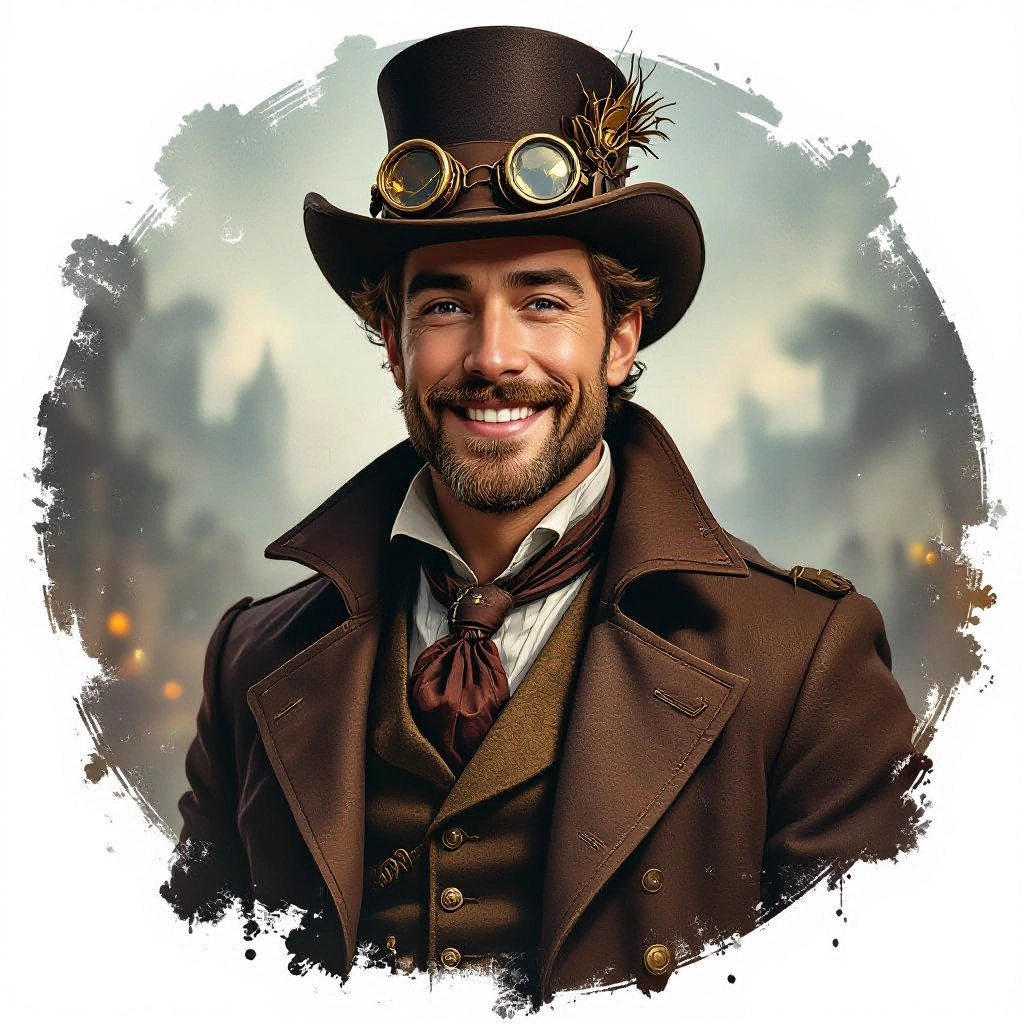
A steampunk generator is an AI-powered image tool tuned to produce retrofuturistic visuals rooted in Victorian era aesthetics and industrial mechanics. It synthesizes hallmark elements such as brass plating, exposed gears, riveted metalwork, steam vents, ornate filigree, and sepia or muted palettes to give scenes an authentic clockwork look. The engine blends texture-aware rendering, stylized lighting, and composition rules that favor mechanical complexity and layered details.
Designers, game artists, authors, prop makers, and hobbyists use it to quickly iterate steampunk concepts without building physical models. Concept artists use it to explore airship silhouettes and engine assemblies. Book cover designers and indie game developers use it to create mood boards and high-detail assets. Marketers and creators rely on it to produce unique, era-blended imagery that communicates retrofuturism and handcrafted mechanical charm.
How to Create steampunk Images with our AI tool
Start by specifying the core subject and steampunk attributes in a single prompt, for example noting materials like brass, patina, gears, and steam. Next choose a style preset, resolution, and lighting mood such as sepia ambient, warm tungsten, or smoky cinematic backlight to emphasize metal textures and depth. Finally refine with iterative prompts or negative prompts to remove modern elements, tweak ornamentation levels, and export high-resolution images for use in concept art, covers, or 3D reference.
Enter AI Steampunk Prompt
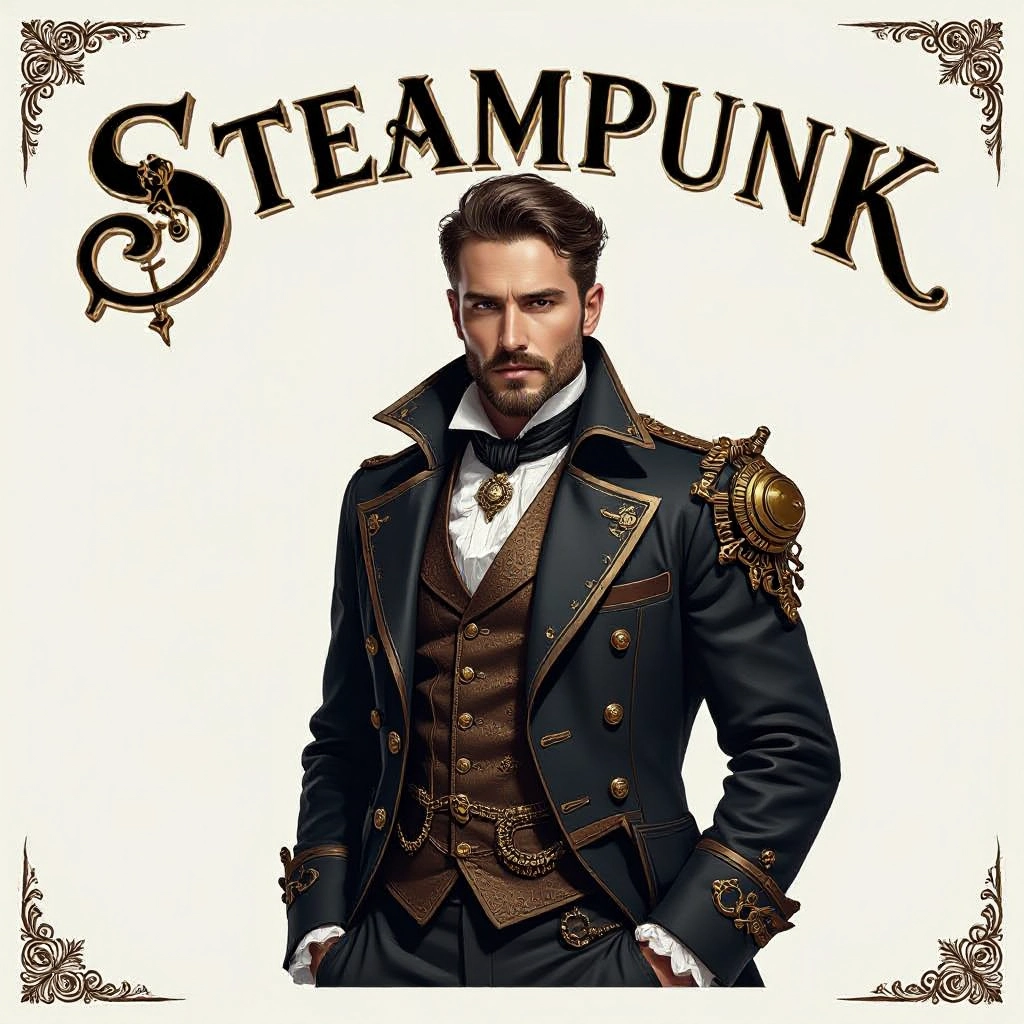
Type your steampunk character or scene description in the prompt box. Include details like character appearance, clothing, expressions, and setting to get better AI steampunk results.
Choose AI Model Settings
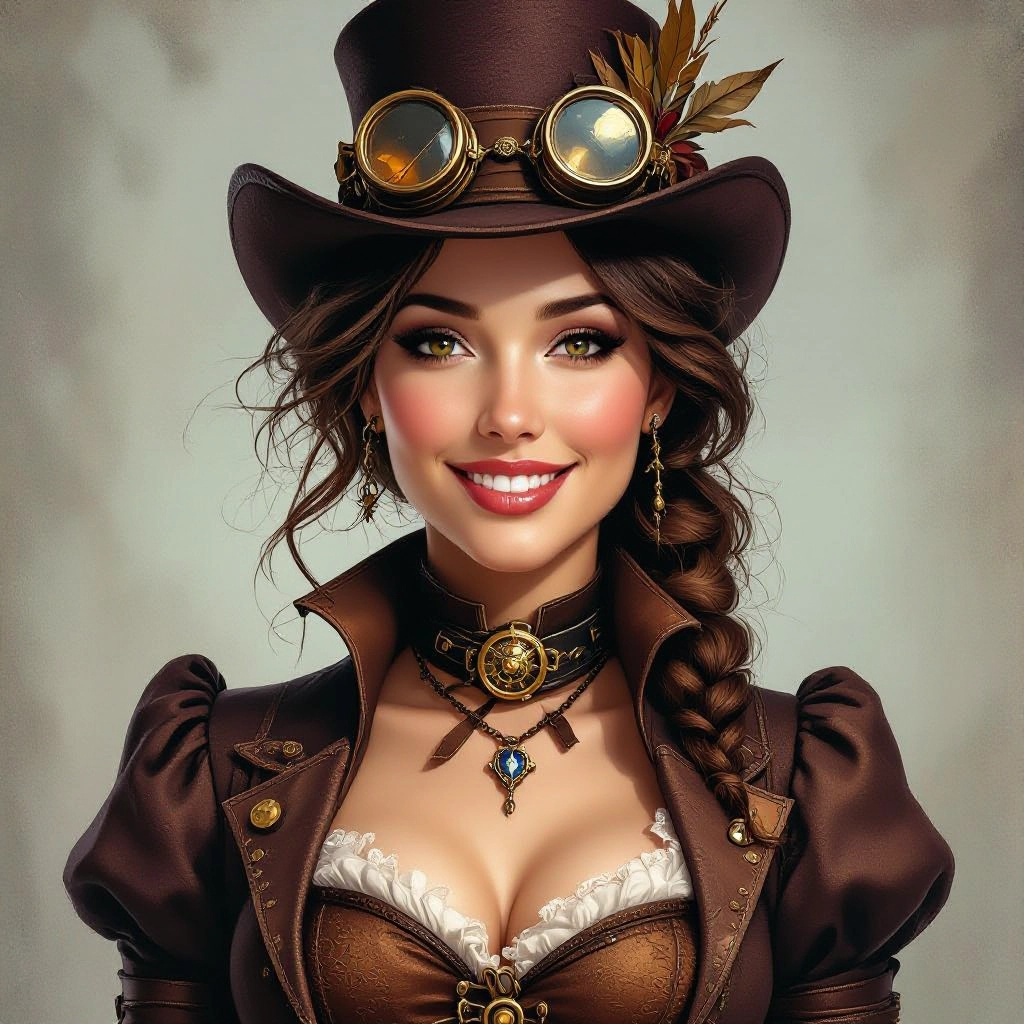
Select your preferred image size and aspect ratio. Our AI model delivers professional quality comparable to:
- • Flux AI Quality
- • Midjourney Standard
- • OpenAI DALL-E
- • Google Imagen
Download AI Steampunk Image
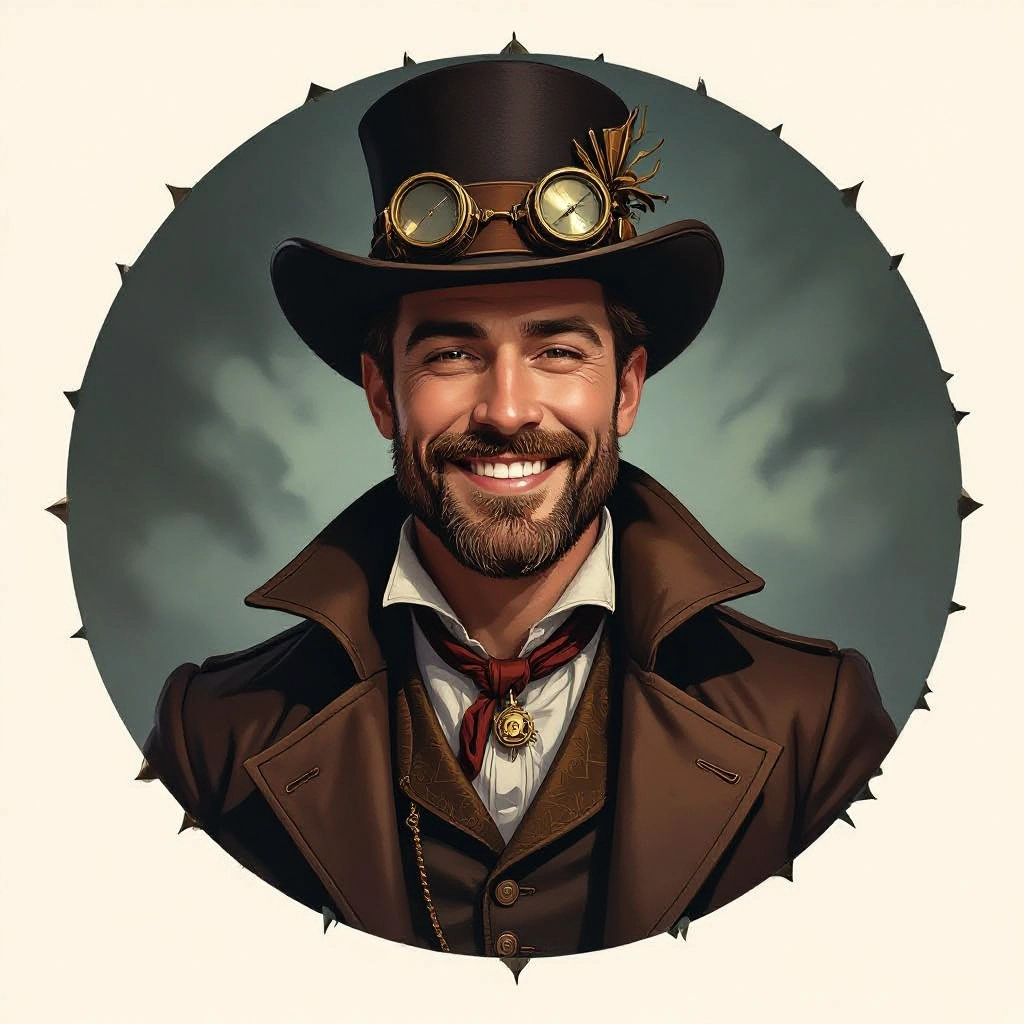
Once your AI steampunk image is generated, click the download button to save it to your device. The image will be in high quality format ready for use.
Features of our AI steampunk Image Generator
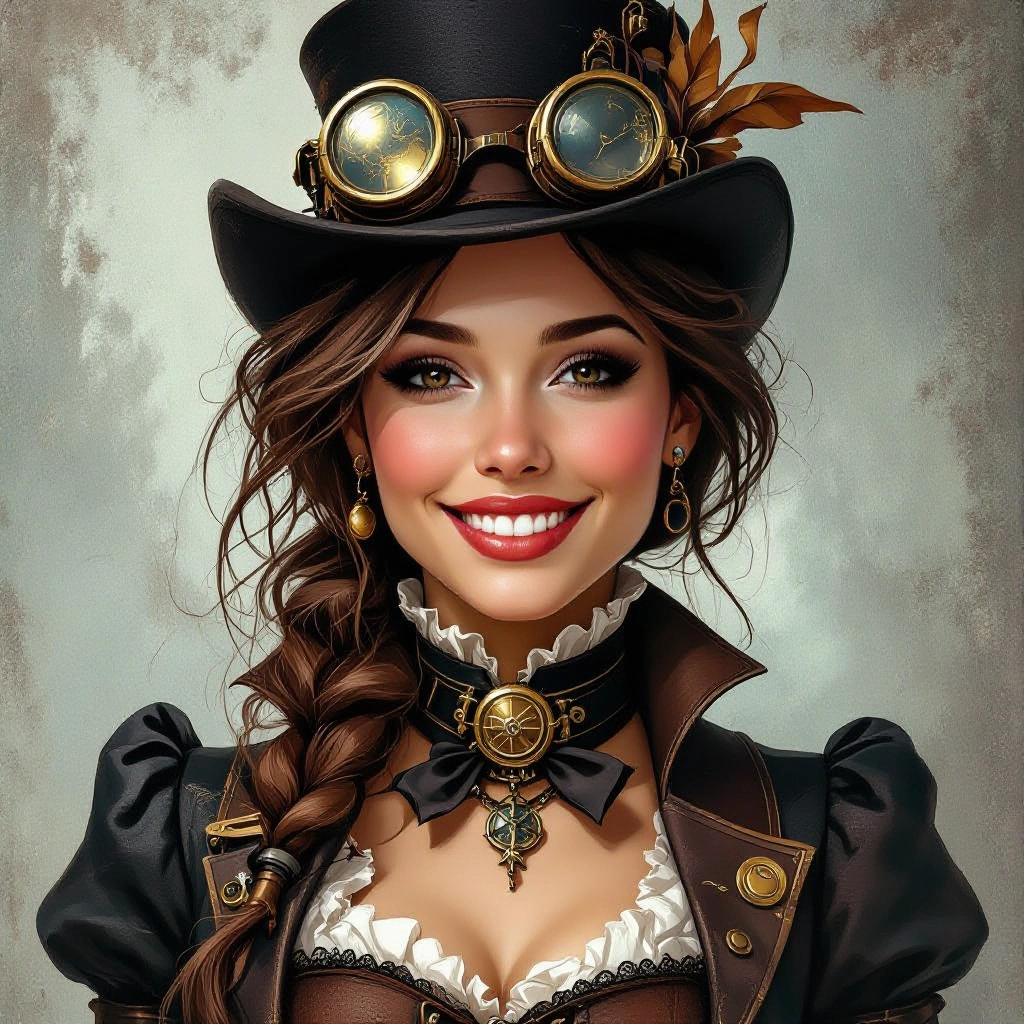
Brass and Patina Material Engine
Accurate simulation of metals and finishes including polished brass, aged copper, verdigris, and burnished steel. The engine maps scratches, rivets, and patina to surfaces so mechanical parts read as handcrafted and historically textured. Enhance your results by generating a detailed prompt with our Free AI Art Prompt Generator first.
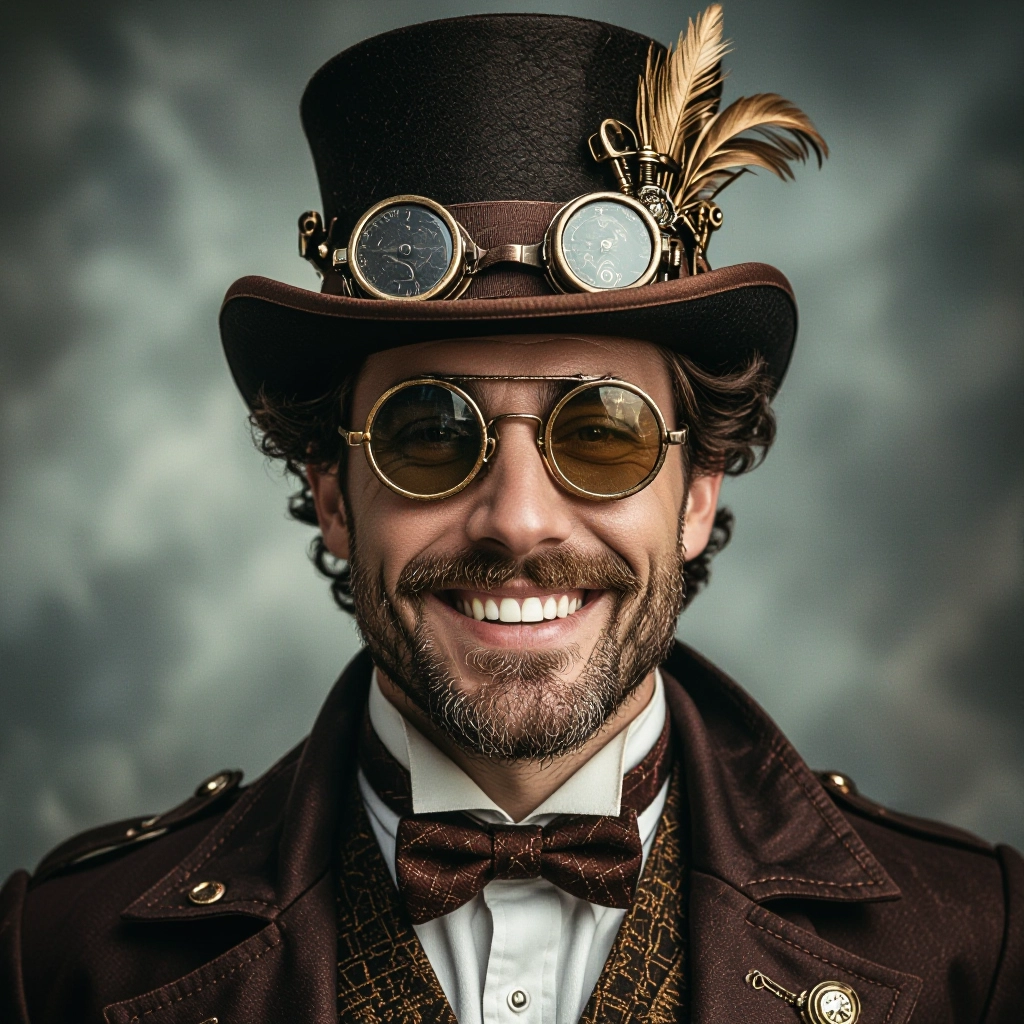
Clockwork Geometry and Gear Logic
Procedural placement of gears, cogs, pistons, and linkage systems that respect mechanical interaction. This feature helps create believable machinery, from pocket watch mechanisms to towering valve assemblies.
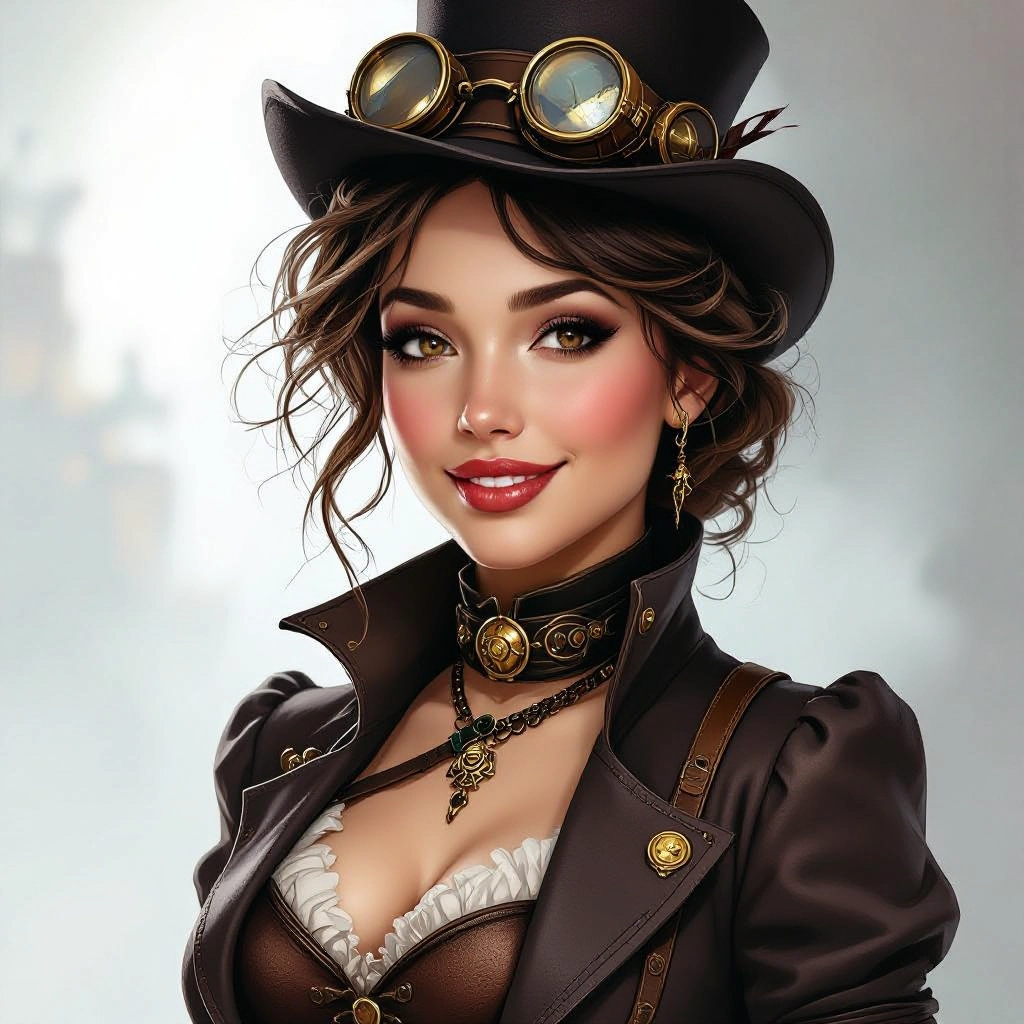
Victorian Costume and Prop Styling
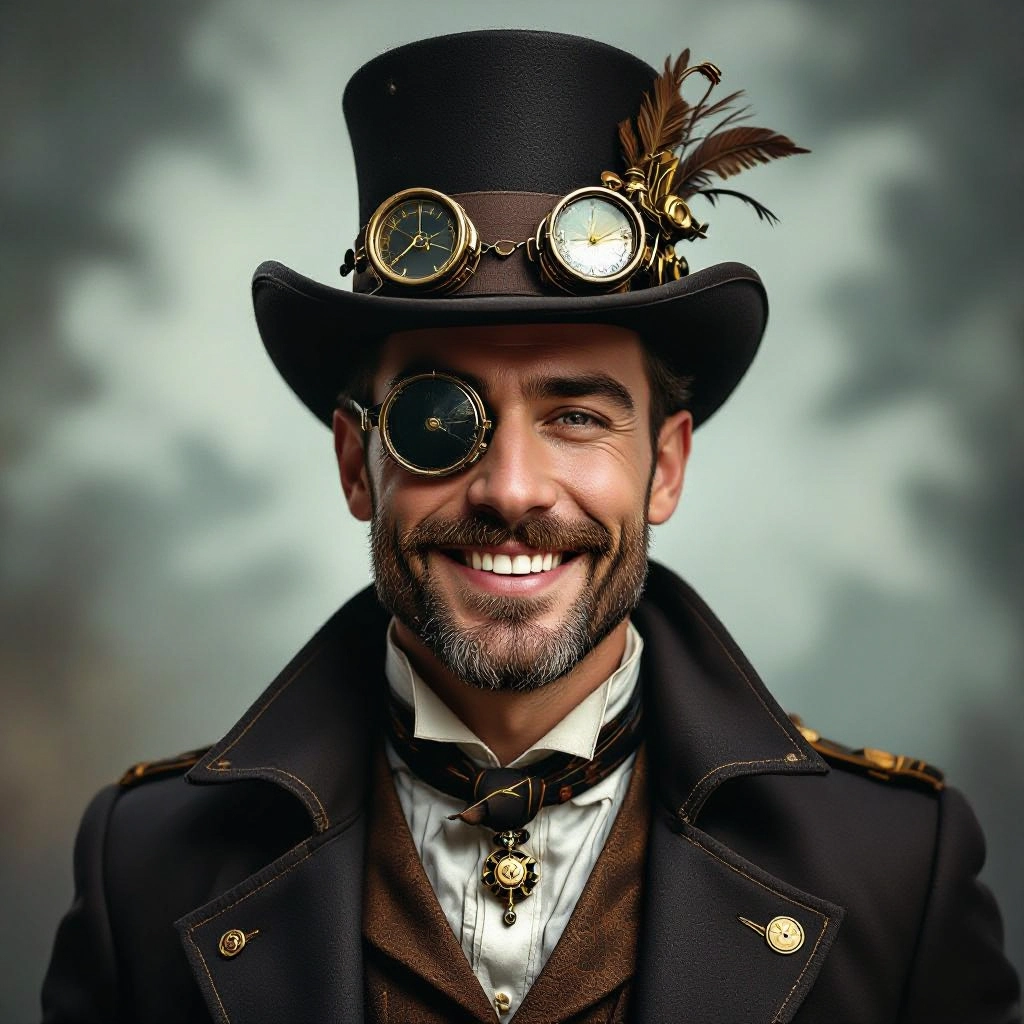
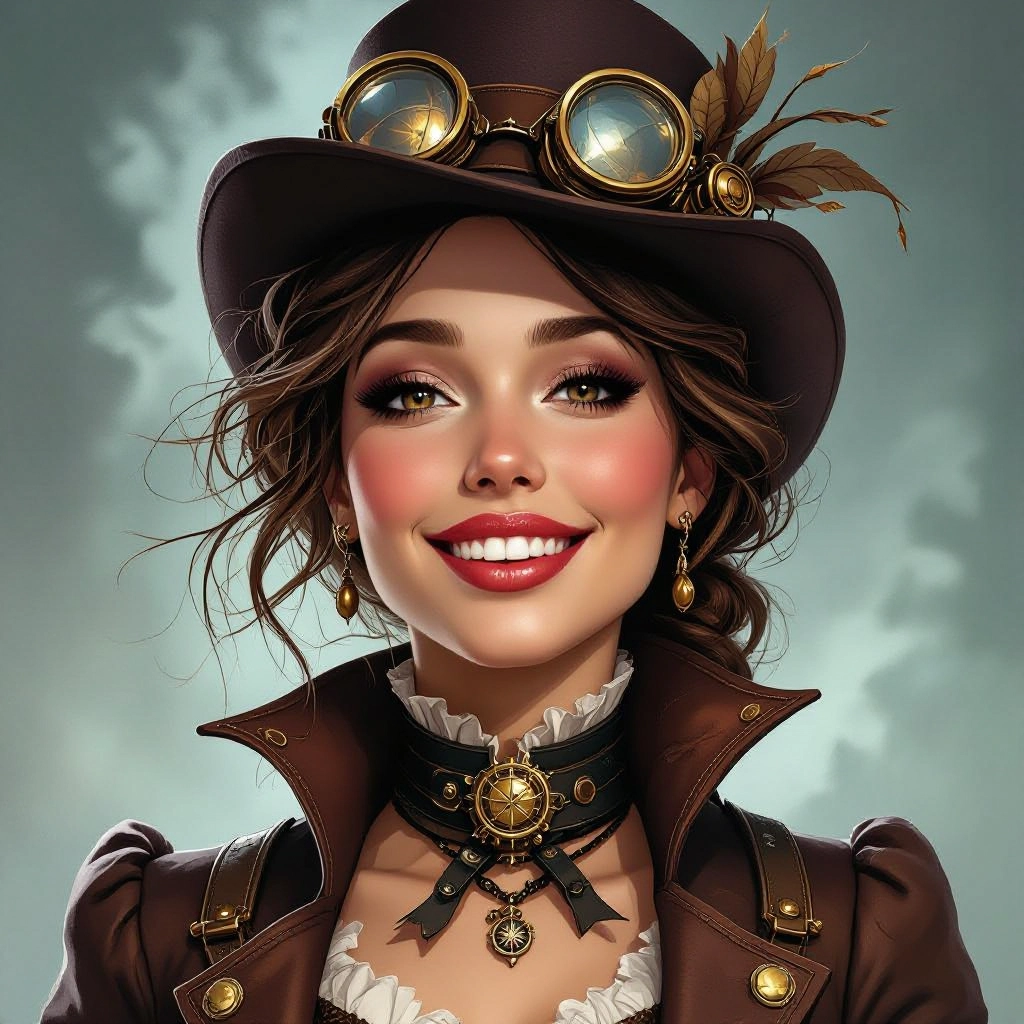
Preset libraries for period fashion like high collars, waistcoats, corsets, top hats, leather straps, and brass goggles. Prop templates include brass lanterns, steam regulators, and ornate toolkits to quickly outfit characters and scenes.
Atmospheric Lighting and Smoke Controls
Volumetric smoke, steam plumes, flare halos, and directional rim lighting tailored to highlight texture and depth. Adjustable haze and soot parameters create the smoky, workshop feel common to steampunk visuals.
High-Resolution Export and Style Presets
Export options up to print-quality resolutions and a range of style presets from photorealistic clockwork to painterly Victorian illustration. Presets speed up workflow while manual controls allow for precise aesthetic tuning.
Types of AI Powered Steampunk Style Images
Steampunk spans elegant Victorian motifs to heavy industrial machinery. Below are targeted style variations you can generate to match specific creative needs, each emphasizing different materials, scale, and mood.
Victorian Cityscape Clockwork
Gloomy, cobblestone streets lined with gear-driven street lamps, towering clock towers with exposed escapements, and air vents spewing steam. Emphasis on layered depth and sepia tones.
Airship and Dirigible Concepts
Grand dirigibles with brass gondolas, rigging, and articulated propellers. Focus on silhouette design, hull plating textures, and believable engineering attachments for flight.
Inventor Portraits with Goggles
Character-focused images of tinkerers and inventors in leather aprons, brass goggles, and mechanical prosthetics. Rich facial detail, accessory ornamentation, and workshop backdrops.
Mechanical Animals and Automata
Clockwork creatures with riveted joints, exposed springs, and steam exhaust. These variations blend organic forms with metal fabrication and piston-driven movement cues.
Retro-Futuristic Interiors
Workshops and salons filled with control panels, pressure gauges, ornate vents, and mosaic tile floors. Strong contrast between polished brass highlights and soot-dark shadows.
Steam-Powered Vehicles
Land cruisers, motorcycles, and locomotive hybrids with visible boilers, turbine housings, and chain-driven transmissions. Focus on functional detail and party-ready ornamentation.
Applications of AI steampunk image style
Game Concept Art
Rapidly produce visually consistent assets and environment concepts for steampunk games, from vehicle blueprints to level vistas, reducing early-stage design cycles.
Book Covers and Illustrations
Create evocative covers and chapter art that communicate a retrofuturistic tone using ornate metallic typography, emblem motifs, and character portraits.
Film Previsualization
Generate mood images and set concepts for directors and production designers to plan props, costumes, and set dressing with accurate material references.
Product and Prop Mockups
Design steampunk-themed merchandise like lamps, watches, and gadgets with photoreal textures and assembly visuals suitable for prototyping and crowdfunding pages.
Marketing and Social Media Content
Produce shareable, stylized imagery for campaigns that need a distinctive retrofuturistic edge, including posters, banners, and promotional stills.
NFTs and Collector Art
Generate unique, high-detail steampunk compositions and character sets that work as collectible digital art with rich backstory hooks and visual rarity.
FAQs about AI steampunk image generator
How do I get authentic steampunk textures and materials?
Use prompts that specify materials and wear: mention brass, patina, verdigris, rivets, scratched polish, and soot. Select presets for metal finishes and enable surface detail to emphasize texture maps and micro-scratches.
Can I remove modern elements from generated images?
Yes. Use negative prompts to exclude modern items like smartphones or LED screens, and reinforce Victorian-era cues such as horse-drawn silhouettes, steam gauges, and analog dials to keep the aesthetic consistent.
What resolution and aspect ratios are best for covers and prints?
Choose high-resolution exports at 300 DPI or larger for print covers. For book covers use a tall aspect ratio like 2:3 or 1:1.6, and for wide banners use 16:9. Always generate at higher resolution to preserve gear and filigree details.
How do I make mechanical designs believable?
Include mechanical constraints in prompts: indicate gear counts, visible linkages, piston placements, and power sources such as boilers or springs. The generator respects implied mechanics when you describe functional relationships.
Are generated images copyright free for commercial use?
Usage rights depend on the platform terms and model license. Check the generator's license page for commercial use rules, attribution requirements, and any restrictions before selling or sublicensing generated art.
How can I refine a generated image further?
Iterate by adjusting prompts, changing lighting presets, or using localized edits like inpainting to add or remove components. Combine multiple generations as layers in an editor to composite final scenes with precise control.
