Cartoon Image Generator
Cartoon Image Generator is a free online tool to generate cartoon style images. The tool is free to use, just enter prompt in cartoon style and generate cartoon image style in seconds similar quality to flux, midjourney, open ai, imagen, nano banana AI image quality.
Generate Cartoon AI Image for Free with AI
Receive our FREE AI updates via email once a week
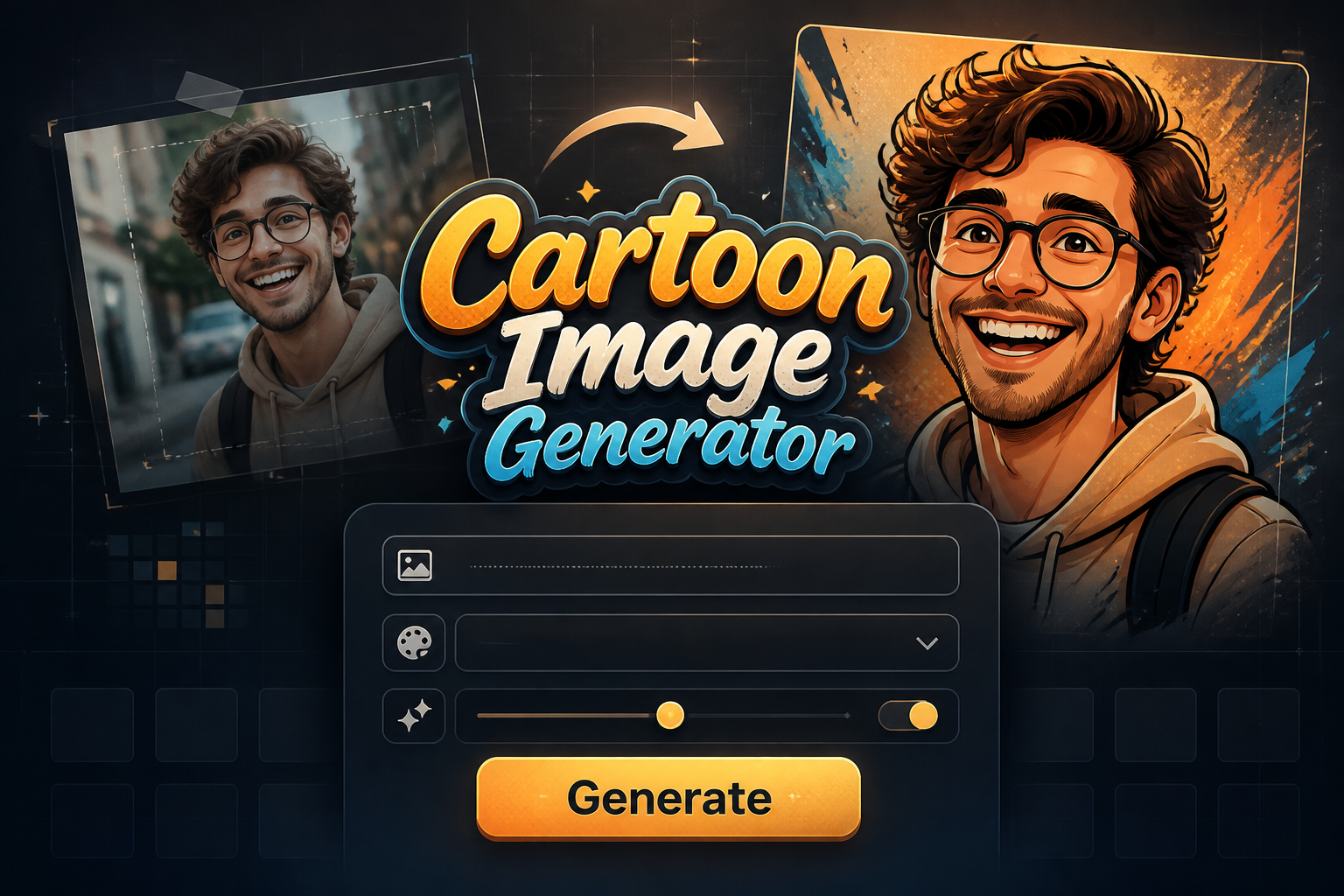
Cartoon Generator free online tool
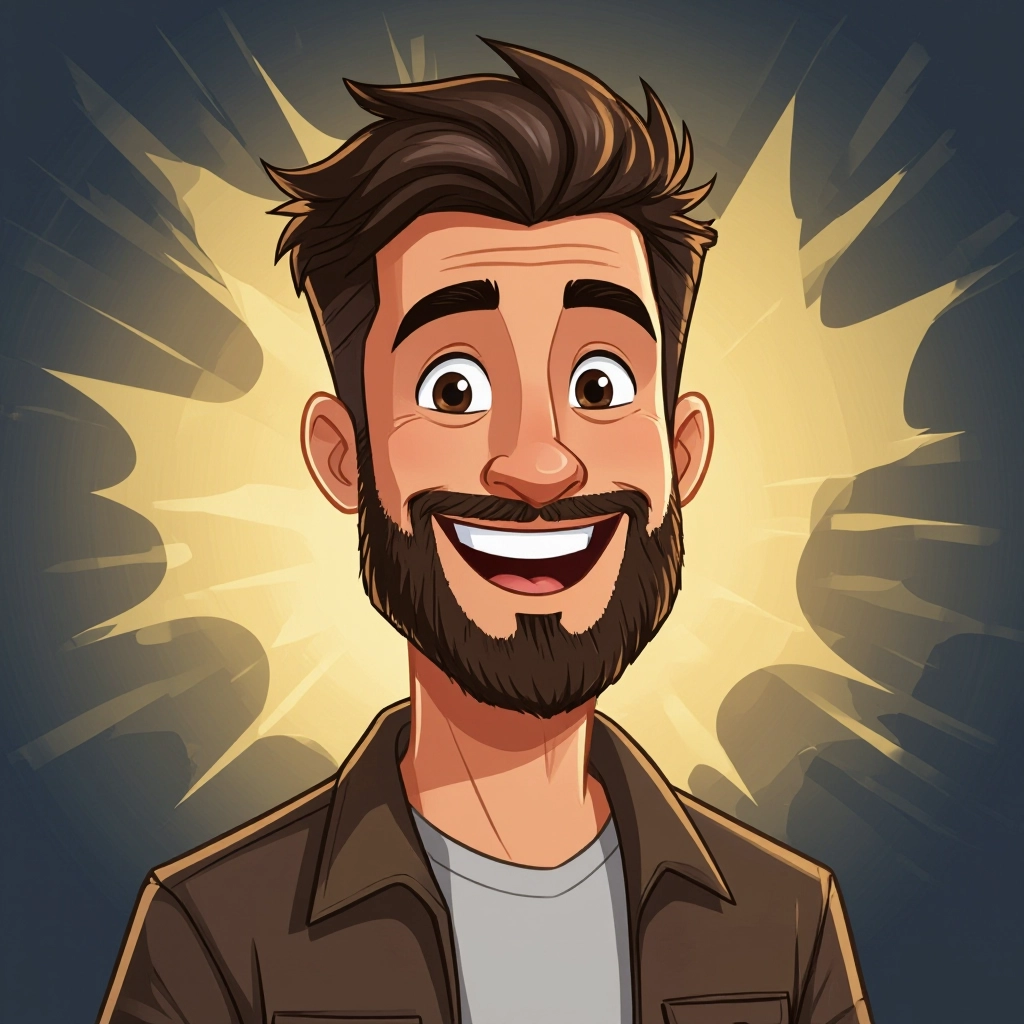
A Cartoon Generator is an AI tool specialized in converting text prompts or photos into stylized cartoon imagery. It focuses on cartoon-specific visual traits such as bold contour lines, simplified shapes, flat or cel shading, saturated palettes, and exaggerated facial expressions. The model understands directional light for cel shading, line weight for depth, posterized colors for a graphic look, and can output vector-like flats or painterly brush strokes depending on the chosen style.
Creators use a Cartoon Generator when they need quick, consistent cartoon art without manual illustration work. Illustrators speed up concept iterations, social media managers produce branded avatars, indie game teams generate placeholder characters and environments, and educators craft engaging visuals for lessons. The tool is popular because it preserves recognizability while translating faces and scenes into distinct cartoon vocabularies that suit animation, print, and digital content.
How to Create cartoon Images with AI
Create cartoon images in 3 steps: Step 1: Provide a prompt or upload a photo describing the cartoon outcome you want, including details like line style, color palette, mood, and character features. Step 2: Choose a preset or tweak sliders for line weight, color flatting, facial expression intensity, level of detail, and background complexity. Step 3: Generate the image, review variations, refine the prompt or settings, then download the final cartoon in the desired resolution and format.
Enter AI Cartoon Prompt
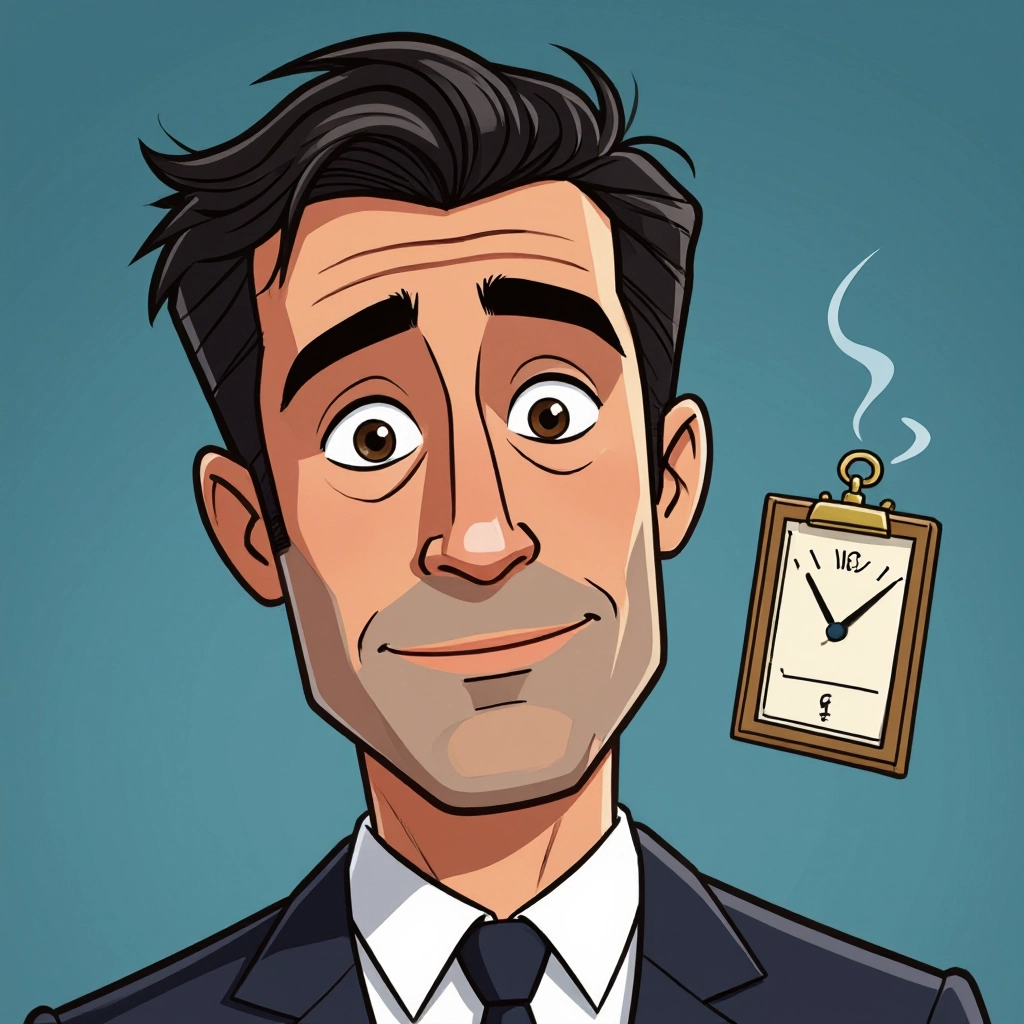
Type your cartoon character or scene description in the prompt box. Include details like character appearance, clothing, expressions, and setting to get better AI cartoon results.
Choose AI Model Settings
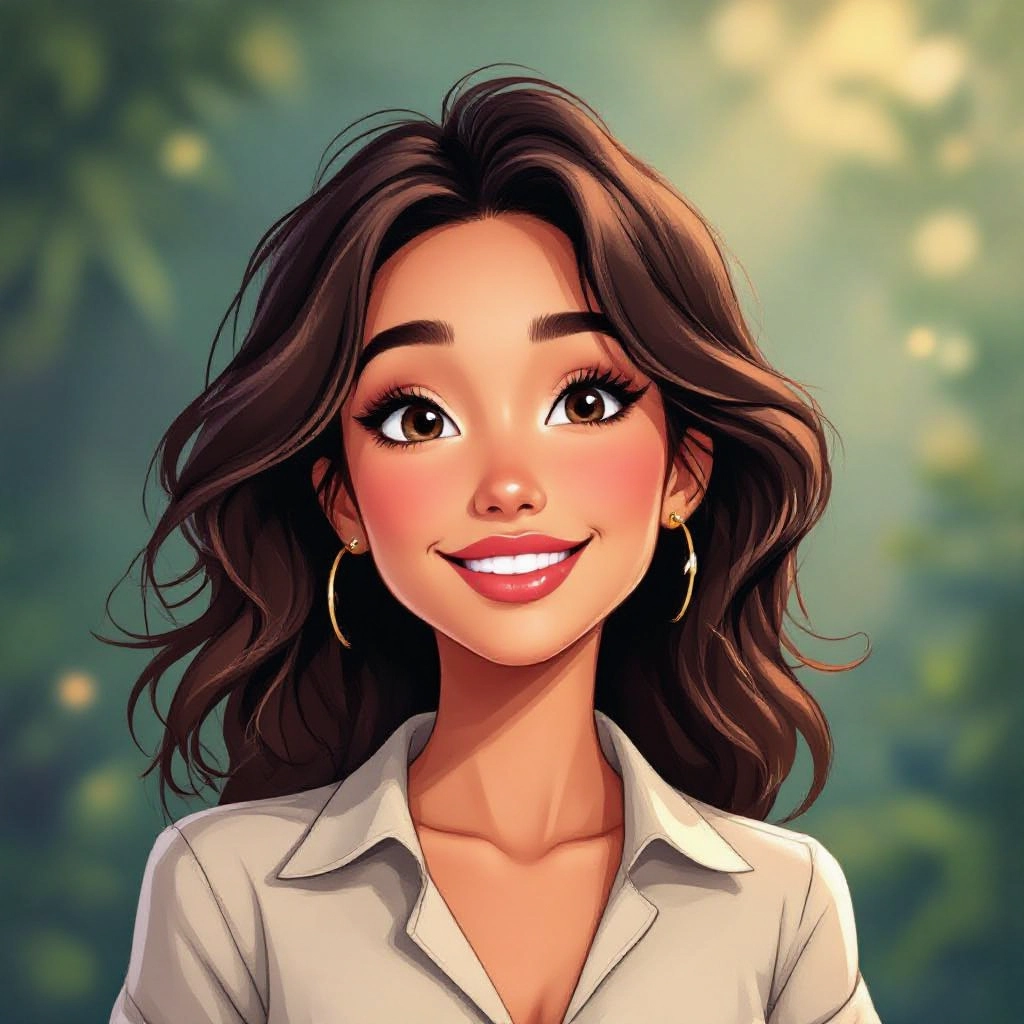
Select your preferred image size and aspect ratio. Our AI model delivers professional quality comparable to:
- • Flux AI Quality
- • Midjourney Standard
- • OpenAI DALL-E
- • Google Imagen
Download AI Cartoon Image
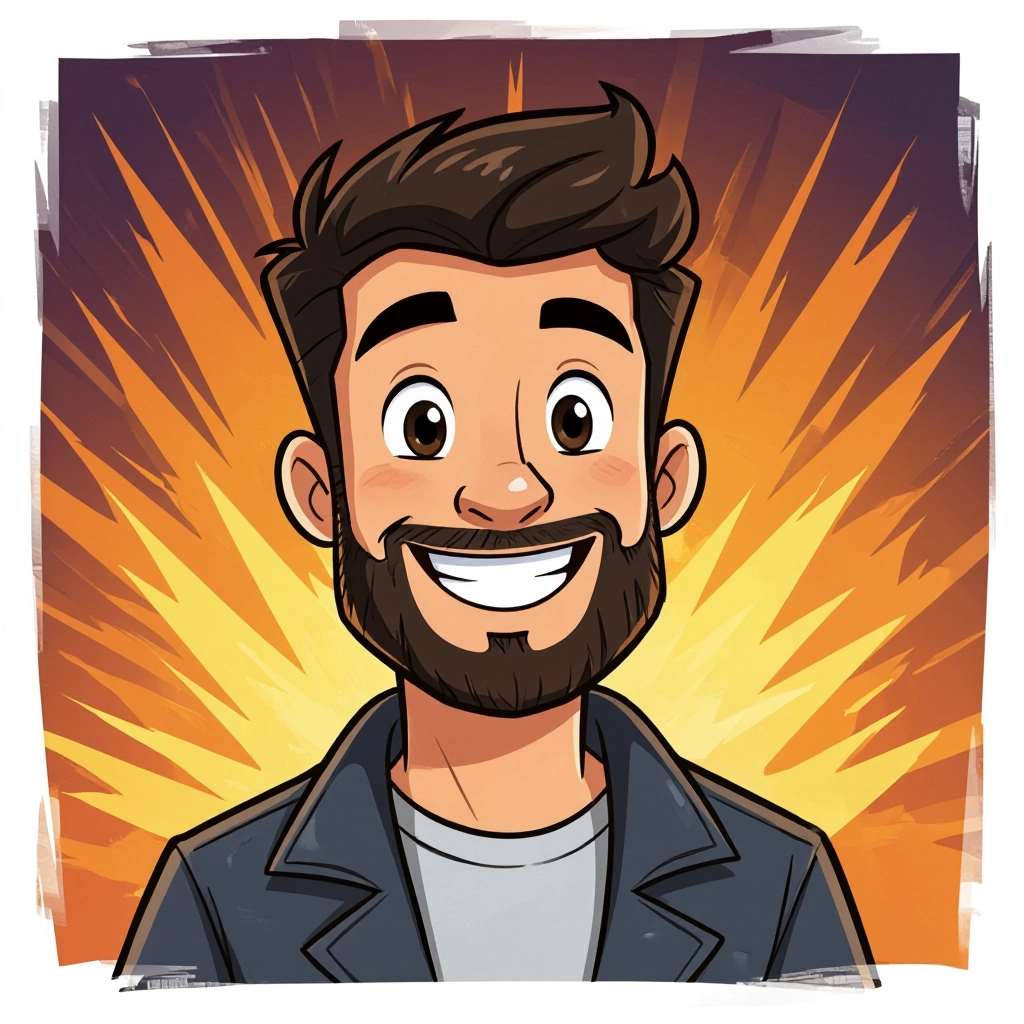
Once your AI cartoon image is generated, click the download button to save it to your device. The image will be in high quality format ready for use.
Features of our AI cartoon Image Generator
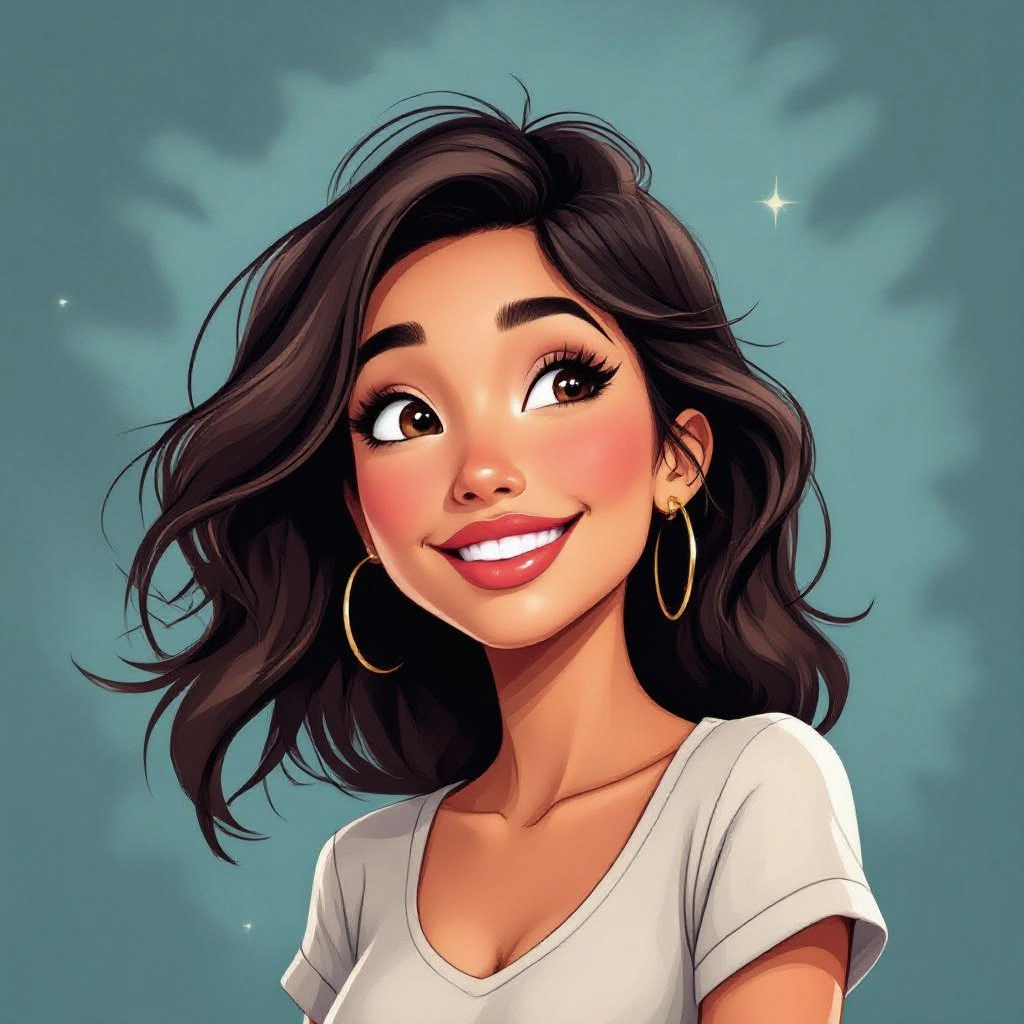
Cartoon Style Presets
Prebuilt presets capture established cartoon aesthetics such as classic 2D animation, anime, comic book, chibi, and flat vector styles. Each preset applies consistent line treatment, shading rules, and color harmony tailored to that cartoon tradition. Enhance your results by generating a detailed prompt with our Free AI Art Prompt Generator first.
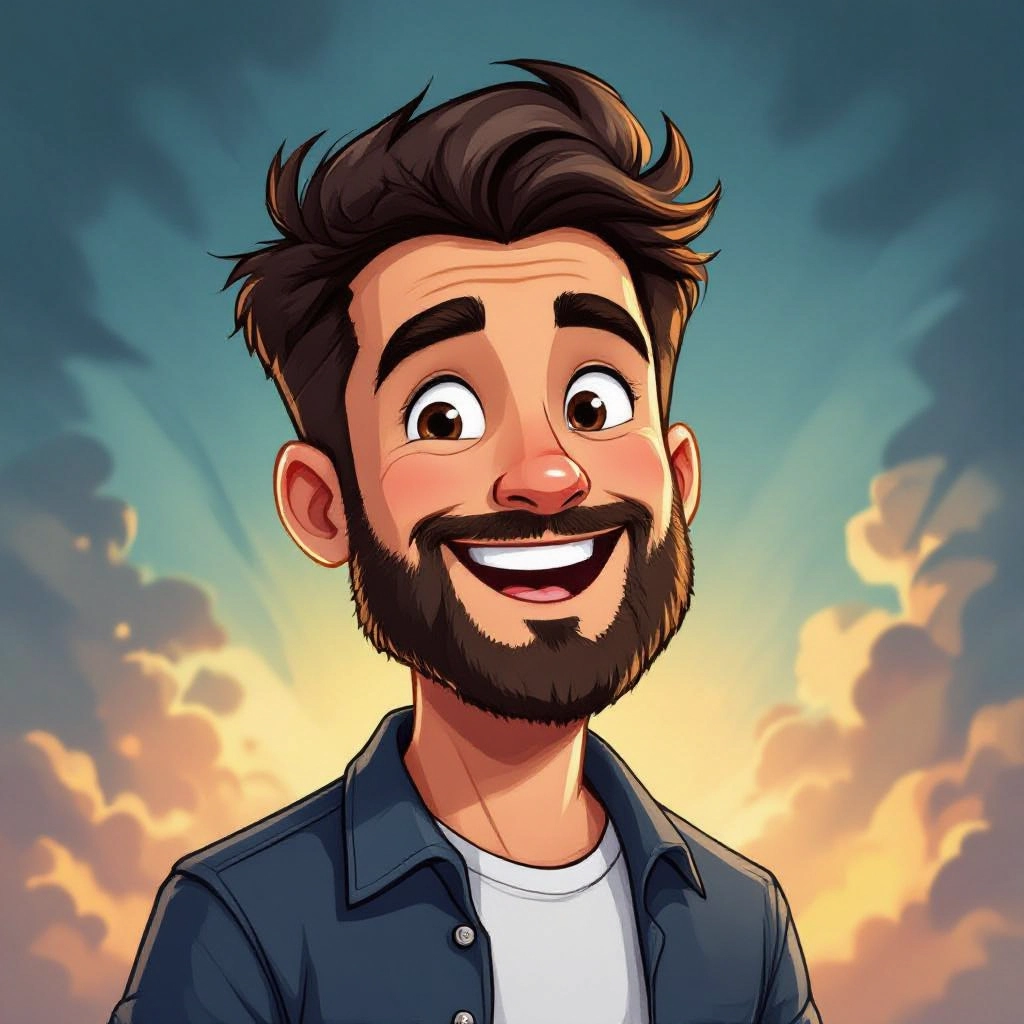
Line Weight and Inking Control
Fine-tune line thickness, tapering, and ink texture to achieve crisp comic outlines or soft sketchy strokes. These controls let you emphasize silhouettes, suggest motion, or create a hand-inked look without manual drawing.
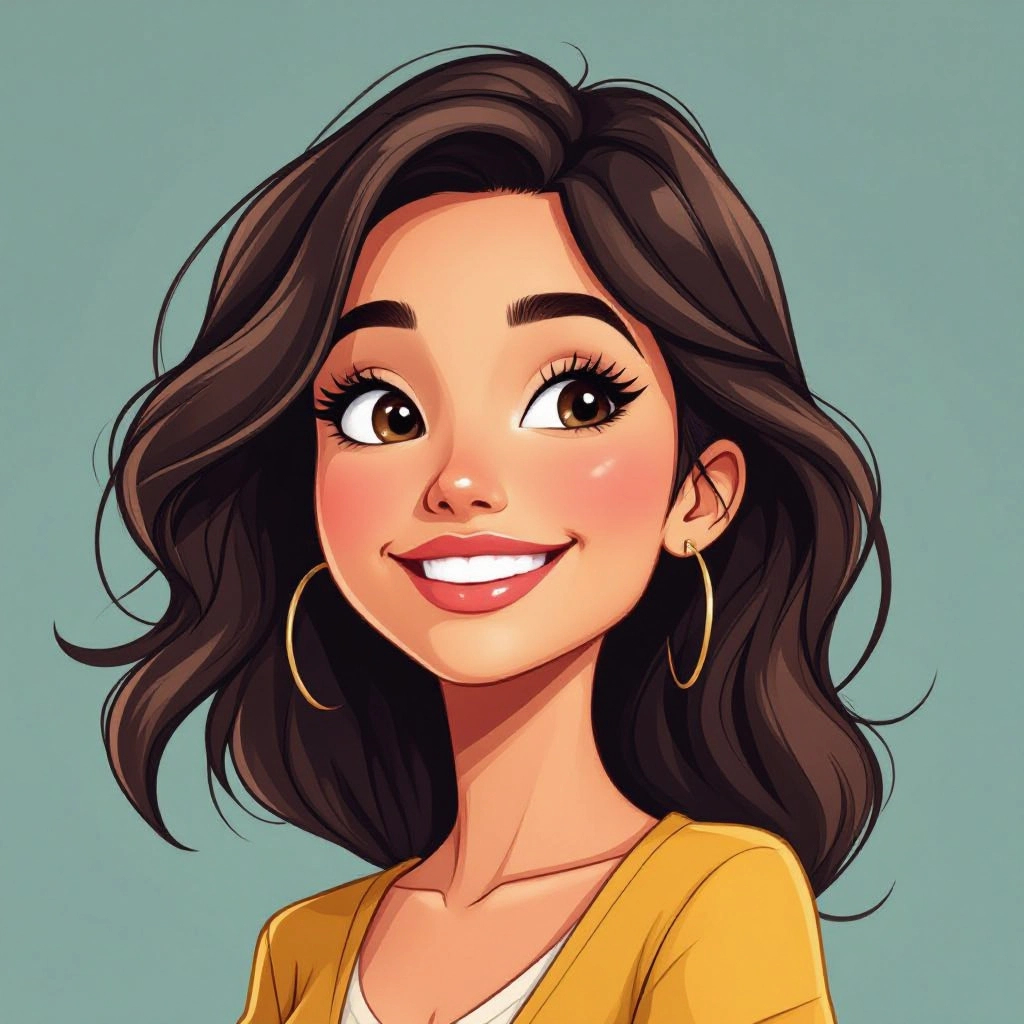
Palette and Flat Shading Tools
Select curated color palettes and enable flat shading or cel shading modes to get the classic cartoon color blocking. Palette tools include skin tone variants, neon pop palettes, and muted retro schemes to match your brand or narrative.
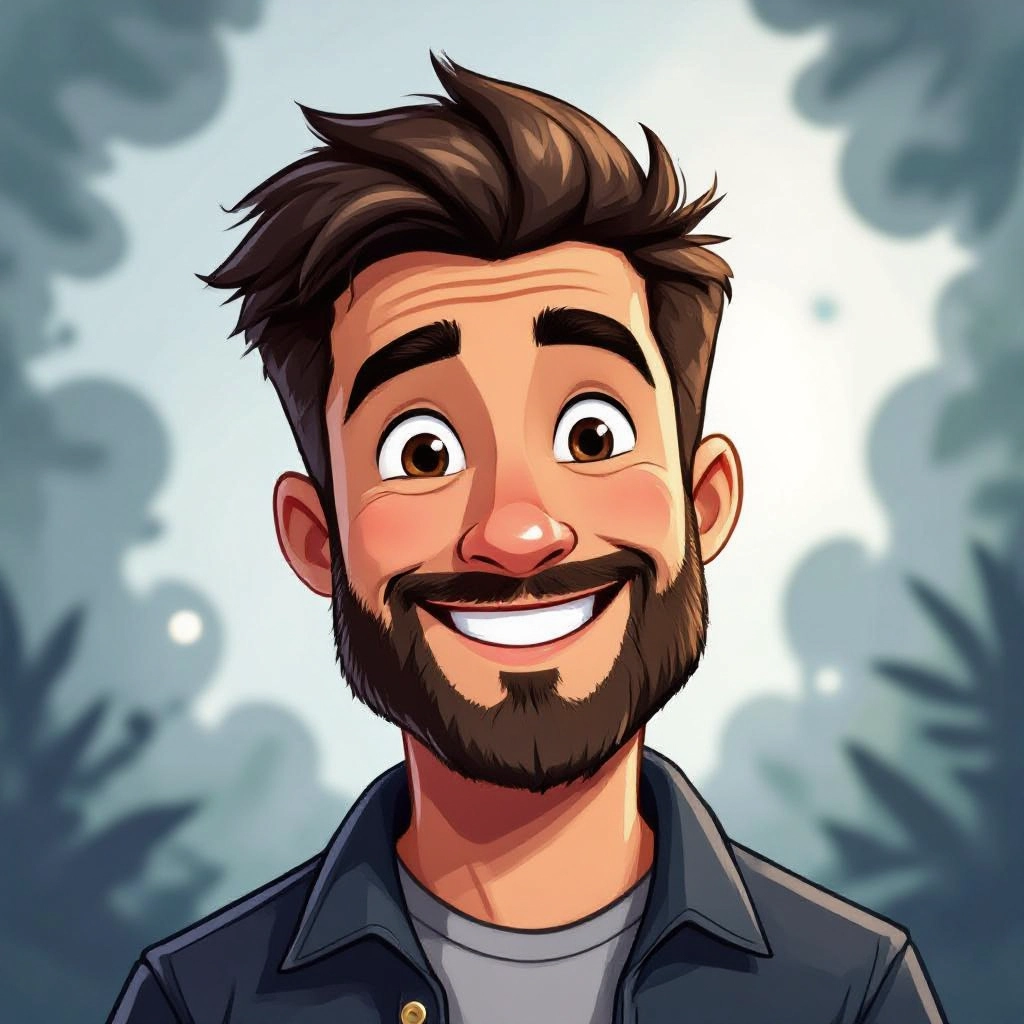
Facial Expression and Pose Adjustments
Adjust expression intensity, eye shape, and mouth curvature to convey precise emotions. Pose modifiers help reframe body language for dynamic cartoon poses, comedic timing, or subtle gestures.
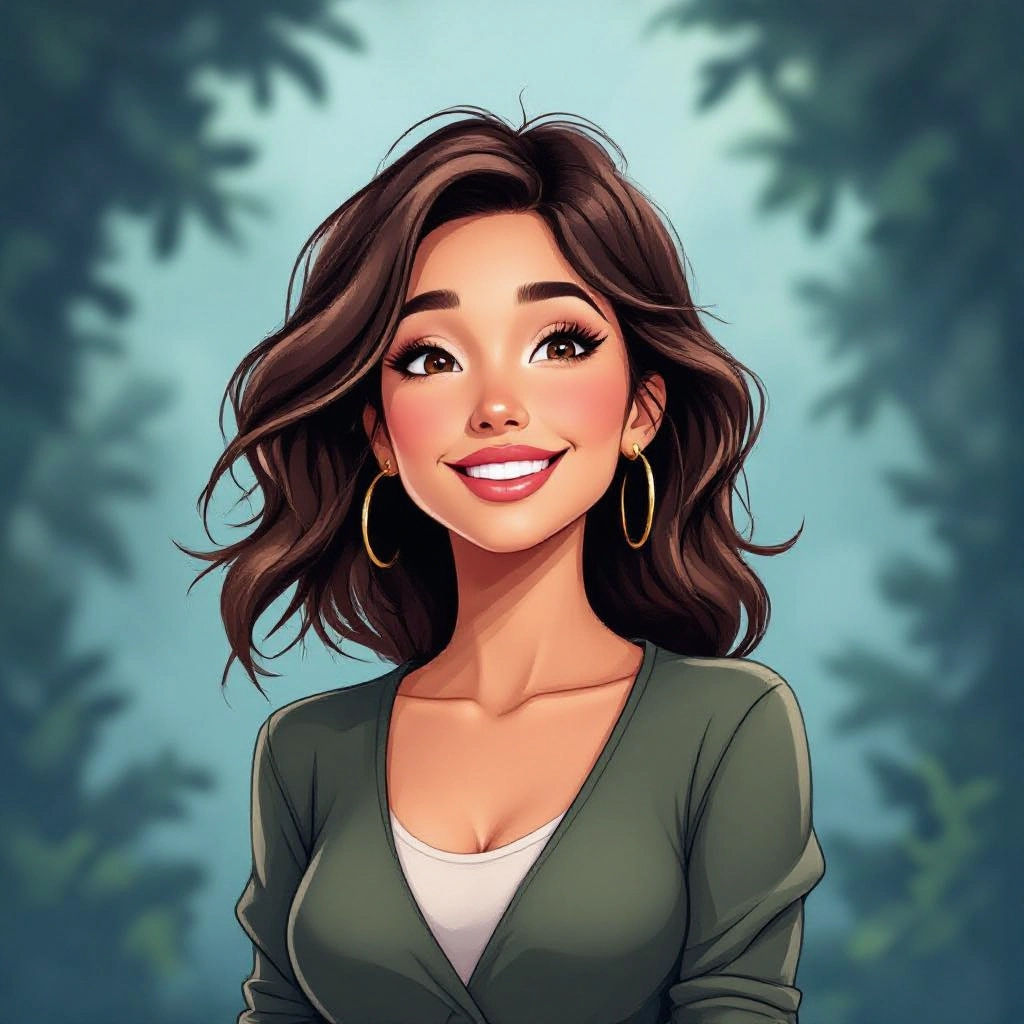
Background Composer and Scene Modes
Compose backgrounds with layered elements like simplified buildings, stylized skies, or pattern textures that maintain cartoon readability. Scene modes set depth of field, perspective simplification, and vignette options to make characters pop.
Types of AI Powered Cartoon Style Images
Cartoon styles vary by line work, shading, proportion, and color treatment. Below are six distinct cartoon style variations you can generate, each with unique techniques and use cases.
Classic 2D Animation
Bold outlines, cel shading, and limited color palettes emulate hand-drawn animation cels. Ideal for character sheets, storyboards, and animation-ready art with clear frame-to-frame consistency.
Anime and Manga
Sharp, expressive eyes, motion lines, gradient screentones, and dynamic poses reflect anime vocabulary. This variation emphasizes dramatic lighting, hair detail, and stylized proportions for storytelling.
Chibi and Super Deformed
Exaggerated head-to-body ratios, simplified limbs, and cute facial expressions create small, adorable character art used for stickers, emojis, and playful branding.
Western Comic Book
High-contrast inking, halftone textures, and dramatic shadows give a comic book vibe. This style is suited for panels, covers, and narrative sequences requiring cinematic framing.
Flat Vector Cartoon
Clean geometric shapes, solid colors, and no texture produce scalable vector-friendly cartoons for icons, infographics, and modern UI illustrations.
Painterly Cartoon Portrait
Mixes loose brush strokes with cartoon proportions for an artistic portrait look. Color blending and expressive strokes keep character while adding handcrafted charm.
Applications of AI cartoon images in real world
Social Media Avatars and Branding
Create recognizable, on-brand cartoon avatars and profile art that stand out in feeds. Stylized cartoons help build personality and consistent visual identity across channels.
Children's Books and Illustrations
Generate storybook characters and scenes with clear silhouettes, bright palettes, and legible compositions that engage young readers and simplify printing.
Game Concept Art and Sprites
Produce quick character concepts, NPC portraits, and tileable backgrounds in a consistent cartoon style to accelerate prototyping and asset pipelines.
Marketing, Ads, and Infographics
Cartoon visuals simplify complex ideas, attract attention, and increase shareability for ads, explainer graphics, and campaign assets targeting broad audiences.
Custom Stickers and Merchandise
Design sticker sheets, apparel prints, and product mascots with bold outlines and flat colors that reproduce reliably on physical goods and online stores.
Educational Visuals and Presentations
Turn lesson content into friendly cartoon diagrams, characters, and scenes that improve comprehension and retention for students of all ages.
FAQs about AI cartoon image generator
Is the Cartoon Image Generator free to use?
Yes, the base tool is free for generating images. There may be optional paid tiers for higher resolution exports, extended usage quotas, or advanced customization features tailored to professional workflows.
Can I upload a photo and turn it into a cartoon?
Yes, you can upload photos to be cartoonified. The generator maps facial features and scene elements to cartoon equivalents, adjusts line art, simplifies textures, and applies chosen shading rules to preserve likeness while creating a stylized result.
Can I use generated cartoons for commercial projects?
Commercial use is generally allowed but depends on the platform license. Check the specific terms for commercial rights, attribution requirements, and any restrictions on trademarked or celebrity likenesses before using images in paid products.
How do I get high-resolution cartoon exports?
Select the high-resolution export option if available, or choose vector-friendly flat styles that scale cleanly. For raster outputs, increase the resolution setting before rendering and use presets that avoid heavy texture that can blur when upsampled.
Can the tool mimic a particular cartoon artist or show style?
The tool can emulate general style attributes of popular cartoon aesthetics such as anime, retro cartoons, or comic books. Avoid requesting direct imitations of a living artist's exact style if that violates copyright or platform policies; instead request similar stylistic traits.
How do I refine a generated cartoon to match my vision?
Iterate by refining prompts with specific keywords like 'thick ink lines', 'limited palette', or 'rounded proportions', adjust sliders for line weight and shading, or use in-app variation and remix features to combine the best elements into a final image.
