Coloring Book Image Generator
Coloring Book Image Generator is a free online tool to generate coloring book style images. The tool is free to use, just enter prompt in coloring book style and generate coloring book image style in seconds similar quality to flux, midjourney, open ai, imagen, nano banana AI image quality.
Generate Coloring Book AI Image for Free
Receive our FREE AI updates via email once a week
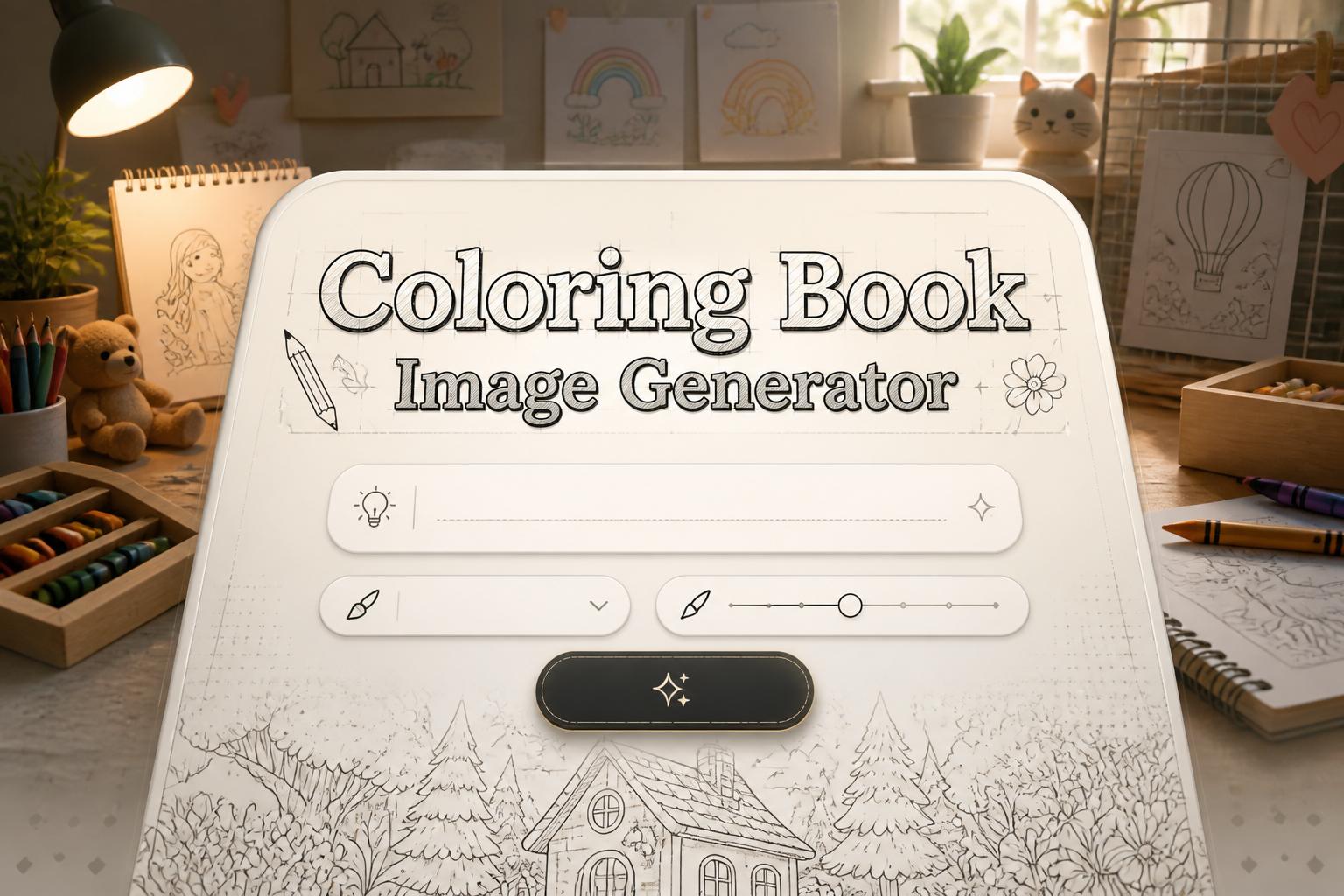
What is a coloring book Generator?

A Coloring Book Generator is an AI-powered tool that converts text prompts or photographs into clean, printable line art designed for coloring. It isolates main shapes, removes textures and photographic noise, and converts shading into distinct contour lines and closed areas so colors can be applied easily. The output focuses on bold outlines, simplified interiors, and balanced negative space to produce pages that are easy to color by children and satisfying for adult colorists.
Teachers, independent authors, illustrators, craft designers and hobbyists use this generator to rapidly produce themed coloring pages, classroom worksheets and book-ready line art. It appeals to those who need consistent stroke weight, clear boundaries for color fills, and quick style variations without hiring an illustrator. The tool also helps therapists and activity coordinators create bespoke pages tailored to skill levels, motifs and therapeutic aims.
How to Create coloring book Images
Create coloring book images in 3 steps: Step 1: Enter a clear prompt or upload a photo and specify the desired theme, age range and complexity. Step 2: Select style controls such as line weight, level of detail, closed-area smoothing and remove texture option, then preview and refine. Step 3: Export the result as high resolution PNG, PDF or vector SVG for printing, binding or further editing in design software.
Enter AI Coloring Book Prompt

Type your coloring book character or scene description in the prompt box. Include details like character appearance, clothing, expressions, and setting to get better AI coloring book results.
Choose AI Model Settings
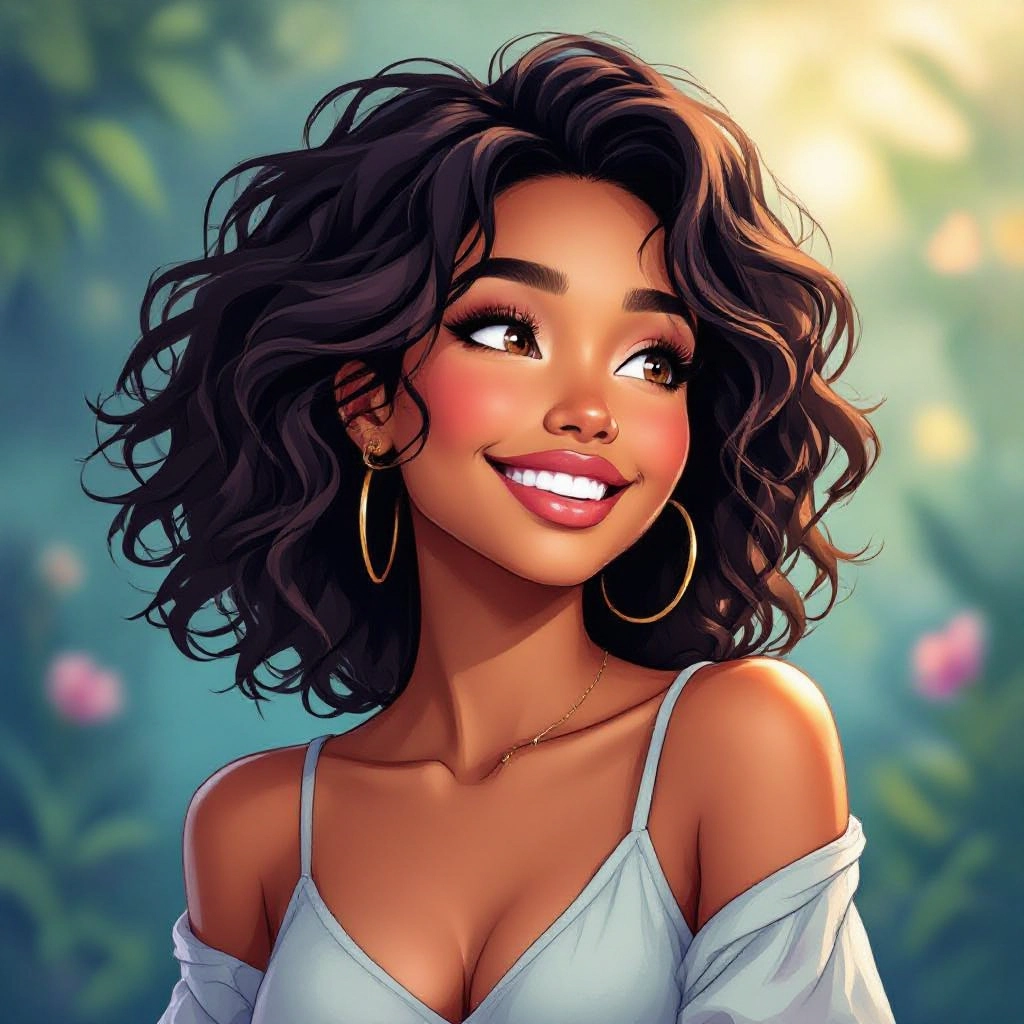
Select your preferred image size and aspect ratio. Our AI model delivers professional quality comparable to:
- • Flux AI Quality
- • Midjourney Standard
- • OpenAI DALL-E
- • Google Imagen
Download AI Coloring Book Image

Once your AI coloring book image is generated, click the download button to save it to your device. The image will be in high quality format ready for use.
Features of AI coloring book Image Generator

Adaptive Line Simplification
The generator detects essential contours and reduces unnecessary detail while preserving character and composition so outlines remain recognizable and easy to color. Line simplification can be tuned for toddlers or adult coloring books. Use our Free Drawing Prompt Generator to build a detailed prompt before sketching with AI.
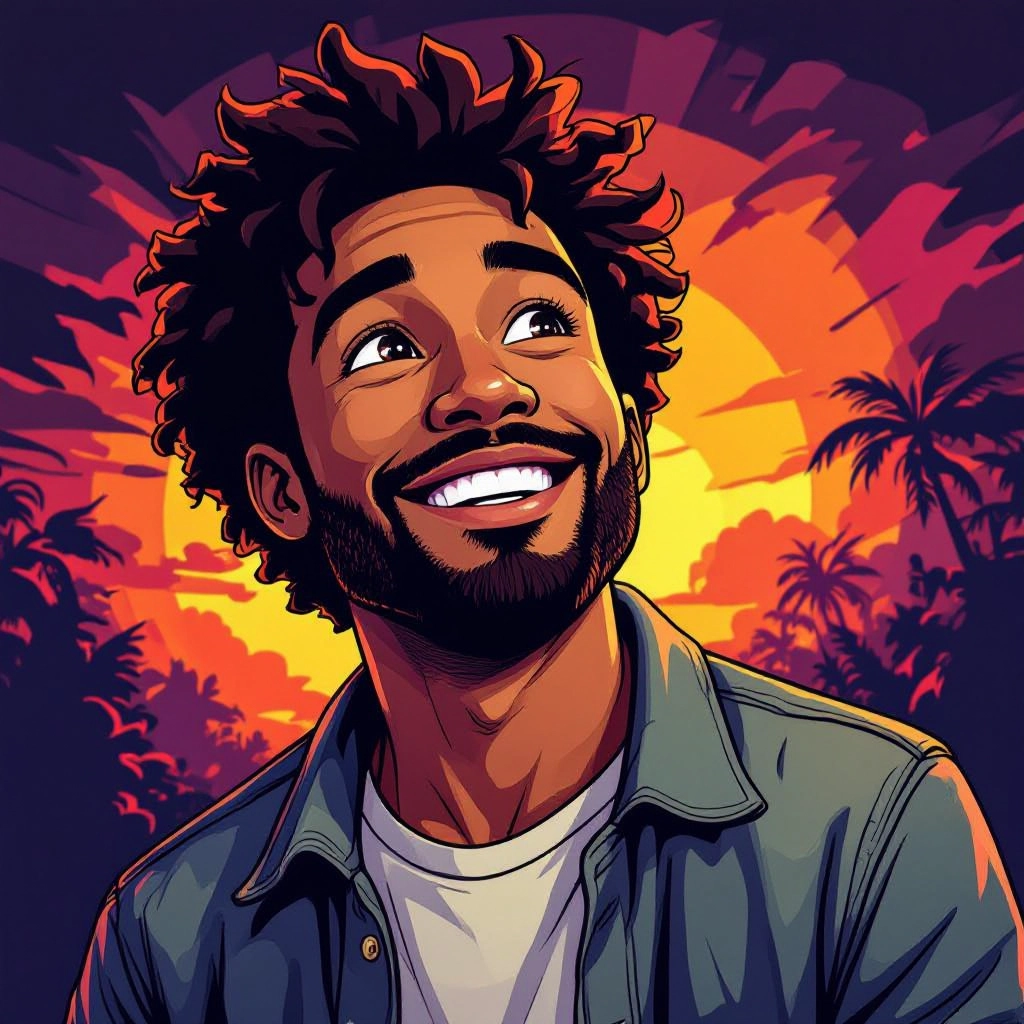
Adjustable Stroke Weight
Control thick or thin outlines to match printing methods and coloring tools. Thicker strokes help young children stay inside lines, while thinner strokes allow for intricate adult coloring patterns.
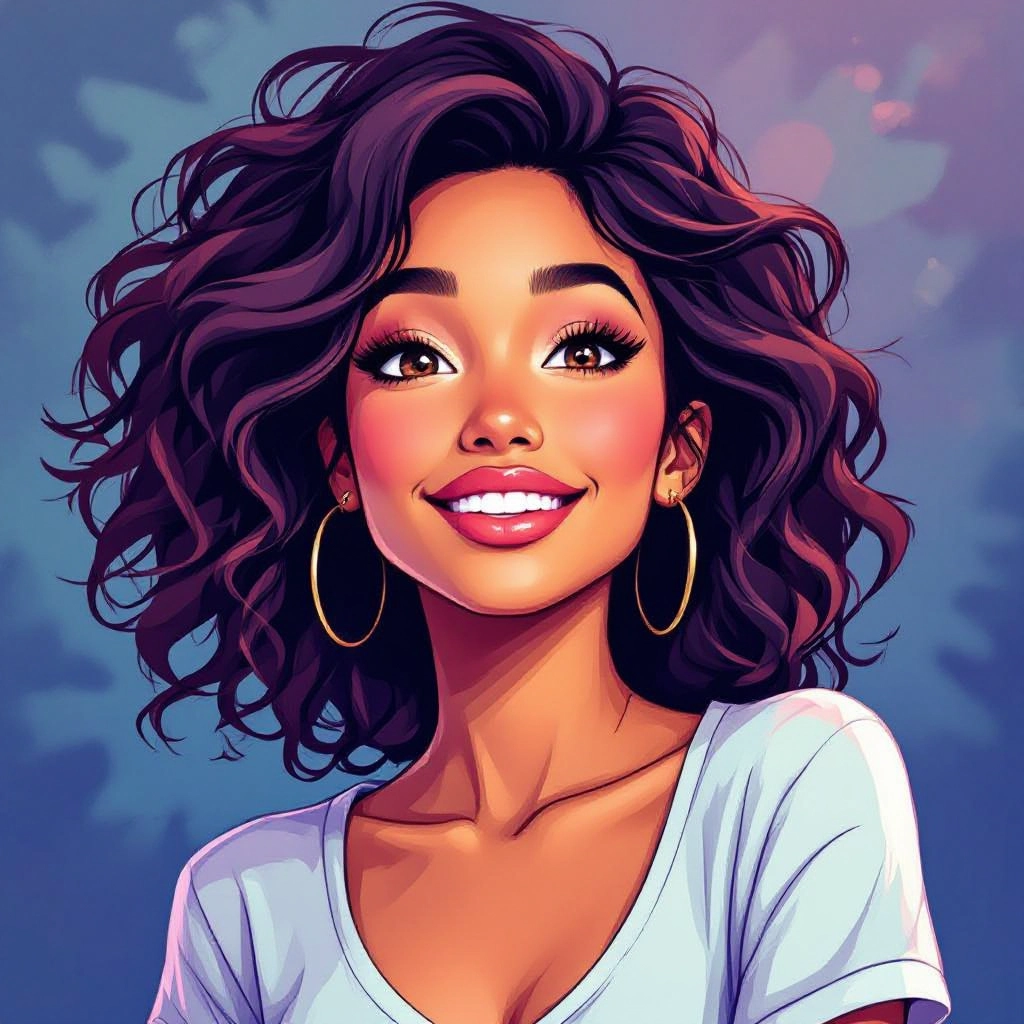
Closed-Area Optimization
Automatically closes gaps and removes stray pixels so fill tools and crayons create neat color regions. This ensures areas are fully enclosed for digital color fills and clean print coloring.

Photo to Line Art Conversion
Transform photographs into stylized coloring pages by extracting subject edges, converting shading into hatch-friendly patterns and simplifying backgrounds to avoid visual clutter.
Batch Export and Print Templates
Generate multiple pages in one session with consistent style settings, arrange them into printable spreads, and export as PDF or SVG for instant book creation or print-on-demand services.
Types of AI Powered Coloring Book Style Images
Explore style presets tailored to different audiences and projects. Each variation adapts line work, density and motif choices to produce coloring pages optimized for its intended use.
Minimal Single-Line Outlines
Very simple contours with wide open areas ideal for toddlers and early learners. Minimal lines reduce cognitive load and make coloring quick and satisfying.
Detailed Adult Coloring
High-density intricate line work with repeating motifs, filigree and micro-patterns designed for stress relief and extended coloring sessions.
Cartoon Character Sheets
Bold, expressive outlines with simplified facial features and dynamic poses for fan art, activity books and children's story tie-ins.
Mandala and Symmetry Pages
Geometric, radially balanced designs with precise repeating elements that support meditative coloring and print-friendly center alignment.
Photo Real to Sketch
Convert photos into stylized sketch outlines that preserve essential likeness while removing textures, producing pages for memory books and custom gifts.
Pattern-Free Educational Pages
Clear object-focused illustrations with labels, counting guides and tracing lines for classroom worksheets and skill-building activities.
Applications of AI coloring book image style
Children's Activity Books
Create themed page sets for preschool and elementary books with age-appropriate outlines, traceable shapes and repetition to reinforce learning.
Self-Published Coloring Books
Authors and indie publishers generate consistent page libraries, control complexity per chapter and export print-ready PDFs for on-demand publishing.
Therapeutic and Mindfulness Pages
Design intricate adult coloring patterns and calming mandalas used in therapy programs, senior centers and wellness workshops to promote focus.
Educational Worksheets and Flashcards
Produce labeled line art for vocabulary practice, science diagrams simplified for coloring, and counting sheets that combine learning with hands-on activity.
Craft and Merchandise Design
Generate clip art, iron-on patterns and sticker-ready outlines for crafters and small businesses producing physical products from coloring art.
Custom Event and Party Packs
Quickly produce themed party activity sheets, favor-page sets and printable placemats tailored to birthdays, holidays and corporate events.
FAQs about AI coloring book image generator
Can I use generated pages for commercial projects?
Yes, generated coloring pages can typically be used commercially, but check the platform terms for licensing details. Many generators allow sale of printed books and merchandise if you follow content guidelines and respect any third-party content restrictions.
What file formats are available for download?
Downloads usually include high resolution PNG for single pages, multipage PDFs for print-ready books and SVG or EPS for vector editing. Vector formats are best when you need scalable prints or to edit strokes in design software.
How do I get clean closed areas for digital fills?
Use the closed-area optimization option which automatically seals gaps and removes stray pixels. Increase smoothing and enable gap closure when converting photos or complex scenes to ensure fill tools and crayons stay inside lines.
What prompts create the best coloring pages?
Be specific: include subject, desired age range, stylistic tags like 'bold outline' or 'intricate mandala', and mention 'remove texture' or 'clean lines' to focus the AI on producing closed, printable areas suited to coloring.
Can I upload my own photos to turn into coloring pages?
Yes, upload photos to convert them into line art. Recommend selecting images with clear foreground subjects and minimal background clutter. Use the photo simplification and edge-preserve settings to keep likeness while removing textures.
How do I prepare files for print quality?
Export at 300 DPI or higher and choose PDF or SVG for print. Set margins and bleed according to your printer or print-on-demand service and preview pages as grayscale to ensure lines are crisp and evenly weighted before ordering prints.
