Anime Image Generator
Our anime Image Generator is a free online tool to generate anime style images. The tool is free to use, just enter prompt in anime style and generate anime image style in seconds similar quality to flux, midjourney, open ai, imagen, nano banana AI image quality.
Generate Anime AI Image for Free with AI
Receive our FREE AI updates via email once a week
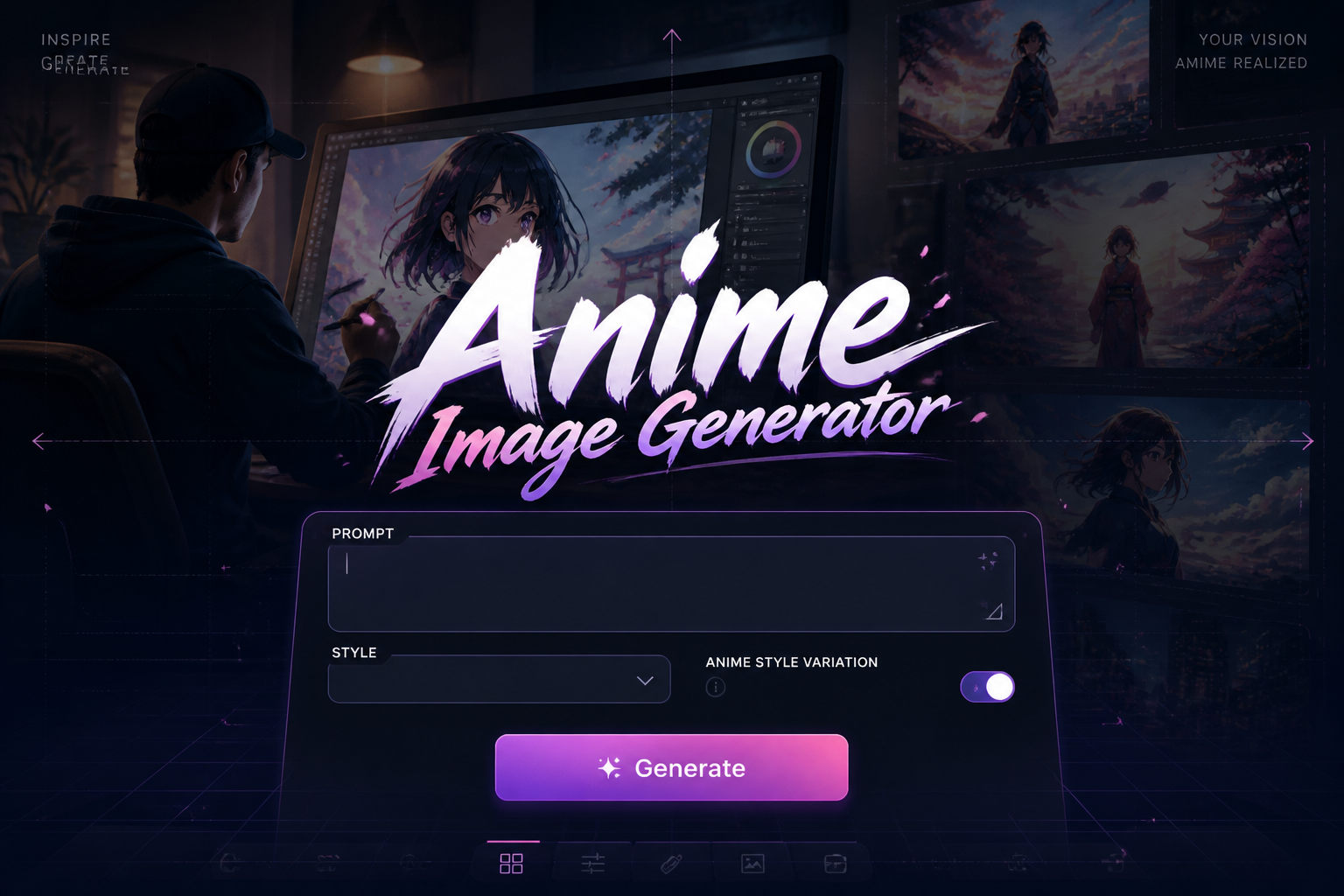
What is a anime Generator?
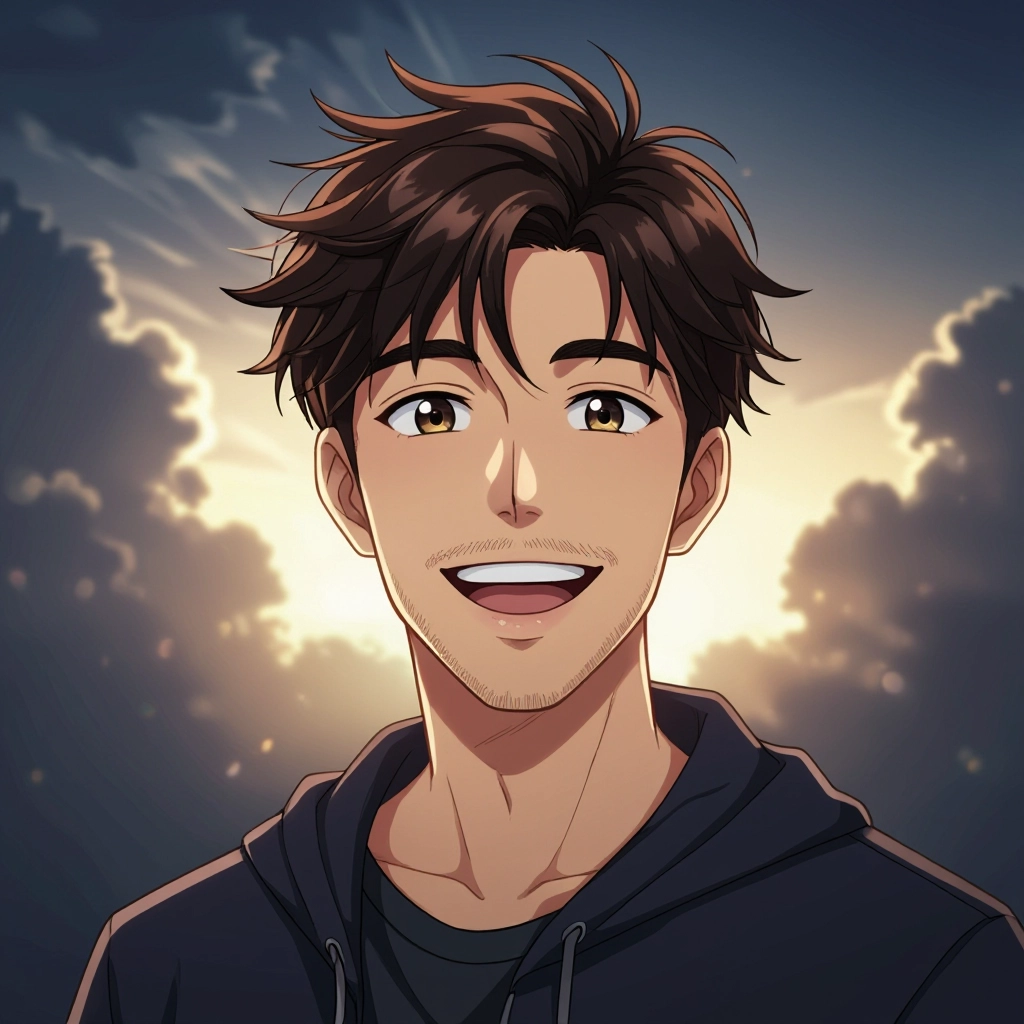
An anime generator is an AI-powered tool that converts text prompts, reference images, or style presets into original anime-style visuals. It uses models trained on anime art characteristics such as clean linework, cel shading, stylized anatomy, expressive eyes, and palette-driven mood. The generator can synthesize full scene compositions, single character portraits, background art, and panel-ready illustrations while preserving genre traits like dynamic action poses for shonen or soft lighting and floral motifs for shojo.
Artists, indie studios, game developers, manga authors, content creators, cosplayers, and hobbyists use an anime generator to speed up concepting, iterate on character looks, produce reference sheets, or create social artwork. It is popular because it reduces the time needed to sketch multiple design variants, helps nonartists visualize ideas, and provides consistent style options useful for episodic projects and merchandising mockups.
How to Create anime Images with our AI tool
To create anime images, follow three simple steps: first, craft a focused prompt describing the character or scene, including style tags like shonen, shojo, chibi, or cyberpunk and specify key details such as pose, facial expression, clothing, camera angle, and color palette; second, choose a style preset or upload a reference image, generate several variations, then refine by adjusting prompts, switching presets, or using pose and face controls until the composition and linework match your vision; third, upscale or export the final image in the desired resolution and format, and iterate further if you need alternate expressions or background variations.
Enter AI Anime Prompt
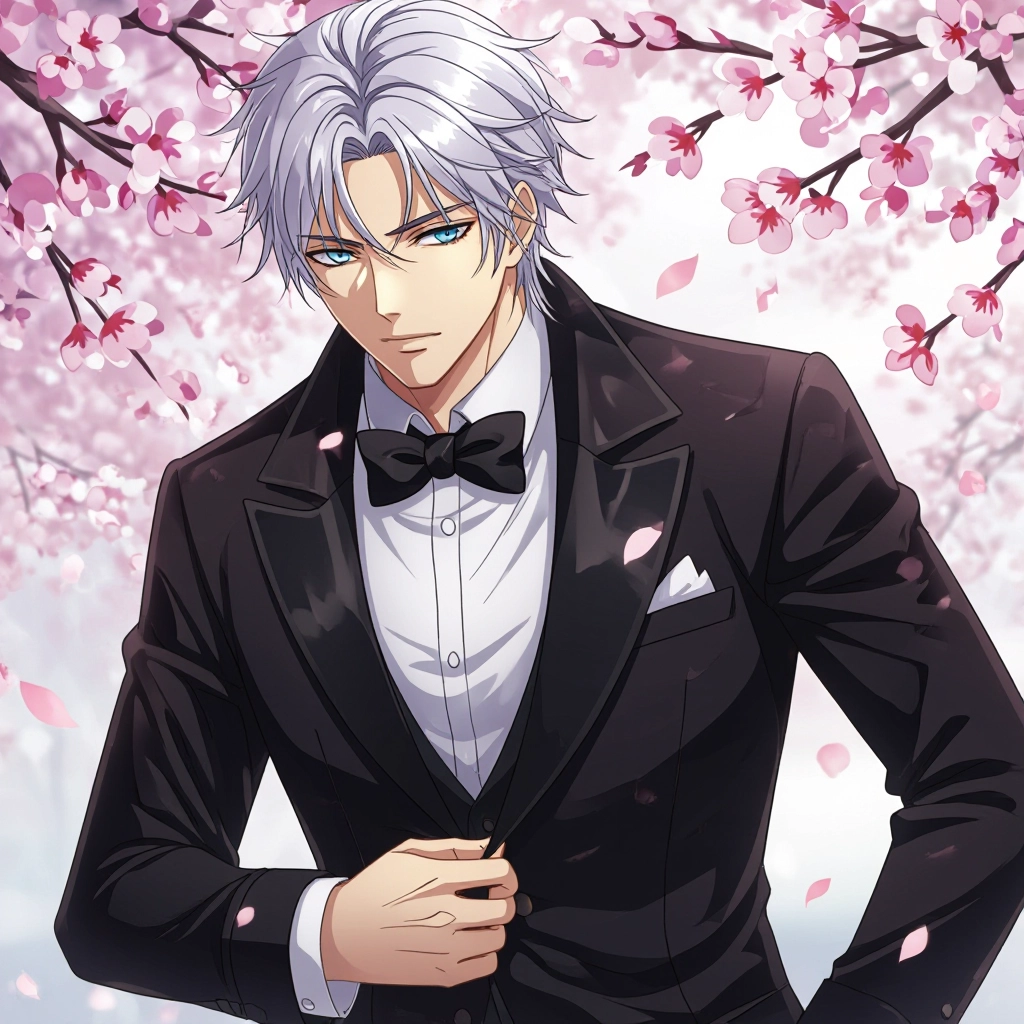
Type your anime character or scene description in the prompt box. Include details like character appearance, clothing, expressions, and setting to get better AI anime results.
Choose AI Model Settings
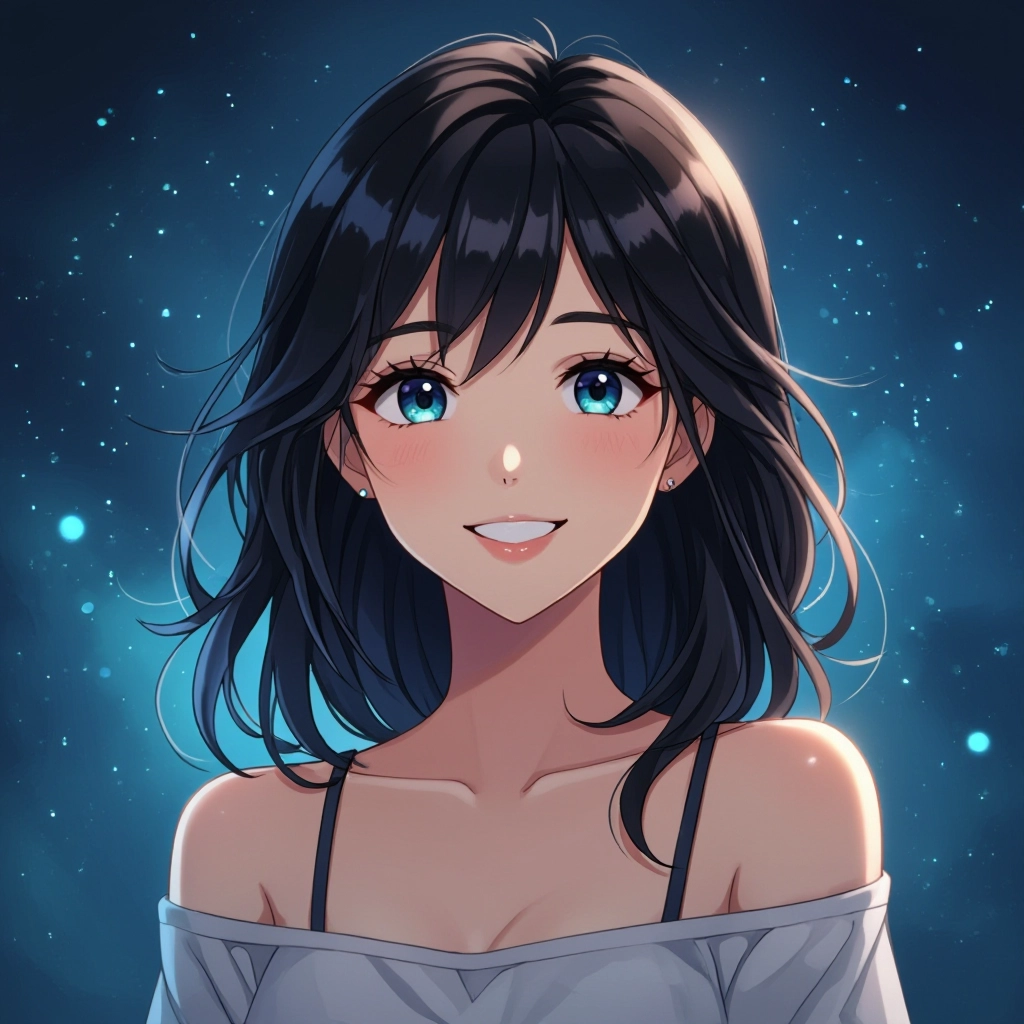
Select your preferred image size and aspect ratio. Our AI model delivers professional quality comparable to:
- • Flux AI Quality
- • Midjourney Standard
- • OpenAI DALL-E
- • Google Imagen
Download AI Anime Image
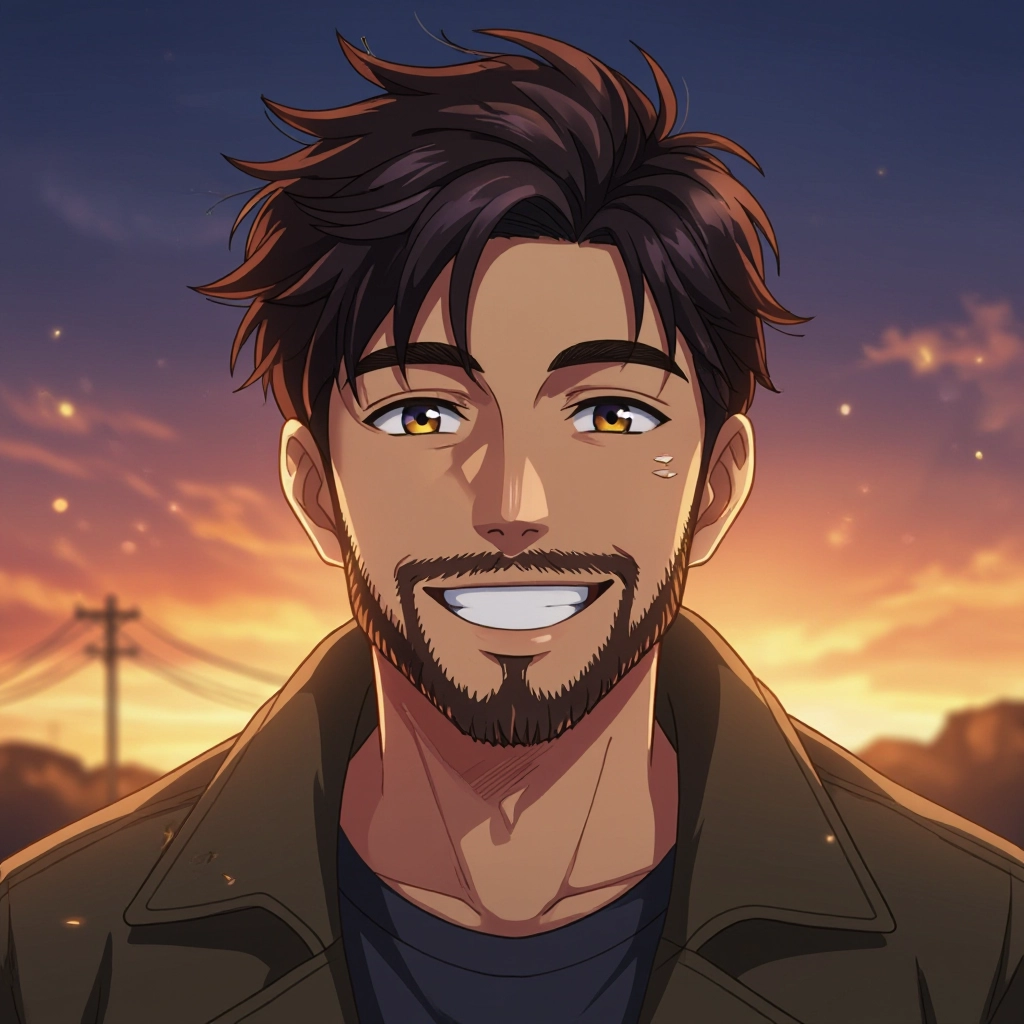
Once your AI anime image is generated, click the download button to save it to your device. The image will be in high quality format ready for use.
Features of our Free AI anime Image Generator
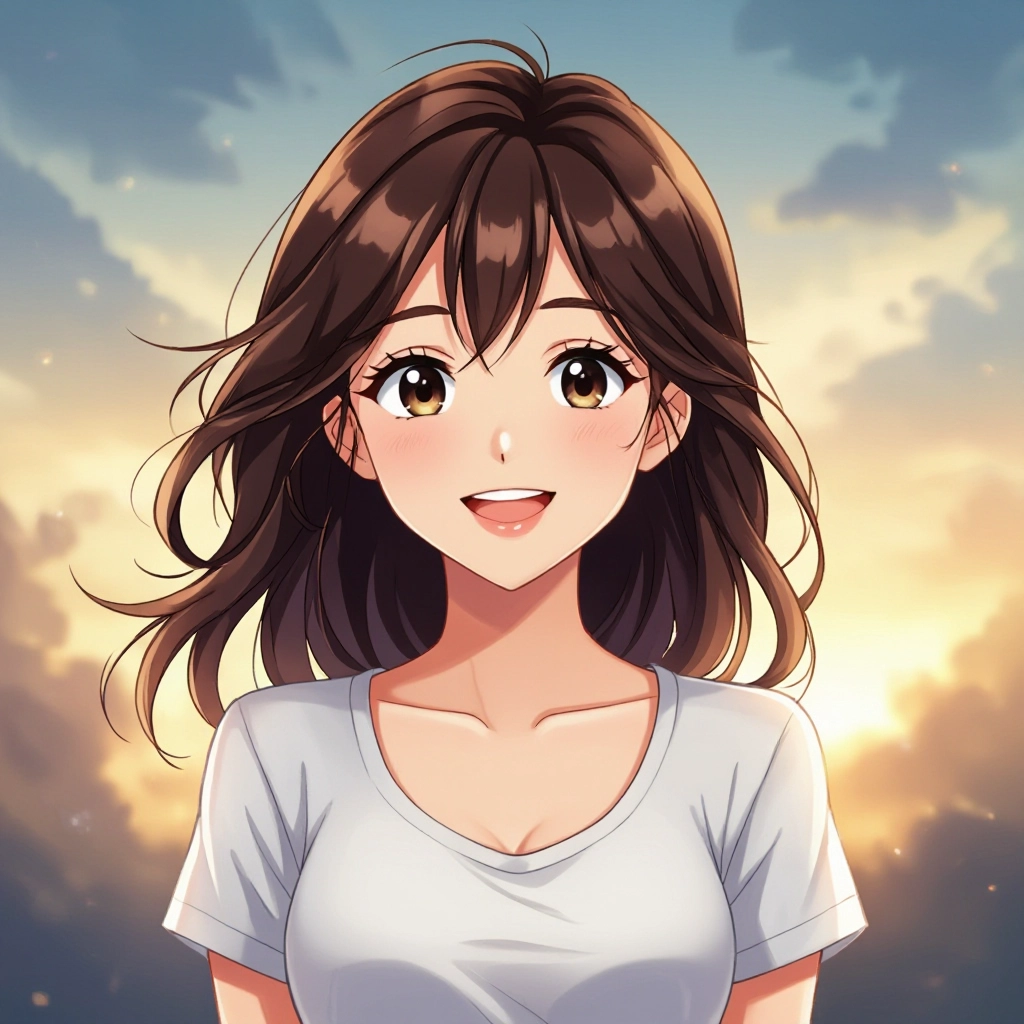
Genre-Specific Style Presets
Choose from curated presets tuned to shonen, shojo, seinen, josei, chibi, and retro anime aesthetics. Each preset adjusts line thickness, eye shape, shading style, and color temperature so output matches the visual grammar of that genre without manual tweaks. Enhance your results by generating a detailed prompt with our Free AI Art Prompt Generator first.
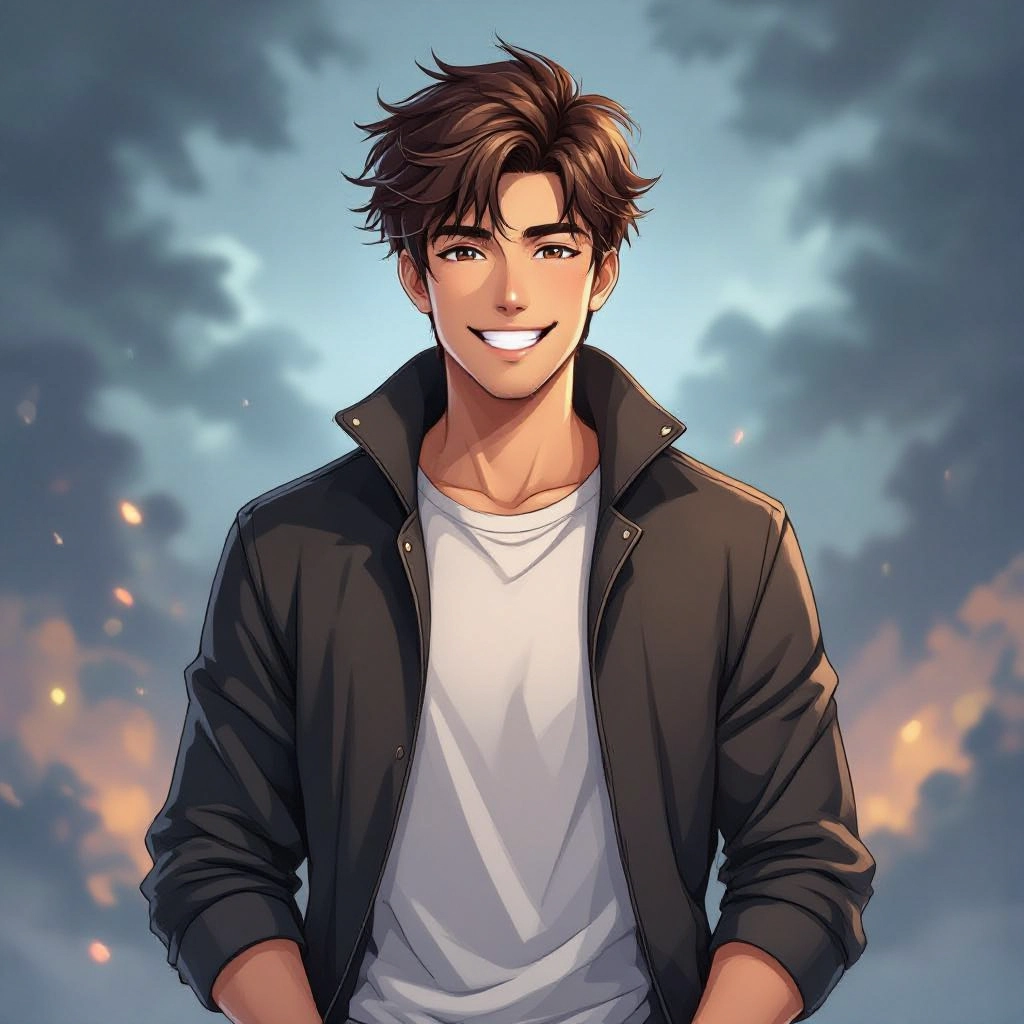
Pose and Composition Controls
Use pose templates, limb manipulators, and camera framing options to lock in dynamic action poses or natural everyday stances. The system supports reference skeletons so characters maintain believable proportions while keeping anime stylization.
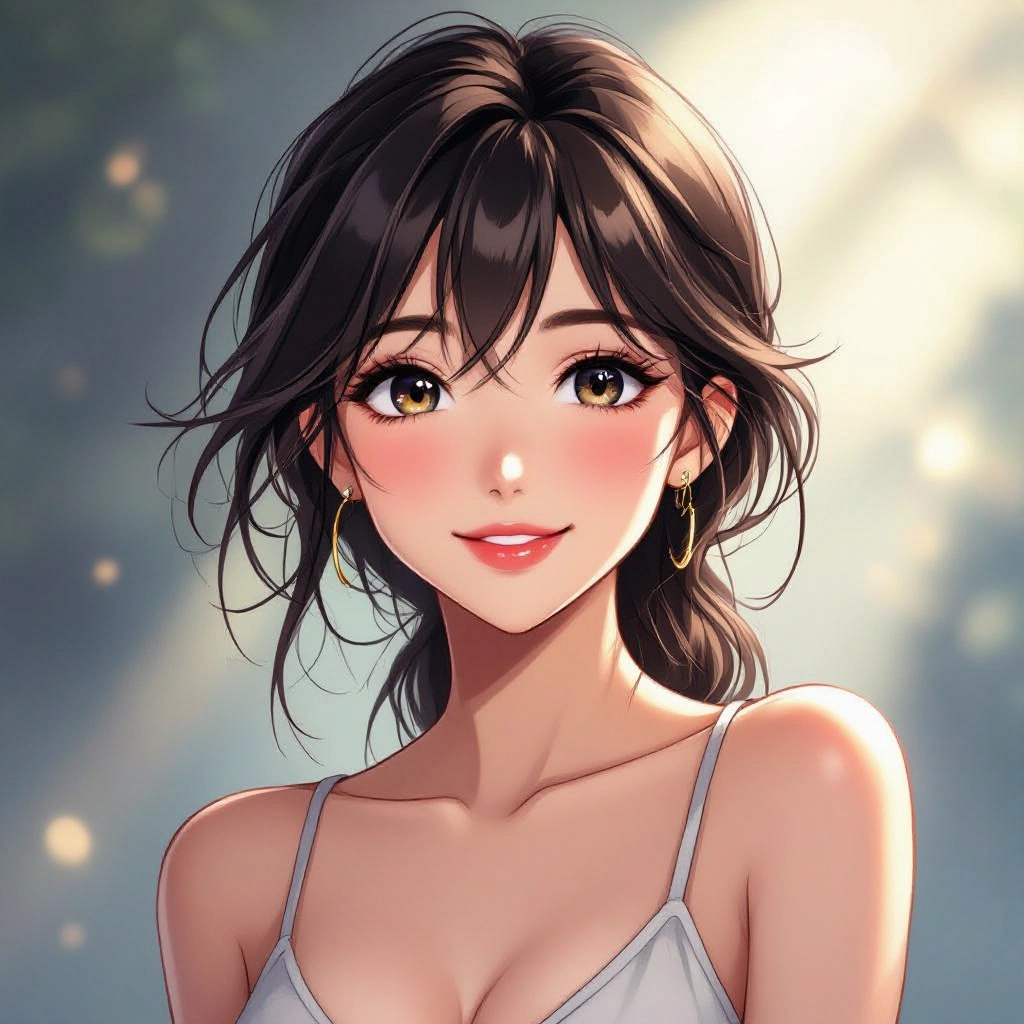
Facial Expression and Eye Detail Tuner
Fine-tune microexpressions, eye shape, iris detail, and mouth position to convey subtle emotions typical in anime storytelling. Adjustable sliders let you emphasize sparkles, blush, tears, or intensity for dramatic close-ups.
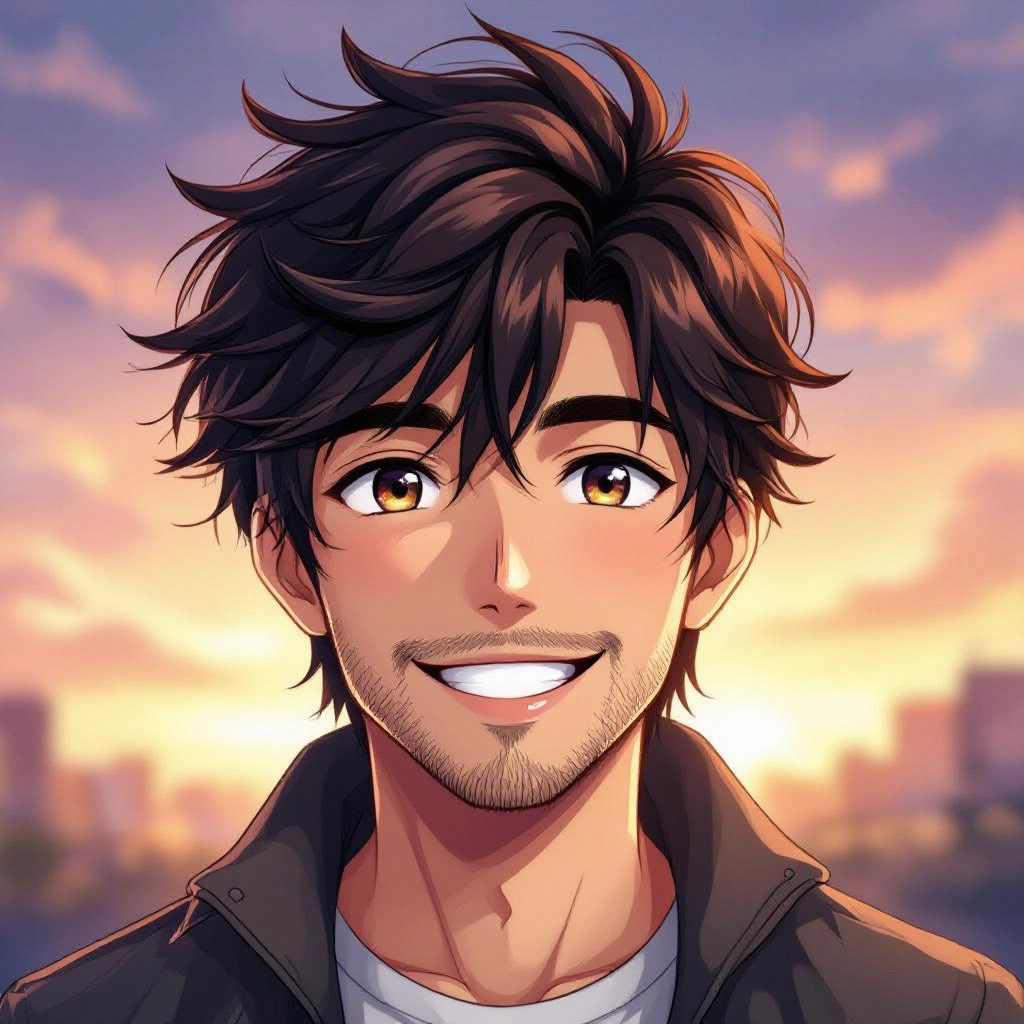
Background Composer and Scene Lighting
Build full environments using layered background elements like cityscapes, sakura groves, school corridors, and neon alleys. Lighting controls mimic anime techniques such as rim light, bloom highlights, and cel-shaded shadows to set mood and depth.
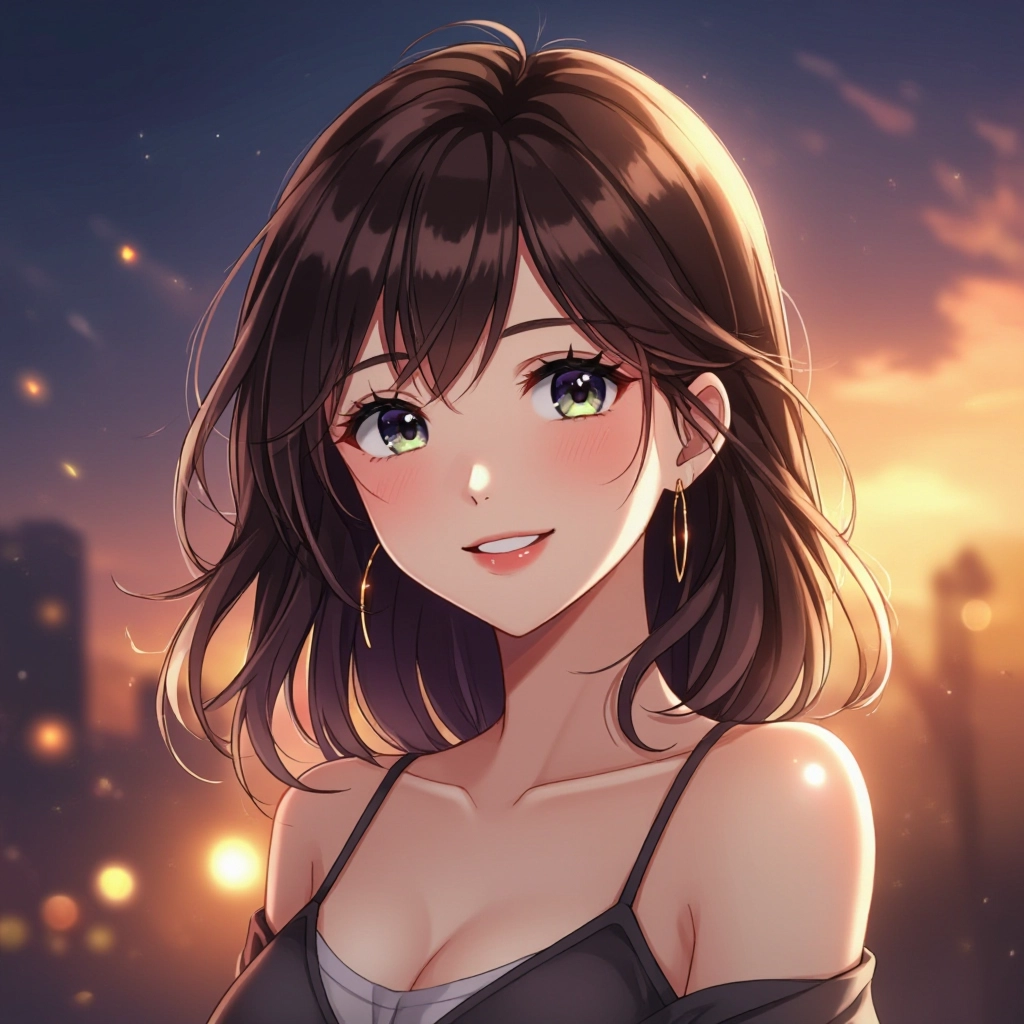
High-Resolution Export and Iterative Upscaling
Export artwork at print-ready resolutions and use progressive upscaling tuned for anime edges to preserve crisp linework and color flats. Version history and variation exports let you save character sheets and iteration frames for animation planning.
Types of AI Powered Anime Style Images
Anime spans many visual traditions. The generator offers targeted variations that reproduce signature techniques, from bold action lines to delicate watercolor washes. Below are common style directions you can generate and combine.
Shonen Action
High-energy compositions with dynamic perspective, motion lines, exaggerated poses, and high-contrast cel shading for punchy, dramatic scenes typical of action series.
Shojo Romance
Soft linework, pastel palettes, floral overlays, and emotive close-ups focusing on eye detail and delicate lighting to emphasize romantic or slice of life moments.
Chibi Cute
Super-deformed proportions, oversized heads, simplified features, and bold outlines to create adorable, expressive characters suited for stickers, avatars, and comedic strips.
Seinen Realism
More mature anatomy, textured shading, muted palettes, and realistic lighting combined with anime stylization for grounded character design and moody atmosphere.
Cyberpunk Neo-Tokyo
Neon color accents, reflective surfaces, rain-slick streets, and detailed city backdrops paired with techno fashion and holographic effects for futuristic anime scenes.
Manga Panel Black and White
Halftone textures, screentone patterns, speed lines, and panel-ready high-contrast rendering optimized for printing or digital comic layouts.
Applications of AI anime image style
Character Concept Design
Rapidly iterate character looks, outfits, and color schemes to build consistent cast visuals and character sheets for animation, games, or comics.
Manga and Webcomic Panels
Generate sequential art, backgrounds, and expressive close-ups using black and white screentone options to speed up page layout and storyboarding.
Game Art and Assets
Produce portraits, in-game sprites, background tiles, and promotional key art tailored to a specific anime aesthetic for indie games and visual novels.
Social Media and Branding
Create avatars, banners, and promotional art in recognizable anime styles to engage fans, build character-driven brands, and support influencer content.
Merchandise and Print
Design prints, stickers, apparel graphics, and posters with crisp linework and controlled palettes suitable for commercial printing and on-demand products.
Reference Materials for Artists
Generate pose references, lighting studies, and color palette variations to assist illustrators in learning anime techniques or preparing commissions.
FAQs about AI anime image generator
Is the Anime Image Generator free to use?
Yes, the core tool is free to use for creating images. Some advanced features like high-resolution exports or priority render queues may be offered as premium options depending on the platform.
Can I create the same character across multiple images?
Yes. Use character tokens, a consistent reference image, or a saved prompt template to maintain hairstyle, outfit, and facial features. Many workflows include seed locking and attribute presets to improve consistency.
Are generated images safe to use commercially?
Commercial use policies vary. Check the generator's terms of service to confirm commercial rights and attribution rules. If required, register or purchase the appropriate license for commercial distribution.
How can I make anime eyes and expressions look authentic?
Include detailed prompt elements that specify eye shape, iris highlights, pupil size, and emotion. Use the expression tuner to adjust eyebrow angle, mouth shape, and blush intensity for nuanced results.
What resolution and formats are supported?
Typical outputs include web-friendly PNG and JPEG and high-resolution PNG for print. Upscaling tools preserve line clarity and color flats to ensure illustrations remain crisp at larger sizes.
How do I avoid copyright issues with existing characters?
Avoid prompting for exact copyrighted character names or direct replicas. Use prompts that describe traits and styles rather than referencing protected characters, and transform or combine traits to create original designs.
