Oil Painting Image Generator
Oil Painting Image Generator is a free online tool to generate oil painting style images. The tool is free to use, just enter prompt in oil painting style and generate oil painting image style in seconds similar quality to flux, midjourney, open ai, imagen, nano banana AI image quality.
Generate Oil Painting AI Image for Free
Receive our FREE AI updates via email once a week
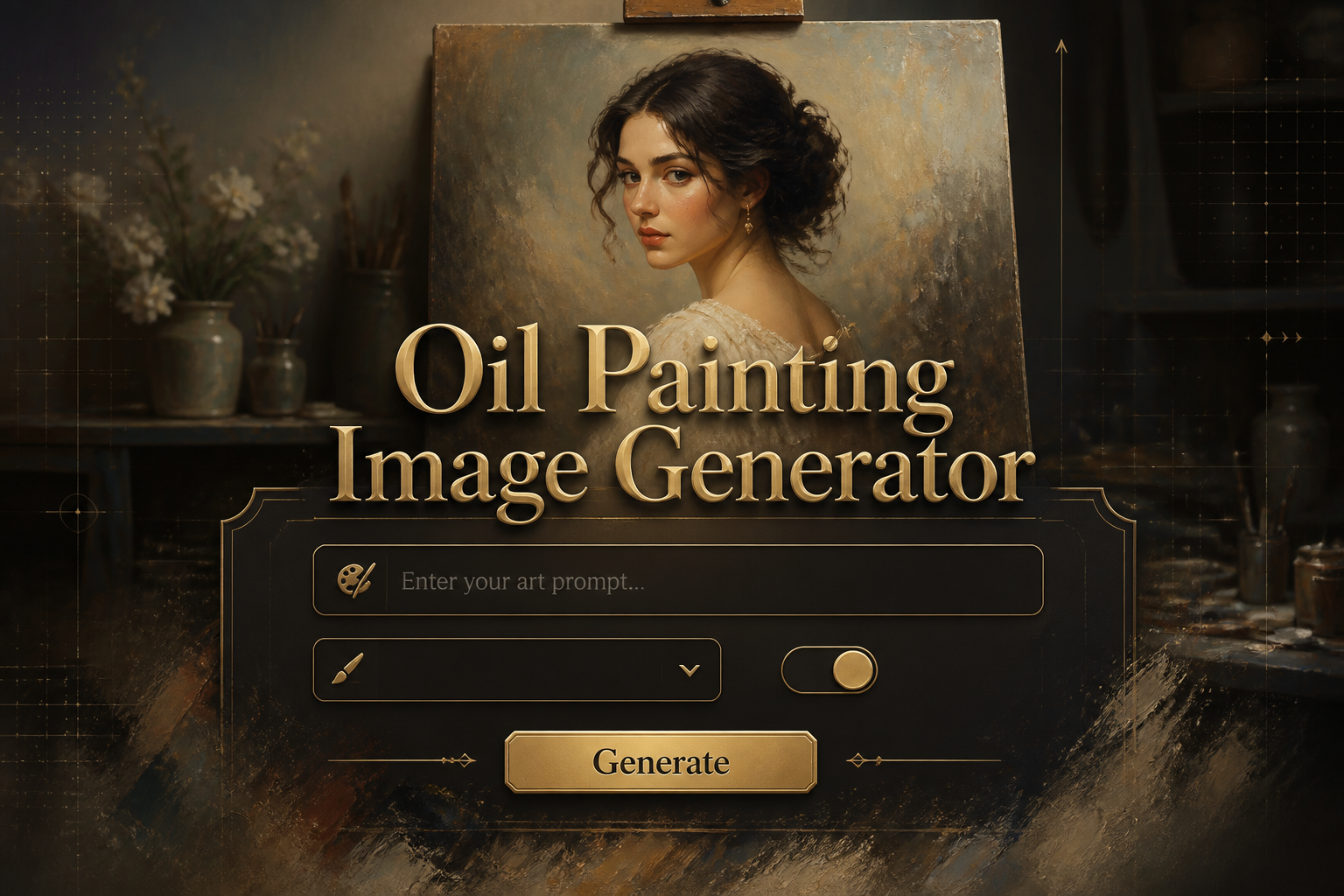
AI oil painting Generator free online tool
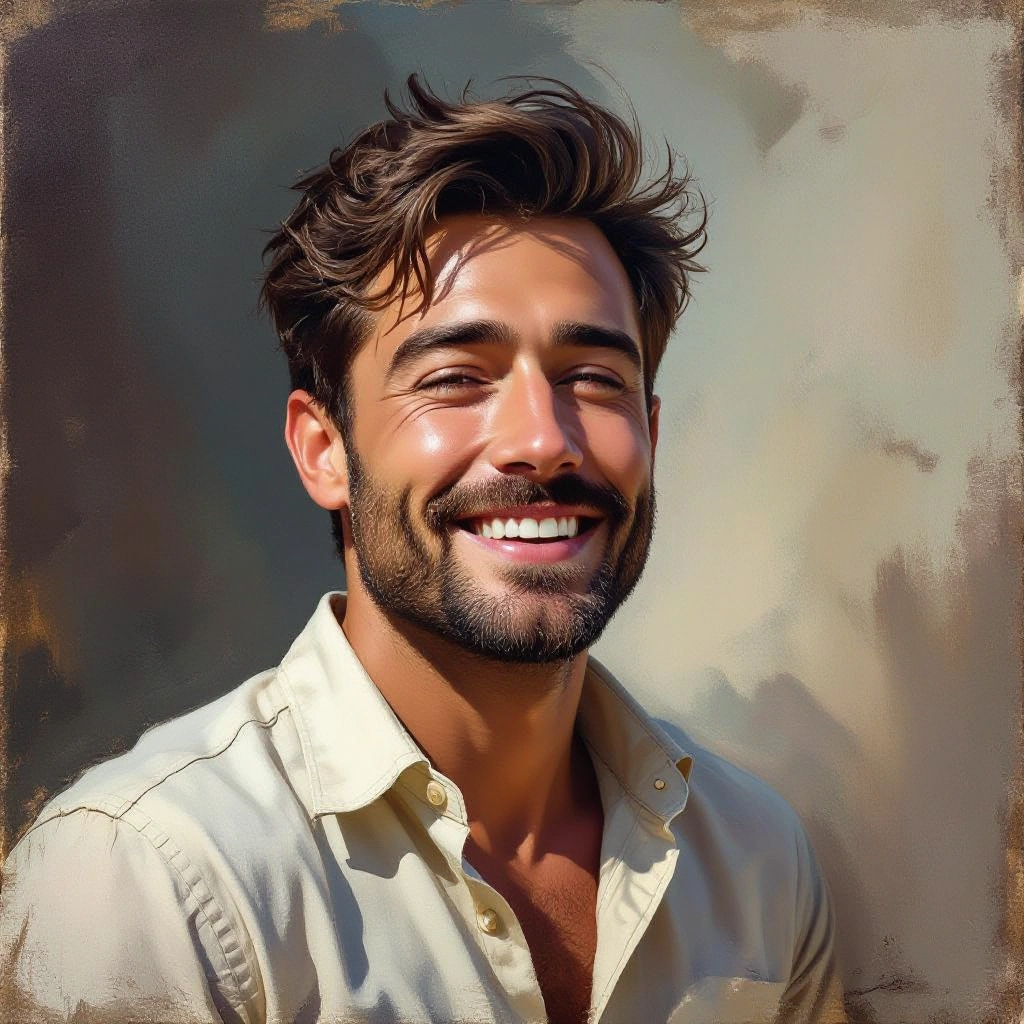
An oil painting generator is an AI driven tool that converts text prompts or reference photos into images that mimic traditional oil paint techniques. It models hallmark oil characteristics such as layered glazing, visible brush strokes, impasto thickness, wet blending, and canvas grain. The generator simulates oil-specific light scattering and pigment mixing so outputs read like works created with real oil media rather than generic digital paint.
Professional and hobby artists, photographers, designers, and publishers use this tool to explore painterly variations without mixing real paint. Concept artists test color schemes and textures, photographers convert portraits into oil style studies, and fine art printers prepare gallery quality reproductions. The generator speeds iteration, preserves oil painting nuance, and enables stylistic experimentation that would otherwise require studio time and materials.
How to Create oil painting Images with our AI tool
Start by entering a clear prompt describing subject, mood, palette and desired oil technique or upload a reference image; next choose oil specific settings like brush stroke direction, impasto level, canvas grain and resolution, then generate and review the result, refining prompts or adjusting texture and color mixing controls until the image matches your oil painting vision.
Enter AI Oil Painting Prompt
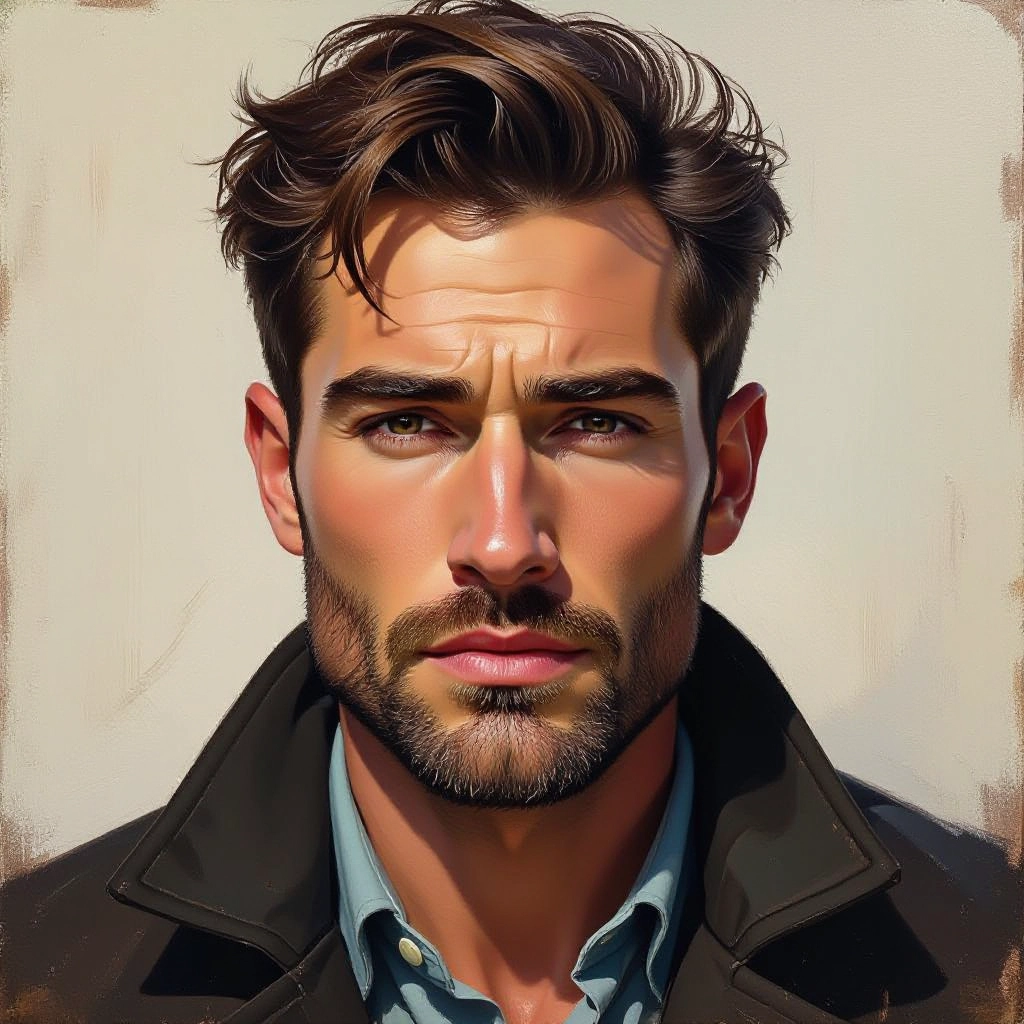
Type your oil painting character or scene description in the prompt box. Include details like character appearance, clothing, expressions, and setting to get better AI oil painting results.
Choose AI Model Settings
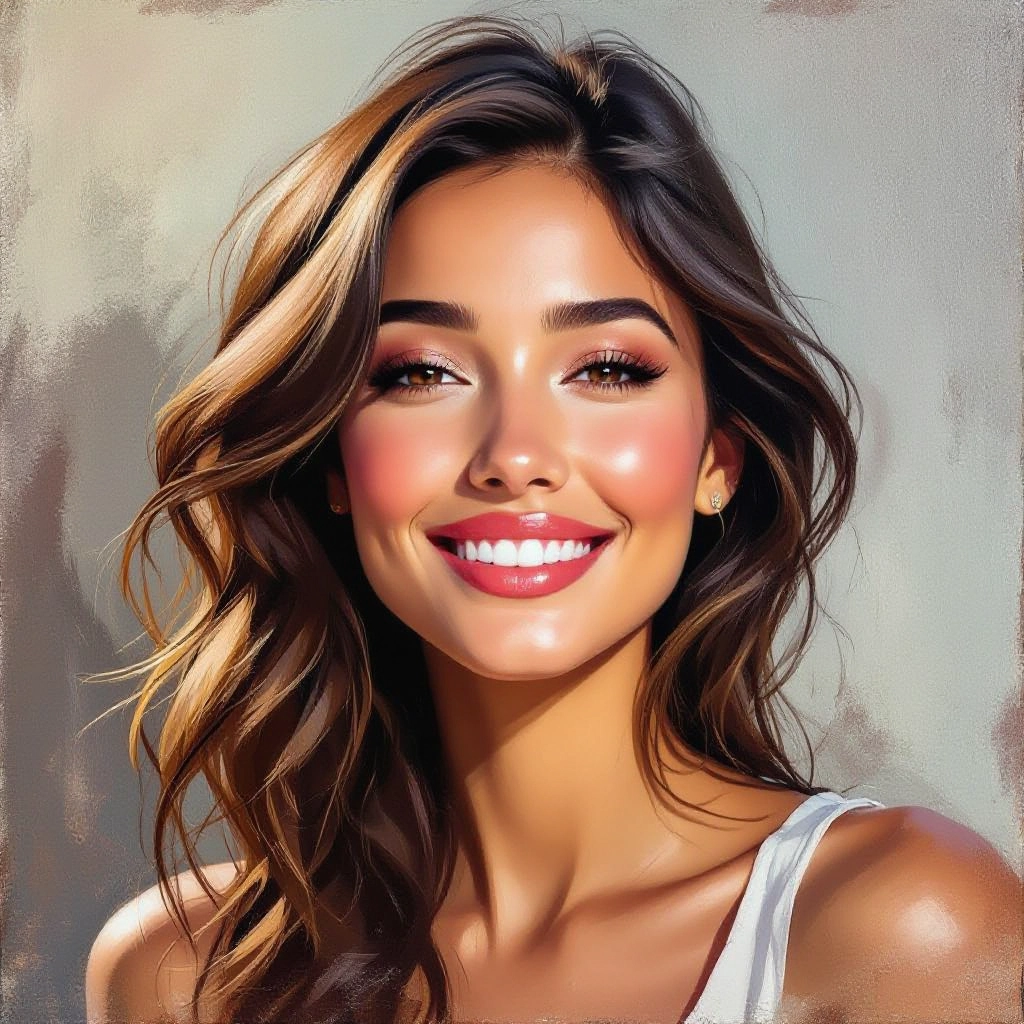
Select your preferred image size and aspect ratio. Our AI model delivers professional quality comparable to:
- • Flux AI Quality
- • Midjourney Standard
- • OpenAI DALL-E
- • Google Imagen
Download AI Oil Painting Image
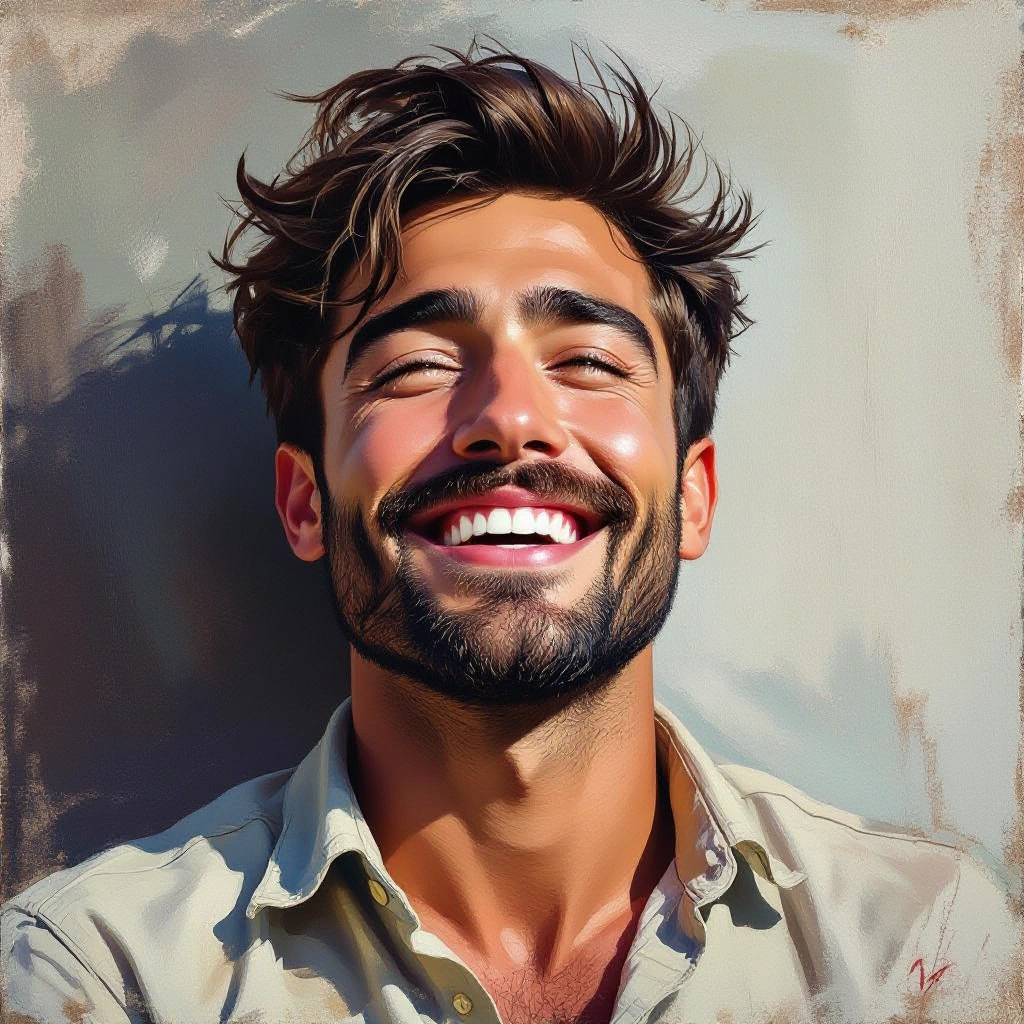
Once your AI oil painting image is generated, click the download button to save it to your device. The image will be in high quality format ready for use.
Features of AI our oil painting Image Generator
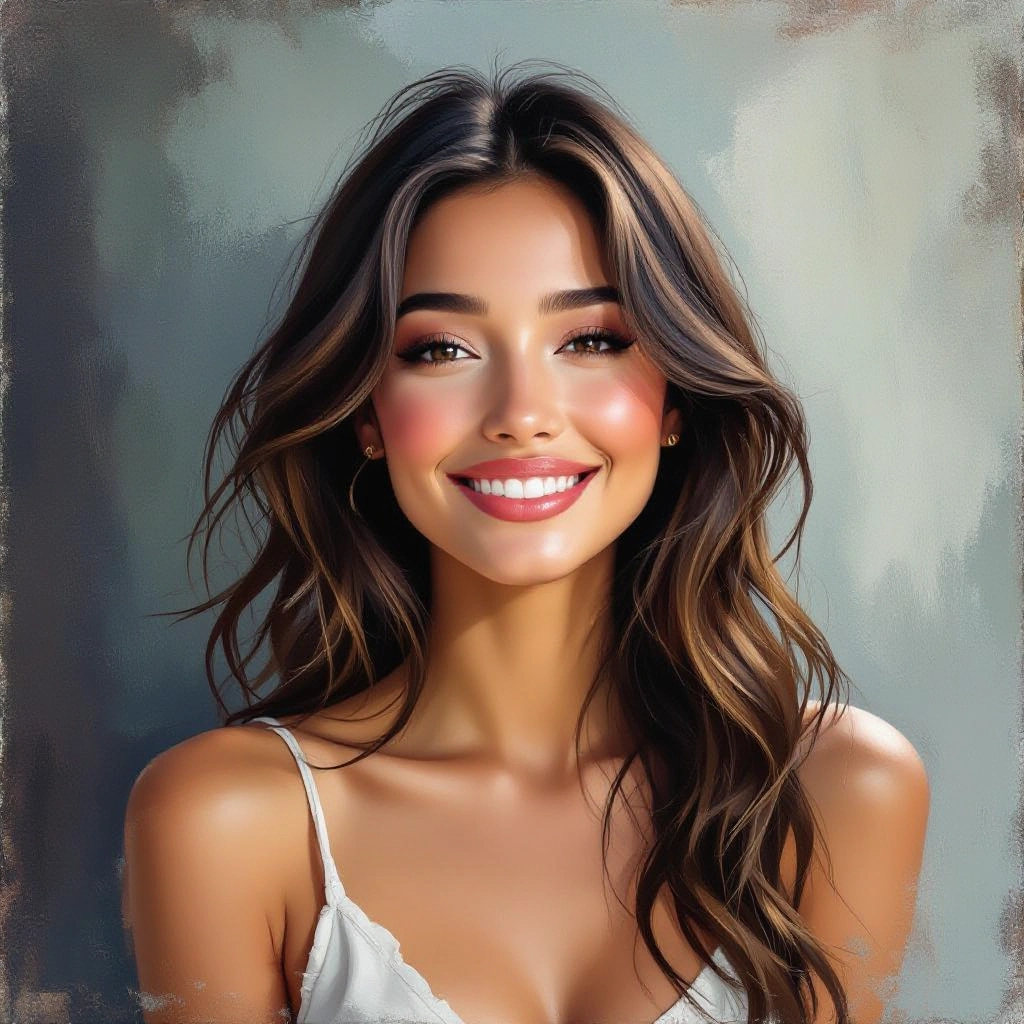
Authentic Brush Stroke Rendering
Generates directional brushwork with varied bristle marks and pressure sensitivity to reproduce wet on wet blending, scumbled highlights, and long stroke passages typical of oil masters. Generate a detailed painting prompt with our Free Painting Prompt Generator for best results.
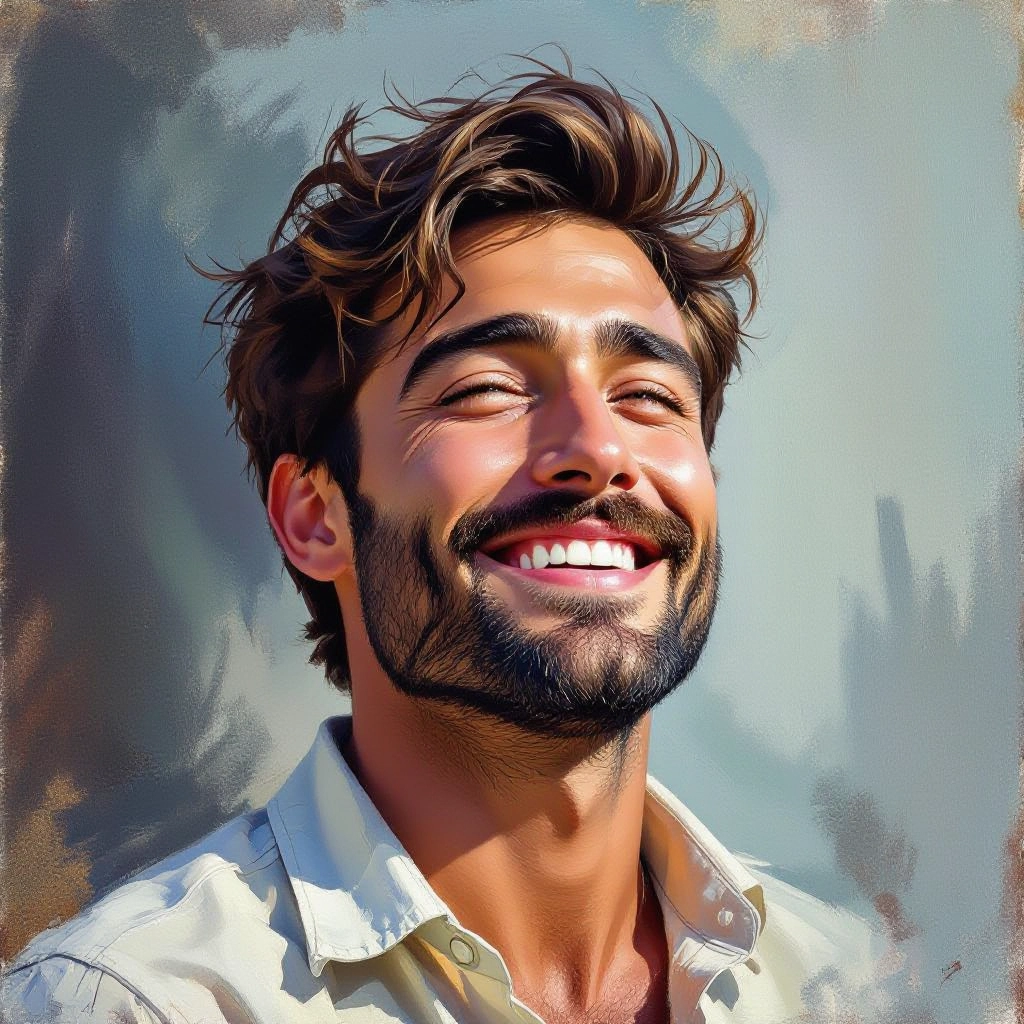
Impasto and Texture Control
Adjustable impasto thickness and tactile paint layering simulate raised paint ridges and catching light, while selectable canvas grain and tooth produce realistic surface interaction.
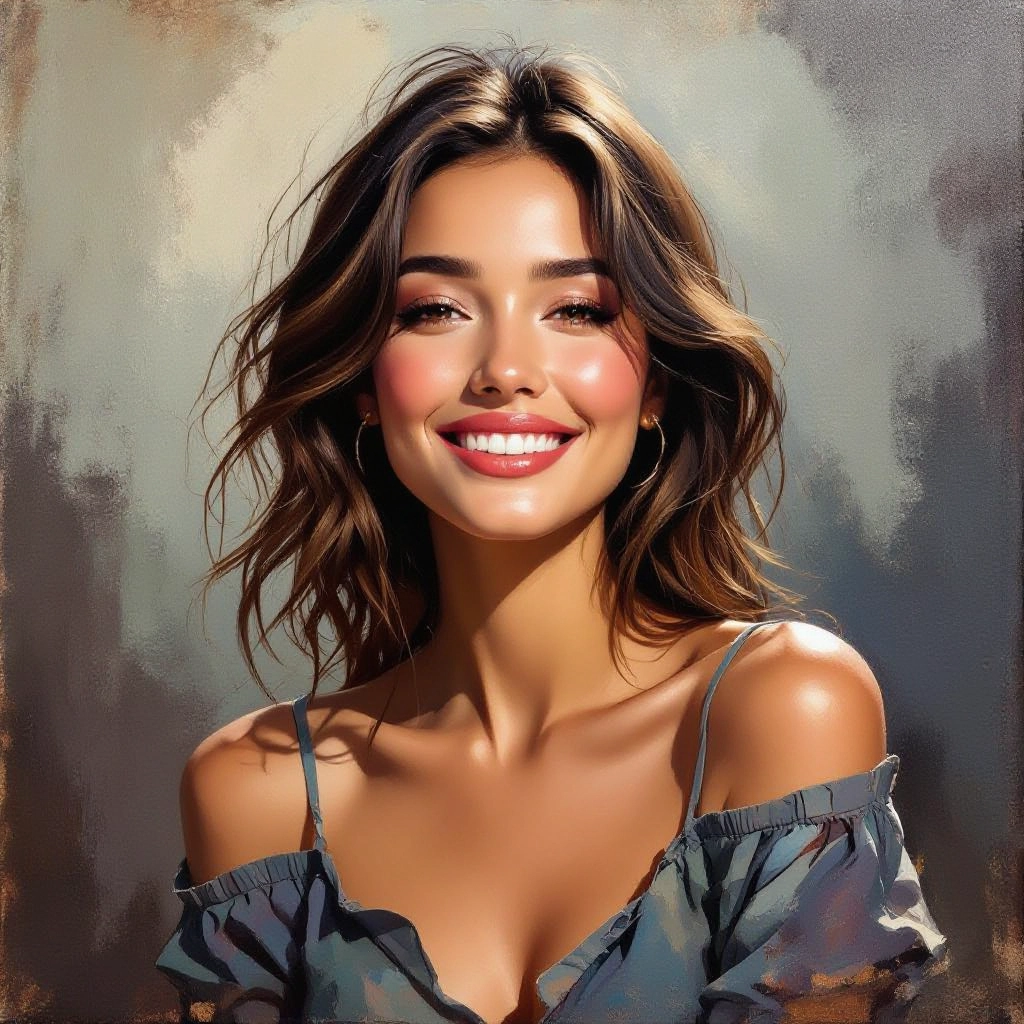
Historical Style Presets
Built in presets emulate period specific oil approaches like Impressionist broken color, Flemish glazing, Baroque chiaroscuro, and modern palette knife abstraction for quick, authentic looks.
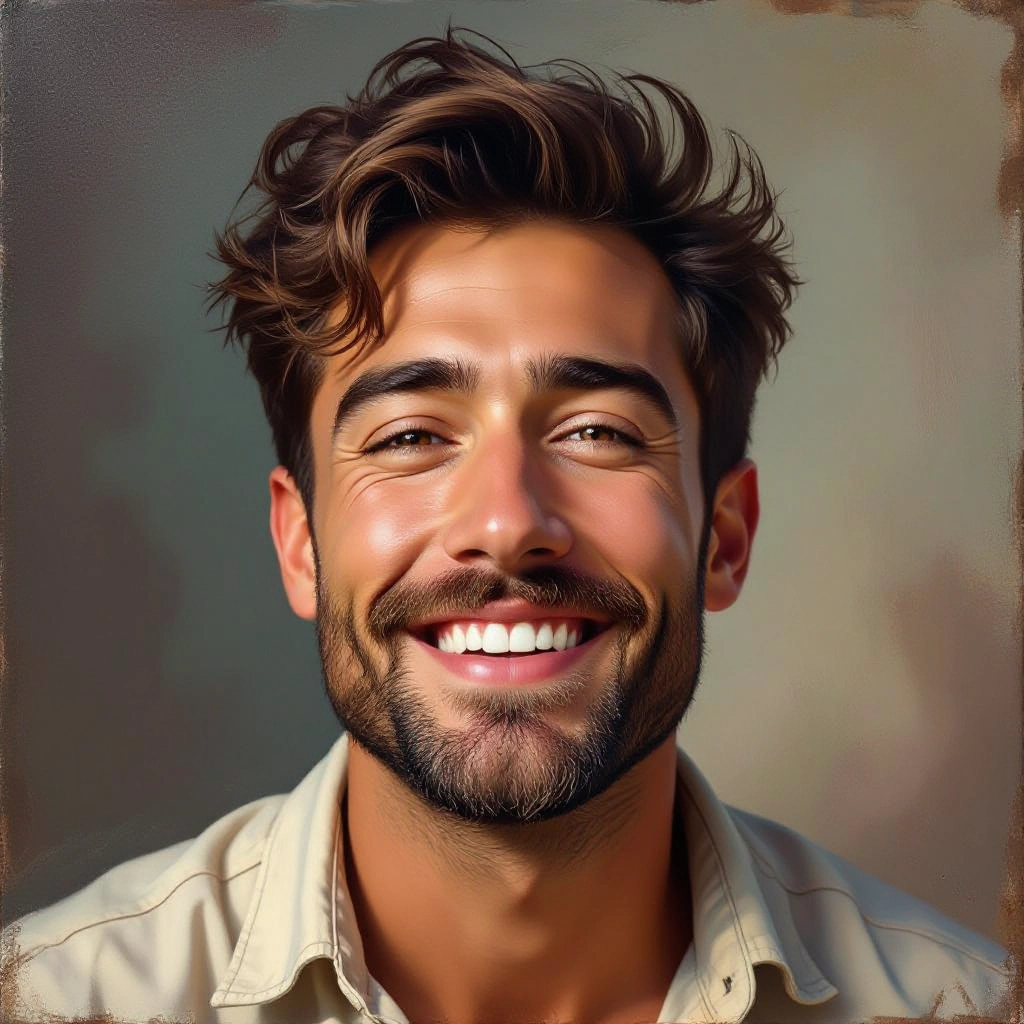
Color Mixing and Palette Tools
Advanced color blending options mimic pigment behavior, allowing warm to cool shifts, controlled glazing, and palette selection to achieve natural oil color transitions and complex skin tonalities.
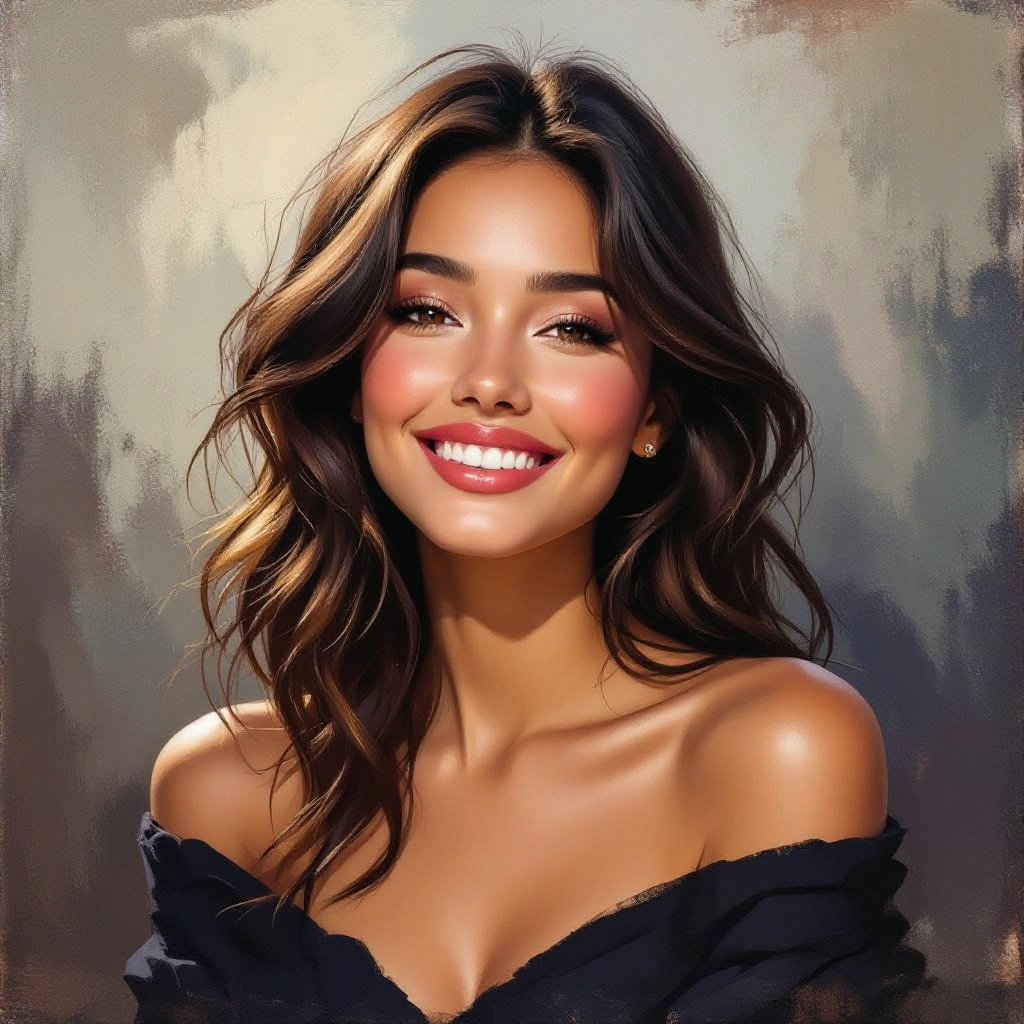
High Resolution Output and Print Ready
Export high DPI files with fine texture detail for gallery prints, archival reproduction and product packaging, with upscaling that preserves brush stroke fidelity and canvas feel.
Types of AI Powered Oil Painting Style Images
Explore distinctive oil painting styles that the generator can create, each tuned to reproduce specific historic or contemporary oil techniques and surface effects.
Impressionist Oil
Short, broken brush strokes, emphasis on light and color shifts, loose edges and vibrant palette to capture atmosphere and fleeting moments in oil.
Realist Portrait Oil
Fine layered glazing for skin depth, subtle chiaroscuro, and tight brush control to produce lifelike oil portraits with classical modeling.
Baroque Dramatic Oil
High contrast lighting, deep shadows and rich pigment saturation to evoke dramatic scenes with strong theatrical staging and ornate detail.
Tonal Landscape Oil
Muted harmonies, soft transitions and controlled brush textures focused on mood and tonal unity ideal for atmospheric landscapes and plein air studies.
Modern Abstract Oil
Bold color blocks, palette knife textures and layered impasto for non representational compositions with intense materiality and gestural energy.
Flemish Still Life Oil
Meticulous detail, fine glazing and jewel like color to recreate classic still life textures such as polished metal, fabric, and reflective surfaces.
Applications of AI oil painting image style
Fine Art Prints
Produce gallery ready prints that retain brush texture and layered color suitable for framing, exhibitions and limited editions.
Editorial and Book Illustration
Create narrative oil style covers and interior art with rich tonal control and painterly storytelling for magazines and books.
Concept Art and Visual Development
Rapidly iterate painted concepts for film, games and animation, testing composition and lighting in an oil aesthetic before detailed production.
Photography to Painting Conversion
Transform photographs into believable oil studies while preserving facial detail, fabric texture and environmental light for personalized portraits.
Product and Packaging Design
Apply oil painting finishes to labels and packaging mockups to convey artisanal quality and handcrafted appeal for premium products.
Teaching and Restoration Previews
Use the generator to visualize restoration outcomes or teach oil techniques by isolating brushstroke and glazing effects for study.
FAQs about AI oil painting image generator
Can I upload my own photo and convert it into an oil painting style?
Yes. Upload a high resolution reference and the generator will analyze texture, edges and color so you can apply oil stroke patterns, impasto levels and palette adjustments to convert your photo into an oil style image.
How do I get realistic impasto and brush texture in outputs?
Use the texture and impasto controls to set paint thickness and brush size, choose a canvas grain and enable directional stroke mapping so highlights and shadow catch on simulated raised paint ridges.
Are generated images usable for commercial projects?
Generated images are suitable for commercial use according to the platform terms. Check licensing details for redistribution, resale or use in trademarked material and attribute if required by the service rules.
Can the generator mimic a specific historical oil painting technique?
Yes. Use historical style presets and fine tune glazing, underpainting hue and contrast to approximate techniques like Flemish glazing, Impressionist broken color or Baroque chiaroscuro while respecting contemporary copyright rules.
What resolution options are available for printing?
Export options include high DPI settings and upscaling that preserve brush detail and canvas texture, with color profile choices for print shops to ensure accurate reproduction on canvas and fine art paper.
How can I refine results if the first output is not painterly enough?
Adjust prompt specificity to include brush type, paint handling and reference artists, increase impasto or canvas grain, upload a clearer reference image and iterate with color mixing tweaks until the output reaches the desired oil painting fidelity.
