Black And White Image Generator
Black And White Image Generator is a free online tool to generate black and white style images. The tool is free to use, just enter prompt in black and white style and generate black and white image style in seconds similar quality to flux, midjourney, open ai, imagen, nano banana AI image quality.
Generate Black And White AI Image for Free
Receive our FREE AI updates via email once a week
What is a black and white Generator?
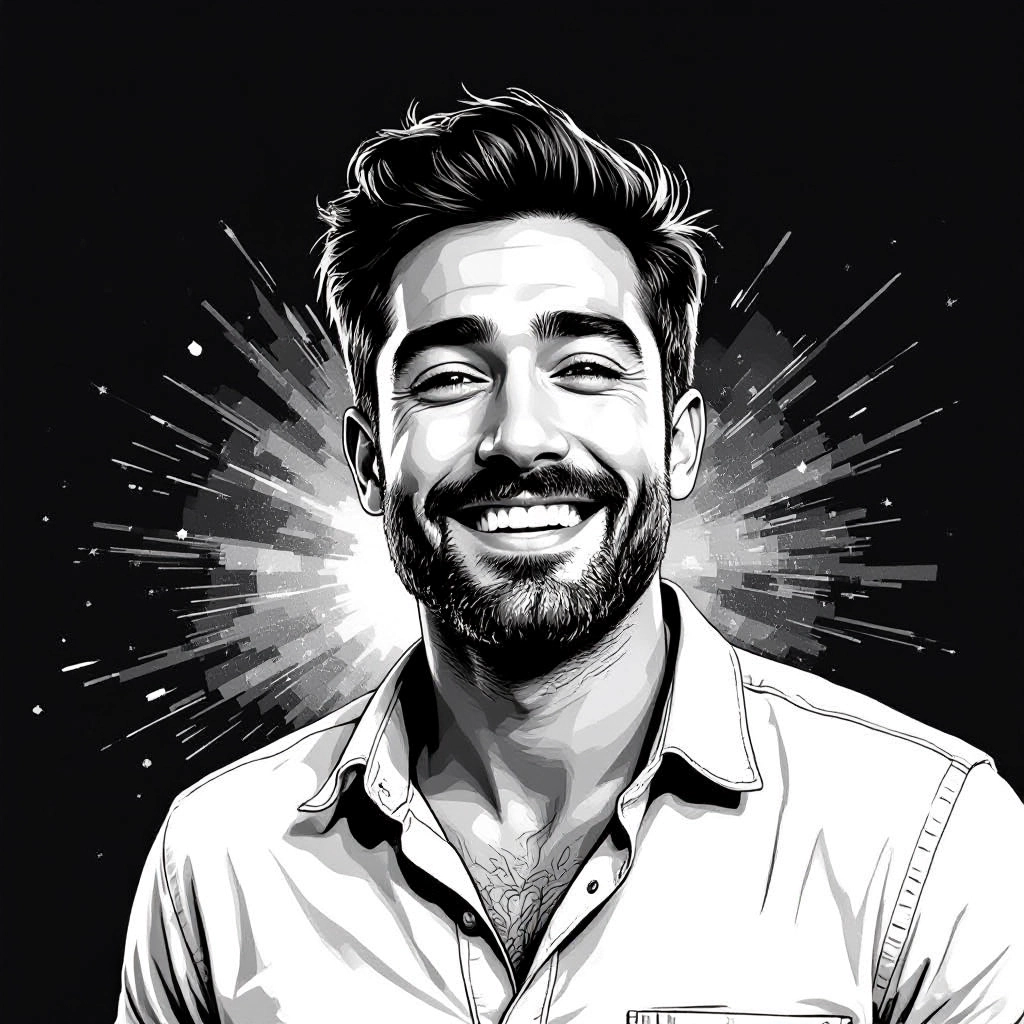
A Black And White Generator is an AI-powered tool that converts prompts or source images into monochrome artwork focused on tonal relationships rather than color. Instead of simply desaturating pixels, it interprets light, texture, and contrast to produce photographic and artistic black and white results such as film-like silver halide textures, deep shadow separation, delicate highlight rolloff and grain patterns that mimic traditional processes.
Photographers, graphic designers, archivists, filmmakers and content creators use a Black And White Generator to emphasize mood, texture and composition. It is used when color would distract from form or emotion, for restoring archival images, creating editorial spreads, preparing storyboards, or producing social media assets that rely on strong tonal storytelling and timeless aesthetics.
How to Create black and white Images
To create black and white images in three simple steps: first, enter a descriptive prompt or upload a color image and choose a base monochrome style such as high-contrast, soft matte or film grain; second, refine tonal settings by adjusting contrast, midtone curve, highlight rolloff, shadow depth and grain strength to sculpt texture and mood; third, preview variations, select the best tonal grade, then export in the desired resolution and aspect ratio for print or web.
Enter AI Black And White Prompt
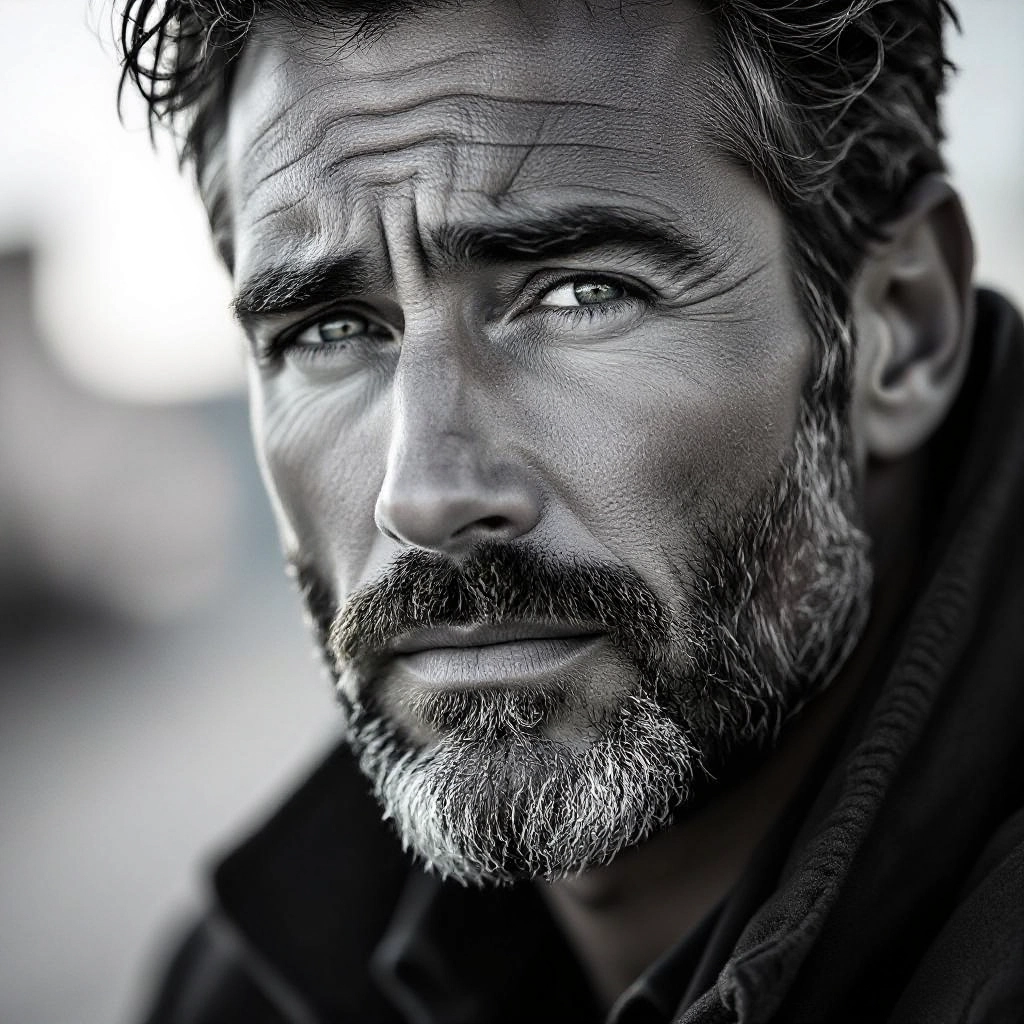
Type your black and white character or scene description in the prompt box. Include details like character appearance, clothing, expressions, and setting to get better AI black and white results.
Choose AI Model Settings
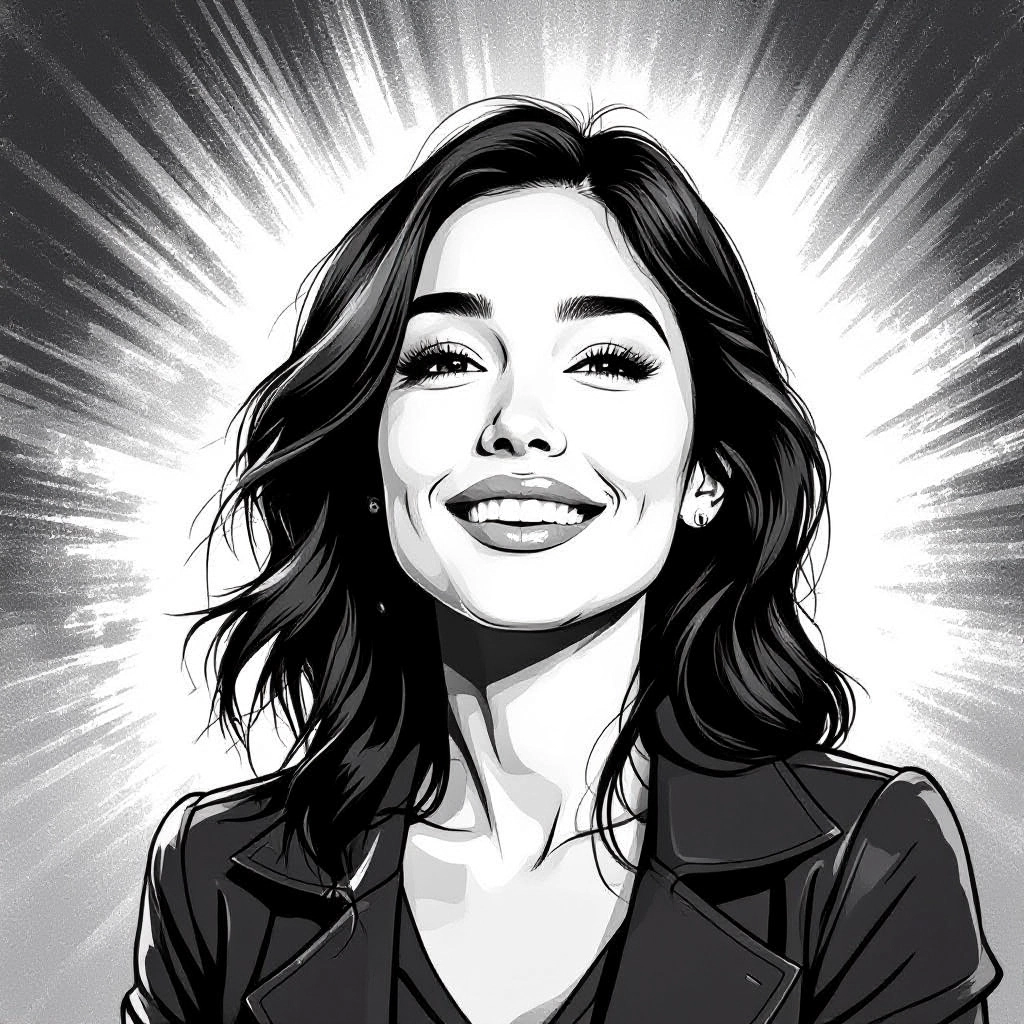
Select your preferred image size and aspect ratio. Our AI model delivers professional quality comparable to:
- • Flux AI Quality
- • Midjourney Standard
- • OpenAI DALL-E
- • Google Imagen
Download AI Black And White Image
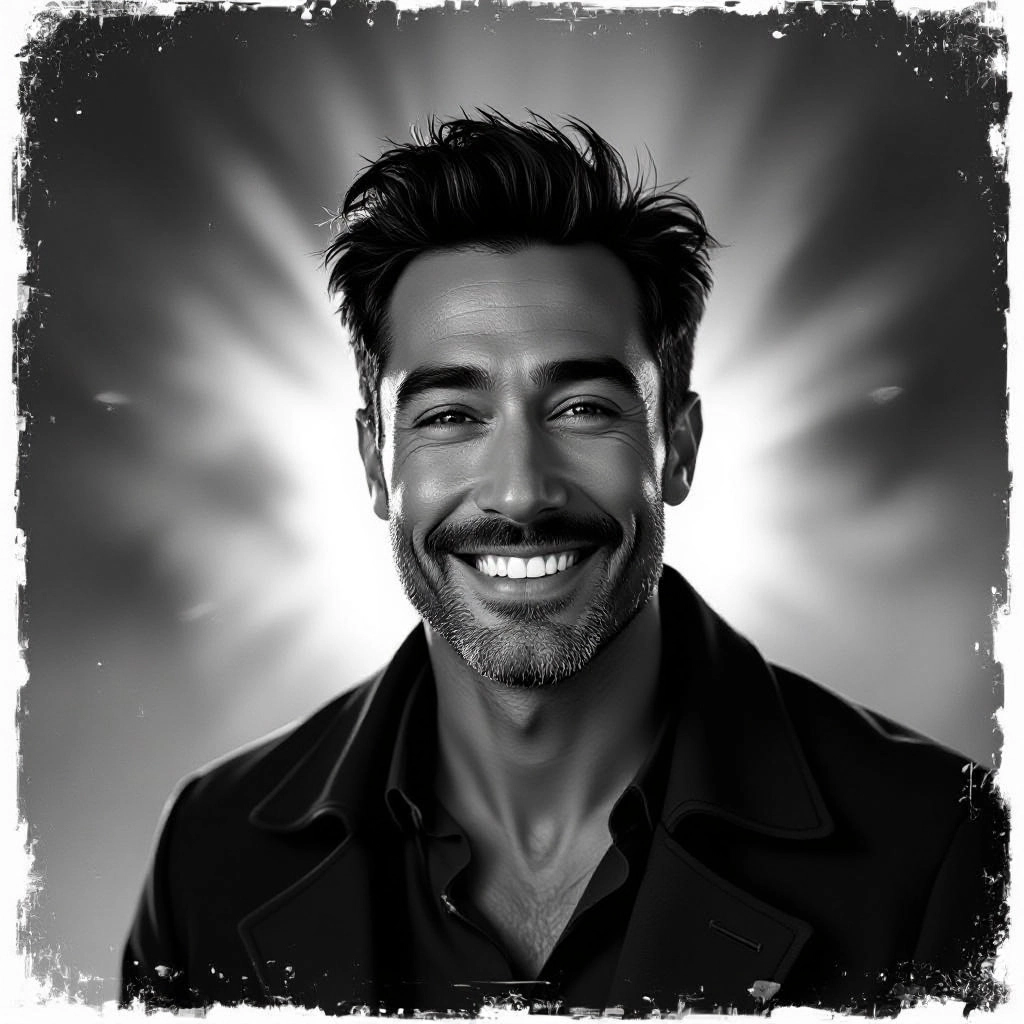
Once your AI black and white image is generated, click the download button to save it to your device. The image will be in high quality format ready for use.
Features of AI black and white Image Generator
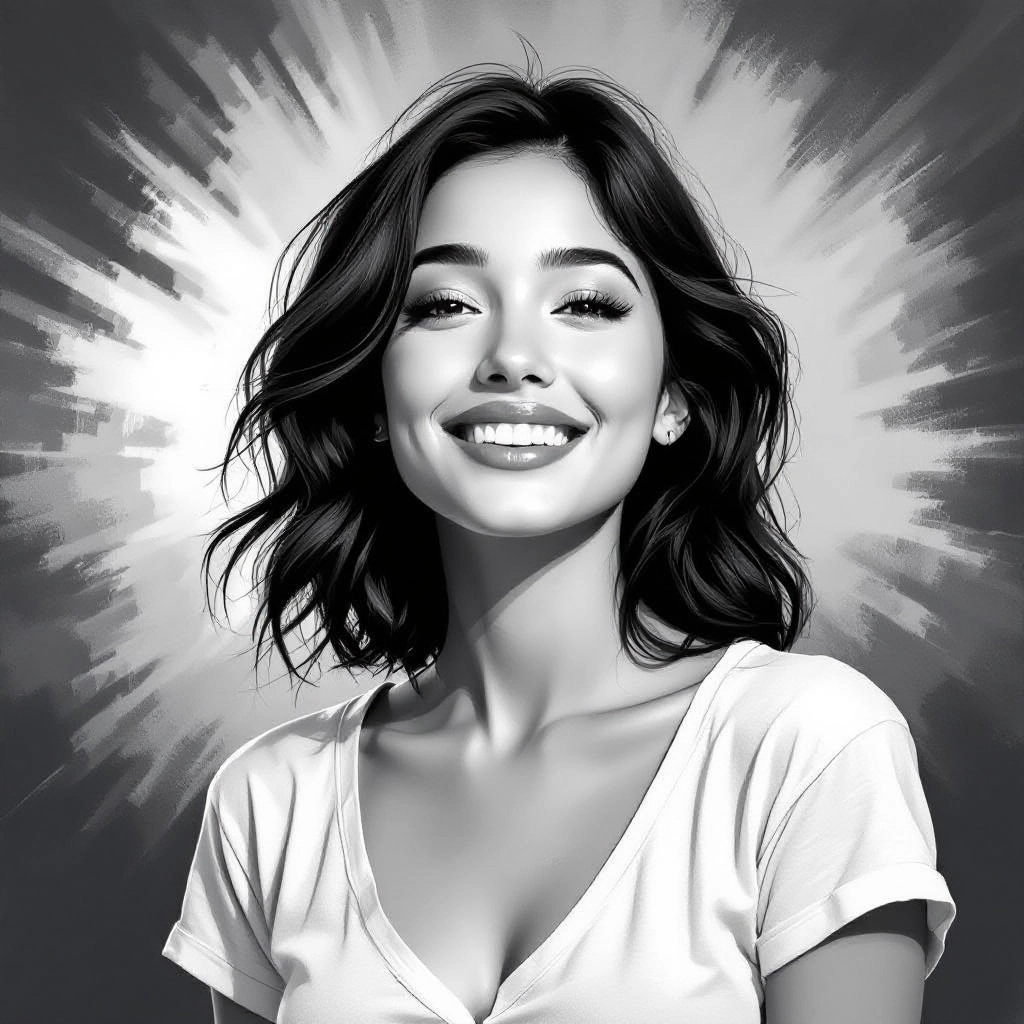
Adaptive Tonal Mapping
Automatically analyzes scenes and remaps luminance to preserve important detail in highlights and shadows, producing balanced monochrome images that retain dynamic range even in high-contrast compositions.
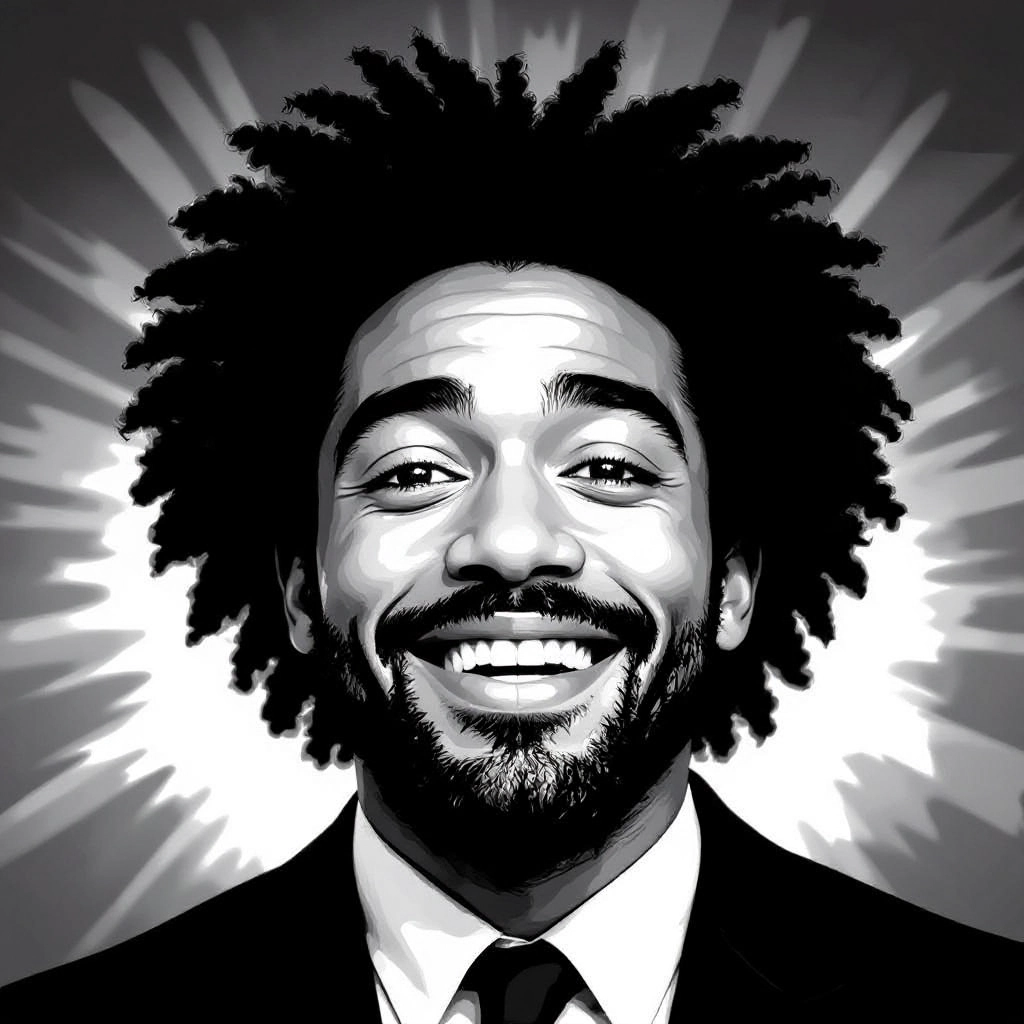
Film Grain and Texture Engine
Emulates silver-halide and modern film grains with controllable size, intensity and placement to add authentic photographic texture or a fine art paper feel to final images.
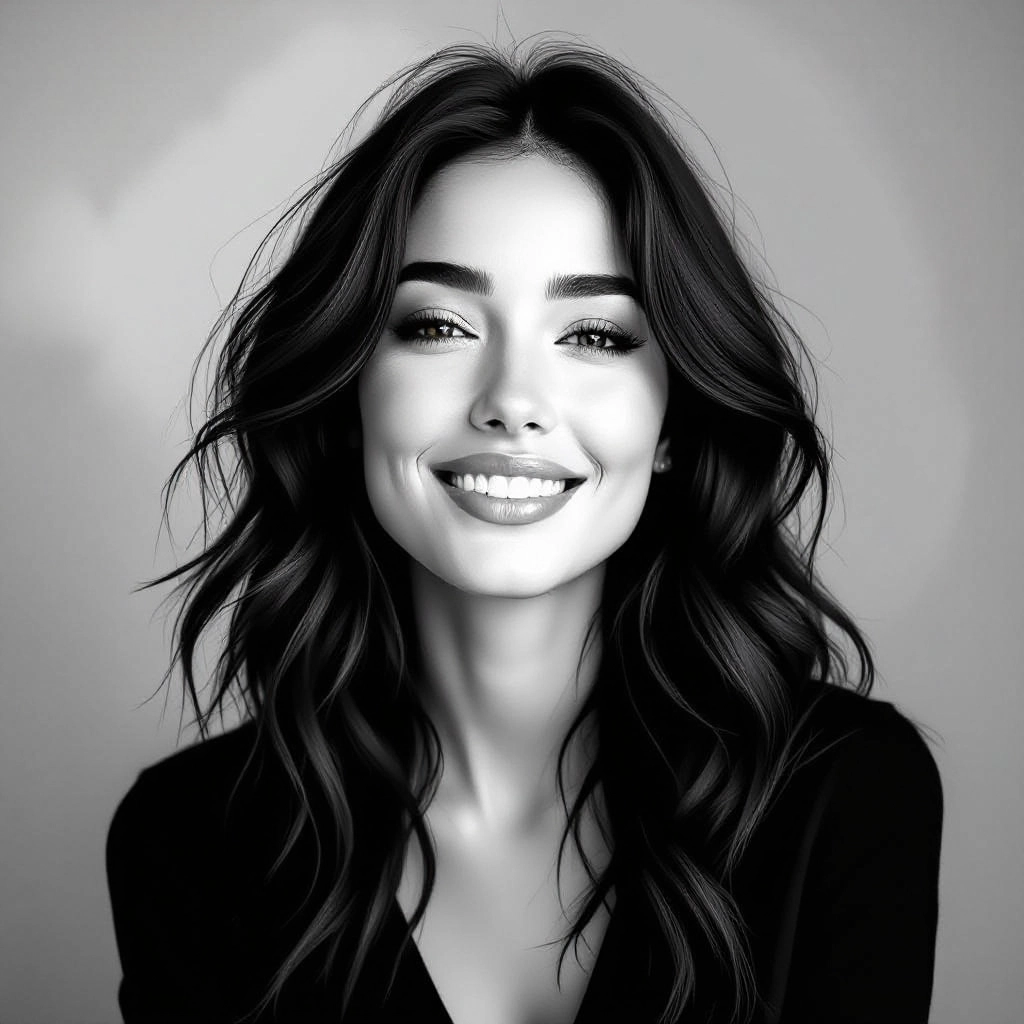
Precision Contrast Controls
Fine-grain sliders for overall contrast, midtone brightness, highlight rolloff and shadow clipping let you create anything from stark noir to gentle low-contrast portraits without color cues.
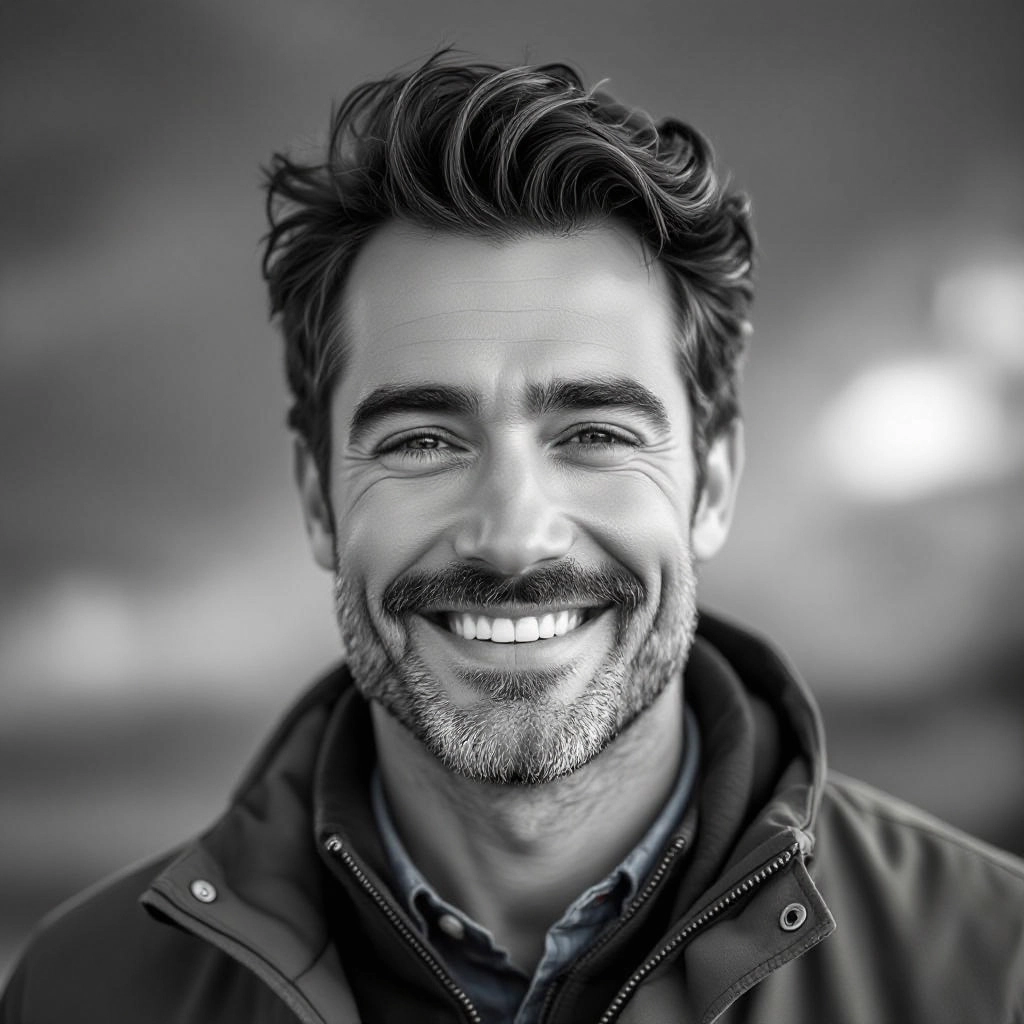
Selective Tone Masking
Target specific areas like skies, skin, fabrics or architecture to apply different tonal treatment independently, maintaining subject clarity while deepening background mood and separation.
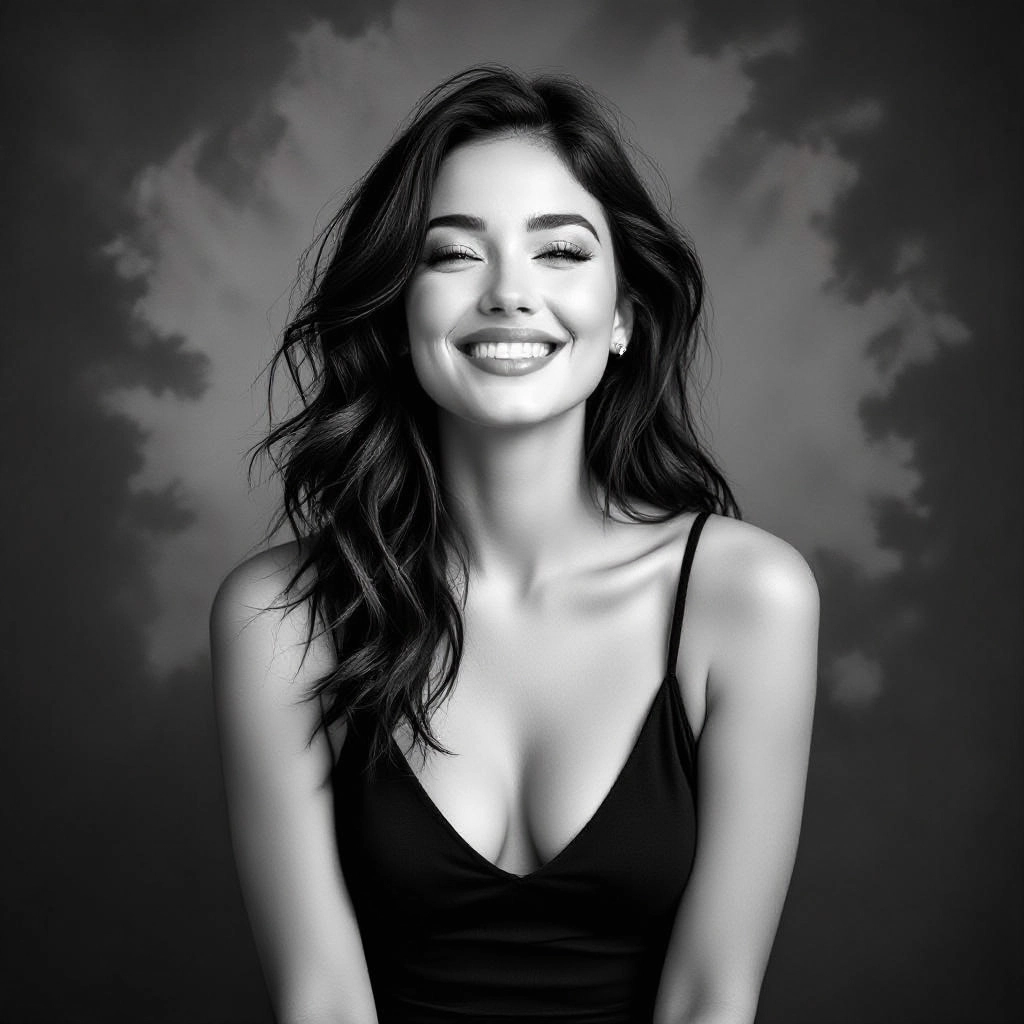
High-Resolution Export and Format Options
Export black and white images in high-resolution TIFF, PNG or JPEG with customizable aspect ratios and print-ready settings, including dithering and fine-grain output for large format printing.
Types of AI Powered Black And White Style Images
Black and white imagery spans many stylistic approaches. Below are common AI-driven variations that emphasize different tonal and textural qualities for distinct creative goals.
Classic Silver Gelatin
Recreates mid-20th century darkroom characteristics with luminous highlights, rich midtones and grain textures that mimic silver-halide papers used in traditional photography.
High-Contrast Noir
Delivers dramatic deep blacks and stark highlights ideal for cinematic scenes, crime noir aesthetics and moody editorial imagery with bold silhouette definition.
Soft Matte Portrait
Produces gentle tonal compression with muted highlights and soft grain for flattering portraits, preserving skin texture while reducing harsh contrast.
Split-Tone Vintage
Applies subtle split-toning across shadows and highlights to suggest aged prints and vintage processing while remaining strictly monochrome in value.
Fine Art Lith-Style
Emphasizes delicate gradations and smooth midtones for gallery-quality prints where subtle tonal transitions and paper-like texture are paramount.
Architectural Study
Focuses on clarity of lines, strong shadow geometry and controlled contrast to highlight form and texture in buildings, interiors and industrial subjects.
Applications of AI black and white image style
Editorial and Magazine Layouts
Use monochrome images to create timeless magazine spreads where composition and contrast guide reader focus and support dramatic storytelling.
Portraiture and Headshots
Produce classic portraits that emphasize facial structure and emotion by removing color distractions and refining tonal balance for skin and eyes.
Product and Fashion Catalogs
Highlight texture, silhouette and fabric detail with controlled tonal separation, giving product photography a refined, high-end look for fashion and accessories.
Historical Photo Restoration
Reconstruct and remaster damaged or faded archival images by restoring tonal continuity, adding authentic grain and balancing degraded highlights and shadows.
Cinematic Storyboards and Film Previews
Quickly generate mood boards and black and white storyboards that communicate lighting, contrast and scene composition for directors and cinematographers.
Fine Art Prints and Exhibitions
Create gallery-ready monochrome pieces optimized for large format printing with precise tonal control and grain management for archival-quality reproduction.
FAQs about AI black and white image generator
How does the generator differ from simple desaturation?
Rather than removing color, the generator interprets hue and luminance to remap tones, apply context-aware contrast, and add film-like grain and texture so the result reads as a purposefully designed monochrome image.
Can I reproduce specific film or paper looks?
Yes. The tool offers presets and granular controls that emulate popular film stocks and paper types, letting you approximate silver gelatin, matte fiber, or modern digital film aesthetics.
Is there control over grain and texture?
You can adjust grain size, intensity and distribution as well as apply texture overlays to simulate darkroom development and paper surfaces for a tactile print feel.
Will faces lose detail when converting to black and white?
No, with selective tone masking and midtone control you can preserve skin texture and eye detail while applying stronger contrast to backgrounds for subject separation.
What export options are available for printing?
Export choices include high-resolution TIFF and PNG, adjustable DPI, and options for dithering and color-managed grayscale suitable for archival and gallery printing.
Can the AI restore old black and white photos?
Yes, the generator can repair scratches, normalize faded tones, reconstruct missing density ranges and reintroduce realistic grain to revive historical images.
