Cel Shaded Image Generator Free Online Tool
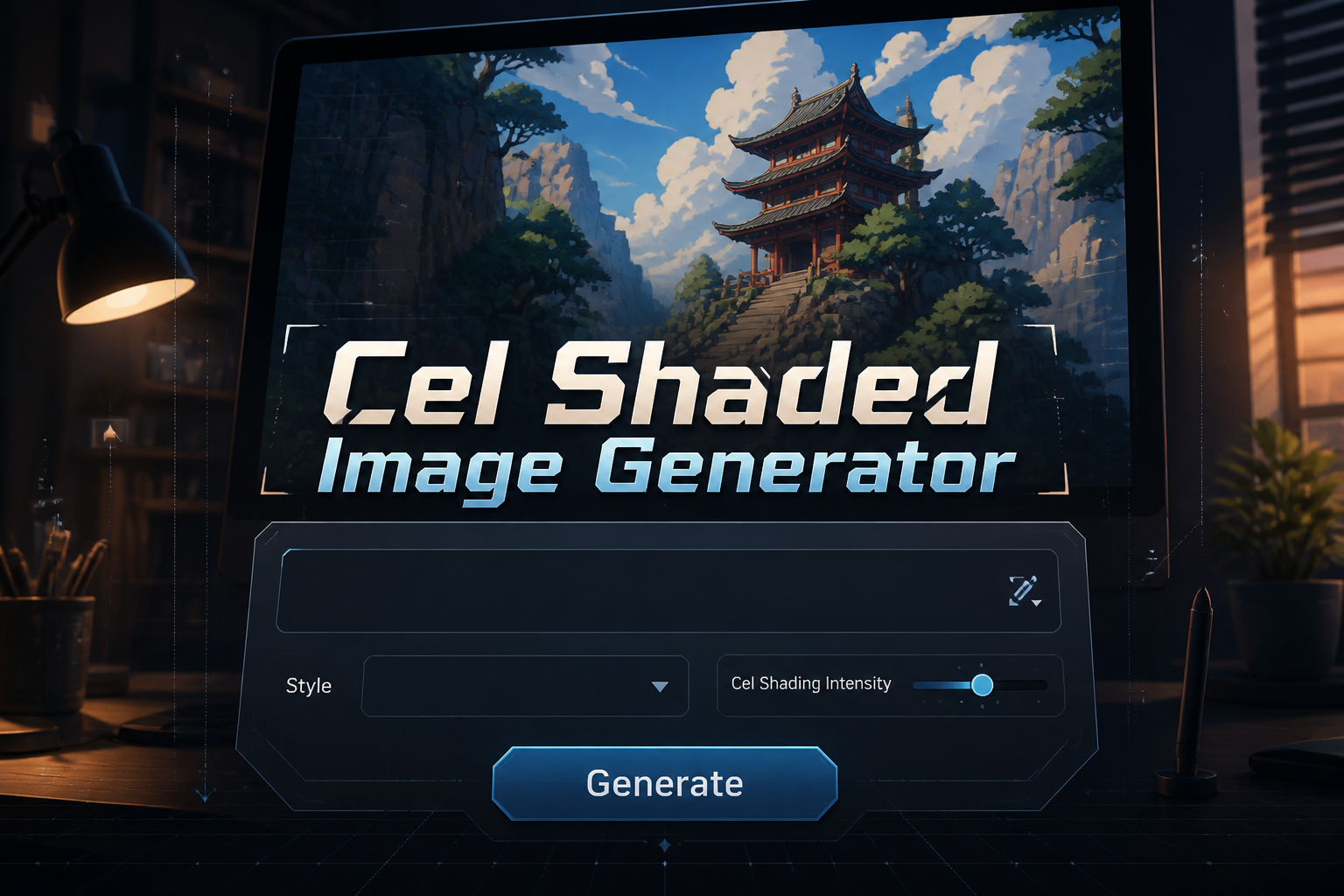
Cel Shaded Image Generator is a free online tool to generate cel shaded style images. The tool is free to use, just enter prompt in cel shaded style and generate cel shaded image style in seconds similar quality to flux, midjourney, open ai, imagen, nano banana AI image quality.
Generate Cel Shaded AI Image for Free
Receive our FREE AI updates via email once a week
What is a cel shaded Generator?
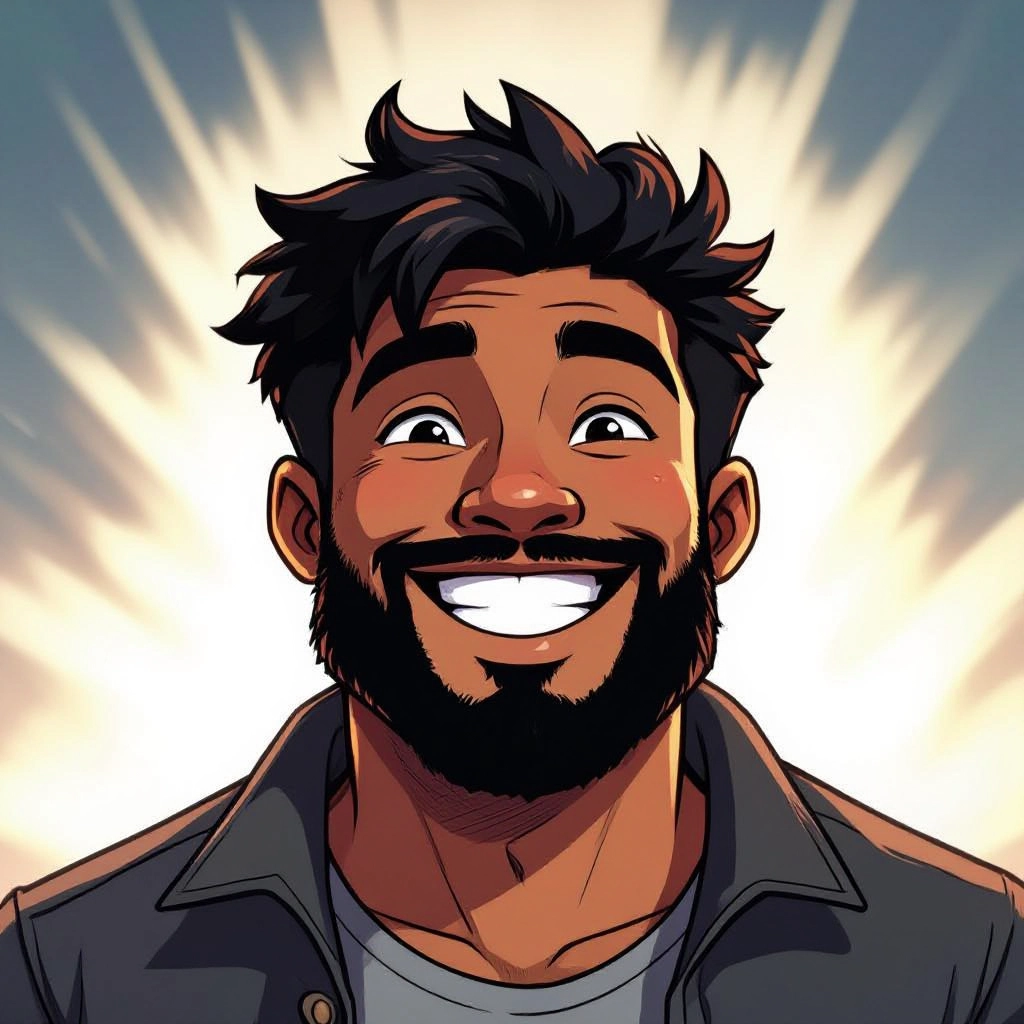
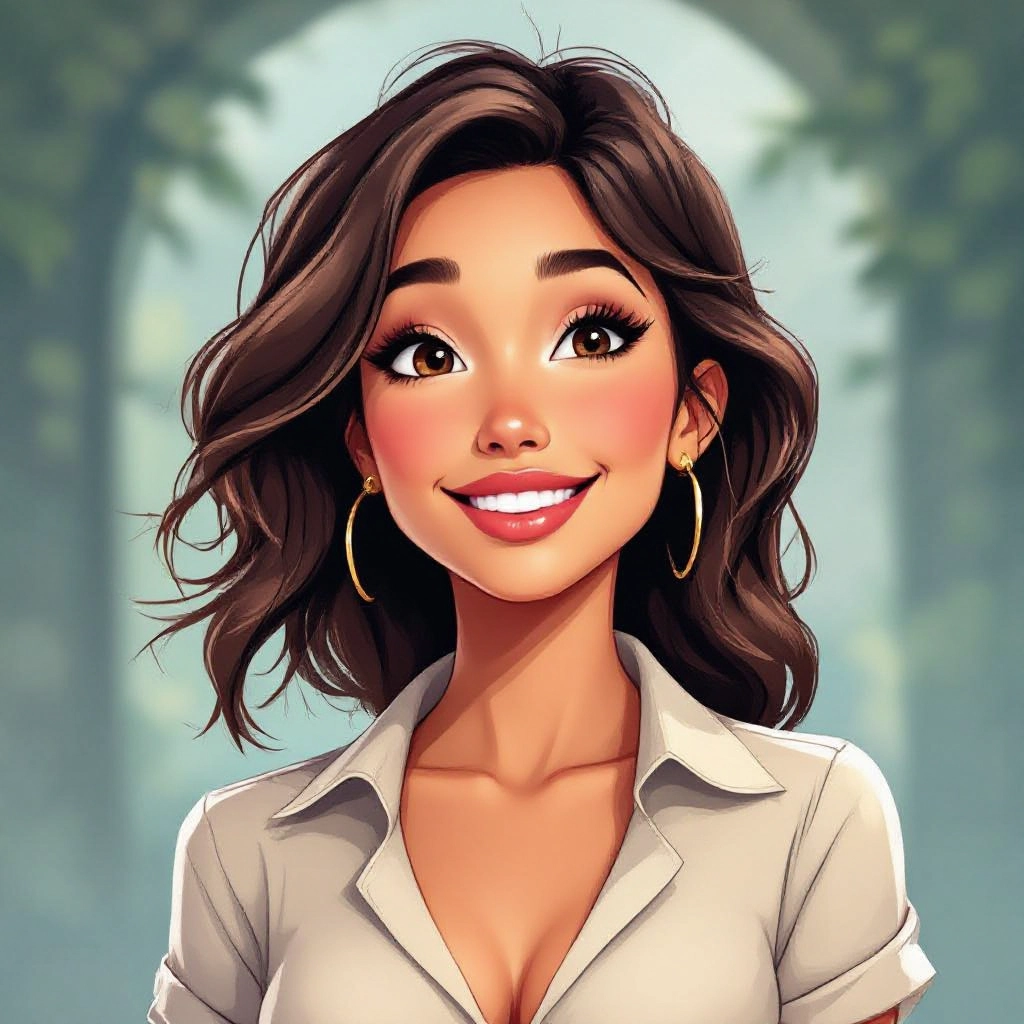
A Cel Shaded Generator is an AI-powered tool that creates artwork using the visual conventions of cel shading: flat color planes, crisp contour lines, and hard-edged shadows that read like layered cutouts. Instead of simulating smooth gradients, the generator prioritizes distinct tonal regions, inked outlines, and simplified specular highlights to produce images that resemble traditional animation cels or graphic novel panels.
Artists, indie game developers, illustrators, comic creators, and social media designers use this tool when they need fast, consistent cel shaded visuals. It speeds up concepting, provides repeatable color palettes, and lets teams apply the same line weight and shadow logic across multiple assets. Hobbyists use it to transform photos into stylized portraits while professionals use exported layered files to fine tune edges and color blocks in downstream editing tools.
How to Create cel shaded Images
Start by entering a clear subject prompt or uploading a reference image and pick a cel shaded preset that matches your target look, such as anime, comic ink, or minimalist sticker. Next set the key parameters: line weight, shadow hardness, color palette limits, and highlight placement so the AI maps flat color planes and single-level shadows correctly. Finally render the image, review the result, tweak prompts or exposure and shadow size, and export as PNG or layered PSD for further manual refinement.
Enter AI Cel Shaded Prompt
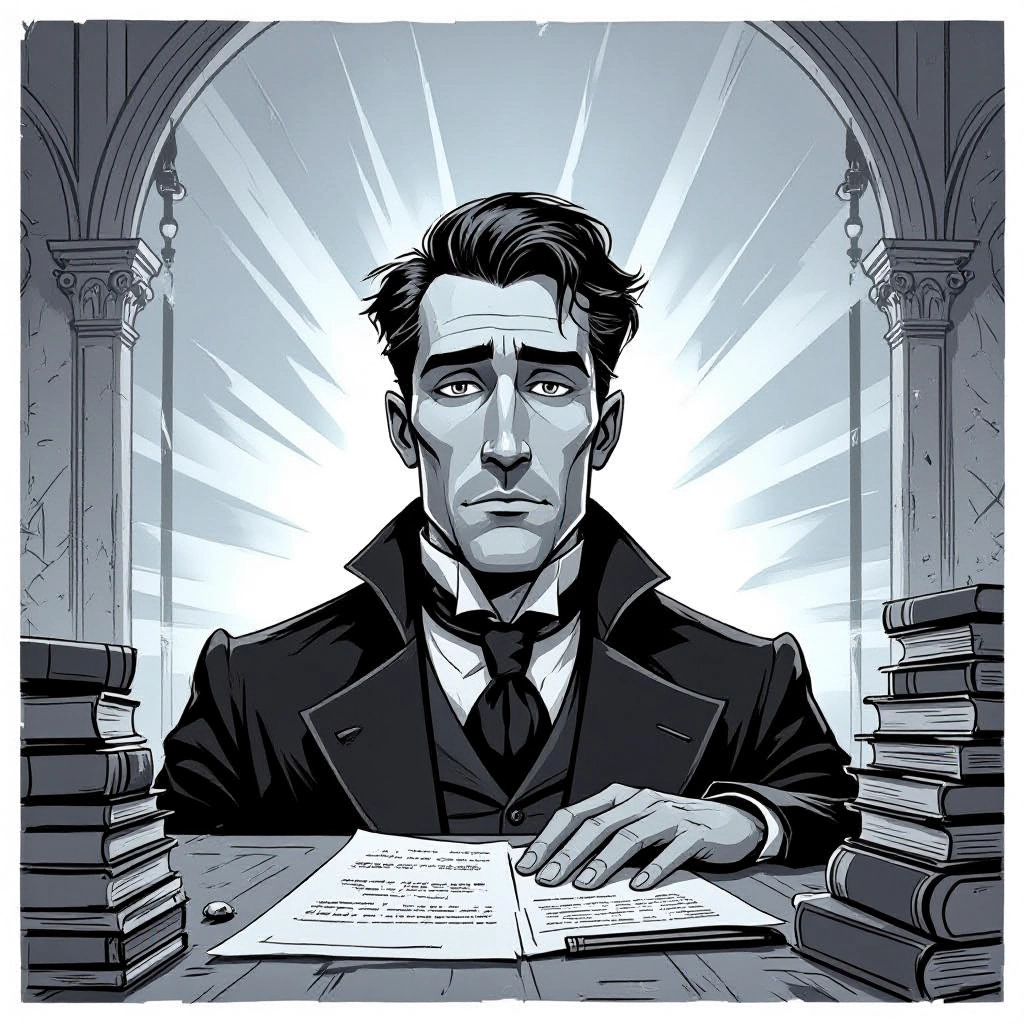
Type your cel shaded character or scene description in the prompt box. Include details like character appearance, clothing, expressions, and setting to get better AI cel shaded results.
Choose AI Model Settings
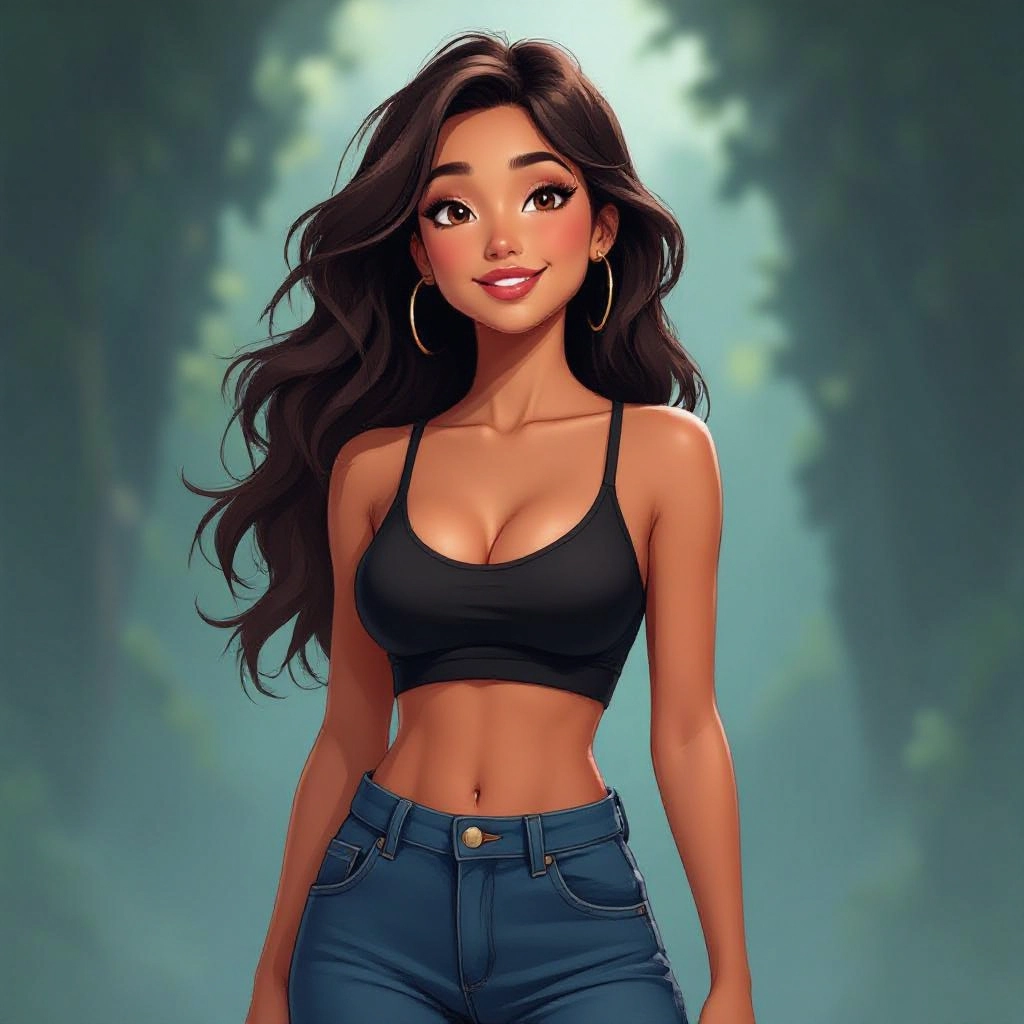
Select your preferred image size and aspect ratio. Our AI model delivers professional quality comparable to:
- • Flux AI Quality
- • Midjourney Standard
- • OpenAI DALL-E
- • Google Imagen
Download AI Cel Shaded Image

Once your AI cel shaded image is generated, click the download button to save it to your device. The image will be in high quality format ready for use.
Features of AI cel shaded Image Generator
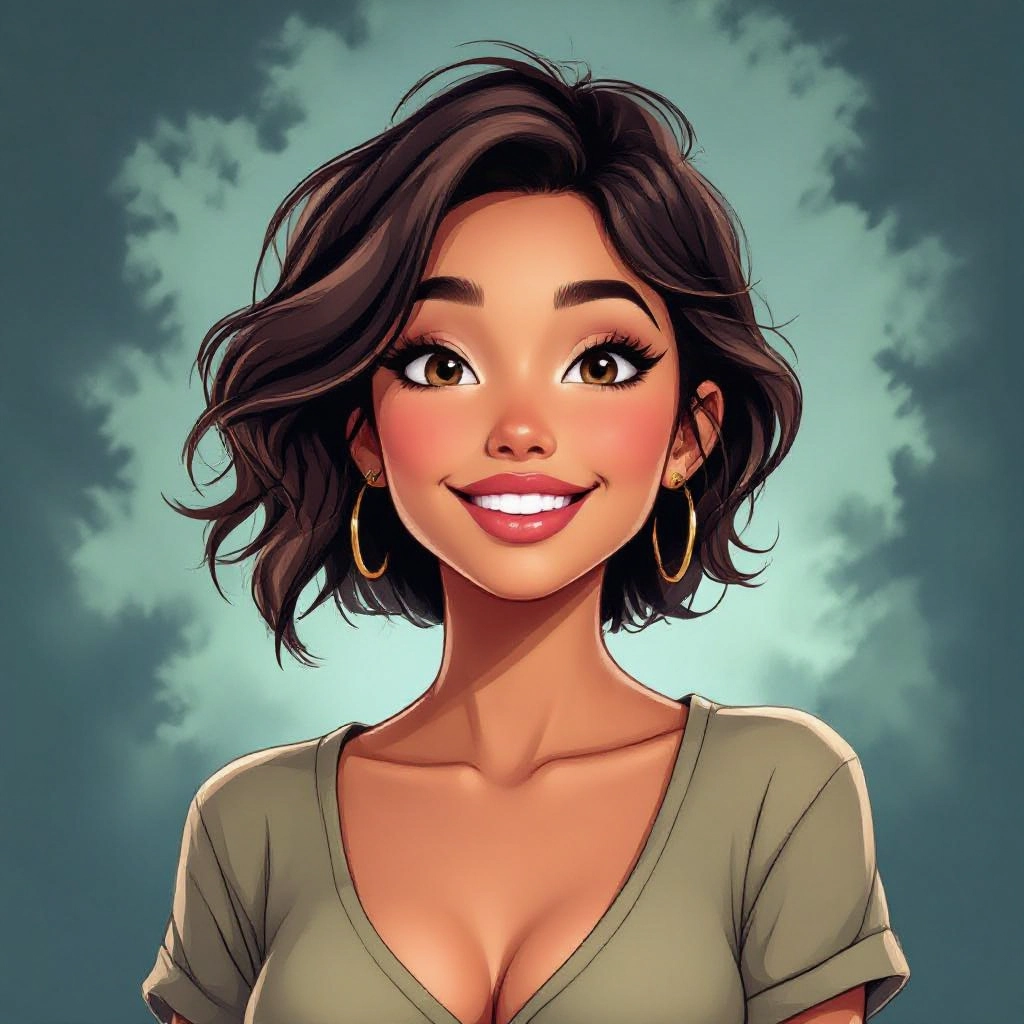
Precise Line and Ink Control
Adjustable stroke width, corner smoothing, and pressure emulation let you produce everything from delicate inking to bold comic outlines, ensuring contours match the intended cel shaded aesthetic. Enhance your results by generating a detailed prompt with our Free AI Art Prompt Generator first.
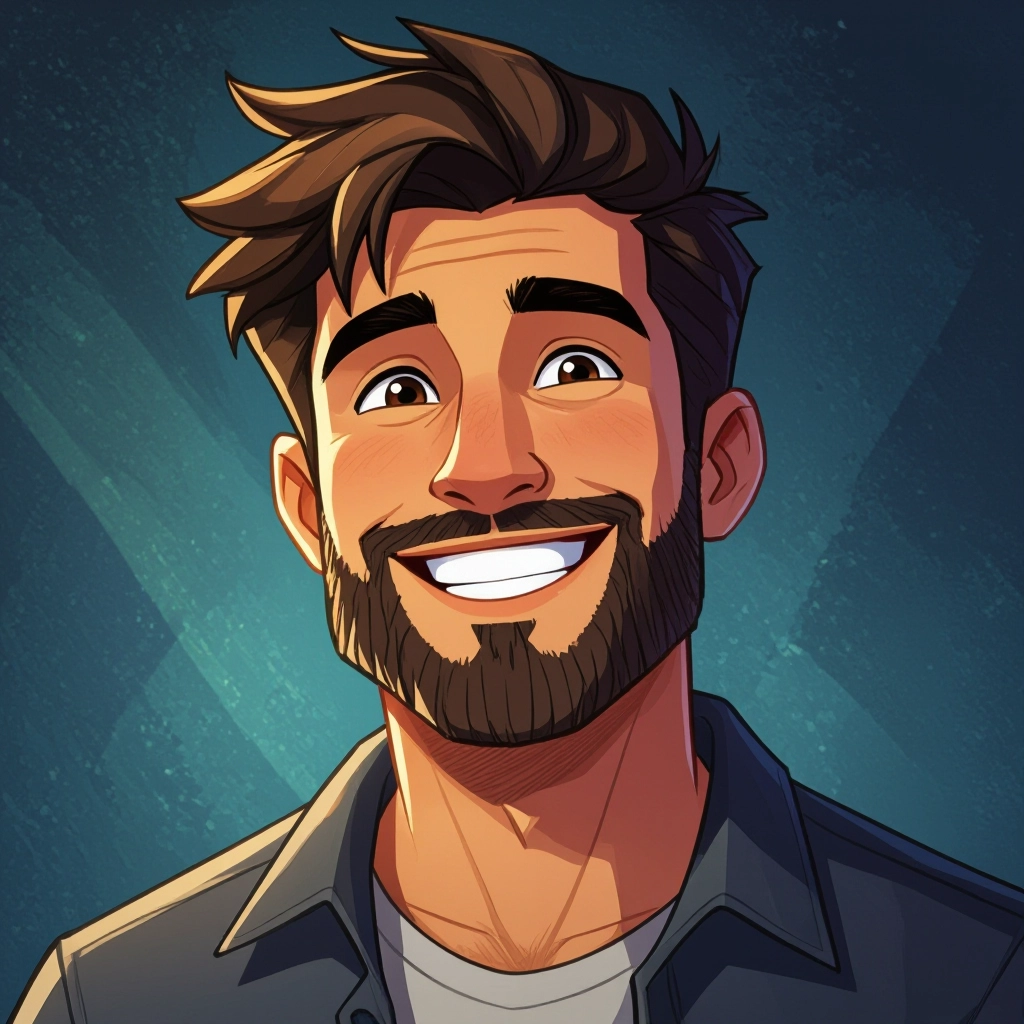
Flat Color Palette Generator
Automatic palette reduction and complementary palette suggestions create cohesive flat color blocks with limited tones to strengthen the cel shaded look and improve readability.
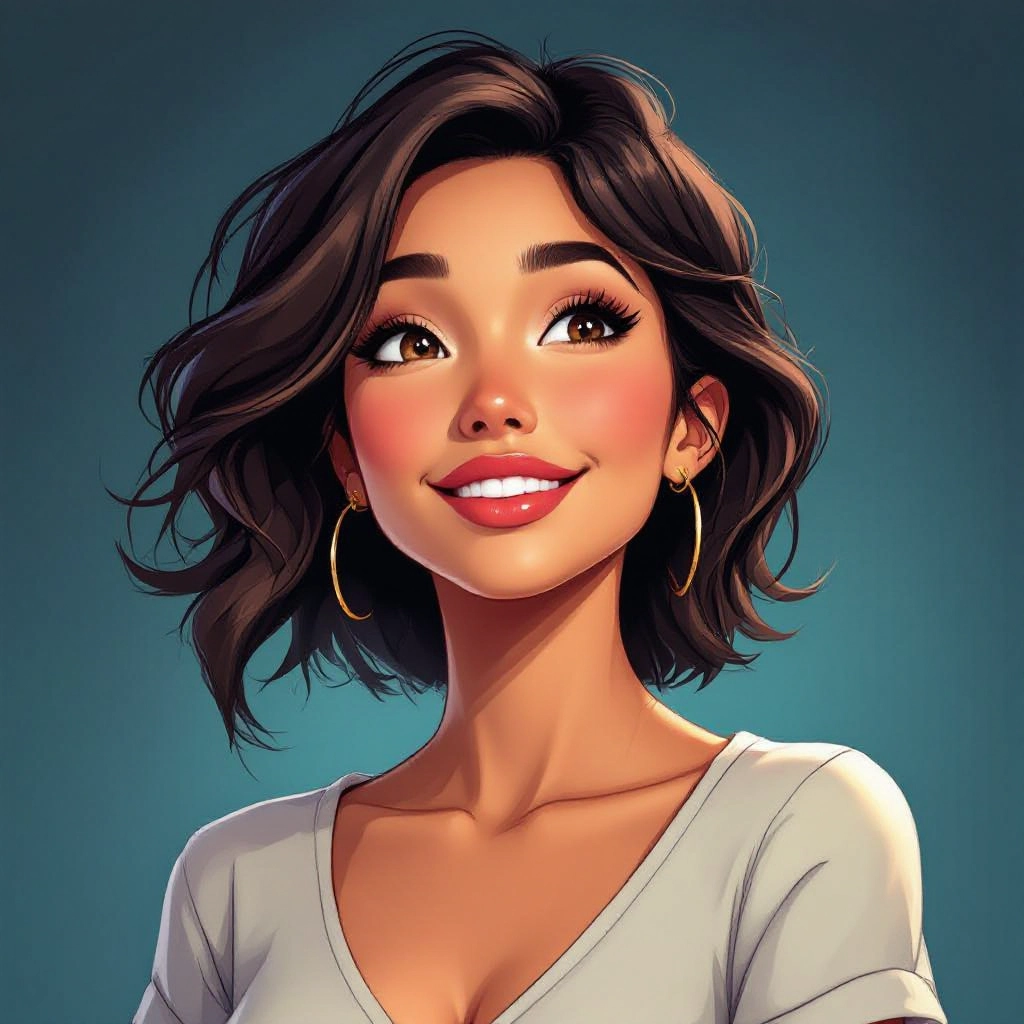
Hard Shadow Layering
Layer-based shadow mapping assigns primary and secondary shadow planes with crisp edges and selectable shadow offsets to mimic hand-painted cell shadows.
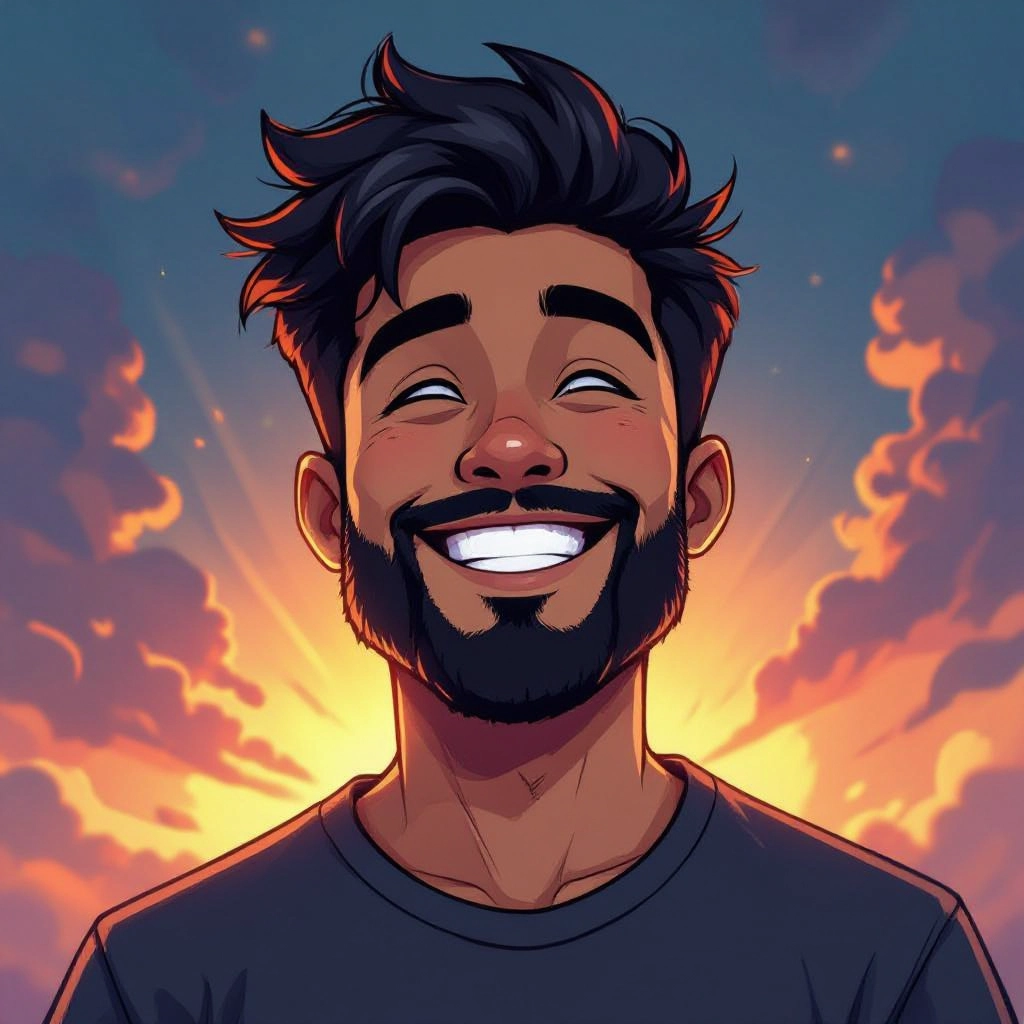
Style Presets and Customization
Quick presets replicate popular cel shaded substyles like classic anime, western cartoon, and graphic novel inks, while sliders let you fine tune contrast, posterization, and highlight intensity.
Exportable Layers and Vector Paths
Export results as flattened PNGs or layered PSDs with separate lineart and color blocks, and optionally vectorize outlines for scalable assets and game-ready sprites.
Types of AI Powered Cel Shaded Style Images
Cel shading covers a range of visual languages. Below are common AI-generated variations that change mood, line treatment, and color blocking while keeping the essential flat-shaded character.
Classic Anime Cel
Thin organic outlines, soft rim highlights, and two to three flat color tones per region to emulate mid-90s anime production cels.
Bold Cartoon Toon
Heavy black outlines, saturated flat fills, and exaggerated shadow shapes for energetic, kid-friendly character art.
Graphic Novel Ink
High contrast black and midtone flats with textured line hatching and selective color washes for dramatic panel-ready imagery.
Minimalist Sticker Style
Simplified silhouettes, ultra-clean edges, and a tiny palette for icons, stickers, and avatar designs that read clearly at small sizes.
High-Contrast HDR Cel
Intense highlight planes and deep shadow blocks with sharp, reflective accents for a stylized cinematic look.
Soft Edge Posterized Cel
Slightly softened outlines and subtle posterization of tones to balance flat color readability with painterly transitions.
Applications of AI cel shaded image style
Indie Game Art
Create sprite sheets, UI icons, and background assets with consistent cel shading that reduces ambiguity in gameplay visuals and speeds production.
Comics and Graphic Novels
Generate panel art with controlled linework and flat color regions, then export layered files for lettering and panel assembly.
Character Portraits and Avatars
Turn photos or character drafts into bold cel shaded portraits for social profiles, streaming overlays, or avatar generators.
Marketing and Promotional Art
Produce eye catching posters, thumbnails, and ad creatives that use flat color and strong silhouettes to improve legibility and recall.
Concept Art and Previsualization
Rapidly iterate cel shaded concepts to lock down color keys, silhouette reads, and lighting direction before full production.
Education and Tutorials
Use AI-generated examples to teach cel shading techniques, showing how line weight, shadow placement, and palette choice affect readability.
FAQs about AI cel shaded image generator
Can I convert a photo into cel shaded art?
Yes. Upload a reference photo and choose a cel shaded preset to map regions into flat color planes and add inked outlines. You can then refine shadow levels and export layered files for manual touch ups.
Does the generator produce layered files for editing?
The tool can export layered PSDs with separate lineart and color block layers or flattened PNGs for immediate use. Layered exports make final adjustments in Photoshop or similar editors easier.
How do I control the line style and thickness?
Line attributes are adjustable via stroke width, smoothing, and taper controls. Presets set a baseline, and sliders let you increase or decrease weight to match anime, comic, or sticker styles.
Is color palette reduction automatic?
Yes. The generator can automatically reduce palettes to a chosen number of tones and suggest complementary palettes that maintain contrast for cel shaded readability.
Can I use outputs commercially?
Commercial use depends on the tool's license. Many generators permit commercial use of user-generated images, but always check the specific terms and attribution requirements before publishing.
How do I get consistent style across multiple images?
Save presets that lock line weight, shadow size, and palette limits, and apply the same preset to all images. Batch processing and style seeds ensure consistent cel shaded results across asset sets.
