Acrylic Painting Image Generator
Acrylic Painting Image Generator is a free online tool to generate acrylic painting style images. The tool is free to use, just enter prompt in acrylic painting style and generate acrylic painting image style in seconds similar quality to flux, midjourney, open ai, imagen, nano banana AI image quality.
Generate Acrylic Painting AI Image for Free
Receive our FREE AI updates via email once a week
Get our acrylic painting Generator
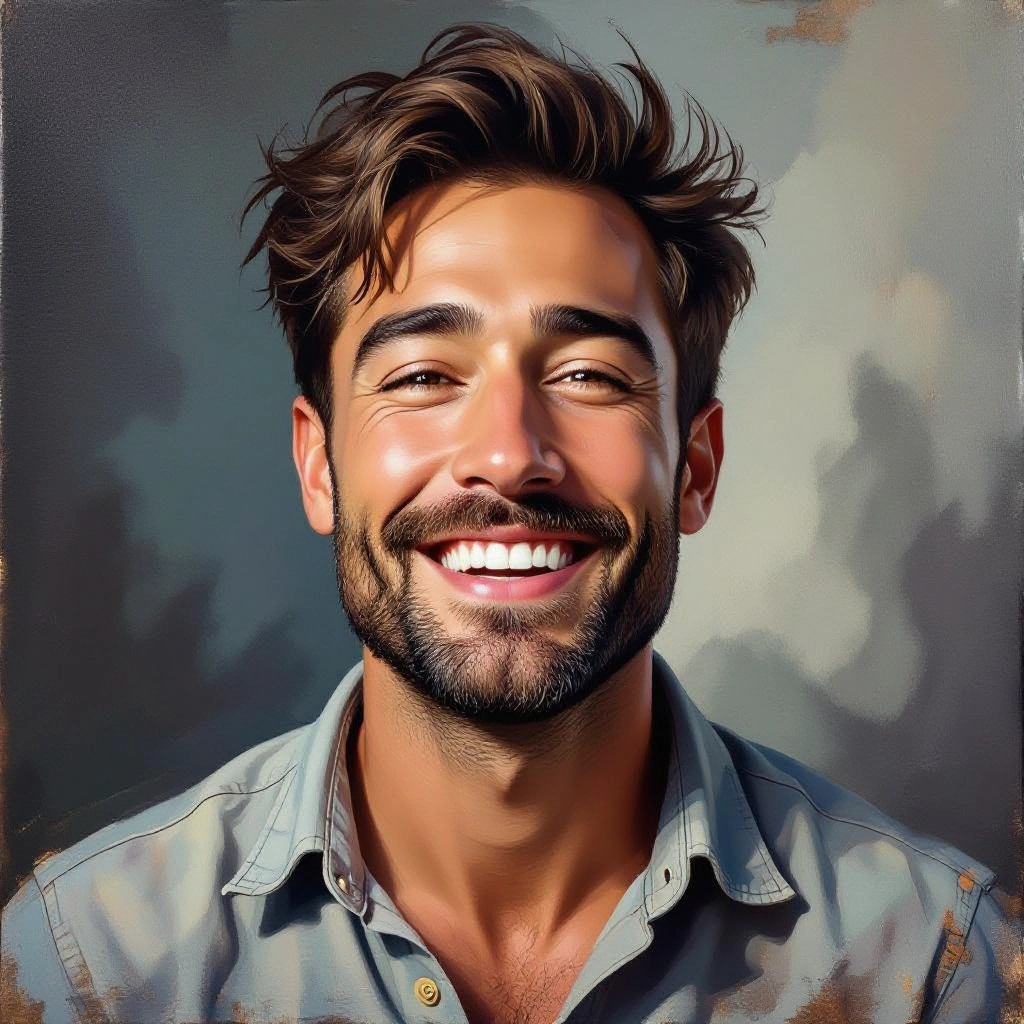
An Acrylic Painting Generator is an AI tool built to reproduce the visual and tactile qualities of acrylic paint. Instead of generic filters, it models key acrylic characteristics like visible brushstrokes, layered opacity, rapid drying edges, impasto ridges and the subtle glossy sheen that forms as acrylics cure. The engine blends color mixing rules and simulated media physics so outputs reflect authentic acrylic techniques such as glazing, scumbling and palette-knife marks.
Artists, illustrators, product designers, photographers and educators use this generator to prototype artworks, transform photos into painterly pieces, or generate texture-forward imagery for prints and interiors. It appeals to professionals who need convincing acrylic aesthetics quickly, and to hobbyists who want to experiment with specific acrylic techniques without studio setup. Users choose it to preserve the look of layered pigments and tactile brush texture while saving time and material costs.
How to Create acrylic painting Images with AI
To create acrylic painting images in three steps start by entering a clear prompt or uploading a photo and choose an acrylic preset (for example impasto, thin-wash or palette-knife). Second, refine the visual controls: adjust brushstroke intensity, impasto depth, gloss level and color palette to replicate wet-on-wet or layered glazing effects, then generate variations to compare results. Third, select the best variation, export at high resolution with print DPI settings or continue editing in an image editor to add final touches.
Enter AI Acrylic Painting Prompt
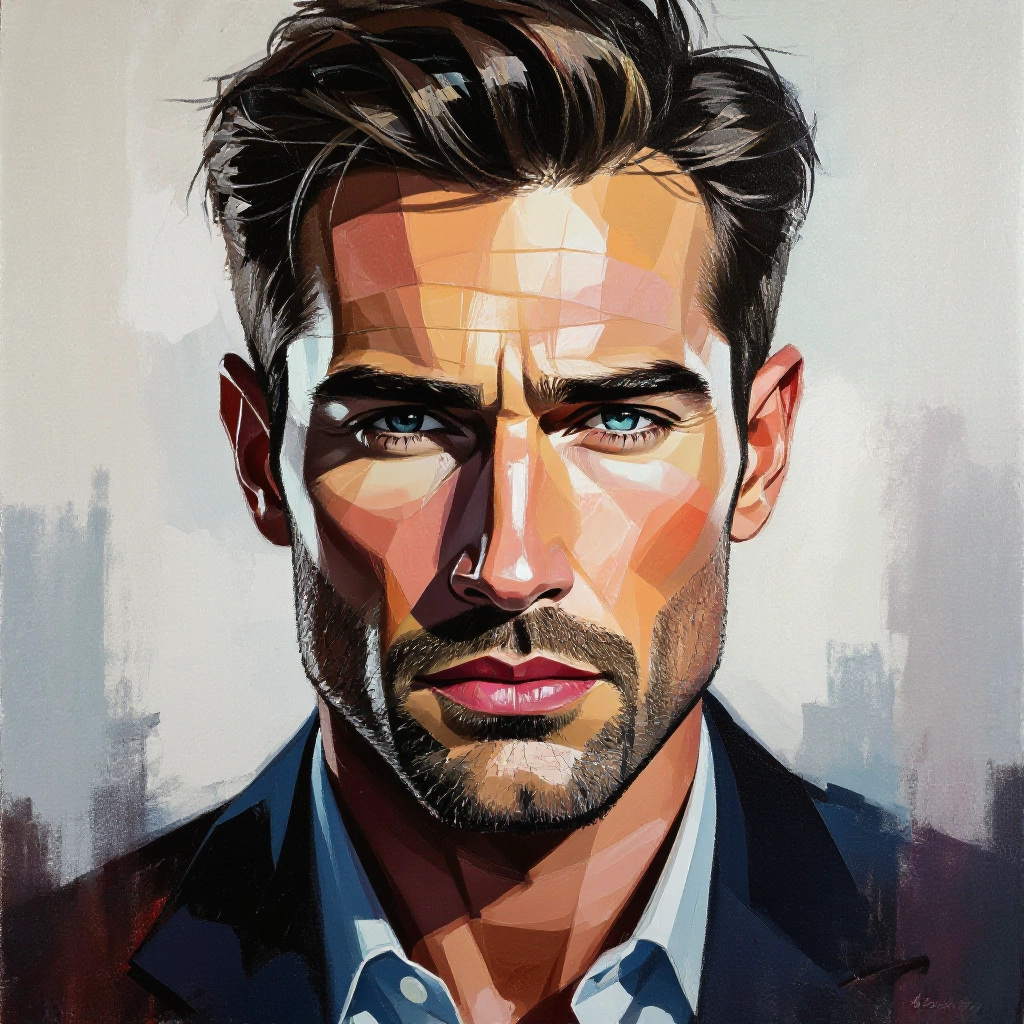
Type your acrylic painting character or scene description in the prompt box. Include details like character appearance, clothing, expressions, and setting to get better AI acrylic painting results.
Choose AI Model Settings
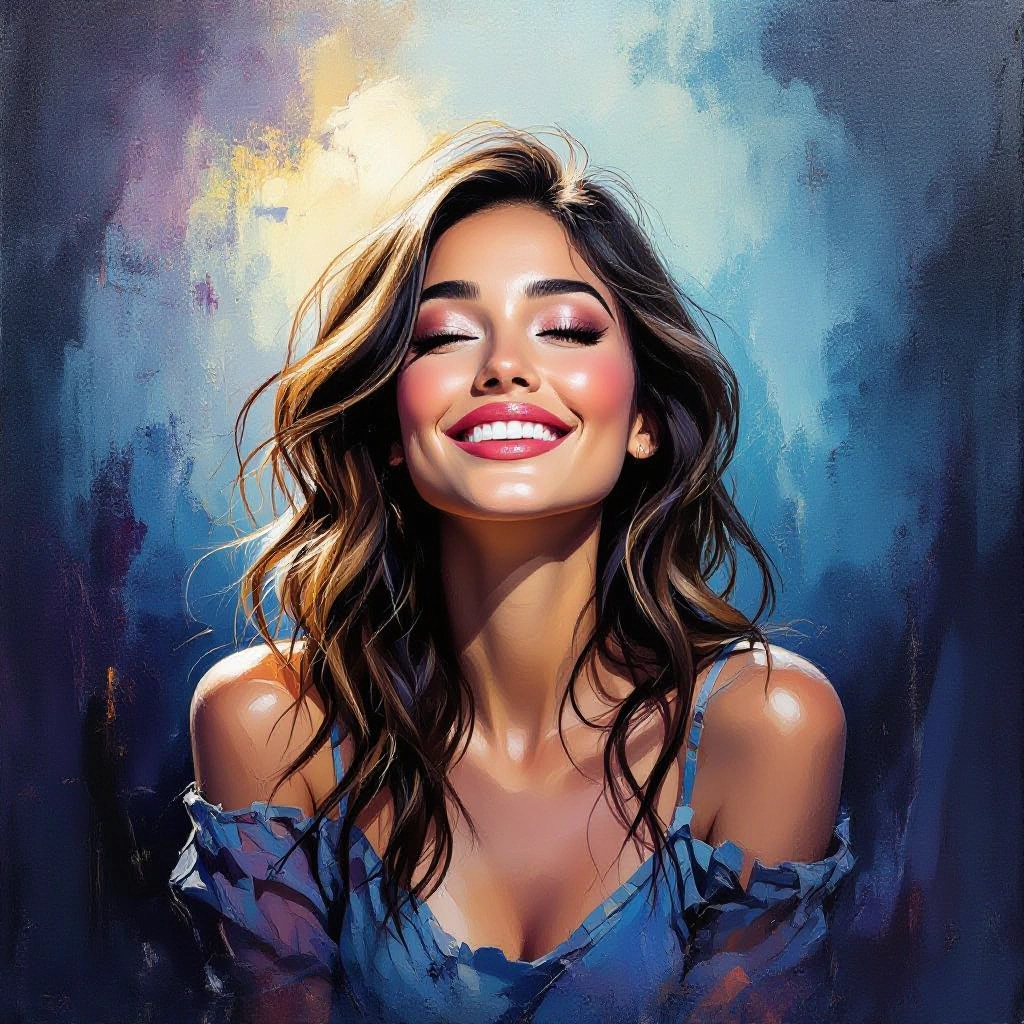
Select your preferred image size and aspect ratio. Our AI model delivers professional quality comparable to:
- • Flux AI Quality
- • Midjourney Standard
- • OpenAI DALL-E
- • Google Imagen
Download AI Acrylic Painting Image
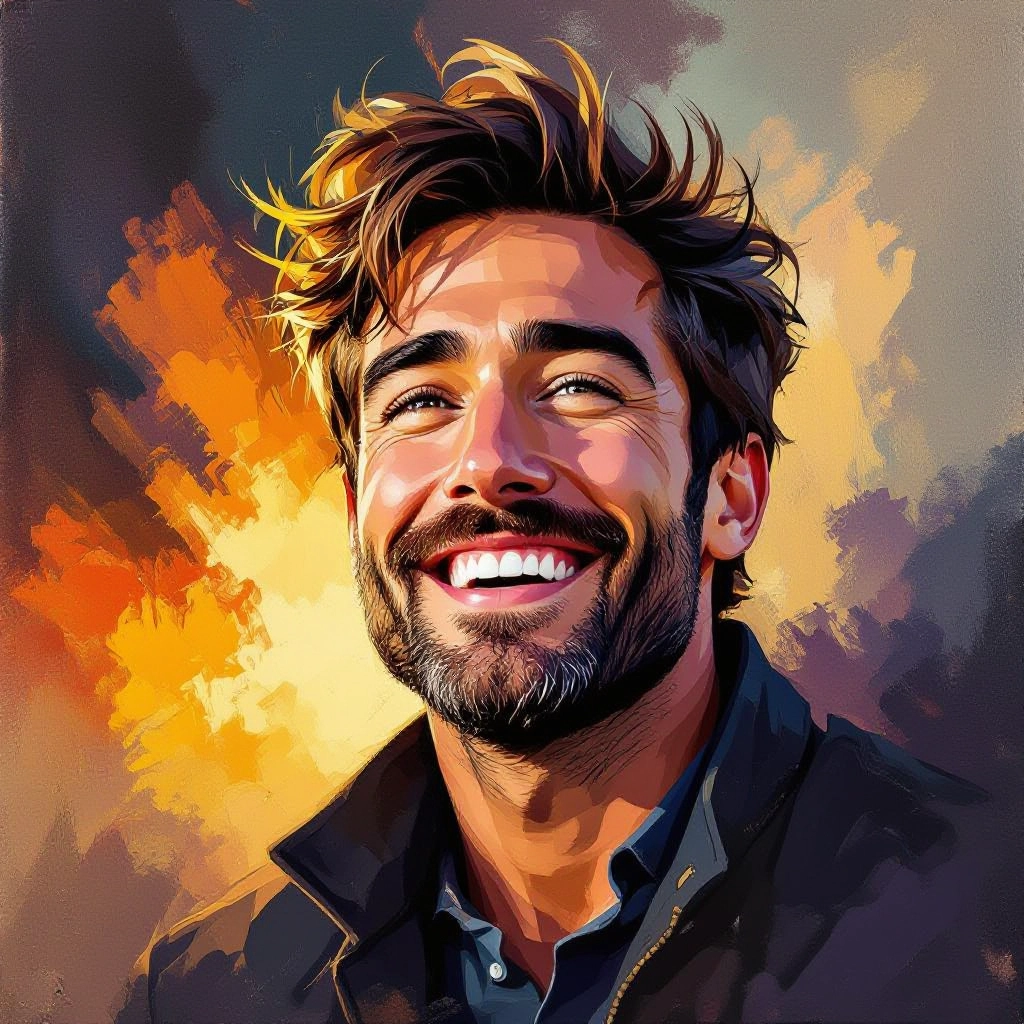
Once your AI acrylic painting image is generated, click the download button to save it to your device. The image will be in high quality format ready for use.
Features of our AI acrylic painting Image Generator
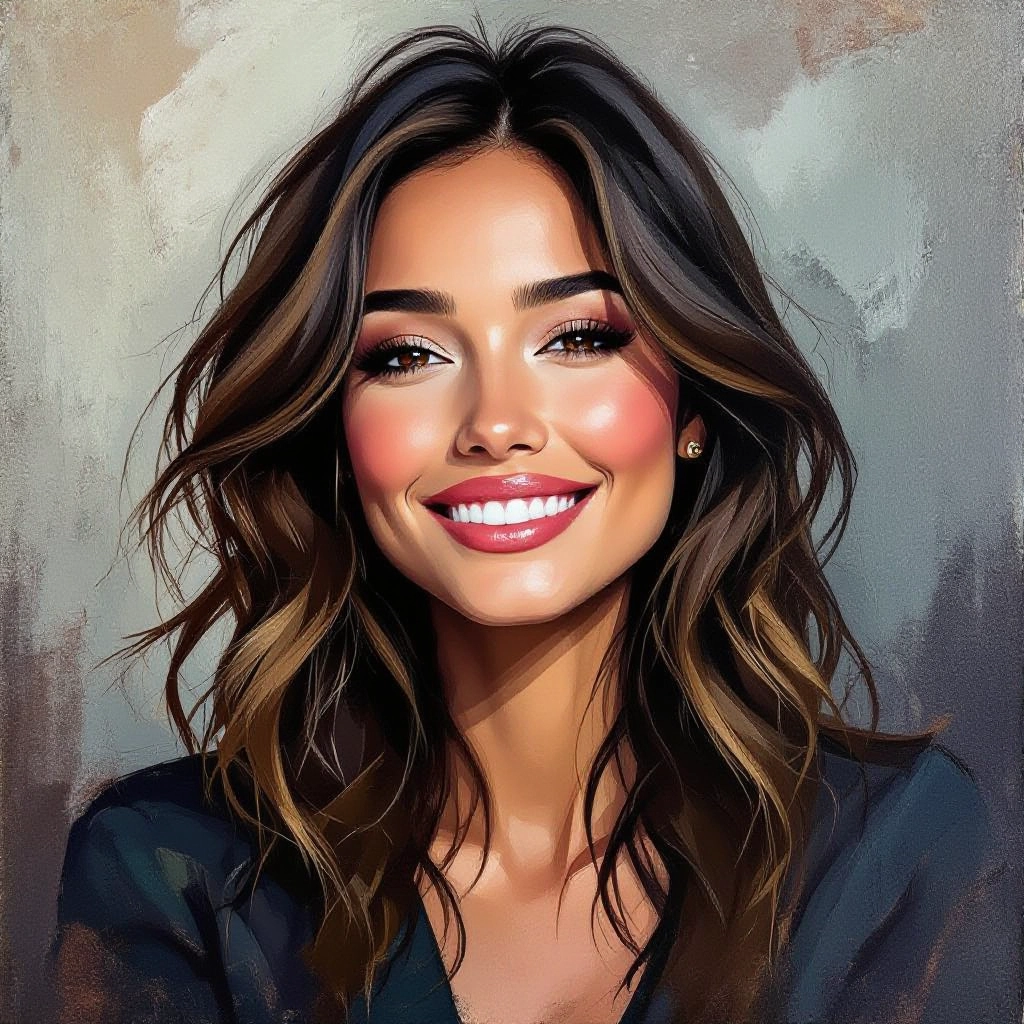
Realistic Brushstroke Simulation
Simulates individual brush marks with directionality, bristle texture and pressure variation so the final image shows convincing stroke flow and edge quality typical of acrylic brushes. Generate a detailed painting prompt with our Free Painting Prompt Generator for best results.
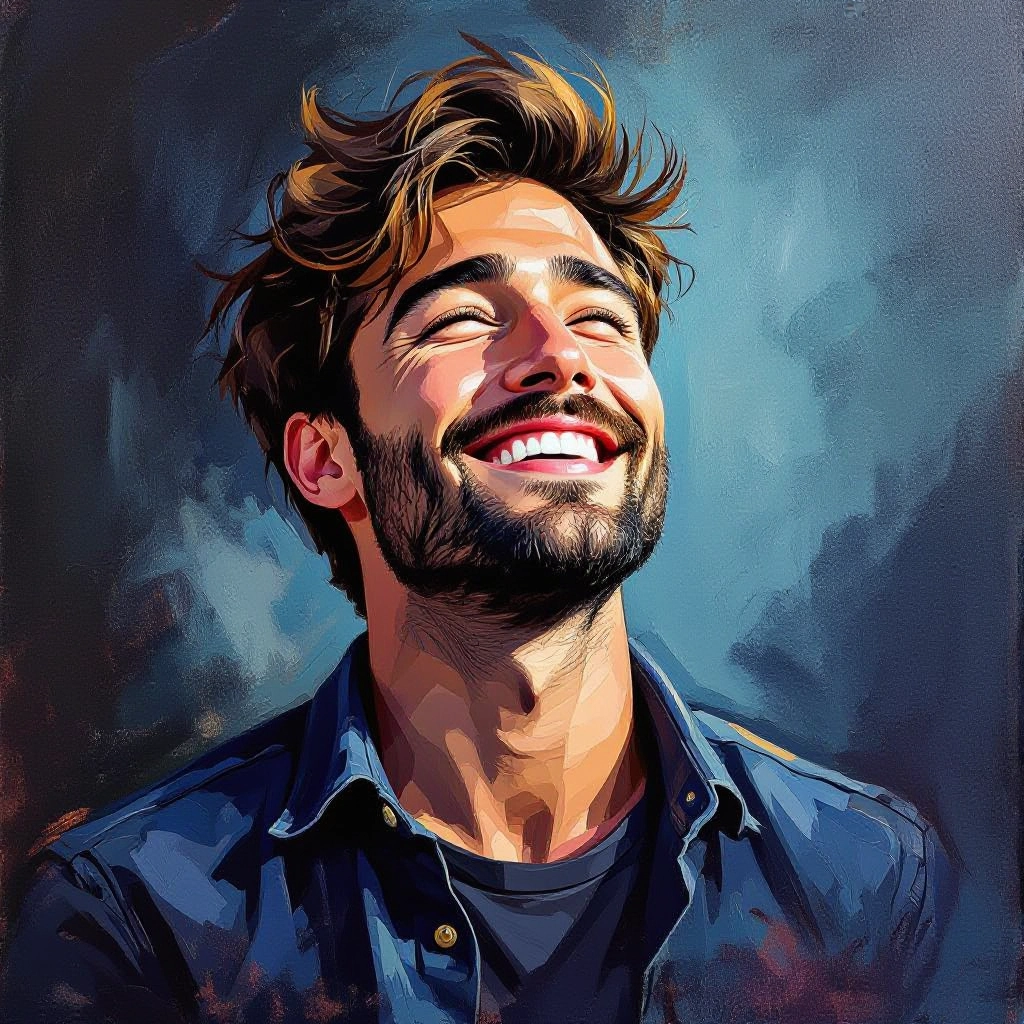
Impasto and Surface Depth Controls
Fine-tune impasto height and knife-scrape effects to create raised paint ridges and tactile shadows, reproducing the raised texture of heavy-bodied acrylic on canvas.
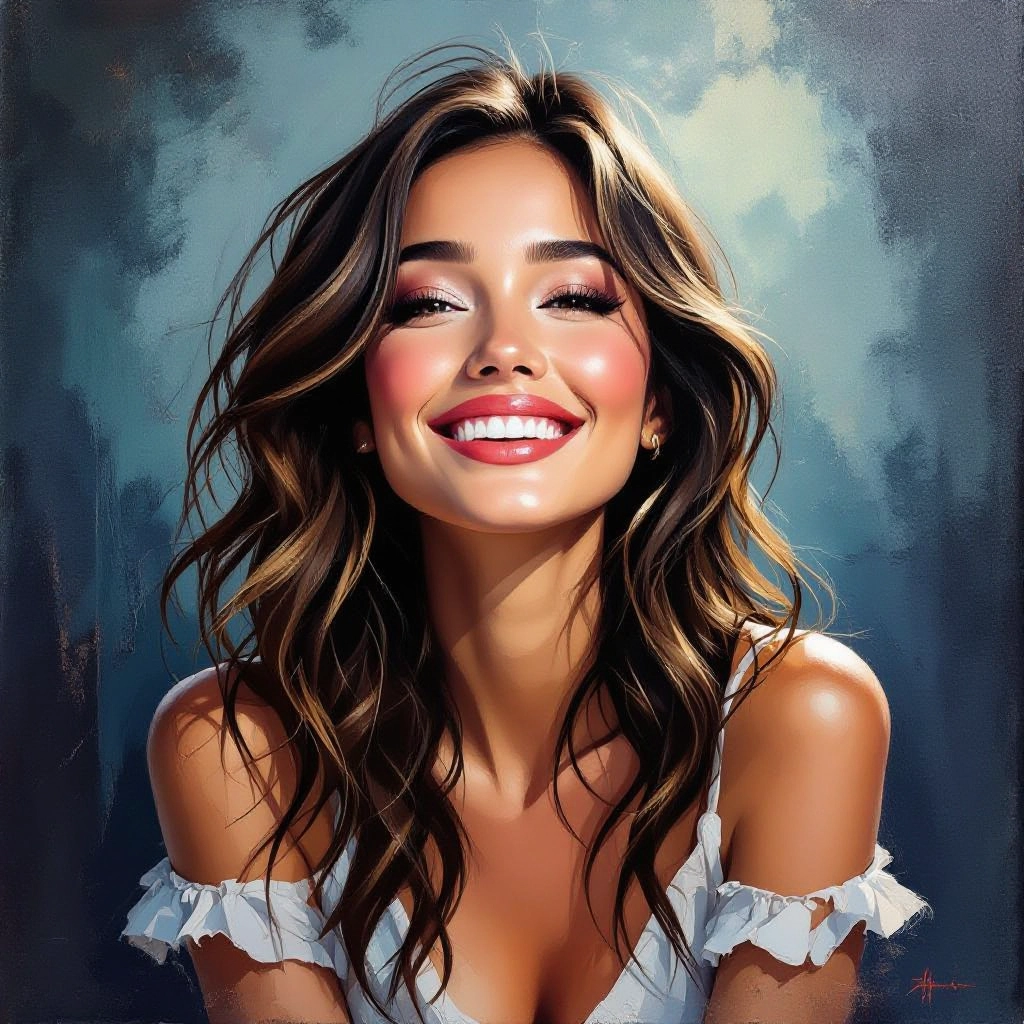
Layered Color Mixing Engine
Models acrylic layering and semi-opaque glazing so colors blend visually as they would on canvas, allowing designers to emulate glazing, scumbling and underpainting strategies.
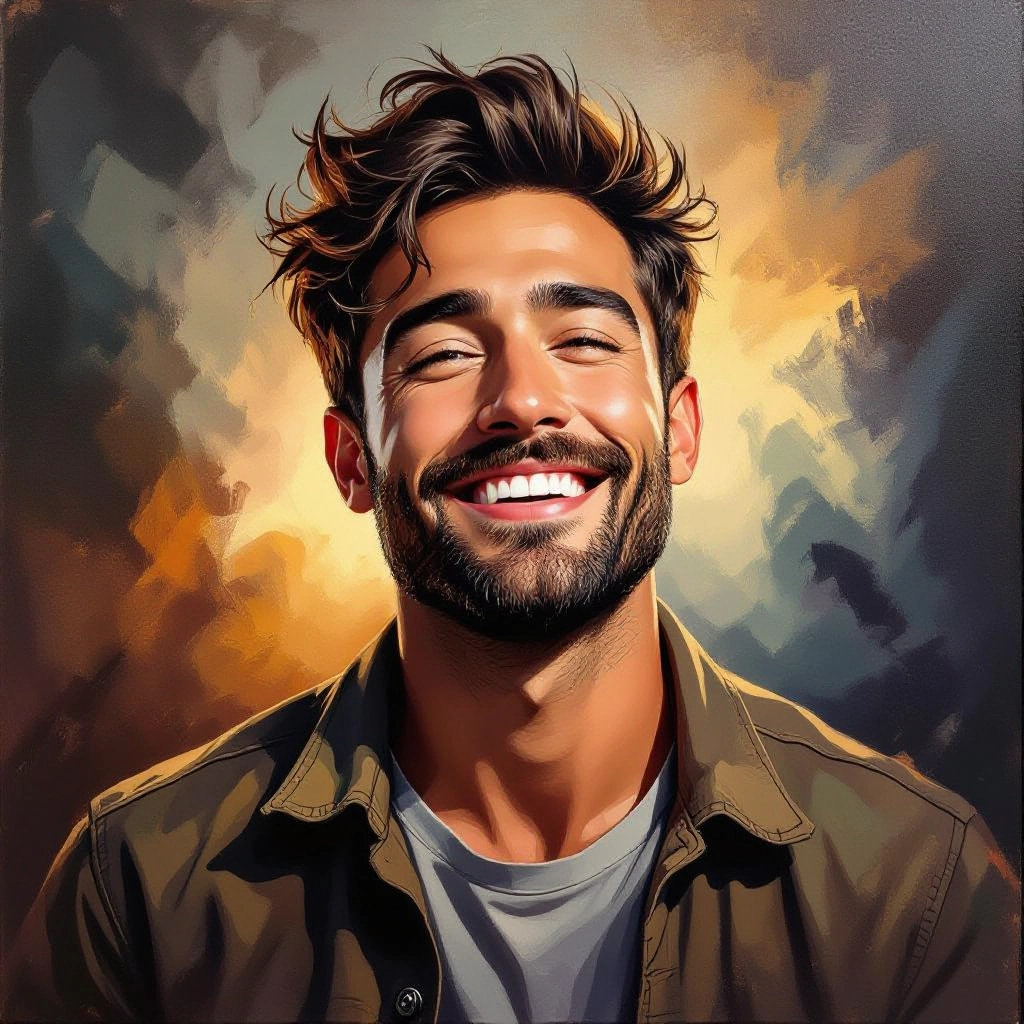
Photo to Acrylic Conversion
Transform photographs into acrylic-style paintings while preserving composition and photographic detail, translating highlights and midtones into brushwork and textured pigment.
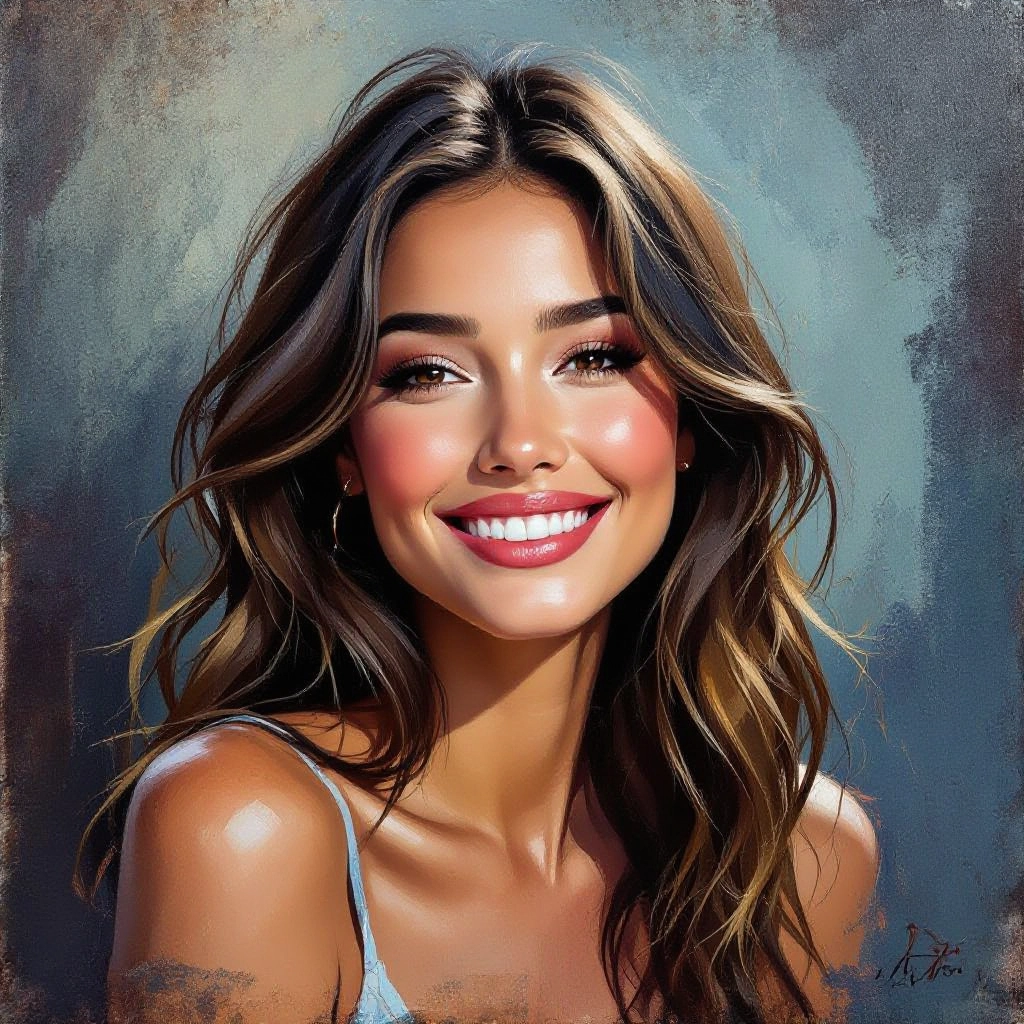
High Resolution Export and Print Profiles
Export outputs at print-ready resolutions with configurable DPI, color space and canvas aspect ratios, optimized for gallery prints, wall murals and fine art reproduction.
Types of AI Powered Acrylic Painting Style Images
The generator provides a range of acrylic styles tailored to distinct painting techniques and visual goals. Each variation emphasizes specific material qualities like texture, pigment behavior and brush handling so you can select a look that matches a studio technique or contemporary aesthetic.
Painterly Realism
Detailed acrylic rendering that preserves photographic realism while adding visible, naturalistic brushwork and subtle texture for lifelike portraits and landscapes.
Bold Impasto Abstract
High-contrast abstracts with thick impasto strokes, strong palette-knife texture and dramatic pigment buildup for tactile, three-dimensional surfaces.
Soft Wash Landscapes
Thin-bodied acrylic washes layered to produce soft horizons and atmospheric depth, ideal for plein air style vistas with translucent color layering.
Studio Portrait Acrylic
Controlled brushwork with refined glazing and skin-toned mixing to create studio-quality acrylic portraits featuring lifelike texture without losing detail.
Wet-on-Wet Motion
Simulates wet-on-wet acrylic blending where adjacent pigments flow and mingle, producing fluid transitions and soft feathered edges.
Mixed Media Acrylic Collage
Combines acrylic brushwork with paper grain, collage textures and stencil effects to produce layered mixed media pieces with authentic material interplay.
Applications of AI acrylic painting image style
Fine Art Prints
Generate gallery-ready acrylic style prints with impasto texture and color fidelity suitable for limited edition reproductions and art sales.
Interior Decor and Murals
Create custom acrylic-style imagery for wall art, murals and decorative panels that emphasize texture and depth for residential or commercial spaces.
Concept Art and Illustration
Rapidly prototype concept scenes or character studies with acrylic aesthetics, enabling visual development that highlights painterly mood and materiality.
Product Packaging and Branding
Add tactile acrylic textures and handcrafted brushwork to packaging and labels to convey artisanal quality and vibrant pigment identity.
Art Education and Technique Study
Use generated samples to teach acrylic techniques such as glazing, scumbling and impasto without the expense of physical materials, and to analyze brush effects.
Photo Restoration and Stylization
Convert photos into durable acrylic-style artworks that preserve composition while offering a fresh painterly interpretation for archival prints and gifts.
FAQs about AI acrylic painting image generator
Is the Acrylic Painting Image Generator free to use?
Yes, the generator is free to use for creating and downloading basic acrylic-style images. Some advanced export options or high-volume usage tiers may require an account or paid plan depending on the platform policy.
How can I control the brush texture and impasto depth?
Use the texture and impasto sliders to increase ridge height and shadowing, and add prompt keywords like thick impasto, palette-knife, dry brush or heavy body to emphasize specific stroke and surface characteristics.
What file formats and resolution are available for export?
You can export in common formats such as PNG and JPEG, and select high-resolution settings with configurable DPI for printing. For gallery prints choose 300 DPI and a large pixel dimension to retain brush detail and texture.
Can I convert my own photographs into acrylic paintings?
Yes, upload a photo and choose a conversion preset to translate photographic elements into acrylic brushwork while maintaining composition, then fine-tune texture, color mixing and gloss to match the desired studio technique.
Can I use generated acrylic images commercially?
Commercial use is often allowed but depends on the tool's license. Review the generator's terms of service and any usage rights before selling or licensing outputs, especially when images include recognizable subjects or trademarks.
What tips improve results for specific acrylic styles?
Be specific in prompts about palette, tool and technique, for example specify cool or warm palette, palette-knife or round brush, and terms like glazing or scumbling. Generate multiple variations, tweak texture and color sliders, and combine the best output with light retouching for optimal results.
