Dark Fantasy Image Generator
Dark Fantasy Image Generator is a free online tool to generate dark fantasy style images. The tool is free to use, just enter prompt in dark fantasy style and generate dark fantasy image style in seconds similar quality to flux, midjourney, open ai, imagen, nano banana AI image quality.
Generate Dark Fantasy AI Image for Free
Receive our FREE AI updates via email once a week
What is a dark fantasy Generator?
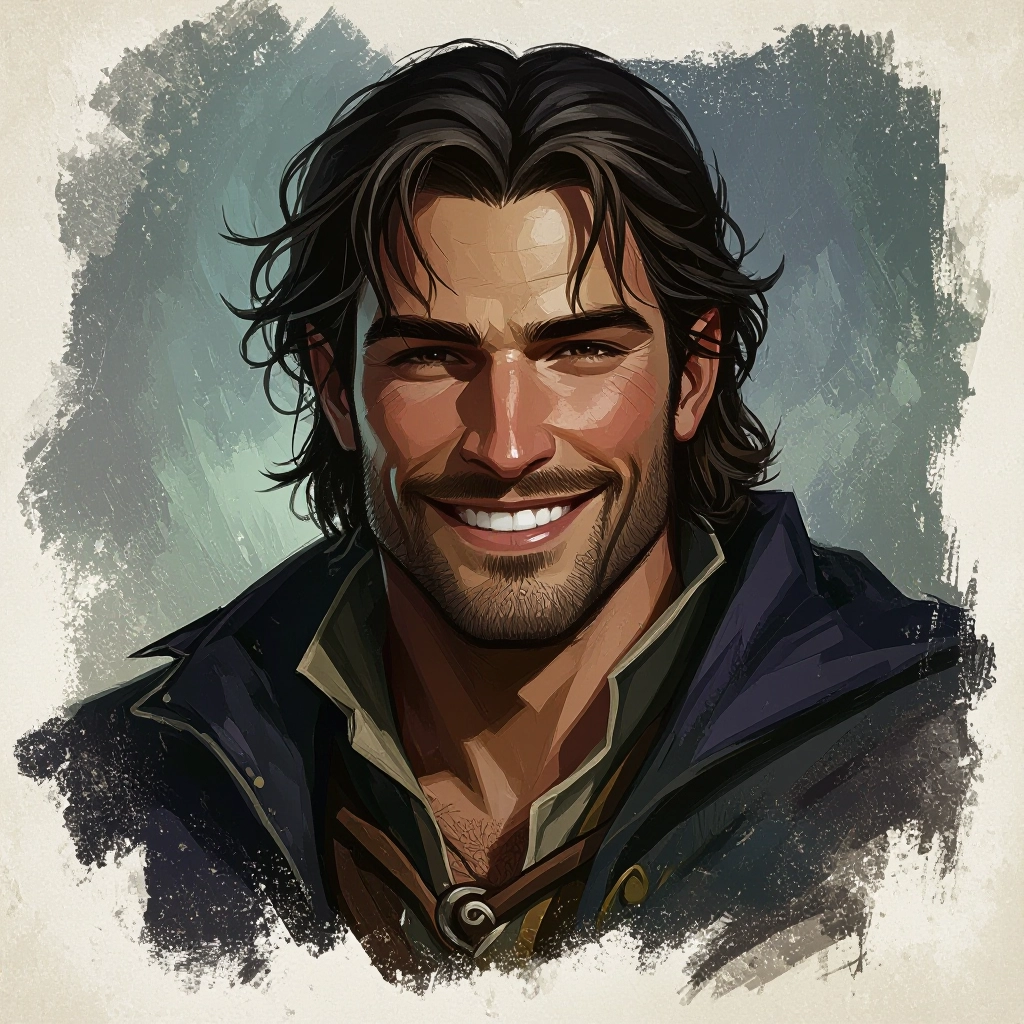
A Dark Fantasy Generator is an AI-powered image tool designed to create visuals rooted in gothic, macabre, and mythic aesthetics. It emphasizes moody lighting, ruined architecture, desaturated palettes with sickly color accents, textured surfaces like cracked stone and tarnished metal, and symbolic elements such as sigils, runes, and occult artefacts. The generator applies style-aware models that prioritize chiaroscuro, atmospheric fog, film grain, and cinematic composition to produce images that feel both ancient and strangely alive.
Writers, concept artists, game developers, and indie filmmakers use this generator to prototype scenes, craft character portraits, and visualize world building without lengthy manual painting. Designers choose it to iterate on mood boards, while tabletop game masters create evocative maps and NPC portraits. The tool speeds concept exploration, offering presets and fine tuning controls so creators can dial in the right blend of dread, beauty, and uncanny detail for their projects.
How to Create dark fantasy Images
To create dark fantasy images, start by writing a focused prompt that names atmosphere, key motifs, and lighting, for example "fog-choked cathedral, moonlight through shattered stained glass, hooded wraith, baroque ornamentation"; second, choose a dark fantasy preset or style modifiers like cinematic lighting, gritty texture, and muted color grading, then set aspect ratio and resolution; third, generate the image and refine by adjusting negative prompts, swapping presets, or using the upscaler and detail brush until the composition captures the intended mood.
Enter AI Dark Fantasy Prompt
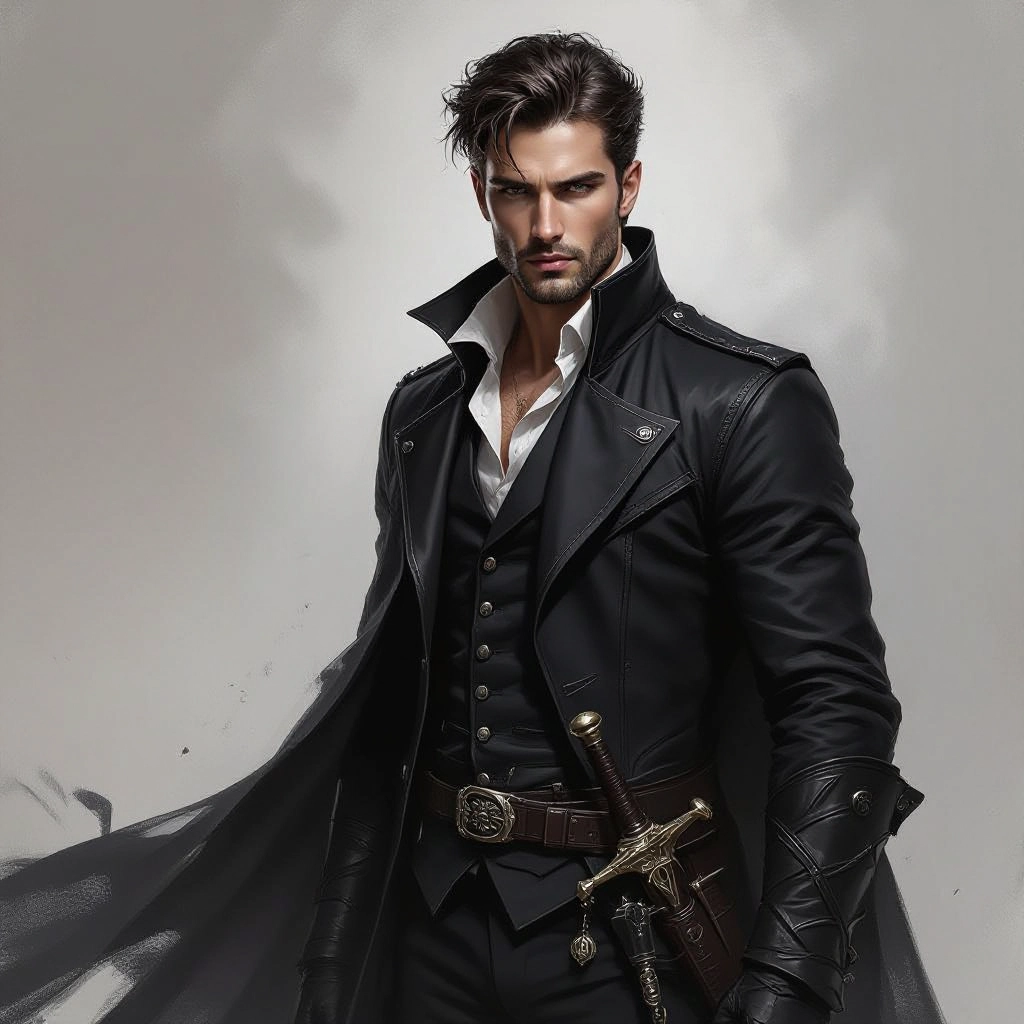
Type your dark fantasy character or scene description in the prompt box. Include details like character appearance, clothing, expressions, and setting to get better AI dark fantasy results.
Choose AI Model Settings
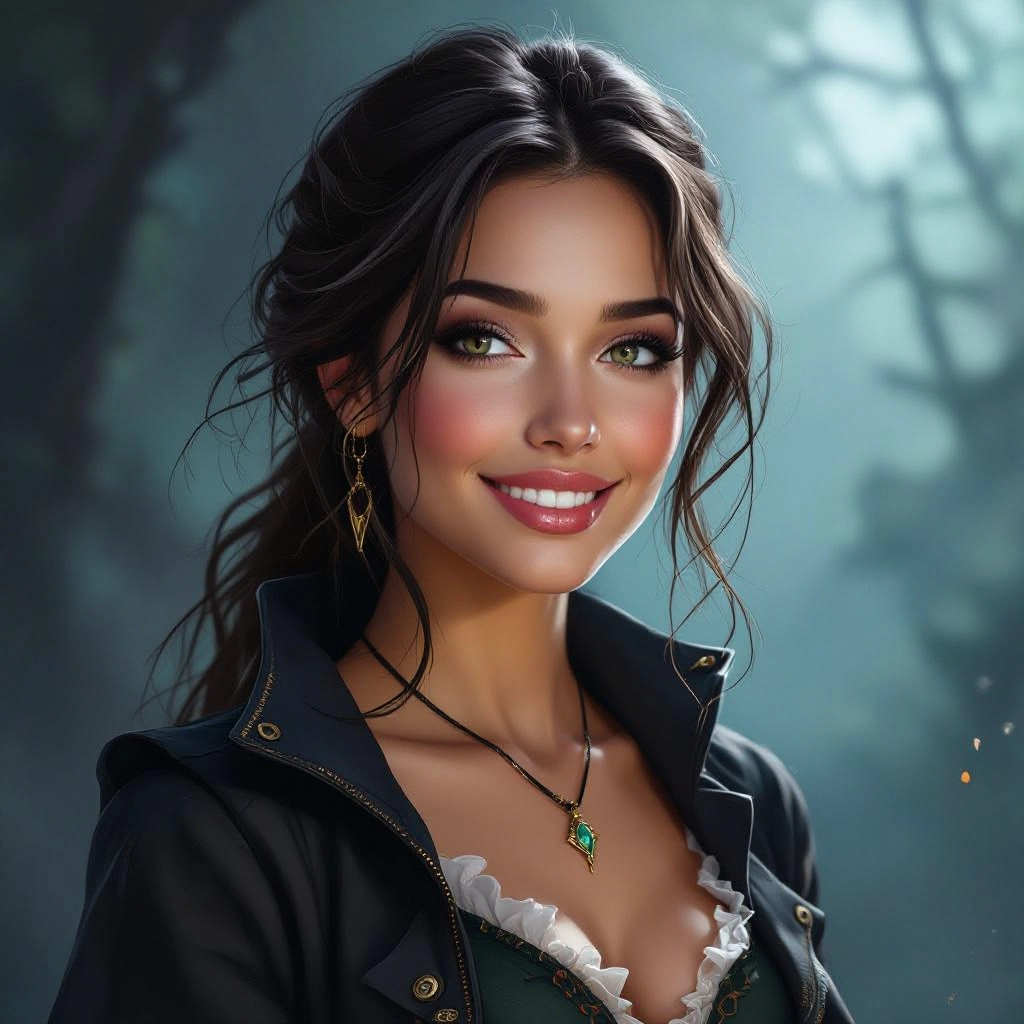
Select your preferred image size and aspect ratio. Our AI model delivers professional quality comparable to:
- • Flux AI Quality
- • Midjourney Standard
- • OpenAI DALL-E
- • Google Imagen
Download AI Dark Fantasy Image
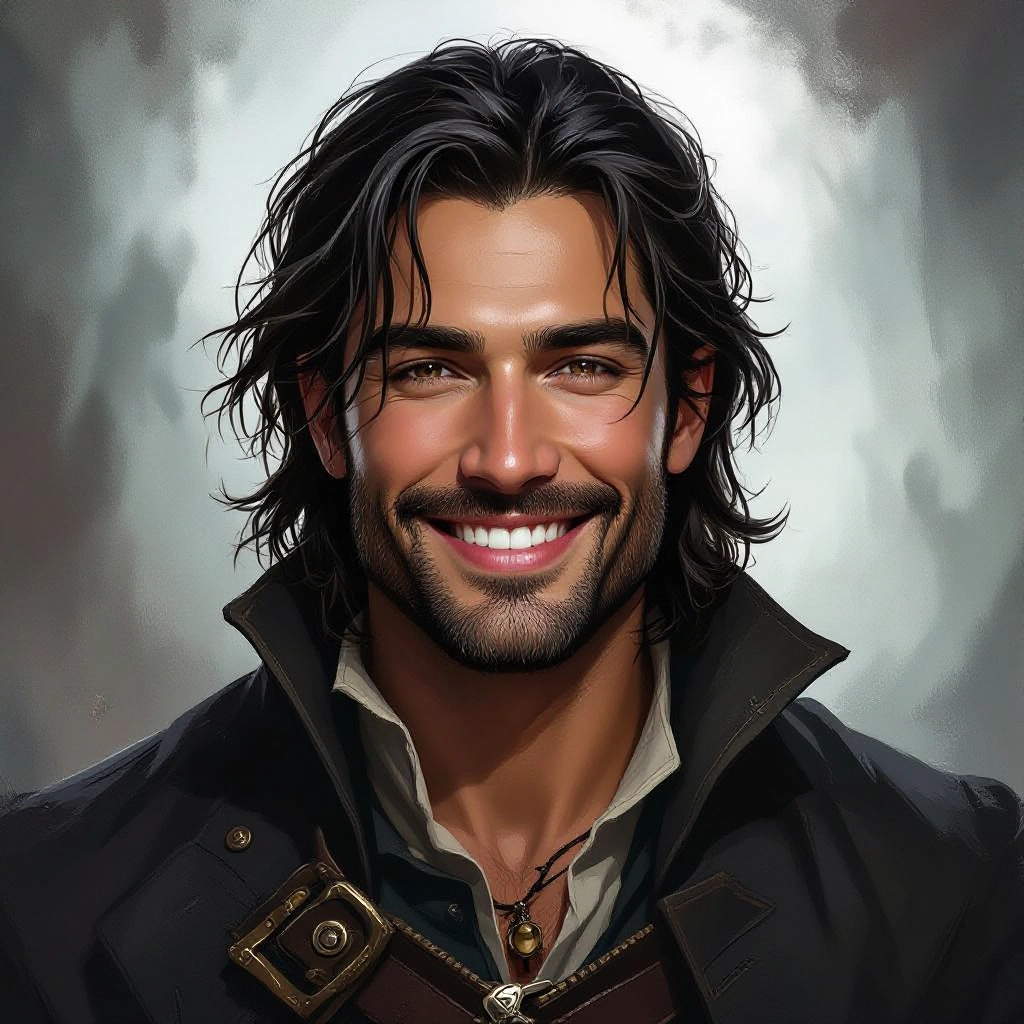
Once your AI dark fantasy image is generated, click the download button to save it to your device. The image will be in high quality format ready for use.
Features of AI dark fantasy Image Generator
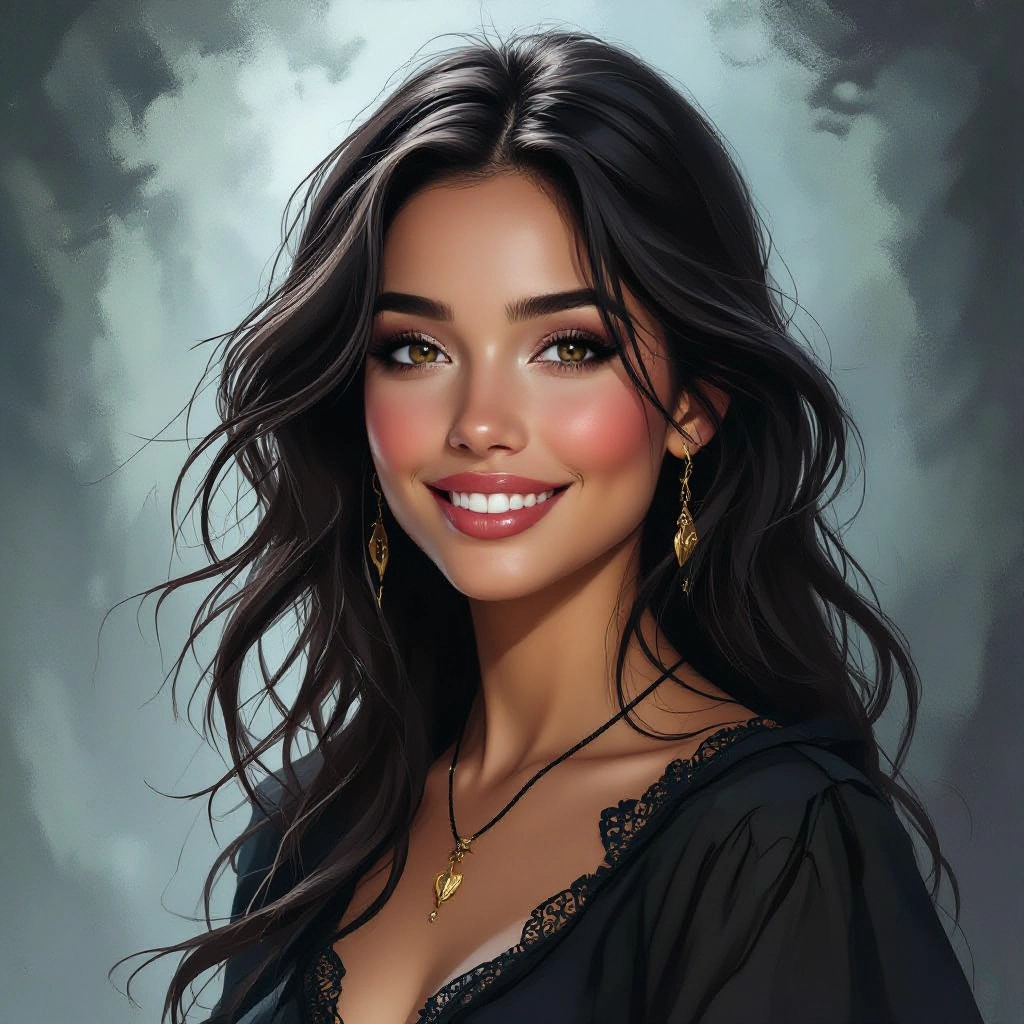
Cinematic Lighting and Mood Controls
Fine tune key light, rim light, fog density, and color grading to craft broodier scenes. Controls emulate practical light sources such as torches, moonbeams, and phosphorescent sigils so images maintain consistent, dramatic illumination. Develop rich character concepts with our Free Character Prompt Generator before bringing them to life here.
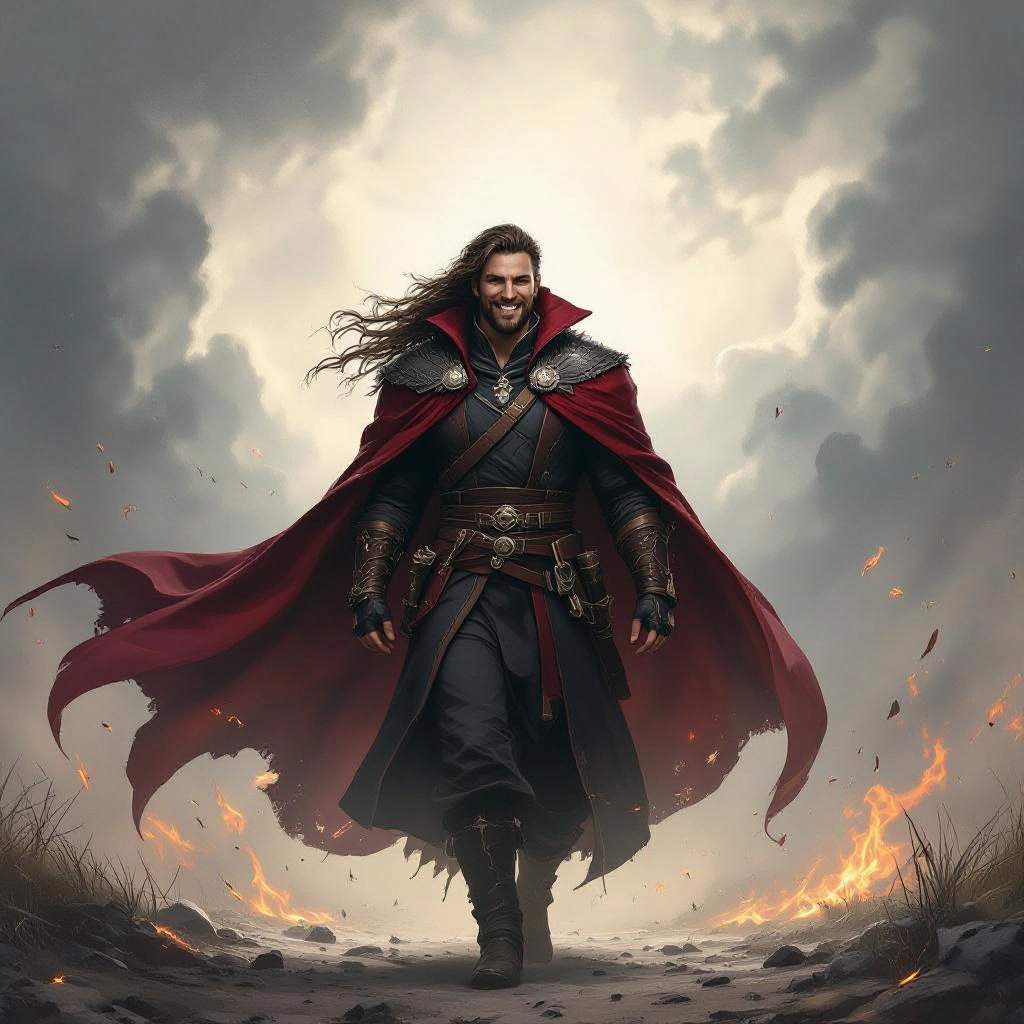
Texture and Decay Engine
Apply layered textures like peeling plaster, moss, corrosion, and bloodstains with adjustable intensity. This engine reproduces aged surfaces and tactile grit that define authentic dark fantasy environments and artifacts.
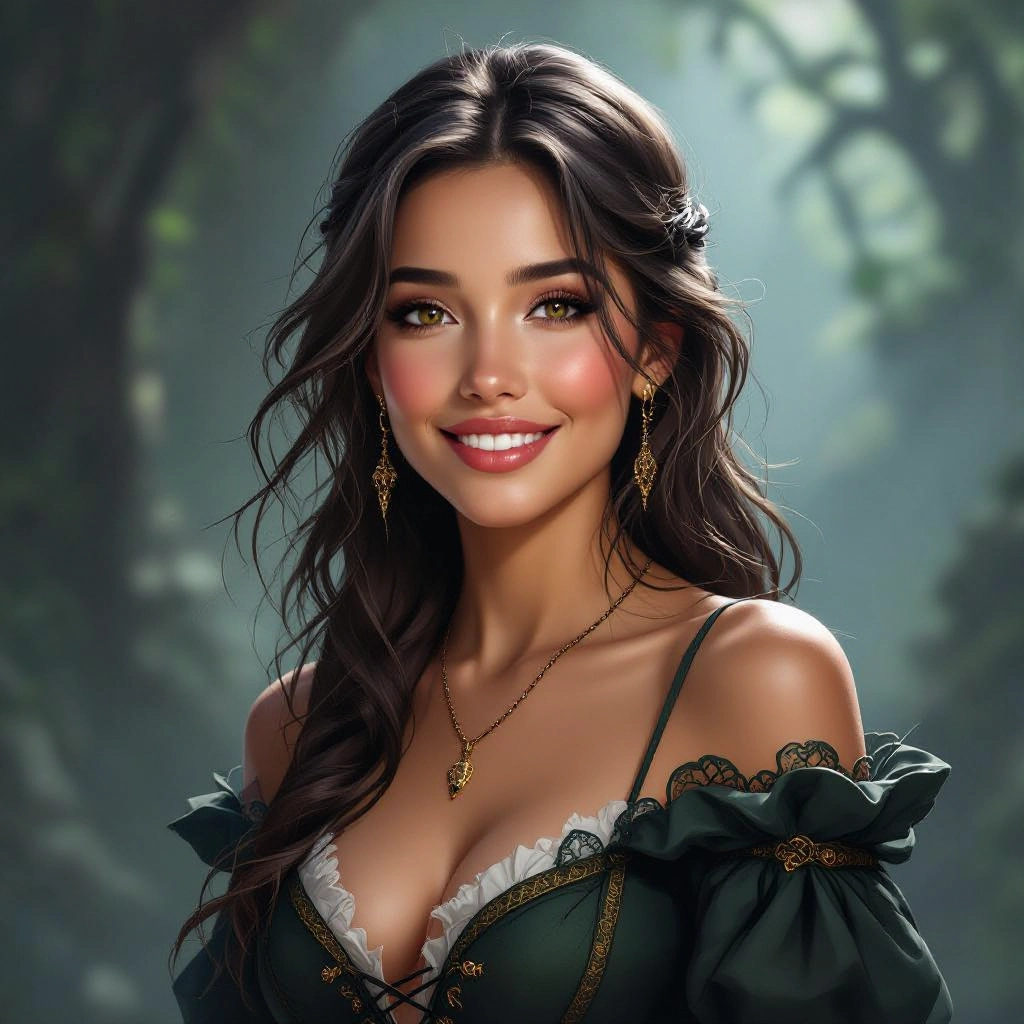
Preset Library for Dark Fantasy Archetypes
Choose from curated presets including Gothic Cathedral, Eldritch Portrait, Fallen Kingdom, Ritual Chamber, and Cursed Forest to jumpstart compositions. Each preset adjusts palette, contrast, and detail emphasis to match a distinct substyle.
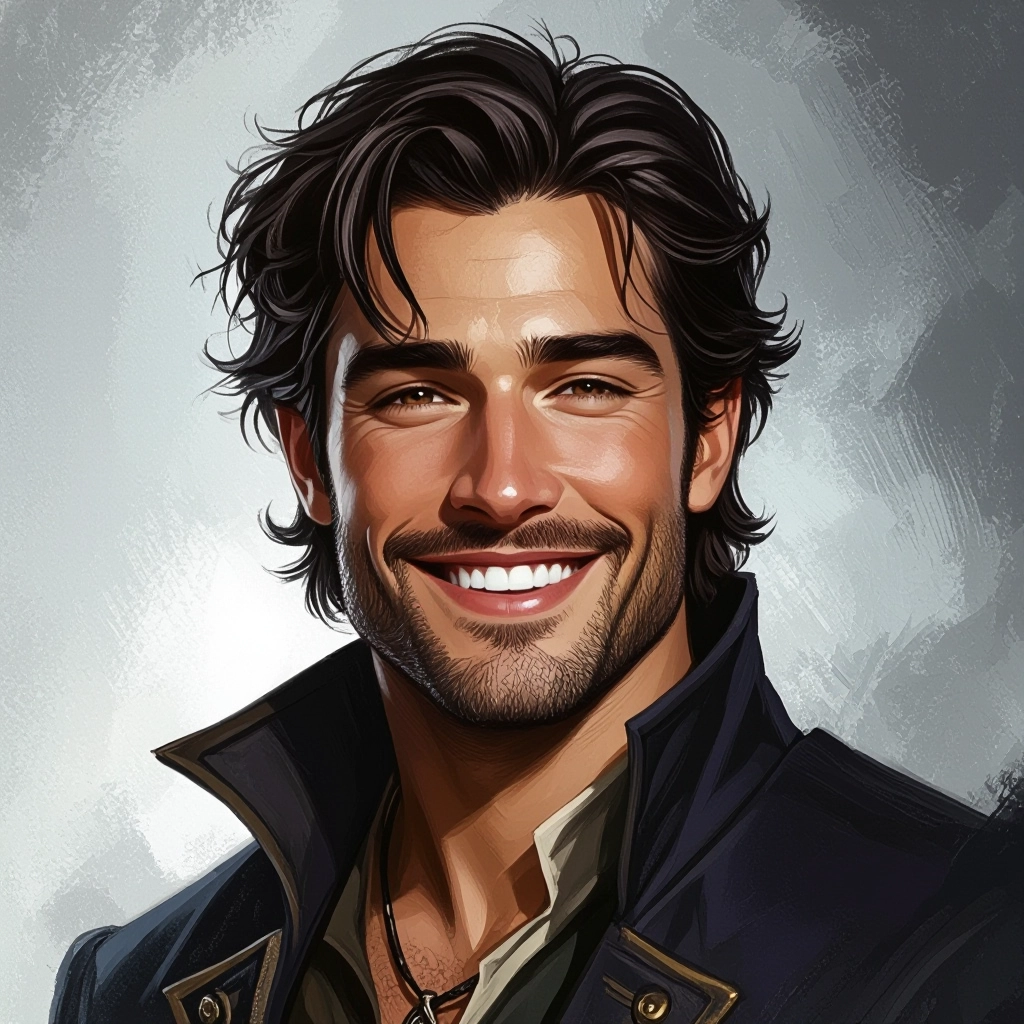
Character and Creature Morphing
Morph base portraits into uncanny variants with controls for bone structure, eye glow, horn placement, and decay effects. Use symmetry options and asymmetry sliders to create believable monsters and tragic heroes.
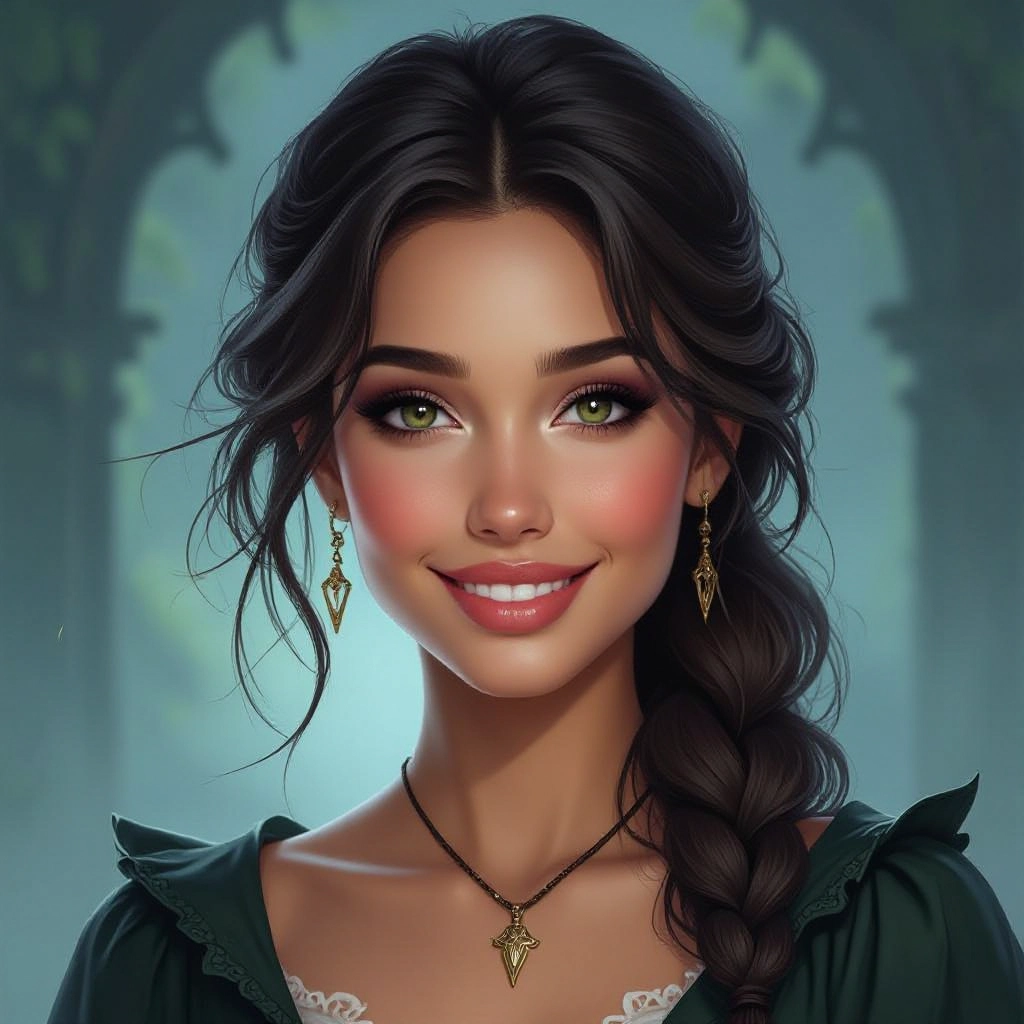
High-Resolution Upscaling and Cleanup
Generate concept passes quickly then apply AI upscaling to preserve fine inkwork, fabric weave, and rune detail. Noise reduction and artifact cleanup keep the eerie textures crisp for print or game assets.
Types of AI Powered Dark Fantasy Style Images
Dark fantasy spans many visual dialects. Below are distinct style variations you can generate, each with its own visual vocabulary and atmosphere to match different narrative needs.
Gothic Cathedral at Dusk
Towering spires, stained glass shards, and long shadowed nave lit by dying light. Emphasizes vaulted architecture, carved gargoyles, and candle-lit aisles with heavy atmospheric haze.
Eldritch Portraits
Close-up character studies where subtle uncanny features appear: extra irises, sigil tattoos, or translucent skin. Focus on unsettling eyes, textured skin detail, and baroque costume elements.
Ruined Kingdom Landscapes
Wide vistas of collapsed fortresses, fog-choked moors, and rusted banners. Color palette skews toward muted greens, umber, and coal with dramatic cloudscapes to communicate scale and loss.
Arcane Ritual Chambers
Interior scenes filled with occult altars, burning incense, spilled chalk circles and floating candles. Heavy use of directional lighting to silhouette acolytes and arcane implements.
Twisted Fairy Tale
Familiar storybook elements corrupted by rot and shadow: blackened woods, thorn-choked cottages, and melancholic creatures that mix charm with menace for a bittersweet horror.
Noir Vampire Aesthetic
Low-key monochrome with red accents, rain-slick cobblestones, and period costume. Focuses on elegant menace, reflective surfaces, and high contrast to create seductive dread.
Applications of AI dark fantasy image style
Book Covers and Illustrations
Produce arresting covers and chapter artwork that convey mood and plot hooks immediately, helping dark fantasy novels stand out on shelves and online thumbnails.
Game Concept and Asset Creation
Rapidly mock up level concepts, NPC portraits, and item visuals for indie and AAA projects, reducing iteration time during pre production and art direction.
Tabletop RPG Visuals
Create evocative maps, villain portraits, and encounter scenes to enrich campaigns and give players clear, atmospheric imagery for immersion.
Film and Animation Storyboarding
Generate mood frames and key poses to establish lighting, color, and composition during early visual development for dark fantasy films and shorts.
Album Artwork and Promotional Posters
Design striking promotional art for musicians and events where a brooding aesthetic elevates the brand and captures audience attention.
World Building and Mood Boards
Build cohesive visual libraries for writers and designers, assembling consistent palettes, motifs, and iconography to guide production design.
FAQs about AI dark fantasy image generator
Can I use generated images commercially?
Commercial use depends on the generator's license. Many free tools allow commercial use with attribution, while some platforms require a paid license for high resolution or commercial rights. Check the terms before using images in products or promotions.
How do I write prompts that produce better dark fantasy images?
Be specific about atmosphere, motifs, and lighting. Include nouns and adjectives like "baroque cathedral, ash-strewn floor, bioluminescent sigils, low moonlight, desaturated teal and rust." Add stylistic references sparingly and use negative prompts to exclude unwanted elements.
How can I reduce gore while keeping a dark mood?
Use phrases that emphasize mood over explicit detail, such as "haunting decay" or "implied violence" rather than graphic descriptors. Apply negative prompts like "no gore" and choose presets focused on melancholy or atmosphere.
What settings improve detail for prints and covers?
Select higher resolution, increase detail emphasis or texture fidelity if available, and use the upscaler after generating a clean pass. Control noise reduction lightly to preserve fine elements like fabric threads and rune etching.
Are there presets for specific subgenres within dark fantasy?
Yes. The tool includes presets for subgenres such as Gothic, eldritch horror, cursed royalty, post fall kingdoms, and fairy tale corrupted. Each preset adjusts palette, contrast, and texture to match subgenre conventions.
How do I maintain consistency across multiple images for a project?
Save a custom preset with fixed parameters: palette, lighting profile, camera angle, and character descriptors. Reuse that preset and anchor key prompt phrases so characters and environments retain a consistent visual identity across scenes.
