Cyberpunk Image Generator
Cyberpunk Image Generator is a free online tool to generate cyberpunk style images. The tool is free to use, just enter prompt in cyberpunk style and generate cyberpunk image style in seconds similar quality to flux, midjourney, open ai, imagen, nano banana AI image quality.
Generate Cyberpunk AI Image for Free
Receive our FREE AI updates via email once a week
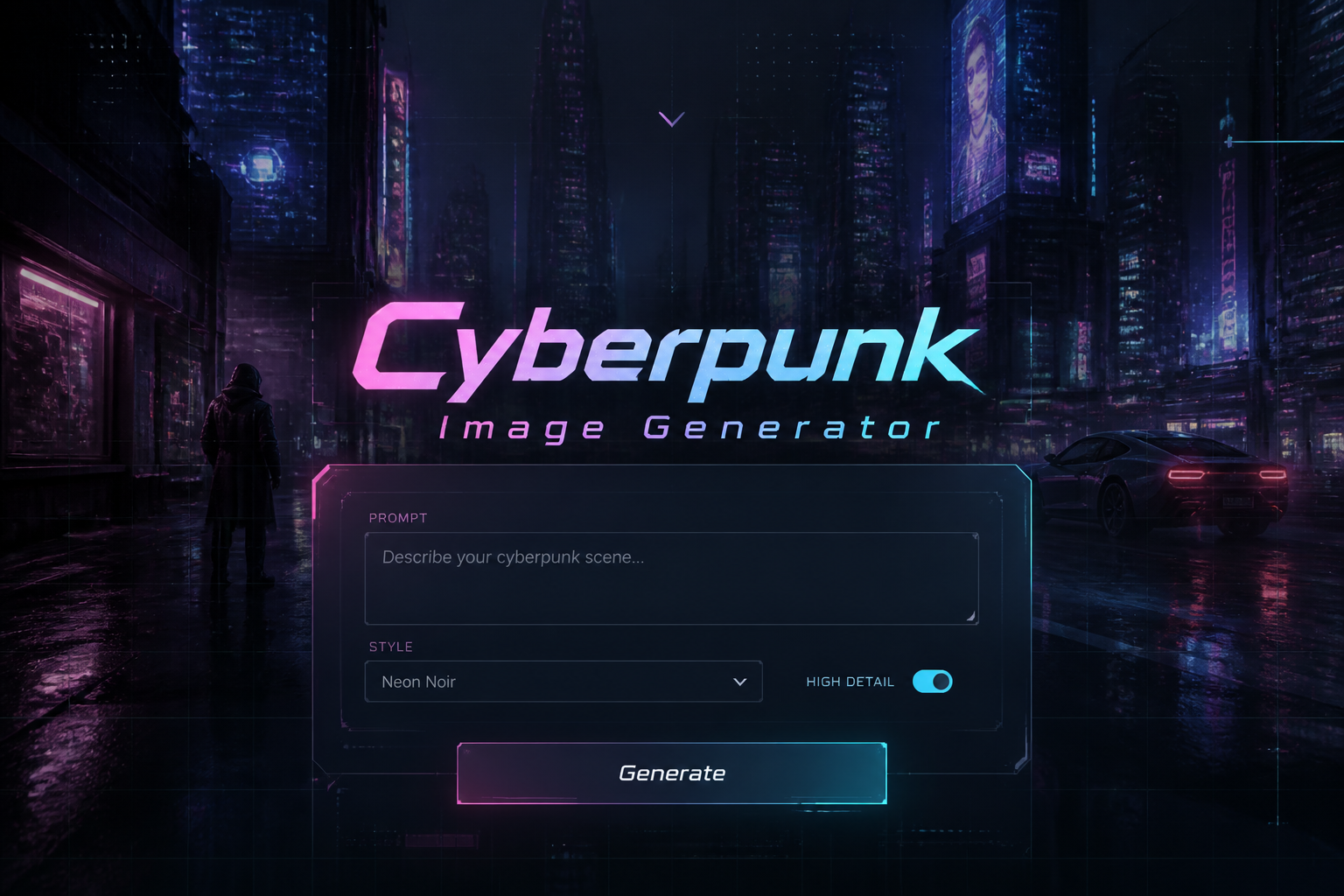
Online tool for generating Cyberpunk images
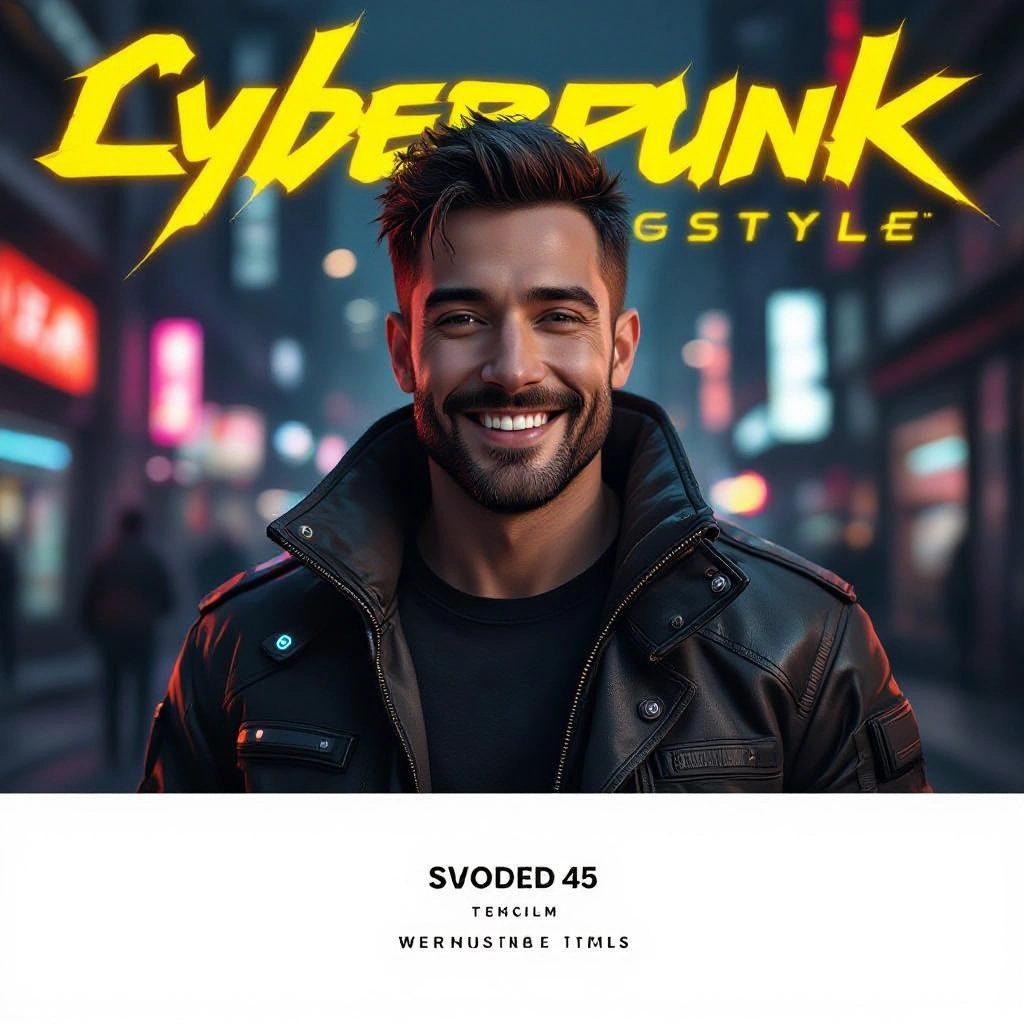
A Cyberpunk Generator is an AI-powered image tool designed to produce visuals that capture the aesthetic hallmarks of cyberpunk: neon color palettes, reflective wet streets, dense urban skylines, cybernetic augmentation, and retro-futuristic signage. It transforms short text prompts or reference images into stylized scenes using models trained on cinematic, noir, and sci-fi visual sources so the output emphasizes atmosphere, contrast, and technological detail specific to cyberpunk art.
Designers, game artists, authors, concept artists, and marketing teams use the generator to prototype dystopian cityscapes, character concepts with cybernetic implants, and mood boards for futuristic worlds. Indie creators and studios rely on it to iterate quickly on scene composition, lighting treatments, and costume tech, because it produces dozens of distinct variations that capture the gritty, neon-lit tone unique to cyberpunk media.
How to Create cyberpunk Images with our AI tool
To create cyberpunk images in three steps, first craft a focused prompt that mentions key elements like neon signs, rain reflections, chrome implants, and time of day; second select style options for color grading, film grain, and camera angle or upload a reference image to guide the model; third generate multiple variations, refine your prompt or apply post-process filters for higher contrast, cinematic glow, or selective desaturation to achieve the desired gritty futuristic mood.
Enter AI Cyberpunk Prompt
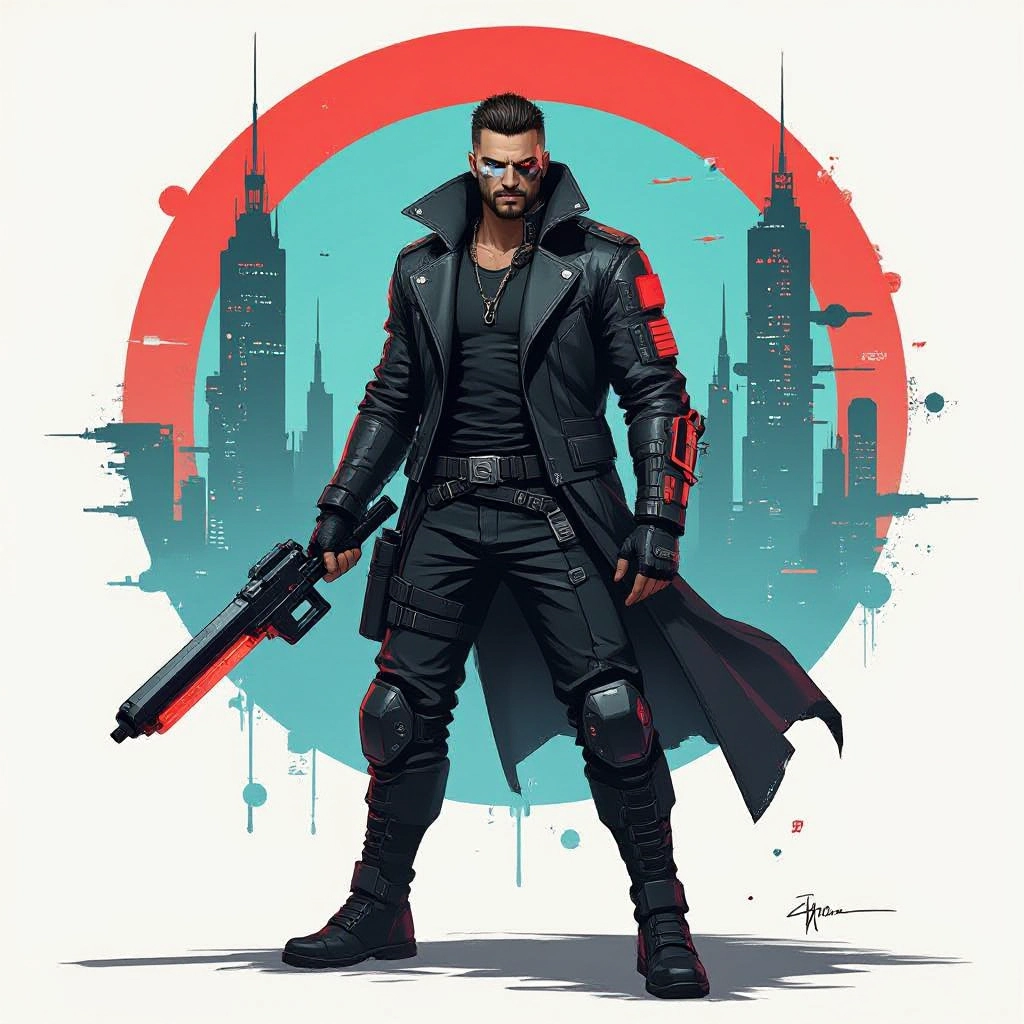
Type your cyberpunk character or scene description in the prompt box. Include details like character appearance, clothing, expressions, and setting to get better AI cyberpunk results.
Choose AI Model Settings
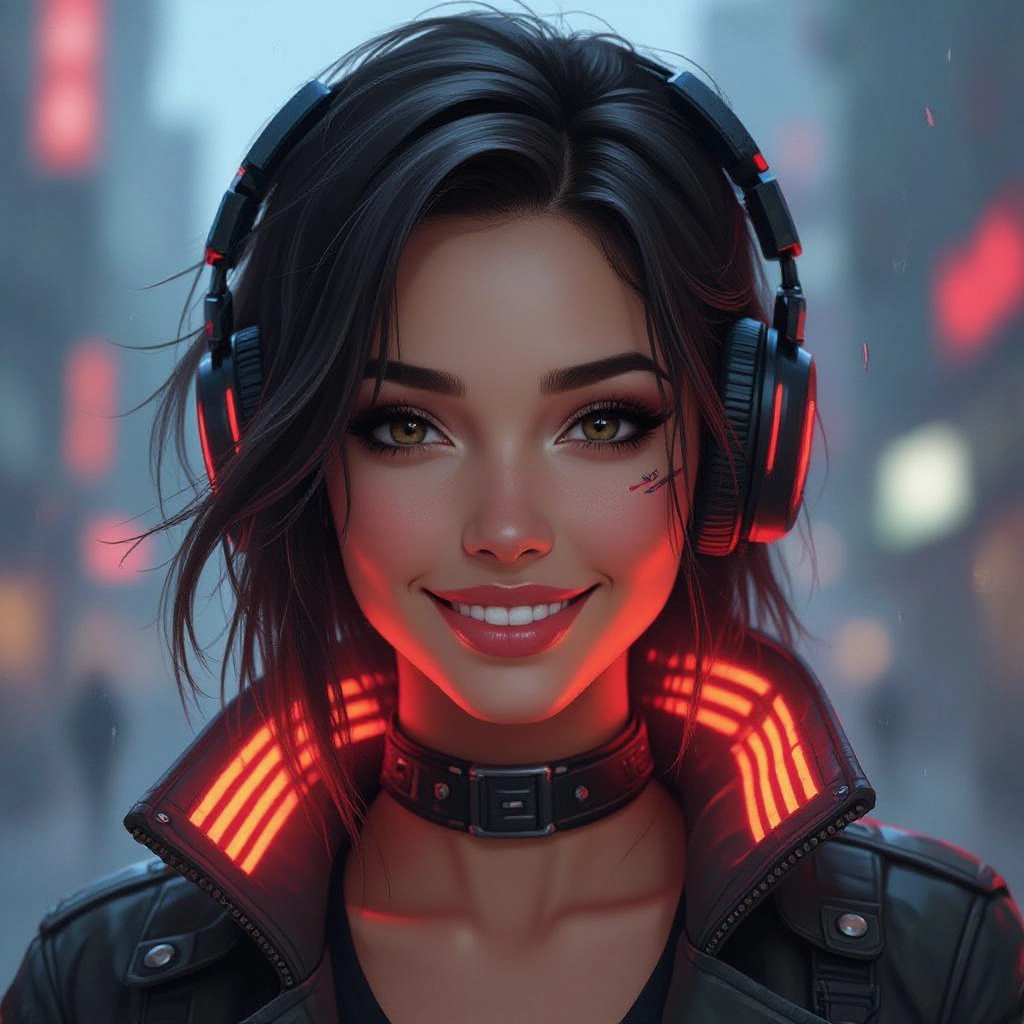
Select your preferred image size and aspect ratio. Our AI model delivers professional quality comparable to:
- • Flux AI Quality
- • Midjourney Standard
- • OpenAI DALL-E
- • Google Imagen
Download AI Cyberpunk Image
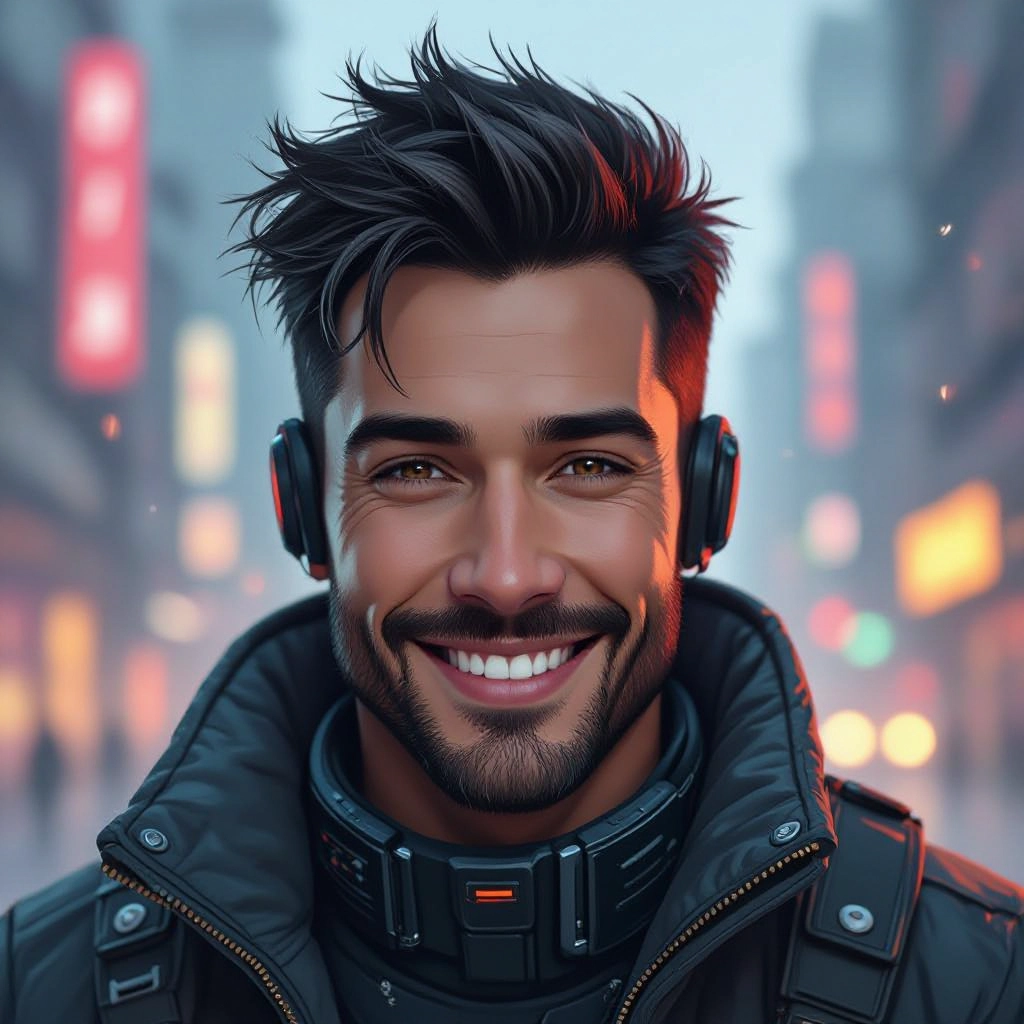
Once your AI cyberpunk image is generated, click the download button to save it to your device. The image will be in high quality format ready for use.
Features of our Free AI cyberpunk Image Generator
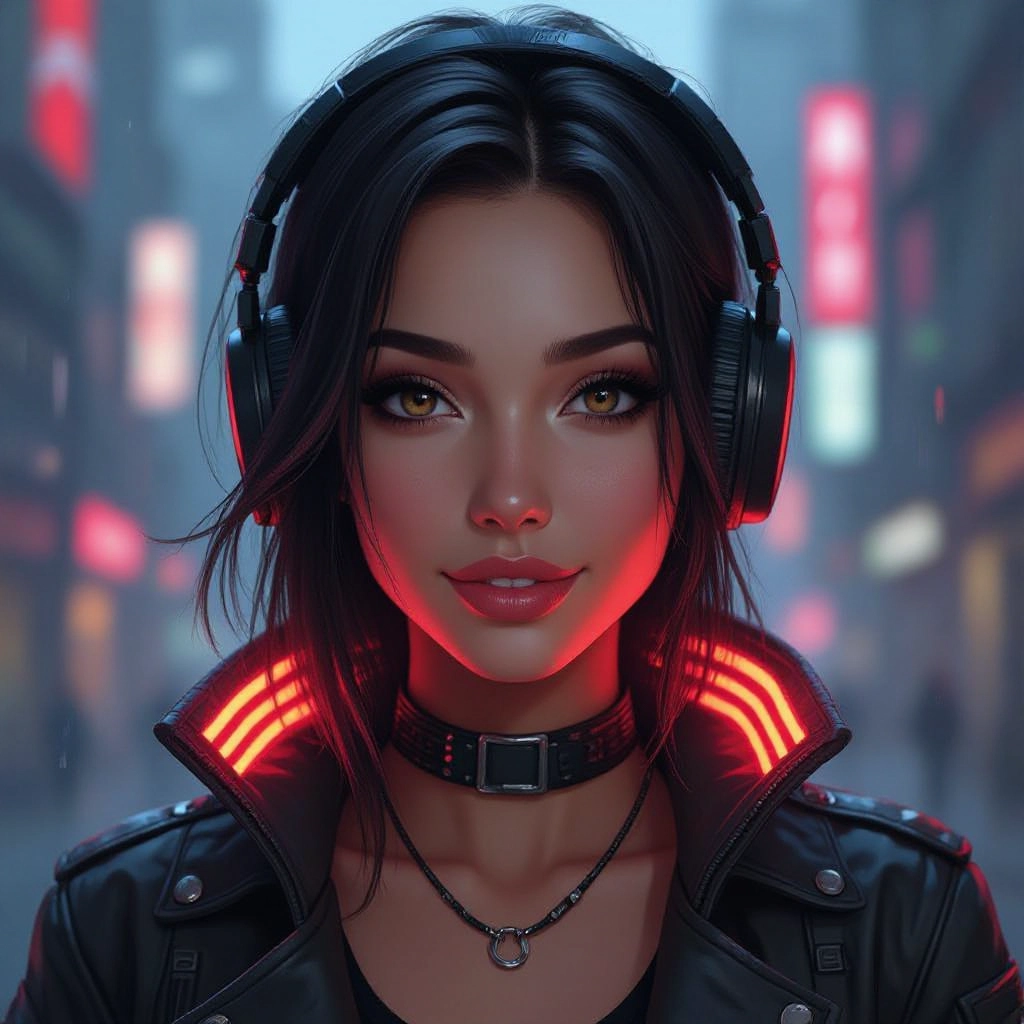
Neon Lighting Engine
Fine-tuned color rendering that prioritizes neon hues, volumetric glow, and realistic reflections on wet surfaces so signs, holograms, and light sources read correctly in every composition. Enhance your results by generating a detailed prompt with our Free AI Art Prompt Generator first.
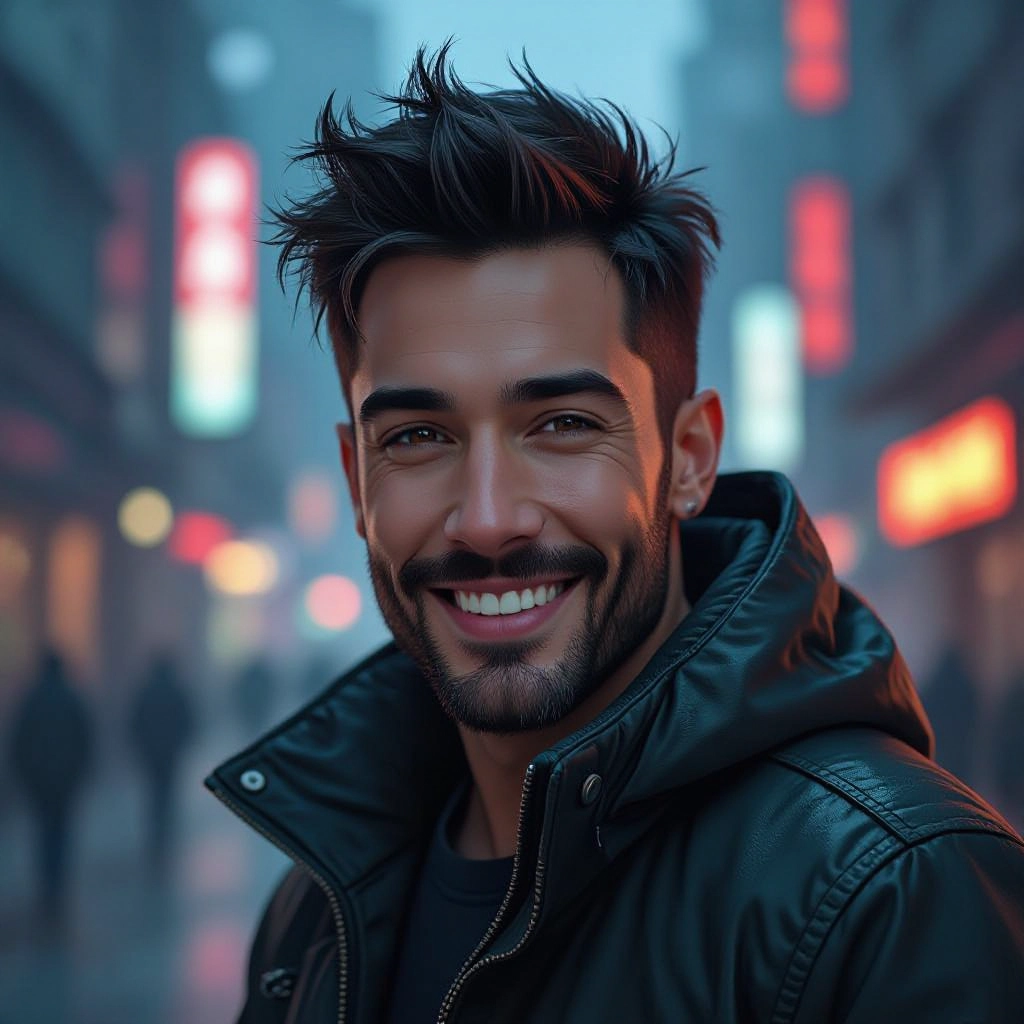
Cybernetic Detail Modeling
Generates believable implants, wearable tech, and biomechanical textures with control sliders for subtype, complexity, and material finish like chrome, matte carbon, or bioluminescent circuitry.
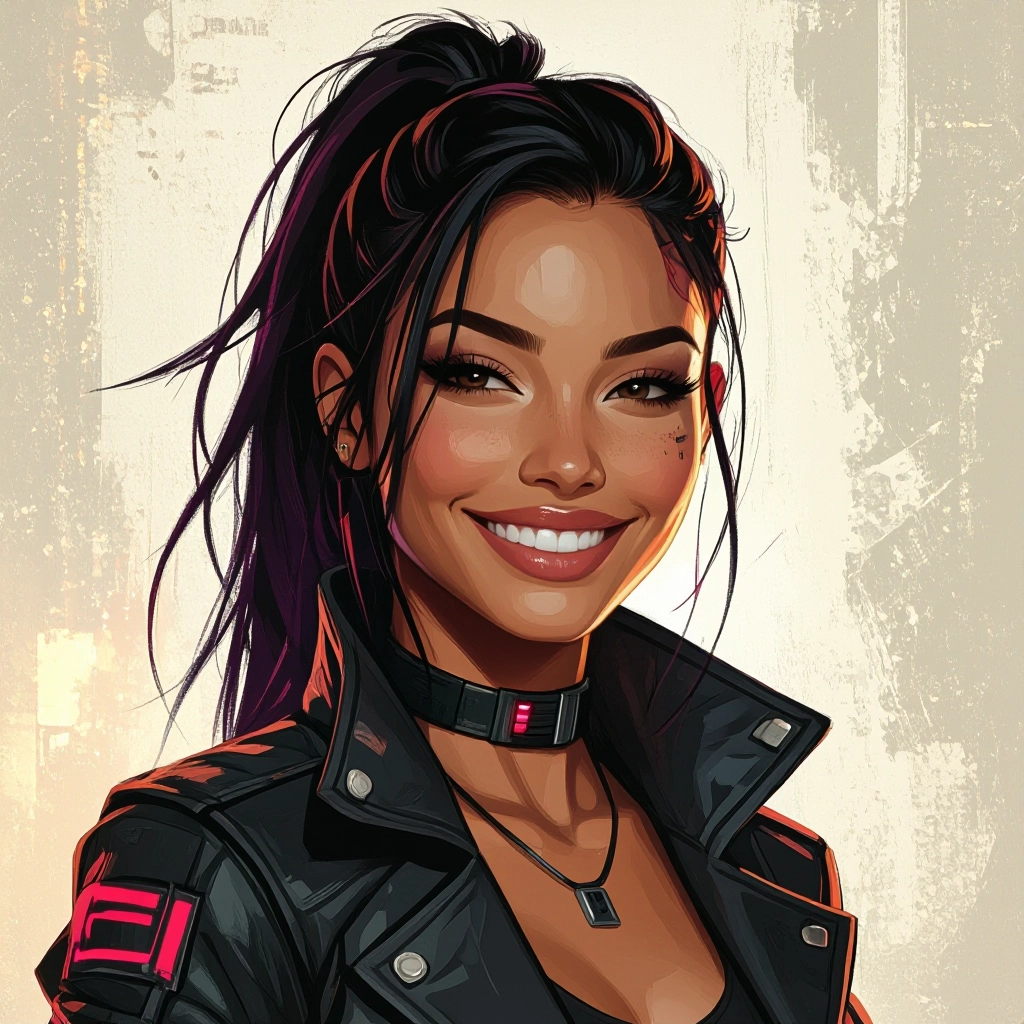
Atmosphere and Weather Controls
Adjust fog density, rain intensity, and particle effects to sculpt visibility and mood, producing everything from dense neon fog alleys to clear rooftop vistas with distant city haze.
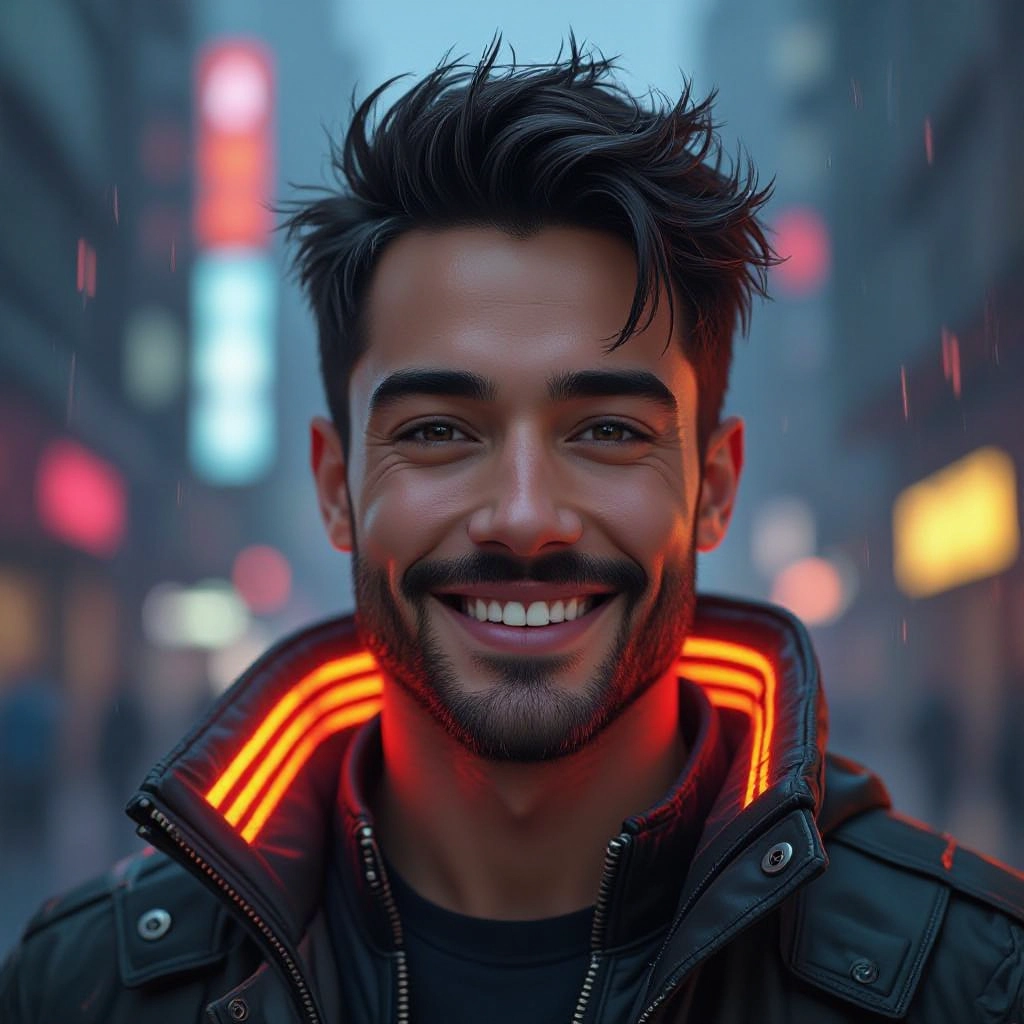
Camera and Lens Presets
Choose cinematic focal lengths, tilt-shift, wide-angle cityscapes, and film simulation presets to mimic photography styles common in cyberpunk cinema and concept art.
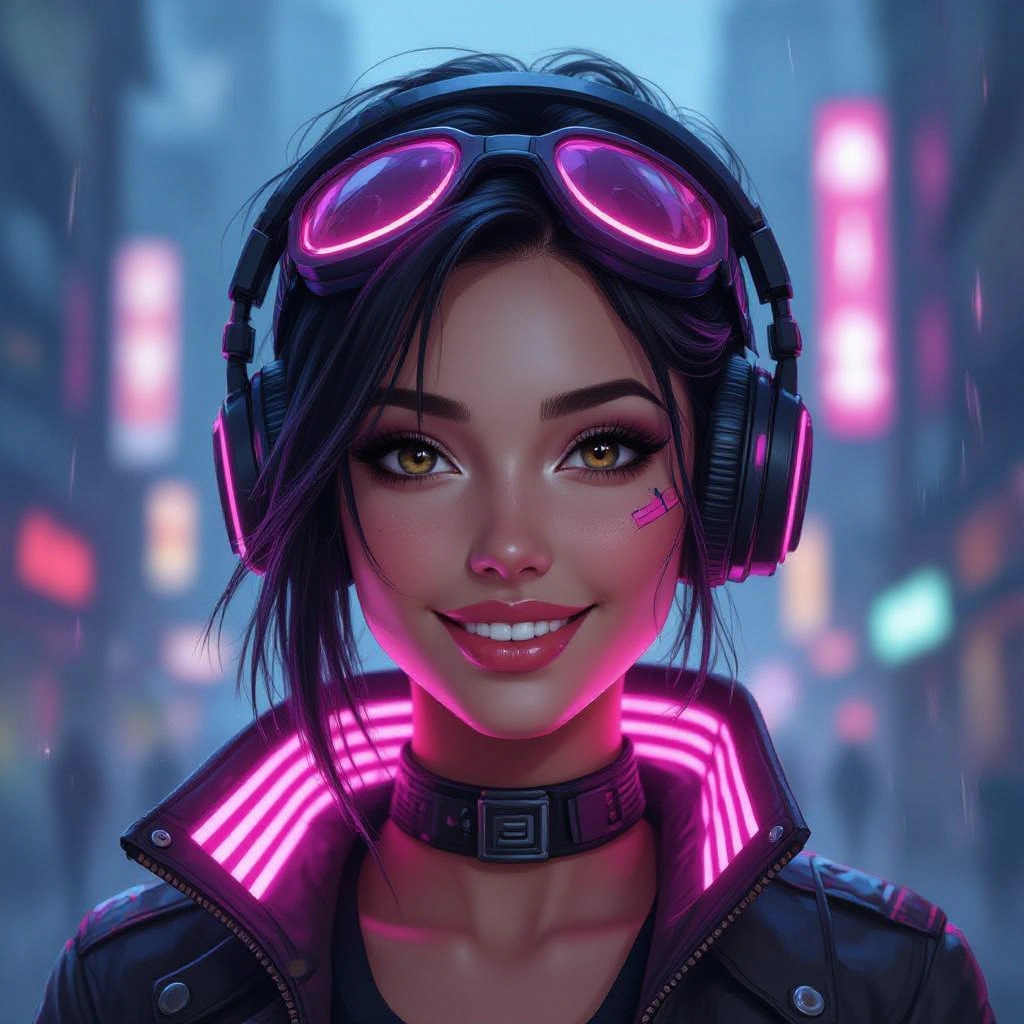
Batch Variation and Seed Control
Create multiple variations from one prompt and lock seeds to reproduce or iterate on a favorite result, speeding up refinement for concept pipelines and asset libraries.
Types of AI Powered Cyberpunk Style Images
Cyberpunk aesthetics branch into several recognizable styles, each with unique visual rules. The generator supports distinct modes that emphasize mood, era, and narrative function so you can produce everything from polished neon publicity art to grimy underground scenes.
Neon Noir Cityscapes
High-contrast scenes with saturated pinks, blues, and purples, wet asphalt reflections, and towering signage that evoke late-night urban mystery and cinematic tension.
Cybernetic Portraits
Close-up character renders focused on implant design, synthetic eyes, and integrated HUD elements, ideal for hero shots, avatars, and character sheets.
Retro-Futurist Streets
Blend of 1980s signage and futuristic tech with grainy film textures, old-school typography, and analog LEDs that suggest an altered past converging with advanced hardware.
Holographic Interface Scenes
Bright, translucent HUD layers and floating UI elements integrated into environments for scenes that highlight information density and augmented reality overlays.
Post-Corporate Dystopia
Monolithic corporate towers, advertising megastructures, and oppressive architectural scale with muted palettes punctuated by harsh neon to show social collapse under technological power.
Glitch and VHS Aesthetics
Intentional artifacting, chromatic aberration, and tape-like distortions for a corrupted, analog feel that adds nostalgia and visual tension to futuristic images.
Applications of AI cyberpunk image style
Game Concept Art
Rapidly prototype levels, environments, and NPC looks with accurate lighting and atmosphere to guide 3D modeling and world building pipelines.
Book and Cover Design
Produce striking covers and internal illustrations for cyberpunk novels and graphic novels that demand moody, high-impact imagery.
Marketing and Promotional Art
Create campaign visuals, posters, and social ads with polished neon aesthetics that target audiences drawn to futuristic and tech-driven narratives.
Film and Animation Previsualization
Use generated scenes as mood frames and shot references to plan cinematography, color scripts, and production design for sci-fi projects.
Character and Costume Development
Iterate on cybernetic fashion, armor, and wearable tech concepts to refine silhouettes, materials, and integration points for characters.
UI and Skin Design
Design themed user interfaces, skins, and overlays for apps and games that require a cohesive cyberpunk visual language.
FAQs about AI cyberpunk image generator
Can I use generated images commercially?
Usage rights vary by platform. Many generators provide commercial licenses or allow downloads for commercial use after agreeing to terms. Check the specific license and attribution requirements of the tool before publishing or selling generated cyberpunk artwork.
How do I prompt for more realistic cybernetic details?
Include concrete material descriptors like polished chrome, matte carbon fiber, fiber-optic veins, and hydraulic joints, and reference camera details such as macro lens or cinematic lighting to encourage the model to render high-detail augmentations.
What resolution and aspect ratios are supported?
Most generators offer multiple export sizes and common aspect ratios like 16:9, 4:5, and square. For print or high-fidelity concept work, choose larger resolutions and consider upscaling tools to preserve fine cyberpunk textures.
How can I avoid common cyberpunk clichés in my images?
Specify creative constraints in your prompt, such as unconventional color palettes, minimalist signage, or unique cultural motifs, and combine unexpected elements like rural settings with cybernetic tech to subvert typical neon urban tropes.
Is personal data or likeness safe when using the tool?
Reputable services outline data handling in privacy policies. Avoid uploading private photos you do not control and review terms regarding image retention and training usage if you are concerned about likeness or data privacy.
Can I refine a generated image to match a storyboard?
Yes. Use iterative prompting, image-to-image modes, and seed locking to produce consistent variations. Export references from preferred results and feed them back into the generator while adjusting prompts for pose, lighting, or camera framing to match storyboard requirements.
