Japanese Woodblock Image Generator
Japanese Woodblock Image Generator is a free online tool to generate japanese woodblock style images. The tool is free to use, just enter prompt in japanese woodblock style and generate japanese woodblock image style in seconds similar quality to flux, midjourney, open ai, imagen, nano banana AI image quality.
Generate Japanese Woodblock AI Image for Free
Receive our FREE AI updates via email once a week
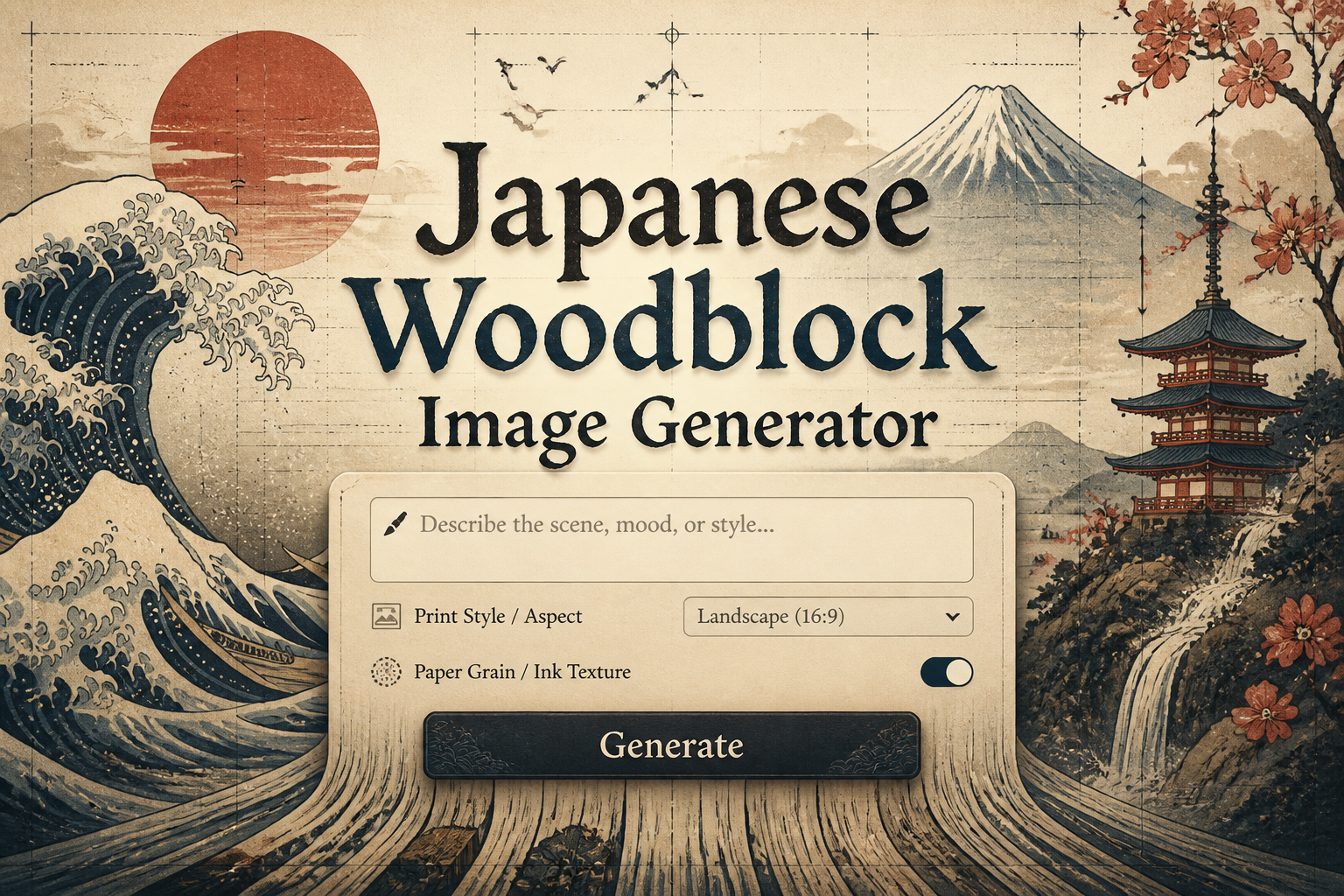
What is a japanese woodblock Generator?
A Japanese woodblock generator is an AI-powered tool designed to reproduce the aesthetic and technical qualities of traditional ukiyo-e and mokuhanga prints. It models hallmark features such as crisp sumi-like linework, deliberate compositional cropping, flattened perspective, restrained palettes, bokashi gradations, and simulated woodgrain. The engine is trained to combine stylistic cues from Edo period artists and printing techniques so users can generate images that feel like relief prints carved and inked by hand.
Designers, illustrators, cultural institutions, and hobbyists use this generator to create posters, editorial imagery, book illustrations, and study materials that reference Japanese printmaking. Artists use it to prototype compositions that honor kento registration, color layering, and negative space. Publishers and product designers rely on the tool to produce authentic-looking motifs for packaging, textiles, and limited edition art prints without recreating the time-intensive carving and printing process.
How to Create japanese woodblock Images
To create Japanese woodblock images in three steps, first craft a descriptive prompt that names ukiyo-e elements such as vertical compositions, asymmetrical balance, sumi linework, bokashi gradients, and a limited color palette; second choose style controls including paper texture, woodgrain intensity, palette restraint, and scale to emphasize the carved look; third generate the image, review iterations for composition and color layering, and apply light post-processing like simulated embossing or subtle noise to mimic hand-printed relief.
Enter AI Japanese Woodblock Prompt
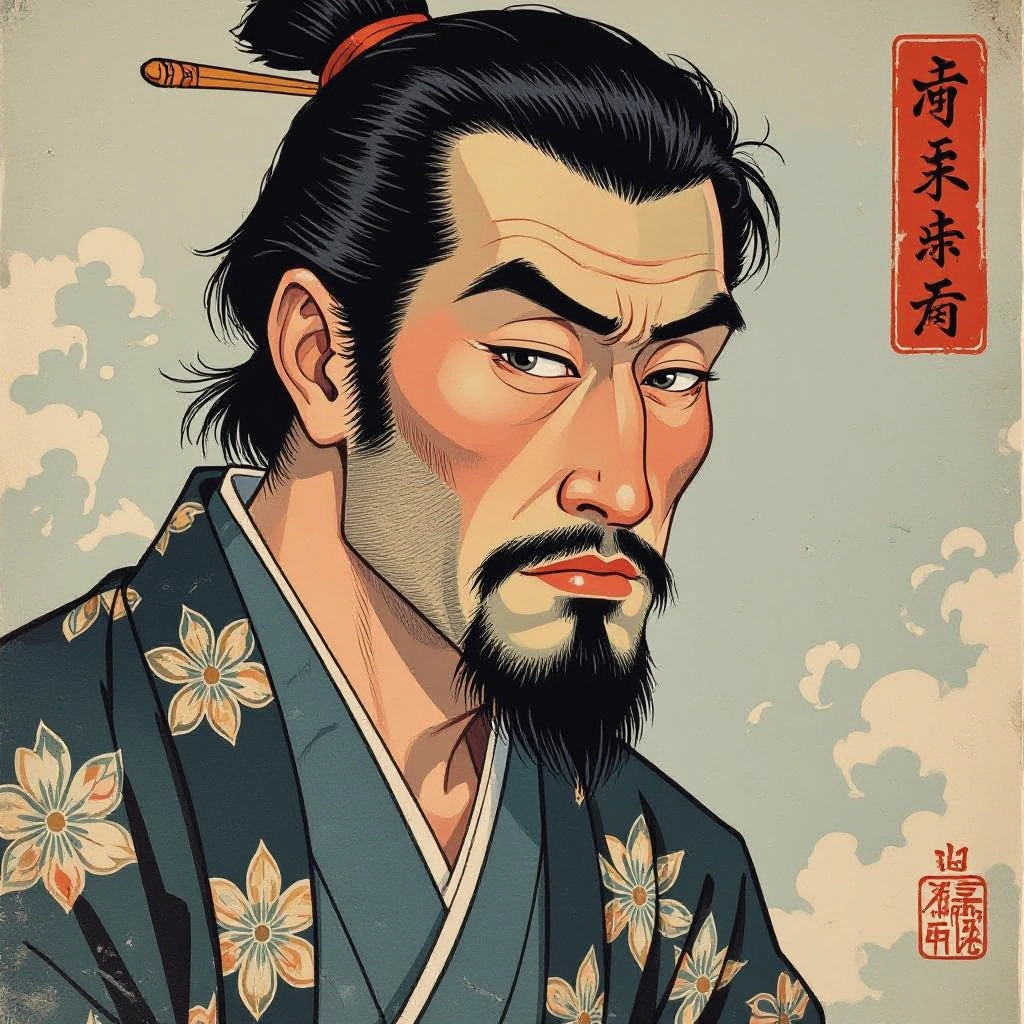
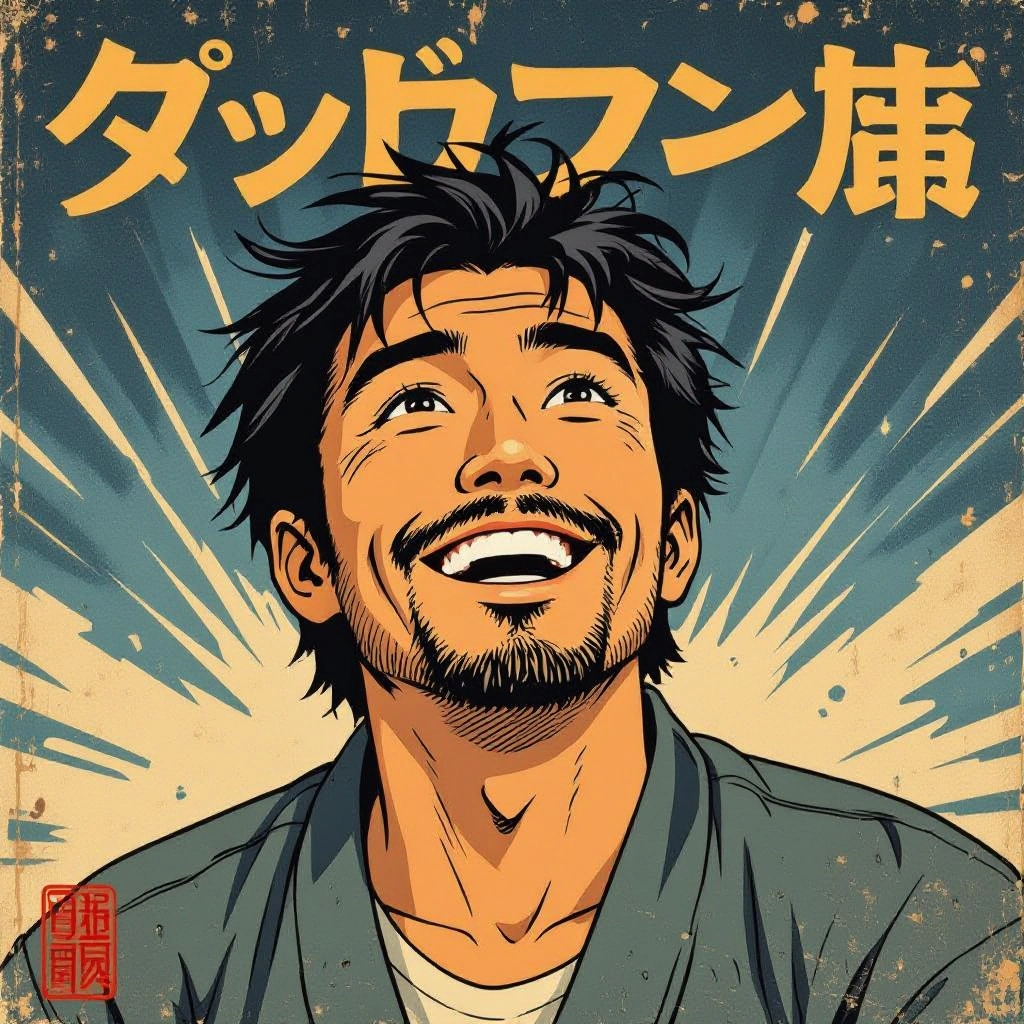
Type your japanese woodblock character or scene description in the prompt box. Include details like character appearance, clothing, expressions, and setting to get better AI japanese woodblock results.
Choose AI Model Settings
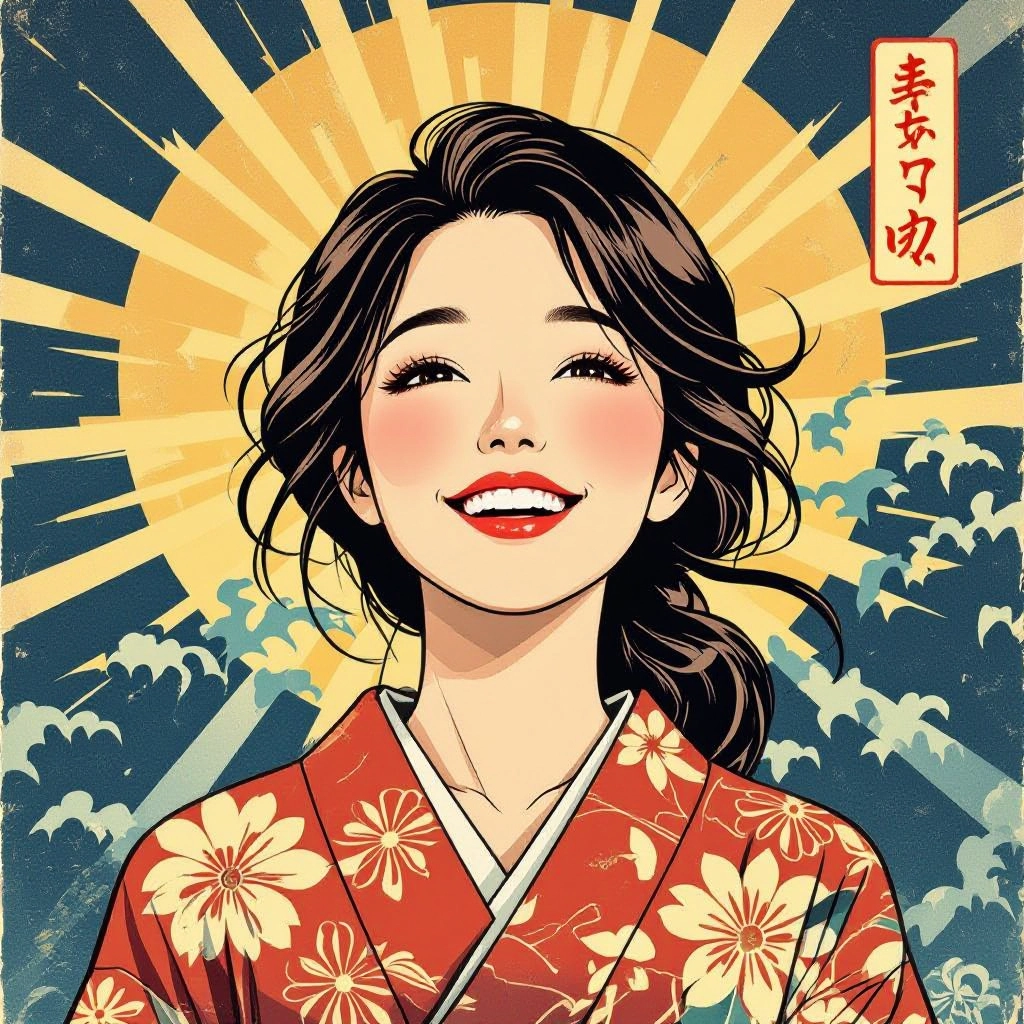
Select your preferred image size and aspect ratio. Our AI model delivers professional quality comparable to:
- • Flux AI Quality
- • Midjourney Standard
- • OpenAI DALL-E
- • Google Imagen
Download AI Japanese Woodblock Image
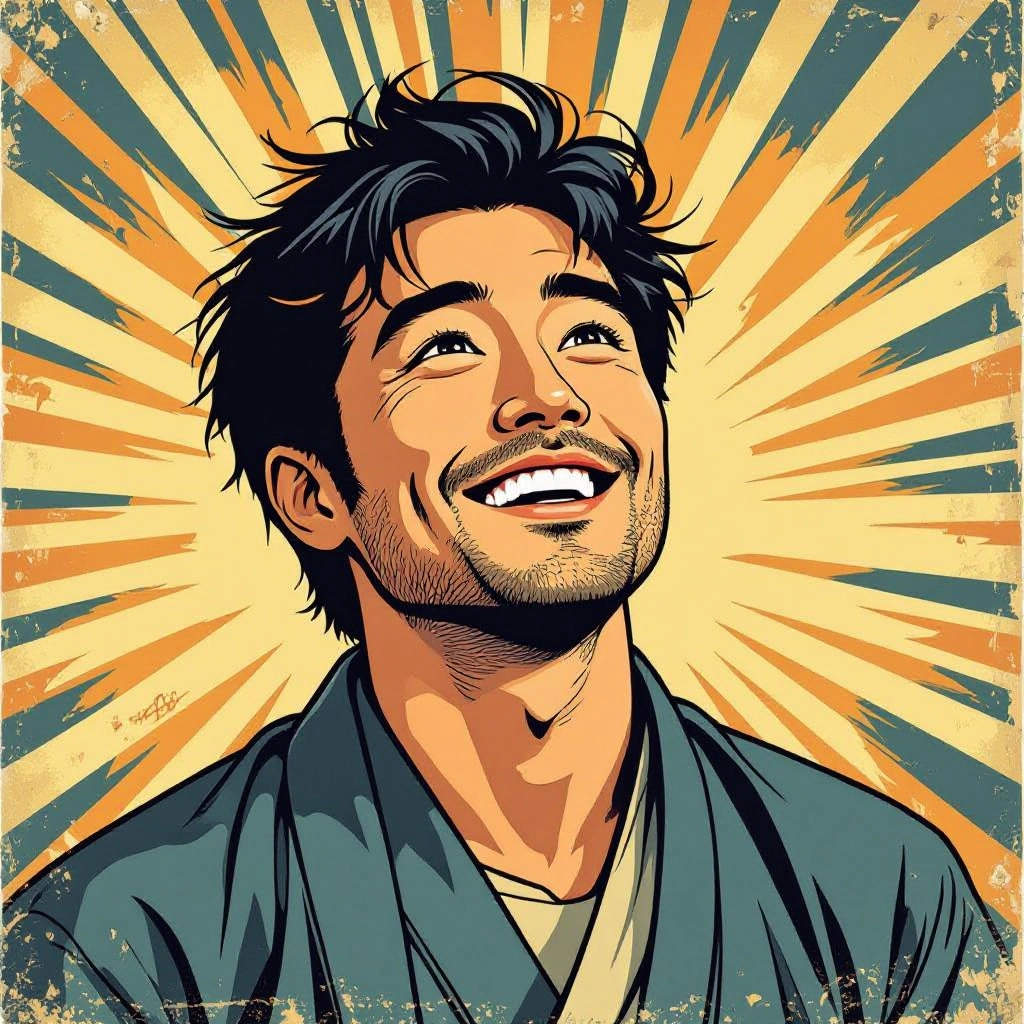
Once your AI japanese woodblock image is generated, click the download button to save it to your device. The image will be in high quality format ready for use.
Features of AI japanese woodblock Image Generator
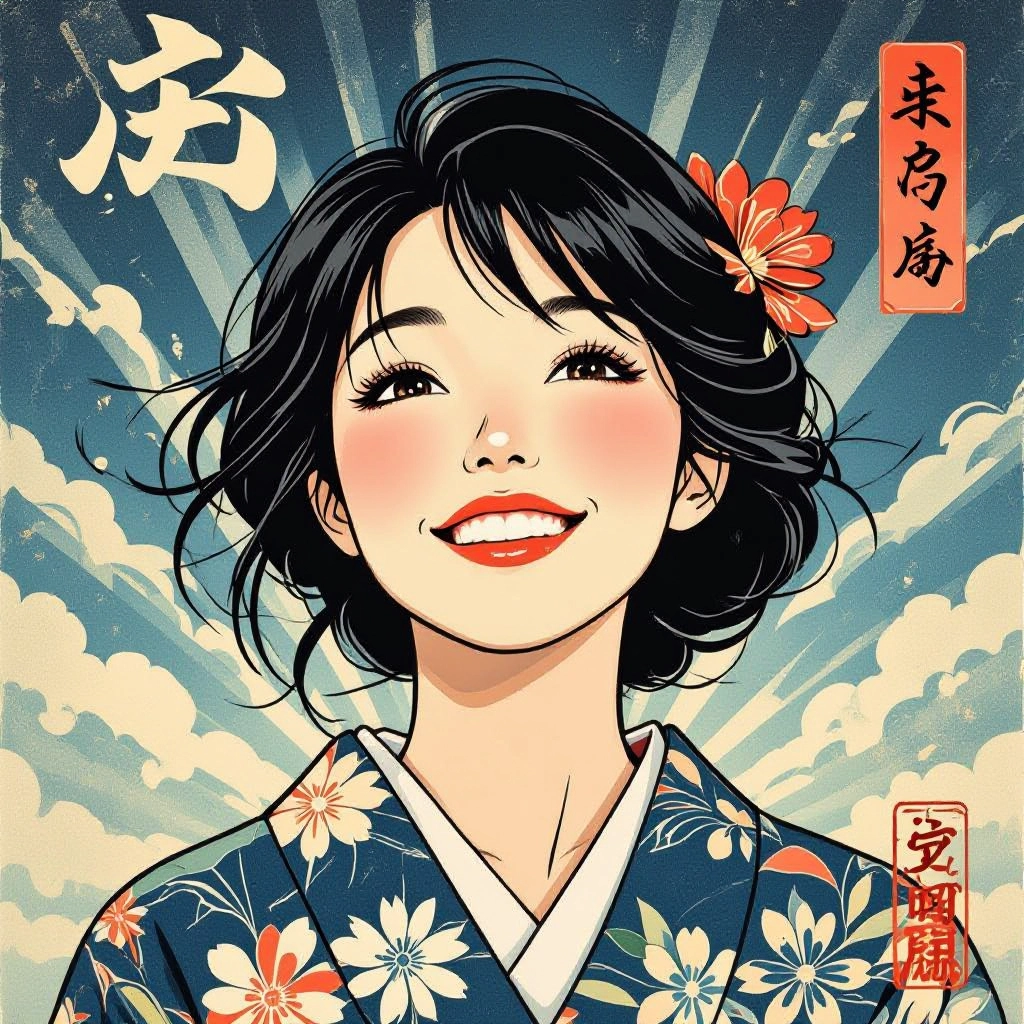
Ukiyo-e Linework Engine
Specialized stroke synthesis recreates the brush-to-block transitions of sumi and bamboo brush marks, producing crisp outlines and organic line weight variation typical of ukiyo-e drawings. Enhance your results by generating a detailed prompt with our Free AI Art Prompt Generator first.
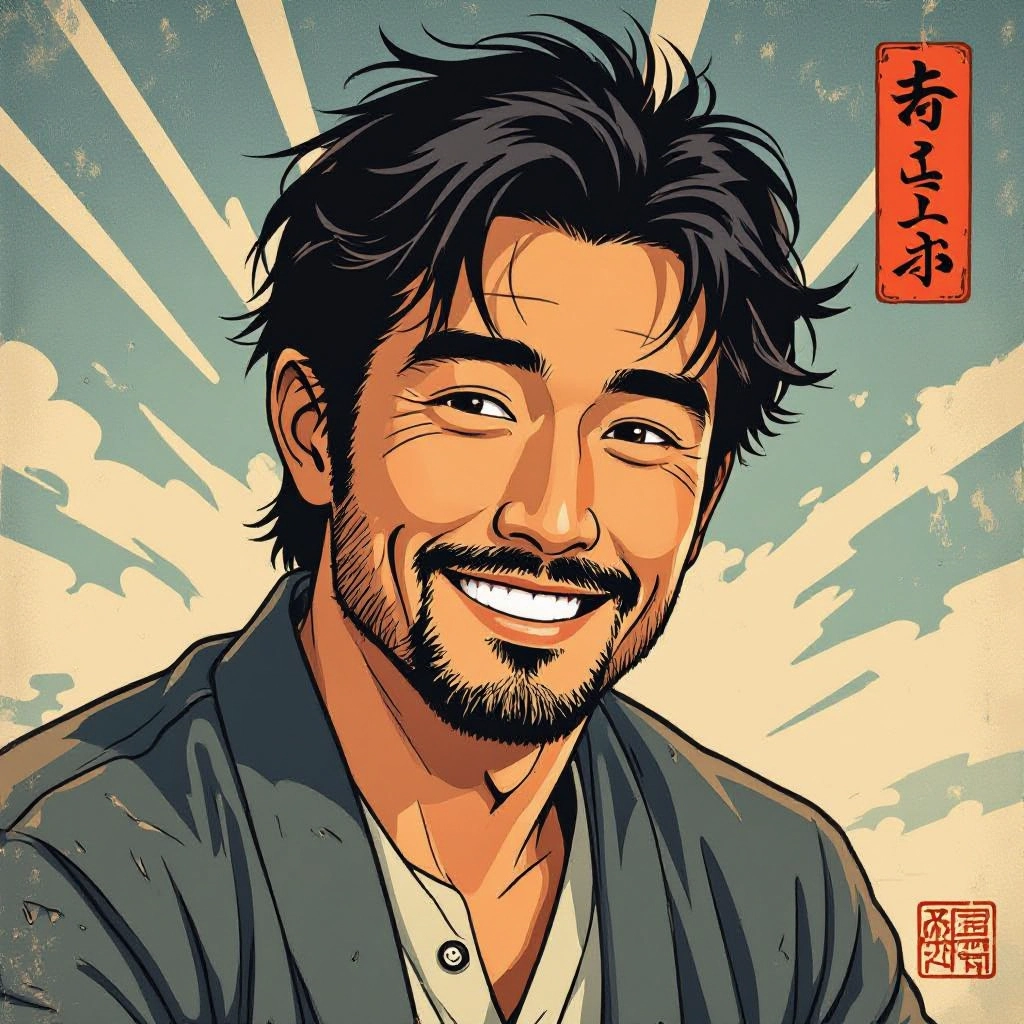
Bokashi Gradient Simulation
Accurate bokashi rendering reproduces the soft ink gradations achieved by hand-wiping, allowing smooth atmospheric skies and subtle color fades without blurring etched line detail.
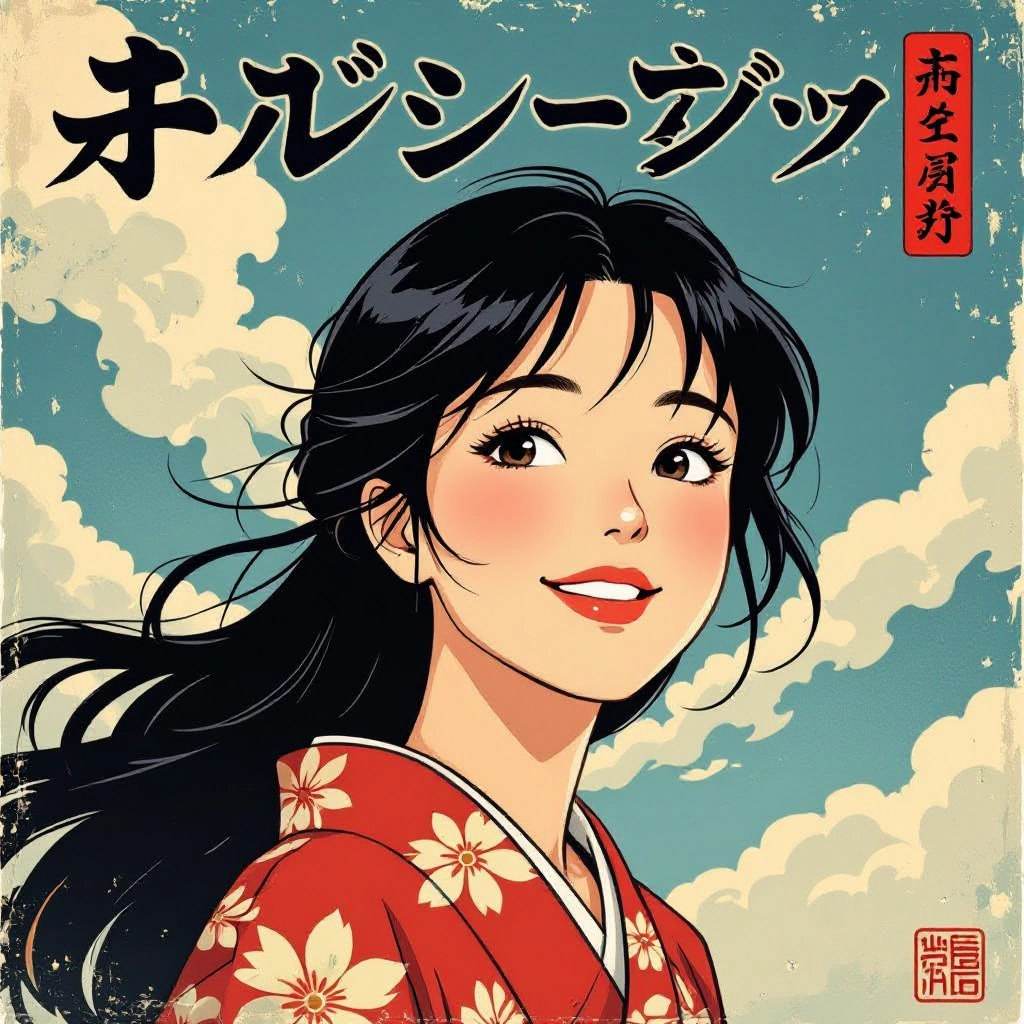
Limited Palette and Layering Control
Palette tools enforce restrained color sets and color-order layering to simulate successive block printing passes, helping maintain historical color relationships and harmonious contrast.
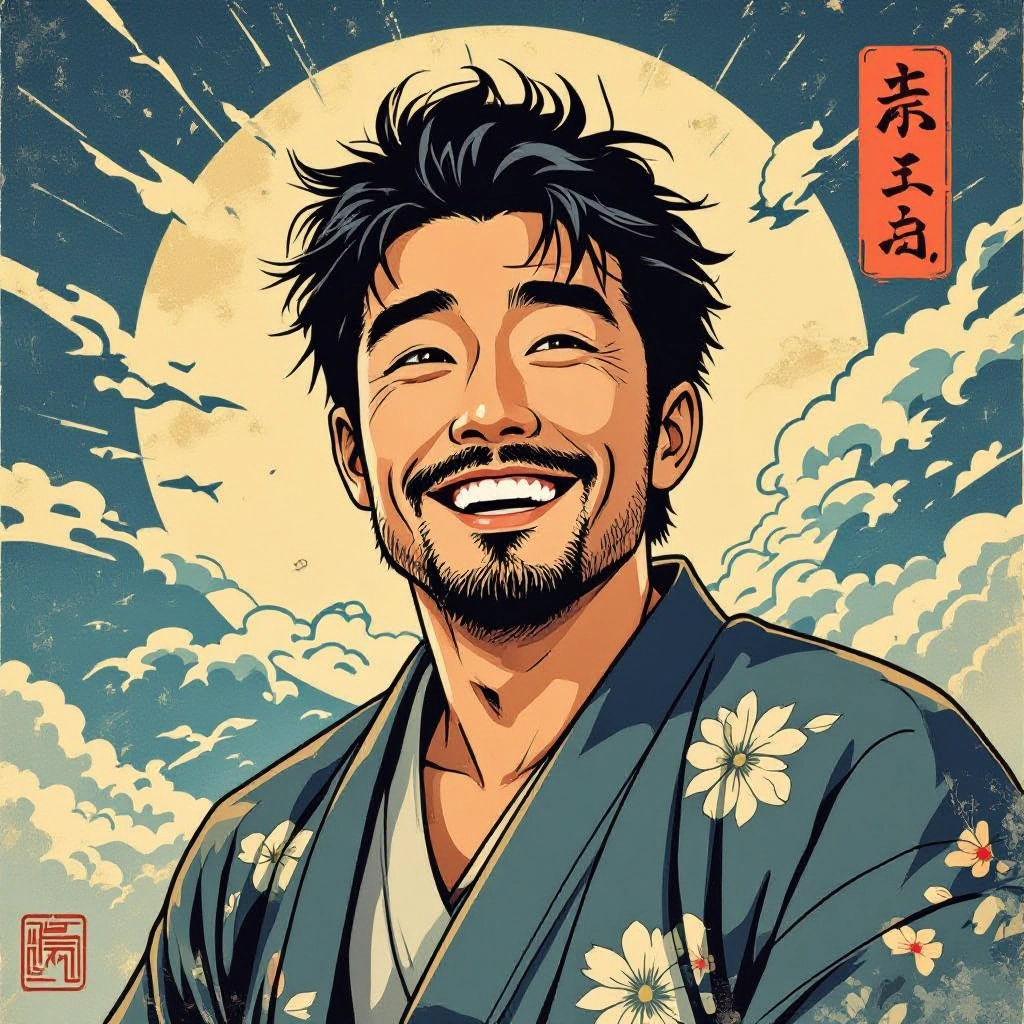
Woodgrain and Paper Texture
Adjustable woodgrain and washi paper textures add tactile realism, from visible grain marks of carved blocks to fiber patterns and slight deckle edges found in traditional Japanese papers.

Kento Registration and Print Imperfections
Toggle authentic registration shifts, subtle misalignment, ink bleed, and plate wear to emulate the minor imperfections that give antique woodblock prints their character and depth.
Types of AI Powered Japanese Woodblock Style Images
Explore distinct Japanese woodblock style variations that the generator can emulate, each focusing on historical genres, subject matter, and technical printing nuances to suit different creative needs.
Classic Edo Ukiyo-e
Emulates early 19th century prints with flattened foregrounds, bold silhouette figures, calligraphic line, and muted indigo and safflower palettes typical of Edo period cityscapes and landscapes.
Hokusai Wave Reinterpretation
Focuses on dynamic, woodcut-style wave patterns, layered foam textures, dramatic diagonals, and limited tonal range to capture the kinetic energy and compositional drama of famous seascapes.
Bijin-ga Portraits
Portrait-oriented compositions that highlight elegant line contour, kimono pattern detail, delicate facial rendering, and subtle color accents for traditional courtesan and beauty studies.
Kabuki Theater Posters
High-contrast theatrical graphics with expressive brush lines, exaggerated facial makeup motifs, bold flat colors, and dramatic cropping suited to kabuki actor prints and performance posters.
Meiji Era Fusion
A hybrid style blending Western perspective and shading introduced in the Meiji period with woodblock texture, offering more naturalistic scenes while preserving carved edge aesthetics.
Contemporary Graphic Woodcut
Modern reinterpretations using stark two-tone blocks, repeatable pattern motifs, and minimalist layouts that translate traditional carving techniques into contemporary branding and editorial art.
Applications of AI japanese woodblock image style
Fine Art Prints
Produce edition-ready print files that mimic traditional carving and inking, suitable for limited runs, giclee adaptation, or promotional art with woodcut authenticity.
Book and Magazine Illustration
Create cover art and chapter illustrations that use ukiyo-e composition rules and textures to evoke historical context or to provide stylistic contrast in modern publications.
Editorial and Poster Design
Design eye-catching posters and editorial spreads that leverage bold silhouettes, asymmetry, and flat color fields to deliver high-impact messaging with cultural resonance.
Product and Packaging Design
Apply woodblock motifs and restrained palettes to labels, boxes, and product sleeves to achieve premium artisanal branding with a handcrafted print feel.
Textile and Surface Pattern
Generate repeatable ukiyo-e inspired patterns and motifs for kimono textiles, scarves, wallpaper, and home decor that retain carved texture and pattern rhythm.
Game, Film and Animation Assets
Create background plates, title cards, and concept art with controlled palettes and grain that integrate seamlessly into period pieces or stylized animated projects.
FAQs about AI japanese woodblock image generator
Can I use generated Japanese woodblock images commercially?
Yes, images produced by the generator can be used commercially, but review the platform terms for licensing specifics. For large-scale commercial runs or trademarked motifs, consider additional rights clearance.
How do I get authentic bokashi gradients in my outputs?
Include bokashi or gradient-specific instructions in your prompt and enable the bokashi gradient simulation control. Adjust the smoothing slider and layer order to fine-tune the fade intensity without losing line clarity.
What resolution and file types are available for download?
High-resolution exports are offered in PNG and TIFF formats suitable for print. Vector-style exports for carving guides are available for some modes, though texture fidelity remains best in raster formats.
How do I craft prompts for traditional subjects like landscapes or bijin-ga?
Mention compositional keys such as vertical format, foreground framing, reduced perspective, kimono pattern detail for bijin-ga, or mountain off-center with layered waves for landscapes. Specify color restrictions and paper or grain textures to guide the style.
Does the tool replicate specific historical artists or copyrighted works?
The generator reproduces general stylistic characteristics of ukiyo-e and woodblock techniques rather than exact copies of a specific living artist's work. Avoid prompting for exact reproductions of protected images to respect copyright.
How can I refine registration and intentional print imperfections?
Use the registration slider to introduce subtle shifts between color layers, enable ink bleed and plate wear options to simulate age, and run multiple iterations to select the most convincing printed effect.
