Landscape Photography Image Generator
Landscape Photography Image Generator is a free online tool to generate landscape photography style images. The tool is free to use, just enter prompt in landscape photography style and generate landscape photography image style in seconds similar quality to flux, midjourney, open ai, imagen, nano banana AI image quality.
Generate Landscape Photography AI Image for Free
Receive our FREE AI updates via email once a week
What is a landscape photography Generator?
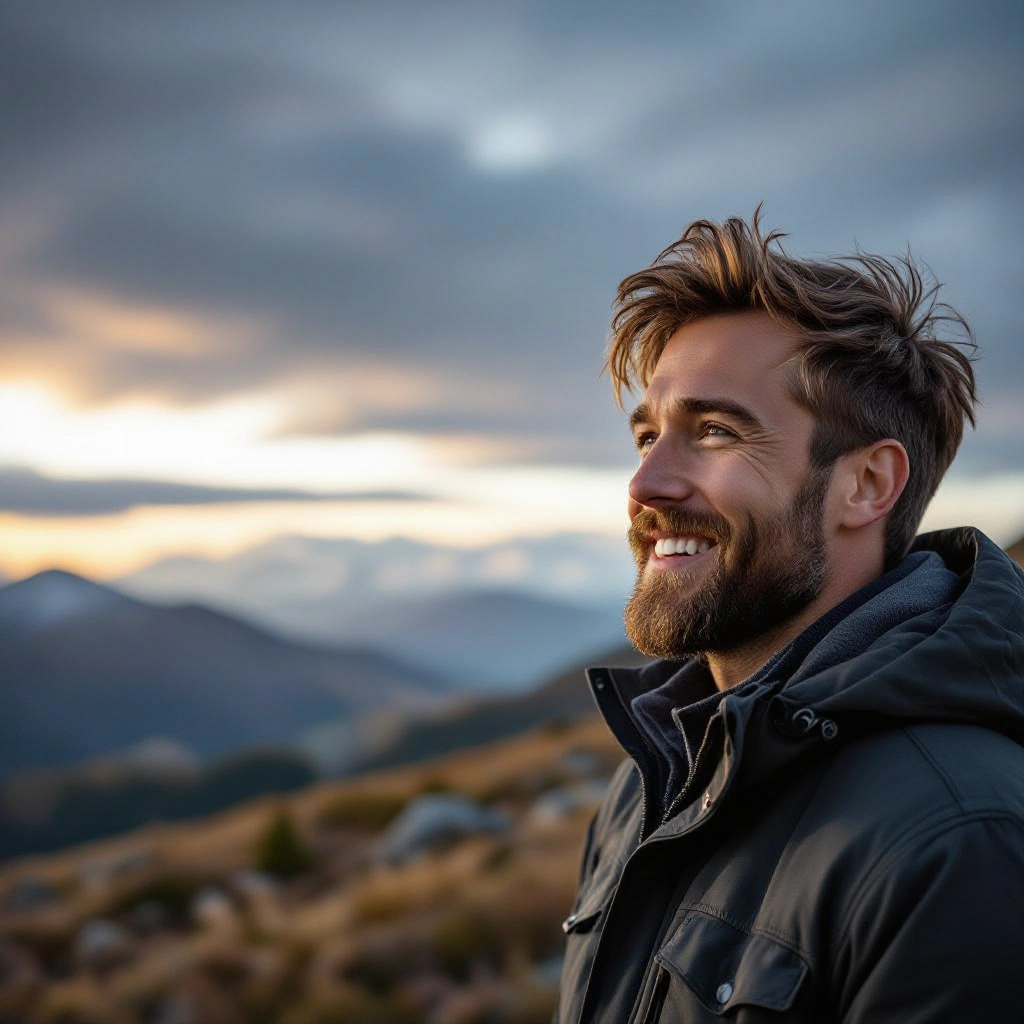
A Landscape Photography Generator is an AI-driven tool that creates images with the visual characteristics of professional landscape photography. It simulates photographic elements such as wide dynamic range, natural color palettes, realistic skies, depth of field, and lens-specific distortion. The generator translates textual prompts into scenes that emphasize foreground interest, middle ground layering, and distant backgrounds, producing images that feel composed by a landscape photographer rather than a generic image model.
Landscape photographers, travel writers, art directors, landscape architects, and content creators use this generator to prototype scenes, plan shoots, or produce final art. Photographers use it to test compositions and lighting ideas before heading into the field. Designers and marketers use generated landscapes for mockups, editorial layouts, and advertising backgrounds where authentic terrain, weather, and light are needed quickly and at high resolution.
How to Create landscape photography Images
Create landscape photography images in three simple steps: first, craft a focused prompt describing composition, time of day, and key elements such as mountains, shorelines, or forests; second, set photographic parameters like focal length, aperture effect, exposure value, and weather or light presets to control mood and depth; third, generate the image, review framing and tonal balance, then iterate by refining the prompt, adjusting camera simulation, or applying subtle color grading until you achieve a natural, print-ready landscape.
Enter AI Landscape Photography Prompt
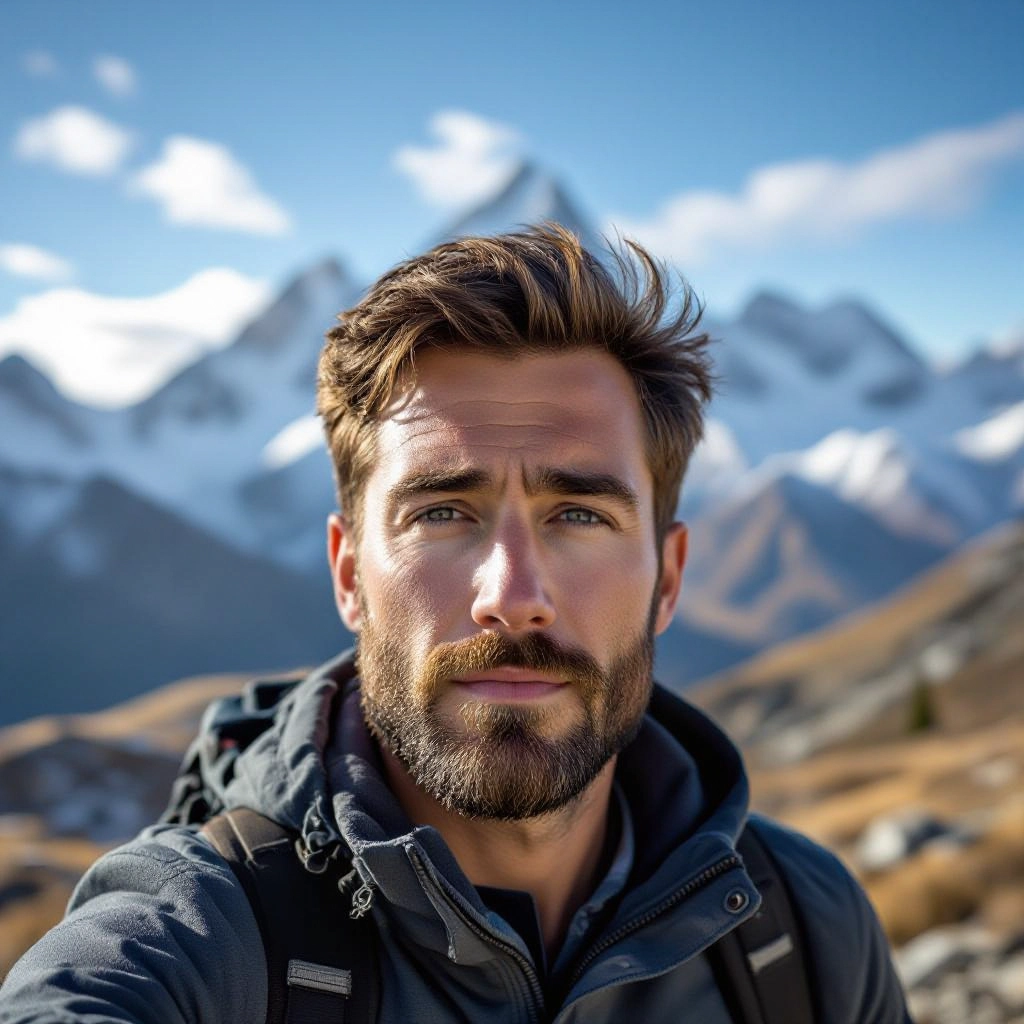
Type your landscape photography character or scene description in the prompt box. Include details like character appearance, clothing, expressions, and setting to get better AI landscape photography results.
Choose AI Model Settings
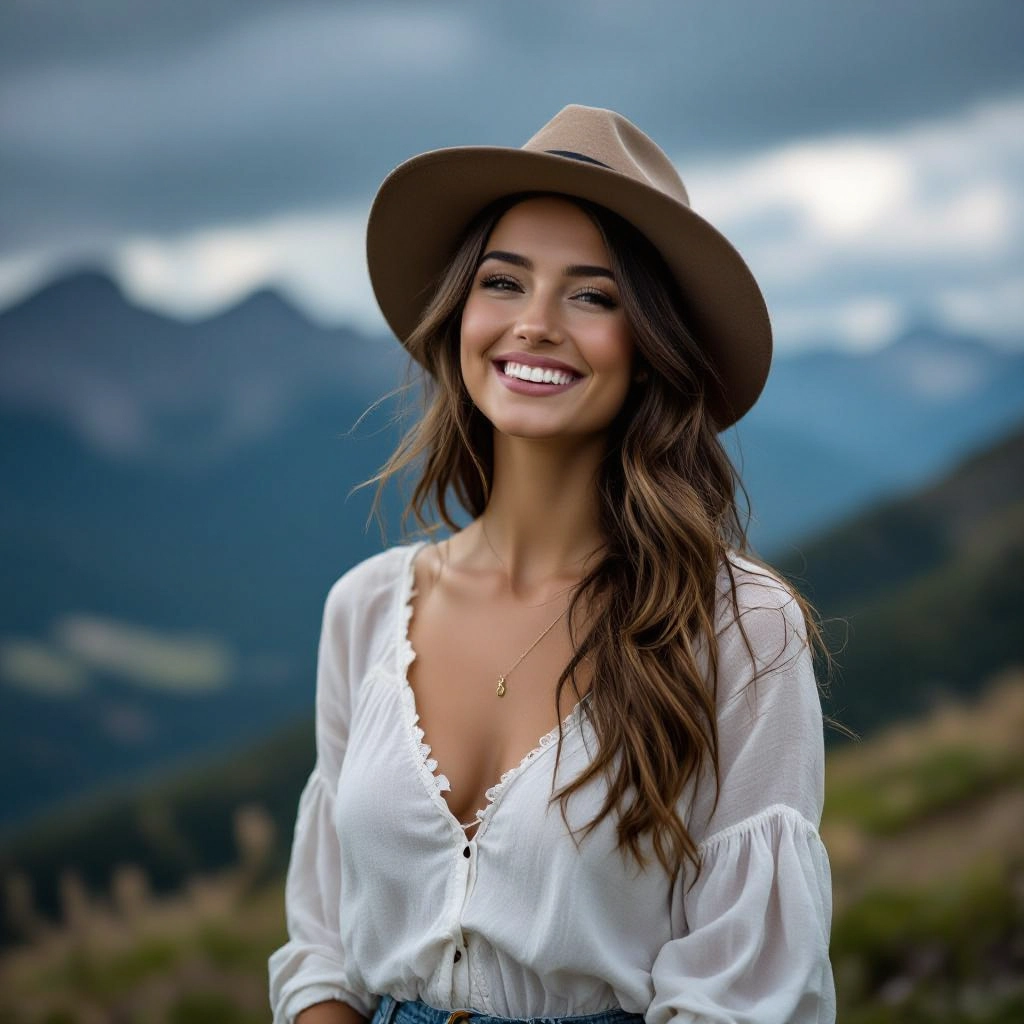
Select your preferred image size and aspect ratio. Our AI model delivers professional quality comparable to:
- • Flux AI Quality
- • Midjourney Standard
- • OpenAI DALL-E
- • Google Imagen
Download AI Landscape Photography Image
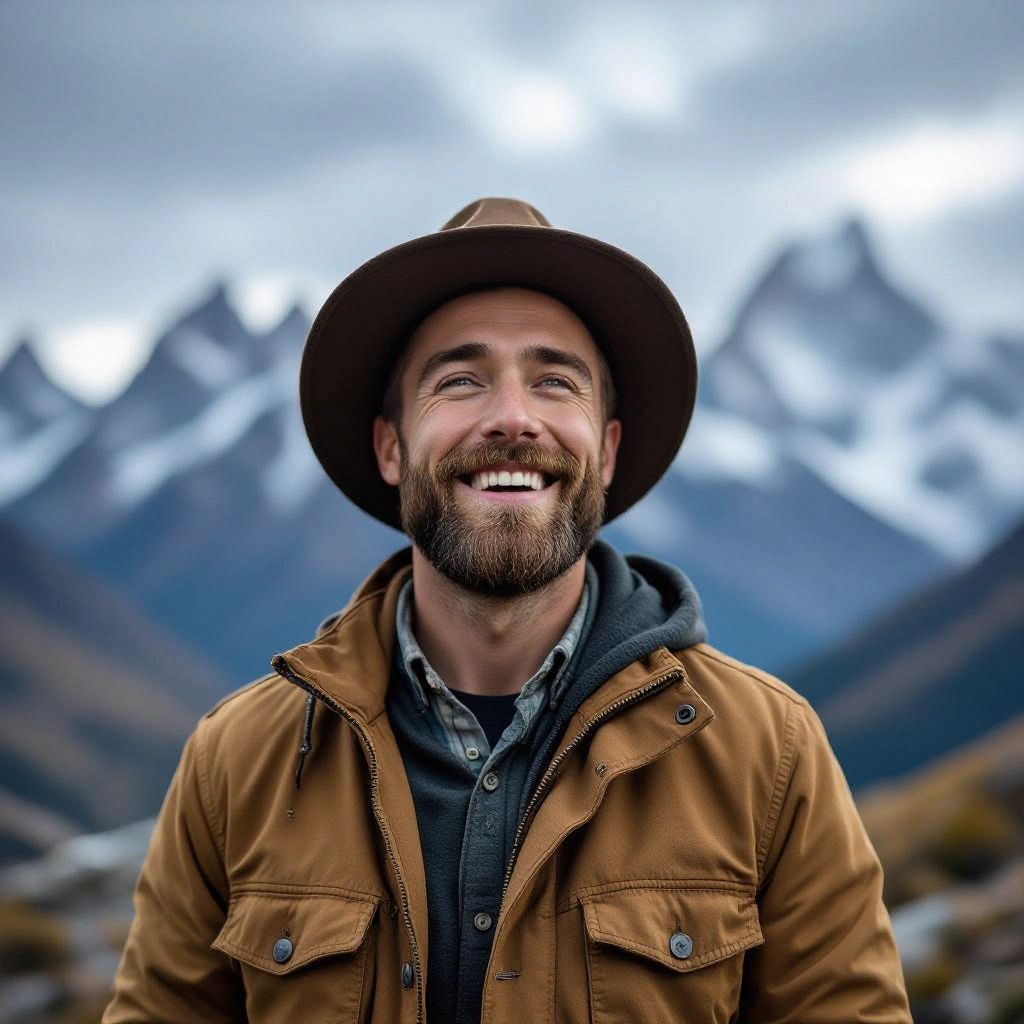
Once your AI landscape photography image is generated, click the download button to save it to your device. The image will be in high quality format ready for use.
Features of AI landscape photography Image Generator
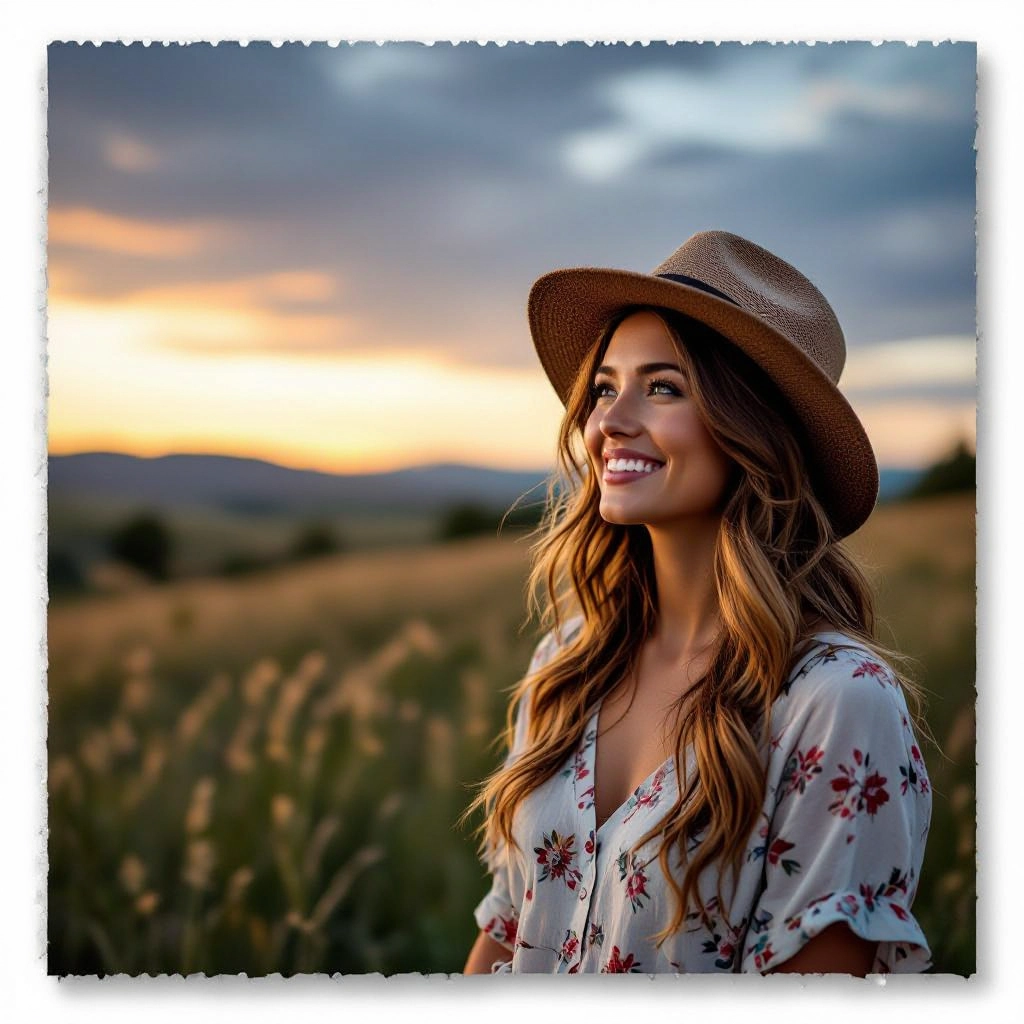
Composition and framing control
Specify foreground anchors, leading lines, rule of thirds placement, and horizon position so the AI composes images with photographic balance and intentional perspective for stronger visual storytelling. Before generating, use our Free AI Image Prompt Generator to craft the perfect prompt for your image.
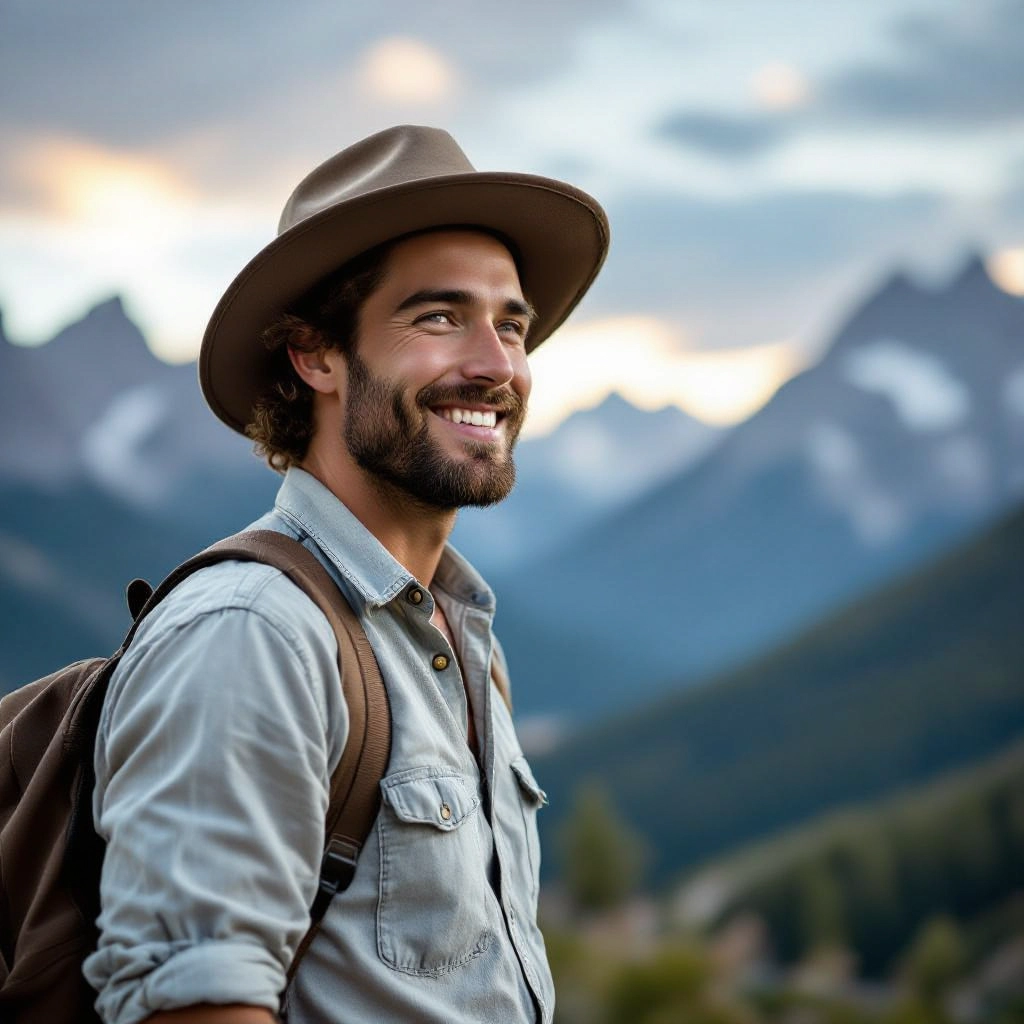
Photographic camera and lens simulation
Choose focal lengths, simulated apertures, distortion profiles, and sensor crop to produce realistic depth of field, bokeh, and perspective consistent with specific lens types used in landscape photography.
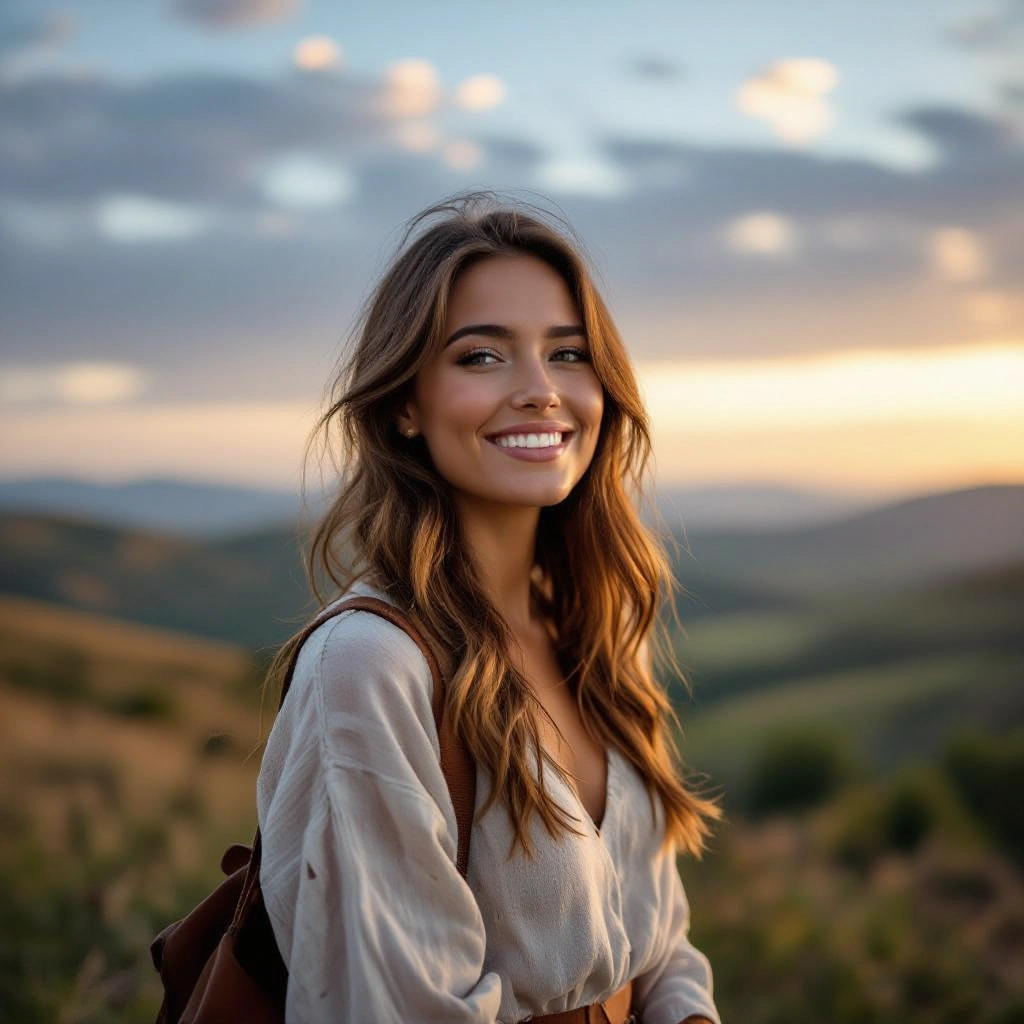
Dynamic light and weather presets
Apply presets like golden hour, overcast, stormy, or misty dawn to control color temperature, cloud structure, and volumetric light for dramatic or subtle atmospheres commonly sought in landscape work.
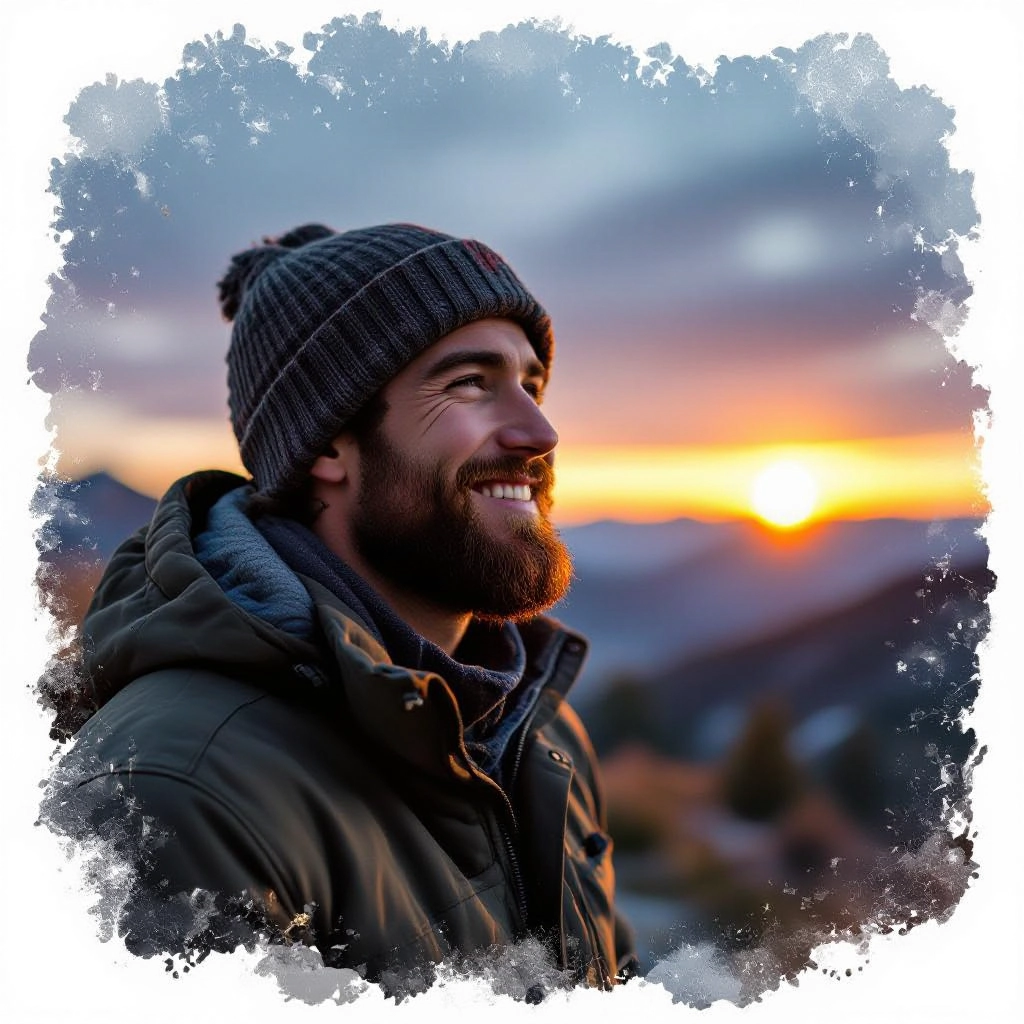
High-resolution output and aspect ratios
Export large format, high DPI files with panoramic and classic aspect ratio presets optimized for printing, gallery wraps, or social media banners while preserving fine texture and tonal gradients.
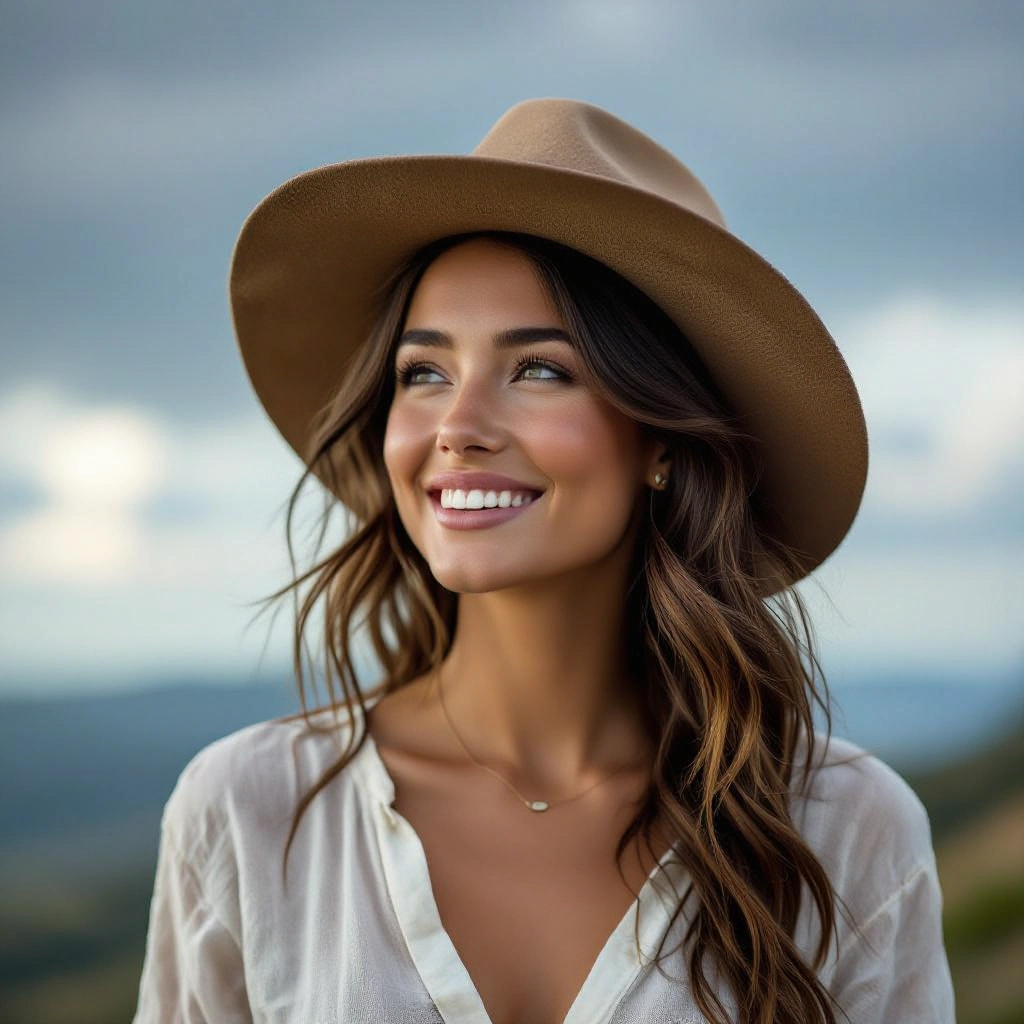
Iterative refinement and batch generation
Generate multiple variations from a single prompt, compare different exposures and compositions, and refine prompts or camera settings to quickly converge on a preferred landscape aesthetic.
Types of AI Powered Landscape Photography Style Images
The generator supports a range of landscape styles tailored to different creative goals, from delicate naturalism to dramatic cinematic scenes. Each style emphasizes specific photographic techniques and tonal choices.
Golden Hour Valley
Warm directional light at sunrise or sunset, soft shadows, long lenses to compress layers, and saturated yet natural colors that emphasize ridgelines and valley depth.
Long Exposure Water
Simulated long shutter speed that smooths water and clouds, producing silky waterfalls and glassy seascapes while preserving sharp foreground rock textures and motion trails.
Aerial Wide Vista
High viewpoint captures sweeping terrain with strong leading scales, reduced foreground detail, and emphasis on patterns like rivers, terraces, and patchwork fields for a cartographic feel.
Minimalist Desert or Tundra
Sparse compositions with negative space, muted palette, and careful horizon placement to evoke solitude and scale using wide-angle lenses and minimal visual clutter.
Panoramic Mountain Range
Ultra-wide aspect ratio, sharp ridgelines, atmospheric haze layering, and high dynamic range to retain detail from snowy peaks to shadowed valleys for immersive prints.
Nightscape and Milky Way
Low-light simulation with accurate star fields, airglow, and foreground silhouettes plus noise management to create crisp night panoramas suitable for astro-landscape compositions.
Applications of AI landscape photography image style
Fine art prints and gallery pieces
Produce high-resolution, print-ready landscapes with controlled composition and tonal range tailored for gallery display, limited editions, and framed artwork.
Travel and editorial imagery
Create evocative destination images for magazines, blogs, and brochures that capture mood and place without costly location shoots or during planning stages of travel features.
Landscape architecture and planning
Generate contextualized vistas and planting scenarios to visualize how designs will sit within natural terrain, showing seasonal light and weather variations for client presentations.
Advertising and branded backgrounds
Produce on-brand landscapes for marketing campaigns, hero banners, and product photography backdrops where controlled mood and framing improve visual impact.
Pre-visualization for photo shoots
Test compositions, lens choices, and lighting concepts digitally to plan field shoots more efficiently, reducing time and cost while improving creative direction.
Education and training
Use generated landscapes to teach composition, exposure, and post-processing workflows, allowing students to experiment with photographic choices in a controlled environment.
FAQs about AI landscape photography image generator
Can I control camera settings like aperture and focal length?
Yes. The generator includes camera simulation options so you can specify focal length to change perspective, simulated aperture to affect depth of field, and exposure adjustments to influence dynamic range and highlight retention.
Are generated images suitable for print and large formats?
Generated images can be exported at high resolution with aspect ratio presets designed for printing. For very large prints, choose the highest resolution export and consider minor upscaling and local sharpening in a dedicated editor for best results.
Can I generate specific weather or light conditions on demand?
Yes. Choose from weather and light presets such as golden hour, fog, storm, or clear midday, or combine keywords in your prompt to fine-tune cloud structure, shadow softness, and color temperature for realistic atmospheric effects.
What licensing options apply to generated landscape images?
Licensing varies by platform. Typically you will have personal and commercial usage rights but should review the generator's terms for attribution, redistribution, and trademark restrictions before using images in commercial campaigns or reselling as stock.
How do I make a generated image look more like my own photographic style?
Refine prompts with references to your preferred camera, film stock, color grading, and compositional cues. Use iterative generation to nudge the model toward consistent tonal choices, and apply a custom LUT or local adjustments in an editor to match your signature look.
How long does generation take and can I create multiple variations?
Generation time depends on resolution and model settings but typical scenes render in seconds to a minute. Use batch generation to produce multiple variations from a single prompt, then select and refine the best results for further tweaks.
