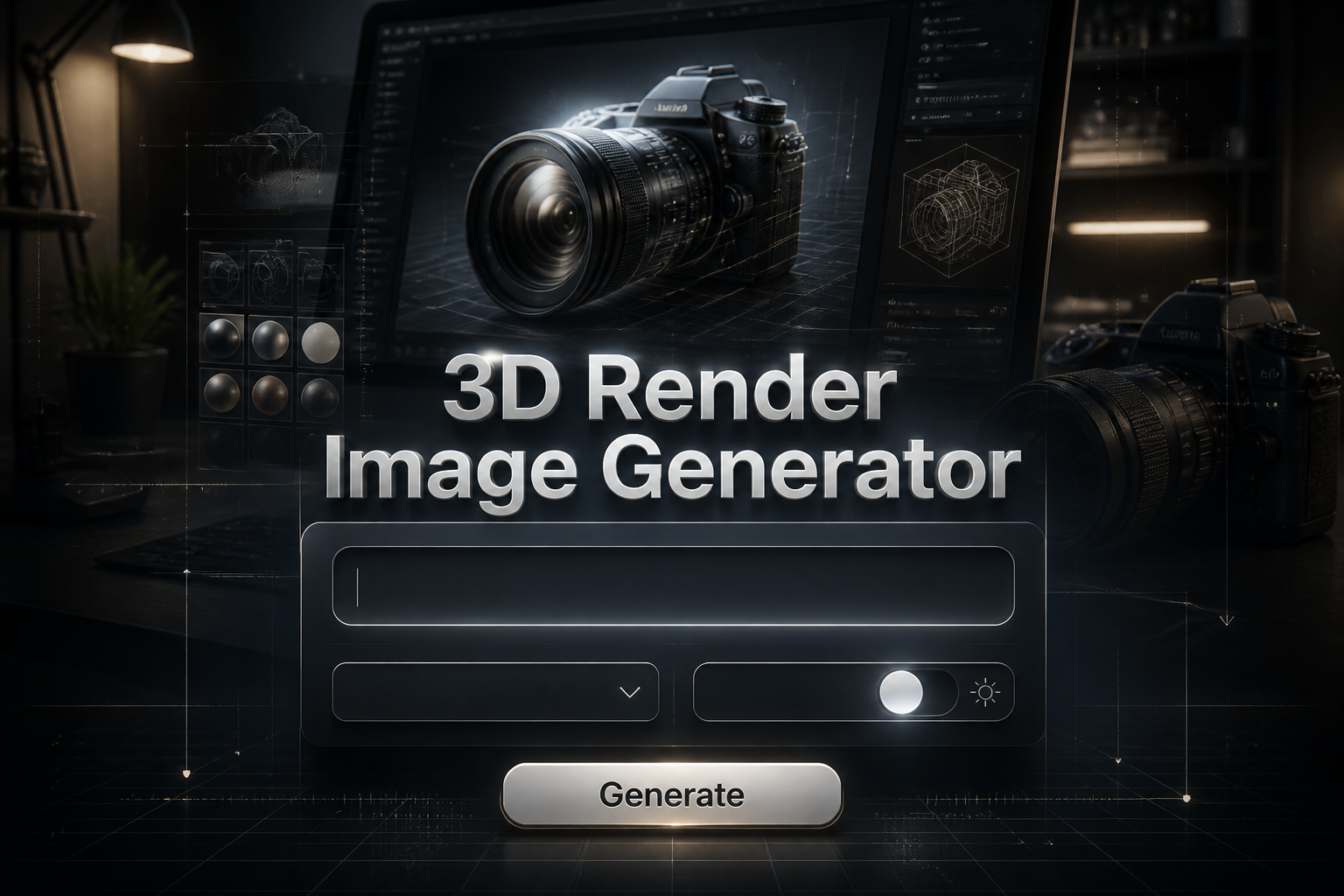
3D Render Image Generator
3D Render Image Generator is a free online tool to generate 3D render style images. The tool is free to use, just enter prompt in 3D render style and generate 3D render image style in seconds similar quality to flux, midjourney, open ai, imagen, nano banana AI image quality.
Generate 3D Render AI Image for Free
Receive our FREE AI updates via email once a week
What is a 3D render Generator?
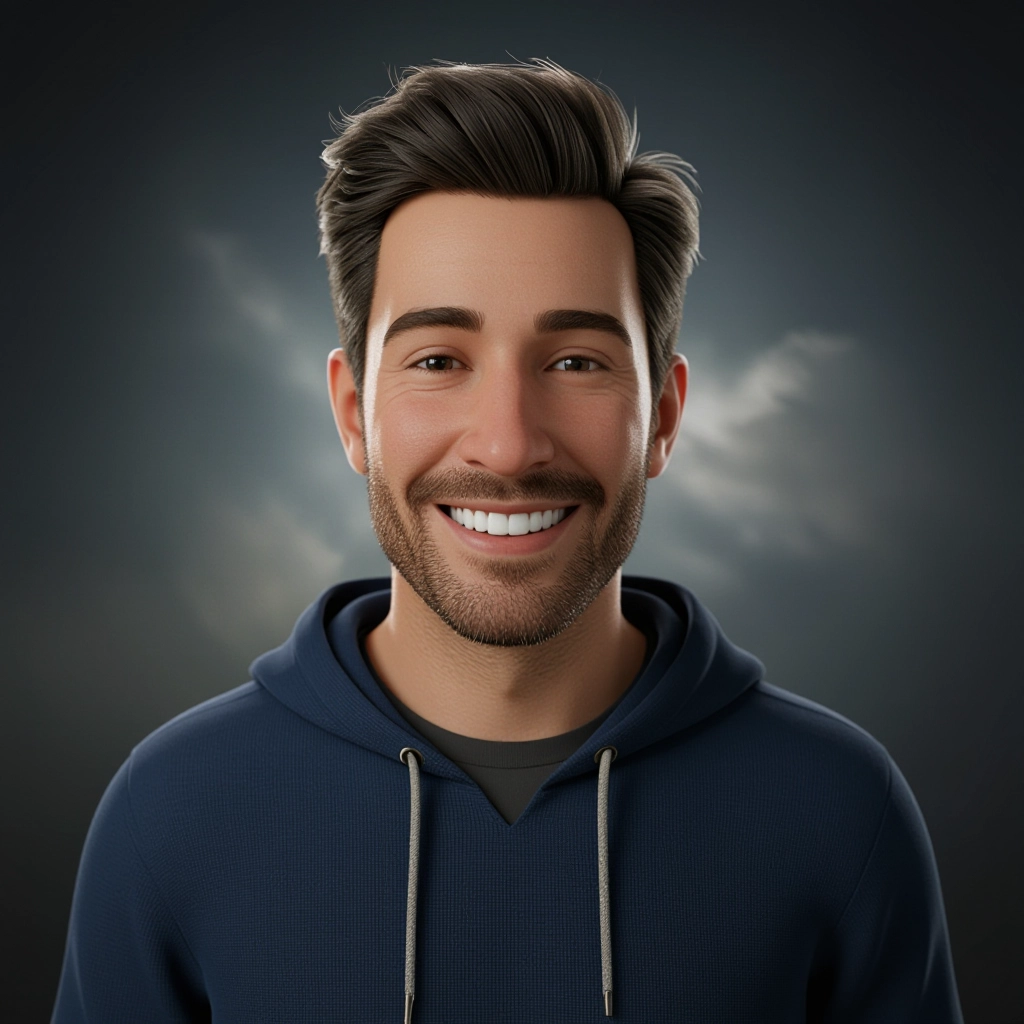
A 3D render generator is an AI-driven tool that converts text prompts into images that mimic physically based rendering workflows. Instead of a flat illustration, outputs exhibit depth, accurate material response, realistic shadows and highlights, and camera effects such as depth of field and lens distortion. The generator simulates common 3D rendering components like PBR materials, HDRI environment lighting, global illumination, and ray-traced reflections to produce images that read like renders from a 3D engine or offline renderer.
Product designers, architects, game artists, marketing teams and concept artists use 3D render generators to iterate visuals fast. Users value the ability to test materials, explore lighting setups, and visualize composition without building full 3D scenes. It speeds concept validation, client presentations and asset previews while reducing the time and cost of manual 3D modeling and studio shoots.
How to Create 3D render Images
Create 3D render images in three steps: 1) Write a detailed prompt describing subject, scale, materials, lighting and camera settings, specifying terms like PBR, glossy metal, subsurface scattering or HDRI sky; 2) Select presets for resolution, aspect ratio, render quality and post effects such as bloom or depth of field, then generate to preview variations; 3) Refine materials, tweak lighting and camera angles based on previews, re-render the best version and export high-resolution images for use.
Enter AI 3D Render Prompt
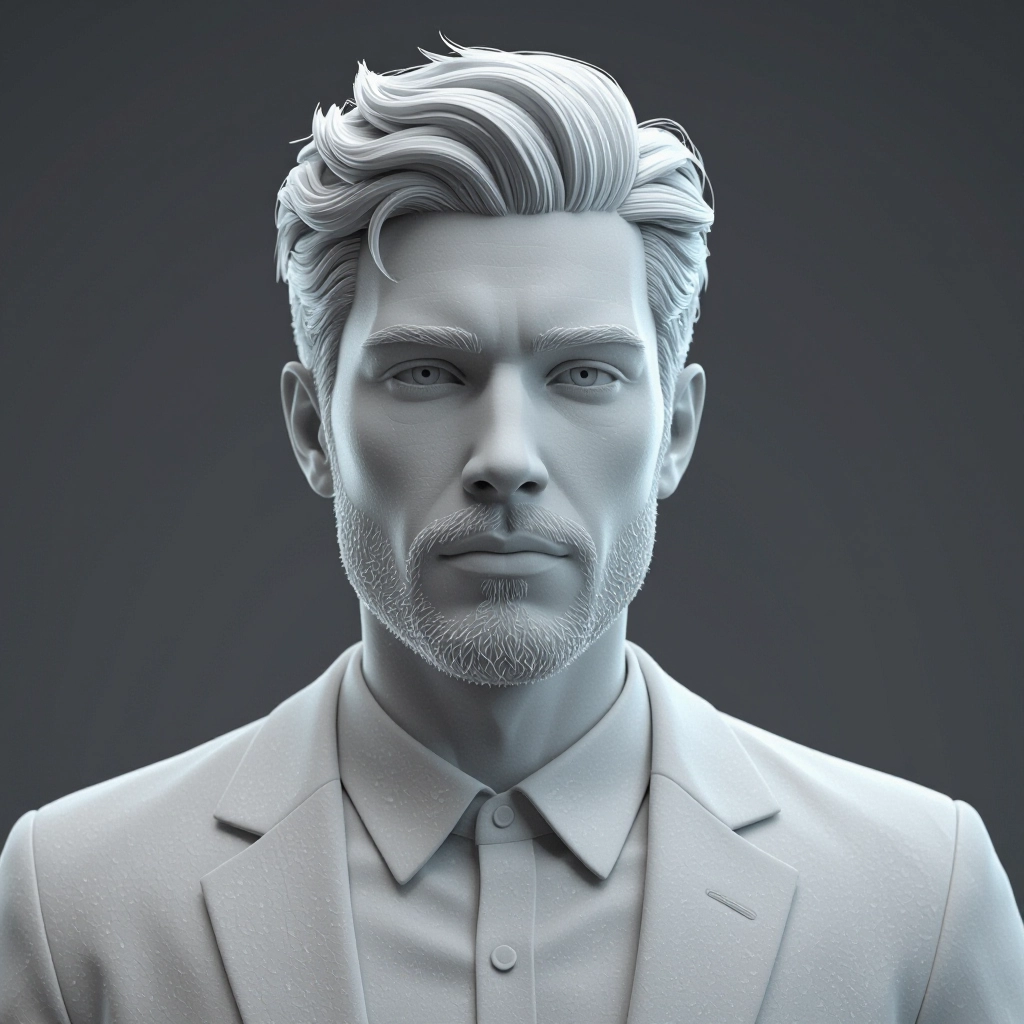
Type your 3D render character or scene description in the prompt box. Include details like character appearance, clothing, expressions, and setting to get better AI 3D render results.
Choose AI Model Settings
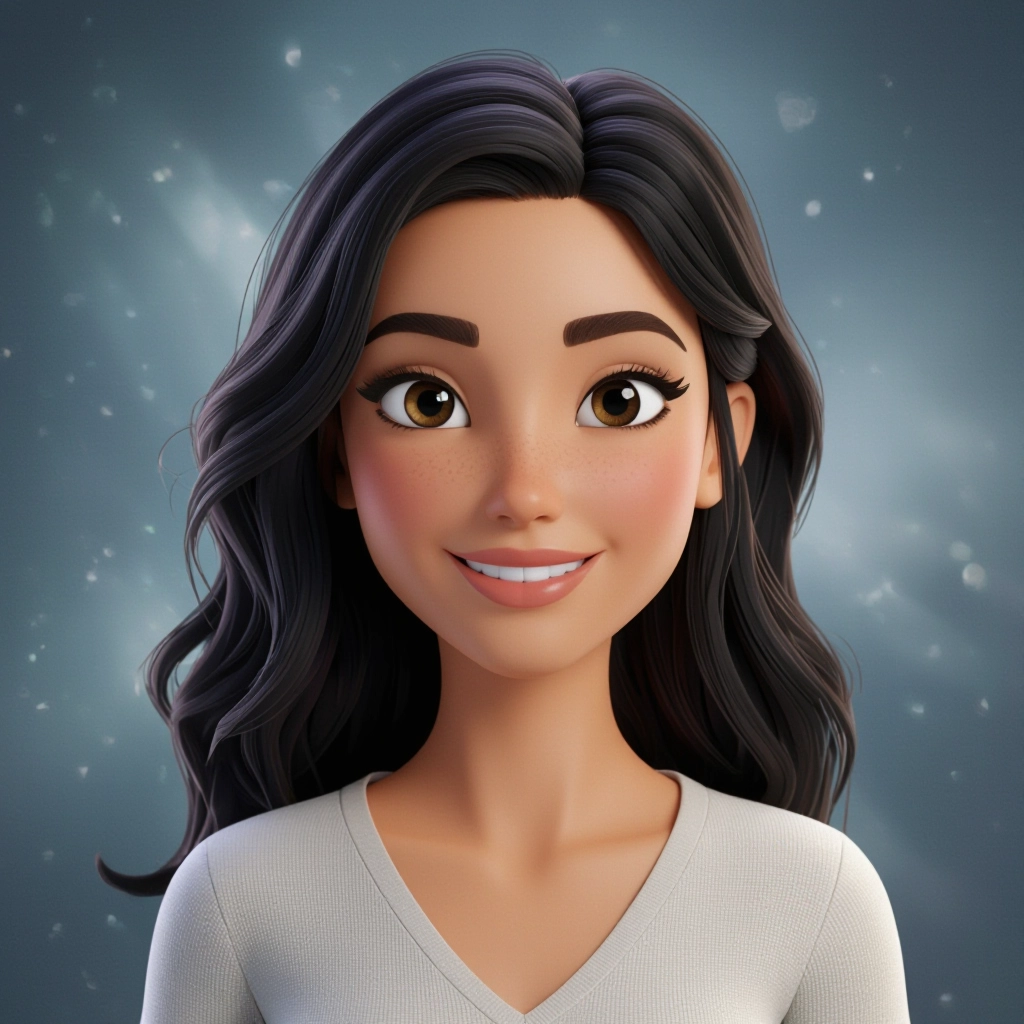
Select your preferred image size and aspect ratio. Our AI model delivers professional quality comparable to:
- • Flux AI Quality
- • Midjourney Standard
- • OpenAI DALL-E
- • Google Imagen
Download AI 3D Render Image
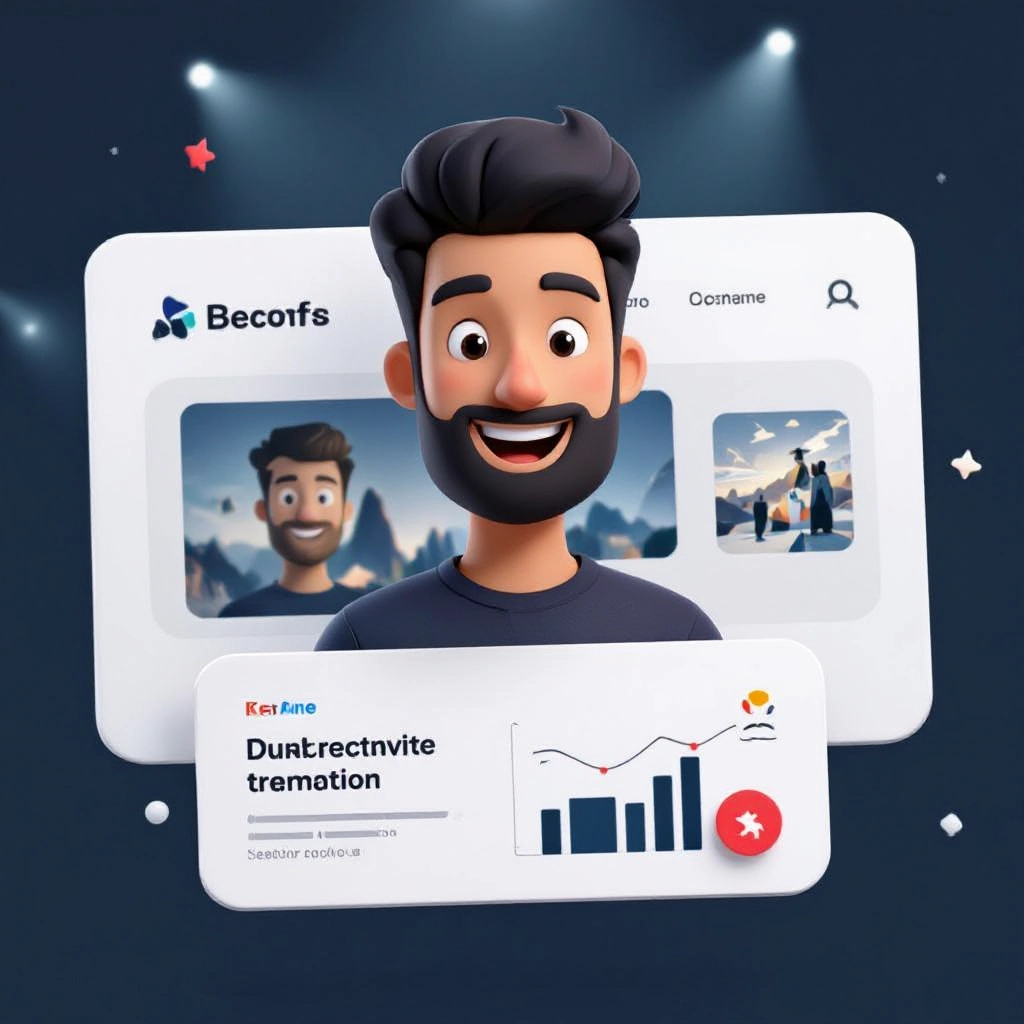
Once your AI 3D render image is generated, click the download button to save it to your device. The image will be in high quality format ready for use.
Features of AI 3D render Image Generator
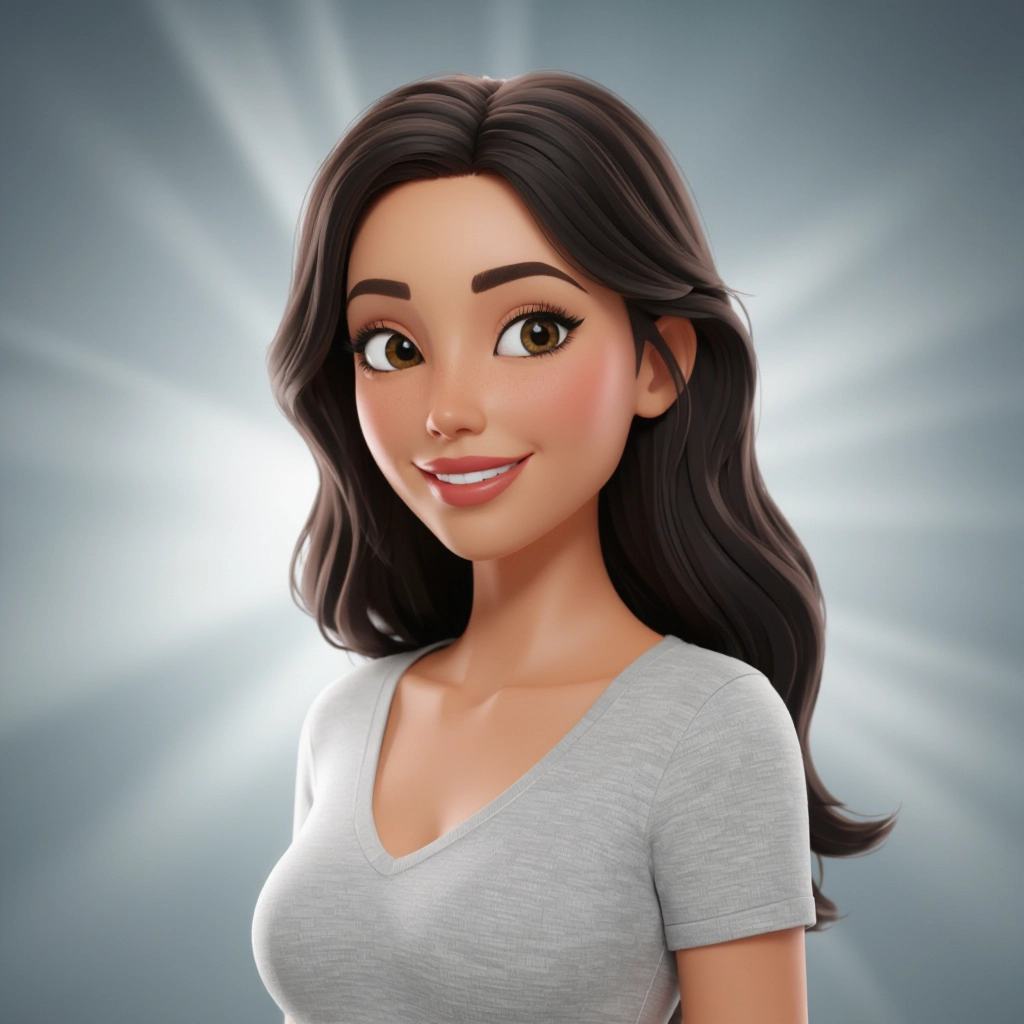
PBR Material and Texture Control
Fine-grained control over physically based materials lets you specify albedo, roughness, metallic values, normal maps and displacement behavior so surfaces respond to light like real-world materials. Enhance your results by generating a detailed prompt with our Free AI Art Prompt Generator first.
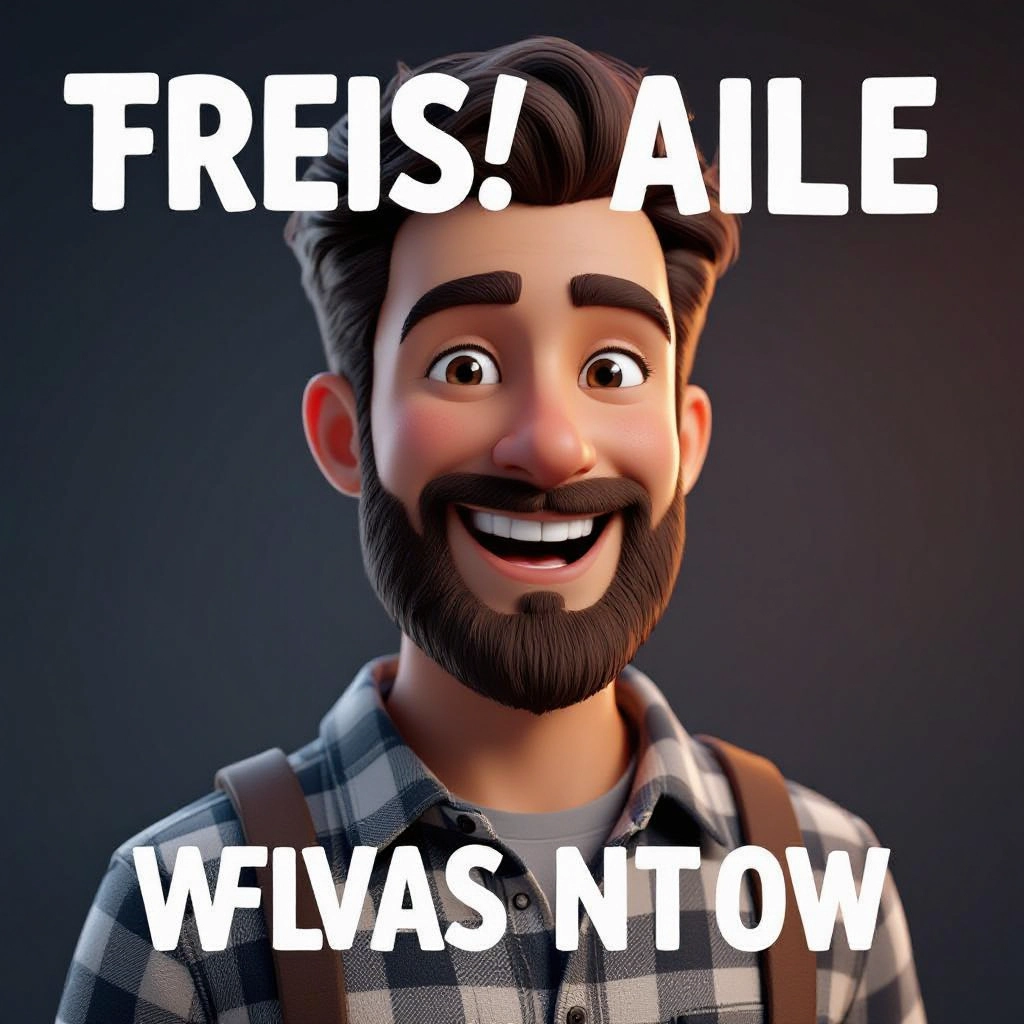
HDRI and Studio Lighting Presets
Built-in HDRI maps and studio light setups simulate environmental illumination and softbox, rim or key lights to deliver realistic reflections, realistic shadowing and mood variations.
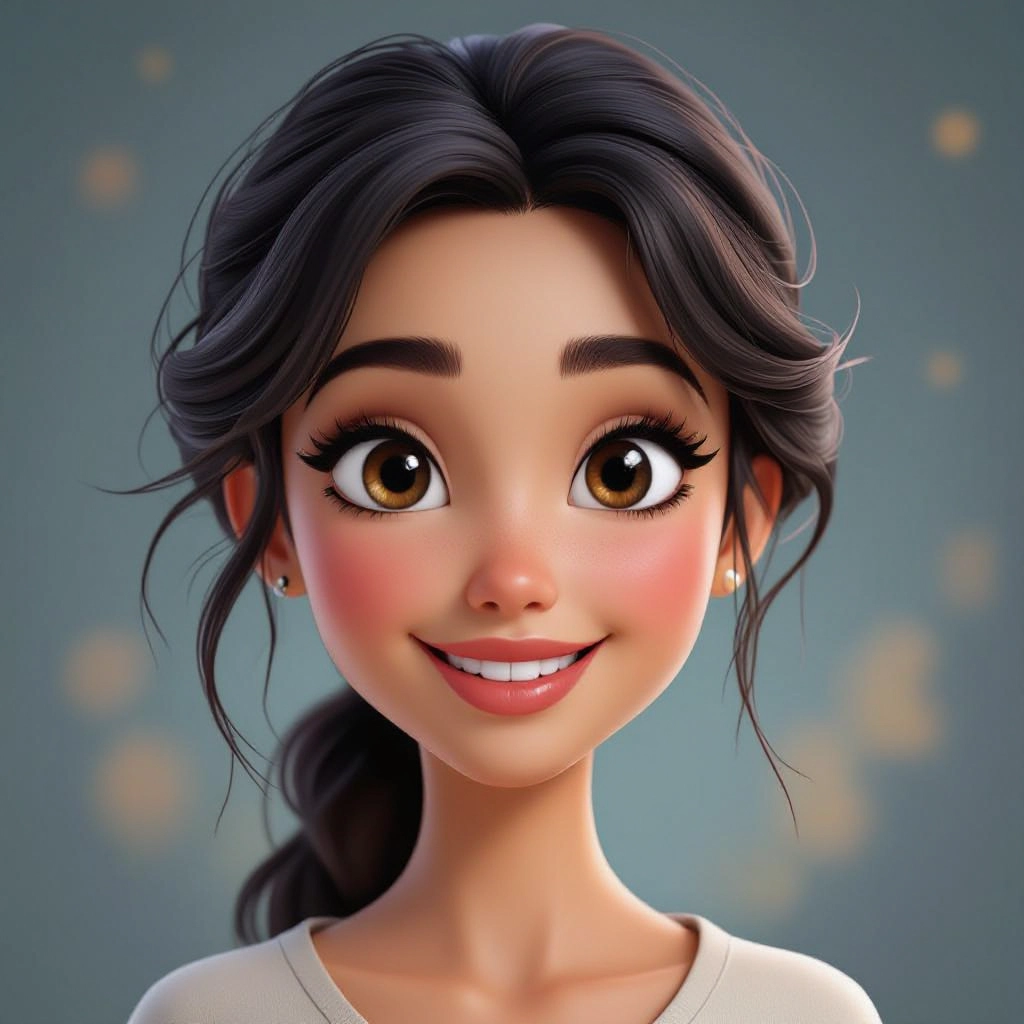
Camera and Lens Simulation
Adjust focal length, aperture, sensor size and depth of field to replicate photographic framing, bokeh effects and perspective distortion common in 3D renders.

Global Illumination and Ray Tracing
Advanced render modes approximate global illumination and ray-traced reflections to capture indirect lighting, accurate color bleed and crisp specular highlights for photorealism.
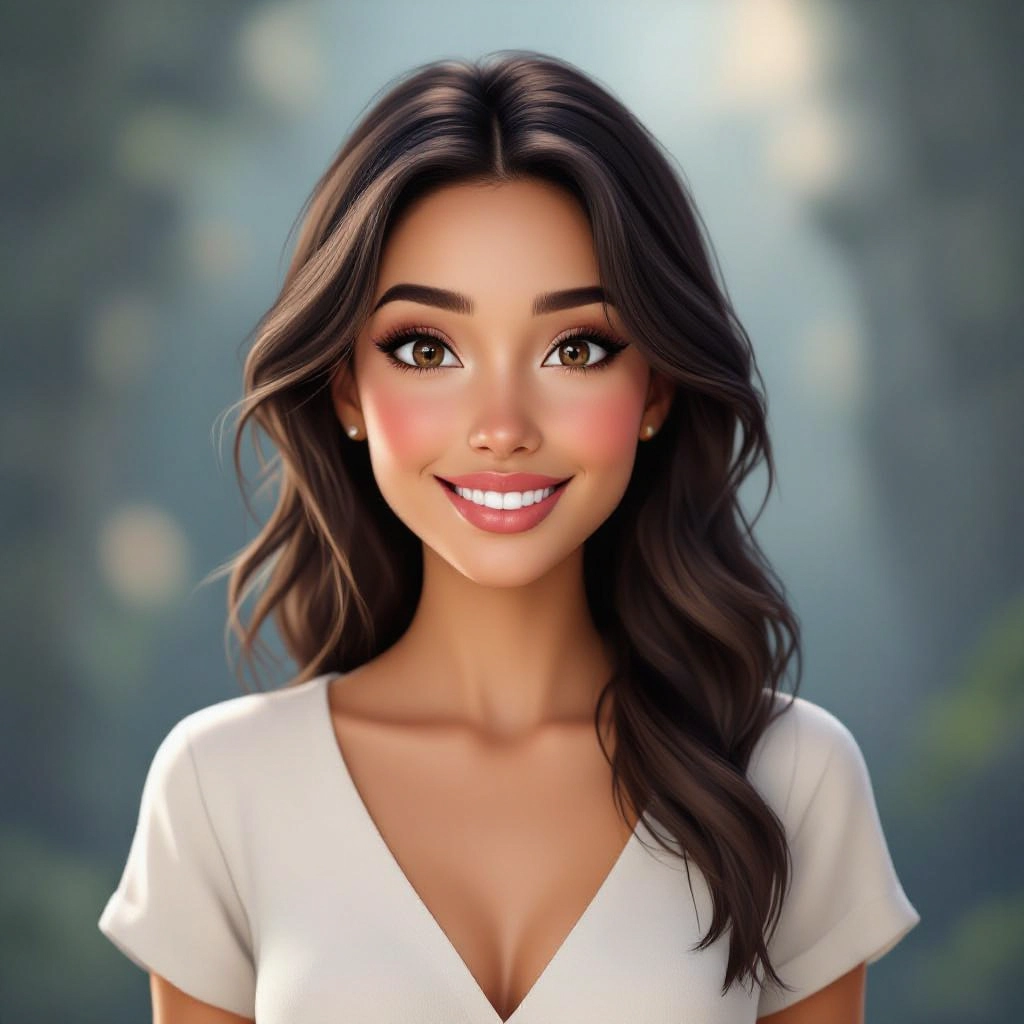
Style Presets and Batch Variations
Choose from photoreal, stylized, cinematic, product and architectural presets and generate multiple variations in batch to compare lighting, material and camera choices quickly.
Types of AI Powered 3D Render Style Images
3D render style covers a spectrum from strict photorealism to expressive stylization. Use targeted styles to match your project needs, whether for product visualization, architecture, concept art or marketing imagery.
Photoreal Product Render
High-fidelity visuals focused on accurate materials, crisp reflections and studio lighting to showcase consumer products with catalog or ecommerce quality.
Architectural Exterior Render
Wide-angle compositions with natural HDRI skies, correct scale and soft shadows to visualize buildings, landscaping and urban contexts.
Interior Visualization Render
Controlled indoor lighting, realistic materials and volumetric light shafts that communicate space, material finishes and furniture layout for design reviews.
Cinematic Render
Dramatic lighting setups, haze, lens flares and color grading to create filmic, mood-driven scenes suitable for posters and promotional art.
Stylized Toon 3D Render
Non-photoreal, painterly or cel-shaded surface treatments with simplified lighting and exaggerated materials for games and illustrations.
Product Cutaway and Technical Render
Cross-section views and exploded assemblies with consistent lighting and annotated overlays for manuals, technical visualization and engineering presentations.
Applications of AI 3D render image style
Product Design and Mockups
Rapidly prototype materials and finishes for hardware, consumer goods and packaging without producing physical prototypes, enabling fast iteration.
Architectural Visualization
Generate concept-level exterior and interior renders to explore materials, daylighting and massing before committing to detailed modeling.
Advertising and Marketing Creative
Produce hero images, lifestyle scenes and banner art with consistent lighting and high finish for campaigns and social content.
Game Asset Concepting
Create look-dev visuals for characters, props and environments that guide 3D modelers and texture artists in production pipelines.
Technical Illustration
Use exploded and cutaway renders to communicate assembly, function and internal components in manuals and spec sheets.
Portfolio and Concept Art
Artists and designers can quickly generate polished visuals to showcase style exploration, lighting studies and composition experiments.
FAQs about AI 3D render image generator
How realistic will a generated 3D render look?
Realism depends on prompt detail and chosen render settings. Specify PBR materials, HDRI lighting, camera focal length and quality level to achieve photoreal results. Use high render quality and post-processing options for best output.
Can I use generated renders for commercial projects?
Licensing varies by platform. Many generators allow commercial use for images you create but check the specific terms of service and redistribution rules. Keep records of prompts and settings for asset provenance.
What file resolutions and formats are available?
Common options include web-friendly sizes and high resolution exports up to 4K or higher in PNG or JPEG. Some tools also offer transparent background exports for compositing.
How do I prompt for specific materials like brushed metal or translucent plastic?
Use precise material language and technical cues such as 'brushed aluminum with medium roughness and subtle anisotropic highlights' or 'translucent plastic with subsurface scattering and soft speculars'. Include reference adjectives and intended scale.
Can I control camera perspective and depth of field?
Yes. Most generators let you specify focal length, aperture, sensor size and camera angle to reproduce photographic framing, perspective compression and bokeh effects.
How can I get consistent renders across multiple images?
Save and reuse presets for lighting, HDRI maps, material templates and camera settings. Locking these parameters and keeping consistent aspect ratio and resolution ensures uniformity across a series.
See Also