Low Poly Generator
Create stunning polygon art with our free low poly generator. Generate low poly portraits, landscapes, game assets, and backgrounds from simple text prompts.
Generate Low Poly Art for Free
Receive our FREE AI updates via email once a week
Trusted by 45,000+ artists · 800,000+ low poly images generated
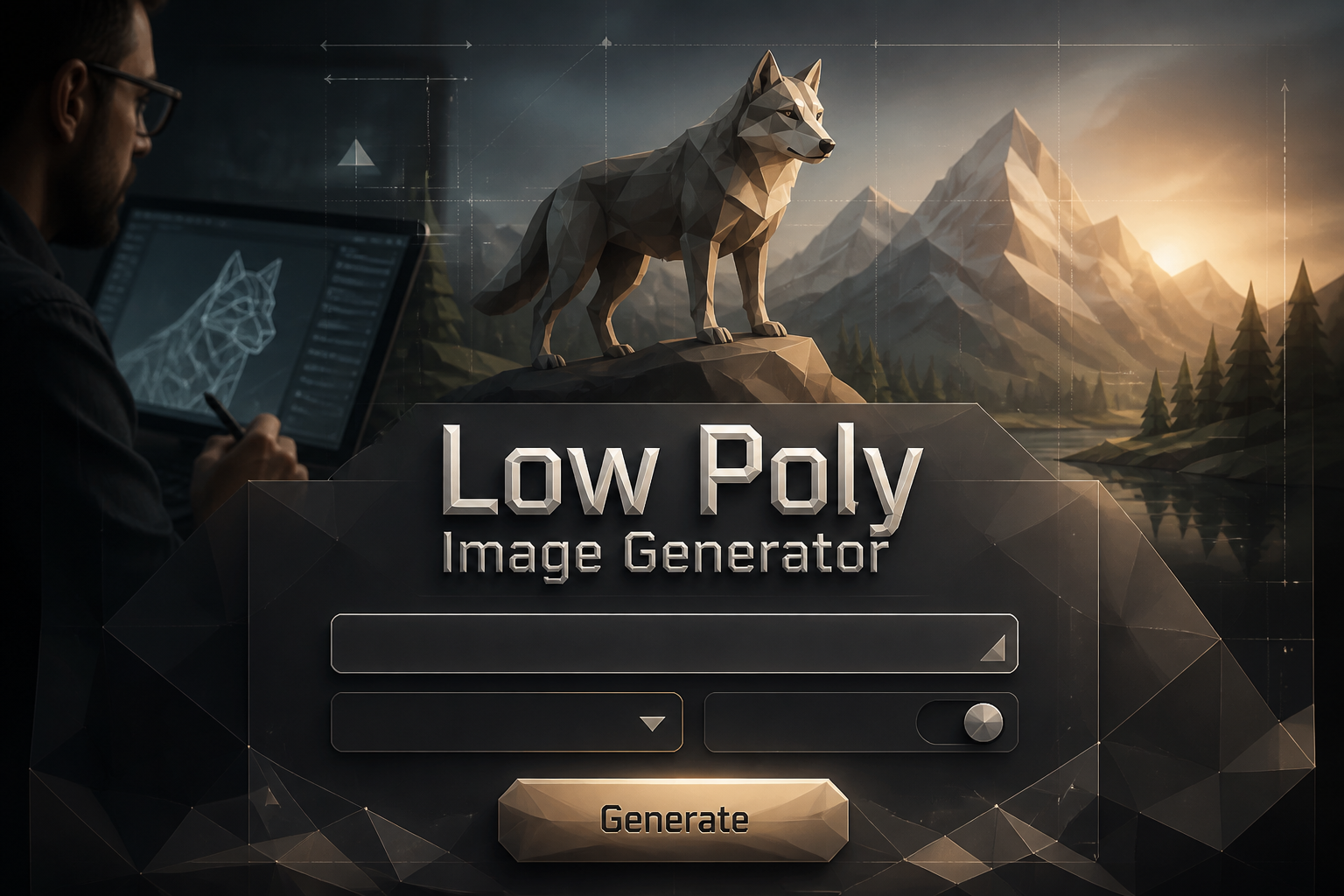
What is a Low Poly Generator?

A low poly generator is a tool that creates polygon-based artwork by reducing images into geometric facets. Instead of smooth gradients and photorealistic detail, it produces stylized images made of triangular or polygonal shapes with flat color fills, creating a distinctive modern aesthetic.
Our AI low poly generator transforms text prompts into beautiful geometric art. You describe what you want—a mountain landscape, a portrait, an animal—and the AI creates it in low poly style with controlled facet density, color palettes, and edge sharpness.
The low poly art generator is perfect for creating game assets, modern illustrations, avatars, backgrounds, and print designs. The geometric style communicates form with clarity while adding a contemporary, digital-craft aesthetic that's both striking and versatile.
How to Generate Low Poly Art
Learning to generate low poly art is straightforward. Follow these steps to create professional polygon artwork:
Describe Your Subject

Enter a detailed prompt: subject, mood, colors, and style. Example: "low poly wolf portrait, blue and purple gradient, geometric facets, dark background"
Choose Settings
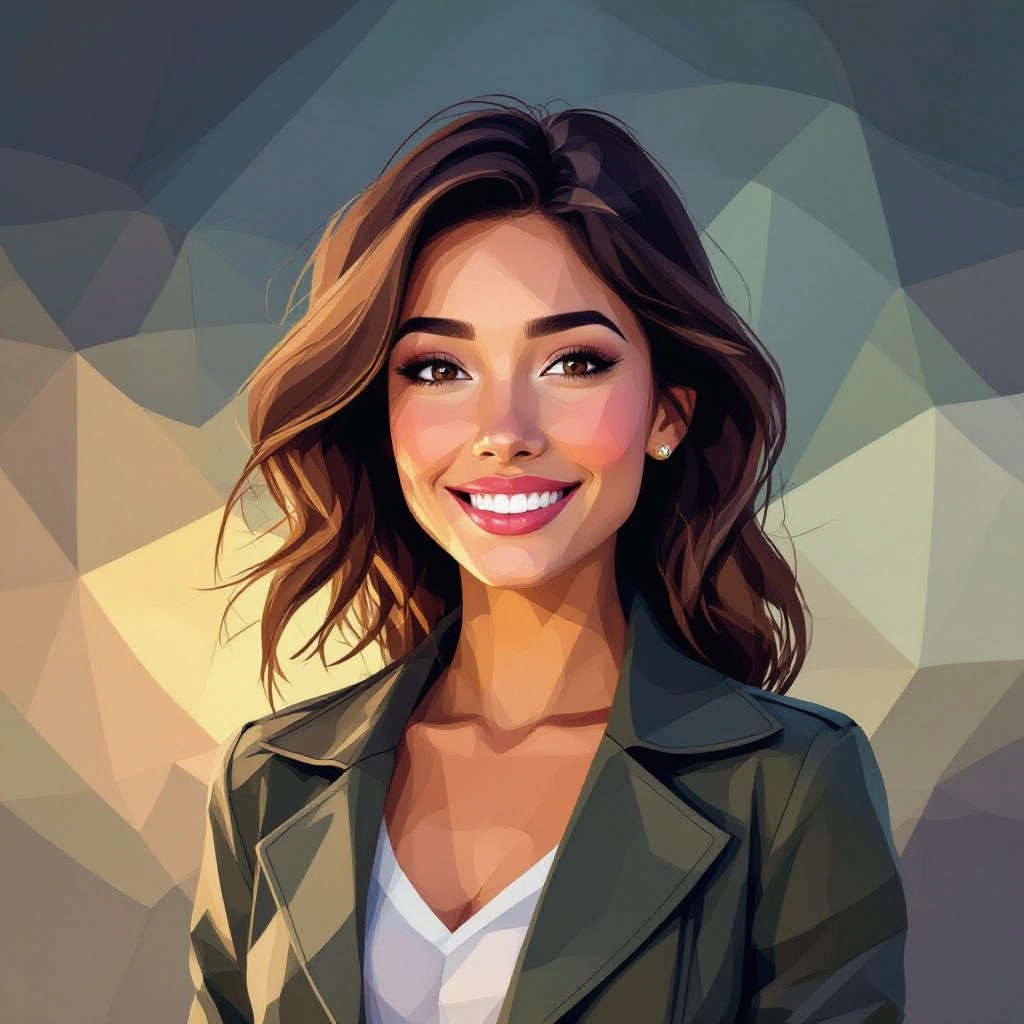
Select image size, aspect ratio, and generation settings. Our AI delivers quality comparable to Midjourney, DALL-E, and Flux.
Download Your Art

Click generate, preview your low poly art, and download in high quality. Regenerate with adjusted prompts if needed.
Low Poly Art Generator Styles
The low poly art generator creates various polygon styles, each suited for different use cases: Generate precise design briefs with our Free Design Prompt Generator before creating your visuals.
Geometric Portraits
Faces reduced to angular planes with emphasis on eyes and key features. Small facets preserve identity while larger facets create stylized abstraction.
Hard-Edge Landscapes
Mountains, forests, and skies simplified into bold triangular forms and color bands. Perfect for posters, wallpapers, and background art.
Soft-Gradient Low Poly
Gentle color gradients within larger polygons for a softer mood while maintaining geometric structure. Great for editorial illustrations.
Isometric Low Poly
3D isometric perspective with blocky polygon clusters. Ideal for game environments, cityscapes, and strategy game UI elements.
Animal Low Poly
Stylized animal portraits and full-body art with angular geometry that captures the essence and silhouette of each creature.
Abstract Triangulation
Non-representational compositions focusing on rhythm, color contrast, and geometric texture. Perfect for backgrounds and modern art prints.
Sample Low Poly Prompts and Results
Use these prompt examples to generate low poly art with different styles and subjects:
Low Poly Portraits
Prompt: "low poly portrait of a woman, blue and teal gradient, geometric facets, soft lighting, dark background, modern digital art"
Prompt: "low poly wolf head, purple and orange sunset colors, sharp angular facets, minimalist style"
Prompt: "geometric lion portrait, golden and brown tones, regal pose, detailed facets around eyes"
Low Poly Landscapes
Prompt: "low poly mountain landscape, sunset colors, layered triangular peaks, pine forest foreground, gradient sky"
Prompt: "geometric desert scene, orange and purple dunes, low poly cactus, starry night sky"
Prompt: "low poly forest clearing, green and yellow facets, sunbeams through trees, peaceful mood"
Low Poly Game Assets
Prompt: "low poly treasure chest, isometric view, gold and brown, game asset style, clean facets"
Prompt: "geometric spaceship, low poly style, blue and silver, sci-fi game asset"
Prompt: "low poly tree variations, different seasons, game environment assets, simple polygon style"
AI Low Poly Generator Features
Our AI low poly generator includes professional features for creating stunning polygon art:
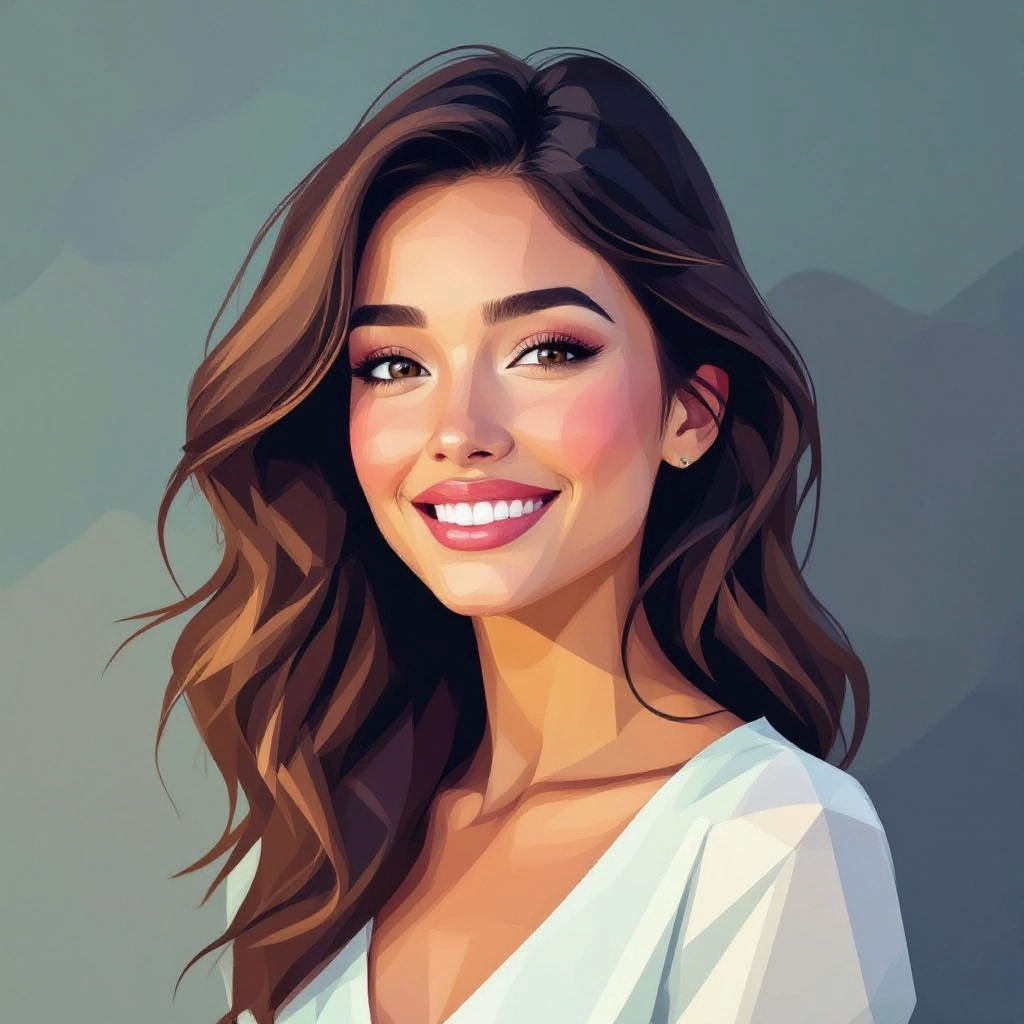
Facet Density Control
Adjust polygon count from heavy abstraction (50-100 facets) to detailed triangulation (500+ facets). Fine control for stylized icons or high-detail poster art.

Color Palette Control
Specify exact color palettes or let AI auto-generate harmonious colors. Limit to retro palettes for vintage looks or expand for tonal nuance.
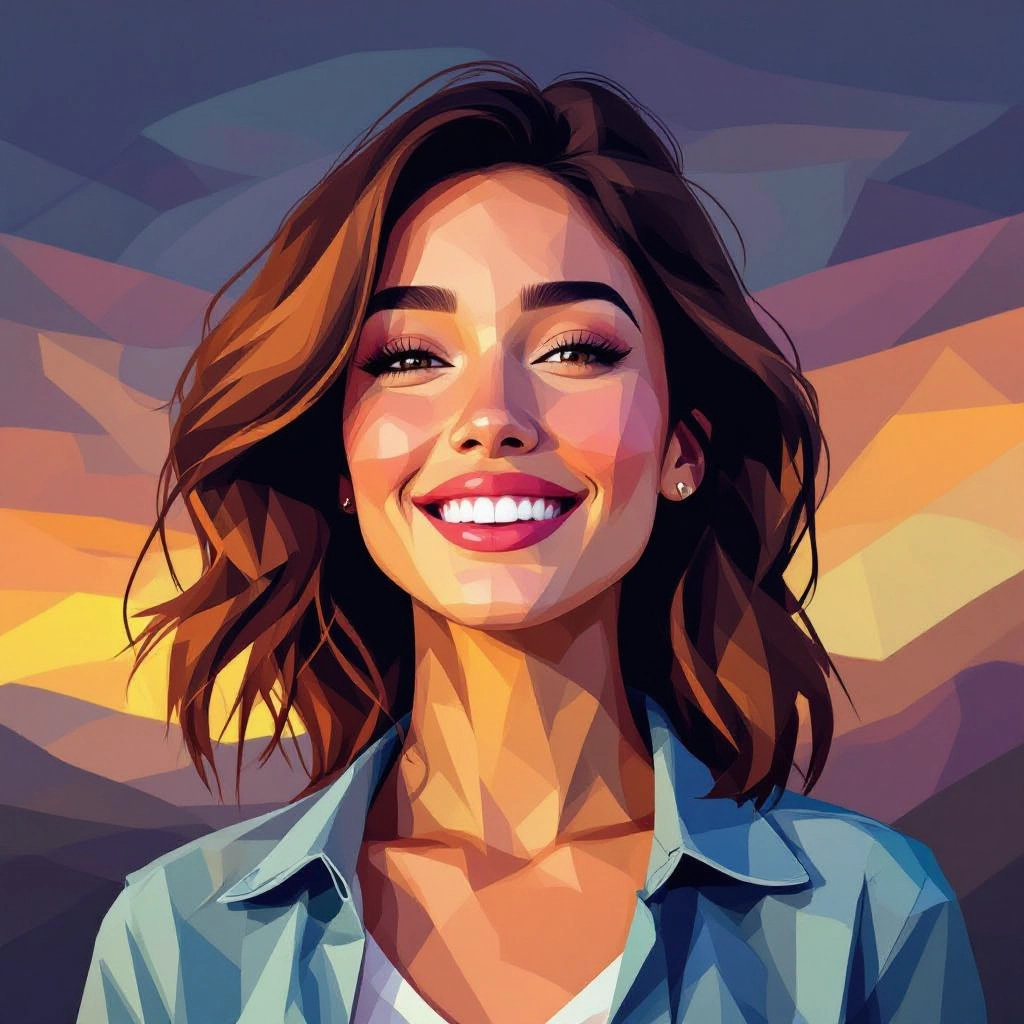
Focal Point Preservation
Protect key areas (eyes, faces, focal subjects) with higher facet density while simplifying backgrounds. Essential for recognizable portraits.

High-Quality Export
Download in high resolution PNG ready for print, web, or game development. Crisp edges and clean geometry at any size.
- • Unlimited Generations: No limits on how many low poly images you can create
- • No Signup Required: Start generating immediately without accounts
- • Commercial Use: Full rights to use generated art in any project
- • Professional Quality: Comparable to Midjourney, DALL-E, and Flux output
Low Poly Portrait Generator
The low poly generator excels at creating geometric portraits. Whether you want stylized human faces, animal portraits, or character art, the AI understands how to preserve recognizable features while applying the distinctive polygon aesthetic.
For best results with portraits, use higher facet density around eyes, nose, and mouth while allowing larger facets on hair and background. This maintains identity and recognition while maximizing the geometric style effect.
Portrait Tips
- • Specify "detailed facets around eyes" for better recognition
- • Use "gradient colors" for smooth, professional portraits
- • Add "dark background" to make subjects pop
- • Include "soft lighting" for more flattering results
3D Low Poly Generator
While our tool generates 2D low poly images, the 3D low poly generator style creates artwork that appears three-dimensional through clever use of facets, shading, and perspective. Isometric low poly art is particularly popular for game assets and architectural visualizations.
For true 3D low poly models, tools like Blender, Unity, and specialized 3D software are needed. However, our AI can create stunning 2D representations of 3D low poly scenes that work perfectly for illustrations, backgrounds, and concept art.
3D-Style Prompts
- • "isometric low poly city" for architectural scenes
- • "3D low poly character, front view" for game-style characters
- • "low poly room interior, isometric perspective" for environments
- • "geometric 3D objects, product visualization" for assets
Who Uses Low Poly Generators?
Game Developers
Create environment tiles, props, characters, and backgrounds with consistent low poly style. GPU-friendly assets that look great and perform well.
Graphic Designers
Generate modern geometric illustrations for branding, marketing materials, and digital campaigns with a distinctive contemporary aesthetic.
Social Media Creators
Create unique avatars, profile pictures, and shareable graphics that stand out in feeds with bold geometric shapes.
Print Designers
Design posters, apparel, stickers, and merchandise where the polygon aesthetic translates well to screen printing and large format.
Web Designers
Generate background patterns, hero illustrations, and decorative elements that scale efficiently and keep file sizes small.
Concept Artists
Rapidly explore composition and color for mood boards and concepts before committing to high-detail work.
Common Low Poly Use Cases
- • Profile pictures and avatars
- • Game assets and sprites
- • Desktop and phone wallpapers
- • Poster and print art
- • Social media graphics
- • Website backgrounds
- • T-shirt and apparel designs
- • Album and book covers
- • YouTube thumbnails
- • Brand illustrations
- • Presentation graphics
- • NFT and digital art
Tips for Better Low Poly Art
1. Be Specific About Style: "low poly portrait with small facets around eyes" produces better results than just "low poly face"
2. Specify Colors: Name exact colors or describe palettes (e.g., "sunset orange and purple gradient")
3. Consider Silhouette: Strong, recognizable silhouettes work best in low poly style
4. Less Can Be More: Fewer facets create bolder, more stylized results
5. Add Context: Mention intended use (game asset, poster, avatar) for optimized output
6. Generate Variations: Create multiple versions and pick the strongest composition
Frequently Asked Questions
What is a low poly generator?
A low poly generator is a tool that creates polygon-based art by reducing images into geometric facets. It produces stylized images made of triangular shapes with flat color fills, commonly used for portraits, landscapes, and game assets.
Is this low poly generator free?
Yes, our low poly generator is completely free with no signup required. Generate unlimited low poly art without payment or restrictions.
How do I generate low poly art?
Enter a text prompt describing your subject and style, select image settings, and click generate. Include details like colors, facet density, and mood for best results.
Can I create low poly portraits?
Yes, the low poly generator excels at creating geometric portraits. Use higher facet density around eyes and key features for better recognition while stylizing the overall image.
Is low poly good for games?
Yes, low poly art is ideal for games. It has smaller file sizes, faster rendering, and a distinctive aesthetic. Many successful indie games use low poly style for all assets.
What facet count should I use?
For bold, abstract art: 50-200 facets. For detailed portraits: 300-500+ facets. For backgrounds: 100-300 facets. Experiment to find your preferred style.
Can I use generated art commercially?
Yes, all low poly art generated with our tool can be used for commercial projects including games, products, marketing, and merchandise.
What's the difference between low poly and high poly?
Low poly uses fewer, larger polygons for a stylized geometric look. High poly uses thousands of small polygons for smooth, realistic surfaces. Low poly is an intentional art style.
Ready to Create Low Poly Art?
Free low poly generator. Portraits, landscapes, game assets. No signup required.
Generate Low Poly Art Free