GPT Image 2 Free
The #1 ranked AI image model - powered by OpenAI
Your image will appear here
Enter a prompt and click Generate
Try new models
Receive our FREE AI updates via email once a week
The #1 ranked AI image model - powered by OpenAI
Enter a prompt and click Generate
Receive our FREE AI updates via email once a week
GPT Image 2 is an image generator and editing model that converts text prompts into photorealistic images and edits existing photos via natural language.
GPT Image 2 by AIFreeForever is a free, no-sign-up version of GPT Image 2 that lets you convert text to images easily with GPT Image 2 — free and with no sign-up. This image model was developed by OpenAI.
GPT Image 2 supports up to 2K resolution, accurate text rendering, and reasoning-based composition.
Photorealism
Skin textures, fabric weaves, and lighting closer to real photography than any other model
Text Rendering
Accurate, legible text in labels, infographics, UI mockups, and signage
Image Editing
Surgical edits preserving identity and composition while changing specific elements
Reasoning Engine
Thinks through complex layouts and cultural context before generating pixels
GPT Image 2 outperforms both GPT Image 1.5 and Nano Banana 2 where it matters most: on the Artificial Analysis Image Arena leaderboard, GPT Image 2 holds an ELO of 1,512 versus Nano Banana 2's 1,271, a 241-point gap that makes it the clear leader for photorealism, text rendering, and image editing.
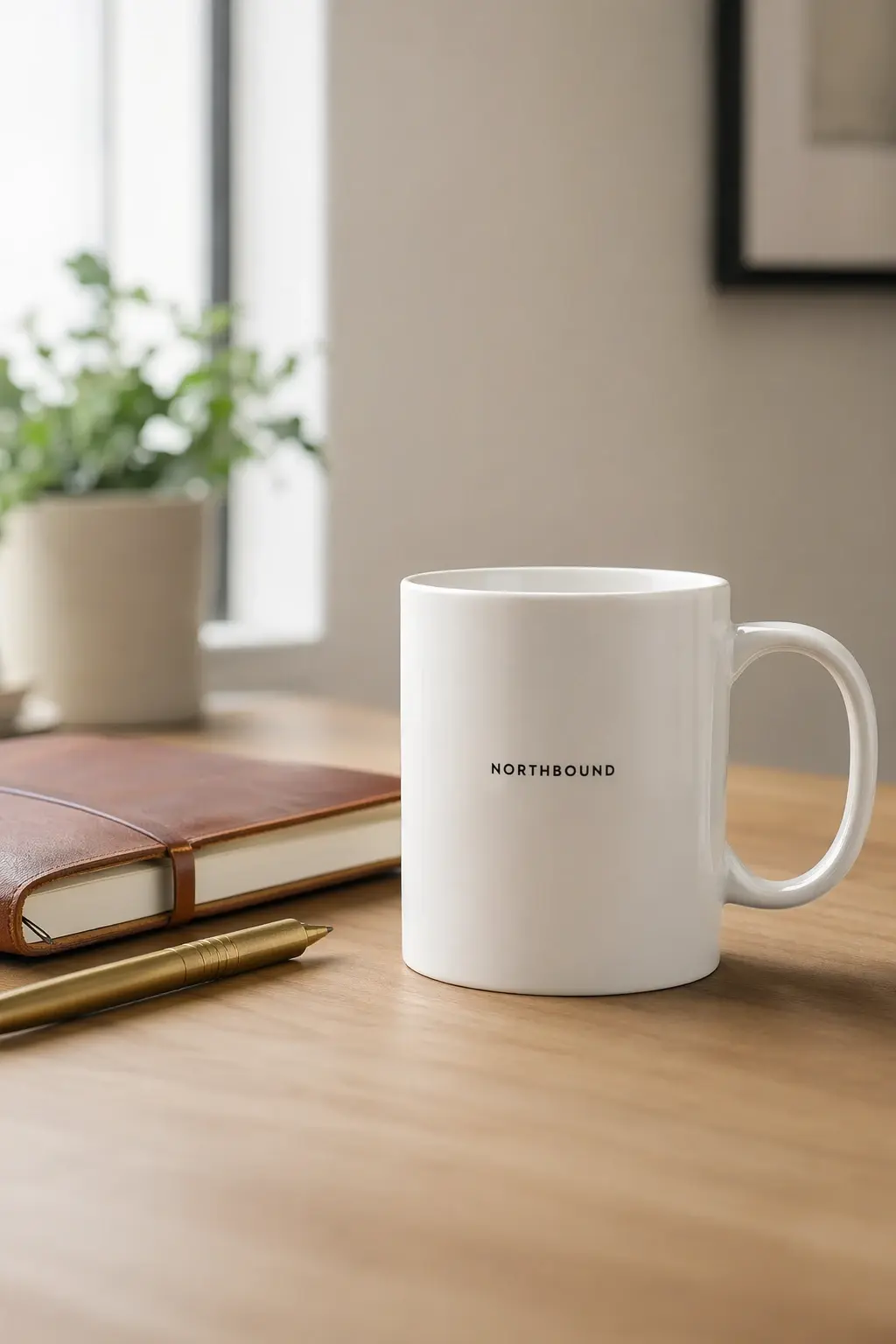
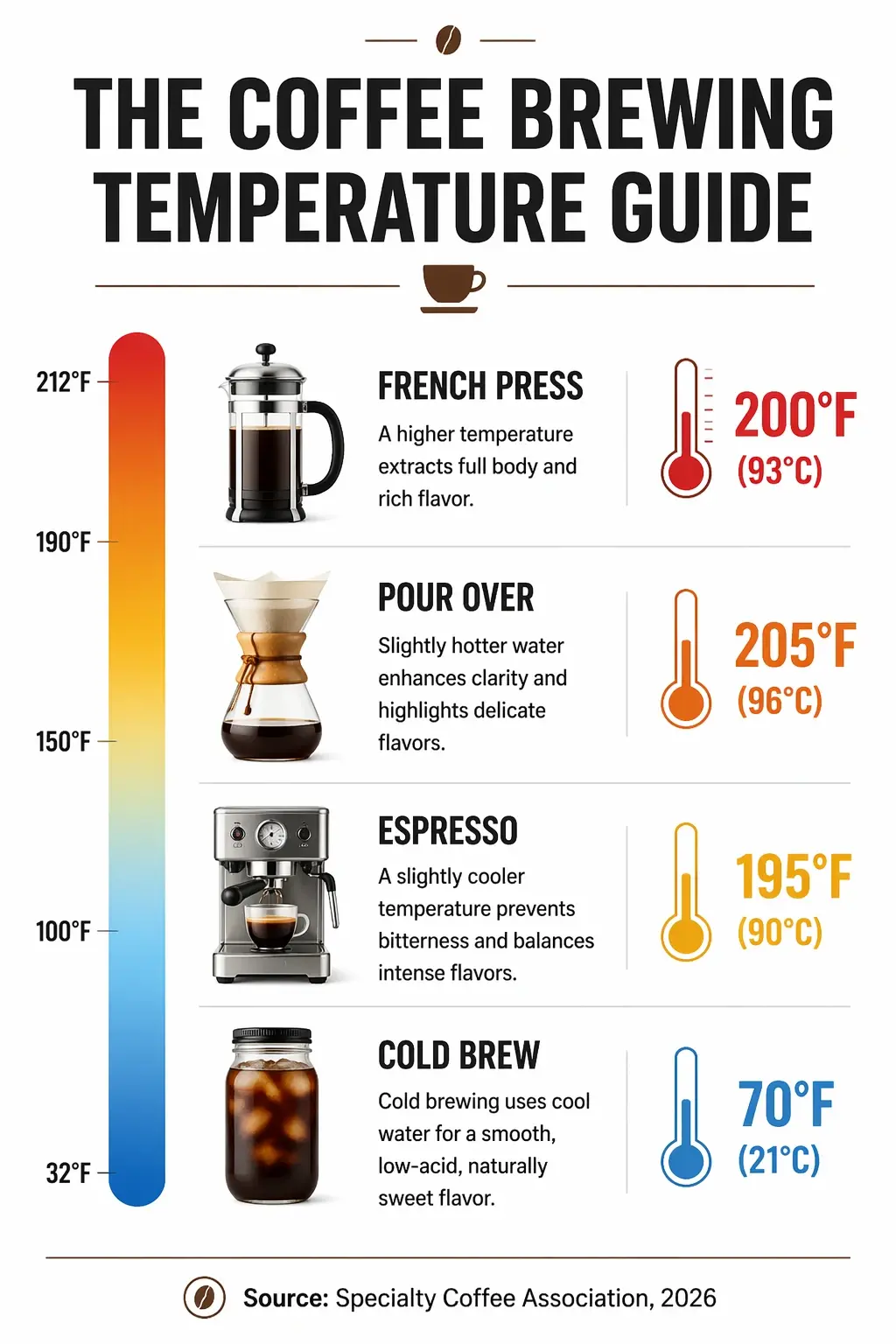
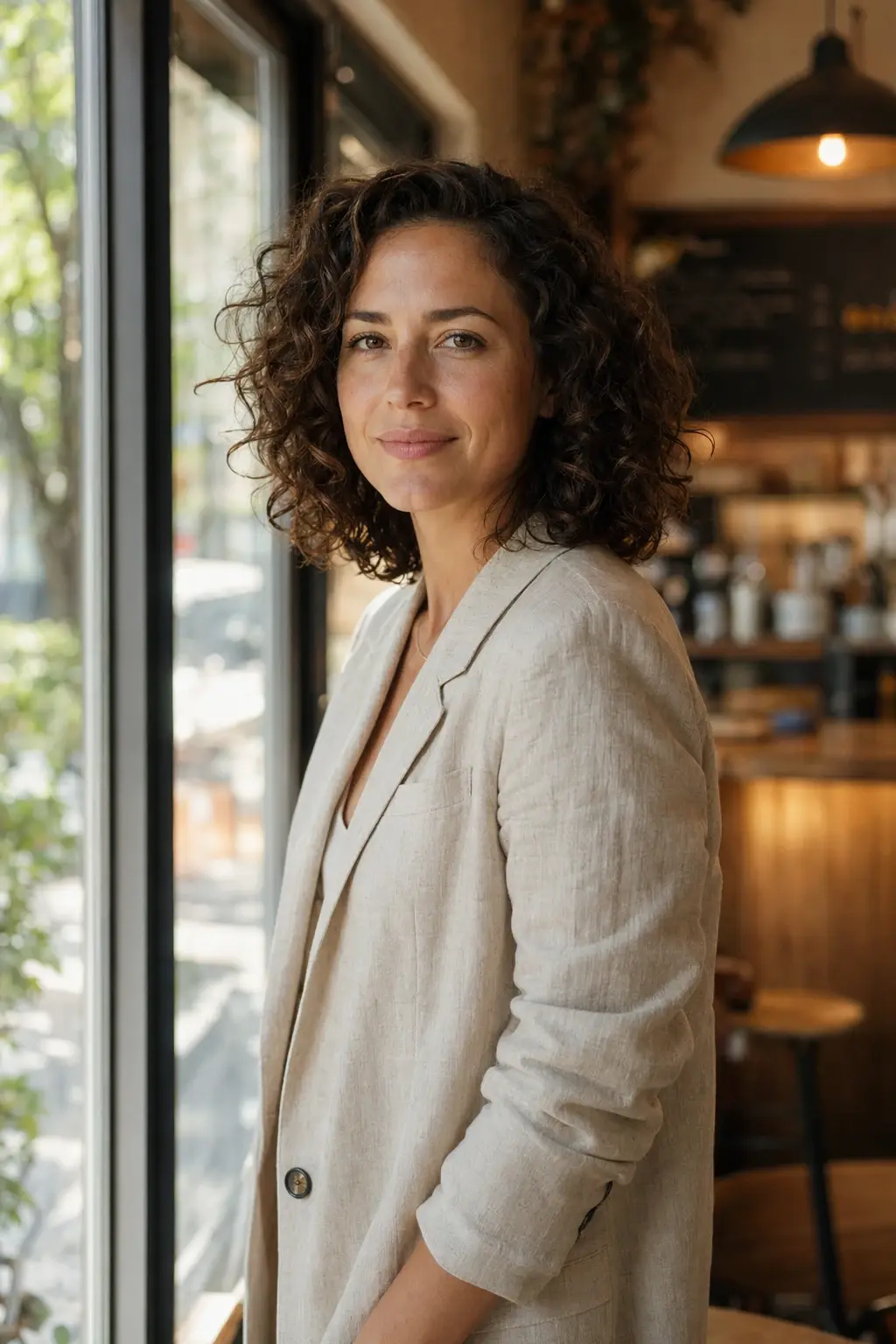
GPT Image 2 is available directly on aifreeforever.com with no account, no API key, and no credit card required. Enter a detailed prompt, upload reference images for editing, and download the result.
Write a Prompt
Describe your image like you are briefing a photographer. Specify the subject, lighting, lens type, and any text that should appear in the image. Put exact text in quotation marks.
Pick an Aspect Ratio
Choose from square, portrait, landscape, or ultra-wide ratios. GPT Image 2 supports aspect ratios from 3:1 to 1:3, covering banners, slides, and mobile screens.
Generate
Complete the captcha and hit Generate. GPT Image 2's reasoning step analyzes your prompt before producing pixels, resulting in more accurate compositions.
Download
Save as WebP, PNG, or JPG. All images come with commercial usage rights subject to OpenAI's usage policies.
GPT Image 2 ranks #1 on the Artificial Analysis Image Arena with an ELO of 1,512, the widest lead ever recorded. It leads in photorealism, text rendering, image editing, and multi-element composition. It does not support transparent backgrounds and applies stricter content moderation by default.
| What It's Good At | Why |
|---|---|
| Overall Image Quality | Ranks #1 on every Artificial Analysis Image Arena leaderboard category with an ELO of 1,512, the widest lead ever recorded at the top of the arena |
| Text Rendering in Images | Produces accurate, legible text in labels, infographics, UI mockups, signage, and multi-line copy — the single area where every previous generation model consistently failed |
| Photo Editing with Natural Language | Change a single element and only that element changes. Identity, composition, and lighting remain intact without the model recomposing the entire scene |
| High-Resolution Output | Generates up to 2K resolution across aspect ratios from 3:1 ultra-wide to 1:3 ultra-tall, covering banners, slides, mobile screens, and print-ready assets |
| Complex Multi-Element Compositions | Reasoning architecture processes spatial relationships and layered instructions before generating, reducing errors in dense scenes with multiple subjects or text elements |
| Specification | Details |
|---|---|
| Developer | OpenAI |
| Predecessor | GPT Image 1.5 |
| Architecture | Reasoning model with thinking step before pixel generation |
| Workflows | Text-to-image and image editing via natural language |
| Reference Images | High-fidelity processing, no separate settings required |
| Max Resolution | Up to 2K via API |
| Aspect Ratios | 3:1 ultra-wide to 1:3 ultra-tall |
| Standard Mode | Up to 10 images per call |
| Extended Thinking Mode | Up to 8 images per prompt with character and style consistency |
| Output Formats | WebP (default), PNG, JPEG |
| Transparent Background | Not supported |
| Web Grounding | Available in select configurations |
aifreeforever.com gives you free browser-based access to GPT Image 2 with no account, no API key, or credit card needed.
For developers who need API access, the model is available through OpenAI API (direct), Replicate, fal.ai (latency-optimized), and Microsoft Azure Foundry (enterprise compliance). All providers use the same per-token pricing model.
AI Free Forever is a free GPT Image 2 AI image generator with no account, no API key, and no credit card required, giving you instant access to the world's #1 ranked image model directly in your browser. You can generate, edit, and download images at no cost, making it the easiest way to use GPT Image 2 free online. Simply enter your prompt above and start creating without any setup or subscription.
No registration required. Scroll up, describe your subject in detail, and the #1 ranked AI image model will deliver the result.
Start GeneratingEach model below is free to use on aifreeforever.com. Specifications are drawn from provider documentation and the Artificial Analysis Image Arena benchmark data.
| Model | Developer | Max Resolution | Editing | Text Rendering | Best For | ELO Score |
|---|---|---|---|---|---|---|
| GPT Image 2 | OpenAI | Up to 2K | Yes | Excellent | Overall quality, text in images | 1,512 |
| Nano Banana 2 | High | No | Good | Strong general quality | 1,271 | |
| Flux 2 Max | Black Forest Labs | 2048x2048 | Yes | Limited | Highest fidelity in FLUX family | 1,165 |
| Flux 2 Pro | Black Forest Labs | 2048x2048 | Yes | Limited | Professional quality, editing | 1,183 |
| Grok Imagine | xAI | 1024x1024 | No | Moderate | Creative, cinematic style | 1,170 |
| Ideogram V3 Turbo | Ideogram | 1536x1536 | No | Excellent | Logos, packaging, typography | 1,082 |
| Flux Schnell | Black Forest Labs | 1024x1024+ | No | Basic | Speed, high-volume generation | N/A |
| Seedream 5 | ByteDance | Up to 4K | No | Moderate | High-resolution creative output | 1,126 |
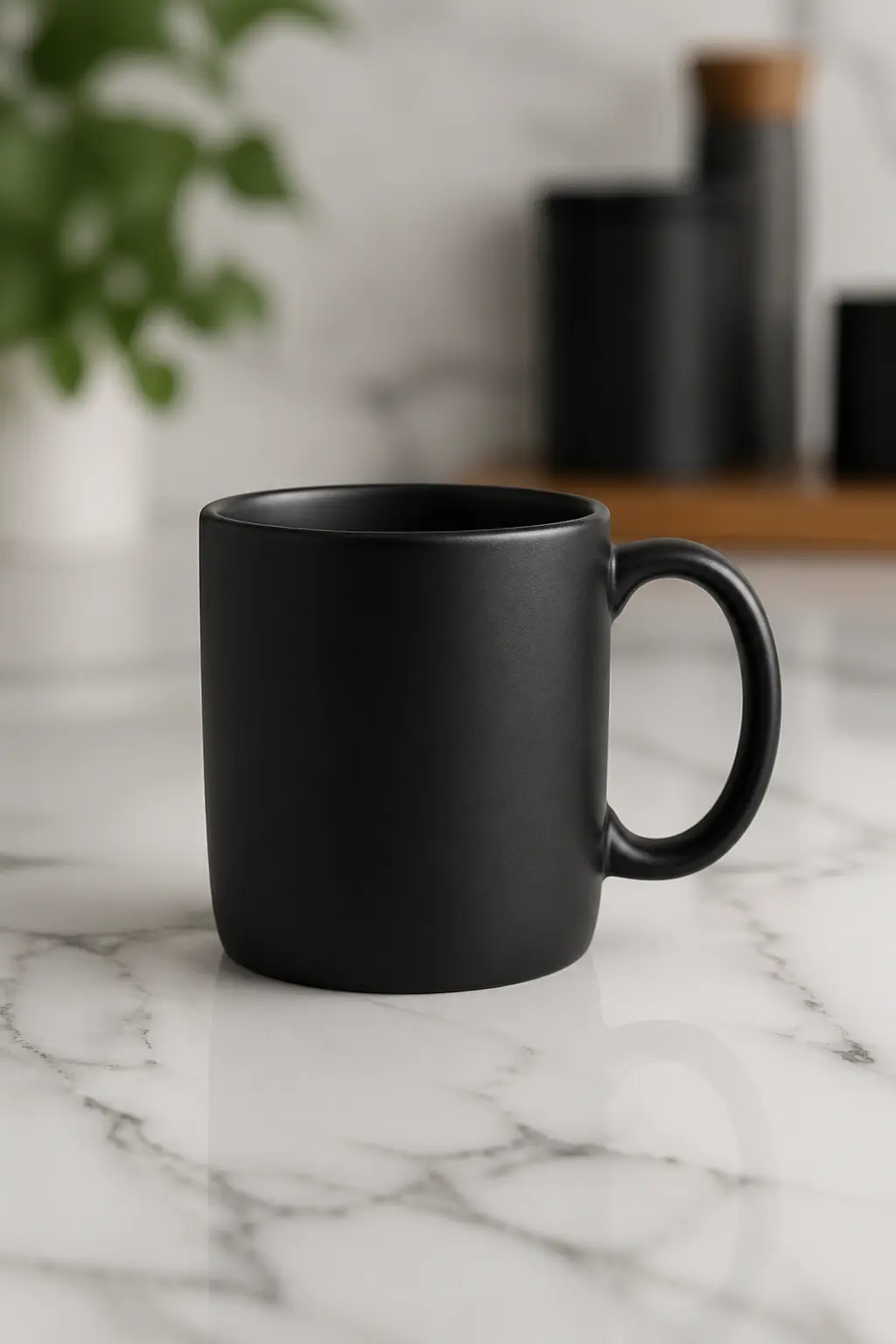
E-commerce Product Shot
Create an image of a product shot of a matte black coffee cup on a white marble countertop, soft studio lighting, 85mm lens, shallow depth of field
Try it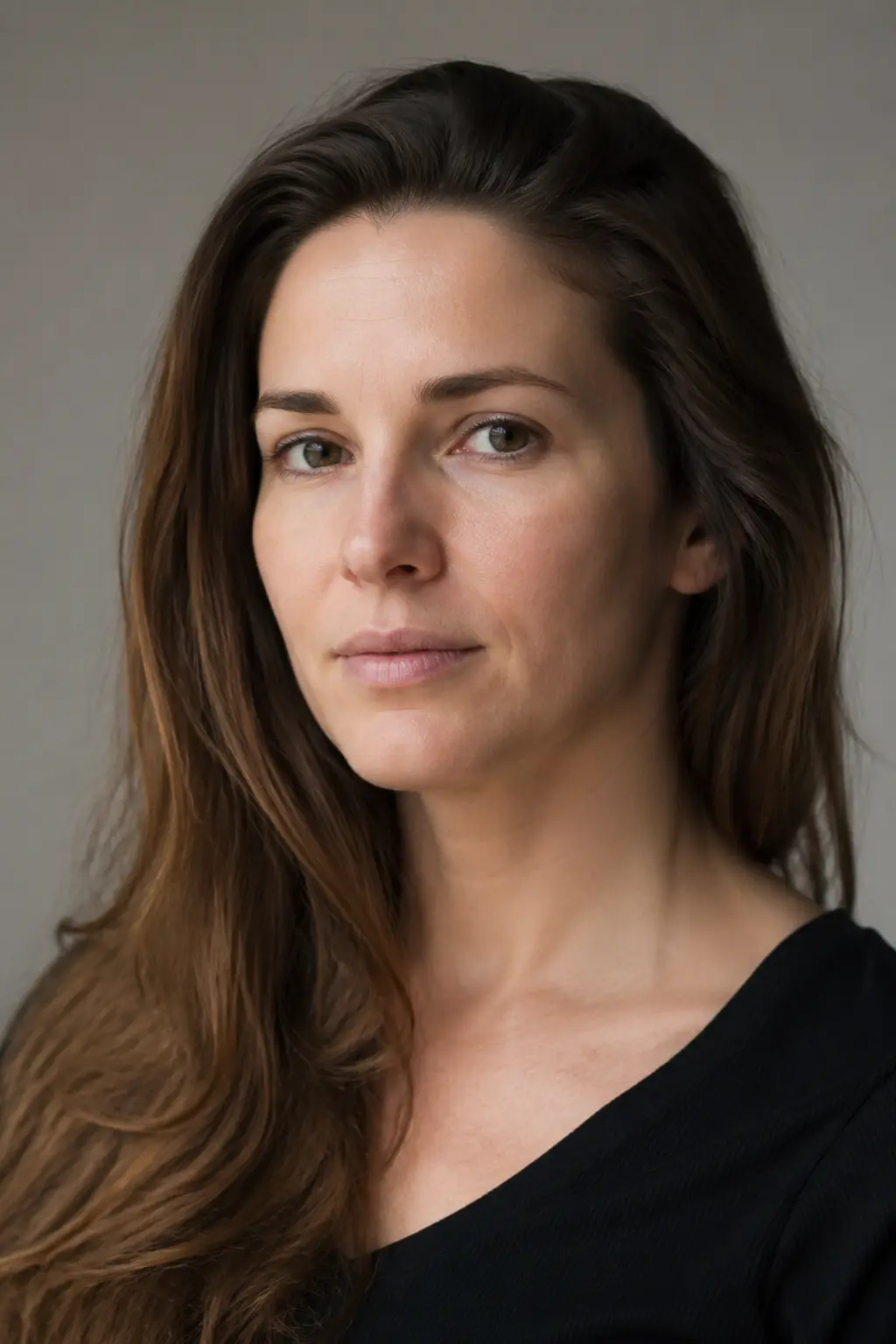
Portrait Photography
Create an image of a photorealistic portrait of a woman in her 30s, soft north-facing window light, Canon 5D look, natural skin texture, neutral background
Try it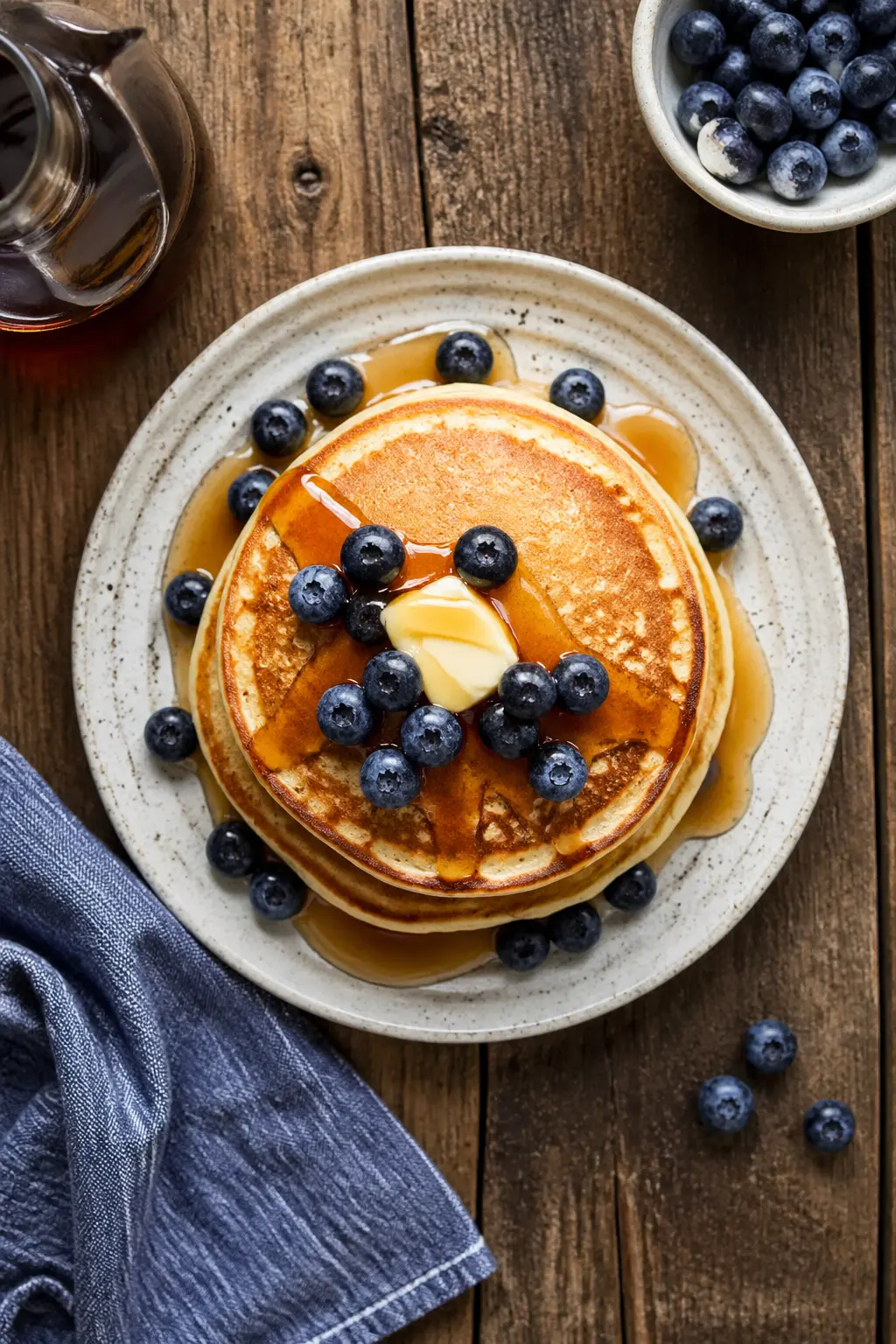
Food Photography
Create an image of a food photography shot of a stack of buttermilk pancakes drizzled with maple syrup, fresh blueberries, overhead angle, rustic wooden table
Try it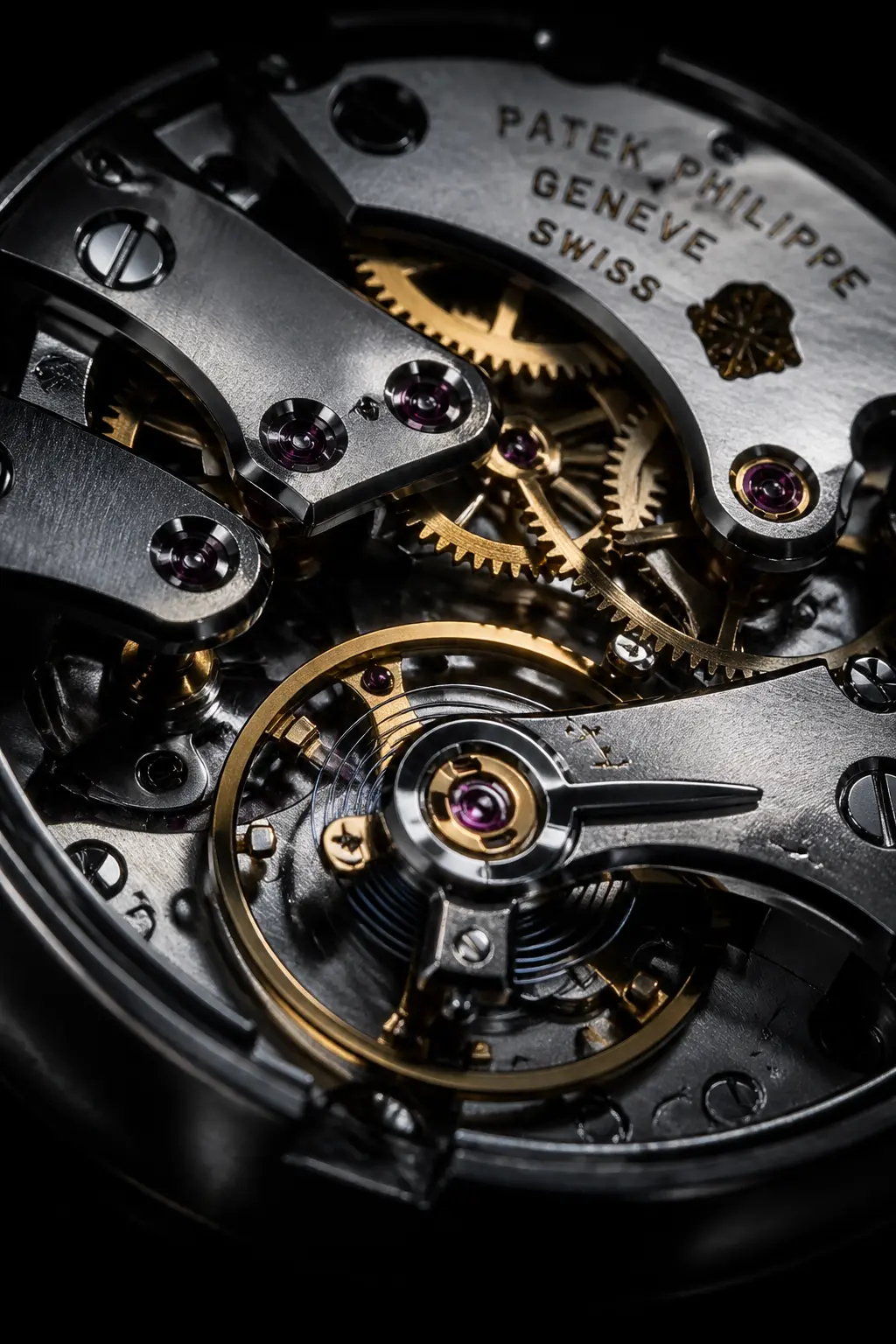
Macro Detail Shot
Create an image of a close-up macro shot of a Swiss mechanical watch movement, extreme detail on gears and springs, dark background, dramatic side lighting
Try it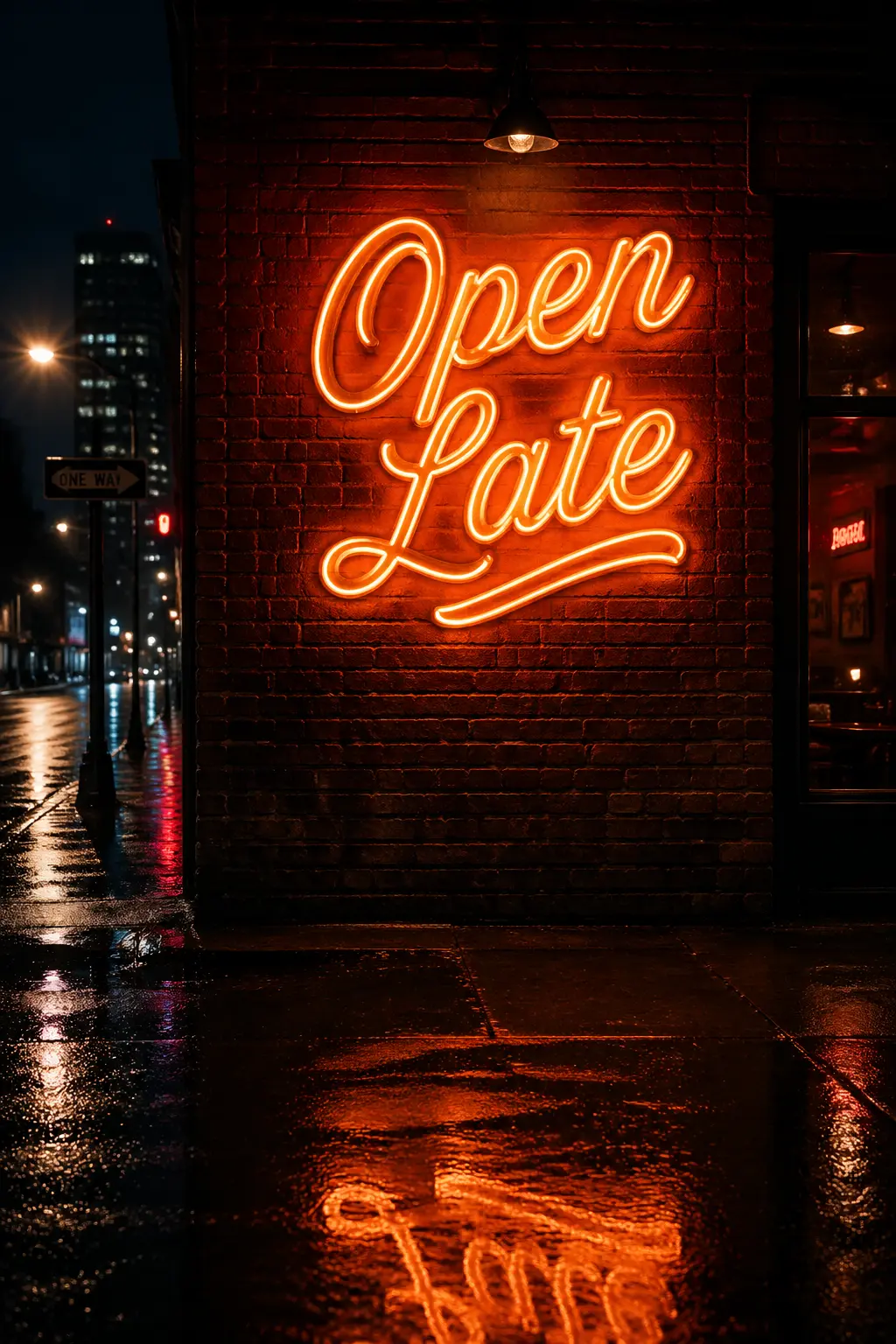
Text Rendering — Neon Sign
Create an image of a neon sign on a brick wall that reads "Open Late" in bold retro script, warm amber glow, night setting, rain-slicked street in the foreground
Try it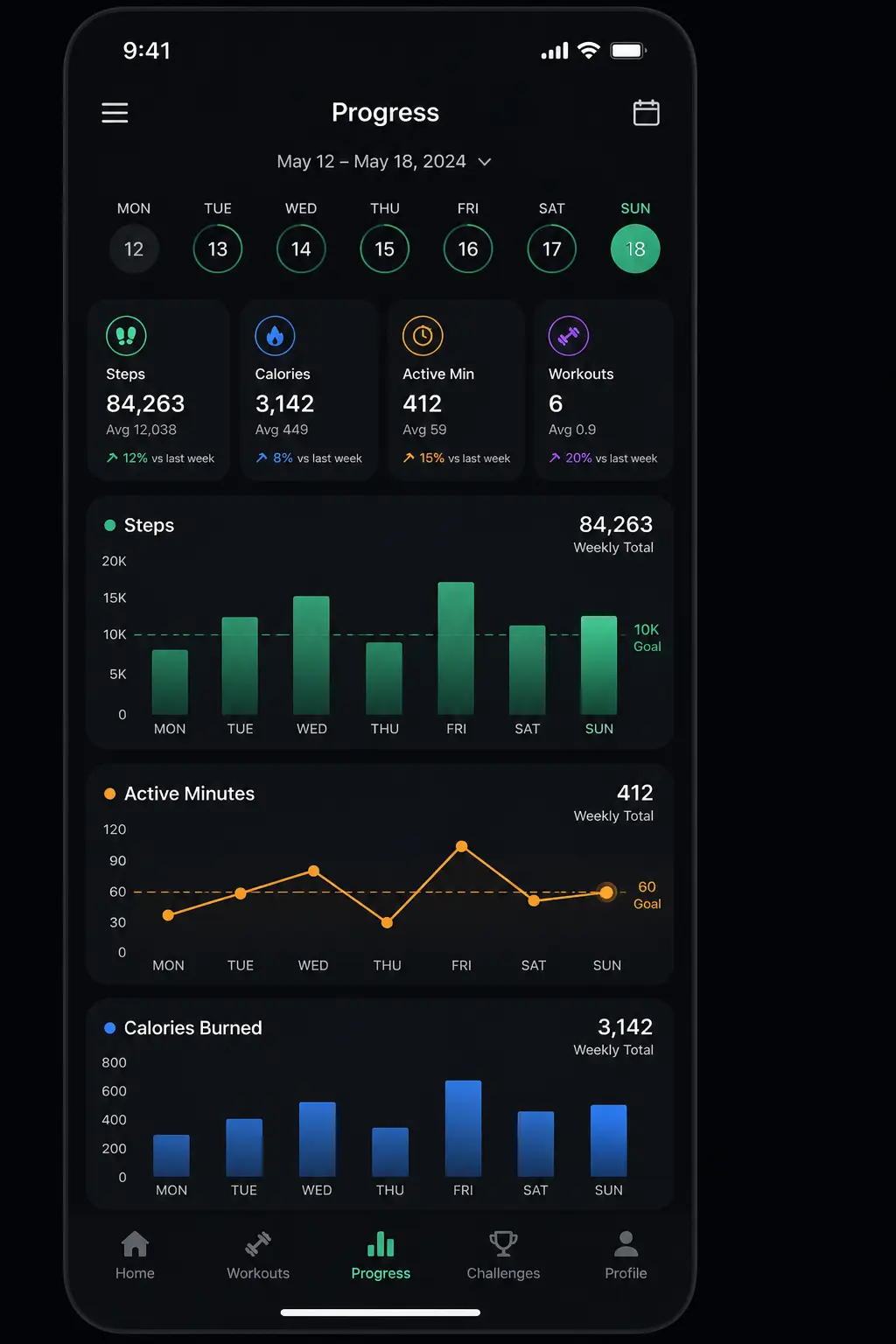
UI Mockup
Create an image of a mobile app UI mockup for a fitness tracker, clean minimal design, dark mode, showing a weekly progress dashboard with charts
Try it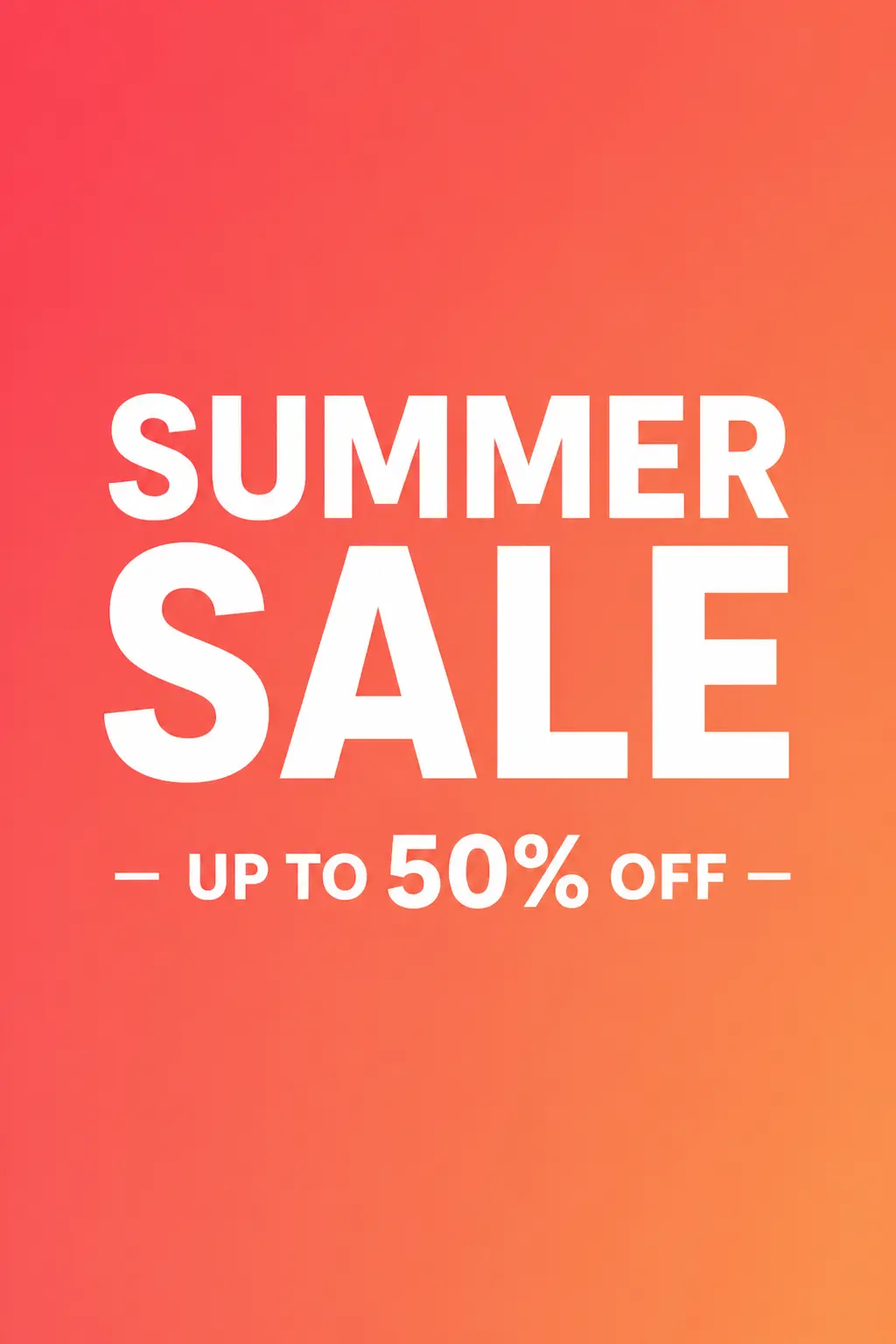
Social Media Banner
Create an image of a social media banner that reads "Summer Sale - Up to 50% Off" in bold white sans-serif text on a vibrant coral gradient background, minimal and clean layout
Try it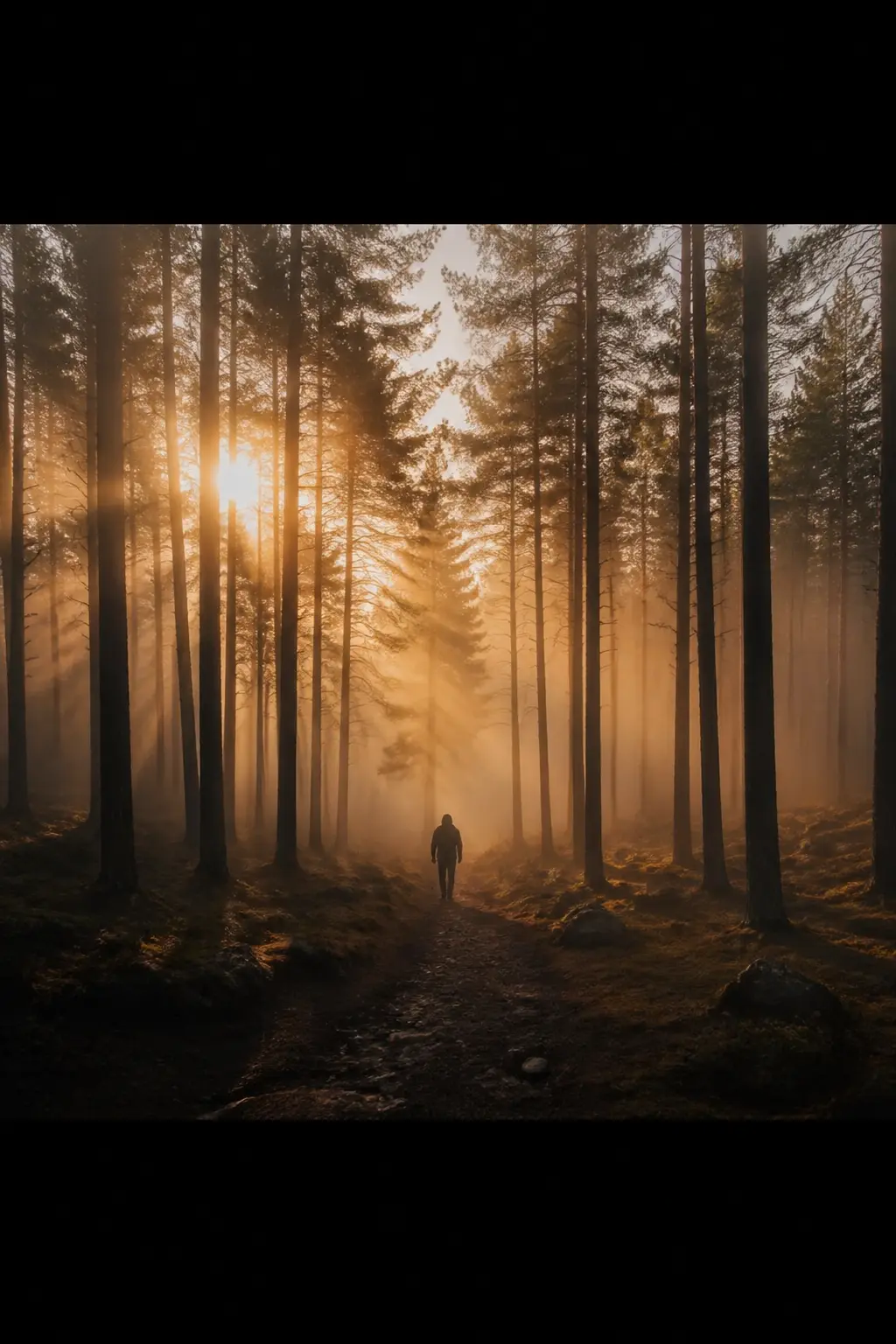
Cinematic Scene
Create an image of a cinematic wide shot of a lone figure walking through a foggy forest at dawn, golden hour light filtering through tall pine trees, 24mm anamorphic lens
Try itTell us if this AI content is offensive, harmful or wrong. We review every report and use it to improve our filters.