Chibi Image Generator
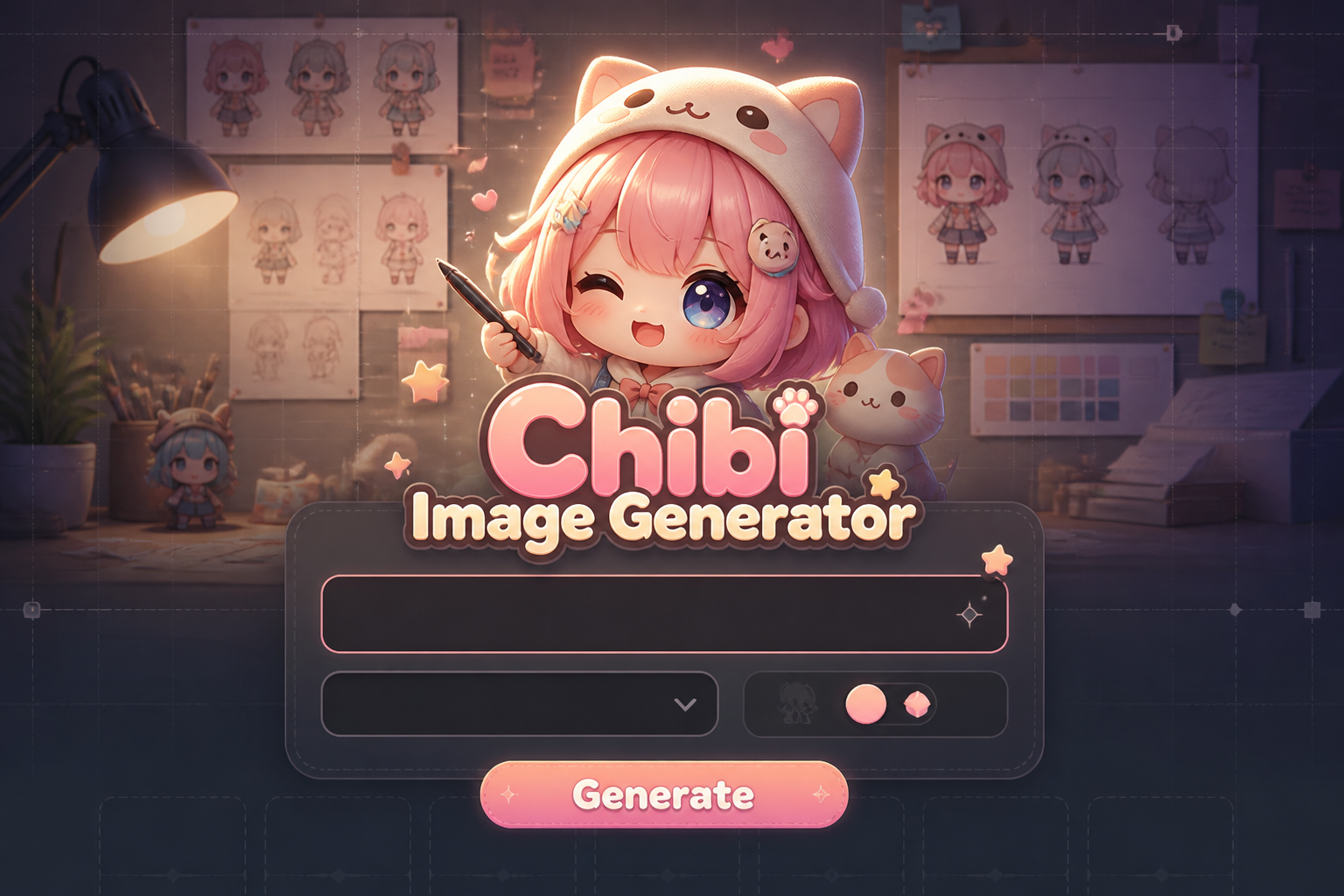
Chibi Image Generator is a free online tool to generate chibi style images. The tool is free to use, just enter prompt in chibi style and generate chibi image style in seconds similar quality to flux, midjourney, open ai, imagen, nano banana AI image quality.
Generate Chibi AI Image for Free
Receive our FREE AI updates via email once a week
What is a chibi Generator?
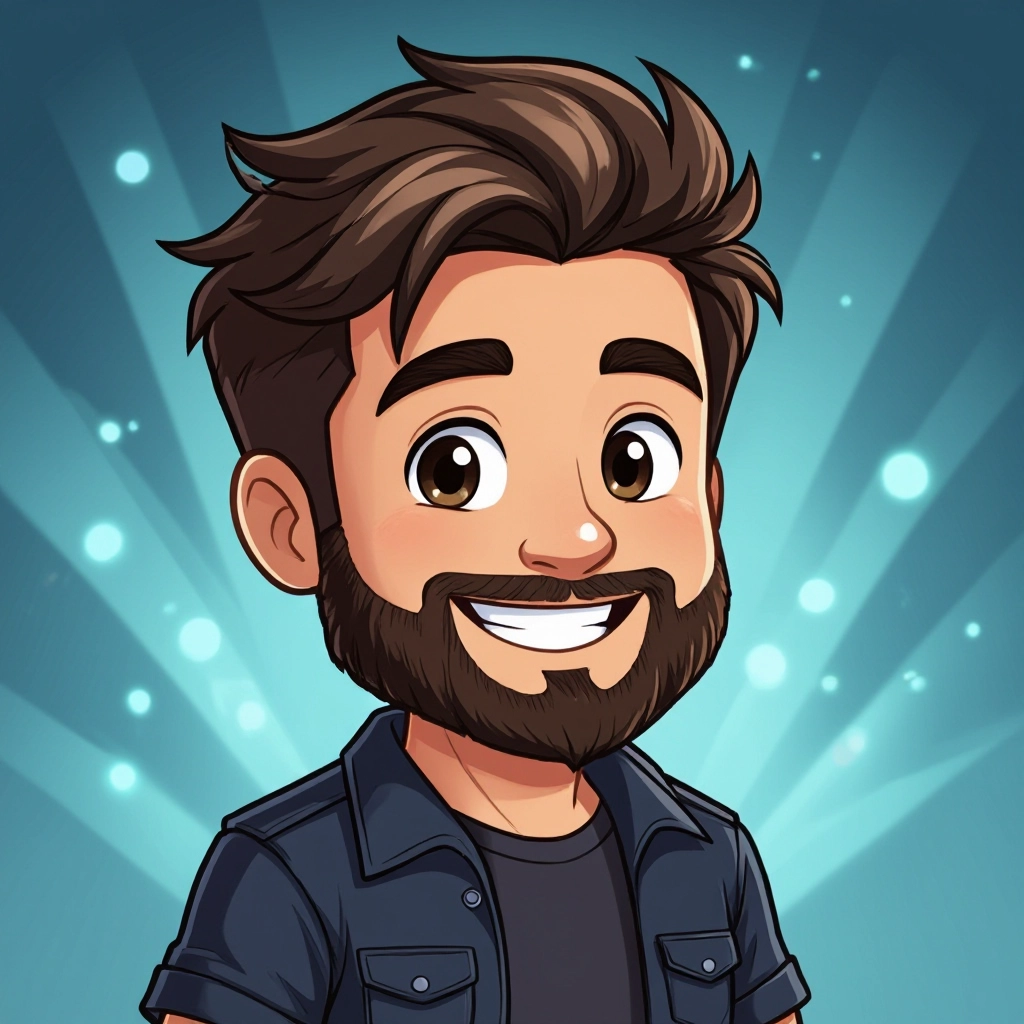
A chibi generator is a specialized AI tool that produces small, stylized characters with oversized heads, compact bodies, and exaggerated facial features typical of chibi art. Instead of realistic anatomy, it prioritizes proportion rules that emphasize cuteness: large eyes, rounded cheeks, and simplified limbs. The generator uses trained models that understand these stylized proportions, line weight, and color palettes to create instantly recognizable chibi imagery.
Illustrators, indie game developers, social media creators, and fans of Japanese inspired cartoon aesthetics use chibi generators to speed up character design and produce consistent chibi sets. It is popular because it preserves the expressive charm of hand drawn chibi while enabling quick iteration on outfits, poses, and expressions, making it useful for avatars, stickers, concept sketches, and promotional art.
How to Create chibi Images
To create chibi images, start by writing a concise prompt describing the character concept and chibi-specific traits like head to body ratio, eye shape, and expression; next pick style options such as color palette, line thickness, and background or pose settings and refine with examples or reference images; finally generate multiple variations, choose the best output, and optionally edit colors or add accessories to match your project needs.
Enter AI Chibi Prompt
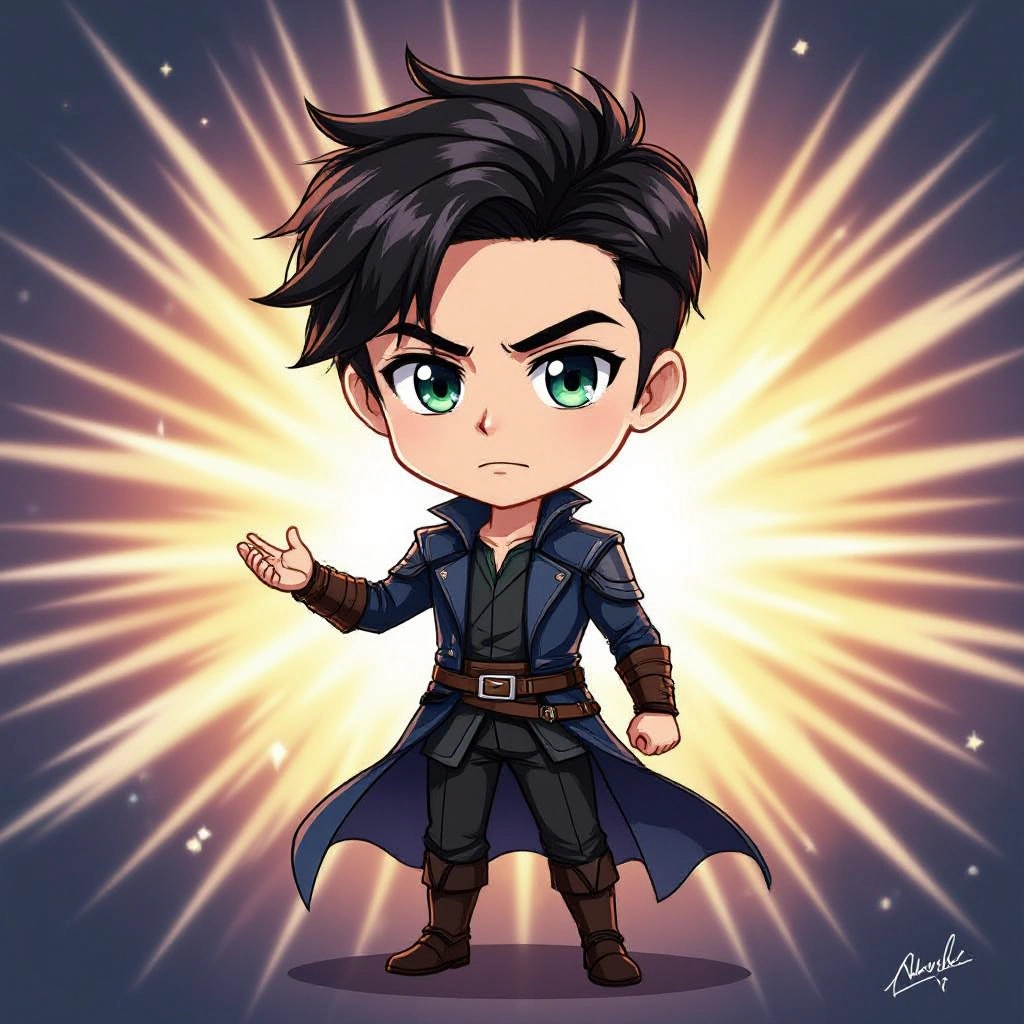
Type your chibi character or scene description in the prompt box. Include details like character appearance, clothing, expressions, and setting to get better AI chibi results.
Choose AI Model Settings
Select your preferred image size and aspect ratio. Our AI model delivers professional quality comparable to:
- • Flux AI Quality
- • Midjourney Standard
- • OpenAI DALL-E
- • Google Imagen
Download AI Chibi Image
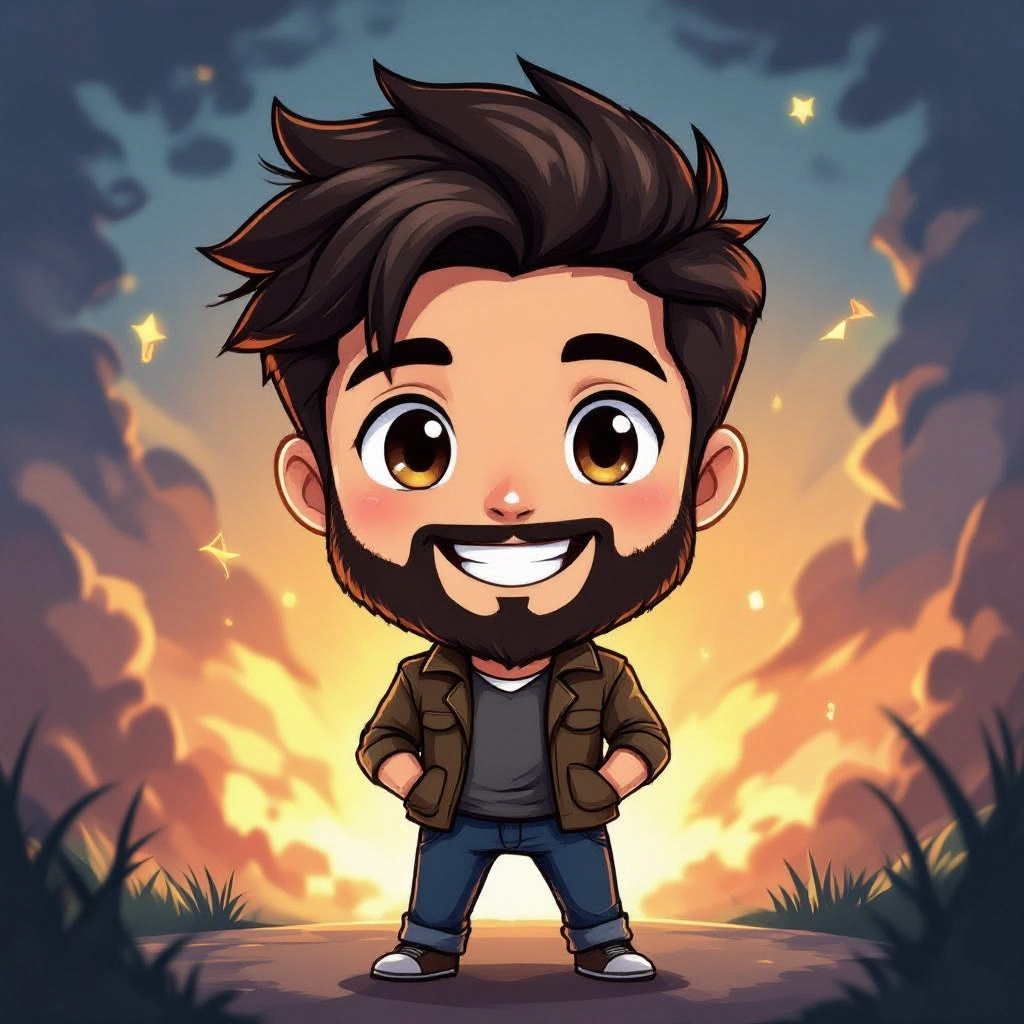
Once your AI chibi image is generated, click the download button to save it to your device. The image will be in high quality format ready for use.
Features of AI chibi Image Generator
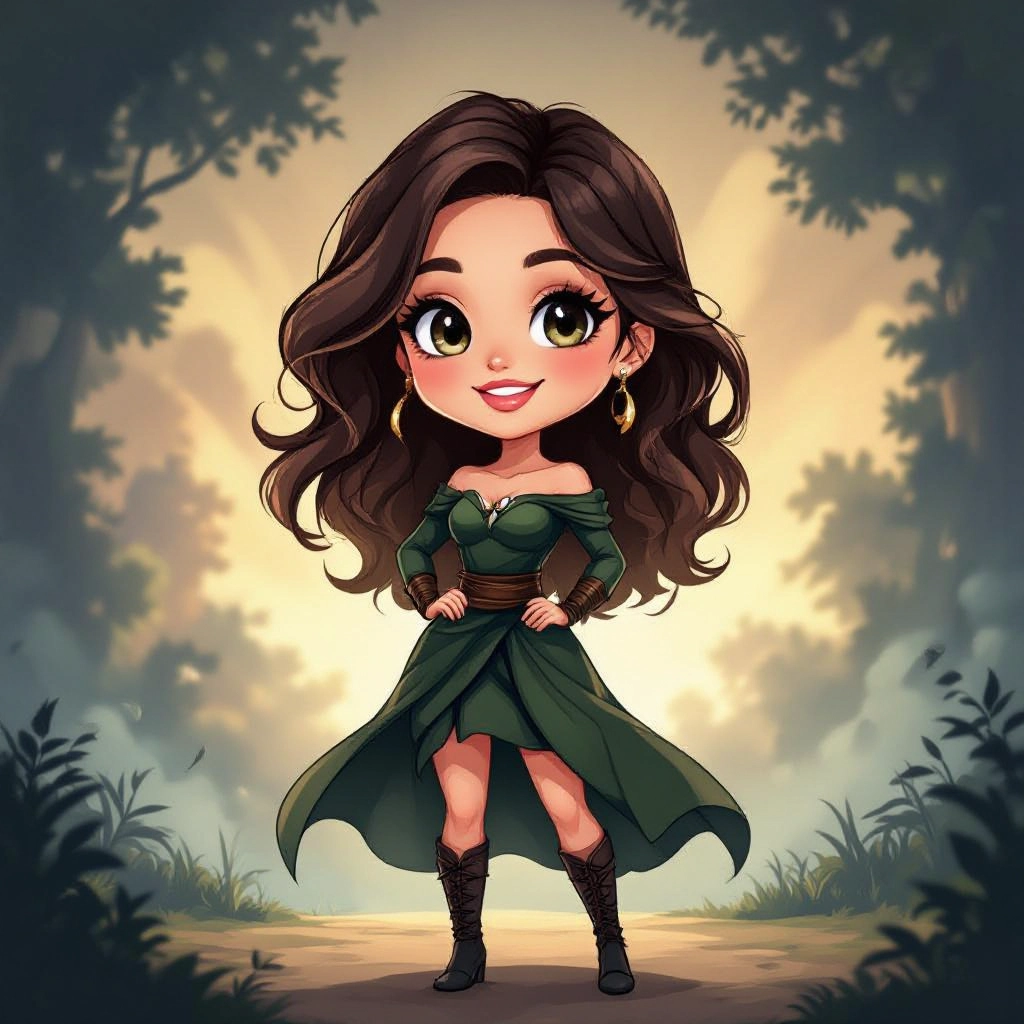
Proportion Controls
Fine-grained sliders to set head to body ratio, limb length, and eye size so you can dial classic 1:2 chibi proportions or experimental micro-chibi looks. This ensures every character keeps iconic chibi balance. Enhance your results by generating a detailed prompt with our Free AI Art Prompt Generator first.

Expression Presets
A library of preset expressions like joyful, pouty, sleepy, and tsundere tailored to chibi facial geometry so eyes, brows, and mouth scale correctly and maintain maximum cuteness.
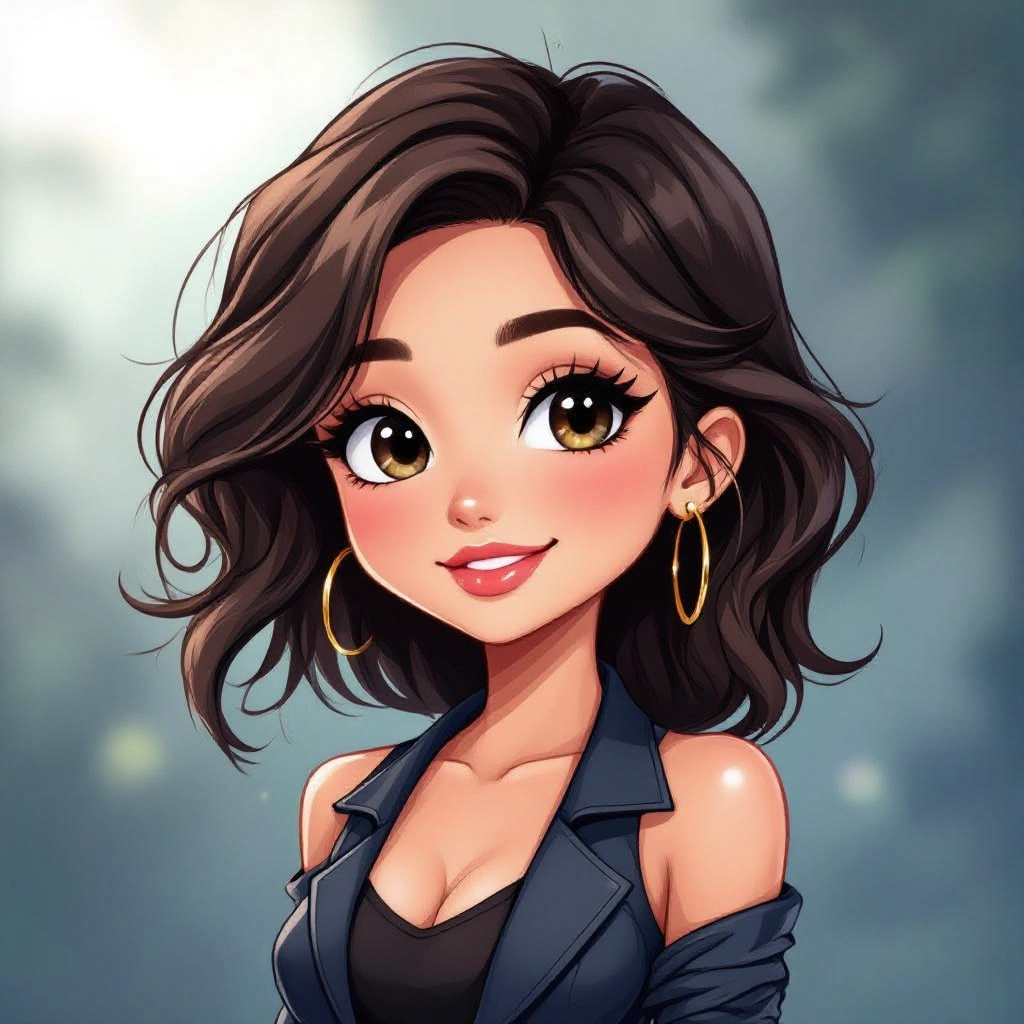
Outfit and Accessory Packs
Curated costume packs for school uniforms, fantasy armor, casual streetwear, and seasonal accessories that snap to chibi proportions and retain readable silhouettes at small sizes.
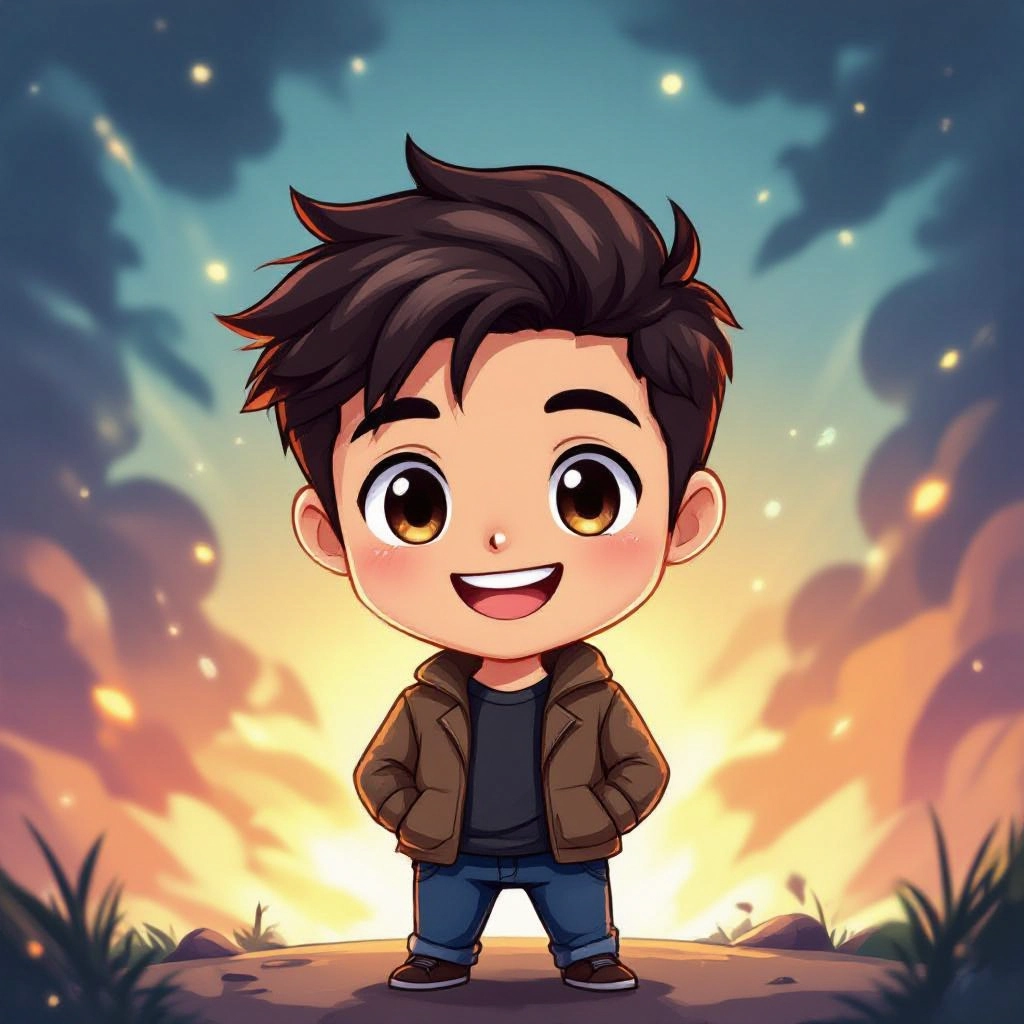
Style Consistency Mode
Keep a uniform chibi look across multiple images by locking line weight, shading style, and palette so you can generate character sheets, sticker sets, or in-game NPC portraits with consistent visuals.
Background and Scene Composer
Simple scene tools allow you to place chibi characters in flat colored, patterned, or minimal environment backdrops optimized for profile images, thumbnails, or comic panels without crowding the small figure.
Types of AI Powered Chibi Style Images
Chibi style can be adapted into many substyles. The generator supports multiple chibi aesthetics so you can match tone, medium, and platform needs from ultra-cute to stylized collectible looks.
Classic Kawaii Chibi
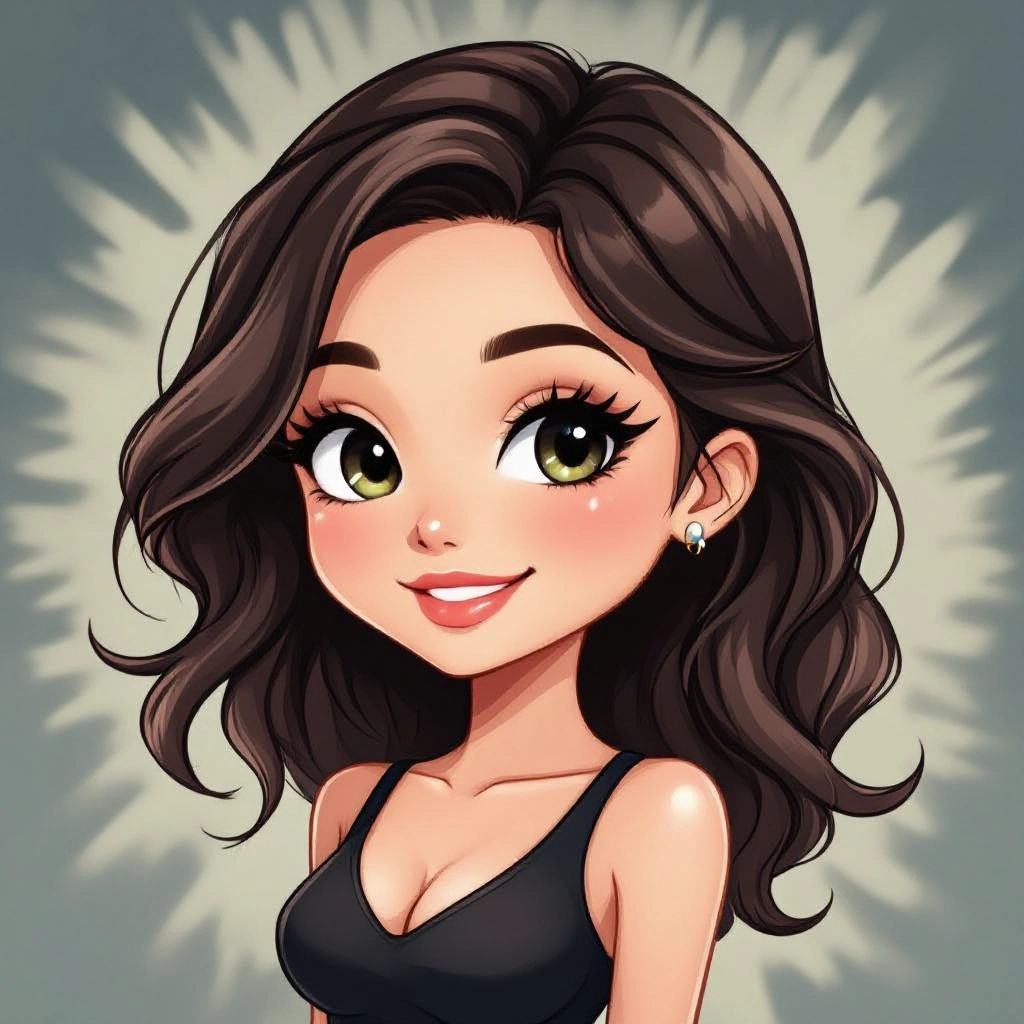
Soft lines, pastel color palettes, and large sparkling eyes. This variation focuses on maximum cuteness, rounded features, and subtle blushing for character portraits and stickers.
Super Deformed Action Chibi
Dynamic poses with exaggerated motion lines and compact limbs. Perfect for action icons, RPG portraits, and scenes where tiny characters express big movement.
Chibi Portrait Illustration
Polished, framed chibi portraits with refined shading and textured hair. Ideal for profile images and character cards that need a high polish look.
Chibi Pixel Art
Low resolution, grid aligned chibi sprites with limited palettes tailored for indie games and retro themed projects while maintaining chibi proportions.
Monochrome Ink Chibi
High contrast ink line art without heavy color, focusing on silhouette and expression. Great for webcomics, manga style inserts, and printable stickers.
Chibi Merchandise Style
Bold outlines, simplified shading, and compact composition optimized for pins, keychains, and apparel prints so designs read clearly at small physical sizes.
Applications of AI chibi image style
Social Media Avatars
Create instantly recognizable, cute profile pictures adapted to platform icon sizes while preserving expression and personality.
Game Sprites and Portraits
Generate consistent character portraits and in-game sprites that fit chibi art direction for mobile RPGs, visual novels, and online communities.
Sticker Packs and Emojis
Design expressive sticker sets and emoji-like panels with clear emotions and readable shapes for messaging apps and streaming overlays.
Comics and Webtoons
Produce chibi side panels, comedic reactions, and character cels that maintain a uniform look across episodes and panels for storytelling.
Merchandise and Printables
Adapt chibi designs to physical products like enamel pins, prints, and apparel with bold outlines and simplified color separations for production.
Character Design Iteration
Speed up concept work by generating multiple chibi variations of a character concept, testing costumes, hairstyles, and color schemes before final art.
FAQs about AI chibi image generator
Can I control the chibi head to body ratio?
Yes. The generator provides proportion controls so you can select classic chibi ratios or customize head size, torso length, and limb proportions to achieve micro-chibi or tall-chibi variants.
Are generated chibi images suitable for commercial use?
Usage rights depend on the platform terms. Many generators include options for commercial licenses; always check the tool's licensing details and choose commercial use if you plan to sell designs or merchandise.
How do I keep multiple characters visually consistent?
Use the style consistency mode to lock palettes, line weight, shading style, and proportion presets so every generated character shares the same visual language across a set.
Can I upload reference images for a specific chibi look?
Yes. You can upload references to guide the model on hair, costume, or pose, and the system will blend those cues with chibi rules to produce matching stylized outputs.
What file formats are available for export?
Most generators export PNG and JPG for raster use, and some offer transparent backgrounds. For print or vector needs, export high resolution PNGs or use provided tools to trace designs in vector software.
How do I get sharper details at small sizes?
Choose bold line weights, simplified shading, and high contrast palettes in settings. Test outputs at target display sizes and iterate with the background and outline options to ensure clarity.
See Also
