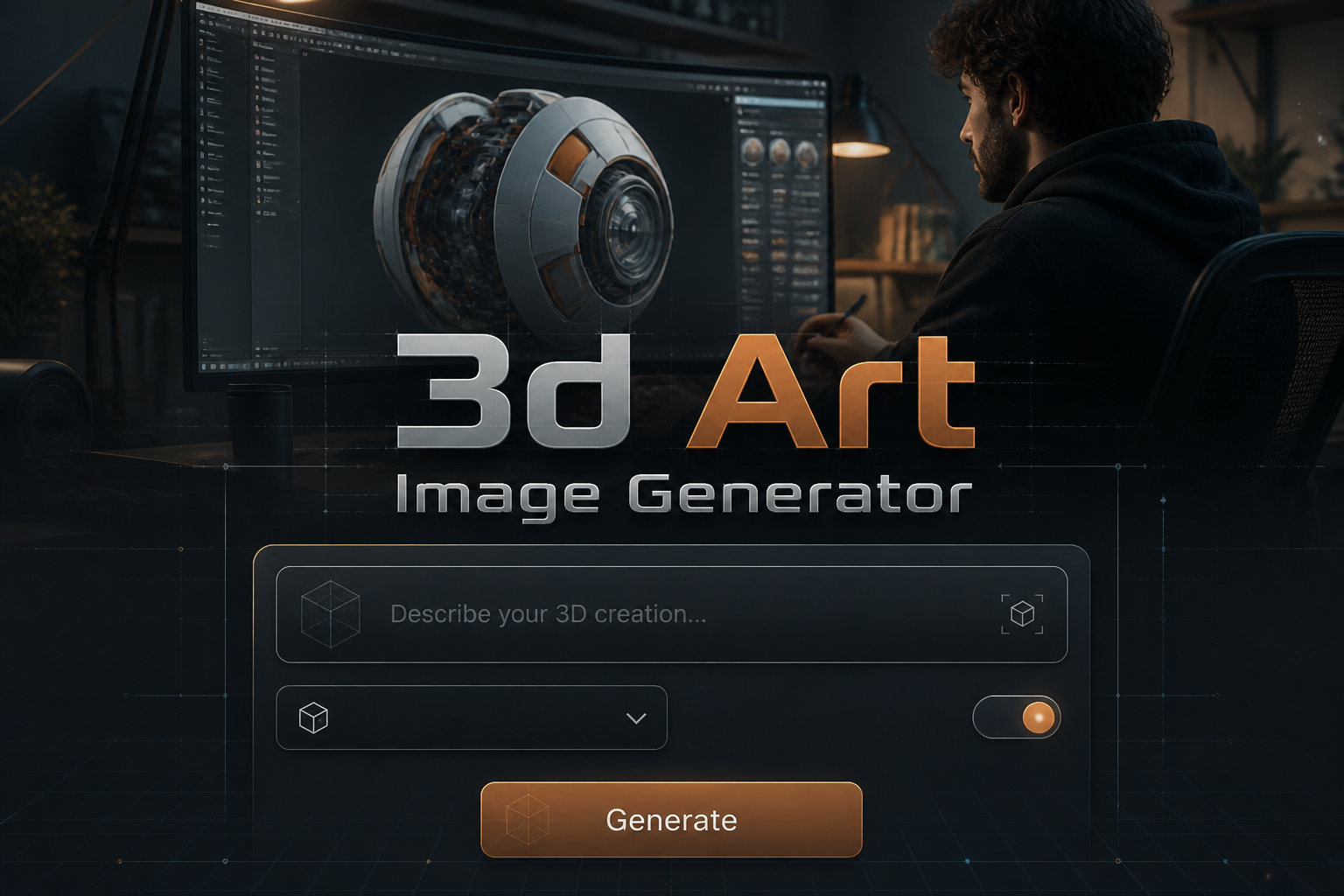
3D Art Image Generator
3D Art Image Generator is a free online tool to generate 3D art style images. The tool is free to use, just enter prompt in 3D art style and generate 3D art image style in seconds similar quality to flux, midjourney, open ai, imagen, nano banana AI image quality.
Generate 3D Art AI Image for Free
Receive our FREE AI updates via email once a week
What is a 3D art Generator?
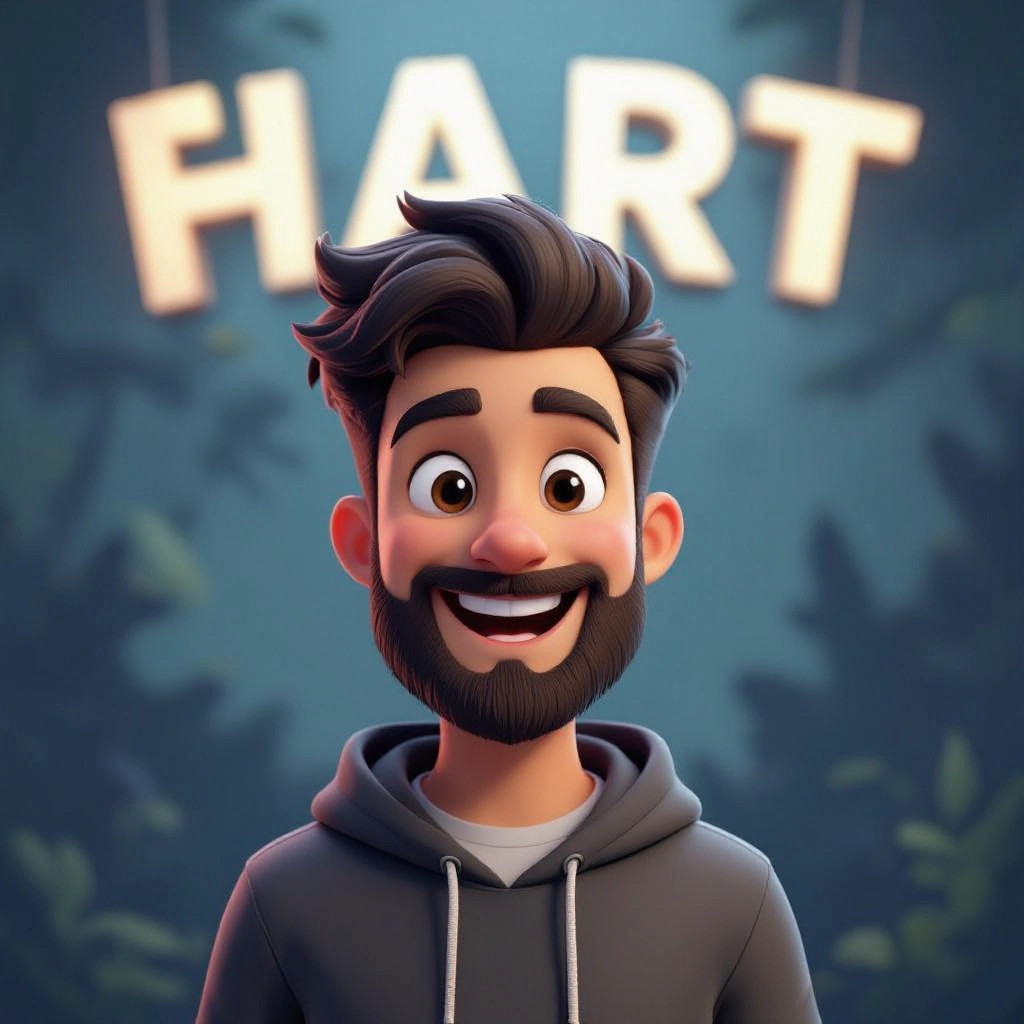
A 3D art generator is an AI-powered service that synthesizes images with authentic three dimensional characteristics such as depth cues, perspective, occlusion, realistic shading, and material responses. Unlike flat 2D image generators, this tool models 3D attributes like surface normals, reflection behavior, subsurface scattering hints, and simulated camera lenses so outputs read as volume-filled objects with believable lighting and spatial relationships.
Designers, concept artists, game developers, product marketers, architects and AR creators use 3D art generators to accelerate visualization workflows. They rely on the generator to rapidly prototype scene layouts, test materials and lighting, create turntable-ready renders, or produce stylized 3D illustrations for marketing and social media without building full 3D scenes in traditional modeling software.
How to Create 3D art Images
Start by writing a clear prompt that specifies 3D attributes such as camera angle, lighting type, material finish, and desired style. Next, choose renderer options like photoreal or stylized, set depth and detail levels, and apply material presets or texture cues to guide surface behavior. Finally, generate the image, review the depth and reflections, refine prompts or settings, and export your final render in the required resolution and format.
Enter AI 3D Art Prompt
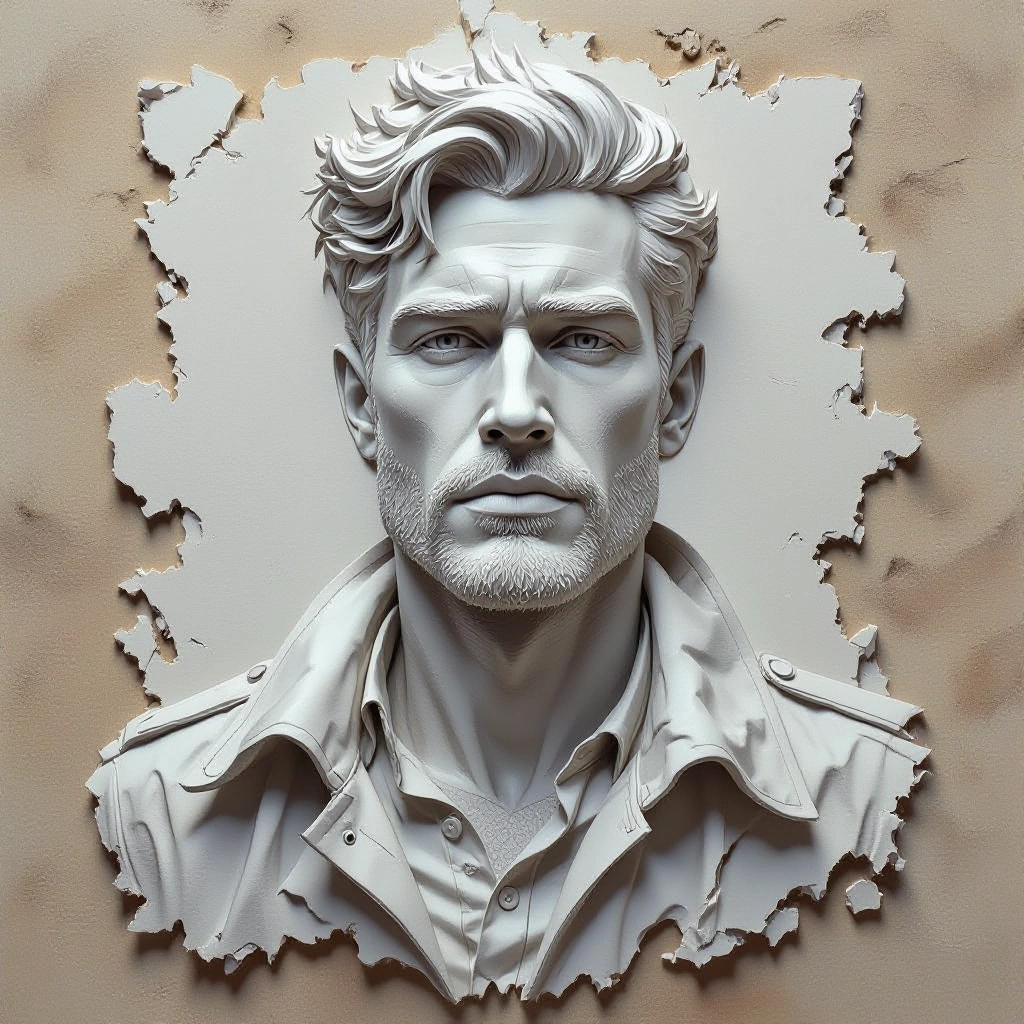
Type your 3D art character or scene description in the prompt box. Include details like character appearance, clothing, expressions, and setting to get better AI 3D art results.
Choose AI Model Settings
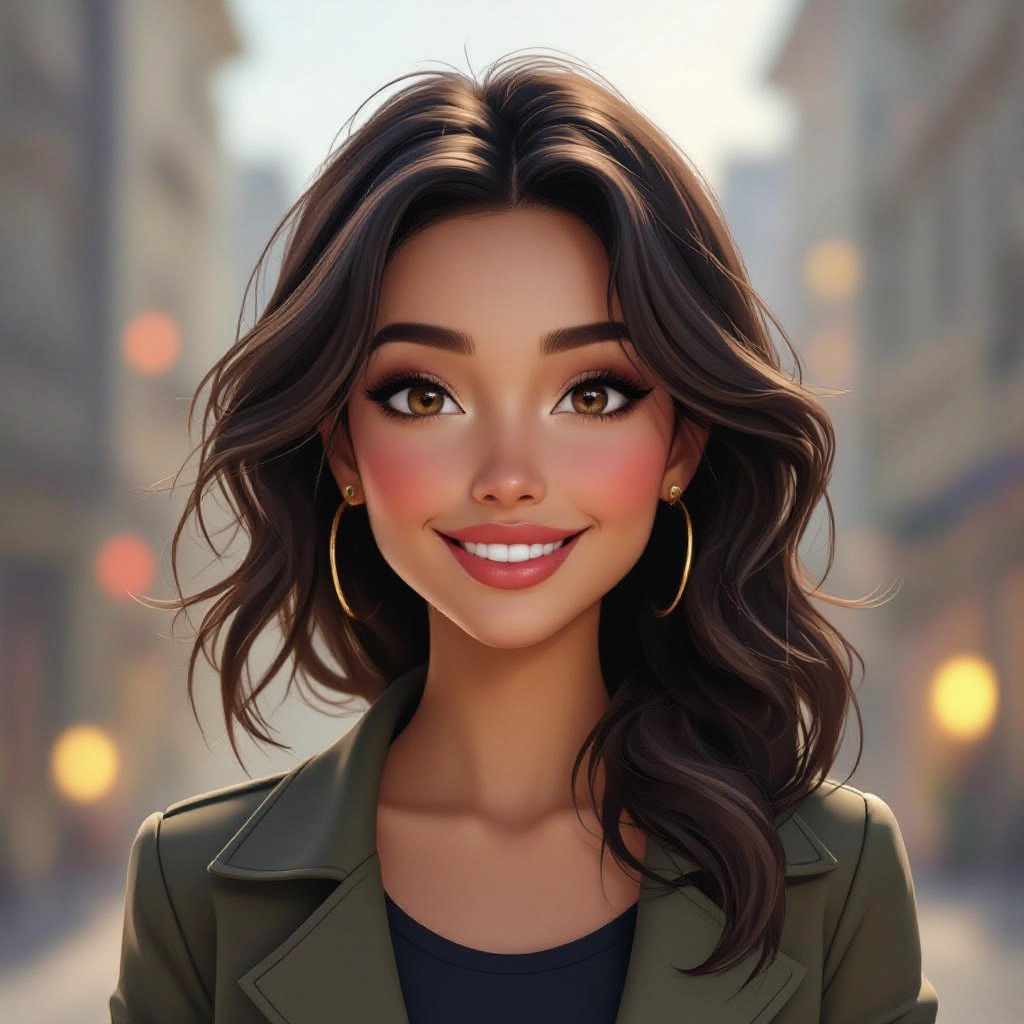
Select your preferred image size and aspect ratio. Our AI model delivers professional quality comparable to:
- • Flux AI Quality
- • Midjourney Standard
- • OpenAI DALL-E
- • Google Imagen
Download AI 3D Art Image
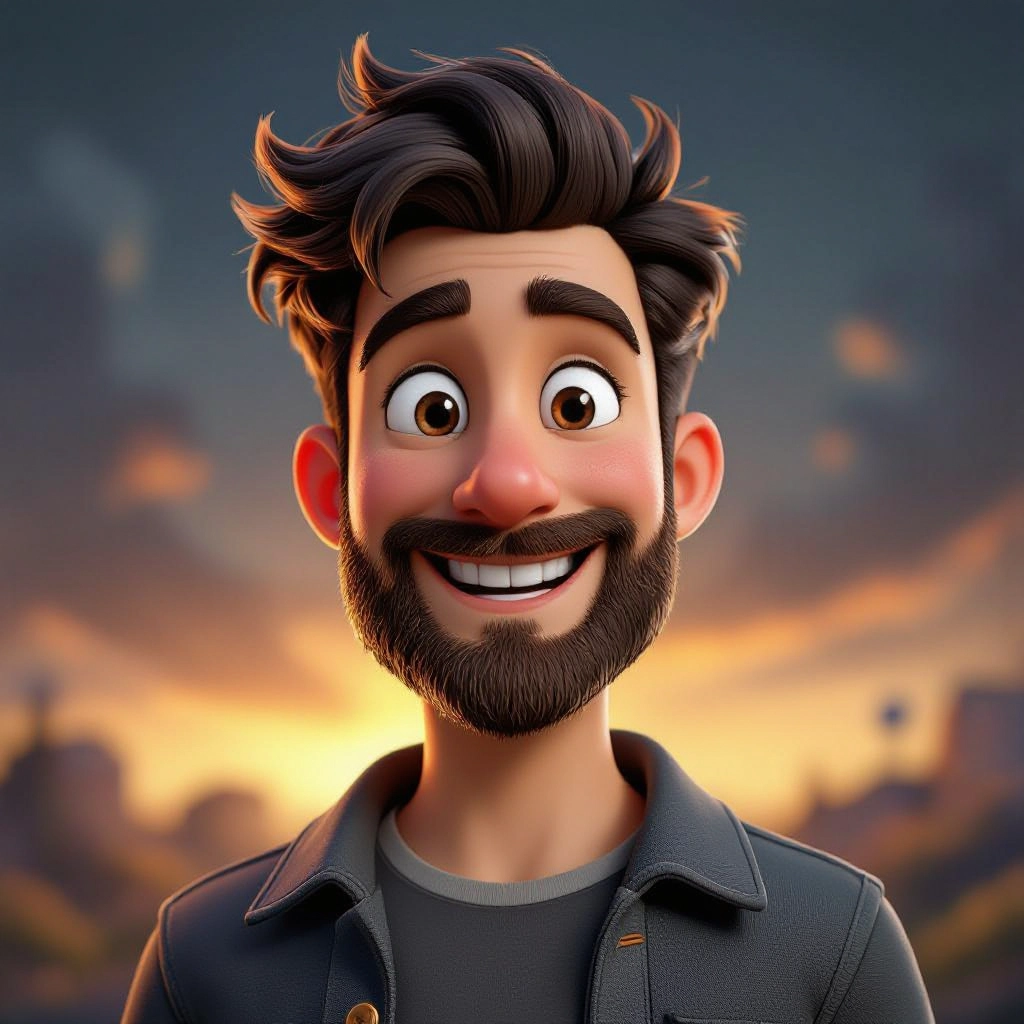
Once your AI 3D art image is generated, click the download button to save it to your device. The image will be in high quality format ready for use.
Features of AI 3D art Image Generator
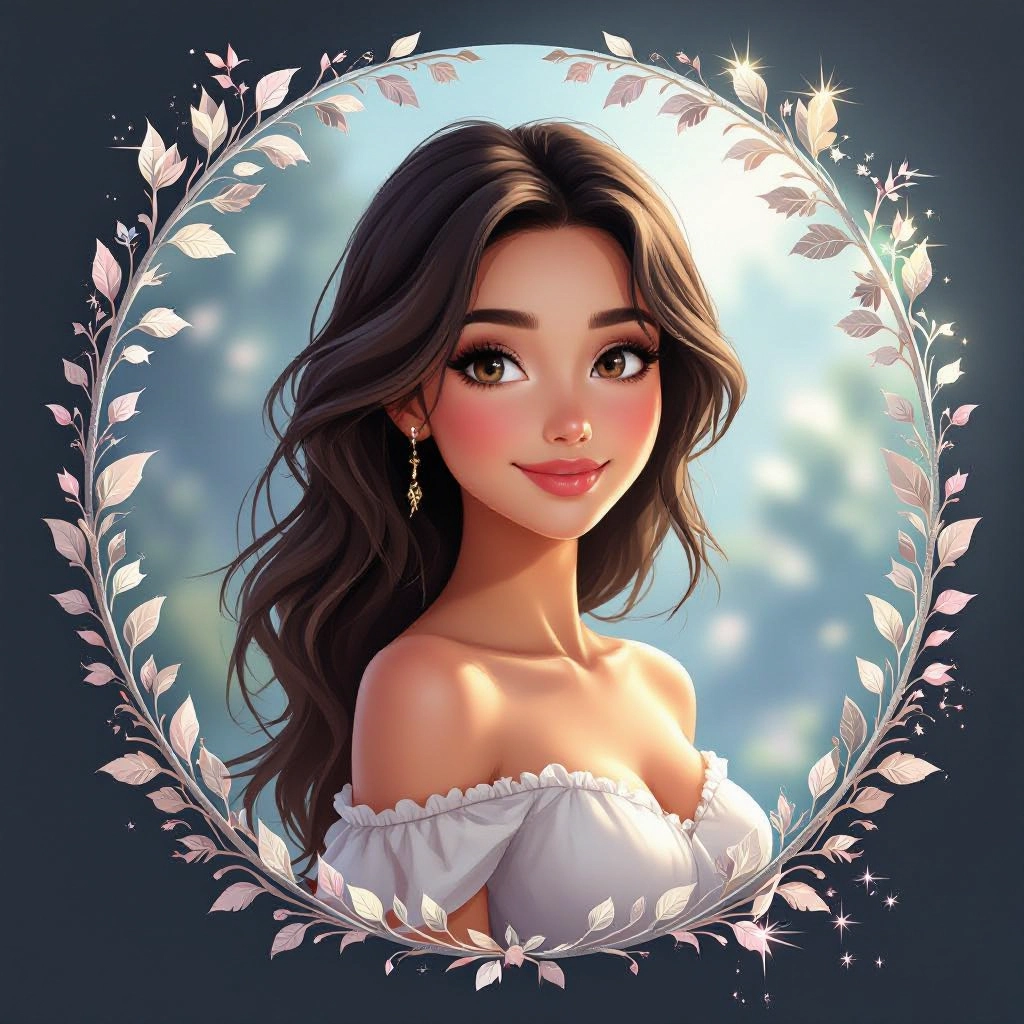
Depth-aware rendering
Generates images with layered depth information so subjects appear convincingly positioned in space, improving realism for foreground, midground and background elements. Enhance your results by generating a detailed prompt with our Free AI Art Prompt Generator first.
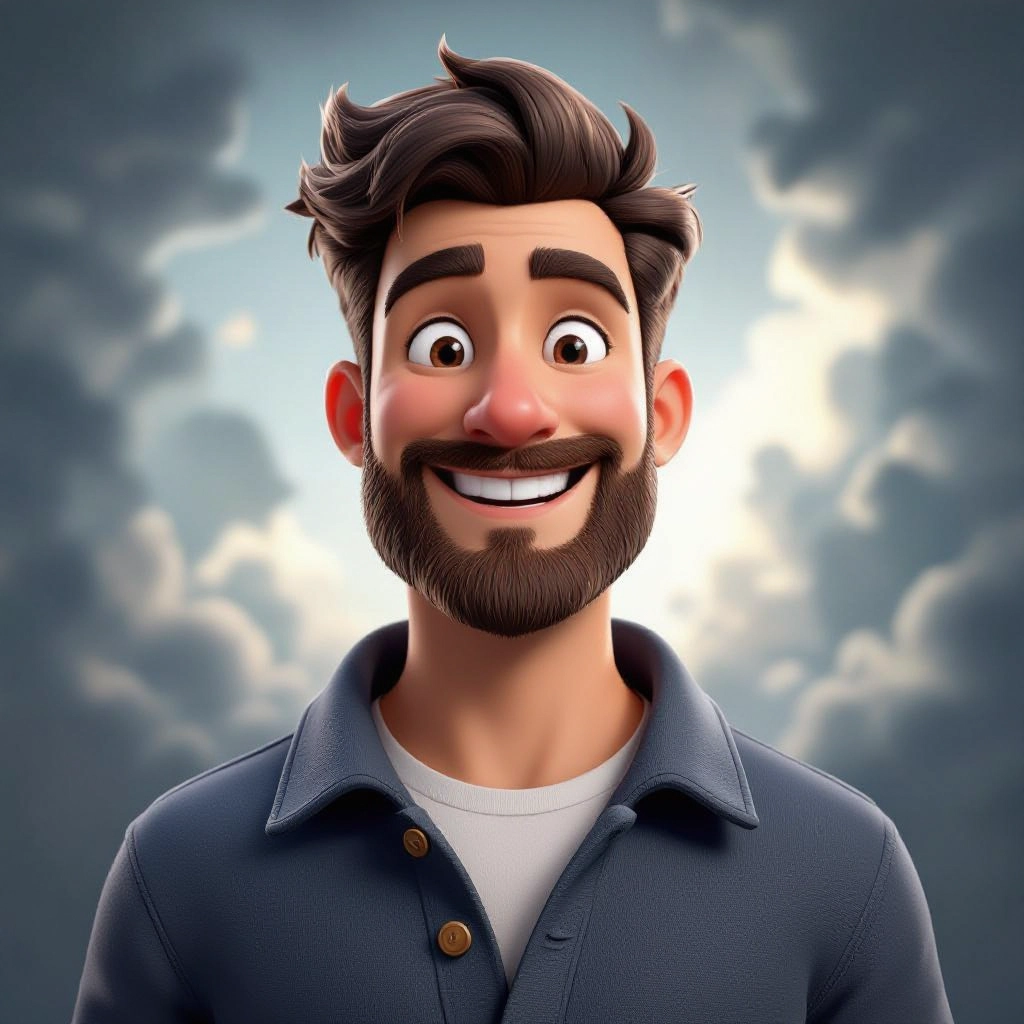
Material and PBR cues
Simulates physically based material responses including metalness, roughness, specular highlights and subsurface scattering to convey accurate surface properties.
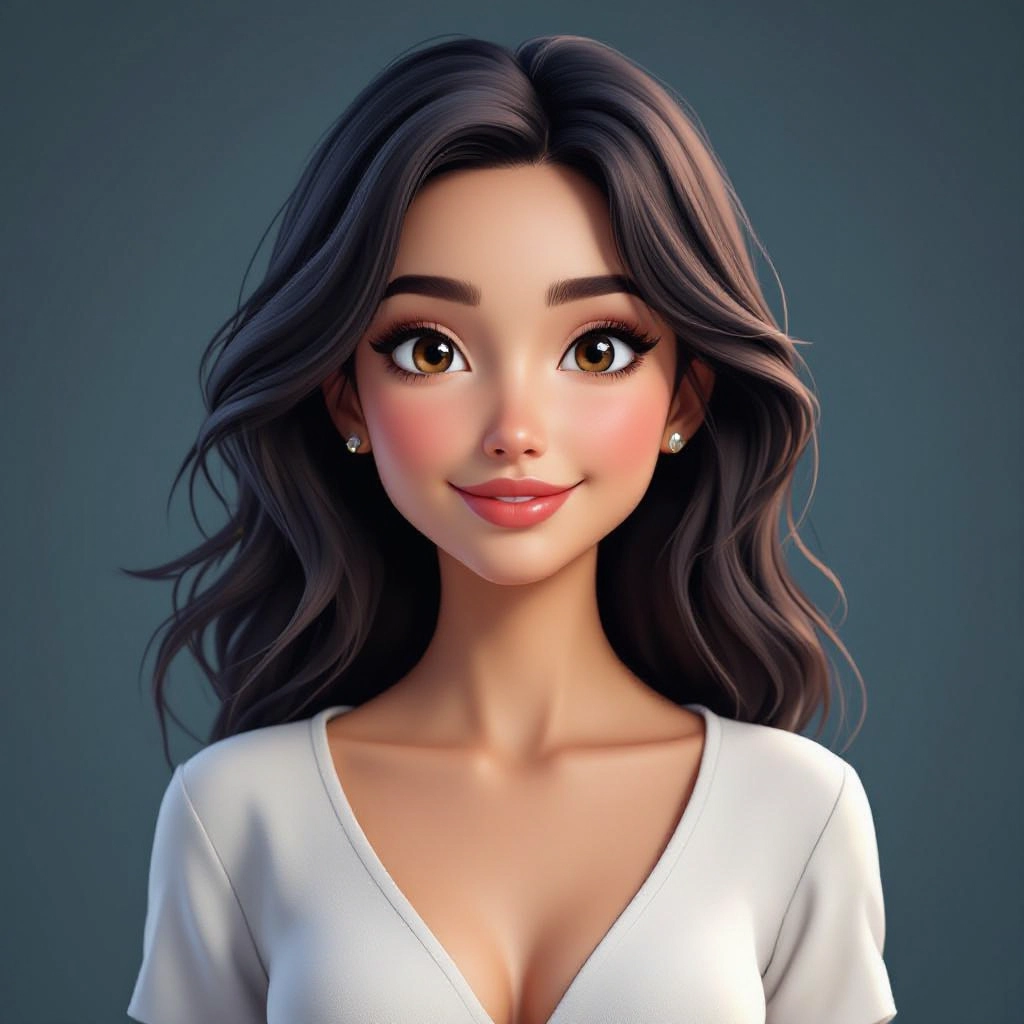
Adjustable lighting and shadows
Control ambient light, directional sun, studio softboxes or rim lights to tune mood, cast realistic shadows and emphasize form.
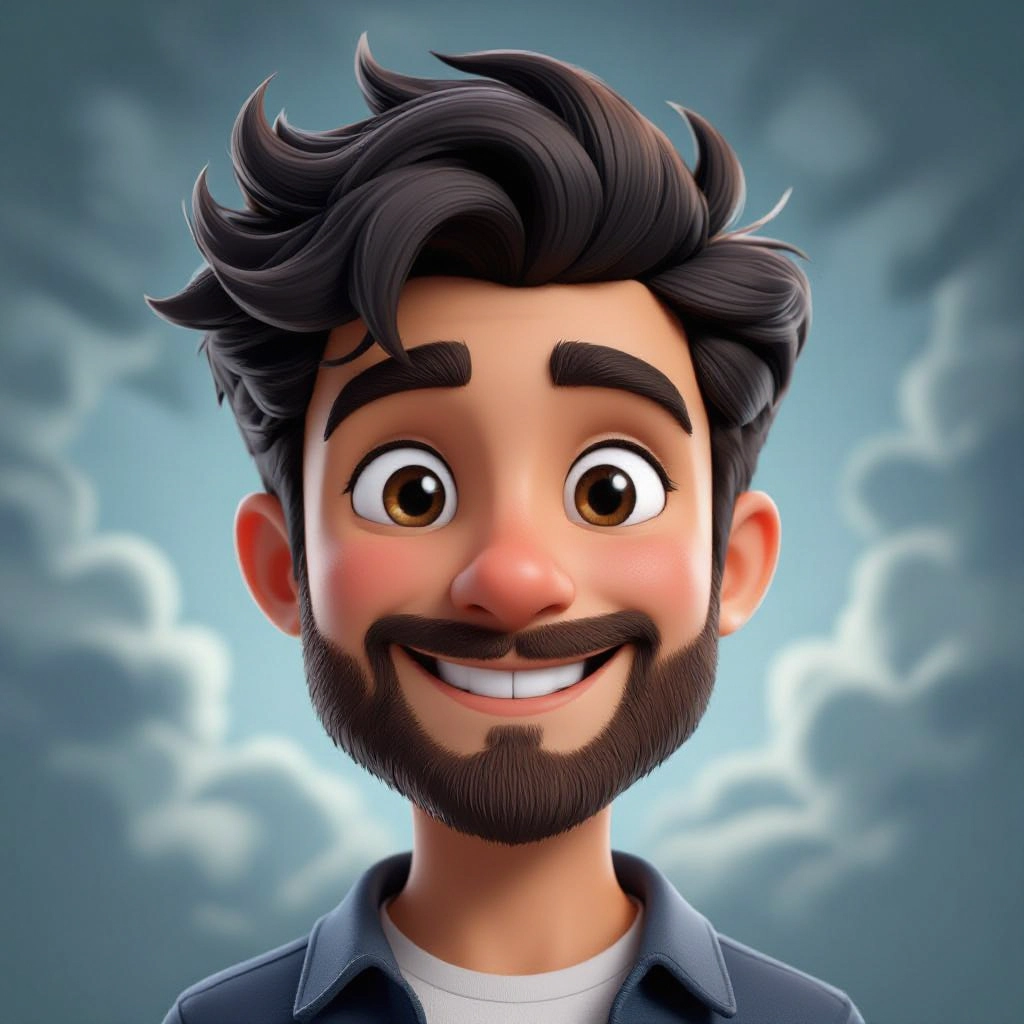
Camera and lens controls
Set camera focal length, aperture and perspective to achieve cinematic framing, depth of field and lens-based bokeh effects typical of 3D renders.
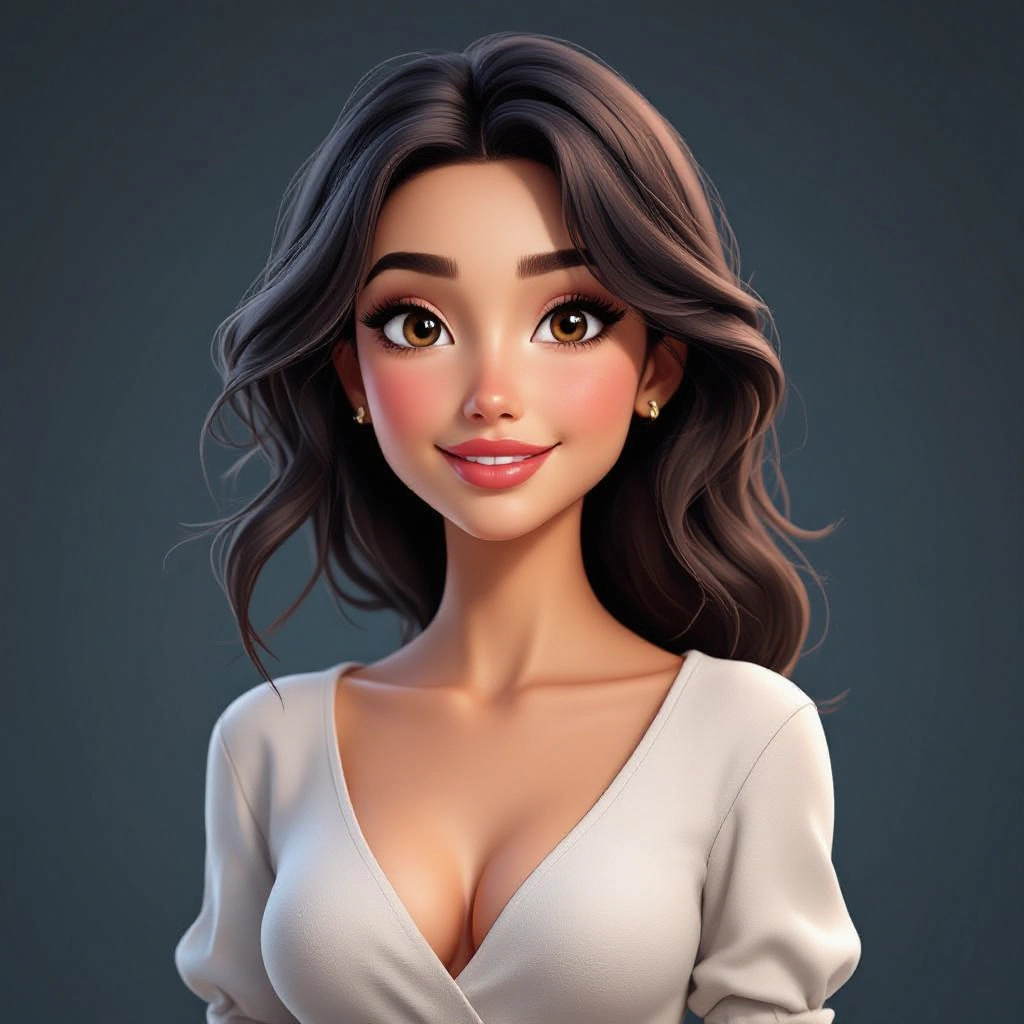
Style presets and texture prompts
Apply presets like photoreal, toon, low-poly or voxel and use texture prompts for fabric, metal, plastic or stone finishes to produce coherent 3D art styles.
Types of AI Powered 3D Art Style Images
AI 3D art generators can produce a wide range of 3D styles by combining lighting, material, geometry and camera cues. Each variation targets a specific aesthetic or production need while preserving three dimensional realism.
Photoreal Product Render
High-fidelity 3D renders with accurate reflections and shadows for product photography, showing fine surface detail, decals and studio lighting.
Cinematic Scene Render
Dramatic compositions with volumetric lighting, filmic color grading and shallow depth of field for concept art and storyboard frames.
Stylized Low-Poly
Clean polygonal shapes, flat shading and simplified materials for a game-ready low-poly look with clear silhouettes and bold lighting.
Toon and Cel Shaded 3D
Cartoon style with contour edges, flat shading bands and controlled specular to mimic hand-drawn animation while retaining 3D volume.
Architectural Visualization
Realistic interiors and exteriors with accurate shadowing, glass refractions, and material layering for client presentations and mockups.
Voxel and Retro 3D
Block-based 3D stylization with pixelated geometry and crisp orthogonal lighting for nostalgic or indie game art.
Applications of AI 3D art image style
Concept art and ideation
rapidly iterate environment and character concepts with volumetric lighting and material variations to explore visual directions.
Game asset thumbnails
Produce textured turntable shots and icon-style renders for in-game asset stores, catalogs and level art previews.
Marketing and product visuals
Create photoreal or stylized product imagery for ads, hero banners and social campaigns without full 3D production pipelines.
Architectural mockups
Generate lifelike interior and exterior scenes to showcase designs, material choices and lighting scenarios for clients.
AR and VR prototyping
Produce realistic object renders and environment backdrops to test scale, lighting and interaction in augmented and virtual reality contexts.
NFT and digital collectible art
Design distinct 3D collectibles with controlled materials and stylized lighting to create unique tokenized artwork.
FAQs about AI 3D art image generator
How realistic can AI 3D art images get?
AI 3D art images can reach high realism by simulating depth, physically based materials and accurate lighting. Photoreal results depend on prompt detail, renderer settings and iterative refinements.
Can I control camera angle and depth of field?
Yes. You can specify camera focal length, angle, distance and aperture to create perspective, framing and depth of field effects that match traditional 3D renders.
Are generated textures exportable for 3D workflows?
Many generators provide texture cues and standalone maps like normal or roughness maps. Check the tool export options to obtain maps usable in 3D engines or editors.
Is this tool suitable for game asset production?
It is ideal for rapid prototyping, thumbnail renders and concept assets. For final game-ready assets you may still need to bake textures, optimize topology and integrate into your engine pipeline.
How do I get consistent lighting across multiple renders?
Use saved lighting presets or specify identical light positions, intensity and color in prompts. Locking camera and material settings also helps maintain visual consistency for series.
Can I create stylized 3D art like toon or low-poly?
Yes. The generator supports style presets and prompt cues for toon shading, cel outlines, low-poly geometry and other stylized 3D aesthetics while preserving spatial depth.