Vaporwave Image Generator
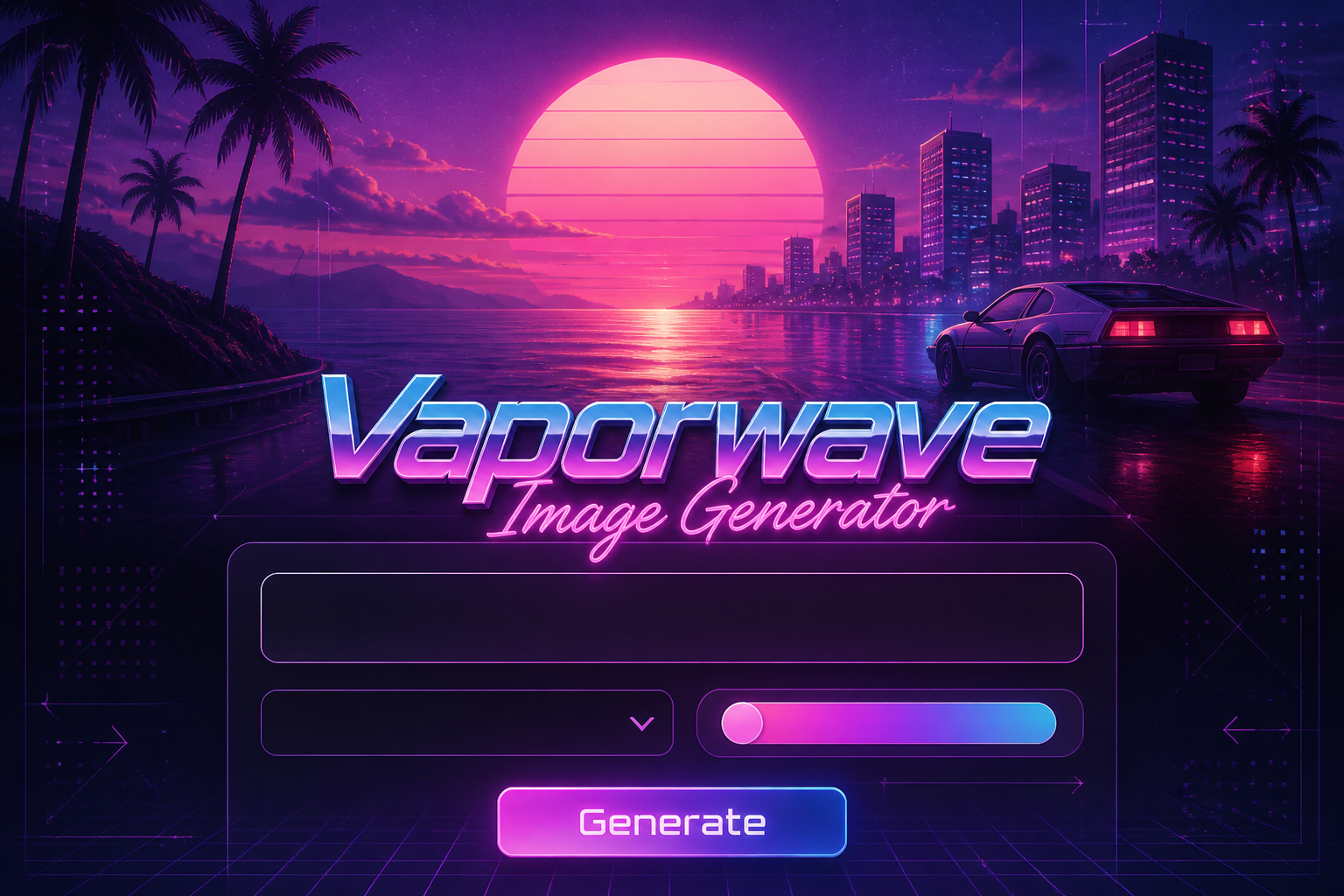
Vaporwave Image Generator is a free online tool to generate vaporwave style images. The tool is free to use, just enter prompt in vaporwave style and generate vaporwave image style in seconds similar quality to flux, midjourney, open ai, imagen, nano banana AI image quality.
Generate Vaporwave AI Image for Free
Receive our FREE AI updates via email once a week
What is a vaporwave Generator?
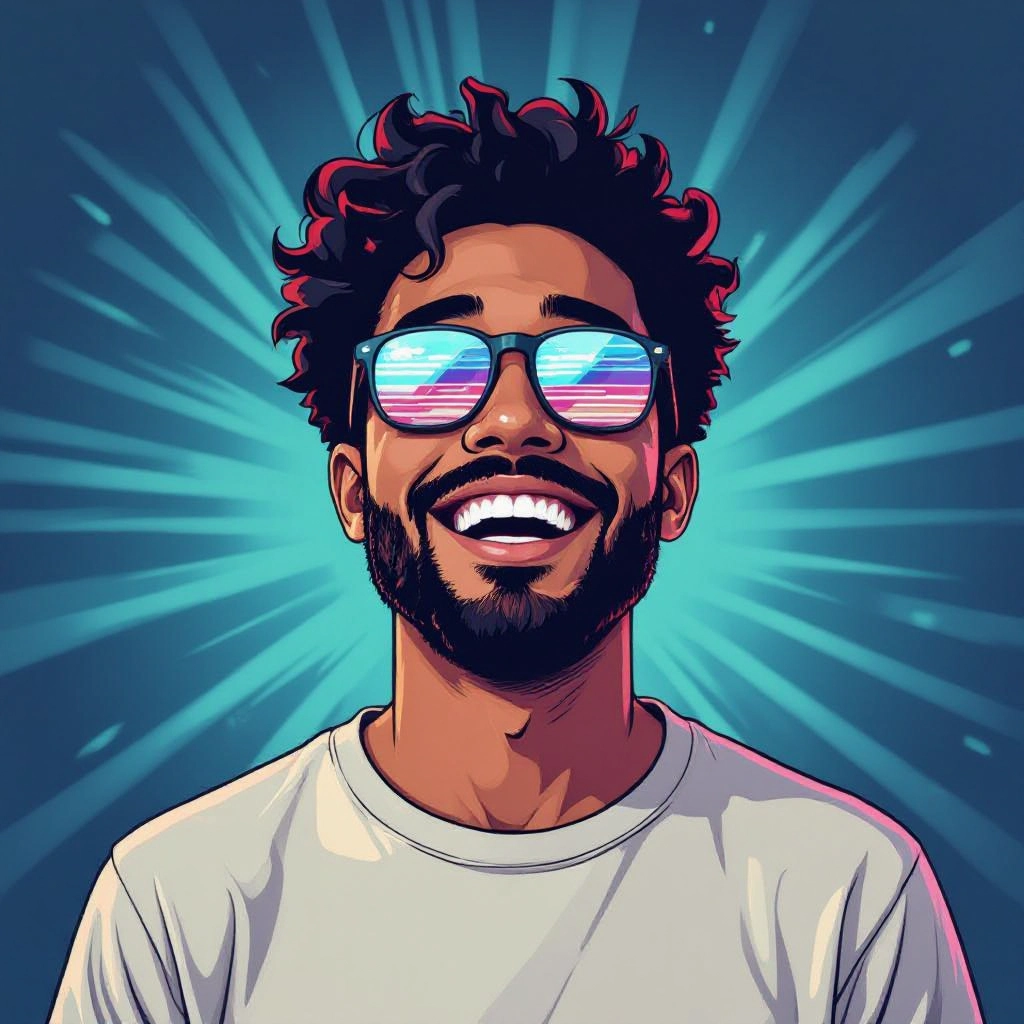
A vaporwave generator is an AI-driven image tool designed to produce visuals that channel the aesthetic of 1980s and 1990s retro-futurism. It combines neon gradients, pastel-to-neon color transitions, VHS grain, CRT bloom, grid horizons, Roman or Greek bust motifs, palm trees, and surreal cityscapes to recreate the nostalgic yet uncanny look unique to vaporwave.
Designers, musicians, social creators, and indie brands use this generator to rapidly prototype album covers, web headers, backgrounds, and promotional art. Photographers and digital artists use the tool to generate concept imagery or reference variations, while marketers create eye-catching visuals that leverage vaporwave color theory and compositional tropes for distinct branding.
How to Create vaporwave Images
To create vaporwave images, follow three simple steps: craft a prompt that includes vaporwave elements like neon sun, grid horizon, VHS grain, and marble bust; select a preset palette such as cyan-magenta or sunset pastel and enable artifacts like film grain or scanlines; generate an image, then refine by adjusting saturation, contrast, or recomposing elements until you achieve the retro-futuristic mood you want.
Enter AI Vaporwave Prompt
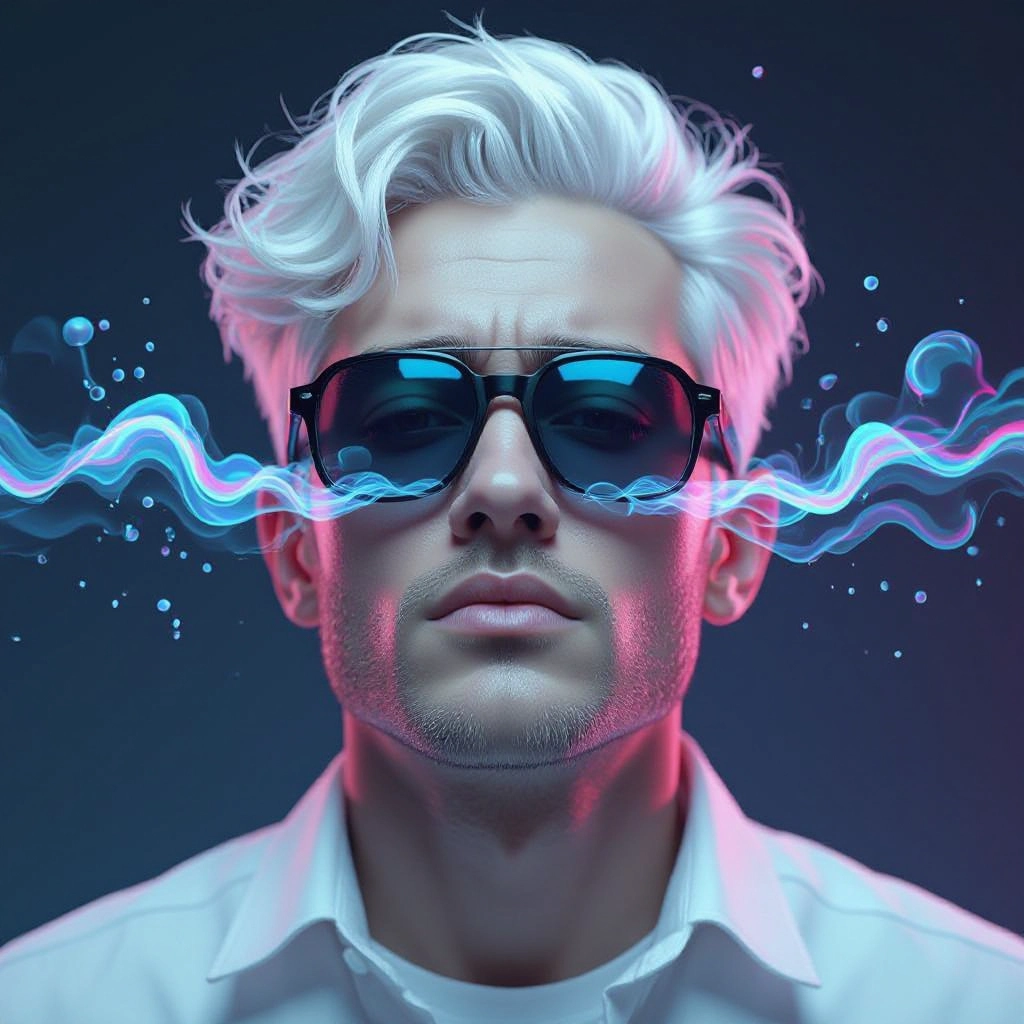
Type your vaporwave character or scene description in the prompt box. Include details like character appearance, clothing, expressions, and setting to get better AI vaporwave results.
Choose AI Model Settings
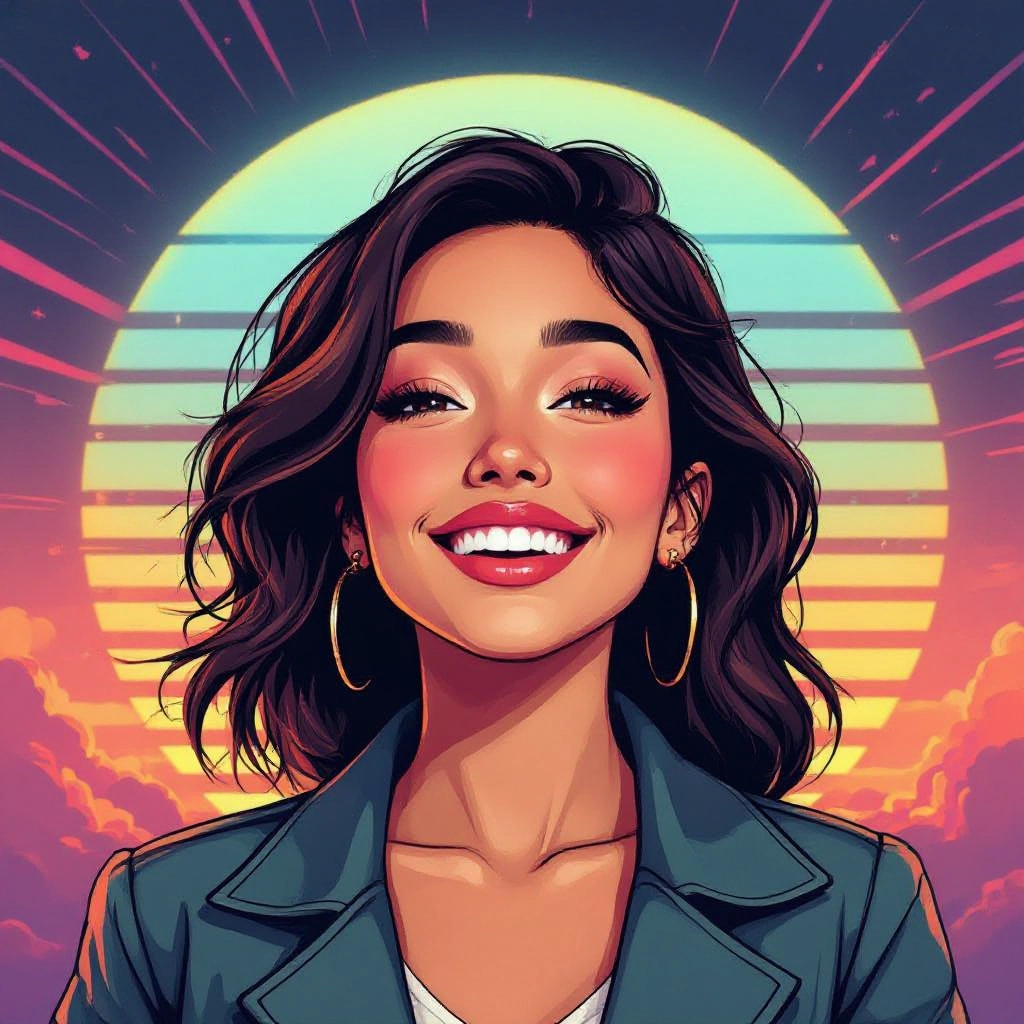
Select your preferred image size and aspect ratio. Our AI model delivers professional quality comparable to:
- • Flux AI Quality
- • Midjourney Standard
- • OpenAI DALL-E
- • Google Imagen
Download AI Vaporwave Image
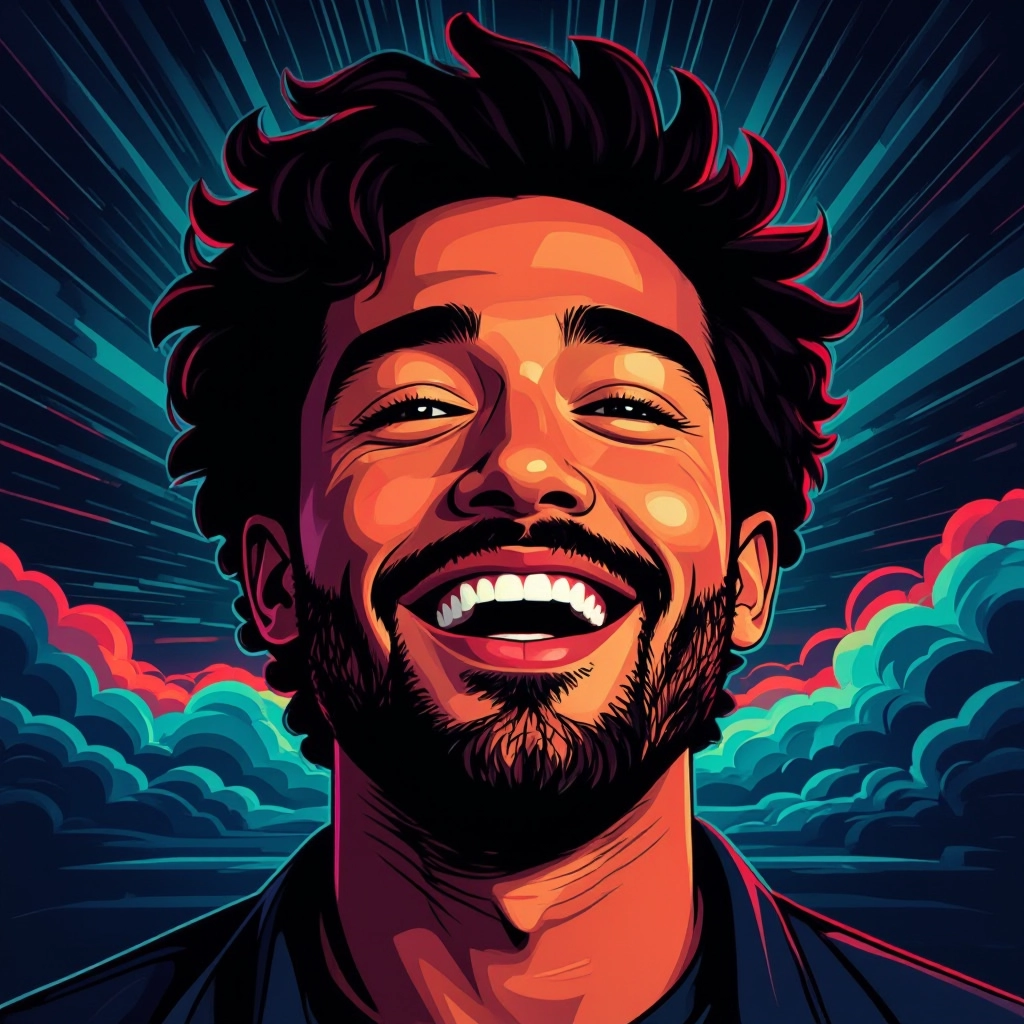
Once your AI vaporwave image is generated, click the download button to save it to your device. The image will be in high quality format ready for use.
Features of AI vaporwave Image Generator
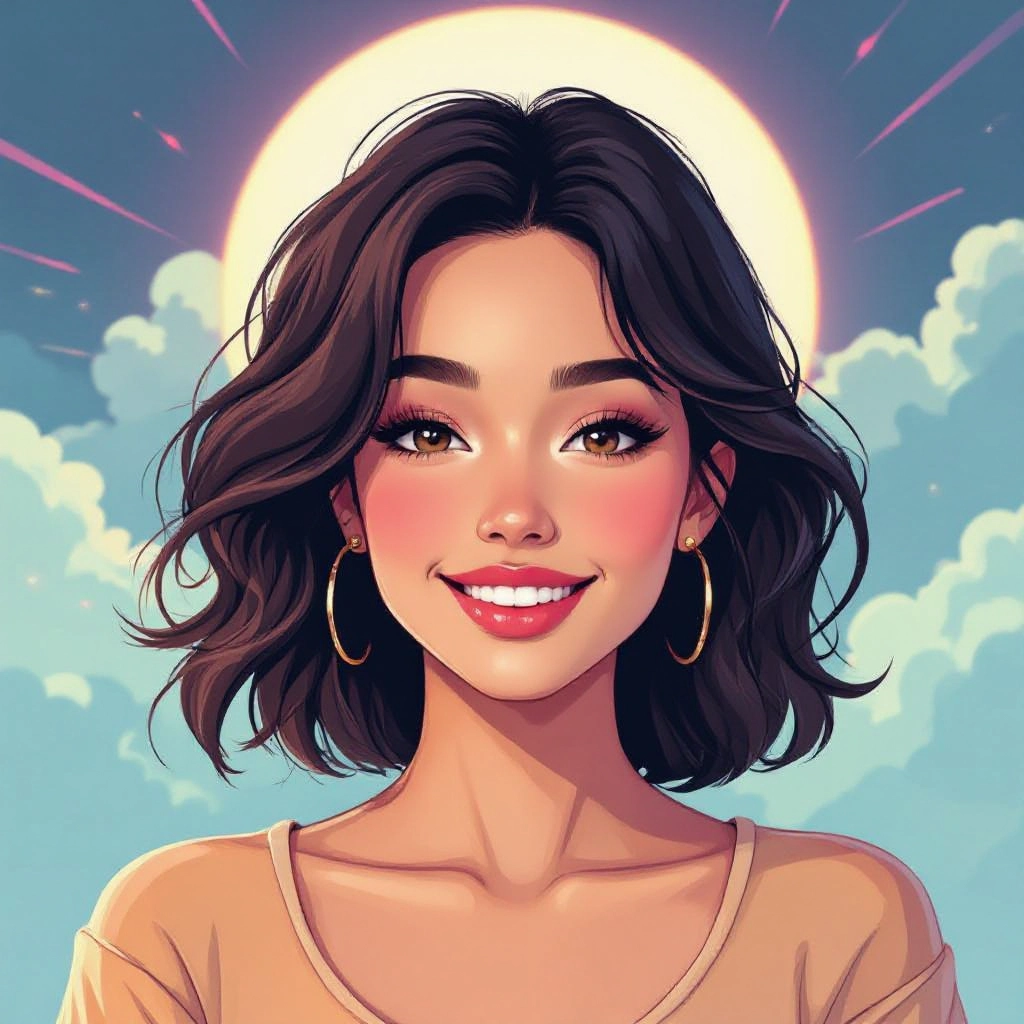
Neon Gradient Engine
Custom gradient generator tuned for vaporwave palettes that blends cyan, magenta, purple, and peach with smooth banding options to recreate sunset and synthwave skies accurately. Enhance your results by generating a detailed prompt with our Free AI Art Prompt Generator first.

VHS Grain and Scanline Controls
Adjustable VHS artifacts, static, and horizontal scanlines to emulate tape-based textures. Fine control over intensity, vertical drift, and chromatic aberration provides authentic aged video looks.
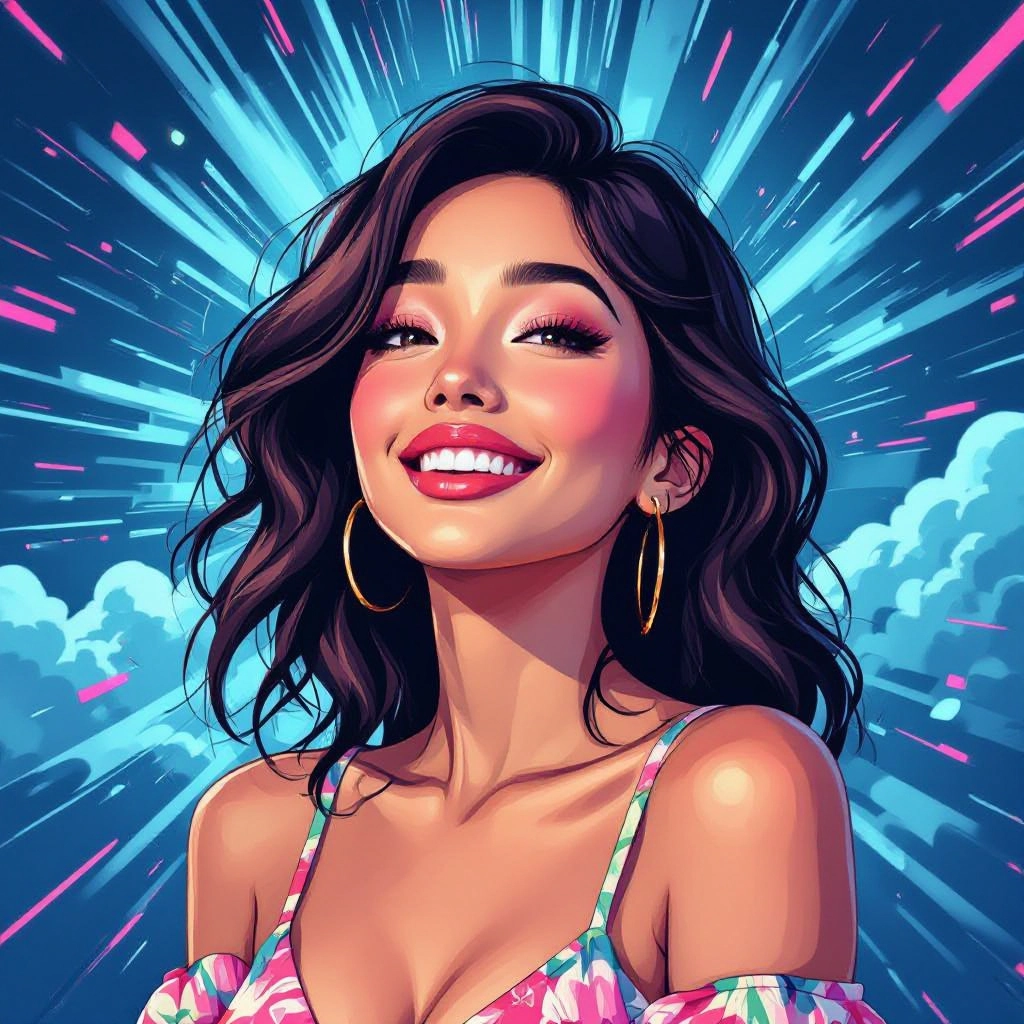
Retro Palette Presets
One-click presets based on classic vaporwave color schemes: pastel sunrise, neon dusk, teal-pink contrast, and monochrome marble. Presets preserve tonal balance for consistent series of images.
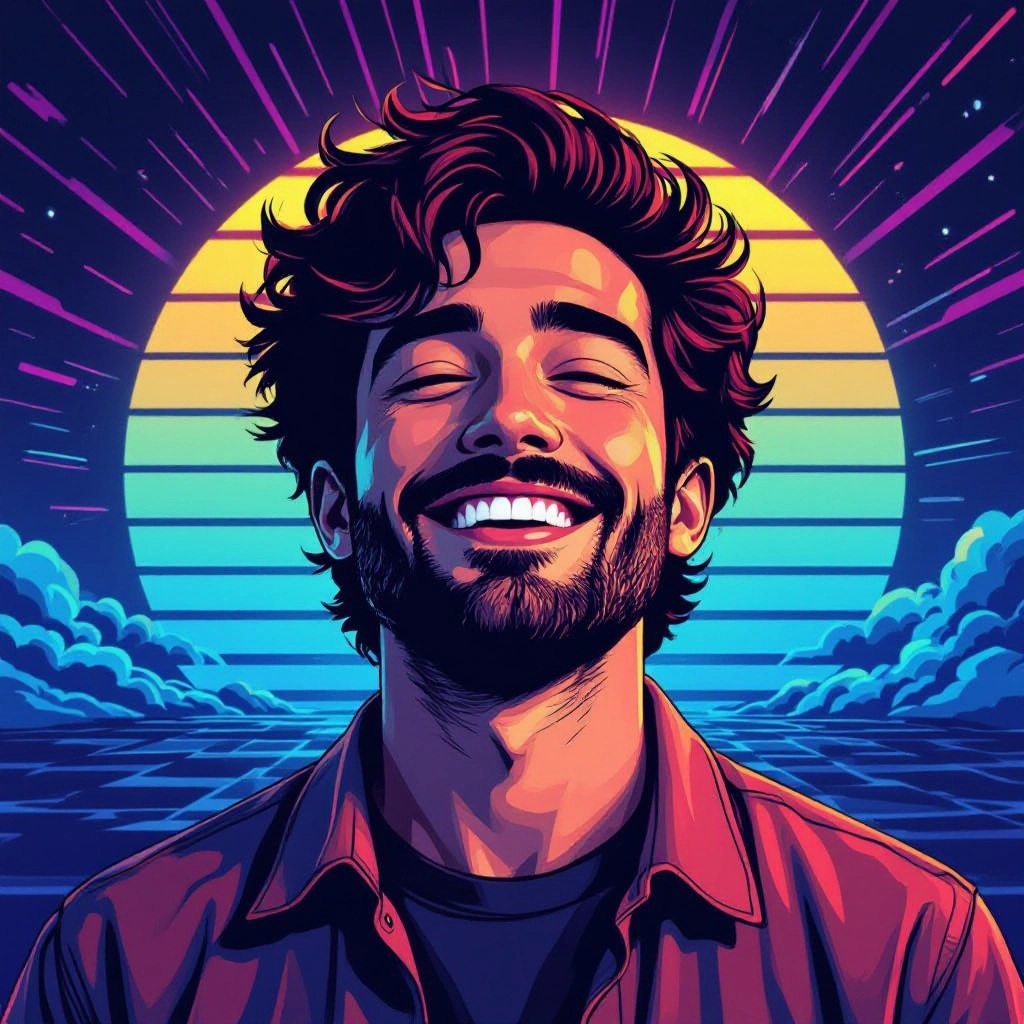
Sculptural Bust and Icon Library
Integrated library of classical busts, statues, and low-poly tropes with options to apply marble texture, halftone overlays, and metallic sheens for iconic vaporwave focal points.
Scene Composer and Background Layers
Layered editor to place grids, horizons, palm silhouettes, glitch overlays, and retro UI elements. The composer enables depth control, parallax previews, and exportable layer masks for post editing.
Types of AI Powered Vaporwave Style Images
Vaporwave has many microstyles. Below are six popular AI-powered variants that highlight different facets of the aesthetic, from pastel serenity to glitch-heavy retro futurism.
Pastel Sunset Vaporwave
Soft gradients of peach, lavender, and mint with a central glowing sun and minimalist silhouettes. Emphasis on calm nostalgia and airy composition.
Neon Dusk Cyber-Vapor
High-contrast neon magenta and teal with reflective chrome surfaces, city skyline silhouettes, and pronounced bloom for a cinematic retro-future vibe.
VHS Glitch Retro
Intense VHS grain, horizontal tracking errors, chromatic offsets, and torn frame edges to mimic videotape degradation and lo-fi broadcast textures.
Sculptural Marble Vaporwave
Classical busts and statues rendered in marble or gold, placed against gradient backdrops and geometric grids to mix antiquity with digital nostalgia.
Tropical Grid Horizon
Palm tree silhouettes above a pulsating grid that recedes to a neon sun horizon, combining tropical motifs with endless perspective lines.
Minimalist Retro UI
Simplified interface overlays, pixel fonts, and neon icons arranged with generous negative space for posters, album covers, and web headers.
Applications of AI vaporwave image style
Album and Single Covers
Create instantly recognizable cover art for synth, lo-fi, electronic, and experimental music that leverages vaporwave color and iconography to convey mood.
Social Media and Profile Art
Generate cohesive visual feeds, story backgrounds, and profile banners that stand out with retro hues, making posts more clickable and shareable.
Website Headers and Backgrounds
Design immersive headers and full-bleed backgrounds that give landing pages a distinct retro-futuristic identity while remaining scalable for web use.
NFT and Digital Collectibles
Produce limited-run vaporwave visuals optimized for NFT galleries, with unique glitch variations and metadata-ready exports for collectors.
Motion Graphics and VJ Loops
Export layered assets for animation: moving grids, pulsating suns, and looping VHS glitches tailored for live visuals and music video backdrops.
Print Posters and Merchandise
High-resolution outputs for posters, apparel, and stickers that preserve neon gradients and texture details for physical production.
FAQs about AI vaporwave image generator
Is the vaporwave generator free to use?
Yes, the core generator is free for basic use. Free tier includes access to presets, standard resolution exports, and a limited number of daily generations. Premium plans unlock higher resolutions and batch generation.
Can I use generated images commercially?
Commercial use is allowed under our licensing terms. Check the license details for restrictions on resale or redistribution. Attribution is not required for most commercial uses but consult the terms for large scale distribution.
How do I write effective vaporwave prompts?
Be specific about visual elements: mention color palette, focal objects like marble busts or palm trees, texture effects such as VHS grain or halftone, and mood words like nostalgic or surreal. Combine concrete nouns and stylistic adjectives for best results.
What output resolutions are available?
Standard outputs include web-ready sizes and a high-resolution option for print up to 4K. Premium subscribers can export larger files and receive layered exports for advanced editing.
Can I upload a reference image or use image-to-image?
Yes, image-to-image is supported. Upload a photo to apply vaporwave palettes, grain, and compositional transforms. Use reference mode to preserve subject shapes while changing atmosphere and textures.
How do I get an authentic 80s feel without it looking cheesy?
Balance is key. Use authentic color palettes and grain sparingly, combine classical motifs with minimal composition, and avoid over-saturating every element. Subtle scanlines, tasteful bloom, and restrained type choices create a credible retro aesthetic.
