Gothic Image Generator
Gothic Image Generator is a free online tool to generate gothic style images. The tool is free to use, just enter prompt in gothic style and generate gothic image style in seconds similar quality to flux, midjourney, open ai, imagen, nano banana AI image quality.
Generate Gothic AI Image for Free
Receive our FREE AI updates via email once a week
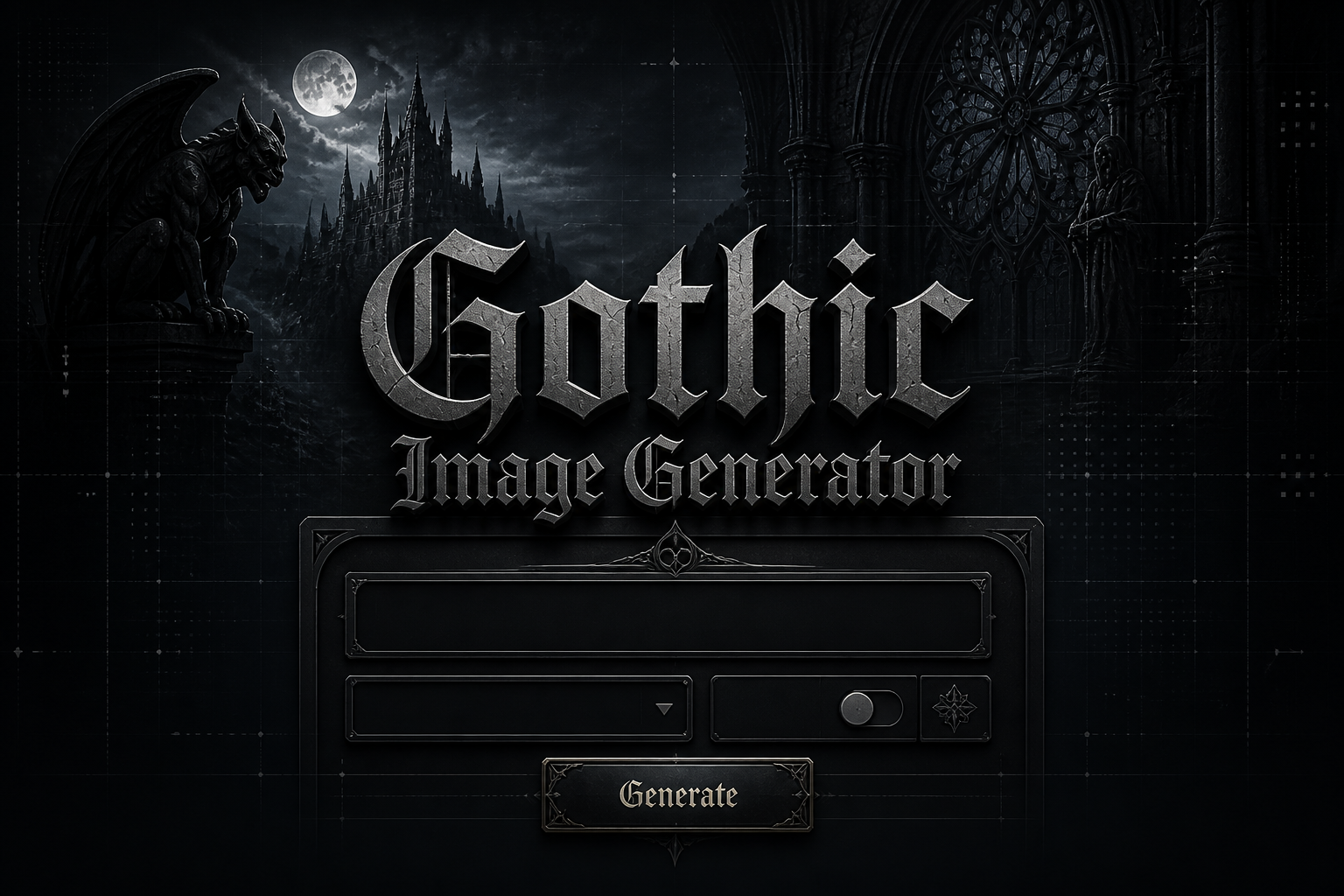
Gothic image Generator free tool
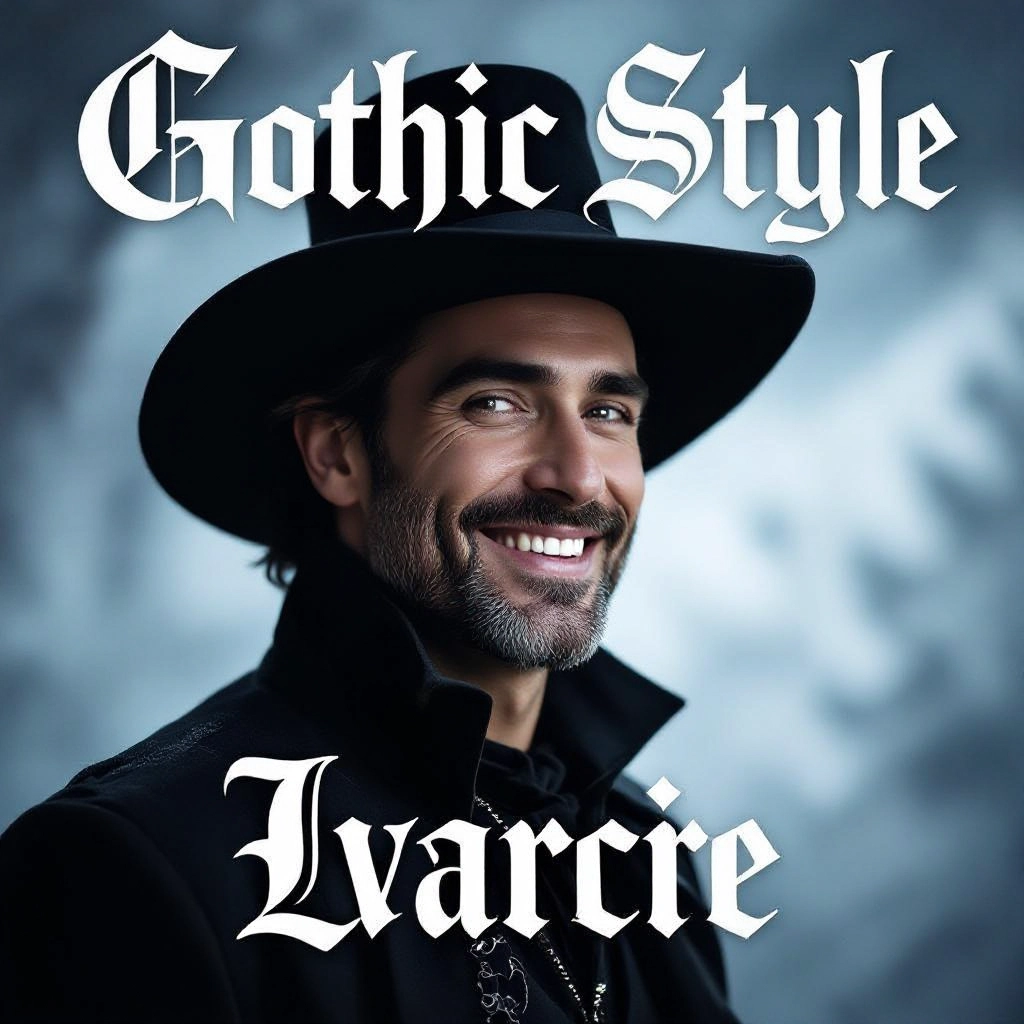
A Gothic Generator is an AI-powered image tool tuned to produce visuals with hallmarks of gothic art and design: soaring pointed arches, ribbed vaults, stained glass color shards, heavy chiaroscuro, cracked plaster textures, ornate tracery, and saturated shadows. Instead of generic aesthetics the model prioritizes brooding atmospheres, antique patinas, period motifs, and compositional rules that evoke melancholy, mystery, and grandeur specific to gothic visual language.
Writers, illustrators, game developers, album designers, and period set designers use the generator to create mood boards, reference images, and finished assets. Independent artists use it to iterate on character portraits with Victorian or medieval accents, while production designers and cover artists rely on it to generate consistent architectural backdrops, weathered textures, and lighting studies that match dark, historical, or fantastical gothic narratives.
How to Create gothic Images with our AI tool
Step 1: Write a detailed gothic prompt that names core motifs like cathedral, gargoyle, candlelight, fog, stained glass, cracked fresco, Victorian attire, or moonlit courtyard and include lighting / color cues such as high contrast, warm candle glow, or desaturated blues; Step 2: Choose style controls and resolution, pick a mood preset like Victorian, Baroque, or Gothic Noir, and set texture strength to emphasize stone, rust, and grain; Step 3: Generate multiple iterations, refine prompts for facial features or architectural detail, and apply post processing like vignette, film grain, or selective desaturation to reach a finished gothic image.
Enter AI Gothic Prompt
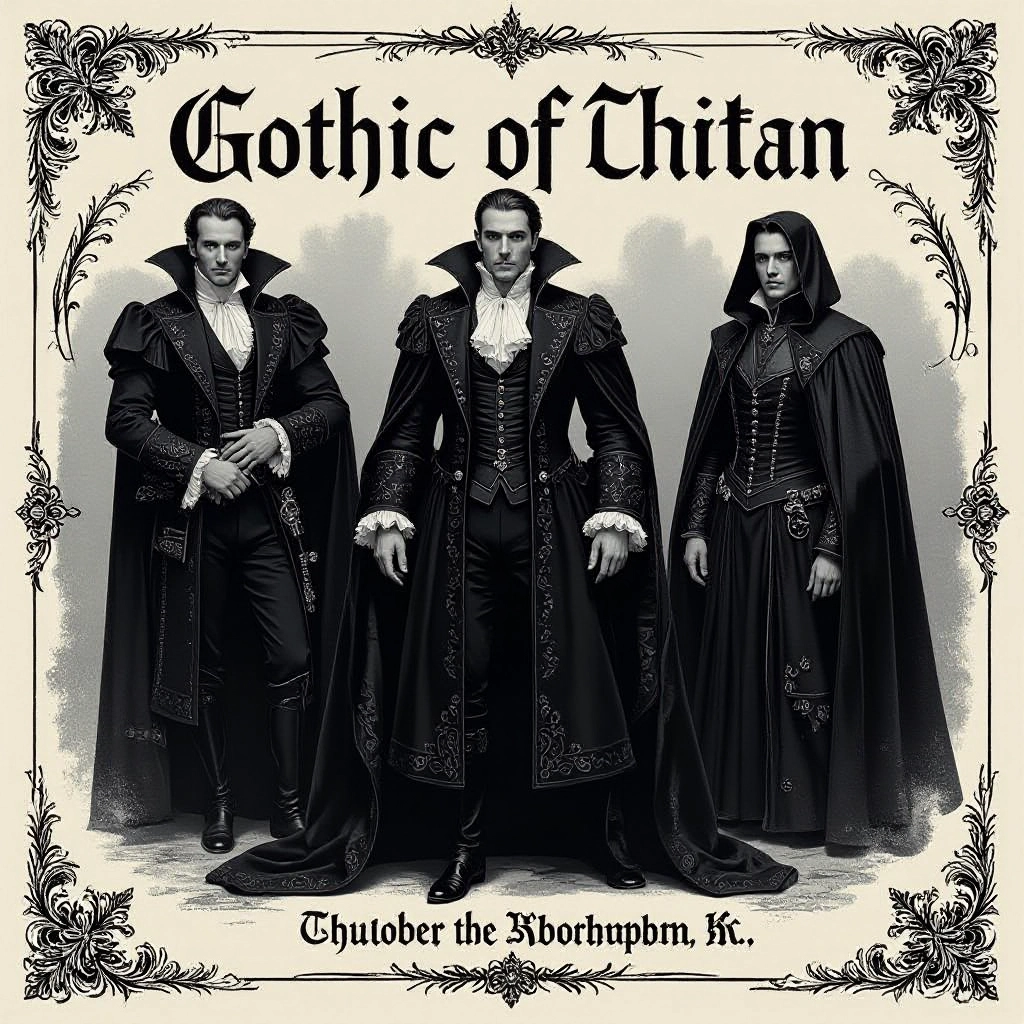
Type your gothic character or scene description in the prompt box. Include details like character appearance, clothing, expressions, and setting to get better AI gothic results.
Choose AI Model Settings
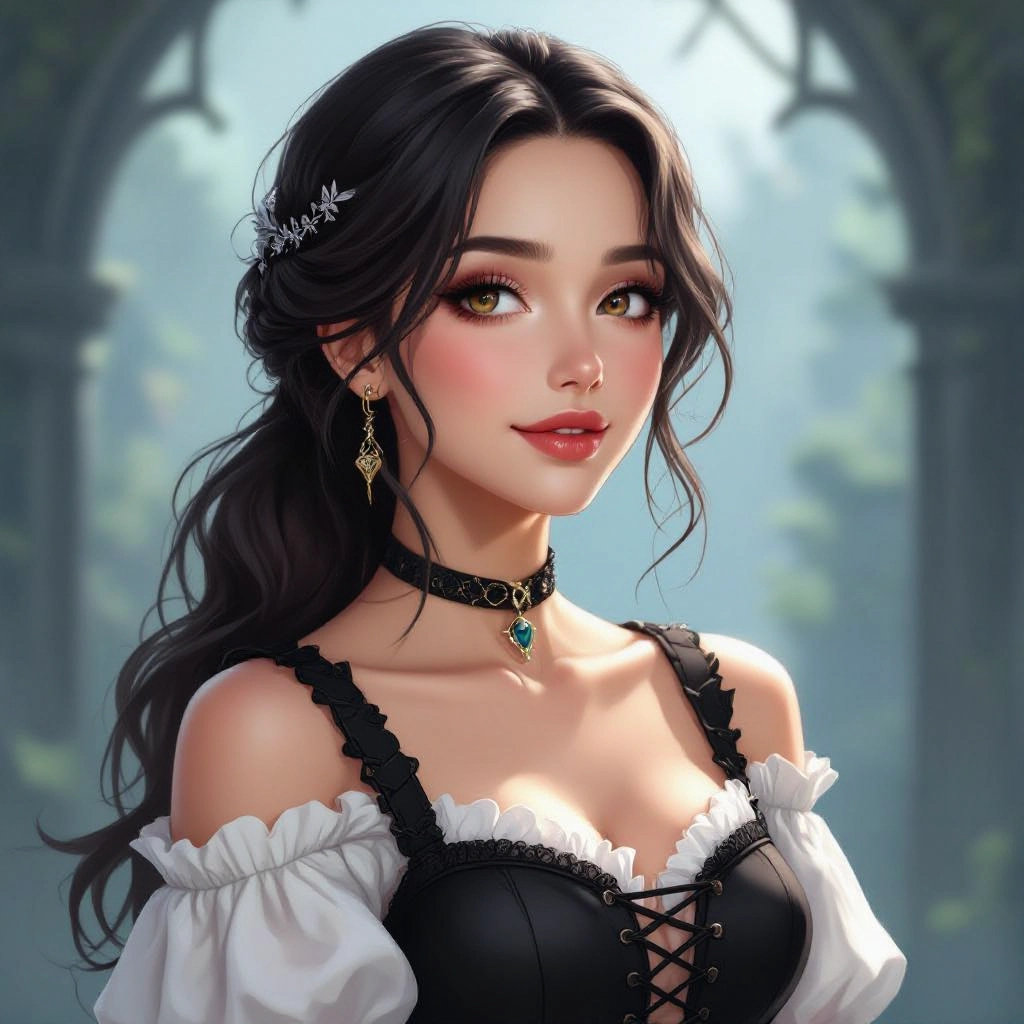
Select your preferred image size and aspect ratio. Our AI model delivers professional quality comparable to:
- • Flux AI Quality
- • Midjourney Standard
- • OpenAI DALL-E
- • Google Imagen
Download AI Gothic Image
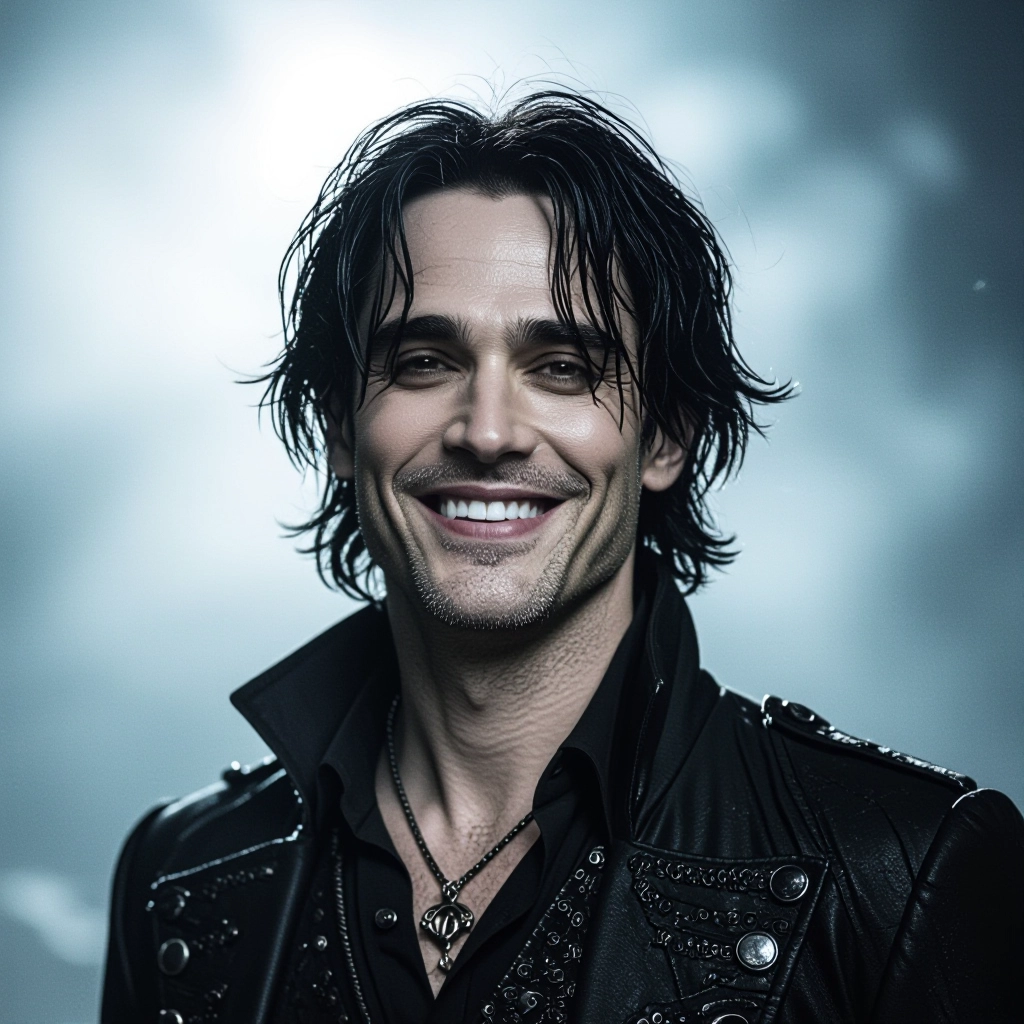
Once your AI gothic image is generated, click the download button to save it to your device. The image will be in high quality format ready for use.
Features of our Free AI gothic Image Generator
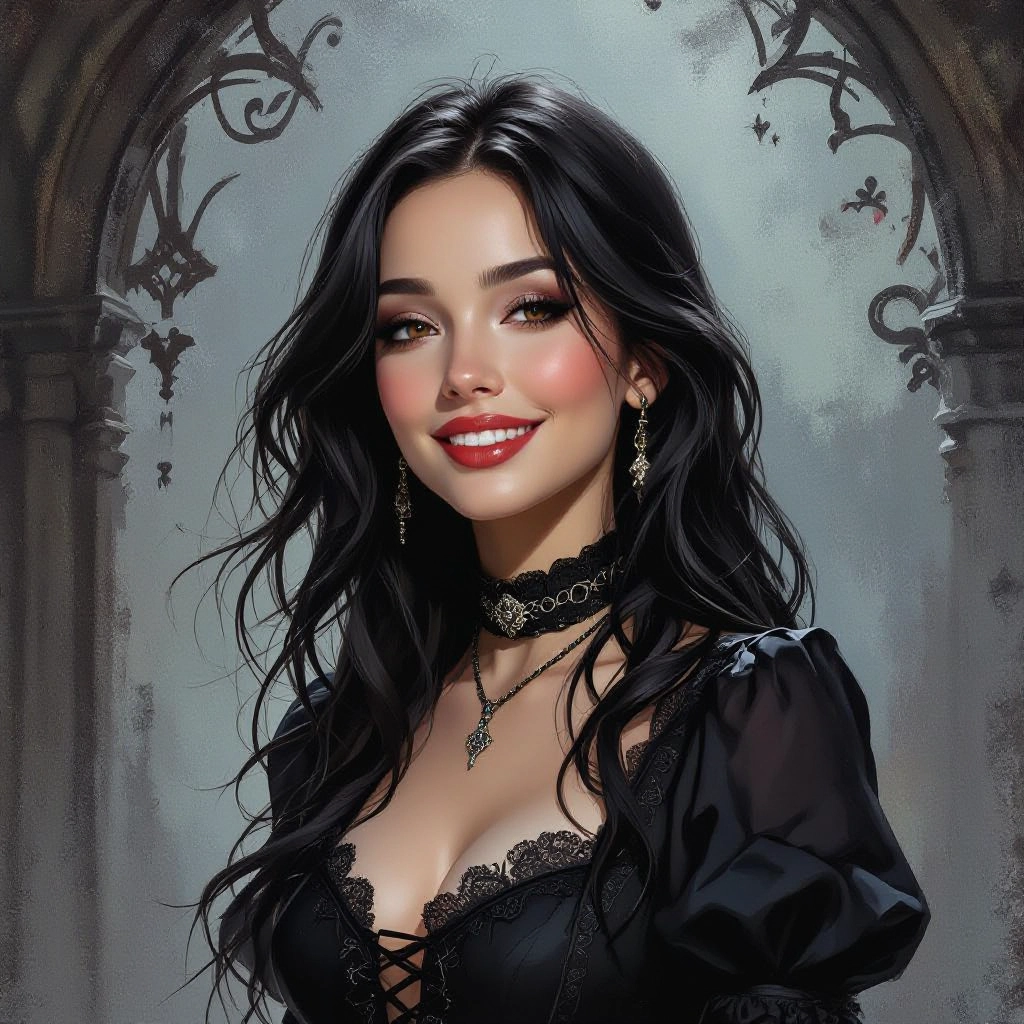
Ornate Architectural Rendering
High-fidelity generation of gothic architecture including flying buttresses, traceried windows, spires, and carved stonework that retains intricate detail at large scales for use in backgrounds and concept scenes. Find dark inspiration with our Free Horror Prompt Generator before generating your scene.
Chiaroscuro and Candlelight Controls
Precise lighting parameters to reproduce deep shadows, dramatic rim light, and realistic candle or torch illumination to emphasize mood and silhouette in portraits and interiors.
Antique Texture and Patina Engine
Layered texture tools that add cracked plaster, moss, soot, peeling paint, and gilt wear to surfaces so images feel aged, tactile, and historically resonant rather than generically 'dark'.
Period Costume and Prop Presets
Collection of presets for Victorian, medieval, and ecclesiastical garments and props—lace collars, brocade, reliquaries, cruciform motifs—tuned to preserve fabric detail and historical silhouette.
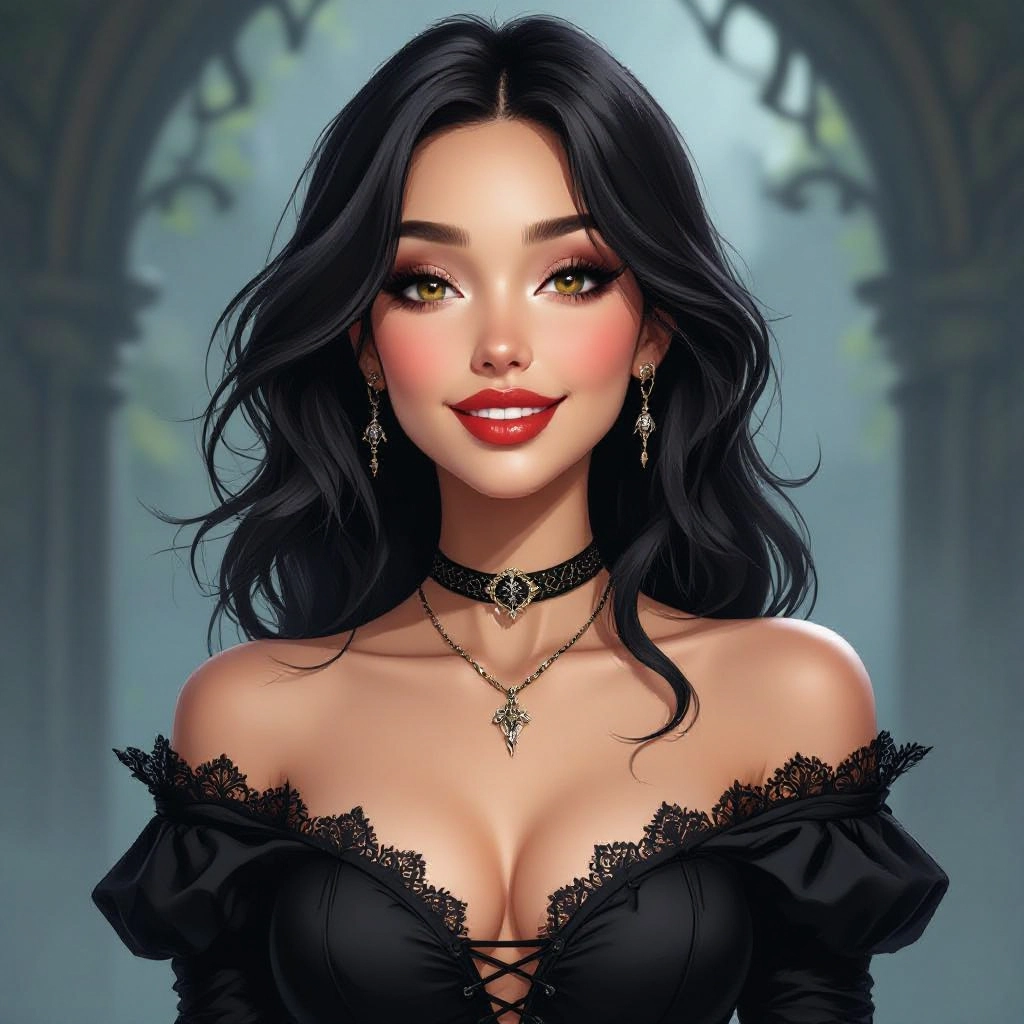
Mood Presets and Color Grading
Ready-made grading profiles like Gothic Noir, Sepia Relic, and Midnight Cathedral to instantly apply color palettes with desaturated skin tones, cobalt shadows, and amber highlights for cohesive gothic aesthetics.
Types of AI Powered Gothic Style Images
The generator supports multiple gothic substyles so you can target a precise atmosphere, from historical accuracy to fantastical reinterpretation. Each variation emphasizes different motifs, palettes, and textures intrinsic to gothic visuals.
Victorian Portrait Gothic
Dark, formal portraits with high collars, surface blemish, oil-paint texture, muted palettes, and candlelit faces that recall 19th century photographic and painted portraiture.
Gothic Cathedral Landscapes
Epic exterior views of cathedrals, cloisters, and ruined abbeys under stormy skies with dramatic perspective and detailed stonework.
Gothic Noir Urban Decay
Modern city scenes stripped through a gothic lens: rain-slick streets, neon reflections softened by fog, gargoyle silhouettes, and noir shadow patterns.
Religious Iconography Gothic
Stained glass studies, illuminated manuscript textures, candlelit altars, and symbolic motifs rendered with sacred geometry and baroque ornament.
Gothic Fantasy Landscapes
Fantastical vistas with looming castles, twisted forests, bleak moors, and supernatural lighting for games and book covers.
Baroque Ornamentation and Still Life
Close-up still lifes with ornate frames, tarnished silver, dried roses, skulls, and heavy drapery that highlight texture and vanitas themes.
Applications of AI gothic image style
Book Covers for Gothic Fiction
Create striking covers with period architecture, moody protagonists, and symbolic props that instantly communicate genre to readers.
Game Concept Art and Environments
Rapidly iterate environment concepts, level backdrops, and NPC portraits with consistent gothic motifs to speed preproduction for dark fantasy titles.
Album and Poster Artwork
Design album sleeves and promotional posters with brooding visuals, ornate typography mockups, and textures suited for metal, darkwave, and ambient releases.
Film Previsualization and Storyboards
Generate mood frames and detailed set ideas for period horror and gothic cinema to guide lighting, set dressing, and camera blocking.
Fashion Editorial and Costume Design
Develop editorial concepts and costume references with lace, brocade, antique jewelry, and silhouette studies tailored to gothic fashion shoots.
Interior Design and Atmospheric Moodboards
Produce textured room studies with aged stone, stained glass accents, wrought iron fixtures, and textile palettes for themed interiors or renovation concepts.
FAQs about AI gothic image generator
Is the Gothic Image Generator free to use?
Yes. The basic generator is free for creating gothic style images. There may be premium options for higher resolution exports or additional style packs depending on the platform.
Can I generate high resolution images suitable for print?
You can export higher resolution files when the platform supports it. For print quality, select the highest DPI or resolution option, and consider minor post processing to sharpen ornate details and textures.
How do I get historically accurate Victorian or medieval details?
Include precise historical terms in your prompt such as 'Victorian bustle', 'Gothic ribbed vault', 'fleur de lis tracery', and reference materials or artist names. Use the period costume and prop presets to reinforce accuracy.
Are generated images free to use commercially?
Licensing varies by service. Check the generator's terms of use for commercial rights, attribution requirements, and any restrictions. If you plan to sell or publish work, confirm the license permits commercial distribution.
Can I control textures like cracked plaster or moss?
Yes. Texture strength and layering controls let you emphasize cracked plaster, moss growth, soot, and gilding. Use texture keywords in prompts and adjust the engine sliders to balance subtlety against overt weathering.
What prompt tips produce compelling gothic faces and characters?
Specify lighting, emotion, period clothing, and facial features. For example: 'three-quarter portrait, candlelit, hollow cheeks, lace collar, porcelain skin, haunted expression, film grain, 19th century style' and iterate until details like eye shape and hairstyle match your vision.
