Cinematic Image Generator
Cinematic Image Generator is a free online tool to generate cinematic style images. The tool is free to use, just enter prompt in cinematic style and generate cinematic image style in seconds similar quality to flux, midjourney, open ai, imagen, nano banana AI image quality.
Generate Cinematic AI Image for Free
Receive our FREE AI updates via email once a week
What is a cinematic Generator?
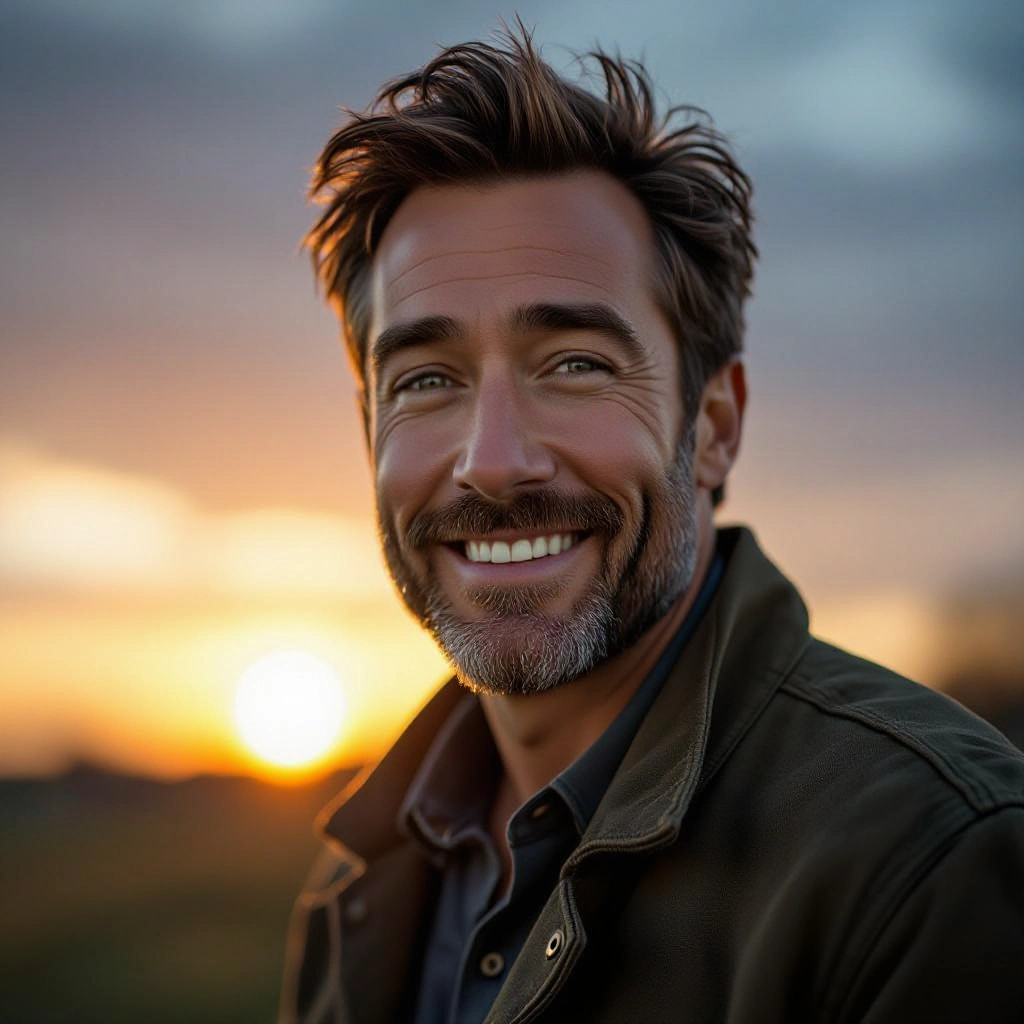
A cinematic generator is an AI-driven image tool tuned to recreate the visual grammar of cinema. It focuses on film conventions such as cinematic lighting, directional contrast, camera lens artifacts, aspect ratio choices and color grading curves so outputs read like still frames from a movie. The model applies composition rules, simulated lenses, depth cues and film grain to deliver images with narrative weight and visual drama rather than generic illustration.
Filmmakers, photographers, production designers, concept artists and content creators use a cinematic generator to prototype scenes, test mood boards and produce high-impact visuals for story development. Marketers and directors leverage its ability to simulate different cinematic eras and camera setups to visualize shots before shooting. The generator speeds ideation, reduces iteration cost and helps nontechnical creators achieve film-level aesthetics quickly.
How to Create cinematic Images
To create cinematic images in three clear steps: 1) Define mood and framing by choosing an emotion, time of day, camera angle and aspect ratio to anchor the scene; 2) Write a focused prompt that specifies cinematic lighting, lens type, color grade, subject placement and texture details, then generate and review multiple variations; 3) Refine by adjusting prompts, selecting alternate grades, toggling depth and grain controls, and upscaling the chosen frame for final export.
Enter AI Cinematic Prompt
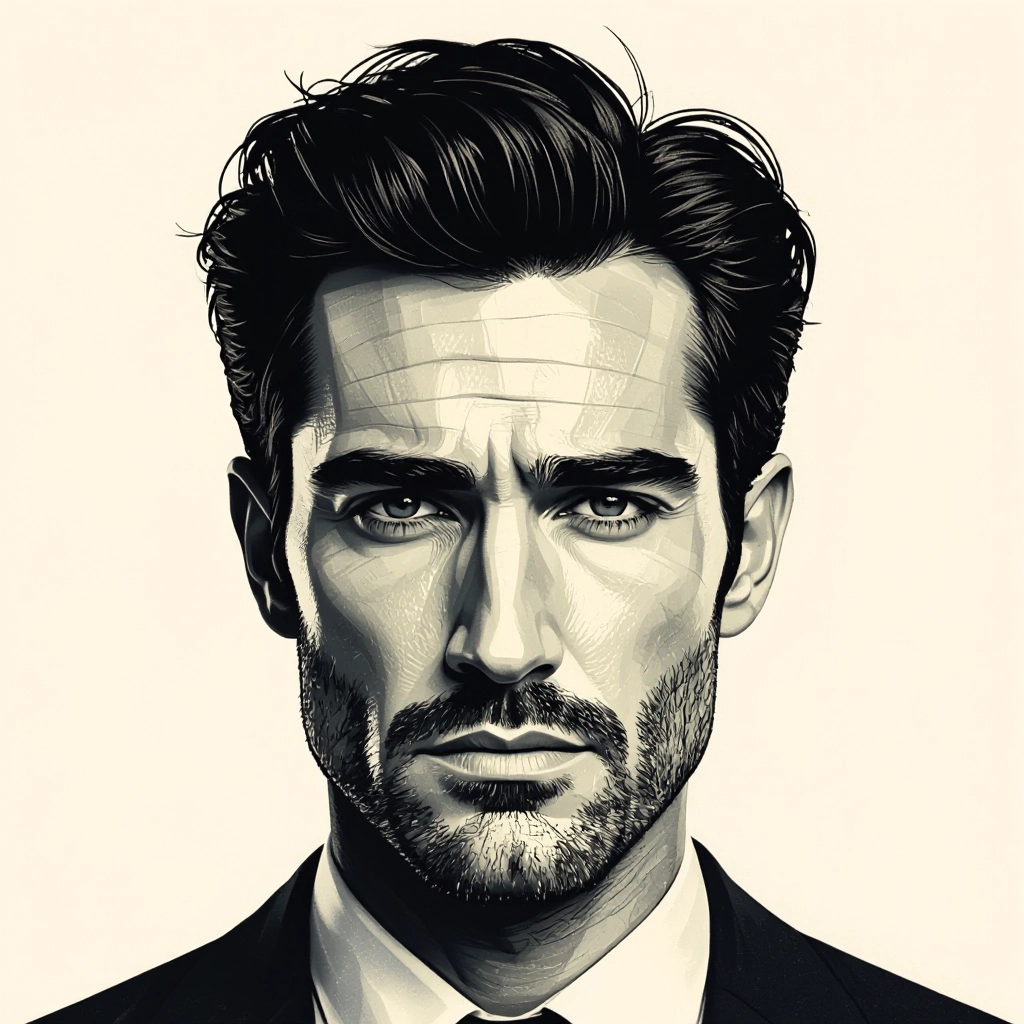
Type your cinematic character or scene description in the prompt box. Include details like character appearance, clothing, expressions, and setting to get better AI cinematic results.
Choose AI Model Settings
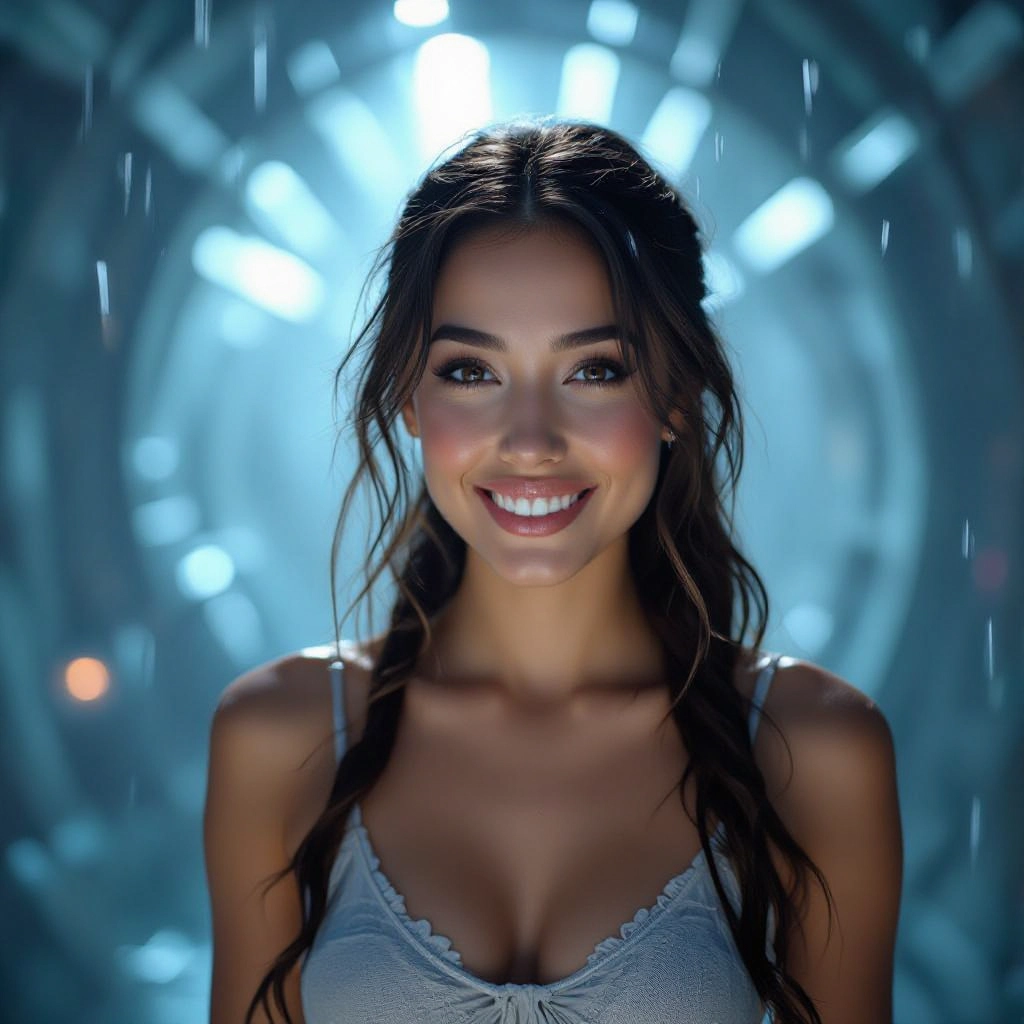
Select your preferred image size and aspect ratio. Our AI model delivers professional quality comparable to:
- • Flux AI Quality
- • Midjourney Standard
- • OpenAI DALL-E
- • Google Imagen
Download AI Cinematic Image
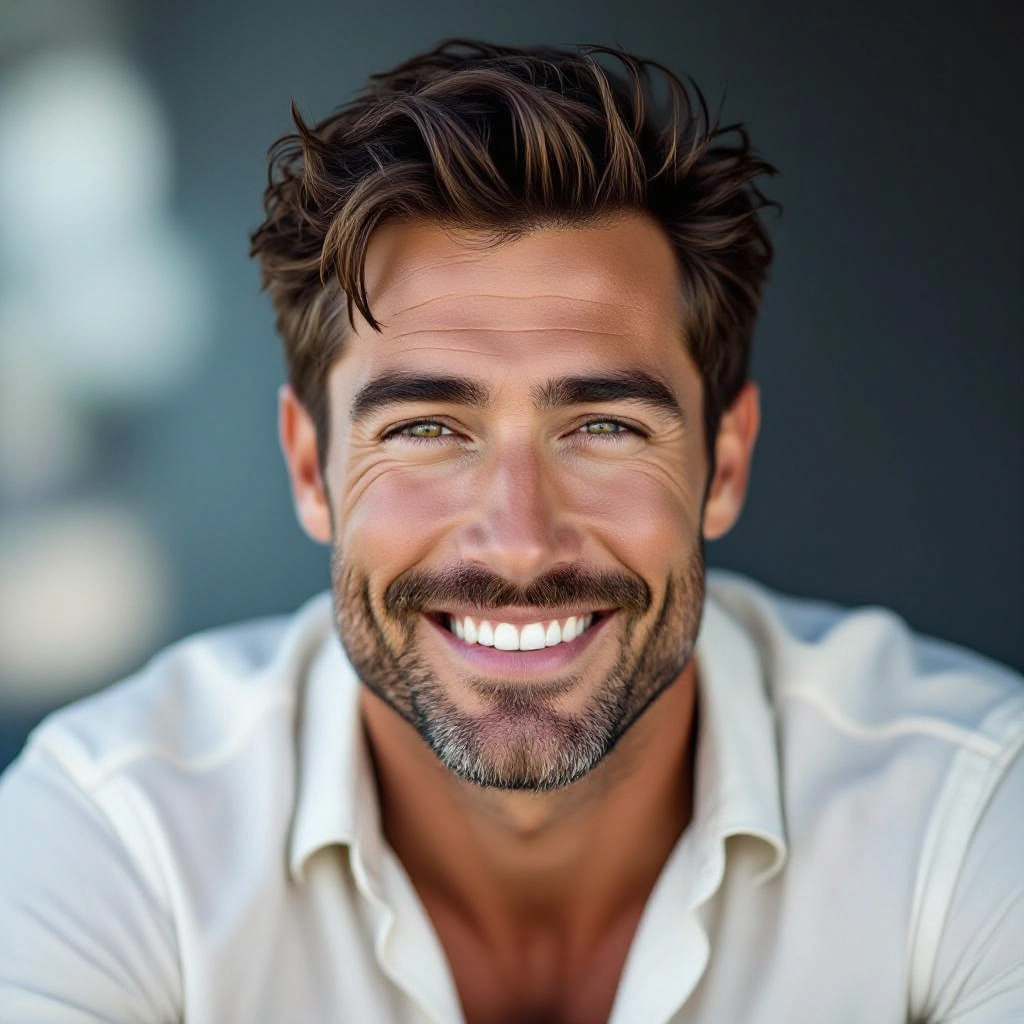
Once your AI cinematic image is generated, click the download button to save it to your device. The image will be in high quality format ready for use.
Features of AI cinematic Image Generator
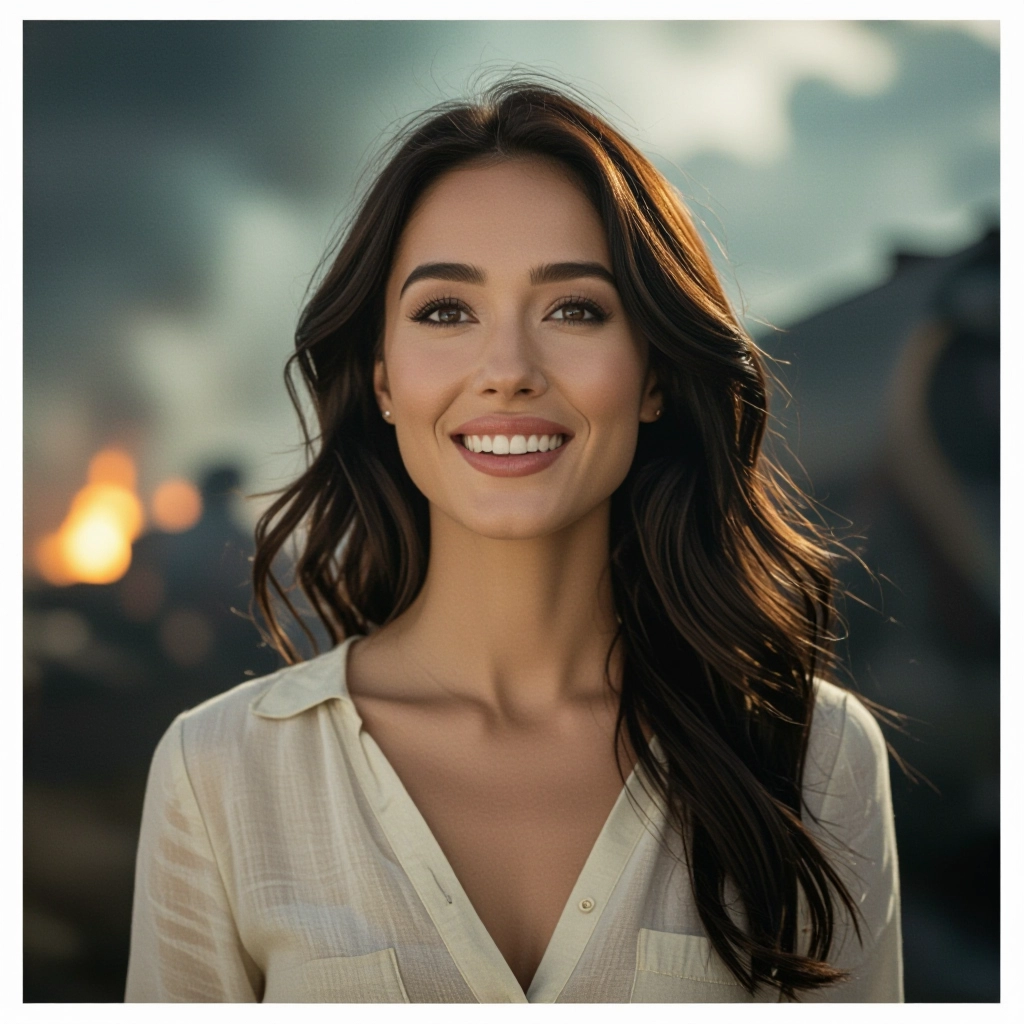
Cinematic Lighting Engine
Simulates movie lighting setups like three-point lighting, motivated practicals, rim light and chiaroscuro to create depth and dramatic contrast. Controls let you dial hardness, falloff and light color to match genres from film noir to golden hour drama. Pair with our Sora Prompt Generator to generate cinematic prompts for video and image creation.
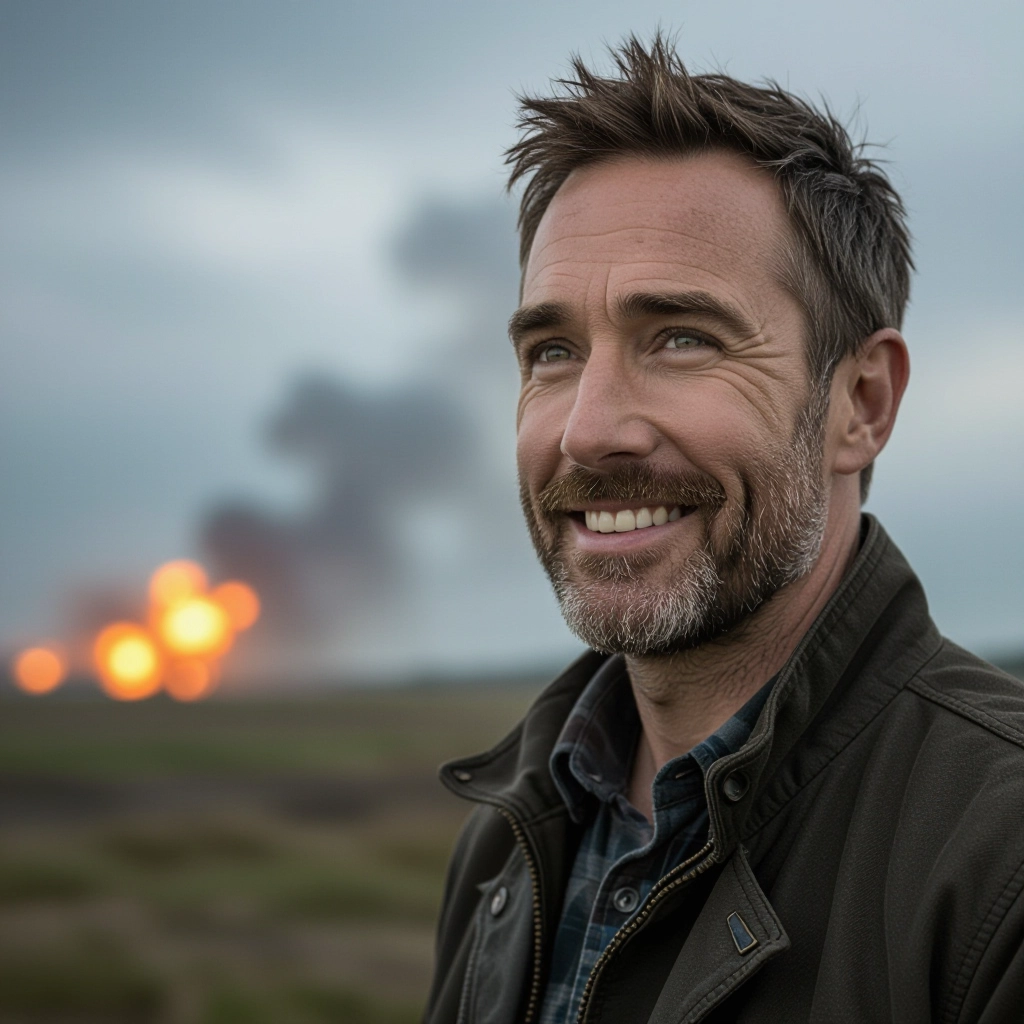
Color Grading Presets
Built-in film grade presets reproduce looks such as teal-and-orange, Kodak 5218, high-contrast monochrome and bleach bypass. Each preset maps highlights, midtones and shadows to produce consistent cinematic color palettes across multiple renders.
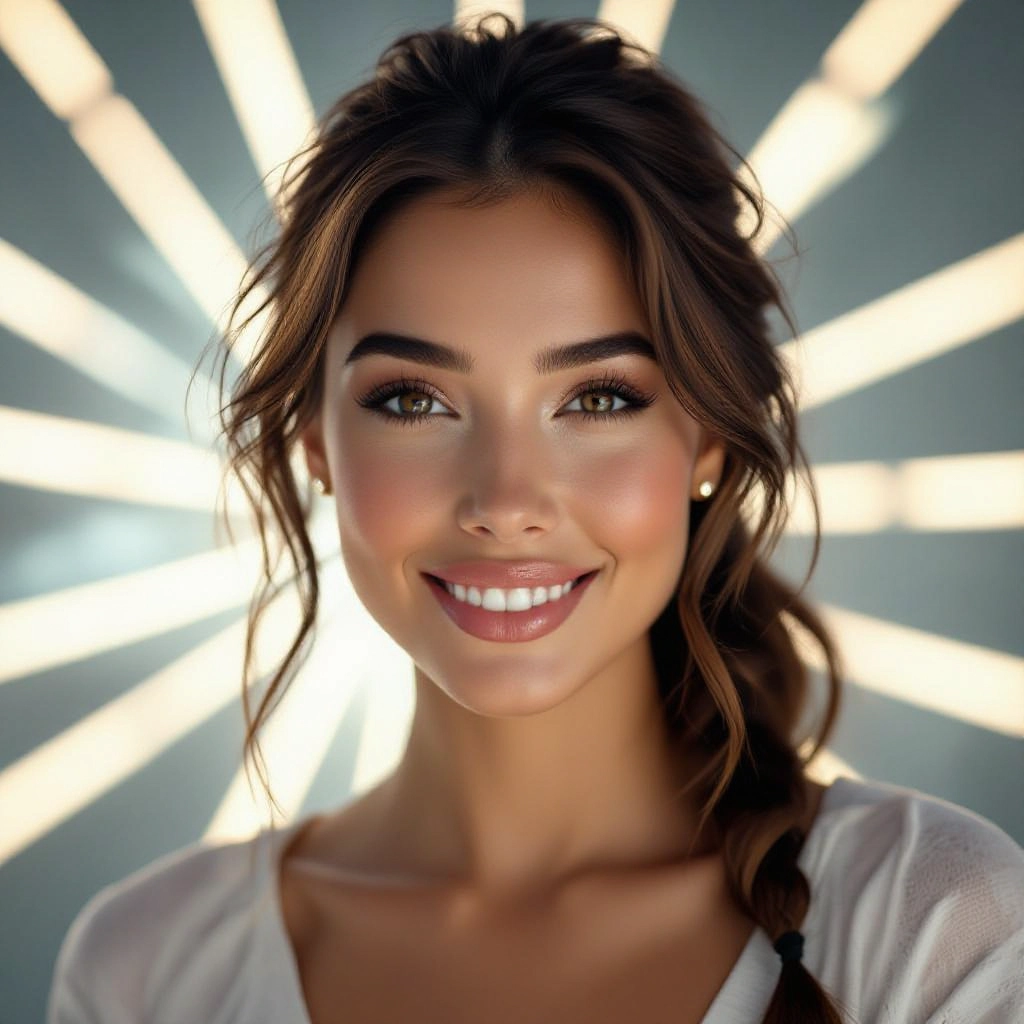
Lens and Camera Simulation
Choose simulated focal lengths, aperture settings and sensor sizes to control perspective, field of view and depth of field. Lens artifacts like bokeh shapes, chromatic aberration and vignetting add photographic authenticity.
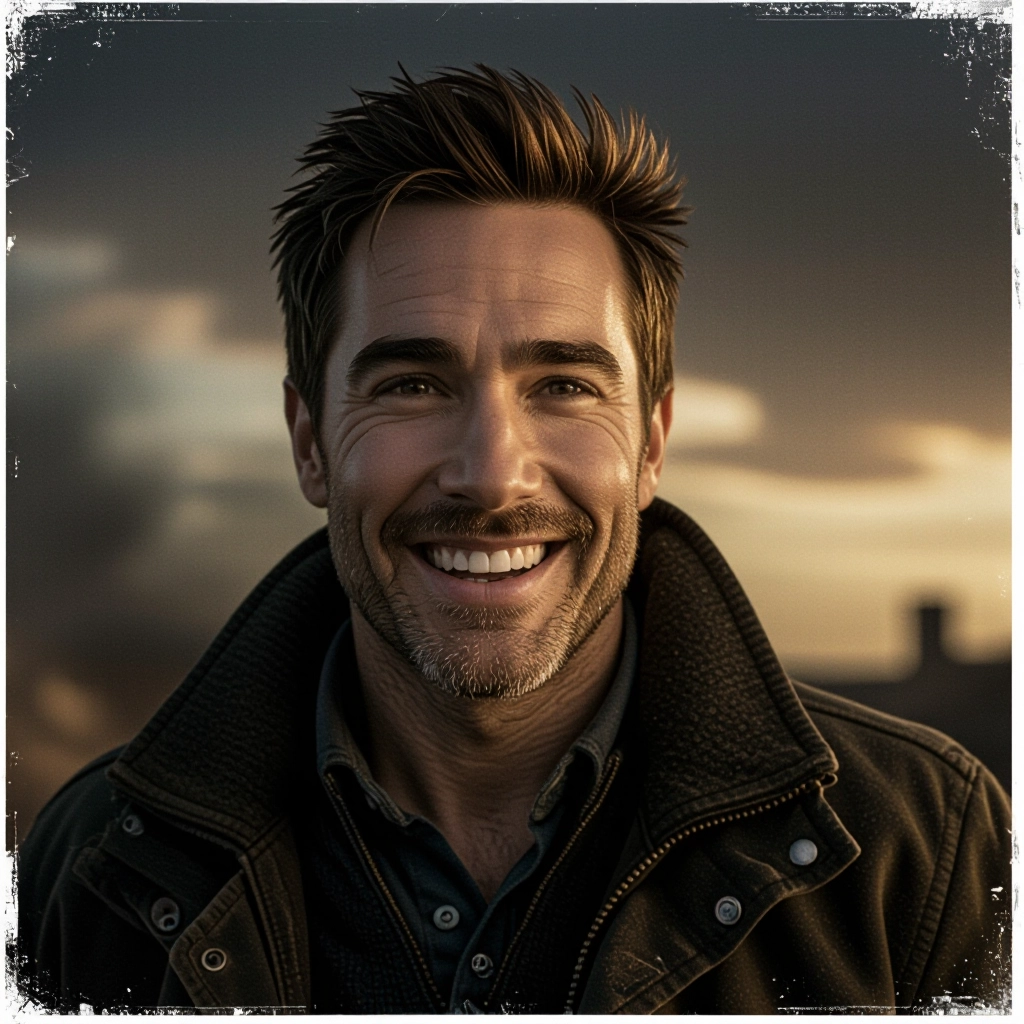
Aspect Ratio and Framing Tools
Select widescreen ratios such as 2.39:1, 1.85:1 or custom crops to shape cinematic composition. Guides for rule of thirds, leading lines and headroom streamline frame planning for storytelling intent.
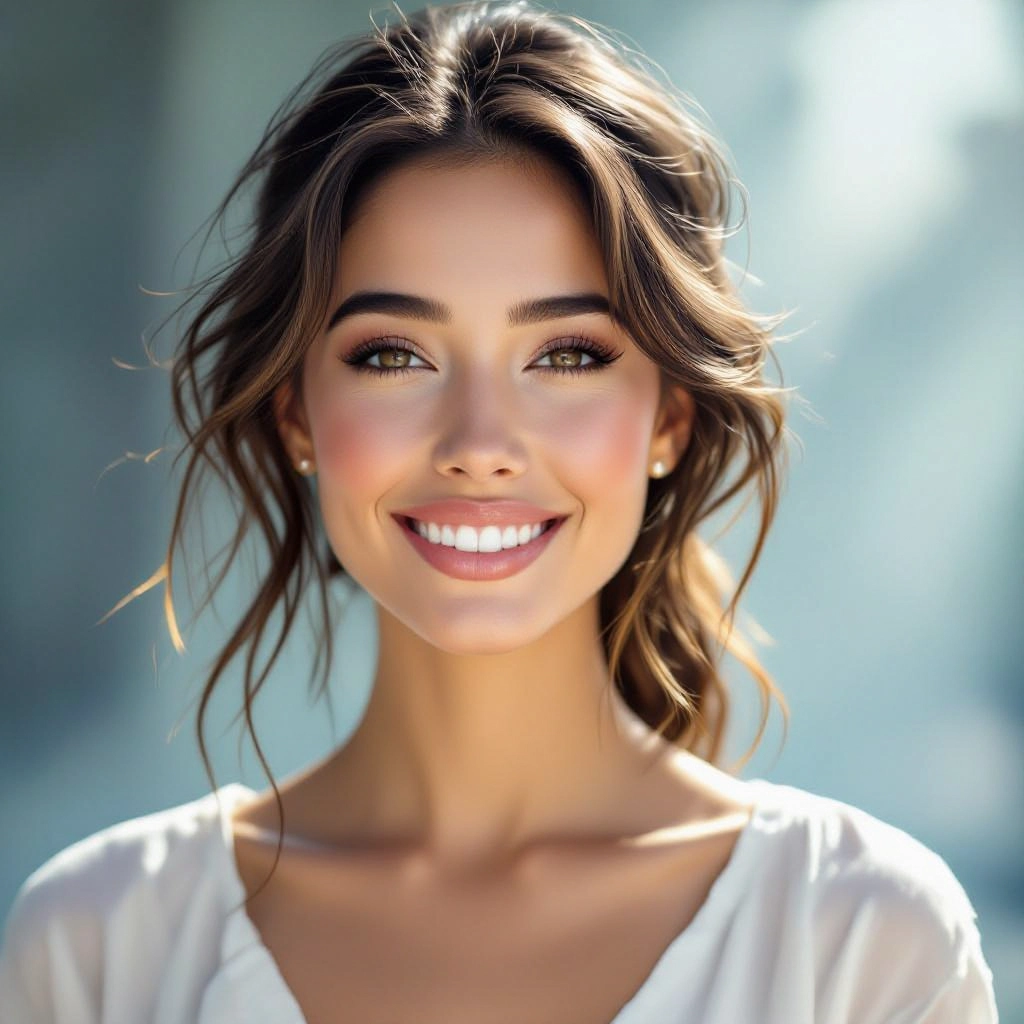
Texture, Grain and Motion Effects
Add film grain, dust, subtle motion blur and simulated shutter effects for tactile, analog feel. Fine control over texture intensity helps match era specific aesthetics or modern digital crispness.
Types of AI Powered Cinematic Style Images
Cinematic style spans genres and eras. The generator offers targeted styles that apply distinct lighting, color and camera conventions to evoke specific cinematic moods and periods.
Classic Film Noir
High-contrast black and white with hard rim lighting, tilted framing and deep shadows to evoke mystery and tension typical of 1940s detective cinema.
Neo-Noir Urban Night
Moody night scenes with neon highlights, wet pavement reflections, shallow depth and cool color grading to capture gritty, modern city narratives.
Epic Cinematic Landscape
Wide-angle vistas, dramatic skies and high dynamic range color grading that emphasize scale and sweeping cinematic panoramas for adventure and fantasy.
Intimate Character Close-Up
Tightly framed portraits with soft key light, shallow focus and skin tone grading to emphasize emotion and psychological detail.
Cyberpunk Futurism
Vibrant magenta and cyan palettes, volumetric neon light and reflective surfaces that create stylized futuristic cityscapes and tech noir atmospheres.
Vintage 35mm Film
Warm color bias, subtle film grain and lens flare to emulate analog 35mm textures and nostalgic period authenticity.
Applications of AI cinematic image style
Previsualization for Film and TV
Directors and cinematographers use cinematic images to map out shot lists, test lighting concepts and communicate mood to production teams before principal photography begins.
Advertising and Brand Storytelling
Ad creatives generate emotionally charged hero images with cinematic polish to increase engagement and convey premium narratives for campaigns.
Concept Art and Production Design
Concept artists produce varied cinematic treatments of sets and locations to refine visual language, costumes and props in early design stages.
Game Art and Key Visuals
Game studios generate cinematic stills for promotional key art, loading screens and mood references that guide in-game cinematics and atmosphere.
Book Covers and Editorial Imagery
Authors and publishers craft striking cover visuals with cinematic composition and color grading to attract readers and convey narrative tone.
Social Media and Short Form Content
Content creators and influencers produce cinematic thumbnails and stills that elevate short videos and posts, improving click through and audience retention.
FAQs about AI cinematic image generator
Is the Cinematic Image Generator free to use?
Yes, the core generator is free to use for creating cinematic-style images. Premium features such as high-resolution exports, commercial licenses and advanced batch rendering may require a subscription.
How do I write prompts for cinematic lighting and mood?
Be specific: name the time of day, light source direction, lens type, aperture, emotional tone and color grade. For example, 'golden hour backlight, 85mm shallow depth, warm cinematic color grade, subtle film grain' yields a focused cinematic result.
Can I use generated images commercially?
Commercial use depends on the tool's licensing terms. Check the license for usage rights. Many generators allow commercial use for created images when premium licensing is purchased or when outputs pass content policy requirements.
What resolution and aspect ratios are supported?
The generator supports common cinematic aspect ratios like 2.39:1, 1.85:1 and standard formats such as 16:9. Export resolutions vary by plan; high-resolution and print-ready exports are available in paid tiers.
How do I achieve authentic film grain and lens effects?
Enable the texture and lens simulation controls, select a film stock preset, then fine tune grain intensity, bokeh shape and chromatic aberration. Combine with appropriate lighting to sell the analog look.
Can the tool replicate specific cinematic styles or directors?
The generator can emulate stylistic cues such as color palettes, framing and lighting reminiscent of certain cinematic movements. Avoid using creator names in prompts if policy restricts impersonation. Instead describe the style attributes you want to match.
