16-Bit Image Generator
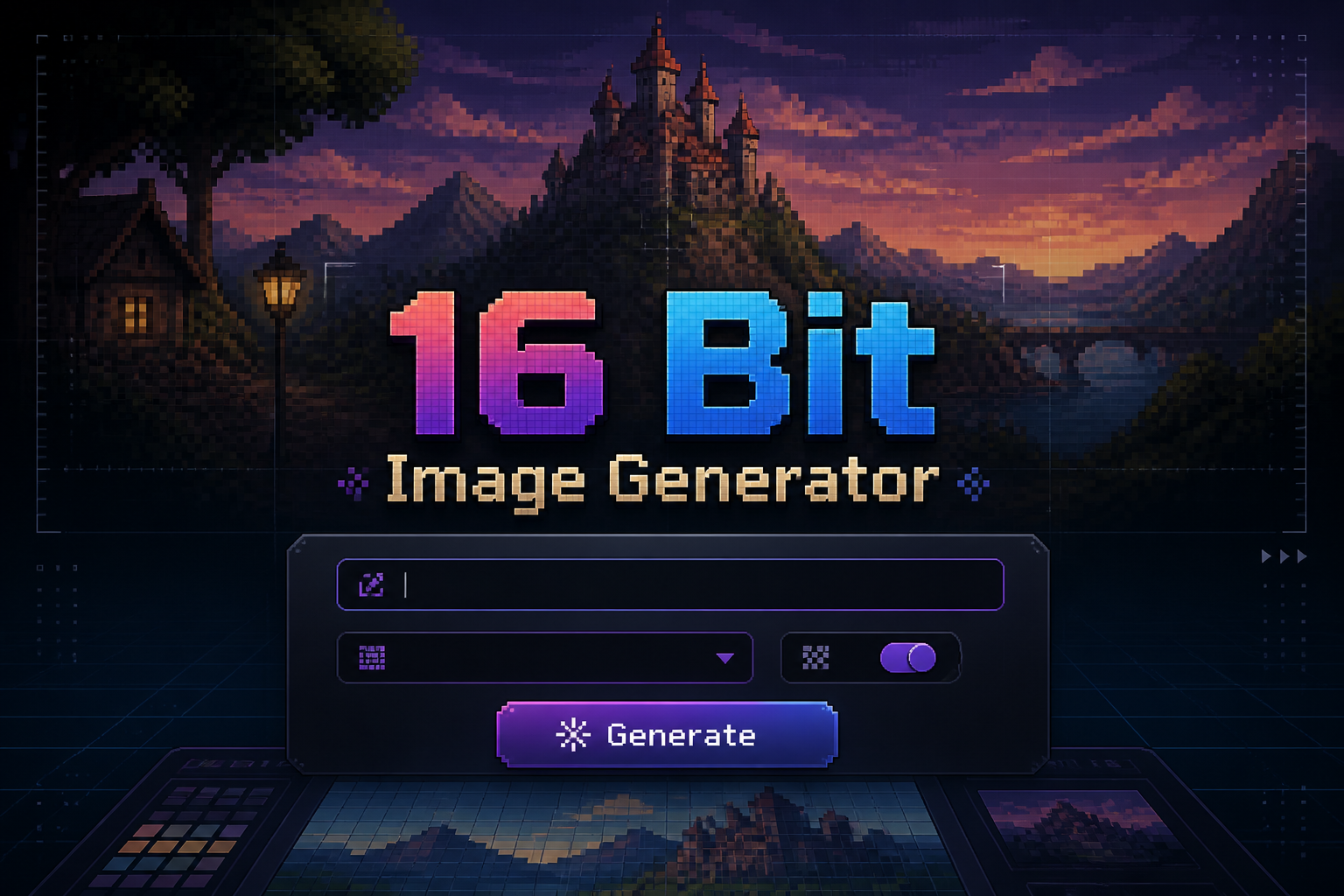
16-Bit Image Generator is a free online tool to generate 16-bit style images. The tool is free to use, just enter prompt in 16-bit style and generate 16-bit image style in seconds similar quality to flux, midjourney, open ai, imagen, nano banana AI image quality.
Generate 16-Bit AI Image for Free with AI
Receive our FREE AI updates via email once a week
What is a 16-bit Generator?

A 16-bit generator is an AI tool trained to reproduce the visual constraints and aesthetics of 16-bit era graphics. It focuses on limited color palettes, distinct tile and sprite geometry, fixed pixel grids and low resolution output so images retain the chunky, nostalgic appearance of classic console art rather than modern high fidelity renders.
Game developers, pixel artists, streamers and nostalgia driven designers use a 16-bit generator to prototype sprites, build tilesets, create promotional retro art and speed up iteration. It is valuable whenever you need authentic SNES or Genesis era visuals, precise palette control, or batch sprite exports that match historical game constraints.
How to Create 16-bit Images with our AI tool
Create 16-bit images in three simple steps: Step 1, craft a prompt that specifies palette size, target resolution and subject, for example 32x32 sprite, 12 color palette, top down. Step 2, set generator parameters like pixel scale, palette lock and dithering intensity and preview several variations to pick the one with the most faithful blocky detail. Step 3, export the result as indexed PNG or a sprite sheet and optionally refine edges, color ramps or animation frames in a pixel editor.
Enter AI 16-Bit Prompt
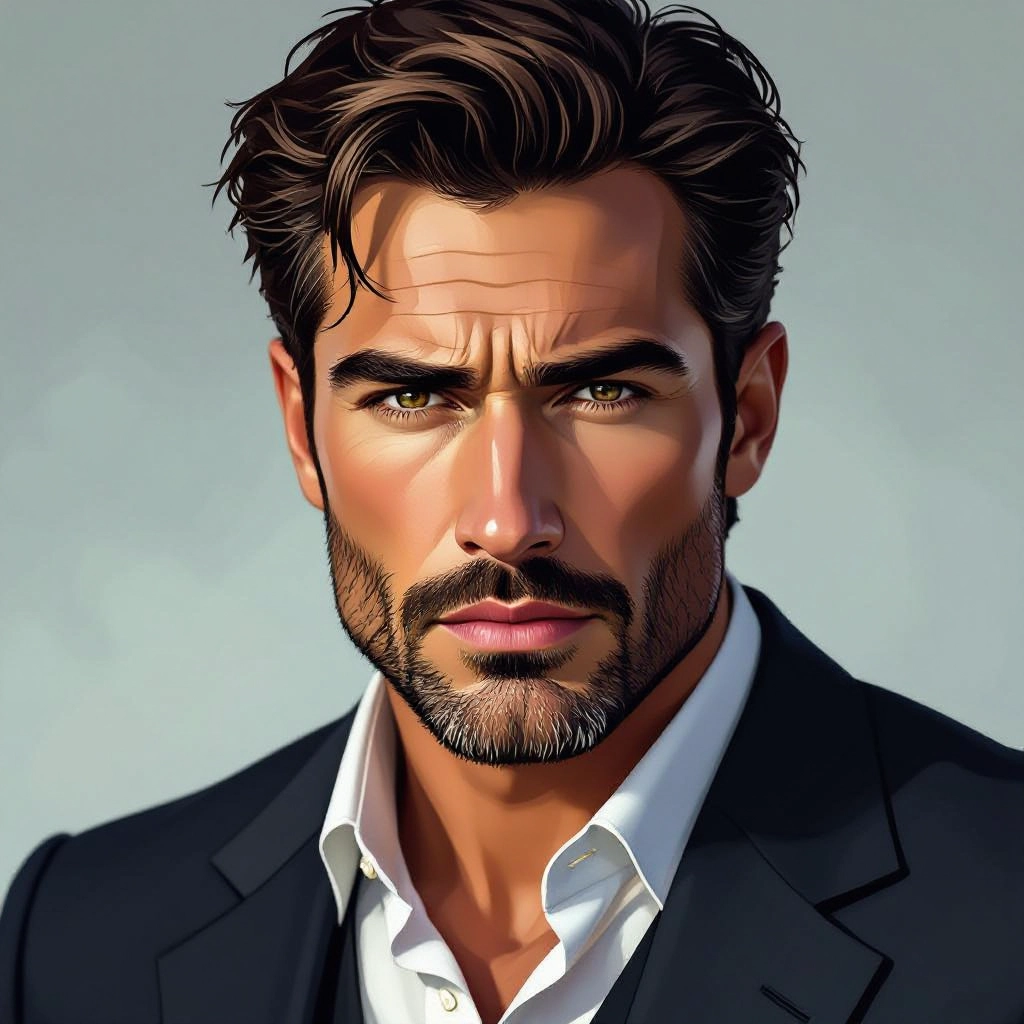
Type your 16-bit character or scene description in the prompt box. Include details like character appearance, clothing, expressions, and setting to get better AI 16-bit results.
Choose AI Model Settings

Select your preferred image size and aspect ratio. Our AI model delivers professional quality comparable to:
- • Flux AI Quality
- • Midjourney Standard
- • OpenAI DALL-E
- • Google Imagen
Download AI 16-Bit Image

Once your AI 16-bit image is generated, click the download button to save it to your device. The image will be in high quality format ready for use.
Features of our Free AI 16-bit Image Generator
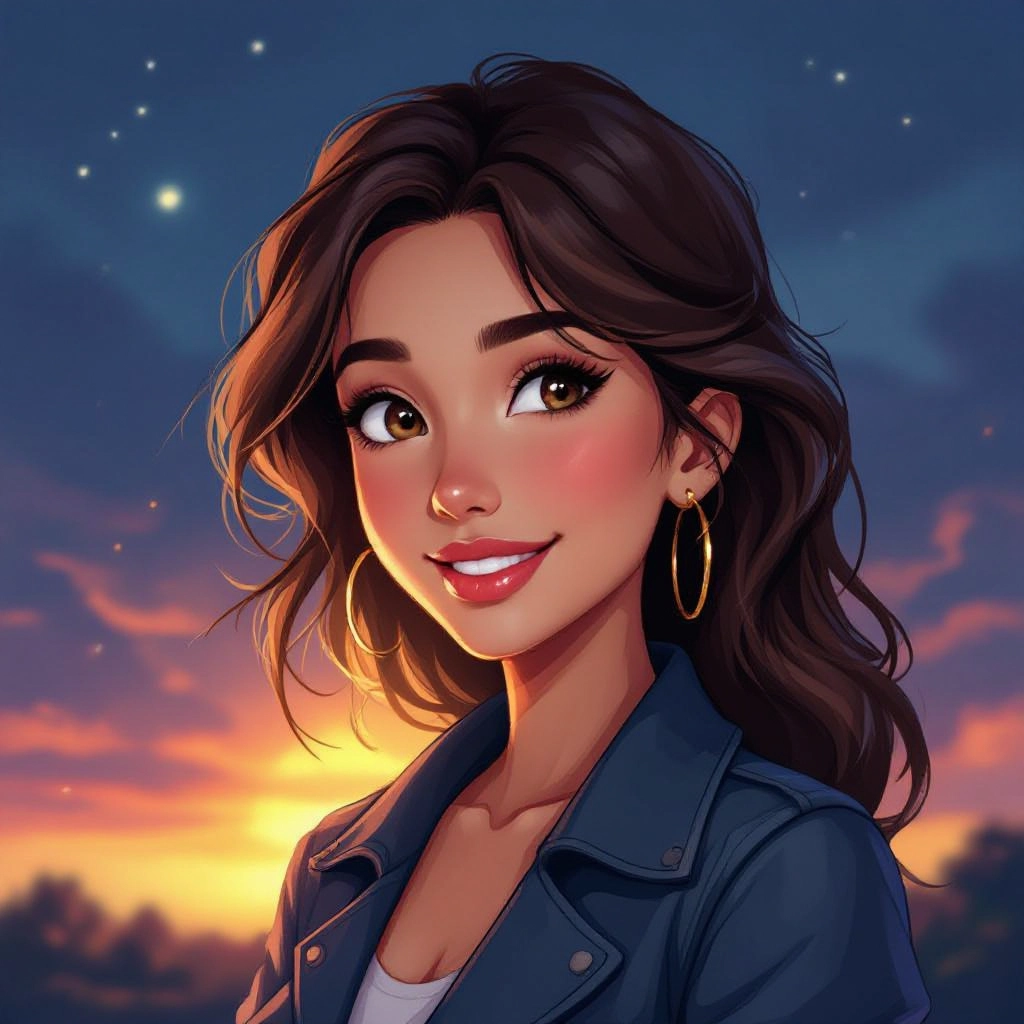
Palette-accurate Rendering
Enforces limited indexed palettes to mirror SNES and Genesis color constraints, preserving color banding and real 16-bit harmony so results match classic console aesthetics. Enhance your results by generating a detailed prompt with our Free AI Art Prompt Generator first.

Grid and Pixel Snap
Renders with strict pixel grid alignment and adjustable pixel scale so sprites and tiles keep sharp block edges with no anti aliasing that would break the retro look.
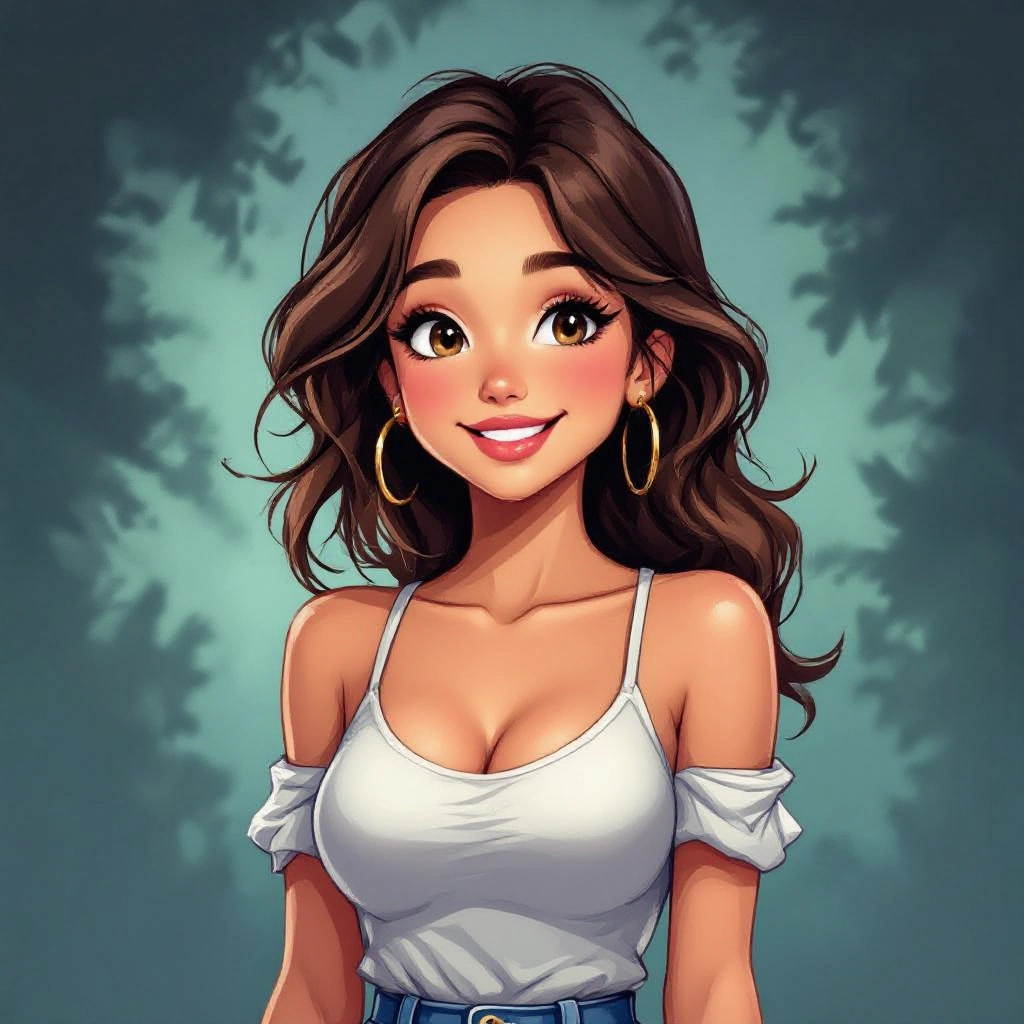
Dithering and Noise Controls
Offers multiple dithering algorithms and noise levels to recreate the subtle textured gradients used by 16-bit artists to simulate more colors and depth.

Tile and Sprite Exports
Export prepared tilesets, sprite sheets and individual indexed PNGs with consistent cell sizes and padding for direct import into game engines and ROM toolchains.
Animation Frame Generation
Generate sequenced frames and onion skin previews for walk cycles, attack frames and looped animations that retain consistent pixel placement and palette limits.
Types of AI Powered 16-Bit Style Images
Explore common 16-bit style families the generator can produce, each tuned for specific genre needs like RPGs, platformers and UI elements while preserving era specific constraints.
SNES RPG Sprites
Character portraits and battle sprites with soft dithering, limited shading ramps and compact proportions suited for top down and turn based RPGs.
Platformer Tilesets
Repeating terrain and object tiles designed to snap into grids, with seam aware edges and consistent palette use for side scrolling platform games.
Isometric 16-bit Scenes
Low resolution isometric tiles and objects that convey depth through careful palette gradients and pixel-level perspective correction.
Cinematic Pixel Portraits
Larger scale 16-bit portraits that retain chunky pixels while using limited palettes and posterized shading for dramatic retro character art.
HUD and UI Elements
Buttons, meters, fonts and icons rendered in crisp pixel geometry with fixed palette and readable scaling for authentic retro interfaces.
Animated Sprite Sheets
Frame sequences exported as sheets or individual frames optimized for looping animations, frame timing and consistent pixel registration.
Applications of AI 16-bit images
Indie Game Development
Rapidly prototype characters, backgrounds and tilesets with proper palette and export settings to accelerate game production cycles.
Retro Remakes and Mods
Produce art that matches legacy titles for fan remakes, ROM hacks and mod packs while preserving original visual constraints.
Marketing and Promotional Art
Create nostalgic social posts, banners and cover art that use 16-bit cues to attract retro gaming audiences and collectors.
Educational Pixel Art Courses
Teach pixel art techniques by generating examples that illustrate palette limitations, dithering tricks and sprite layout best practices.
Prototype UI and HUD Design
Design readable, style-consistent game interfaces and demo overlays in 16-bit style to test UX on intended resolutions and aspect ratios.
Asset Library Creation
Build reusable libraries of tiles, sprites and icons with consistent color systems and export metadata for fast reuse across projects.
FAQs about AI 16-bit image generator
Can I choose the exact palette used for generation?
Yes. You can lock an indexed palette or upload a custom palette file so the generator restricts its output to those exact colors, ensuring consistent retro color management.
What resolutions are best for true 16-bit look?
Small, square resolutions such as 16x16, 24x24, 32x32 and 64x64 preserve the chunky pixel aesthetic. Larger canvases work too but require deliberate pixel scaling settings to avoid smoothing.
Does the tool support sprite sheet export?
Yes. The generator can output frames as a single sprite sheet with configurable cell size, padding and frame order for direct import into engines like Godot, Unity and NES/SNES toolchains.
How do I preserve hard edges and avoid anti aliasing?
Enable grid snap and disable smoothing or anti aliasing in the render settings. Also use indexed color export to prevent post export color blending that can blur edges.
Can the generator produce animated sequences?
It can create multi-frame animations and preview loops. Export options include GIF for quick review or sprite sheets and separate frames for game ready animation pipelines.
Is generated art usable in commercial projects?
Yes, generated 16-bit assets can be used commercially provided you follow the platform terms. Always check licensing and export settings if you plan to redistribute or sell generated packs.
