Pixel Art Generator
Create authentic pixel art from text descriptions with our free AI pixel art generator. Perfect for game sprites, avatars, Minecraft builds, and retro-style artwork.
Generate Pixel Art FreeCreate Your Pixel Art
Describe what you want to create and our AI pixel art generator transforms your idea into authentic pixel artwork.
Receive our FREE AI updates via email once a week
Trusted by 40,000+ creators · 200,000+ pixel art images generated
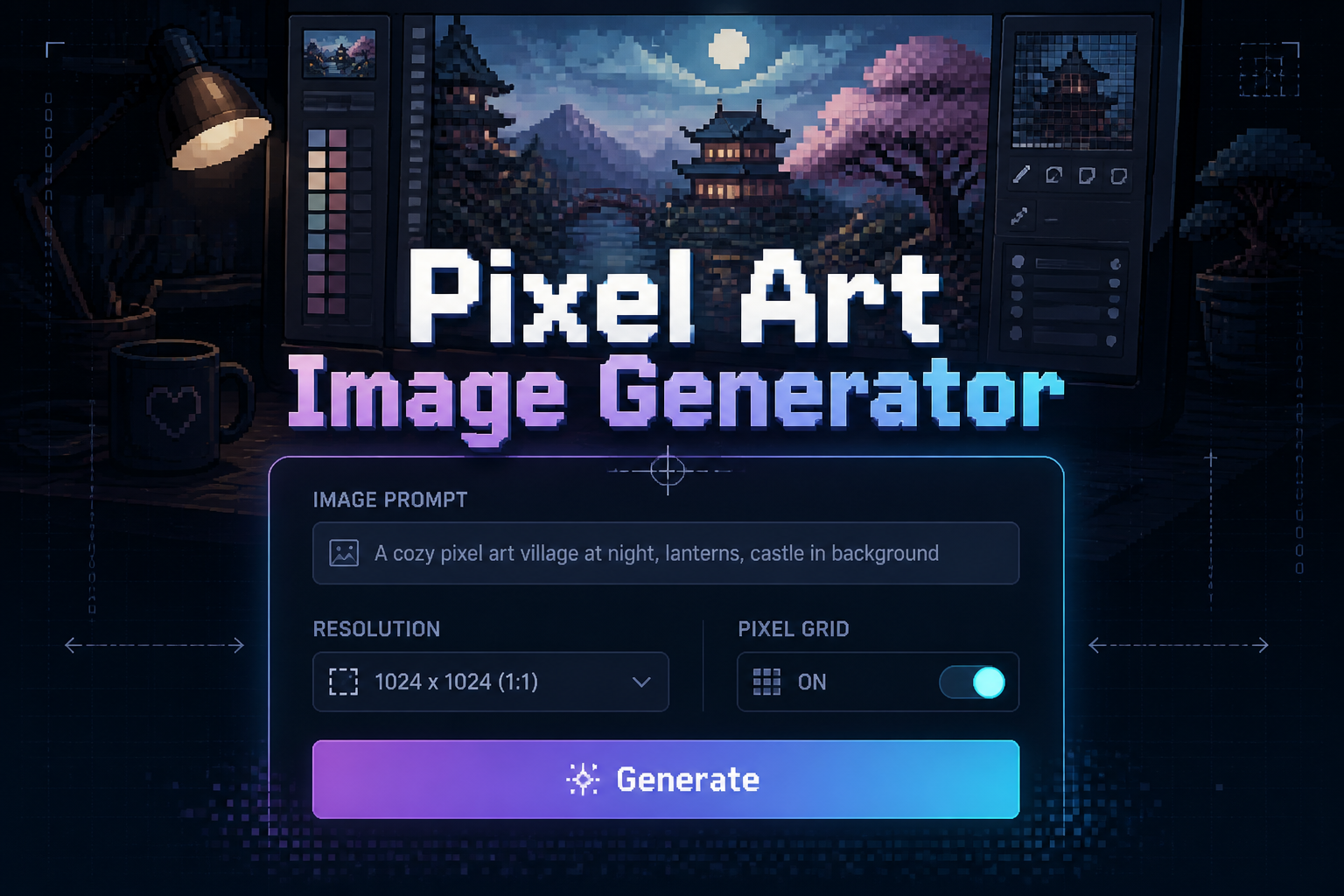
What is a Pixel Art Generator?
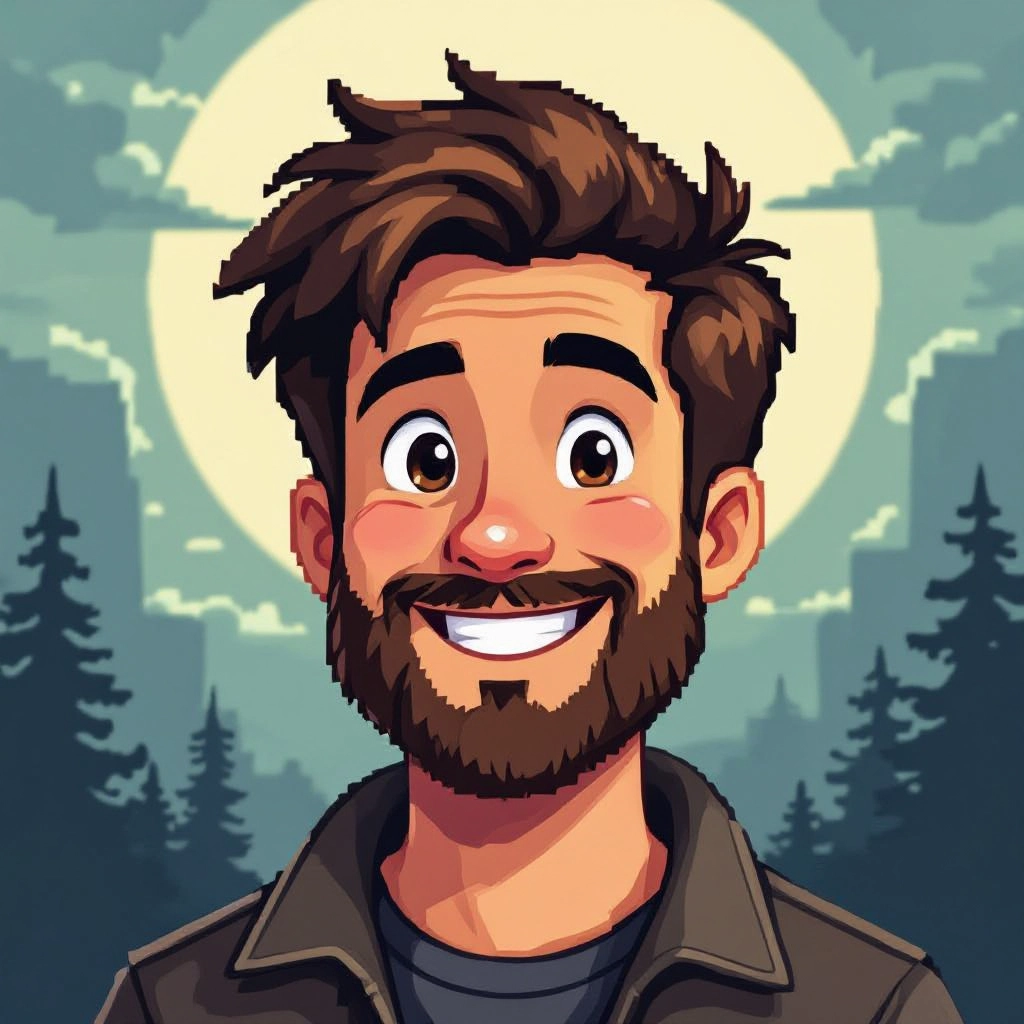
A pixel art generator is an AI-powered tool that creates images composed of visible individual pixels arranged on a grid. This produces the distinctive blocky aesthetic of classic video games and retro digital art.
Unlike regular image generators, a pixel art generator deliberately constrains itself to pixel-level composition with limited color palettes and intentional aliasing. Every pixel matters.
Our AI pixel art generator understands the fundamental principles that make pixel art work as an art form:
- Limited color palettes that create visual harmony
- Clean edges and intentional pixel placement
- Readable silhouettes at small sizes
- Appropriate dithering for gradients and shading
- Era-specific styles (8-bit, 16-bit, Game Boy)
Whether you need game sprites, character portraits, item icons, environment tiles, or Minecraft build references, our pixel art generator produces output that respects the craft.
How to Generate Pixel Art
Follow these three simple steps to create pixel art with our AI generator:
Enter Your Pixel Art Prompt
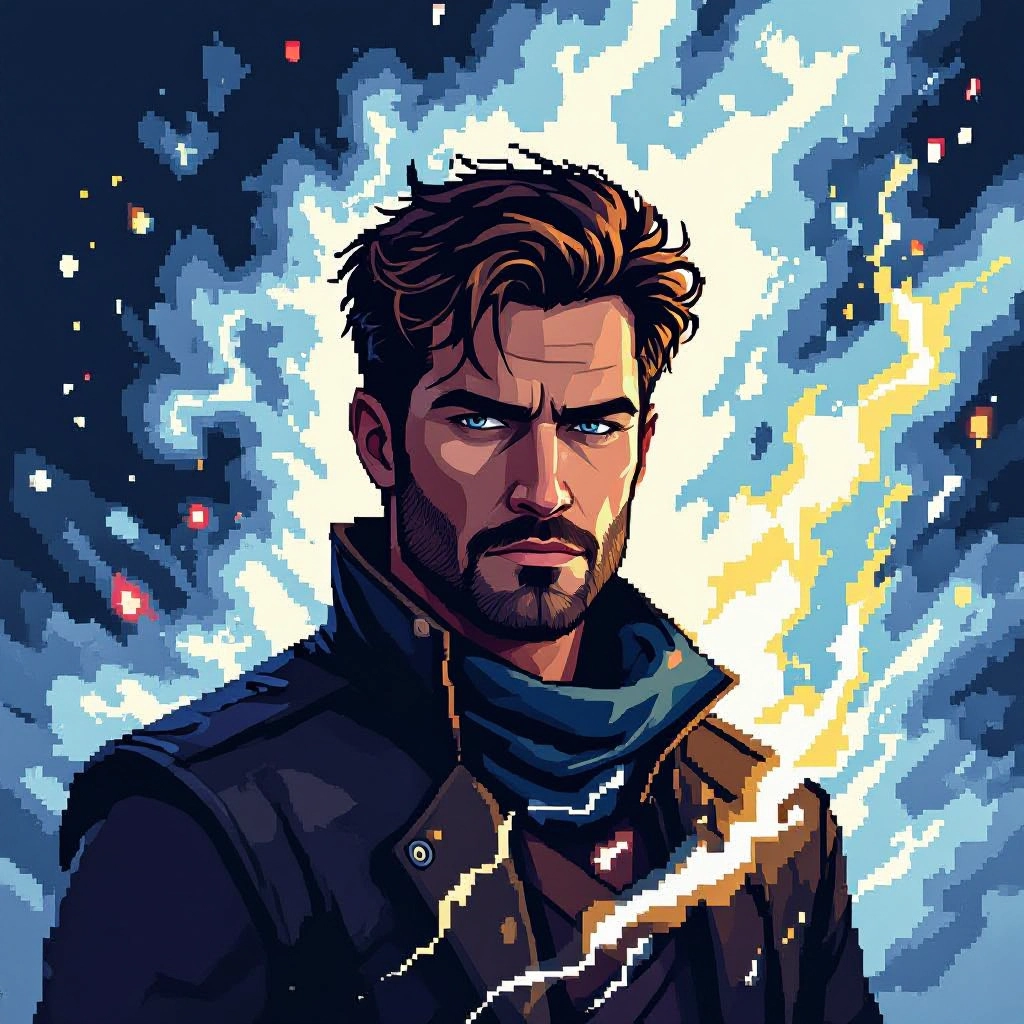
Type your pixel art description in the prompt box. Be specific about:
- Subject (character, item, scene)
- Style (8-bit, 16-bit, Game Boy, SNES)
- Colors (limited palette, specific colors)
- Resolution (16x16, 32x32, 64x64)
- Pose or composition
Choose Settings and Generate
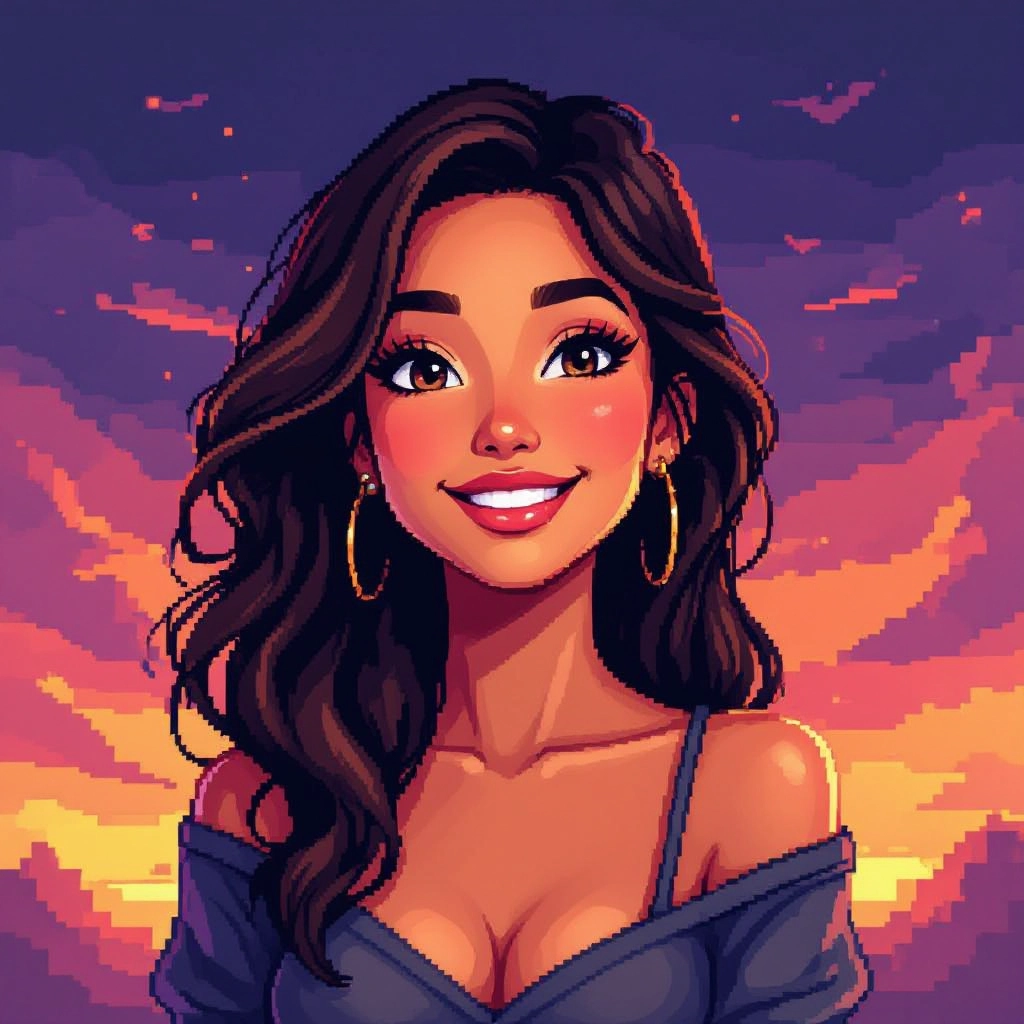
Select your preferred image size and aspect ratio, then click generate. Our AI produces pixel art with:
- Crisp pixel edges
- Authentic retro aesthetics
- Proper color limitation
- Game-ready quality
Download Your Pixel Art
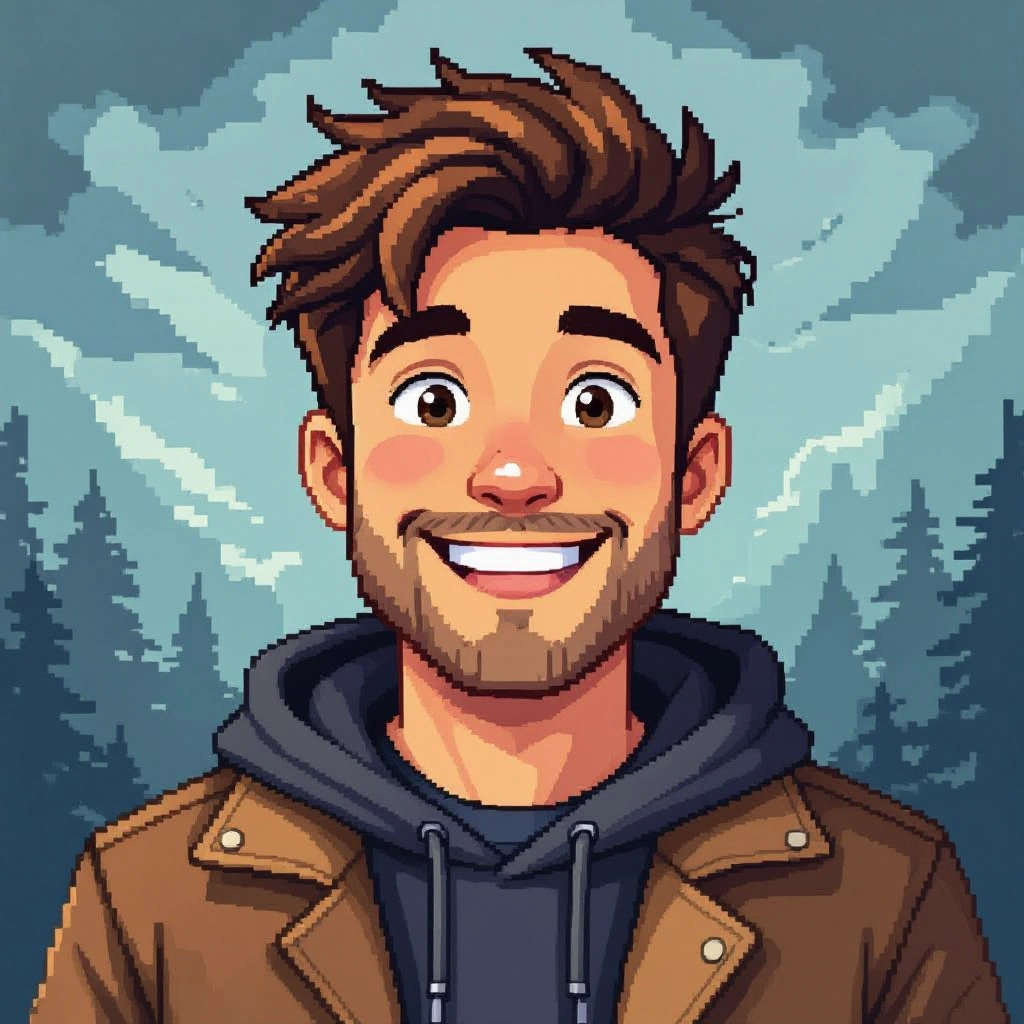
Click the download button to save your pixel art as a high-quality PNG. Use it for:
- Game development (Unity, Godot, GameMaker)
- Minecraft build references
- Social media avatars
- Personal and commercial projects
Features of Our AI Pixel Art Generator
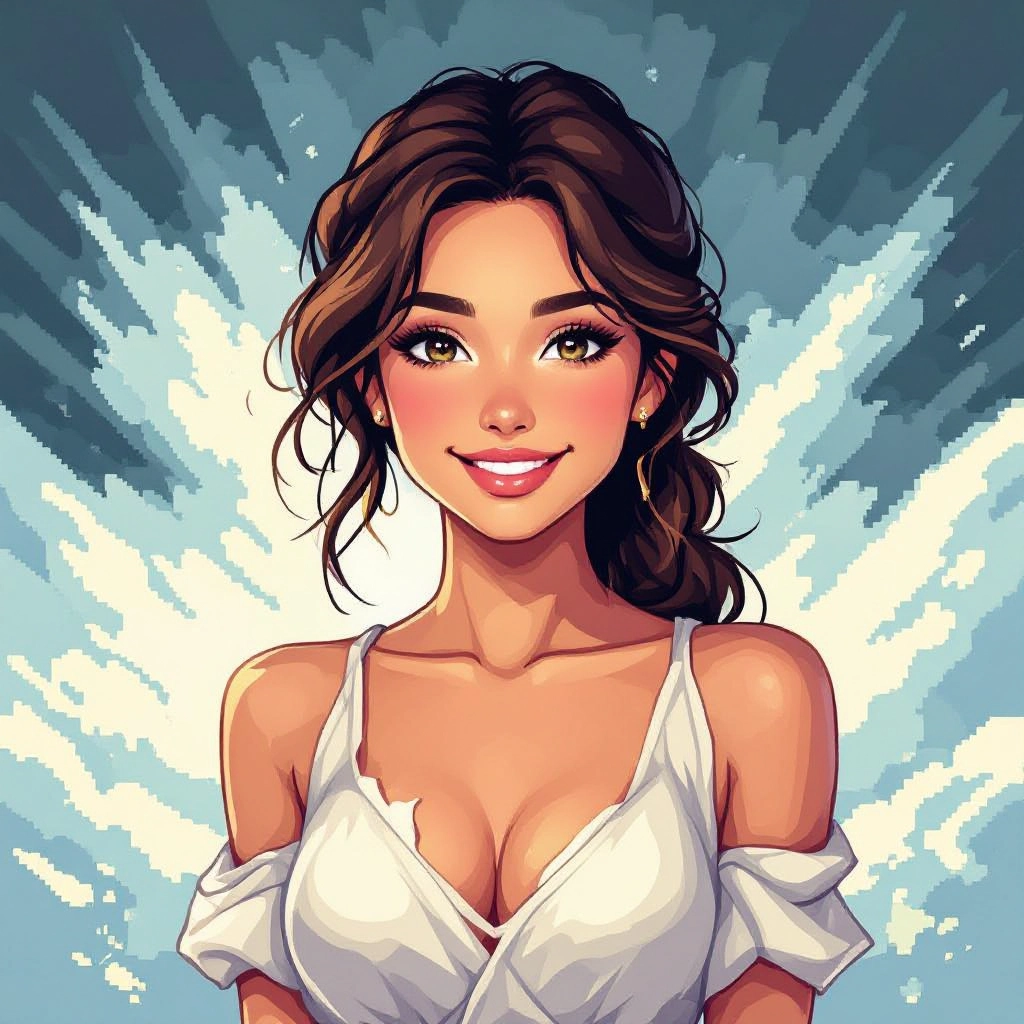
1. Palette Control
Specify preset palettes like 4-color Game Boy, 8-bit NES, or custom color schemes. The generator maintains consistent mood across sprites and tiles with authentic retro or modern pixel aesthetics. Enhance your results by generating a detailed prompt with our Free AI Art Prompt Generator first.

2. Grid Resolution Control
Request exact canvas resolutions from 16x16 up to 256x256. The AI enforces pixel snap so shapes align to the grid for crisp, readable results at small sizes.
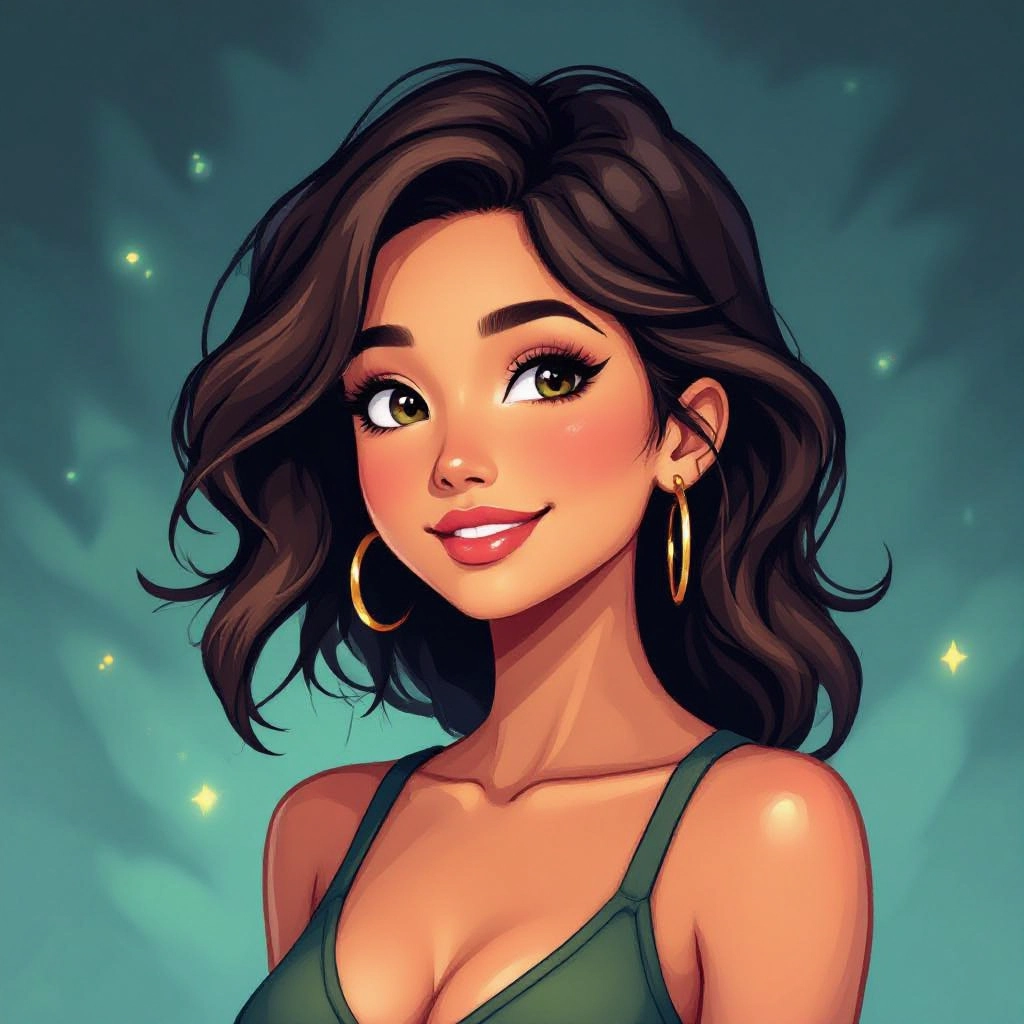
3. Dithering and Shading
The AI applies appropriate dithering patterns that mimic hand-placed pixels or uses flat shading based on your style preference. Create vintage texture or modern flat pixel looks.

4. Game-Ready Output
Generated pixel art exports in PNG format optimized for game engines. Create characters, items, and tiles ready for Unity, Godot, GameMaker, or any development platform.
5. Seamless Tiles
Request seamless tiles for backgrounds and environments. The generator ensures edges match and palettes remain consistent for building level maps and repeating backgrounds.
Sample Pixel Art Prompts
Use these example prompts as starting points for your pixel art creations:
Game Character Sprites
"16-bit pixel art knight character, silver armor, blue cape, standing pose, sword and shield, SNES style, 64x64 sprite"
Result: A detailed knight sprite with smooth shading, readable silhouette, and 16-bit era color depth suitable for RPG games.
Minecraft Build References
"pixel art portrait of a red dragon head, front view, simple shapes, limited palette, bold outlines, Minecraft pixel art style, 32x32"
Result: A clear dragon portrait with colors matching Minecraft block options, perfect for wall builds.
Avatars and Profile Pictures
"pixel art portrait, young woman with short pink hair, smiling, headphones, modern casual style, 64x64, clean and cute"
Result: A charming avatar with distinctive features, perfect for social media or gaming profiles.
Item Icons
"pixel art health potion, red liquid in glass bottle, cork stopper, RPG item icon, 16x16, black outline"
Result: A simple, readable potion icon suitable for game inventory systems.
Environment Scenes
"pixel art forest scene, tall pine trees, small cabin, mountain background, sunset colors, 16-bit style, atmospheric"
Result: A detailed scene with depth layers and warm sunset palette, suitable for game backgrounds.
Minecraft Pixel Art Generator
One of the most popular uses for our pixel art generator is creating reference images for Minecraft builds. Each pixel becomes a block placement guide.
How Pixel Art Translates to Minecraft
- Each pixel = one Minecraft block
- Limited colors map to concrete, wool, terracotta blocks
- 32x32 image = manageable 32-block wide build
- 64x64 image = more detail, more materials needed
Tips for Minecraft Pixel Art
- Add "Minecraft palette" or "Minecraft style" to your prompt
- Request "limited palette" and "bold shapes"
- Use "flat shading" for easier block translation
- Specify resolution matching your intended build size
- Request "front view" for wall builds
Popular Minecraft Pixel Art Subjects
- Character portraits (games, anime, movies)
- Team logos and brand symbols
- National flags
- Classic game sprites (NES, SNES characters)
- Custom server decorations
Pixel Art Styles You Can Generate
1. 8-Bit / NES Style
Very limited palettes (3-4 colors per sprite), small resolutions (16x16 to 32x32), simplified characters. Think Super Mario Bros, Legend of Zelda, Mega Man.
Prompt keywords: "8-bit style", "NES palette", "retro console"
2. 16-Bit / SNES Style
Richer palettes (15-16 colors), larger sprites (32x32 to 64x64), smoother shading. Think Chrono Trigger, Final Fantasy VI, Super Metroid.
Prompt keywords: "16-bit style", "SNES style", "detailed pixel art"
3. Game Boy / Monochrome
Four-shade grayscale or green-tinted palette. Highly constrained but instantly nostalgic. Great for simple icons and portraits.
Prompt keywords: "Game Boy style", "monochrome pixel art", "4-color"
4. Isometric
Angled perspective showing three faces of objects. Used in SimCity, Stardew Valley. Great for buildings and environments.
Prompt keywords: "isometric pixel art", "isometric view", "top-down angled"
5. Modern HD Pixel Art
Higher resolutions with more colors while maintaining visible pixel grid. Think Celeste, Hyper Light Drifter, Dead Cells.
Prompt keywords: "modern pixel art", "HD pixel art", "indie game style"
Who Uses Pixel Art Generators?
- Indie Game Developers: Prototype sprites, create placeholder assets, produce final art for retro-style games.
- Minecraft Builders: Create block-by-block building references for portraits, logos, and decorative builds.
- Content Creators: Generate unique avatars, emotes, and channel art with retro gaming aesthetic.
- Designers: Create icons, UI elements, and retro-themed marketing materials.
- Hobbyists: Make pixel art without years of practice, learn pixel art principles through AI examples.
Can AI Generate Pixel Art?
Yes, but quality varies greatly between tools. Here is what makes good AI pixel art different:
Bad Pixel Art Generators:
- Simply downscale regular images
- Produce muddy, unreadable results
- Lose detail without gaining clarity
- Ignore pixel art principles
Our AI Pixel Art Generator:
- Trained specifically on authentic pixel art
- Understands palette limitations
- Creates clean edges and readable silhouettes
- Applies appropriate dithering
- Composes images with pixel constraints from the start
Applications of AI Pixel Art
- Game Development: Characters, items, tiles, backgrounds, UI elements
- Minecraft Builds: Wall art, floor patterns, server decorations
- Social Media: Avatars, profile pictures, emotes, banners
- Marketing: Retro-themed ads, nostalgia campaigns, gaming brand content
- NFTs: Collectible pixel art characters and series
- Education: Teaching pixel art principles and game design concepts
Frequently Asked Questions
What is a pixel art generator?
A pixel art generator is an AI tool that creates images using a visible pixel grid, limited color palettes, and intentional pixelation. It produces the retro aesthetic of classic video games.
Is this pixel art generator free?
Yes, completely free with no signup required. Generate unlimited pixel art without payment, watermarks, or restrictions.
Can AI generate authentic pixel art?
Yes, modern AI pixel art generators trained on authentic artwork produce results with proper palettes, clean edges, and readable forms. Our AI creates pixel art from scratch, not by downscaling.
How to generate pixel art for Minecraft?
Add "Minecraft style" or "Minecraft palette" to your prompt. Specify limited colors, bold shapes, and your intended resolution. Each pixel becomes a block placement guide.
What resolution can I create?
Specify any resolution in your prompt: 16x16, 32x32, 64x64, or larger. Output maintains crisp pixel edges when scaled.
Can I use generated pixel art commercially?
Yes, all generated pixel art is yours to use for personal and commercial projects including games, merchandise, and marketing.
How do I get specific pixel art styles?
Include style keywords: "8-bit", "16-bit SNES", "Game Boy monochrome", "NES palette", "modern indie pixel art", or "isometric".
What is the difference from image to pixel art converters?
Converters downscale existing images, often producing muddy results. Our AI creates pixel art from text using pixel art principles from the start.
Related Image Generators
- Anime Image Generator - Japanese animation style artwork
- Cartoon Image Generator - Western cartoon style images
- Sketch Image Generator - Pencil and ink drawings
- 3D Image Generator - Rendered 3D artwork
- AI Art Generator - Multiple artistic styles
Ready to Create Pixel Art?
Free AI pixel art generator. No signup. Unlimited generations.
Generate Pixel Art Free