Kawaii Image Generator
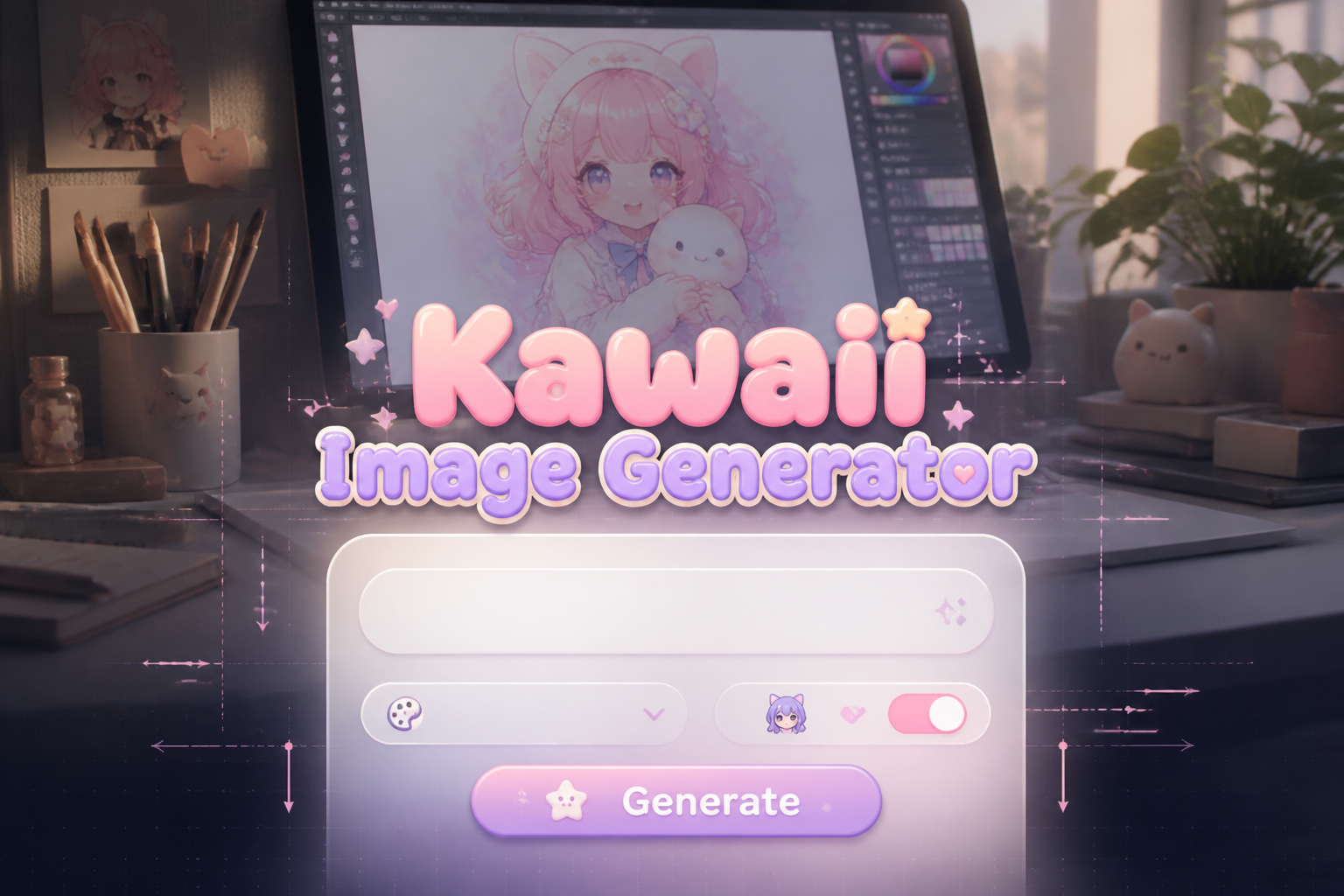
Kawaii Image Generator is a free online tool to generate kawaii style images. The tool is free to use, just enter prompt in kawaii style and generate kawaii image style in seconds similar quality to flux, midjourney, open ai, imagen, nano banana AI image quality.
Generate Kawaii AI Image for Free
Receive our FREE AI updates via email once a week
What is a kawaii Generator?

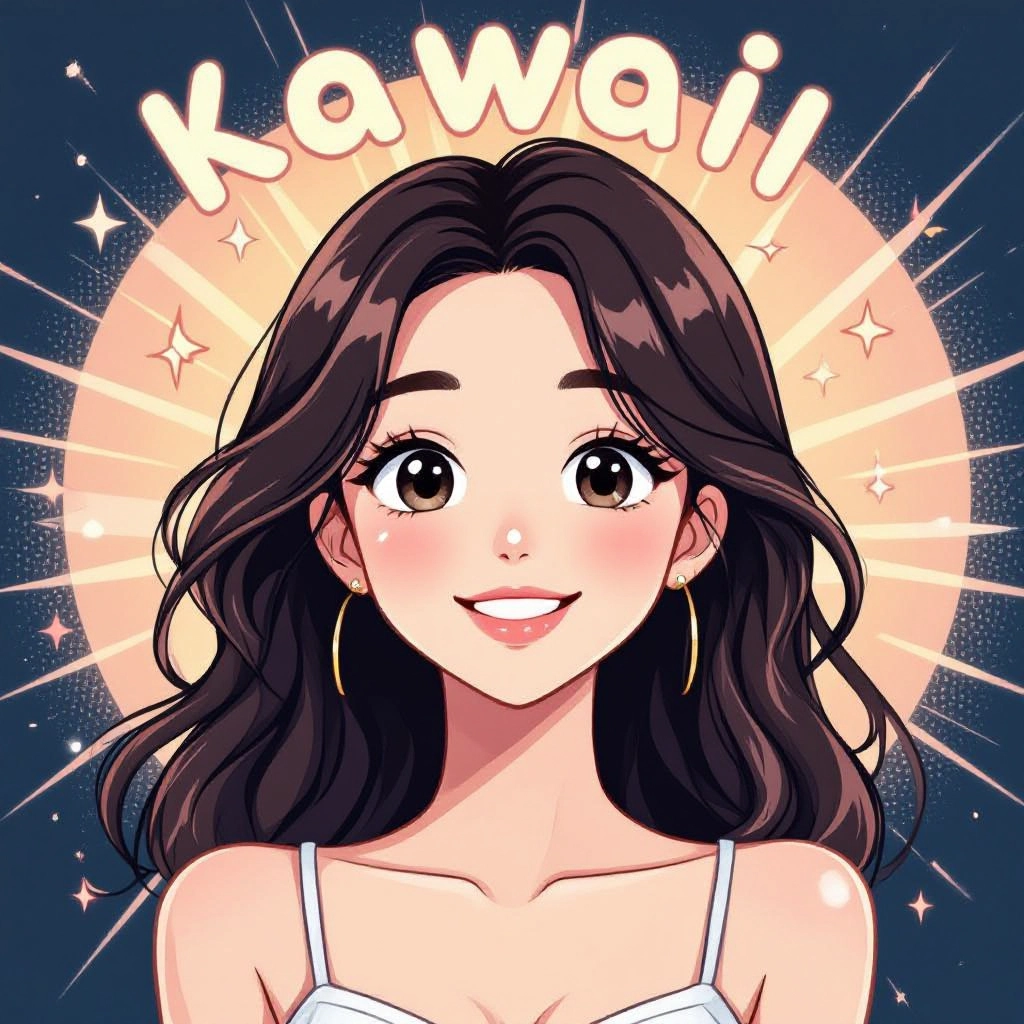
A Kawaii Generator is an AI image tool specialized in producing the kawaii aesthetic, characterized by rounded silhouettes, oversized eyes, tiny mouths, soft pastel palettes, glossy highlights and joyful expressions. This generator uses optimized prompt templates, style layers, and color harmonizers tuned specifically to kawaii traits so outputs read cute at small sizes and scale cleanly for print or digital use.
Designers, indie creators, sticker makers, social media managers and small brands use it to speed up concept art and to produce consistent kawaii assets. Because the generator focuses on simplified forms, expressive faces and approachable compositions, it is ideal for character concepts, product mockups, UI mascots and printables where cuteness and clarity are essential.
How to Create kawaii Images
To create kawaii images in three steps, first choose your subject and set a kawaii-focused prompt specifying round shapes, large eyes, pastel palette and playful accessories. Second pick a variation like chibi character, sticker or plush mockup, adjust size and background options, and refine color or pose sliders. Third, generate and iterate by tweaking facial expressions, props and saturation until you have a balanced cute composition ready for export.
Enter AI Kawaii Prompt

Type your kawaii character or scene description in the prompt box. Include details like character appearance, clothing, expressions, and setting to get better AI kawaii results.
Choose AI Model Settings
Select your preferred image size and aspect ratio. Our AI model delivers professional quality comparable to:
- • Flux AI Quality
- • Midjourney Standard
- • OpenAI DALL-E
- • Google Imagen
Download AI Kawaii Image

Once your AI kawaii image is generated, click the download button to save it to your device. The image will be in high quality format ready for use.
Features of AI kawaii Image Generator
Kawaii-Optimized Prompts
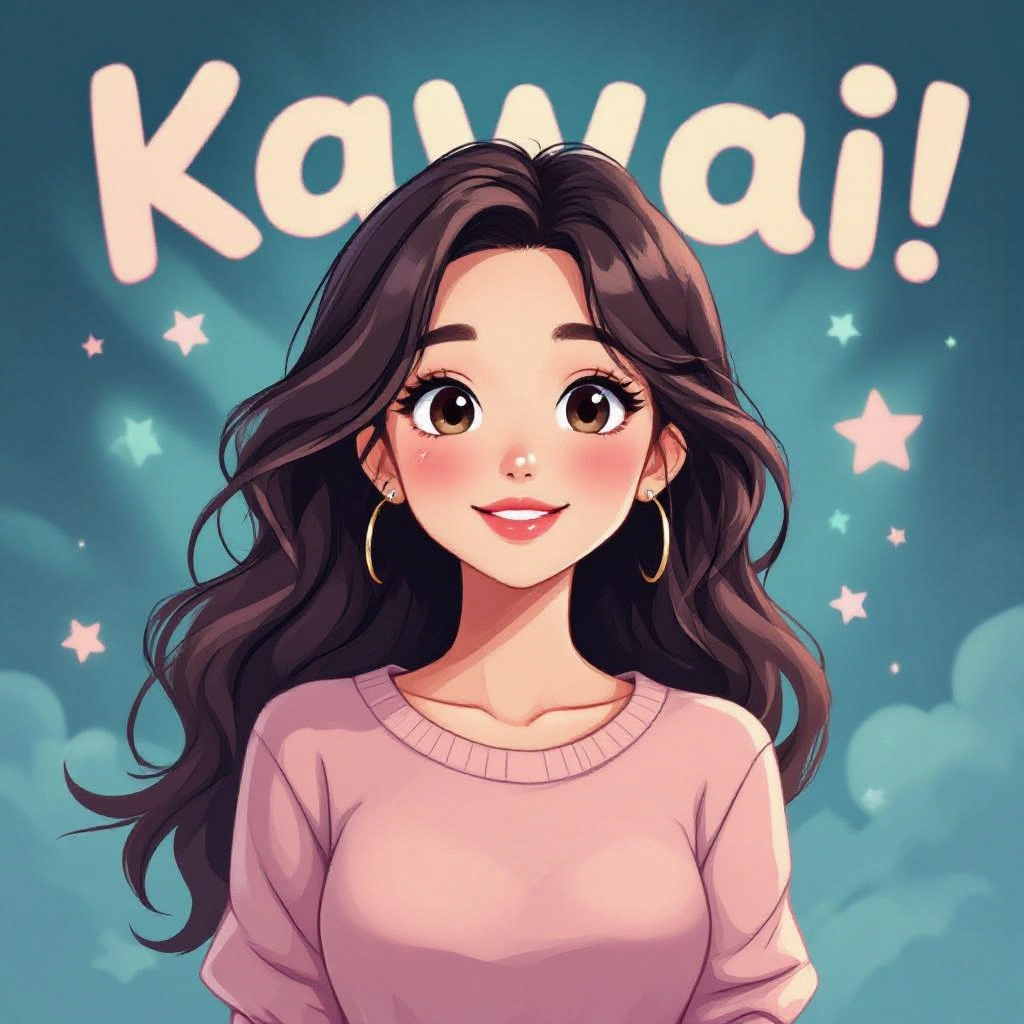
Built-in prompt presets and hint suggestions engineered to emphasize kawaii attributes such as chibi proportions, soft highlights, and simple facial features so every generation leans cute by default. Enhance your results by generating a detailed prompt with our Free AI Art Prompt Generator first.
Pastel Color Engine
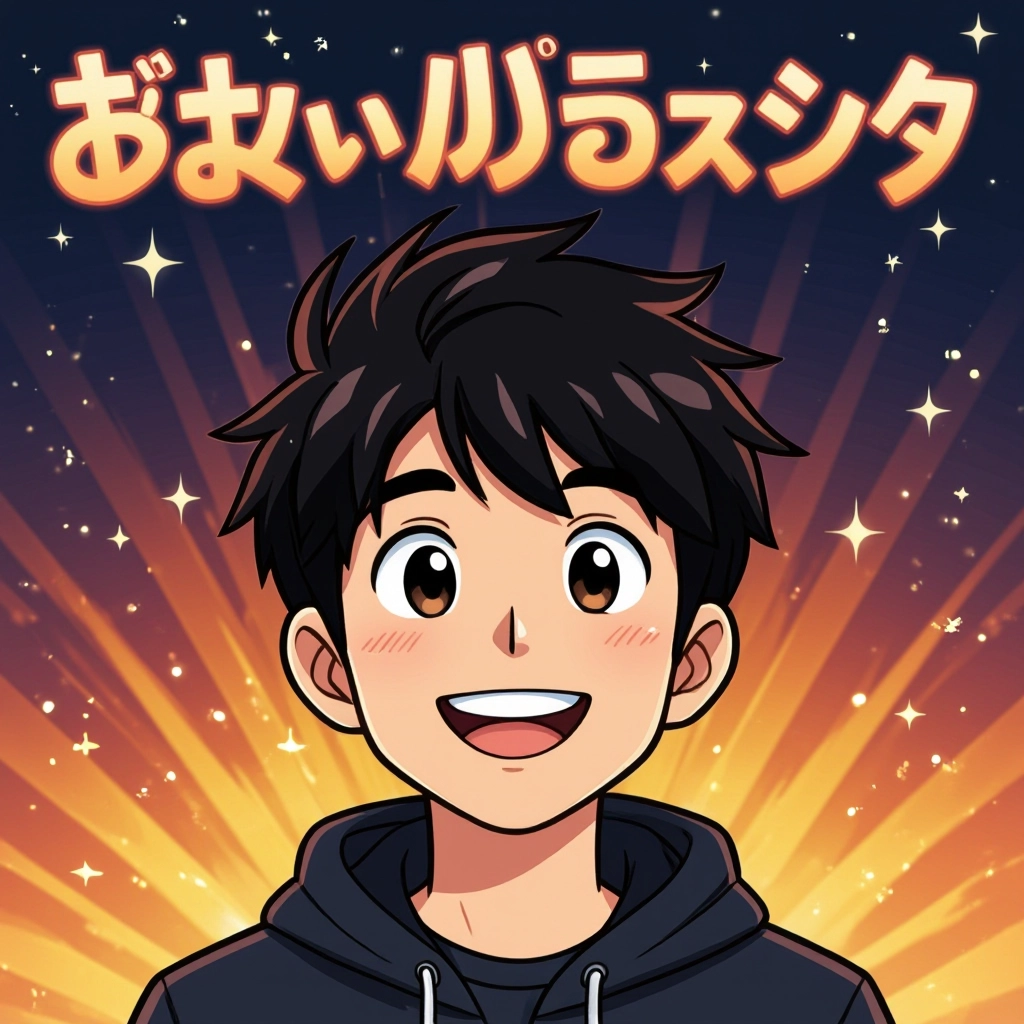
A color engine that prioritizes gentle pastel palettes and harmonic contrasts to produce soothing kawaii tones that read well on screens and prints without manual color correction.
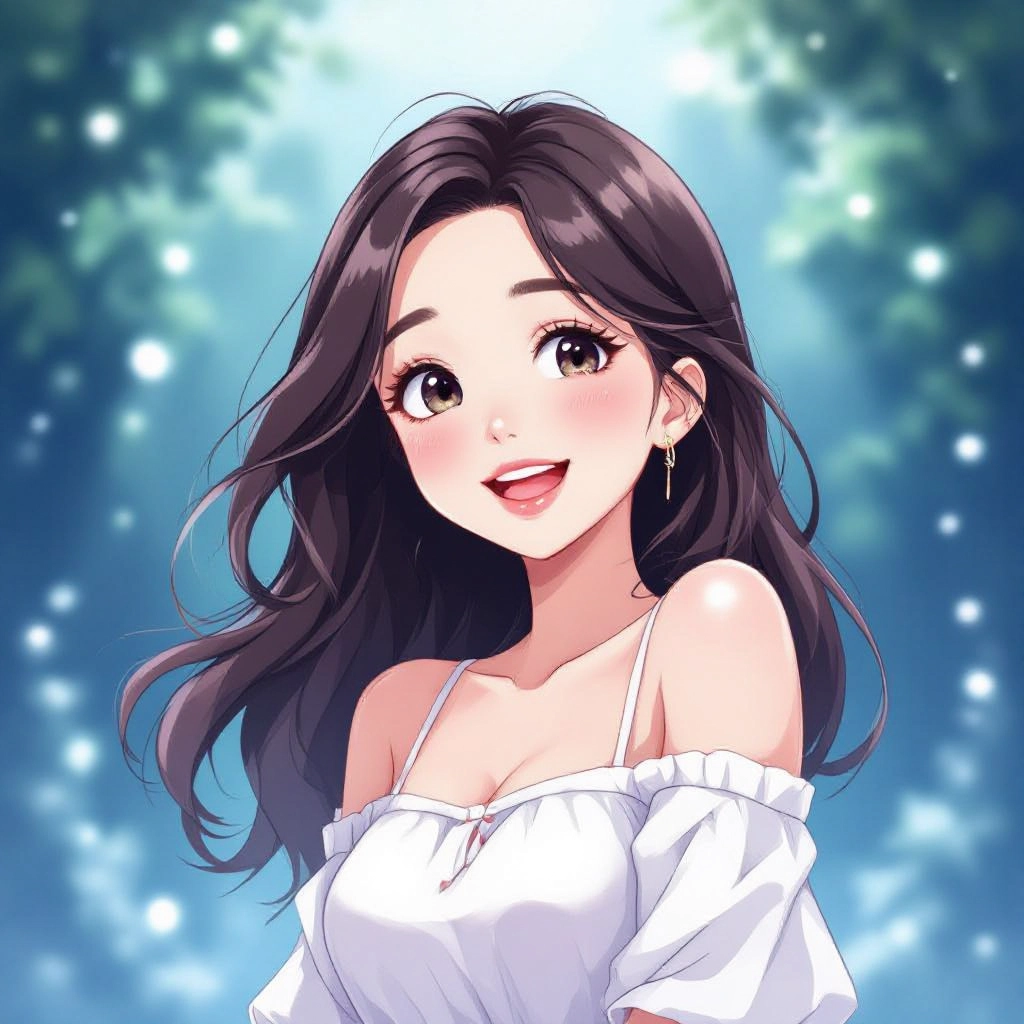
Sticker and Print Templates
Export-ready templates for stickers, enamel pins, and printable art with safe margins, transparent backgrounds, and crop presets tailored to small-format kawaii designs.
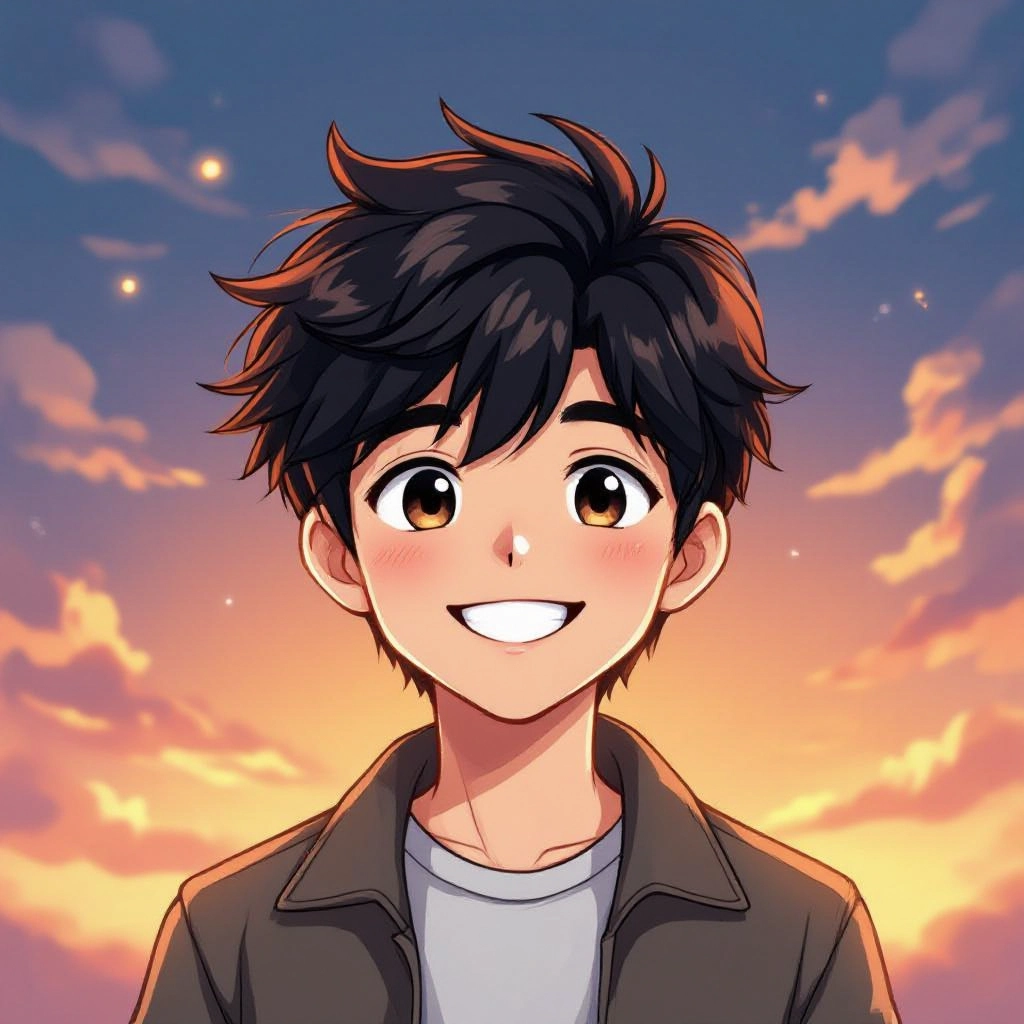
Expression and Pose Controls
Fine tune emotions, eye shapes, and tiny limb positions with dedicated sliders so characters convey happiness, curiosity, sleepiness or surprise while keeping the kawaii proportions intact.
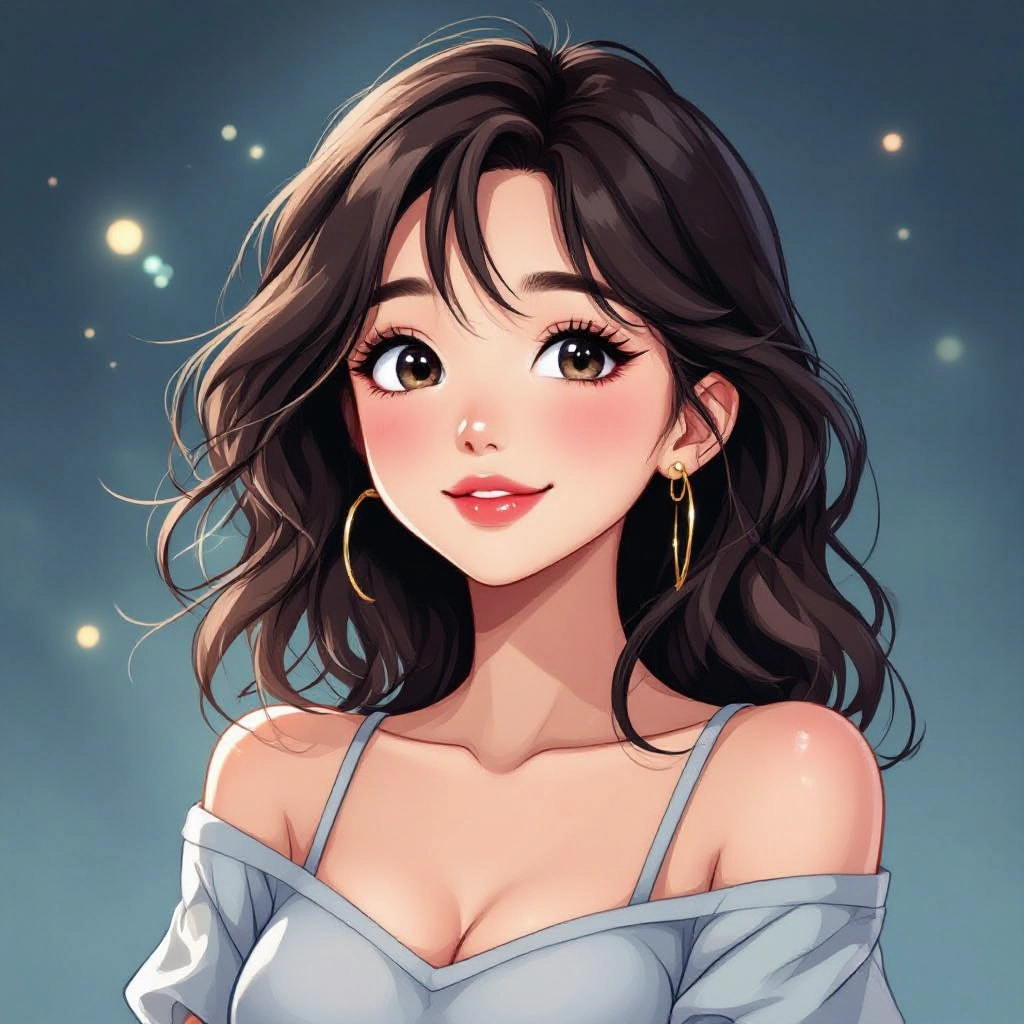
Style Blending and Layering
Blend multiple kawaii styles like soft plush, retro 90s cuteness, or ultra-minimal chibi using layering controls that preserve line weight and highlight placement for cohesive results.
Types of AI Powered Kawaii Style Images
Explore common kawaii substyles the generator can produce, each tuned to unique color, line and proportion rules so you get the exact cute mood you want.
Pastel Chibi Characters
Small-bodied characters with large heads, gentle gradients, and soft blush details. Ideal for avatars, profile pictures and character concept art.
Sticker-Ready Kawaii
Bold outlines, simplified shapes and transparent backgrounds optimized for die-cut stickers and sticker sheets that remain legible at tiny sizes.
Plush Toy Mockup
Soft textures, sewn seam suggestions and rounded stuffing shapes that translate artwork into plush toy prototypes and product visualizations.
Food Kawaii
Anthropomorphized snacks and desserts with smiling faces, tiny limbs and glossy highlights tailored for packaging, menus and cafe branding.
Animal Kawaii
Round, simplified animal characters with expressive eyes and minimal markings, perfect for children facing illustrations and mascot design.
Retro 90s Cute
Bright pastels, simple geometrics and grainy textures inspired by vintage kawaii goods for nostalgic merchandise and themed campaigns.
Applications of AI kawaii image style
Social Media Avatars
Create distinctive chibi avatars and reaction stickers that improve engagement and build an instantly recognizable brand voice on social platforms.
Merchandise and Apparel
Produce kawaii art for T-shirts, enamel pins, tote bags and phone cases with color separations and print-ready exports that match manufacturing needs.
Stickers and Decals
Generate sticker sheets and single die-cut designs with bold outlines and transparent backgrounds ready for both digital sticker packs and physical printing.
Children's Books and Editorial
Develop whimsical kawaii characters and scene layouts that read clearly to children, including repeatable patterns and expressive poses for storytelling.
UI Mascots and Onboarding
Design friendly kawaii mascots for apps and websites that guide users through onboarding, error states and rewards with expressive micro-illustrations.
Printables and Stationery
Create kawaii planners, greeting cards, and printable art with pastel palettes and simple composition that print cleanly on common home and professional printers.
FAQs about AI kawaii image generator
Can I use generated kawaii images for commercial projects?
Yes, in most cases generated images may be used commercially but you should review the generator's license and terms. Some presets or content packs may have restrictions, so check usage rights before selling derivative products.
How do I get consistent characters across multiple images?
Use character templates, repeat the same prompt parameters, and lock key attributes like eye shape, head-to-body ratio, and palette. Save a style preset for reuse to maintain consistent kawaii features across scenes.
What resolution options are available for print?
Choose high-resolution export settings or vector-compatible line outputs when available. For stickers and prints aim for at least 300 DPI at the final physical dimensions and export with bleed and safe margin guidance.
How can I make my kawaii images look more handmade?
Apply subtle paper textures, grain, and hand-ink line weight variations. Use the style blending feature to mix a sketchy layer with the base cute style to achieve a handcrafted kawaii look.
What color palettes work best for kawaii designs?
Pastel palettes with low saturation and high lightness are classic kawaii. Combine a dominant pastel, a slightly darker accent, and a neutral for highlights to keep designs soft and readable.
Any tips for writing prompts that produce cuter characters?
Be specific: request rounded forms, large glossy eyes, small mouth, soft blush, tiny limbs, and gentle lighting. Mention accessory details like bows, sprinkles, or tiny hats and pick a pastel color scheme to reinforce the kawaii vibe.
