23 free AI image models, no sign upAll image generators →
 GPT 5 Available
 DeepSeek V4 Available
 Kimi K2.6 Available GPT 5 Mini Available DeepSeek V3.2 Available GPT 5.4 Available GPT 5.4 mini Available GPT 5.6 Luna Available GPT 6 Luna Available
 Gemini 3.1 Available
 Grok 4 Available
 Qwen 3.7 Available
 Llama 3.1 Available
 Phi 4 Available GPT 5 nano by Open AI Available GPT 4.1 by Open AI Available GPT OSS by Open AI Available GPT OSS 20B by Open AI Available Gemini 3 by Google Available
 Claude Haiku 4.5 Available
 GLM 5.2 by Z.ai Available GLM 5.3 Flash by Z.ai Available
 Mistral Nemo Available Mistral Ministral 3 8B Available
 MiMo V2.6 Flash by Xiaomi Available Gemma 4 Available
 MiniMax M3.1 Flash Available
 Nex N2.5-Pro Available
 Granite 4.2 8B by IBM Available GLM 4.7 Flash by Z.ai Available Llama 4 Scout Available Gemma 3 4B Available Mistral Small 3 Available
 Command R7B by Cohere Available
 Nova Lite Available Llama 3.2 1B Available GPT 6 Luna Pro Available GLM 5.3 Available Qwen 3.7 Plus Available MiniMax M2.7 Available Mistral Small 4 Available Qwen 3.5-9B Available GLM 4.6V Available DeepSeek V3.1 Available
 Reka Flash 3 Available DeepSeek V3 Available GPT 4o mini Available Qwen 3.6 by Alibaba Available Qwen 3.8 Available Qwen 3.5 Available Claude Sonnet 4.6 Available GPT Astra by Open AI Available Gemini 3.5 Flash Available Claude Opus 5.5 Available Claude Haiku 5.5 Available
Free AI chat models, no sign upSee all chat models →
GPT 5 Available DeepSeek V4 Available Kimi K2.6 Available GPT 5 Mini Available DeepSeek V3.2 Available GPT 5.4 Available GPT 5.4 mini Available GPT 5.6 Luna Available GPT 6 Luna Available Gemini 3.1 Available Grok 4 Available Qwen 3.7 Available Llama 3.1 Available Phi 4 Available GPT 5 nano by Open AI Available GPT 4.1 by Open AI Available GPT OSS by Open AI Available GPT OSS 20B by Open AI Available Gemini 3 by Google Available Claude Haiku 4.5 Available GLM 5.2 by Z.ai Available GLM 5.3 Flash by Z.ai Available Mistral Nemo Available Mistral Ministral 3 8B Available MiMo V2.6 Flash by Xiaomi Available Gemma 4 Available MiniMax M3.1 Flash Available Nex N2.5-Pro Available Granite 4.2 8B by IBM Available GLM 4.7 Flash by Z.ai Available Llama 4 Scout Available Gemma 3 4B Available Mistral Small 3 Available Command R7B by Cohere Available Nova Lite Available Llama 3.2 1B Available GPT 6 Luna Pro Available GLM 5.3 Available Qwen 3.7 Plus Available MiniMax M2.7 Available Mistral Small 4 Available Qwen 3.5-9B Available GLM 4.6V Available DeepSeek V3.1 Available Reka Flash 3 Available DeepSeek V3 Available GPT 4o mini Available Qwen 3.6 by Alibaba Available Qwen 3.8 Available Qwen 3.5 Available Claude Sonnet 4.6 Available GPT Astra by Open AI Available Gemini 3.5 Flash Available Claude Opus 5.5 Available Claude Haiku 5.5 Available Free AI chat models, no sign upSee all chat models →
23 free AI image models, no sign upAll image generators →
Chat settings
Browse the web
Focus mode
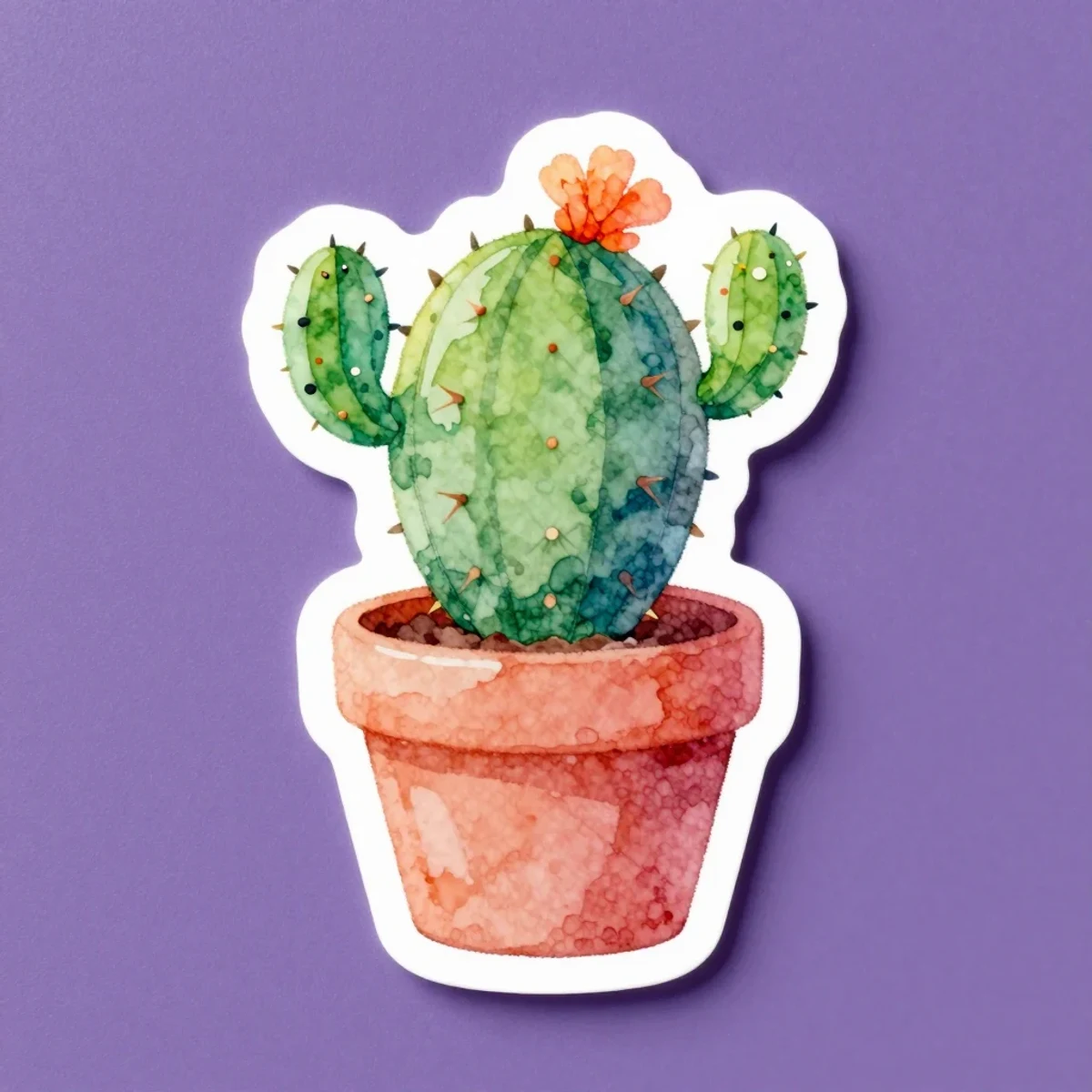
Create your own sticker
Free Sticker Maker
Create your own custom stickers online with our free sticker maker. Design personalized stickers for messaging apps, social media, or printing. No design skills needed.
Pick a sticker style, then say what your sticker showsPick your sticker style
Style
Border
Colours
Shape