Watercolor Image Generator
Watercolor Image Generator is a free online tool to generate watercolor style images. The tool is free to use, just enter prompt in watercolor style and generate watercolor image style in seconds similar quality to flux, midjourney, open ai, imagen, nano banana AI image quality.
Generate Watercolor AI Image for Free with AI
Receive our FREE AI updates via email once a week
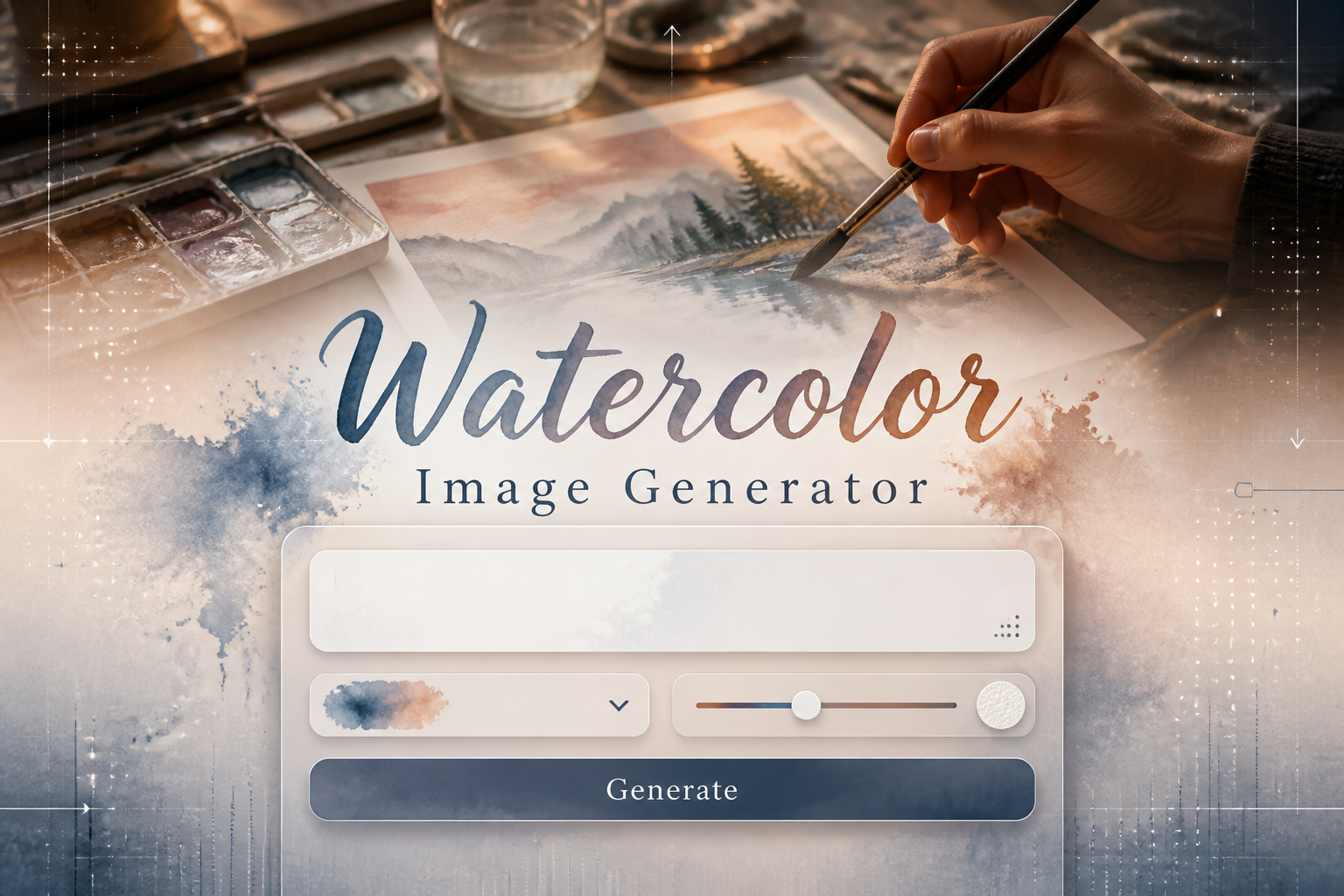
Watercolor Generator

A watercolor generator is an AI-driven tool that translates text prompts or reference images into artwork that mimics traditional watercolor techniques. It recreates hallmark watercolor effects such as translucent washes, pigment granulation, soft edge blooms, layered glazing and the subtle texture of paper to produce images that look as if painted by hand.
Designers, illustrators, surface pattern artists, authors and hobbyists use this tool to speed up ideation, produce reference art and create final assets. It is especially useful for anyone who needs authentic watercolor aesthetics without the time or materials of studio painting, or who wants to explore variations like botanical washes, portrait glazing and abstract granulation quickly.
How to Create watercolor Images with AI
To create watercolor images in three steps, start by entering a clear prompt describing subject, mood, colors and technique you want, for example "soft wet-on-wet lavender field at dusk"; second, choose or tweak style controls such as wetness, granulation, brush size and paper type to define how pigments flow and pool; third, generate and refine by adjusting prompts or masks, then export at high resolution for print or web.
Enter AI Watercolor Prompt
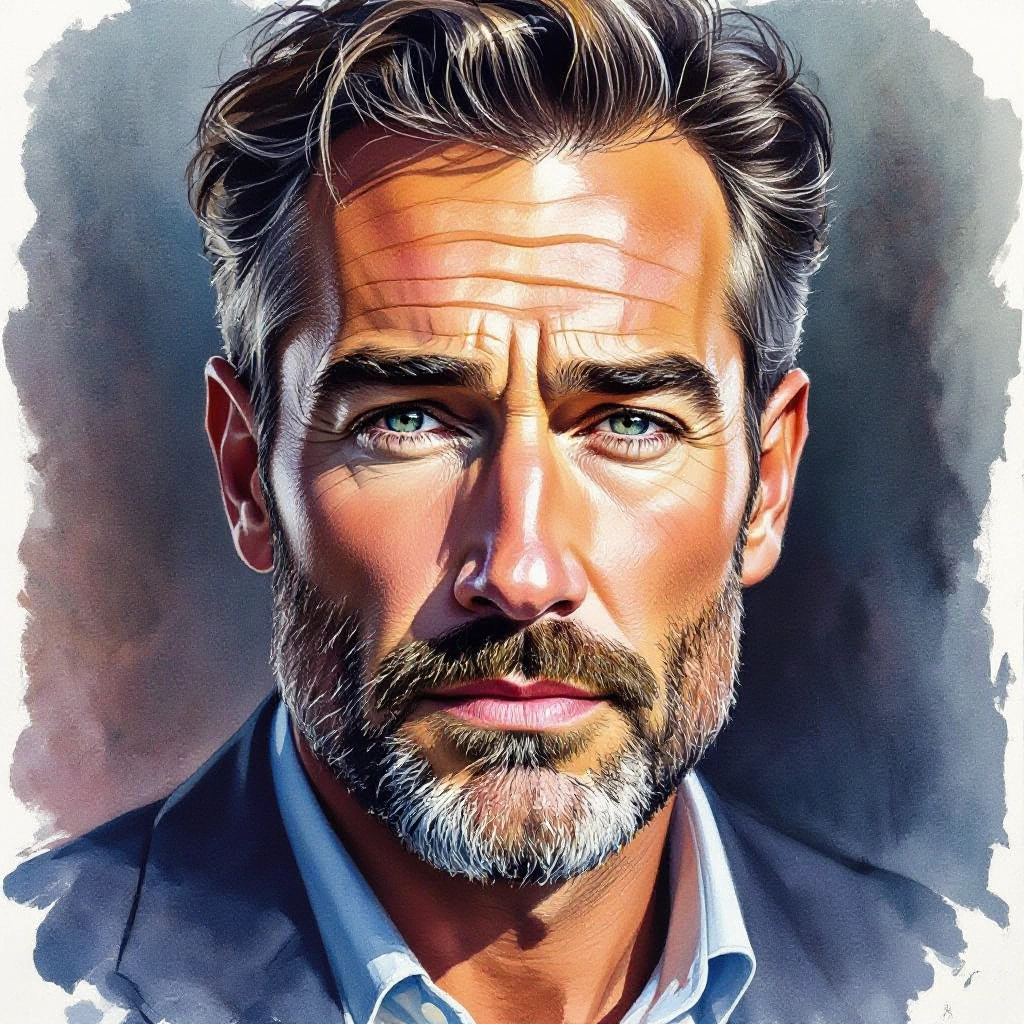
Type your watercolor character or scene description in the prompt box. Include details like character appearance, clothing, expressions, and setting to get better AI watercolor results.
Choose AI Model Settings
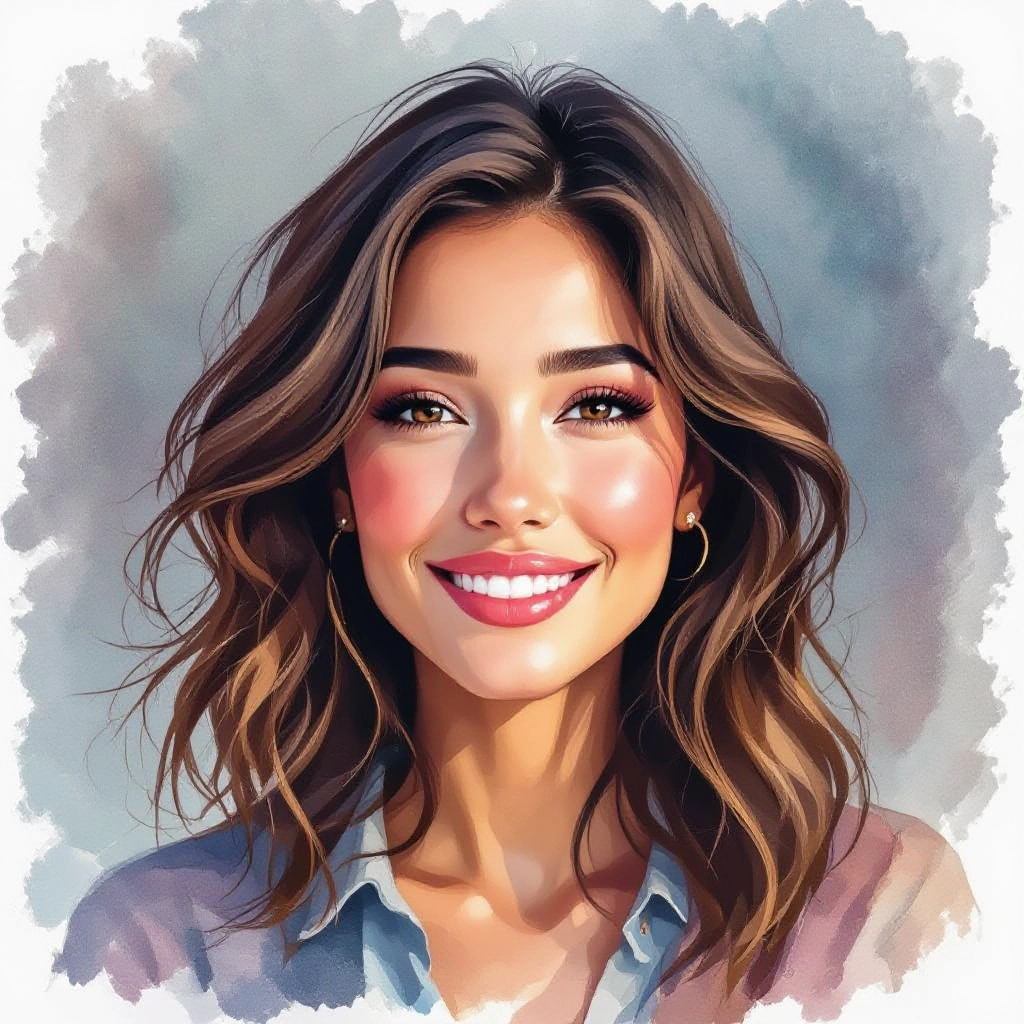
Select your preferred image size and aspect ratio. Our AI model delivers professional quality comparable to:
- • Flux AI Quality
- • Midjourney Standard
- • OpenAI DALL-E
- • Google Imagen
Download AI Watercolor Image
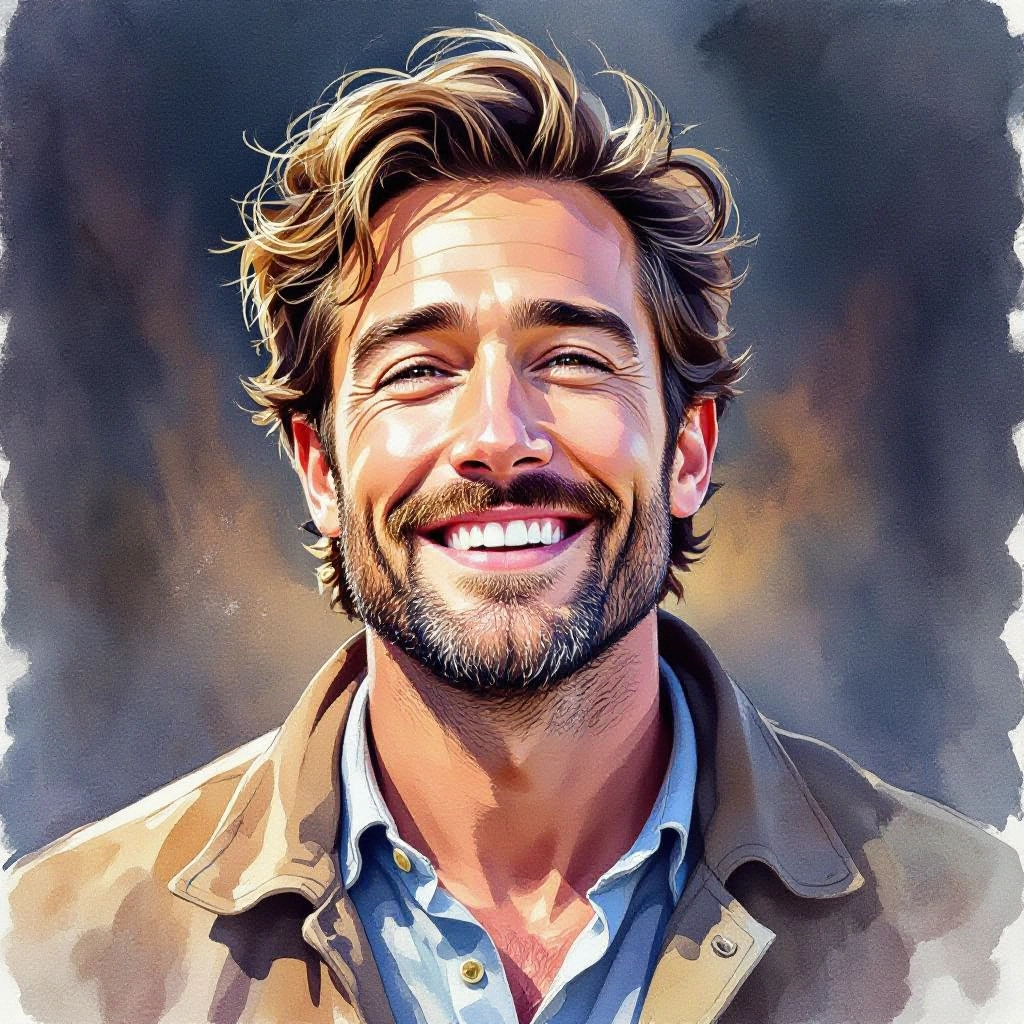
Once your AI watercolor image is generated, click the download button to save it to your device. The image will be in high quality format ready for use.
Features of our AI watercolor Image Generator
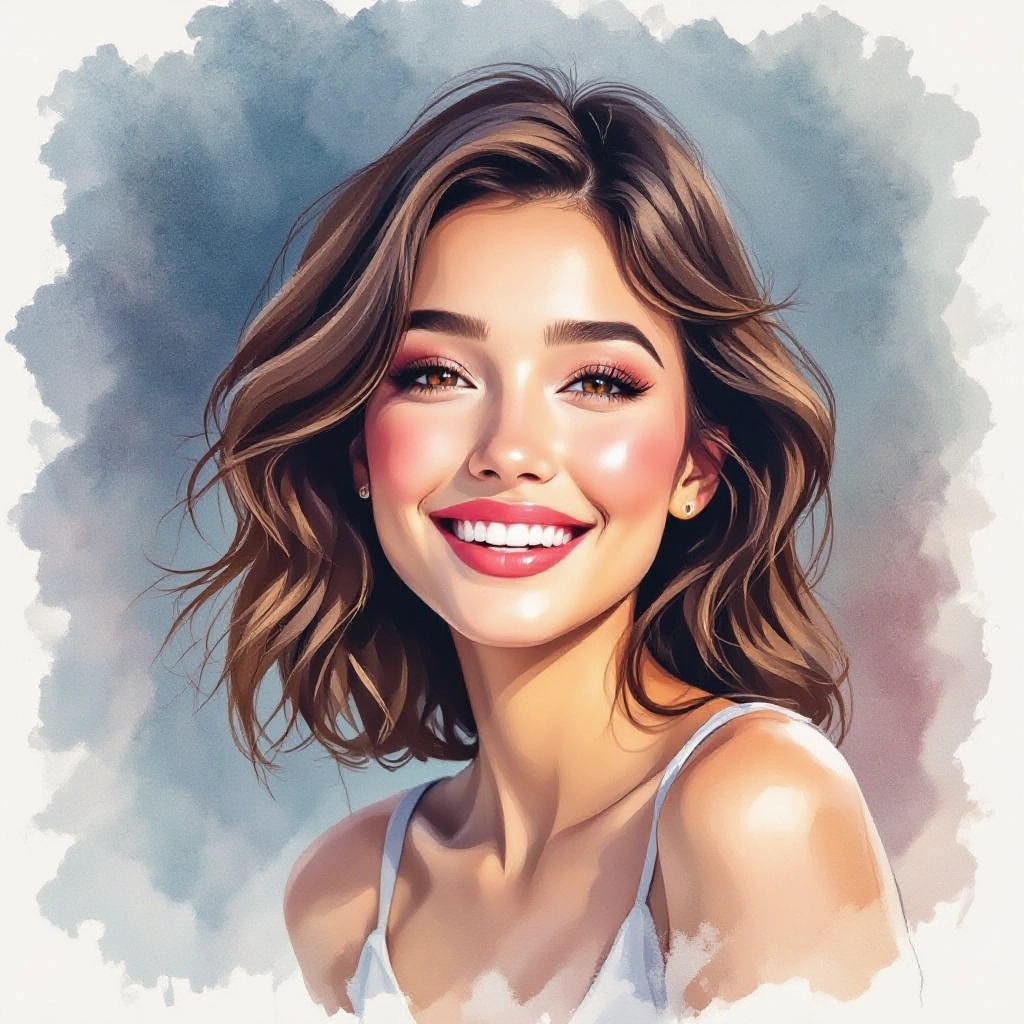
Realistic Pigment Flow
Simulates how pigment moves with water: edge blooms, backruns and pooled pigments. The generator models wetness to create authentic soft transitions and irregular color concentration found in real watercolor. Generate a detailed painting prompt with our Free Painting Prompt Generator for best results.

Paper Texture and Grain Options
Choose from simulated paper types such as hot-pressed, cold-pressed and rough to control visible fiber, granulation patterns and how pigment sits on the surface. Paper selection changes edge softness and the prominence of texture.
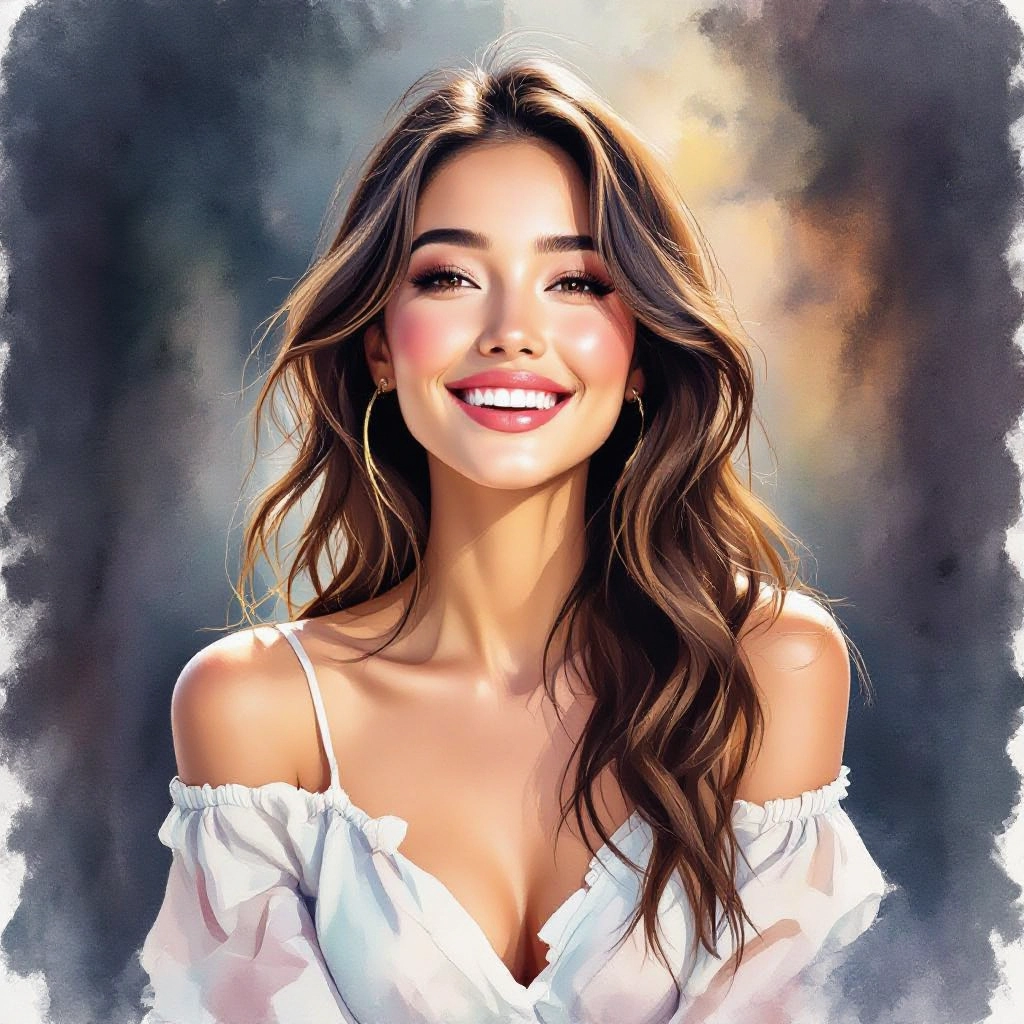
Brushstroke and Wash Dynamics
Recreate everything from broad flat washes to dry-brushed details. Adjustable brush presets simulate round, flat and mop brushes with pressure, lift and layering controls for glazing effects and subtle brush edges.

Color Bleed and Edge Control
Fine-tune diffusion, capillary action and edge sharpness so colors either fuse into one another or retain crisp outlines. Control sliders let you dial granular effects versus seamless washes for different aesthetic goals.
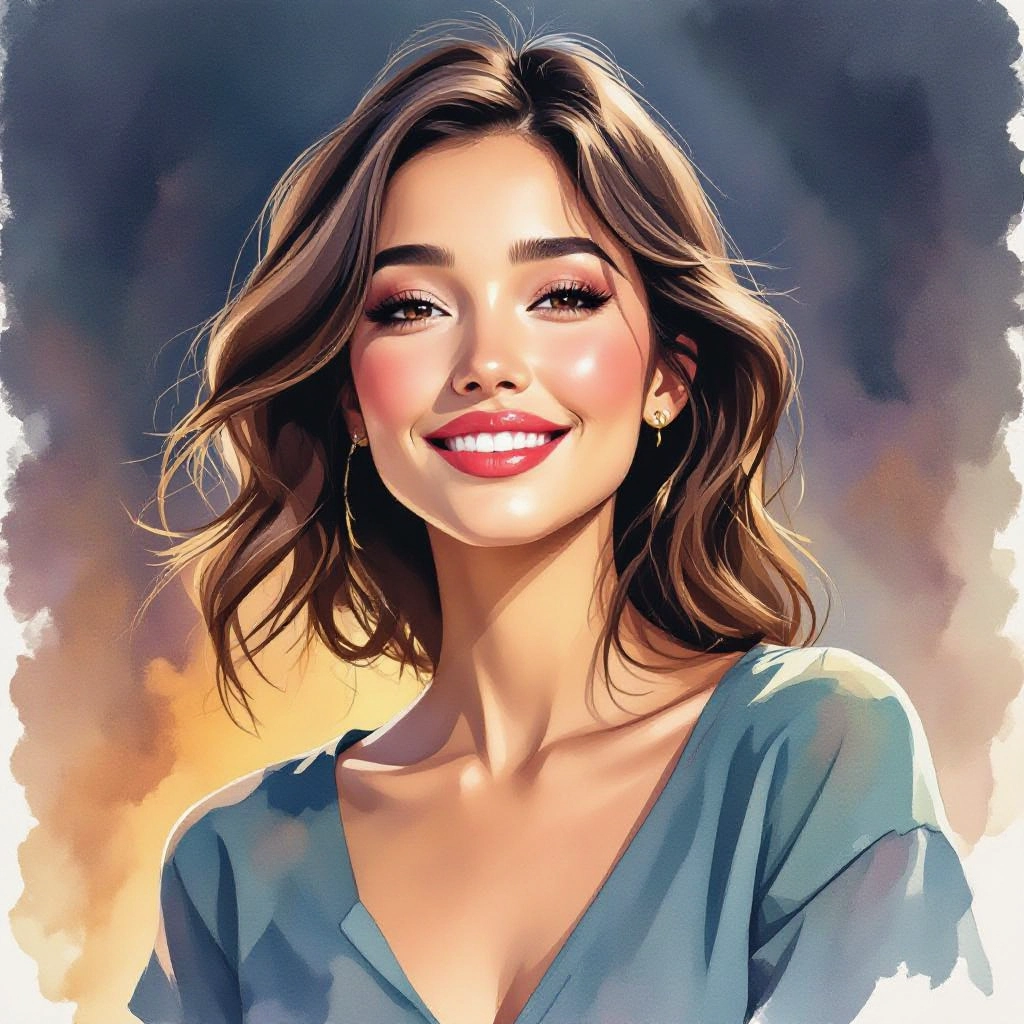
Style Presets and High-Res Export
Instant presets for botanical studies, portrait washes, urban watercolors and abstract granulation speed up creation, while export options support high-resolution TIFF or PNG for gallery prints, packaging and professional reproduction.
Types of AI Powered Watercolor Style Images
Watercolor has many substyles based on technique, brushwork and paper. The generator produces a range of variations from delicate botanical sketches to heavily granulated abstracts, each emphasizing different watercolor behaviors.
Wet-on-Wet Landscape
Soft, atmospheric washes with seamless color transitions and background blooms suited to skies, seascapes and misty hills. Emphasizes fluid gradients and organic edges.
Dry Brush Detail
High-contrast textures with visible brush fibers and scratchy marks for architectural detail, rocks and textured foliage. Simulates minimal water with intense pigment strokes.
Botanical Study
Delicate layered glazing and fine-line edges for flowers, leaves and scientific illustration. Focuses on translucency, subtle color shifts and crisp petal detail.
Urban Wash
Loose washes and muted palettes capturing cityscapes, street scenes and weathered facades. Balances controlled linear elements with expressive color bleeds.
Soft Portrait Wash
Gentle skin tones, blended shadows and soft-edge hair detail that preserve likeness with painterly translucency. Uses glazing to build depth without harsh lines.
Abstract Granulation
Intense pigment texture, speckled granules and layered stains for expressive abstracts. Highlights salt-like effects and uneven pigment deposition for tactile surfaces.
Use cases of AI watercolor image styles
Fine Art Prints
Create gallery-quality prints with authentic watercolor texture and granulation, optimized for giclée printing and museum-grade reproduction.
Editorial and Book Illustration
Produce evocative illustrations for magazines, covers and book interiors where watercolor mood and soft palettes enhance narrative tone.
Greeting Cards and Stationery
Design delicate card fronts, invitations and stationery featuring botanical washes or hand-painted motifs that read as handcrafted.
Textile and Surface Pattern Design
Generate repeatable watercolor motifs with controlled bleeding and layered color for fabrics, wallpaper and home goods with artisanal appeal.
Branding and Packaging
Add watercolor accents to labels and packaging to convey craft, natural ingredients or premium artisanal quality with subtle texture.
Concept Art and Moodboards
Rapidly explore atmosphere, color relationships and compositional ideas with watercolor variations for previsualization and concept studies.
FAQs about AI watercolor image generator
Can I print images created by the generator at large sizes?
Yes. Choose the high-resolution export option and select paper-related settings that emulate watercolor texture. For large prints, export at 300 DPI or higher and use a print service experienced with giclée or fine art reproduction to preserve subtle granulation and paper look.
How do I get realistic watercolor granulation and blooms?
Use prompts that specify wet-on-wet, granulation or pigment-heavy washes, and increase the wetness and granulation sliders. Selecting a rough or cold-pressed paper preset also amplifies granule appearance and irregular pigment pooling.
Are generated watercolor images free to use commercially?
Usage rights depend on the platform terms. The generator itself may be free, but check the license for commercial use, attribution requirements and any limits on reselling or trademark use before applying images to products.
Can I upload a photo to convert into a watercolor?
Yes. Upload reference images to preserve composition and subject while the AI interprets textures, washes and edge treatments. Use masking tools to protect areas you want to keep crisp or to selectively apply watercolor effects.
How do I control the level of detail versus washiness?
Adjust brush size and dry-brush settings for detail, and increase wetness or diffusion for more wash. Layering controls let you generate base washes first and then add detail passes to balance softness with clarity.
What prompts produce the best botanical watercolors?
Be specific about subject, scale and technique, for example: "botanical study of a peony, delicate layered glazing, cold-pressed paper, muted pinks and green veining, fine brush details". Mention paper type and brush style to guide texture and edge behavior.
See Also
