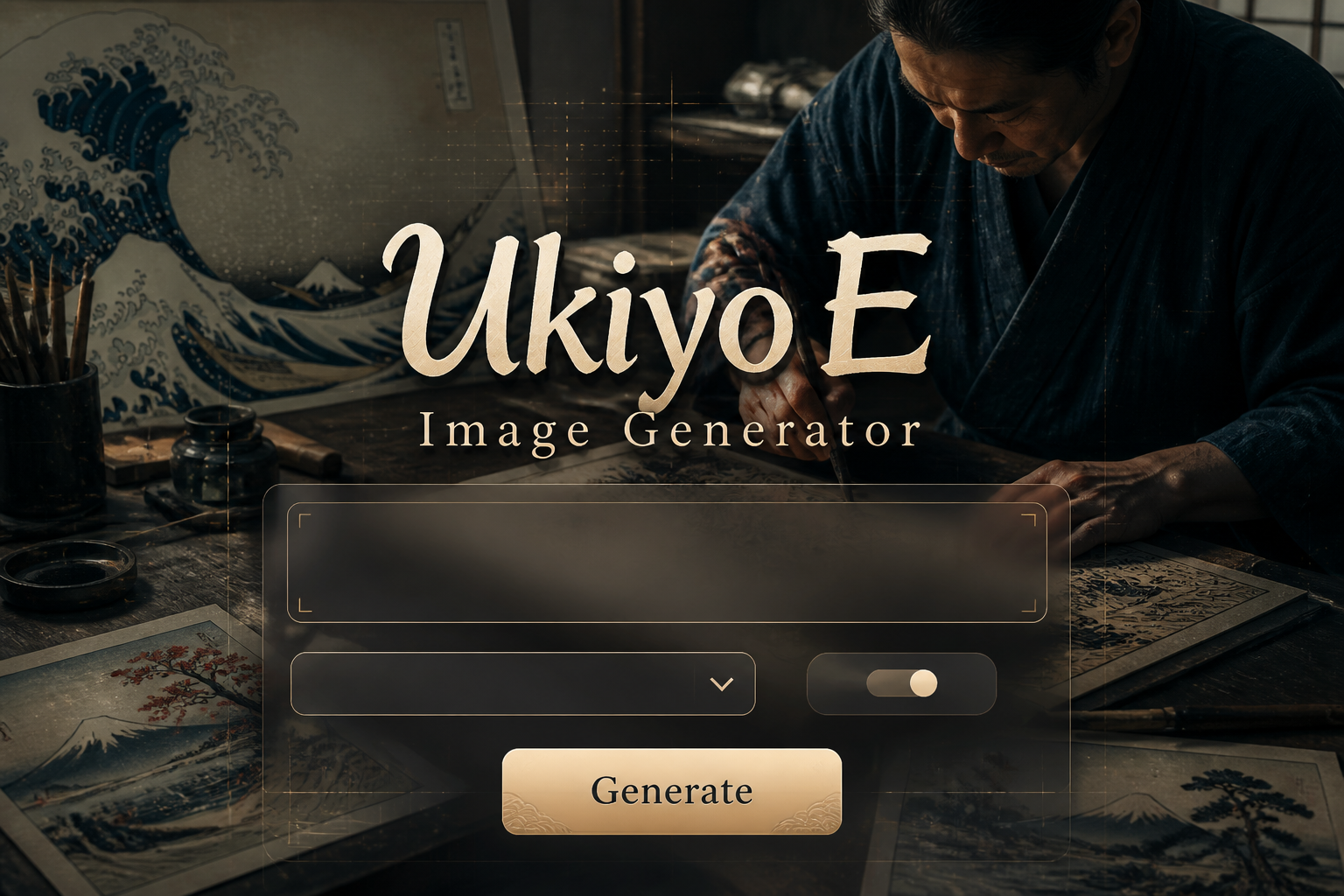
Ukiyo-E Image Generator
Ukiyo-E Image Generator is a free online tool to generate ukiyo-e style images. The tool is free to use, just enter prompt in ukiyo-e style and generate ukiyo-e image style in seconds similar quality to flux, midjourney, open ai, imagen, nano banana AI image quality.
Generate Ukiyo-E AI Image for Free
Receive our FREE AI updates via email once a week
What is a ukiyo-e Generator?
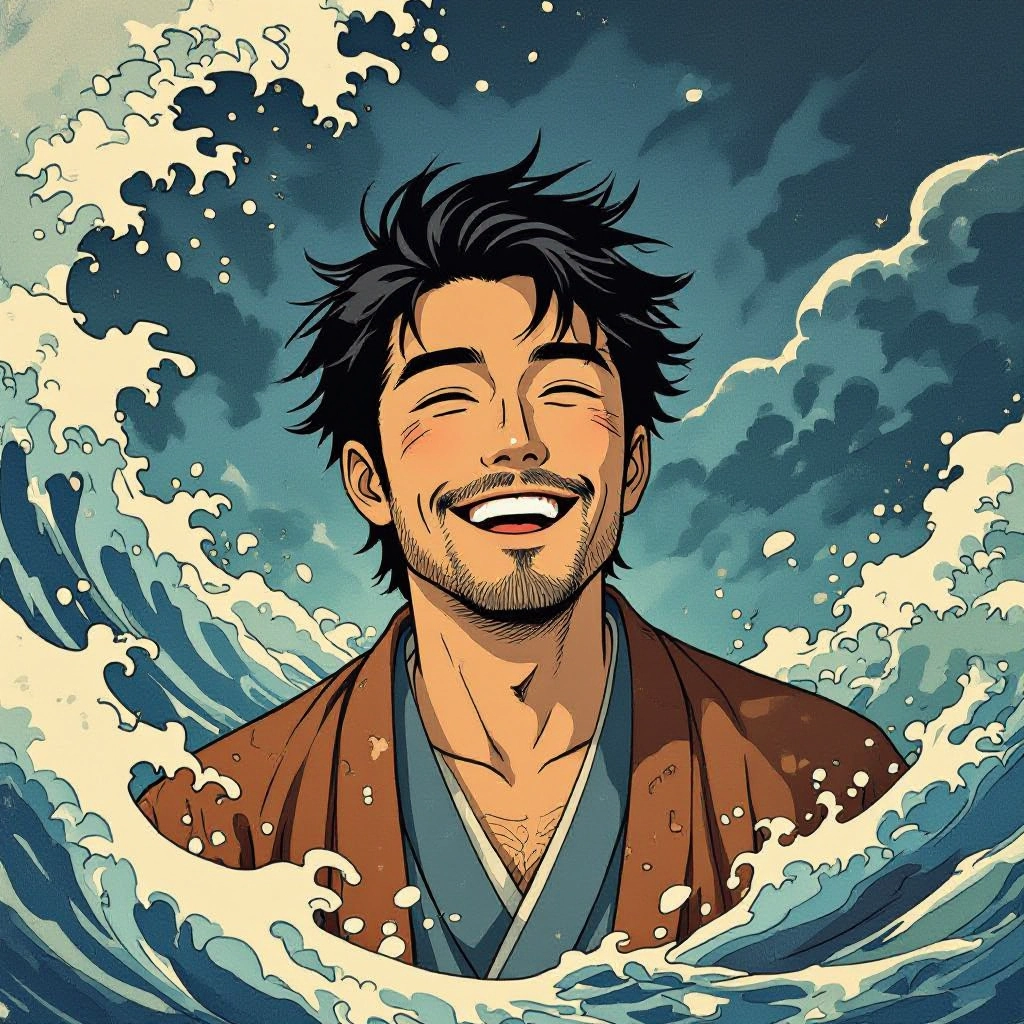
A Ukiyo-E generator is an AI tool designed to reproduce the visual language of Japanese woodblock prints. It models hallmark ukiyo-e traits such as crisp linear outlines, flat color planes, deliberate negative space, nishiki-e color layering, woodgrain texture and the vertical or diagonal compositions favored by masters like Hokusai and Hiroshige. The generator synthesizes these elements into new images that read like mokuhanga prints rather than generic digital illustrations.
Artists, illustrators, game designers, historians and printmakers use the generator to prototype period-accurate visuals, create reference for hand carving, or produce decorative art with authentic ukiyo-e motifs like bijin-ga portraits, yakusha-e actor scenes and landscape panoramas. Museums and educators use it to demonstrate printmaking techniques and compositional rules while preserving the original craft by simulating kento registration and baren pressure effects.
How to Create ukiyo-e Images
Create ukiyo-e images in three clear steps: 1. Write a prompt specifying subject, era, composition and ukiyo-e attributes such as flat color fields, bold outline, limited palette and desired artist influence. 2. Choose style controls: select Hokusai or Hiroshige presets, adjust line thickness, color separation for nishiki-e, woodgrain intensity and paper tone to emulate washi. 3. Refine and export: iterate prompt or mask areas for retouching, increase resolution for printing, and export color-separated layers if you plan to reproduce the result as an actual woodblock print.
Enter AI Ukiyo-E Prompt
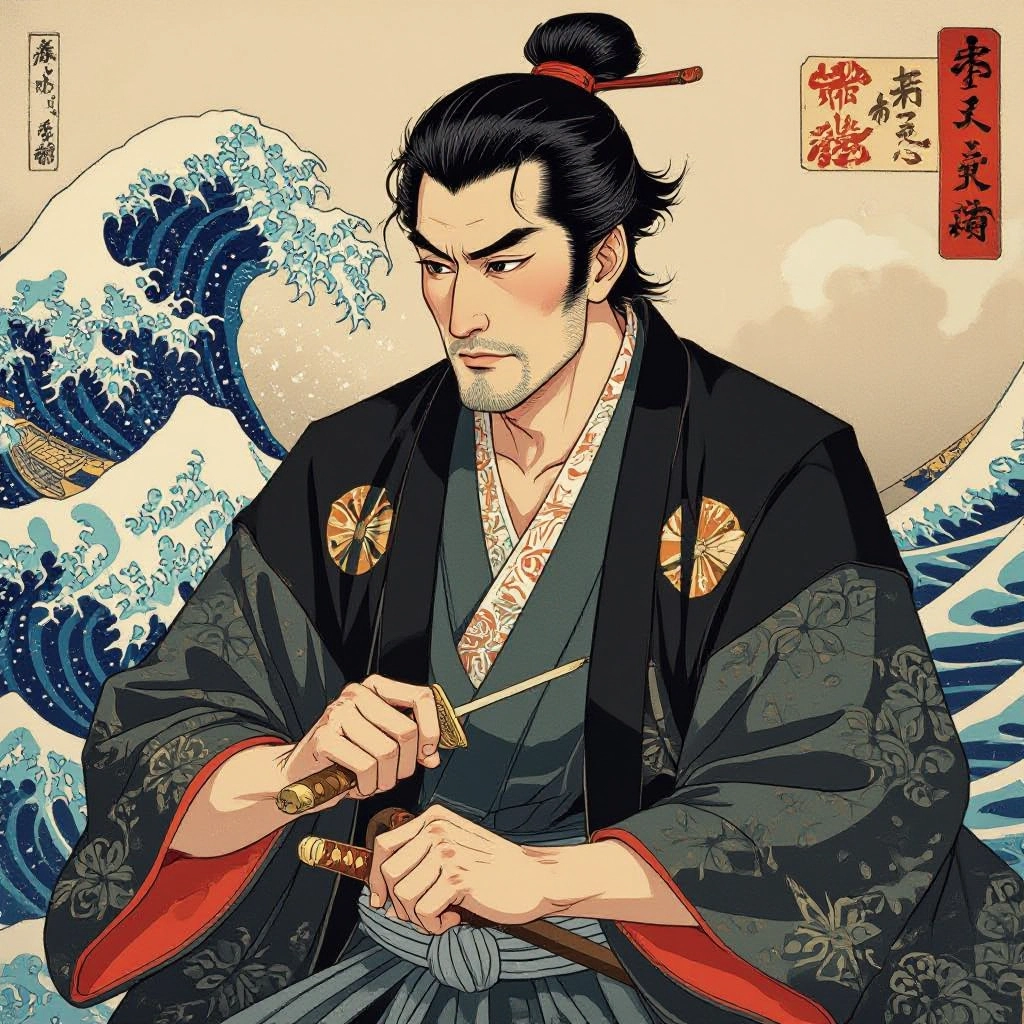
Type your ukiyo-e character or scene description in the prompt box. Include details like character appearance, clothing, expressions, and setting to get better AI ukiyo-e results.
Choose AI Model Settings
Select your preferred image size and aspect ratio. Our AI model delivers professional quality comparable to:
- • Flux AI Quality
- • Midjourney Standard
- • OpenAI DALL-E
- • Google Imagen
Download AI Ukiyo-E Image
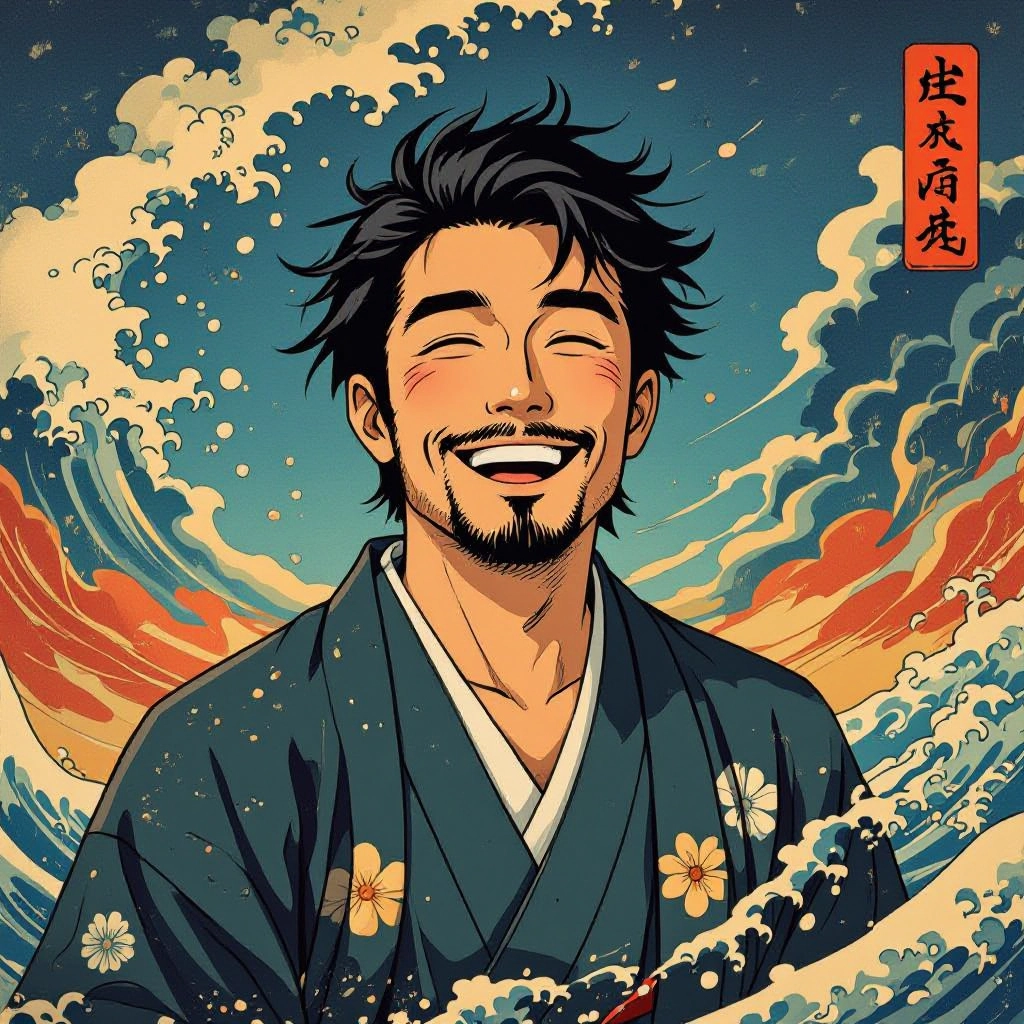
Once your AI ukiyo-e image is generated, click the download button to save it to your device. The image will be in high quality format ready for use.
Features of AI ukiyo-e Image Generator
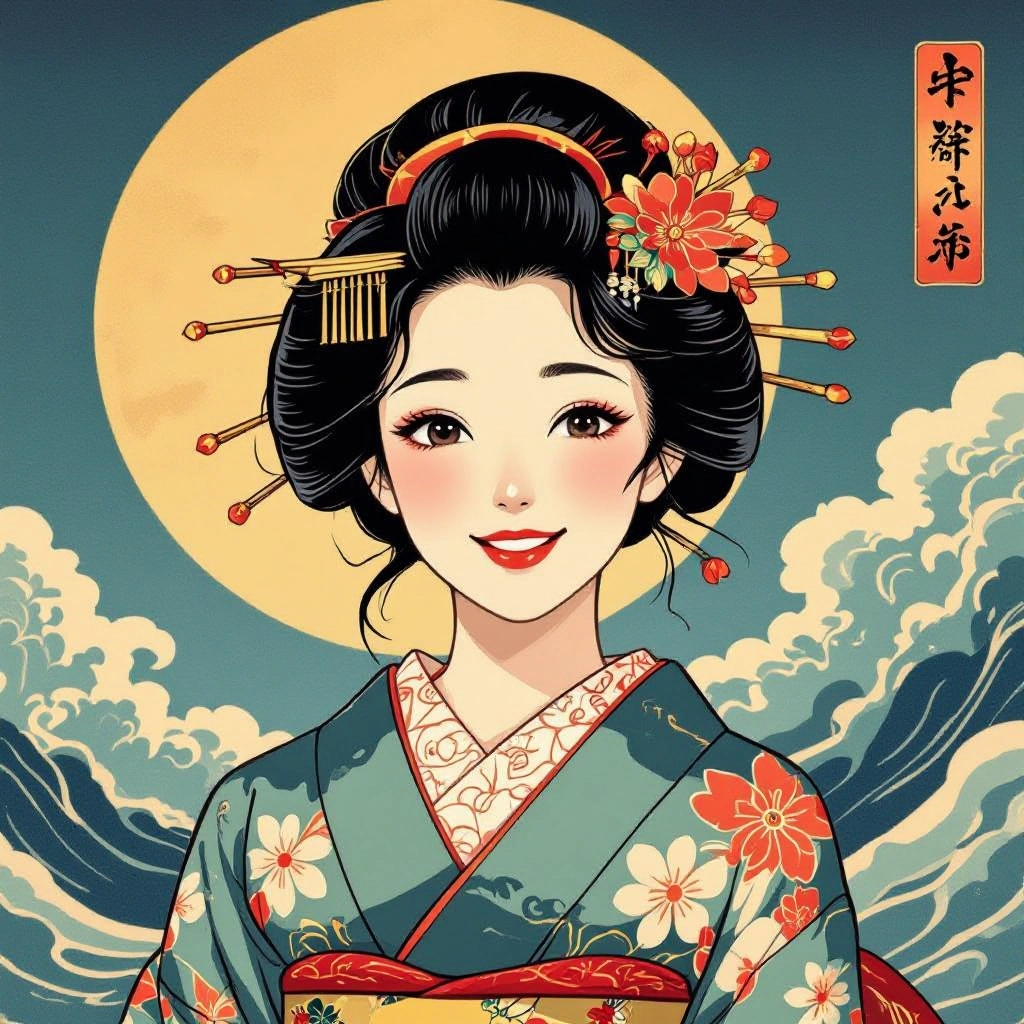
Woodblock Line Emulation
Produces hand carved style linework with variable stroke depth to mimic chisel cuts and sumi outline. Lines preserve irregularities and knife marks typical of authentic woodblock prints for believable mokuhan aesthetics. Enhance your results by generating a detailed prompt with our Free AI Art Prompt Generator first.
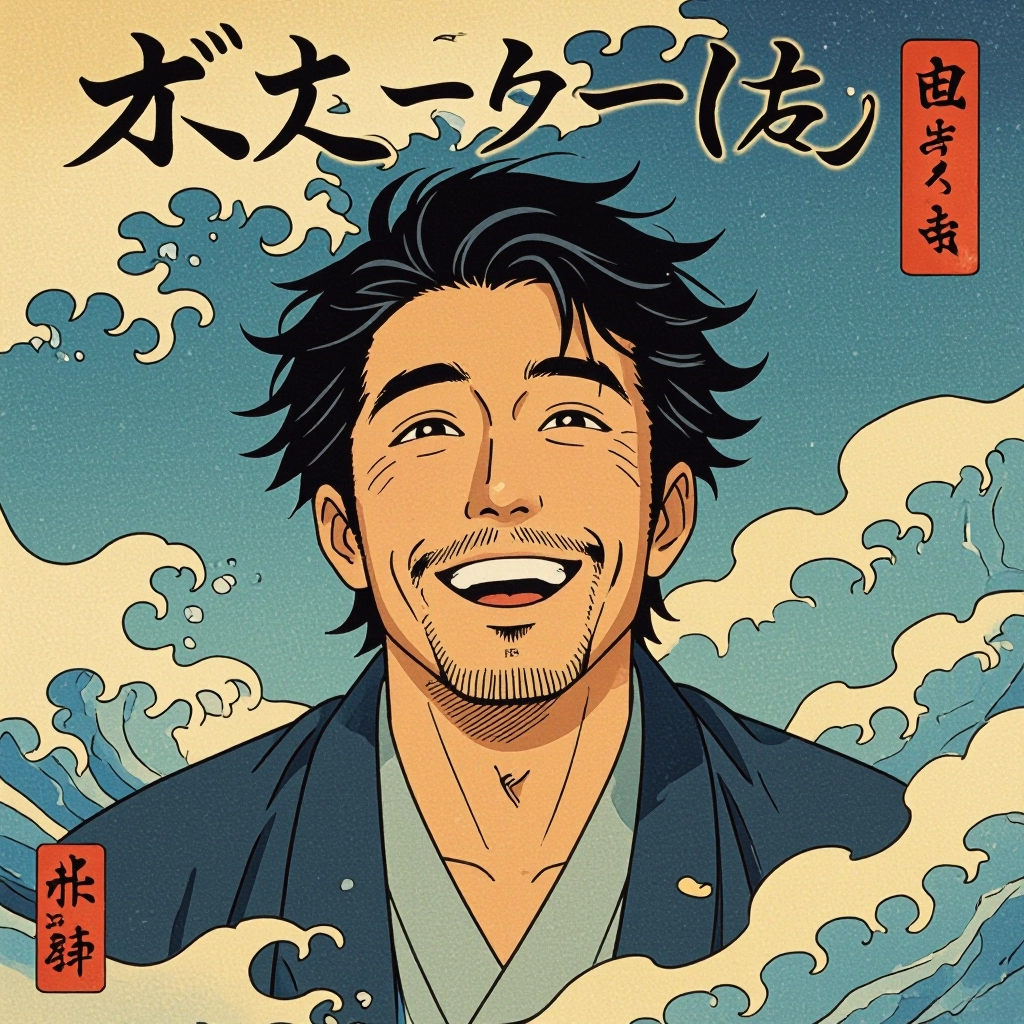
Nishiki-e Color Separation
Automatic color plate separation simulates traditional nishiki-e layering so each flat color band can be exported as a separate plate. Ideal for artists who want to plan multi-plate carving or digital color-block printing.
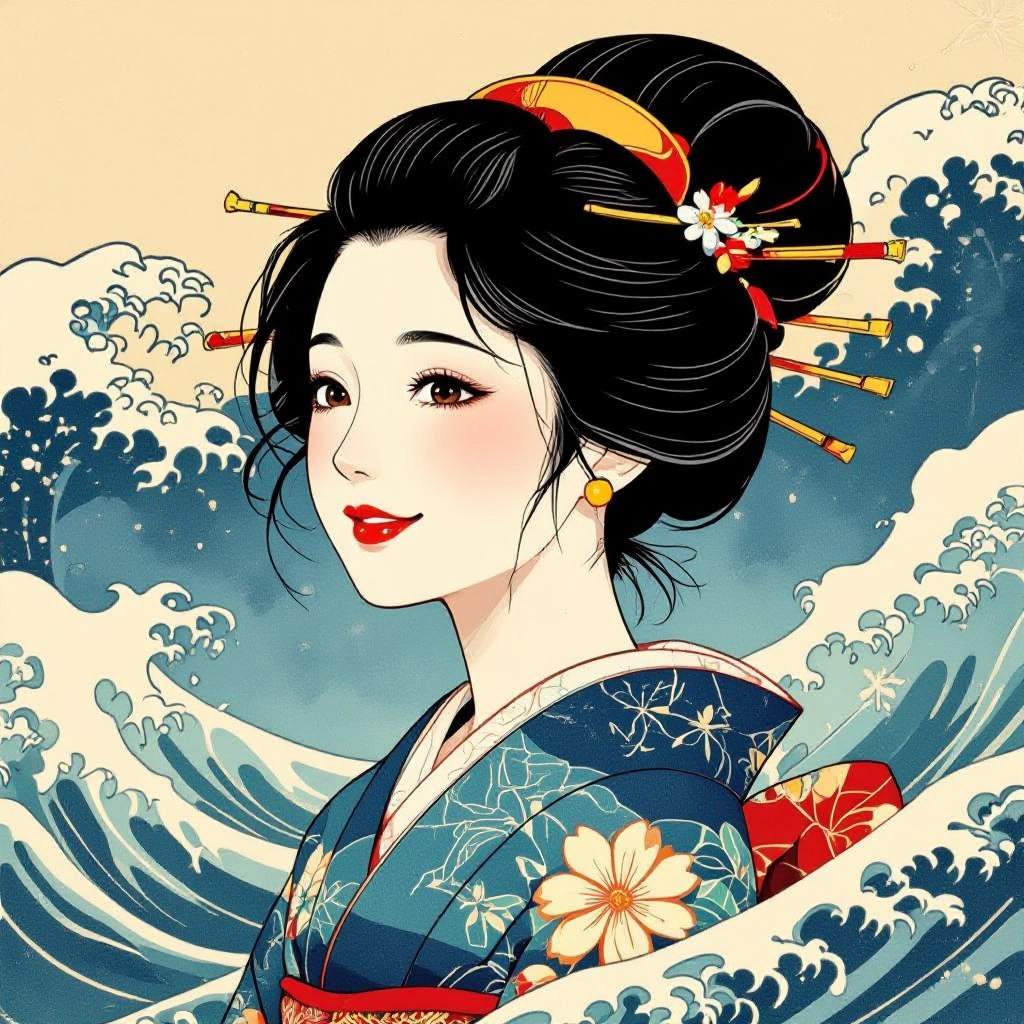
Baren Grain and Paper Texture
Adds realistic baren-generated grain and washi fiber texture to prints. Controls include grain intensity, ink pooling, subtle misregistration and paper tone to reproduce aged or fresh ukiyo-e impressions.
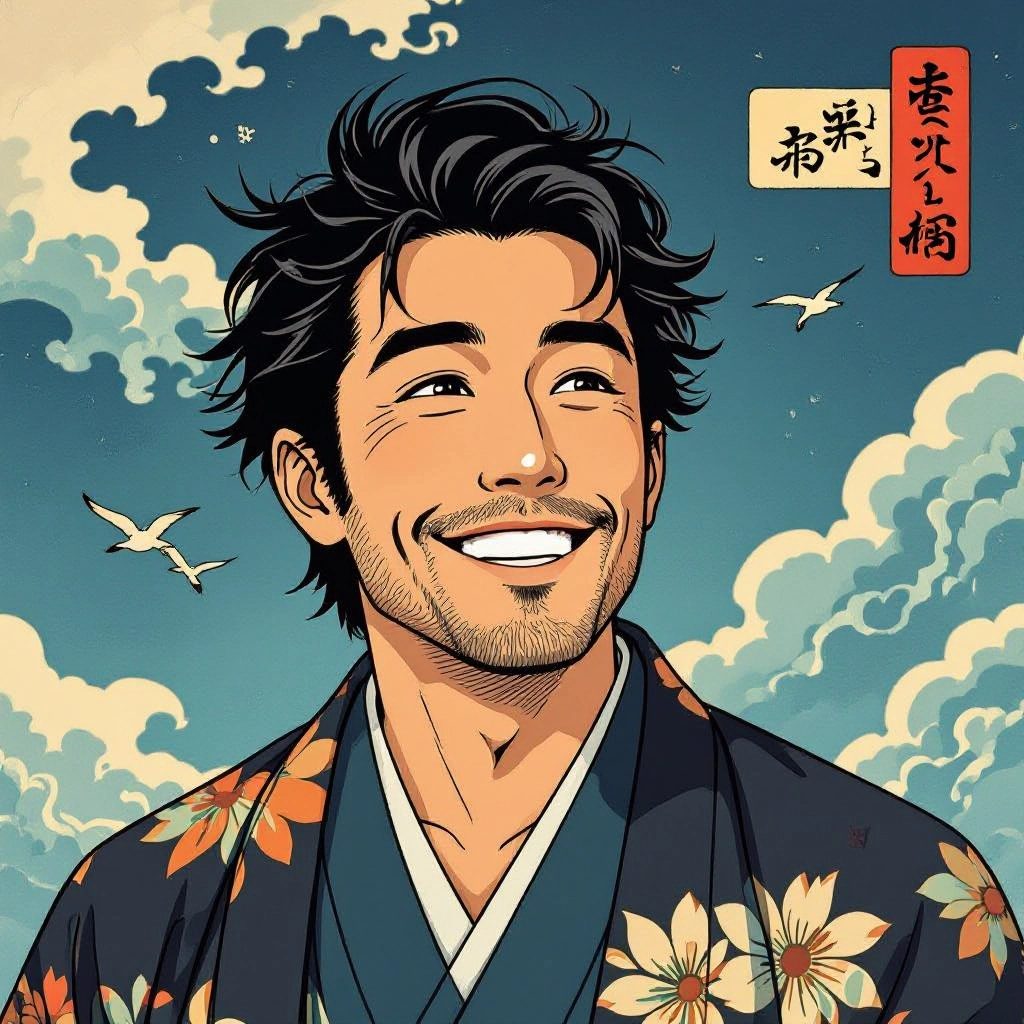
Artist Presets and Historical Modes
Presets emulate visual tendencies of ukiyo-e masters such as Hokusai wave dynamics, Hiroshige atmospheric gradation, and Utamaro portrait composition. Historical modes adjust palette, perspective and print size standards like oban and chuban.
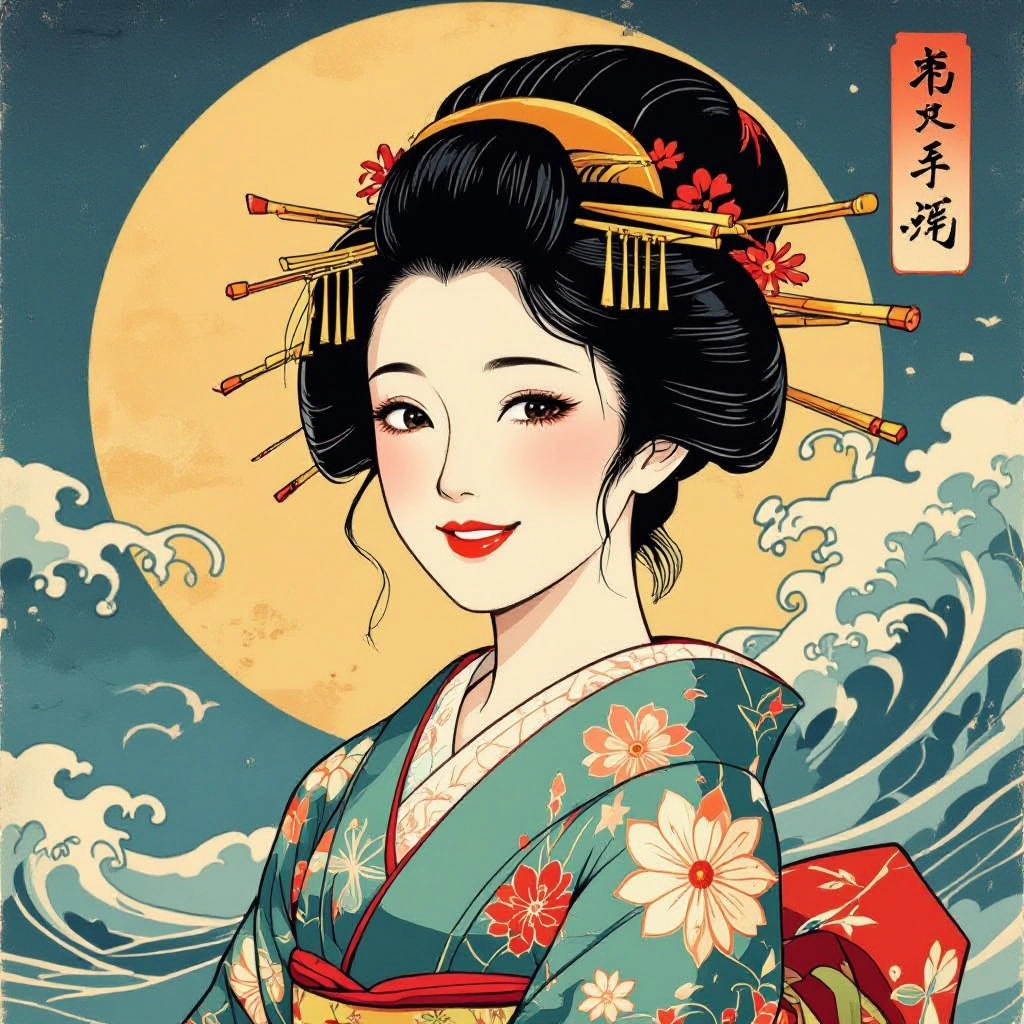
Prompt Fine-Tuning and Masking
Advanced prompt controls and region masking let you preserve authentic motifs while changing backgrounds or color schemes. Use selective masking to refine line art for actor portraits or landscape foregrounds without altering sky gradients.
Types of AI Powered Ukiyo-E Style Images
Explore distinct ukiyo-e substyles that the generator can reproduce, each highlighting unique compositional and technical features from the printmaking tradition.
Hokusai Wave and Coastal Landscapes
Dynamic compositions with dramatic wave forms, patterned water linework, and a limited but impactful palette. Emphasizes motion and bold diagonal rhythm found in Hokusai prints.
Hiroshige Atmospheric Twilight Views
Subtle color gradations, misty horizons and careful use of negative space to create mood. Focuses on bokashi techniques and delicate tonal transitions for dusk and rain scenes.
Bijin-ga Portraits and Fashion Studies
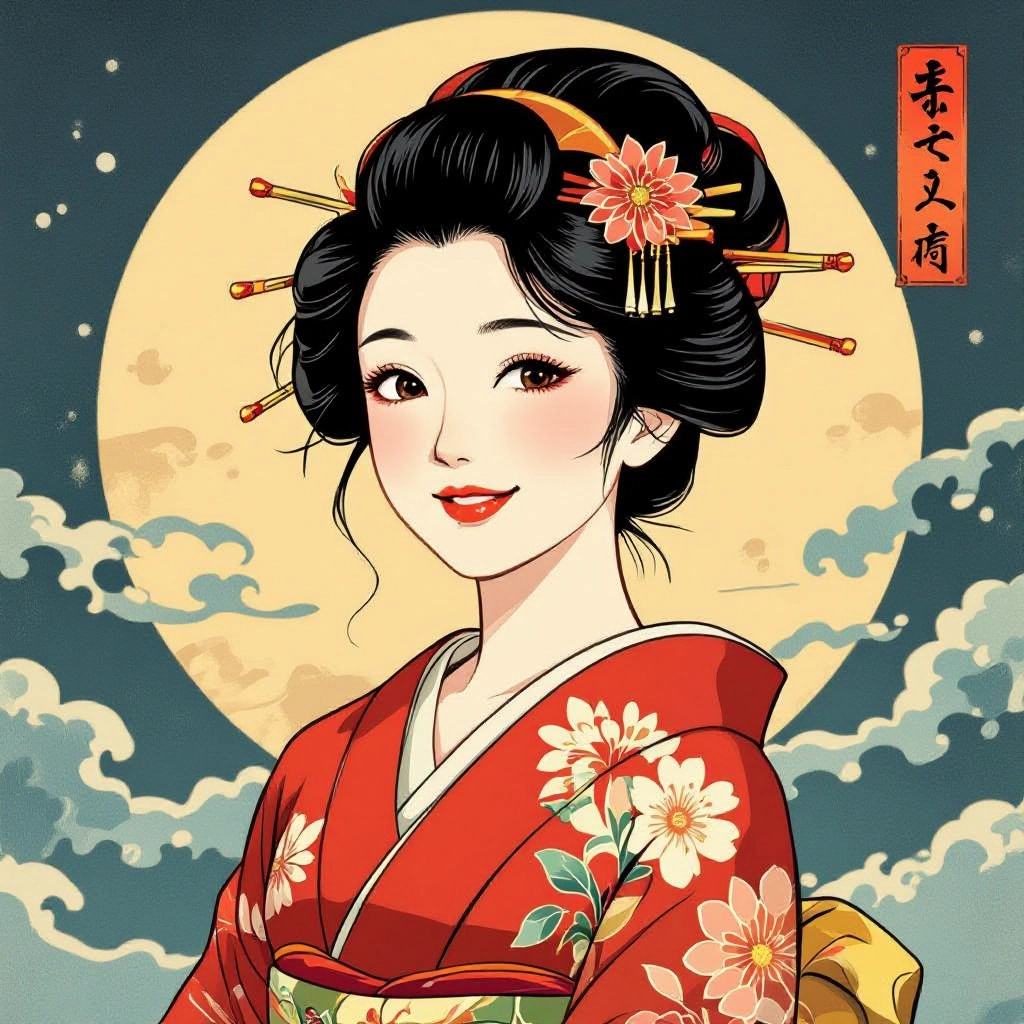
Elegant female portraiture with flowing kimono patterns, refined facial linework and decorative textile motifs. Captures bijin-ga compositional balance and idealized posture.
Yakusha-e Actor and Theater Prints
Exaggerated facial expressions, costume detail and stage props rendered with strong outlines and bold flat color to evoke Edo period kabuki portraiture.
Nishiki-e Multi-Plate Color Panels
Complex, multi-layer color images built from separated plates with careful registration effects. Great for reproducing the jewel-like color richness of 19th century prints.
Mokuhanga Texture and Experimental Prints
Focuses on woodgrain artifacts, uneven inking, and compositional experiments that mimic early or rustic mokuhanga trials, useful for study and creative reinterpretation.
Applications of AI ukiyo-e image style
Concept Art for Games and Animation
Create authentic period backgrounds, character designs and scenic textures inspired by ukiyo-e motifs to give media projects a historical Japanese aesthetic.
Museum and Education Visuals
Generate comparative prints and reconstructions for classes and exhibits to illustrate techniques like kento registration, bokashi and multi-plate printing methods.
Printmaking Previsualization
Use color-separated outputs and simulated woodgrain to plan actual woodblock carving and inking, reducing trial and error in mokuhanga workshops.
Commercial Decorative Art
Produce posters, textiles and product designs with ukiyo-e styling for retail or interior decoration while ensuring respectful homage to the tradition.
Scholarly Research and Restoration
Assist researchers in recreating lost prints or testing inpainting strategies by generating variant impressions under controlled historical parameters.
Personal Creative Exploration
Hobbyists and contemporary artists can remix ukiyo-e visual language with modern subjects, experimenting with hybrid aesthetics that reference traditional print methods.
FAQs about AI ukiyo-e image generator
Can I recreate a specific master like Hokusai or Hiroshige with this tool?
The generator can produce images that evoke stylistic features of specific masters, such as wave composition or atmospheric gradation, but it creates original outputs that combine those features rather than exact copies of any protected modern artwork.
How do I get authentic woodblock texture and misregistration?
Enable the woodgrain and baren grain options, increase paper fiber intensity and turn on slight plate misregistration. These controls mimic the ink pooling and imperfect registration typical of hand printed nishiki-e.
Are the generated images suitable for large format printing?
Yes, use high resolution export and enable color separation if you plan to print using multi-plate processes. For archival prints, choose a neutral paper tone and minimal artificial sharpening to preserve print-like halftone.
Can I use generated ukiyo-e images commercially?
Commercial use is generally permitted for original outputs from the generator, but you should avoid generating direct replicas of copyrighted modern works and review the platform terms for licensing details.
How can I control line quality for actor portraits or faces?
Use the line thickness and fidelity sliders and apply a face-preserve mask. This keeps facial features crisp while allowing experimental line texture in hair, costumes and backgrounds.
Does the generator help recreate traditional print sizes and formats?
Yes, choose paper size presets like oban and chuban and the tool will adjust composition, aspect ratio and registration guides to match historical ukiyo-e formats.
