Vintage Image Generator
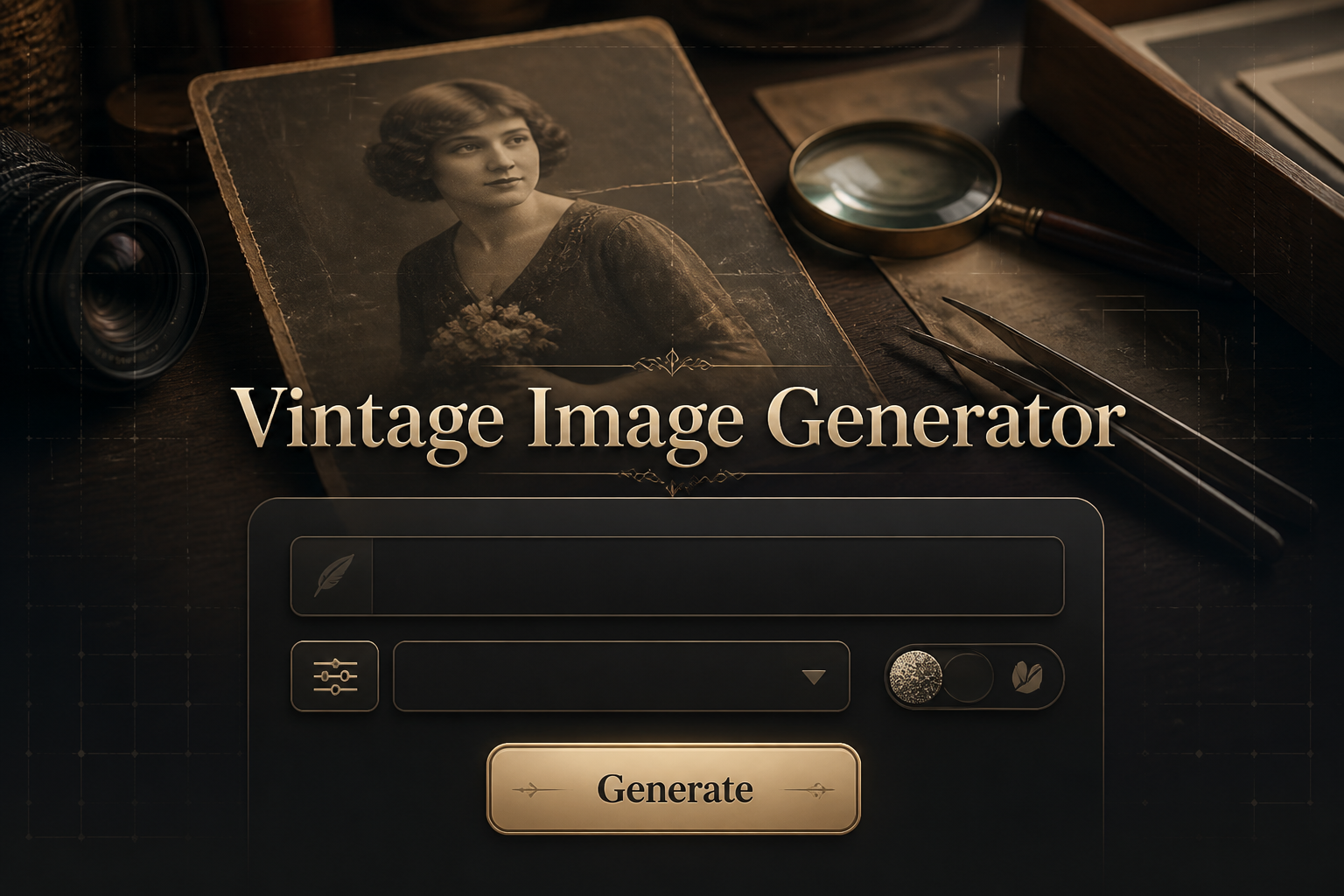
Vintage Image Generator is a free online tool to generate vintage style images. The tool is free to use, just enter prompt in vintage style and generate vintage image style in seconds similar quality to flux, midjourney, open ai, imagen, nano banana AI image quality.
Generate Vintage AI Image for Free
Receive our FREE AI updates via email once a week
What is a vintage Generator?
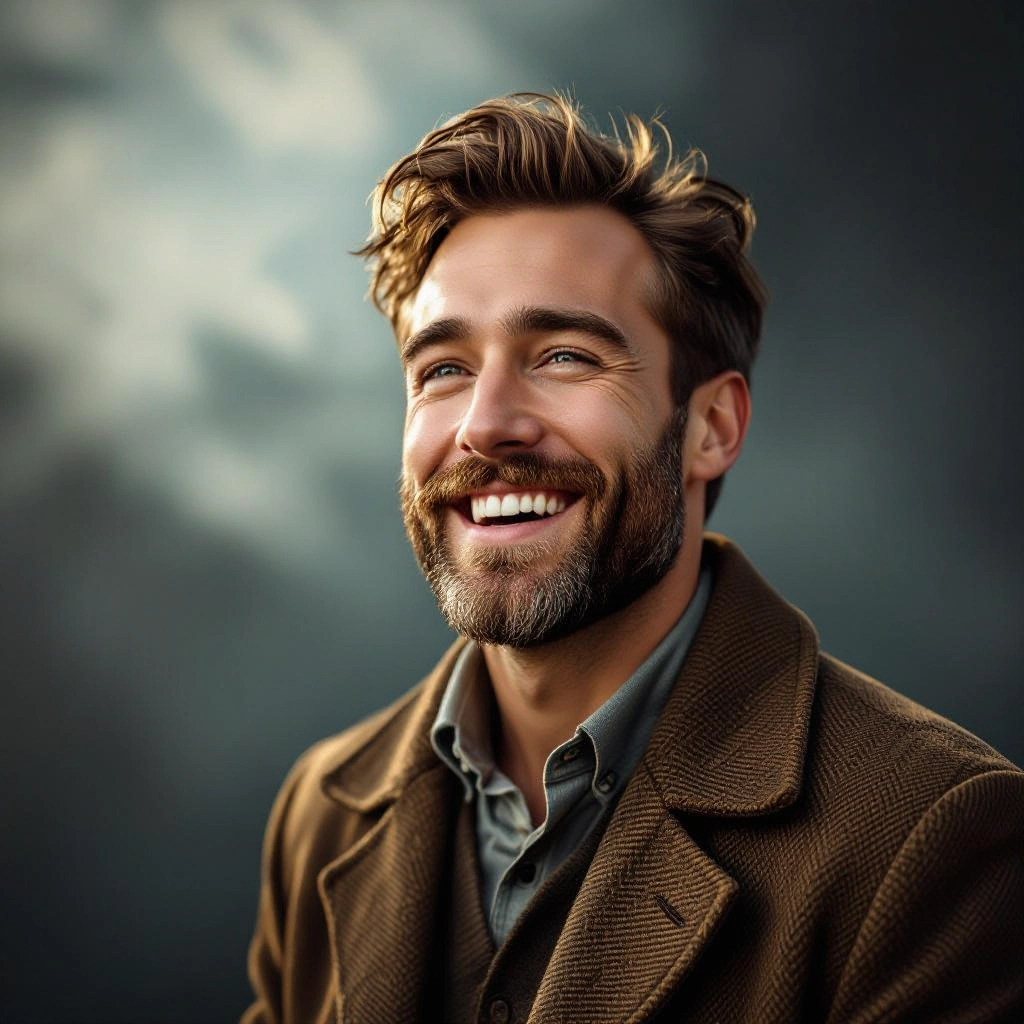
A vintage generator is an AI-powered image tool designed to recreate the textures, tones, and imperfections of analog photography. It synthesizes film grain, fading, color shifts, light leaks, vignetting, border artifacts and period-accurate color palettes to produce images that feel authentically aged rather than simply filtered.
Photographers, content creators, brand designers and hobbyists use a vintage generator to evoke nostalgia, match archival aesthetics, and create mood-driven visuals. Filmmakers and restoration specialists also use these tools to preview color grading, recreate period looks for storyboards and restore damaged imagery with historically plausible textures.
How to Create vintage Images
Create vintage images in three simple steps: Step 1: Choose a source image or write a detailed prompt specifying era, film type and vintage artifacts you want, for example 1960s sepia portrait with heavy grain and soft vignetting. Step 2: Pick a style preset or adjust sliders for grain, fade, color shift, contrast and border type to match the targeted period look. Step 3: Preview and refine the image, saving versions with different intensities or exporting high resolution files for print or digital use.
Enter AI Vintage Prompt
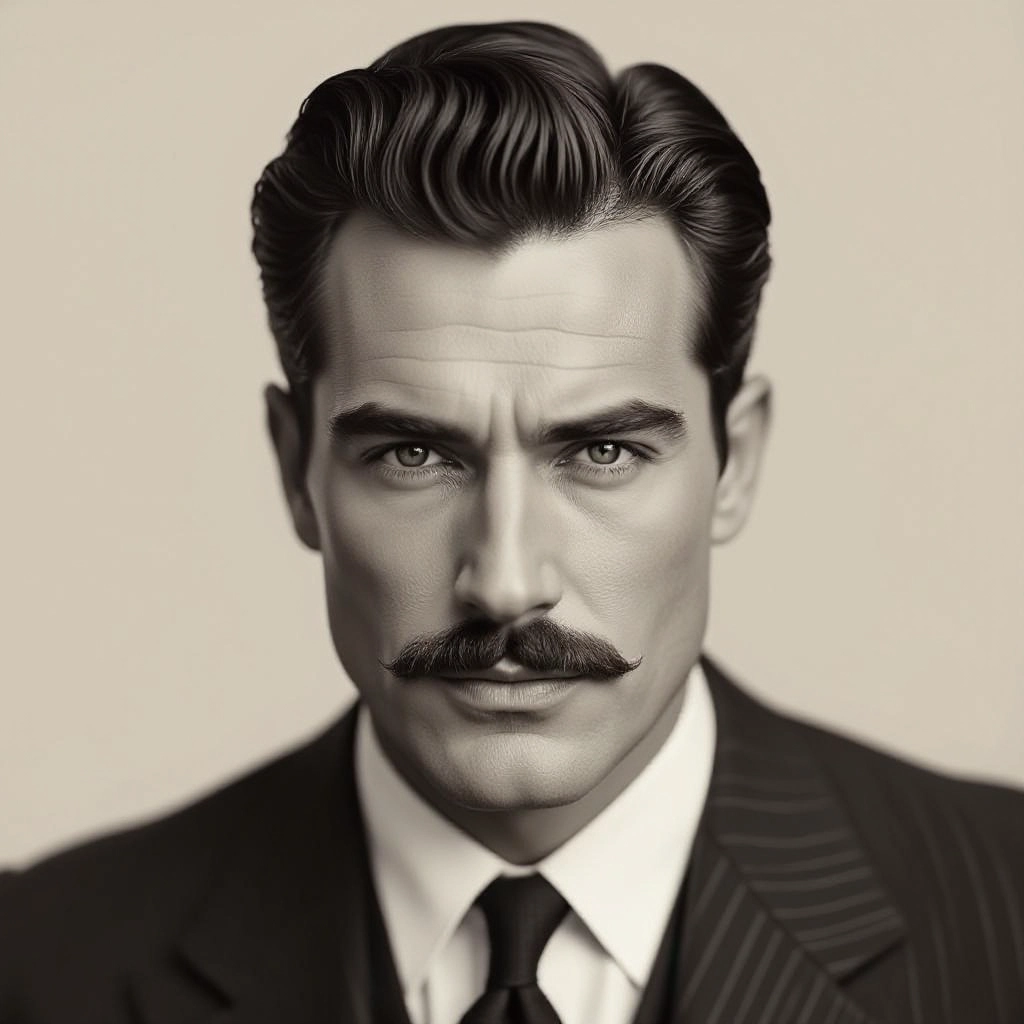
Type your vintage character or scene description in the prompt box. Include details like character appearance, clothing, expressions, and setting to get better AI vintage results.
Choose AI Model Settings
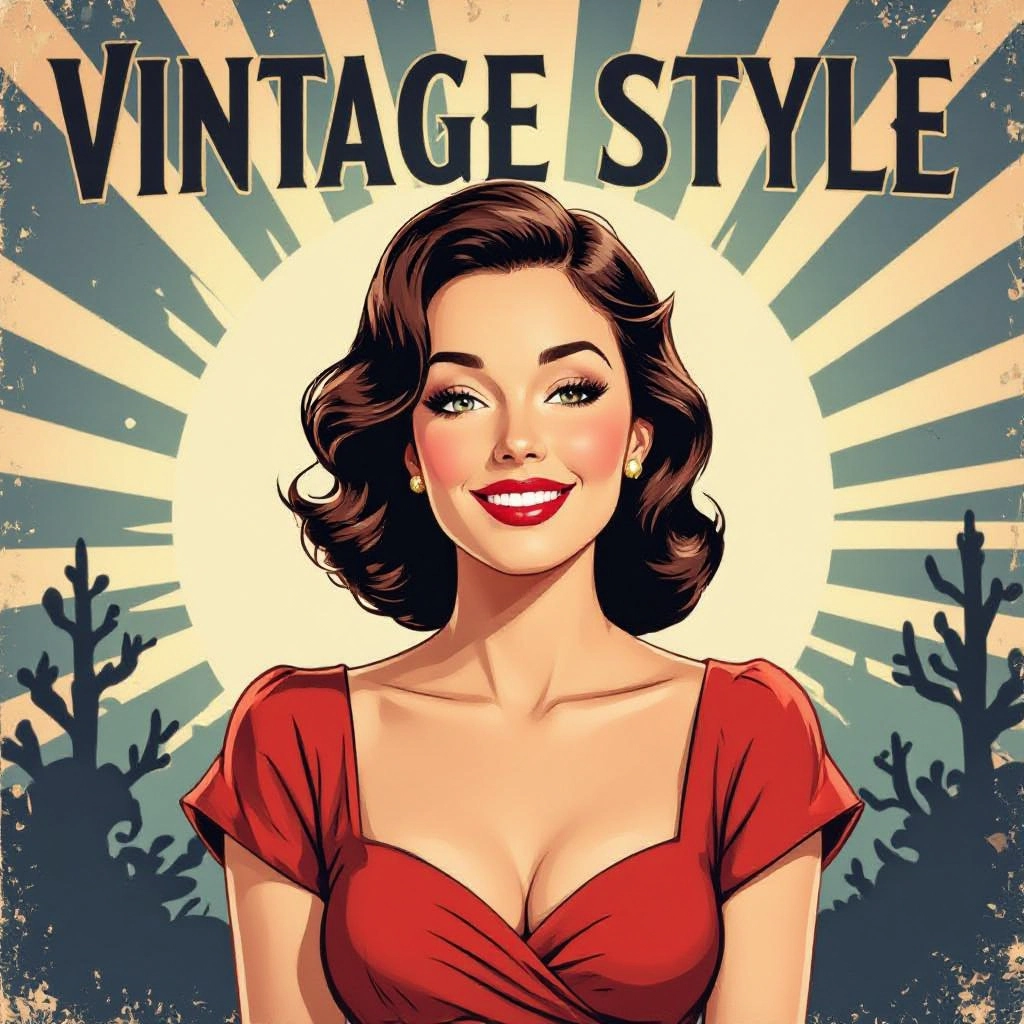
Select your preferred image size and aspect ratio. Our AI model delivers professional quality comparable to:
- • Flux AI Quality
- • Midjourney Standard
- • OpenAI DALL-E
- • Google Imagen
Download AI Vintage Image
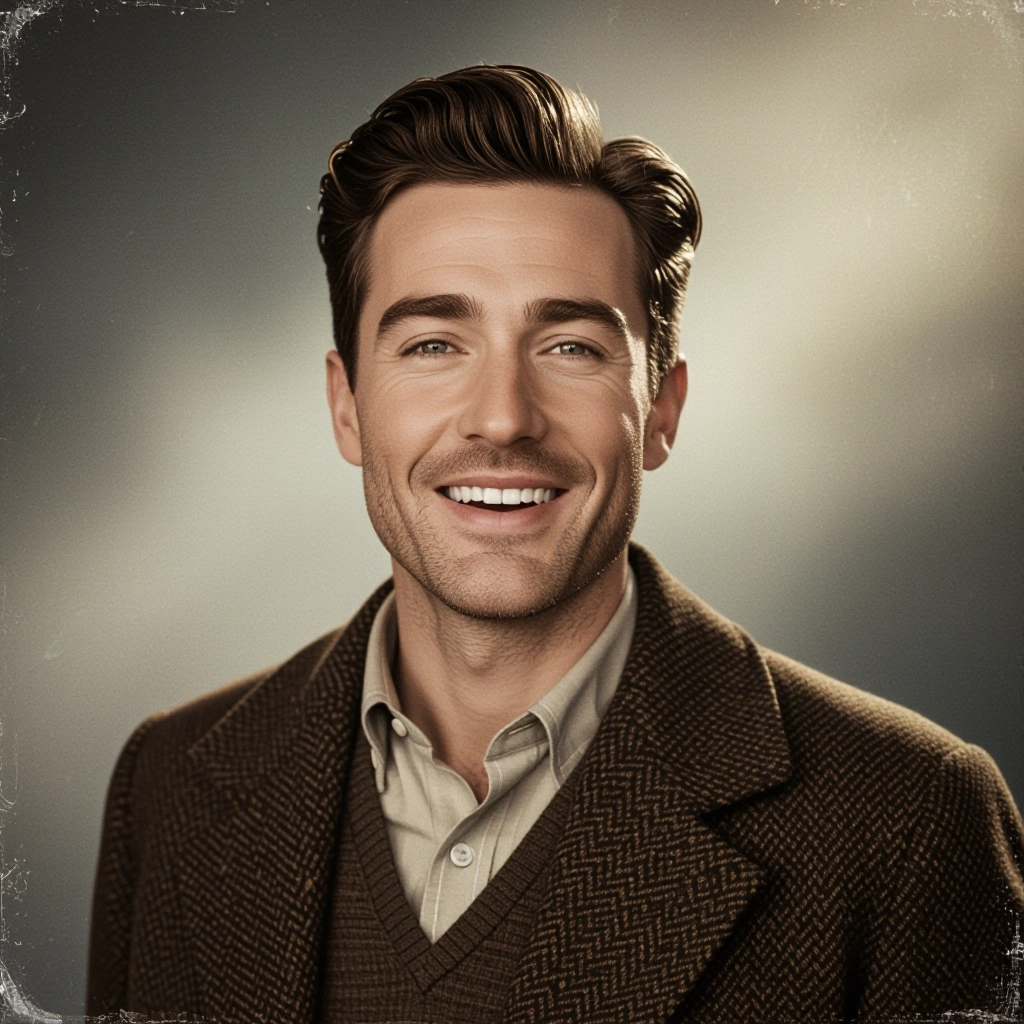
Once your AI vintage image is generated, click the download button to save it to your device. The image will be in high quality format ready for use.
Features of AI vintage Image Generator
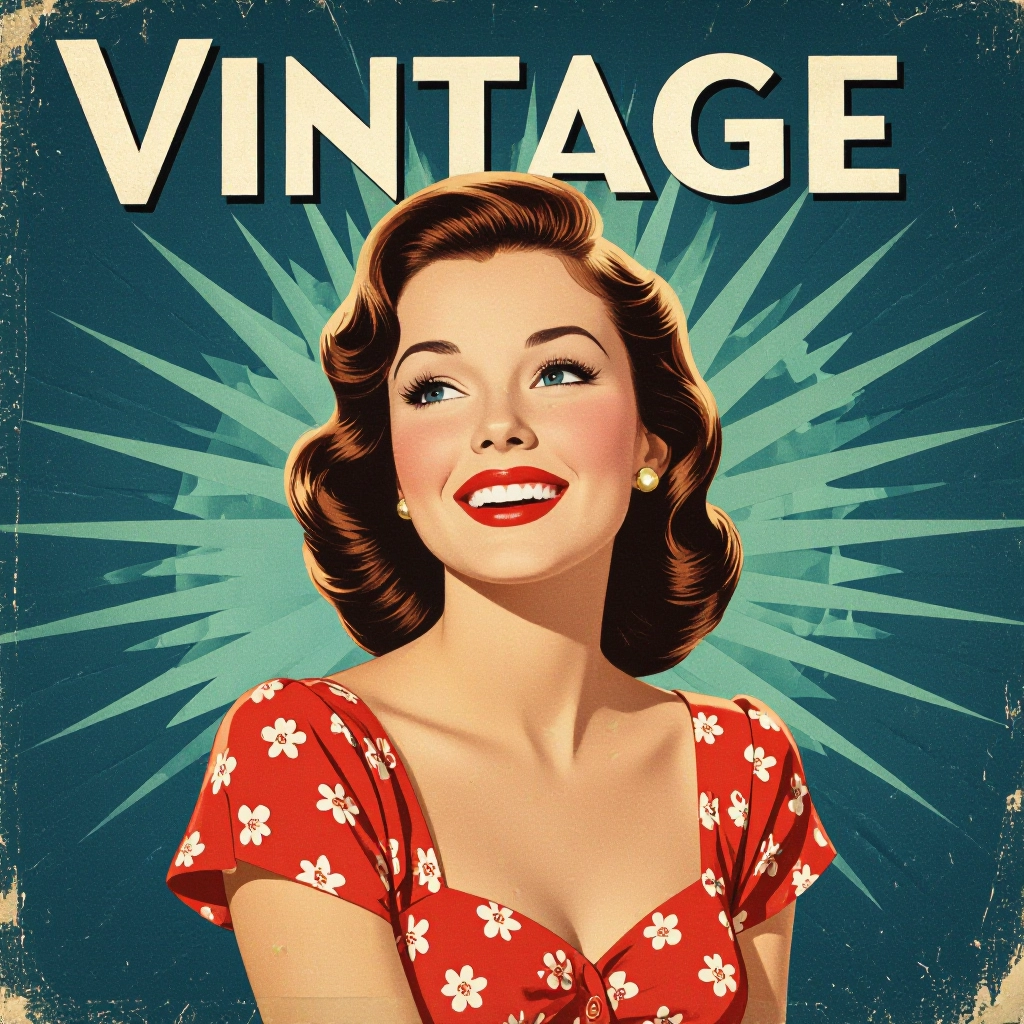
Authentic Film Grain Engine
A trained grain engine models real film emulsions at different ISO levels to reproduce organic noise patterns and clumping, giving each image a tactile, analog texture rather than uniform digital noise. Enhance your results by generating a detailed prompt with our Free AI Art Prompt Generator first.

Period-Accurate Color Profiles
Choose from curated color profiles such as Kodachrome 1960s, 1970s muted pastels, or early color reversal films. Each profile simulates the chemical color shifts and dye fading typical of the era.
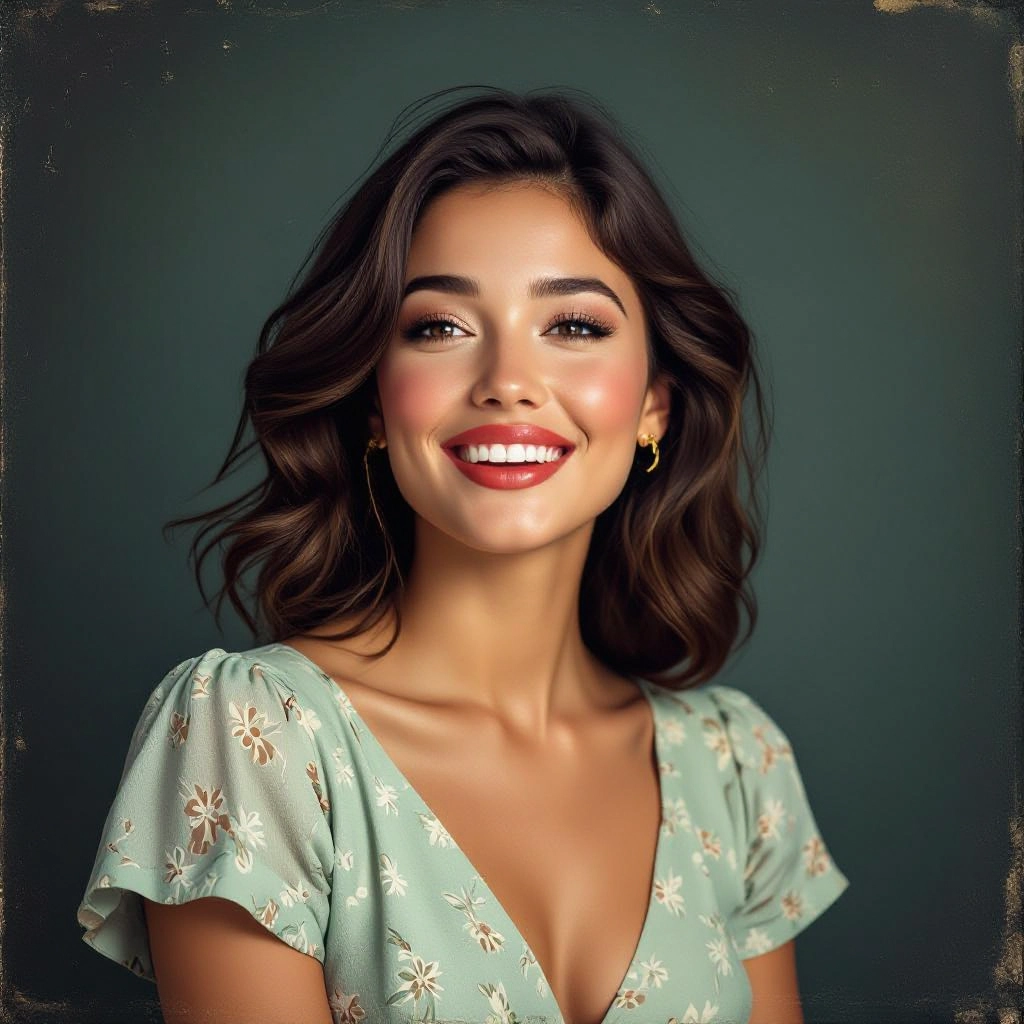
Realistic Light Leaks and Lens Artifacts
Add subtle to dramatic light leaks, soft flares, and lens vignetting that mimic common analog camera faults to deepen the impression of age and analog handling.
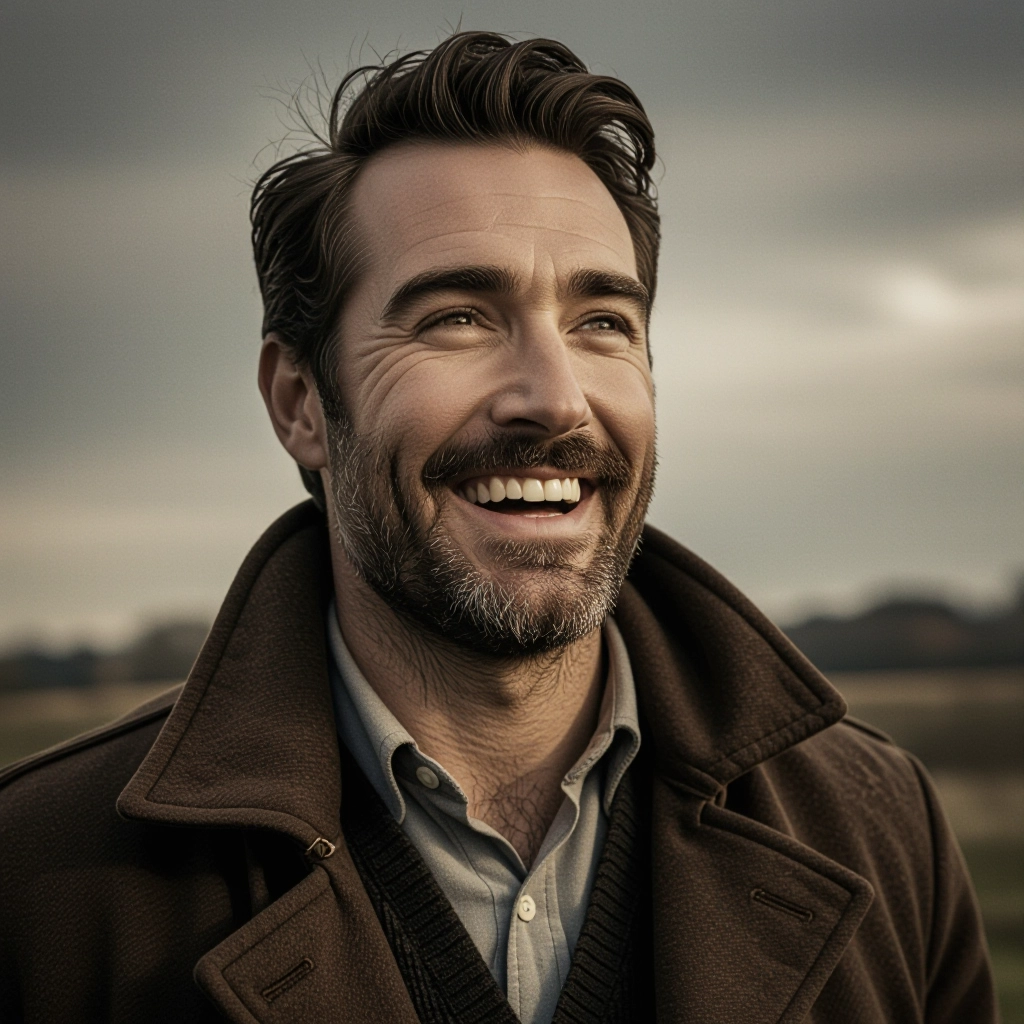
Border and Film Formats
Apply authentic borders like Polaroid frames, 35mm sprocket holes, or square medium format edges to place images in a historical context and enhance compositional storytelling.
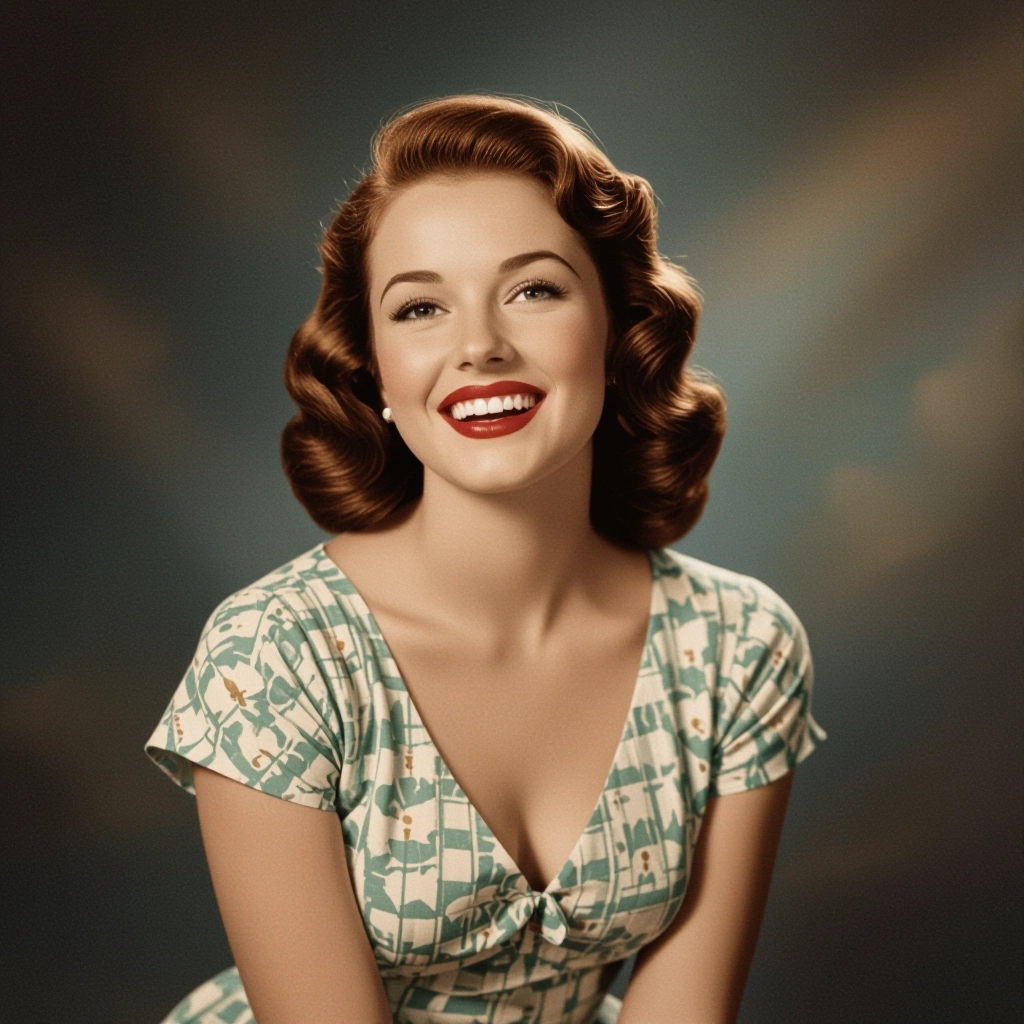
Customizable Wear and Tear
Control abrasion, dust, scratches, paper texture and chemical stains with layered controls that let you age an image subtly or create heavily distressed archival effects.
Types of AI Powered Vintage Style Images
Vintage styles cover a wide range of historical looks and analog processes. Below are common variations you can generate, each focused on specific film stocks, era palettes and degradation characteristics.
Sepia Portraits
Warm brown tones, soft contrast and subtle paper texture for the classic 19th and early 20th century portrait look, ideal for family albums and historical reenactment visuals.
Black and White Film Grain
High-contrast monochrome with authentic silver grain distribution, tonal midrange control and push-processed looks used for documentary and fine art imagery.
Polaroid Instant
Square format with instant film border, chemical edge artifacts, slight color shifts and vignette, recreating the candid, spontaneous feel of vintage instant photos.
Kodachrome Color Pop
Vivid reds and saturated greens with distinct contrast curves that mimic classic Kodachrome slides, favored for travel and mid century color photography.
Cross-Processed Color Shift
Simulate cross-processing where film is developed in the wrong chemistry for dramatic color shifts, high contrast and unexpected hues common in 1970s experimental photography.
Faded Pastel 1970s
Soft desaturation combined with warm cast and film base fading to achieve the washed, pastel look seen in family snapshots and lifestyle imagery from the 1970s.
Applications of AI vintage image style
Editorial and Magazine Layouts
Add period-authentic visuals to feature spreads, interviews and nostalgia themed editorials without costly film shoots or scanning archives.
Branding and Packaging
Brands use vintage imagery to evoke heritage, craft and authenticity on labels, packaging, social posts and lookbooks with consistent analog style.
Film and TV Previsualization
Directors and colorists generate era-accurate stills for moodboards and dailies to preview how scenes will read when graded to a specific vintage palette.
Photo Restoration and Recreation
Restore damaged prints while maintaining historical integrity or recreate missing frames by synthesizing plausible aging and film textures.
Social Media and Content Creation
Creators use vintage filters and presets to craft distinctive feeds, nostalgia-driven campaigns and authentic retro storytelling at scale.
Fine Art and Prints
Artists produce limited edition prints that combine contemporary subject matter with antique finishes, grain patterns and paper simulations for gallery sale.
FAQs about AI vintage image generator
Can I control the intensity of the vintage effect?
Yes. The generator offers granular controls for grain, fade, color shift, vignetting and damage layers so you can dial in subtle aging or heavy distress to match your creative needs.
Are the vintage color profiles based on real film stocks?
Yes. Profiles are modeled from scans and chemical characteristic data of historic films such as Kodachrome, Portra and Tri-X to reproduce authentic color responses and tonal curves.
Can I apply vintage styles to high resolution images for print?
Absolutely. You can export high resolution files optimized for print, with film border options and paper texture simulations that preserve detail for large format output.
Does the tool add realistic dust and scratches automatically?
There are automatic presets that include dust and scratches, and you can also fine tune placement and intensity with manual controls to keep the result plausible and non repetitive.
Is it possible to recreate a specific era, like 1940s or 1980s?
Yes. Use era presets or descriptive prompts mentioning decade, camera type or film stock. The model will combine color palette, grain structure and artifact types typical of that period.
Can I remove the vintage effect if I change my mind?
Yes. Edits are non destructive while working in the tool. You can revert to the original image or layer back to any intermediate version so changes are fully reversible.
See Also
