Comic Book Image Generator
Comic Book Image Generator is a free online tool to generate comic book style images. The tool is free to use, just enter prompt in comic book style and generate comic book image style in seconds similar quality to flux, midjourney, open ai, imagen, nano banana AI image quality.
Generate Comic Book Image for Free with AI
Receive our FREE AI updates via email once a week
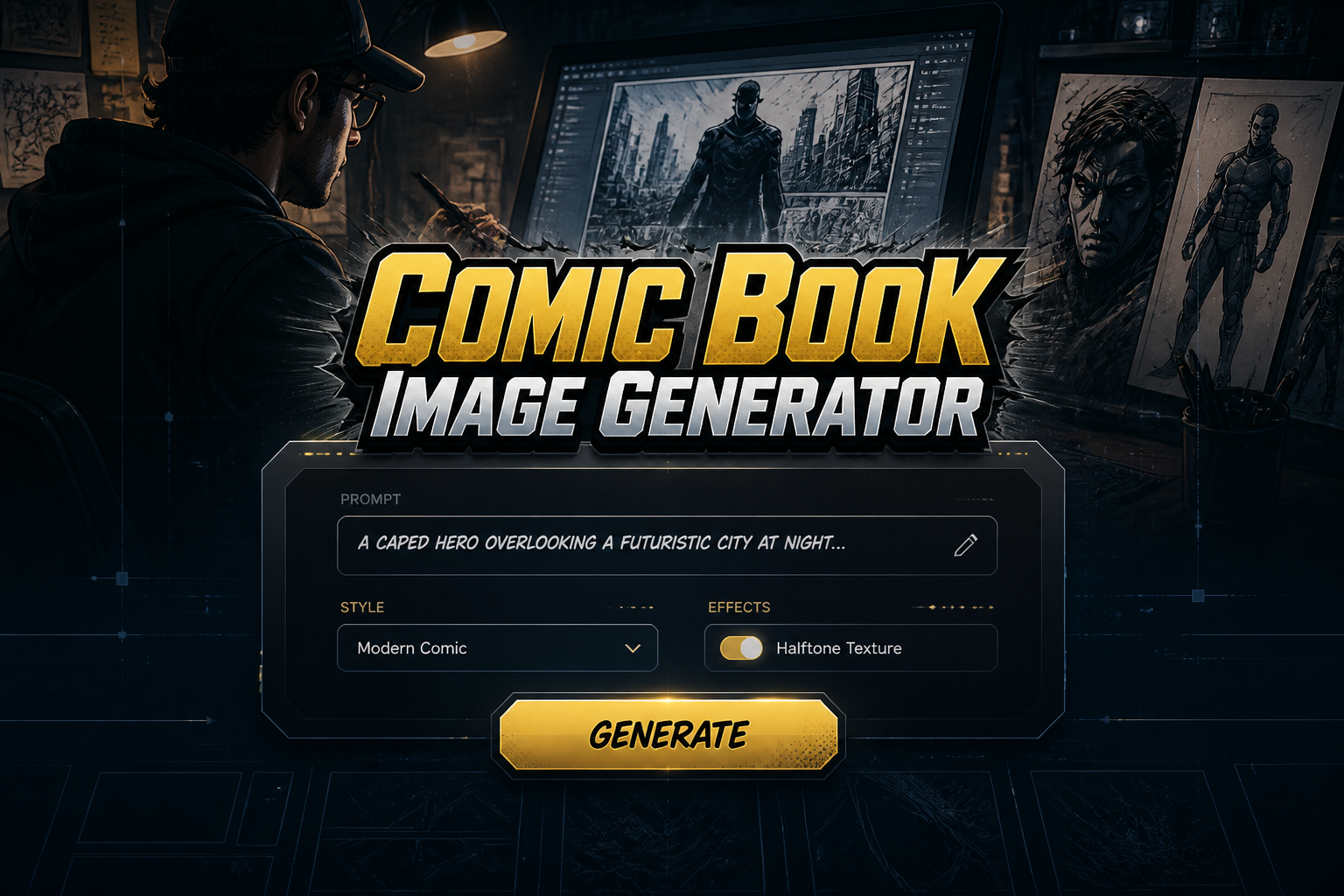
Comic book Generator free online tool
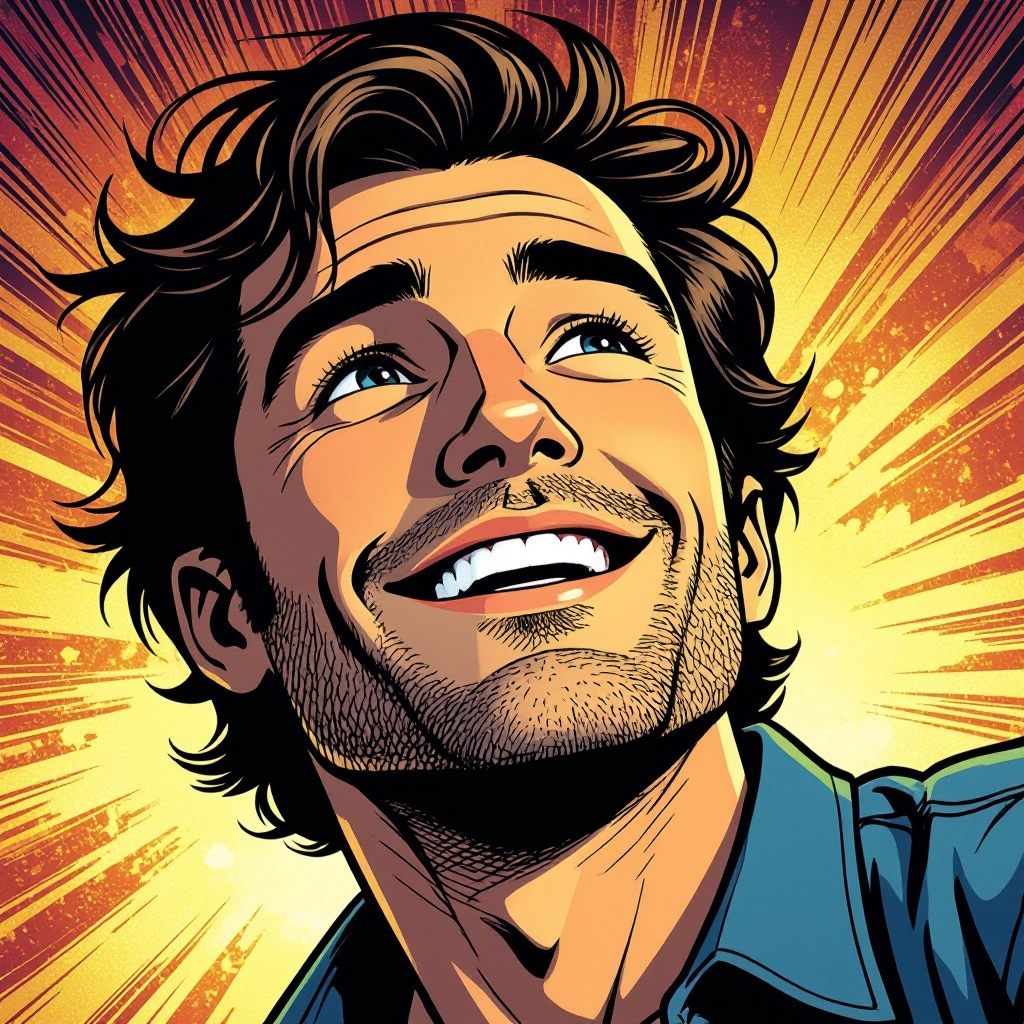
A Comic Book Generator is an AI-powered tool that transforms text prompts or photo inputs into images that mimic comic book craft. It synthesizes hallmark comic techniques such as strong inked outlines, panel composition, halftone and screen tone textures, stylized motion lines, and color flats so the output reads like a printed or digital comic page rather than a generic illustration.
Writers, cartoonists, indie publishers, concept artists, marketers, and hobbyists use this generator to prototype pages, create covers, design characters, or produce promotional art. It speeds up workflows by automating layout, inking, and color choices while preserving comic-specific features like speech bubbles, onomatopoeia lettering, and era-accurate printing effects.
How to Create comic book Images with AI
To create comic book images, enter a detailed prompt describing the scene, era, and style, then pick panel layout and resolution; refine the look by choosing ink weight, halftone intensity, and color palette; finally generate and tweak the result with edits to speech bubbles, lettering, and cropping before exporting in print or web formats.
Enter AI Comic Book Prompt
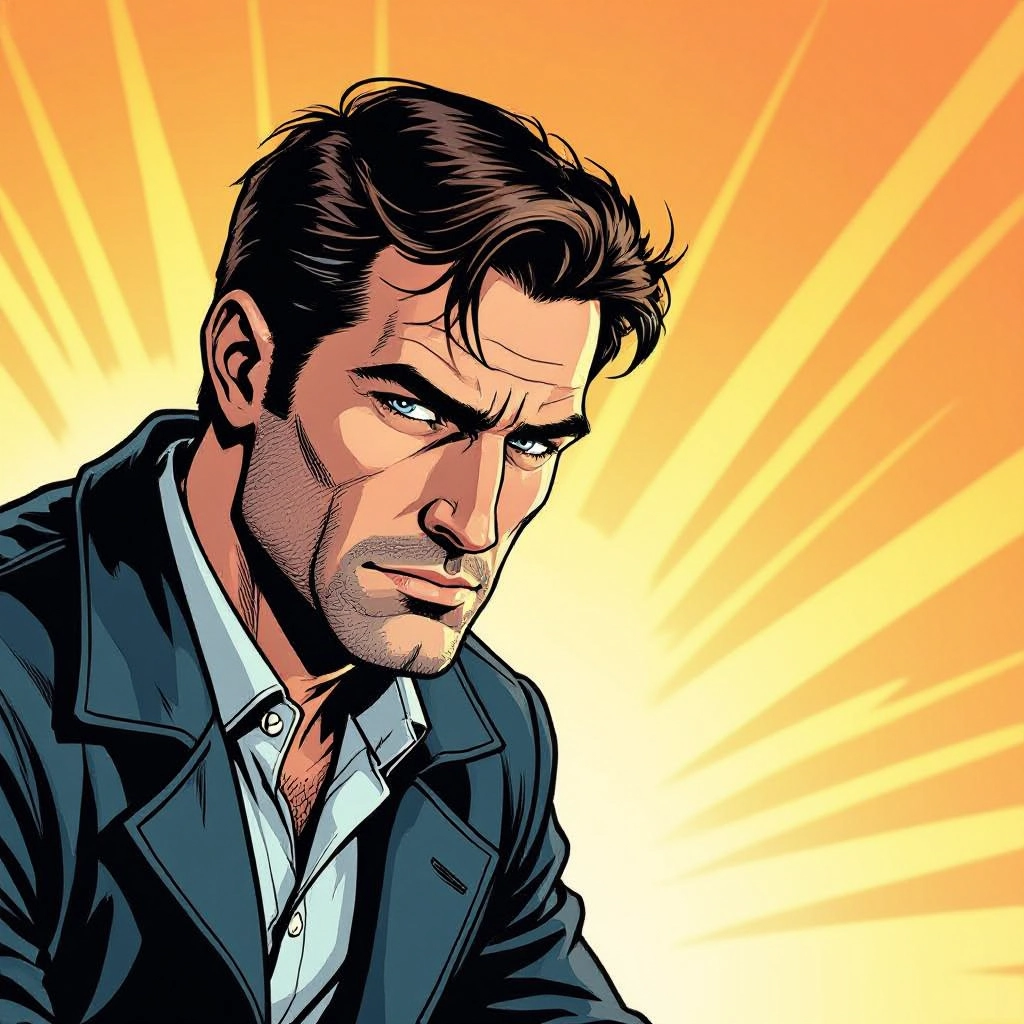
Type your comic book character or scene description in the prompt box. Include details like character appearance, clothing, expressions, and setting to get better AI comic book results.
Choose AI Model Settings
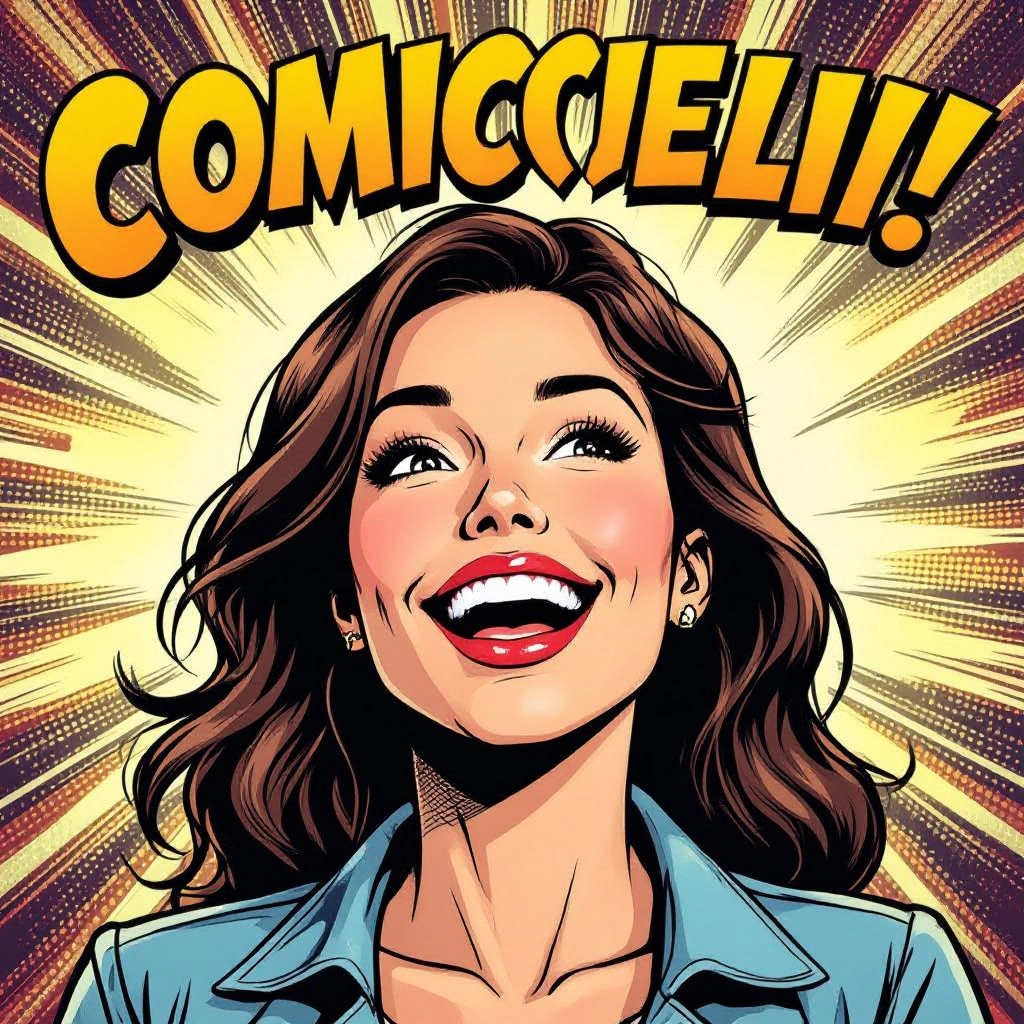
Select your preferred image size and aspect ratio. Our AI model delivers professional quality comparable to:
- • Flux AI Quality
- • Midjourney Standard
- • OpenAI DALL-E
- • Google Imagen
Download AI Comic Book Image
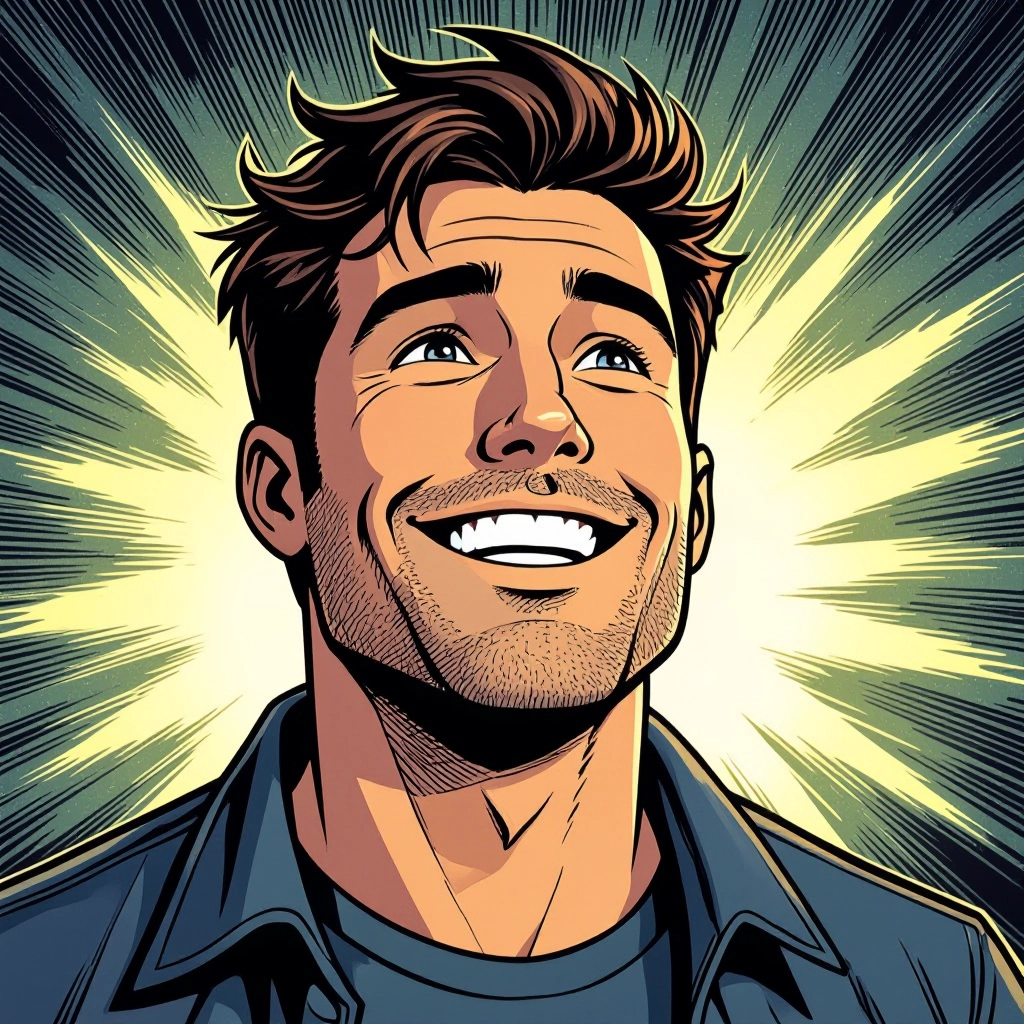
Once your AI comic book image is generated, click the download button to save it to your device. The image will be in high quality format ready for use.
Features of our AI comic book Image Generator
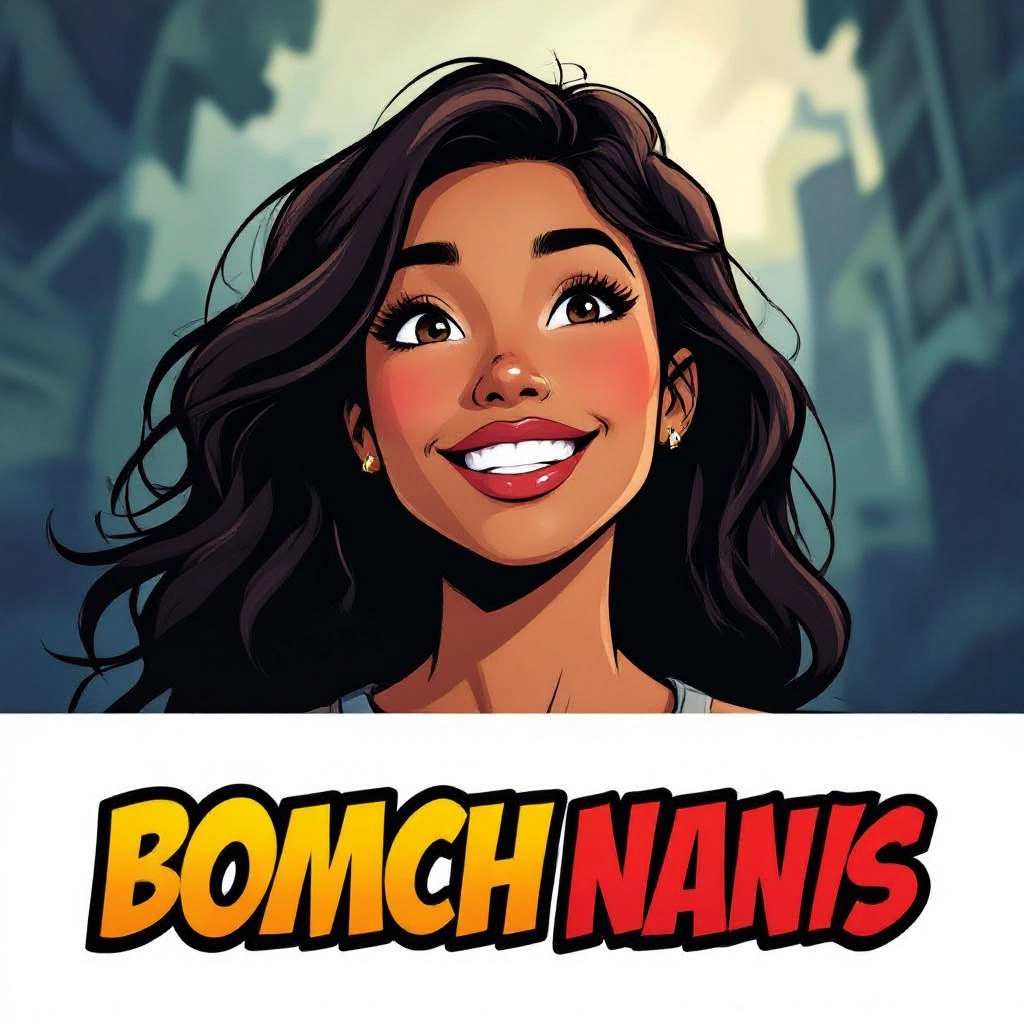
Panel Layout Engine
Automated panel composition with presets for single page, multi-tier layouts, splash pages, and vertical webcomic strips. Control gutter width, panel ratios, bleed, and pacing to match serialized comic formats. Enhance your results by generating a detailed prompt with our Free AI Art Prompt Generator first.
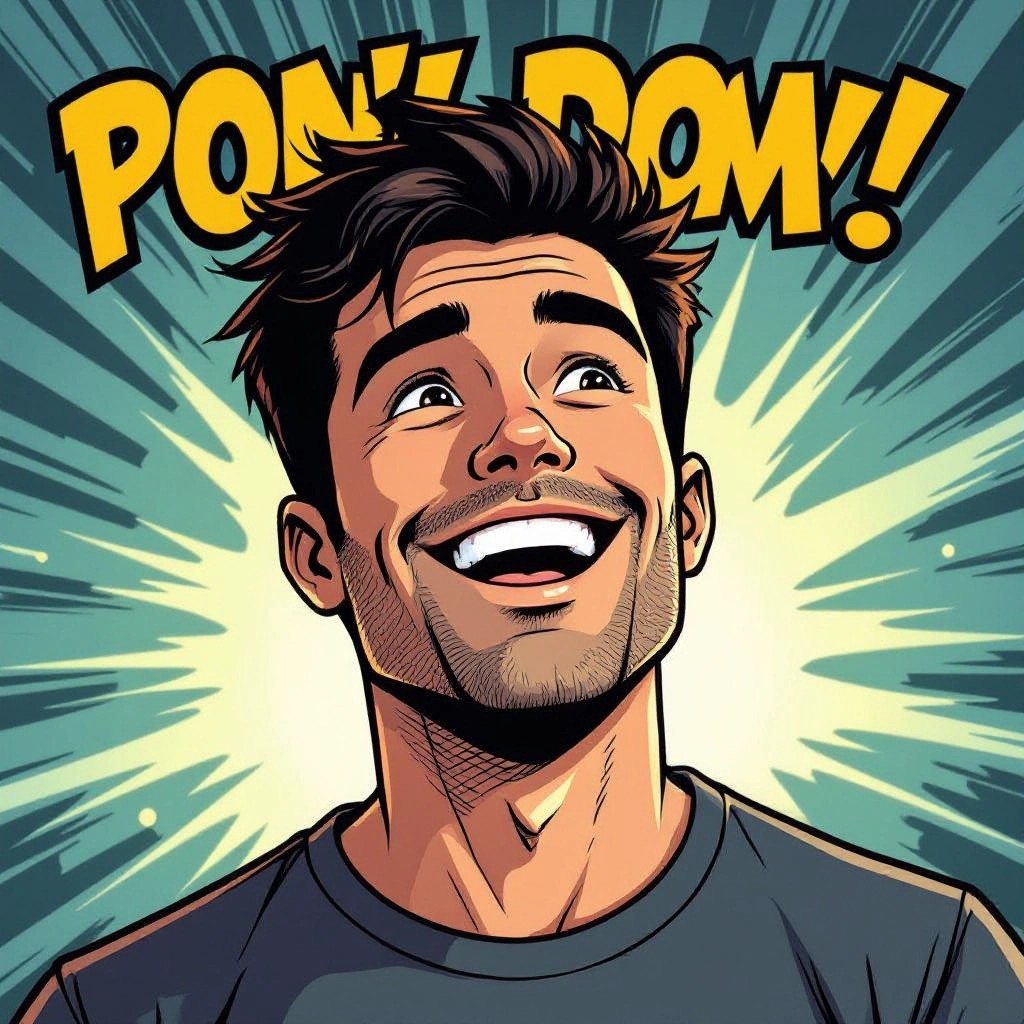
Inked Line Stylization
Transform photos or sketches into crisp inked linework with adjustable pen pressure, brush types, and cross-hatching. Simulate brush nibs, technical pens, or rough marker strokes to match classic or modern inking styles.
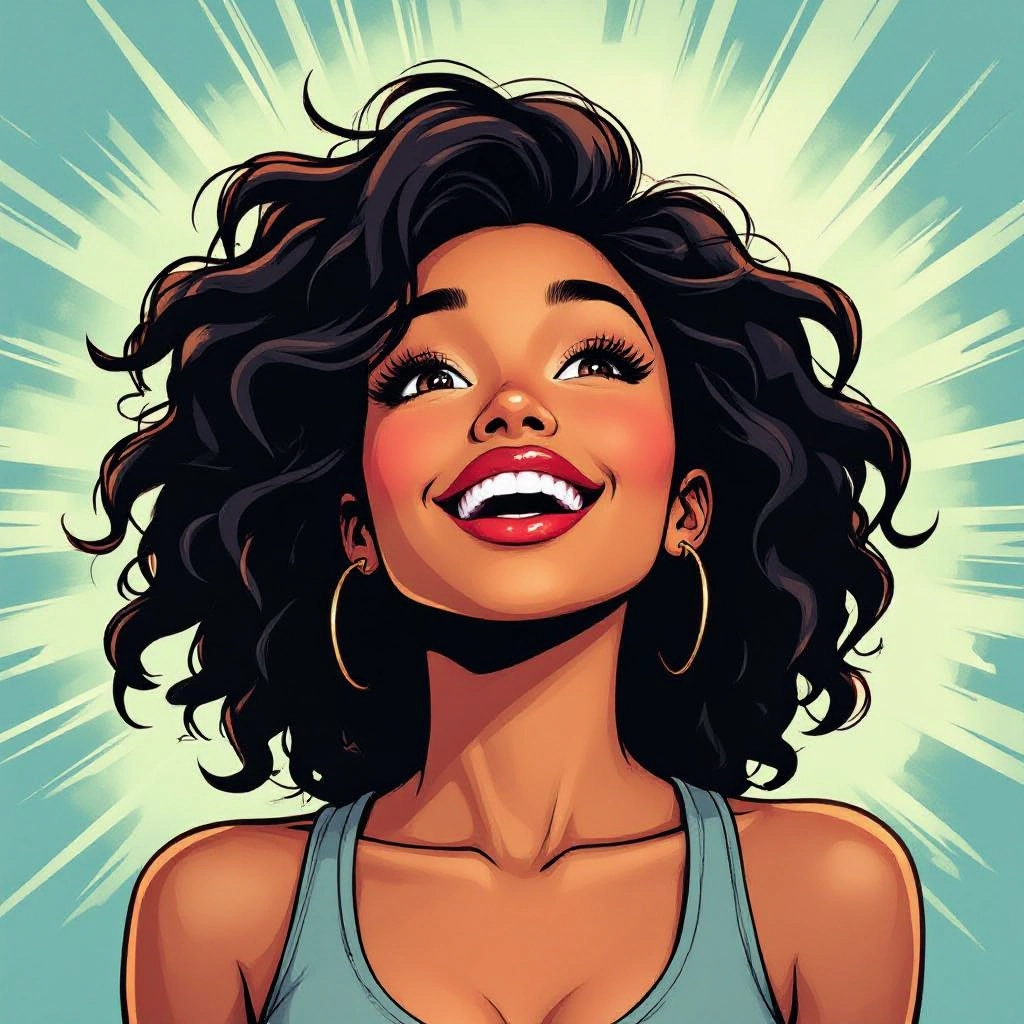
Halftone and Screen Tone Library
Apply authentic halftone dots, Ben-Day patterns, and digital screen tones with scale and angle controls. Layer halftones for shading gradients and emulate period printing artifacts for retro looks.
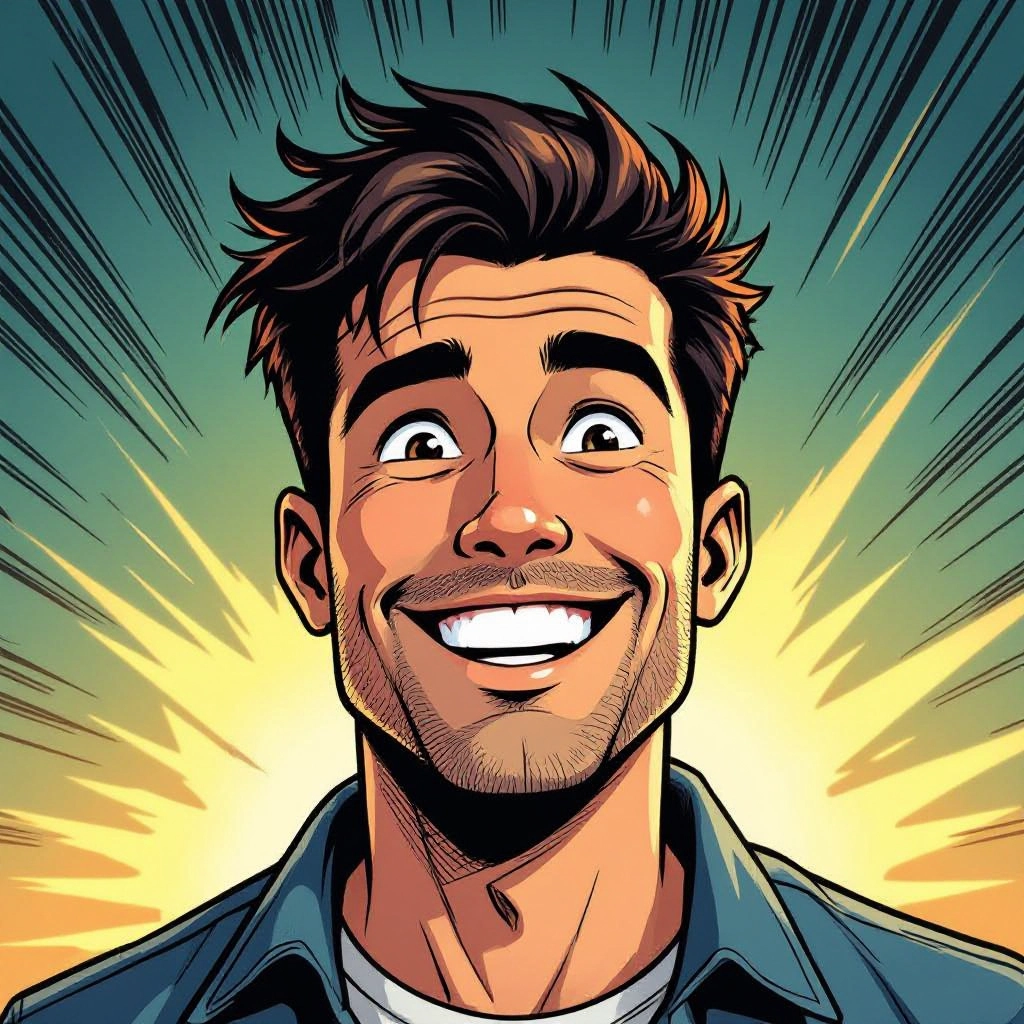
Speech Bubbles and Lettering Tools
Add editable speech bubbles, caption boxes, thought balloons, and onomatopoeia SFX. Choose from hand-lettered and comic fonts, adjust baseline, kerning, and balloon tails for native comic readability.
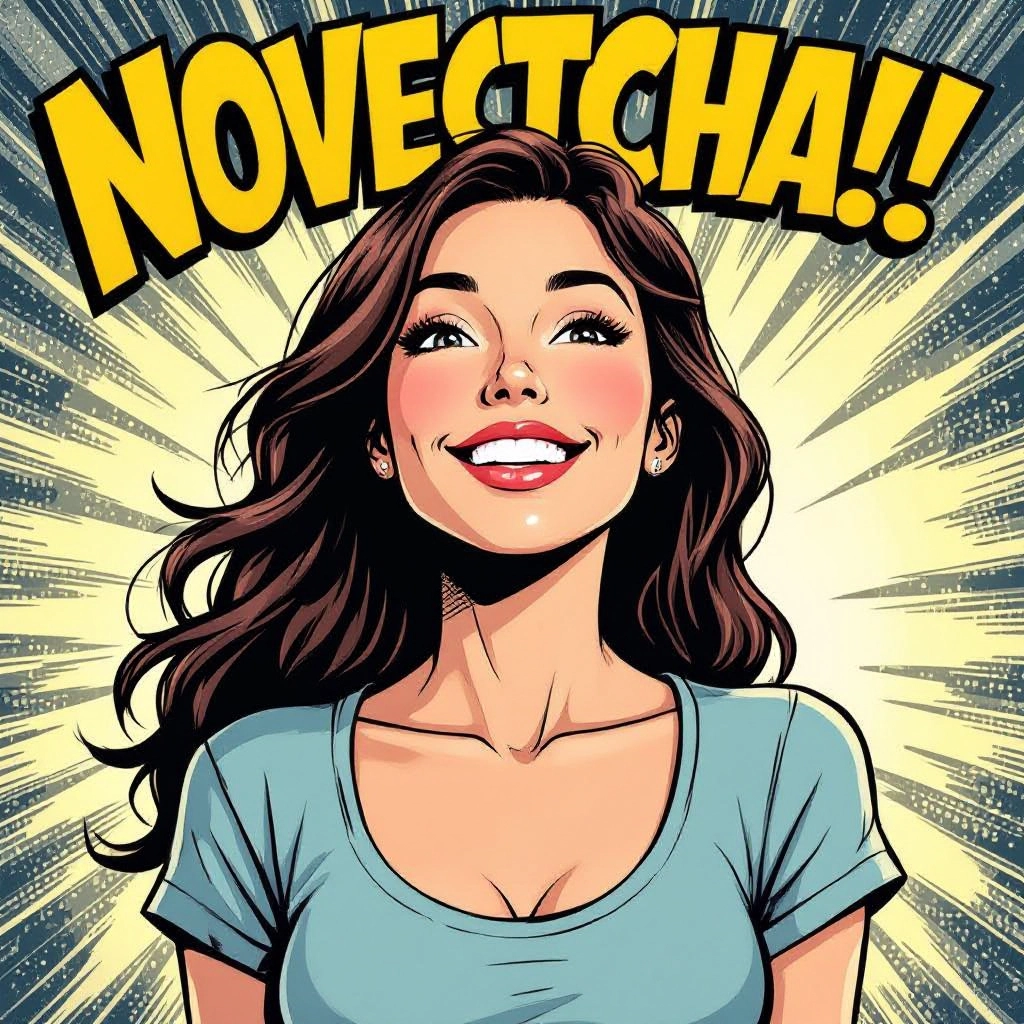
Color Modes and Palette Controls
Pick flat color fills, limited spot color palettes, or full gradient painting with options for ink-over-flat workflows. Use curated palettes for Golden Age, Silver Age, indie, or manga influenced color schemes.
Types of AI Powered Comic Book Style Images
Explore distinct comic traditions and hybrid looks. Each variation emphasizes specific line treatment, texture, and panel rhythm so you can match era, genre, or platform needs.
Golden Age Superhero
Bold primary colors, heavy black inks, heroic silhouettes, dynamic foreshortening, and tight panel compositions that evoke classic midcentury superhero covers.
Noir Crime Comic
High contrast black and white, dramatic chiaroscuro, tilted frames, and selective halftone shading to emphasize mood, grit, and urban night scenes.
Manga-Inspired Panels
Speed lines, screen tone textures, expressive facial conventions, vertical panel flow, and crisp black-and-white rendering typical of serialized manga.
Indie Sketchbook
Loose inking, hand colored flats, visible brush texture, unconventional panel borders, and a raw, organic aesthetic for alternative and autobiographical comics.
Retro Pop Art
Ben-Day dot overlays, limited spot palettes, graphic halftones, and stylized typography that recall 1960s pop art and vintage poster comics.
Webcomic Minimalist
Clean vector-style lines, simplified color flats, mobile-first panel flow, and readable lettering optimized for scrolling and screen legibility.
Applications of AI comic book images in real world
Self-published Comics
Rapidly generate page layouts, cover art, and promotional assets at print resolution to accelerate small press and indie publishing workflows.
Concept Art for Graphic Novels
Create cinematic scene thumbnails, mood boards, and character pose studies that capture the intended comic direction before full production.
Marketing and Social Posts
Produce eye-catching comic panels, poster style visuals, and animated GIFs with speech bubbles and SFX for ad campaigns and social engagement.
Character Design and Turnarounds
Generate stylized model sheets, action poses, and expression sheets in a coherent comic style for consistent character development.
Storyboarding and Pitch Kits
Convert scripts into sequential panel mockups and pitch-ready pages that communicate pacing, camera angles, and narrative beats to editors or funders.
Custom Avatars and Stickers
Make personalized comic avatars, reaction stickers, and emoji sets with onomatopoeia and bold linework for chat apps and content creators.
FAQs about AI comic book image generator
How does the generator create comic-style linework?
The AI analyzes training data of comic art to reproduce organic ink strokes, then vectorizes or rasterizes the lines with adjustable pen weight and texture filters to simulate real tools.
Can I customize panel layouts and sizes?
Yes. Choose from preset templates or define custom grid settings including column widths, gutter spacing, bleed, and single splash panels to match print or web formats.
Is the output suitable for print?
Generated images can be exported at print-friendly DPI and color modes. Use 300 DPI for standard comic printing and export PDF, PNG, or high quality TIFF for presses.
Are there copyright concerns using trademarked characters?
Avoid uploading or prompting for exact trademarked characters without permission. Use original character descriptions or obtain rights when creating art based on existing IP.
Can I edit generated images after creation?
Yes. Export layered PSD or SVG formats where available to separate line, halftone, flats, and text layers for further manual editing in your preferred art software.
What prompts give the best comic results?
Specify era or genre, desired ink style, halftone intensity, panel type, camera angle, and mood. For example: 'Silver Age superhero splash, heavy inks, dynamic foreshortening, halftone shadows.'
See Also
