Horror Image Generator
Horror Image Generator is a free online tool to generate horror style images. The tool is free to use, just enter prompt in horror style and generate horror image style in seconds similar quality to flux, midjourney, open ai, imagen, nano banana AI image quality.
Generate Horror AI Image for Free
Receive our FREE AI updates via email once a week
What is a horror Generator?
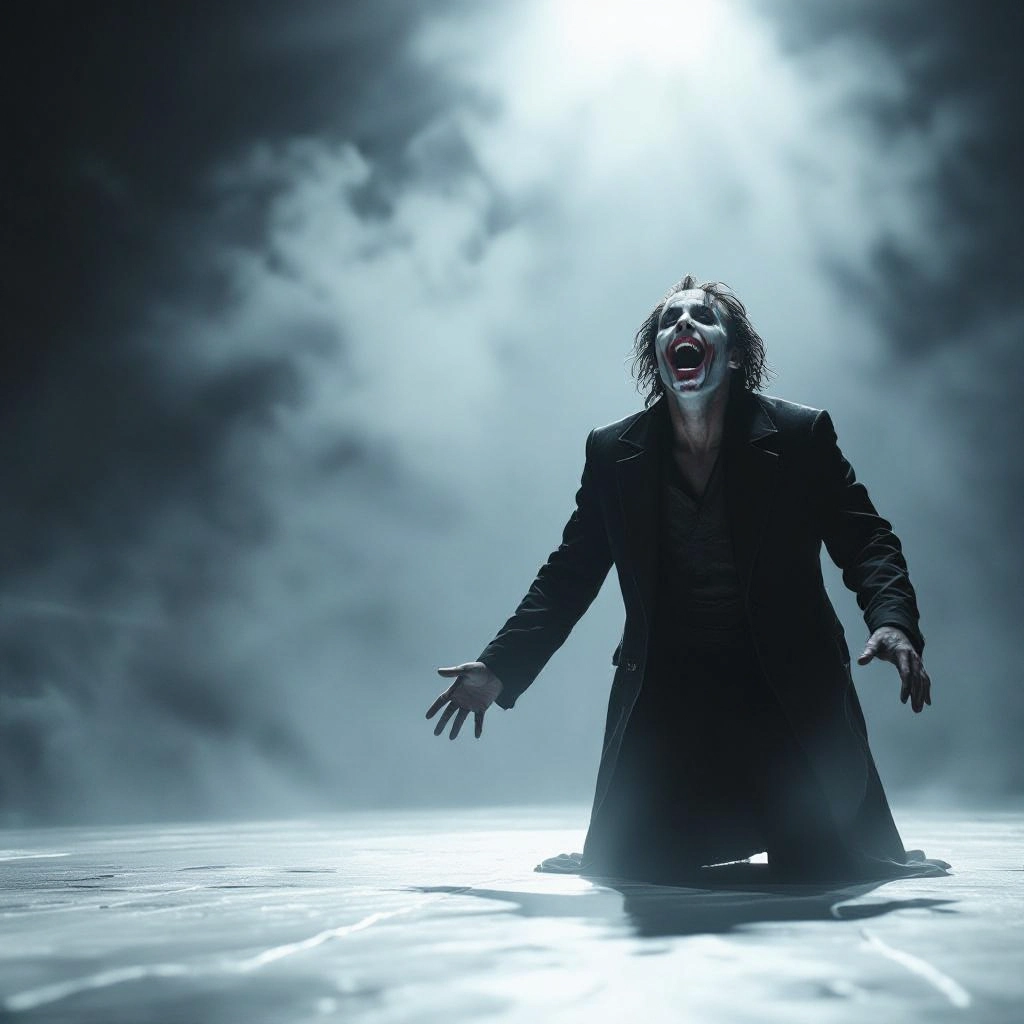
A horror generator is an AI-driven tool that transforms text prompts into unsettling, mood-driven imagery. It emphasizes elements like low key lighting, grain, unnatural proportions, decayed textures, implied motion, and selective color palettes to evoke dread rather than literal gore. Models are tuned to prioritize atmosphere, composition, and psychological tension so outputs read like stills from a nightmare or an abandoned film set.
Filmmakers, game artists, authors, indie designers, and social creators use this generator to prototype chilling visuals, storyboard scenes, craft mood boards, and produce promotional art. Writers use it to visualize scenes, while game developers generate assets and backgrounds. Because it focuses on subtle terror cues, users choose it when they need evocative, spine-tingling results rather than generic fantasy or landscape images.
How to Create horror Images
Start by writing a concise prompt that sets mood, subject, and lighting: name the creature or location, mood words like claustrophobic or melancholic, and lighting like moonlit or backlit. Next, choose style options and refine keywords: add film grain, desaturated or sickly color tones, camera angles such as low-angle or off-center framing, and texture cues like mold, rust, or fog to heighten unease. Finally iterate: generate variations, tweak single words or intensity values, and combine the best outputs for compositing to achieve a custom, layered horror image.
Enter AI Horror Prompt
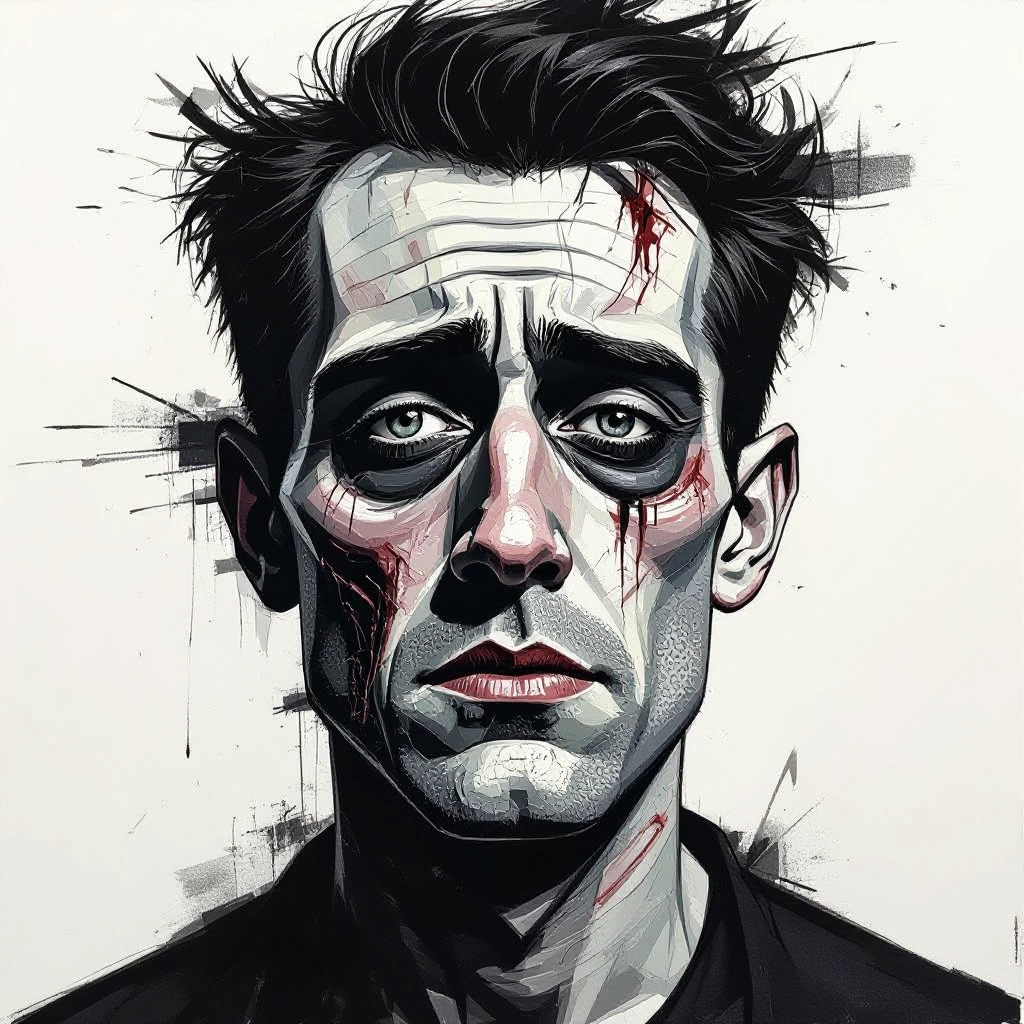
Type your horror character or scene description in the prompt box. Include details like character appearance, clothing, expressions, and setting to get better AI horror results.
Choose AI Model Settings
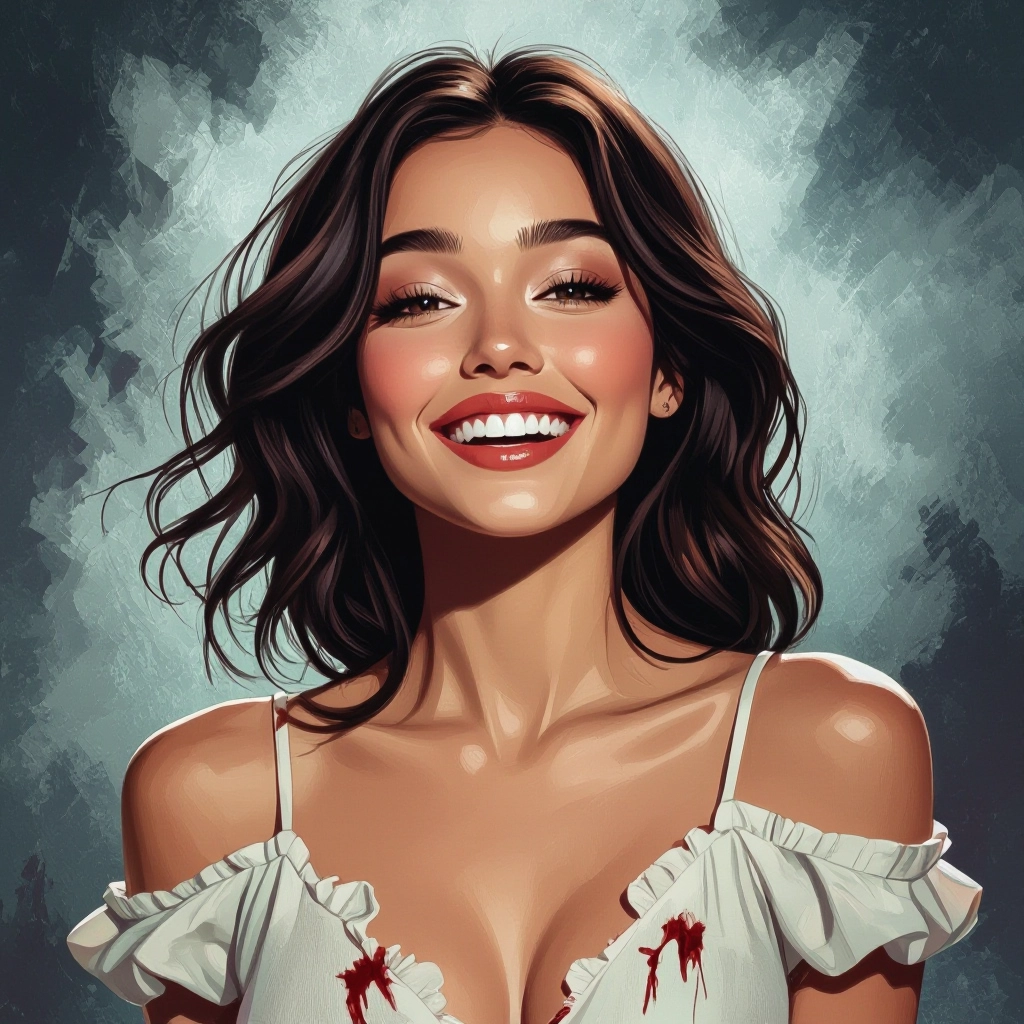
Select your preferred image size and aspect ratio. Our AI model delivers professional quality comparable to:
- • Flux AI Quality
- • Midjourney Standard
- • OpenAI DALL-E
- • Google Imagen
Download AI Horror Image
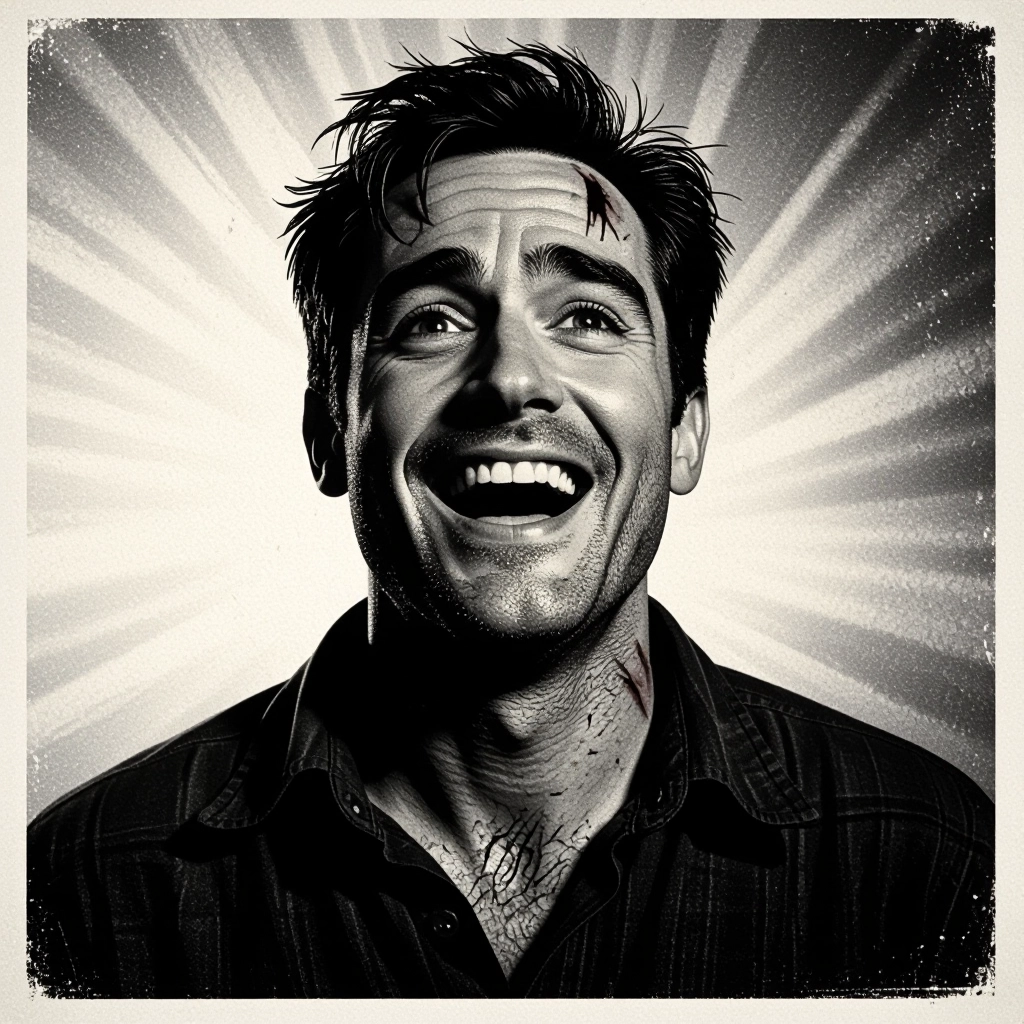
Once your AI horror image is generated, click the download button to save it to your device. The image will be in high quality format ready for use.
Features of AI horror Image Generator
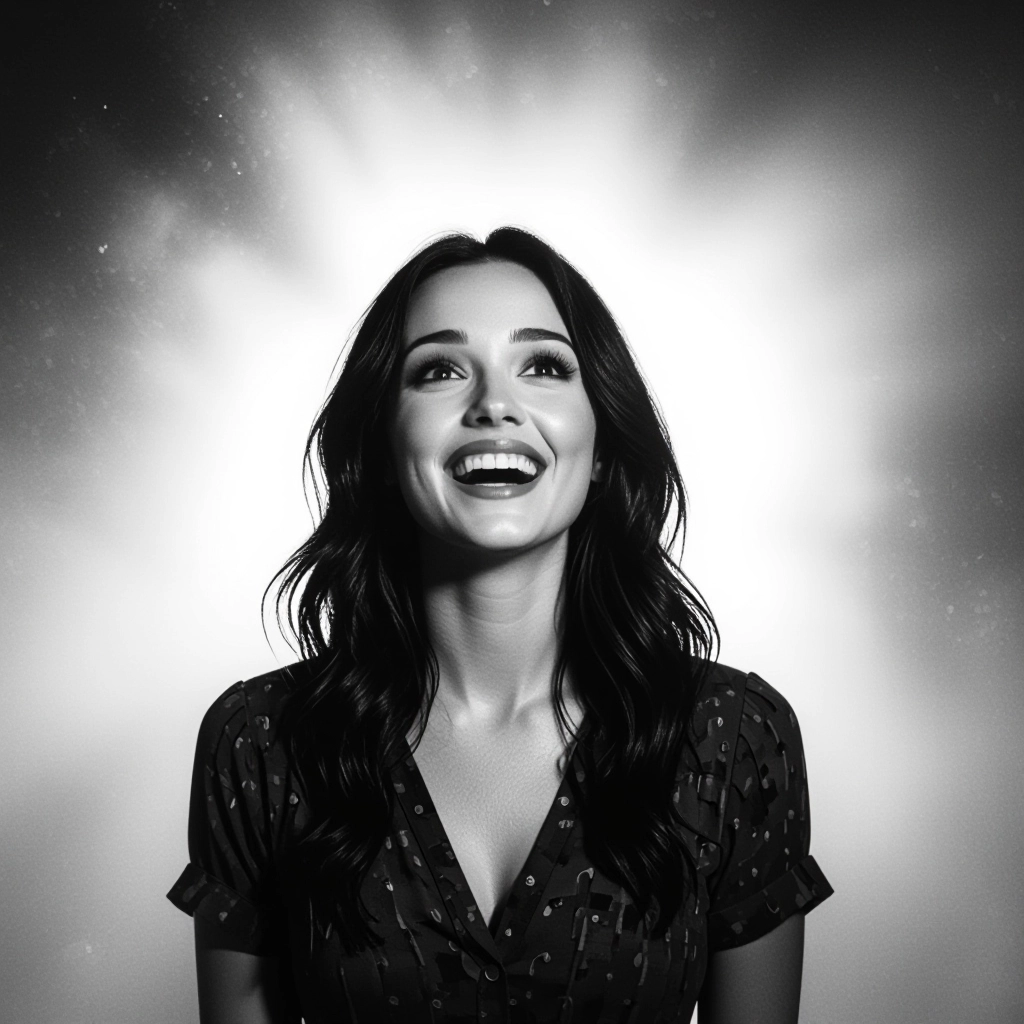
Mood-driven prompt tuning
Fine-tune mood with presets like chronic dread, haunted nostalgia, or cosmic cold. These presets alter tone mapping, color grading, and contrast to produce consistent emotional results across images. Find dark inspiration with our Free Horror Prompt Generator before generating your scene.
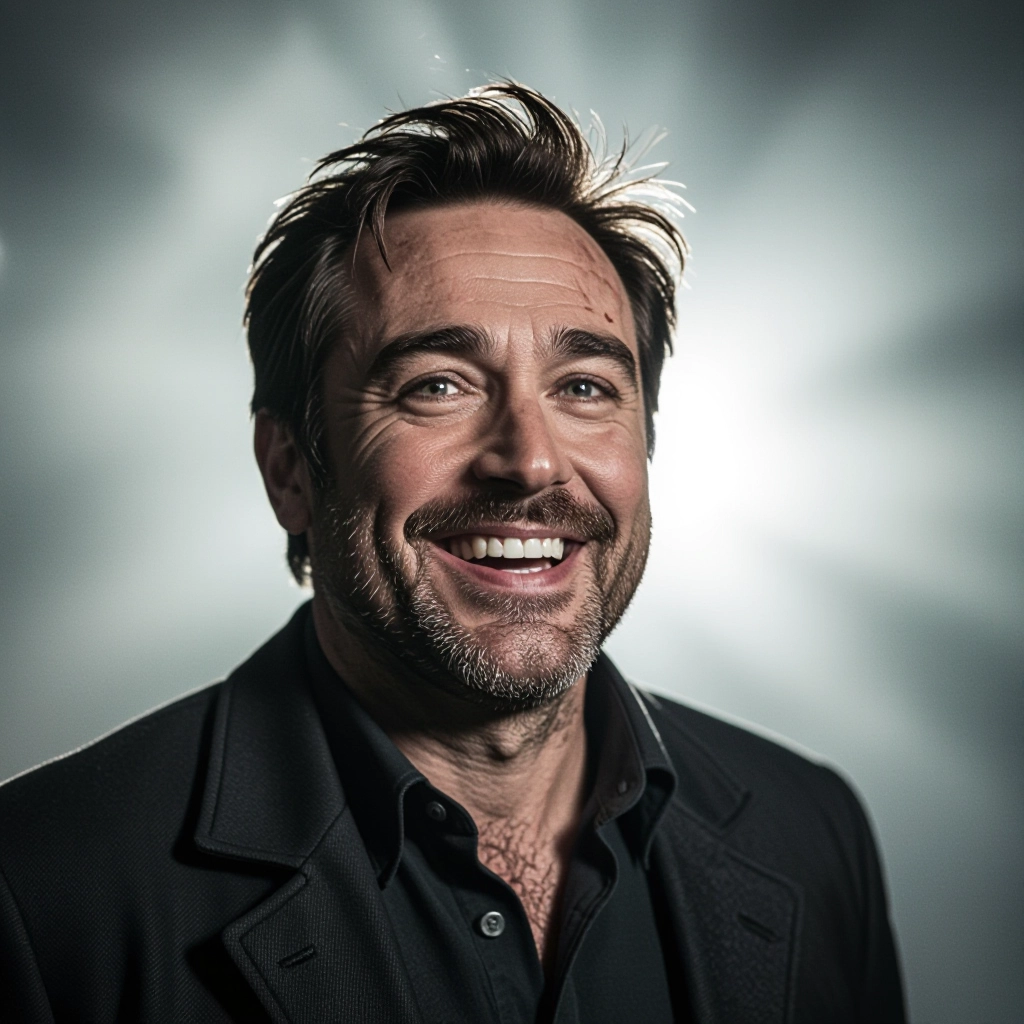
Texture and decay controls
Add granular controls for mold, rust, peeling paint, and film grain to create believable wear and age. Texture sliders let you dial subtle decay or full-blown rot for different horror aesthetics.
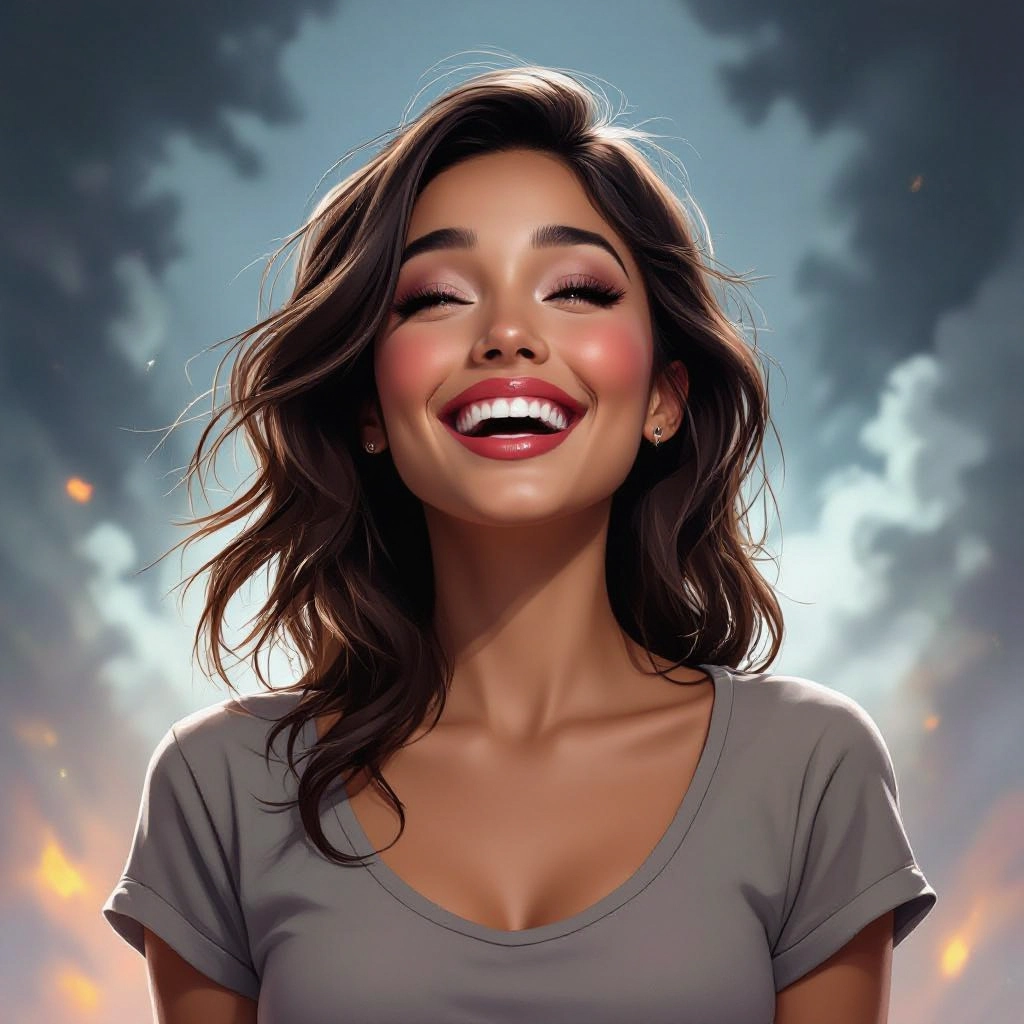
Lighting and camera framing
Adjust lighting styles such as chiaroscuro, backlight, silhouette, and harsh spot lighting plus camera directives like dutch angle, low angle, or wide lens to intensify tension and perspective.
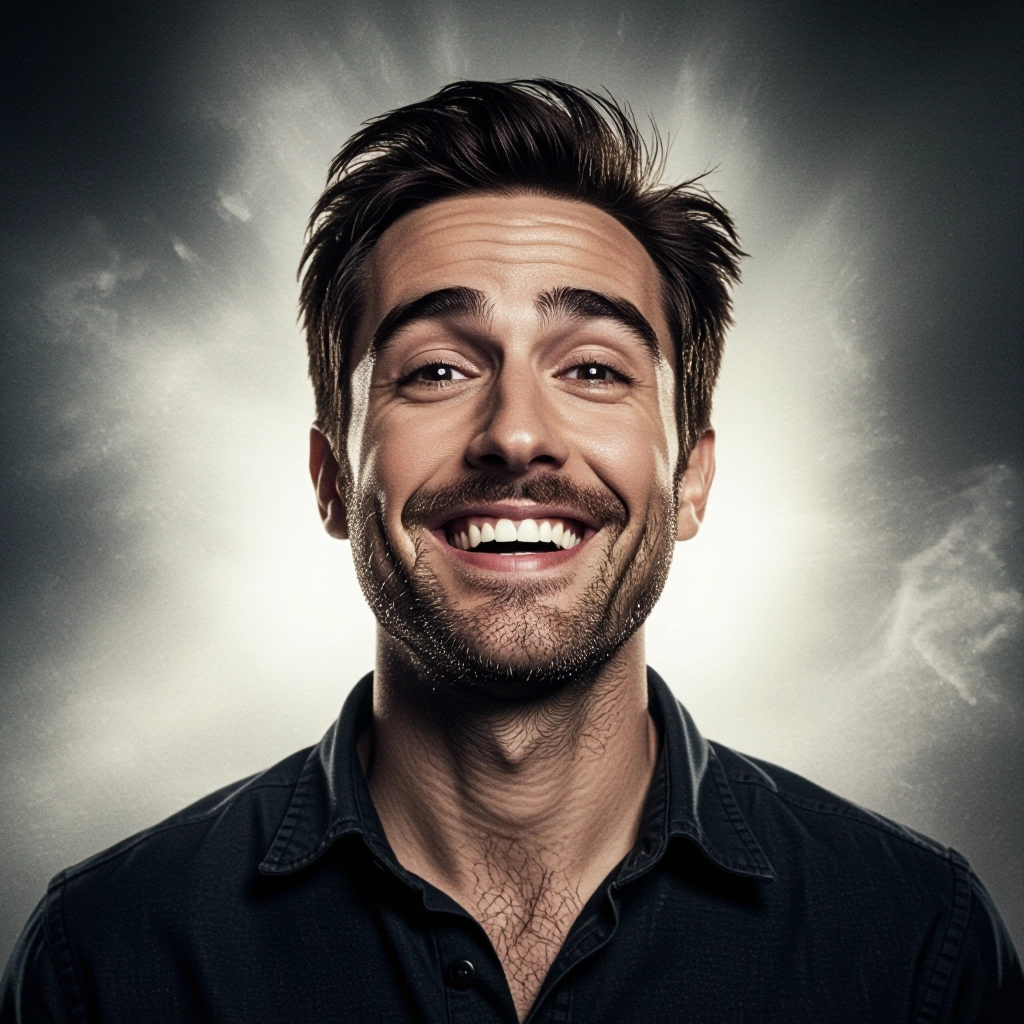
Character and creature modifiers
Modify anatomy, eye reflectivity, skin translucence, and motion blur to design eerie figures. Options emphasize implied movement, uncanny proportions, and unsettling facial detail without relying only on shock value.
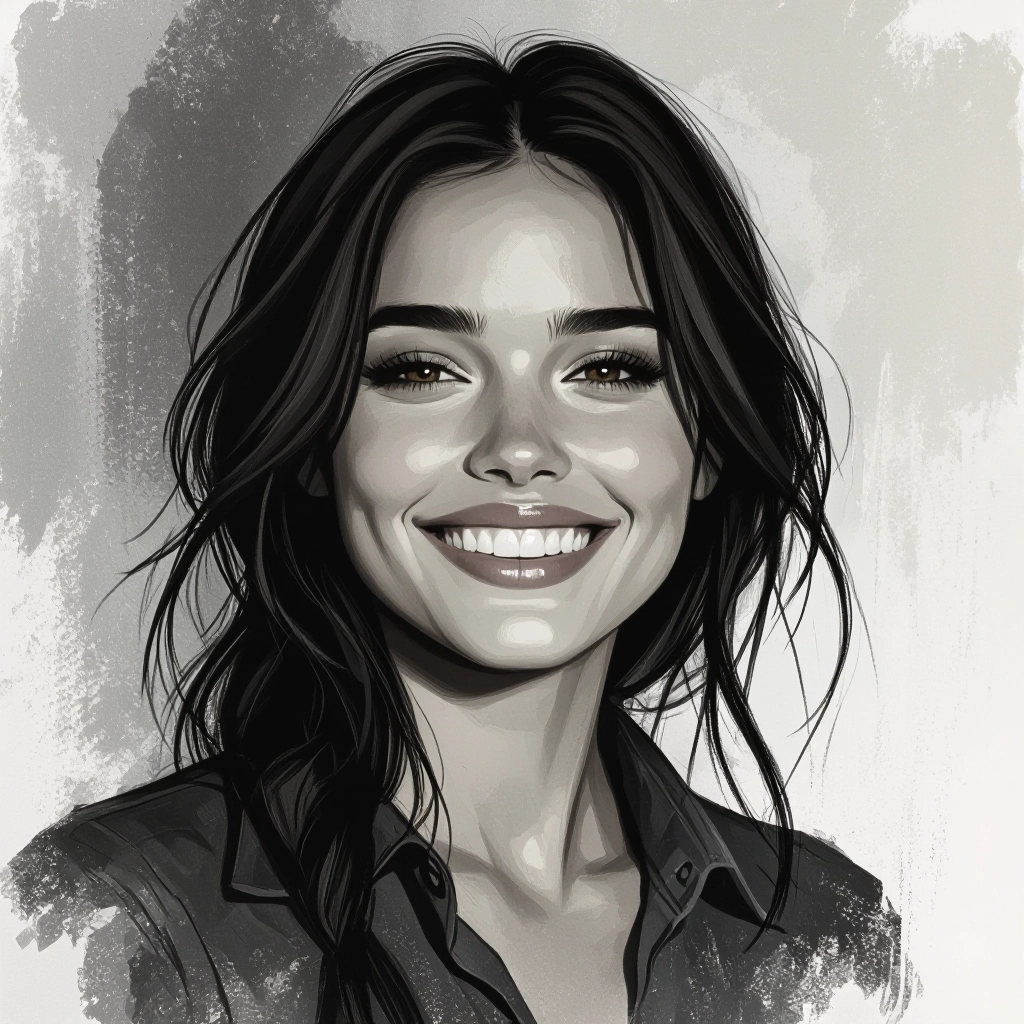
Scene layering and export
Generate multiple passes for background, midground, and subject, then export layers for compositing. High-resolution export and transparent background options support game art and print-ready posters.
Types of AI Powered Horror Style Images
Explore targeted horror styles that shape mood, era, and intensity. Each style uses distinct color, texture, and composition rules to deliver a recognizable brand of fear.
Gothic Manor Portraits
Dark Victorian interiors, candlelit faces, heavy drapery, and desaturated skin tones to evoke ancestral dread and ancestral curses.
Found Footage Realism
Grainy, jittery framing with motion blur, timestamp overlays, and low fidelity color to simulate discovered video terror.
Cosmic Void Surrealism
Alien geometries, cold palettes, and scale shifts that suggest existential terror and incomprehensible entities beyond human senses.
Urban Decay Horror
Abandoned subways, graffiti-scarred walls, leaking ceilings, and puddles reflecting broken neon to create modern ruin and isolation.
Folk Horror and Rural Unease
Pastoral settings corrupted by ritual symbols, ritual garb, and muted autumnal colors to highlight cultural dread and small community secrets.
Psychological Minimalism
Sparse compositions, off-center subjects, and unsettling negative space to focus on mental breakdown and creeping paranoia.
Applications of AI horror image style
Film concept art
Rapidly prototype mood boards and key frames for horror sequences, helping directors and production designers visualize tone and lighting before shooting.
Game environment design
Generate backgrounds, textures, and atmospheric assets for survival horror games, including weathered props and threatening silhouettes for level concepting.
Book covers and promotional art
Create striking covers and marketing images that communicate genre and atmosphere to readers at a glance, using tailored composition and typographic space.
Social media shorts and thumbnails
Produce gripping thumbnails and story frames for creators promoting horror fiction, podcasts, or short films to boost click-through with mood-first visuals.
Illustration for tabletop RPGs
Design creatures, haunted locales, and ominous relics for modules and campaign guides, giving masters evocative imagery to inspire play.
Album and poster artwork
Craft album covers and event posters for darkwave, industrial, or metal acts where visual tone must match sonic atmosphere and lyrical themes.
FAQs about AI horror image generator
Can I control how scary the image is?
Yes. Use intensity sliders for mood, contrast, and decay, and choose presets from subtle unease to full surreal horror. Iteration and targeted keywords let you refine scariness.
Are generated images safe for public use?
Most outputs are fine for public use, but avoid generating graphic violence or explicit content if you plan to publish widely. Check the tool's content policy and legal terms for commercial use.
How do I get cinematic lighting in my horror images?
Add lighting descriptors like practical candle, moonlit rim, or single hard spotlight in your prompt and choose camera settings such as low-angle or shallow depth of field to amplify the cinematic effect.
Can I generate consistent characters across multiple images?
Yes. Use repeated, detailed descriptors and save reference prompts or seed values. Export layered passes to composite consistent facial features, clothing, and scars across scenes.
What file formats and resolutions are available?
Export options typically include PNG and JPEG at multiple resolutions, plus high-res exports for print. Layer and transparent background exports are available for advanced compositing.
How do I avoid generic horror tropes in generated art?
Specify unique motifs, cultural details, era cues, and emotional triggers. Combine unexpected textures, color contrasts, and specific props to craft fresh, noncliché horror visuals.
