Hyperrealistic Image Generator
Our Hyperrealistic Image Generator is a free online tool to generate hyperrealistic style images. The tool is free to use, just enter prompt in hyperrealistic style and generate hyperrealistic image style in seconds similar quality to flux, midjourney, open ai, imagen, nano banana AI image quality.
Generate Hyperrealistic AI Images for Free
Receive our FREE AI updates via email once a week
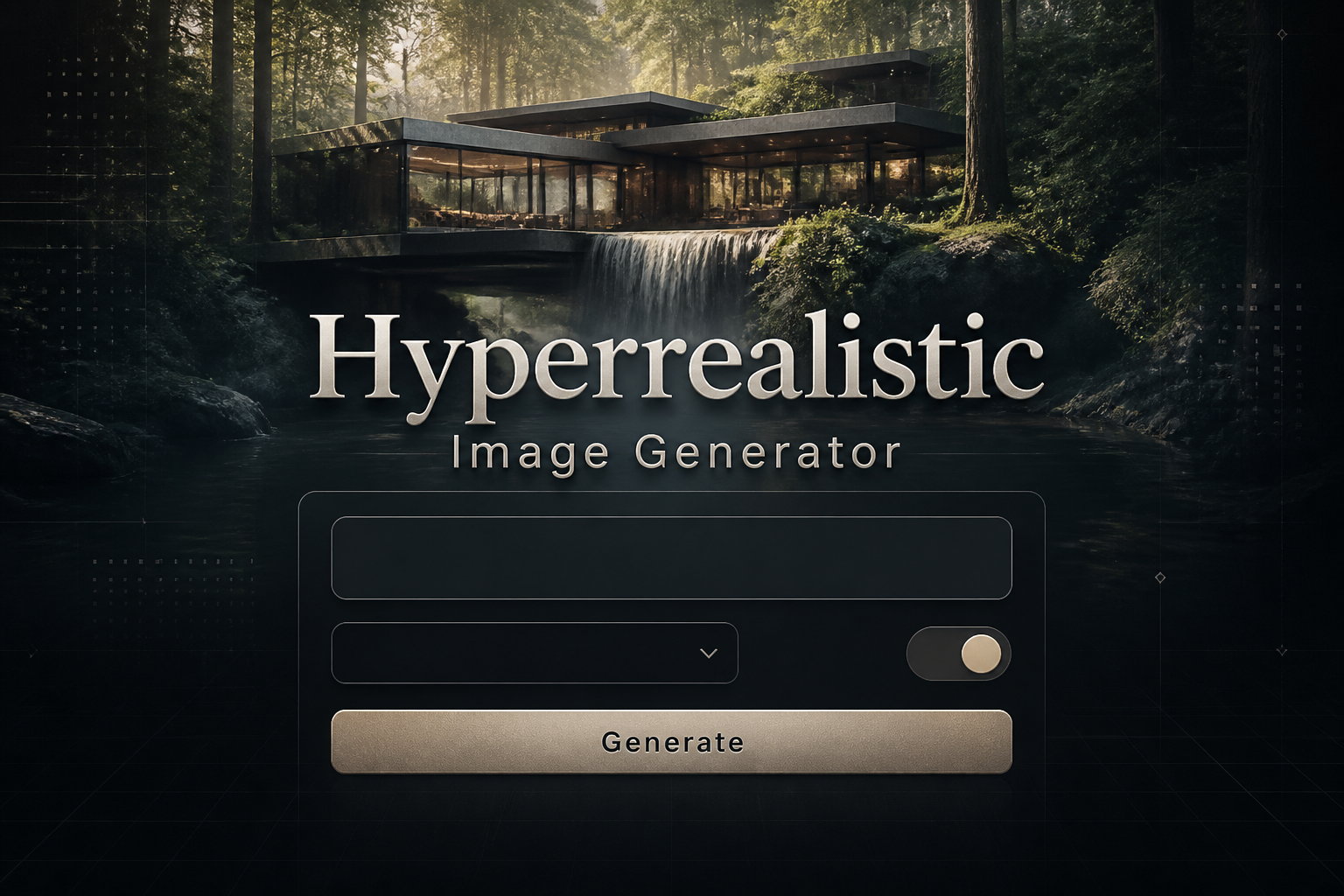
What is a hyperrealistic Generator?

This hyperrealistic generator is an AI-driven image engine built to produce visuals that mimic real-world detail at micro and macro scales. Unlike generic image models, it focuses on accurate material rendering, nuanced light interaction, microtexture integrity and photoreal camera simulation to create images that could be mistaken for high-end photographs.
Designers, photographers, product teams, architects and visual effects artists use hyperrealistic generators to prototype scenes, create concept visuals and produce marketing assets without expensive studio shoots. It is favored when lifelike surface detail, believable skin and fabric rendering, and precise depth and specular highlights are required for decision making or client presentations.
How to Create hyperrealistic Images
To create hyperrealistic images in three steps, first craft a detailed prompt that specifies subject, camera type, lens, lighting conditions, material finishes and mood; second, iterate by adjusting realism controls such as texture fidelity, subsurface scattering, depth of field and noise level while previewing at high resolution; third, export a high-resolution render and apply targeted post processing like subtle color grading, localized sharpening and film grain removal to preserve natural microdetail.
Enter AI Hyperrealistic Prompt

Type your hyperrealistic character or scene description in the prompt box. Include details like character appearance, clothing, expressions, and setting to get better AI hyperrealistic results.
Choose AI Model Settings
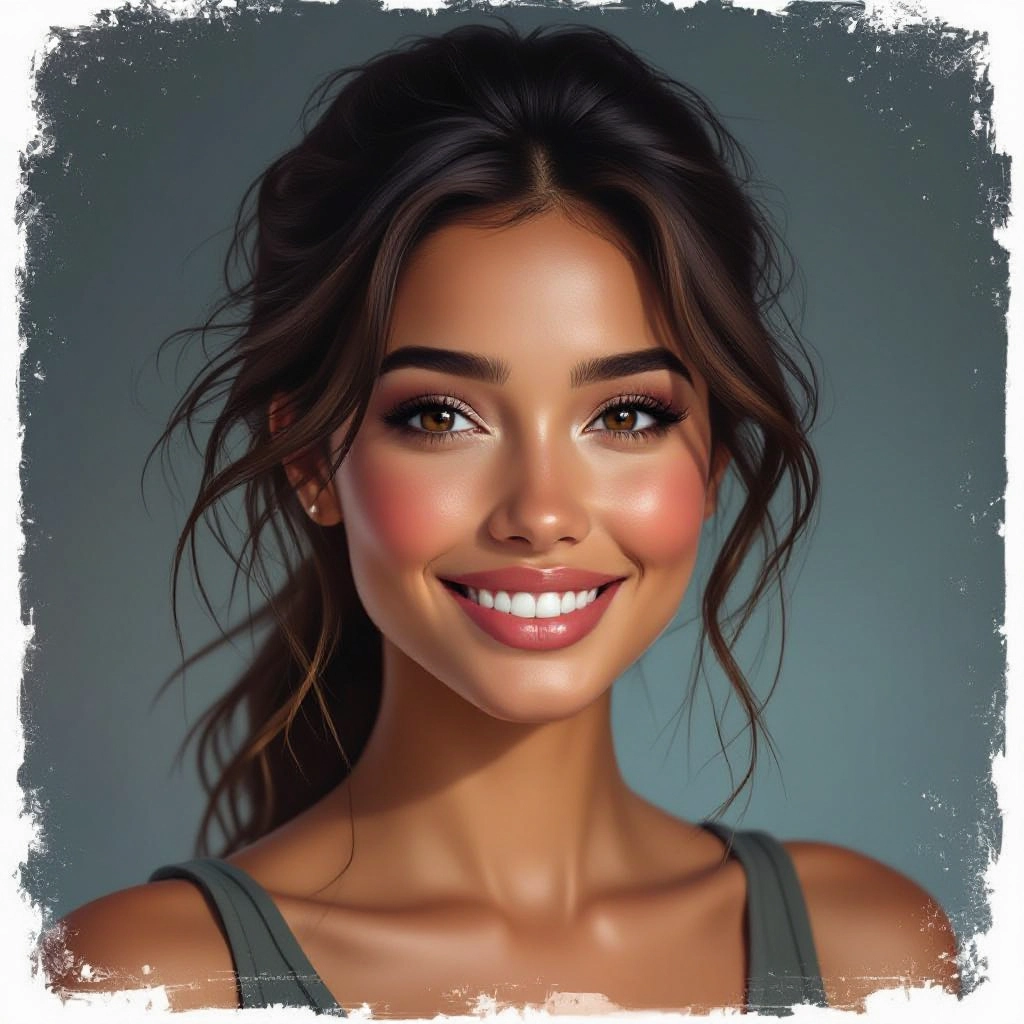
Select your preferred image size and aspect ratio. Our AI model delivers professional quality comparable to:
- • Flux AI Quality
- • Midjourney Standard
- • OpenAI DALL-E
- • Google Imagen
Download AI Hyperrealistic Image
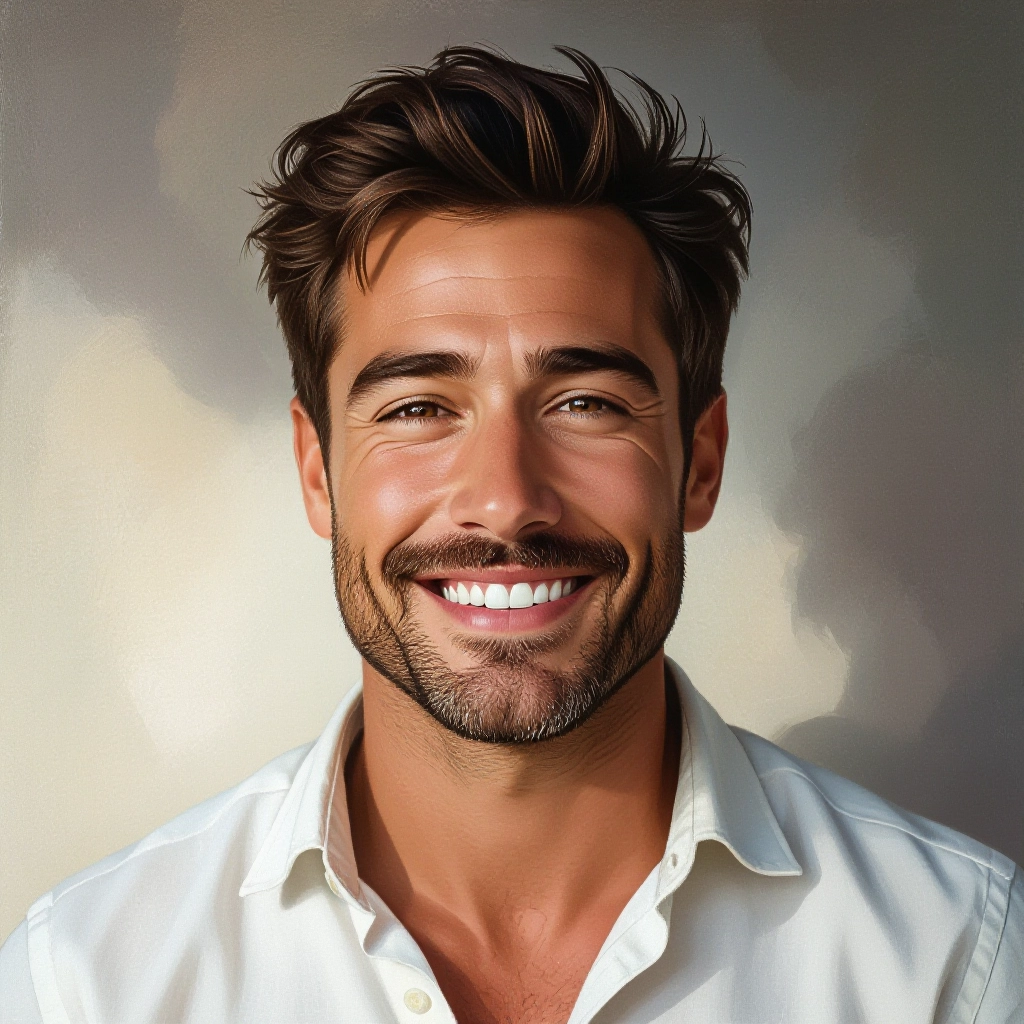
Once your AI hyperrealistic image is generated, click the download button to save it to your device. The image will be in high quality format ready for use.
Features of AI hyperrealistic Image Generator
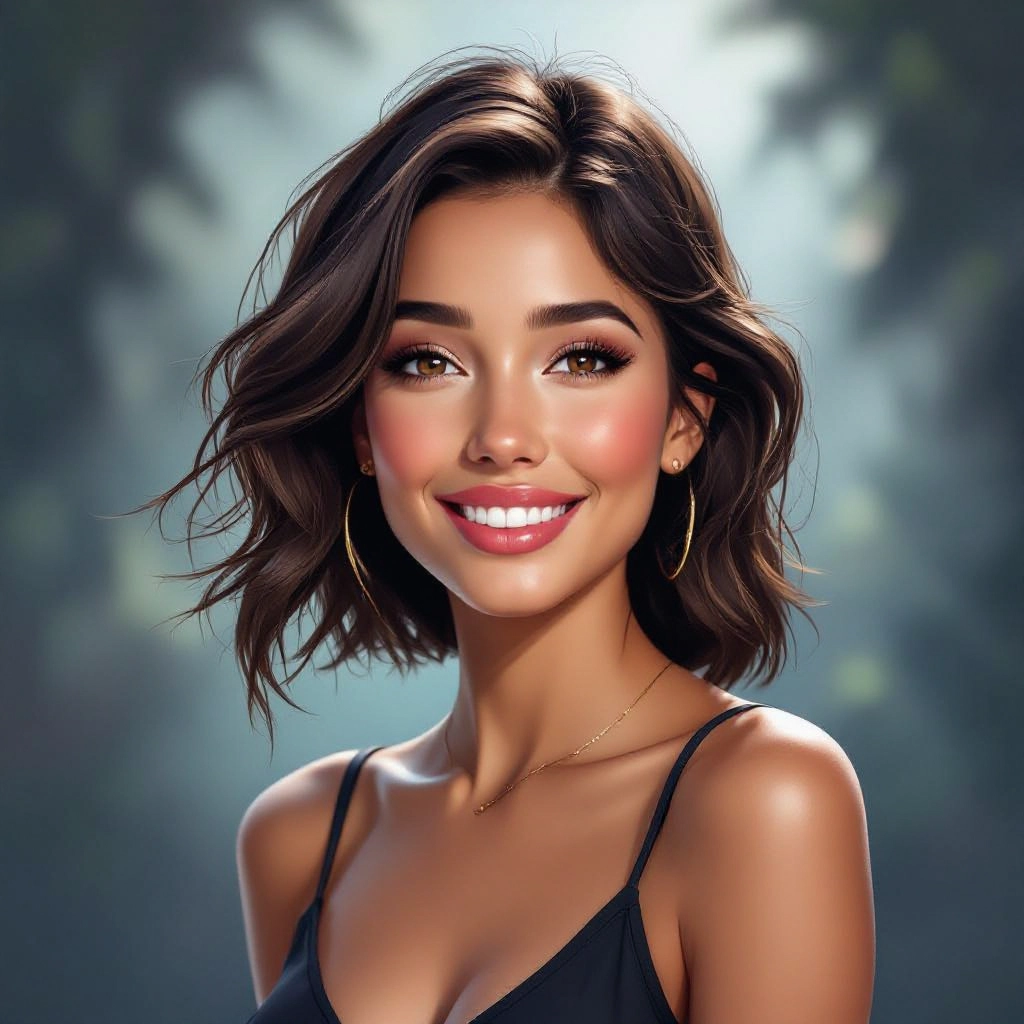
Physically Based Lighting and Materials
Accurate rendering of light transport across surfaces including specular reflections, subsurface scattering for skin and translucent materials, and realistic shadow penumbra to create convincing three dimensionality. Before generating, use our Free AI Image Prompt Generator to craft the perfect prompt for your image.
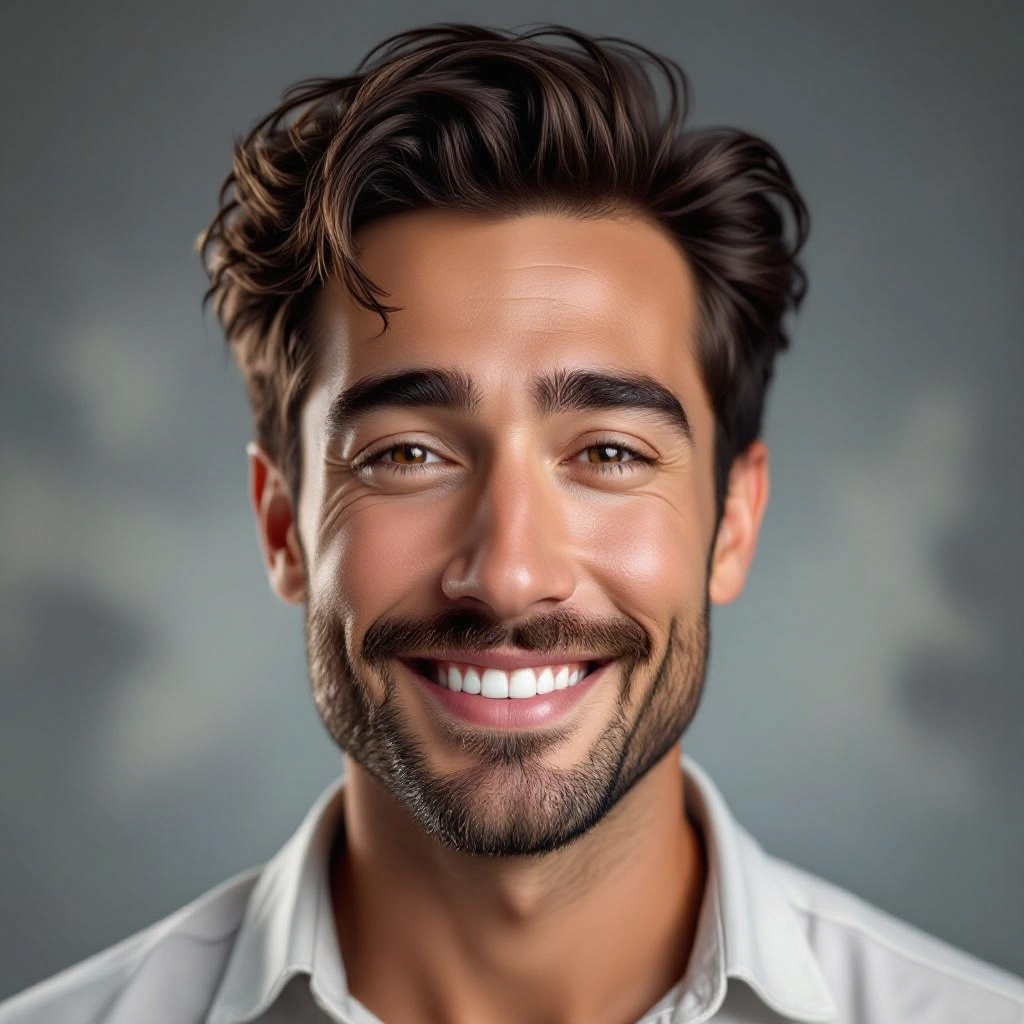
Camera and Lens Simulation
Control virtual camera settings such as focal length, aperture, sensor size and shutter speed to reproduce real-world optical effects like bokeh, lens distortion and motion blur for authentic photographic results.
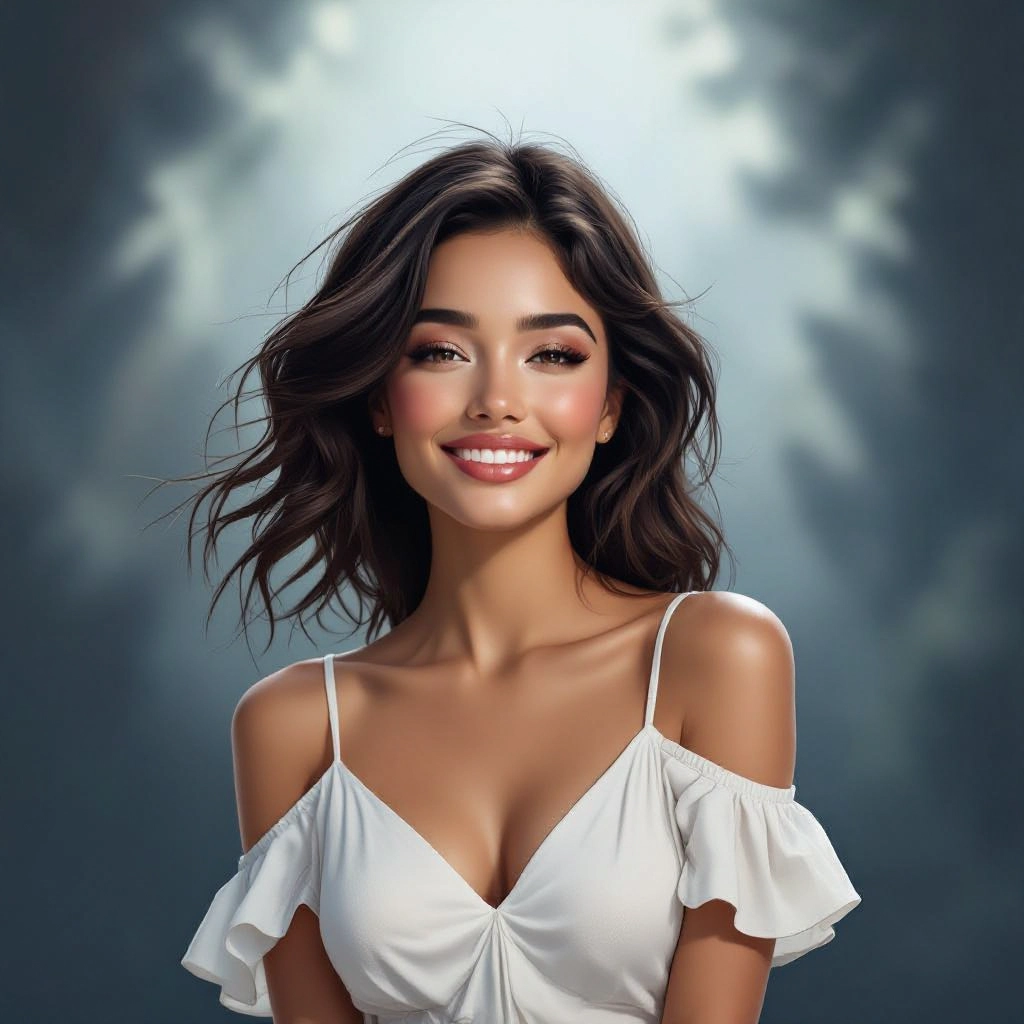
Microtexture and Surface Fidelity
High-frequency detail preservation for pores, fabric weave, wood grain and scratched metal through dedicated microtexture synthesis and multi-scale detail blending to avoid bland, synthetic-looking surfaces.
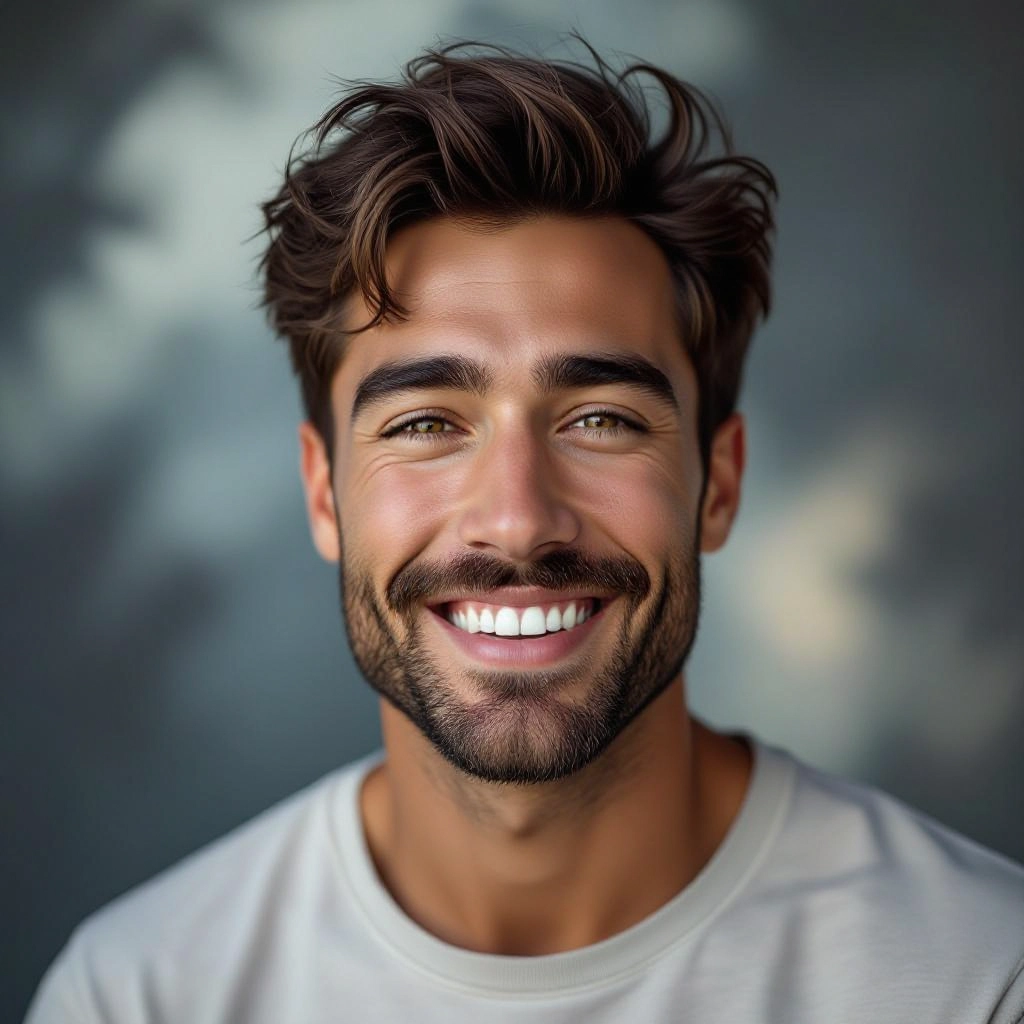
Advanced Prompt Conditioning and Presets
Guided prompt templates and realism presets tuned for portrait, product, architecture and macro photography that translate human descriptions into precise renderer parameters for consistent hyperreal outputs.
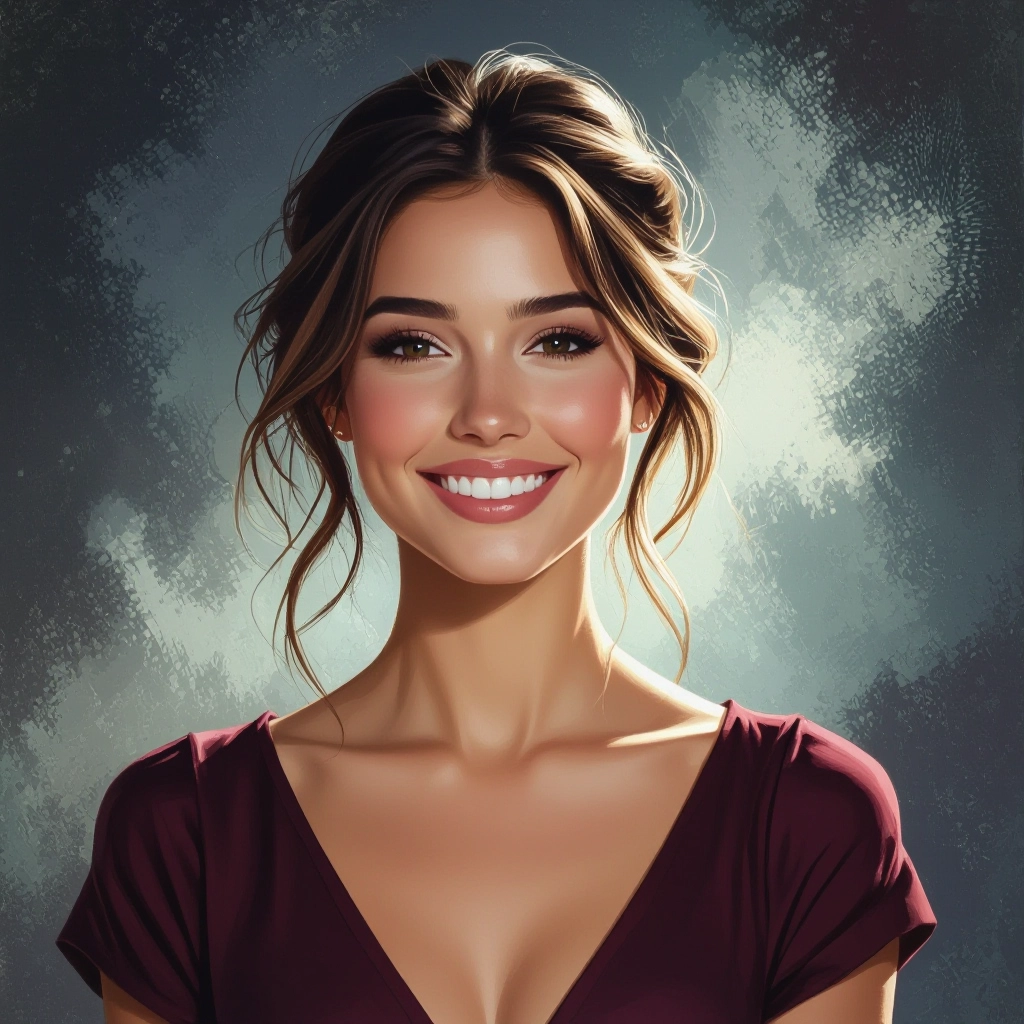
High-Resolution Upscaling and Artifact Reduction
Native high-res generation with smart upscaling and denoising routines that retain fine edges and texture, enabling prints and large-format usage while minimizing reconstruction artifacts.
Types of AI Powered Hyperrealistic Style Images
Hyperrealistic style spans multiple visual approaches. Below are focused variations that emphasize different aspects of photoreal fidelity, from skin microdetail to architectural material realism and macro surface study.
Photoreal Portrait
Portraits with lifelike skin tones, pore-level texture, natural catchlights and believable subsurface scattering to produce headshots indistinguishable from studio photography.
Product Studio Render
Commercial-grade product images with perfect edge definition, accurate material finishes like brushed metal or glossy plastic, and controlled specular highlights for catalogs and e-commerce.
Cinematic Environmental Scene
Large scale scenes that simulate cinematic lighting rigs, volumetric fog, accurate atmospheric scattering and nuanced shadowing for movie concept visuals and matte painting assets.
Architectural Visualization
Interior and exterior renders with true-to-life building materials, realistic daylighting, artificial illumination and accurate reflections to sell concepts to clients and stakeholders.
Macro and Texture Study
Extreme close-ups capturing microstructure of surfaces such as skin pores, fabric threads or mineral crystals with precise depth mapping and surface normals for scientific and creative use.
Fantasy Realism
Imaginary subjects rendered with photoreal techniques, blending plausible materials and lighting to make unreal characters, creatures or objects feel tangibly real.
Applications of AI hyperrealistic image style
Advertising and Marketing
Create studio-quality hero images and lifestyle shots for campaigns without physical shoots, enabling faster A B testing of product visuals and on-demand asset production.
Product Design and E-commerce
Prototype packaging and product finishes in lifelike renders to evaluate materials and lighting before manufacturing and to generate consistent catalog imagery for online stores.
Film, TV and Game Concept Art
Produce high-fidelity concept visuals and previsualization frames that inform set design, costume textures and VFX lighting decisions with realistic reference images.
Architectural and Interior Visualization
Deliver photoreal architectural renders for client presentations, showing accurate material behavior under day and artificial lighting to speed approvals and planning.
Education and Medical Illustration
Generate anatomically detailed and accurately lit medical and scientific visuals for textbooks, training modules and patient education with clear microdetail and labeling-ready clarity.
Forensics and Reconstruction
Recreate realistic scenes and objects for investigative visualization, helping analysts and juries understand material evidence with precise texture and light interpretation.
FAQs about AI hyperrealistic image generator
How do I get the most realistic results from prompts?
Be specific about camera and lighting: include lens focal length, aperture, time of day or studio lighting setup, materials and surface adjectives. Add realism controls like 'microtexture', 'subsurface scattering' and 'accurate specular highlights' and iterate with small adjustments.
What resolution can the generator produce?
The generator supports native high-resolution outputs suitable for web and print. Use the high-fidelity or print preset to render larger canvases, and apply the built-in upscaler to retain microdetail when exporting posters or billboards.
Can I use generated images commercially?
Commercial usage depends on the platform terms and the content of the prompt. Check the generator's licensing policy; many hyperrealistic outputs are licensed for commercial use but may restrict reproductions of trademarked or real-person likenesses without permission.
How does the tool avoid uncanny or synthetic artifacts?
It leverages physically informed lighting models, multi-scale texture synthesis and camera simulation to reduce synthetic cues. Artifact reduction routines and targeted denoising focus on preserving microdetail while eliminating repetitive patterns and unnatural smoothing.
Is face generation accurate and ethical?
The system can create highly accurate faces by simulating skin microstructure and realistic lighting. Ethical use requires avoiding deceptive manipulation of real individuals and following local laws regarding likeness, consent and deepfake restrictions.
What post processing should I apply to hyperrealistic renders?
Use subtle color grading to match mood, local contrast enhancement to emphasize material edges, selective sharpening on textured areas and mild noise reduction to preserve natural grain. Avoid heavy retouching that flattens microtexture and lowers believability.
