Digital Painting Image Generator
Digital Painting Image Generator is a free online tool to generate digital painting style images. The tool is free to use, just enter prompt in digital painting style and generate digital painting image style in seconds similar quality to flux, midjourney, open ai, imagen, nano banana AI image quality.
Generate Digital Painting AI Image for Free with our tool
Receive our FREE AI updates via email once a week
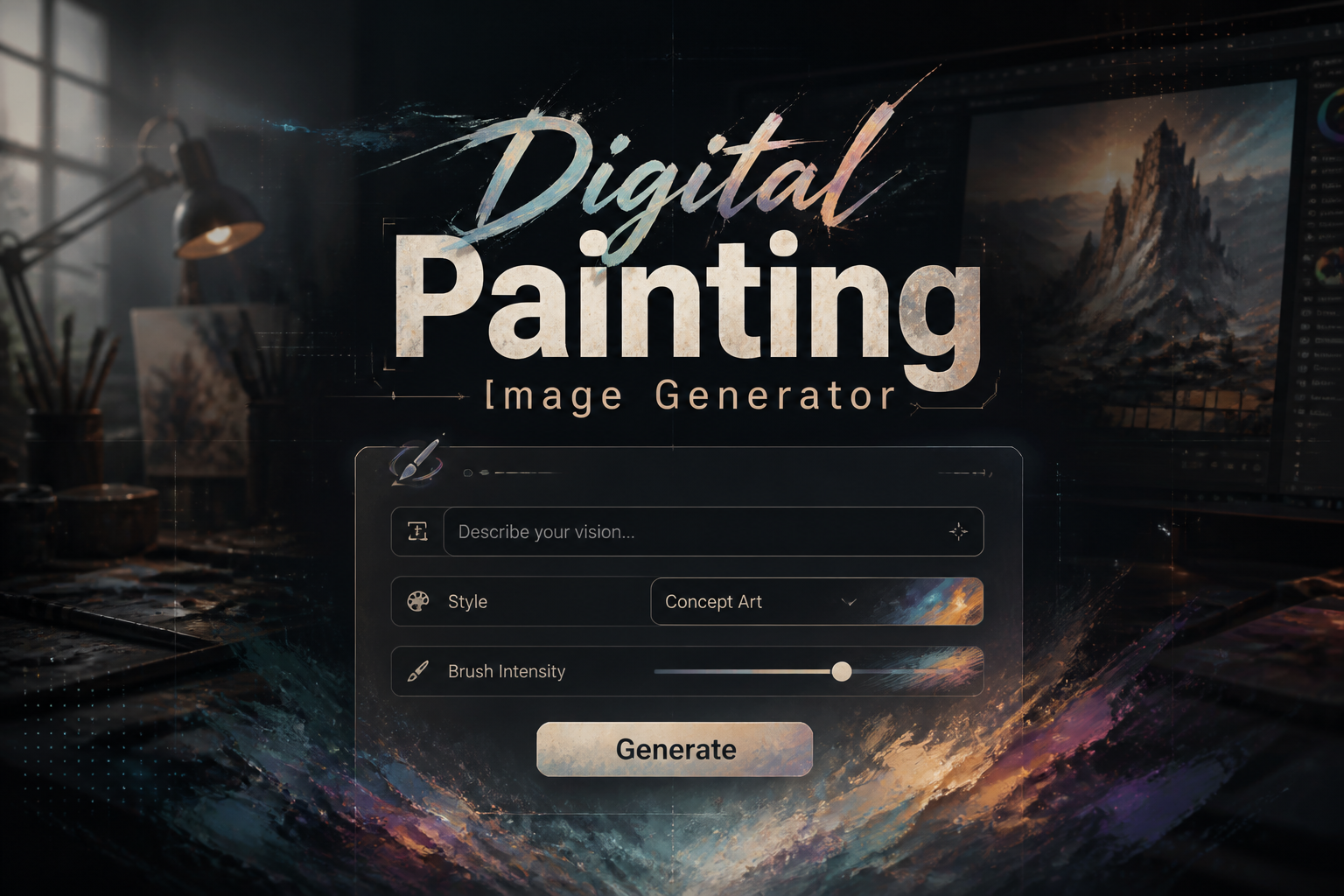
Free Digital painting Generator?
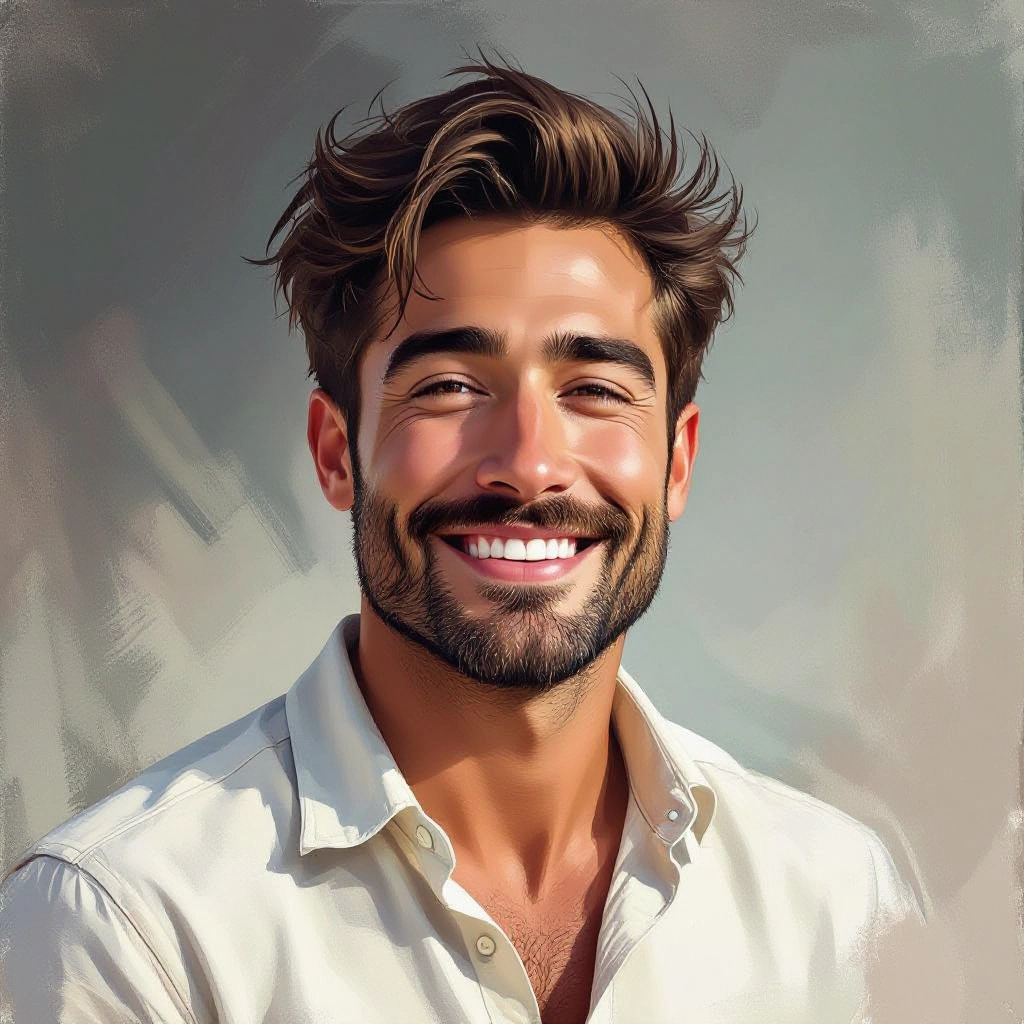
A Digital Painting Generator is an AI-driven tool that creates images with the visual language of traditional painting rendered with digital techniques. Instead of producing photorealistic pictures, the system emphasizes painterly elements such as visible brush strokes, layered glazing, textured canvases, and brush dynamics that mimic oil, acrylic or watercolor workflows. It synthesizes color mixing behavior, stroke cadence, edge control and texture grain so the result reads as a crafted painting rather than a simple filtered photograph.
Illustrators, concept artists, art directors, independent authors and hobbyists use digital painting generators to speed up ideation and produce finished looking art with painterly character. Designers rely on the tool to experiment with lighting, palette and composition before committing to a manual painting. Game developers and filmmakers use it to generate mood studies and matte painting concepts, while content creators and marketers leverage painterly images for unique visual branding that stands apart from typical stock photography.
How to Create digital painting Images with AI
Step 1: Enter a clear prompt that describes the subject, mood, preferred brushwork, color palette and the paint medium you want emulated. Step 2: Select painterly controls such as brush style, stroke density, canvas texture, lighting direction and palette harmonization to refine the visual treatment. Step 3: Generate the image, review details like edges and lighting, then iterate by tweaking prompt words or brush and layer settings until the composition, color blending and stroke quality match your artistic intent, then export at your chosen resolution.
Enter AI Digital Painting Prompt
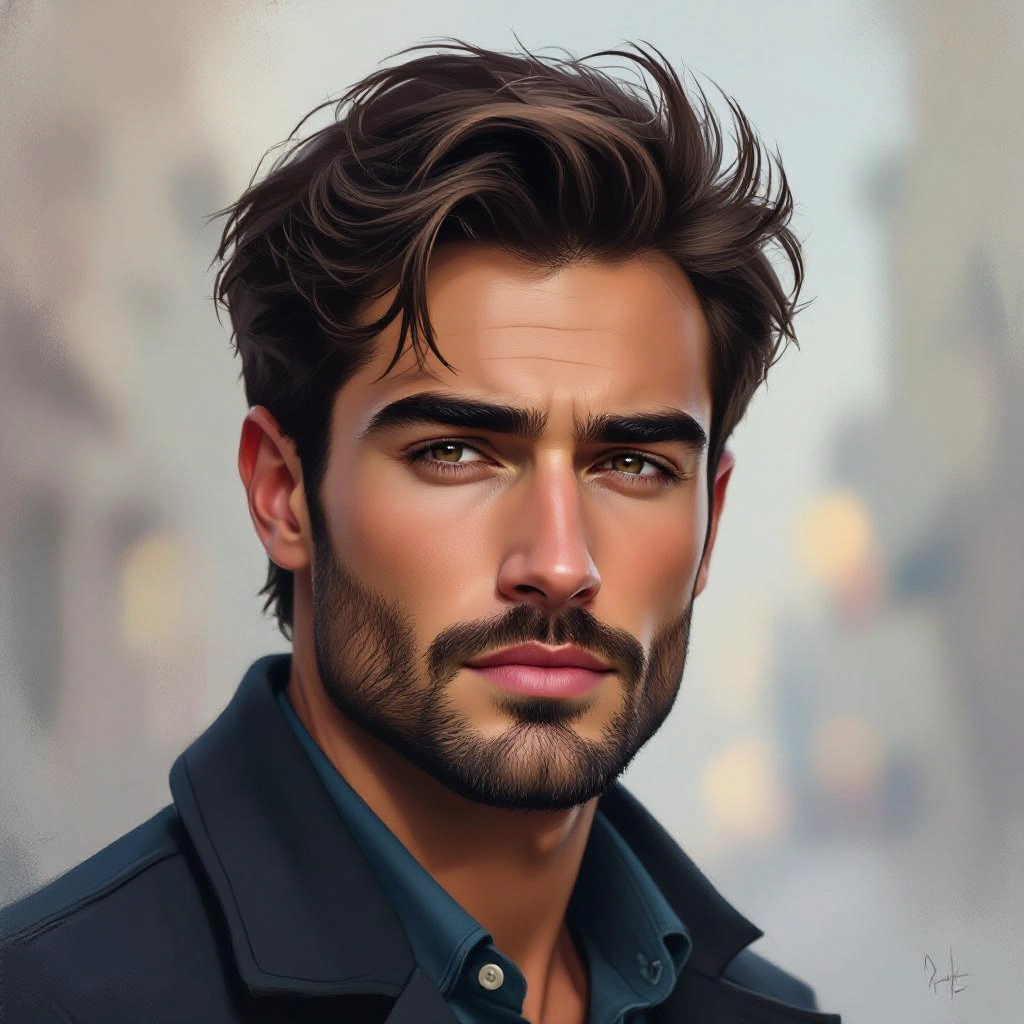
Type your digital painting character or scene description in the prompt box. Include details like character appearance, clothing, expressions, and setting to get better AI digital painting results.
Choose AI Model Settings
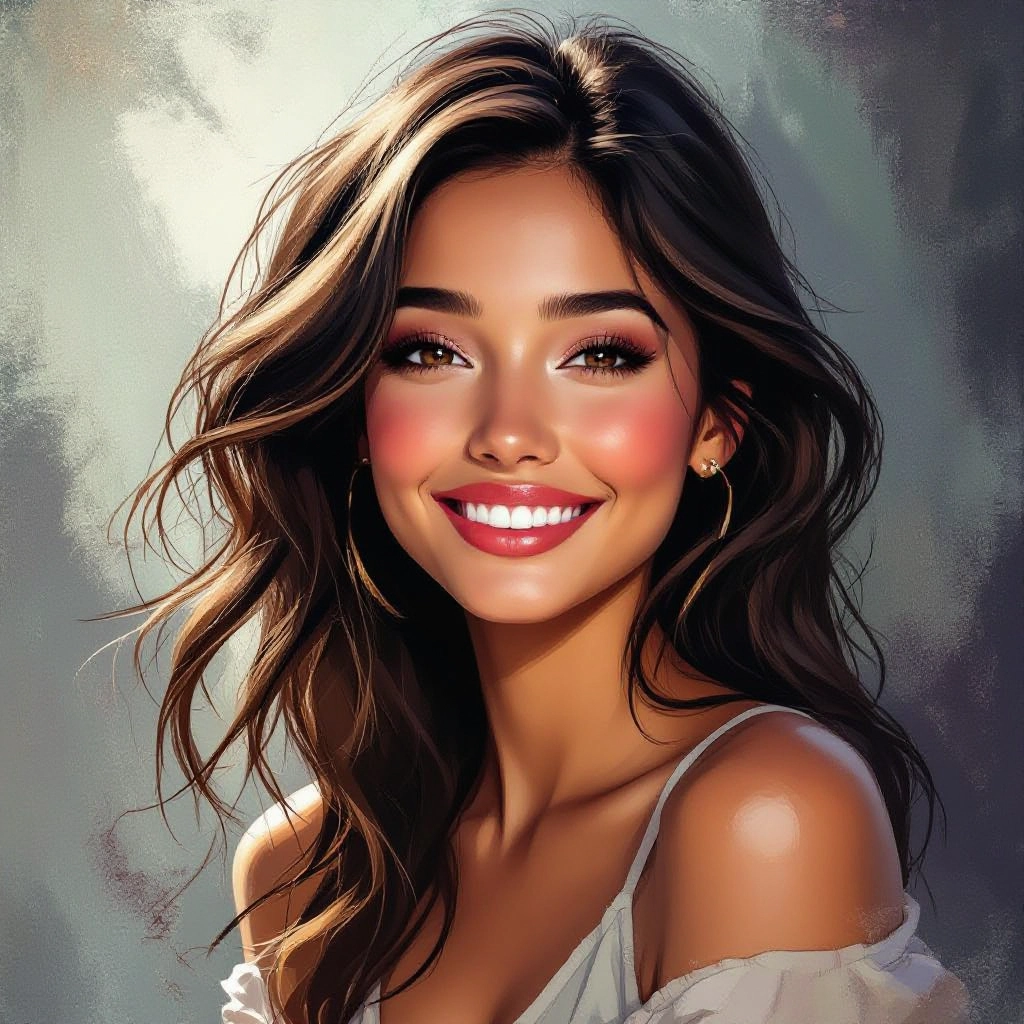
Select your preferred image size and aspect ratio. Our AI model delivers professional quality comparable to:
- • Flux AI Quality
- • Midjourney Standard
- • OpenAI DALL-E
- • Google Imagen
Download AI Digital Painting Image
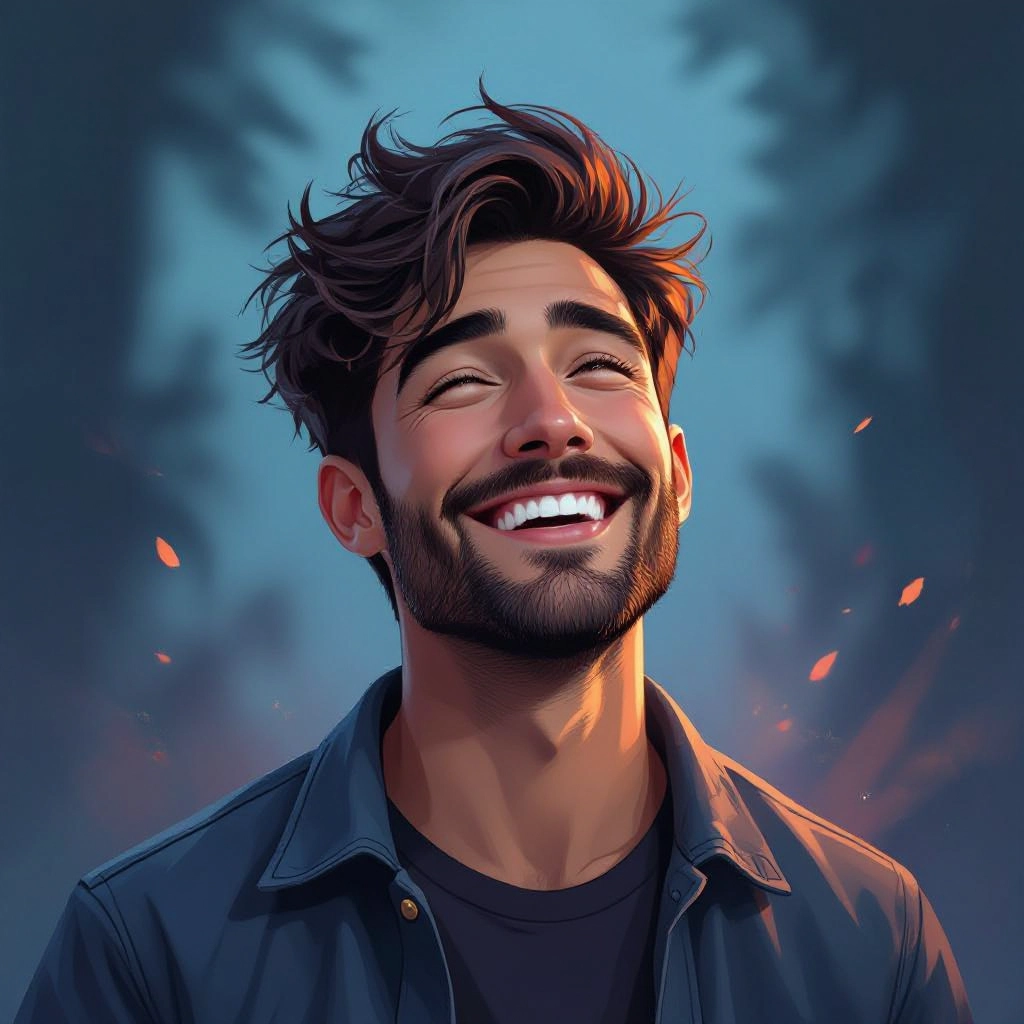
Once your AI digital painting image is generated, click the download button to save it to your device. The image will be in high quality format ready for use.
Features of our AI digital painting Image Generator
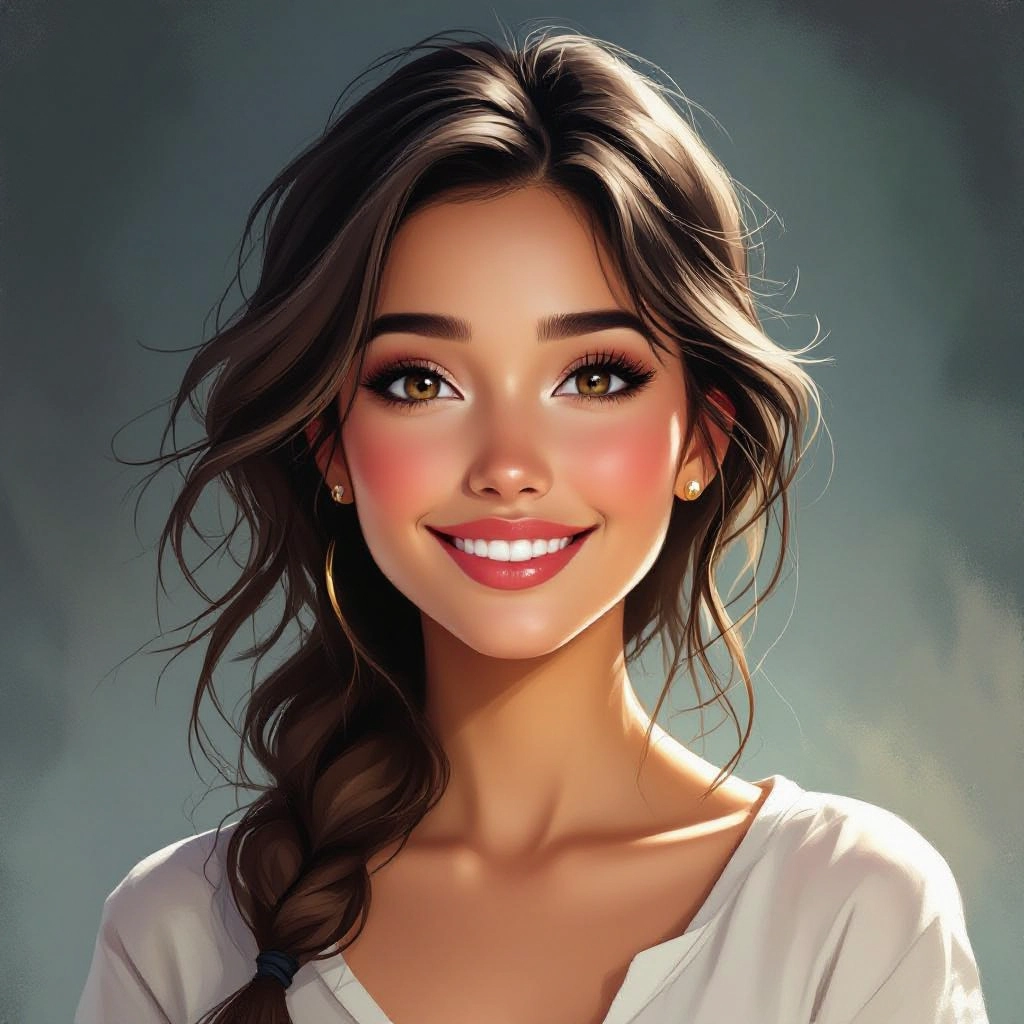
Brush Engine Emulation
Simulates brush types including flat, filbert, fan and round with adjustable pressure, wetness and bristle scatter, allowing strokes to retain realistic painterly character and texture variation across the canvas. Enhance your results by generating a detailed prompt with our Free AI Art Prompt Generator first.
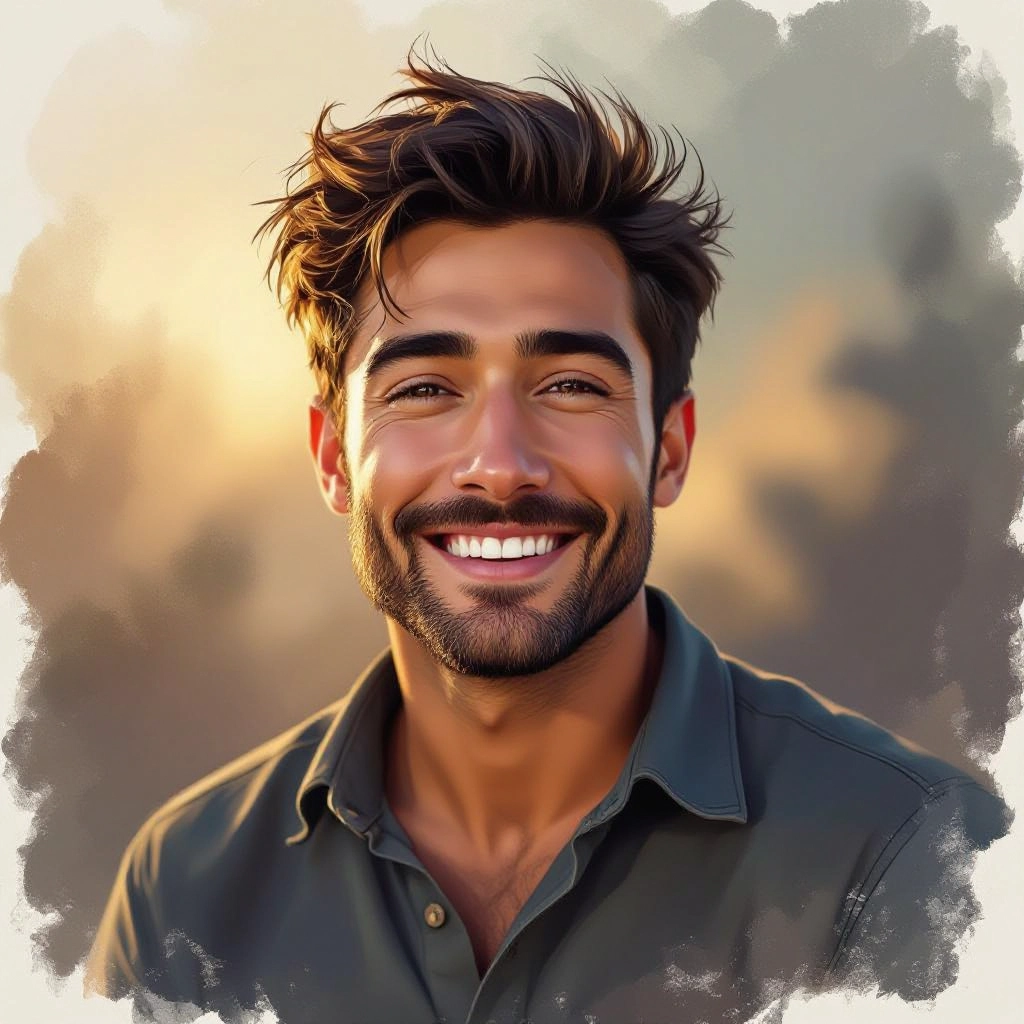
Layered Composition Controls
Provides layer-like controls for foreground, midground and background so you can isolate strokes, adjust blending modes, and build depth using glazing and underpainting techniques common in traditional painting.
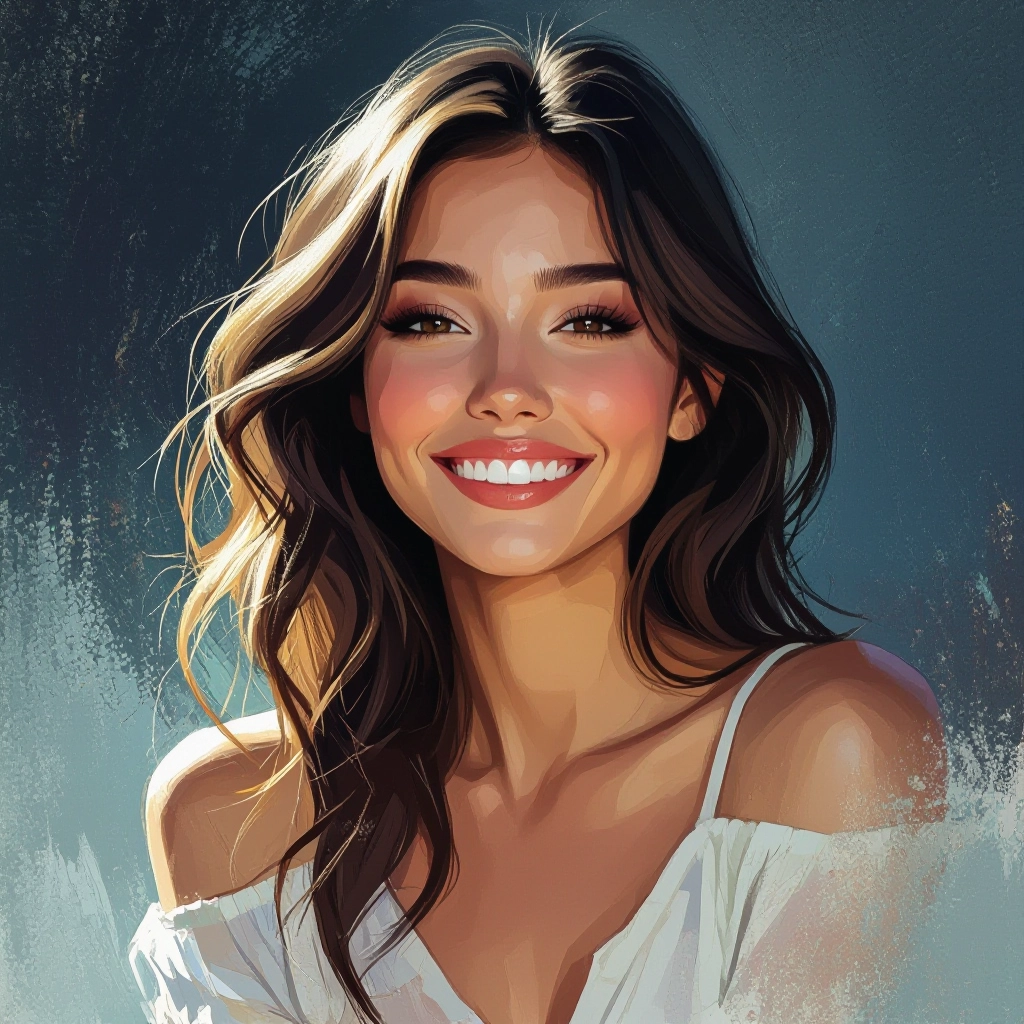
Color Dynamics and Palette Management
Offers advanced color mixing algorithms and palette locks to mimic limited-palette workflows, automated complementary harmony suggestions, and temperature shifts for consistent mood across the piece.
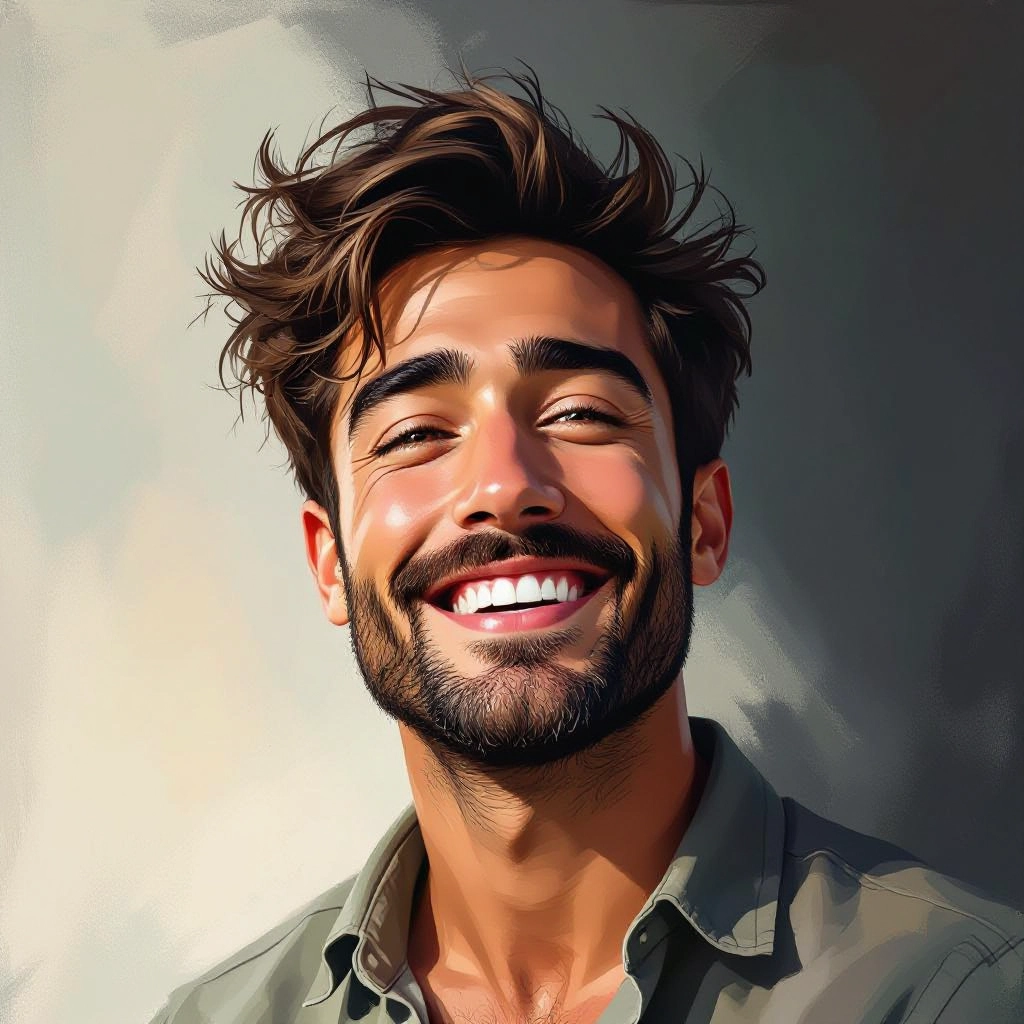
Texture and Canvas Modeling
Adds realistic canvas grain, impasto thickness and surface irregularities that respond to stroke direction and paint load, giving images tactile depth typical of physical paintings.
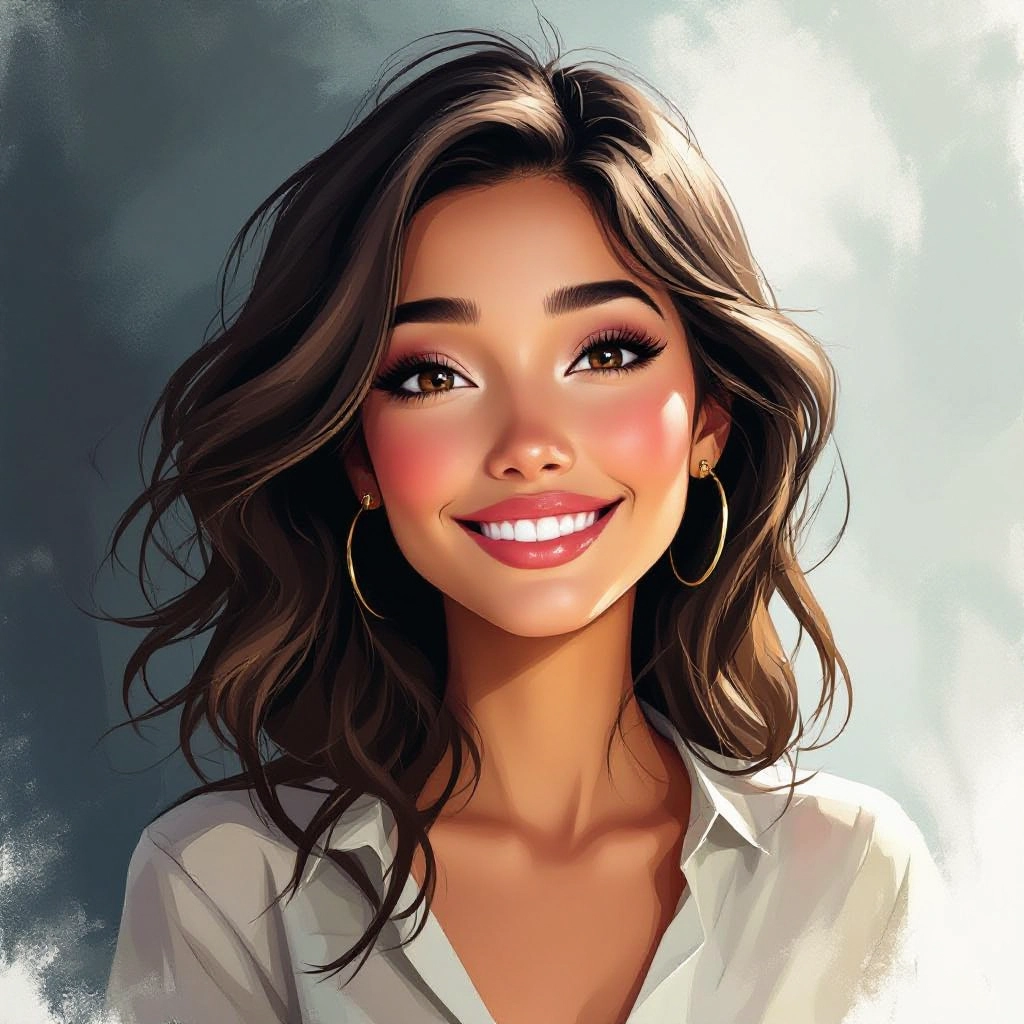
Style Presets and Custom Brushes
Includes curated presets for oil, acrylic, watercolor and pastel looks, plus tools to create and save custom brush sets so you can reproduce a signature painterly style across multiple projects.
Types of AI Powered Digital Painting Style Images
The generator can produce a wide range of painting styles, from loose impressionist pieces to detailed classical oil portraits. Each variation emphasizes different brush behavior, color mixing and texture treatment to match traditional painting idioms in a digital workflow.
Oil Painting Simulation
Thick impasto strokes, subtle glazing and rich pigment blending modeled to reflect oil paint's depth and slow-dry mixing, ideal for dramatic portraits and classical scenes.
Watercolor Washes
Translucent washes, edge blooming and paper grain response emulate watercolor techniques for soft landscapes, botanical studies and delicate illustrations.
Acrylic Bold Strokes
Fast-drying acrylic effects with vibrant color blocks, crisp overlaps and textured brush ridges suited for modern illustrations and stylized commercial art.
Impressionist Painterly
Short, visible strokes and broken color produce lively light studies and textured landscapes inspired by impressionist methods that prioritize mood and movement.
Classical Portrait Rendering
Smooth tonal transitions, controlled highlights and subtle brush modeling designed for refined portraits that emphasize anatomy, lighting and painterly realism.
Fantasy Matte Painting
Large-scale layered compositions combining painterly skies, textured terrain and dramatic lighting to create cinematic backgrounds for games and film concepts.
Applications of AI digital painting image style
Concept Art and Previsualization
Rapidly generate mood paintings and concept variations that communicate composition, lighting and palette for design reviews and creative direction.
Book Covers and Editorial Illustrations
Produce distinctive, textured cover art and editorial pieces with a hand-painted feel that enhances narrative and shelf presence.
Character Portraits and Avatars
Create stylized or realistic painted portraits for character sheets, social profiles and promotional artwork with controlled brushwork and color grading.
Game Art and Environment Design
Design painterly environment concepts, matte backgrounds and stylized asset mockups that help establish an immersive visual language for games.
Marketing and Brand Visuals
Use unique painterly imagery for campaigns, packaging and ads to stand out from stock photos and reinforce a handcrafted brand aesthetic.
Prints and Fine Art Editions
Generate high-resolution painterly images ready for print, limited edition runs and gallery-ready reproductions with controllable texture and detail.
FAQs about AI digital painting image generator
How realistic are the brush strokes and textures produced by the generator?
The generator models stroke behavior, paint thickness and canvas response so brush marks and textures read like traditional techniques. While not a physical painting, the result replicates visual cues such as bristle drag, impasto ridges and glazing effects for convincing painterly realism.
Can I customize brushes and save my own painterly presets?
Yes. You can adjust brush shape, pressure dynamics, wetness and scatter, then save those settings as custom presets to reproduce a consistent style across projects or iterate quickly on variations.
What file formats and resolutions are available for export?
Images can be exported as PNG or JPEG at multiple resolutions including high-resolution outputs suitable for print. Some plans or modes may offer extra-large exports for gallery or print sizing with preserved texture detail.
Is the tool suitable for commercial use like book covers or advertising?
Yes. Generated digital paintings are suitable for commercial projects, but you should review the platform's licensing terms for any usage restrictions or attribution requirements before publishing commercially.
How do I get consistent color palettes across multiple images?
Use the palette management tools to lock color sets, apply palette harmonization, or import a reference palette. The generator can enforce palette constraints so sequential images maintain consistent tones and mood.
Can the generator replicate a specific historical painting style?
The tool can emulate stylistic characteristics such as brushwork, tonal range and typical palettes from historical movements, and you can refine prompts to emphasize era-specific techniques, while avoiding direct copying of any single copyrighted artwork.
