GPT Image 1.5 Free
Transparent backgrounds & precise editing - powered by OpenAI
Your image will appear here
Enter a prompt and click Generate
Try new models
Receive our FREE AI updates via email once a week
Transparent backgrounds & precise editing - powered by OpenAI
Enter a prompt and click Generate
Receive our FREE AI updates via email once a week
GPT Image 1.5 is OpenAI's autoregressive image model — the bridge release between the original GPT Image 1 and the newer GPT Image 2 — and the only OpenAI image generator that produces native transparent PNG cutouts straight from a prompt. Because it's autoregressive rather than pure diffusion, it inherits GPT-class language understanding, which translates into unusually strong instruction following, accurate in-image text, and reliable spatial reasoning ("place the logo in the upper-left, leave 12% margin").
The model accepts up to 16 reference images for style, character, and product consistency, generates at up to 1536×1536, and exposes three quality tiers (low, medium, high) so you can trade speed for fidelity per request. Its transparent-background output makes it the strongest free option for cutout subjects, logos, mascots, sticker packs, and any asset destined for compositing into a larger design without manual masking.
aifreeforever.com hosts GPT Image 1.5 free with no signup, no API key, and full commercial rights on every export. Choose GPT Image 1.5 specifically when you need transparent PNGs, precise prompt obedience, or readable on-image typography that smaller fast-tier models still mangle.
GPT Image 1.5 holds an ELO of 1,270 (#4) on the Artificial Analysis Image Arena, ranking above Flux 2 Max and Grok Imagine — its unique advantage over GPT Image 2 is native transparent PNG output, the only OpenAI image model that generates cutout-ready images without post-processing.
Transparent Backgrounds
Native transparent PNG output for cutout subjects, logos, and compositing into any background
Precise Editing
Edit existing photos by changing specific elements while preserving identity and composition
16 Reference Images
Upload up to 16 reference images for style transfer, consistency, and composition guidance
Three Quality Tiers
Low (fast previews), Medium (balanced), and High (maximum detail) output modes
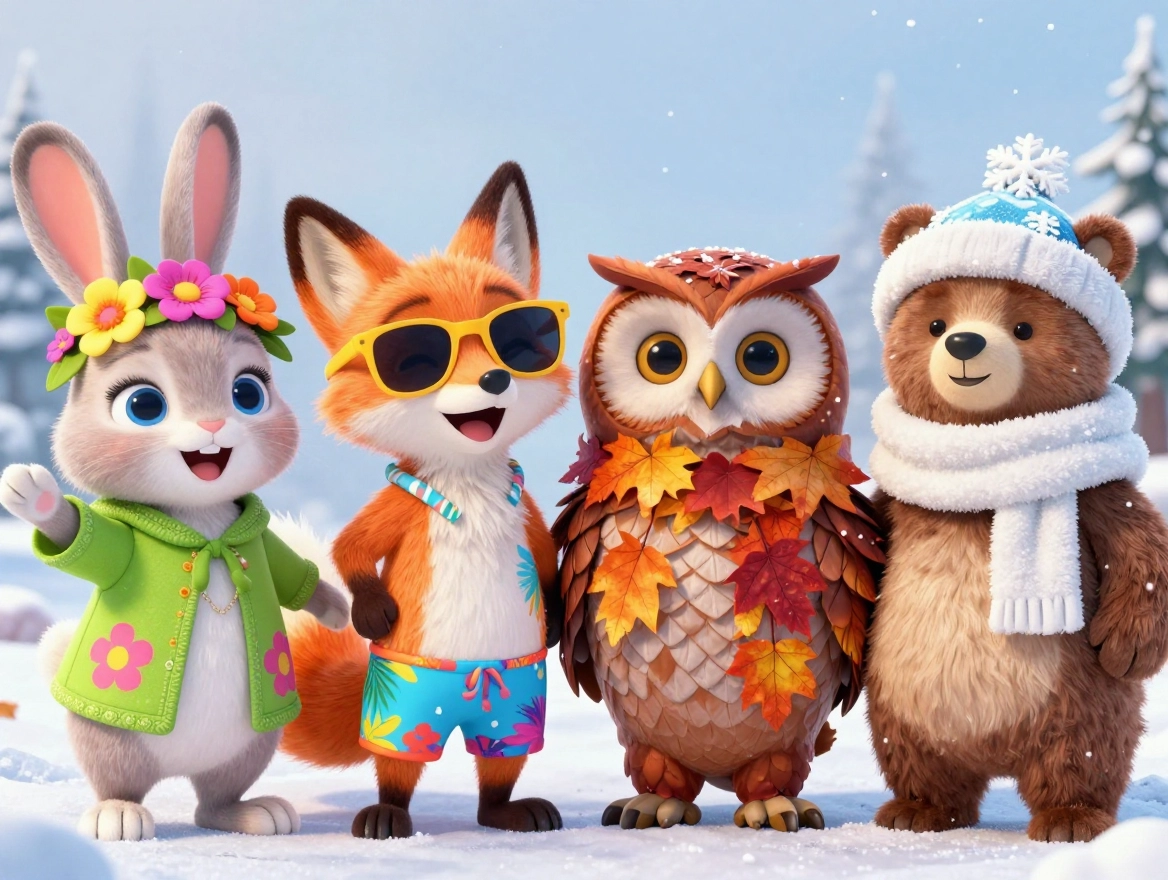
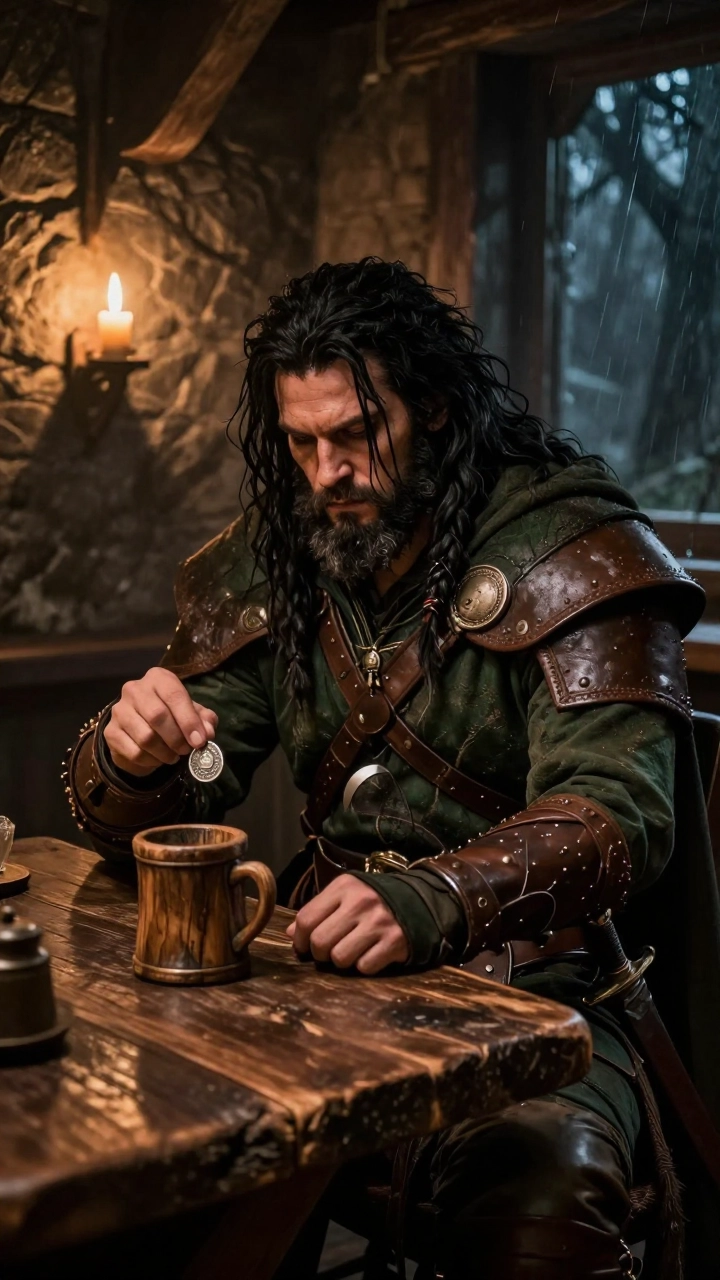
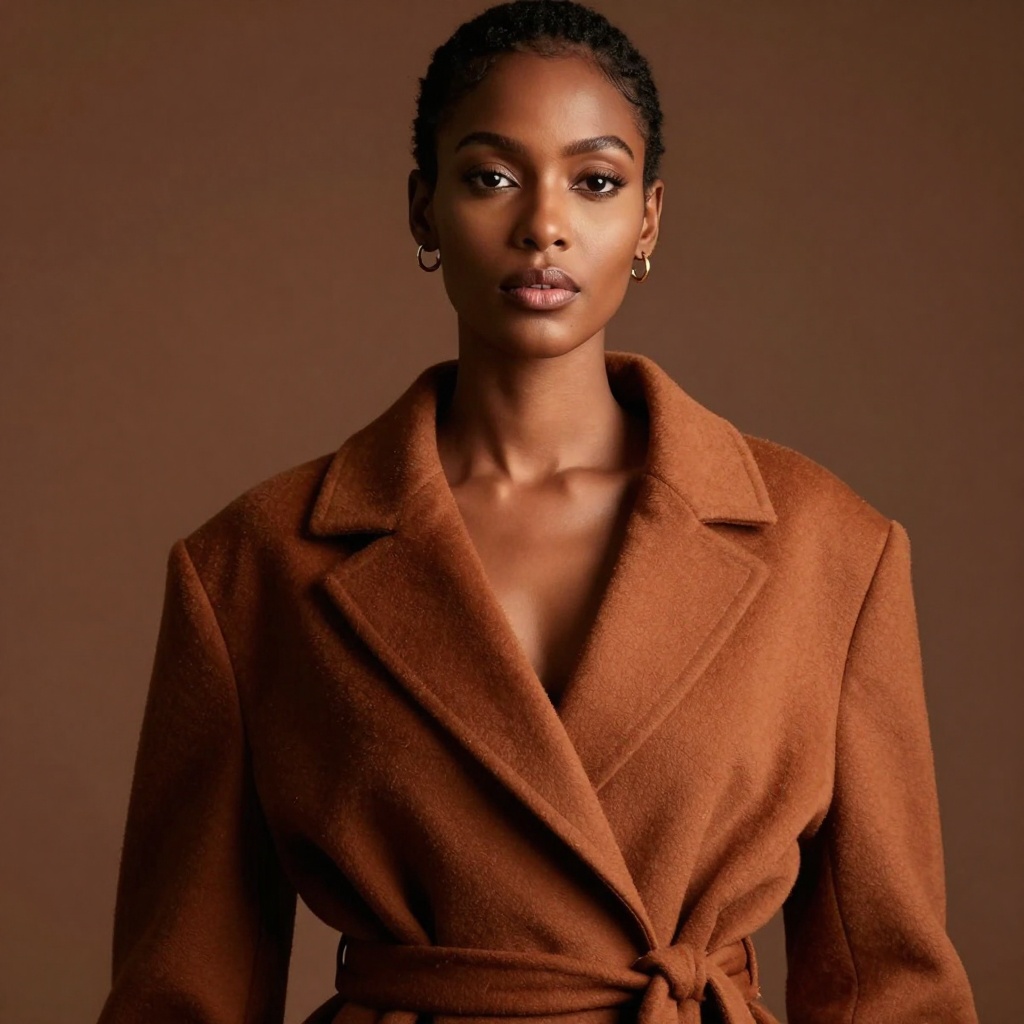
GPT Image 1.5 is available directly on aifreeforever.com — no account, no API key required. Enter a prompt, choose your quality tier, and for transparent backgrounds select PNG output while describing your subject without mentioning a background.
Write a Prompt
Describe your subject in detail. For transparent backgrounds, describe only the subject — omit any background description — and select PNG output to receive a cutout-ready file.
Pick an Aspect Ratio
Choose from square (1024x1024), portrait (1024x1536), or landscape (1536x1024). GPT Image 1.5 supports all three orientations up to 1536 pixels on the long edge.
Generate
Complete the captcha and hit Generate. GPT Image 1.5 supports partial streaming previews so you can approve the composition before full rendering completes.
Download
Save as WebP, PNG (with transparency), or JPG. PNG preserves the transparent channel for cutout subjects ready to composite into any scene.
GPT Image 1.5 Image generator is recommended for product shots, packaging photography, and designs requiring transparent backgrounds.
GPT Image 1.5 ranks #2 on the Artificial Analysis Image Arena with an ELO of 1,272. It delivers strong photorealism, accurate text rendering, and precise multi-element compositions in both generation and editing modes. GPT Image 1.5 has since been succeeded by GPT Image 2, which holds the #1 position with an ELO of 1,334.
| Specification | Details |
|---|---|
| Developer | OpenAI |
| Successor | GPT Image 2 |
| Architecture | Multimodal image generation and editing model |
| Workflows | Text-to-image and image editing via natural language |
| Reference Images | Up to 16 inputs (PNG, JPG, or WebP, each under 50 MB) |
| Max Resolution | 1536×1536 px |
| Aspect Ratios | Square (1024×1024), portrait (1024×1536), landscape (1536×1024) |
| Quality Tiers | Low (fast preview), Medium (balanced), High (maximum detail) |
| Streaming Previews | Partial streaming — approve composition before full render completes |
| Output Formats | WebP (default), PNG, JPEG |
| Transparent Background | Yes — only OpenAI image model with native transparent PNG output |
| Text Rendering | Good; place exact text in quotes in the prompt for best accuracy |
aifreeforever.com gives you free browser-based access to GPT Image 1.5 — no account, no API key, no credit card needed.
For developers who need API access, the model is available through OpenAI API (direct), Replicate, and fal.ai (latency-optimized). All providers use the same per-token pricing model.
No registration required. Scroll up, describe your subject, and get transparent PNG cutouts or photorealistic images from OpenAI's #4 ranked image model.
Start GeneratingEach model below is free to use on aifreeforever.com. Specifications are drawn from provider documentation and the Artificial Analysis Image Arena benchmark data.
| Model | Developer | Max Resolution | Editing | Transparency | Best For | ELO Score |
|---|---|---|---|---|---|---|
| GPT Image 1.5 | OpenAI | 1536x1536 | Yes | Yes | Transparent backgrounds, product cutouts | 1,270 |
| GPT Image 2 | OpenAI | Up to 2K | Yes | No | Overall quality, text in images | 1,512 |
| Nano Banana 2 | High | No | No | Strong general quality | 1,271 | |
| Flux 2 Max | Black Forest Labs | 2048x2048 | Yes | No | Highest fidelity in FLUX family | 1,165 |
| Flux 2 Pro | Black Forest Labs | 2048x2048 | Yes | No | Professional quality, editing | 1,183 |
| Grok Imagine | xAI | 1024x1024 | No | No | Creative, cinematic style | 1,170 |
| Ideogram V3 Turbo | Ideogram | 1536x1536 | No | No | Logos, packaging, typography | 1,082 |
| Flux Schnell | Black Forest Labs | 1024x1024+ | No | No | Speed, high-volume generation | N/A |
Transparent Product Cutout
A glass perfume bottle with a matte gold cap, isolated subject, no background, PNG output, soft diffused light from the upper left
Try itWhite-Background Product Shot
A ceramic coffee mug with brushed texture, centered on a pure white background, soft box lighting, no shadows, cutout-ready PNG
Try itBackground Replacement
Preserve the subject's face, outfit, and pose exactly; replace only the background with a blurred city street at dusk with warm neon reflections
Try itLogo on Transparent Background
A minimalist mountain peak logo mark in deep navy blue, vector-clean geometric style, isolated subject, transparent PNG background, no drop shadow
Try itCharacter Sheet — Consistent Style
Front-facing portrait of a young woman with short auburn hair and green eyes, neutral expression, soft studio lighting, isolated on transparent background
Try itPrecise Photo Edit
Edit: change the jacket color from navy to burgundy; preserve the subject's face, hair, background, and all other clothing exactly as in the original
Try itUI Asset with Transparency
A flat-design notification bell icon, midnight blue fill, subtle inner glow, transparent background, PNG, suitable for dark and light interfaces
Try itIllustrated Character Cutout
A whimsical illustrated fox wearing a postal worker uniform, friendly expression, flat vector illustration style, no background, transparent PNG
Try itTell us if this AI content is offensive, harmful or wrong. We review every report and use it to improve our filters.