8-Bit Image Generator
8-Bit Image Generator is a free online tool to generate 8-bit style images. The tool is free to use, just enter prompt in 8-bit style and generate 8-bit image style in seconds similar quality to flux, midjourney, open ai, imagen, nano banana AI image quality.
Generate 8-Bit AI Image for Free with AI
Receive our FREE AI updates via email once a week
What is a 8-bit Generator?
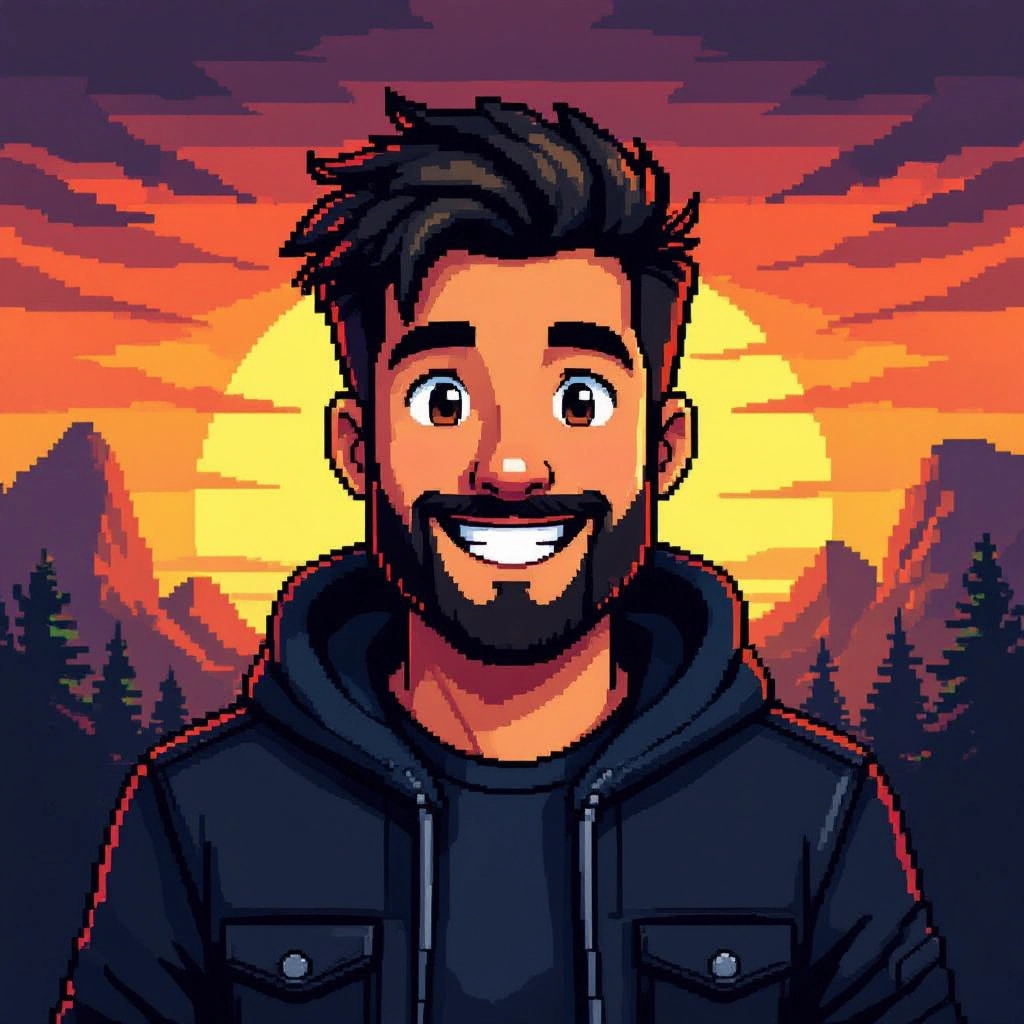
An 8-bit generator is an AI-assisted tool that produces images that mimic the technical constraints and visual language of classic 8-bit pixel art. Rather than simply adding a pixel texture, it produces low resolution canvases with strict color indexing, blocky shading, visible pixel grids, limited palettes and simplified geometry so individual pixels read clearly at small sizes. The generator models common 8-bit techniques such as tile-based composition, sprite framing, palette cycling suggestions, and palette-aware dithering to keep output authentic to vintage hardware aesthetics.
Indie game developers, pixel artists, UI designers, NFT creators and retro branding teams use an 8-bit generator to accelerate creative workflows, produce consistent sprite sets, or prototype visuals at true pixel scale. Educators use it to teach resolution and color economy, while marketers and social creators use it to evoke nostalgia. Users choose the tool because it reduces manual pixel-by-pixel editing while preserving the distinct limitations that make 8-bit art readable and expressive.
How to Create 8-bit Images with our AI tool
To create 8-bit images in three clear steps, first set the canvas resolution and locked palette so the AI works within true pixel constraints, for example 16x16 or 32x32 with a 4 to 16 color palette. Second, provide a prompt or upload a reference and adjust pixel-specific parameters like dithering style, color indexing, sprite framing, and tile layout, then generate and review thumbnails at native size. Third, refine by locking colors or editing pixels manually, export as indexed PNG or a sprite sheet, and scale with nearest neighbor to preserve crisp edges for use in games, avatars, or prints.
Enter AI 8-Bit Prompt
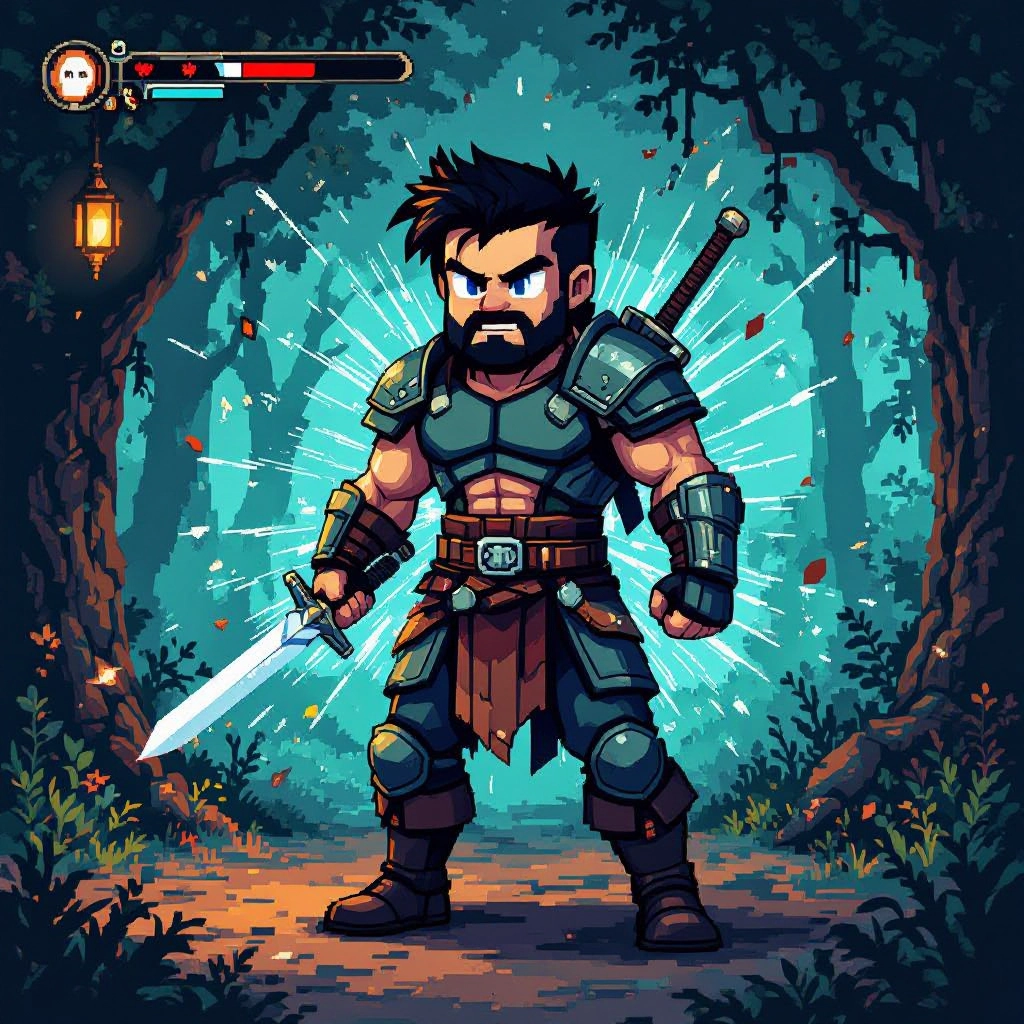
Type your 8-bit character or scene description in the prompt box. Include details like character appearance, clothing, expressions, and setting to get better AI 8-bit results.
Choose AI Model Settings
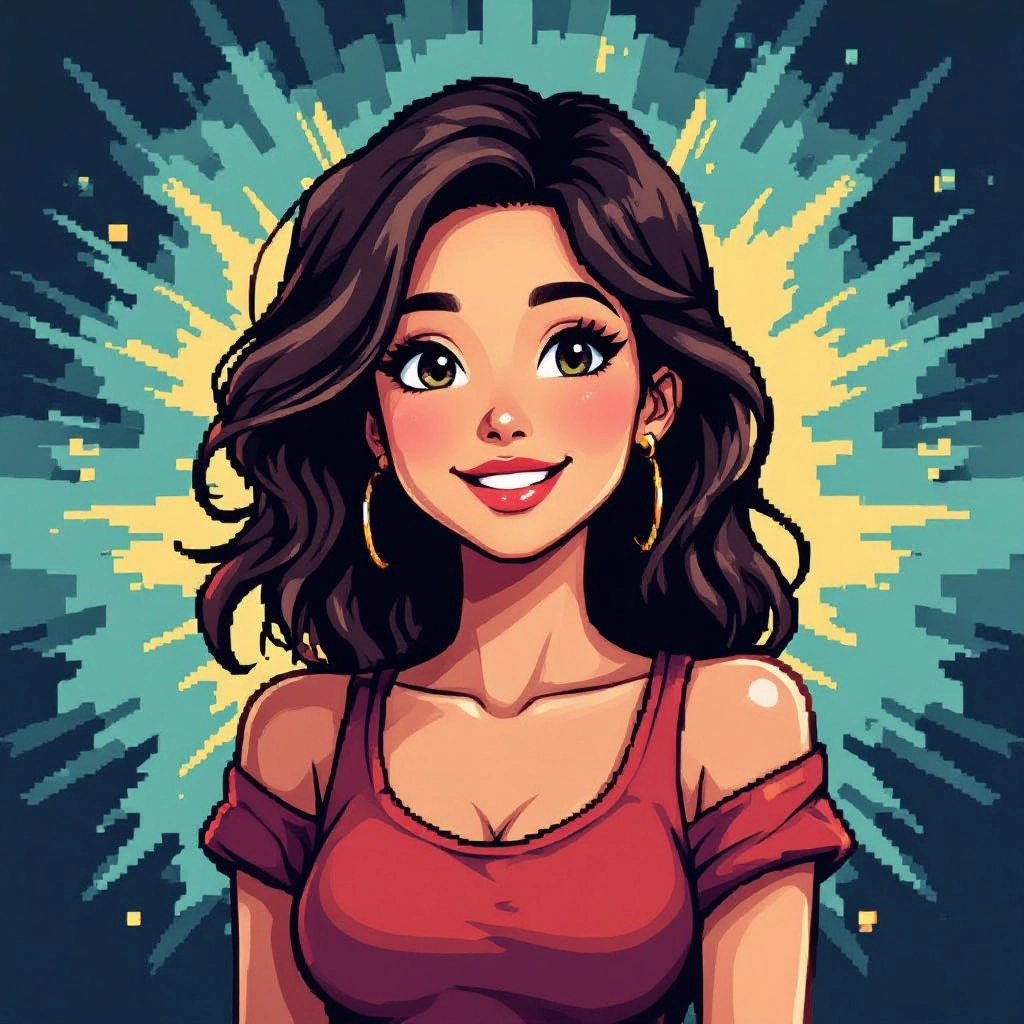
Select your preferred image size and aspect ratio. Our AI model delivers professional quality comparable to:
- • Flux AI Quality
- • Midjourney Standard
- • OpenAI DALL-E
- • Google Imagen
Download AI 8-Bit Image
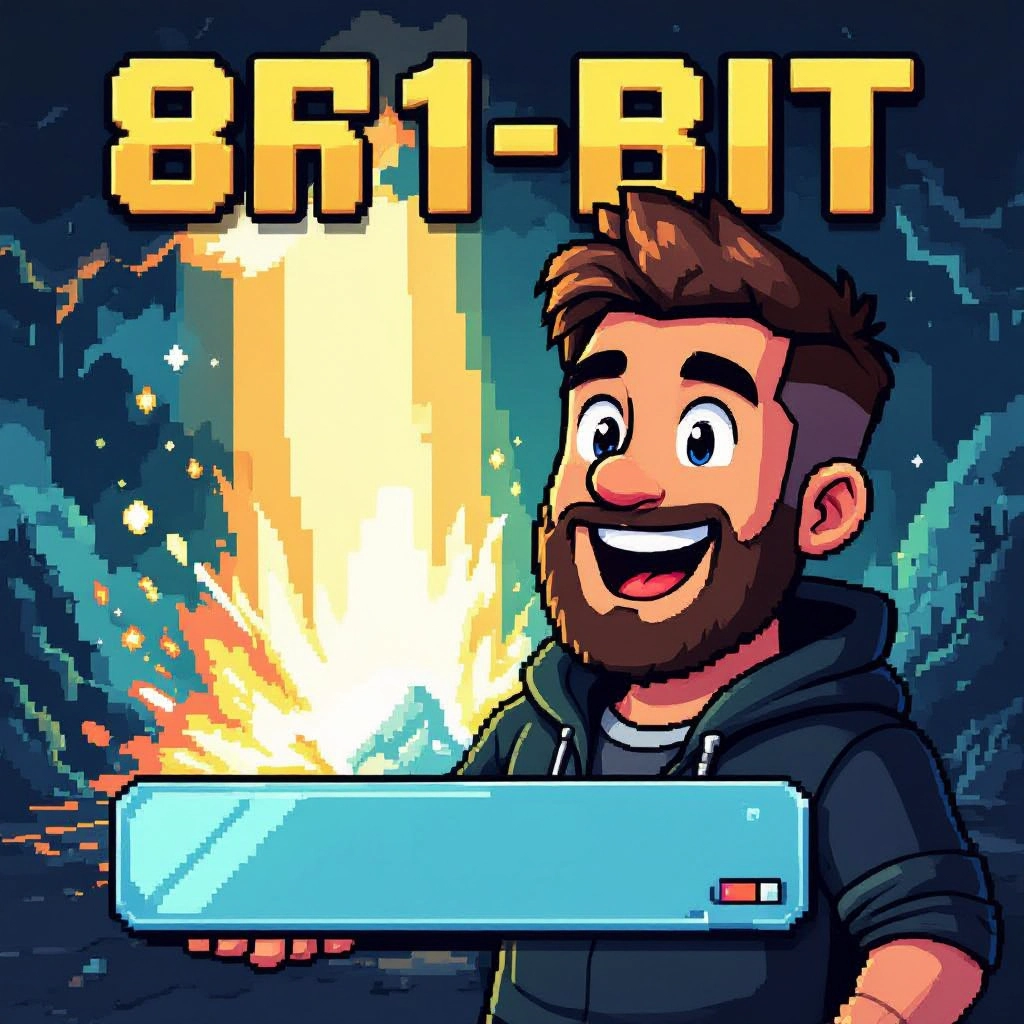
Once your AI 8-bit image is generated, click the download button to save it to your device. The image will be in high quality format ready for use.
Features of AI 8-bit Image Generator
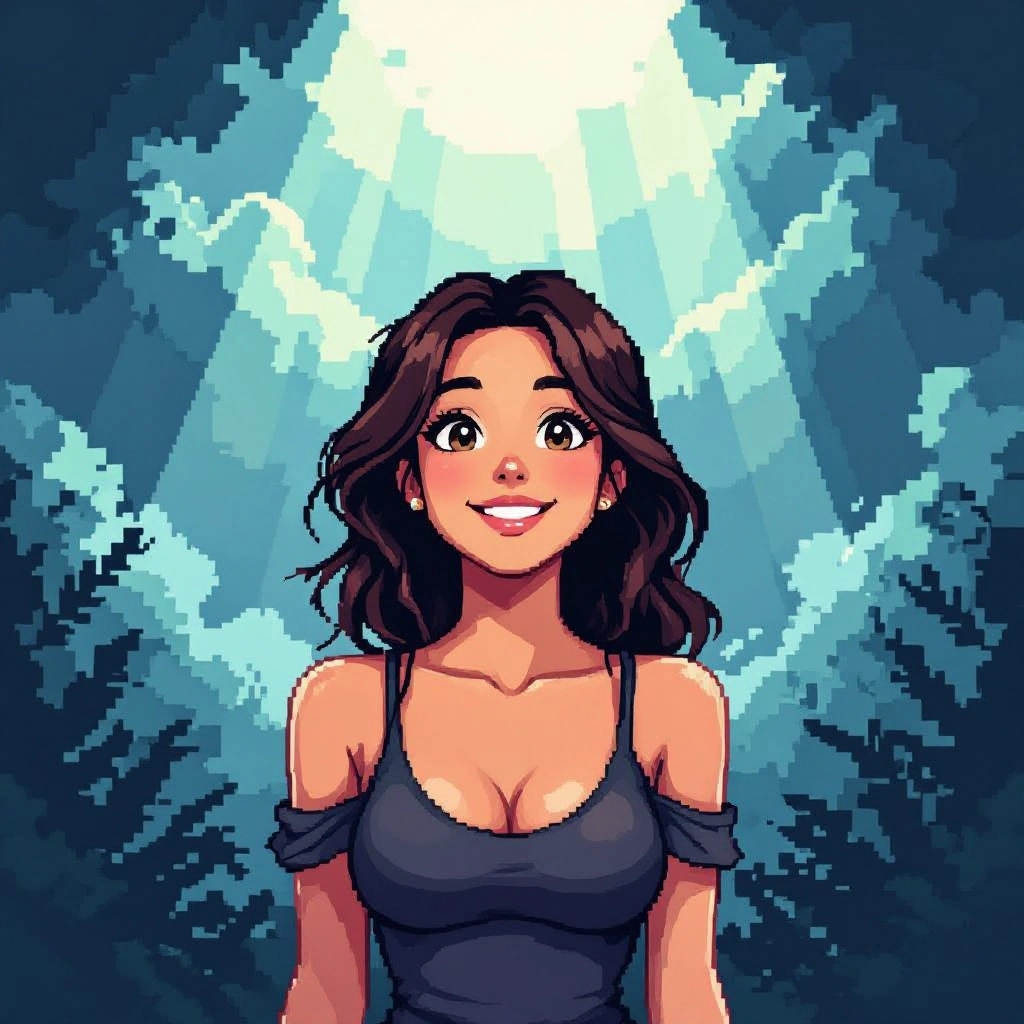
True Pixel Grid Control
Set exact canvas sizes such as 8x8, 16x16, 32x32 and enforce a visible pixel grid so every output respects pixel boundaries. Snap, mirror and translate tools operate at the pixel level for precise sprite editing. Enhance your results by generating a detailed prompt with our Free AI Art Prompt Generator first.
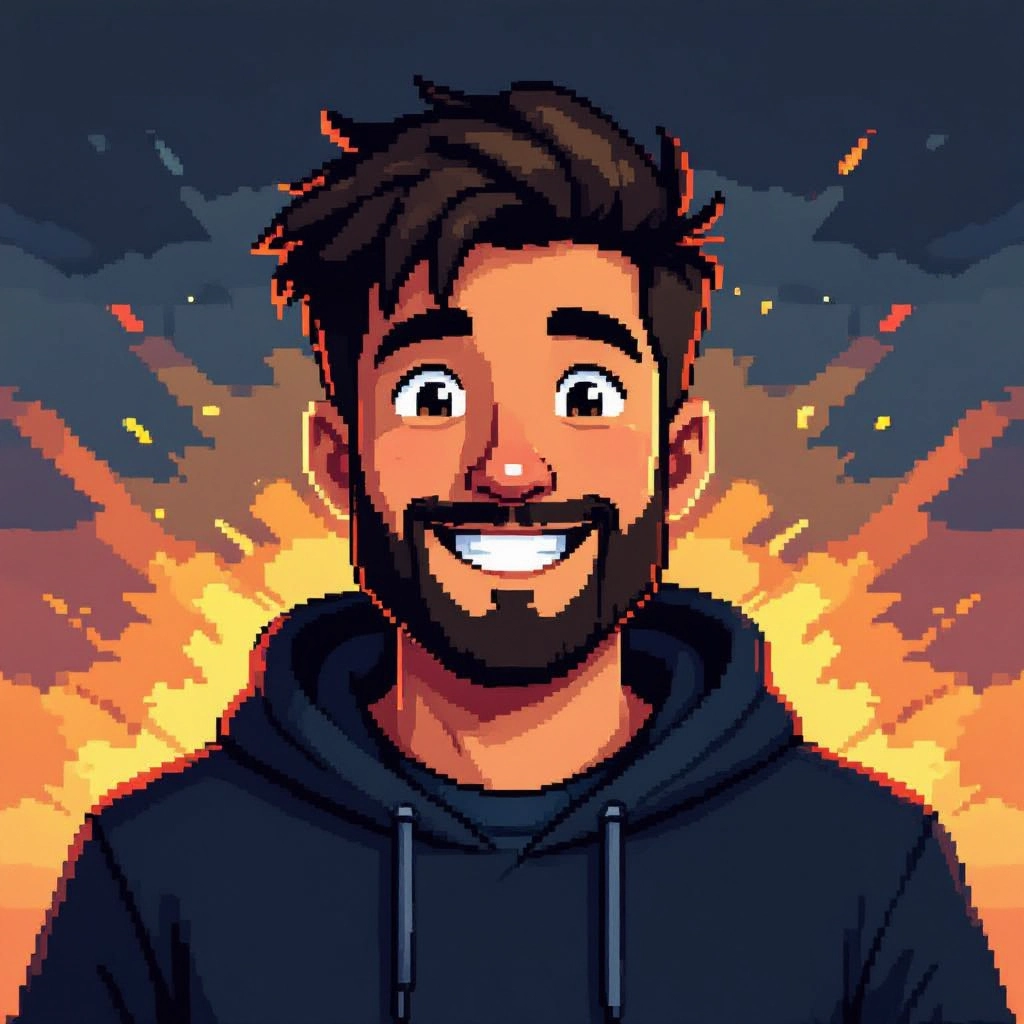
Palette and Index Editing
Import or pick classic palettes, lock individual indices, and reorder colors. The system exports indexed PNGs so palettes remain exact and file sizes stay small, ideal for retro hardware emulation.
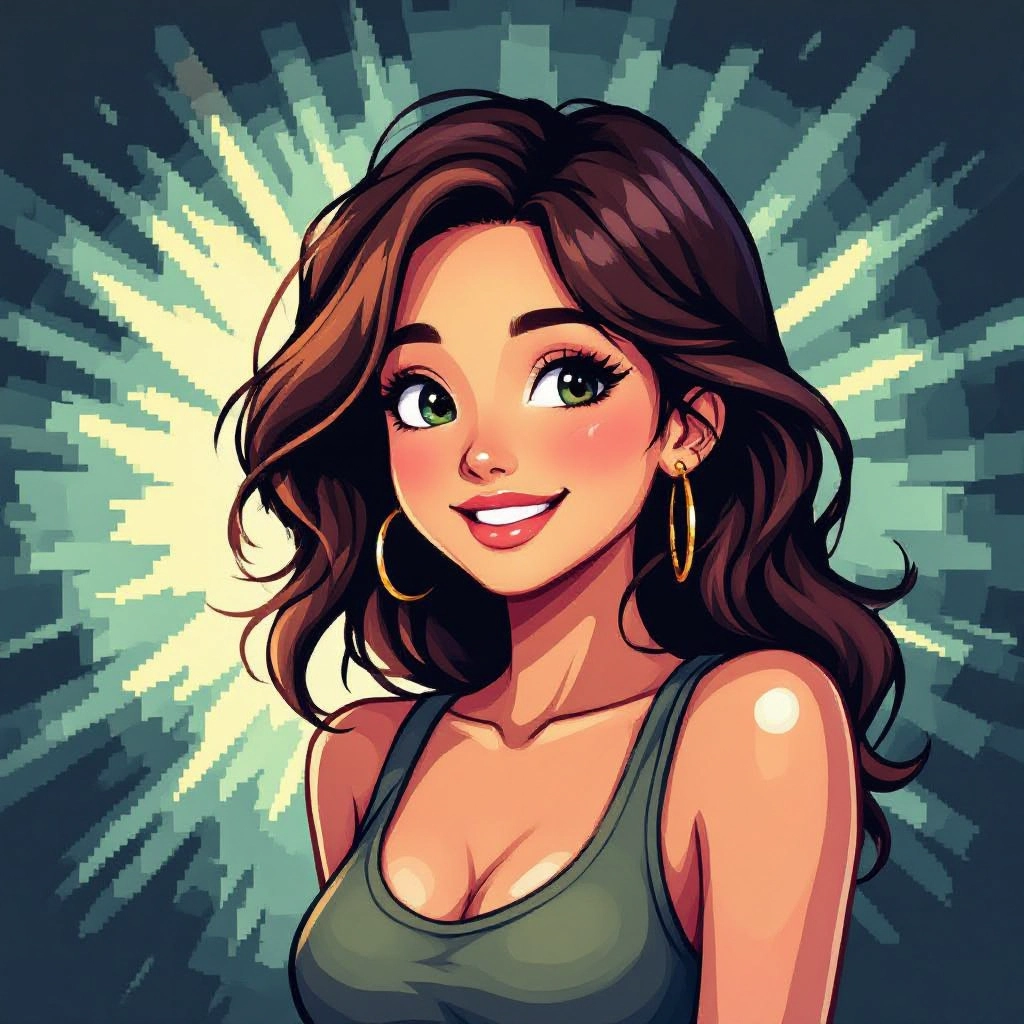
Sprite and Tile Presets
Built-in presets for character sprites, tilesets, icons and isometric tiles speed up production. Export options include framed sprite sheets, animated frame strips and tile maps ready for engines.
Dithering and Block Shading
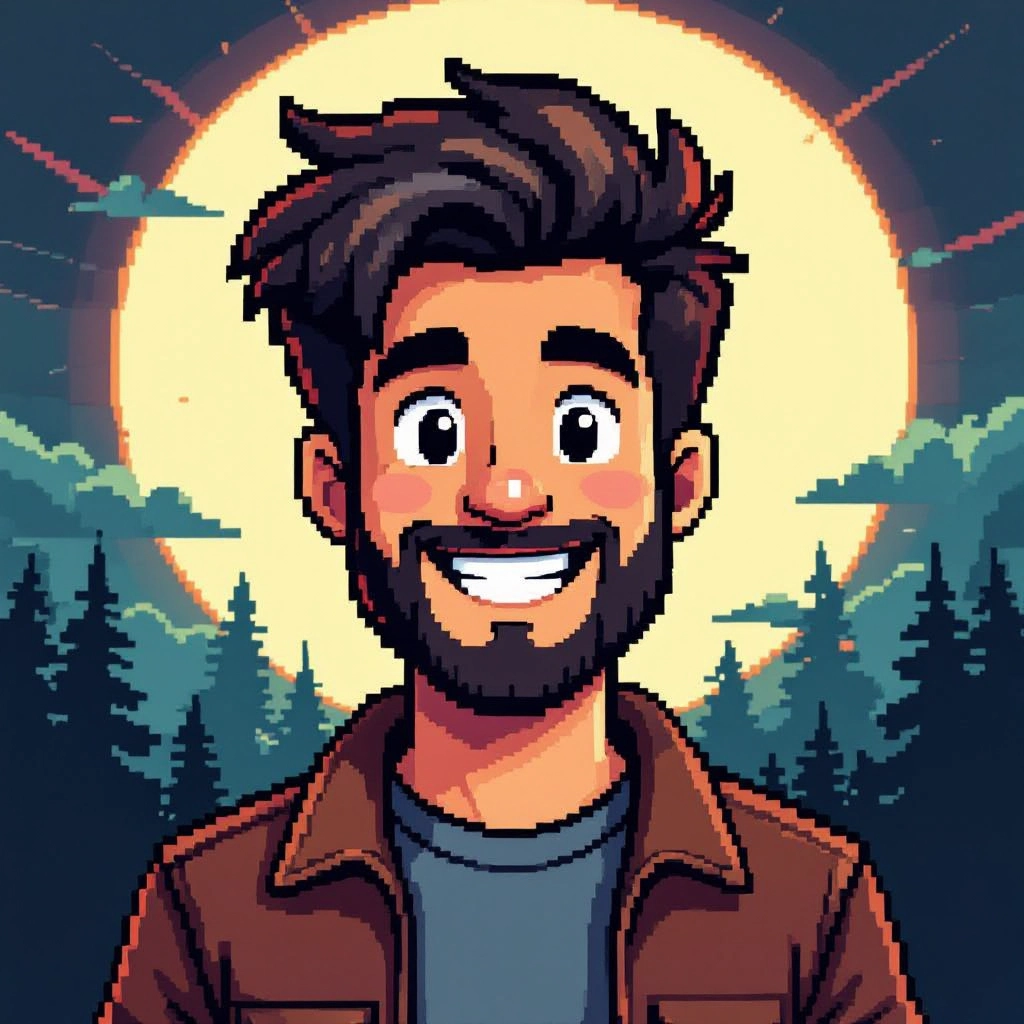
Choose from ordered, pattern and cluster dithering tuned for low color counts, plus block shading presets that emulate classic hardware lighting styles to maintain readability at tiny sizes.
Nearest Neighbor Upscaling and Export
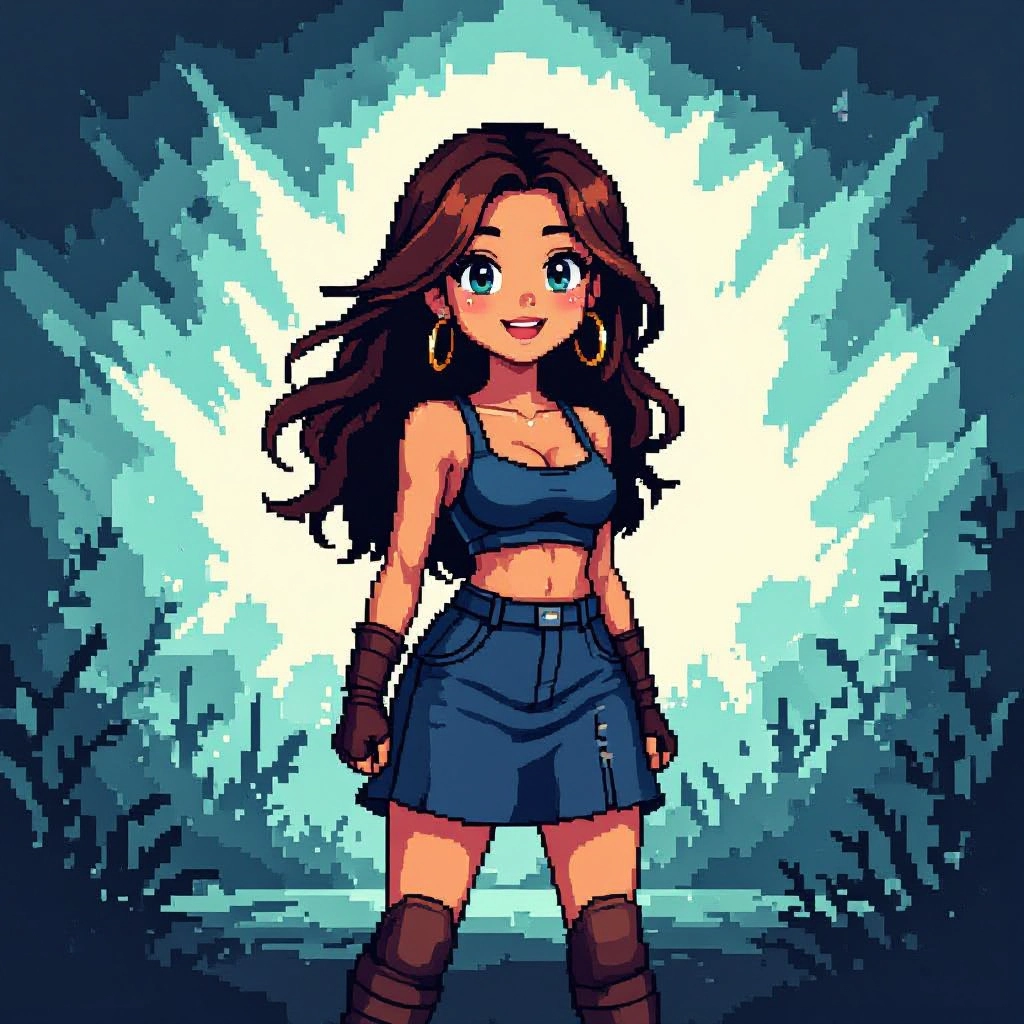
Export with lossless nearest neighbor scaling to preserve hard pixel edges. Save as indexed PNG, GIF animations or sprite sheets with transparent backgrounds and exact color indexes.
Types of AI Powered 8-Bit Style Images
The generator can produce many distinct 8-bit flavors by changing palette, resolution and rendering rules. Each variation emphasizes specific hardware aesthetics, shading tendencies and color economies that define classic pixel art styles.
NES Palette Classic
Authentic palettes and color emphasis inspired by NES limitations, producing bold, high contrast sprites with characteristic hue shifts and limited color choices.
Game Boy Monochrome
Four-shade green or gray screens and tight contrast suited to Game Boy style art, focusing on silhouette clarity and tonal separation.
Commodore 64 Vibrant
A vivid, limited palette with emphasis on strong primaries and blocky color bleed that echoes early home computer displays.
Isometric 8-bit Tiles
Isometric tile sets with consistent pixel offsets and palette rules for building retro isometric maps and game levels.
CRT Scanline Retro
Adds subtle CRT scanline simulation and color fringing while keeping true 8-bit palettes and hard pixel outlines for screen-era authenticity.
Modern Minimal 8-bit
Large block pixels, simplified shapes and restrained palettes for clean, contemporary 8-bit style used in logos and social avatars.
Applications of AI 8-bit image style
Game Development
Rapidly generate sprites, enemy sheets and background tiles with consistent palettes and tile alignment for use in indie games and prototypes.
Avatars and Social Media
Create distinctive pixel avatars, profile icons and sticker art that scale crisply and stand out in feeds with retro charm.
NFTs and Collectibles
Produce collectible pixel characters and variations with strict palette rules to maintain a cohesive collection aesthetic.
Marketing and Retro Branding
Design campaign assets, banners and merchandise art that leverage 8-bit nostalgia for brand storytelling and audience engagement.
Education and Workshops
Teach fundamentals of resolution, color economy and sprite animation by generating examples and templates that show pixel art principles.
UI Prototyping and Icons
Build low resolution icon sets and UI mockups that prioritize clarity at small sizes for games and themed interfaces.
FAQs about AI 8-bit image generator
What resolutions are ideal for 8-bit pixel art?
Common sizes include 8x8, 16x16, 24x24 and 32x32. Smaller canvases force economy of shape and color. For character sprites choose a consistent frame size and scale later with nearest neighbor to keep edges crisp.
Can I upload my own image and convert it to 8-bit?
Yes. Uploads can be converted by reducing resolution, limiting the palette and applying pixel-cleaning passes. Manual touch ups after conversion help preserve design intent at pixel scale.
Are generated 8-bit images usable for commercial projects?
Most generators allow commercial use, but terms vary. Check the specific tool license for restrictions and attribution requirements before using assets in paid products.
How do I keep edges sharp when scaling up pixel art?
Always scale using nearest neighbor or integer multiples such as 2x, 3x, 4x. Avoid interpolation filters that blur pixels and export as indexed PNG to keep colors exact.
What export formats are best for sprite sheets and animations?
Export sprite sheets as indexed PNG for crisp frames and small file size. For simple animations use animated GIF or a sequence of indexed PNGs depending on your game engine requirements.
How can I maintain a consistent 8-bit style across many images?
Use a fixed resolution, locked palette and consistent dithering and shading rules. Save presets and seed values when available so the AI reproduces the same visual constraints for every generation.
