Concept Art Image Generator
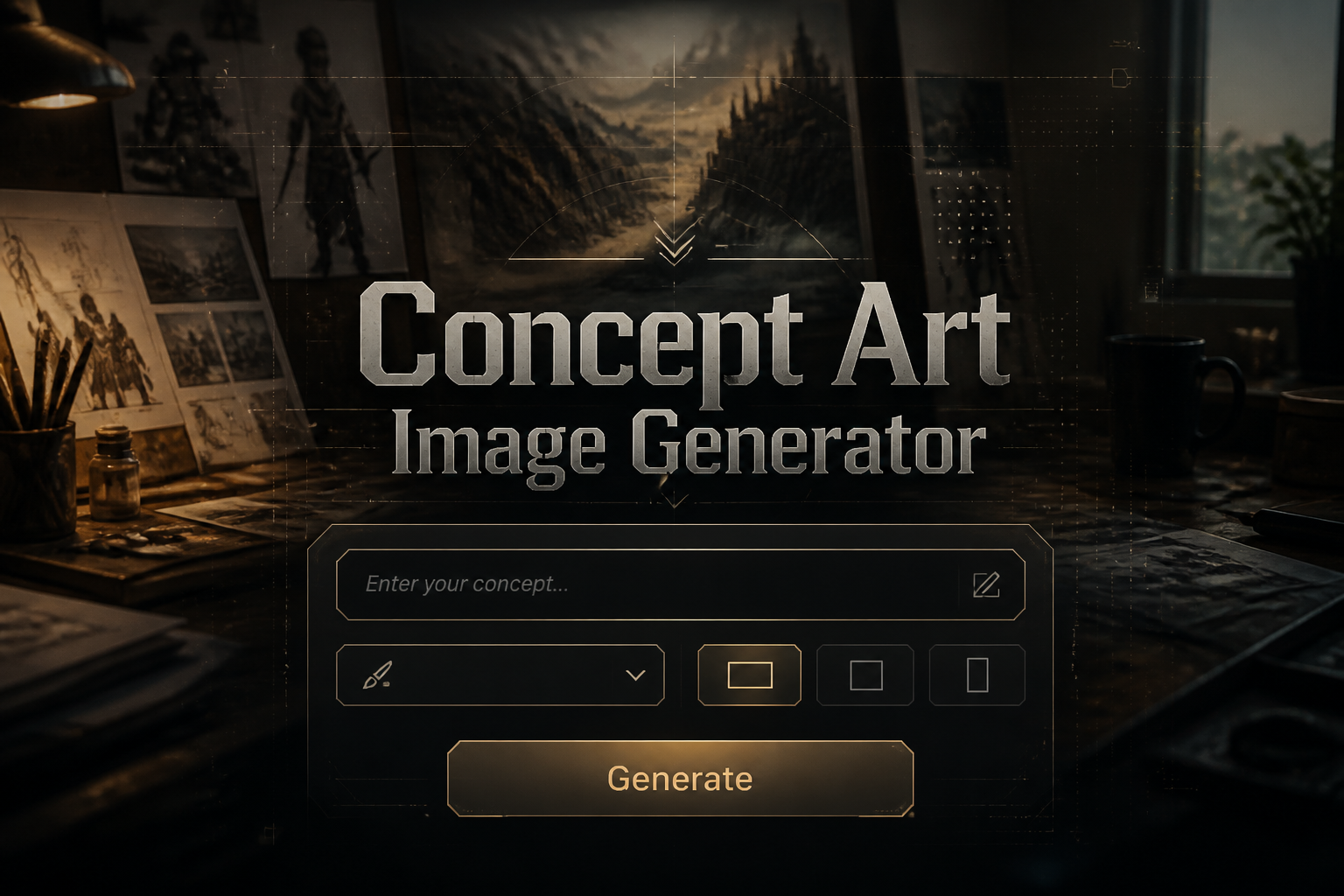
Concept Art Image Generator is a free online tool to generate concept art style images. The tool is free to use, just enter prompt in concept art style and generate concept art image style in seconds similar quality to flux, midjourney, open ai, imagen, nano banana AI image quality.
Generate Concept Art AI Image for Free
Receive our FREE AI updates via email once a week
What is a concept art Generator?
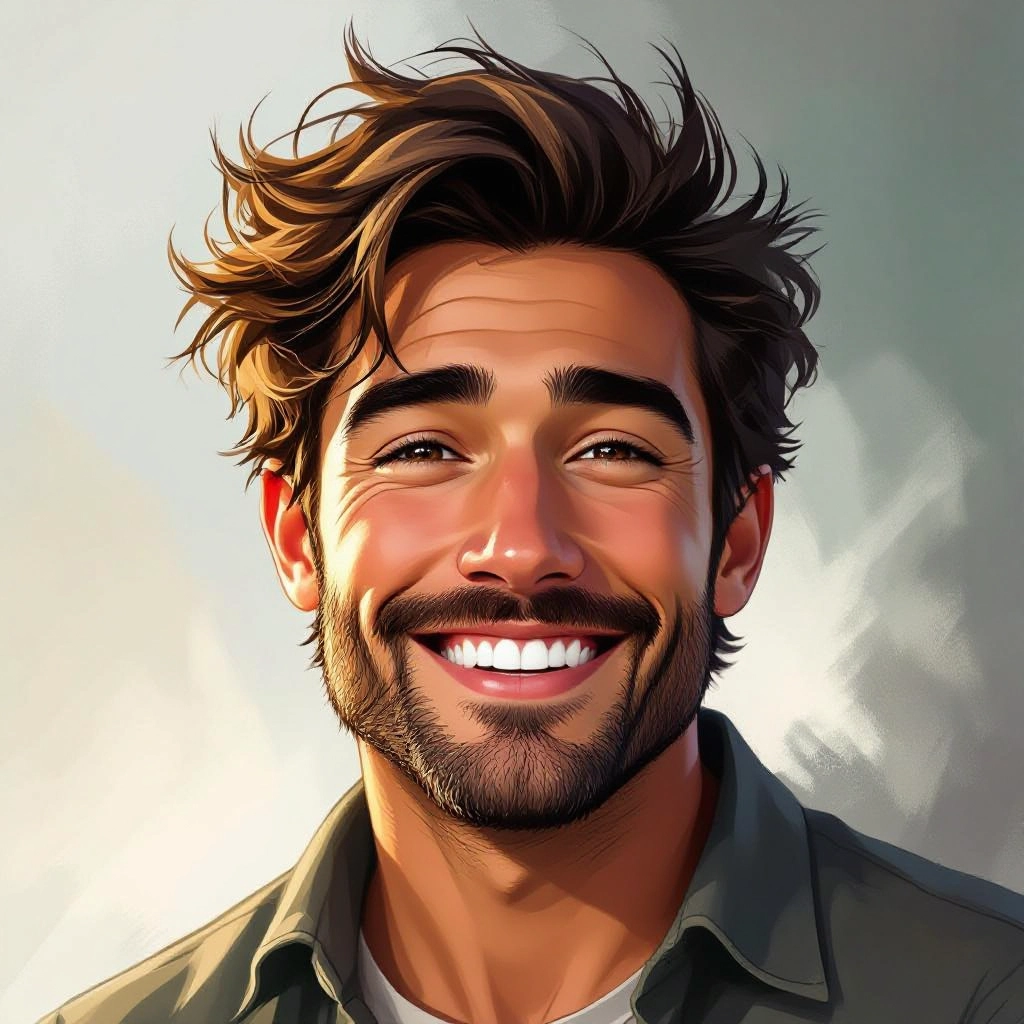
A concept art generator is an AI-powered tool designed to produce visuals that capture the core principles of concept art: strong silhouette, readable value structure, decisive composition and evocative lighting. Instead of producing polished illustrations, this generator focuses on early stage ideation outputs such as mood keys, environment blockouts, character thumbnails and lighting studies, translating text prompts or reference images into visual starting points tailored for creative pipelines.
Concept artists, art directors, game designers, filmmakers and writers use this generator to accelerate ideation and communicate visual direction. It helps teams explore dozens of variations quickly, test scale and camera framing, and build style guides that inform later production. The generator is especially useful when you need many concept iterations that preserve cinematic lighting, readable shapes and narrative-driven color palettes.
How to Create concept art Images
Step 1: Define the concept with clear intent and key constraints such as silhouette, scale and mood; Step 2: Craft a detailed prompt that names composition, camera angle, lighting style, color key and reference artists or eras; Step 3: Iterate on the strongest outputs by refining prompts, adjusting values and upscaling the best version while preserving composition and lighting to create production-ready concept studies.
Enter AI Concept Art Prompt
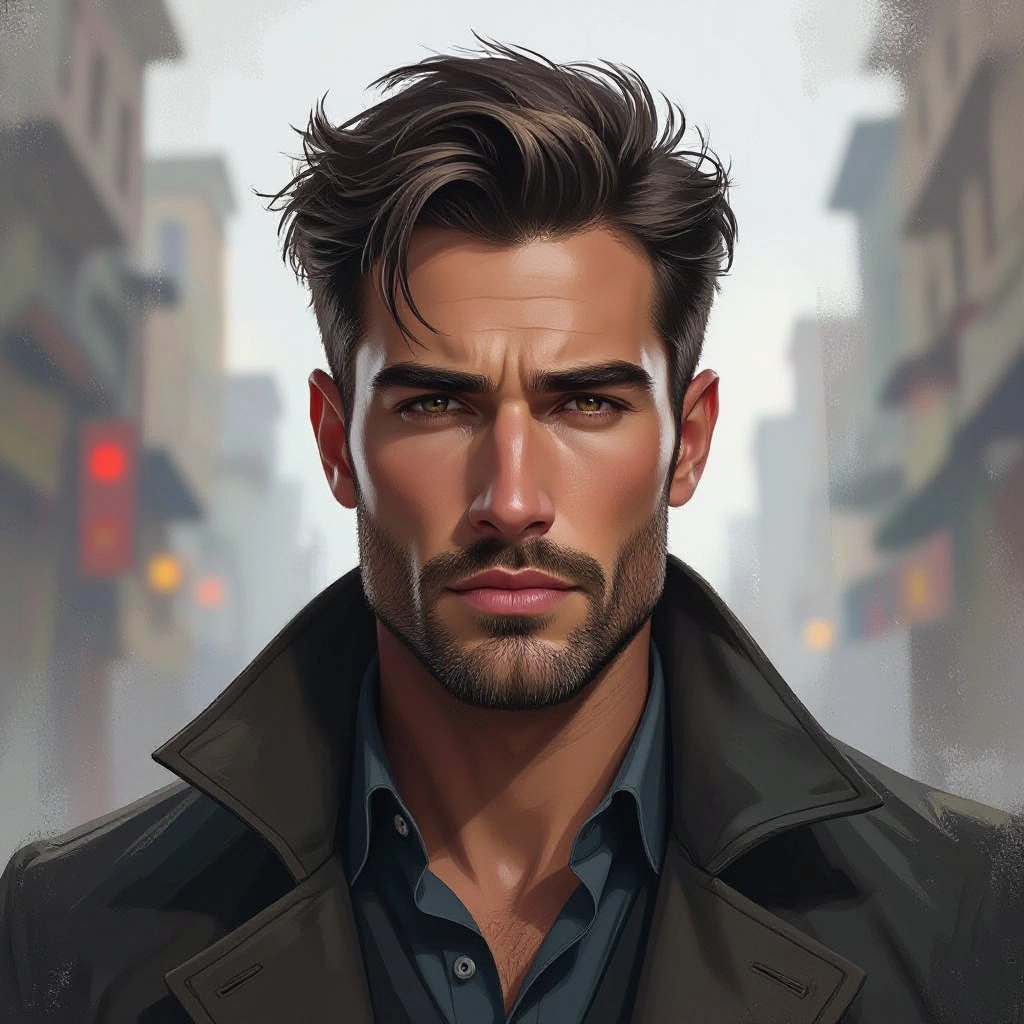
Type your concept art character or scene description in the prompt box. Include details like character appearance, clothing, expressions, and setting to get better AI concept art results.
Choose AI Model Settings
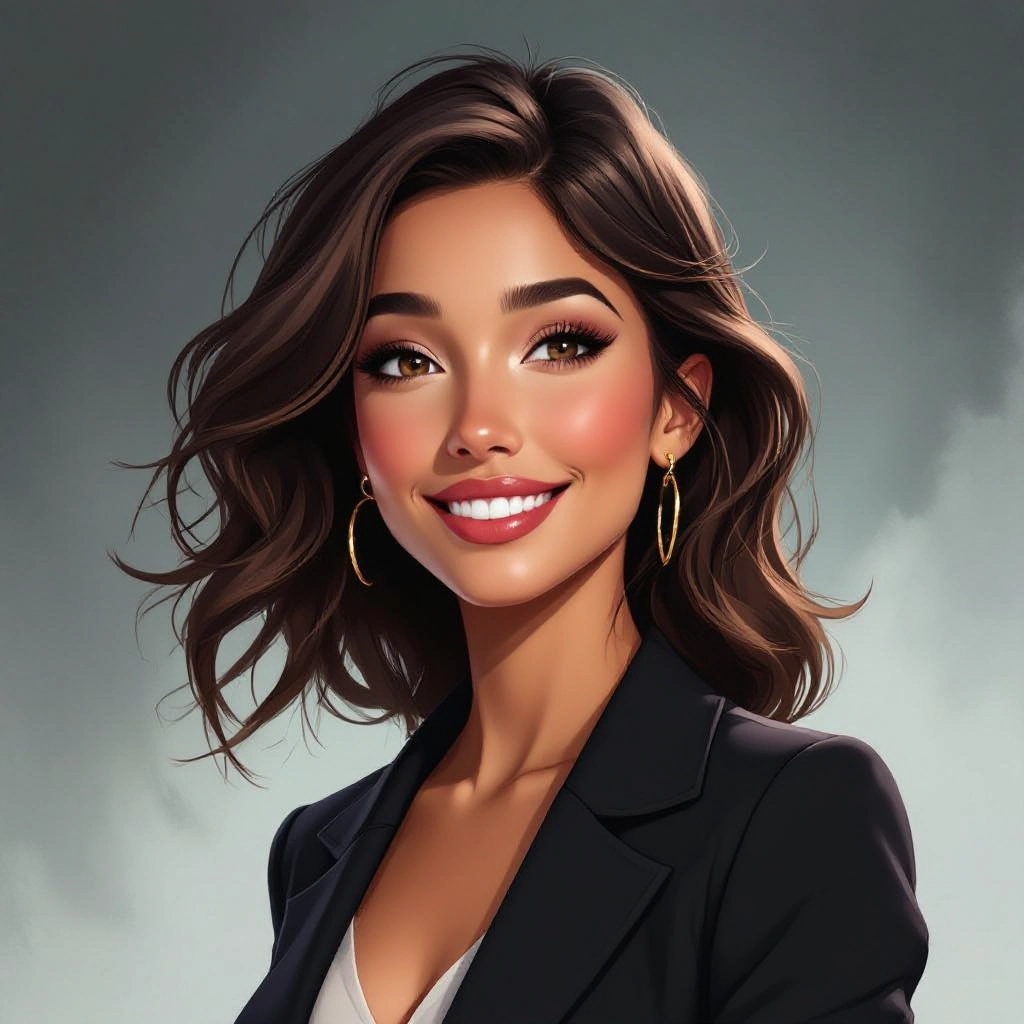
Select your preferred image size and aspect ratio. Our AI model delivers professional quality comparable to:
- • Flux AI Quality
- • Midjourney Standard
- • OpenAI DALL-E
- • Google Imagen
Download AI Concept Art Image
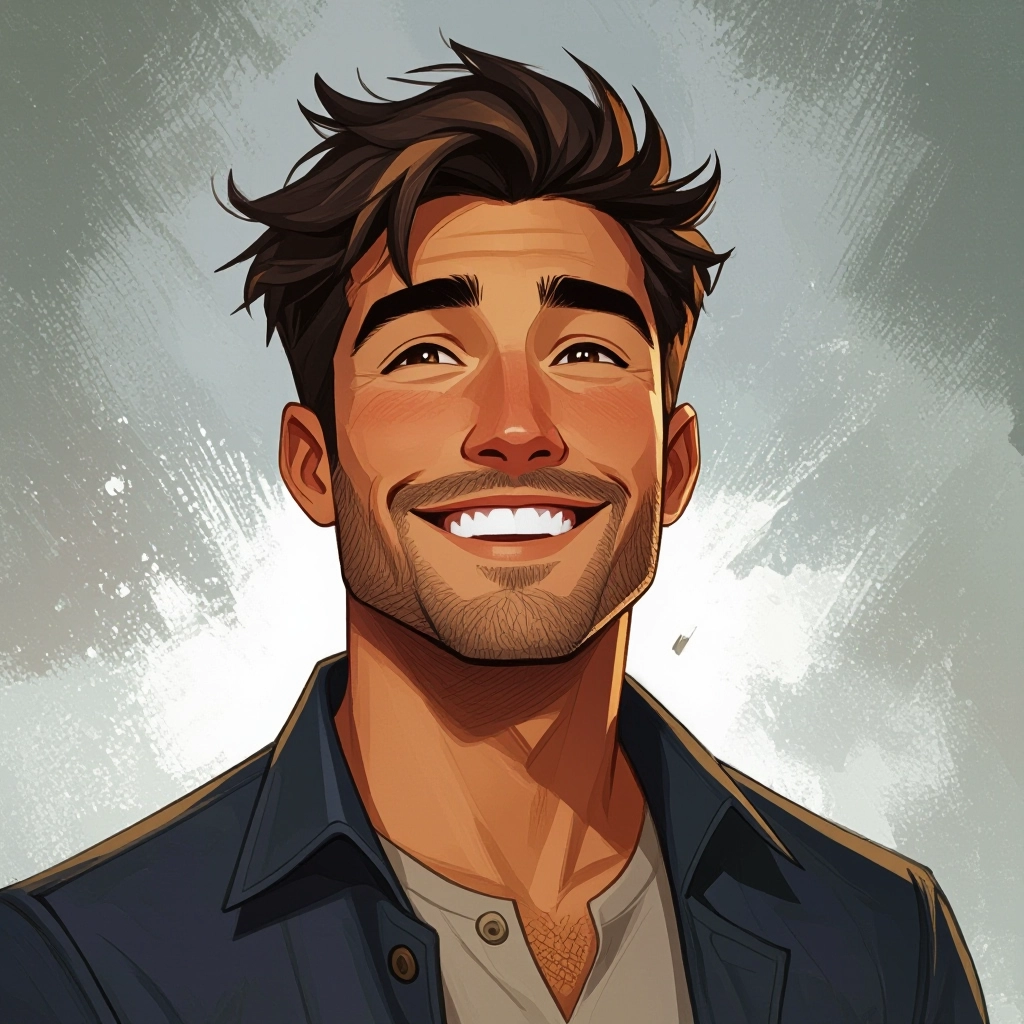
Once your AI concept art image is generated, click the download button to save it to your device. The image will be in high quality format ready for use.
Features of AI concept art Image Generator
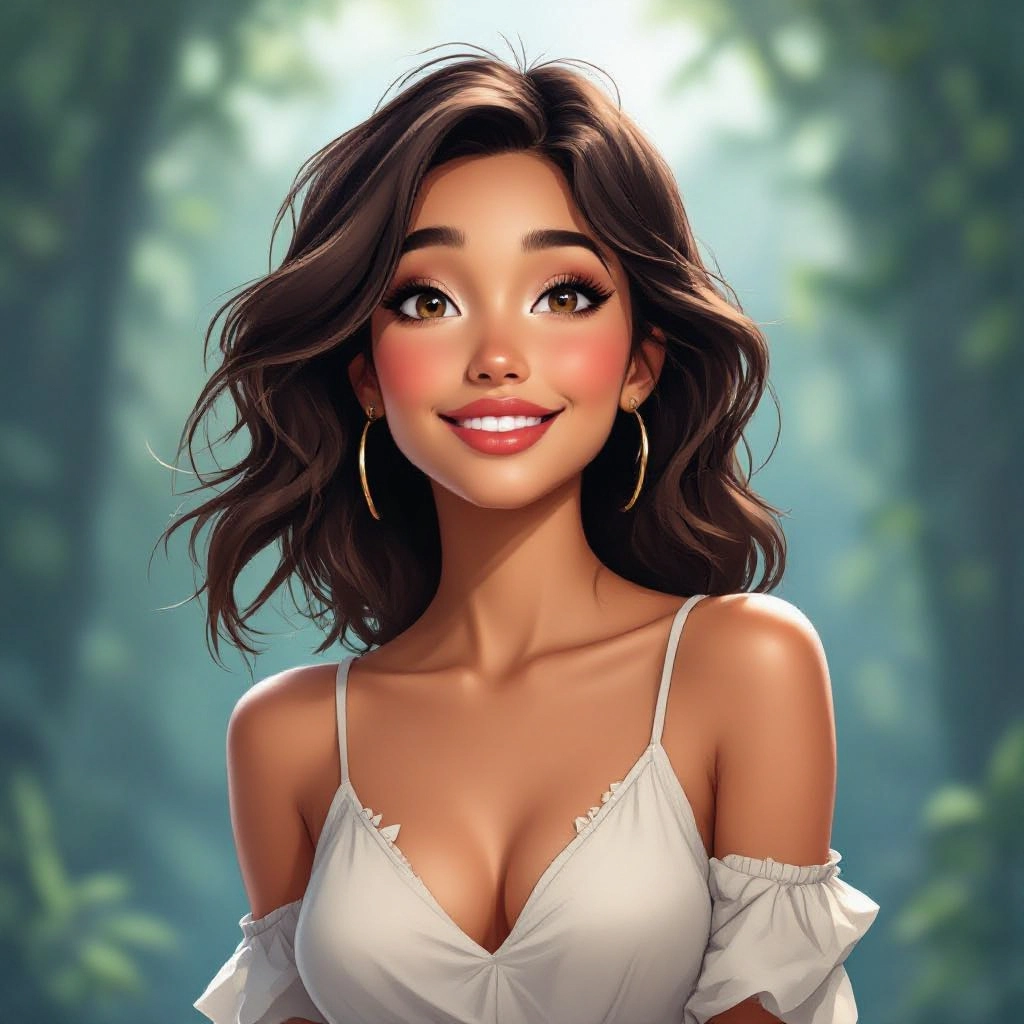
Silhouette and Composition Control
Tools to prioritize strong silhouettes and readable composition, including prompts and sliders that emphasize foreground, midground and background separation so concepts communicate immediately at glance and scale. Develop rich character concepts with our Free Character Prompt Generator before bringing them to life here.
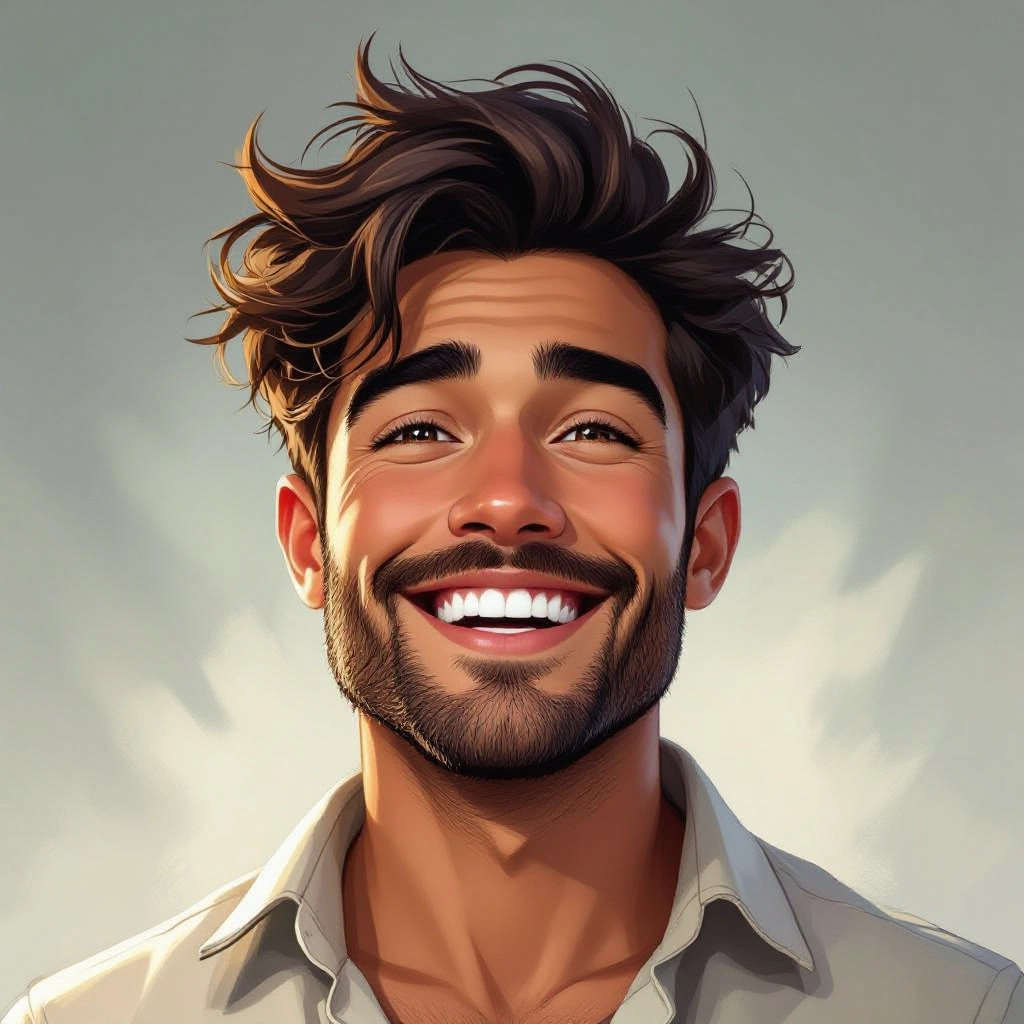
Mood, Lighting and Color Key Tools
Fine-grained controls for cinematic lighting setups, color keys and atmospheric effects such as fog, volumetric light and rim highlights to establish tone and emotional direction for each concept.
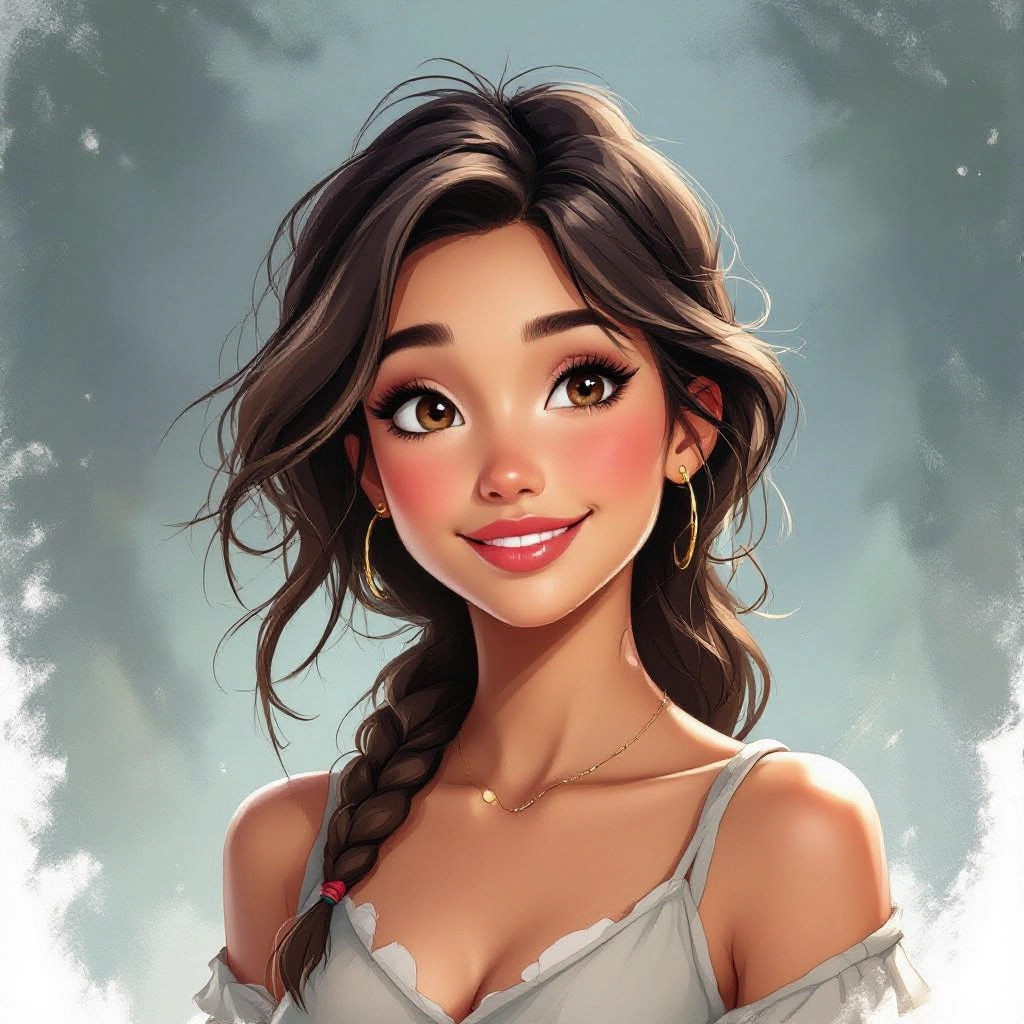
Genre and Era Prompt Presets
Prebuilt stylistic presets tailored to genres like cyberpunk, high fantasy, post-apocalypse and retro futurism plus historical art era filters to quickly align outputs to a desired visual language.
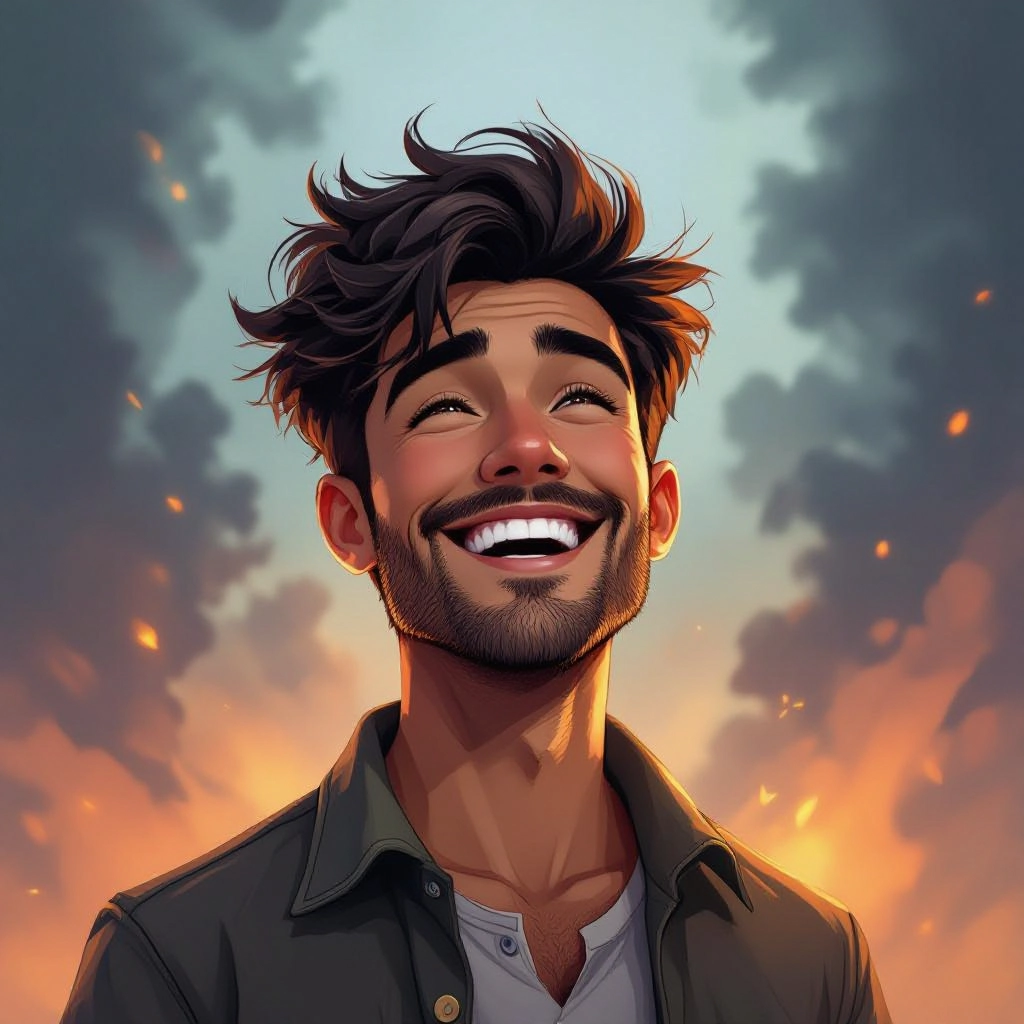
High-Resolution Upscaling and Detail Passes
Progressive upscaling and detail refinement that preserve original composition while adding texture, material definition and crisp line work for presentation and client review images.
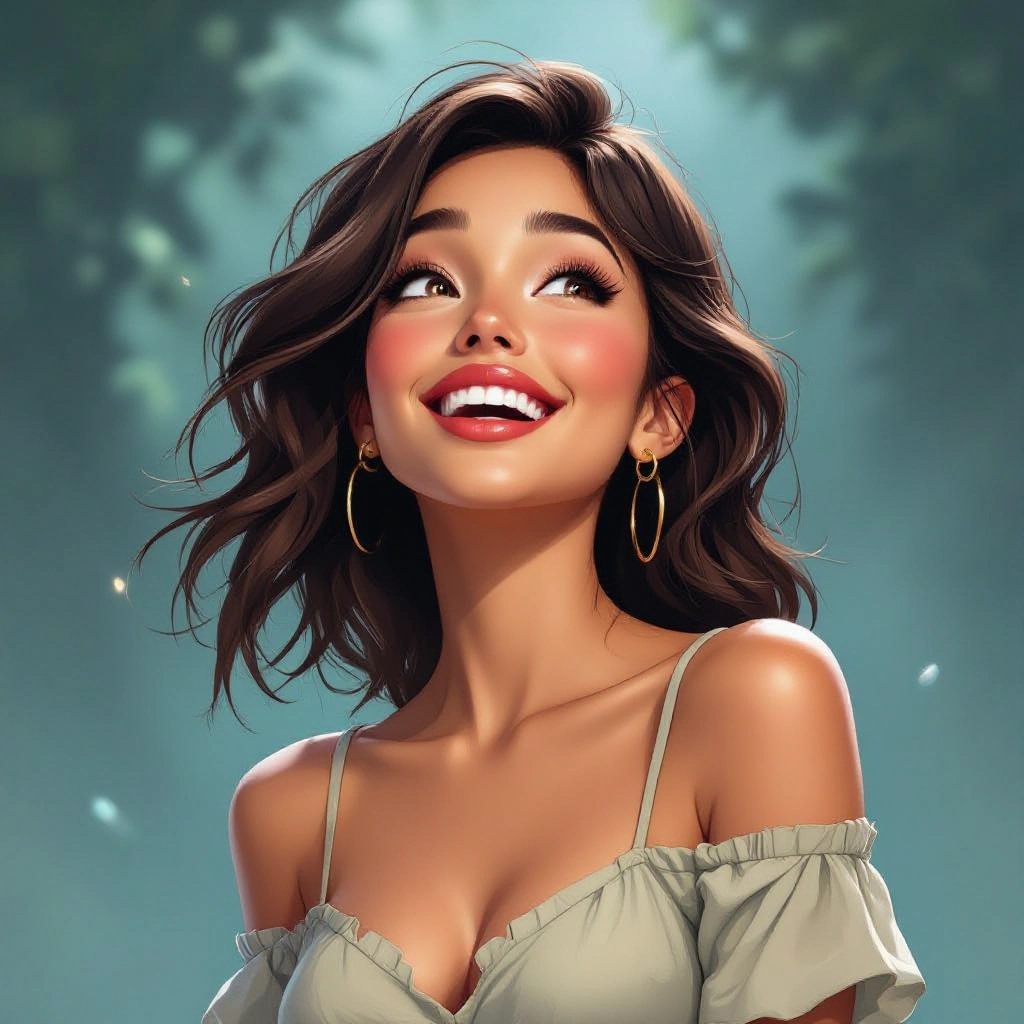
Iterative Versioning and Layered Exports
Automatic versioning with layered export options so artists can export base silhouettes, value studies, color keys and final concept layers for quick recomposition and integration into Photoshop or 3D pipelines.
Types of AI Powered Concept Art Style Images
Concept art spans many visual approaches. Below are focused style variations you can generate to support different stages of creative development, from rough thumbnails to near-finished scene concepts.
Sci-Fi Environment Concepts
Futuristic cityscapes, alien landscapes and interior designs with neon accents, volumetric lighting and hard surface details that read well at small thumbnail sizes and also scale to widescreen cinematic frames.
Fantasy Character Concepts
Character studies emphasizing silhouette, costume design, iconography and elemental lighting to convey role, backstory and cultural context for heroes, villains and supporting characters.
Mecha and Vehicle Concepts
Mechanical designs that focus on readable shapes, functional details, paneling and scale references, useful for instant concept exploration of vehicles, walkers and futuristic machines.
Architectural and Cityscape Concepts
Large-scale layouts and landmark studies that prioritize perspective, structural rhythm and environmental storytelling for worldbuilding and location scouting.
Creature and Biological Concepts
Organic design outputs that explore anatomy, texture, motion poses and behavioral cues to develop believable creatures and hybrids for games and films.
Mood Thumbnails and Lighting Studies
Rapid black and white or limited color value studies focused on composition, light direction and atmosphere to test visual beats before committing to detailed painting.
Applications of AI concept art image style
Game Development Concepting
Use generated concepts for level blocking, enemy and NPC design, environment moodboards and thumbnail explorations that feed directly into 3D modeling and art bibles.
Film and TV Previsualization
Create scene concepts, keyframe compositions and lighting references to speed up director and cinematographer approvals during preproduction and art department planning.
Animation and Storyboarding
Produce character poses, set ideas and cinematic thumbnails that help storyboard artists and animators visualize action, staging and camera moves early in the pipeline.
Illustration and Book Covers
Generate dramatic cover concepts and scene compositions that capture narrative focal points, color keys and atmosphere for editorial and publishing use.
Product and Industrial Design
Explore form language, silhouette alternatives and material callouts for concept-stage product design, focusing on readability and functional aesthetics under different lighting.
VR and AR Environment Prototyping
Create quick environment mockups and scale references to visualize immersion, user paths and focal points for virtual reality and augmented reality experiences.
FAQs about AI concept art image generator
How do I write prompts that produce strong concept silhouettes?
Start prompts with the silhouette priority, for example specify 'bold silhouette, high contrast values' then add camera angle and scale. Mention blocking terms like foreground, midground and background to ensure readable negative space.
Can I control lighting and mood in outputs?
Yes. Use descriptors like 'rim light', 'golden hour', 'overcast diffuse' or specify light direction and intensity. The generator translates these cues into value relationships and atmospheric effects to establish mood.
Are generated concept images usable for commercial projects?
Generated images are intended as starting points for production. Review the platform's license, but typically outputs are safe to use as reference and for iterative design work once refined and incorporated into original art.
How do I get higher detail for presentation pieces?
Select the high-resolution or upscaling option after choosing a promising thumbnail. Also run focused detail passes that refine texture, material definition and edge clarity while keeping the original composition intact.
What role does iteration play in concept art generation?
Iteration is essential. Use rapid thumbnail generations to explore forms and compositions, then progressively refine the strongest options with specific prompts about color, lighting and materials until you reach a production-ready concept.
Can I generate specific genres like cyberpunk or baroque fantasy?
Yes. Use genre tags and reference artists, architectural styles or historical periods to bias outputs. Combine these with functional cues such as 'industrial textures', 'ornate detailing' or 'neon signage' to get precise stylistic results.
See Also
