Manga Image Generator
Our Free Manga Image Generator is a free online tool to generate manga style images. The tool is free to use, just enter prompt in manga style and generate manga image style in seconds similar quality to flux, midjourney, open ai, imagen, nano banana AI image quality.
Generate Manga AI Image for Free
Receive our FREE AI updates via email once a week
About manga Generator?
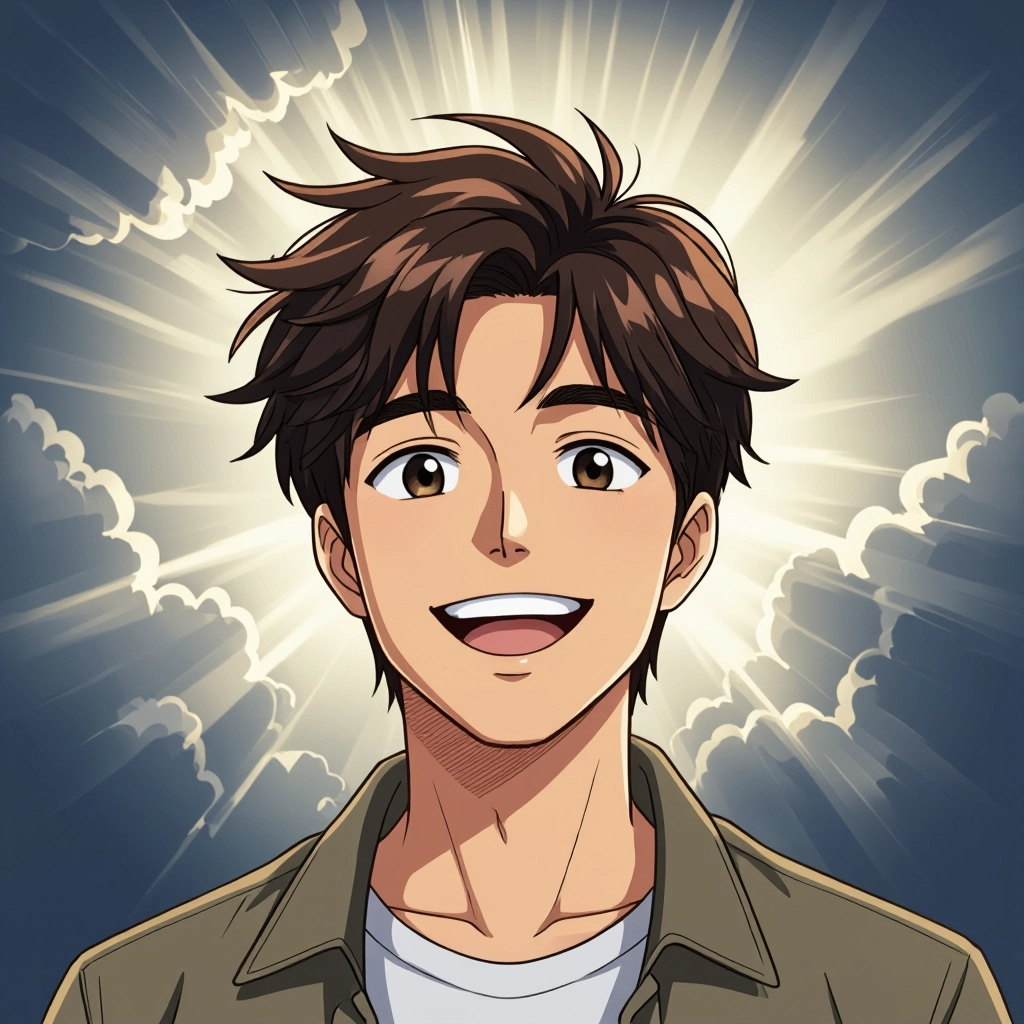
The Manga image Generator is an AI-powered creative engine designed to produce images that replicate manga aesthetics: crisp line art, stylized anatomy, screentone textures, speed lines and page-ready panel layouts. Instead of generic illustration styles, the model focuses on manga-specific visual rules such as dramatic panel composition, expressive eye design, inked borders and halftone patterns so outputs feel like pages from a comic.
Manga illustrators, indie comic creators, character designers and visual novel teams use this tool to prototype pages, explore character concepts and speed up sequential art production. It is also used by hobbyists and social creators who want authentic manga avatars or stylized fan art. The generator saves time on repetitive tasks like inking and toning while preserving genre cues essential to manga storytelling.
How to Create manga Images
Step 1: Start with a clear prompt describing genre, age, pose, emotion and manga-specific elements like screentone, panel count or line weight. Step 2: Choose style presets and adjust parameters such as line thickness, grain, contrast and panel layout, or upload a reference image to anchor character consistency. Step 3: Generate variations, pick a frame, refine prompts or edit the line art and screentone layers, then export your panel or full-page image at the desired resolution.
Enter AI Manga Prompt
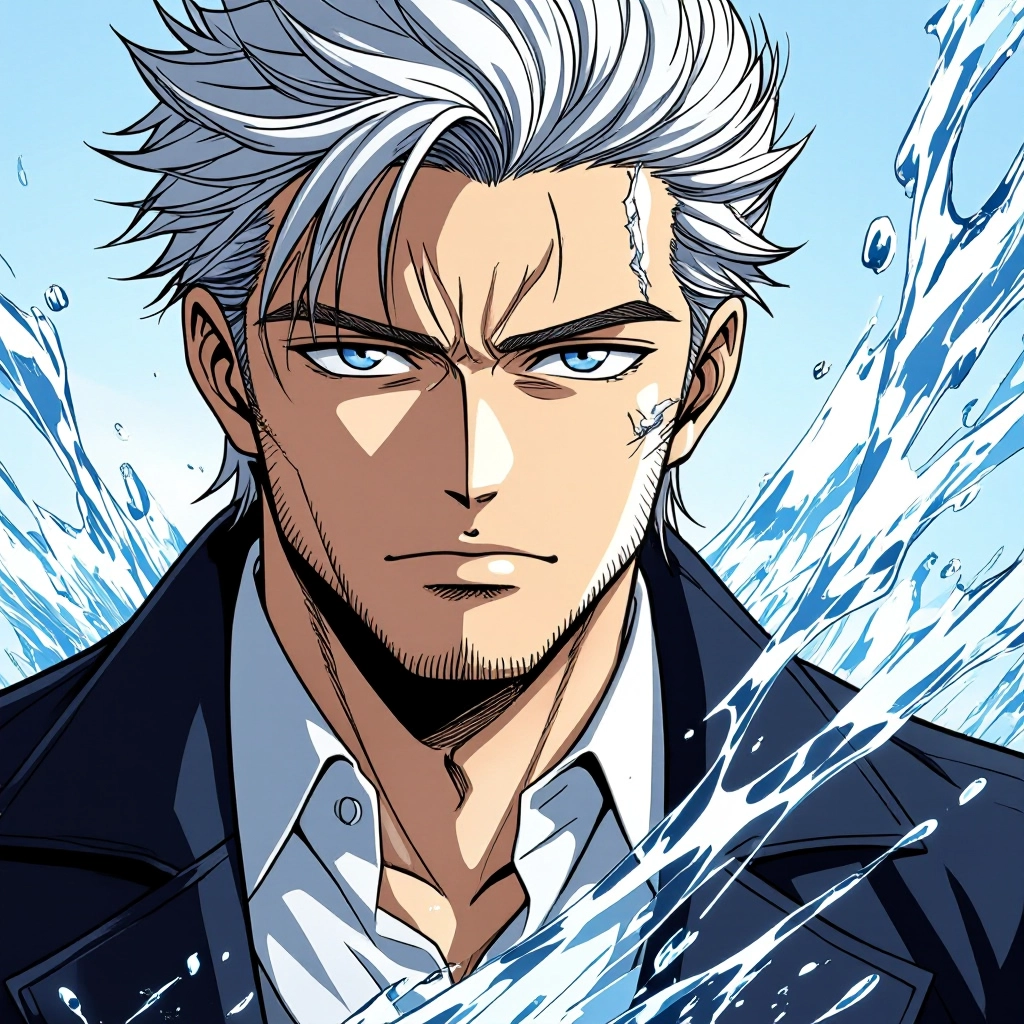
Type your manga character or scene description in the prompt box. Include details like character appearance, clothing, expressions, and setting to get better AI manga results.
Choose AI Model Settings
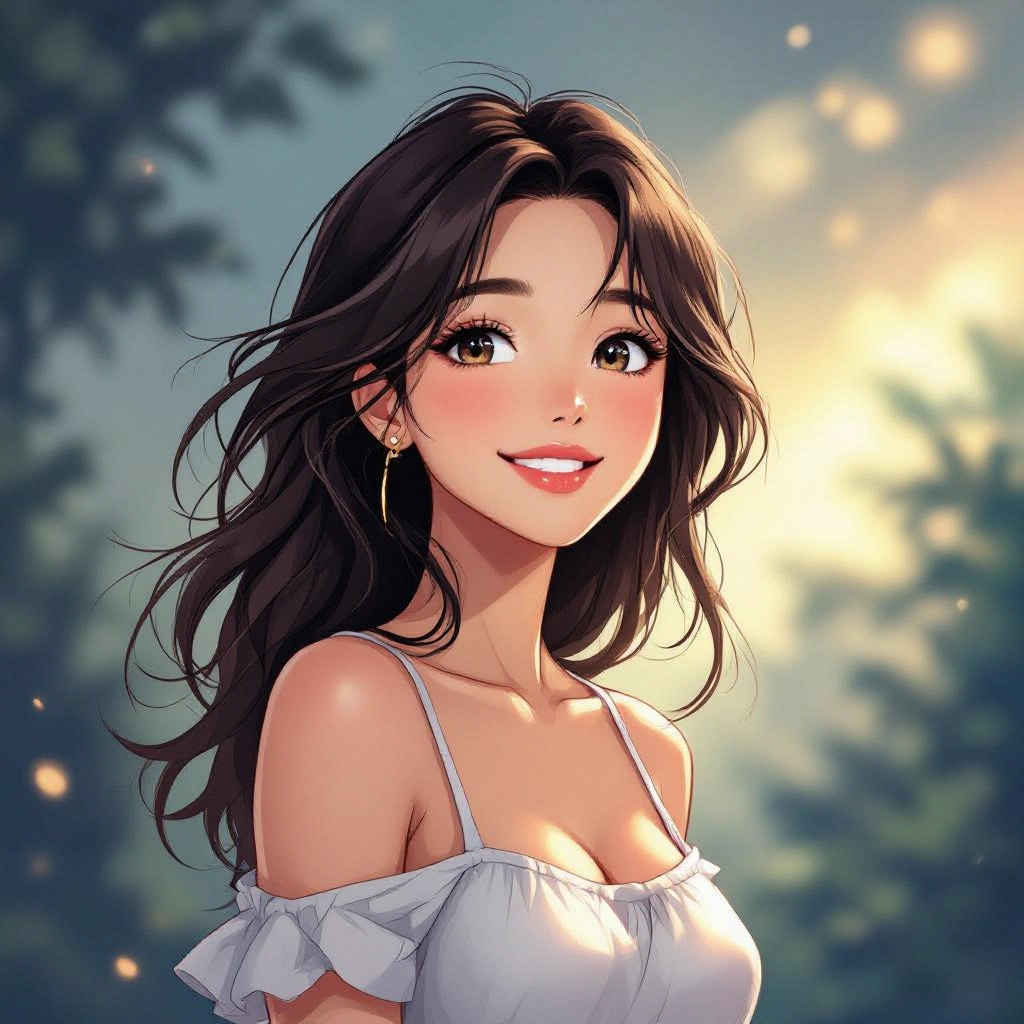
Select your preferred image size and aspect ratio. Our AI model delivers professional quality comparable to:
- • Flux AI Quality
- • Midjourney Standard
- • OpenAI DALL-E
- • Google Imagen
Download AI Manga Image
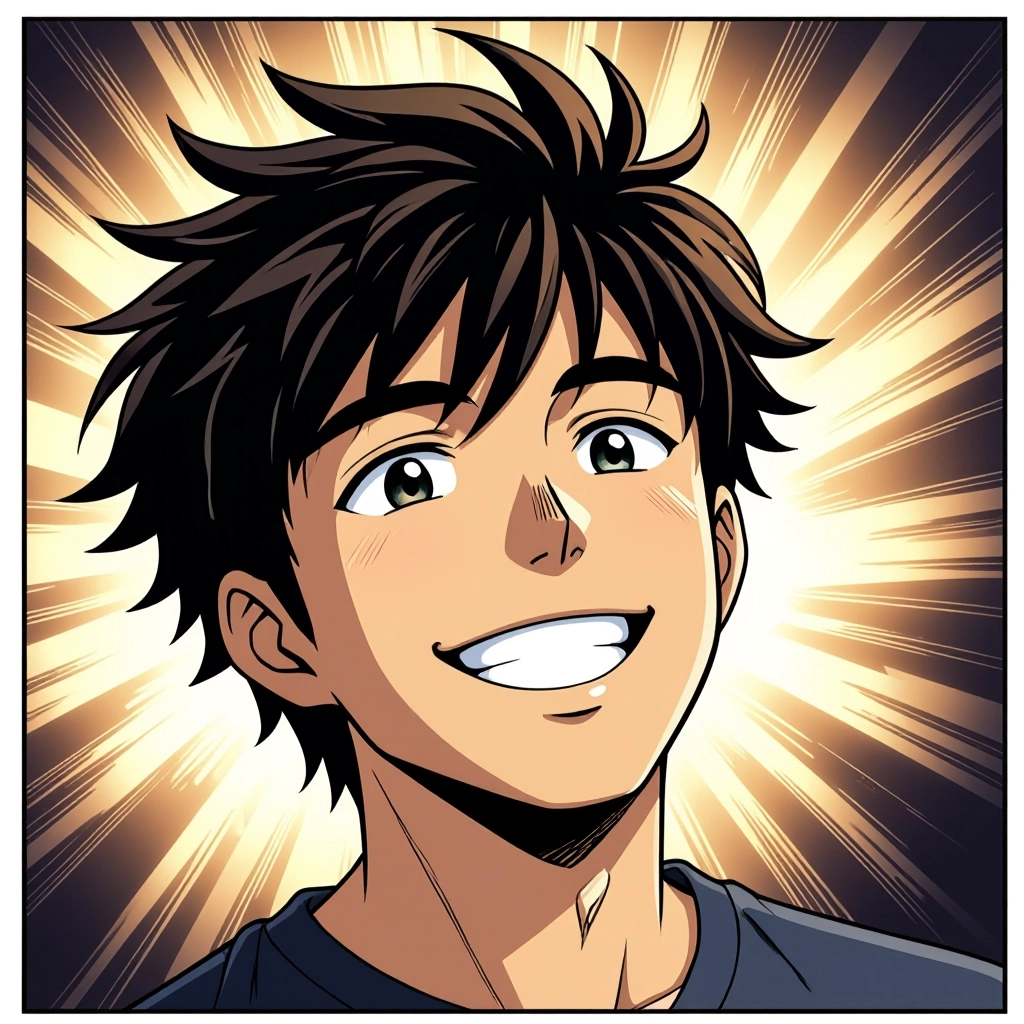
Once your AI manga image is generated, click the download button to save it to your device. The image will be in high quality format ready for use.
Features of AI manga Image Generator
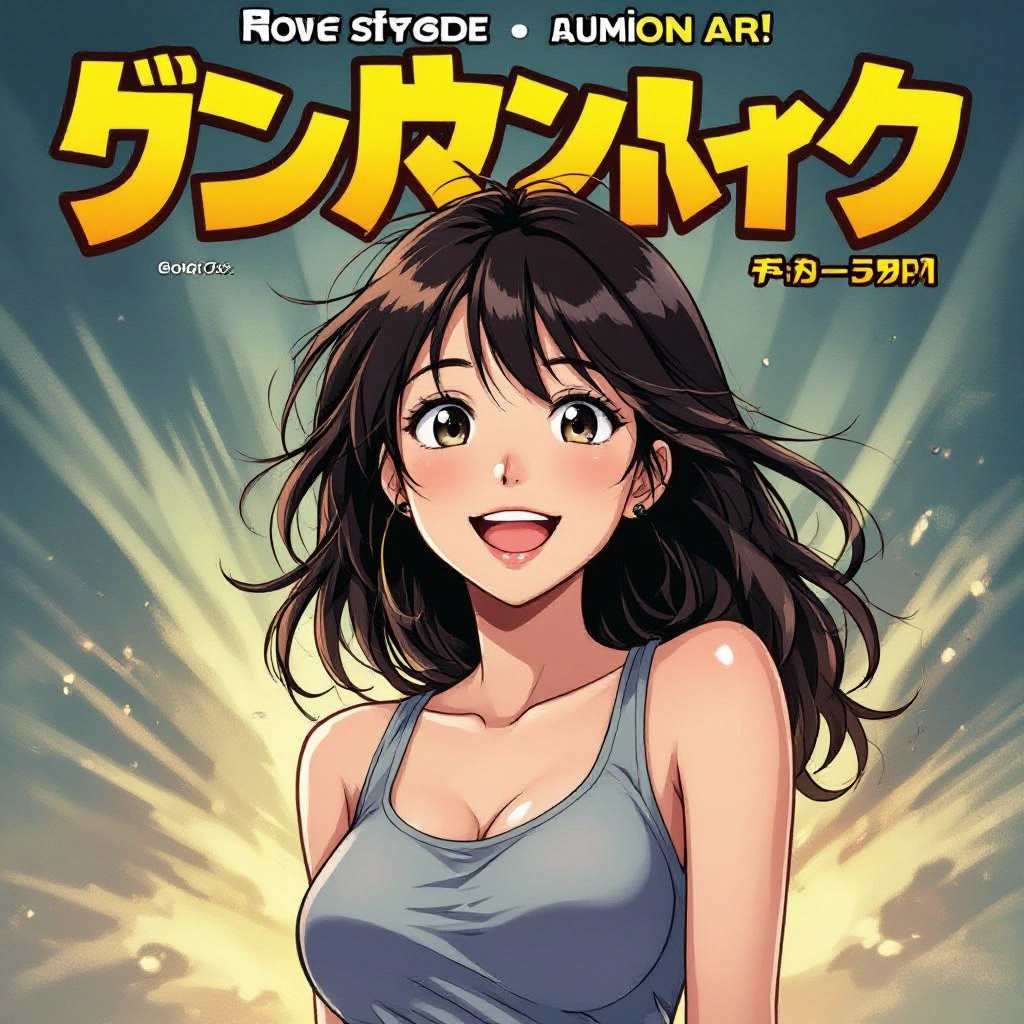
Manga-Specific Line Art Engine
Generates clean, variable-width inked lines tuned for manga aesthetics. Controls let you emphasize brushy inking for action scenes or thin precise lines for delicate shojo panels, replicating traditional nib and brush techniques. Enhance your results by generating a detailed prompt with our Free AI Art Prompt Generator first.
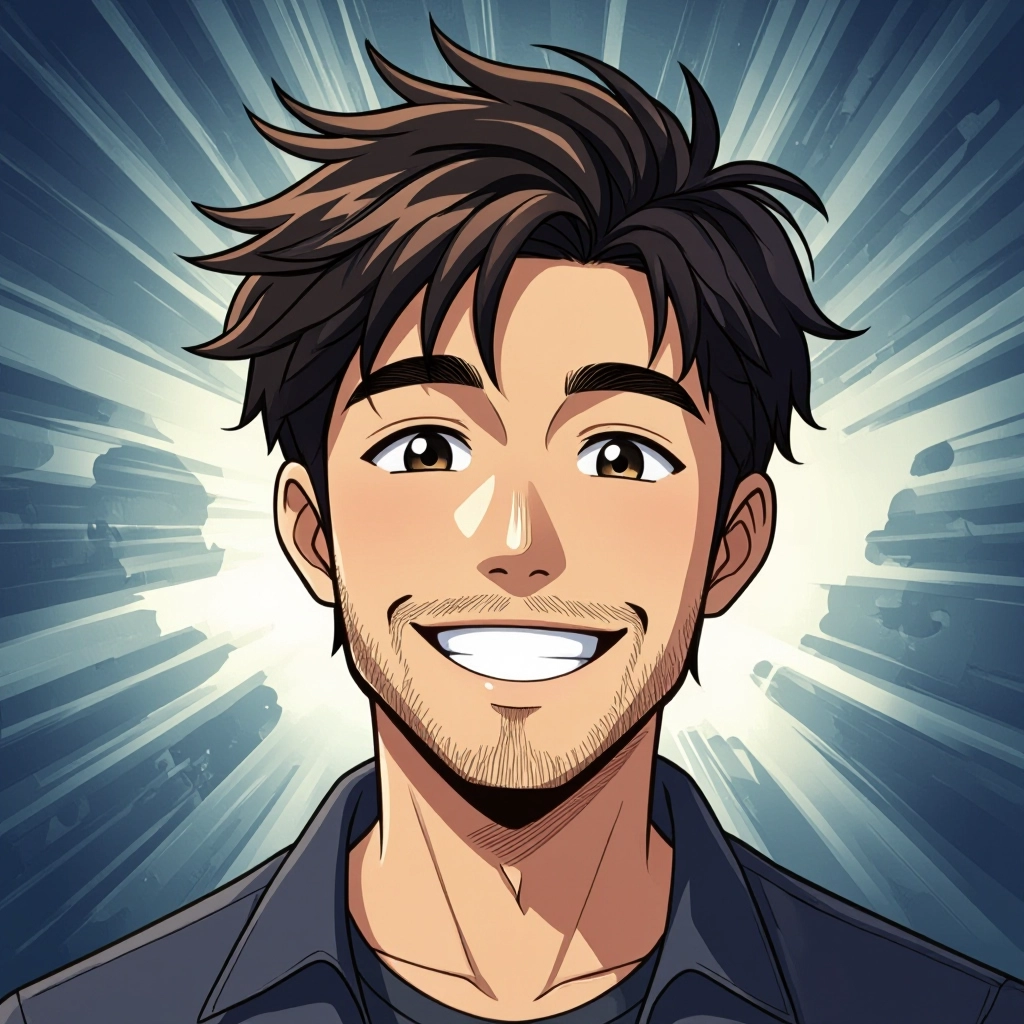
Screentone and Shading Controls
Apply halftone dots, gradient screentones, cross-hatching and cell shading with adjustable density and scale. Use maskable layers to position textures only on clothing, backgrounds or hair for authentic print-style toning.
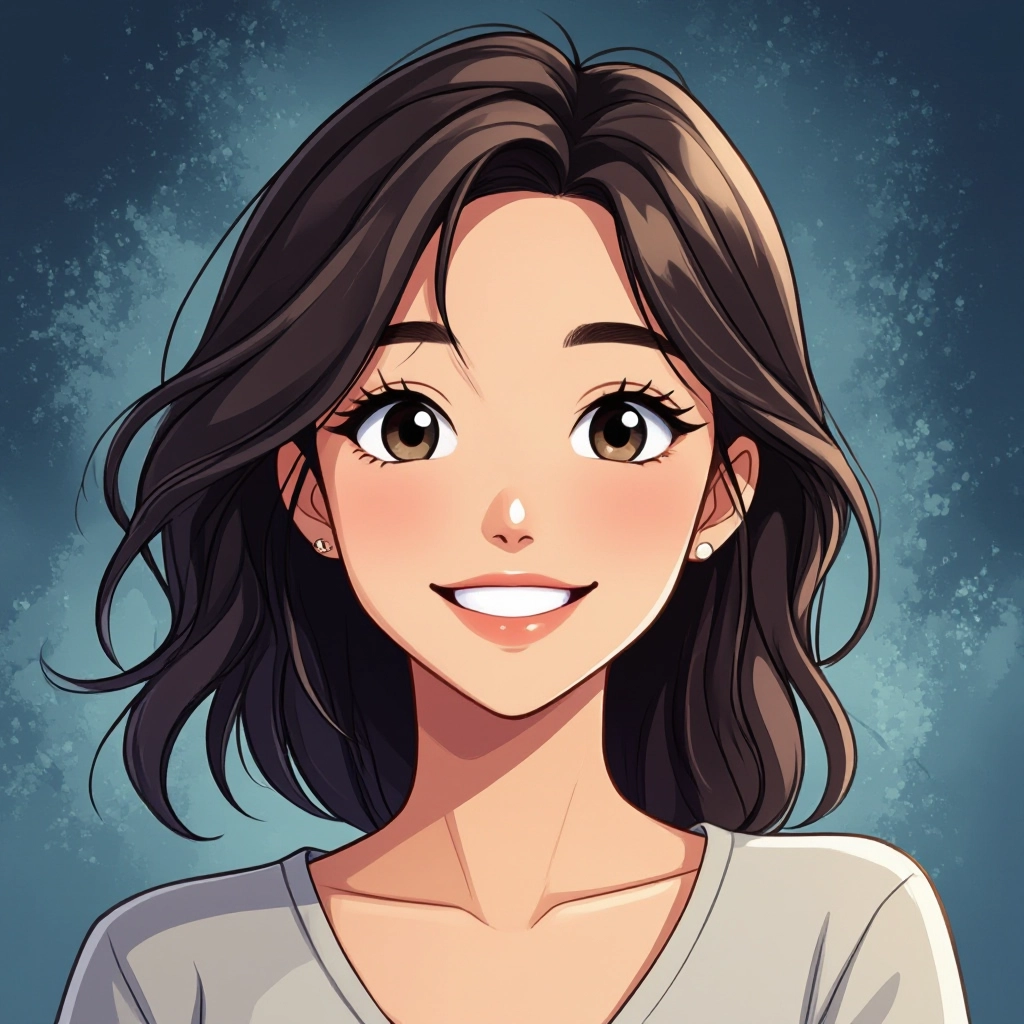
Panel Layout and Page Composer
Build multi-panel pages with gutter control, varied panel shapes and cinematic aspect ratios. Automatic layout suggestions optimize flow and pacing for dramatic reveals or fast action sequences.
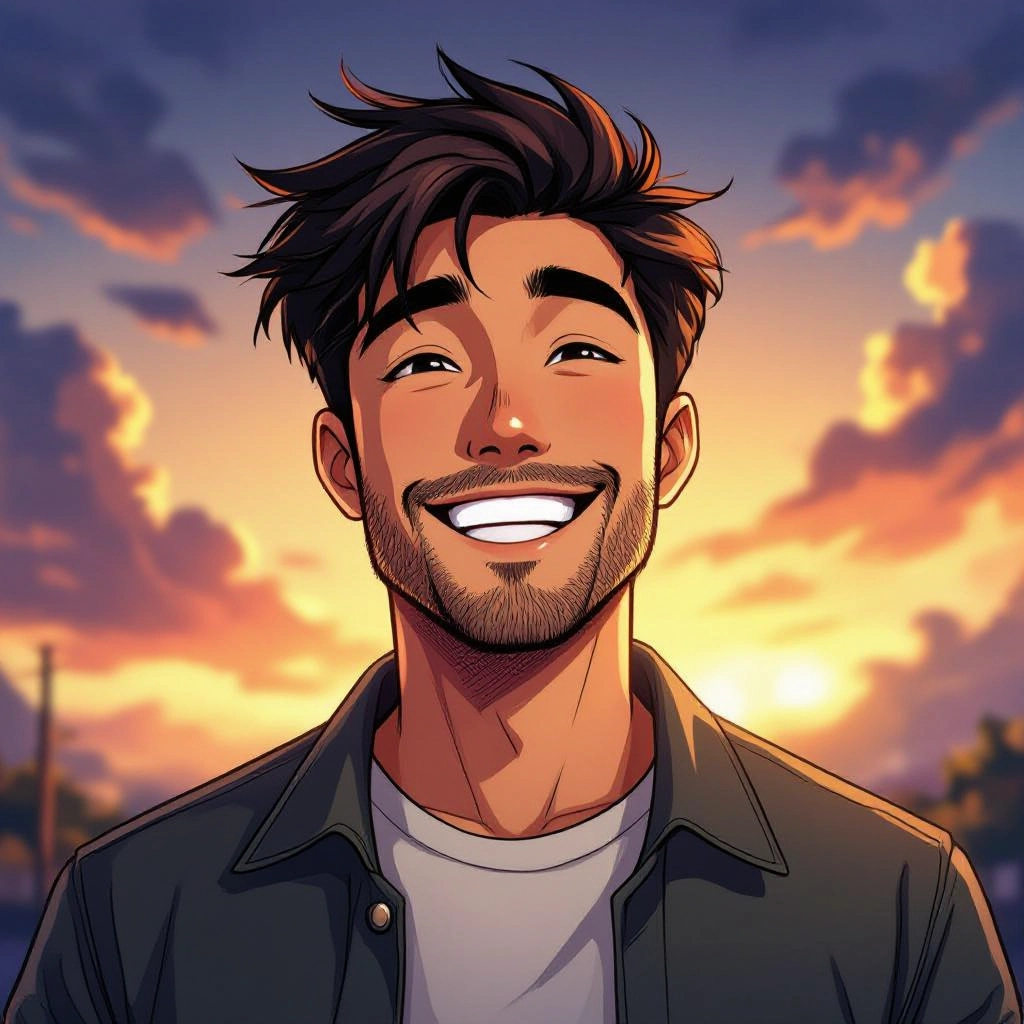
Character Pose and Expression Editor
Fine-tune character posture, tilt, facial expression and eye style with pose presets and expression sliders. Maintain proportion consistency across multiple frames for sequential storytelling.
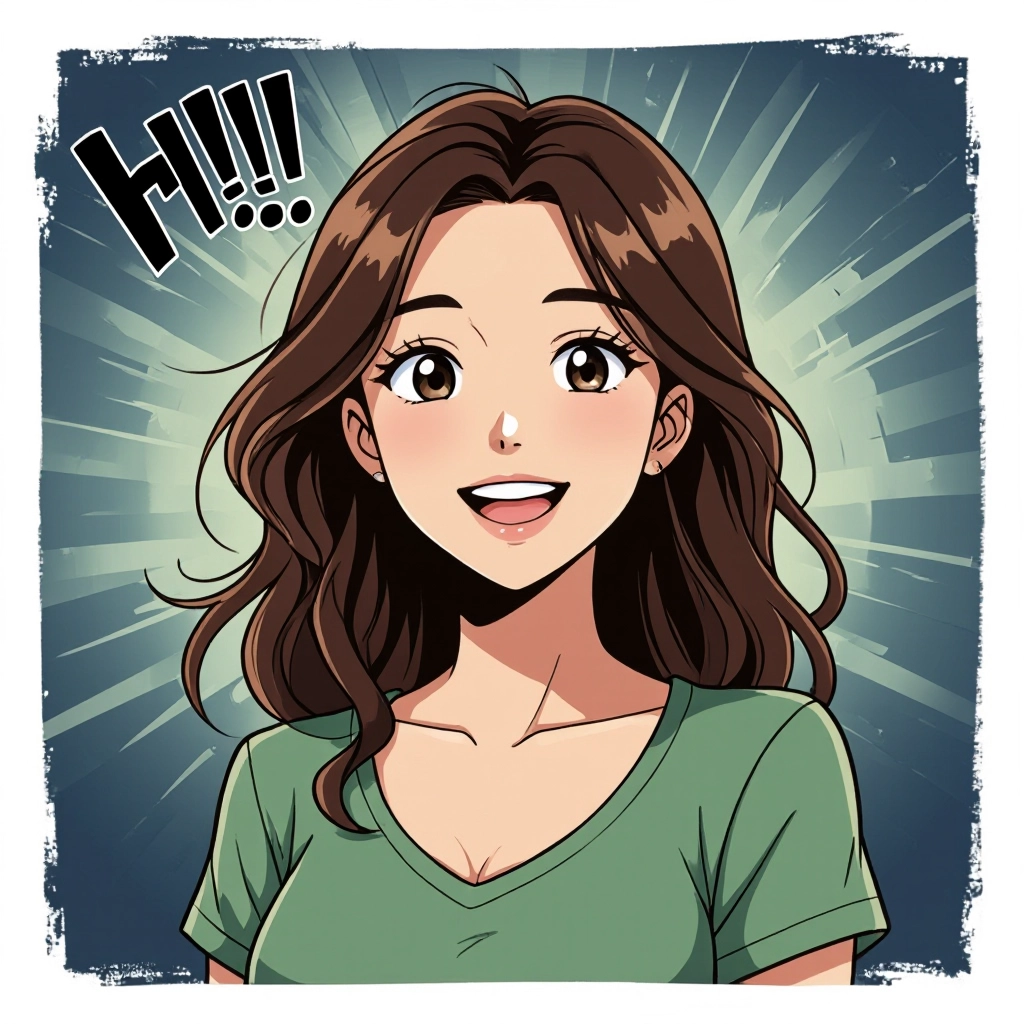
Style Presets and Reference Matching
Choose from curated presets like shonen, shojo, seinen, chibi and retro 90s styles. Upload reference art to match line weight, eye design and screentone texture for repeatable character models and series continuity.
Types of AI Powered Manga Style Images
Manga spans many subgenres and visual languages. The generator offers tailored variations that reproduce the hallmark features of each type, from dramatic action frames to soft romance panels and exaggerated chibi sprites.
Shonen Action
Bold, energetic line work with dynamic foreshortening, motion lines and intense contrast. Focuses on impact frames, speed lines and exaggerated poses for fight scenes and high-energy sequences.
Shojo Romance
Delicate line art with large expressive eyes, soft screentones and ornamental backgrounds. Uses floral motifs, sparkles and gradient halftones to heighten emotional close-ups.
Seinen Realism
Subtle textures, refined anatomy and subdued palettes for mature storytelling. Emphasizes atmospheric lighting, fine cross-hatching and photo-real background details.
Josei Slice-of-Life
Clean, naturalistic character designs and paneling that highlights conversational beats. Prioritizes realistic facial nuance and everyday environments over stylized exaggeration.
Chibi and Kawaii
Exaggerated proportions with oversized heads and simplified features. Uses bold outlines, minimal screentone and playful expressions ideal for comedic strips and stickers.
Retro 80s-90s Manga
Halftone dot patterns, heavy cross-hatching and film grain to recreate vintage print texture. Classic panel grids and typography cues evoke nostalgic manga printing styles.
Applications of AI manga image style
Webcomic Creation
Rapidly prototype entire strips or serialized chapters with consistent characters, paneling and pacing, speeding up release schedules for independent creators.
Character Concept Sheets
Generate multiple costume variants, expressions and poses to build cohesive character sheets for publishing, pitching or team handoff.
Doujinshi and Print Layouts
Compose print-ready pages complete with borders, screentones and typographic space, helping indie artists prepare files for print or digital distribution.
Storyboarding and Animatics
Create sequential roughs with clear panel beats and motion cues to plan scenes for animation, live-action adaptation or pacing revisions.
Social Media Avatars and Promotional Art
Produce eye-catching manga-style avatars, banners and thumbnails tailored to platform sizes and visual trends to boost engagement.
Game Concept and UI Art
Generate character portraits, dialog boxes and stylized art assets for visual novels, mobile games and RPG interfaces with cohesive manga aesthetics.
FAQs about AI manga image generator
Is the Manga Image Generator free to use?
The core generator is free for basic use, allowing prompt-based generation, presets and low-resolution downloads. Advanced features like high-resolution export, batch rendering and commercial licenses may require a paid plan. Check the terms on the platform for current limits and pricing.
Can I use generated manga images commercially?
Commercial use depends on the platform license and any paid plan terms. Many generators allow commercial use when you have the appropriate subscription, but you should verify licensing, attribution requirements and any restrictions on likenesses or trademarked characters.
How do I get an authentic manga look from my prompts?
Be specific: mention genre (shonen, shojo, seinen), ink style (brushy, nib-fine), screentone density, panel count and desired camera angle. Include reference art, pose descriptors and lighting cues. Use negative prompts to remove unwanted elements like color gradients when you want traditional monochrome toning.
What file formats and resolutions are available?
Exports typically include PNG and JPEG for raster images. The tool offers options for standard web resolution and enhanced high-resolution outputs, plus optional upscaling. For print, choose high DPI settings and prefer PNG for lossless detail retention.
How can I keep a character consistent across multiple images?
Upload a reference character sheet, lock key attributes in prompts (hair color, eye shape, clothing), use a fixed random seed when available and apply the same style preset. Many tools offer reference matching or character tokens to preserve proportions and facial features across frames.
Are there copyright or ethical concerns with manga-style AI images?
Models may be trained on public and licensed artwork, so avoid prompting for exact replicas of living artists work or copyrighted characters. Use the generator to create original designs or transform references you own, and respect community guidelines and copyright rules when distributing or monetizing outputs.
See Also
