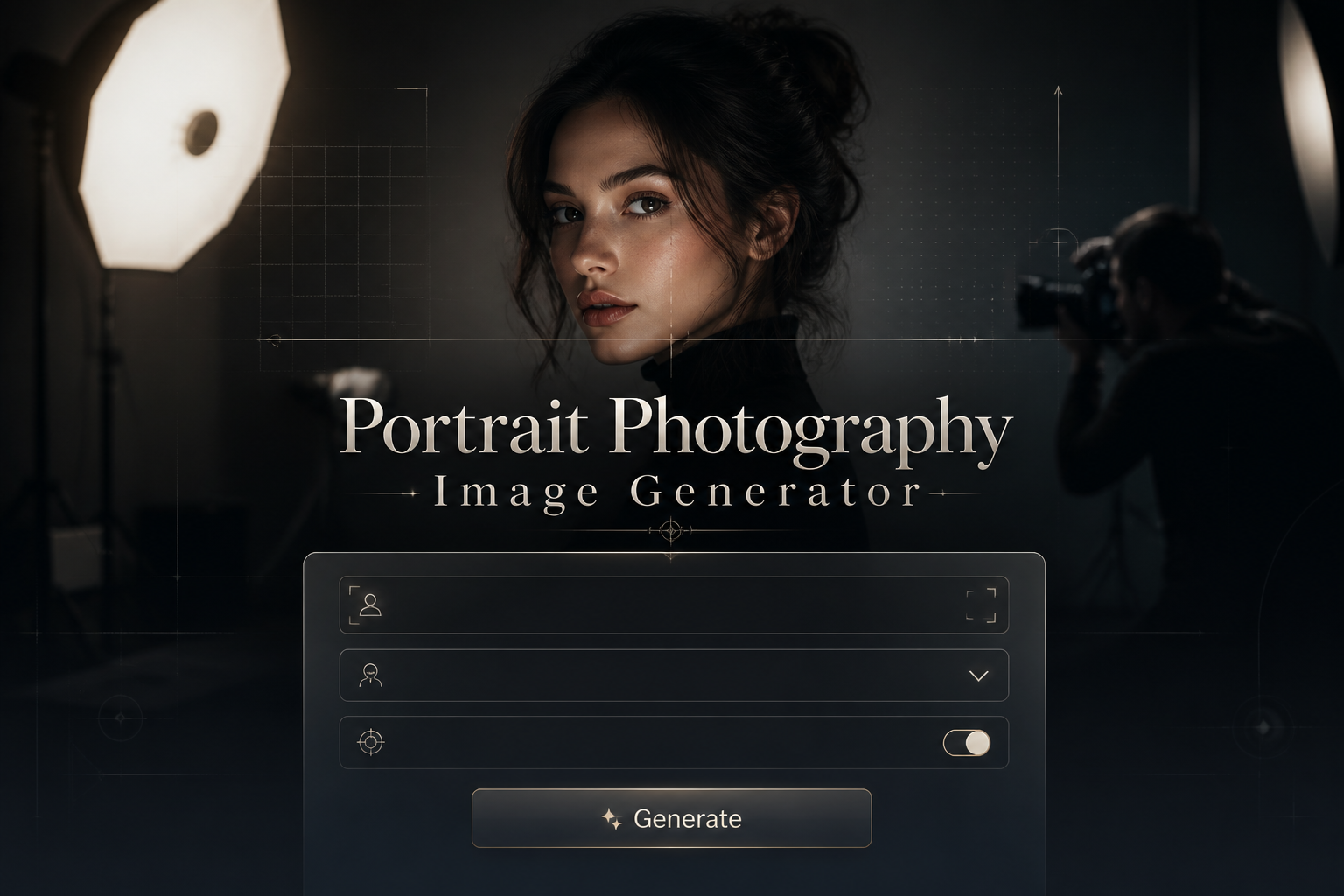
Portrait Photography Image Generator
Portrait Photography Image Generator is a free online tool to generate portrait photography style images. The tool is free to use, just enter prompt in portrait photography style and generate portrait photography image style in seconds similar quality to flux, midjourney, open ai, imagen, nano banana AI image quality.
Generate Portrait Photography AI Image for Free
Receive our FREE AI updates via email once a week
What is a portrait photography Generator?
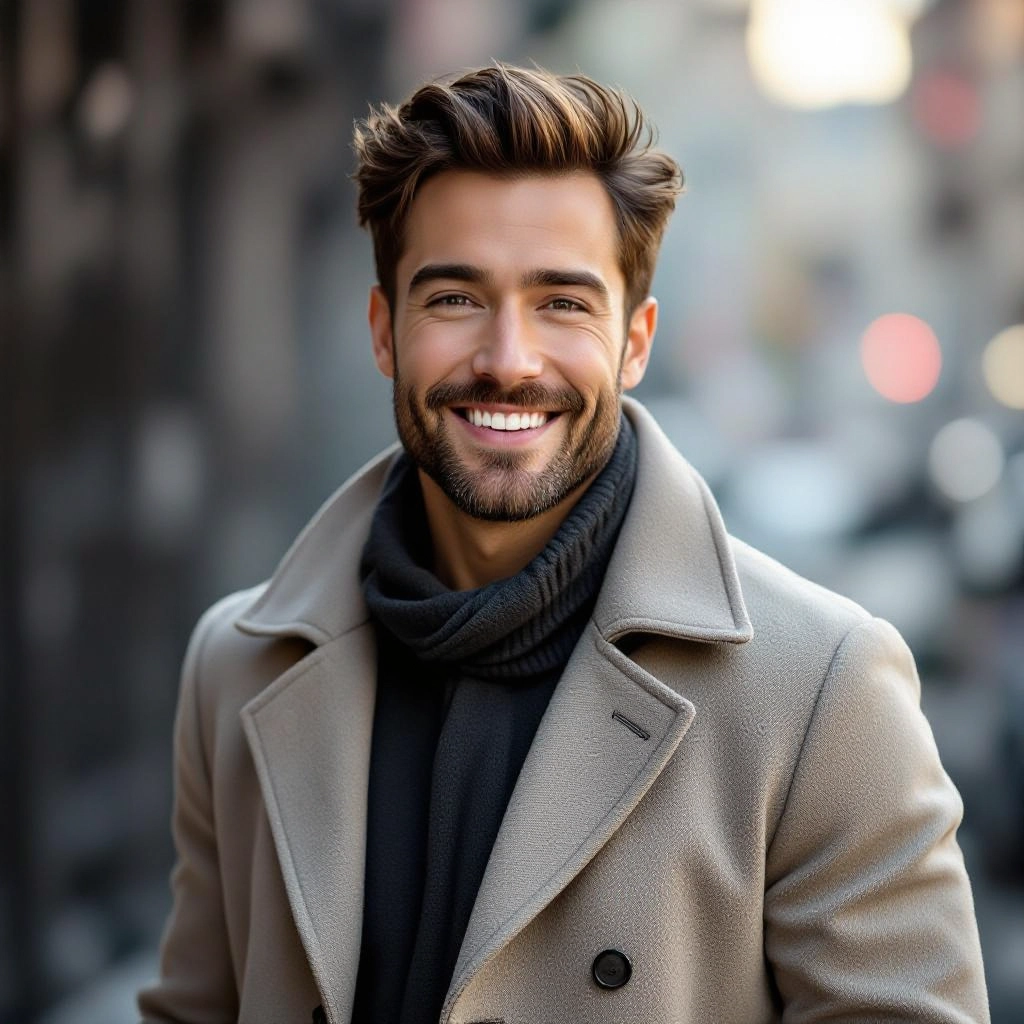
A Portrait Photography Generator is an AI-driven tool optimized to create images that emulate professional portrait techniques. Instead of generic image generation, it focuses on facial composition, pose direction, flattering lighting setups, lens-like depth of field, and color grading tailored to skin tones. The engine translates natural-language prompts into images that capture portrait staples such as catchlights, soft background separation, controlled highlights and shadows, and realistic skin textures.
Photographers, content creators, casting directors, designers, and social media managers use this generator to prototype looks, test lighting concepts, and produce polished headshots or editorial portraits without a full studio. The tool speeds creative iteration, helps nonphotographers craft professional imagery, and provides reference visuals for shoots, mood boards, or client presentations while reducing the need for immediate on-set resources.
How to Create portrait photography Images
Begin by writing a clear prompt that specifies subject attributes, pose, facial expression, and intended mood, then add lighting style (for example Rembrandt, butterfly, or natural window light) and camera details like focal length and aperture to control bokeh and perspective; next select composition options such as headshot, waist-up, or environmental portrait and choose background and color grading presets; finally generate the image, review results, and iterate by refining prompts, adjusting exposure and retouch settings, or applying targeted negative prompts to remove artifacts until the portrait matches your creative goal.
Enter AI Portrait Photography Prompt
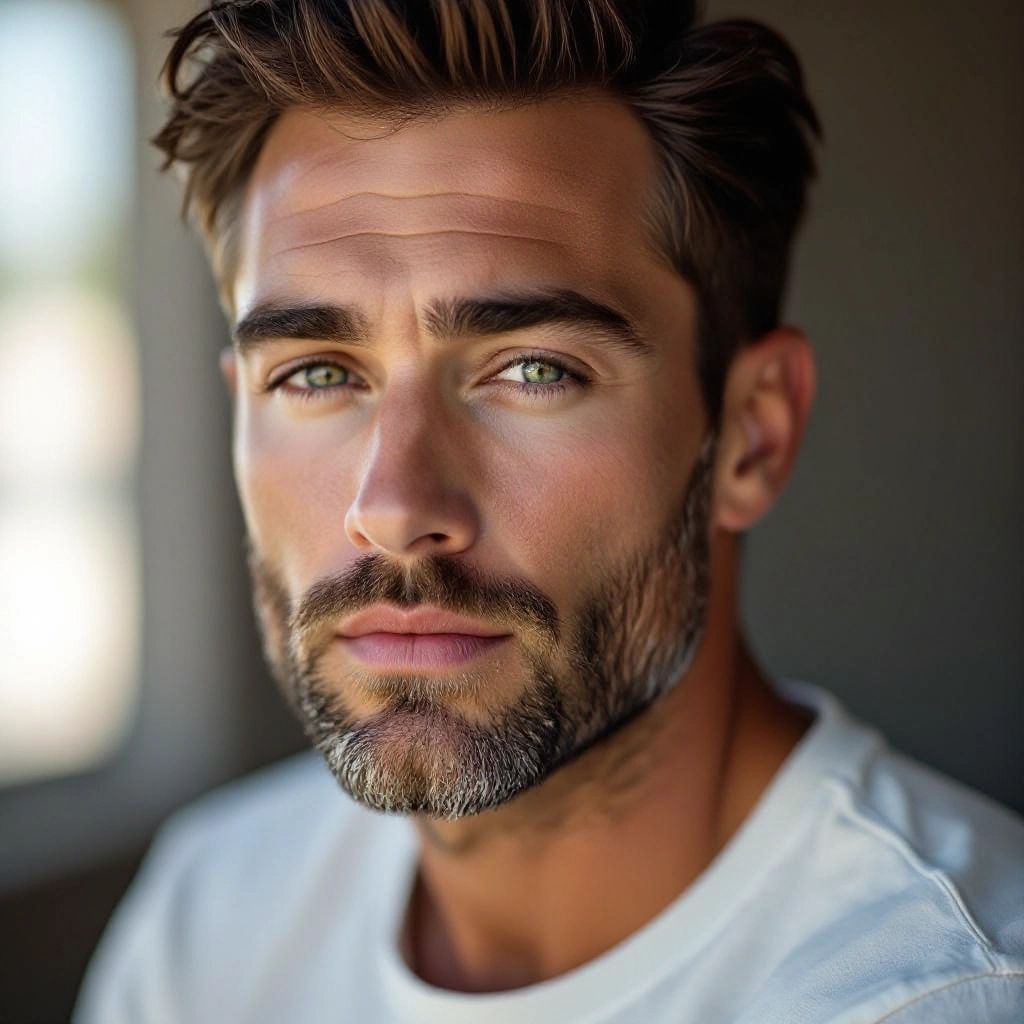
Type your portrait photography character or scene description in the prompt box. Include details like character appearance, clothing, expressions, and setting to get better AI portrait photography results.
Choose AI Model Settings
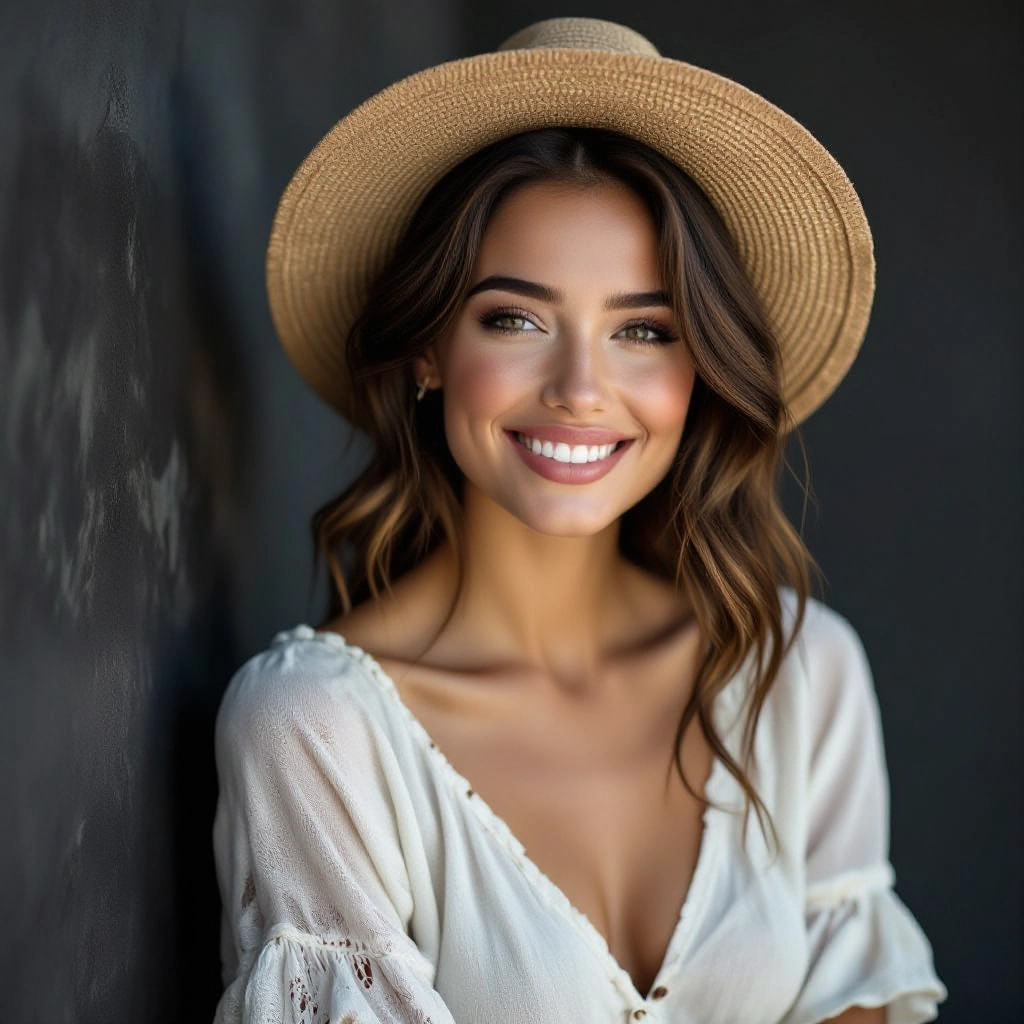
Select your preferred image size and aspect ratio. Our AI model delivers professional quality comparable to:
- • Flux AI Quality
- • Midjourney Standard
- • OpenAI DALL-E
- • Google Imagen
Download AI Portrait Photography Image
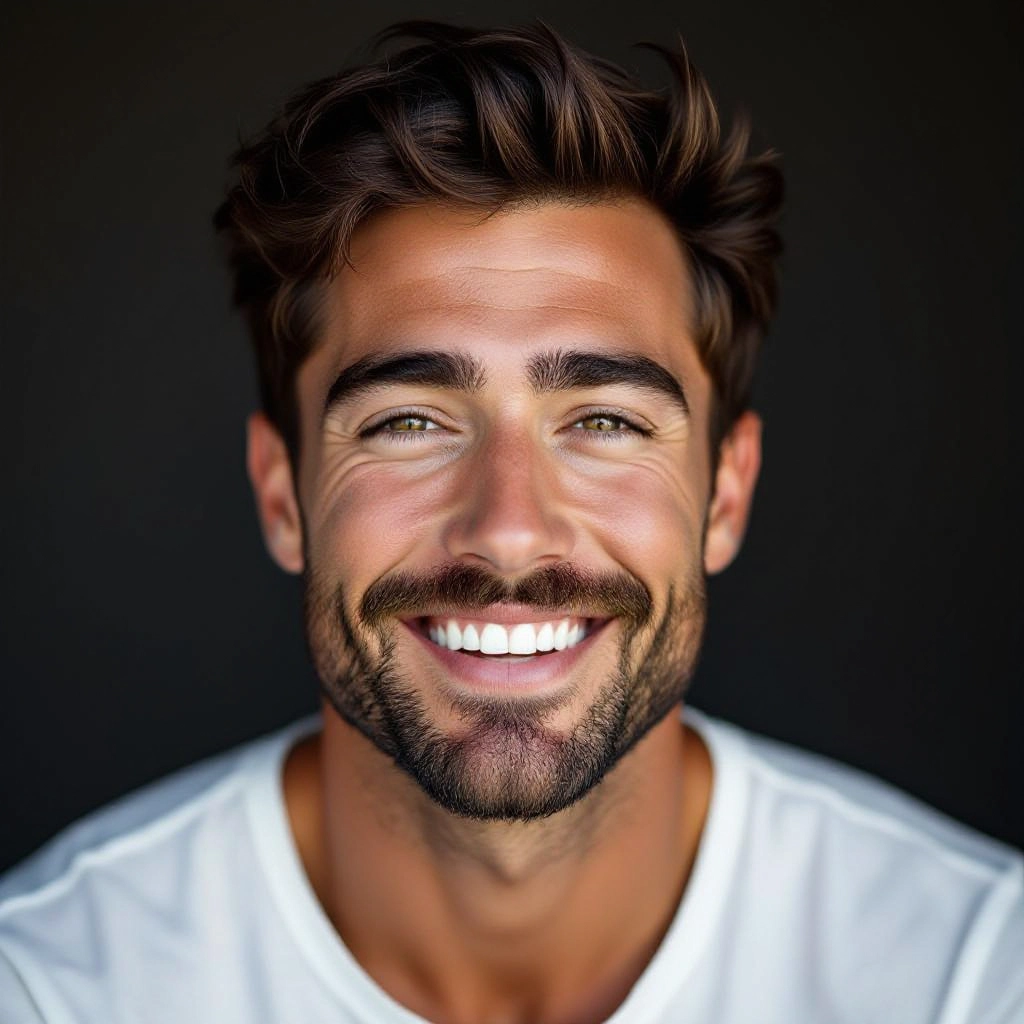
Once your AI portrait photography image is generated, click the download button to save it to your device. The image will be in high quality format ready for use.
Features of AI portrait photography Image Generator
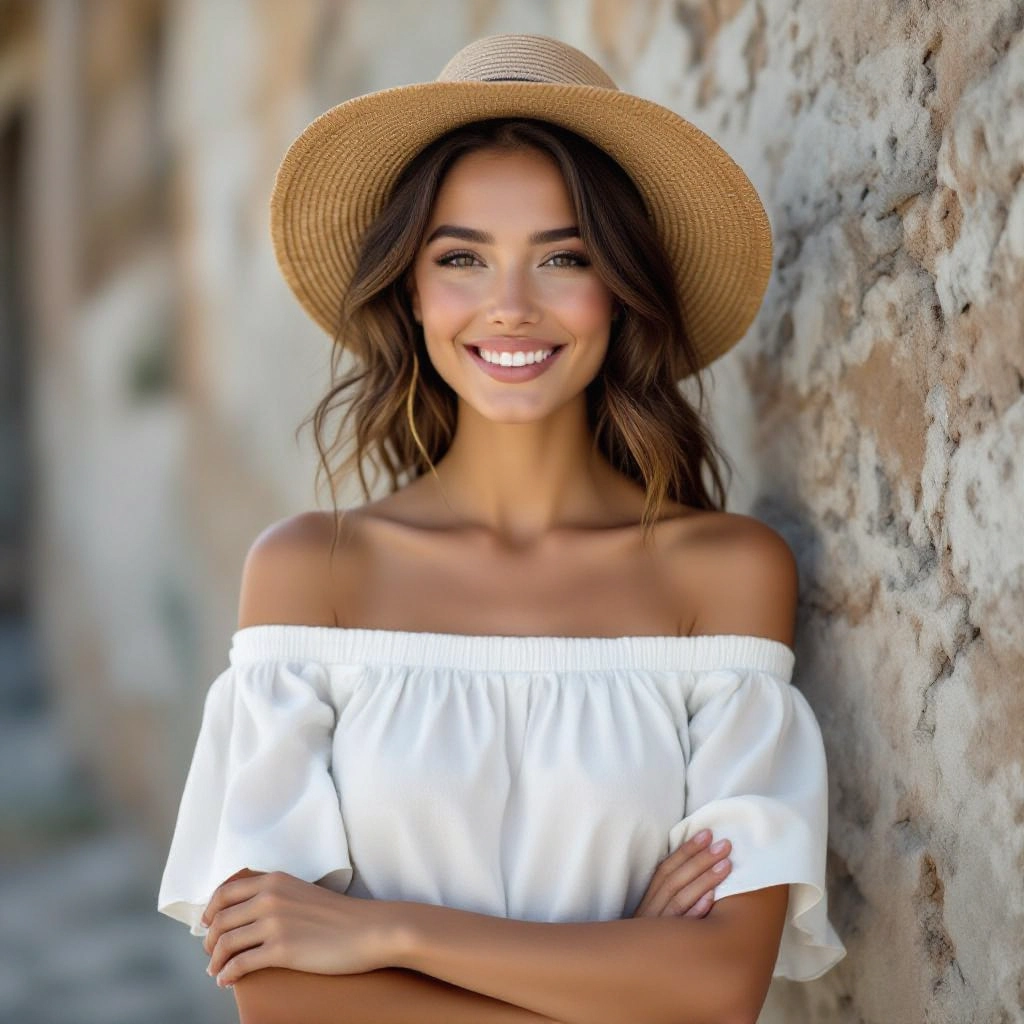
Lighting presets tuned for portraits
Choose from portrait-specific lighting presets including Rembrandt, butterfly, loop, split, and natural window light. Each preset adjusts contrast, shadow placement, and catchlight rendering to produce realistic facial modeling. Before generating, use our Free AI Image Prompt Generator to craft the perfect prompt for your image.
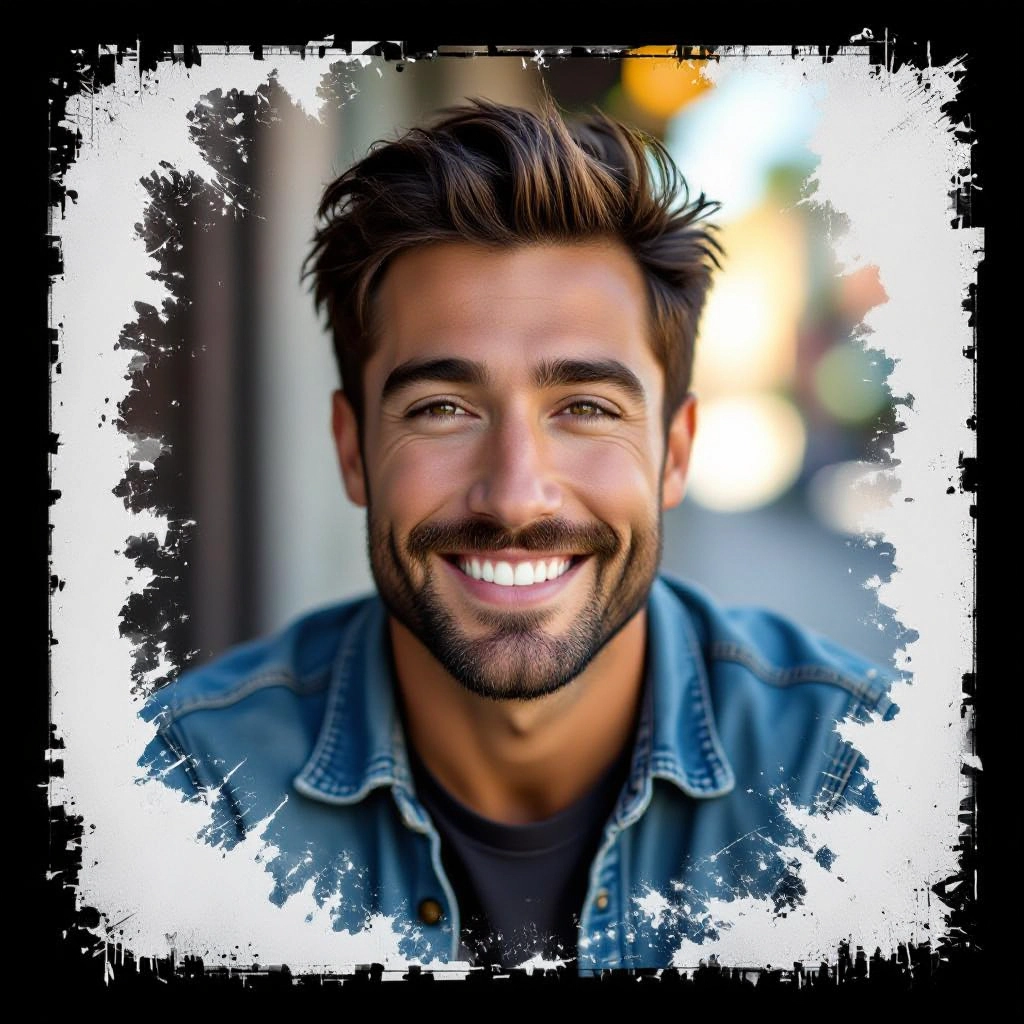
Lens and depth controls
Simulate focal lengths and apertures to control facial perspective and background separation. Options include 35mm environmental, 50mm classic, and 85mm compressed headshot looks with realistic bokeh and falloff.
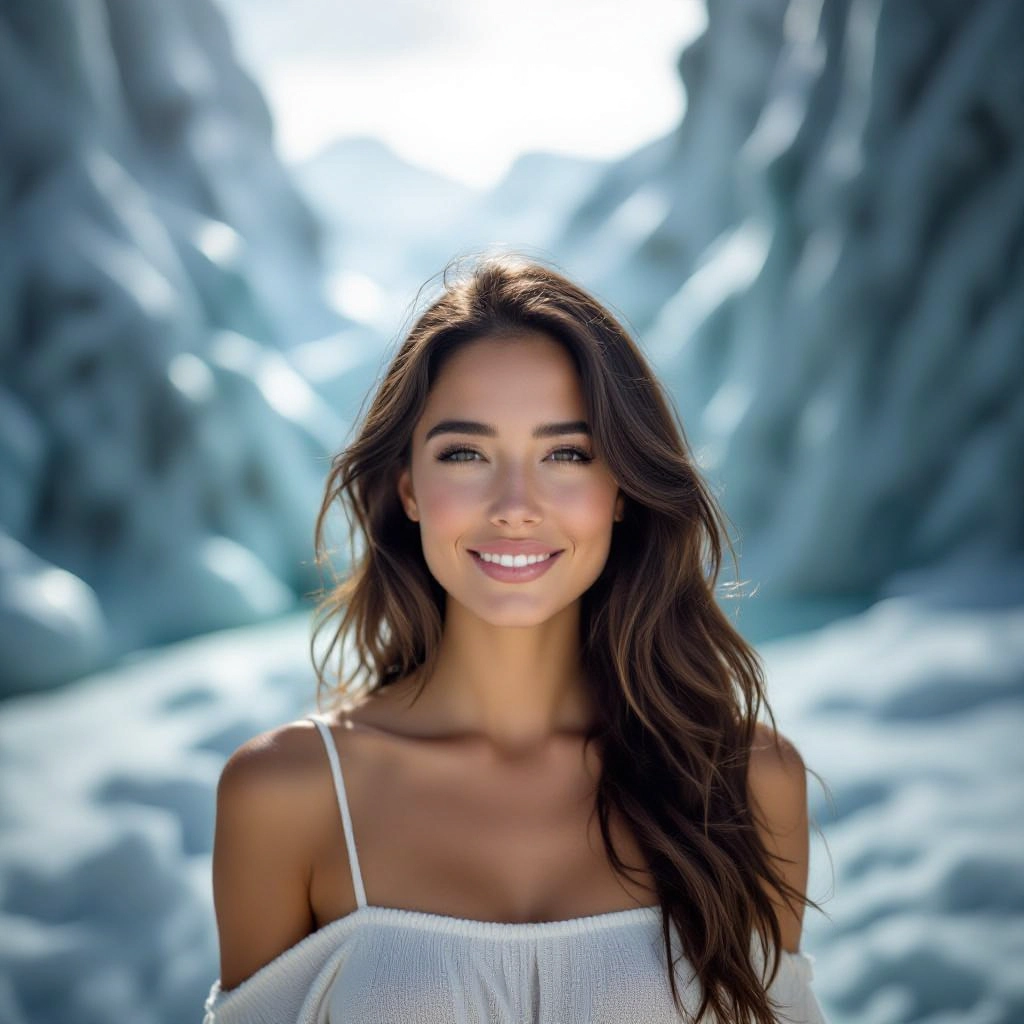
Skin tone and texture refinement
AI-driven skin tone balancing preserves natural undertones while reducing blemishes and noise. Retouch presets offer subtle smoothing, pore preservation, and realistic specular highlights for editorial-grade portraits.
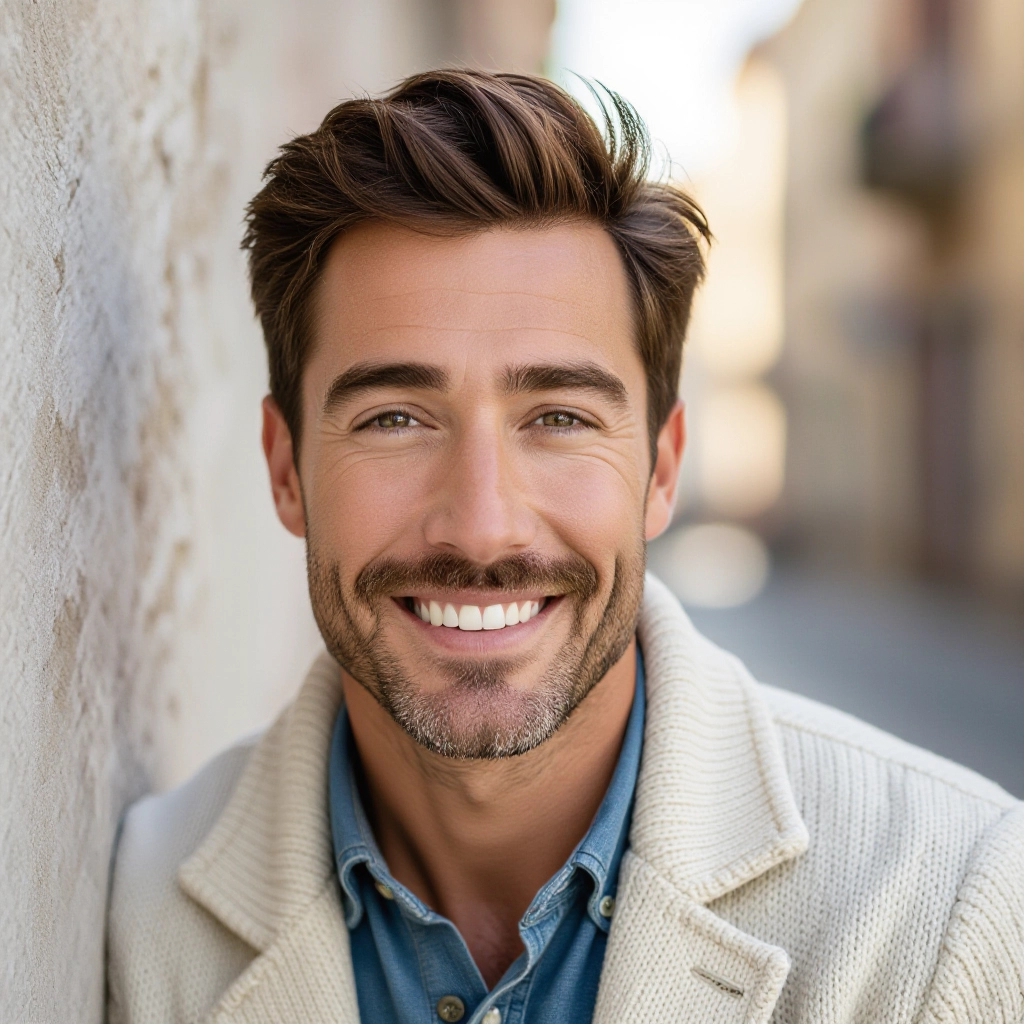
Pose and expression guidance
Generate images with suggested pose directions, eye-lines, and microexpression cues embedded in the prompt engine so portraits convey intended emotion, confidence, or narrative consistently across variations.
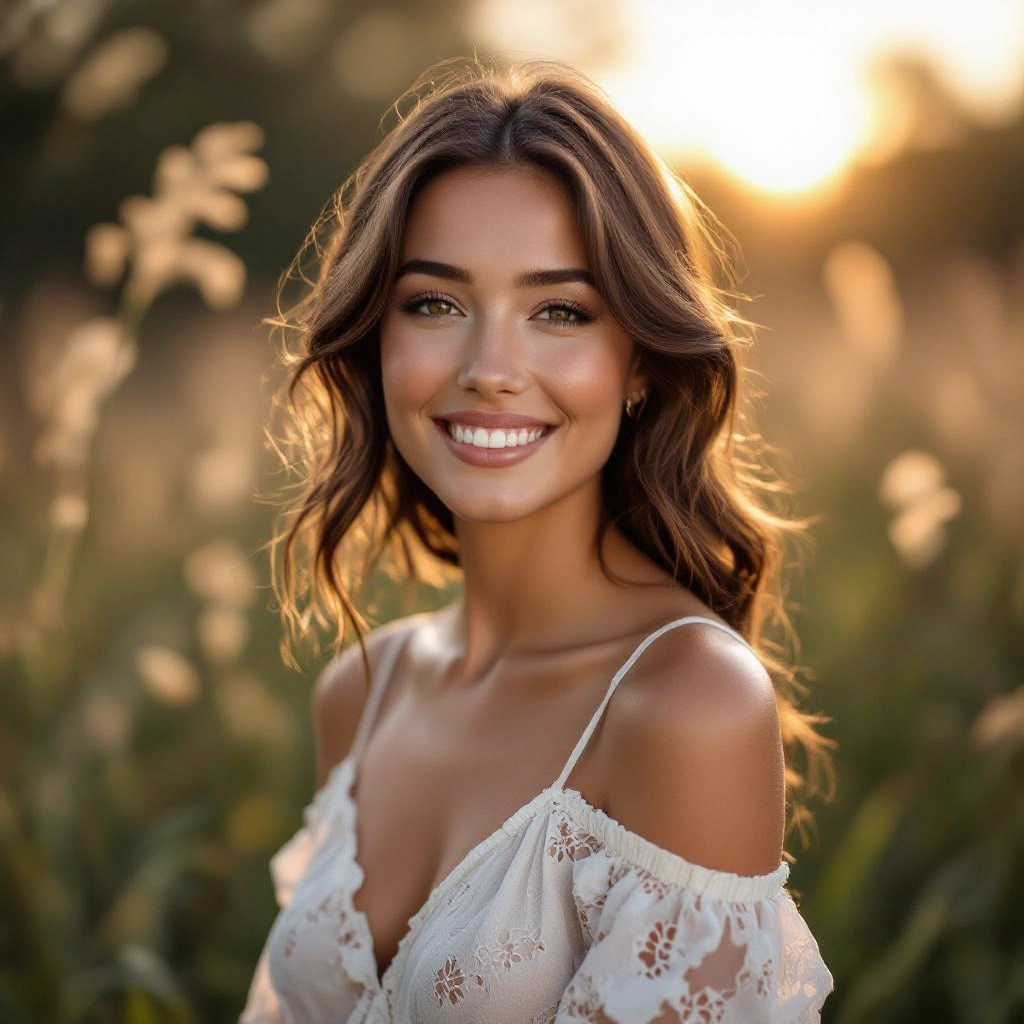
Background and environment control
Switch backgrounds from studio backdrops to on-location settings and control environment depth, texture, and color harmony to support the subject and reinforce the portrait concept without distracting elements.
Types of AI Powered Portrait Photography Style Images
Portraits take many forms based on intent and technique. Below are common portrait styles the generator can produce, each emphasizing different lighting, composition, and postprocessing choices specific to portrait photography.
Studio Headshot
Neutral backdrop, controlled key and fill lighting, tight crop on the face and shoulders, true-to-life skin tones and minimal retouching for corporate and actor headshots.
Environmental Portrait
Subject shown within a meaningful location with wider framing, natural or mixed lighting, and intentional background elements that tell a story about profession or lifestyle.
Editorial Fashion Portrait
High-contrast lighting, stylized color grading, dramatic posing, and fashion-forward styling suitable for magazine spreads and lookbooks with bold retouching choices.
Cinematic Portrait
Film-inspired color palettes, shallow depth of field, moody lighting with rim or backlight, and composition that draws on cinematic storytelling techniques for a dramatic effect.
Black and White Portrait
Monochrome conversion that emphasizes texture, tonal contrast, and sculpting of facial planes using dodge and burn simulated adjustments for timeless portrait aesthetics.
Lifestyle Candid Portrait
Natural-looking poses and ambient light, softer contrast, and subtle motion or interaction cues to create authentic, documentary-style portraits that feel spontaneous.
Applications of AI portrait photography image style
Professional headshots
Create consistent, high-quality headshots for corporate teams, actor portfolios, LinkedIn profiles, and business websites without booking a studio for every subject.
Previsualization for shoots
Directors and photographers can visualize lighting setups, poses, and color grading before a session to speed on-set decisions and align client expectations.
Social media and branding
Produce a cohesive set of portrait images reflecting a personal or brand identity, optimized for platform formats, engagement, and visual consistency.
Editorial and magazine content
Generate fashion and feature portraits with editorial styling and retouch quality suitable for layouts, captions, and print-ready assets.
Casting and talent scouting
Rapidly generate look variants for models and actors to evaluate suitability for roles or campaigns without organizing live test shoots.
Education and lighting practice
Students and enthusiasts can study portrait lighting outcomes, lens effects, and composition variations by comparing generated images with real-world techniques.
FAQs about AI portrait photography image generator
Can I control the lighting direction and intensity?
Yes. You can specify lighting direction, type, and relative intensity in your prompt or choose from lighting presets. The generator translates those settings into realistic shadow placement, catchlights, and contrast suitable for portraits.
How do I get natural skin tones across different ethnicities?
Include precise skin tone descriptors and reference keywords in the prompt, such as warm olive, cool fair, or deep brown, and use the skin tone refinement feature which preserves undertones while adjusting exposure and color balance.
Can the generator mimic lens bokeh and perspective?
Yes. Specify focal length and aperture to simulate lens compression and bokeh. For classic headshots use longer focal lengths like 85mm equivalents with wide apertures for soft backgrounds and flattering facial proportions.
Is it possible to create consistent series of portraits?
You can lock parameters like lighting preset, background, color grade, and pose guidelines to produce a consistent set of portraits for teams, campaigns, or brand libraries across multiple generations.
What postprocessing control do I have after generation?
The tool offers in-app retouch toggles for skin smoothing, color grading presets, exposure micro-adjustments, and downloadable high-resolution files ready for final editing in your preferred software.
Are there templates for specific portrait types like editorial or headshots?
Yes. The generator includes templates optimized for common portrait formats such as corporate headshots, editorial fashion spreads, social profile images, and cinematic portraits to fast-track creative output.
