Voxel Art Image Generator
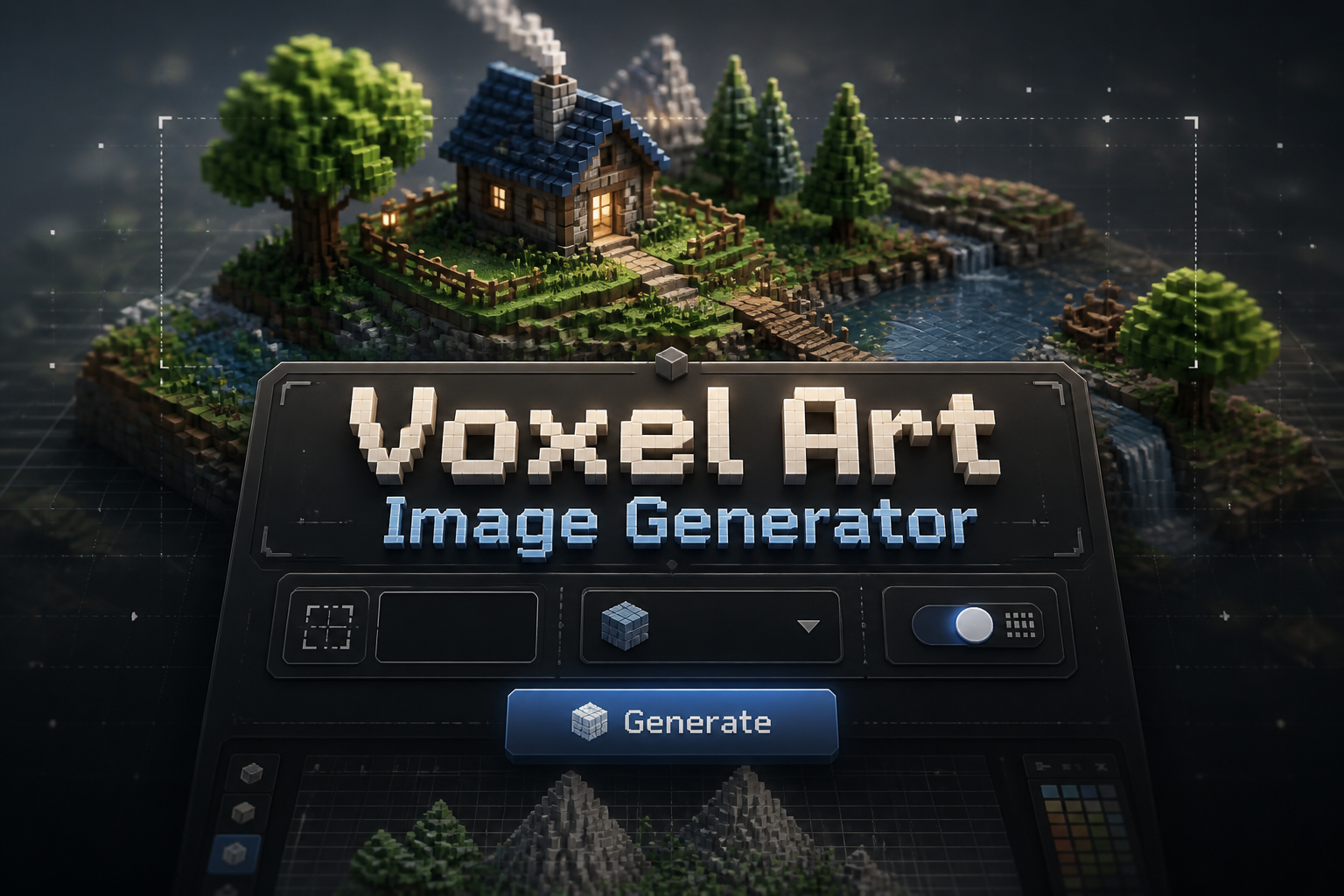
Voxel Art Image Generator is a free online tool to generate voxel art style images. The tool is free to use, just enter prompt in voxel art style and generate voxel art image style in seconds similar quality to flux, midjourney, open ai, imagen, nano banana AI image quality.
Generate Voxel Art AI Image for Free
Receive our FREE AI updates via email once a week
What is a voxel art Generator?

A voxel art generator is an AI-powered tool that composes images from volumetric pixels called voxels. Instead of painting on a flat canvas, voxel art arranges colored cubes on a three dimensional grid to form models, scenes and sprites with tangible depth, crisp cube edges and blocky silhouettes. The generator automates cube placement, basic topology and consistent shading so you get coherent, buildable voxel compositions without manual voxel sculpting.
Indie game developers, pixel and 3D artists, toy designers and rapid prototypers use voxel generators to accelerate asset creation. It is particularly useful for making characters, environment blocks, items, tile sets and UI icons where cube scale, palette consistency and exportable sprite sheets or voxel meshes matter. Artists choose voxel generation to iterate concepts quickly, maintain blocky aesthetics and produce assets that import easily into game engines and voxel editors.
How to Create voxel art Images
To create voxel art images in three steps, first craft a clear prompt focused on cube-based details like scale, color palette, camera angle and subject, then choose a voxel resolution and any preset style. Second, generate the render and review cube placement, silhouette and lighting, adjusting prompts or style sliders to refine proportions and shading. Third, finalize by cleaning up cubes with an editor or using the generator's refinement pass, then export as a PNG sprite, sprite sheet or voxel model for use in games or 3D tools.
Enter AI Voxel Art Prompt
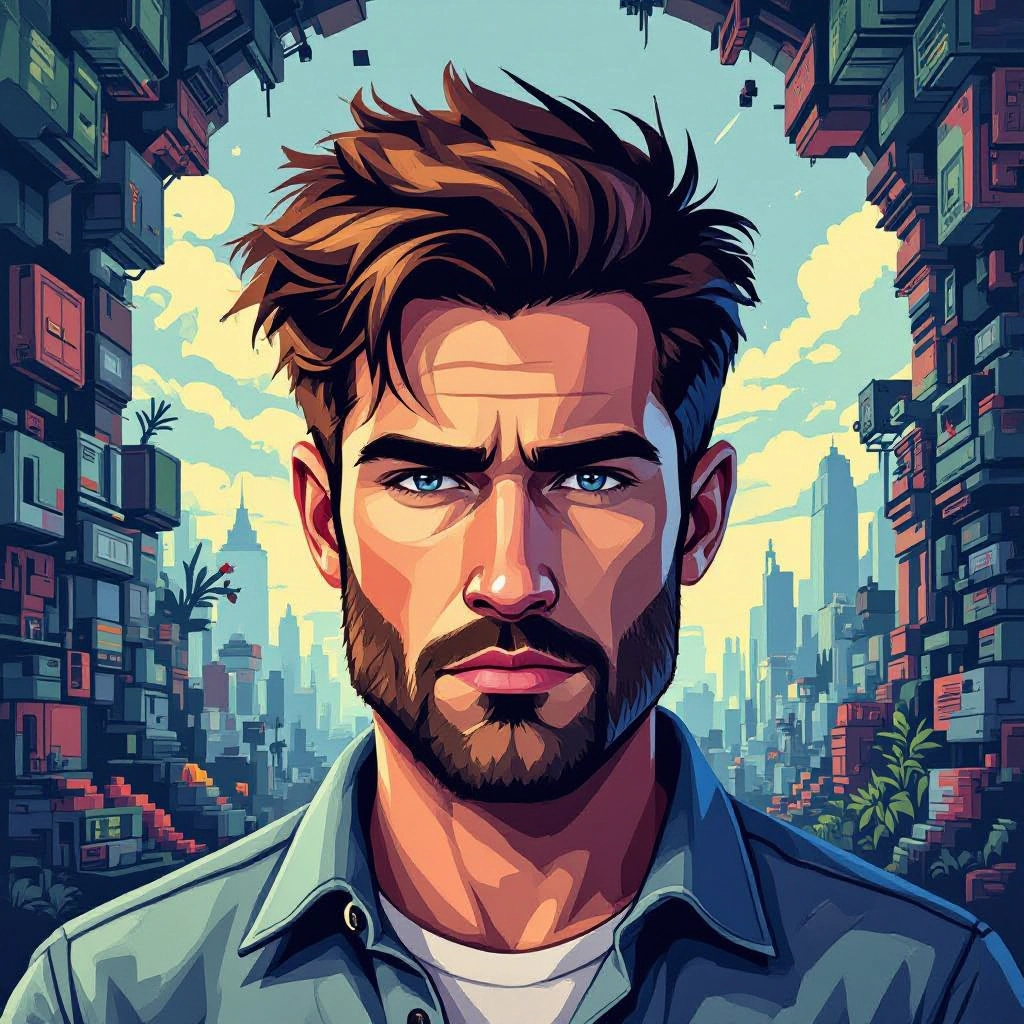
Type your voxel art character or scene description in the prompt box. Include details like character appearance, clothing, expressions, and setting to get better AI voxel art results.
Choose AI Model Settings
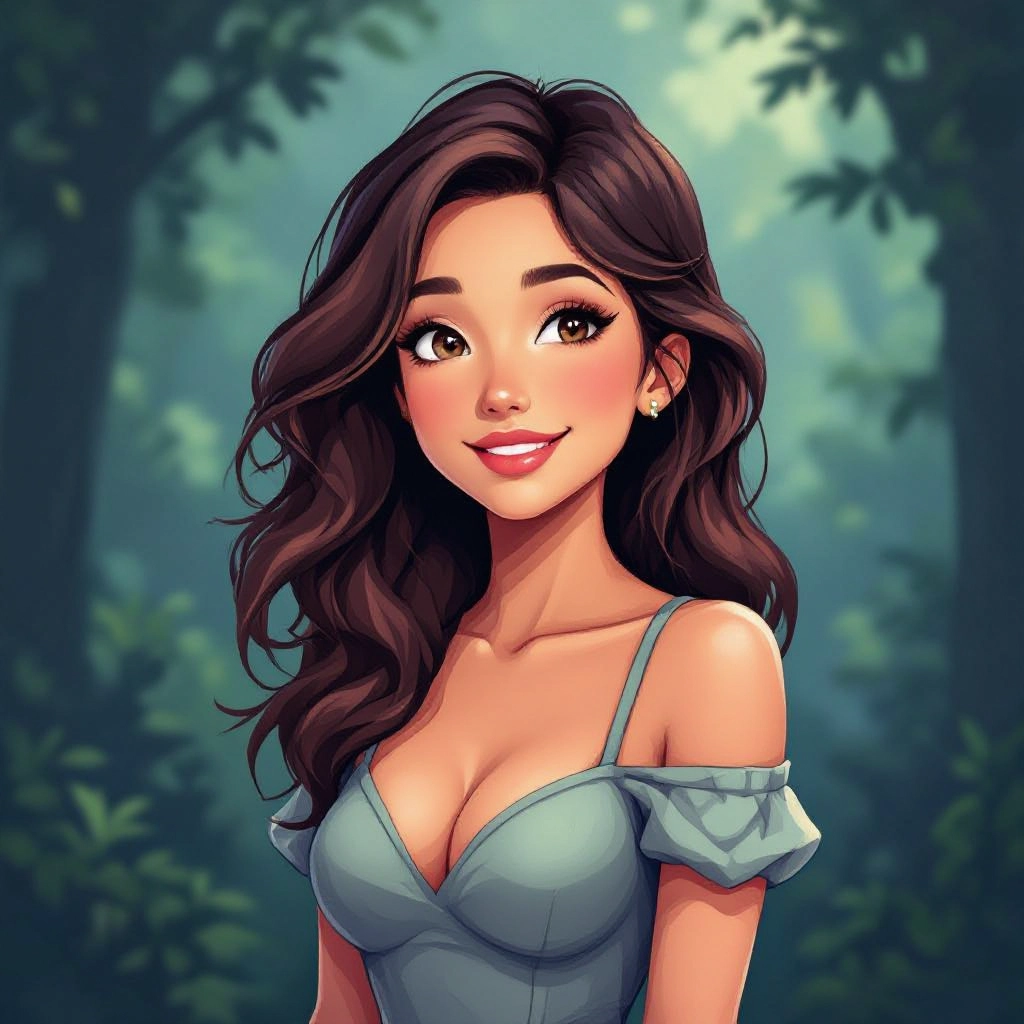
Select your preferred image size and aspect ratio. Our AI model delivers professional quality comparable to:
- • Flux AI Quality
- • Midjourney Standard
- • OpenAI DALL-E
- • Google Imagen
Download AI Voxel Art Image

Once your AI voxel art image is generated, click the download button to save it to your device. The image will be in high quality format ready for use.
Features of AI voxel art Image Generator

Cube-based generation engine
A voxel-specific AI core that reasons in cubic units to produce authentic blocky topology, preserving voxel scale across characters, props and environments so results are ready for voxel editors and grid-based workflows. Enhance your results by generating a detailed prompt with our Free AI Art Prompt Generator first.
Palette and color control
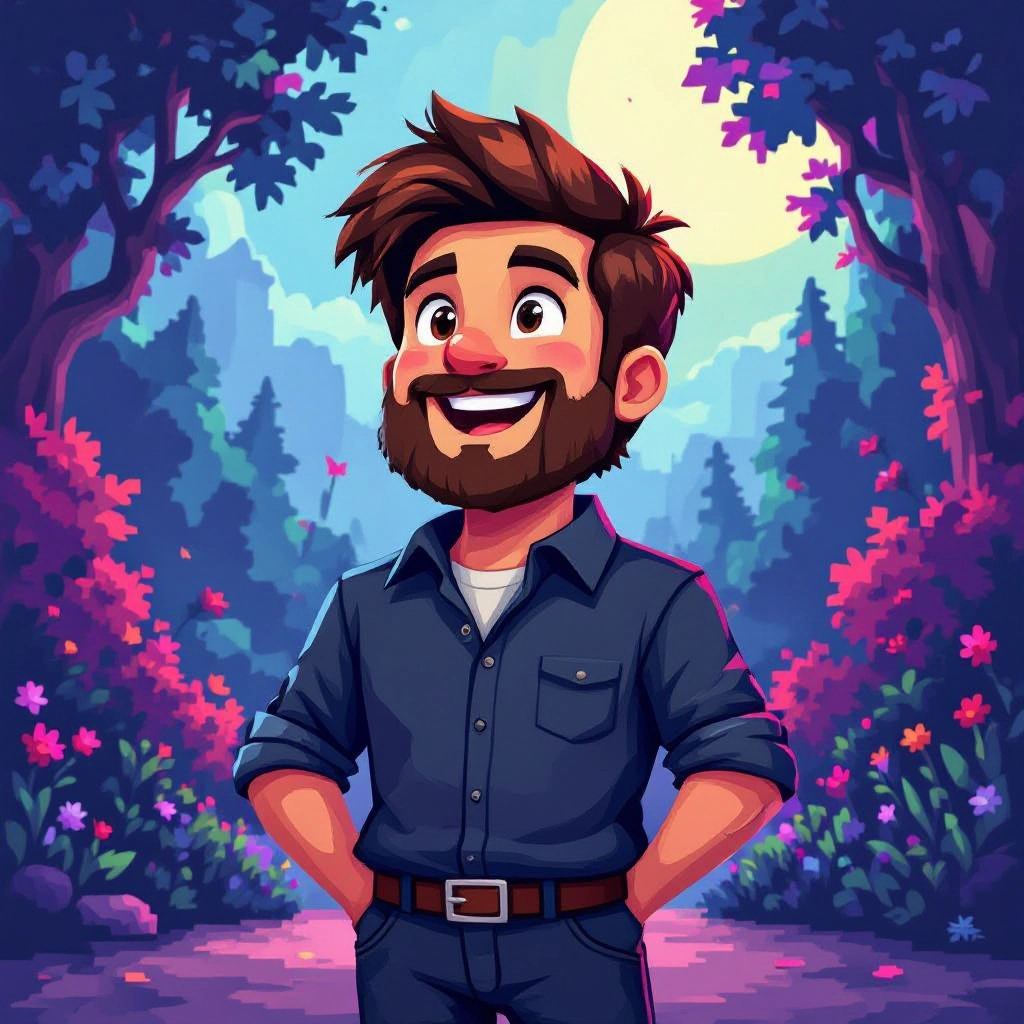
Fine tune color palettes with indexed palette selection, limited-color modes and palette locking to ensure consistent retro or modern voxel aesthetics and palette-friendly exports suitable for sprite sheets.

Lighting, shadow and camera presets
Adjust directional lighting, ambient occlusion strength and camera angle to produce isometric views, three quarter perspectives or orthographic renders that highlight cube depth and crisp edge shading.

Multi-format export
Export renders as high resolution PNG, transparent sprites, sprite sheets or voxel model files compatible with popular voxel editors and game engines, enabling direct import or further manual editing.
Batch generation and templates
Create multiple variations at once using templates and batch prompts for character sets, environment tiles or item collections, saving time on repetitive asset production and iteration.
Types of AI Powered Voxel Art Style Images
Voxel art can take many forms depending on scale, shading and design intent. The generator supports styles from tiny microvoxels to chunky chibi characters, each emphasizing different voxel art principles like silhouette, cube resolution and palette economy.
Isometric Voxel Worlds
Isometric voxel renders build layered block terrain and buildings seen from a fixed angle, ideal for strategy, builder and simulation game mockups with clear tile boundaries and readable depth.
Chibi Voxel Characters
Low resolution, exaggerated figures that prioritize silhouette and readable features. These cute, chunky models use oversized heads and limited cubes to convey personality at small sizes.
Microvoxel Sprites
Ultra low resolution voxel sprites optimized for icons and UI, where each cube functions like a large pixel and palette economy is critical for clarity at tiny sizes.
Retro Block Scenes
Blocky scenes that emulate classic voxel and bit style with constrained palettes, sharp contrast and simple lighting to recreate nostalgic game visuals.
Detailed Voxel Dioramas
Higher resolution voxel compositions for showcase renders and concept scenes, with nuanced lighting and layered cubes that convey depth and fine detail.
Voxel Toy and Miniature Renders
Renders tailored for 3D printing and miniature prototyping where cube topology maps cleanly to printable geometry and supports physical production aesthetics.
Applications of AI voxel art image style
Game asset production
Generate characters, tiles and props that import directly into game engines as sprites or voxel meshes, speeding up art pipelines for indie and mobile games.
Concept visualization
Rapidly prototype level layouts, scene composition and character concepts in block form to test gameplay ideas and visual direction before committing to high fidelity models.
UI icons and sprite sheets
Produce consistent, palette-locked sprites and animated sprite sheets for inventory icons, HUD elements and 2D game animations with crisp cube edges.
NFTs and collectible art
Create themed voxel collectibles and limited series assets with consistent cube style and export-ready images suited for marketplaces and digital galleries.
3D printing and physical models
Produce voxel models that can be converted to printable meshes for toys, miniatures and display pieces where cube geometry gives a handcrafted look.
Education and learning
Teach fundamentals of 3D composition, color economy and low resolution modeling using voxel scenes that demonstrate depth, lighting and modular design.
FAQs about AI voxel art image generator
Can I use generated voxel images commercially
Yes, generated voxel images can typically be used commercially depending on the platform terms. Check the generator's license and terms of service for specifics about commercial use, attribution and redistribution of exported assets.
How do I control cube scale and resolution
Control cube scale by selecting voxel resolution or grid size in the generator settings. Lower resolutions create chunky, iconic models while higher resolutions allow finer detail. Mention desired cube size in your prompt for more precise results.
Can I export 3D voxel models for editing
Many generators export voxel model formats or common mesh formats that import into voxel editors and 3D tools. Use the voxel model export to continue manual editing or to convert to meshes for animation and rigging.
How do I get consistent palettes across assets
Use the palette locking or palette selection feature to apply a shared indexed palette across multiple generations. This ensures color consistency for tilesets, characters and UI elements within the same project.
What lighting options improve voxel depth
Directional key lighting, soft ambient occlusion and rim highlights enhance cube separation and silhouette readability. Choose isometric or orthographic camera presets to keep perspective consistent across assets.
Can I generate animated voxel sprite sheets
Yes, some voxel generators support multi-frame exports or batch generation for animation. Define each frame with slight pose changes or use the generator's animation presets to create walk cycles, idle animations and attack frames.
