Sketch Image Generator
Free sketch image generator creates pencil drawings from text or converts your photos to sketches. Generate charcoal, ink, and pencil art instantly with no signup.
Generate Sketch Images Free
Receive our FREE AI updates via email once a week
Trusted by 70,000+ artists · 1.2 million+ sketches generated
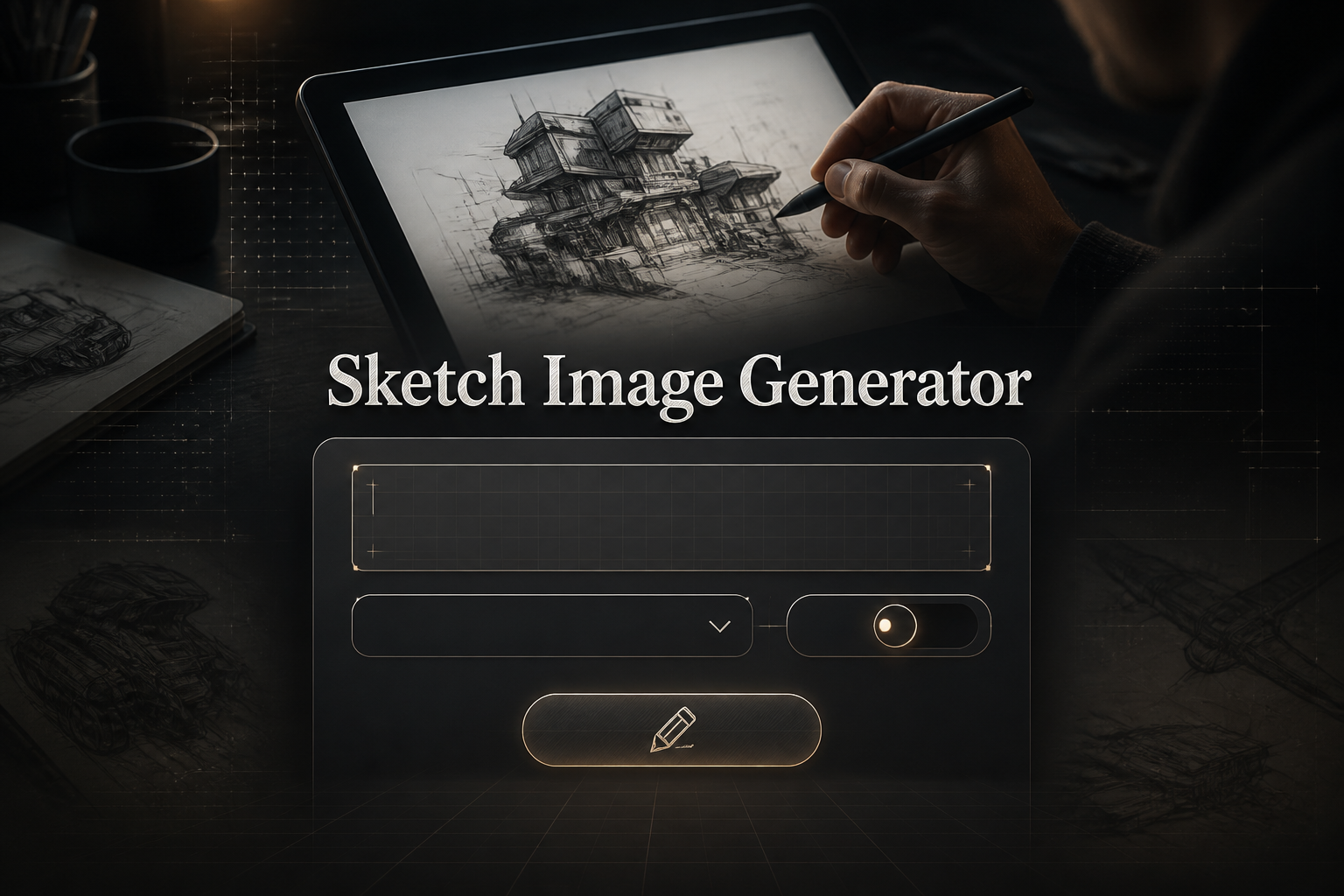
What is a Sketch Image Generator?

A sketch image generator is an AI tool that creates sketch-style artwork in two ways: generating original sketches from text descriptions, or converting existing photos into pencil, charcoal, or ink drawings. The AI simulates traditional hand-drawn techniques including line work, cross-hatching, shading, and paper texture.
Whether you want to turn a photo into a drawing or create concept art from scratch, the image sketch generator produces authentic sketch aesthetics that look hand-drawn rather than digitally filtered.
Image to Sketch Generator: Convert Photos to Drawings
The image to sketch generator converts any photo into a hand-drawn style sketch. Upload portraits, landscapes, objects, or any image and transform it into pencil art while preserving the original composition and likeness.
How to Convert Photo to Sketch Online Free
1. Upload your photo (JPG, PNG, or WebP)
2. Select sketch style: pencil, charcoal, ink, or contour
3. Adjust line weight, shading intensity, and detail level
4. Generate and download your sketch
Best Photos for Sketch Conversion
- • Portraits: Clear face photos with good lighting convert to detailed portrait sketches
- • Pets: Animal photos become charming pencil pet portraits
- • Landscapes: Scenic photos convert to artistic landscape drawings
- • Architecture: Building photos become architectural sketches with perspective
- • Objects: Product photos convert to clean line drawings
AI Generate Image from Sketch Prompts
Beyond converting photos, the AI can generate original sketch images from text descriptions. Describe your subject and the AI creates authentic sketch artwork in your chosen medium and style. Use our Sketch Prompt Generator to build a detailed prompt before sketching with AI.
How to Generate Sketches from Text
Describe Your Subject
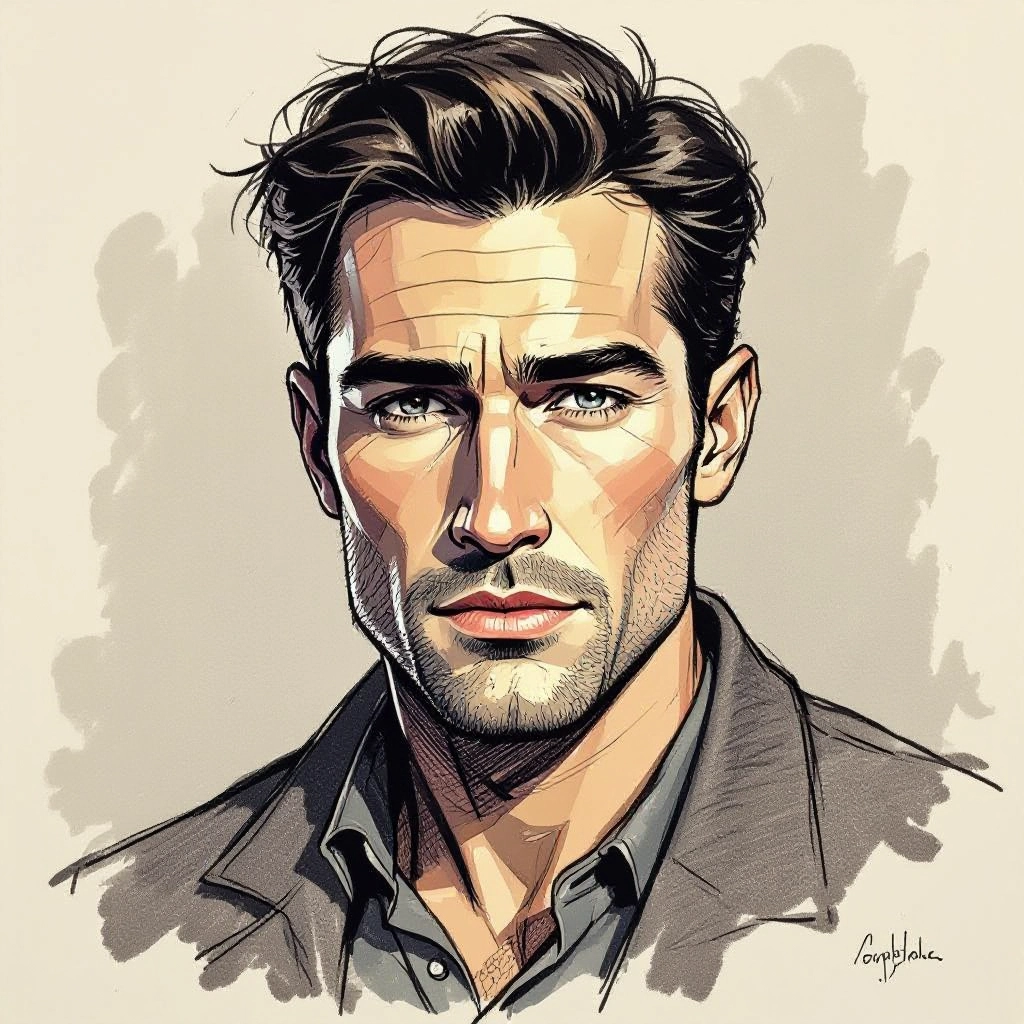
Enter subject, pose, composition, and sketch medium (pencil, charcoal, ink).
Choose Settings
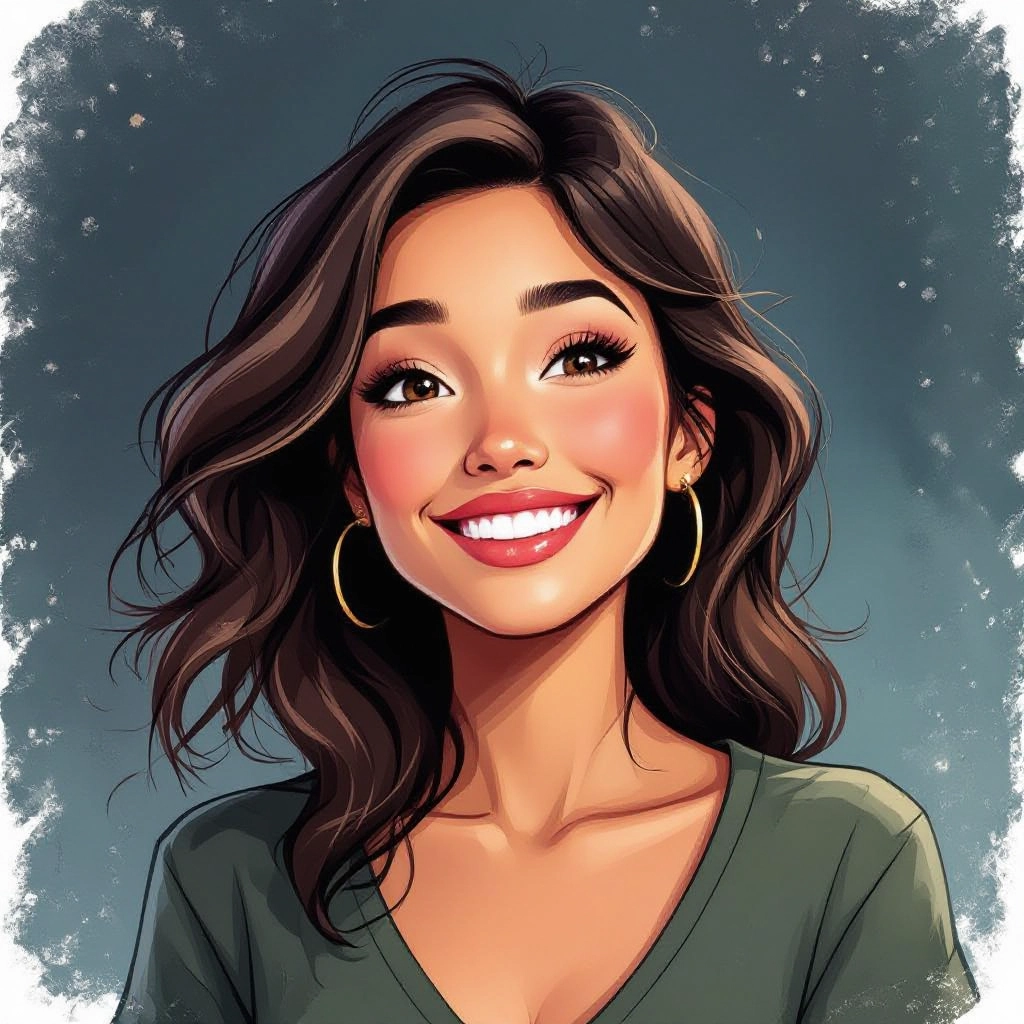
Select image size, aspect ratio, and sketch style preset.
Download Sketch

Generate, preview, and download high-quality sketch artwork.
Sketch Styles and Mediums
The sketch image generator supports multiple traditional drawing mediums, each with distinct line quality and shading characteristics:
Graphite Pencil
Soft, blendable strokes with subtle tonal gradients. Best for portraits, still life, and detailed realistic drawings.
Charcoal
Bold, expressive marks with rich blacks and smudged textures. Ideal for dramatic portraits, figure studies, and high-contrast art.
Fine Ink
Crisp, uniform lines with controlled cross-hatching. Perfect for illustrations, comics, and clean technical drawings.
Contour Line
Single continuous lines defining edges and form. Great for minimalist art, logos, and stylized portraits.
Cross-Hatch
Layered intersecting lines creating depth and shadow. Used for architectural sketches, engravings, and detailed shading.
Gesture Sketch
Quick, loose strokes capturing movement and energy. Perfect for figure drawing, action poses, and concept thumbnails.
Sample Sketch Prompts and Results
Use these prompt examples with the sketch image generator:
Portrait Sketches
"Elderly man portrait, graphite pencil, detailed wrinkles and texture, side lighting, realistic shading"
"Young woman face, charcoal sketch, dramatic shadows, windswept hair, expressive eyes"
"Child smiling, soft pencil drawing, gentle shading, innocent expression, white background"
Architectural Sketches
"Victorian mansion exterior, ink cross-hatch, detailed ornaments, perspective view, architectural drawing"
"Modern skyscraper, technical pencil, clean lines, urban setting, blueprint style"
"Ancient temple ruins, charcoal sketch, atmospheric, dramatic lighting, archaeological illustration"
Nature and Animal Sketches
"Wolf portrait, detailed fur texture, graphite pencil, intense eyes, wildlife art"
"Oak tree in field, ink drawing, detailed bark texture, landscape composition"
"Bird in flight, gesture sketch, quick strokes, capturing movement, minimal detail"
Concept Art Sketches
"Steampunk robot character, ink and pencil, mechanical details, concept art style"
"Fantasy sword design, multiple angles, detailed hilt, weapon concept sheet"
"Spaceship interior cockpit, perspective sketch, sci-fi control panels, technical drawing"
Picture Outline Maker Features
The sketch image generator includes professional features for creating outlines, line art, and detailed sketches:
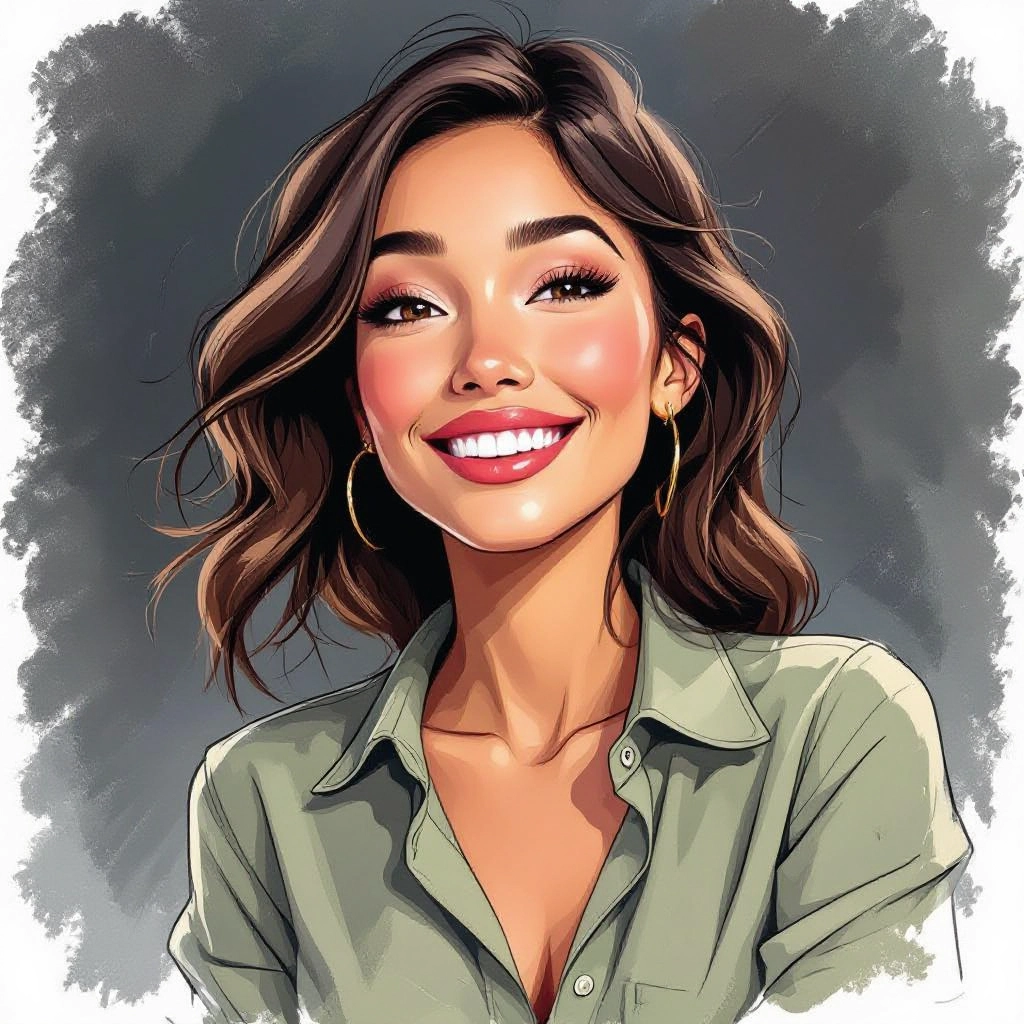
Adaptive Line Rendering
AI-controlled strokes that vary thickness and pressure based on contours, creating depth and dimension like hand-held pencils.

Shading and Texture Controls
Adjust cross-hatch density, blending softness, grain level, and smudge intensity. Paper texture presets emulate different sketch paper types.
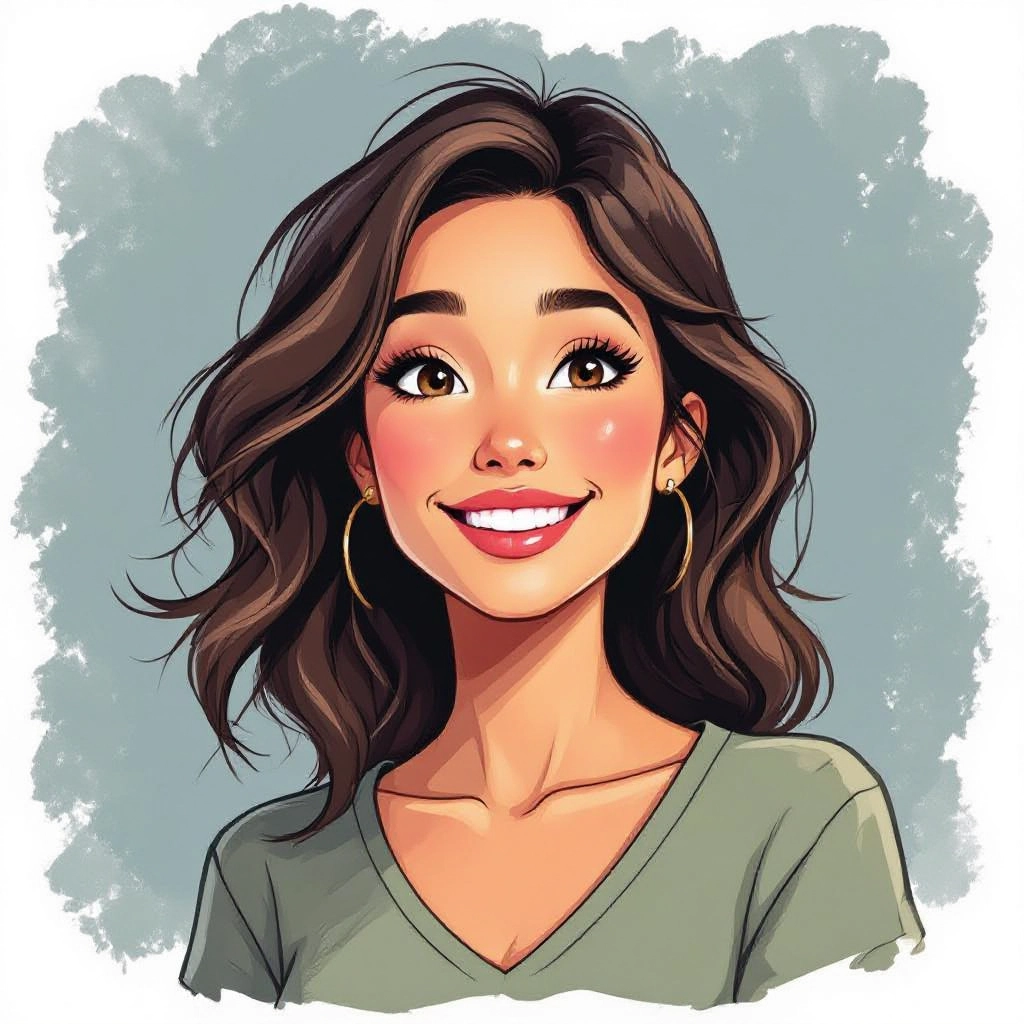
Style Presets
Quick gesture, polished portrait, architectural draft, illustrative line art, and custom modes for signature sketch styles.
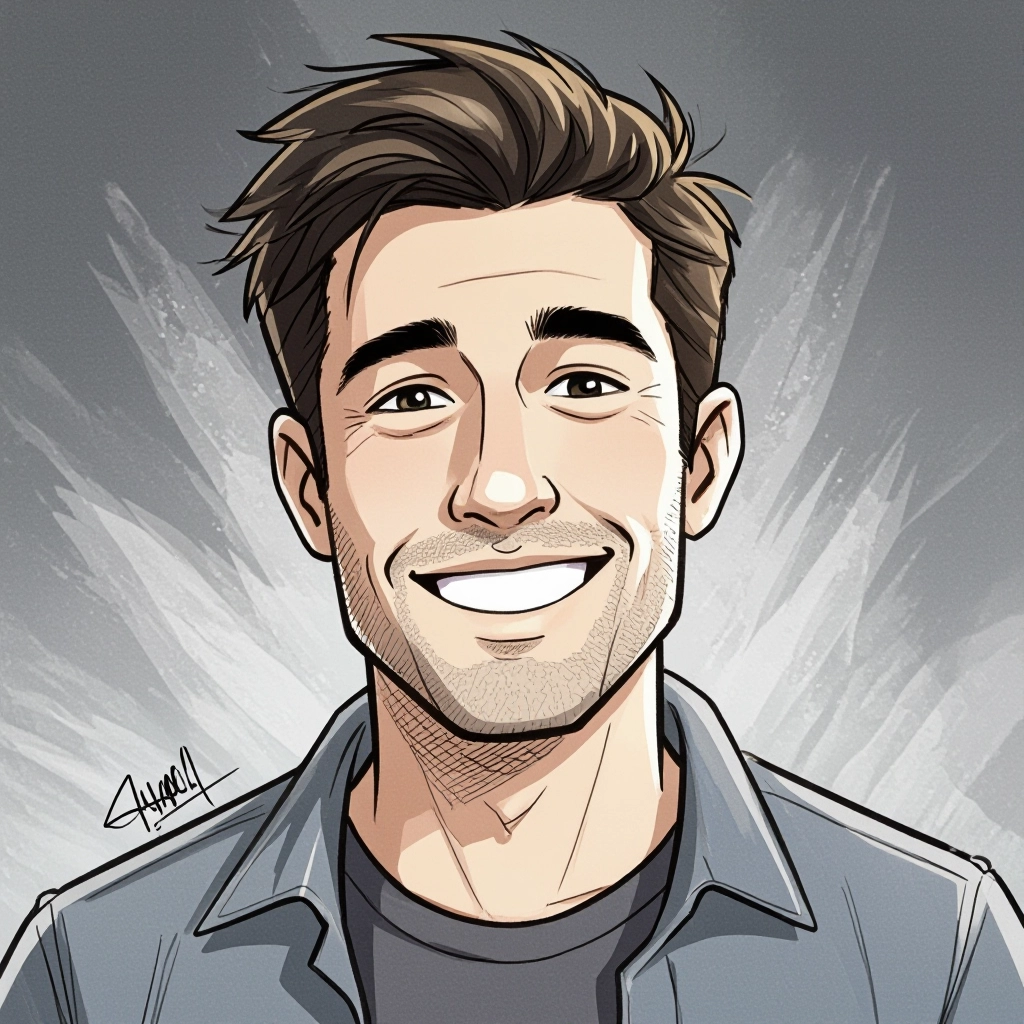
Photo-to-Sketch Conversion
Edge-preserving filters translate photos into accurate sketches while maintaining likeness and converting color to convincing line work.
- • Free Online: No signup, no payment, no limits
- • High Resolution: Export print-ready sketch artwork
- • Multiple Formats: PNG, JPG download options
- • Commercial Use: Use sketches in your projects
Who Uses Sketch Image Generators?
Artists and Illustrators
Generate reference sketches, explore compositions, and create base drawings for further refinement.
Architects and Designers
Create presentation sketches, concept drawings, and architectural illustrations for client meetings.
Content Creators
Convert photos to drawings for thumbnails, social media graphics, and unique visual content.
Game Developers
Generate character concept sketches, environment thumbnails, and storyboard frames quickly.
Educators
Create teaching materials, demonstrate sketch techniques, and generate visual examples for art classes.
Gift Makers
Turn family photos into pencil portrait sketches for personalized gifts and custom prints.
Tips for Better Sketch Results
1. Specify the Medium: "Graphite pencil," "charcoal," or "ink" produces more authentic results than just "sketch"
2. Describe Shading Style: Include "cross-hatch," "smooth blending," or "stippled" for specific techniques
3. For Photo Conversion: Use high-contrast photos with clear edges for best sketch conversion
4. Add Paper Context: "On textured paper" or "white background" affects the final look
5. Mention Detail Level: "Detailed" vs "loose gesture" controls how refined the sketch appears
6. Include Lighting: "Side lighting" or "dramatic shadows" adds depth to portrait sketches
Frequently Asked Questions
What is a sketch image generator?
A sketch image generator creates sketch-style artwork from text descriptions or converts photos into pencil, charcoal, or ink drawings using AI that simulates hand-drawn techniques.
How do I convert photo to sketch online free?
Upload your photo, select a sketch style (pencil, charcoal, ink), adjust settings, and generate. Our image to sketch generator converts photos free with no signup.
Can I turn a photo into a drawing for free?
Yes, turn a photo into a drawing free online with our tool. No payment or account required. Upload any photo and convert to pencil sketch, charcoal, or ink drawing.
How accurate are photo-to-sketch conversions?
The AI preserves structure, proportion, and likeness while translating color and detail into line and tone. Higher detail presets increase accuracy for portraits.
What sketch styles are available?
Graphite pencil, charcoal, fine ink, contour line, cross-hatch, stipple, and gesture sketch. Each has different line weights and shading techniques.
Can I create sketches from text prompts?
Yes, the AI image generator sketch to image feature creates original sketches from text descriptions. Describe subject, style, and details to generate artwork.
Can I use generated sketches commercially?
Yes, sketches generated with our tool can be used for commercial projects including prints, merchandise, book illustrations, and marketing materials.
Is there a picture to sketch app?
Our web-based sketch image generator works on any device with a browser - no app download needed. Access from phone, tablet, or computer.
Ready to Create Sketch Art?
Free sketch image generator. Convert photos or create from text. No signup required.
Generate Sketch FreeSee Also
