35 Best LMS Software in 2026
Learning management systems span a wide range of use cases: K-12 and higher education delivery, corporate onboarding and compliance training, customer education, and WordPress-based course selling. This list covers open-source platforms, hosted SaaS tools, and WordPress plugins across all price points. Pricing has been verified against vendor pages and market data in March 2026.
Moodle
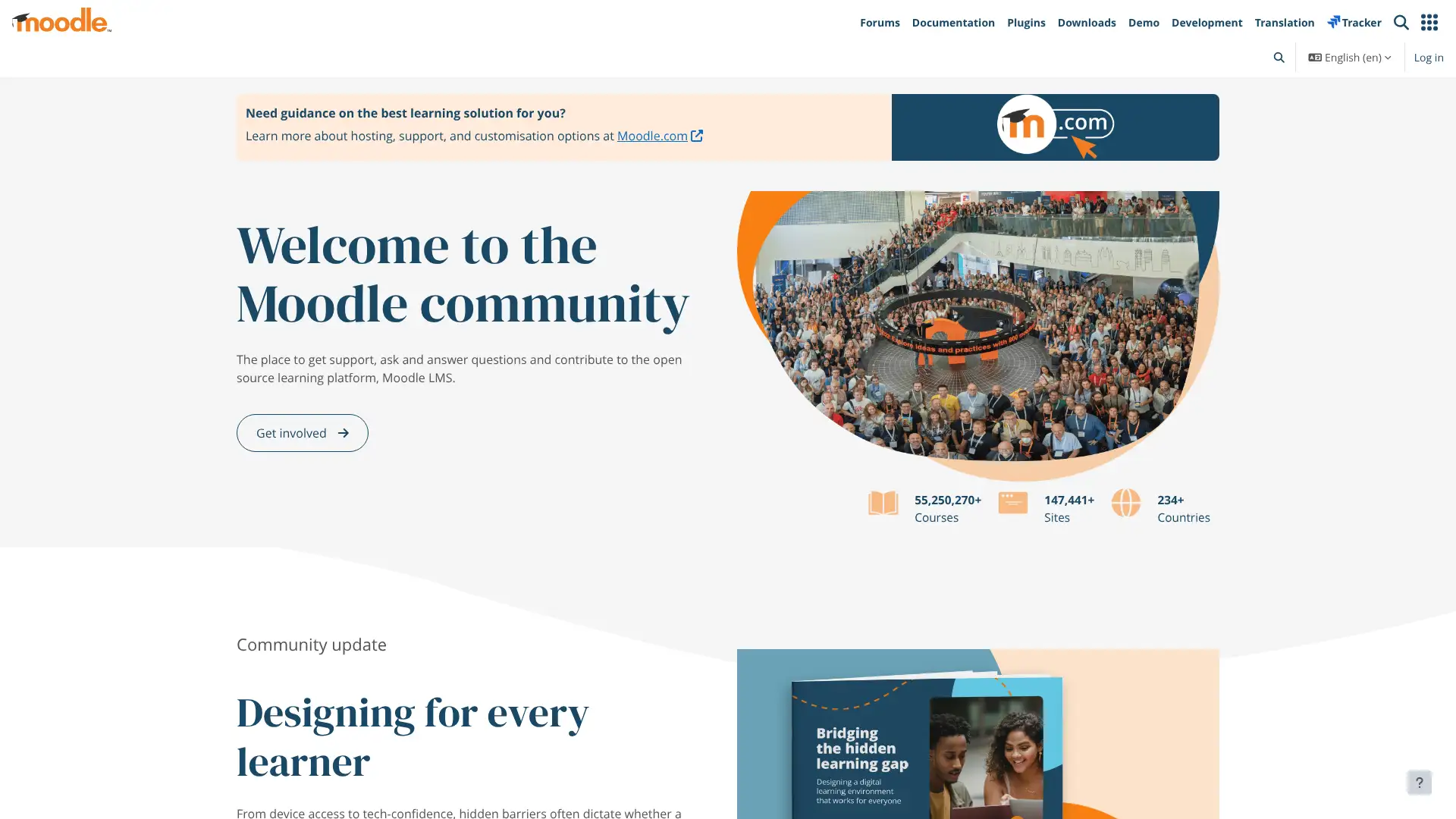
Moodle is the world's most widely deployed open-source LMS, used by over 250 million learners across more than 100,000 sites and available in over 100 languages. The software itself is free to download and self-host; real costs sit in server hosting, customization, and support. For organizations that prefer managed hosting, MoodleCloud Standard plans start at $160/year for 50 users and scale to $2,110/year for 500 users (billed in USD). A community of thousands of developers maintains a plugin catalog covering everything from SCORM delivery to video conferencing. Moodle 4.x introduced a redesigned interface and improved activity tracking. The platform underpins the NHS, UNESCO, and countless school districts worldwide.
- • Course builder: supports SCORM, xAPI, H5P, assignments, quizzes, wikis, forums, and live sessions via Zoom or BigBlueButton integration.
- • Plugin ecosystem: over 1,700 plugins available covering SSO, proctoring, LTI tool integration, and custom themes.
- • Gradebook: configurable grading formulas, outcomes tracking, and competency-based completion rules.
- • Cohorts and groups: bulk-enroll learners by department or role, with separate reporting views per group.
- • Multi-language support: site-level and course-level language switching, used widely in multilingual institutions across 200+ countries.
Moodle is the strongest choice for institutions and enterprises that want complete control over their learning environment without a per-user licensing bill. The self-hosted route demands technical resources, but MoodleCloud removes that barrier for small to mid-sized organizations. For teams that need a polished, hosted LMS with no IT overhead, a commercial alternative will be a faster path.
Canvas LMS
Canvas by Instructure is one of the two dominant LMS platforms in higher education globally, trusted by institutions including Arizona State University, Penn State, and the California Community Colleges system. Instructure (NASDAQ: INST) does not publish per-seat pricing publicly; institutional contracts are negotiated annually based on full-time equivalent enrollment, typically ranging from $5 to $15 per student per year according to market data. In January 2025 Instructure integrated Gemini LTI, a Google AI assistant for instructors. A free teacher account (Canvas Free-for-Teacher) is available for individual educators, though institutional access requires a paid contract. The platform covers 500+ LTI integrations, SpeedGrader, accessibility tools meeting WCAG 2.1, and a dedicated mobile app for students and instructors.
- • SpeedGrader: annotate student submissions, record video feedback, and apply rubrics without leaving the grading interface.
- • Modules: organize course content into sequential units with prerequisite rules and completion requirements.
- • Gemini LTI: Google-powered AI assistant launched January 2025 for lesson planning, quiz generation, and content creation.
- • New Analytics: Canvas Premium Analytics (launched 2024) gives admins institution-wide LMS usage data and personalized learner insights.
- • 500+ LTI partner integrations: native connections to Turnitin, Zoom, Microsoft Teams, Proctorio, and major publisher content libraries.
Canvas is the top-tier choice for colleges and universities that need a modern, accessible, deeply integrated LMS with broad faculty adoption. K-12 districts get strong results as well. The lack of published pricing means any budget estimate before speaking with Instructure sales is a guess — go in knowing the per-student benchmarks and be prepared to negotiate on multi-year terms.
Blackboard
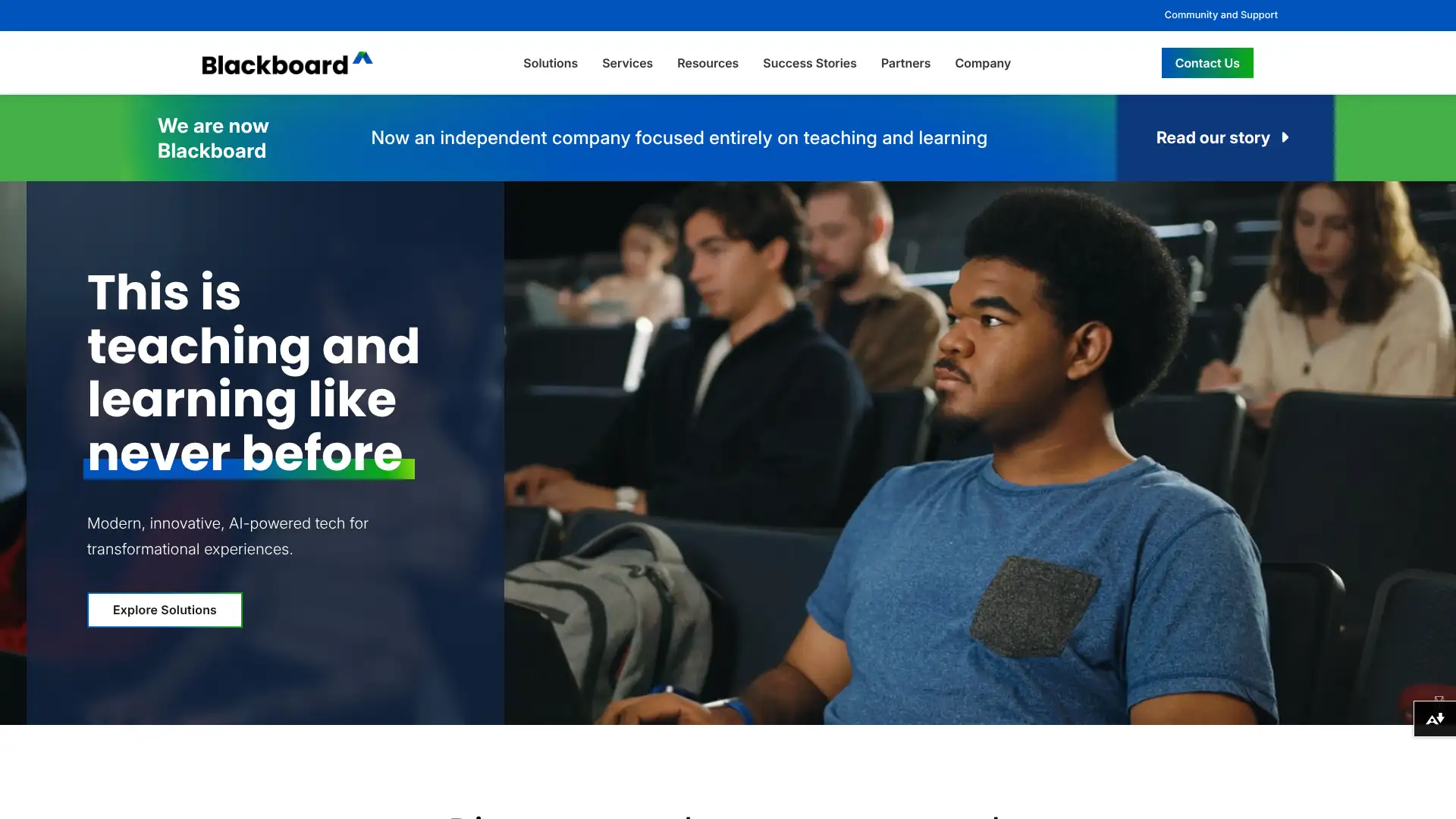
Blackboard, now operating independently after its parent company Anthology completed Chapter 11 restructuring in March 2026 and rebranded back to Blackboard, is one of the longest-running LMS brands in education. The platform serves thousands of institutions across 70+ countries and approximately 100 million users. Blackboard Learn Ultra, the modern SaaS version, features a mobile-first redesign built in collaboration with educators, along with Ally for accessibility auditing and AI-generated alternative formats. Pricing follows enterprise contract models with no published rates; third-party data puts annual contracts commonly in the £13–£20 per user range for UK public sector deployments. In February 2026 Blackboard released a major UI refresh for its course experience.
- • Blackboard Ally: automatically audits all course content for accessibility and generates alternative formats (audio, ePub, HTML) for students with different needs.
- • Ultra Course View: redesigned interface with a simplified navigation rail and inline activity creation, built after direct feedback from 700+ institutional partners.
- • AI content tools: generative AI for test question drafting, course outline suggestions, and automated assignment rubrics (added in 2025 releases).
- • 200+ partner integrations: native LTI connections to Turnitin, Respondus, Zoom, Microsoft Teams, and major publisher platforms.
- • Multi-modal assessment: supports video submissions, group projects, peer review, competency-based completion, and proctored exams.
Blackboard is a defensible choice for large, complex institutions already invested in the ecosystem, especially those using Ally for accessibility compliance. The restructured, debt-free Blackboard entering 2026 signals focus, but procurement teams should negotiate hard on multi-year contracts and confirm implementation roadmaps before signing.
Google Classroom
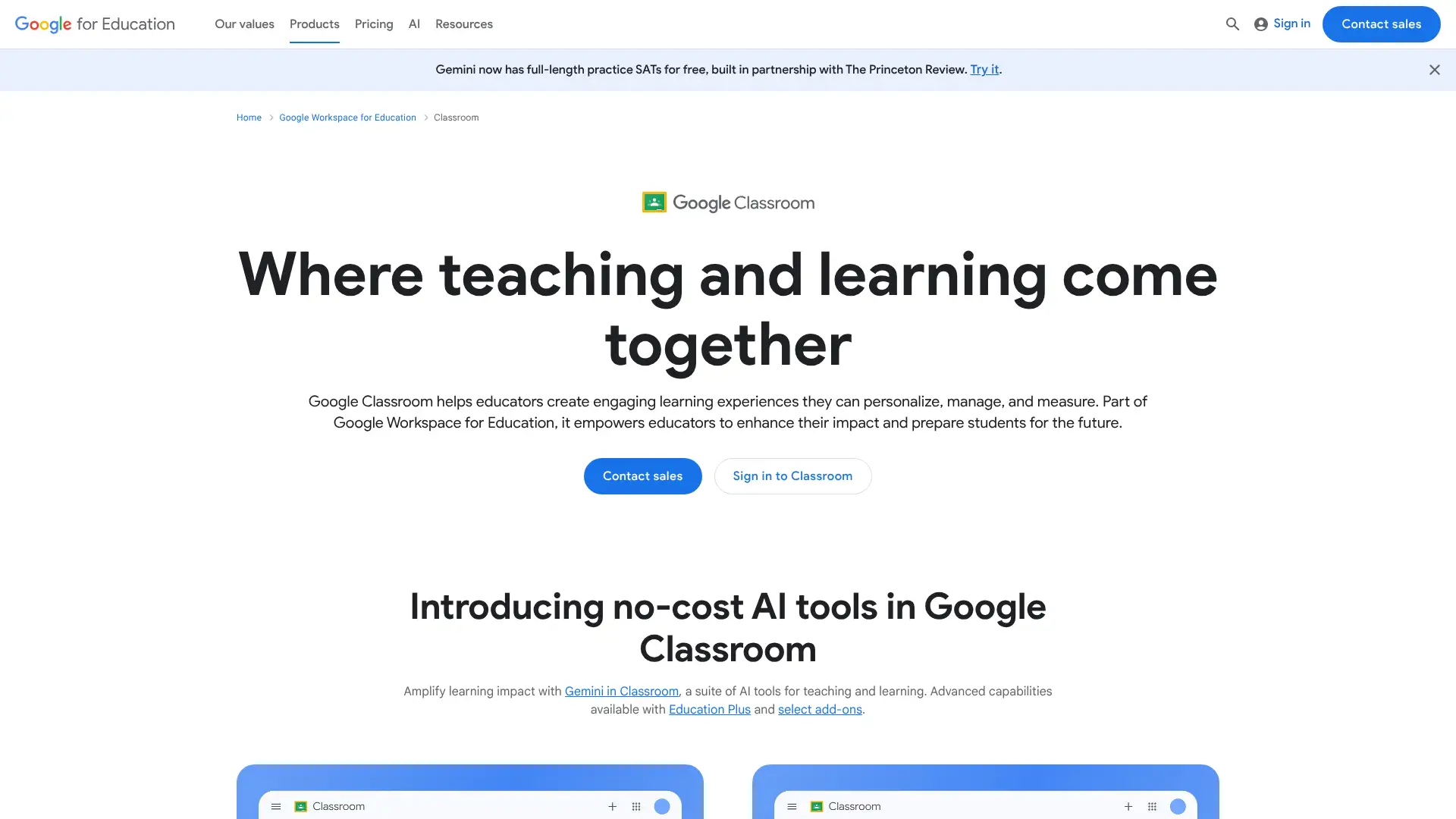
Google Classroom is a free assignment management and communication tool built on top of Google Workspace, used by more than 150 million students and educators worldwide as of 2024. It is not a full LMS in the traditional sense — it does not support SCORM, advanced gradebook formulas, or complex learning paths — but for schools already using Google Docs, Drive, Forms, and Meet, it provides a frictionless hub for distributing work, collecting submissions, and giving feedback. Google Workspace for Education Fundamentals (which includes Classroom) is free for qualifying K-12 institutions. Paid upgrades to Education Standard ($3/student/year) and Education Plus ($5/student/year) unlock advanced security, analytics, video, and meeting features.
- • Assignment distribution: create, distribute, and collect assignments linked directly to Google Drive files, with automatic per-student folder creation.
- • Originality reports: built into the Teaching & Learning Upgrade tier, checking student work against web content and a cross-school repository.
- • Classwork stream: organize materials into topics with due dates and visibility scheduling, giving students a structured view of their course.
- • Google Meet integration: launch live sessions directly from Classroom with attendance tracking on Education Plus.
- • Practice sets: AI-powered adaptive question banks that adjust difficulty based on student responses (available on Teaching & Learning Upgrade and above).
Google Classroom is the right tool for K-12 schools that want a free, low-friction assignment hub built around tools teachers already use every day. It is not the right choice for organizations that need SCORM delivery, complex gradebooks, or learning analytics — for those needs, step up to a dedicated LMS.
Schoology
Schoology, owned by PowerSchool since 2019, is a K-12-focused LMS used by more than 60,000 schools and 20 million users globally. The platform combines course management, gradebook, assessment, and family communication in a single environment. PowerSchool's February 2024 acquisition of Schoology deepened the native SIS sync: districts on PowerSchool SIS can pass attendance, grades, and standards-based records bidirectionally without manual export. Pricing is customized by institution size and is not published; Schoology is typically added as a module to PowerSchool contracts at an estimated $2–$5 per student per year. In 2025 PowerSchool integrated its PowerBuddy AI assistant natively into Schoology workflows for teachers.
- • PowerSchool SIS bidirectional sync: attendance, grades, and standards-based records sync natively without CSV exports or third-party middleware.
- • Standards-based gradebook: supports proficiency scales, customizable grade categories, and district-wide gradebook templates.
- • PowerBuddy AI: natively integrated AI assistant (2025) for lesson planning, content creation, and personalized student support.
- • Mastery tracking: align assessments to standards and track student mastery progression across courses and grade levels.
- • Family portal: parents and guardians can view grades, announcements, assignments, and messages from a unified dashboard.
Schoology makes the most sense for K-12 districts already running PowerSchool SIS, where the native grade passback and standards tracking integration removes a major administrative pain point. Districts not on PowerSchool should evaluate Canvas or Brightspace, which offer more modern UX and better published pricing transparency.
Brightspace
Brightspace by D2L is an enterprise LMS used across K-12, higher education, and corporate training, known for its learning science foundations and adaptive learning capabilities. The platform is particularly strong in competency-based education and accessibility-by-design, holding WCAG 2.1 compliance across the entire platform rather than as an add-on layer. D2L Lumi, the AI engine embedded throughout Brightspace, powers content recommendations, automated feedback, and performance forecasting. D2L does not publish pricing; contracts are customized by user volume, feature set, and support tier. The company serves clients including major university systems in North America, with implementations ranging from small colleges to multi-campus systems.
- • D2L Lumi AI: embedded throughout the platform for content recommendations, intelligent agents, and automated insights without a separate AI module purchase.
- • Competency-based learning: native tools for mapping course activities to competency frameworks, used extensively in healthcare and professional certification programs.
- • Accessibility by design: WCAG 2.1 AA compliant throughout, with automated alt-text suggestions and color-contrast checking built into the authoring tools.
- • Performance+: institutional analytics dashboard that surfaces at-risk learners, engagement trends, and program outcome data for administrators.
- • Course Merchant: integrated storefront for selling CE, professional development, and alumni courses to external audiences.
Brightspace is the strongest LMS for institutions where competency-based education, accessibility compliance, and embedded AI matter more than UI polish. Healthcare education, nursing programs, and professional certification programs consistently cite it as their top choice. Budget-sensitive institutions should request a detailed breakdown of add-on costs before signing.
TalentLMS
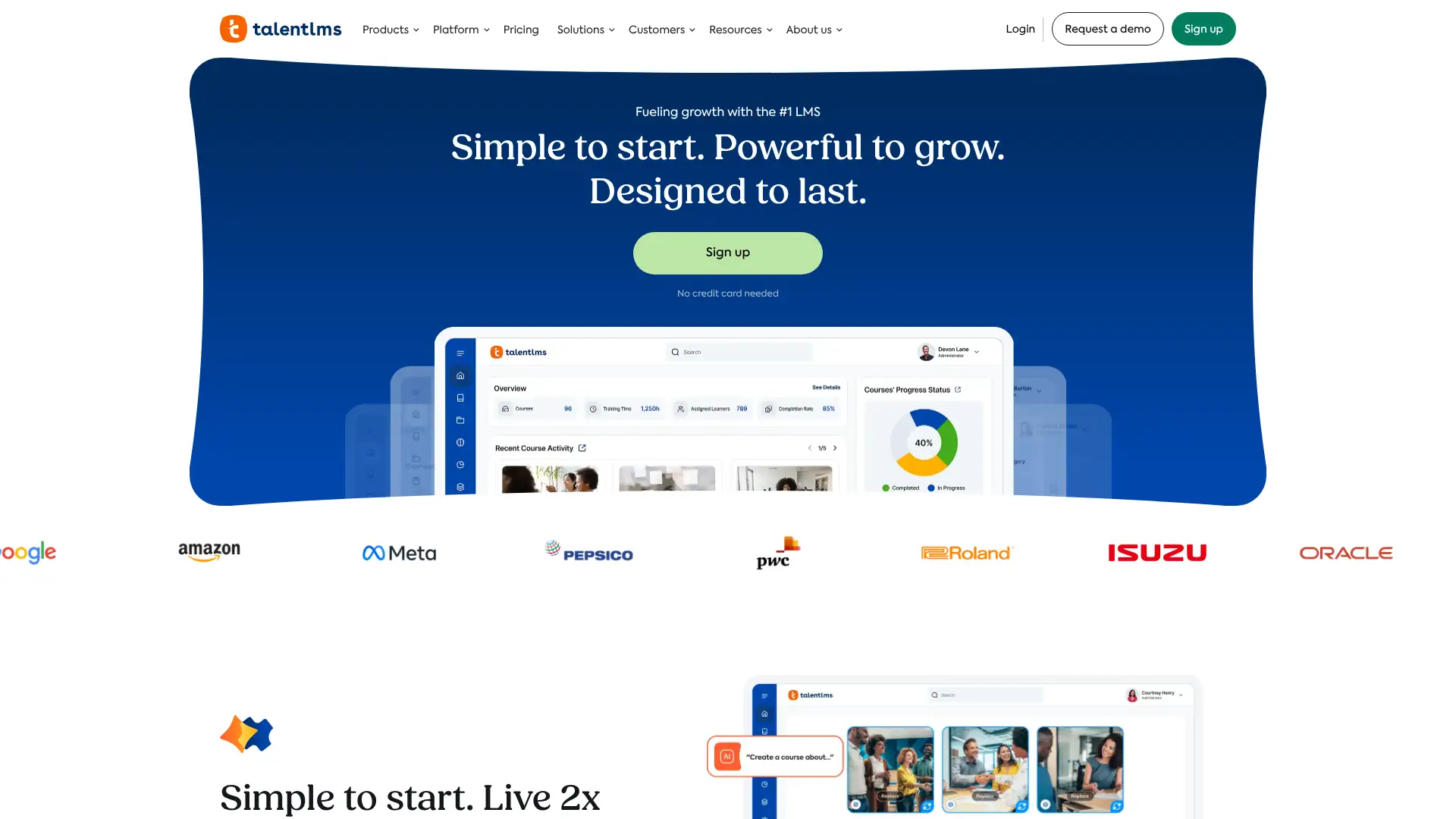
TalentLMS is a cloud-based LMS built for corporate training, used by more than 70,000 teams across 30+ industries including Amazon, Meta, eBay, and OpenAI. It is one of the most accessible entry-level SaaS LMSs on the market, offering a genuinely usable free plan for up to 5 users and 10 courses, and paid plans starting at $149/month (annual) for up to 40 users. TalentLMS charges by registered users, not active users, which matters for organizations with fluctuating engagement. TalentCraft, the platform's AI course creation tool, was added in 2024 and is included on paid plans. The platform covers SCORM/xAPI support, gamification, custom branding, SSO, and an API on all paid plans.
- • TalentCraft: AI-powered course creation tool that generates text, images, and course outlines from a topic prompt; included on all paid plans.
- • Branches: create separate branded portals for different departments, customer segments, or partner groups from a single account.
- • Gamification: points, badges, leaderboards, and levels built in across all paid plans without additional cost.
- • SCORM 1.2, xAPI, and cmi5 support: upload externally authored content and track completions alongside native courses.
- • Flex pricing model: optional add-on that switches billing to active users rather than registered users — useful for organizations with seasonal or irregular learner activity.
TalentLMS is the go-to LMS for small and mid-sized businesses that need a fast, affordable, and easy-to-deploy training platform. The free plan is genuinely useful for evaluating the tool, and the Core plan at $149/month covers most SMB needs. For organizations where a large portion of registered users are inactive, the registered-user billing model can become expensive — in that scenario, iSpring LMS's active-user pricing is a better fit.
Docebo
Docebo is an enterprise-grade cloud LMS used by organizations including Starbucks, Uber, and Booking.com to deliver training to employees, partners, and customers from a single platform. The company is publicly traded on NASDAQ (DCBO) and serves thousands of organizations globally. Docebo pricing follows a per-active-user model with custom annual quotes; the platform does not publish a rate card, but market benchmarks suggest typical pricing of $7–$10 per active user per month, with minimum annual contracts starting around $25,000. The former entry-level Engage tier was discontinued for new customers in mid-2025; new customers now choose between Elevate and Enterprise. Docebo's AI engine powers personalized content recommendations, automated learning paths, and skills mapping.
- • AI-powered learning recommendations: surfaces relevant courses, paths, and content based on learner role, past activity, and skills profile.
- • Extended enterprise support: a single Docebo instance can serve multiple distinct audiences (employees, partners, customers) with separate branded portals.
- • AI video presenter: converts text into narrated video courses without requiring a studio, launched as part of the 2025 AI content creation suite.
- • Channels: curated content discovery feeds modeled on social media, allowing learners to subscribe to topics and follow subject matter experts.
- • Comprehensive integrations: Salesforce, Workday, SAP, Microsoft Teams, Zoom, and 400+ connectors via native API and marketplace.
Docebo is the right choice for mid-to-large enterprises that need a scalable, AI-driven LMS capable of serving multiple learning audiences from a single platform. The $25,000+ minimum annual investment rules it out for smaller teams. Organizations in that range should evaluate TalentLMS or Absorb LMS, which offer comparable corporate training features at a more accessible price point.
Absorb LMS
Absorb LMS is an AI-powered cloud-based LMS serving over 3,500 organizations including Toyota and Samsung, focused on employee onboarding, compliance training, and customer education. The platform does not publish pricing; contracts are negotiated based on active learner count, feature tier, and deployment complexity. Third-party procurement data from Vendr shows organizations with 500–2,000 active learners commonly see annual contracts in the mid-five to low-six figure range. Absorb added built-in mentoring and coaching programs in 2024 and has consistently ranked on Forbes Advisor's Best Enterprise LMS lists. It is built around an active-learner billing model.
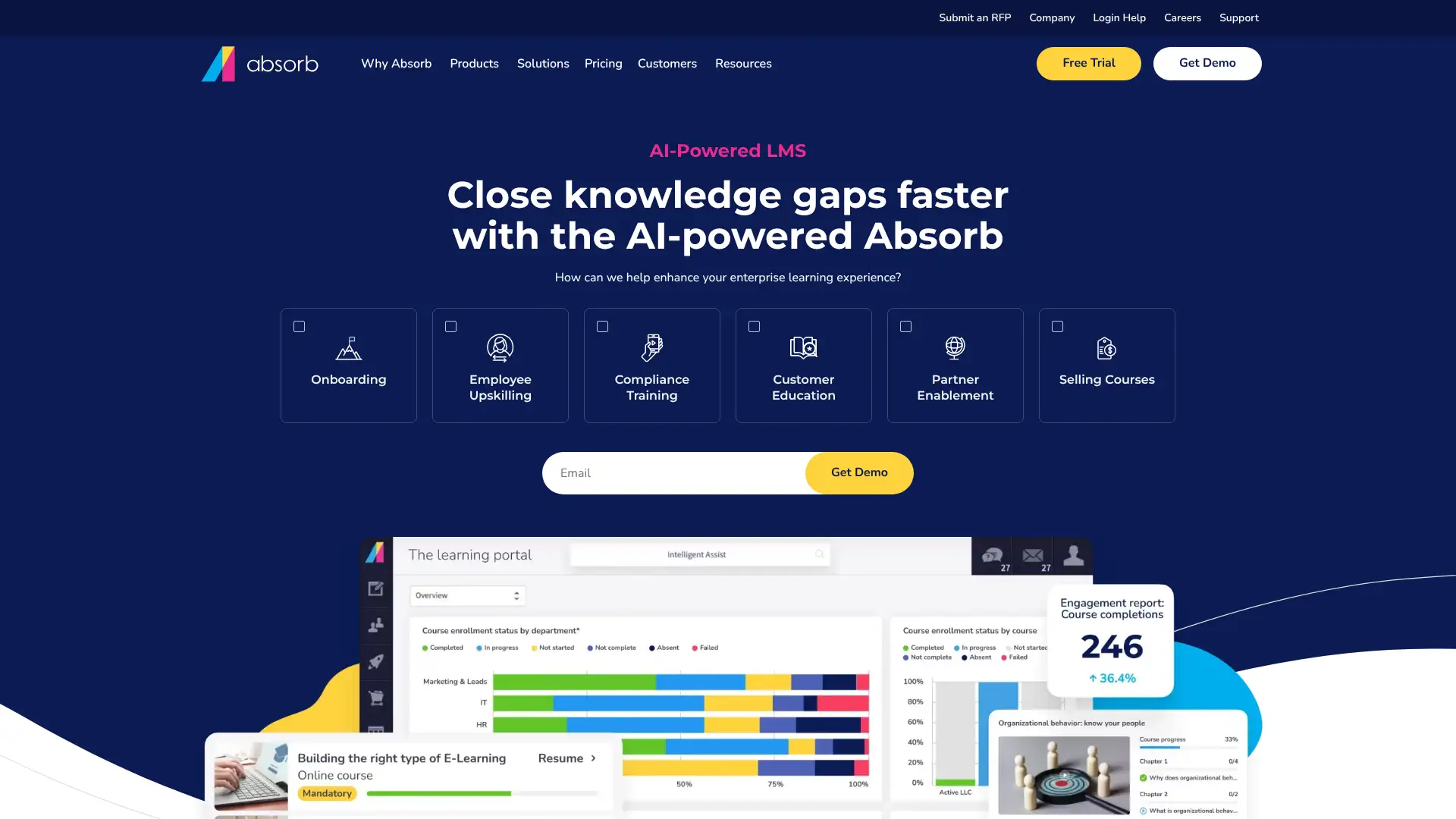
- • Absorb Infuse: embeds learning directly into third-party business applications via a headless API, so employees can access training within their CRM or HRIS without switching tools.
- • Absorb Analyze: advanced reporting add-on with scheduled reports, custom dashboards, and direct data export for BI tools.
- • Absorb Engage: built-in social learning, discussion boards, and peer content sharing to supplement formal course delivery.
- • AI content recommendations: personalized course suggestions based on learner role, completion history, and skills profile.
- • SOC 2 and GDPR compliant: enterprise-grade security with SSO, SAML, and MFA support on all tiers.
Absorb LMS is a strong fit for mid-market to enterprise organizations that prioritize compliance training, onboarding at scale, and the ability to surface learning inside other business tools via Infuse. The lack of published pricing is a real barrier for early-stage budget planning — teams that want to size cost before speaking to sales should start with TalentLMS or iSpring LMS.
Litmos
Litmos is a corporate LMS with over 30 million users across 150+ countries, historically owned by SAP before being sold to CallidusCloud and then spinning into its current independence. The platform offers three tiers — Foundation, Platinum, and Platinum AI — all requiring a custom quote; pricing is typically per active user per month, with industry estimates ranging from $3–$6/user/month at the Foundation level and $10–$15/user/month for LMS plus content library bundles. Litmos includes a built-in authoring tool and a large off-the-shelf content library covering compliance, soft skills, and technical training, which distinguishes it from LMSs that require separate content investments. A 14-day free trial is available.
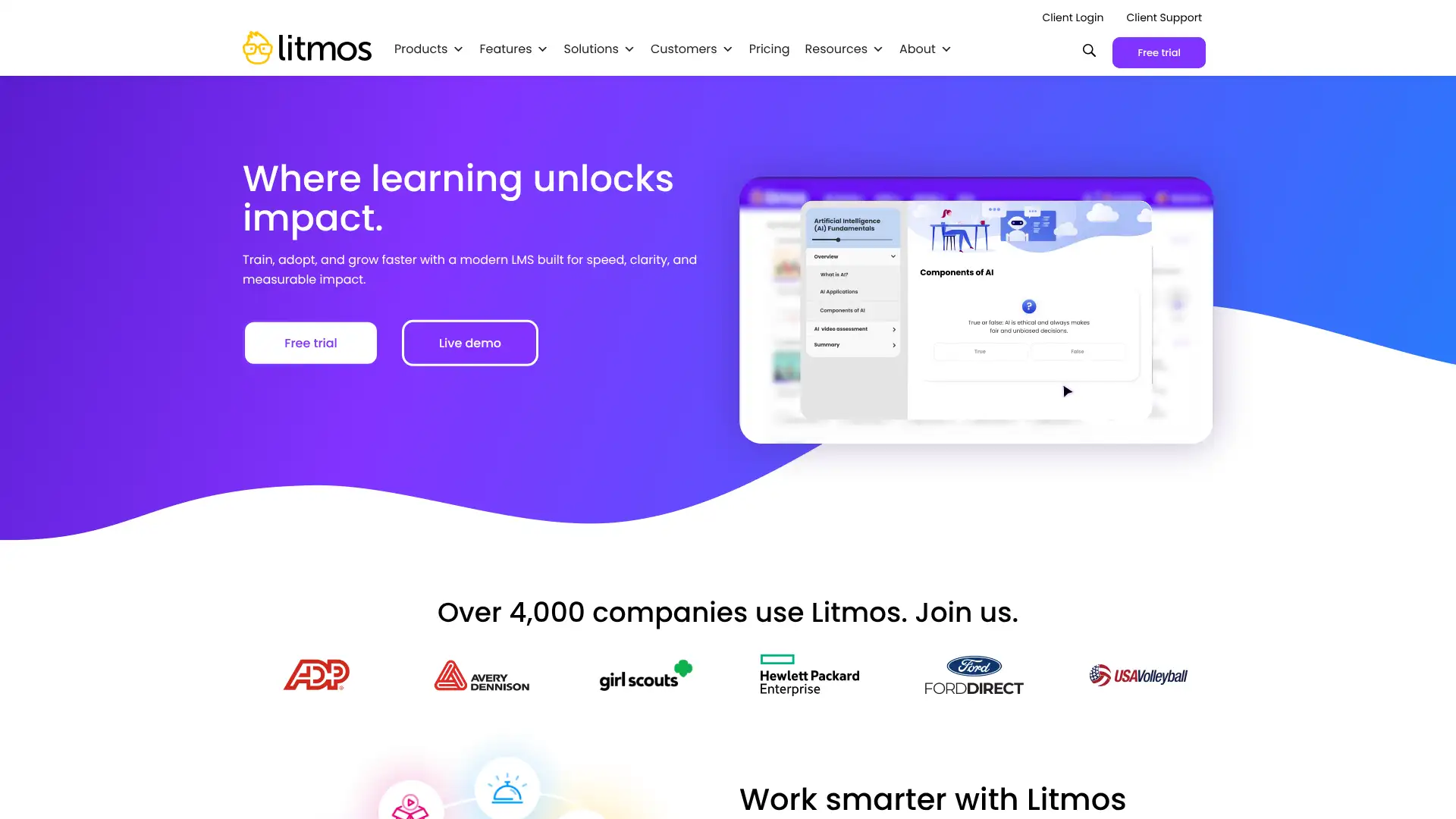
- • Built-in course authoring: create SCORM-compliant courses with multimedia, assessments, and branching directly inside Litmos without a separate authoring tool license.
- • Content library: Platinum plan includes 2,000+ off-the-shelf courses on compliance, soft skills, and technical topics — reduces content creation overhead for new programs.
- • Salesforce connector: native two-way integration syncs learner data with Salesforce records; add-on pricing applies.
- • AI Assistant: available on Platinum AI tier, providing learner-facing chat support, personalized playlists, and text-based search across the content library.
- • Automation rules: trigger course assignments, notifications, and certifications based on role changes, hire dates, or completion events.
Litmos is a strong pick for mid-size corporate training teams that need a fast-deploying LMS with a substantial off-the-shelf content library and built-in authoring tools. The Platinum content bundle at roughly $10–$15/user/month is only cost-effective if your team will actually use the library; organizations building all content in-house will find the Foundation tier or a competitor offers better value per dollar.
Cornerstone OnDemand
Cornerstone OnDemand is an enterprise talent suite used by over 7,000 clients including Samsung, TriNet, and Alaska Airlines, serving 140+ million users across 186 countries. The platform started as a corporate LMS and has expanded into performance management, succession planning, and AI-powered skills intelligence via Cornerstone Galaxy, its AI engine. Pricing is custom and not published; SelectHub estimates starting in the $500–$1,000/month range, while Vendr procurement data suggests per-user pricing typically starting around $6/user/month with meaningful volume discounts above 1,000 users. A March 2026 release introduced adaptive learning accelerators powered by Galaxy AI.
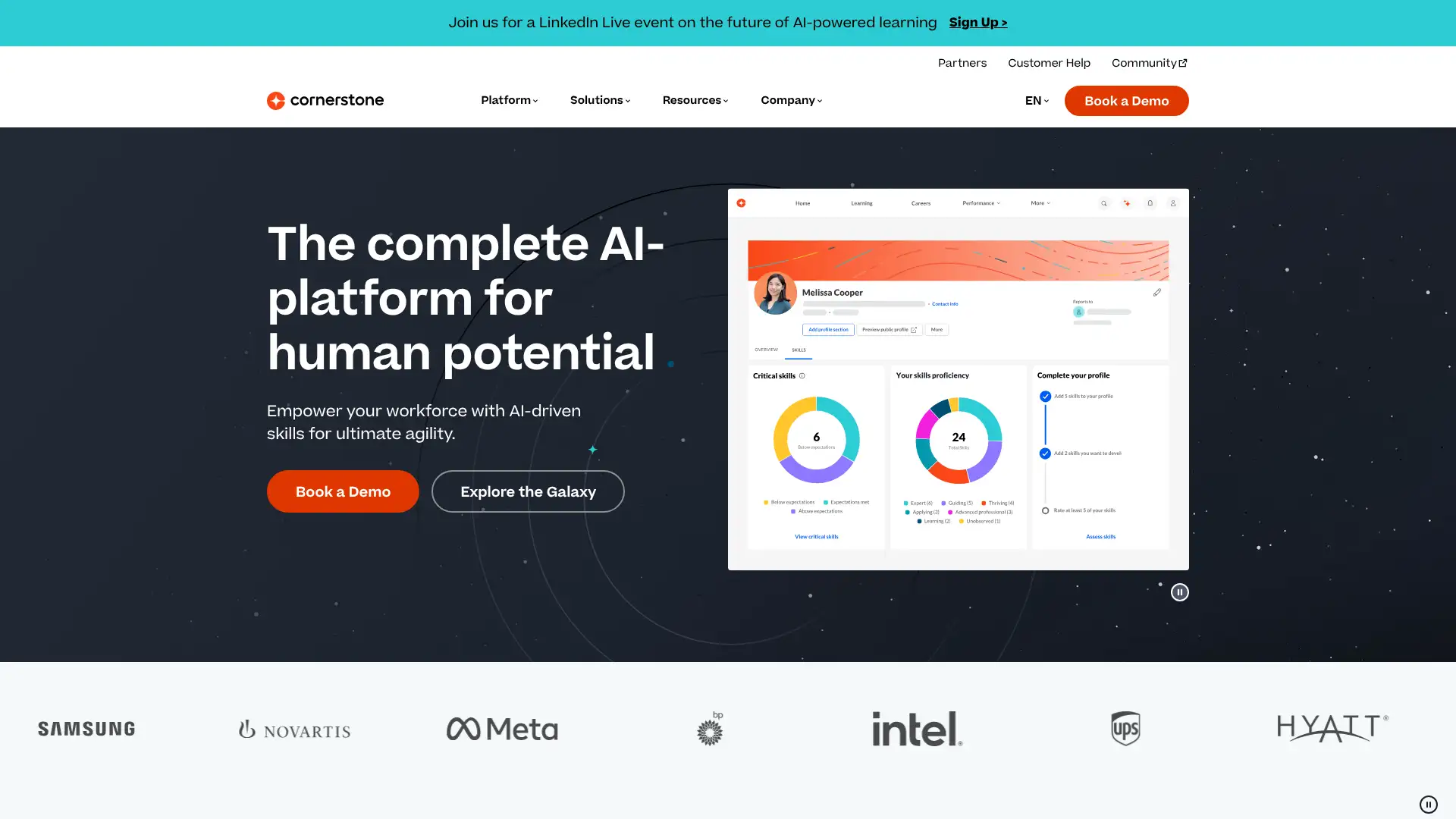
- • Cornerstone Galaxy AI: AI engine across the platform powering personalized content recommendations, skills-to-job mapping, and automated compliance tracking.
- • Content Anytime library: curated course library covering thousands of topics, available as an add-on; integrates with LinkedIn Learning and other external content sources.
- • Extended enterprise: train employees, customers, and partners from a single Cornerstone instance with audience-specific branding and separate catalogs.
- • XR simulations: immersive VR/AR training capabilities for hands-on skill development in manufacturing, healthcare, and safety contexts.
- • Integrations: native connectors to Salesforce, Microsoft Teams, Workday, and 50+ HR and productivity tools.
Cornerstone is the right investment for large enterprises that want to consolidate learning, performance, and skills intelligence into a single platform rather than managing separate point solutions. For organizations only needing an LMS, the breadth of Cornerstone adds cost and complexity that simpler tools avoid — Docebo or Absorb LMS are better-scoped alternatives.
Schoox
Schoox is an AI-powered workplace learning platform positioned specifically for organizations with large frontline workforces, including restaurants, hotels, retail chains, and financial services firms. The company is backed by Vista Equity Partners and markets itself as an LMS plus Learning Impact Suite that connects training outcomes directly to KPIs. Pricing follows a custom per-employee-per-month (PEPM) model at approximately $8–$11 PEPM based on third-party procurement data; no free plan or trial is available. Schoox earned the 2026 Lighthouse Tech Award for Best Frontline Focused Solution and Best Advance in Practical AI. The average customer organization employs over 10,000 people.
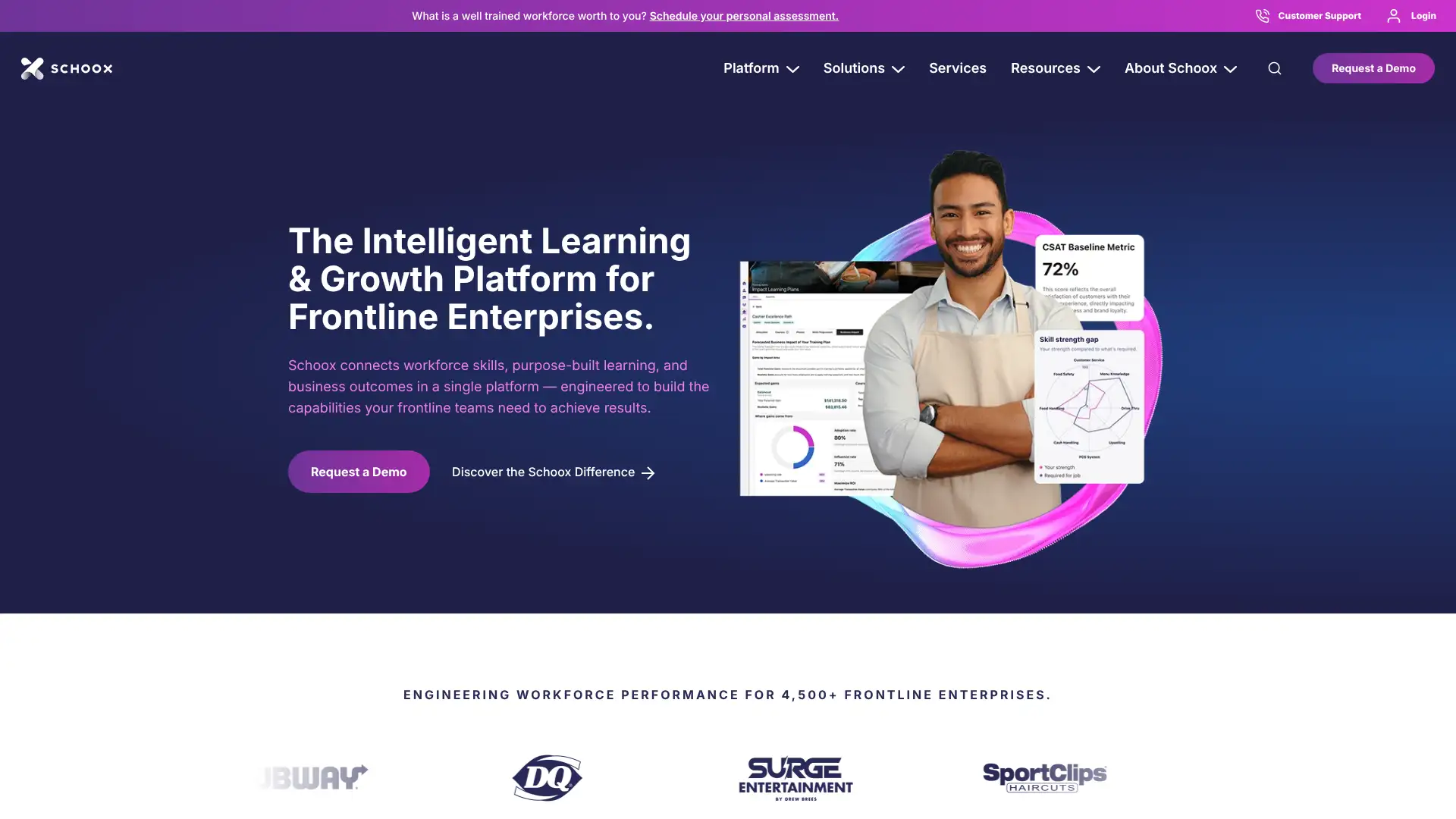
- • Learning Impact Suite: connects course completion data directly to operational KPIs such as safety incident rates, revenue per employee, and customer satisfaction scores.
- • Skills AI: automatically maps skills to job roles and relevant content, then generates targeted training plans to close identified gaps.
- • Mobile-first design: iOS and Android apps with offline learning support, optimized for frontline workers who may not have desktop access during shifts.
- • Multi-language support: 29 languages with automated translation tools for localized frontline training at scale.
- • Deep HRIS integrations: native connectors to Workday, ADP, UKG Pro, Oracle, and SAP for automated user provisioning and HR data sync.
Schoox is the strongest LMS for large hospitality, restaurant, and retail enterprises where frontline training directly impacts operational and revenue outcomes. The Learning Impact Suite is a genuine differentiator. Organizations with fewer than 500 employees or those outside service industries will find better value in a general-purpose LMS.
iSpring LMS
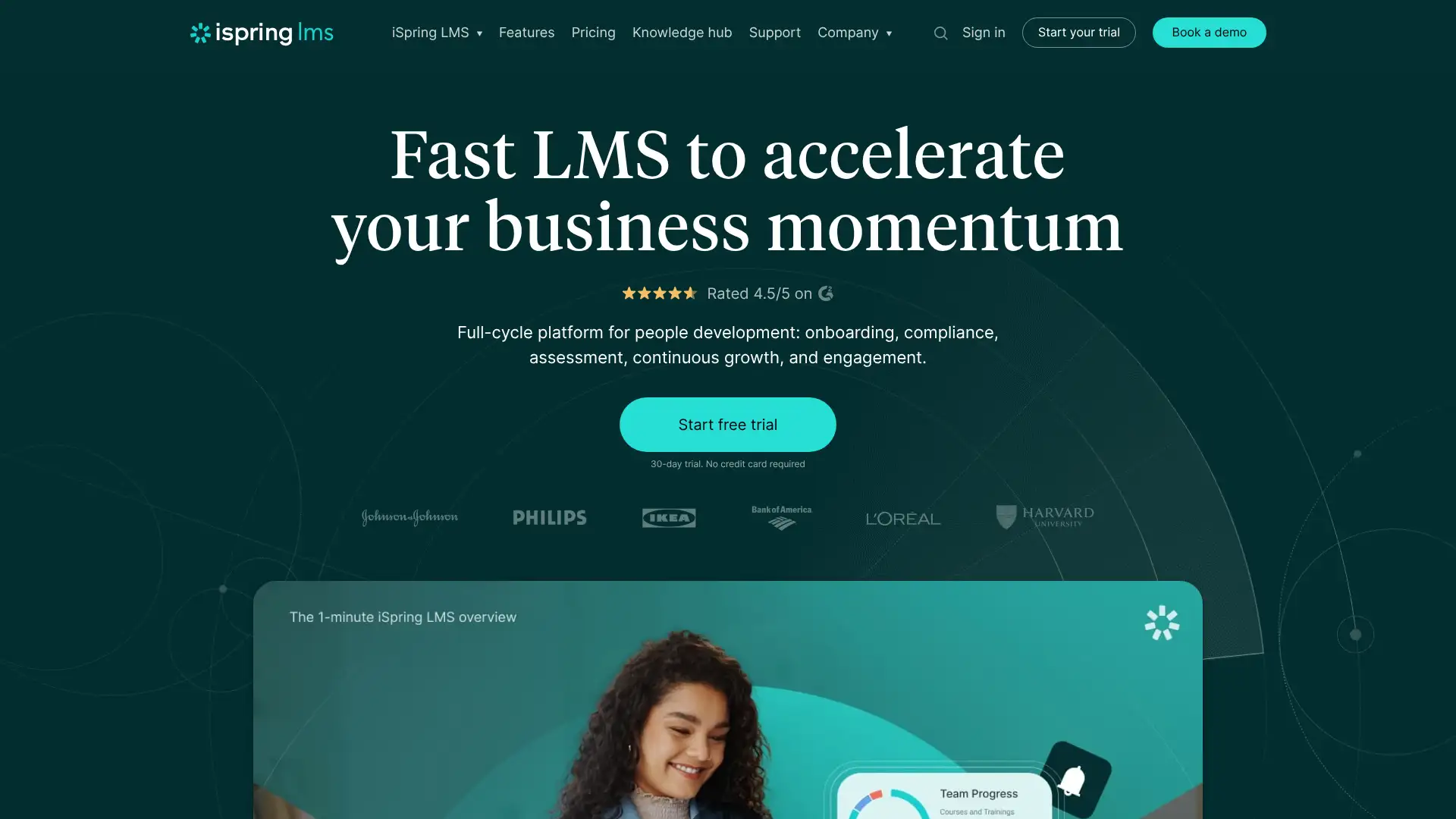
iSpring LMS (recently rebranded from iSpring Learn) is a cloud-based corporate LMS built around iSpring Suite, the company's PowerPoint-based course authoring toolkit. The platform charges per active user (someone who logs in at least once per month) on Business and Enterprise tiers, with unlimited registered users on any plan. Business plan pricing starts at $16,050/year for 300 active users ($4.46/user/month) and scales to $42,930/year for 1,000 active users ($3.58/user/month). A 30-day free trial is available. iSpring serves over 65,000 organizations across manufacturing, healthcare, finance, and retail. The 2025 update added 360-degree feedback, competency profile building, and AI-powered content creation through iSpring Suite.
- • iSpring Suite integration: publish PowerPoint presentations directly as SCORM-compliant HTML5 courses with animations and transitions preserved.
- • Active-user billing: register unlimited users and only pay for those who log in during each month — significant cost savings for organizations with seasonal or infrequent learners.
- • 360-degree feedback: competency profile builder and performance review sessions launched in the 2025 update.
- • No storage or bandwidth fees: unlimited content storage and delivery included on all Business plans regardless of file volume.
- • Mobile apps with offline mode: iOS and Android apps allow learners to download and complete courses without internet access.
iSpring LMS is the best choice for corporate training teams with 300+ monthly active users who want PowerPoint-native course authoring, active-user billing, and no storage surprises. The minimum 300-user threshold rules it out for smaller teams, and those teams should look at TalentLMS or Coassemble instead.
360Learning
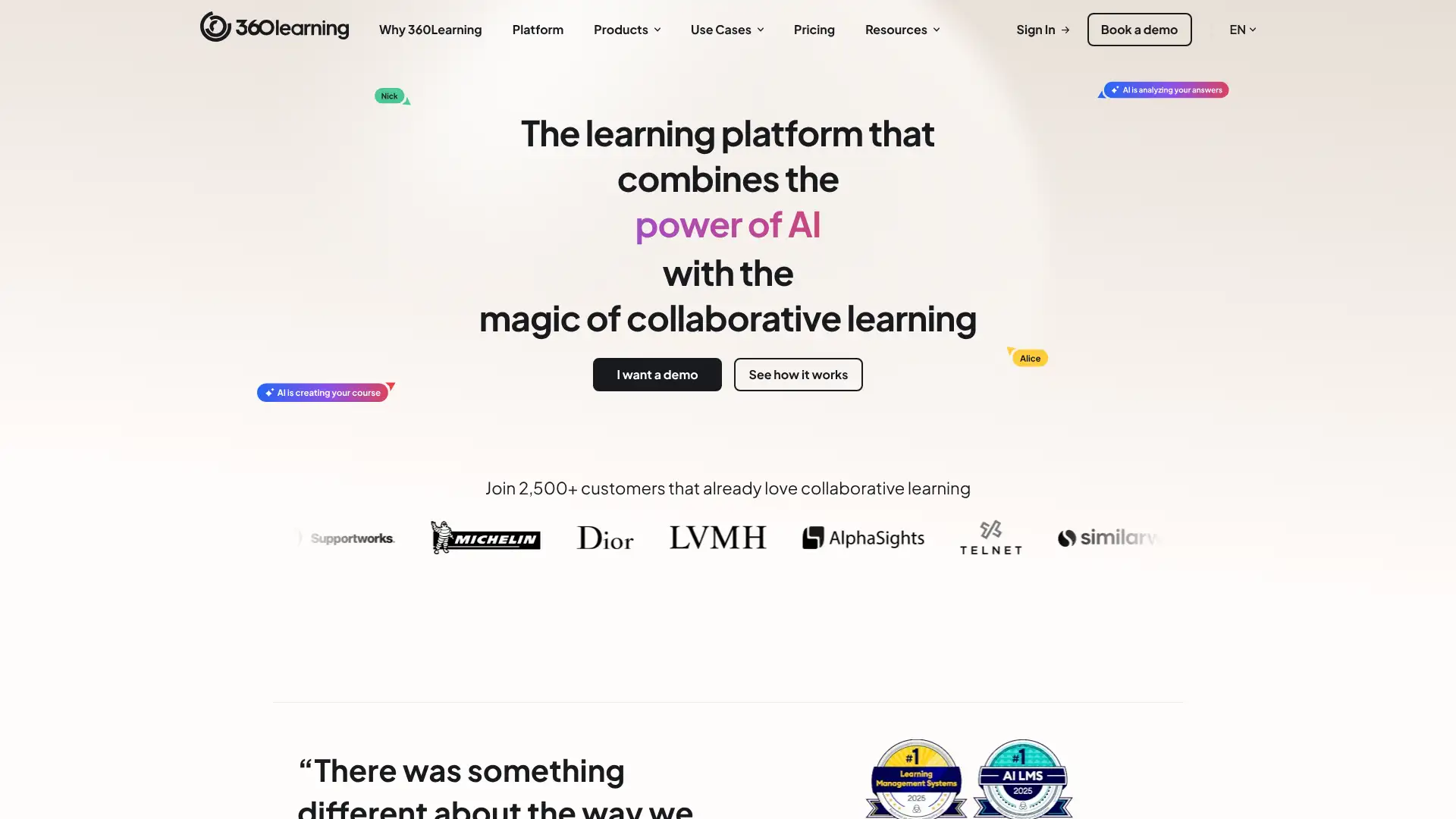
360Learning is an AI-powered collaborative LMS and LXP used by organizations including Dior, Kingfisher, and Safran to turn internal subject matter experts into course authors. The platform's core differentiator is its collaborative learning model — any employee can build and publish a course in minutes using guided templates, and peers provide feedback through in-course reactions and discussions. The Team plan is the only tier with a published price: $8/registered user/month for up to 100 users. Beyond 100 users, pricing moves to custom Business and Enterprise quotes; third-party data suggests Business plan pricing of $10–$18/user/month for 500–1,500 learners. A 30-day free trial is available.
- • Collaborative authoring: any employee can create a course from a guided template in under an hour; managers can peer-review and publish without L&D bottlenecks.
- • In-course reactions and discussions: learners can flag confusing content, ask questions, or suggest improvements inline, creating a feedback loop for continuous course improvement.
- • AI course creation: an AI authoring assistant generates outlines, quiz questions, and content blocks from uploaded documents or topic prompts.
- • Skills management: AI-driven skills matrix maps learning activity to organizational competencies and highlights workforce skill gaps.
- • SCORM support: import and track externally authored SCORM packages alongside native 360Learning courses.
360Learning is the ideal LMS for organizations that want to break the L&D bottleneck by enabling subject matter experts across the business to build and maintain courses. The collaborative model produces faster course updates and higher relevance than centralized content teams. For compliance-heavy training programs where instructor control and lockstep progression matter more than collaborative updates, consider TalentLMS or Litmos.
Seismic Learning
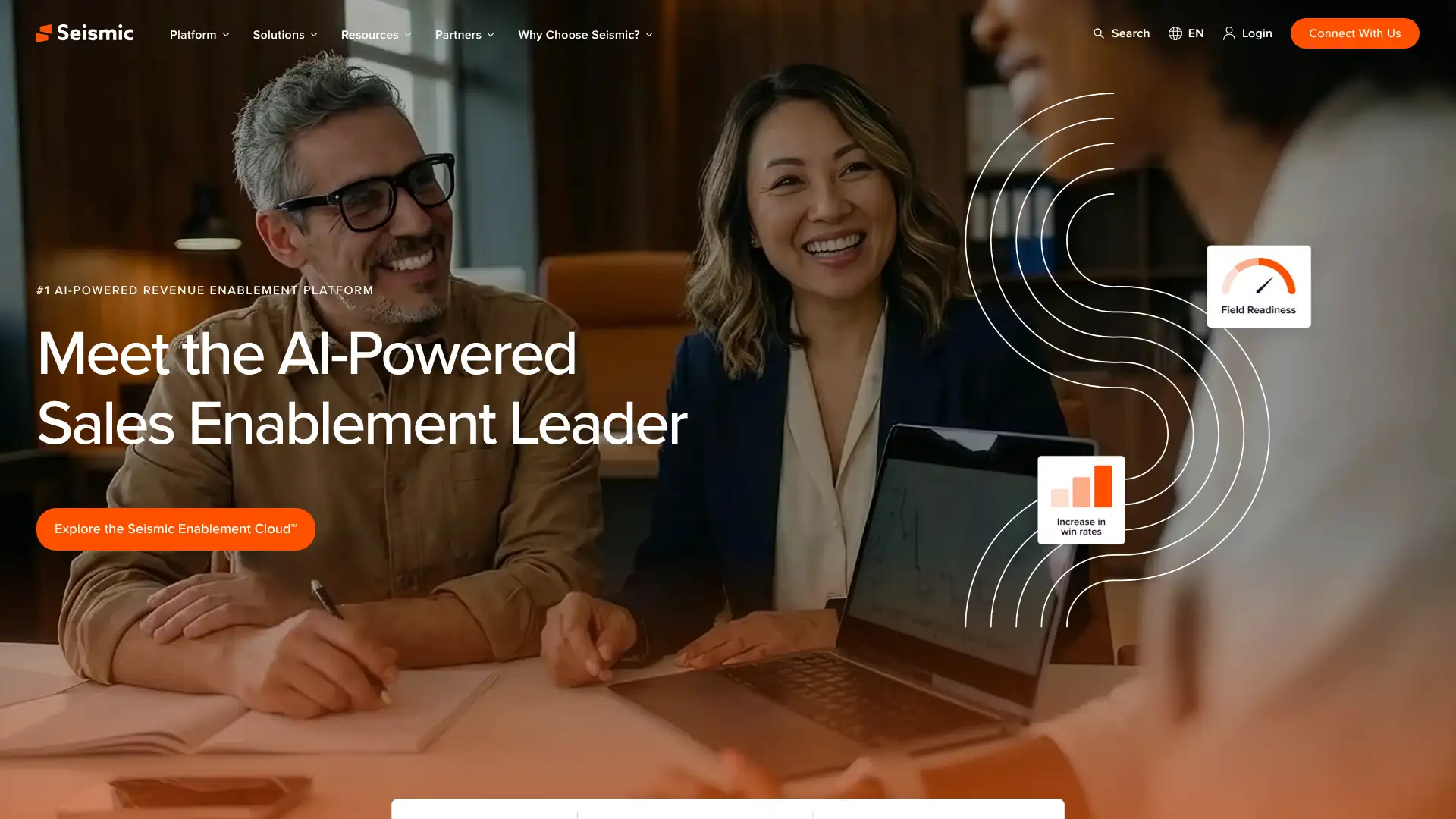
Seismic Learning, originally known as Lessonly before being acquired by Seismic in 2021, is a sales enablement and team training platform used by over 1,200 companies including Scholastic, U.S. Cellular, and Zendesk to train more than four million learners. Unlike a traditional LMS, Seismic Learning emphasizes practice exercises — reps can record webcam pitches, simulate chat conversations, and demonstrate product walkthroughs for manager review. Pricing is custom and not published; the platform offers Pro and Pro + Coaching tiers. Third-party data estimates Pro tier starting around $300–$500/month for small teams, with annual enterprise contracts for 500 learners in the $111,000 range at list price (50–70% discounts are common in multi-year negotiations).
- • Practice exercises: reps record webcam role-plays, simulate chat support scenarios, and practice presentations that managers can score and annotate with feedback.
- • Lesson builder: drag-and-drop creation of multimedia lessons with text, video, audio, and multiple assessment types including demos and video submissions.
- • Seismic Skills: ties lessons to competency development plans and allows managers to track individual rep growth over time.
- • Salesforce integration: available on Pro + Coaching; invitations, completions, and skill records sync directly into Salesforce records.
- • Linear authoring with single-column layout: lessons follow a structured scroll format optimized for mobile-first consumption.
Seismic Learning is the best tool on this list for revenue-facing teams — sales, customer success, and support — that need reps to practice real job tasks rather than passively consume training. The practice-exercise model is worth the premium if your training centers on live skill demonstrations. For general onboarding or compliance training, the cost per learner is difficult to justify versus TalentLMS or 360Learning.
SC Training
SC Training (formerly EdApp, now branded under SafetyCulture) is a mobile-first microlearning LMS used by organizations across 90 countries to deliver bite-sized training to frontline, deskless, and distributed teams. The platform's free tier is genuinely unlimited in time — there is no 14-day trial expiry — and supports up to 10 users with full course authoring access. Paid plans use an active-user billing model with a minimum of 20 active users billed. SafetyCulture acquired EdApp and integrated it into its workplace operations platform; SC Training is available as a standalone product or bundled with SafetyCulture's operations tools.
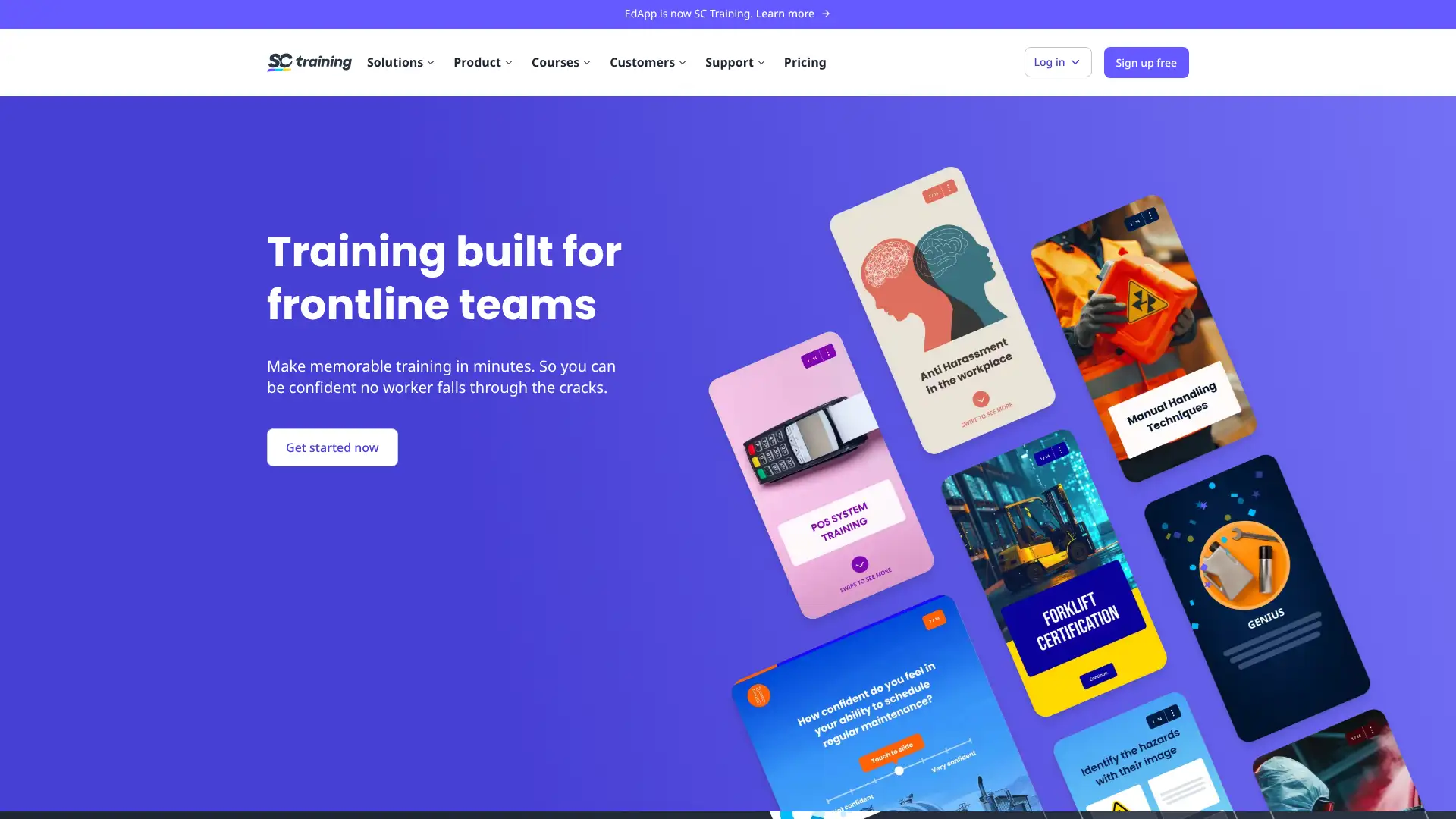
- • Microlearning templates: 50+ drag-and-drop interactive templates including spaced repetition cards, matching games, image-label activities, and short quizzes.
- • AI course creation: converts PDF documents, existing PowerPoints, or text topics into structured microlessons with quiz suggestions in minutes.
- • Spaced repetition: automatically resurfaces content at optimal intervals to improve long-term knowledge retention without manual scheduling.
- • Push notifications: send lesson reminders and deadline alerts directly to learners' mobile devices, useful for frontline workers without desktop access.
- • Course library: over 80,000 pre-built lessons across safety, compliance, retail, hospitality, and leadership topics — available to all users including free tier.
SC Training is the right choice for organizations deploying mobile microlearning to frontline or deskless teams, especially those wanting to start free and scale gradually. The combination of a no-expiry free plan and a massive public lesson library makes it one of the lowest-friction ways to launch a training program. Larger enterprises needing deep HRIS integrations and compliance workflows should evaluate Schoox or Litmos.
Tovuti
Tovuti is a cloud-based LMS founded in 2017 and used by clients including 1-800-Flowers, Club Med, Hyundai, Toyota, and Johns Hopkins University. The platform distinguishes itself through a deep library of 40+ gamified and interactive content types, a virtual classroom with real-time video, and an AI course creation tool called Dizi that generates professional courses from basic inputs. Pricing is based on a learner-tier model and is not publicly listed; SelectHub reports pricing starting around $775/month. Software Finder cites a tiered structure including Starter at $199/month, Growth at $299/month, and Business at $399/month for varying user counts. Tovuti supports SOC 2 Type 2 certification and integrates with 7,000+ apps via Zapier.
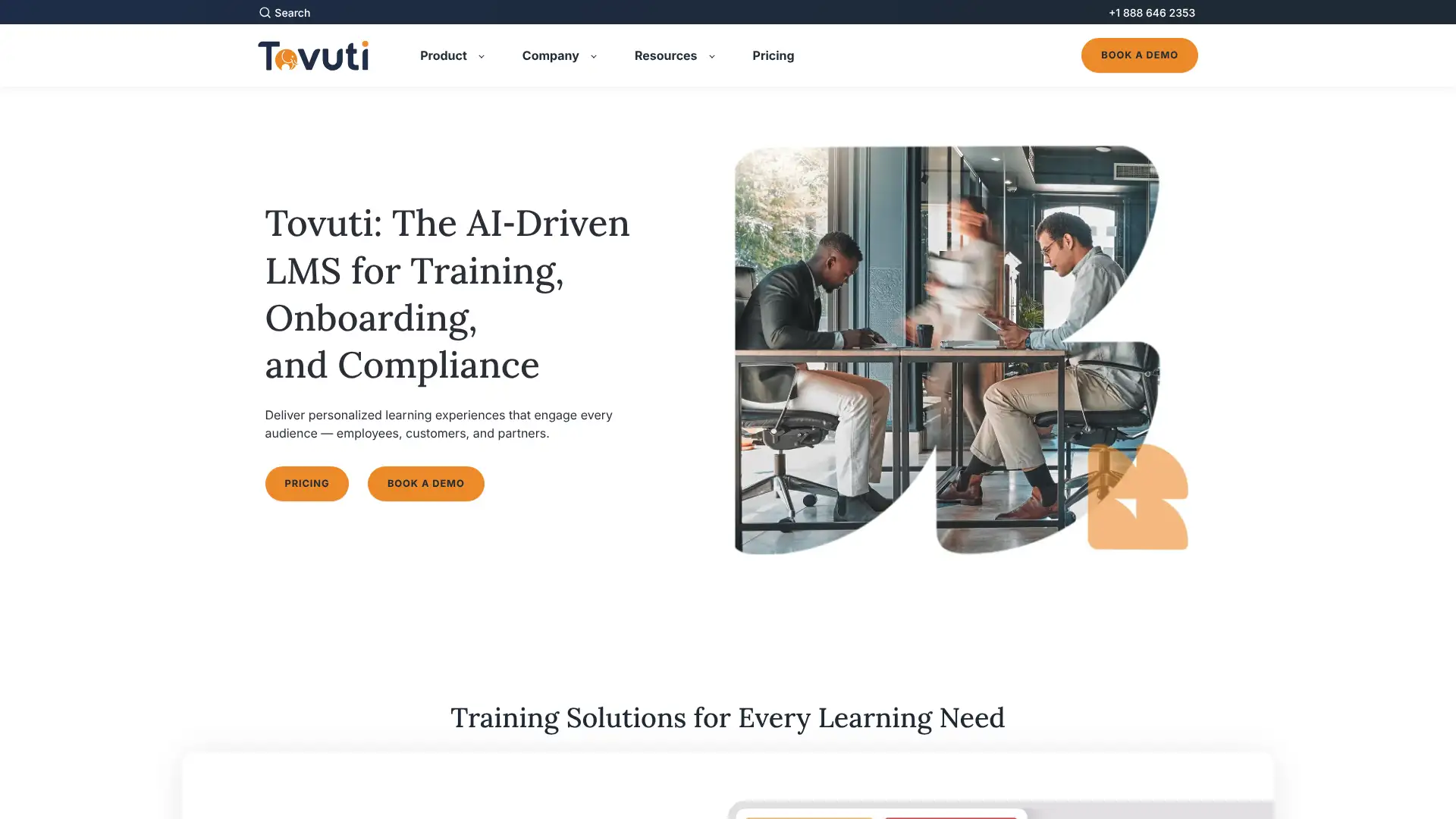
- • 40+ gamified content types: interactive videos, memory games, branching scenarios, flashcards, and click-to-reveal activities built natively without third-party tools.
- • Dizi AI: generates complete courses from a text prompt or uploaded document in minutes, including module structure, quiz questions, and multimedia suggestions.
- • Virtual classroom: real-time video sessions with breakout rooms, whiteboard, polls, and attendance tracking built directly into the LMS.
- • E-commerce: sell courses and subscription packages directly through Tovuti with a branded public catalog and integrated payment processing.
- • SOC 2 Type 2 certified: enterprise-grade security with data residency controls; integrates with Salesforce, ADP, Workday, and BambooHR natively.
Tovuti is the best choice when interactive content quality and gamification depth are the primary selection criteria. The fact that all features are available at every tier removes the upsell anxiety common in tiered LMS platforms. Organizations that need mobile-first delivery for frontline workers should evaluate SC Training or Schoox instead.
SkyPrep
SkyPrep is a Canadian cloud-based LMS used by organizations in healthcare, construction, finance, and non-profits to automate employee training, compliance tracking, and certification management. The platform offers two published feature tiers — Lite and Professional — with active-user billing (users who log in during a 30-day billing cycle). A minimum of 100 active users is required, with additional users purchased in bundles of 100. Exact pricing is not published on the website; organizations must contact SkyPrep for a quote. SkyPrep ranks highly for cost-effectiveness among SMB buyers, with SelectHub ranking it #6 in LMS software. In August 2025 SkyPrep added automated role-based admin assignments and a built-in course library.
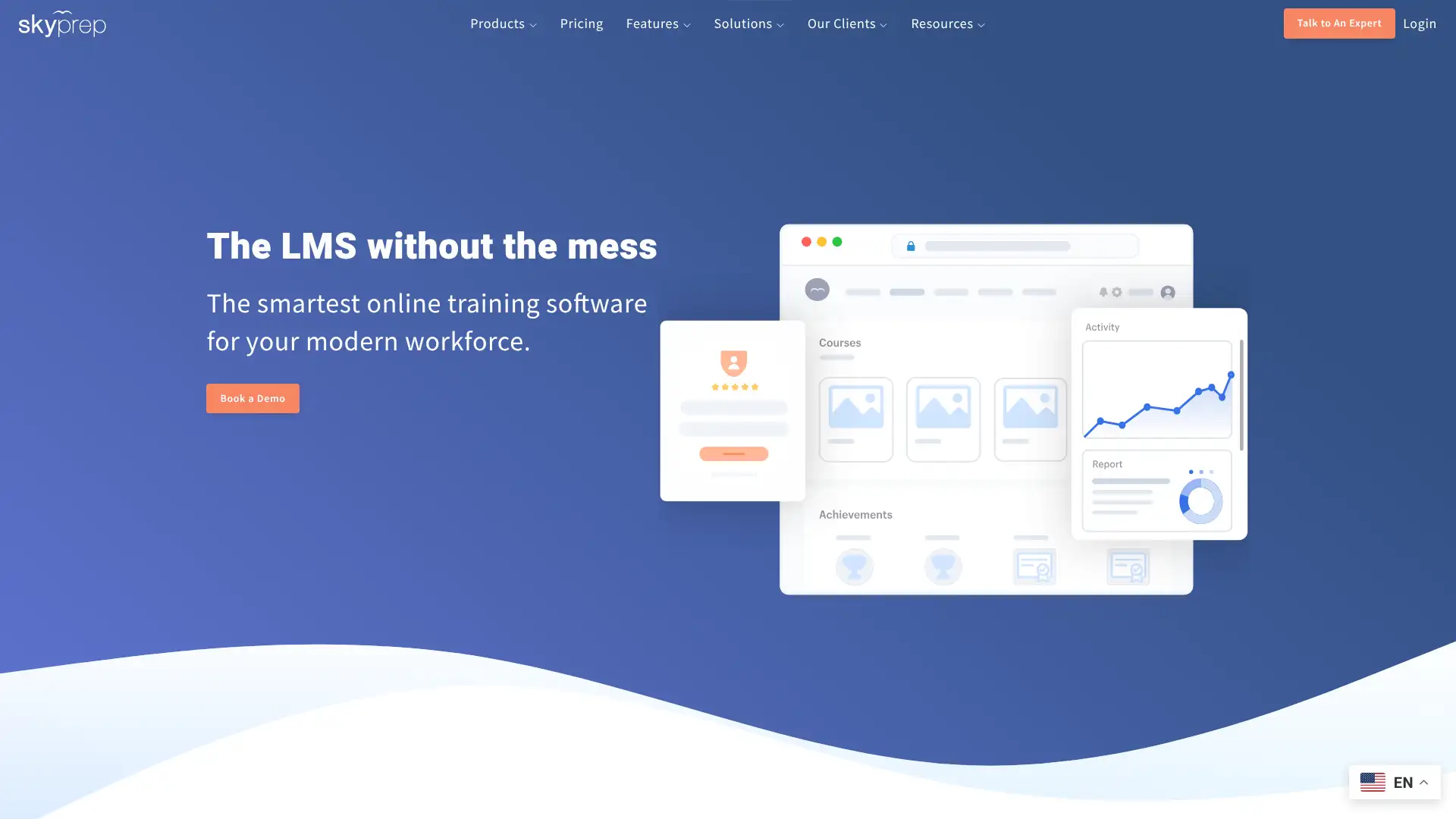
- • Active-user billing: only pay for learners who log in during each monthly cycle; unused registered accounts do not count toward the bill.
- • Recertification automation: set expiry intervals on certifications and automatically send reminders and re-enrollment triggers without manual admin intervention.
- • Custom domain and SSL: available on Professional tier for white-labeled training portals with organizational branding.
- • Conversational AI chatbot: assists learners with personalized learning path suggestions and deadline reminders within the platform.
- • Built-in course library: pre-built compliance and skills courses added in August 2025 update, accessible without leaving the platform.
SkyPrep earns its reputation for cost-effectiveness and customer support, making it a strong choice for SMBs in compliance-heavy industries like healthcare and construction. The 100-user minimum is the main constraint to know upfront. For teams under that threshold, TalentLMS's Core plan at $149/month is the more accessible starting point.
Coassemble
Coassemble is a course creation and delivery platform used by over 7,000 teams — from SaaS companies and universities to hospitality businesses and legal departments — that want to build and share training content quickly without paying per-learner fees. The platform's Team plan charges per course creator, not per learner, which makes it unusually cost-effective for organizations with large learner populations. The free plan supports one creator indefinitely with no time limit. The Team plan at $100/month supports up to 5 creators with unlimited learners. Coassemble added an AI Course Generator and headless SCORM delivery in recent updates.
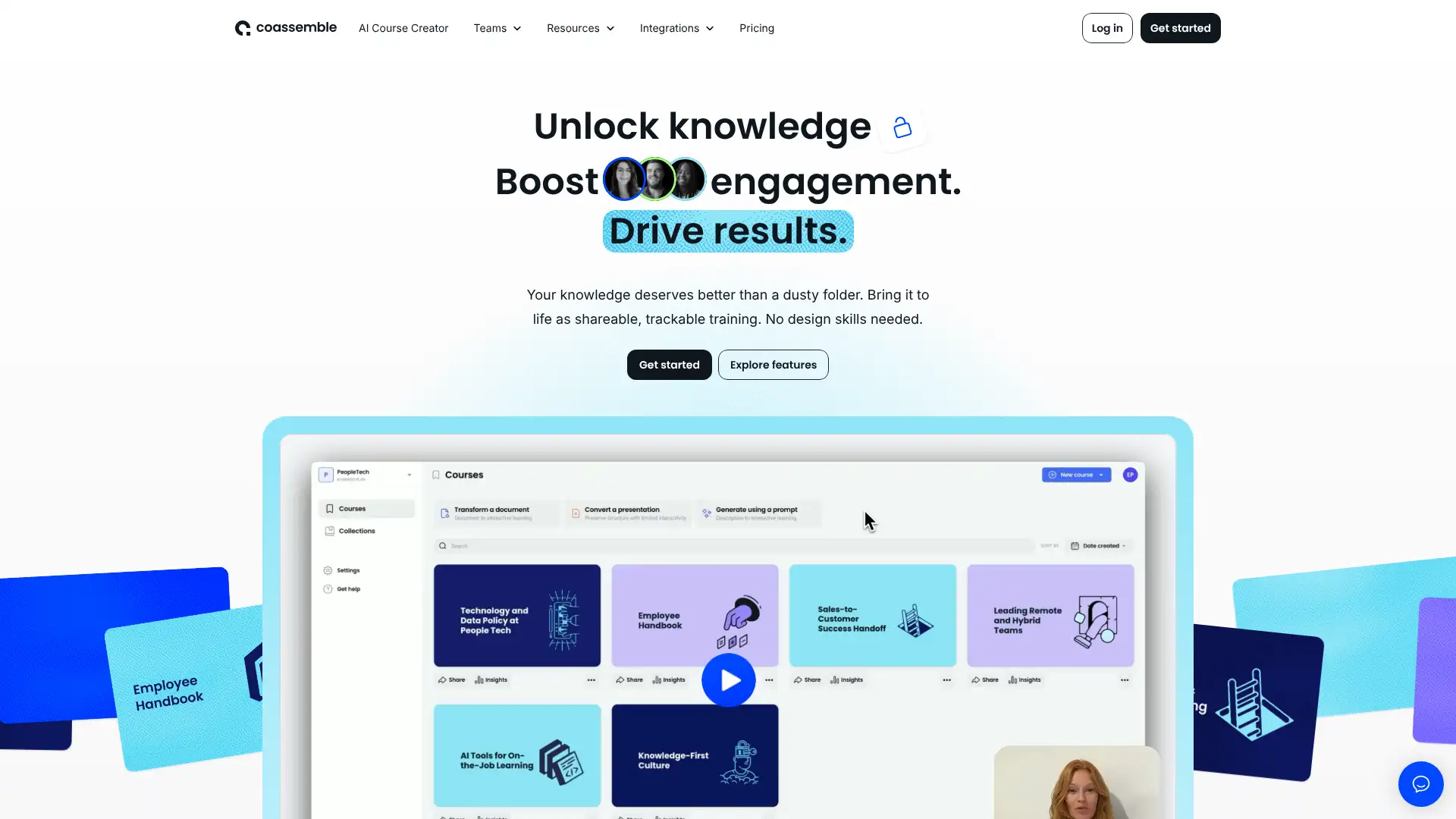
- • Per-creator pricing: Team plan charges $100/month for up to 5 creators and unlimited learners — far more cost-effective than per-learner pricing for large audiences.
- • AI Course Generator: converts uploaded documents, PDFs, or topic descriptions into structured course outlines with quiz suggestions in minutes.
- • Dynamic SCORM: courses exported as SCORM packages update automatically when edited in Coassemble, eliminating the re-export cycle common with traditional authoring tools.
- • Headless delivery: API-based integration lets organizations embed courses inside their own product, intranet, or third-party LMS using Coassemble as the authoring backend.
- • Template library: professionally designed course templates categorized by learning objective (onboarding, compliance, product training) to accelerate content production.
Coassemble is the most affordable option for organizations that primarily need a course authoring and delivery tool with unlimited learner access. The $100/month Team plan is unmatched on price when you're training 50+ people. If you need advanced compliance tracking, gamification, or SCORM hosting infrastructure, step up to TalentLMS or SkyPrep.
LearnUpon
LearnUpon is a cloud-based enterprise LMS built by an Irish company and used by over 1,500 organizations globally for employee, customer, and partner training. The platform's multi-audience capability — running separate branded portals for different learner groups from one admin — is a core selling point. Pricing is custom and not published; third-party data puts typical contracts at $6–$9 per active user per month with a minimum annual investment estimated around $10,000–$15,000. A median annual contract value of approximately $31,667 based on 41 buyer transactions was reported by Vendr. Unlimited courses, cloud hosting, and basic support are included on all plans. LearnUpon launched LearnUpon Anywhere in August 2024, enabling embedded learning inside third-party applications.
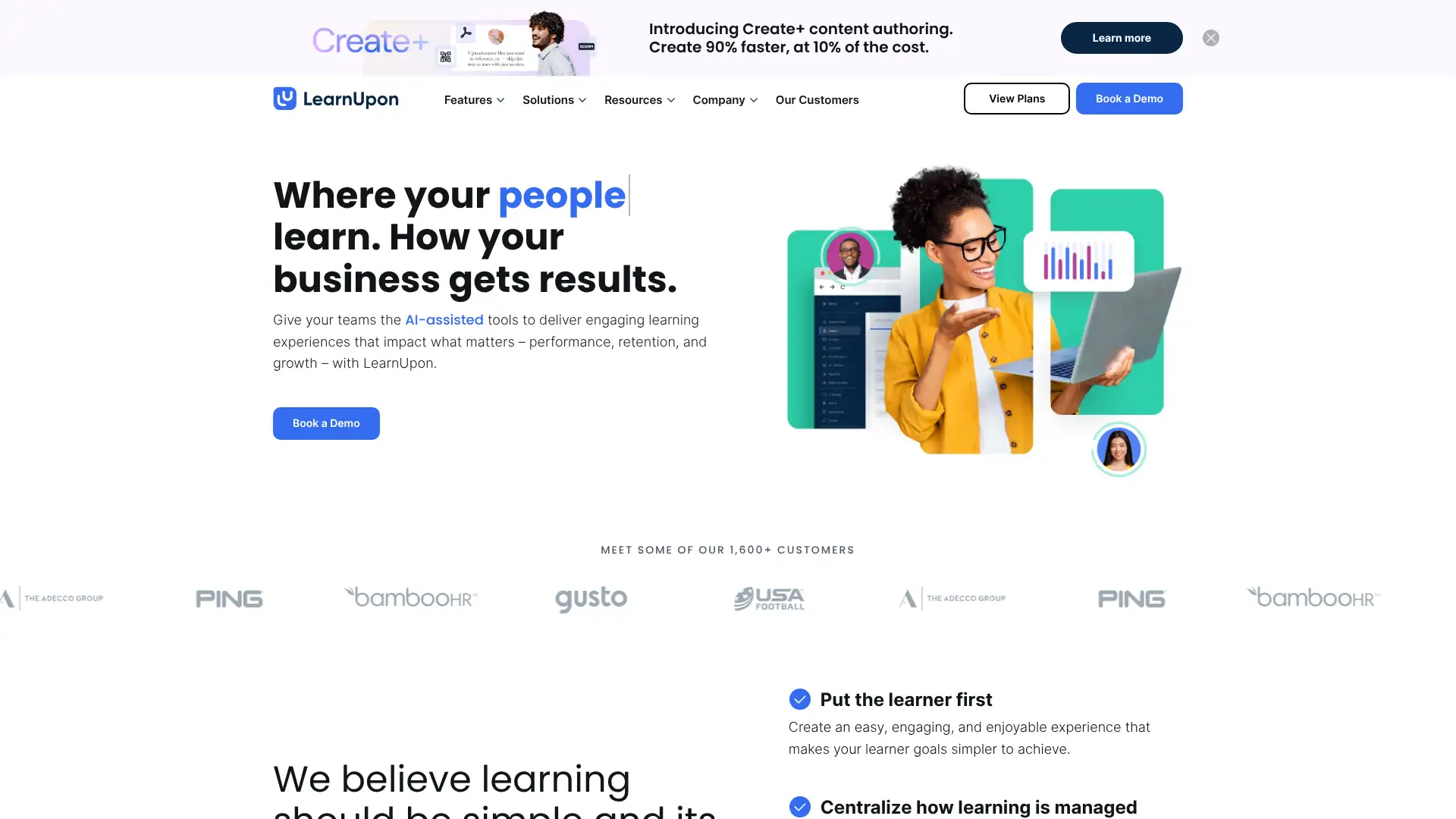
- • Multi-portal management: run separate branded LMS portals for employees, customers, and partners from a single admin console with shared course library.
- • LearnUpon Anywhere: embedded learning API launched August 2024, allowing training to surface inside a company's own product, app, or CRM.
- • E-commerce: sell courses directly through LearnUpon with payment gateway integration; no transaction fees charged by LearnUpon (standard processor fees apply).
- • Gamification: points, badges, and leaderboards included on all plans to drive learner engagement.
- • Salesforce and Zapier integrations: sync learner data with CRM records and connect to 5,000+ third-party apps via Zapier on Premium and above.
LearnUpon is an excellent choice for mid-market organizations that need to train multiple distinct audiences — employees, customers, and partners — from a single platform without per-portal pricing surprises. The $10,000+ minimum annual contract means smaller teams should start with TalentLMS. For enterprise-scale multi-audience training, LearnUpon competes directly with Docebo at a comparable price point.
Northpass
Northpass, acquired by Gainsight in 2023 and now marketed as Gainsight Customer Education, is a purpose-built customer education LMS used by over 400 businesses including Walmart, Freshworks, Glassdoor, and Pipedrive to train 4.5 million+ learners. The platform's focus is entirely on externally facing education — reducing 1:1 CSM training time, improving product adoption, and scaling customer onboarding without expanding headcount. Pricing is custom and not published; Northpass positions as a customer success investment rather than a training cost. The platform earned Best Customer Education LMS at the 2023 SIIA CODiE Awards. It embeds directly into a company's product or website via a white-labeled academy.
- • White-labeled customer academy: fully branded learning portal embedded into a company's website or SaaS product, keeping learners in the brand experience.
- • E-commerce built in: sell courses, certifications, or training bundles directly through Northpass with payment gateway integration.
- • Salesforce and Gainsight sync: learning data flows into customer health scores and CSM dashboards, tying training completion to renewal and expansion signals.
- • Certification and digital badges: issue shareable completion certificates and LinkedIn-ready digital badges to incentivize customer engagement.
- • Analytics: built-in dashboards track enrollment, completion, and certification trends by customer segment, geography, or product tier.
Northpass is the strongest choice when customer education and product adoption are primary business goals — reducing CSM workload while scaling the number of customers you can successfully onboard. For organizations that need both internal training and customer education, LearnUpon or Docebo offer multi-audience capability from a single platform at comparable cost.
Trakstar Learn
Trakstar Learn, formerly known as Mindflash, is a cloud-based LMS with over 1,000 customers including Apple, Dyson, Microsoft, Uber, and PBS. Rebranded under the Mitratech/Trakstar umbrella, it focuses on simplicity: users upload PowerPoint, PDF, Word, or video files and organize them into courses with quizzes and certificates without technical knowledge. The platform is particularly used for external customer and partner training, with built-in Shopify e-commerce integration for selling course access. Pricing starts at $249/month based on historical published rates. A free trial is available. The platform does not support SCORM authoring natively; it is designed for direct content upload rather than eLearning package import.
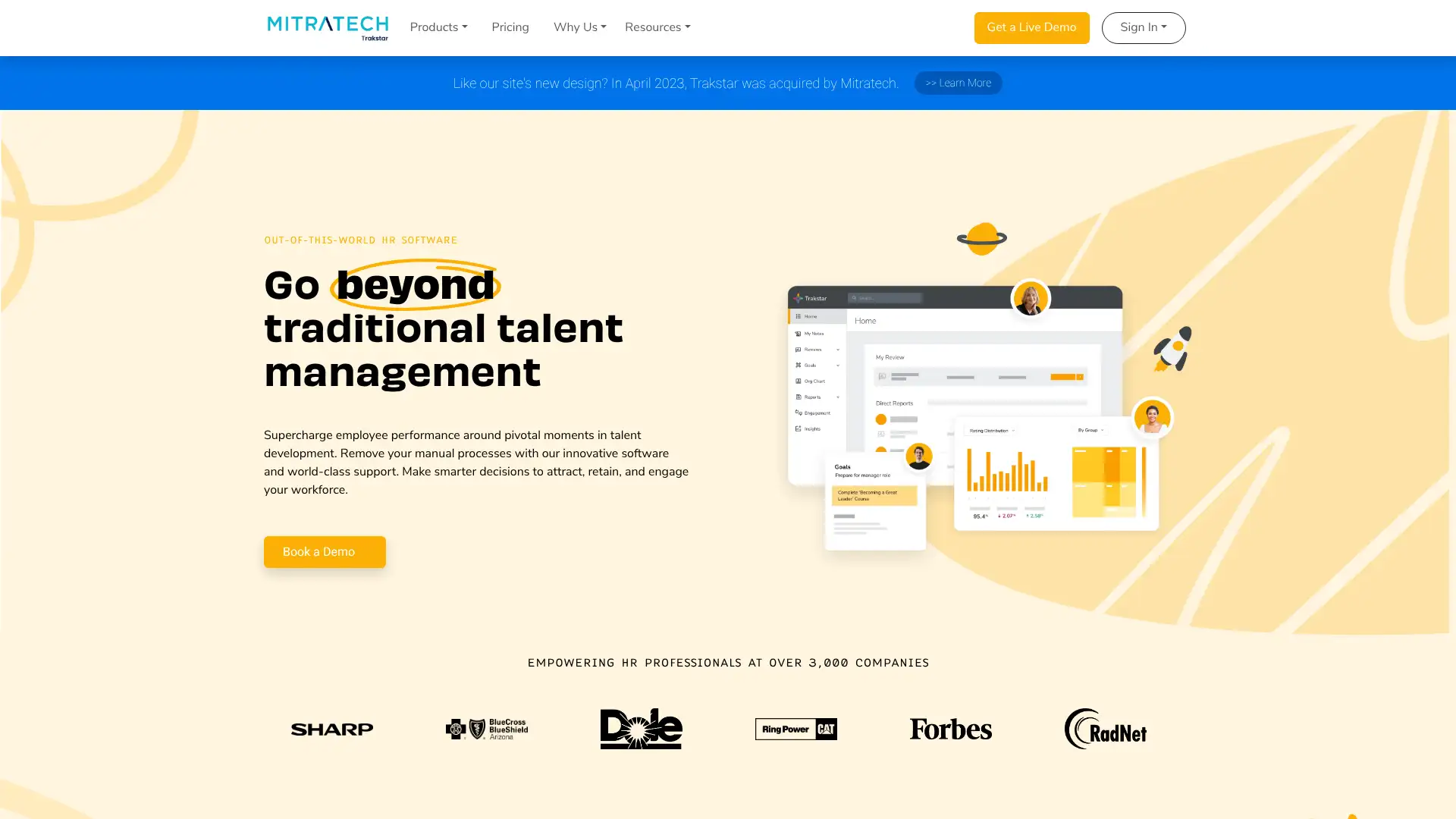
- • Content conversion: upload existing PowerPoint, PDF, Word, and video files; the platform preserves slide animations and formatting without requiring re-authoring.
- • Quiz engine: multiple question types including image labeling, true/false, matching, ordering, and open-ended written responses.
- • Salesforce integration: invite learners, track completions, and run reports on training activity directly from Salesforce records.
- • E-commerce via Shopify: sell course access to customers, resellers, or partners using Shopify storefront integration.
- • Custom branding: apply organizational logo, colors, and domain to the learner portal.
Trakstar Learn (Mindflash) is the right tool for organizations whose training content already exists in PowerPoint or Word and where fast deployment and external partner or customer training are the primary goals. Its simplicity is its strength and its limitation — if you need SCORM delivery, advanced compliance tracking, or gamification, step up to TalentLMS or iSpring LMS.
LearnDash
LearnDash is the leading WordPress LMS plugin, powering over 100,000 websites ranging from solo course creators to full corporate training portals. It operates as a WordPress plugin installed on your own hosting (giving full content and data ownership) or through StellarSites Learning, a fully managed WordPress + LearnDash hosted platform. The plugin is priced by number of sites: $199/year for 1 site, $399/year for 10 sites, and $799/year for unlimited sites. StellarSites Learning (formerly LearnDash Cloud) starts at $24/month. LearnDash charges 0% transaction fees on all course sales. An AI course outline tool was added in 2025.
- • Advanced quiz engine: 8 question types including essay with manual grading, image selection, and sorting; the most feature-rich quiz builder of any WordPress LMS.
- • Drip-feed content: release lessons on a schedule or after prerequisite completion, maintaining learner progression without manual intervention.
- • Certificates and badges: customizable PDF certificates issued automatically on course or quiz completion; integrates with Credly for digital badge sharing.
- • Group management: assign learners to groups with group leader roles and enrollment caps — used for cohort-based corporate training.
- • 0% transaction fees: LearnDash takes no cut of course revenue; only payment processor fees (Stripe 2.9% + $0.30) apply.
LearnDash is the strongest WordPress LMS for course creators and training businesses that want full content ownership, zero transaction fees, and an enterprise-grade quiz engine. The WordPress dependency is a real barrier for non-technical users — StellarSites Learning removes the hosting burden, but teams that genuinely want simplicity over flexibility will be better served by Thinkific or TalentLMS.
LifterLMS
LifterLMS is the most-downloaded LMS plugin on WordPress.org, offering a free core plugin with unlimited courses, students, and memberships. Premium functionality comes through annual bundle plans. The Earth Bundle at $149.50/year (introductory; $299/year at renewal) adds Stripe, PayPal, and WooCommerce payment gateways for 1 site. The Universe Bundle at $249.50/year ($499/year at renewal) adds email marketing integrations for up to 5 sites. The Infinity Bundle at $749.50/year ($1,499/year at renewal) includes 10 advanced add-ons for unlimited sites and is available as a lifetime plan. A $1 trial is offered for all plans.
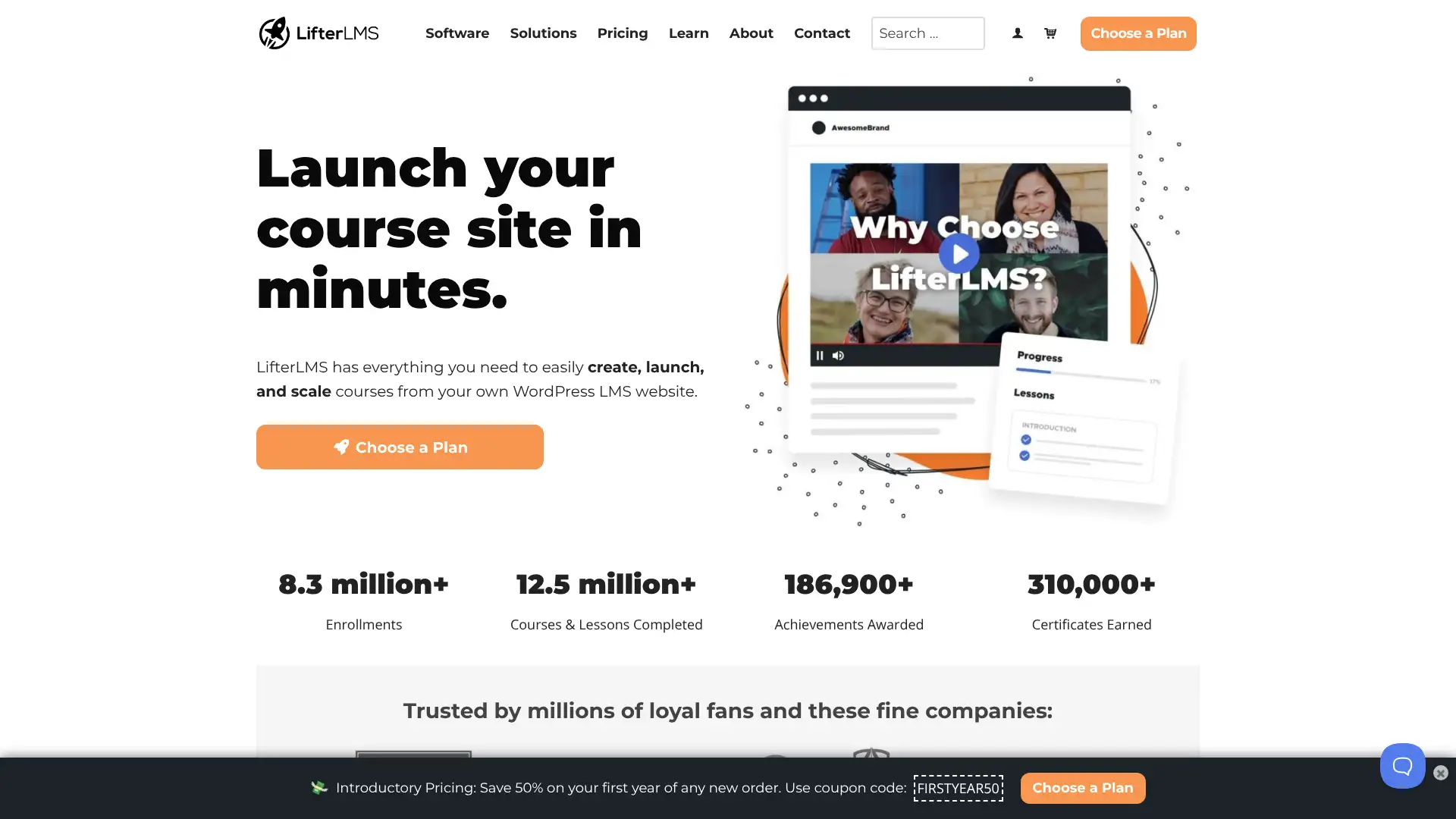
- • Free core plugin: unlimited courses, memberships, quizzes, and learner tracking with no licensing fee on WordPress.org.
- • Flexible membership pricing: create subscriptions, payment plans, one-time fees, and free tiers per membership level without add-on fees.
- • Sky Pilot Theme: included in Universe Bundle, a conversion-optimized eLearning theme purpose-built for LifterLMS sites.
- • Engagement triggers: send automated emails and notifications when students complete lessons, achieve milestones, or go inactive.
- • Private coaching integration: create one-on-one coaching relationships between instructors and specific students with dedicated communication channels.
LifterLMS is the best starting point for WordPress course creators who want to test a membership and course site before paying anything. The free core plugin is genuinely capable for simple use cases. For more advanced assessment requirements or multiple-site agency use, LearnDash's plugin pricing is competitive. Watch the renewal pricing carefully before committing to annual bundles.
Tutor LMS
Tutor LMS, developed by Themeum, is a WordPress LMS plugin launched in 2019 with a reputation for the most modern drag-and-drop course builder interface in the WordPress LMS category. The plugin is available in a free version with core course creation features, and paid plans starting at $199/year for 1 site. A lifetime license is available starting at $499 for a single site. Tutor LMS is SCORM-compliant via integration with SCORM players, supports a native course marketplace for multi-instructor sites, and earned 4.8+ stars across review platforms. Nonprofit organizations receive a 30% discount on annual plans.
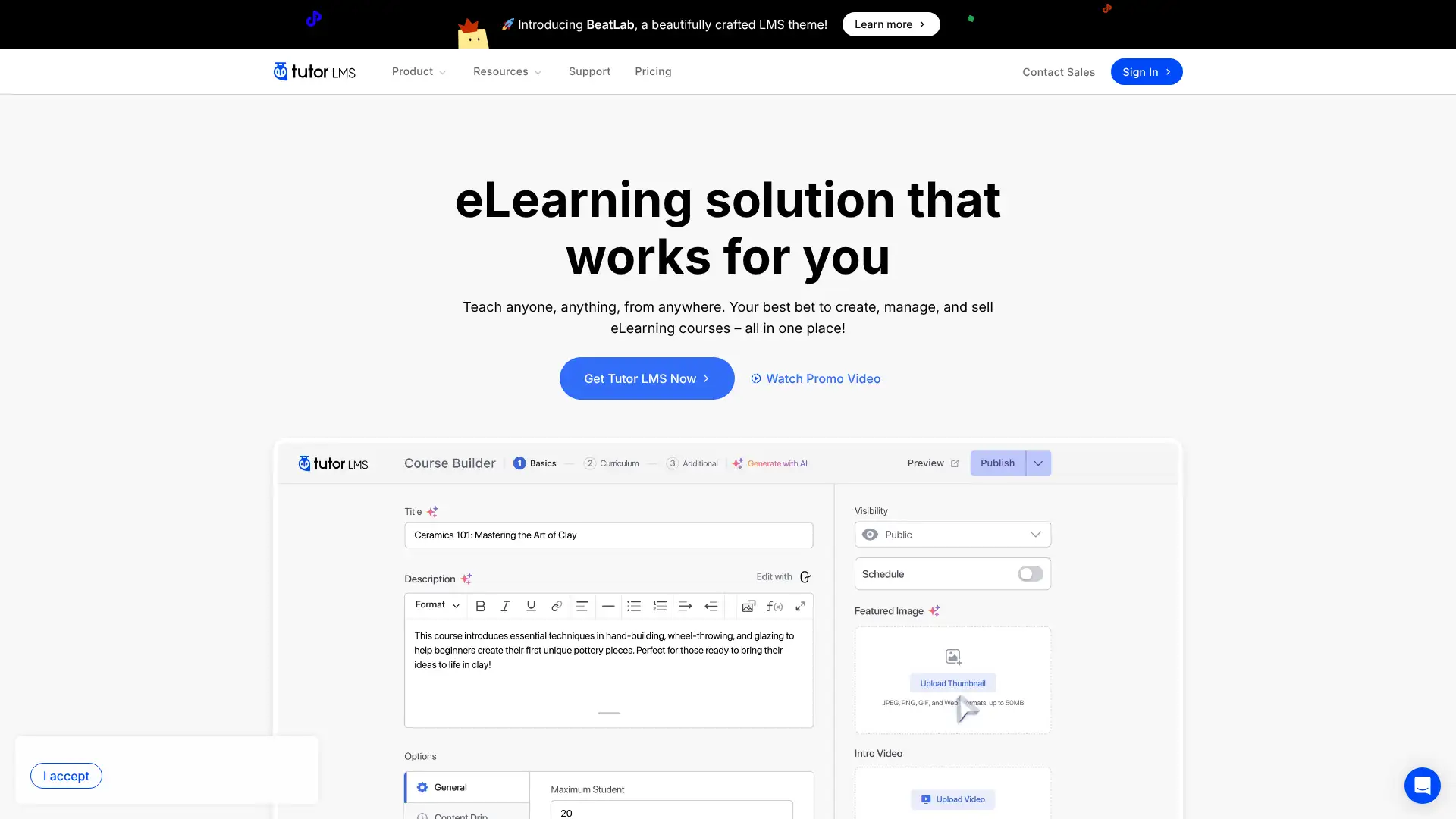
- • Frontend course builder: create and edit courses from the public-facing site view rather than the WordPress admin backend — the most intuitive authoring workflow of the three major WordPress LMS plugins.
- • Multi-instructor marketplace: allow multiple instructors to create and sell courses independently on a single WordPress installation.
- • Advanced quizzes: multiple question types, configurable time limits, pass/fail thresholds, and attempt limits per quiz.
- • 30-day money-back guarantee: all paid plans are backed by a full refund policy if the plugin doesn't meet needs within 30 days.
- • Native video integration: embed self-hosted, YouTube, Vimeo, and Bunny.net videos directly as lesson types without a separate video plugin.
Tutor LMS is the best WordPress LMS for course creators who prioritize authoring experience and a clean frontend builder over quiz engine depth. The lifetime license option at $499 makes it the most cost-effective WordPress LMS over a 3-year horizon. If SCORM delivery or advanced certification programs are central to your training, LearnDash's quiz engine is worth the higher annual cost.
Open edX
Open edX is the open-source platform that powers edX.org, Harvard's online education programs, MIT OpenCourseWare, and thousands of institutional online learning sites. Maintained by the Open edX community and governed by the nonprofit 2U (which operates edX), the software is free to download and self-host. It is designed for large-scale course delivery — think thousands or tens of thousands of concurrent learners in cohort-based programs. Real costs are in hosting infrastructure, technical implementation, and ongoing maintenance. For organizations that don't want to self-host, managed Open edX providers like Axim Collaborative partners offer cloud deployments at custom pricing.
- • XBlock architecture: a plugin API allowing custom interactive problem types, assessments, and learning components to be built and shared across Open edX sites.
- • Cohort-based courses: structure large classes into sub-groups with separate discussions, assignments, and instructor communications.
- • Video transcripts and accessibility: built-in tools for adding multilingual transcripts, speed controls, and accessible video delivery at scale.
- • Proctoring integration: supports third-party proctoring tools for high-stakes assessments in professional certification and academic contexts.
- • Analytics pipeline: Learner Dashboard and Insights tools provide engagement metrics, completion rates, and grade distributions across large enrollment cohorts.
Open edX is the right platform for universities, government agencies, and large organizations building MOOC-scale public or private online education programs with full control over infrastructure. It is definitively not the right choice for organizations that want a managed SaaS LMS with minimal IT involvement — the technical overhead is substantial.
Chamilo
Chamilo is a free, open-source LMS developed and maintained by the Chamilo Association, a Belgian non-profit organization whose mission is to improve worldwide education access, with special focus on developing countries. The software is completely free to download, use, and modify under the GNU GPL license, with no licensing fees and no commercial pressure. It supports synchronous and asynchronous learning, SCORM content, gamification, blended learning, and a shopping cart plugin for monetization. The platform serves hundreds of thousands of learners across educational institutions, government agencies, and nonprofits primarily in Latin America, Africa, and Europe.
- • SCORM 1.2 and 2004 support: import and track externally authored eLearning packages without compatibility issues.
- • Gamification: badges, leaderboards, levels, and rewards to improve learner motivation and knowledge retention.
- • Shopping cart: built-in course monetization plugin for organizations that want to sell access to courses.
- • Multilingual interface: available in dozens of languages with community-maintained translations.
- • Social learning tools: forums, chat, collaborative wikis, and blog features built into the course environment.
Chamilo is the right choice for nonprofits, NGOs, and educational institutions that need a completely free, multilingual LMS and are comfortable with self-hosted open-source infrastructure. Its specific strengths in the developing world context — low bandwidth optimization, multilingual community translations, and gamification — make it stand out among free alternatives for mission-driven organizations.
ILIAS
ILIAS (Integriertes Lern-, Informations- und Arbeitskooperationssystem) is a German open-source LMS with over 25 years of development history, widely deployed in German-speaking universities, federal and state government agencies, and large corporations. The software is free to download under the GNU GPL license and is maintained by the ILIAS Society, a nonprofit association. ILIAS has particular strength in assessment tools, compliance with European data protection standards (GDPR by design), and complex organizational hierarchies. It is used by institutions including the German Federal Administration and multiple large European university systems.
- • Assessment engine: comprehensive testing tools with randomized question pools, time limits, plagiarism detection integration, and proctoring support.
- • Organizational hierarchy: mirrors complex institutional org charts with role-based permissions, department-level administration, and multi-tenancy support.
- • GDPR by design: data processing agreements, data minimization features, and privacy controls built into the core architecture rather than added as compliance overlays.
- • SCORM, xAPI, and LTI: full support for externally authored content packages and LTI 1.3 tool integrations.
- • Personal desktop and portfolio: learners maintain personal workspaces with portfolio evidence, goal tracking, and learning history.
ILIAS is the best choice for European public sector organizations, German-speaking universities, and institutions where GDPR compliance and strong assessment tooling are non-negotiable. Outside the European context, Moodle's larger global community and more accessible interface make it the more practical open-source LMS.
eFront
eFront is an enterprise LMS from iSpring (the same company behind iSpring LMS) designed for organizations with complex security requirements, private-cloud or on-premise deployment needs, and multi-tenant architecture for training employees, customers, and partners separately. Unlike the broader iSpring LMS which is cloud-only, eFront can be deployed on the customer's own servers or private cloud. It is positioned for financial services, healthcare, and government organizations where data sovereignty and custom security configurations are mandatory. Pricing is entirely custom and requires contacting sales.
- • Private cloud and on-premise deployment: host eFront on your own servers or dedicated cloud instance, keeping all learner data within your infrastructure boundary.
- • Multi-tenancy: run separate branded portals for employees, customers, and partners from a single eFront installation with full data isolation.
- • White labeling: complete UI customization including domain, CSS, and branding without any eFront product footprint visible to learners.
- • Custom role builder: create any number of administrative roles with granular permission sets beyond the standard admin/instructor/learner hierarchy.
- • GDPR and HIPAA alignment: privacy controls, data residency options, and audit logs built for compliance in regulated industries.
eFront is the right choice for enterprises where data sovereignty, on-premise deployment, and multi-tenant architecture are binding requirements — not preferences. For organizations without those constraints, the cloud-native iSpring LMS offers the same authoring ecosystem at more transparent pricing.
Sakai
Sakai is a community-driven open-source LMS developed and maintained by the Apereo Foundation, a nonprofit consortium of universities and colleges. Originally built as an alternative to commercial systems like Blackboard, Sakai is used by hundreds of institutions globally including several major U.S. research universities. The software is free to download under the Apache License 2.0, with costs in hosting, implementation, and annual Apereo membership fees for institutions that want governance participation. Sakai has strong tools for portfolio evidence collection, collaborative workspaces, and gradebook management suited to higher education workflows.
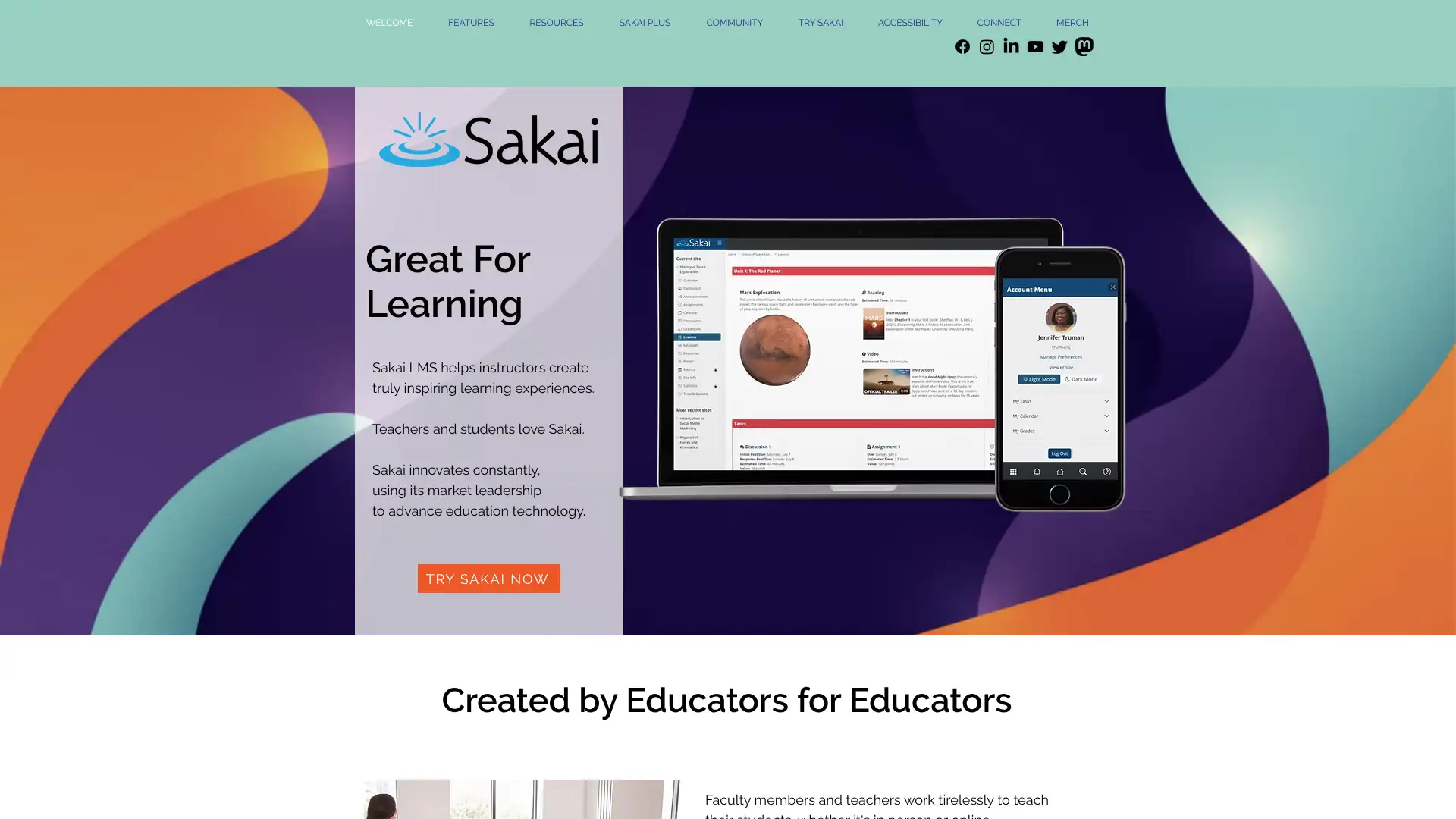
- • Lessons tool: structured content delivery with prerequisites, page-level completion tracking, and embedded media organized into sequential modules.
- • Gradebook: Standards-based and traditional gradebook with weighted categories, drop-lowest logic, and external grade export.
- • Portfolio: ePortfolio tools for students to collect and present work samples, reflections, and evidence toward learning outcomes.
- • Tests & Quizzes: feature-rich assessment engine with randomized question pools, timed tests, IP-restricted delivery, and automated marking.
- • Site management: each course site is a self-contained collaboration space with its own file storage, forums, calendar, and announcements.
Sakai remains a credible choice for research universities already invested in the Apereo community and comfortable with self-hosted infrastructure. For institutions evaluating their first LMS or replacing a legacy system, the UX gap versus Canvas or Brightspace is significant enough that most new deployments will prefer a commercial platform.
Totara Learn
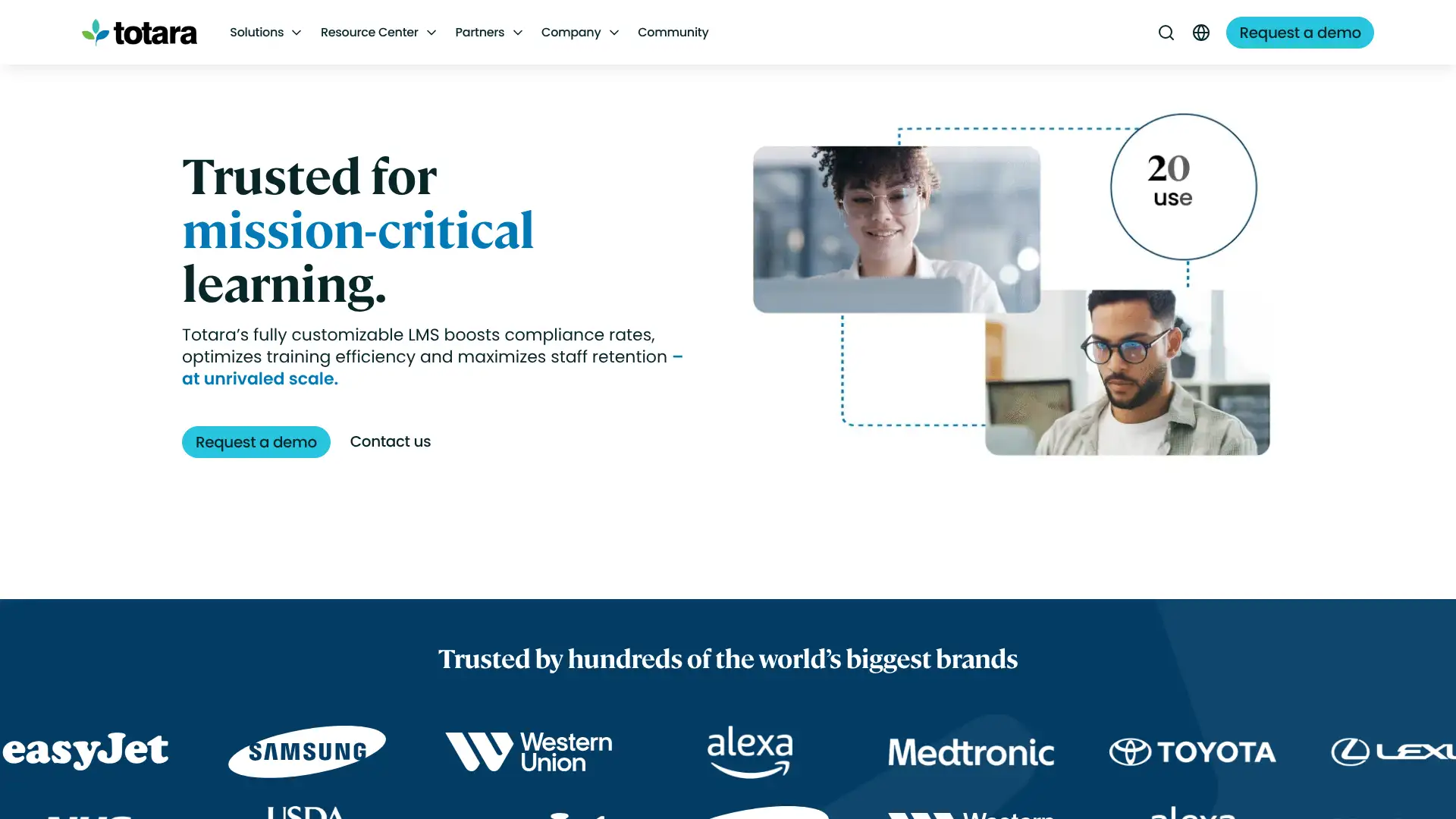
Totara Learn is an enterprise-grade open-source LMS built on a Moodle code foundation and trusted by over 1,500 organizations including the USDA, Western Union, Sony, PepsiCo, and the NHS, where it was used to train 350,000+ nurses during the COVID pandemic. The platform serves 20 million users across 75+ partners and 35 languages. Unlike Moodle, Totara is distributed exclusively through its global partner network; organizations cannot self-deploy without a partner agreement, and pricing is set per active user per year through partner contracts. Third-party data suggests pricing starting around $3–$4/user/year at volume with higher rates for smaller deployments.
- • Programs and certifications: define multi-course learning programs with expiry-based recertification and automated re-enrollment triggers — core to compliance training workflows.
- • Audiences and dynamic cohorts: automatically assign training to users based on HR data attributes like job role, location, department, or hire date without manual enrollment.
- • Multi-tenancy: run separate branded learning environments for different business units, franchises, or external partners from a single Totara installation.
- • Seminar management (ILT): schedule, manage, and track face-to-face and virtual classroom sessions with booking, waitlists, and attendance recording.
- • Open-source architecture: Apache-licensed code base deployable on client infrastructure, private cloud, or managed SaaS through Totara's partner network.
Totara Learn is the enterprise compliance LMS of choice for organizations that need program-level recertification tracking, multi-tenancy, and open-source infrastructure flexibility without abandoning a vetted support network. The mandatory partner model adds cost predictability but removes self-service flexibility — organizations that want to manage their own LMS should evaluate Moodle instead.
CYPHER Learning
CYPHER Learning (formerly known for its NEO LMS product) is a unified platform that combines LMS, learning experience platform (LXP), and AI-powered course creation under a single subscription. It is used by organizations including McDonald's, Hyundai, Coca-Cola, and Microsoft for employee training, customer education, and academic programs. The company earned Forbes Advisor's Best Enterprise LMS designation and the Gold Stevie Award for Best Technology Product in 2024. CYPHER AI 360 can generate courses in minutes from uploaded materials, with built-in gamification, adaptive learning, and a personal learning agent. Pricing is fully custom with no published rate card; SelectHub estimates annual minimums around $15,000.
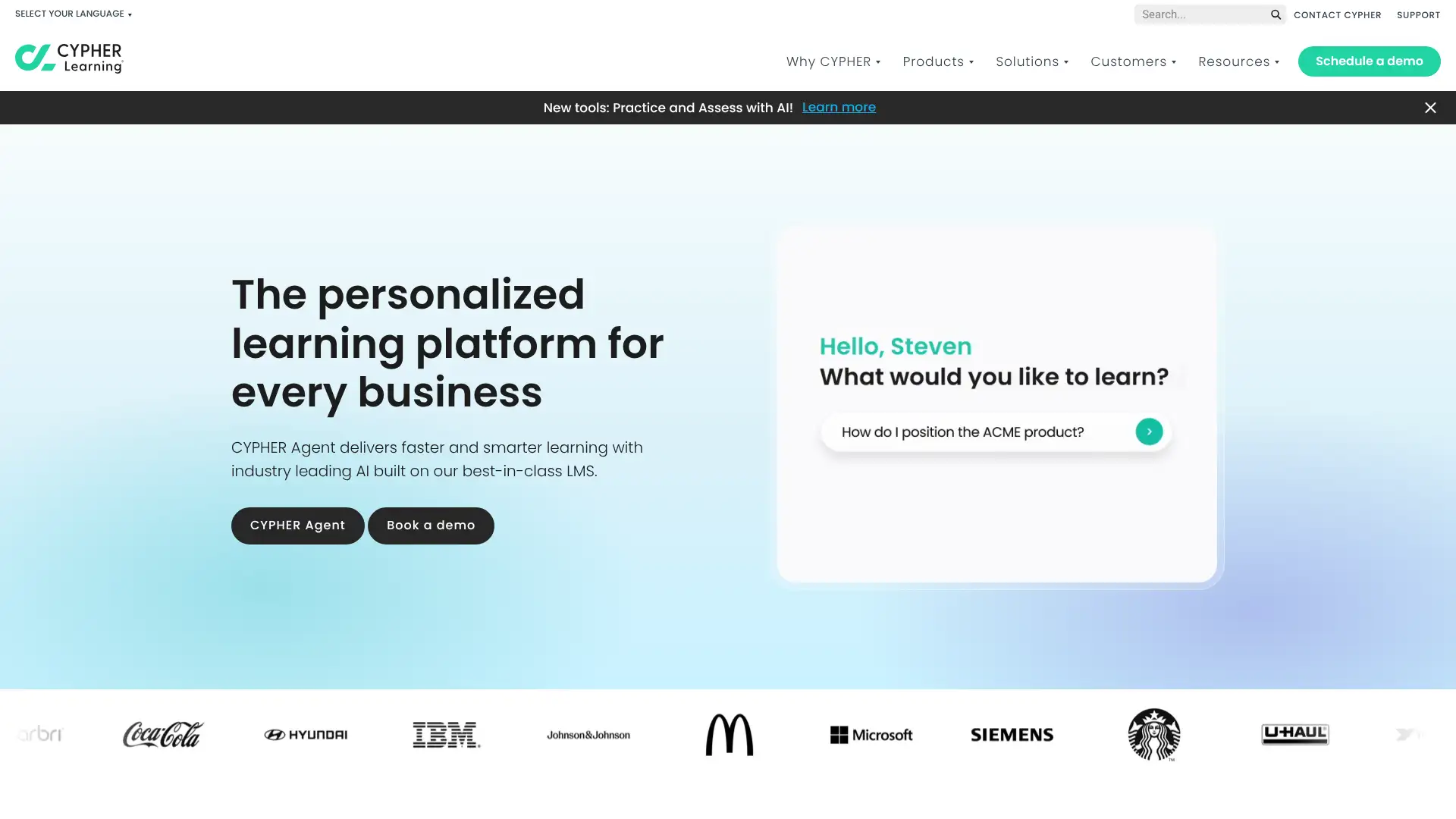
- • CYPHER AI 360: AI course generation that converts documents, videos, or topic descriptions into complete courses with quizzes, skills mapping, and multimedia in minutes.
- • Personal Learning Agent: an industry-first AI assistant embedded in the learner's flow of work to provide just-in-time guidance and content recommendations.
- • Adaptive learning paths: the system adjusts content sequence and difficulty based on individual learner performance and skill levels.
- • E-commerce: built-in course selling with subscriptions, bundles, coupon codes, and affiliate marketing tools for commercial training programs.
- • Social and gamification: badges, leaderboards, discussion forums, and group projects built natively into the platform across all plans.
CYPHER Learning makes a compelling case for enterprise organizations that want AI-generated course creation, adaptive learning, and LXP social features without stitching together three separate tools. The $15,000+ minimum annual investment means it is sized for mid-market and enterprise, not SMBs — teams looking for AI-assisted LMS at lower entry points should evaluate TalentLMS.
Paradiso LMS
Paradiso LMS is a cloud-based enterprise LMS from Paradiso Solutions offering four pricing models: pay-per-user, active user, licensing, and on-premise. The platform supports 100+ integrations including Salesforce, Zoom, Shopify, and major HRIS systems, which is its primary differentiator in the market. Paradiso positions itself for healthcare, financial services, retail, and technology sectors needing compliance tracking and extended enterprise training. Pricing is not published; the company offers a free demo and custom quotes. The platform includes gamification, virtual classrooms, mobile apps, and SCORM/xAPI support.
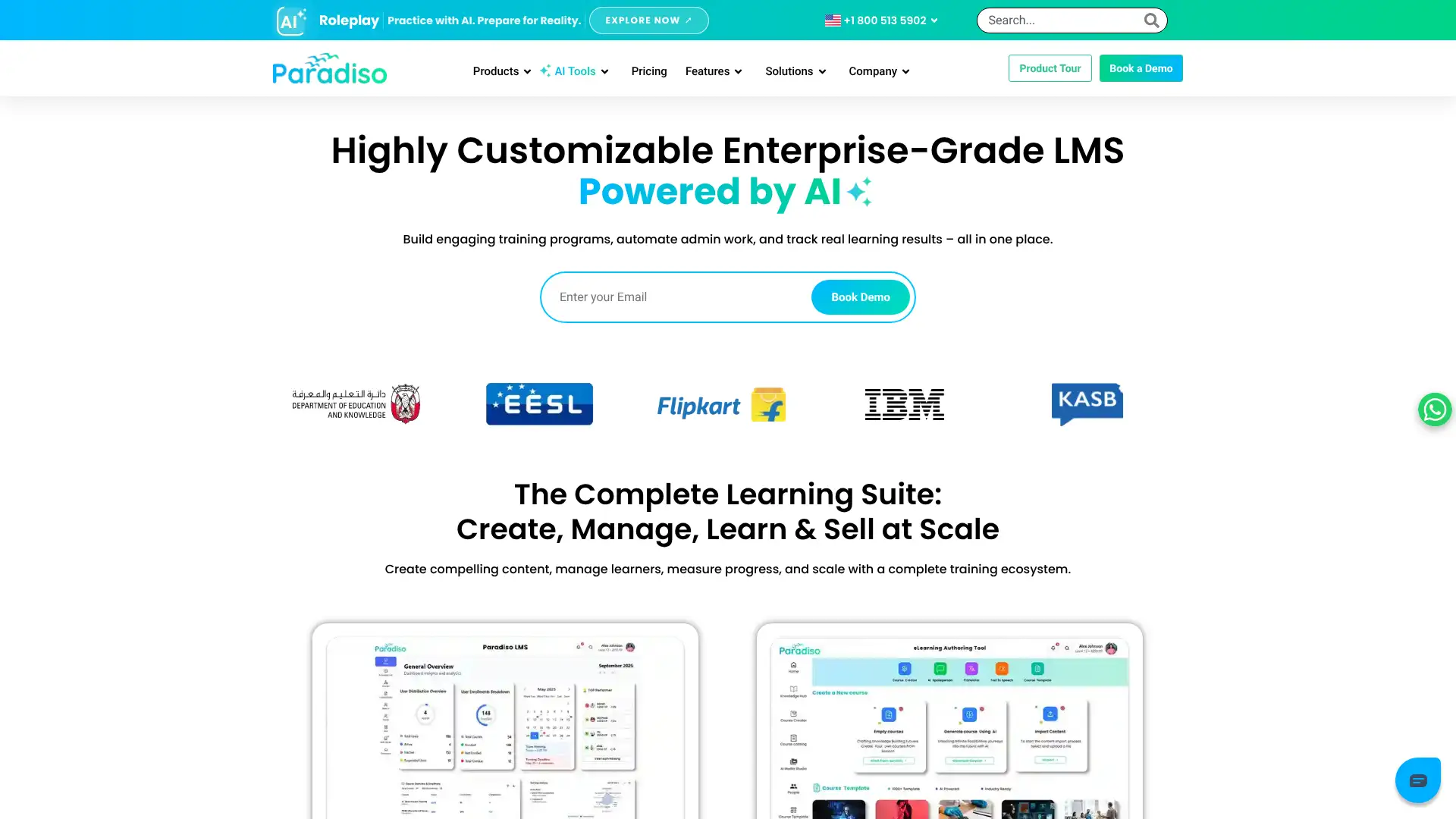
- • 100+ integrations: native connectors to Salesforce, Zoom, Google Workspace, Shopify, BambooHR, ADP, and major HRIS platforms.
- • Four deployment models: SaaS cloud, private cloud, on-premise server, and active-user billing — more deployment flexibility than most LMS vendors.
- • E-commerce with Shopify: sell courses directly through a Shopify storefront with automated enrollment, certificates, and learner tracking.
- • Virtual classroom: built-in video conferencing with live polling, breakout rooms, and attendance recording for instructor-led training.
- • AI course builder: generate course outlines and quiz questions from uploaded documents or topic prompts.
Paradiso LMS is the right choice when integration breadth across a complex tech stack is the primary selection criterion and the team is comfortable with a fully custom pricing conversation. For organizations prioritizing UI quality, transparent pricing, or a self-serve evaluation path, TalentLMS or Absorb LMS are better starting points.
Acadle
Acadle is an affordable SaaS LMS designed for SaaS businesses, startups, and growing companies building customer onboarding programs, partner academies, and product education platforms. It distinguishes itself with white-label capabilities, live video streaming for up to 1,000 participants, and a community discussion forum built directly into the academy. Published pricing starts at $39/month for 200 users on the Basic plan, making it one of the most affordable full-feature LMSs on this list. The platform supports video courses, live sessions, drip content, certifications, gamification, and course selling across all plans.
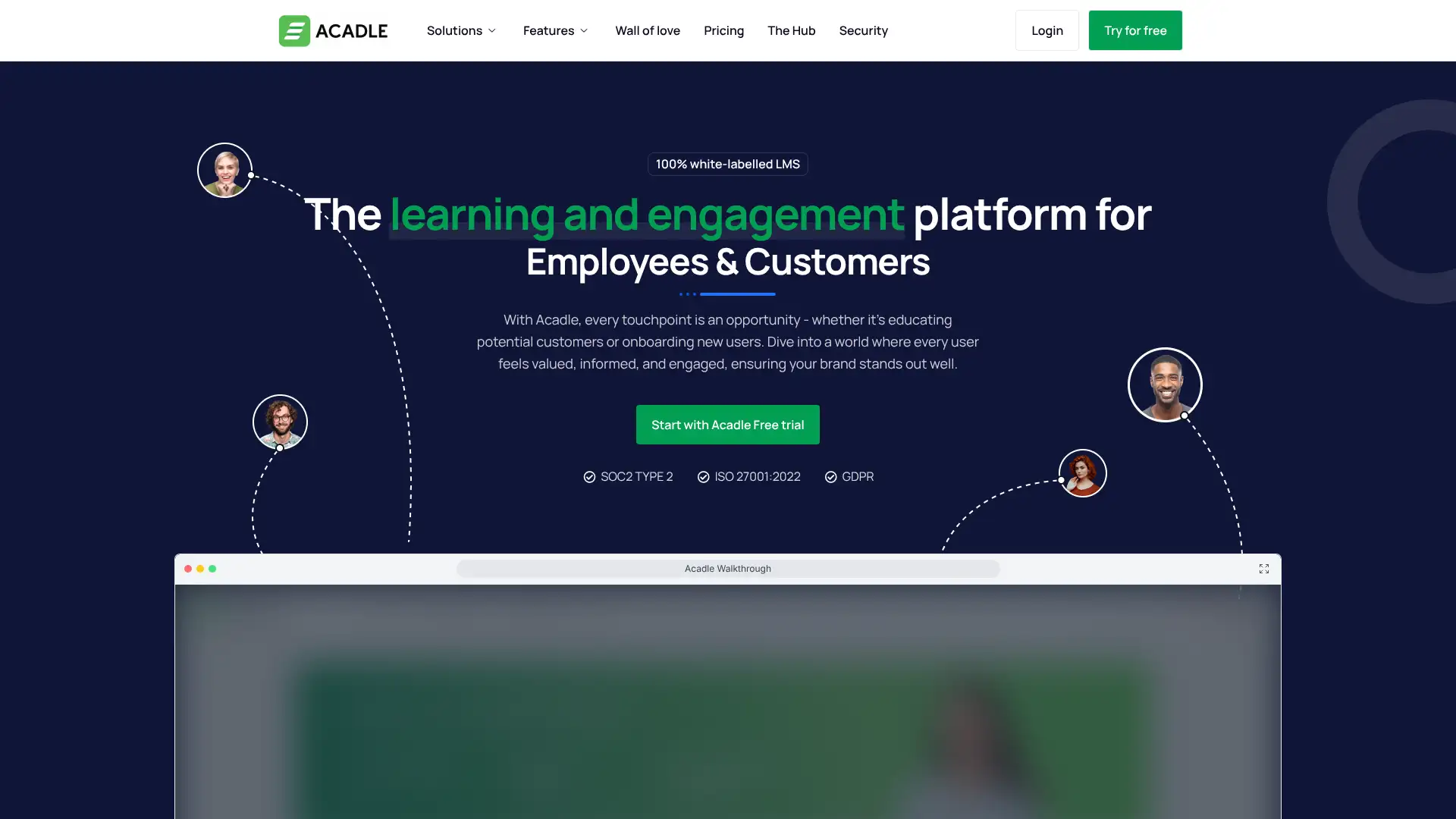
- • White-label academy: remove all Acadle branding and replace with company logo, colors, and custom domain — available from the Essential plan.
- • Live video streaming: host live training sessions for up to 1,000 simultaneous participants natively within Acadle, no third-party webinar tool required.
- • Community forum: embedded discussion forum within the academy for learner peer interaction, questions, and knowledge sharing.
- • Drip courses: schedule content release on timed intervals or completion-based triggers to guide learners through structured onboarding paths.
- • Course selling: built-in e-commerce to sell courses and subscriptions directly through the Acadle academy.
Acadle is the best value LMS for SaaS companies that need a white-labeled customer academy with live streaming and community features at a sub-$100/month starting point. The $39/month Basic plan is a genuine option for early-stage product education programs. As customer populations grow above 500 users, compare total cost carefully against Northpass or LearnUpon, which are purpose-built for customer education at enterprise scale.
Thinkific Plus
Thinkific is a leading online course platform used by entrepreneurs, coaches, and businesses to create and sell online education. Standard plans (Basic, Start, Grow) range from $49–$199/month with 0% transaction fees; the free plan was removed in 2025 and replaced with a 14-day trial. Thinkific Plus is the enterprise tier with custom pricing, designed for organizations training large learner populations with SCORM compliance, SSO, Salesforce and HubSpot CRM integrations, API access, and dedicated onboarding support. Thinkific Plus suits B2B training businesses, corporate L&D teams, and educational brands with existing course catalogs.
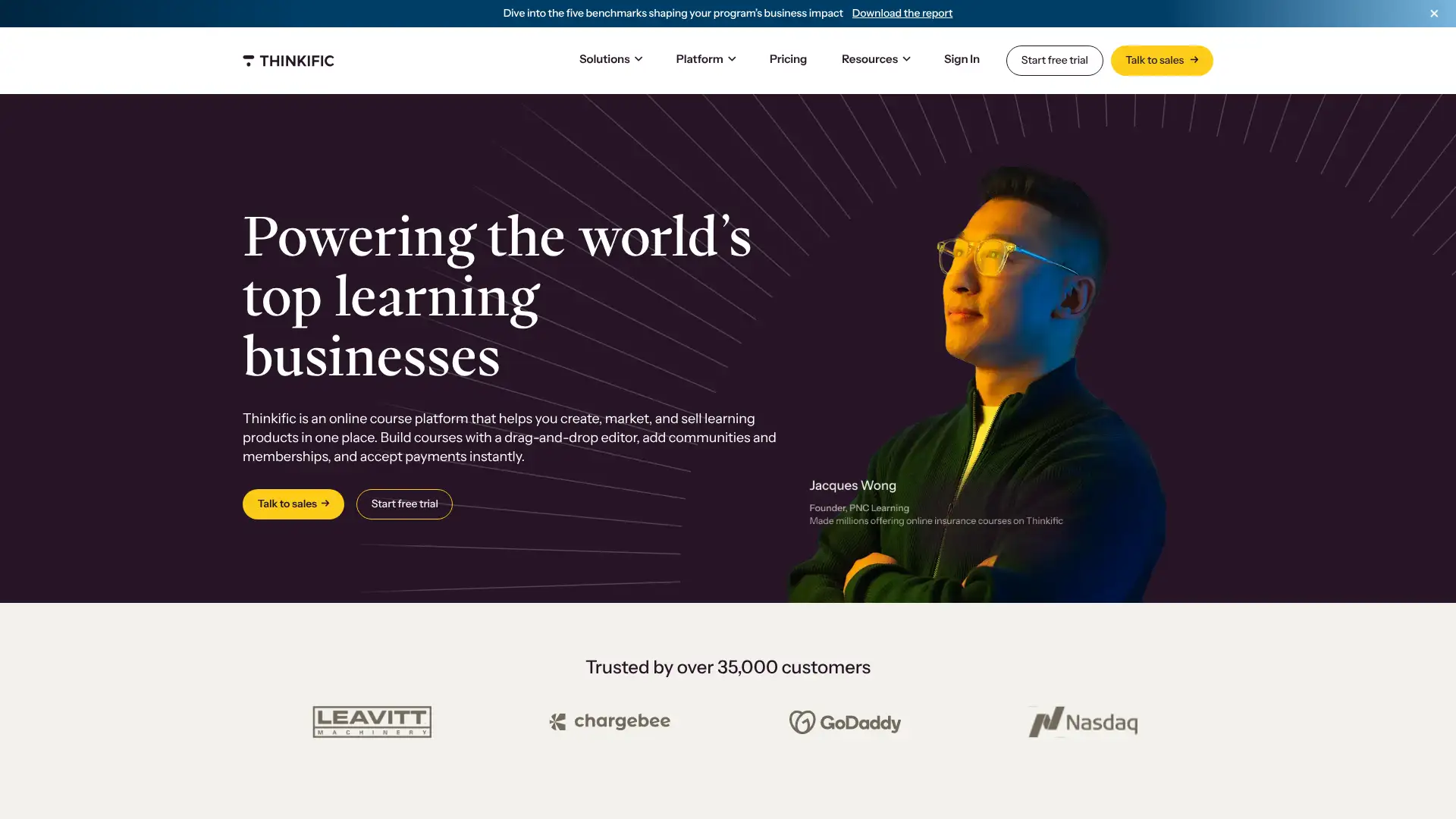
- • SCORM support (Plus only): import and deliver SCORM-compliant eLearning packages — essential for corporate training and compliance use cases.
- • SSO and CRM integrations (Plus only): connect with Salesforce and HubSpot for automated learner enrollment, lead tracking, and CRM-native learning data.
- • 0% transaction fees: all Thinkific plans charge zero platform transaction fees; only standard Stripe or PayPal processor fees apply.
- • Communities: create course-adjacent discussion and networking spaces with up to 10 sub-spaces on Start and above.
- • Bulk enrollment and group orders: enroll multiple students simultaneously and handle B2B invoice-based purchasing for corporate training buyers.
Thinkific is the top choice for course creators and small businesses that want a clean, no-transaction-fee platform to sell online courses without technical complexity. Thinkific Plus bridges into enterprise territory with SCORM and SSO, but organizations that need full LMS compliance tracking, gamification, or multi-audience portals from day one will be better served by a dedicated LMS platform like LearnUpon or TalentLMS.