Multi-Step Equation Solver
A free AI multi-step equation solver solves algebra equations with step-by-step explanations. Enter any equation with variables, distribution, and combining like terms to get the solution instantly.
What Is a Multi-Step Equation Solver?
A multi-step equation solver is a tool that finds the value of an unknown variable in an algebraic equation that requires more than one operation to solve. Unlike one-step equations where a single addition or division resolves the problem, multi-step equations involve a sequence of operations — distributing, combining like terms, moving variables, and isolating x — each of which must be performed in the correct order.
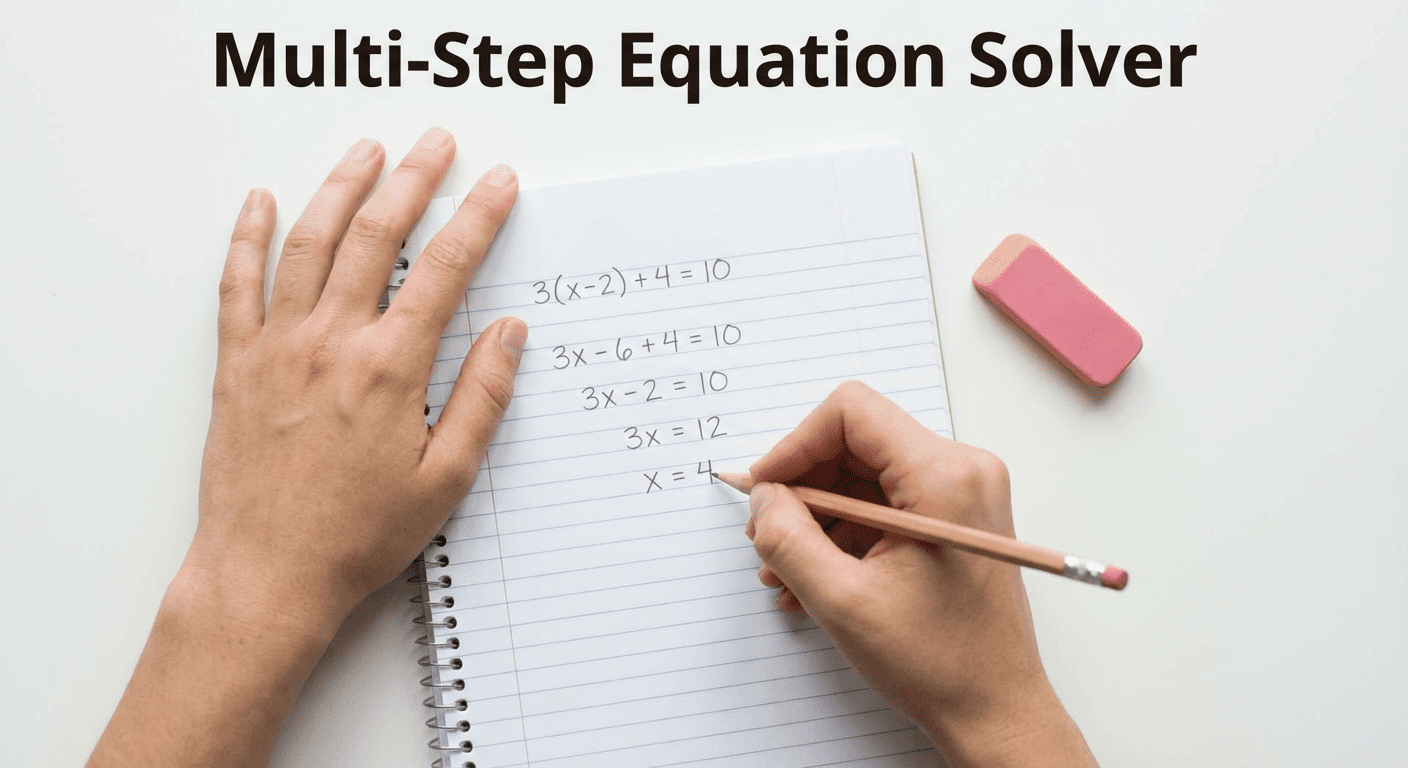
Multi-step equations are the foundation of algebra. They appear in every algebra course from pre-algebra through high school and college algebra. They are also the building block for solving systems of equations, quadratic equations, and more advanced mathematical problems. Understanding how to solve them — and being able to check your work — is a skill that carries through every level of mathematics.
This AI-powered multi-step equation calculator accepts equations with parentheses, distribution, variables on both sides, fractions, and combined operations. It returns the full solution with numbered steps, an answer-only result, or an explanation of the algebraic method — whichever you need. It functions as a free equation solver that also teaches the process, not just gives the answer.
How the Multi-Step Equation Solver Works
Enter Your Equation
Type your algebra equation into the input field exactly as it appears in your textbook or homework. Use standard notation: parentheses for grouping, / for fractions, and * or implicit multiplication for coefficients. Examples include 3(x + 4) - 2 = 7x + 1, 2x/3 + 5 = 11, or 5 - 2(x - 3) = 4x + 1. The solver interprets standard written algebra correctly, so no special formatting is required.
Get Step-by-Step Solution
Select what you need from the dropdown — step-by-step working, answer only, answer verification, or method explanation — then click Solve Equation. The AI processes your equation and returns a complete algebraic solution in the chat. Each step is numbered and labeled so you can follow the exact sequence of operations. You can ask follow-up questions to clarify any step, request an alternative approach, or have the solver check a different answer.
Steps to Solve Multi-Step Equations
Distribute
The first step in most multi-step equations involving parentheses is to apply the distributive property. Multiply the coefficient outside the parentheses by each term inside: a(b + c) = ab + ac. For example, in 3(x + 4) - 2 = 7x + 1, distributing the 3 gives 3x + 12 - 2 = 7x + 1. Failing to distribute correctly is the most common source of errors in algebra, so the solver always shows this step explicitly when it is needed.
Combine Like Terms
After distributing, simplify each side of the equation by combining terms that contain the same variable and the same power. In 3x + 12 - 2 = 7x + 1, the constants 12 and -2 on the left combine to give 3x + 10 = 7x + 1. Combining like terms reduces the equation to its simplest form before the balancing steps begin. The multi-step equations calculator identifies and groups like terms automatically in its step-by-step output.
Isolate the Variable
Once both sides are simplified, gather all variable terms on one side and all constant terms on the other by performing inverse operations. In 3x + 10 = 7x + 1, subtracting 3x from both sides gives 10 = 4x + 1, then subtracting 1 from both sides gives 9 = 4x. Every operation applied to one side must be applied equally to the other — this is the fundamental rule of algebraic balance. The solving multi-step equations calculator shows each inverse operation as a separate numbered step.
Solve and Check
Divide both sides by the coefficient of the variable to find its value: 9/4 = x, so x = 2.25. Always verify by substituting the answer back into the original equation and confirming both sides are equal. Substituting x = 2.25 into 3(x + 4) - 2 = 7x + 1: left side = 3(6.25) - 2 = 18.75 - 2 = 16.75. Right side = 7(2.25) + 1 = 15.75 + 1 = 16.75. Both sides match, confirming the solution is correct.
Types of Multi-Step Equations
Equations with Distribution
These equations contain parentheses that must be expanded before other operations. Examples: 2(3x - 1) = 10, 4(x + 2) - 3 = 5(x - 1), or -2(x + 4) + 6 = 3x - 2. The key step is applying the distributive property correctly — including to negative coefficients, where signs change. After distribution, the equation becomes a standard linear equation that is solved by combining and isolating.

Variables on Both Sides
When x appears on both sides of the equation — such as 5x - 3 = 2x + 9 or 3(x + 4) - 2 = 7x + 1 — the variable must be collected on one side through subtraction or addition. This is a multi-step process because it requires moving terms and then continuing to simplify. The algebra multi-step equation solver handles equations with variables on both sides as its primary use case, since these are the most commonly assigned problem type in algebra classes.
Equations with Fractions
Fractional equations like 2/3x + 5 = 11 or (x - 1)/2 = (x + 3)/4 add complexity because fractions must be cleared or handled carefully. The standard technique is to multiply every term on both sides by the least common denominator (LCD), which eliminates the fractions and produces an integer equation that is then solved normally. For 2/3x + 5 = 11, multiplying through by 3 gives 2x + 15 = 33, then 2x = 18, so x = 9. The free equation solver applies this LCD technique automatically when fractions are detected.
Multi-Step Equation Examples
Example 1 - 3(x + 4) - 2 = 7x + 1
Equation: 3(x + 4) - 2 = 7x + 1 | Variables on both sides with distribution
Step 1 - Distribute: 3x + 12 - 2 = 7x + 1
Step 2 - Combine like terms: 3x + 10 = 7x + 1
Step 3 - Subtract 3x from both sides: 10 = 4x + 1
Step 4 - Subtract 1 from both sides: 9 = 4x
Step 5 - Divide by 4: x = 9/4 = 2.25
Check: 3(2.25 + 4) - 2 = 3(6.25) - 2 = 18.75 - 2 = 16.75 | 7(2.25) + 1 = 15.75 + 1 = 16.75
Example 2 - 2/3x + 5 = 11
Equation: 2/3x + 5 = 11 | Fractional coefficient
Step 1 - Subtract 5 from both sides: 2/3x = 6
Step 2 - Multiply both sides by 3/2 (reciprocal of 2/3): x = 6 × (3/2) = 9
Check: 2/3(9) + 5 = 6 + 5 = 11
Who Uses a Multi-Step Equation Calculator?
Middle school and high school students use a multi-step equation solver to check homework answers, understand where they went wrong, and learn the correct sequence of steps before a test. When the solver shows each step with a label — distribute, combine, isolate — students internalize the process rather than just copying an answer.
College students in algebra, precalculus, and quantitative reasoning courses use a free equation solver to verify solutions to problem sets and check whether their manual work is correct. Teachers use it to generate worked examples for class. Tutors use it to quickly demonstrate multiple solution approaches to struggling students.
For broader math support beyond algebra, the free AI math solver covers calculus, geometry, and statistics in addition to algebra. For expressions involving fractional or negative exponents, the fraction exponents calculator converts between radical and exponent form with step-by-step solutions. For more complex equation types involving derivatives, the differential equation solver handles first and second-order ODEs with step-by-step solutions. For solving and graphing inequalities, the compound inequalities solver provides visual number-line results. For general academic help across subjects, the AI homework helper is a good starting point.
Multi-Step Equation Solver vs General Math Tools
A general-purpose calculator computes numerical answers but cannot solve for unknown variables in algebraic equations. A multi-step equation calculator specifically understands algebraic structure — the relationship between variables, coefficients, and constants — and applies algebraic rules to isolate the variable systematically.

This tool differs from a one-step equation solver in that it handles the full sequence of operations required by equations involving parentheses, like terms, and variables on both sides. For formulas with multiple variables where the goal is to isolate one variable symbolically rather than find a number, use the literal equation calculator. It differs from a quadratic solver in that it is designed for linear equations where the variable appears only to the first power. For a complete list of specialized math solvers available on this site, see the AI math solvers hub.
Frequently Asked Questions
Is this equation solver free?
Yes. The multi-step equation solver is completely free with no account or signup required. Solve as many equations as you need and ask unlimited follow-up questions in the chat.
Does it show steps?
Yes. Select Step-by-Step Solution in the dropdown. The AI numbers each operation — distribute, combine like terms, move variables, divide — with a label explaining what is happening at each stage. This makes it useful for learning, not just getting answers.
Can it solve equations with fractions?
Yes. Enter your equation using slash notation for fractions, such as 2/3x + 5 = 11 or (x + 1)/4 = 3. The solver multiplies through by the LCD to clear fractions before proceeding with standard algebraic steps.
Does it handle variables on both sides?
Yes. Equations like 3(x + 4) - 2 = 7x + 1 or 5x - 3 = 2x + 9 where x appears on both sides are the primary use case. The solver collects all x terms on one side and all constants on the other before isolating the variable.
Can I check my own answer?
Yes. Select Check My Answer from the dropdown and enter your equation. The solver will find the correct solution independently and compare it with any value you include in your input, showing the substitution verification step to confirm whether your answer is right.