Literal Equation Calculator
A free AI literal equation calculator rearranges formulas to solve for any variable. Enter a formula and specify which variable to isolate to get the rearranged equation with step-by-step work.
What Is a Literal Equation?
A literal equation is an equation that contains two or more variables or letters, where the goal is to rearrange the formula to express one variable in terms of the others rather than to find a specific numerical answer. The word "literal" comes from "littera" — letter — reflecting the fact that these equations deal with relationships between symbolic quantities rather than fixed numbers.
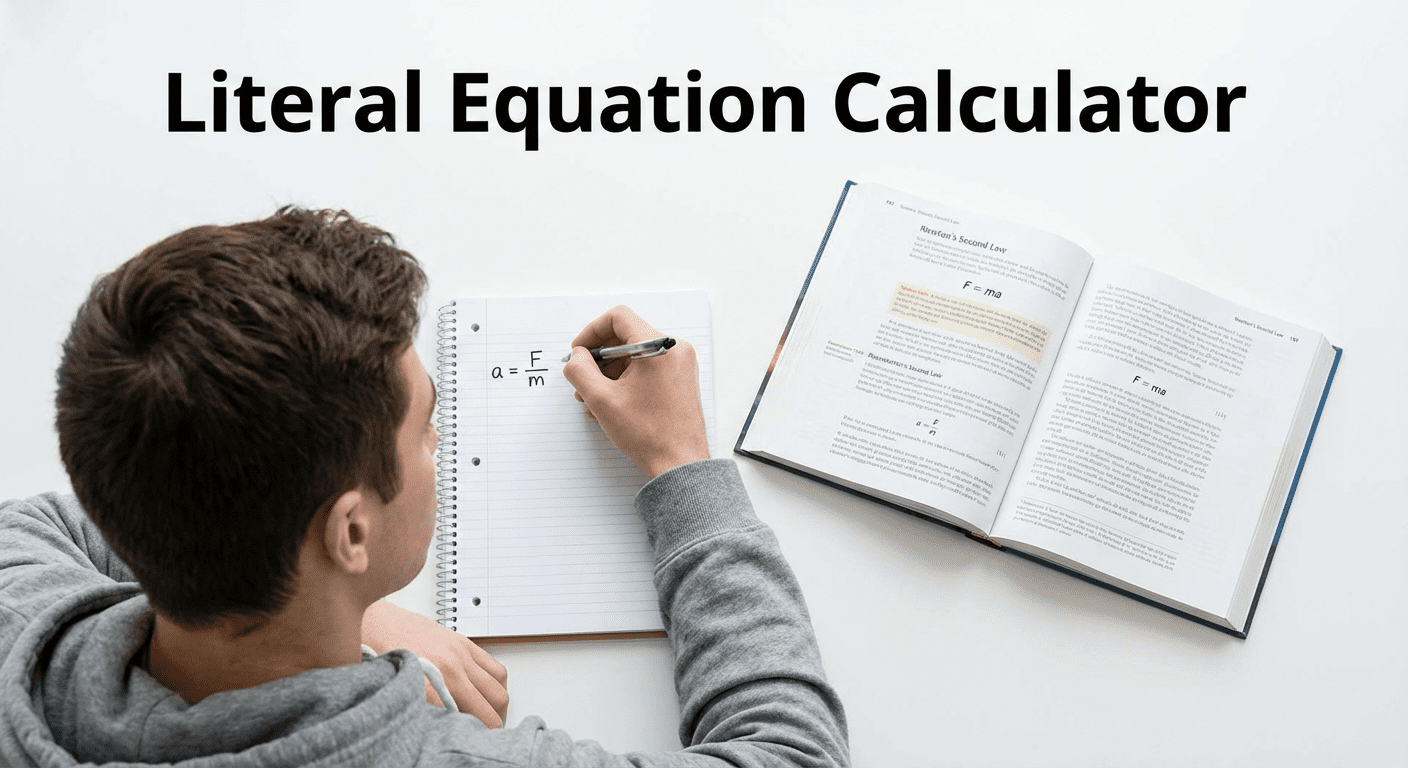
Every scientific and mathematical formula is a literal equation. The area formula A = lw, the distance formula d = rt, the ideal gas law PV = nRT, Newton's second law F = ma, and the slope-intercept form y = mx + b are all literal equations. When you need to solve for a different variable than the one already isolated — for example, finding w given A and l in A = lw — you are solving a literal equation.
Solving literal equations is a foundational algebra skill taught in middle school and high school. It is also a practical skill used constantly in physics, chemistry, engineering, and data science, where scientists rearrange formulas to isolate the quantity they are calculating. This AI-powered literal equations calculator makes that rearrangement instant, accurate, and fully explained.
How the Literal Equation Calculator Works
Enter Your Formula
Type the formula into the input field using standard notation. Use the equals sign to separate both sides, parentheses for grouping, and slash for fractions. Examples: A = (1/2)bh, PV = nRT, v^2 = u^2 + 2as, or I = Prt. The solver accepts formulas from any subject area — geometry, physics, chemistry, finance, or custom multi-variable expressions you define yourself.
Choose Which Variable to Isolate
Enter the letter or variable name you want to solve for in the Solve For field. For example, if your formula is A = (1/2)bh and you want to find h, enter h. If your formula is PV = nRT and you need T, enter T. The solver reads the target variable, identifies all operations affecting it in the formula, and applies inverse operations to isolate it on the left side of the rearranged equation.
Get the Rearranged Equation
Select your preferred output from the dropdown — the rearranged formula, a numbered step-by-step solution, or multiple equivalent forms — then click Solve. The AI returns the rearranged literal equation in the chat with all work shown. You can ask follow-up questions, request verification, or have the solver demonstrate the formula with specific numerical values substituted in.
Common Literal Equations
Area Formulas
Area formulas are among the most frequently rearranged literal equations in algebra. A = lw (rectangle) can be rearranged for l or w. A = (1/2)bh (triangle) can be rearranged for b or h. A = πr² (circle) can be rearranged for r by dividing both sides by π and taking the square root. A = (1/2)(b₁ + b₂)h (trapezoid) requires factoring and dividing to isolate any of its four variables. These are the literal equations most commonly assigned in pre-algebra and algebra 1 courses.
Physics Formulas
Physics is built on literal equations that relate measurable quantities. d = rt (distance, rate, time) rearranges to give r = d/t or t = d/r. F = ma (Newton's second law) gives a = F/m or m = F/a. The kinematics equation v = u + at rearranges for t as t = (v - u)/a. KE = (1/2)mv² rearranges for v as v = square root of (2KE/m), requiring division and a square root step. The literal equation solver handles all of these with step-by-step explanations of each operation.
Chemistry Formulas
The ideal gas law PV = nRT is a classic literal equation with five variables — pressure P, volume V, amount in moles n, the gas constant R, and temperature T. Rearranging for T gives T = PV/(nR). Rearranging for n gives n = PV/(RT). Rearranging for P gives P = nRT/V. Each rearrangement is simply a matter of dividing both sides by the product of all variables surrounding the target. The literal equations calculator performs this division and simplification clearly.
Steps to Solve Literal Equations
Identify the Target Variable
Begin by locating the variable you want to isolate in the formula. Note what operations are being applied to it — is it multiplied by other variables, inside a fraction, under a square root, inside parentheses, or added to other terms? Understanding the full structure of how the target variable appears determines the sequence of inverse operations needed to free it.
Use Inverse Operations
Apply inverse operations to both sides of the equation in reverse order of operations — working from the outermost operation inward. If the target variable is multiplied by another variable, divide both sides by that variable. If it is added to a term, subtract that term from both sides. If it is inside a square, take the square root of both sides. Every operation applied to one side must be applied equally to the other side to maintain the equation's balance.
Isolate the Variable
After applying all necessary inverse operations, the target variable should appear alone on one side of the equation. If the variable appears in multiple terms on the same side, factor it out first before dividing. For example, if rearranging ax + bx = c for x, factor to get x(a + b) = c, then divide both sides by (a + b) to get x = c/(a + b). The literal equation solver shows this factoring step explicitly when it is required.
Literal Equation Examples
Example 1 - Solve A = (1/2)bh for h
Formula: A = (1/2)bh | Solve For: h | Application: triangle area
Step 1 - Multiply both sides by 2: 2A = bh
Step 2 - Divide both sides by b: 2A/b = h
Rearranged Formula: h = 2A/b
Meaning: Given the area A and base b of a triangle, divide twice the area by the base to find the height.
Example 2 - Solve PV = nRT for T
Formula: PV = nRT | Solve For: T | Application: ideal gas law
Step 1 - Identify T is multiplied by n and R on the right side: PV = nRT
Step 2 - Divide both sides by nR: PV/(nR) = T
Rearranged Formula: T = PV/(nR)
Meaning: Temperature in the ideal gas law equals pressure times volume divided by the product of moles and the gas constant.
Who Uses a Literal Equations Calculator?
Algebra and pre-algebra students use a literal equation calculator to practice rearranging formulas and to check that their manual work is correct. Solving literal equations is one of the core competencies tested on standardized algebra exams, and seeing the step-by-step solution helps students understand the logic of inverse operations rather than just memorizing which formula to use.
Physics and chemistry students rearrange science formulas constantly — to solve for a specific variable given experimental measurements, to derive a formula from a more general one, or to check that a rearranged formula is dimensionally consistent. The literal equation solver eliminates arithmetic errors in the rearrangement process so students can focus on the physical meaning of the result.
For solving numeric multi-step equations with specific values, the multi-step equation solver handles distribution and combining like terms with numerical answers. For broader algebra and calculus support, the free AI math solver covers all math types. For equations with fractional exponents in the formula, the fraction exponents calculator handles those expressions separately. For a complete overview of available math tools, see the AI math solvers hub.
Literal Equation Calculator vs Equation Solver
A standard equation solver finds the numerical value of a single unknown given an equation with numbers. A literal equation solver rearranges a formula containing multiple variables to isolate one of them — the result is a new formula, not a number. For example, solving 2x + 6 = 14 gives x = 4 (a number). Solving A = (1/2)bh for h gives h = 2A/b (a new formula).

This distinction matters because literal equation rearrangement requires understanding algebraic structure symbolically, not just numerically. The operations applied depend on the positions of variables within the formula, not on computed values. This is why a dedicated literal equation calculator is more useful for formula manipulation than a numerical equation solver, and why the step-by-step output shows operations on symbols rather than calculated results.
Frequently Asked Questions
What is a literal equation?
A literal equation is an equation with two or more variables where you rearrange the formula to solve for one variable in terms of the others. Any scientific formula — area, distance, force, gas laws — is a literal equation. Solving a literal equation means isolating the target variable on one side using inverse algebraic operations.
Is this solver free?
Yes. The literal equation calculator is completely free with no account or signup required. Rearrange any formula and ask as many follow-up questions as you need in the chat.
Can it handle complex formulas?
Yes. The solver handles formulas with fractions (A = (1/2)bh), square roots (v = square root of (u² + 2as)), multiple variables on both sides, parentheses, and compound expressions. Enter the formula as written and specify the variable — the AI identifies the correct algebraic sequence to isolate it.
Does it show step-by-step work?
Yes. Select Step-by-Step Solution from the dropdown. The AI numbers each operation and names the algebraic rule — multiply both sides, divide both sides, factor, take square root — so you can follow the exact logic used to isolate the target variable.
What equations can it solve?
The solver handles geometry formulas (A = lw, A = πr², C = 2πr), physics formulas (d = rt, F = ma, v = u + at, KE = (1/2)mv²), chemistry formulas (PV = nRT), financial formulas (I = Prt, A = P(1 + rt)), and any custom multi-variable expression. Enter any formula with two or more variables and specify which one to isolate.