Upwork Proposal Generator
Write winning Upwork proposals in seconds using AI. Tailor tone, skills, and project context with ease.
AI Upwork Proposal Generator
Write winning Upwork proposals in seconds using AI. Tailor tone, skills, and project context with ease.
What is an AI Upwork Proposal Generator
An AI Upwork proposal generator is a tool that creates winning freelance proposals automatically using artificial intelligence. Our free AI Upwork proposal generator helps you write professional proposals that get more client responses and job offers. Instead of spending hours writing each proposal from scratch, you get personalized proposals in seconds.
This tool uses AI to understand job requirements and create proposals that match what clients want to see. It considers your skills, the job description, and your chosen tone to generate proposals that sound natural and professional. The AI helps you stand out from other freelancers by creating unique proposals for each job application. For general business proposals, grant applications, and partnership proposals outside of Upwork, use the AI proposal writer which supports multiple proposal types and structured section formatting.
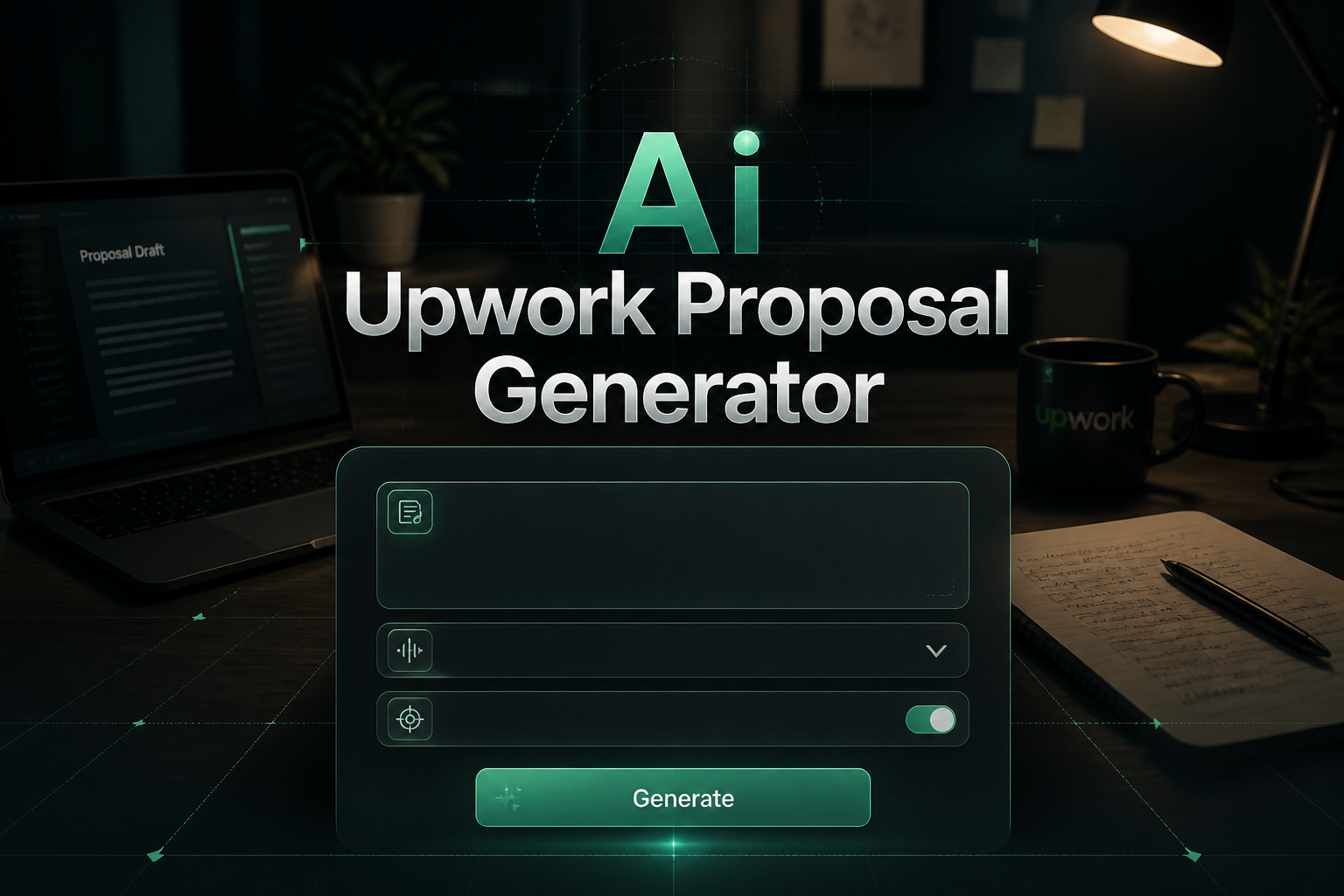
How to Use the AI Upwork Proposal Generator

1. Enter the job title or description
Type the job title or copy the job description from the Upwork posting. This helps the AI understand what the client needs.
2. List your relevant skills
Add your skills that match the job requirements. Be specific about what you can do for the client.
3. Add client goals if known
If you understand what the client wants to achieve, include this information to make your proposal more targeted.
4. Choose your tone
Select from Friendly, Professional, Confident, or Enthusiastic to match the right communication style for the client.
5. Generate and customize
Click generate to create your proposal, then use the options to make it shorter or add more details as needed.
What Makes a Winning Upwork Proposal
• Personal greeting with client name
Use the client's name when possible instead of generic greetings. This shows you read their profile and care about their specific project.
• Show you understand the project
Reference specific details from the job posting to prove you actually read and understood what they need.
• Highlight relevant experience
Share specific examples of similar work you have done and the results you achieved for other clients.
• Explain your value clearly
Focus on how your skills will help solve their problems and achieve their goals, not just what services you offer.
• Keep it short and easy to read
Use short paragraphs and clear language. Most clients scan proposals quickly, so make your key points easy to find.
• End with a call to action
Suggest a next step like a quick call or ask a question to encourage the client to respond to your proposal.
Best Upwork Proposal Tones for Different Jobs
• Professional tone
Best for corporate clients, legal work, finance projects, and formal business environments. Strengthen your freelance profile further with our LinkedIn Summary Generator to communicate expertise at a glance.
Example: "Based on my analysis of your requirements, I can deliver a comprehensive solution that addresses your key challenges."
• Friendly tone
Good for small businesses, creative projects, and clients who want a personal connection.
Example: "I love what you're doing with your brand, and I'd be excited to help you take your website to the next level."
• Confident tone
Perfect for technical projects, specialized skills, and competitive job postings.
Example: "With my extensive experience in React development, I can efficiently solve the performance issues you're experiencing."
• Enthusiastic tone
Great for startups, creative collaborations, and innovative projects where passion matters.
Example: "I'm genuinely excited about your project and can't wait to bring my passion for design to create something amazing!"
Common Upwork Proposal Mistakes to Avoid
• Using generic templates
Avoid copy-pasting the same proposal for every job. Clients can tell when you send generic messages to everyone.
• Making it all about you
Do not just list your skills and experience. Focus on how you can solve the client's specific problems.
• Writing too much or too little
Keep proposals between 200-300 words. Too short looks lazy, too long gets ignored.
• Not proofreading for errors
Spelling and grammar mistakes can immediately disqualify you, especially for writing jobs.
• Focusing only on price
Do not make your proposal all about being the cheapest option. Focus on value and quality instead.
Tips to Win More Upwork Projects
• Read the job posting completely
Look for specific requirements, questions, or pain points the client mentions. Reference these in your proposal.
• Apply early to new job postings
Clients often review proposals as they come in. Being among the first few applicants increases your chances.
• Include specific examples
Share concrete results you achieved for other clients, like "increased website traffic by 40%" or "reduced loading time by 3 seconds."
• Ask thoughtful questions
Show your expertise by asking relevant questions about the project that demonstrate your understanding.
• Follow up professionally
If you do not hear back in 3-5 days, send one polite follow-up message with additional value or insights.
Frequently Asked Questions
How long should an Upwork proposal be?
The best Upwork proposals are 200-300 words long. This is enough to show your understanding and value but short enough that clients will actually read it completely.
Should I mention my rates in the proposal?
For fixed-price jobs, confirm you can work within their budget. For hourly jobs, your rate is already visible on your profile. Focus more on value than price in your proposal.
How can I stand out from other freelancers?
Show specific understanding of their project, provide relevant examples of your work, address their pain points directly, and demonstrate genuine interest in their specific needs.
Can I use this AI tool for all my proposals?
Yes, but always customize the generated proposals for each specific job. Add personal touches and specific details about the client's project to make each proposal unique.
What if I do not get a response to my proposal?
Many clients receive dozens of proposals and cannot respond to all of them. Wait 3-5 days, then send one polite follow-up with additional insights about their project.
Is this Upwork proposal generator free?
Yes, this AI Upwork proposal generator is completely free to use. You can create as many proposals as you need without paying anything.
Writing winning Upwork proposals is essential for freelancing success. Our free AI Upwork proposal generator helps you create professional proposals that get more client responses and job offers. Whether you need proposals for web development, writing, design, or any other service, this tool saves you time while helping you stand out from the competition.
You can also improve your freelancing business with our other tools. Try our Cover Letter Generator for job applications, or use our Email Writer Generator to communicate professionally with clients.
Create winning Upwork proposals in seconds with our free AI tool!
