Artificial Intelligence Message Generator
Craft smart, well-written messages instantly with AI. Perfect for emails, chats, introductions, and more across personal and professional contexts.
AI Message Generator
Create intelligent, human-like messages for any communication need
Free AI Message Generator Tool
AIfreeforever's artificial intelligence message generator creates smart, well-written messages for different communication situations. This tool helps people who struggle with writing messages or want to communicate more effectively in personal and professional contexts like emails, chats, introductions, and social media.
The generator uses AI technology to understand your message purpose and create responses that match your preferred tone and communication style. You can choose from different contexts like personal messages, professional emails, or friendly chats, then get messages that feel natural and appropriate for the specific situation. This saves time compared to writing messages from scratch or worrying about using the right words.
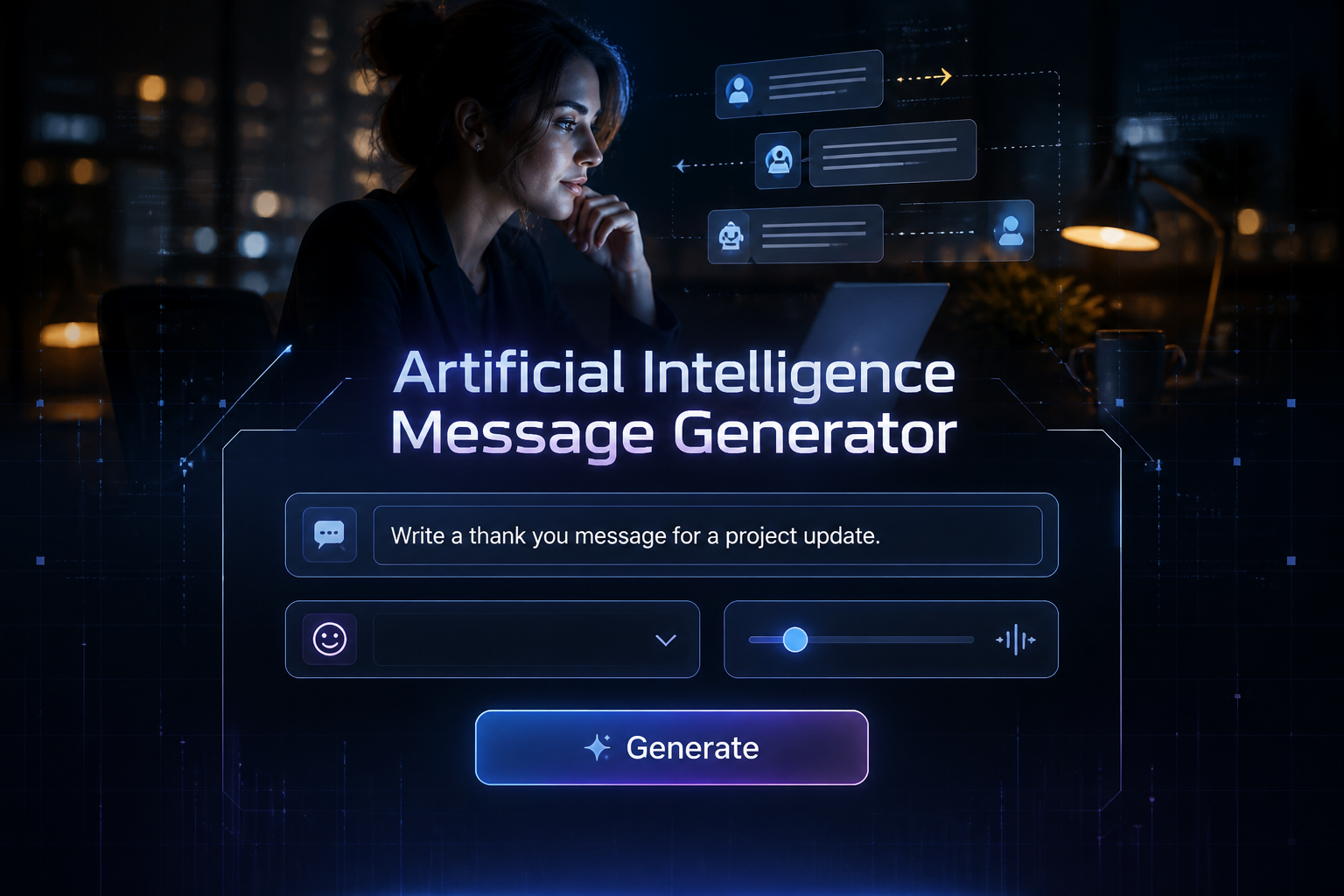
How AI Message Generators Work
AI message generators use artificial intelligence to analyze your message requirements, understand the context and tone you want, then create appropriate messages based on your selected communication preferences. The system considers factors like relationship type, message purpose, and desired formality level.
• Context Understanding
The AI analyzes your message purpose and communication context to determine the appropriate writing style, formality level, and approach needed for the situation.
• Tone Matching
The system adjusts message style based on your selected tone preferences like formal, friendly, confident, or polite to match your communication goals and personality.
• Message Structure
Different message types require different structures, so the generator adapts formatting for personal messages, professional emails, apologies, congratulations, or introductions.
• Length Control
You can set target word counts from 20 to 200 words depending on the communication channel and how detailed you want your message to be.
• Multiple Variations
The tool generates up to 3 different message variations with unique approaches so you can choose the message that feels most authentic to your communication style.
How to Generate AI Messages
Follow these steps to create appropriate messages for any communication situation. The process is simple and you can generate multiple options to find the message that feels most natural for your specific needs and relationship with the recipient.
1. Select Your Message Context
Choose from personal message, professional email, friendly chat, apology, congratulations, or introduction to set the appropriate communication framework for your situation.
2. Describe Your Message Purpose
Enter what you want to communicate in the main prompt field. Be specific about the purpose, key details, and any important information you want to include.
3. Choose Your Communication Tone
Select from formal, friendly, confident, polite, playful, or persuasive to match your communication style and relationship with the recipient.
4. Set Message Length
Choose target word count from 20 to 200 words based on the communication channel and how detailed you want your message to be for the situation.
5. Generate and Edit Messages
Get up to 3 message variations, then use the edit-in-place feature to customize any message or copy your favorite to use in your preferred communication platform.
Types of AI Message Contexts Available
The AI message generator offers different context options to match your communication situation and the type of relationship you have with the message recipient. Understanding these contexts helps you choose the approach that feels most appropriate and effective for different communication scenarios. AI message generators save time on everyday communication — for high-stakes emails that need to impress, use our Email Writer Generator.
• Personal Message Context
Casual, genuine, conversational messages for friends, family, and close relationships. Perfect for personal updates, friendly check-ins, and informal conversations.
• Professional Email Context
Structured, professional, clear messages for business communication, work colleagues, client communications, and formal correspondence situations.
• Friendly Chat Context
Warm, approachable, engaging messages for casual conversations, social interactions, and building rapport with new or existing connections.
• Apology Message Context
Sincere, humble, constructive messages for mistakes, conflicts, missed deadlines, or misunderstandings that need thoughtful resolution and relationship repair.
• Congratulations Message Context
Enthusiastic, positive, celebratory messages for achievements, promotions, life events, and milestones with appropriate enthusiasm and warmth.
• Introduction Message Context
Clear, professional, informative messages for first contacts, networking messages, team introductions, and professional relationship building.
Who Can Use This AI Message Generator
This tool works for different types of people who want to improve their written communication skills and create more effective messages in various personal and professional situations. It helps anyone who struggles with writing or wants to communicate more clearly and appropriately.
• Business Professionals
Working people who need to write professional emails, meeting requests, project updates, and client communications while maintaining appropriate business tone. You can also try our email writer generator for formal communications.
• Social Media Users
People who want to create engaging captions, comments, direct messages, and social platform communications that need the right tone for their audience and brand.
• Non-Native English Speakers
Individuals who want to improve their English writing skills and learn appropriate ways to communicate in different professional and personal contexts with proper grammar and tone.
• Students and Academics
People who need to write introductions, apologies, congratulations, or professional messages for academic settings, networking, or career development purposes.
• Customer Service Representatives
Support staff who need to create helpful, professional responses to customer inquiries while maintaining a positive brand image and solving problems effectively. Try our text reply generator for customer responses.
• Busy Individuals
People who want to save time while maintaining quality communication across personal messages, work emails, and social interactions without spending too much time crafting messages.
Tips for Writing Better AI Messages
Effective AI-generated messages depend on providing clear instructions, choosing appropriate context and tone, and personalizing the output to match your communication style. These tips help you create messages that feel authentic and achieve your communication goals.
• Be Specific About Your Purpose
Provide clear details about what you want to communicate, including context, purpose, and key information so the AI can create more relevant and targeted messages.
• Choose Context Carefully
Select the context that best matches your relationship with the recipient and the situation to ensure appropriate formality and communication style.
• Match Your Communication Tone
Choose a tone that fits both your personality and the level of formality appropriate for your recipient to maintain authentic communication style.
• Review and Personalize Messages
Always review generated messages and add personal touches to make them feel authentic to your voice and specific to your situation and relationship.
• Use Multiple Variations
Generate several message options to compare approaches and choose the one that feels most natural and appropriate for your specific communication needs.
• Edit for Your Situation
Use the edit feature to adjust details, add specific names, or modify language to better fit your exact situation and make the message more personal.
Frequently Asked Questions
What types of messages can the AI generator create?
The tool can create personal messages, professional emails, friendly chats, apologies, congratulations, and introductions with different tones like formal, friendly, confident, polite, playful, or persuasive.
How do I choose the right context for my message?
Consider your relationship with the recipient, the purpose of your message, and the communication channel. Professional contexts work for business, while personal contexts work for friends and family.
Can I edit the generated messages?
Yes, the tool includes edit-in-place functionality so you can click to edit any generated message directly and customize it to better fit your specific needs and communication style.
How many message variations does the generator create?
The tool generates up to 3 different message variations for each request, each with unique approaches while maintaining your specified tone and context preferences.
What word count options are available?
You can set target word counts from 20 to 200 words depending on the communication channel and how detailed you want your message to be for the situation.
Are the generated messages appropriate for professional use?
Yes, when you select professional email context and appropriate tones like formal or polite, the AI generates business-appropriate messages. However, always review before sending important communications.
