38 Best Website Builders in 2026
Website builders span four distinct categories: consumer hosted builders (drag-and-drop, no server management), design-focused and no-code tools (Framer, Webflow), niche and indie builders (Carrd, Tilda, Super.so), and WordPress page builders (Elementor, Divi, Brizy). This guide covers all 38. Pricing verified March 2026. Most pricing shown is billed annually.
Wix
Wix is the most feature-complete all-in-one hosted website builder in 2026, offering over 2,000 templates, a true freeform drag-and-drop editor that lets users place any element anywhere on the canvas, and a 900-app marketplace. The free plan is functional but includes Wix branding and a Wix subdomain. Wix ADI (Artificial Design Intelligence) can generate a starting site from brief answers about the business. Wix Studio is the agency-focused version offering responsive design grids and client collaboration features. Wix is the most popular drag-and-drop website builder globally by active sites.
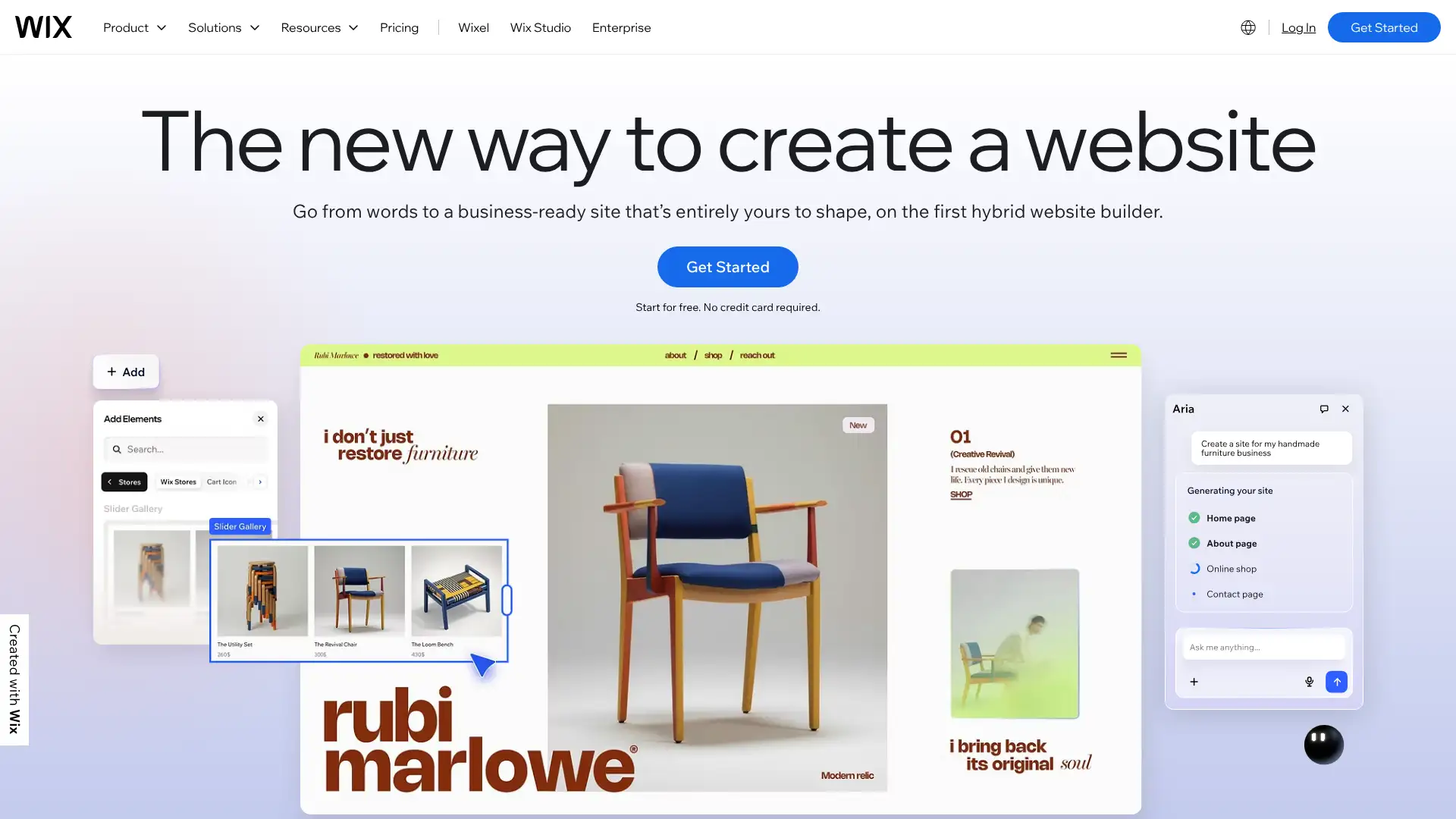
- • Freeform drag-and-drop editor: place any element at any pixel position, not locked to a grid
- • Over 2,000 templates across 100+ categories covering all major business types
- • Wix App Market: 900+ third-party integrations including Booksy, OpenTable, and Wix Events
- • Wix ADI: AI-powered site generation creates a starting design from answers about the business
- • Wix Studio: agency and developer version with responsive breakpoints and advanced layout controls
Wix is the default recommendation for users who want the widest range of built-in features with a no-code freeform editor. The 900-app marketplace and 2,000+ templates cover almost any small business use case.

Squarespace
Squarespace is consistently rated the best all-around website builder in 2026 for its combination of beautifully designed templates, intuitive editor, and strong built-in tools for small businesses and creatives. It is the platform of choice for photographers, designers, restaurants, and brand-forward small businesses. Every plan includes ecommerce capability, though the Personal plan applies a 3% transaction fee. Squarespace AI can generate copy and improve existing content. Built-in email marketing is included. Template quality is the highest of any hosted builder.
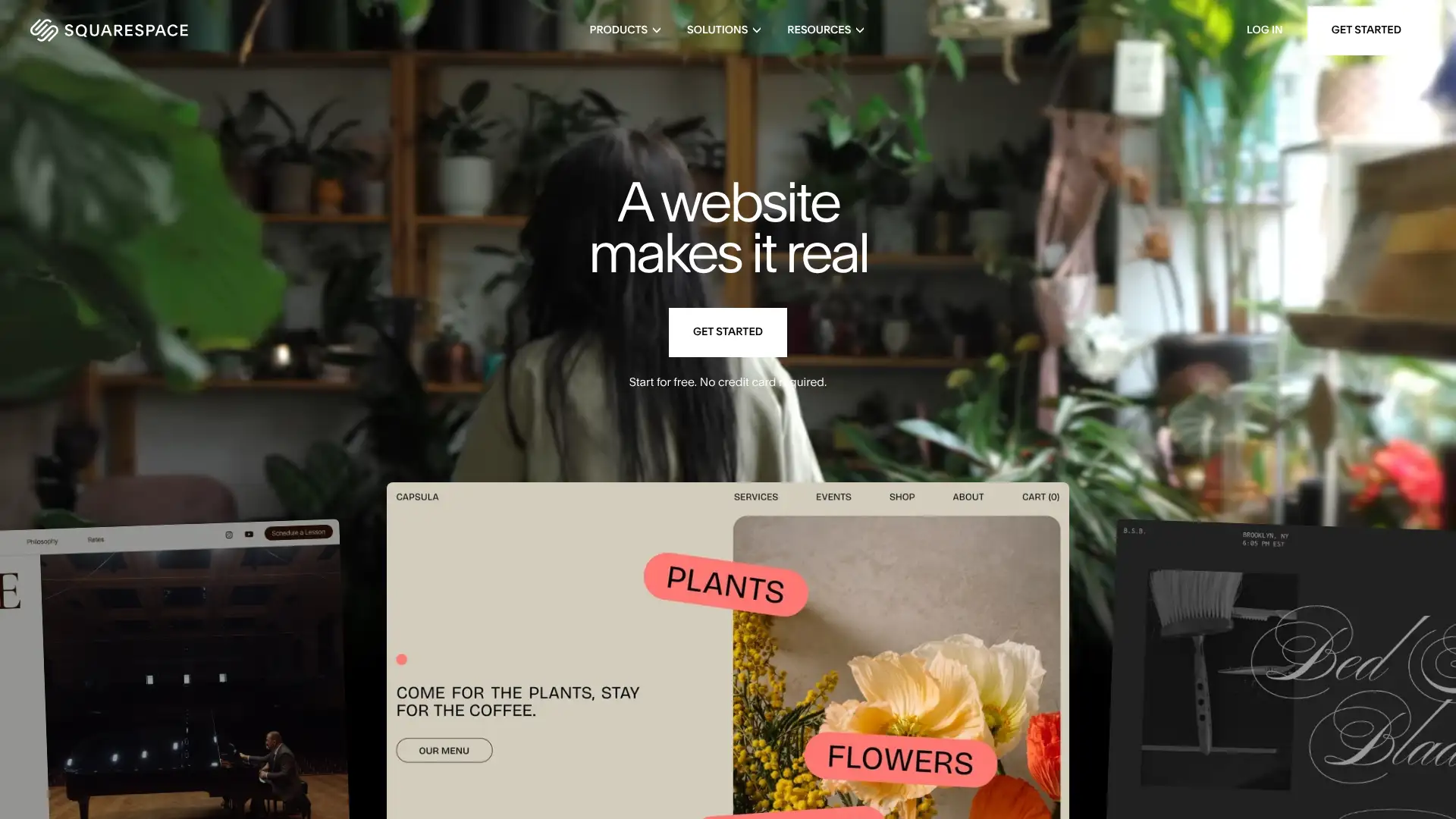
- • Best template quality of any hosted website builder: modern, minimal, and responsive by default
- • Built-in email marketing: create and send campaigns without a third-party email platform
- • Scheduling and appointments: native booking system without add-ons on Business plans
- • Squarespace AI: generates content, rewrites copy, and suggests SEO improvements
- • Member Areas: sell exclusive content and membership access without third-party tools
Squarespace is the best overall hosted website builder for users who prioritise design quality and brand presentation. Particularly strong for creatives, photographers, and restaurants. For users who need maximum feature flexibility, Wix has more apps. For users who need true design control, Webflow generates better code output.

WordPress.com
WordPress.com is the hosted version of the WordPress platform, operated by Automattic. It provides managed WordPress hosting with built-in CDN, SSL, and automatic updates, removing the server management burden of self-hosted WordPress.org. WordPress.com powers a significant portion of the world's content publishing. The blog editor and content management tools are unmatched in the hosted builder category. The Commerce plan unlocks full WooCommerce integration for powerful online store capabilities. WordPress.com should not be confused with WordPress.org, which is the self-hosted open-source CMS.
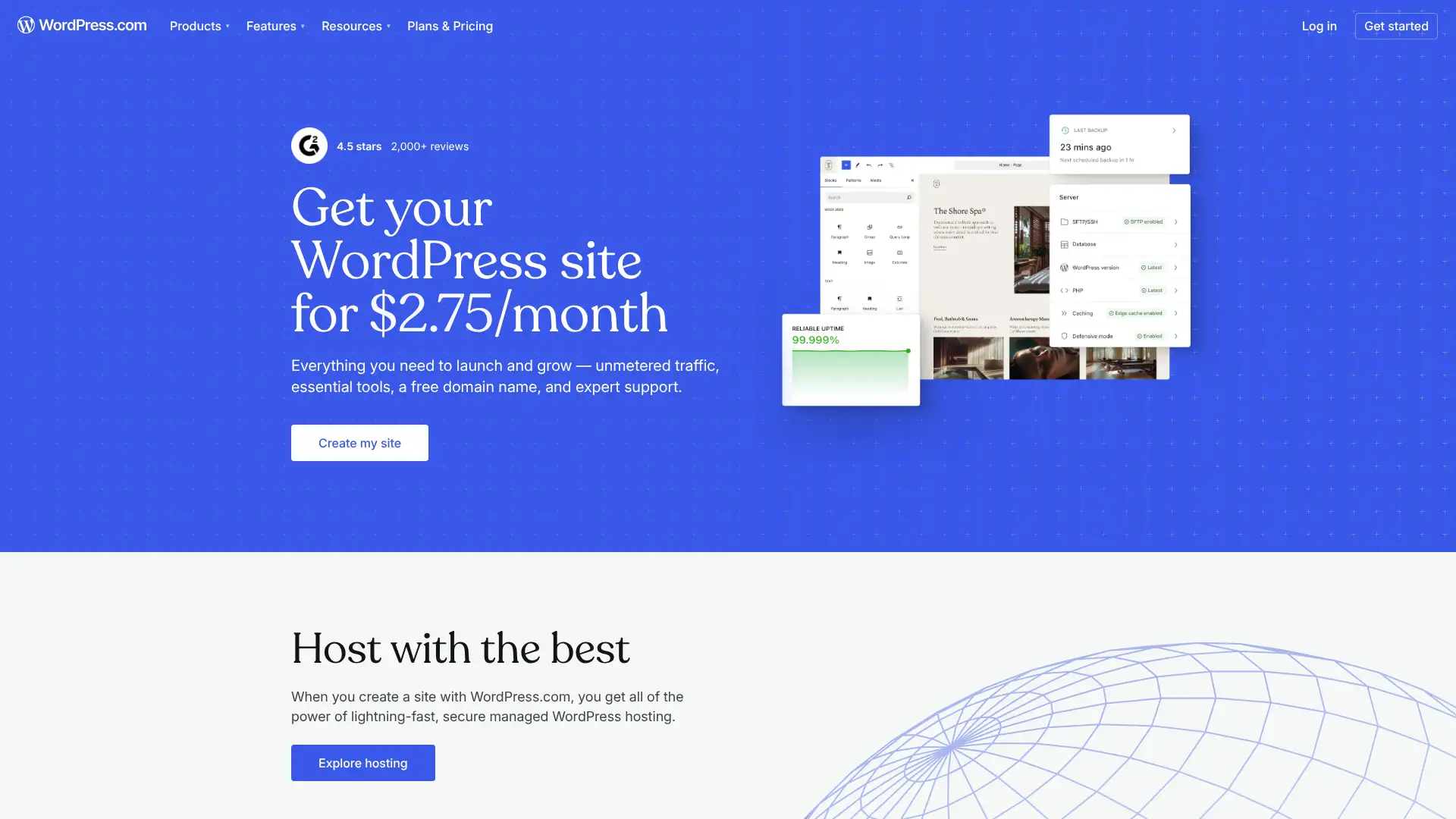
- • WordPress.com editor with full Gutenberg block experience: most powerful blog content editing of any hosted builder
- • Plugin installation on Business and above: access to the massive WordPress.org plugin repository
- • Unlimited product options with WooCommerce on Commerce plan: most capable hosted ecommerce for large catalogs
- • Automatic updates and security scanning included on all plans
- • Built-in Jetpack for security, backups, and performance tools across the site
WordPress.com is the best hosted builder for publishers, bloggers, and content-focused organisations who want WordPress power without server management. The plugin ecosystem on Business plan is unmatched.

Shopify
Shopify is the most widely used hosted ecommerce platform in 2026, purpose-built for selling products online and in-person. It powers over 1 million merchants across 170 countries. Every Shopify plan includes inventory management, multi-channel selling across social media and marketplaces, and Shopify Payments for native payment processing with no transaction fees when used. The Shopify App Store has 10,000+ apps. Shopify is not designed for non-ecommerce sites: it is an ecommerce-first platform. Starter at $5/month provides basic social commerce without a full storefront.
- • Shopify Payments: native payment processing with no transaction fees when used (avoid 0.5-2% third-party fees)
- • 10,000+ Shopify App Store apps: widest ecommerce app ecosystem of any platform
- • Multi-channel selling: list products on Instagram, Facebook, Pinterest, TikTok, and Amazon from one dashboard
- • Shopify POS: sell in-person with Shopify's own point-of-sale hardware and software
- • Abandoned cart recovery included from Basic: automated emails to recapture incomplete purchases
Shopify is the correct choice for any business where ecommerce is the primary purpose of the website. Multi-channel inventory management, 10,000+ apps, and the best checkout experience in hosted builders are decisive advantages.
Weebly
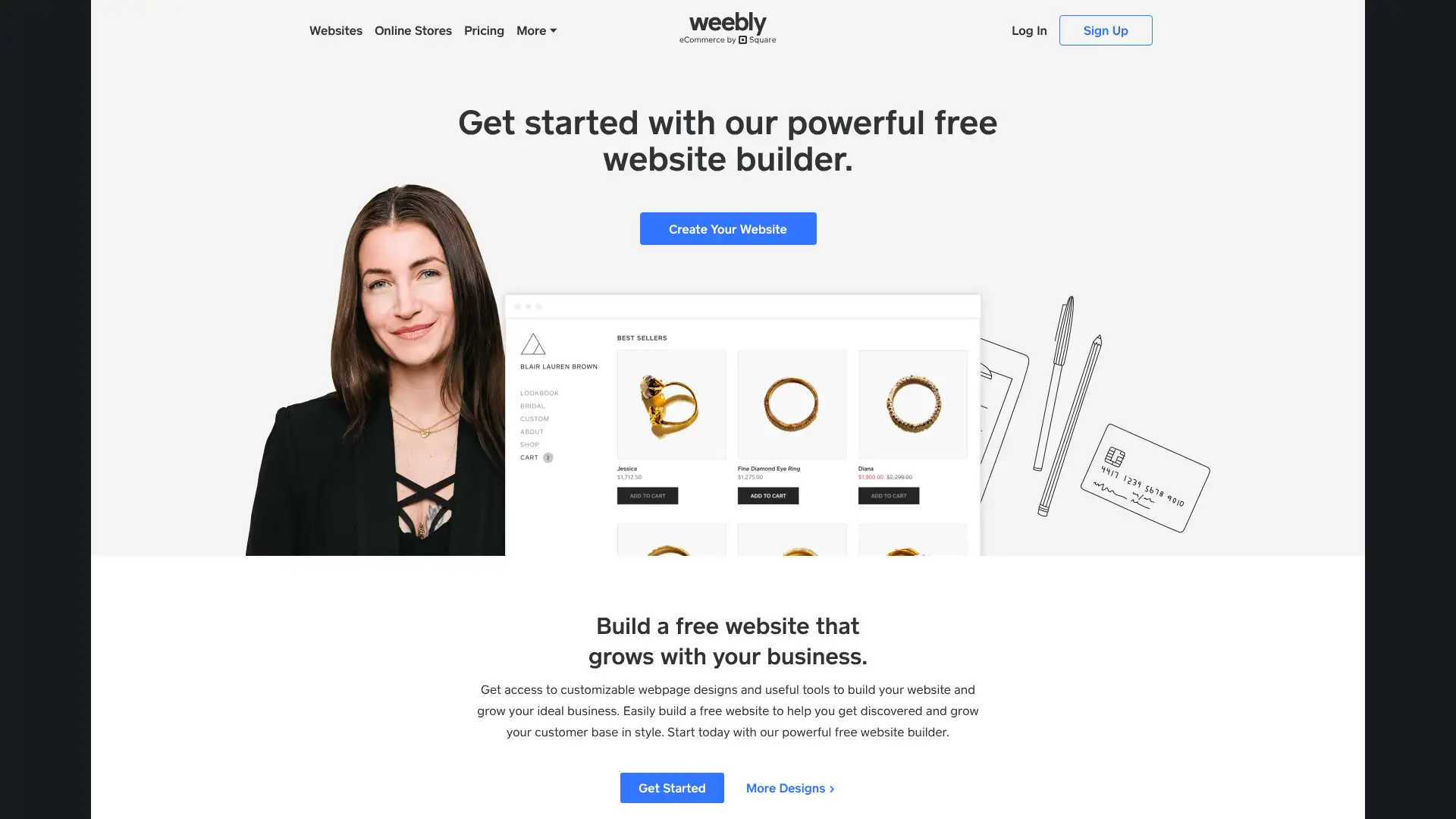
Weebly is one of the original drag-and-drop website builders, now owned by Square since 2018. Development has significantly slowed since the acquisition, with new features primarily entering through Square Online rather than Weebly itself. The free plan remains functional with unlimited pages and up to 10 products for basic ecommerce, making it the most generous free ecommerce tier of any website builder. Templates feel dated compared to Squarespace or Framer. Weebly is best for users who are already in the Square payments ecosystem or need a simple site with basic ecommerce at minimum cost.
- • Square ecosystem integration: seamless connection to Square POS for businesses selling both online and in-person
- • Unlimited pages on the free plan: no page count restriction unlike some free tiers
- • Up to 10 products on the free plan: basic ecommerce without any payment
- • Drag-and-drop builder with pre-designed sections: quick setup for non-technical users
- • iPhone and Android app for managing site content and sales on mobile
Weebly is serviceable for existing users and businesses already in the Square ecosystem. For new sites starting in 2026, Weebly's slower development pace and dated templates make it a less appropriate starting point than Squarespace, Wix, or Hostinger.
GoDaddy Website Builder
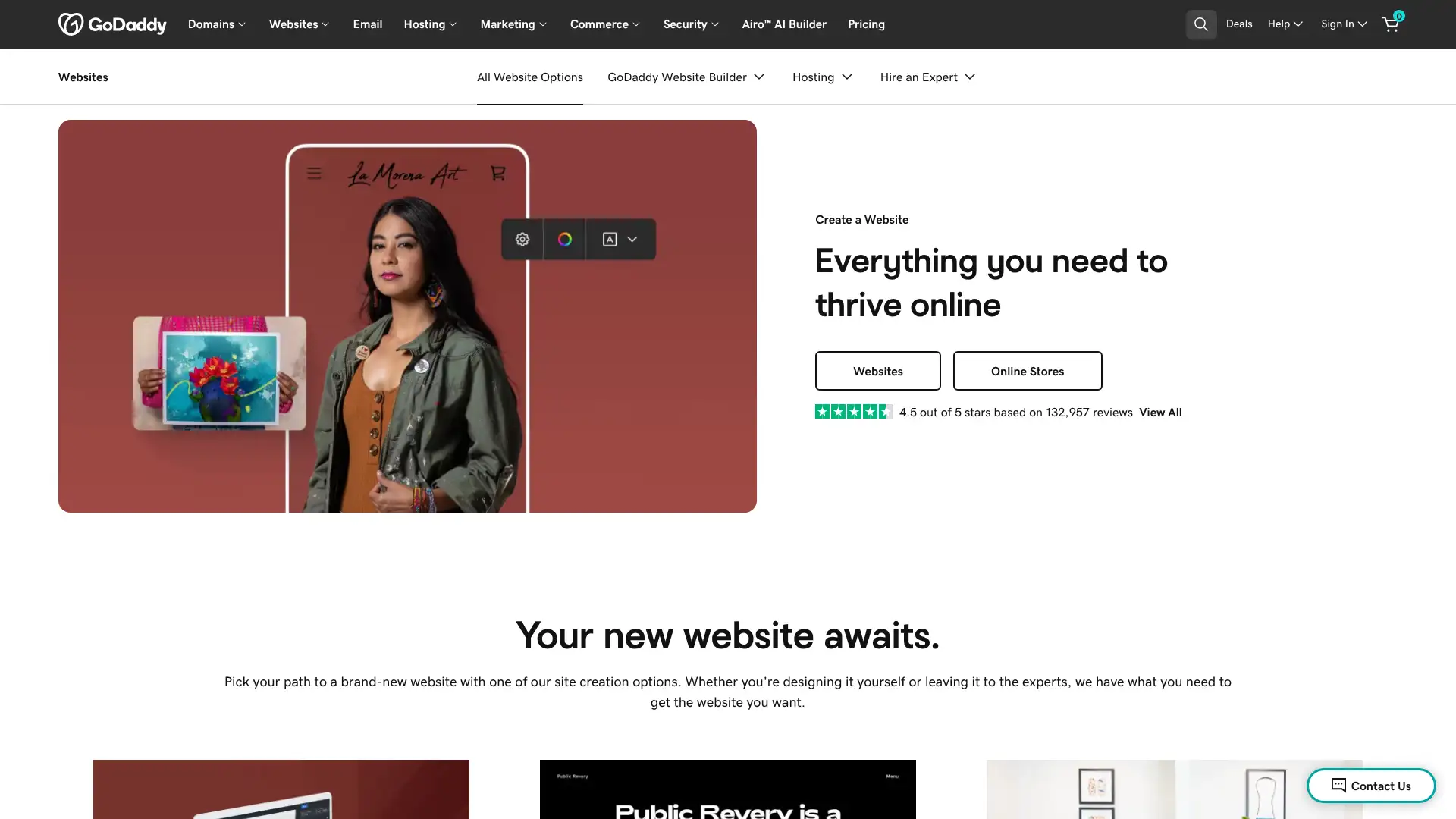
GoDaddy Website Builder targets users who want the fastest path from zero to a published website, leveraging GoDaddy Airo AI to generate a site from a business description in minutes. It integrates tightly with GoDaddy's domain, email, and marketing services. The builder is simple and intentionally limited in design customisation, prioritising speed and ease over creative control. It is the world's largest domain registrar and its website builder is a natural add-on for users already managing domains there. Best suited for local businesses and service providers who need a functional online presence quickly.
- • GoDaddy Airo: AI generates a site from a business name and description within minutes
- • Integrated with GoDaddy Domains: manage domain, email, and website in one GoDaddy account
- • Appointment booking built in on Standard plan: no third-party booking tool required
- • SEO guidance tools: automated suggestions for improving search visibility
- • Social media content creation tools integrated into the Standard dashboard
GoDaddy Website Builder is the right choice for local businesses and service providers who want the fastest possible path to a live website, particularly if they already manage their domain through GoDaddy. For users who want design quality, feature depth, or long-term scalability, Wix or Squarespace provide a significantly
Hostinger Website Builder
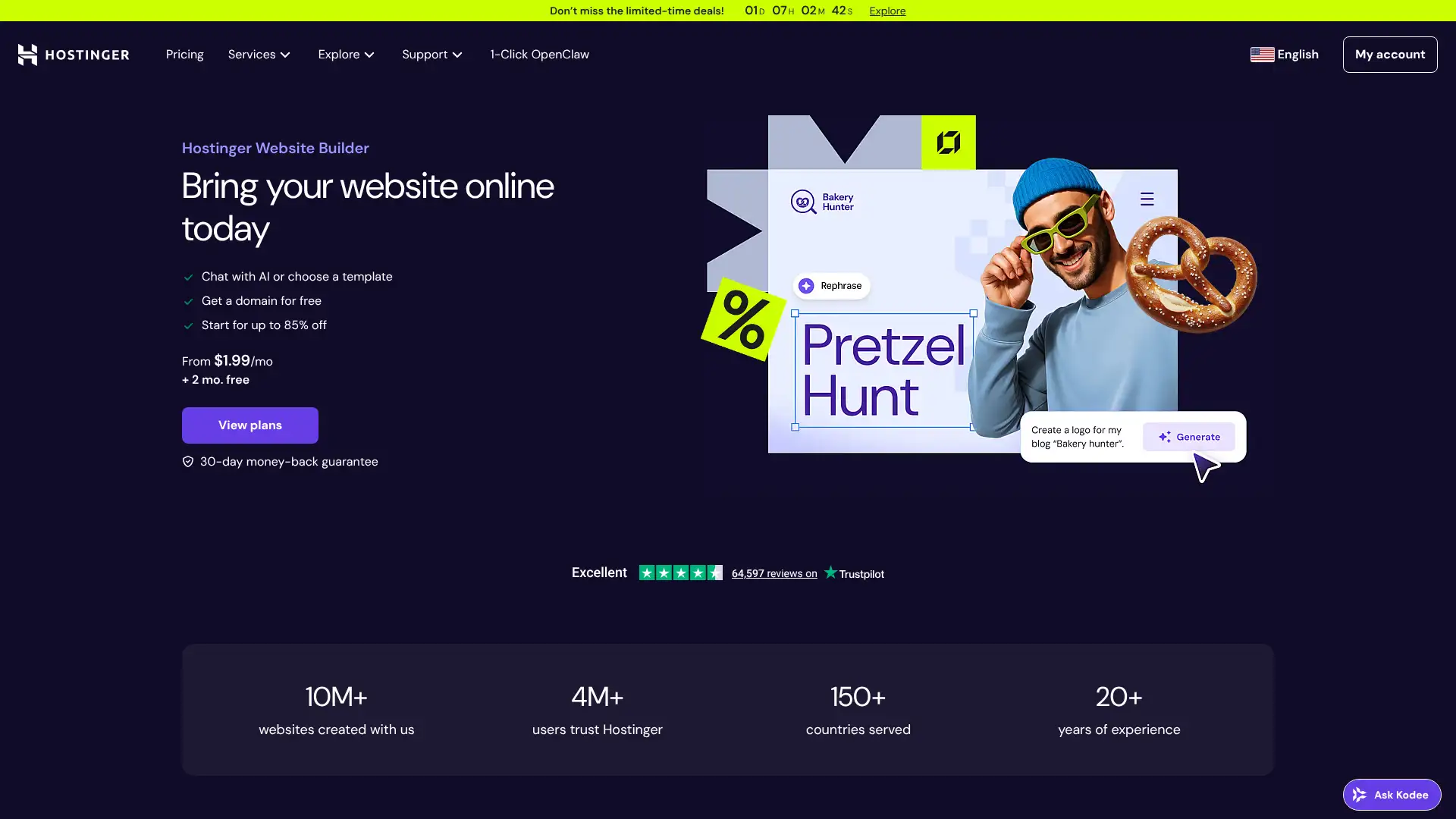
Hostinger Website Builder bundles domain, hosting, and a website builder into a single low-cost package, making it one of the most cost-effective ways to get a complete site live. The AI Builder generates a site from a prompt and the editor is clean and beginner-friendly. Hostinger's pricing starts under $3/month making it the lowest entry price of any builder with included hosting. Template quality is solid, if not at Squarespace's level. Basic ecommerce is included on all paid plans. The hosting infrastructure is Hostinger's own, which has strong uptime performance records.
- • AI website builder: generates a full site from a text prompt including copy and images
- • Included domain name: free custom domain on all paid plans (first year)
- • Included email hosting: professional email address at your domain at no extra cost
- • Built-in ecommerce: sell products without upgrading to a higher tier
- • Hostinger LiteSpeed hosting infrastructure: fast page loading from strong global CDN coverage
Hostinger Website Builder is the best all-in-one value for users who want domain, hosting, email, and a solid builder in one affordable bill. The AI builder and included domain make it an excellent starting point for small businesses and individuals on a budget.
Jimdo
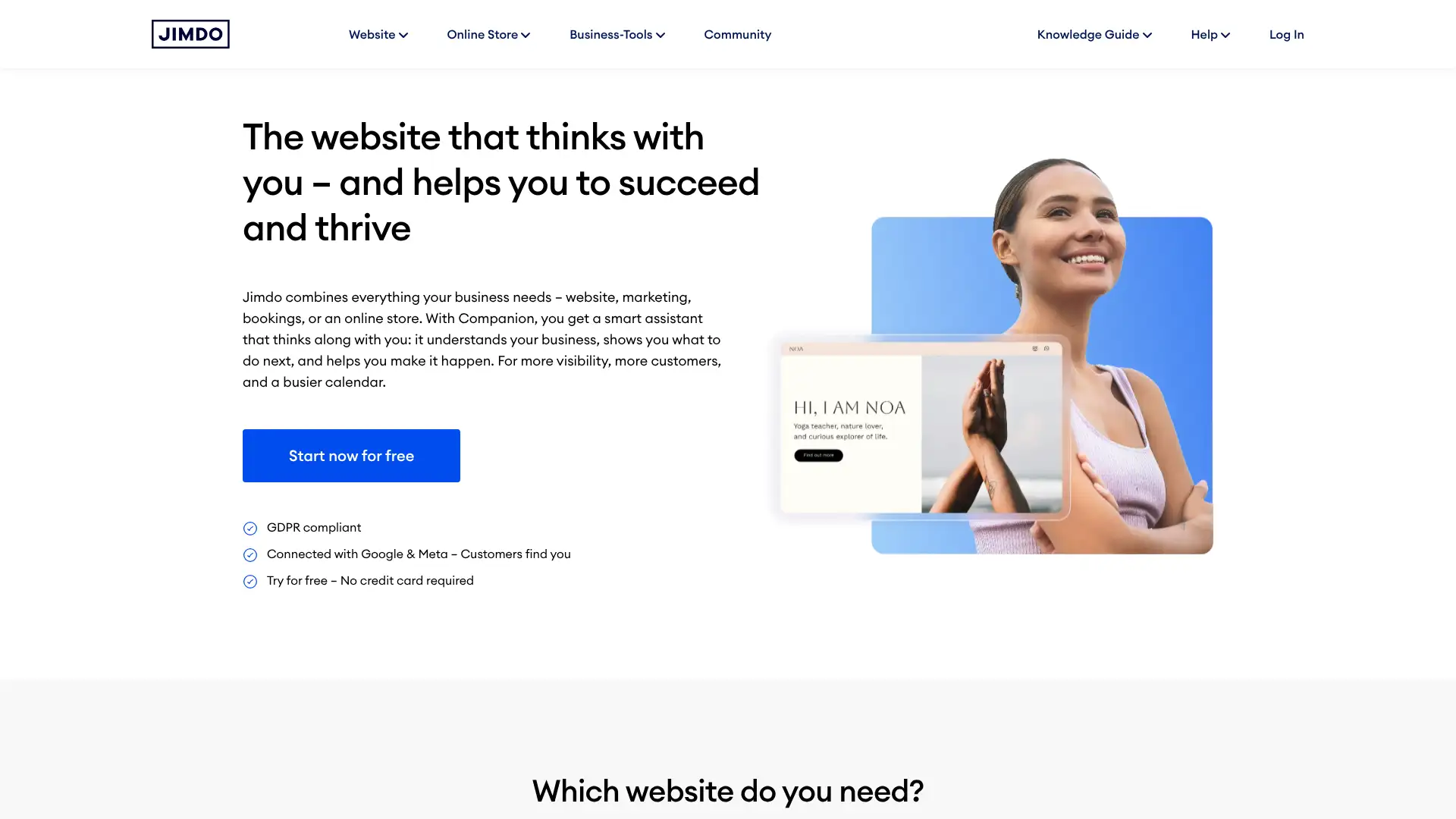
Jimdo is a German website builder known for its Jimdo Dolphin AI system, which builds a website by asking a series of simple questions about the business and then generating a complete site. It is designed for users who find even drag-and-drop editors intimidating. Jimdo Creator offers a traditional editor for users who prefer manual control. The SEO setup is guided and automated. Jimdo is particularly suited for independent professionals and local service businesses who need a functional online presence with minimal technical involvement.
- • Jimdo Dolphin: AI builds an entire site from questions about the business type and style preferences
- • Guided SEO setup: automated meta tag configuration and search engine submission
- • Legal text generator: automatically creates privacy policy and legal notice text for European compliance requirements
- • Jimdo Creator: traditional drag-and-drop editor alternative for users who prefer manual control
- • Simple mobile app for managing site content and responding to contact enquiries on the go
Jimdo is best suited for independent professionals and local service businesses who are intimidated by website building and specifically want AI to make all the design decisions. The legal text generator adds genuine practical value for European businesses.
Webflow
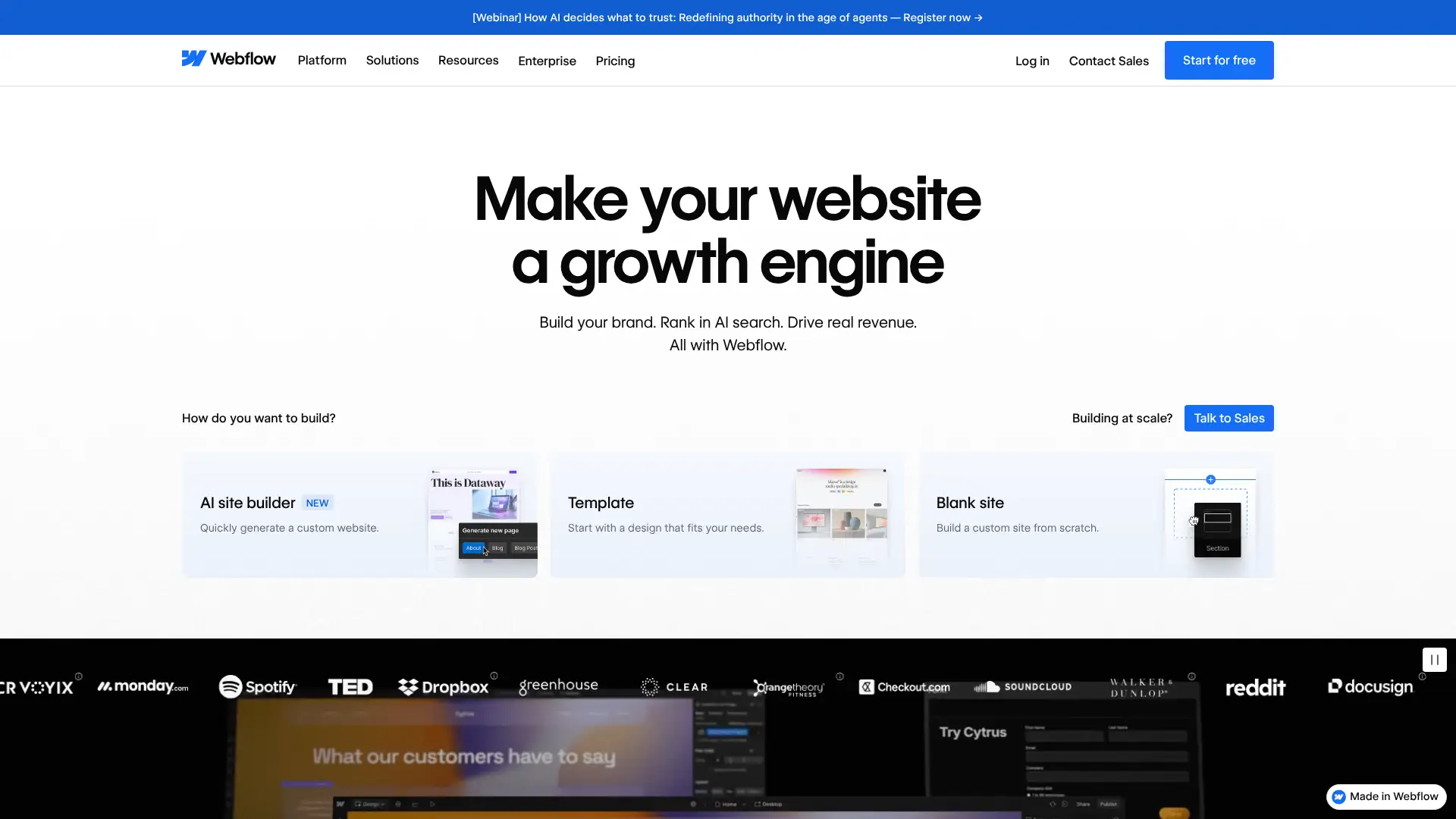
Webflow is the most powerful no-code website builder for professional designers and B2B marketing teams, generating production-quality HTML, CSS, and JavaScript without requiring coding. It operates between a traditional visual builder and hand-coded development. The visual editor maps directly to CSS properties: editing in Webflow teaches CSS concepts while building the site. The Webflow CMS is powerful for managing structured content. Webflow Editor lets non-technical team members update content without accessing the design editor. It consistently ranks alongside Shopify as the top-performing builder on Lighthouse metrics.
- • Visual CSS editor: design changes in Webflow correspond directly to CSS properties, generating clean code output
- • Webflow CMS: structure and manage content collections (blog posts, team members, portfolio items) with custom fields
- • Webflow Editor: separate content-editing interface lets non-technical team members update content safely
- • Interactions and animations: complex CSS animations and scroll effects built visually without writing animation code
- • Webflow Optimize: AI-powered A/B testing and personalisation included on higher plans
Webflow is the strongest hosted builder for professional web designers, design agencies, and SaaS marketing teams who need design precision and clean code without writing it. The learning investment is real but the output quality is measurably better than Wix or Squarespace.
Framer
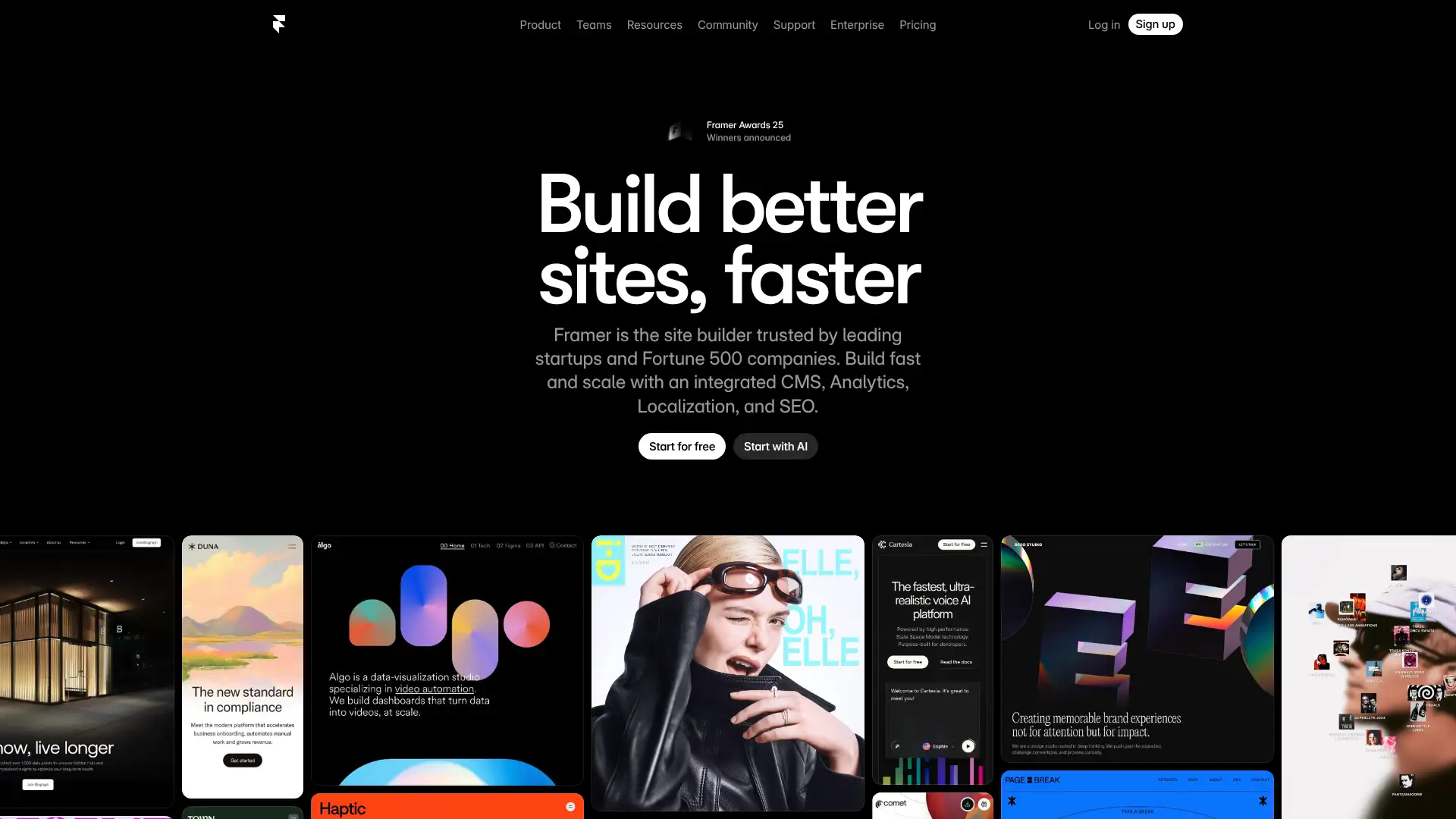
Framer is a website builder that originated as a design and prototyping tool, building on deep Figma design vocabulary to let designers move from design concepts directly to published websites. It has a strong following among designers who find Webflow complex and Squarespace restrictive. Framer generates highly optimised code and achieves excellent Lighthouse scores. AI generation can create a full site from a text prompt. The free plan is genuinely functional with Framer subdomain. Framer is primarily used for marketing sites, portfolios, and SaaS landing pages rather than content-heavy or ecommerce sites.
- • Figma-inspired visual editor: familiar design workflow for users with Figma experience
- • AI text and image generation: create content directly within the builder from prompts
- • Component system: create reusable design components that update globally when changed
- • Built-in CMS: manage blog posts and dynamic content collections without third-party plugins
- • Fast page performance: generates optimised HTML/CSS with excellent Core Web Vitals scores
Framer is the best choice for designers with Figma experience who want to publish production-ready websites without learning full web development. The clean code output and AI generation tools are strong differentiators.
Carrd
Carrd is a minimalist website builder designed exclusively for single-page websites. It is best-in-class for one-page use cases: personal profiles, link-in-bio pages, product landing pages, event pages, and portfolios. Three sites can be built for free. The Pro Standard plan at $19/year is one of the lowest-priced paid plans in the category. Custom domains, forms, widgets, and up to 10 sites are included on Pro Standard. Carrd does not support multi-page websites beyond a single scrollable page, which is a fundamental limitation for any site that needs navigation between separate pages.
- • Single-page optimisation: loading and scroll behaviour tuned specifically for one-page experiences
- • Forms with email notifications: collect signups and enquiries without third-party form tools
- • $19/year Pro Standard: the most affordable paid custom-domain plan in the website builder category
- • Embed support: embed YouTube, Spotify, Typeform, and other third-party services as page elements
- • Mobile-responsive by default: all templates and layouts automatically optimise for mobile screens
Carrd is the default recommendation for personal sites, portfolios, link-in-bio pages, and product landing pages that fit within a single scrollable page. The $19/year pricing is unmatched for what it provides.
Strikingly
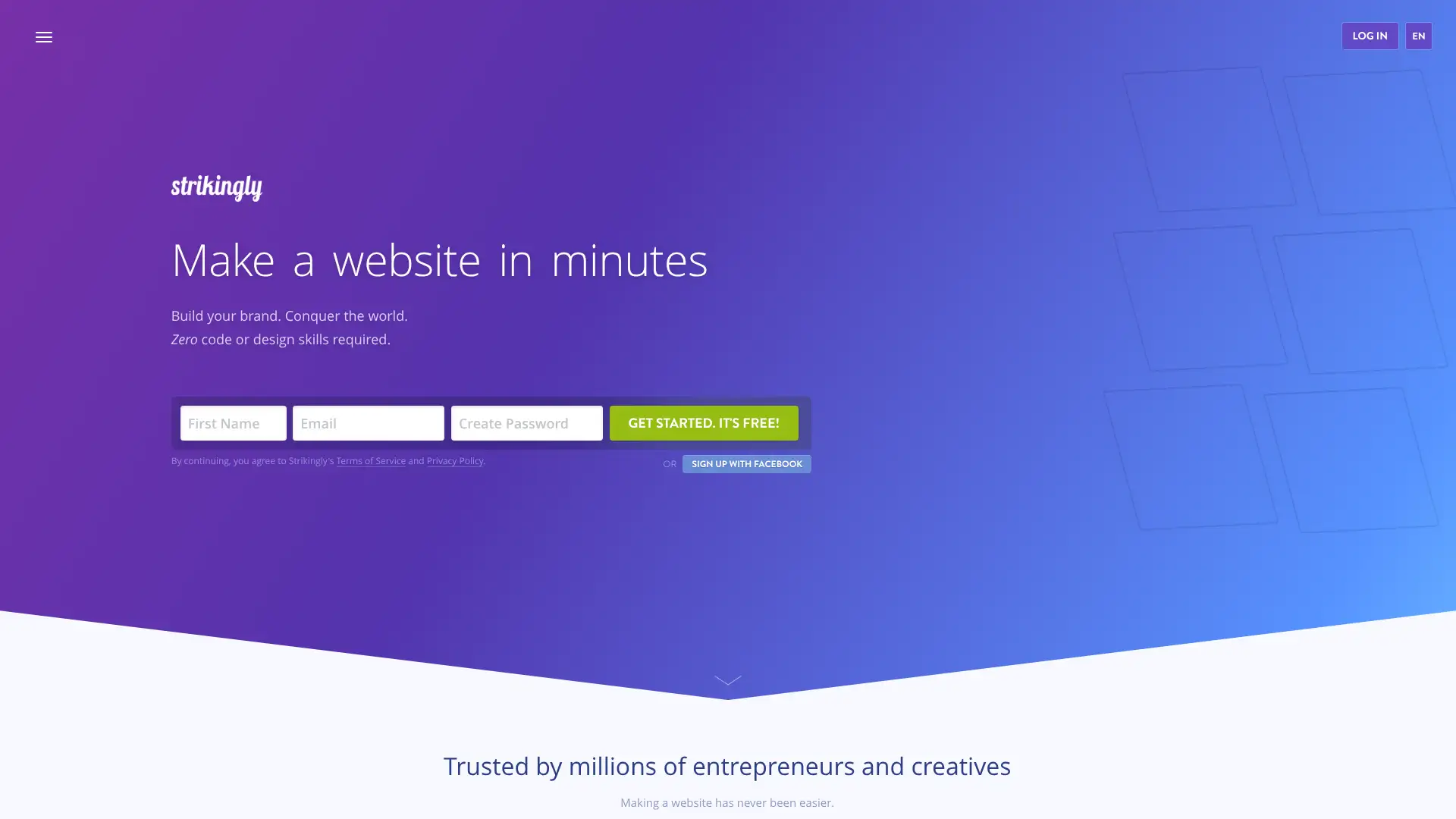
Strikingly is a Chinese-founded website builder similar to Carrd, focused on simple one-page websites with the ability to handle basic multi-page setups and a limited ecommerce store. It is among the easiest website builders to use, with automatic mobile optimisation and a limited but clear template selection. Strikingly is particularly popular for personal pages, events, and product launches where a simple, clean site is needed quickly. The free plan is functional with Strikingly branding.
- • Simple and clean editor: the most beginner-friendly builder interface of any reviewed platform
- • Automatic mobile optimisation: all sites are automatically responsive across devices
- • Basic ecommerce on paid plans: sell simple products without a complex setup
- • Multilingual site support: create sites in multiple languages on Pro plan
- • Blog feature included on Pro plan for basic content publishing
Strikingly is best for users who want the absolute simplest path to a one-page site with basic product selling. The editor requires minimal decisions. For any site with more than a handful of pages, products, or design requirements, Wix or Squarespace are significantly better-suited platforms.
SITE123
SITE123 is an Israeli website builder that takes a template-first, form-filling approach: instead of drag-and-drop, users select pre-built section templates and fill in their content. Design decisions are made by the templates, not the user, eliminating the possibility of design mistakes. The editor uses a sidebar panel interface rather than a visual canvas. Multilingual support is included on all plans, which is a notable feature for international small businesses. SITE123 is intentionally less customisable than Wix or Squarespace, which is a trade-off for simplicity.
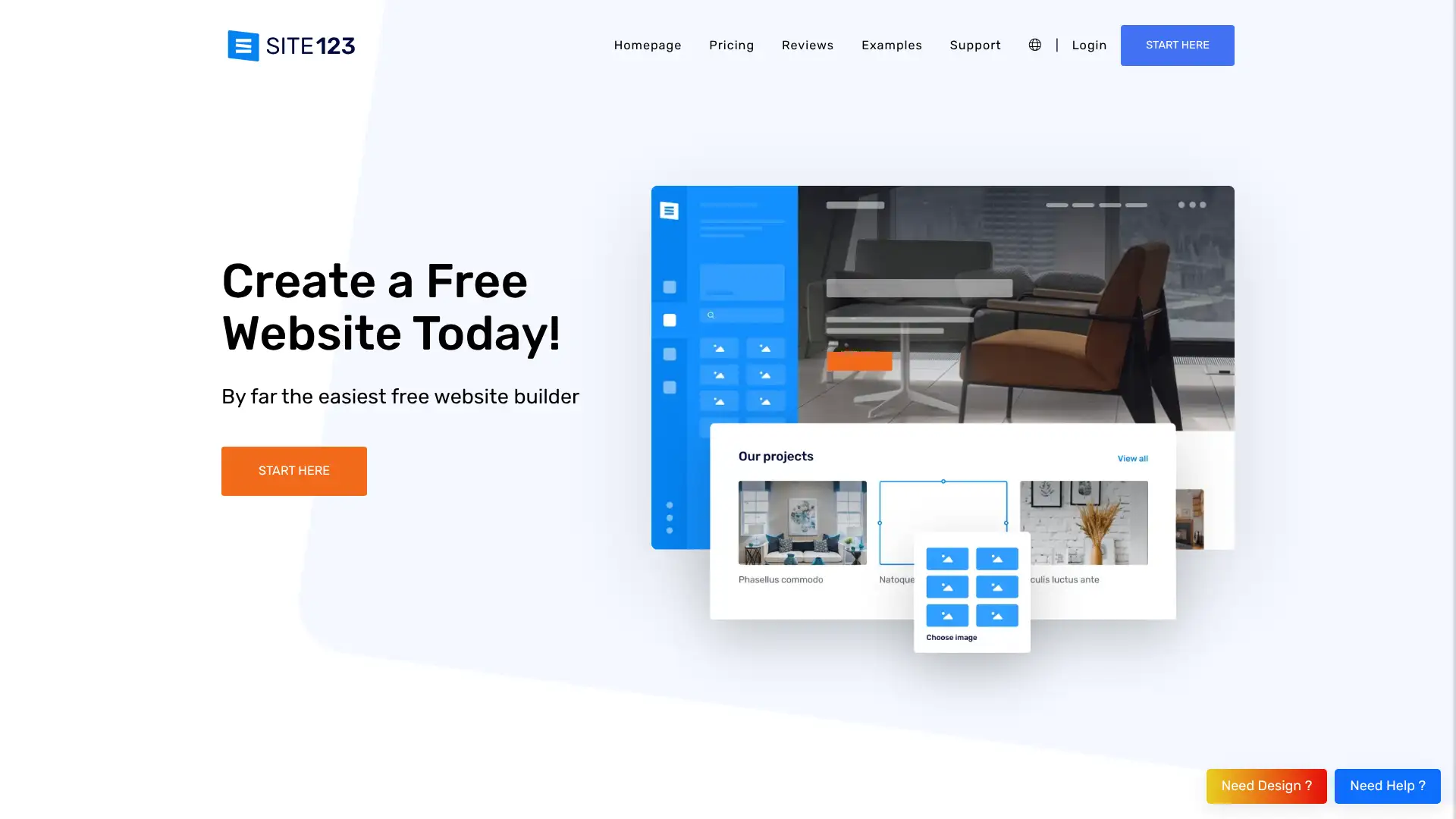
- • Template-first section approach: choose pre-built sections and fill in content, no design decisions required
- • Multilingual support on all plans: create sites in multiple languages from the base plan
- • Built-in SEO tools: meta descriptions, alt text prompts, and search submission included
- • 500+ section templates: wide variety of pre-designed sections for different content types
- • 24/7 live chat support: accessible help for users unfamiliar with web technology
SITE123 is the right choice for users who find all other website builders too complex and specifically want a tool that makes all design decisions for them. The section-template approach produces presentable results without any design knowledge.
Duda
Duda is a website builder specifically targeted at web design agencies, hosting companies, and SaaS platforms that build websites for their clients as a service. It is primarily sold as a white-label or reseller product rather than direct to end users. The platform offers responsive templates, team collaboration, client management portals, and white-label branding. Duda's client management tools let agencies maintain sites on behalf of their clients with structured access controls. It is more expensive than consumer builders but includes workflow features that justify the premium for agency use.
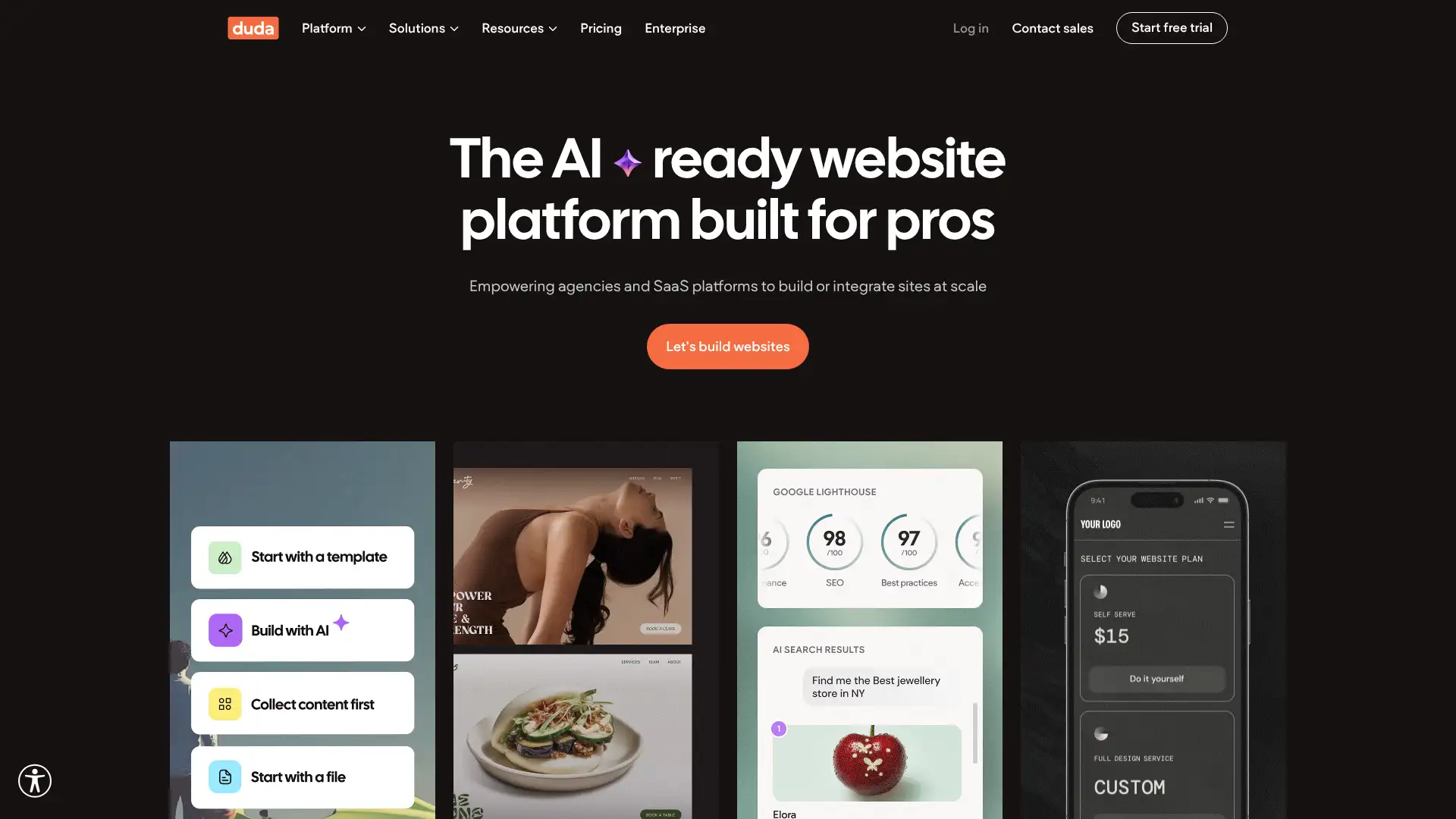
- • White-label capability: remove all Duda branding and present the builder under the agency's own brand
- • Client portal: clients can review and request changes to their site within a managed access environment
- • Team collaboration: multiple editors can work on the same site simultaneously with role-based access
- • Responsive design tools with four distinct breakpoints for precise cross-device layout control
- • API access on Agency and Custom plans for integration with external tools and workflows
Duda is the right choice for digital agencies and web hosting companies that need white-label website building capability, client management tools, and team collaboration features. For individual users or small businesses building their own site, the complexity and cost are not justified: Wix, Squarespace, or Hostinger provide
Format
Format is a website builder and portfolio platform specifically designed for photographers, videographers, illustrators, and other visual creatives. It includes client proofing tools that allow photographers to share galleries with clients for selection and approval. Image watermarking protects work from unauthorised use. Print selling is integrated for photographers selling prints directly through their portfolio. The templates are designed to showcase visual work effectively with full-screen layouts and gallery-focused designs. Format is not a general-purpose builder: it is optimised for the creative portfolio use case.
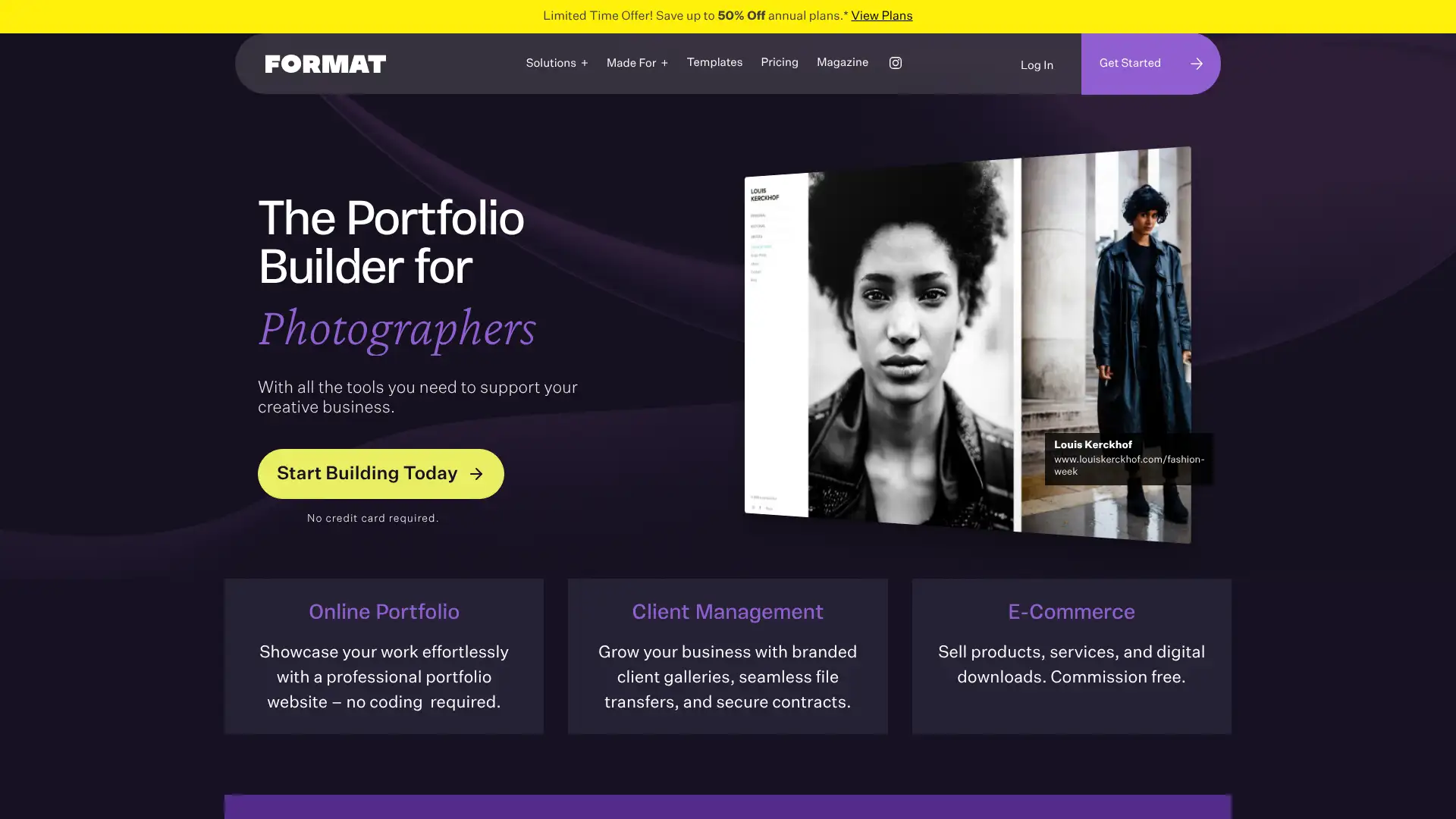
- • Client proofing galleries: share photo galleries with clients for selection and approval workflows
- • Image watermarking: automatically add watermarks to uploaded images to protect from unauthorised use
- • Print store integration: sell prints directly through the portfolio website without third-party tools
- • Photography-specific templates: full-screen, gallery-focused layouts designed for visual work
- • iOS and Android app: manage portfolio and client galleries from mobile
Format is the best builder for professional photographers who need client proofing workflows, image watermarking, and print selling in one platform. For creatives who also need a blog, general content pages, or multi-purpose functionality, Squarespace provides a more balanced portfolio-plus-site capability.
Pixpa
Pixpa is a portfolio website builder similar to Format, targeting photographers, designers, and artists. It offers client galleries, ecommerce for digital and print products, and blog tools, positioning itself as a complete portfolio-business platform. Pixpa includes a built-in lightroom plugin for direct gallery publishing from Lightroom. Pricing is slightly lower than Format and Squarespace for comparable functionality. All templates are mobile-responsive.
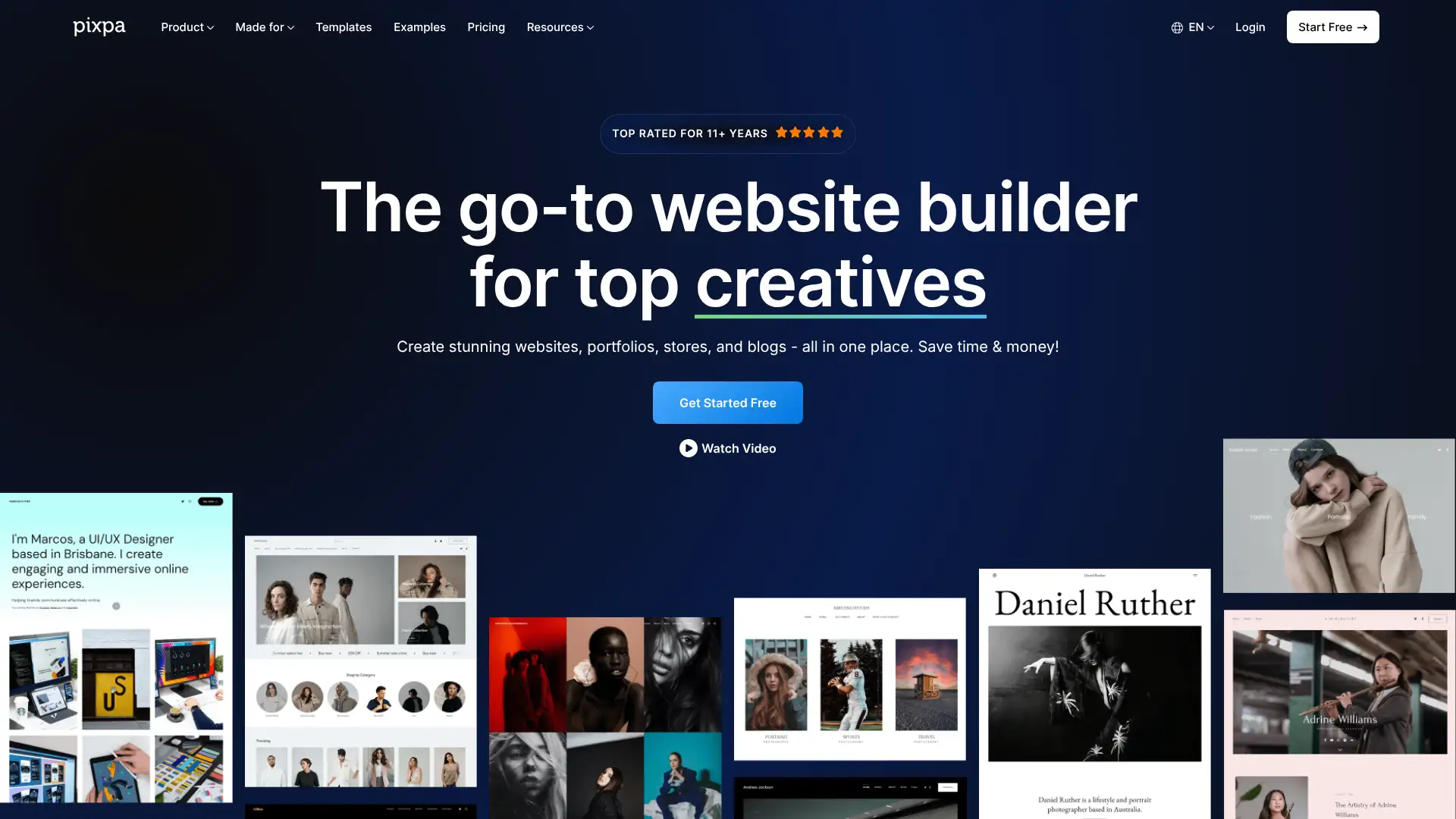
- • Adobe Lightroom plugin: publish galleries directly from Lightroom to the Pixpa portfolio site
- • Client proofing galleries: share galleries with clients for selection, favouriting, and download
- • Ecommerce for digital and print products: sell files, prints, and physical goods directly
- • Blog with categories: basic blogging alongside the portfolio for content marketing
- • Mobile-responsive templates designed for showcasing photography and design work
Pixpa is a cost-effective alternative to Format for photographers and designers who want client galleries, ecommerce, and a blog in one platform. The Lightroom plugin is a practical time-saver for photography workflows. For users who prioritise template quality or community size, Squarespace or Format are better-established choices.
Webnode
Webnode is a Czech website builder that prioritises multilingual website support more strongly than most competitors. It supports websites in multiple languages with language switchers and separate SEO settings per language, making it particularly useful for businesses serving international audiences. The builder uses a simple drag-and-drop interface suitable for beginners. Ecommerce is available on Business plans. The free plan has a webnode.com subdomain and includes basic functionality for testing.

- • Multilingual support: build sites in multiple languages with automatic language detection and switcher
- • Independent SEO settings per language: each language version of the site has its own meta tags and keywords
- • Drag-and-drop editor accessible to beginners with no technical knowledge
- • Newsletter tool built in on Standard plan for basic email marketing
- • Ecommerce with multi-currency support: sell in different currencies to international customers
Webnode is the best choice for businesses that specifically need multilingual website capability with independent SEO settings per language. For most other use cases, Wix or Squarespace provide better templates, more features, and more reliable long-term development investment.
Zyro (now Hostinger Website Builder)
Zyro was a separate website builder brand that was fully rebranded into Hostinger Website Builder in 2022. The product, team, and underlying technology now operate under the Hostinger brand. If you are looking for Zyro, you are now looking at Hostinger Website Builder. See card 07 of this guide for the full Hostinger Website Builder review.
- • AI website builder (now part of Hostinger)
- • Included domain and hosting (now part of Hostinger bundles)
- • Clean beginner-friendly editor (continued in Hostinger Website Builder)
Zyro is the best all-in-one value for users who want domain, hosting, email, and a solid builder in one affordable bill. The AI builder and included domain make it an excellent starting point for small businesses and individuals on a budget.
Ucraft
Ucraft is a website builder that positions itself between consumer builders and professional design tools, offering a Google Fonts library, a vector design tool within the editor, and strong typography controls. The free plan is functional. Ucraft's design tool within the builder allows creating custom logo-level graphics without external tools like Canva. The White Label option lets agencies remove Ucraft branding. Less frequently reviewed than Wix or Squarespace, but offers a distinctive combination of design-in-browser tools.
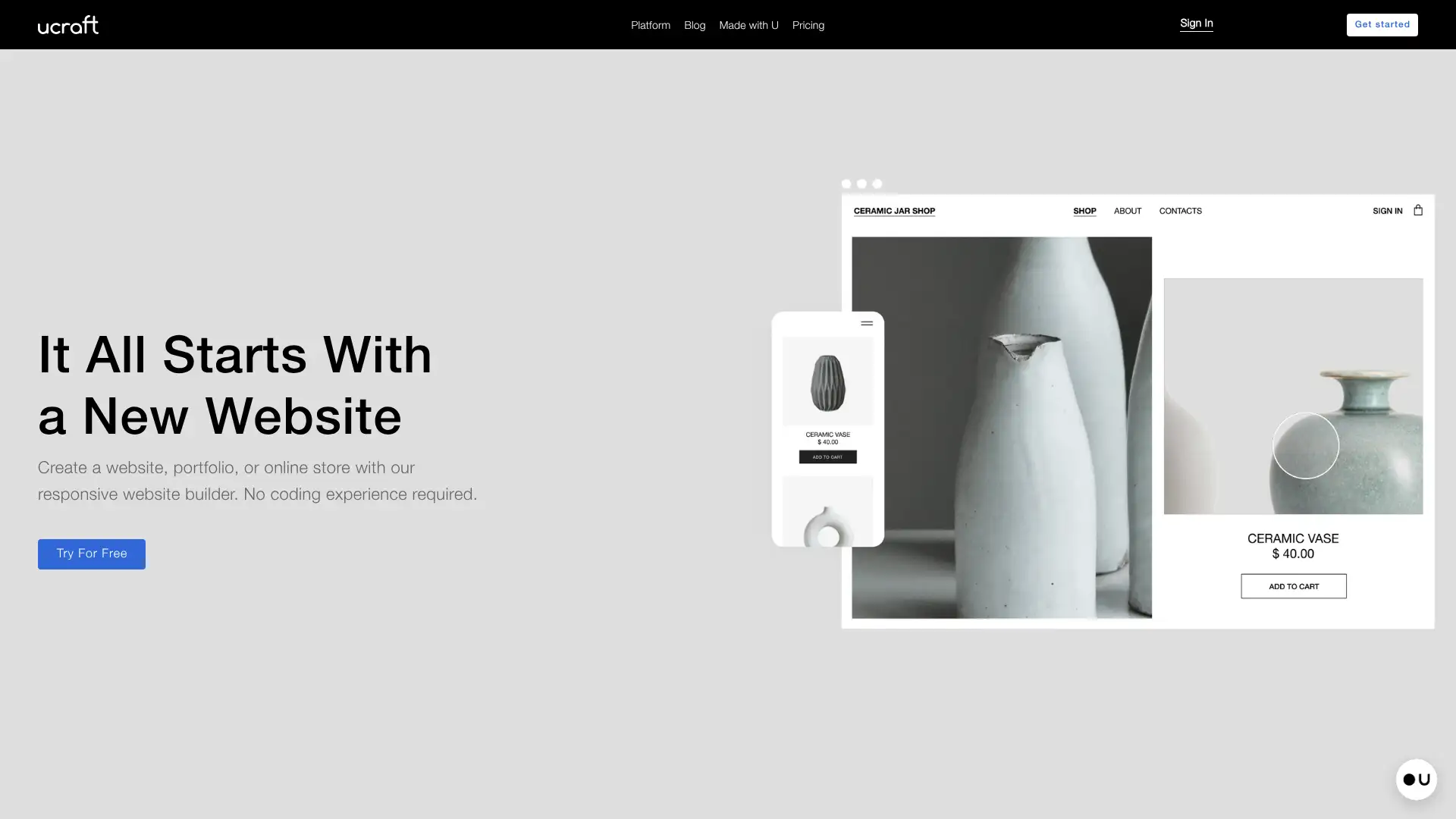
- • Built-in design tool: create and edit vector graphics within the builder without leaving to Canva
- • Google Fonts support: access to 800+ Google Fonts for typography customisation
- • Multilingual support: build sites in multiple languages with language switcher
- • White label option: remove all Ucraft branding for agency and reseller use
- • Landing page builder mode: focused landing page creation within the platform
Ucraft is worth considering for users who specifically want to do basic vector design work within their builder without switching to Canva or Figma. For most other use cases, Wix, Squarespace, or Hostinger provide better-developed ecosystems and more reliable long-term investment in the platform.
Tilda
Tilda is a Russian-founded website builder built around 550+ pre-designed blocks that users compose into pages, optimised for editorial design, long-form storytelling, and brand-forward marketing pages. It is particularly popular among Russian and Eastern European media and brand teams. The block library includes advanced typography, animation, and layout blocks that produce visually distinctive results. Tilda's free plan allows one site with full access to its block library. Pricing is competitive. Tilda is not suitable for users requiring complex ecommerce or dynamic CMS content.
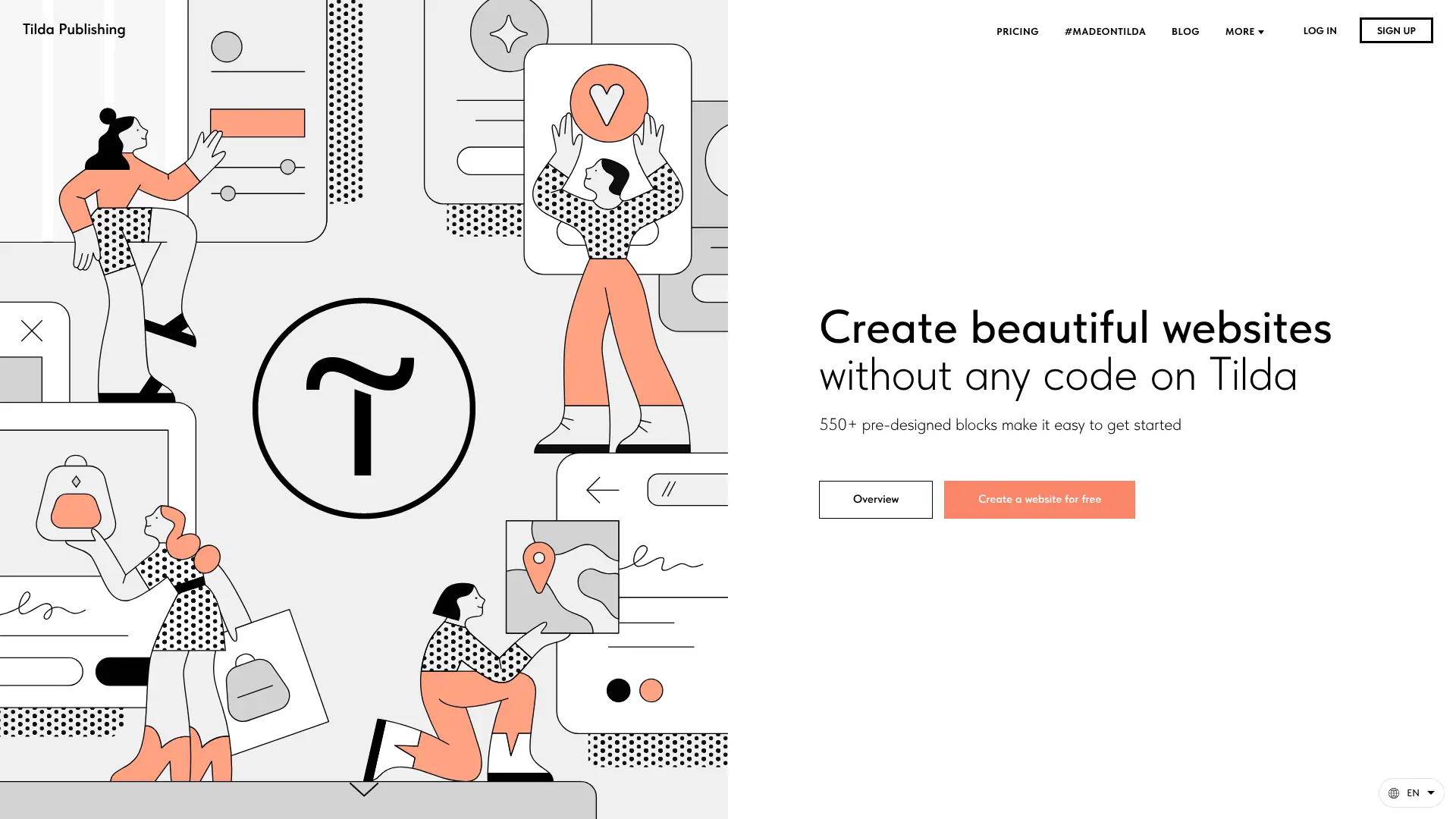
- • 550+ pre-designed blocks: the widest library of editorial content blocks of any builder
- • Zero Block: advanced custom block editor for pixel-perfect design within the block framework
- • Typography-first design tools: strong control over typographic hierarchy and spacing
- • Animation blocks: built-in scroll-triggered animations without coding
- • Ecommerce with Tilda Store: basic online store capability for physical and digital products
Tilda is the best block-based builder for editorial teams, media brands, and marketers who want access to a wide library of typographically sophisticated content blocks. The Russian-origin concern is worth noting for users in regulated industries or those with data sovereignty requirements.
Readymag
Readymag is a web publishing platform positioned between a design tool and a website builder, emphasising editorial design, typography, and visual storytelling. It offers a free-form canvas with access to 5,000+ fonts from Adobe Fonts, Google Fonts, Webtype, and Type.today. The platform targets designers and art directors who want to publish digital stories, portfolios, and brand experiences with precise typographic control. Readymag occupies a niche between a simple website builder and a developer-coded site. It is not suited for content-heavy sites or ecommerce.
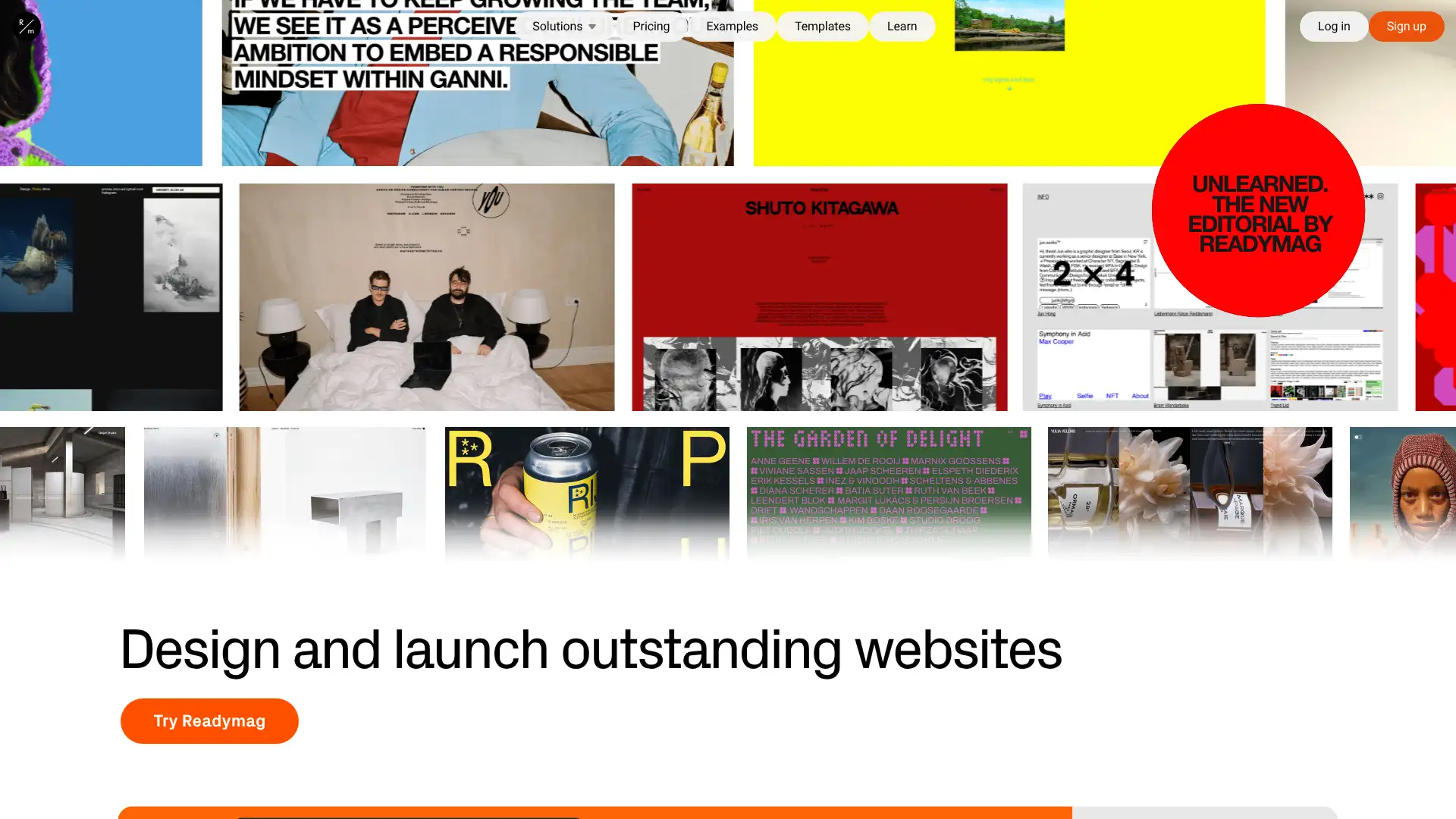
- • 5,000+ fonts from Adobe Fonts, Google Fonts, and Type.today: the widest typography library of any builder
- • Free-form canvas: no grid constraints, place any element at any position
- • Hover and scroll animations: built-in interaction design without coding
- • Icon library from Noun Project: 3 million+ icons accessible from within the editor
- • Responsive layout tools: automatic layout adaptation for different screen sizes
Readymag is the best builder for designers who want the widest possible font selection and free-form canvas for editorial and brand projects. Not appropriate as a general-purpose website builder for small businesses or content-heavy sites.
Bubble
Bubble is not a traditional website builder: it is a no-code platform for building fully functional web applications with databases, user authentication, logic, and API integrations. It powers actual apps, not just content websites. Bubble is used by early-stage startups to build and validate their MVPs without engineers. A visual workflow editor defines the logic of the application. Database management is built in. Bubble can handle real users, real transactions, and real data at scale. The learning curve is significant but the output is a real software application, not just a marketing site.
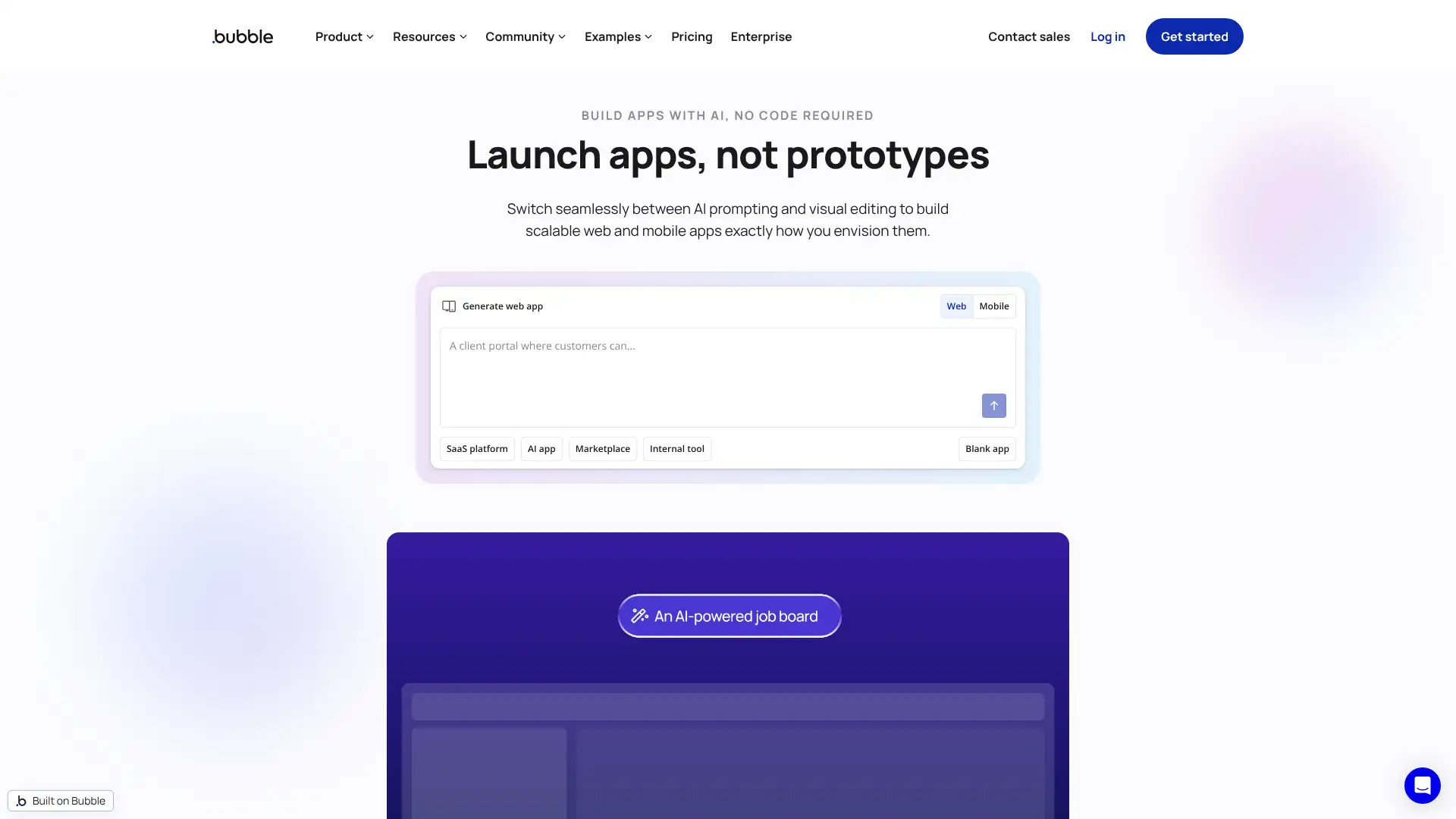
- • Visual workflow editor: build application logic with conditions, actions, and data operations visually
- • Built-in database: define data types, fields, and relationships without writing database schema
- • User authentication: implement sign-up, login, and user account management without code
- • API connector: integrate with external services via REST or GraphQL APIs without writing integration code
- • Responsive design tools: layout pages for different screen sizes within the visual editor
Bubble is the right platform for founders and product teams building web applications with databases, user accounts, and business logic. Not appropriate for informational websites, portfolios, or marketing pages where Wix, Squarespace, or Webflow would be far faster to deploy.
Softr
Softr is a no-code builder that creates websites and web applications directly from Airtable databases and Google Sheets, without building a separate database from scratch. Teams that already manage data in Airtable can turn it into a public-facing directory, member portal, job board, or internal tool in hours rather than weeks. User authentication, payments via Stripe, and search/filter interfaces are included. Softr is particularly popular with operations teams and indie makers who have structured data but no developer access.
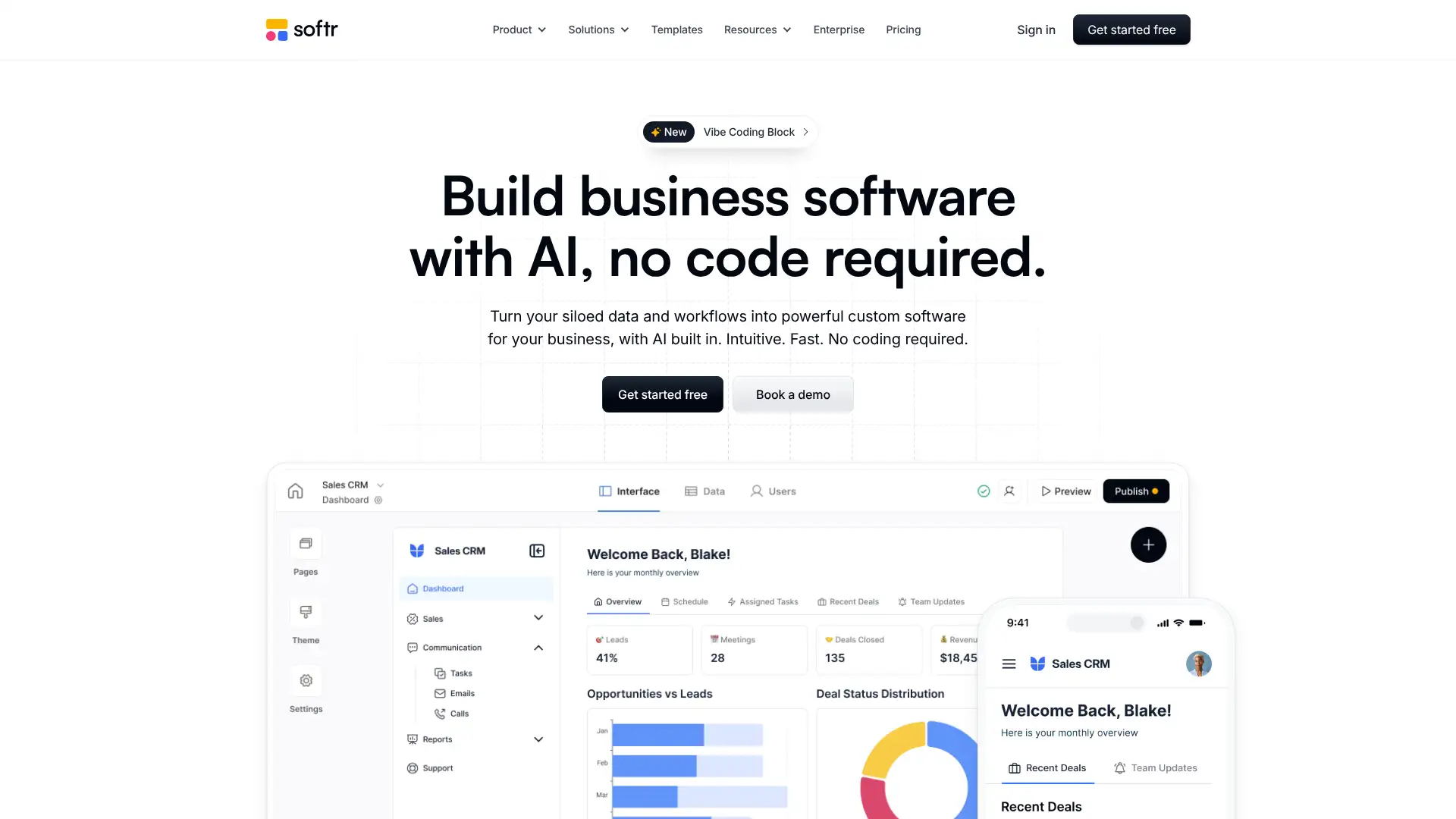
- • Airtable and Google Sheets integration: turn existing spreadsheet data into a real website or web app
- • User authentication: implement login-gated content without any code
- • Stripe payments: collect payments or subscriptions without a developer
- • Search and filter blocks: users can search and filter live data from the connected spreadsheet
- • Custom domains and SSL on all paid plans
Softr is the best solution for teams who have data in Airtable or Google Sheets and want to create a public-facing interface for that data, such as a directory, portal, or job board. For teams without existing structured data, the value proposition is significantly reduced compared to
Super.so
Super.so converts Notion pages into public websites with a custom domain, custom fonts, SEO settings, and a Notion-native editing experience. For users who already create content in Notion and want to publish it as a website without learning a separate tool, Super.so provides the fastest workflow. The site is powered by Notion as the CMS and editor. Design customisation is limited to what Notion's layout supports. Super.so is best for personal portfolios, documentation sites, and content pages where Notion's writing experience is preferred.
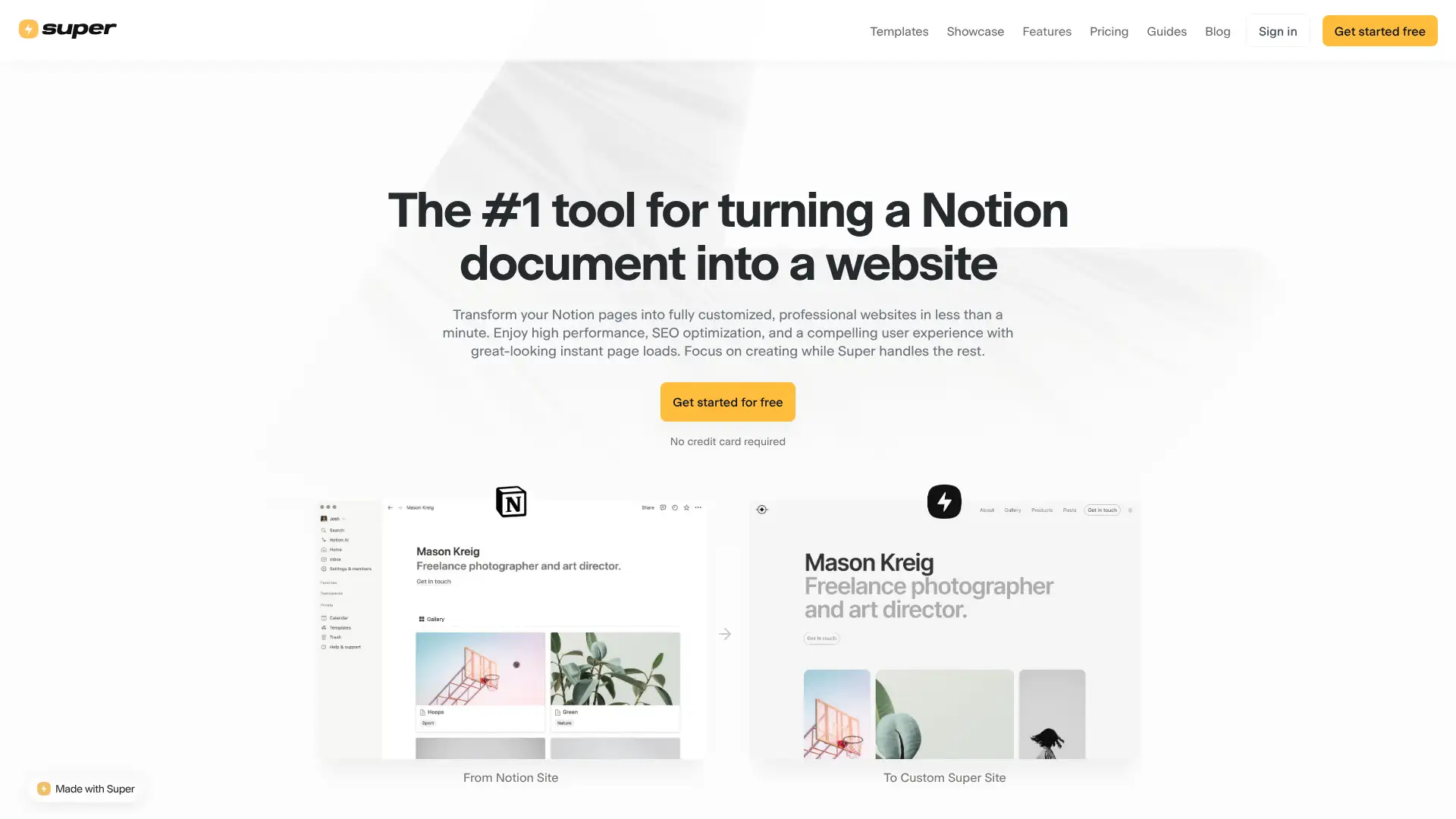
- • Notion as CMS: edit all website content directly in Notion without logging into a separate editor
- • Custom domain support: publish Notion content at your own domain name
- • Custom fonts and colours: override Notion's default typography and palette for brand customisation
- • SEO settings: meta titles, descriptions, and social share images configurable per page
- • Password protection: lock Notion-powered sites with a password for private content
Super.so is the right tool for users who live in Notion and want to publish pages as a website without learning a new editing environment. For any website that requires design precision, ecommerce, forms, or fast performance, the Notion-as-CMS approach has significant limitations that make a dedicated
Typedream
Typedream is a website builder with a Notion-inspired editing experience: content is created in clean block-based format with markdown support and an intuitive writing interface. It was acquired by beehiiv in 2024 and is being integrated into beehiiv's publishing platform. Typedream appeals to creators, bloggers, and founders who want a simple, content-focused website with a writing-first experience. AI can generate a full website from a text prompt. Jamstack hosting ensures fast global delivery.
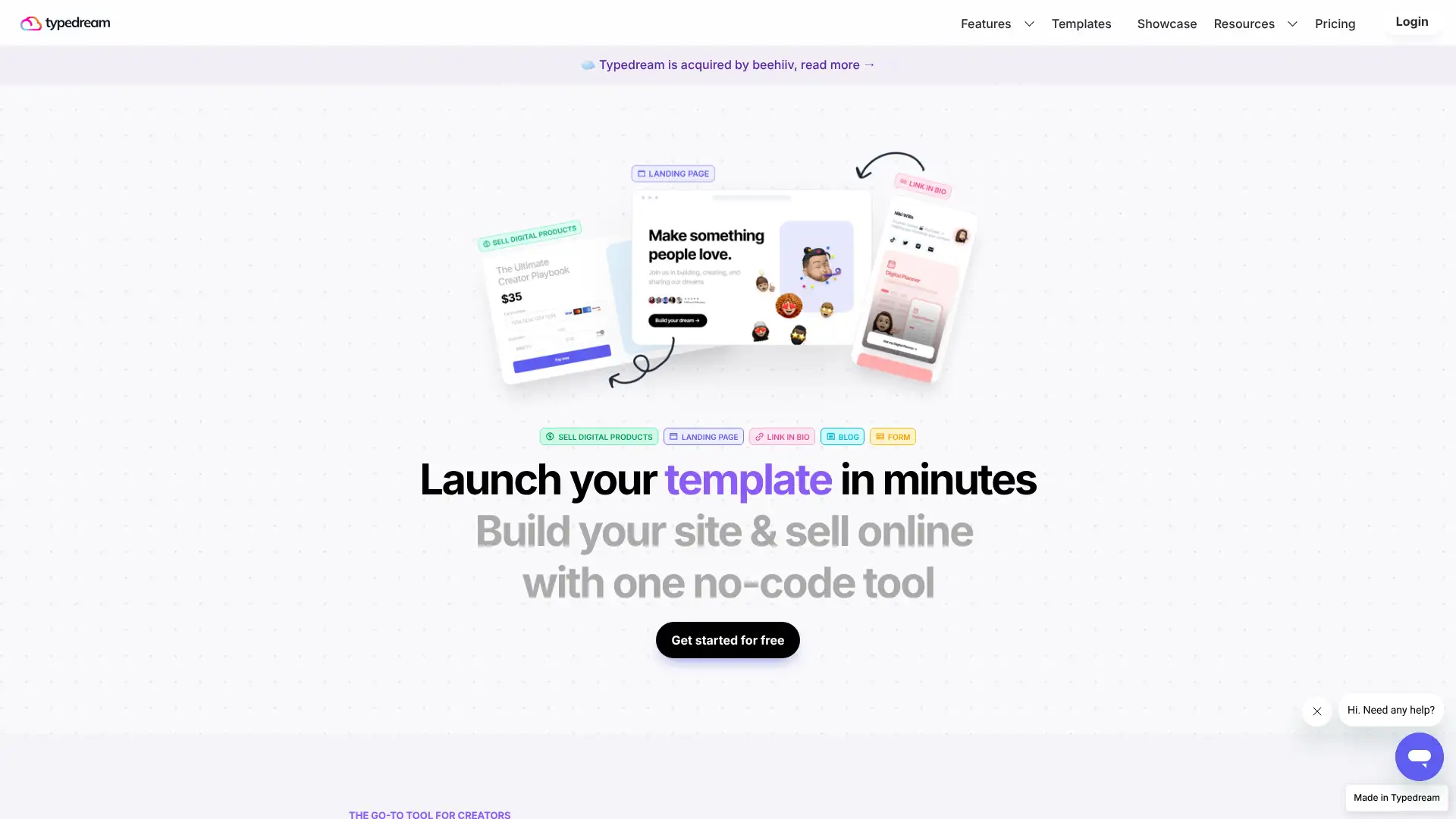
- • Notion-like block editor: create content with familiar block-based writing experience
- • AI website generation: generate a complete site from a text description
- • Jamstack hosting: static site generation for fast global CDN performance
- • Password protection on all plans: lock pages for private content
- • Custom domain on all paid plans: basic Pro plan at $9/month includes custom domain
Typedream is a clean, simple builder for creators who want a Notion-like editing experience with AI generation at a low price. The beehiiv acquisition in 2024 creates some product roadmap uncertainty for new users evaluating long-term platform commitment.
Unicorn Platform
Unicorn Platform is a website builder specifically designed for SaaS product landing pages, targeting indie makers and startup founders who need conversion-focused pages quickly. AI generates landing page sections and copy from a description of the product. The block library is focused on SaaS patterns: hero sections with CTAs, feature comparisons, pricing tables, testimonials, and FAQ sections. It integrates with Stripe for collecting payments and with Product Hunt, Twitter, and other founder community tools.
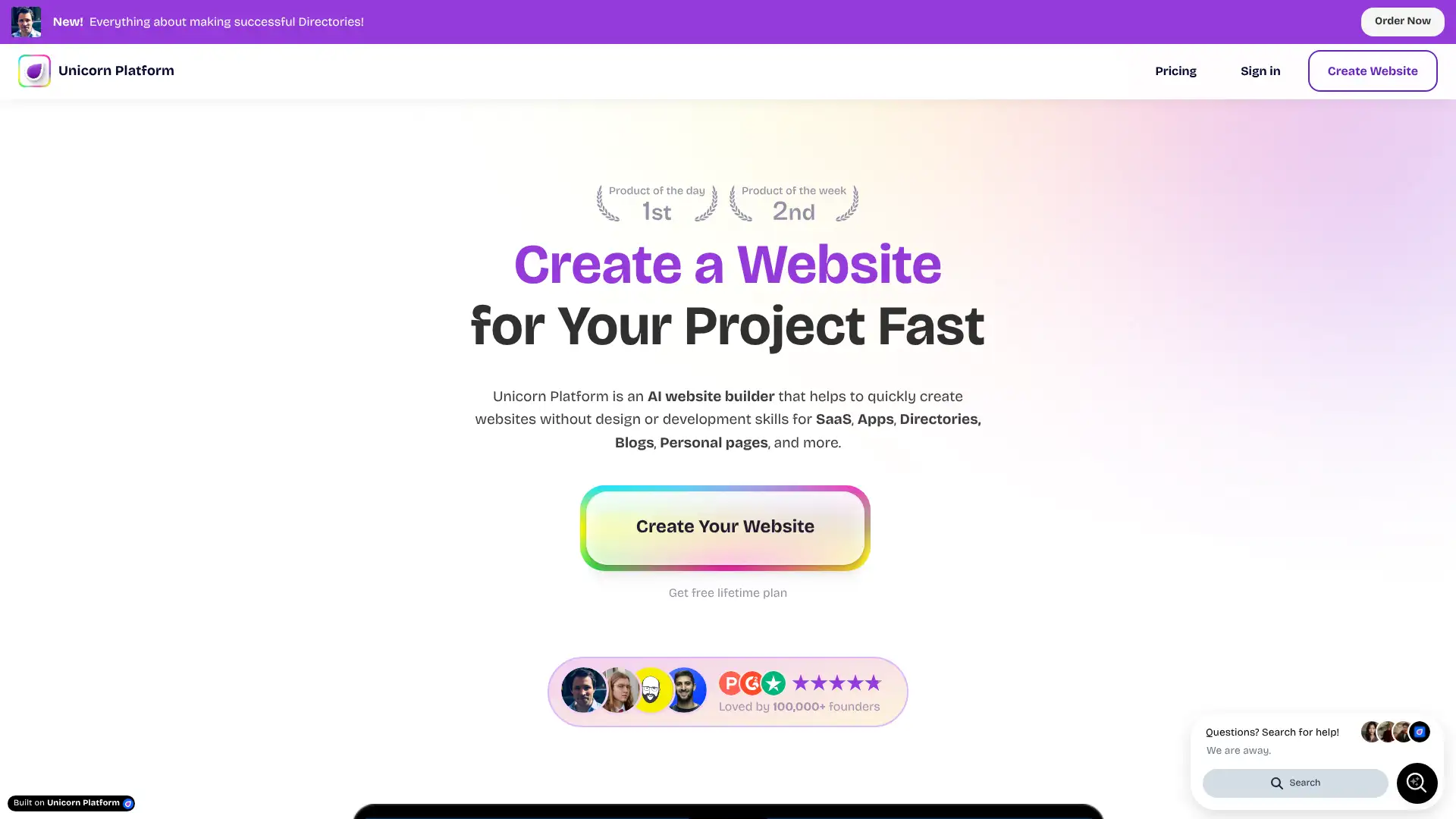
- • SaaS-specific block library: pre-built sections for pricing tables, feature comparisons, and product screenshots
- • AI landing page generation: generate a complete SaaS landing page from a product description prompt
- • Stripe integration: accept payments directly on the landing page without a separate ecommerce setup
- • Product Hunt launch badge integration: one-click badge embed for product launches
- • Analytics integration: connect Google Analytics or Plausible for conversion tracking
Unicorn Platform is the fastest tool for SaaS founders who need a conversion-focused product landing page with a pricing table and Stripe integration without hiring a designer. For any purpose beyond SaaS landing pages, Framer or Webflow provide far more versatile platforms at comparable or lower pricing.
Dorik
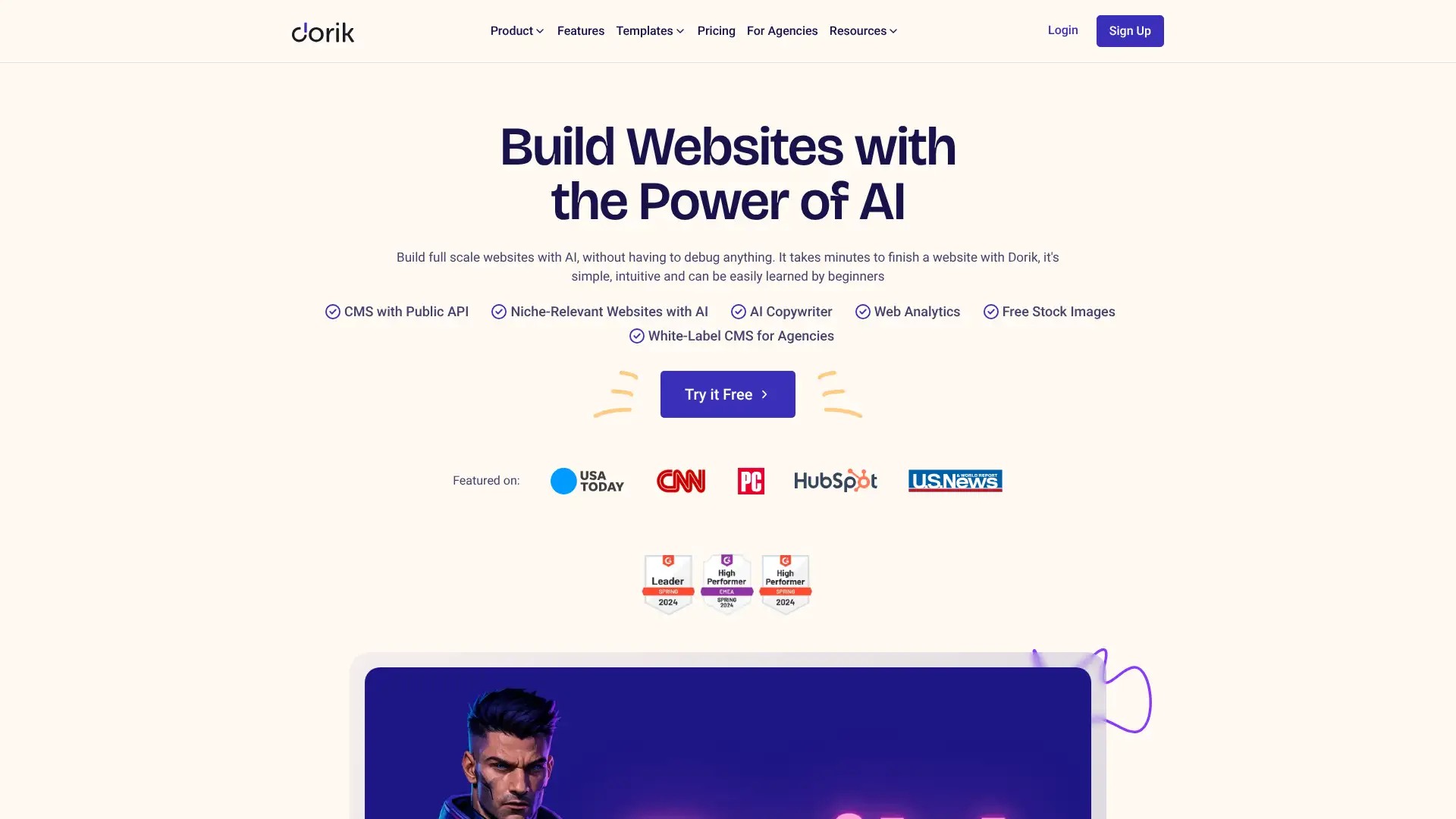
Dorik is a clean no-code website builder that positions itself as a lightweight alternative to Webflow and Tilda. It uses a block-based editor with modern templates, AWS and DigitalOcean hosting infrastructure, and global CDN delivery for fast load times. Built-in SEO tools include canonical URLs, structured schema markup, automated sitemaps, and robots.txt configuration. Membership functionality allows gating content behind login. Dorik has a generous free plan and is particularly popular among indie hackers and small startup teams.
- • Advanced built-in SEO: canonical URLs, structured schema markup, automated sitemap, robots.txt, noindex/nofollow control
- • AWS and DigitalOcean hosting: enterprise-grade CDN infrastructure for fast global delivery
- • Membership system: gate content behind user login and manage member roles
- • Blog and dynamic content: CMS capability for content-heavy sites
- • White-label capability on Agency plan: remove Dorik branding for client site delivery
Dorik is a strong choice for SEO-conscious sites that want the technical SEO toolkit without the complexity of Webflow. The AWS/DigitalOcean hosting infrastructure and membership system add meaningful value at an $8.17/month price point.
MMM.page
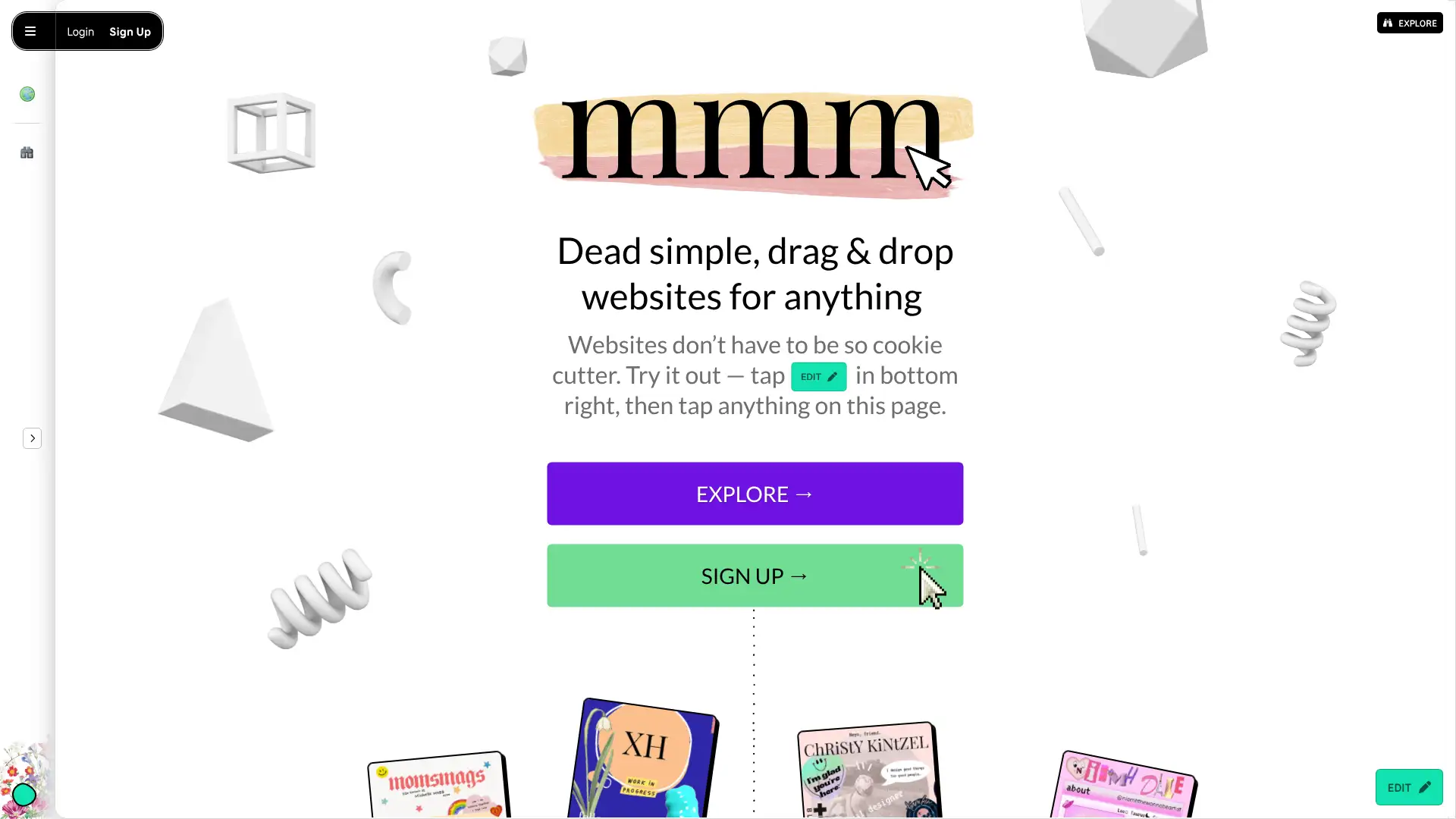
MMM.page (Make My Monster Page) is a highly distinctive personal page builder focused on expressive, colourful, and unconventional web aesthetics aimed at creators, artists, and social media users who want a link-in-bio style page that stands out from Linktree-style alternatives. The editor is freeform and encourages creative, non-standard layouts. It is not appropriate for professional business websites but creates distinctive personal expression pages.
- • Highly expressive freeform editor: unconventional design tools encouraging creative, non-standard layouts
- • Sticker and decoration elements: add illustrations and visual decorations beyond standard web elements
- • Social media link aggregation: collect all social and creator links in one expressive page
- • GIF and animation support: add moving elements to the personal page
- • Mobile-optimised output: pages display correctly on mobile despite unconventional layouts
MMM.page is the right choice for artists, musicians, and creators who want a personal page that reflects a distinctive creative aesthetic rather than the clean minimalism of Carrd or Squarespace. For professional, business, or content-heavy websites, any other builder in this guide is more appropriate.
Versoly
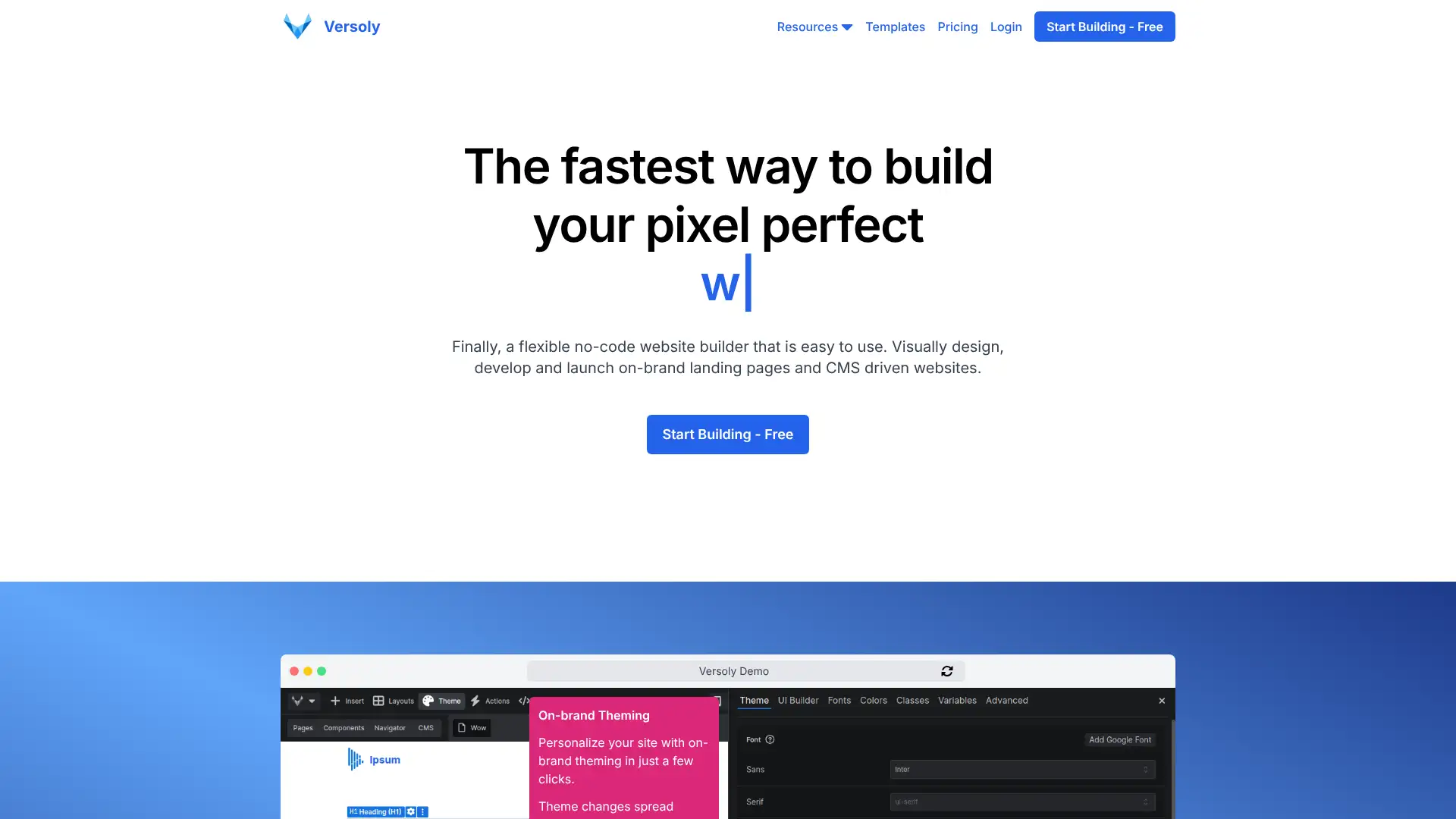
Versoly is a landing page and website builder specifically optimised for conversion rate optimisation (CRO) for SaaS products. It includes built-in A/B testing, heatmaps via integration, cookie banner management, and analytics integrations. Versoly's templates are specifically designed for SaaS pricing pages, product landing pages, and feature pages with conversion patterns built in. Less widely known than Unicorn Platform or Framer but with a more complete CRO feature set.
- • Built-in A/B testing: test page variants natively without requiring Google Optimize or a separate tool
- • Cookie consent banner: GDPR-compliant cookie management built into the platform
- • SaaS-optimised templates: pricing pages, feature comparisons, and conversion patterns built in
- • Analytics dashboard: conversion tracking and funnel analysis without third-party setup
- • SEO tools: meta control, sitemap, and structured data for each page
Versoly is worth evaluating for SaaS teams who want built-in A/B testing and cookie management without third-party tools on their landing pages. The higher pricing relative to Unicorn Platform ($29 versus $8) is justified if A/B testing and heatmap integration are actively used.
Yola
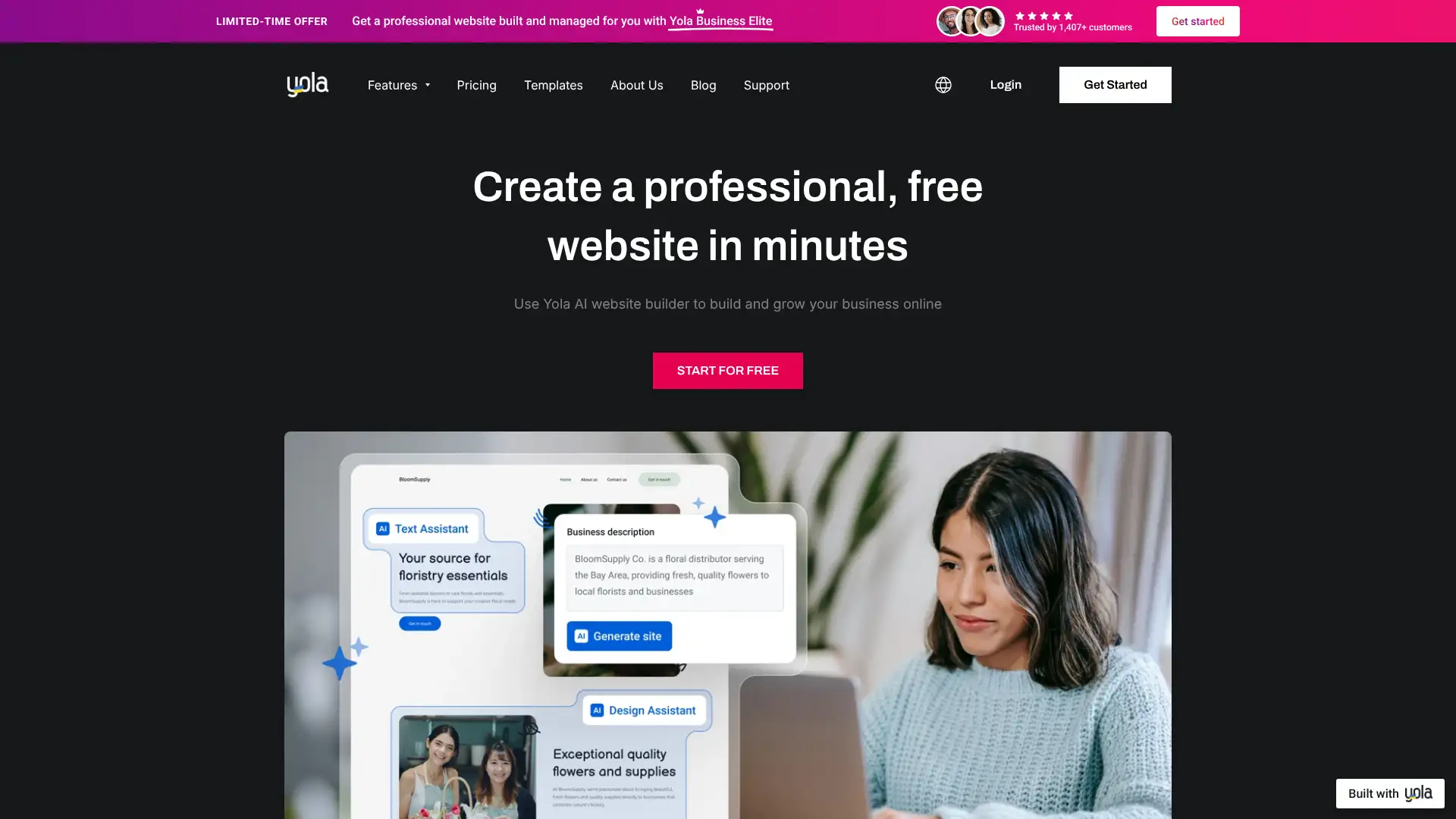
Yola is a veteran website builder that has been operating since 2007 but has received limited development investment in recent years. The Silver free plan provides basic website building with Yola branding. Templates are dated relative to modern competitors. Yola is rated as basic and outdated by most 2026 independent reviews, primarily useful for users with existing Yola sites or those seeking the most minimal feature set. New users starting in 2026 are generally better served by Hostinger, Wix, or Squarespace.
- • Simple drag-and-drop editor for basic website creation
- • Basic ecommerce on Gold plan for simple product selling
- • Custom domain support on all paid plans
- • SEO tools: basic meta tag management for search visibility
- • Mobile-responsive templates across all plans
Yola is not recommended for new website projects in 2026. The dated templates and limited development investment mean that Yola is consistently outperformed by Hostinger (more affordable), Wix (more flexible), and Squarespace (better design). Only relevant for users with existing Yola websites who prefer to avoid migration.
Mozello
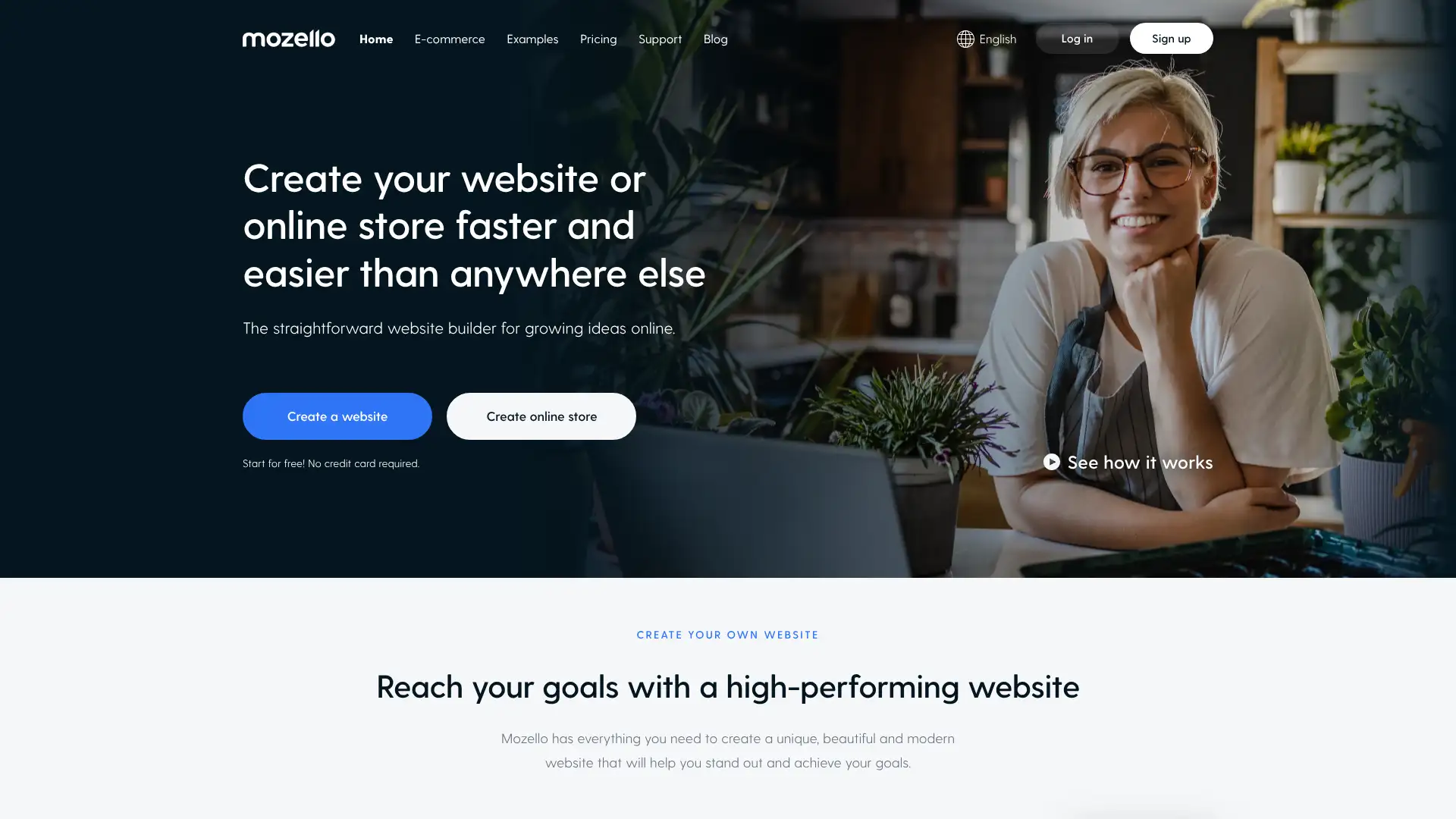
Mozello is a Latvia-based website builder with a strong multilingual focus and simple drag-and-drop interface. It supports creating sites in up to 10 languages simultaneously, making it useful for small international businesses. Ecommerce is available on Premium plans. The free plan is functional with Mozello subdomain. The interface is clean and easy to navigate. Mozello is less frequently reviewed than major builders but offers solid basics for simple multilingual websites.
- • Multilingual support up to 10 languages on Premium: create full sites in multiple languages
- • Simple drag-and-drop interface with no technical prerequisites
- • Ecommerce on Premium Plus: sell products and manage orders from the builder dashboard
- • Custom domain on Premium: affordable custom domain plan at $7/month
- • Mobile-responsive templates optimised for all screen sizes
Mozello is a serviceable multilingual website builder for users who need basic multi-language support at a low cost. For most users, Webnode (card 17) or Wix provide comparable multilingual capability with better templates and more features.
Weblium
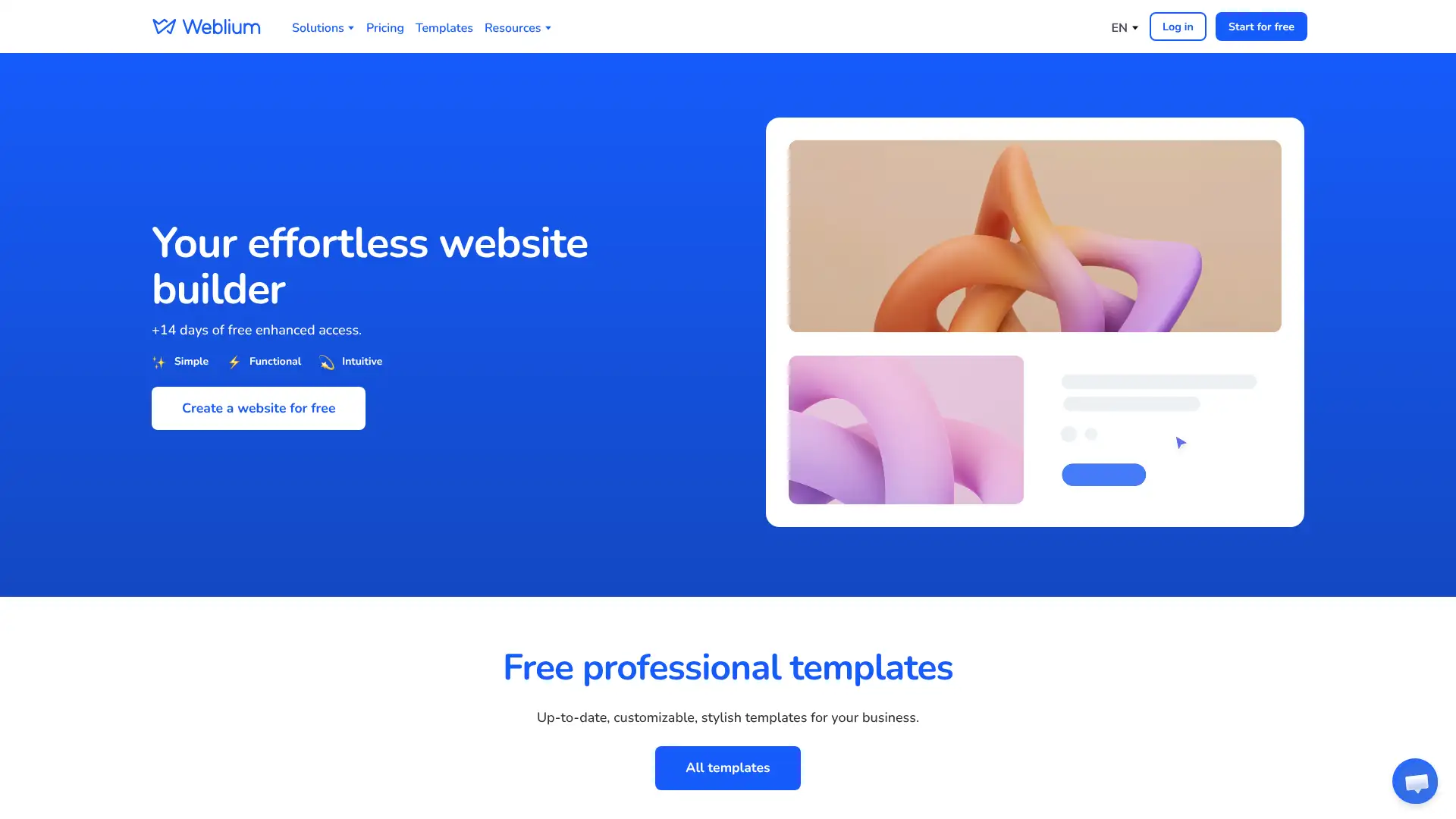
Weblium is a Ukrainian website builder that offers AI-powered design assistance and a business-focused template library. Its AI Design Supervisor monitors design choices and flags inconsistencies to maintain visual coherence across the site. The builder is clean and beginner-friendly. Weblium is less well-known internationally but has a growing user base in Eastern Europe and the CIS region. Templates cover service businesses, portfolios, and basic ecommerce.
- • AI Design Supervisor: monitors design consistency and flags visual inconsistencies across pages
- • Business-focused template library covering service businesses, agencies, and portfolios
- • Mobile-responsive templates with automatic device optimisation
- • Form builder with email notifications for capturing leads and enquiries
- • Integration with popular email marketing services and CRM tools
Weblium is a functional website builder for straightforward small business sites, particularly appealing in Eastern European markets. For international users evaluating platforms in 2026, Hostinger provides comparable ease and lower overall cost with better long-term development investment.
Brizy
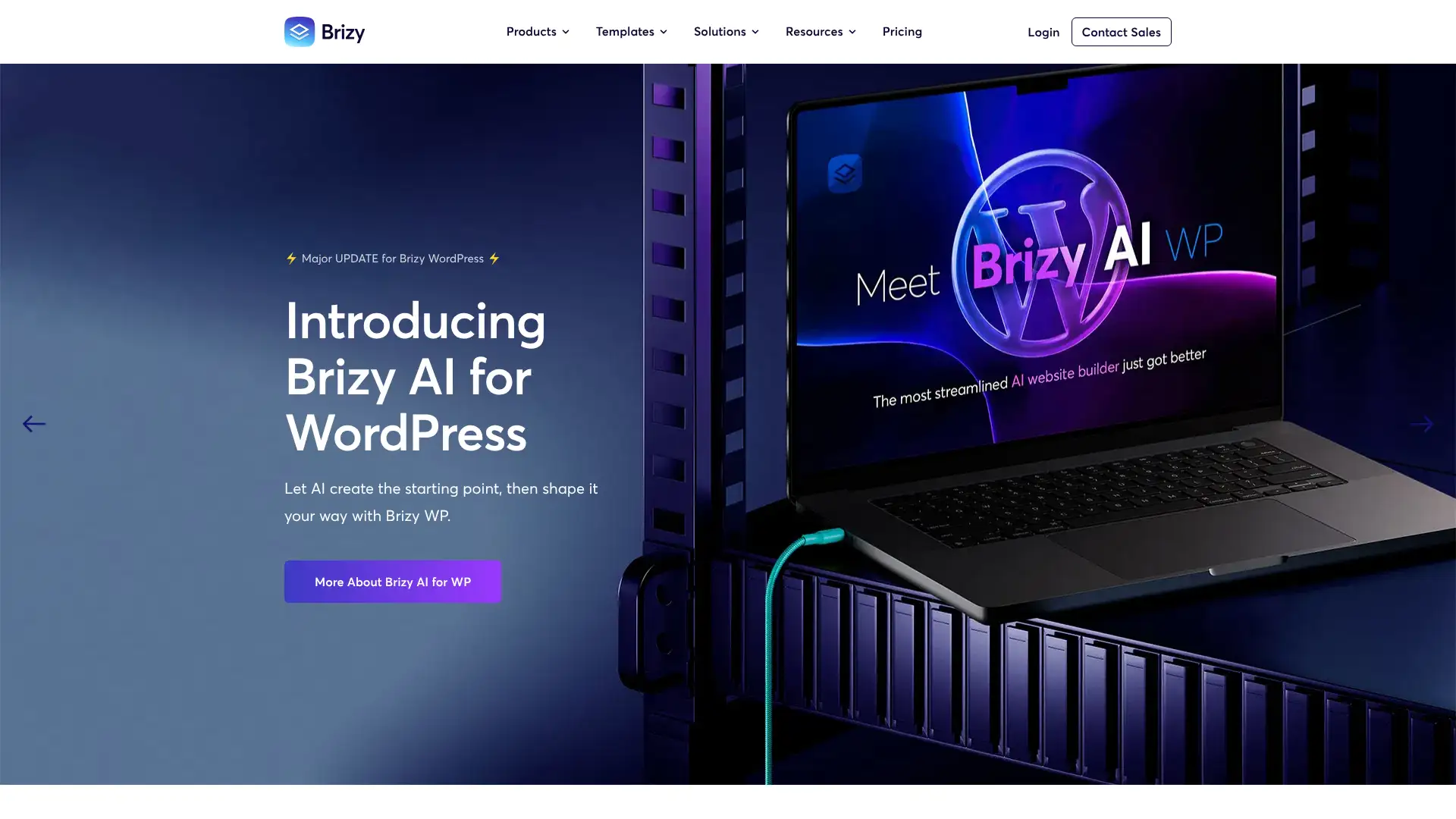
Brizy is a WordPress page builder plugin that launched in 2018 and distinguishes itself through its inline editing approach: instead of a sidebar, settings appear as a floating toolbar directly above the selected element. This keeps the workspace clear. Brizy Pro includes a theme builder, WooCommerce builder, popup builder, and membership features. Brizy Cloud is a hosted version that avoids WordPress entirely, providing a cloud builder similar to Wix. The plugin has 90,000+ active WordPress installations and 5 million total downloads. The free version is more generous than Elementor's free version.
- • Inline editing toolbar: settings appear as a floating toolbar above the selected element, keeping workspace clear
- • Theme builder: customise headers, footers, 404 pages, and archive templates beyond basic pages
- • WooCommerce builder: visual design of product pages, cart, and checkout without WooCommerce's default layout
- • Popup builder: design and trigger popups based on user behaviour and conditions
- • Membership system: gate content behind login for paid members without a third-party plugin
Brizy is a strong alternative to Elementor for WordPress users who prefer the inline editing approach over Elementor's sidebar. The more generous free version and competitive Pro pricing make it worth evaluating.
Elementor
Elementor is the most popular WordPress page builder plugin in 2026, with over 5 million active installations across more than 180 countries. The free version provides around 40 widgets and basic page building capability. Elementor Pro adds a theme builder, popup builder, WooCommerce integration, and approximately 100 additional widgets. The third-party addon marketplace is the largest in the WordPress page builder category: hundreds of addon plugins extend Elementor's functionality. Elementor is the safest choice for WordPress users who want the widest community support and the most tutorial resources.
- • 5 million+ active WordPress installations: the most widely deployed WordPress page builder
- • Third-party addon ecosystem: 100+ addon plugins extending functionality beyond core features
- • Theme builder: design headers, footers, single posts, archives, and 404 pages visually
- • Popup builder: design, target, and trigger popups based on scroll, time, user behaviour, and more
- • WooCommerce integration on Advanced plan: visual design of product pages and checkout
Elementor is the default WordPress page builder for users who want the most community support, the widest addon ecosystem, and the easiest access to developers and tutorials. The lack of a lifetime licence is its most common criticism relative to Divi.
Divi (Elegant Themes)
Divi by Elegant Themes is the most popular WordPress page builder for users who want a lifetime licence. The Elegant Themes membership at $249 one-time provides perpetual access to Divi, the Divi theme, Extra theme, Bloom opt-in plugin, and Monarch social sharing plugin with usage on unlimited websites. Divi Pro extends this with AI features, Divi Cloud, Divi Dash team management, and VIP support. Divi uses a full-screen visual editor with floating panels rather than a sidebar. Large library of 800+ pre-made layout packs. Shortcode-based architecture means removing Divi can affect content.
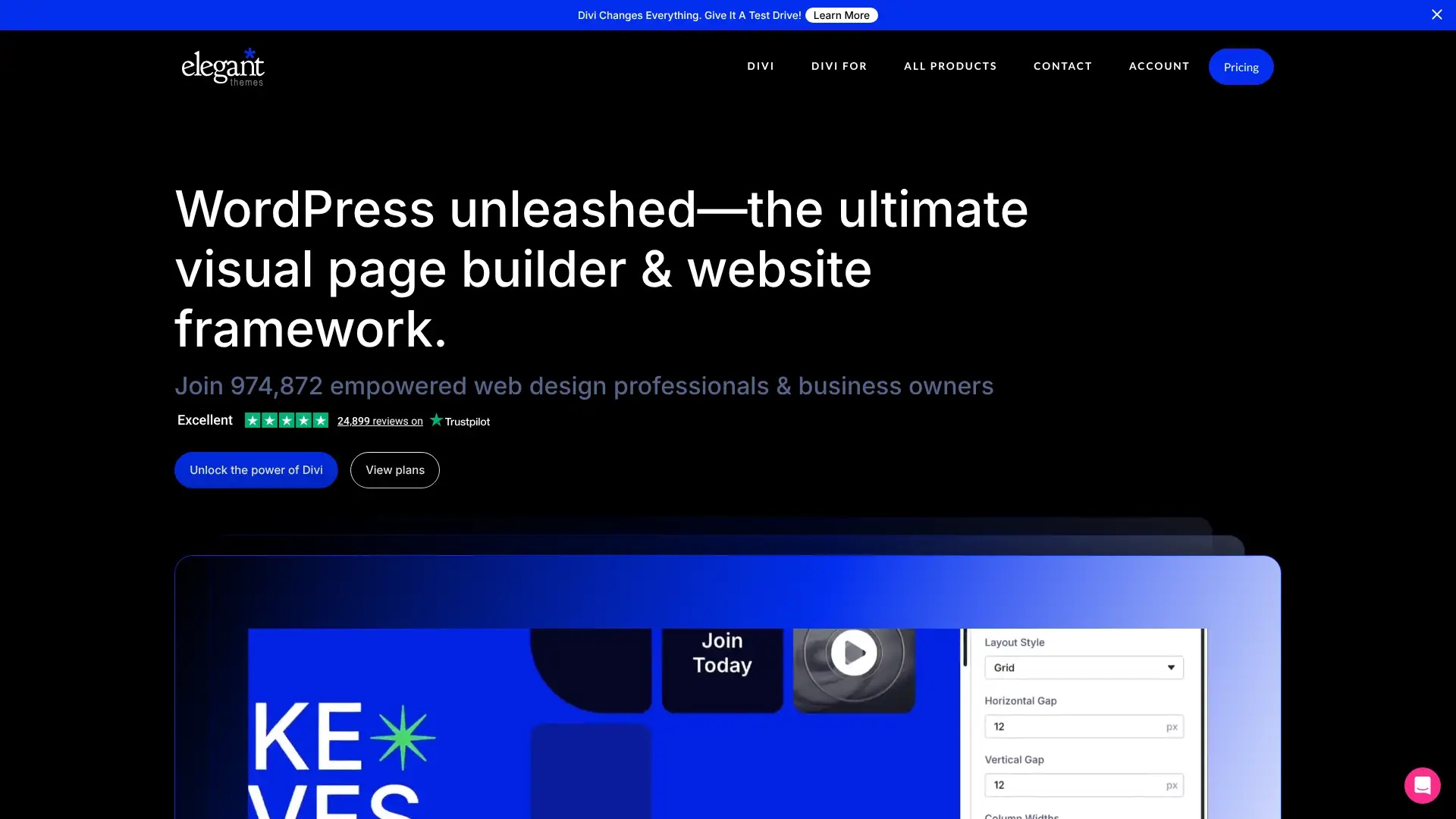
- • Lifetime licence at $249: perpetual access without annual renewal fees, usable on unlimited sites
- • 800+ pre-made layout packs: the widest library of full-page design templates of any WordPress builder
- • Full-screen visual editor: floating panels appear on-page without persistent sidebar
- • Divi Theme: complete WordPress theme designed to work seamlessly with the builder
- • A/B testing built in: test page variants within Divi without a separate CRO tool
Divi is the best choice for WordPress users and agencies who build many sites and want to avoid annual subscription fees after the initial purchase. The $249 lifetime licence pays for itself relative to Elementor's $59/year in approximately 4 years and provides access to everything Elegant Themes offers with no limits.
Themify Builder
Themify Builder is one of the older WordPress page builders with 11+ years of operation. Its key differentiator is that it works with any WordPress theme, not just Themify's own themes, providing layout design freedom across third-party theme combinations. The free version is available on WordPress.org. Themify Builder Pro costs $69 and includes all addons in the Builder Addon Bundle. Themify themes individually cost $59 each and include Themify Builder as a standard component.
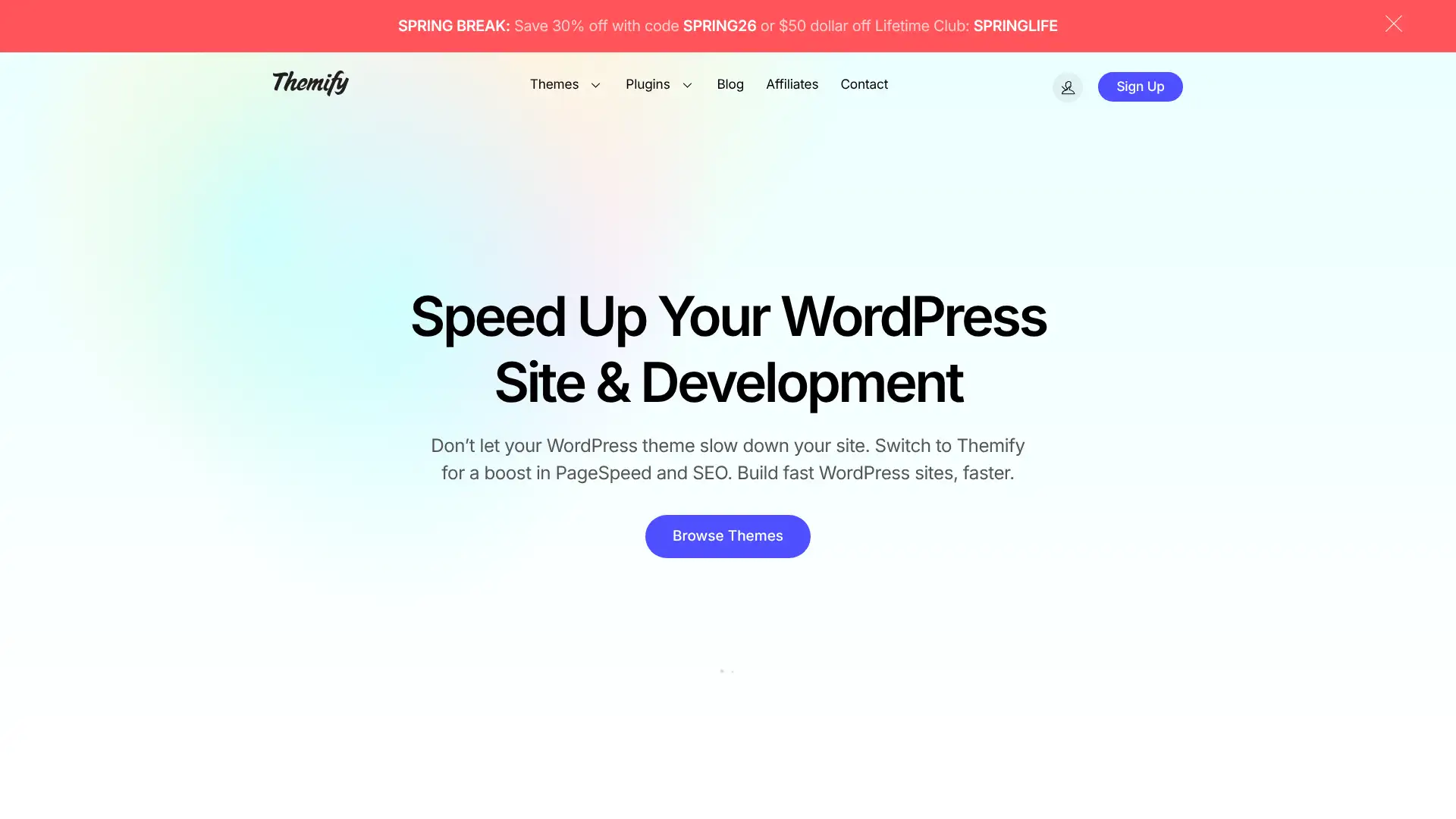
- • Works with any WordPress theme: not locked to Themify's own themes, unlike some builders
- • Free core version on WordPress.org: no payment required for the base builder functionality
- • Frontend and backend editing modes: switch between visual frontend and backend editing
- • 60+ prebuilt layouts: import complete page layouts and replace content to launch quickly
- • WooCommerce integration: dedicated modules for designing product and shop pages
Themify Builder is a solid veteran WordPress page builder for users who specifically need compatibility with a non-Themify third-party theme and want a one-time purchase option. For users choosing a WordPress page builder without existing theme constraints, Elementor's ecosystem or Divi's lifetime licence both provide stronger arguments for
8B.io
8B.io (formerly 8B App) is a fully free website builder with no paid tier. It provides a drag-and-drop editor with pre-built sections, 600+ section templates, and hosting on 8b.io subdomain. The free plan includes everything the platform offers. Custom domain support requires connecting an external DNS record rather than purchasing through the platform. It is not suitable for ecommerce or complex sites but covers basic informational and personal websites at zero cost.
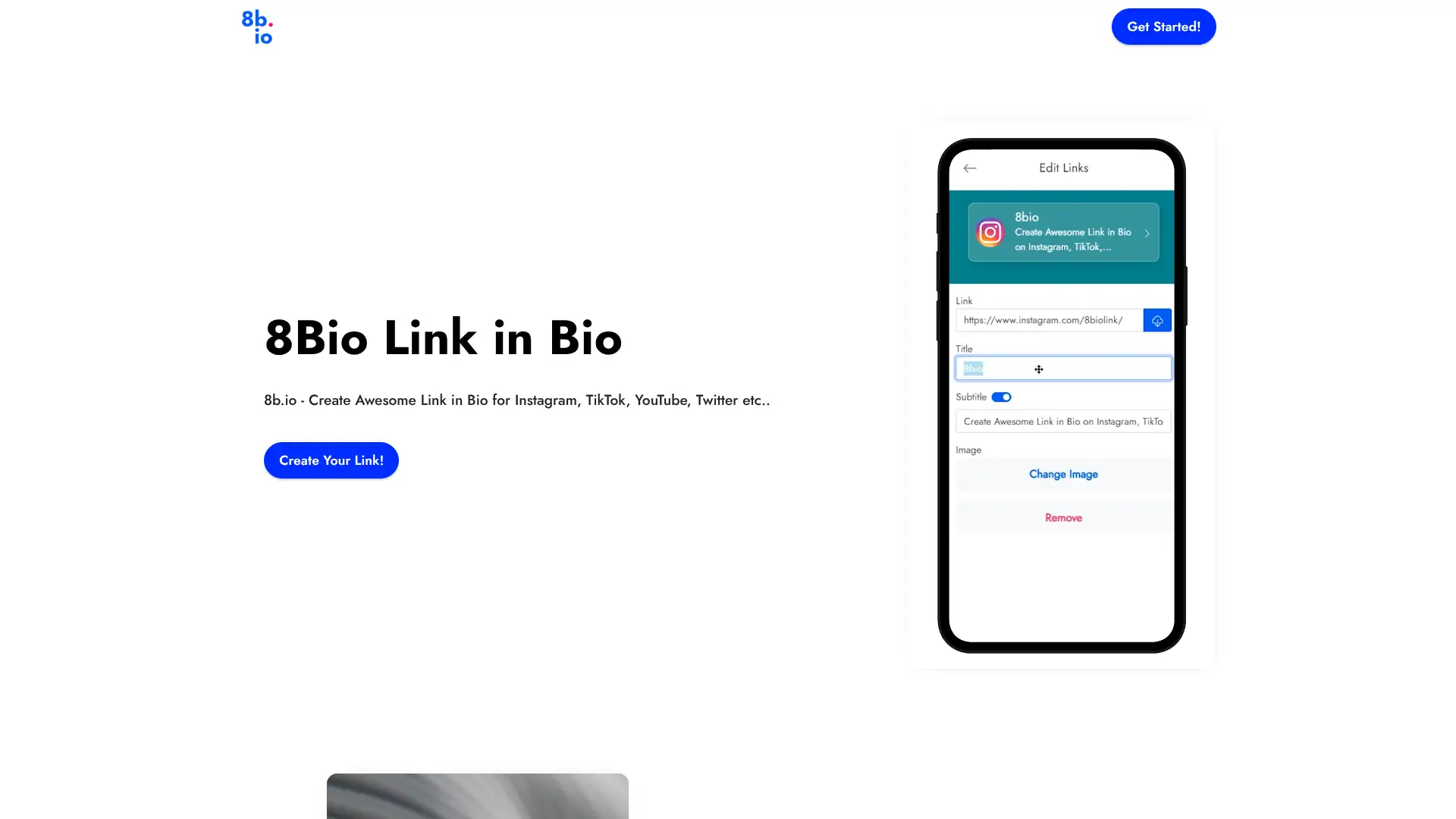
- • Completely free: no paid tier, no feature gating, no credit card required
- • 600+ section templates: drag-and-drop pre-built sections for quick page assembly
- • Google AMP support: mobile pages load very quickly via Accelerated Mobile Pages technology
- • Custom domain via external DNS: connect any domain by updating DNS records
- • Mobile-responsive by default: all sections automatically adapt to mobile screens
8B.io is the right choice for users who genuinely cannot spend anything and need a basic informational page. The completely free model with 600+ section templates covers simple use cases.
Mobirise
Mobirise is a downloadable desktop application for Windows and macOS that builds websites offline and exports clean HTML files to host anywhere. It is the only reviewed builder that works entirely offline without a browser, a subscription, or a hosting platform. Exported files can be uploaded to any web host. The base app is free. Extensions, themes, and additional block packs are sold separately in a marketplace. Mobirise is particularly suited for users who want to own their exported HTML files and host them on their own server or static hosting service.
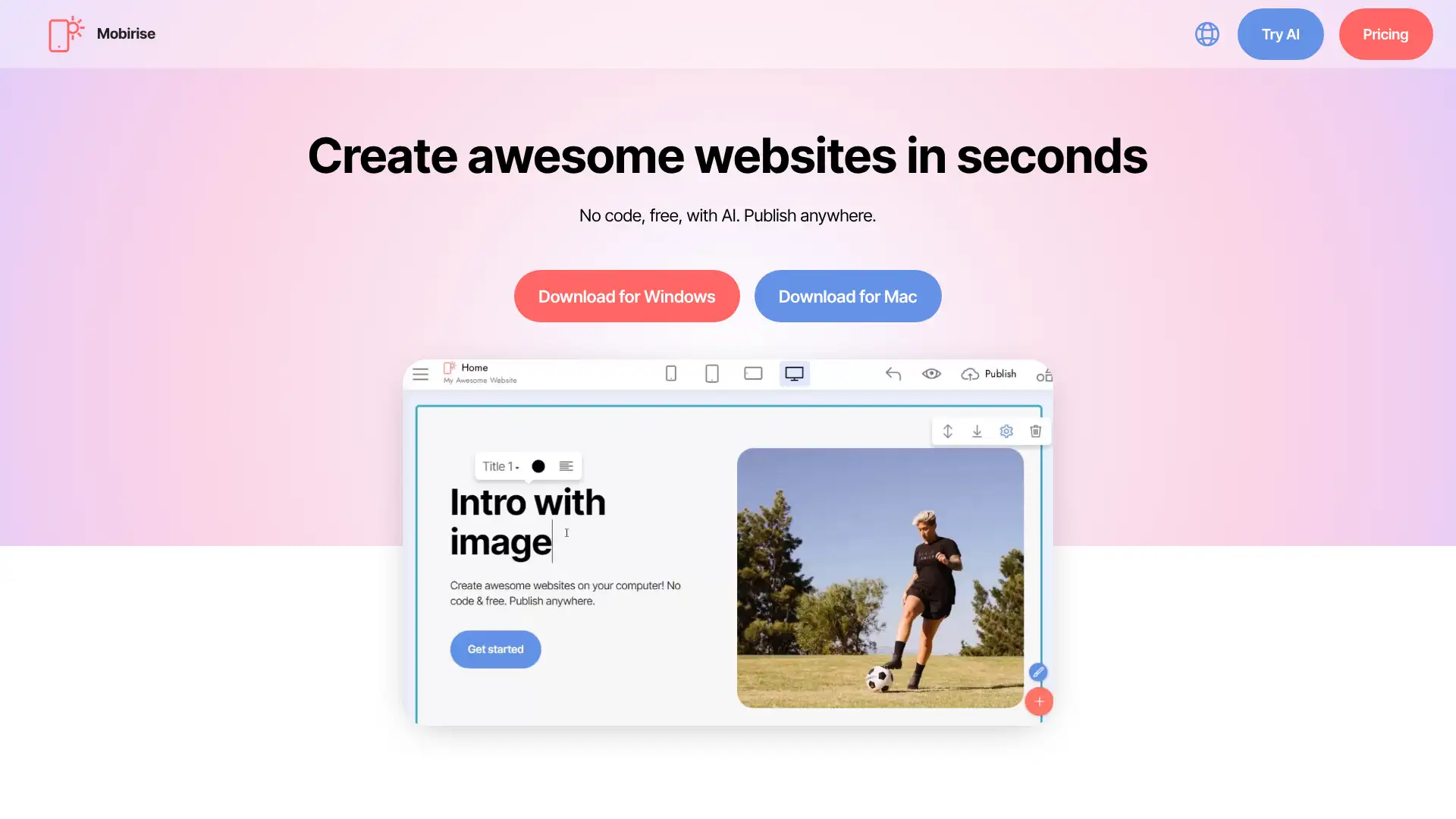
- • Fully offline desktop application: build websites without any internet connection or subscription
- • Export clean HTML/CSS files: own the output and host it anywhere without platform lock-in
- • 500+ block templates in premium packs: wide variety of section designs across paid extensions
- • Bootstrap-based output: exported code is based on Bootstrap framework for broad compatibility
- • Works on Windows and macOS: native desktop app rather than a browser-based tool
Mobirise is the best choice for users who specifically want to own their exported HTML/CSS files, build offline, and host on their own infrastructure without any ongoing platform subscription. The extension ecosystem has a learning curve and front-loaded cost.